Surat MuleSoft Meetup Group
Anypoint Business Group, Connected Apps
and Dynamic Client Registration
[20th Feb 2021]
2
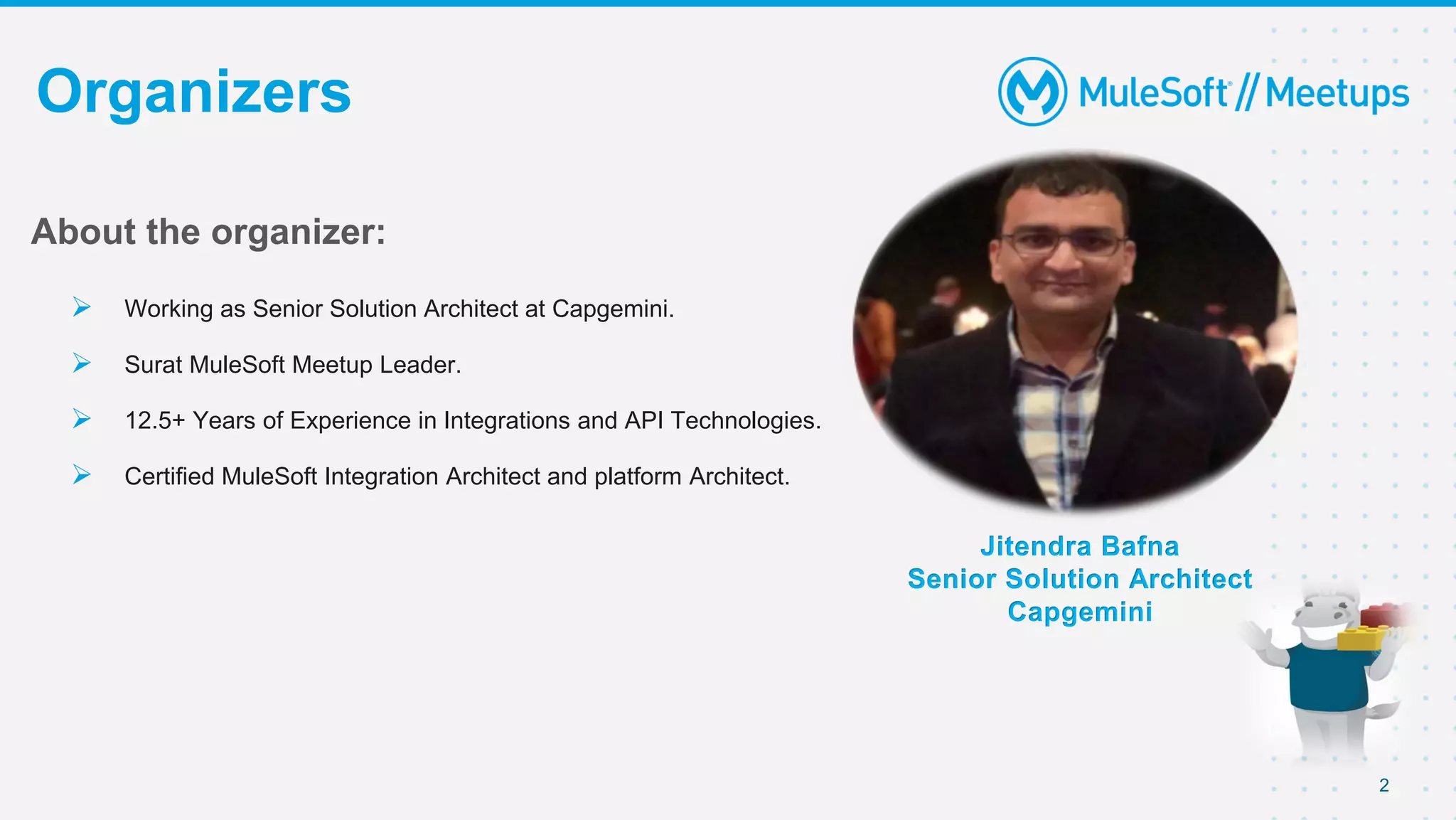
Organizers
Jitendra Bafna
Senior Solution Architect
Capgemini
About the organizer:
 Working as Senior Solution Architect at Capgemini.
 Surat MuleSoft Meetup Leader.
 12.5+ Years of Experience in Integrations and API Technologies.
 Certified MuleSoft Integration Architect and platform Architect.
3
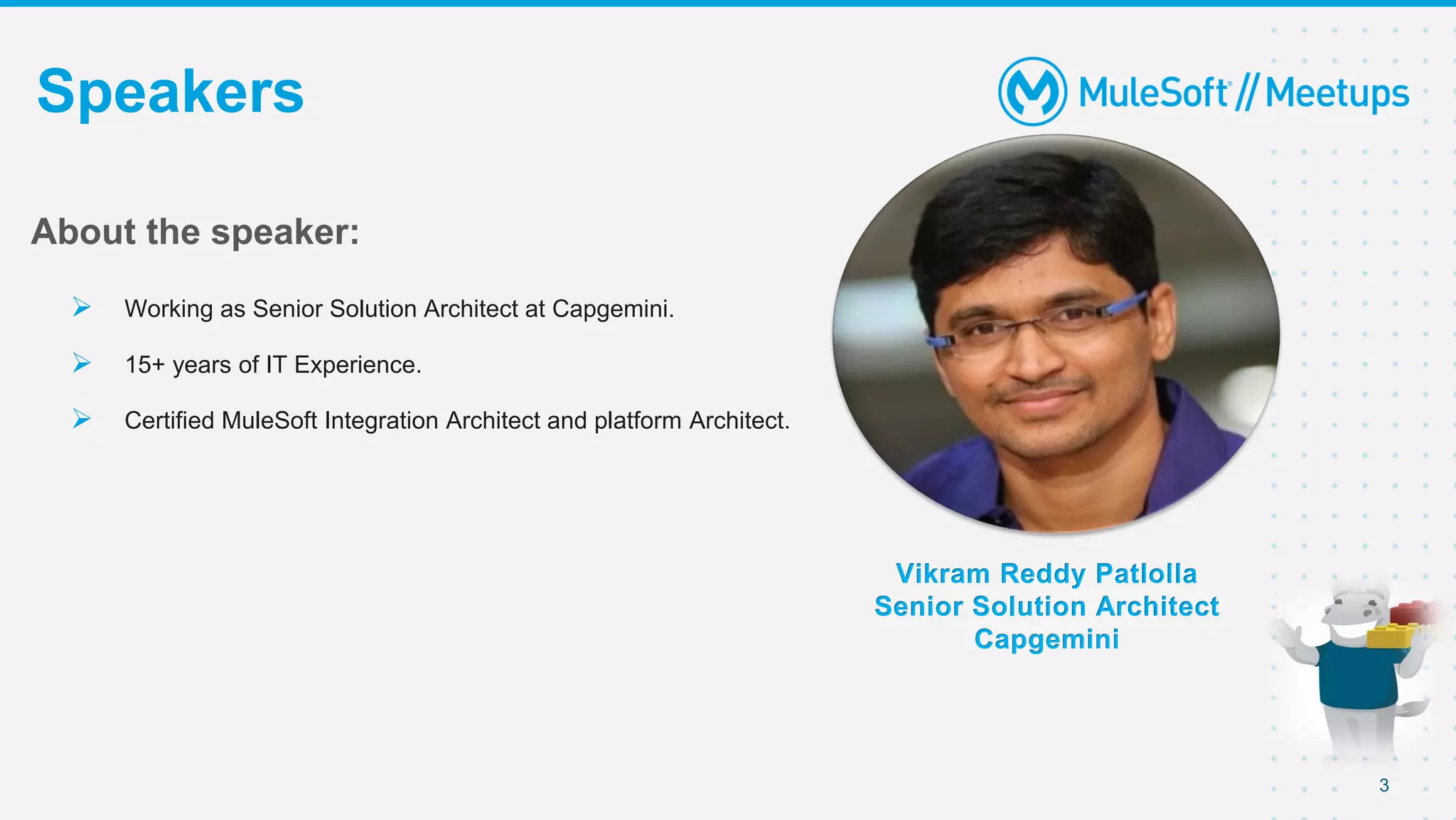
Speakers
Vikram Reddy Patlolla
Senior Solution Architect
Capgemini
About the speaker:
 Working as Senior Solution Architect at Capgemini.
 15+ years of IT Experience.
 Certified MuleSoft Integration Architect and platform Architect.
4
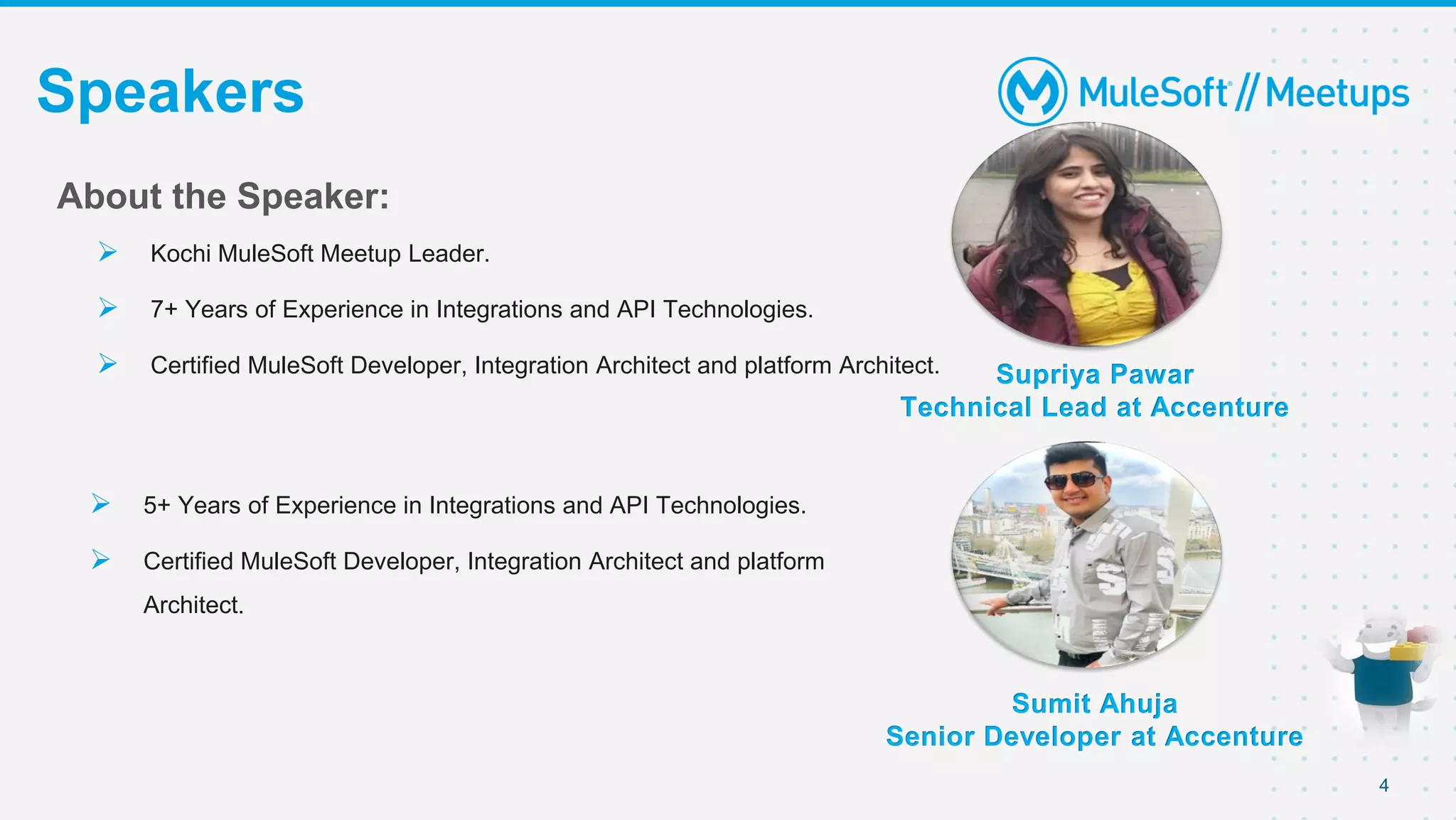
Speakers
Supriya Pawar
Technical Lead at Accenture
About the Speaker:
 Kochi MuleSoft Meetup Leader.
 7+ Years of Experience in Integrations and API Technologies.
 Certified MuleSoft Developer, Integration Architect and platform Architect.
 5+ Years of Experience in Integrations and API Technologies.
 Certified MuleSoft Developer, Integration Architect and platform
Architect.
Sumit Ahuja
Senior Developer at Accenture
5
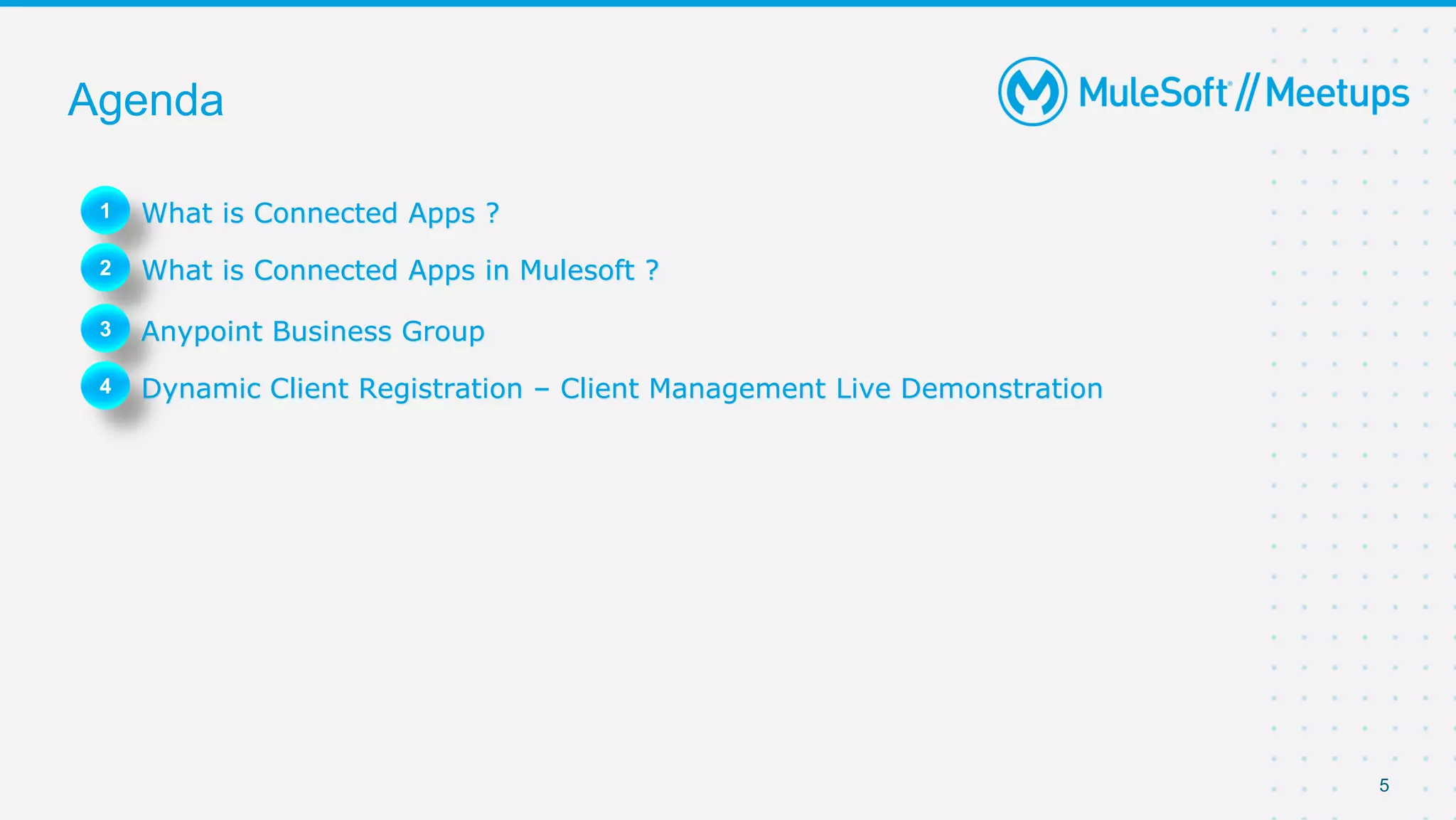
Agenda
1 What is Connected Apps ?
2 What is Connected Apps in Mulesoft ?
3 Anypoint Business Group
4 Dynamic Client Registration – Client Management Live Demonstration
Anypoint Business Group
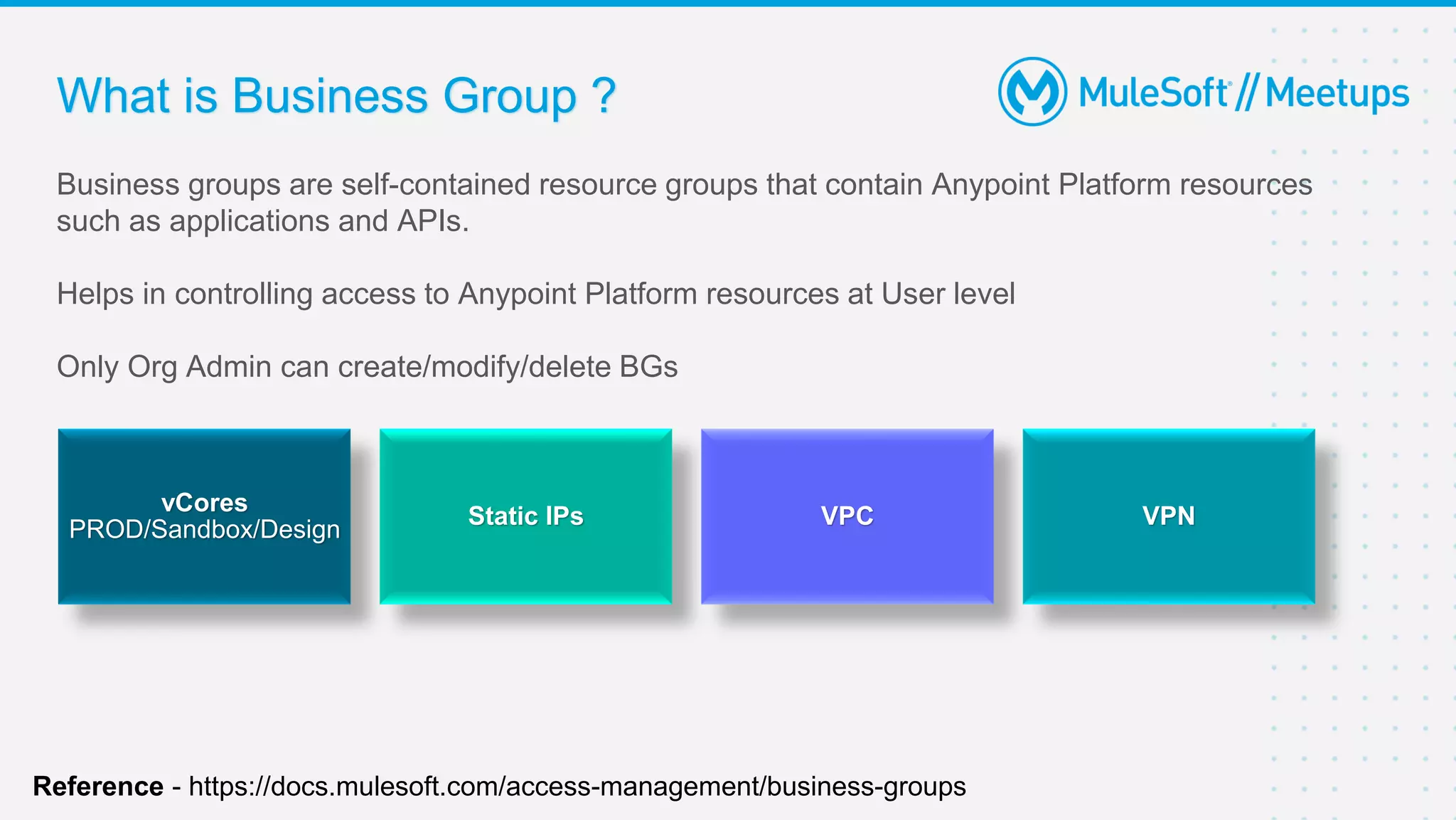
What is Business Group ?
Business groups are self-contained resource groups that contain Anypoint Platform resources
such as applications and APIs.
Helps in controlling access to Anypoint Platform resources at User level
Only Org Admin can create/modify/delete BGs
vCores
PROD/Sandbox/Design
Static IPs VPC VPN
Reference - https://docs.mulesoft.com/access-management/business-groups
Why and when do we create BGs
 Provides more fine-grained control over access
 Provides complete isolation of platform resources
 Allows to delegate management and administration of platform resources like
o APIs
o Applications
o Child business groups
o Users and Roles
8
9
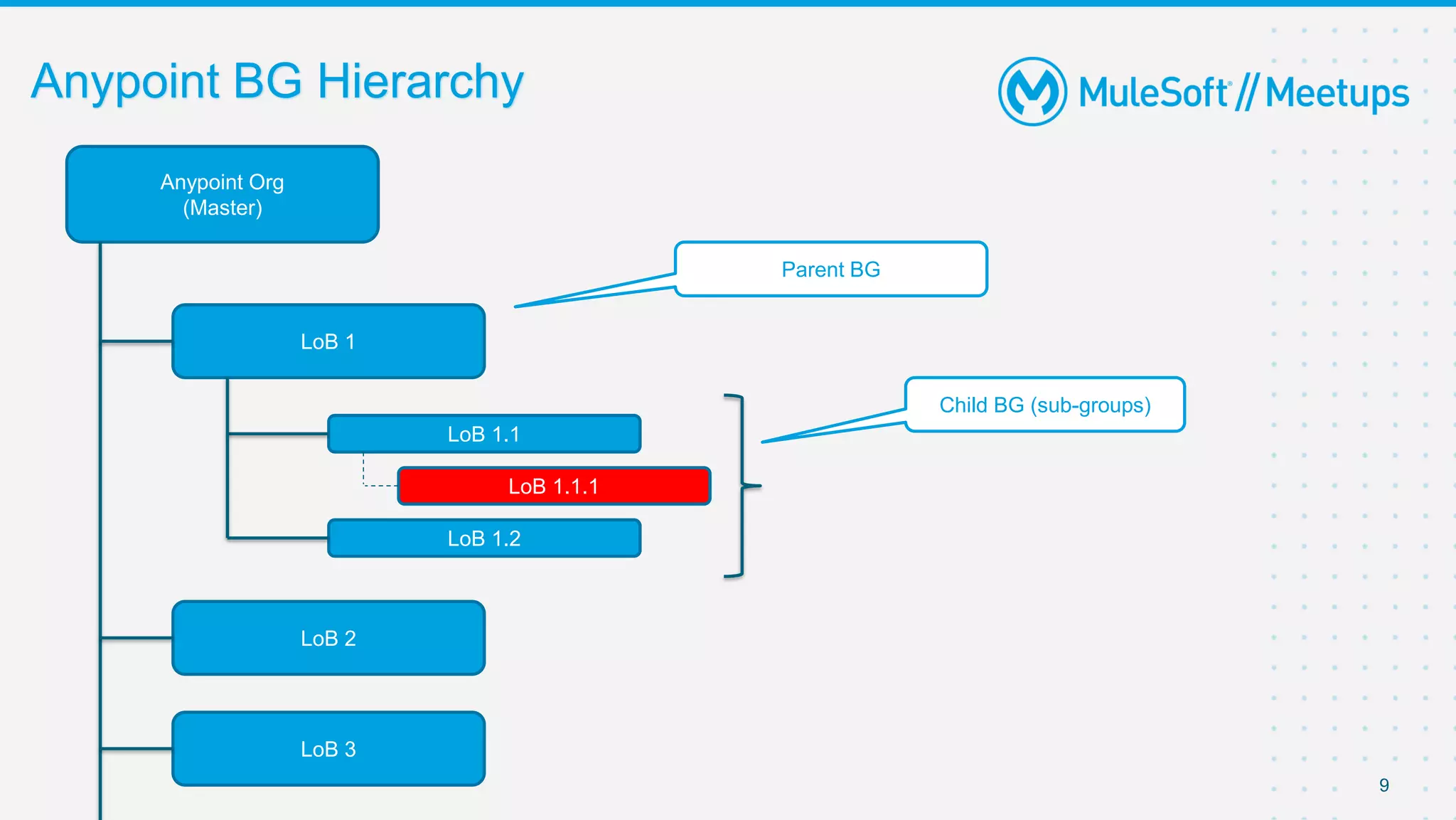
Anypoint Org
(Master)
LoB 1
LoB 1.1
LoB 1.1.1
LoB 2
LoB 3
LoB 1.2
Parent BG
Child BG (sub-groups)
Anypoint BG Hierarchy
Anypoint BG - Limitations
● Hard limit of 100 BG per Org
● Role/Env created in one BG can’t be copied to other BGs
● Assets and resources (vCores, static IPs etc..) can’t be used across BGs
10
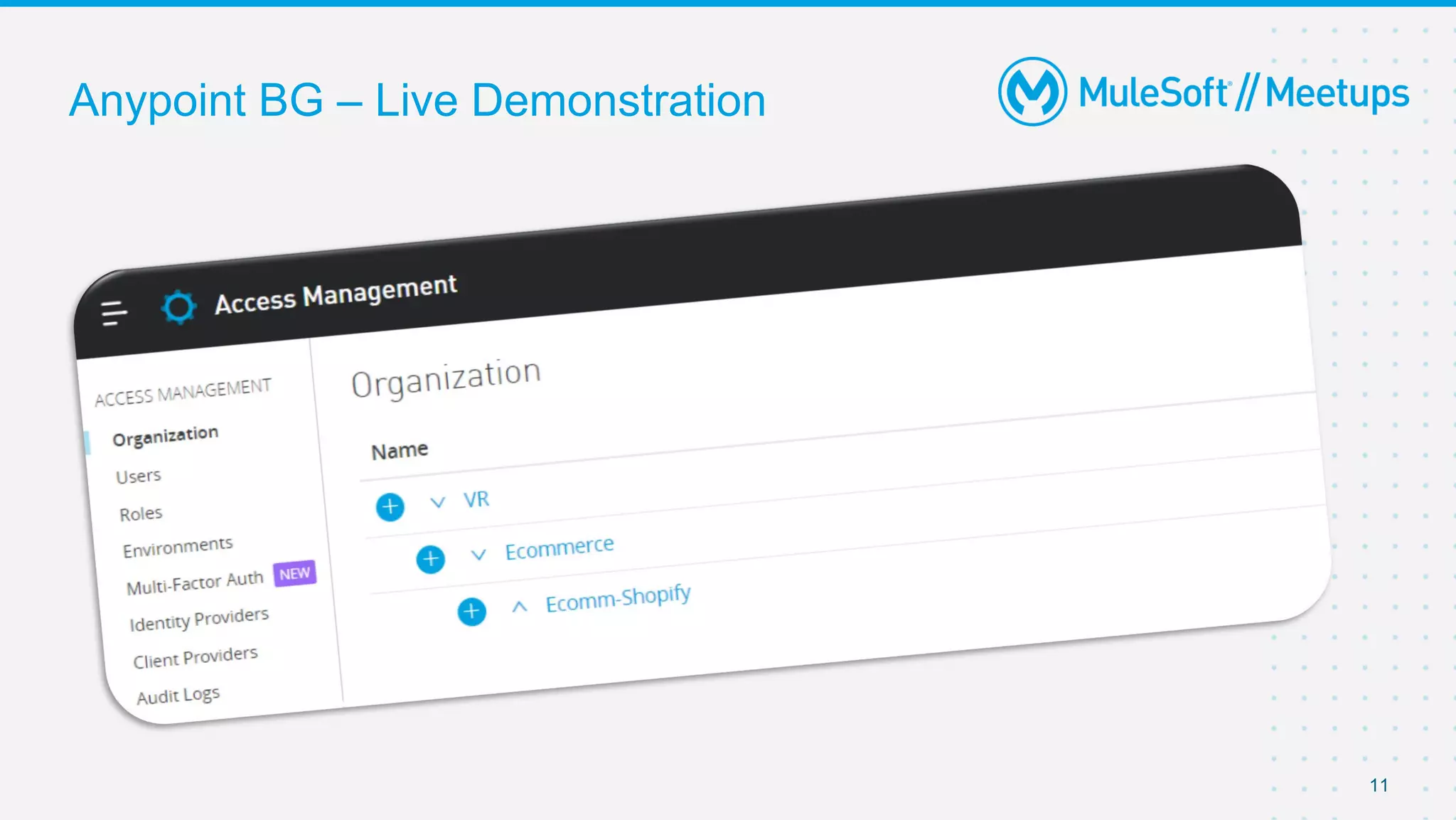
Anypoint BG – Live Demonstration
11
Anypoint Connected Apps
13
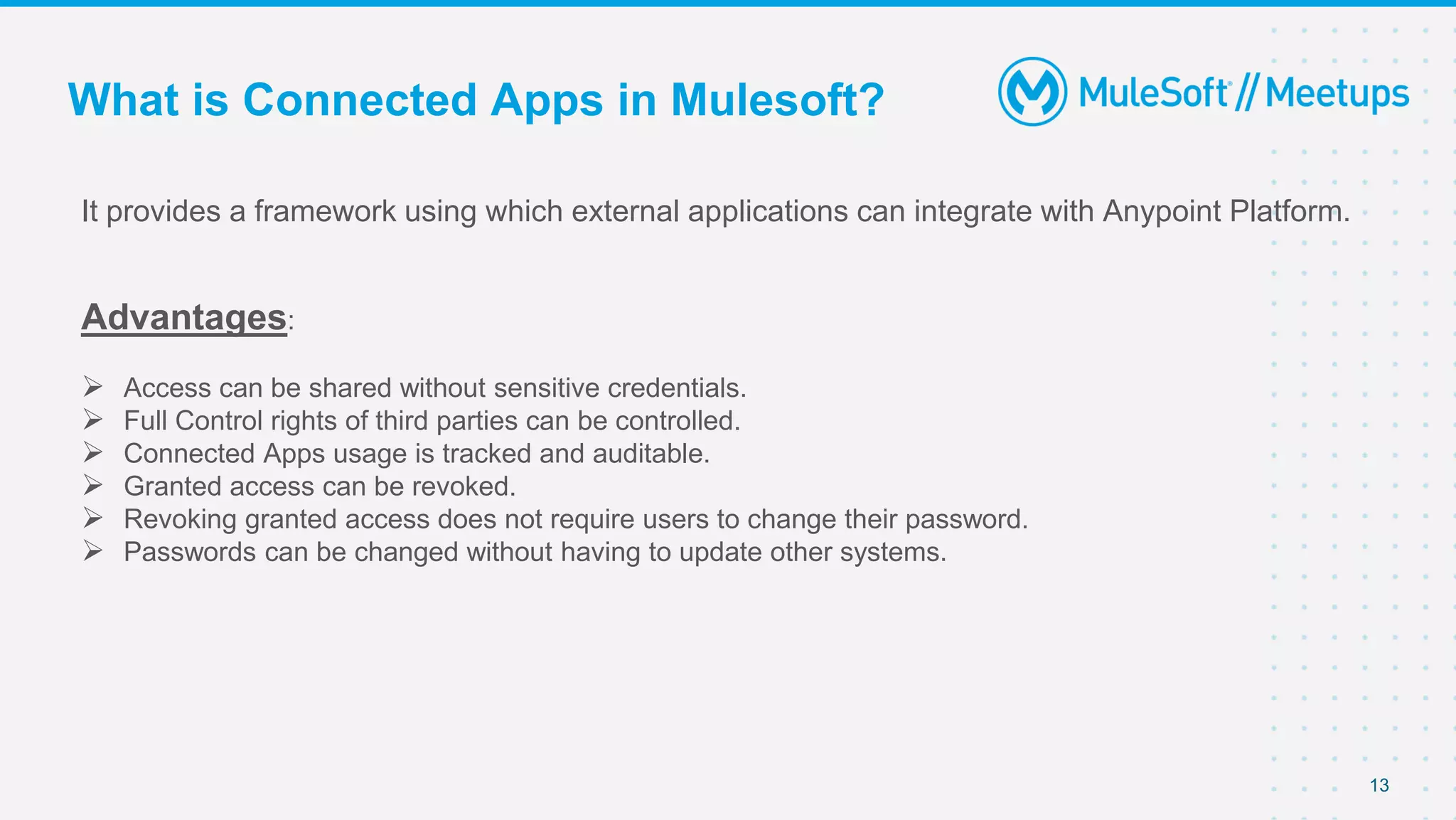
It provides a framework using which external applications can integrate with Anypoint Platform.
Advantages:
 Access can be shared without sensitive credentials.
 Full Control rights of third parties can be controlled.
 Connected Apps usage is tracked and auditable.
 Granted access can be revoked.
 Revoking granted access does not require users to change their password.
 Passwords can be changed without having to update other systems.
What is Connected Apps in Mulesoft?
Usage For :
 Connected Apps for Organization Administrators
 Connected Apps for Developers.
 Connected Apps for End users.
14
Keep these ideas in mind when creating
Connected Apps or managing authorizations:
 Own up to 200 Connected Apps.
 Administrators has access to view all authorized applications.
 Only Administrators can disable or whitelist specific Connected Apps.
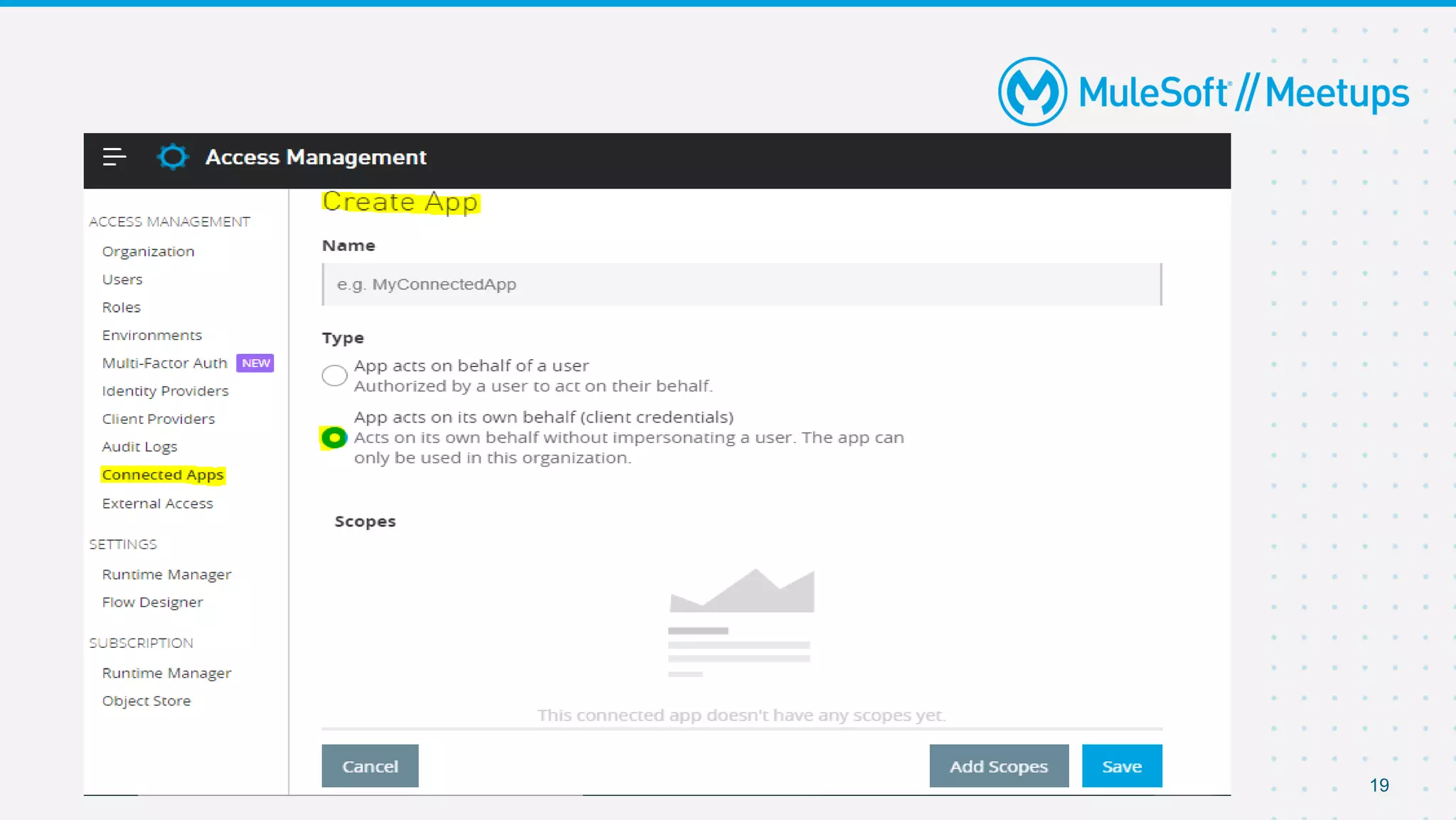
 Use client grant type for applications made for your team or company to ensure that as an app
owner leaves the company, the application will continue to work without interruptions.
 Once an application is created, it’s assigned a clientID, which can’t be changed. Similar to
user passwords, client secrets can be modified under the application settings page.
 Application actions are logged in Audit Log
15
16
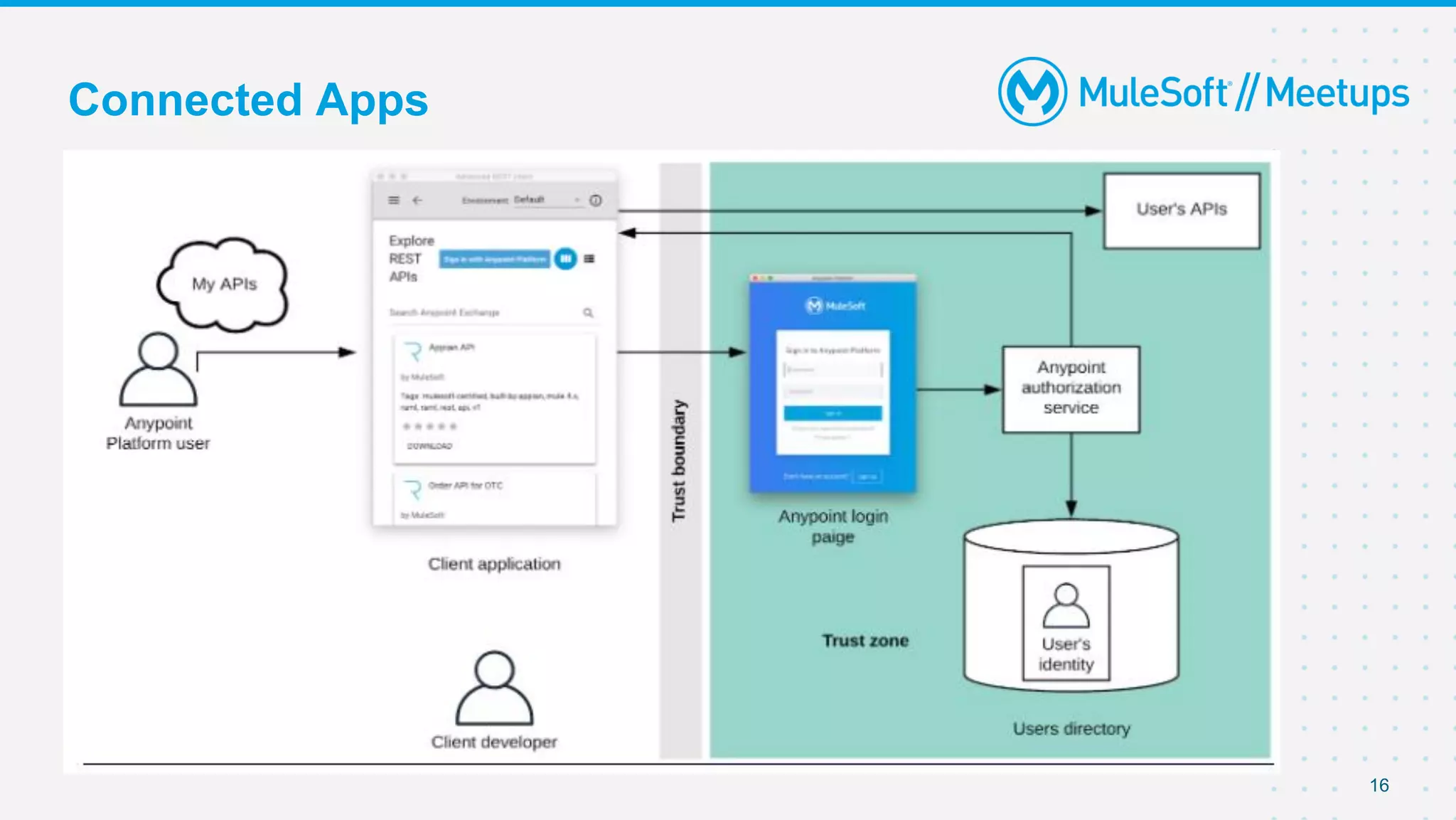
Connected Apps
Live Demonstration – Connected
Apps With Client Credentials
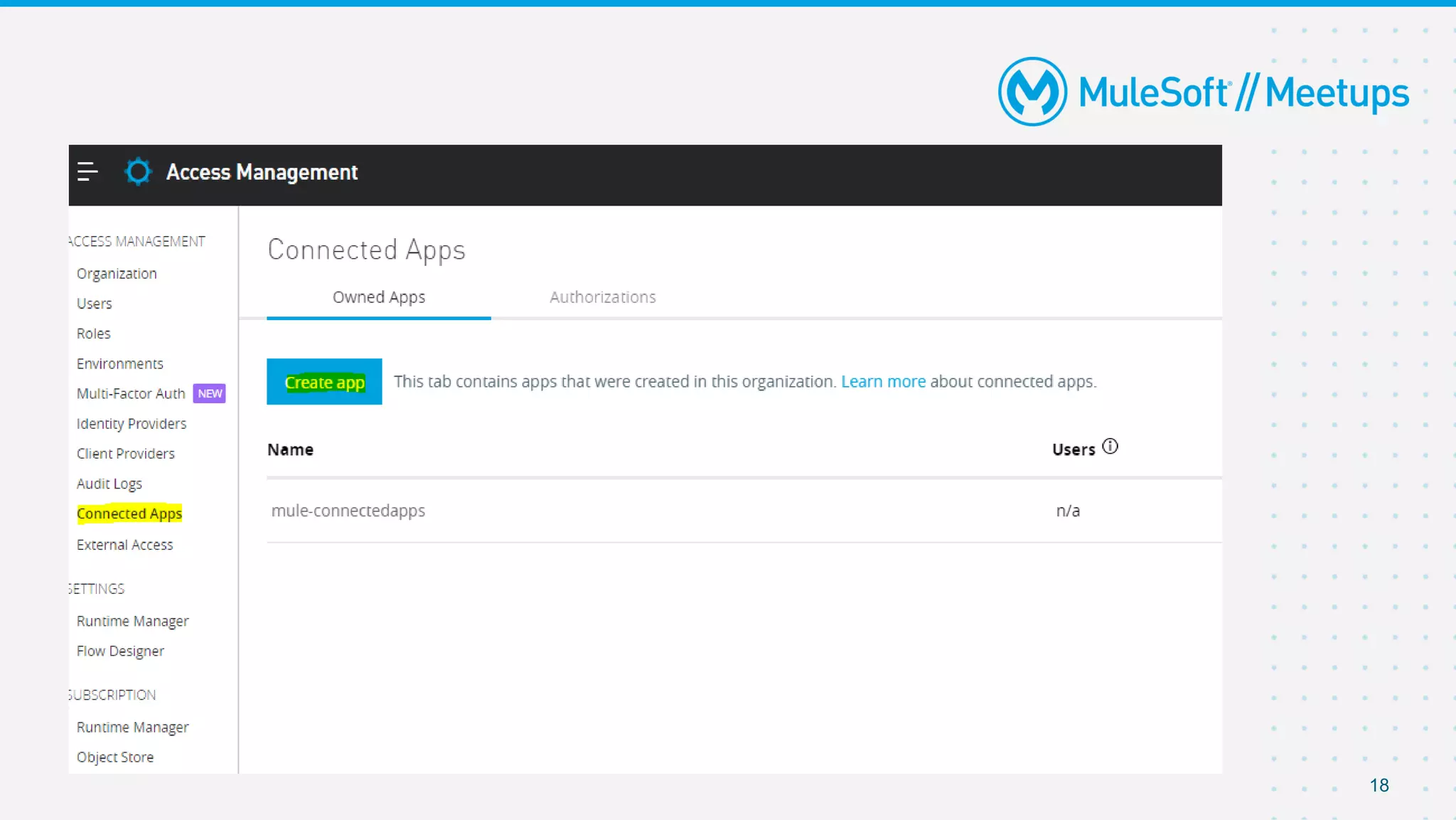
18
19
Live Demonstration – Dynamic Client
Registration
Thank you
Introduce yourself to your neighbour
Networking time

MuleSoft Surat Virtual Meetup#8 - Anypoint Business Group Connected Apps and Dynamic Client Registration

  • 1.
    Surat MuleSoft MeetupGroup Anypoint Business Group, Connected Apps and Dynamic Client Registration [20th Feb 2021]
  • 2.
    2 Organizers Jitendra Bafna Senior SolutionArchitect Capgemini About the organizer:  Working as Senior Solution Architect at Capgemini.  Surat MuleSoft Meetup Leader.  12.5+ Years of Experience in Integrations and API Technologies.  Certified MuleSoft Integration Architect and platform Architect.
  • 3.
    3 Speakers Vikram Reddy Patlolla SeniorSolution Architect Capgemini About the speaker:  Working as Senior Solution Architect at Capgemini.  15+ years of IT Experience.  Certified MuleSoft Integration Architect and platform Architect.
  • 4.
    4 Speakers Supriya Pawar Technical Leadat Accenture About the Speaker:  Kochi MuleSoft Meetup Leader.  7+ Years of Experience in Integrations and API Technologies.  Certified MuleSoft Developer, Integration Architect and platform Architect.  5+ Years of Experience in Integrations and API Technologies.  Certified MuleSoft Developer, Integration Architect and platform Architect. Sumit Ahuja Senior Developer at Accenture
  • 5.
    5 Agenda 1 What isConnected Apps ? 2 What is Connected Apps in Mulesoft ? 3 Anypoint Business Group 4 Dynamic Client Registration – Client Management Live Demonstration
  • 6.
  • 7.
    What is BusinessGroup ? Business groups are self-contained resource groups that contain Anypoint Platform resources such as applications and APIs. Helps in controlling access to Anypoint Platform resources at User level Only Org Admin can create/modify/delete BGs vCores PROD/Sandbox/Design Static IPs VPC VPN Reference - https://docs.mulesoft.com/access-management/business-groups
  • 8.
    Why and whendo we create BGs  Provides more fine-grained control over access  Provides complete isolation of platform resources  Allows to delegate management and administration of platform resources like o APIs o Applications o Child business groups o Users and Roles 8
  • 9.
    9 Anypoint Org (Master) LoB 1 LoB1.1 LoB 1.1.1 LoB 2 LoB 3 LoB 1.2 Parent BG Child BG (sub-groups) Anypoint BG Hierarchy
  • 10.
    Anypoint BG -Limitations ● Hard limit of 100 BG per Org ● Role/Env created in one BG can’t be copied to other BGs ● Assets and resources (vCores, static IPs etc..) can’t be used across BGs 10
  • 11.
    Anypoint BG –Live Demonstration 11
  • 12.
  • 13.
    13 It provides aframework using which external applications can integrate with Anypoint Platform. Advantages:  Access can be shared without sensitive credentials.  Full Control rights of third parties can be controlled.  Connected Apps usage is tracked and auditable.  Granted access can be revoked.  Revoking granted access does not require users to change their password.  Passwords can be changed without having to update other systems. What is Connected Apps in Mulesoft?
  • 14.
    Usage For : Connected Apps for Organization Administrators  Connected Apps for Developers.  Connected Apps for End users. 14
  • 15.
    Keep these ideasin mind when creating Connected Apps or managing authorizations:  Own up to 200 Connected Apps.  Administrators has access to view all authorized applications.  Only Administrators can disable or whitelist specific Connected Apps.  Use client grant type for applications made for your team or company to ensure that as an app owner leaves the company, the application will continue to work without interruptions.  Once an application is created, it’s assigned a clientID, which can’t be changed. Similar to user passwords, client secrets can be modified under the application settings page.  Application actions are logged in Audit Log 15
  • 16.
  • 17.
    Live Demonstration –Connected Apps With Client Credentials
  • 18.
  • 19.
  • 20.
    Live Demonstration –Dynamic Client Registration
  • 21.
  • 22.
    Introduce yourself toyour neighbour Networking time