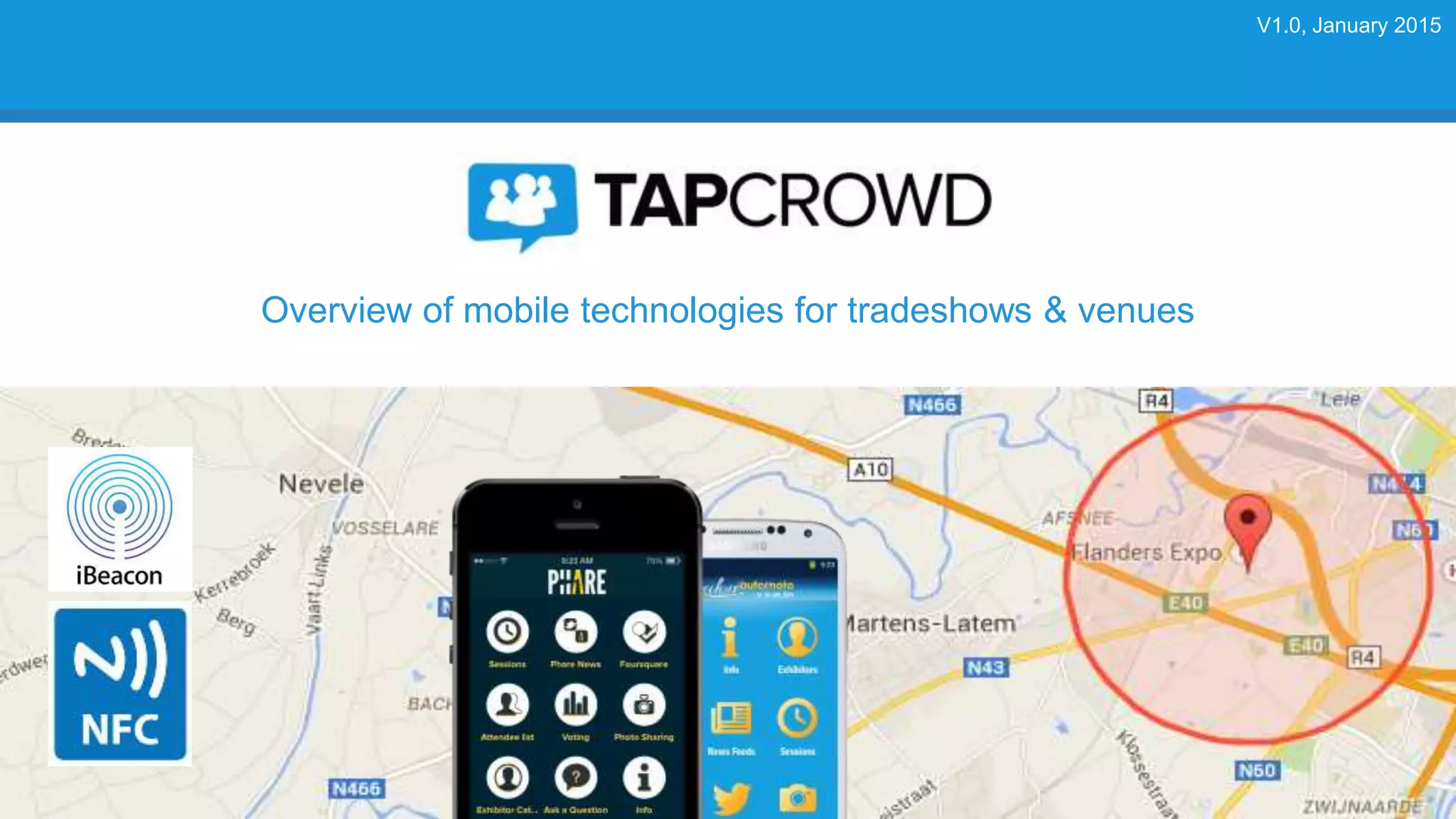
Overview of mobile technologies for tradeshows & venues
V1.0, January 2015
2
TOPICS
Mobile opportunities & benefits
Mobile technology overview
Mobile revenue models
TapCrowd platform
Conclusion
MOBILE OPPORTUNITIES & BENEFITS
4
Mobile opportunities & benefits for tradeshows
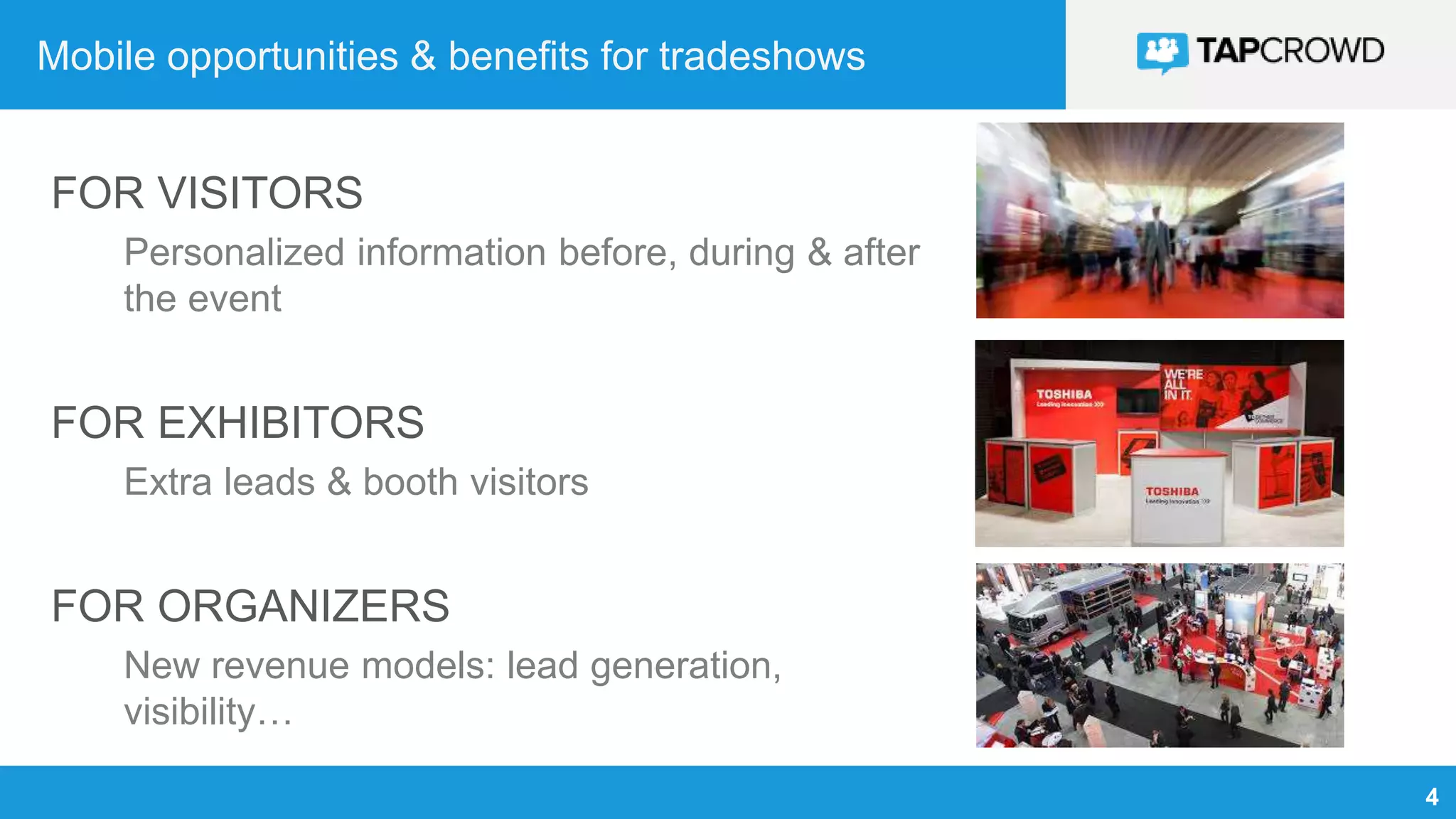
FOR VISITORS
Personalized information before, during & after
the event
FOR EXHIBITORS
Extra leads & booth visitors
FOR ORGANIZERS
New revenue models: lead generation,
visibility…
MOBILE TECHNOLOGY OVERVIEW
6
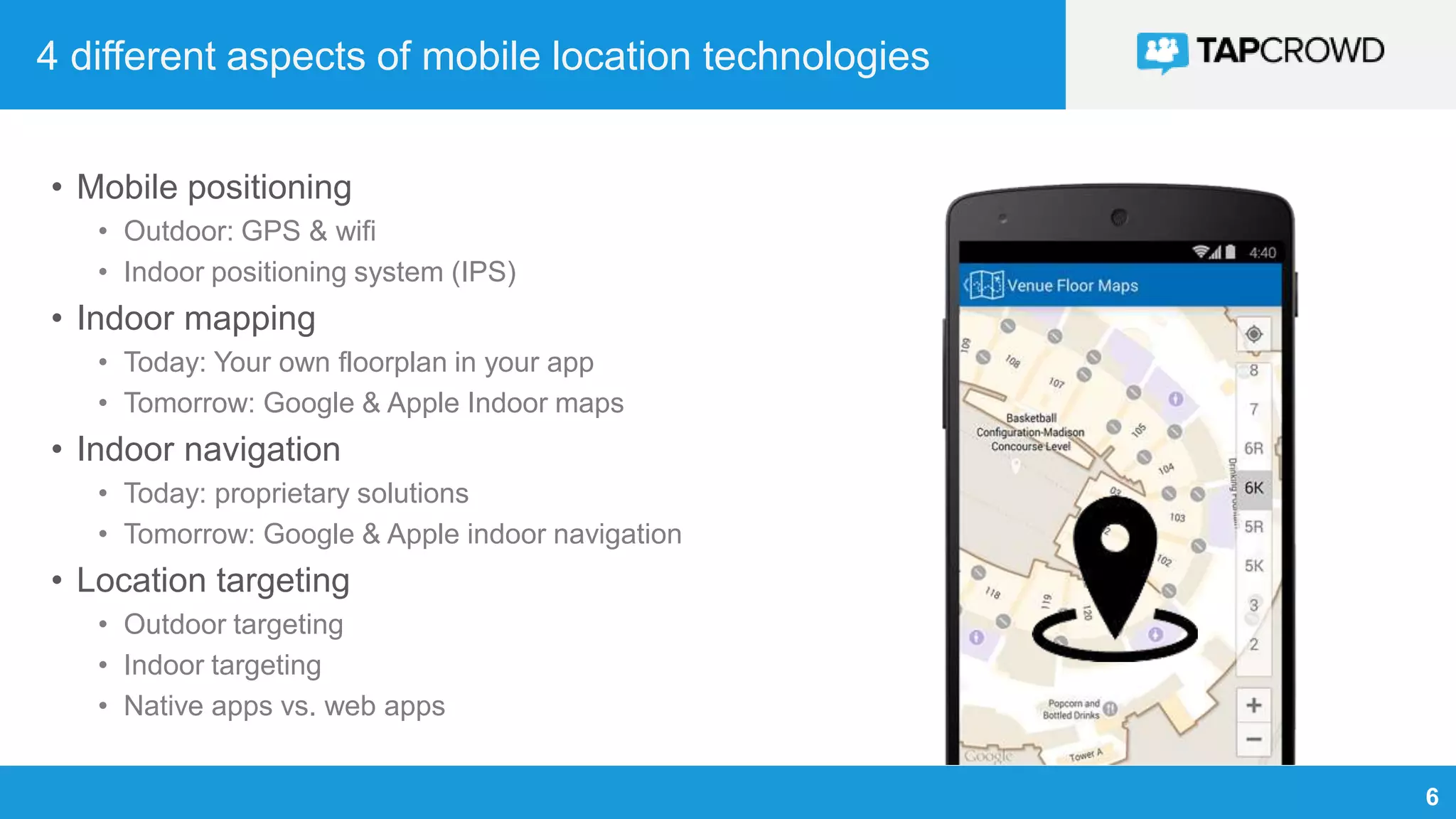
4 different aspects of mobile location technologies
• Mobile positioning
• Outdoor: GPS & wifi
• Indoor positioning system (IPS)
• Indoor mapping
• Today: Your own floorplan in your app
• Tomorrow: Google & Apple Indoor maps
• Indoor navigation
• Today: proprietary solutions
• Tomorrow: Google & Apple indoor navigation
• Location targeting
• Outdoor targeting
• Indoor targeting
• Native apps vs. web apps
7
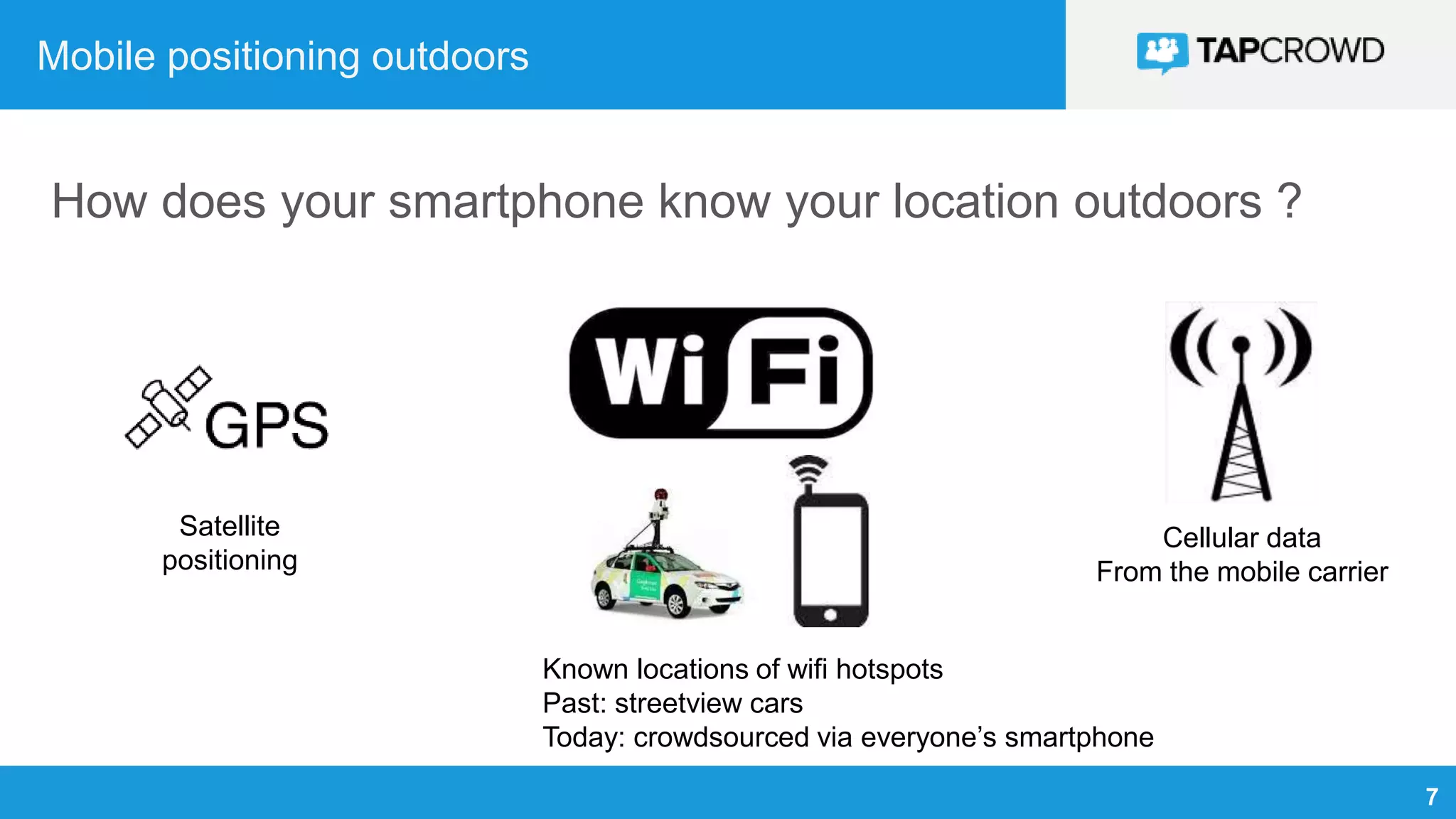
Mobile positioning outdoors
How does your smartphone know your location outdoors ?
Cellular data
From the mobile carrier
Satellite
positioning
Known locations of wifi hotspots
Past: streetview cars
Today: crowdsourced via everyone’s smartphone
8
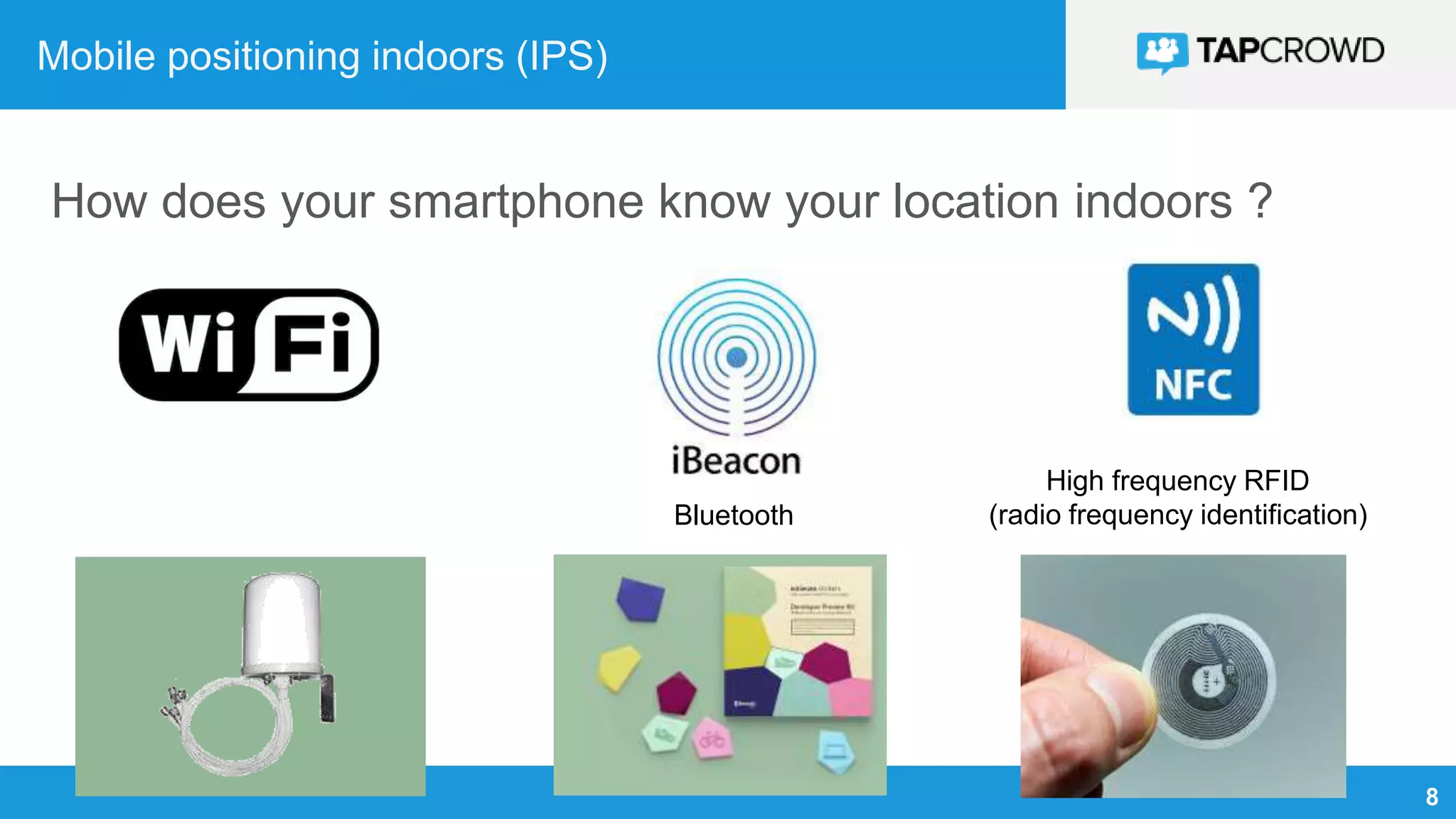
Mobile positioning indoors (IPS)
How does your smartphone know your location indoors ?
Bluetooth
High frequency RFID
(radio frequency identification)
9
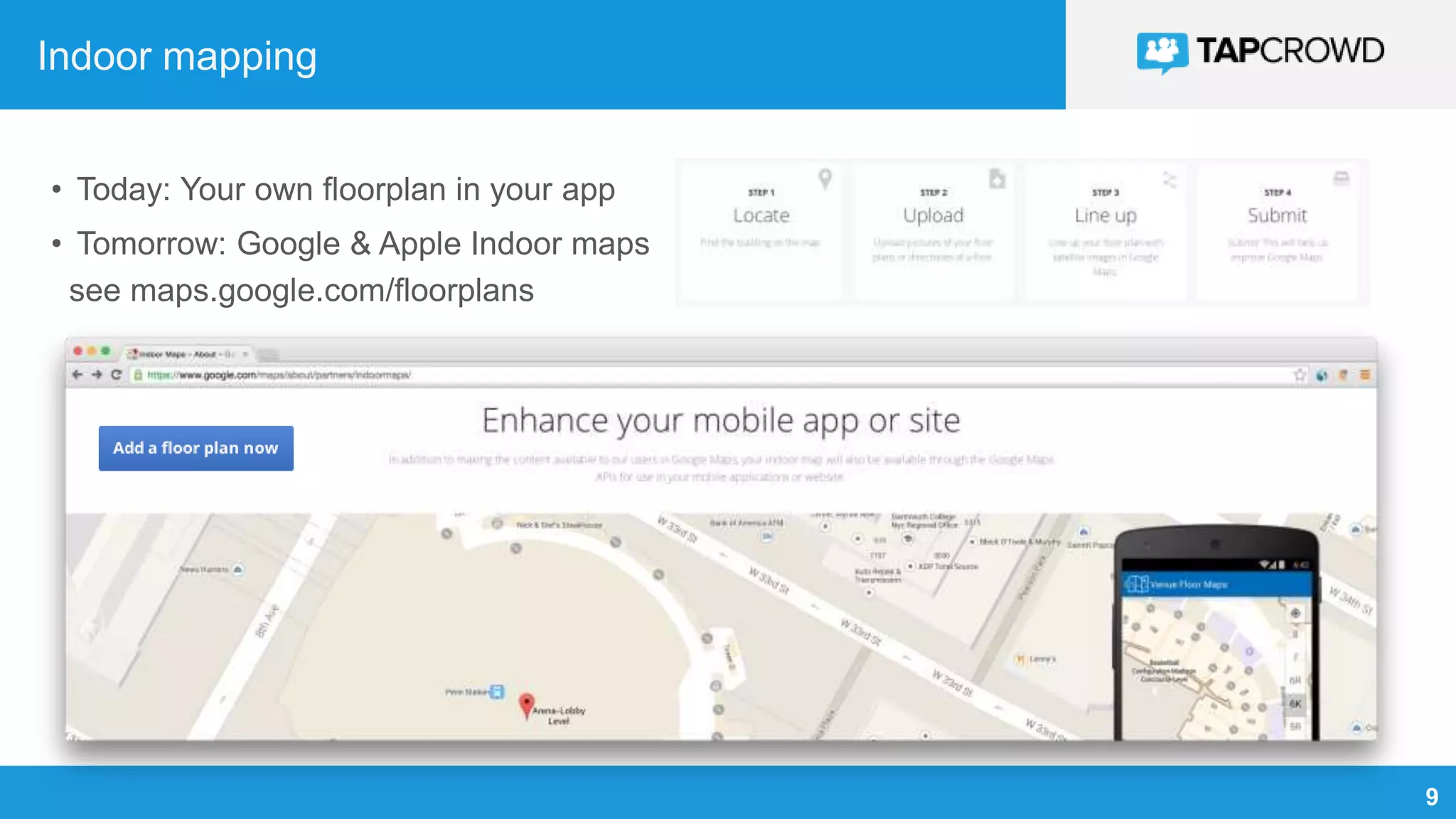
Indoor mapping
• Today: Your own floorplan in your app
• Tomorrow: Google & Apple Indoor maps
see maps.google.com/floorplans
10
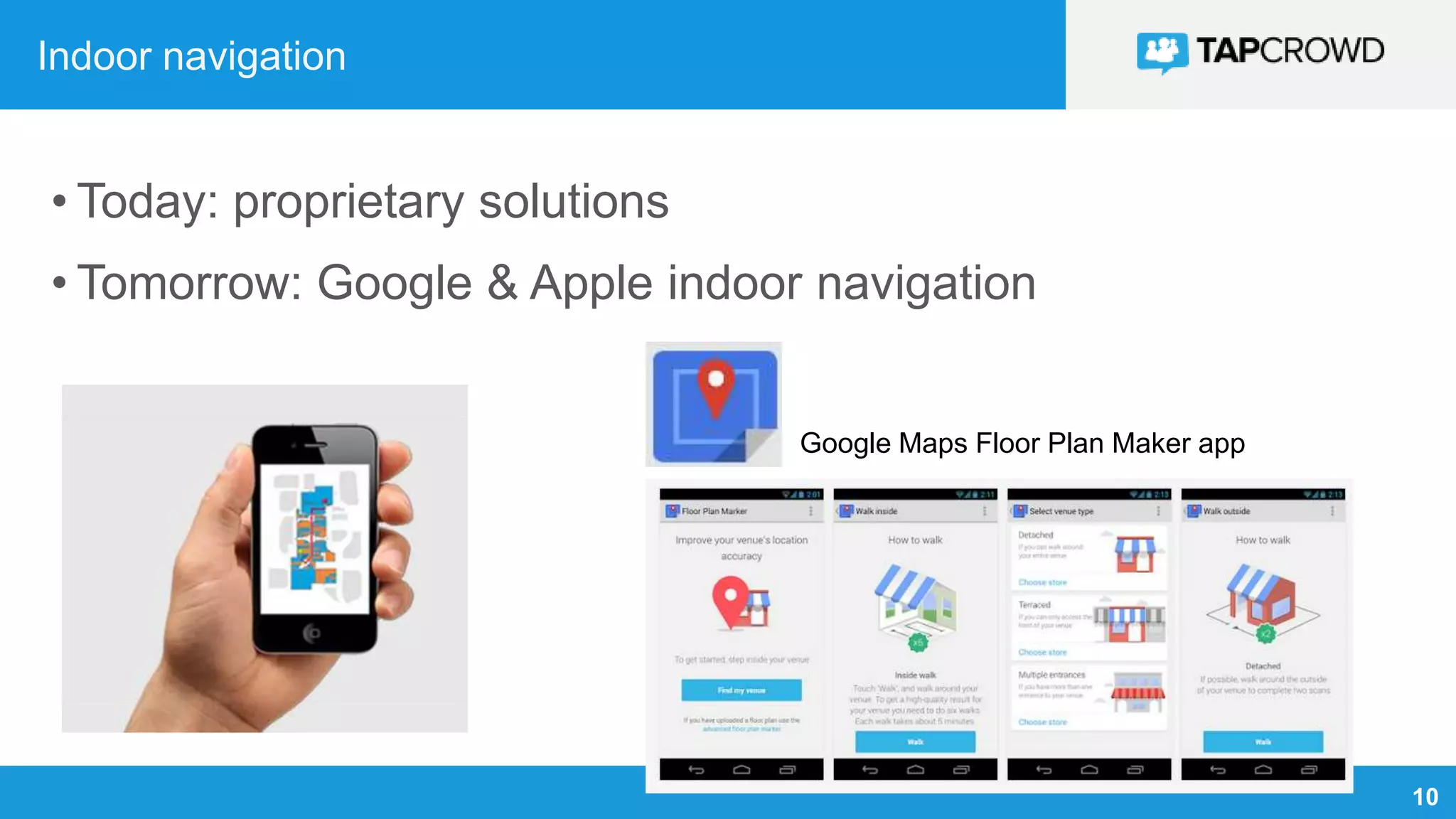
Indoor navigation
• Today: proprietary solutions
• Tomorrow: Google & Apple indoor navigation
Google Maps Floor Plan Maker app
11
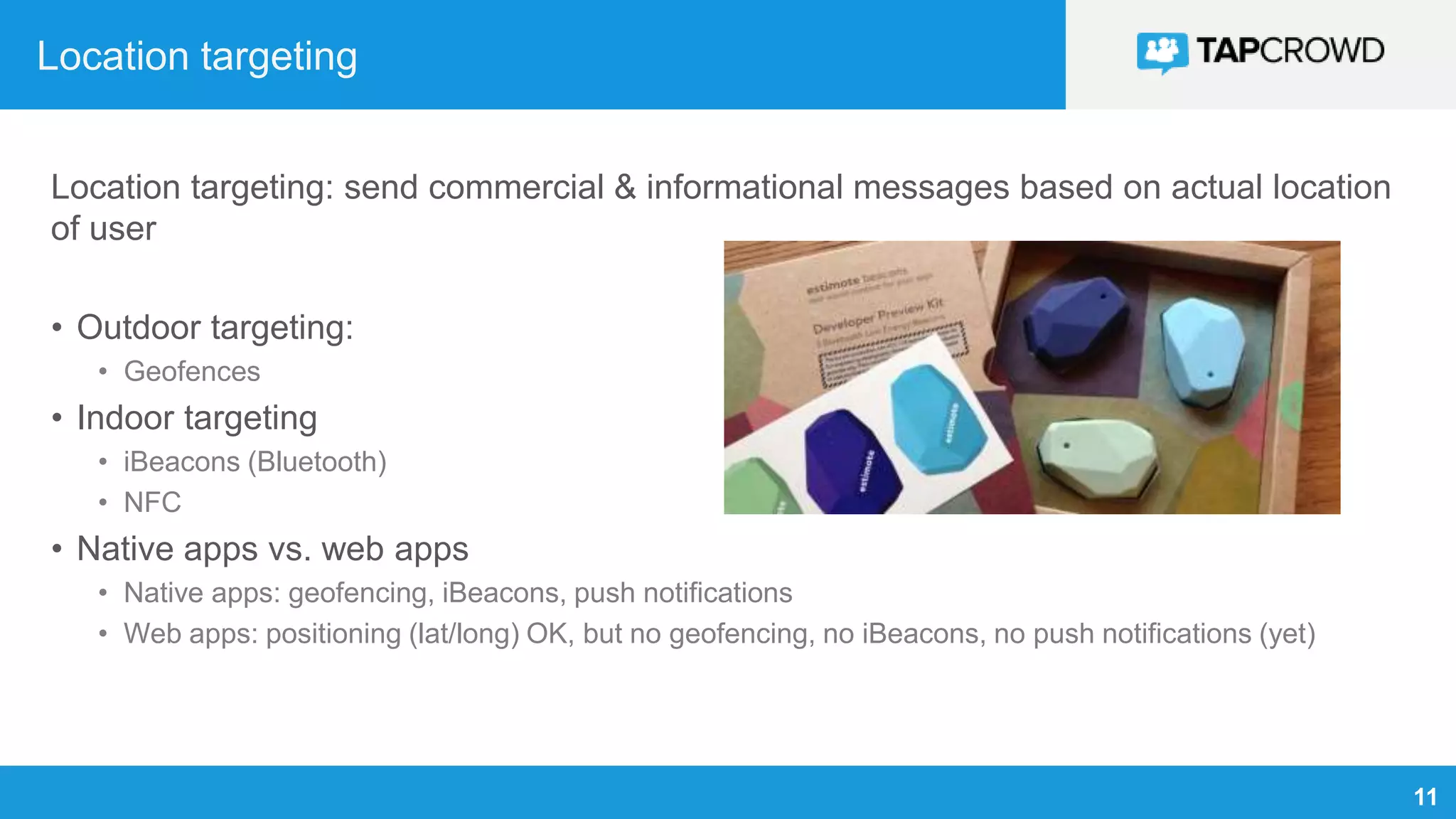
Location targeting
Location targeting: send commercial & informational messages based on actual location
of user
• Outdoor targeting:
• Geofences
• Indoor targeting
• iBeacons (Bluetooth)
• NFC
• Native apps vs. web apps
• Native apps: geofencing, iBeacons, push notifications
• Web apps: positioning (lat/long) OK, but no geofencing, no iBeacons, no push notifications (yet)
12
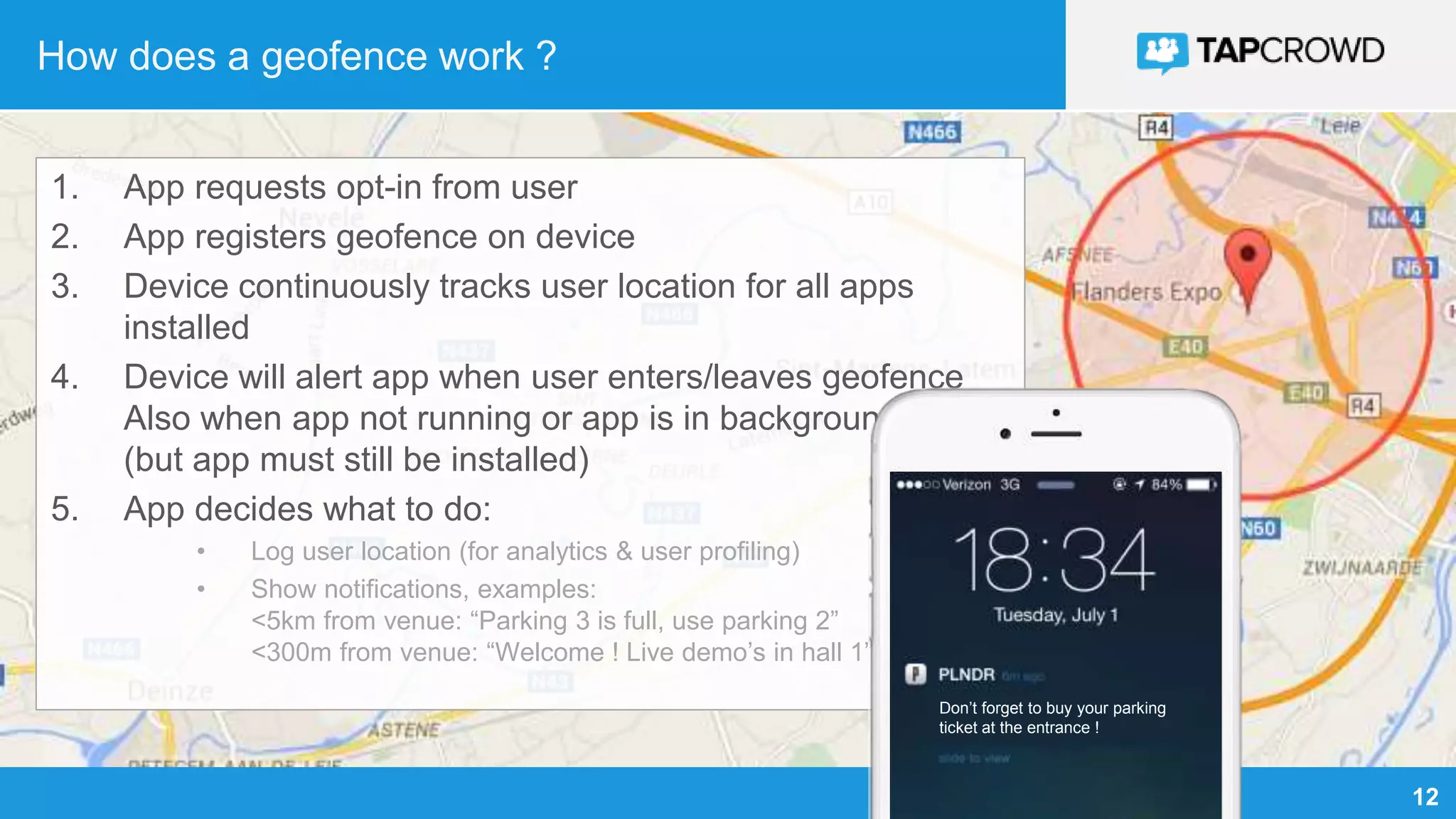
How does a geofence work ?
1. App requests opt-in from user
2. App registers geofence on device
3. Device continuously tracks user location for all apps
installed
4. Device will alert app when user enters/leaves geofence
Also when app not running or app is in background
(but app must still be installed)
5. App decides what to do:
• Log user location (for analytics & user profiling)
• Show notifications, examples:
<5km from venue: “Parking 3 is full, use parking 2”
<300m from venue: “Welcome ! Live demo’s in hall 1”
Don’t forget to buy your parking
ticket at the entrance !
13
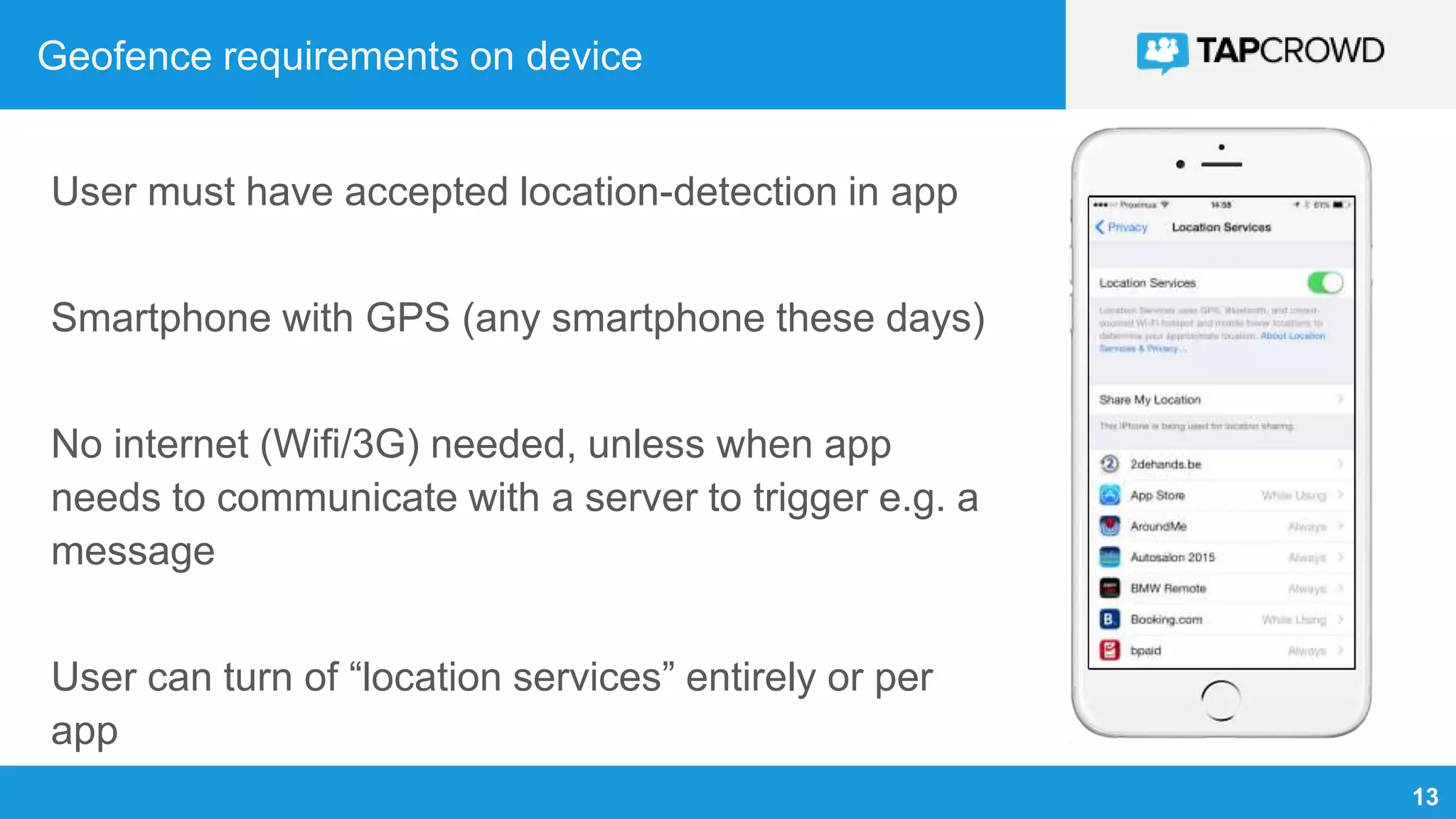
Geofence requirements on device
User must have accepted location-detection in app
Smartphone with GPS (any smartphone these days)
No internet (Wifi/3G) needed, unless when app
needs to communicate with a server to trigger e.g. a
message
User can turn of “location services” entirely or per
app
14
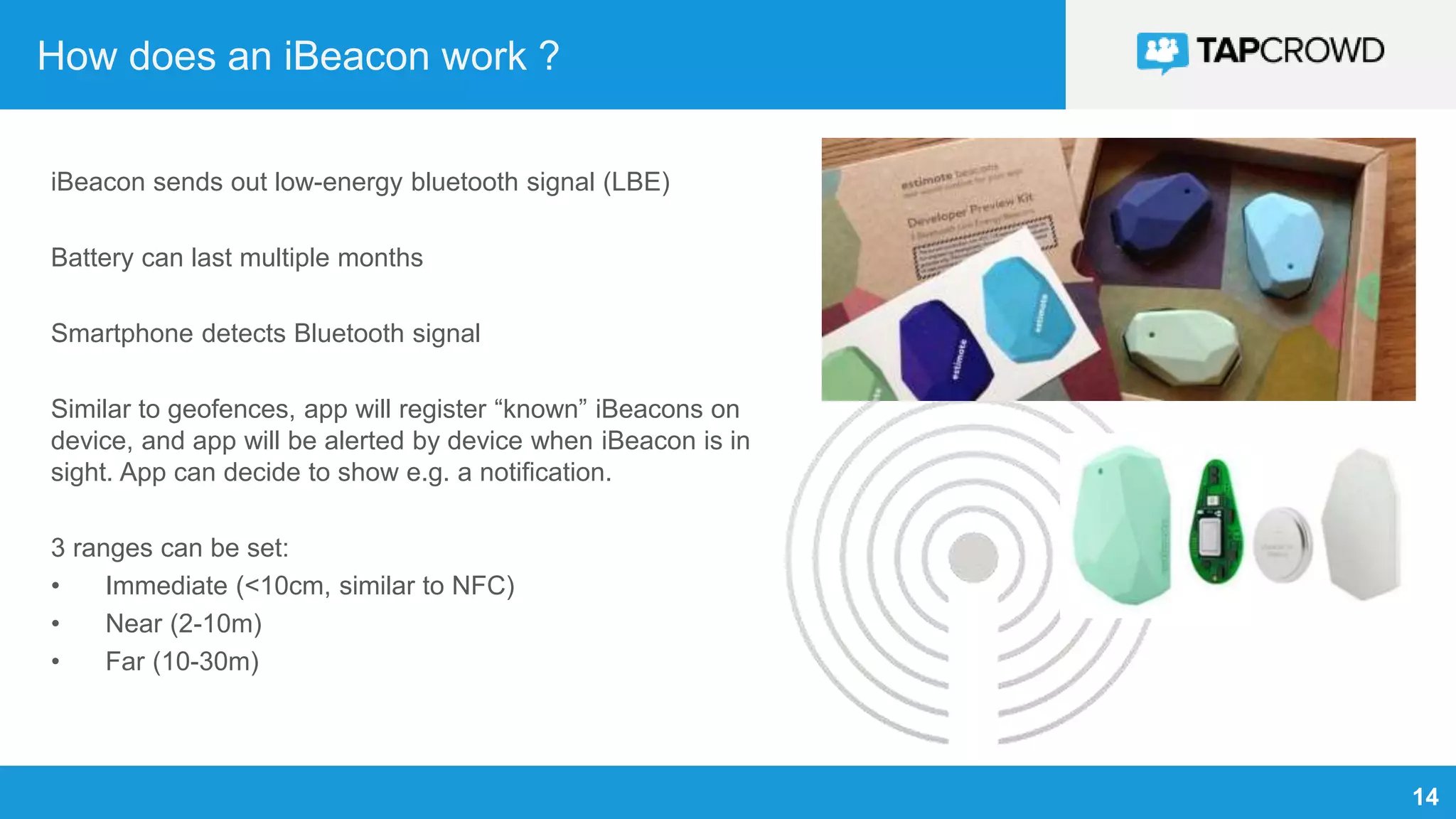
How does an iBeacon work ?
iBeacon sends out low-energy bluetooth signal (LBE)
Battery can last multiple months
Smartphone detects Bluetooth signal
Similar to geofences, app will register “known” iBeacons on
device, and app will be alerted by device when iBeacon is in
sight. App can decide to show e.g. a notification.
3 ranges can be set:
• Immediate (<10cm, similar to NFC)
• Near (2-10m)
• Far (10-30m)
15
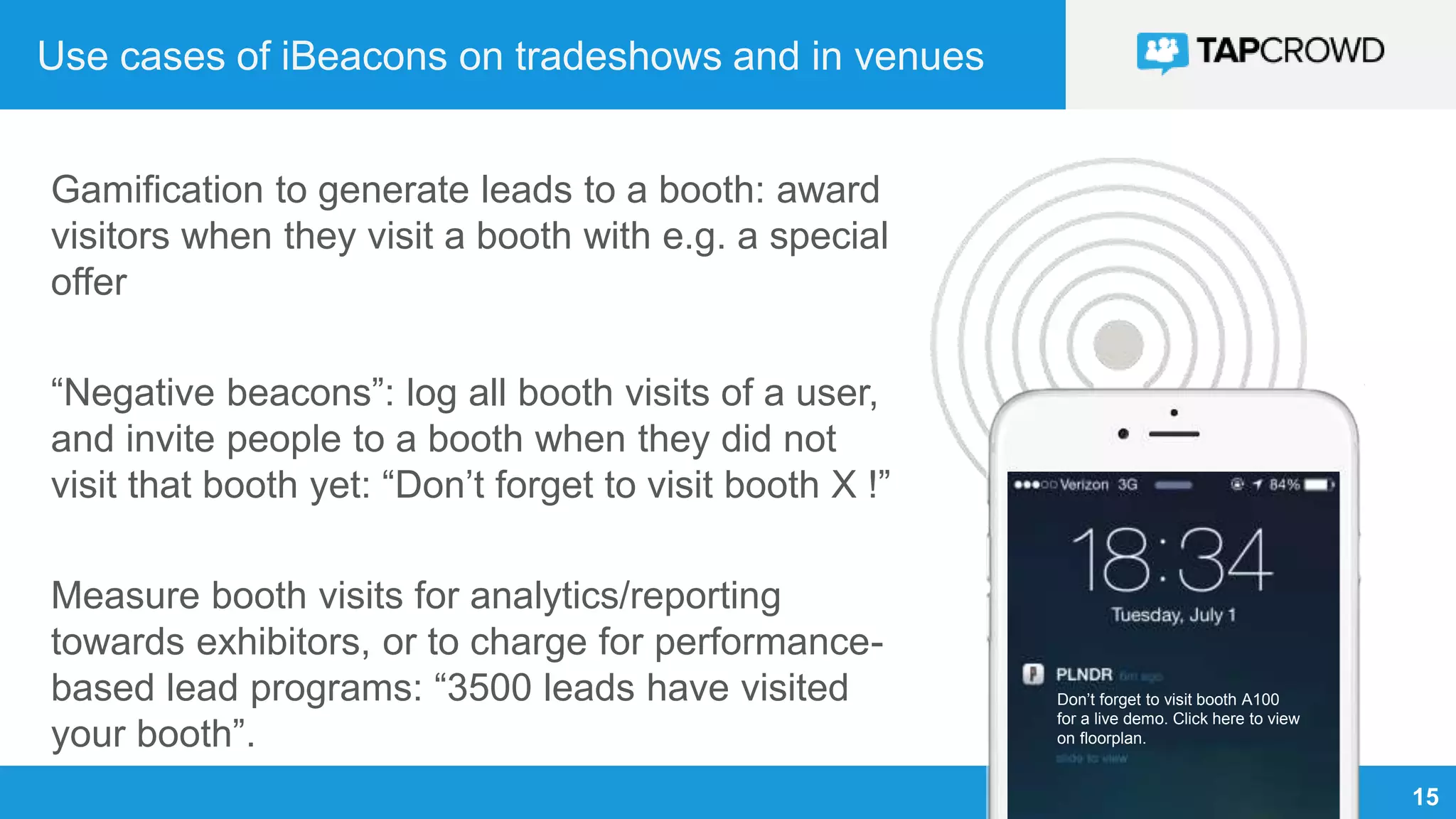
Use cases of iBeacons on tradeshows and in venues
Gamification to generate leads to a booth: award
visitors when they visit a booth with e.g. a special
offer
“Negative beacons”: log all booth visits of a user,
and invite people to a booth when they did not
visit that booth yet: “Don’t forget to visit booth X !”
Measure booth visits for analytics/reporting
towards exhibitors, or to charge for performance-
based lead programs: “3500 leads have visited
your booth”.
Don’t forget to visit booth A100
for a live demo. Click here to view
on floorplan.
16
iBeacon requirements on device
Bluetooth turned “on”
Both Android and iOS devices support iBeacons
Recent version of OS and recent device needed (older devices not
supported).
No internet (wifi/3G) needed, unless when app needs to communicate with
a server to trigger e.g. a message
17
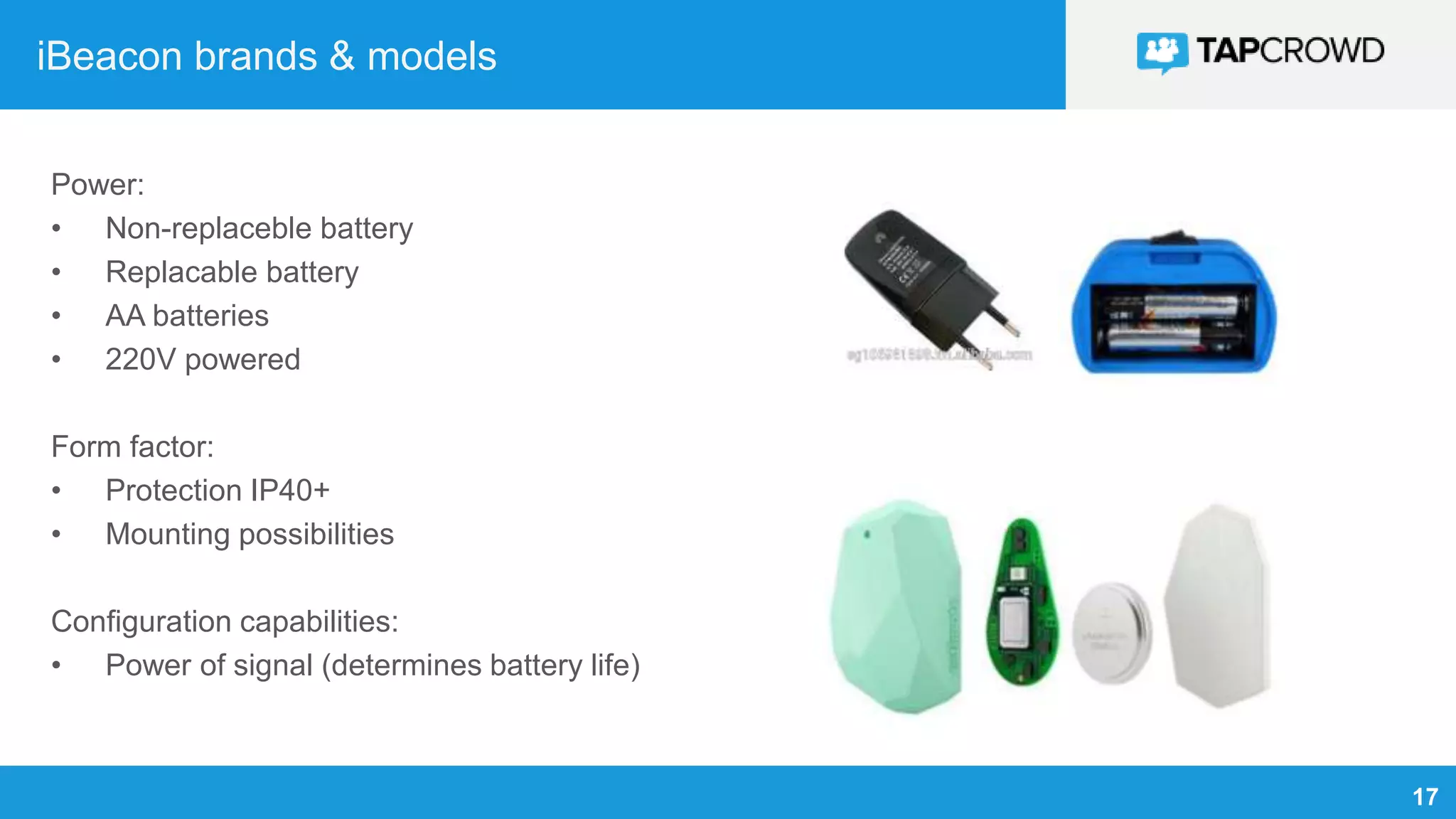
iBeacon brands & models
Power:
• Non-replaceble battery
• Replacable battery
• AA batteries
• 220V powered
Form factor:
• Protection IP40+
• Mounting possibilities
Configuration capabilities:
• Power of signal (determines battery life)
18
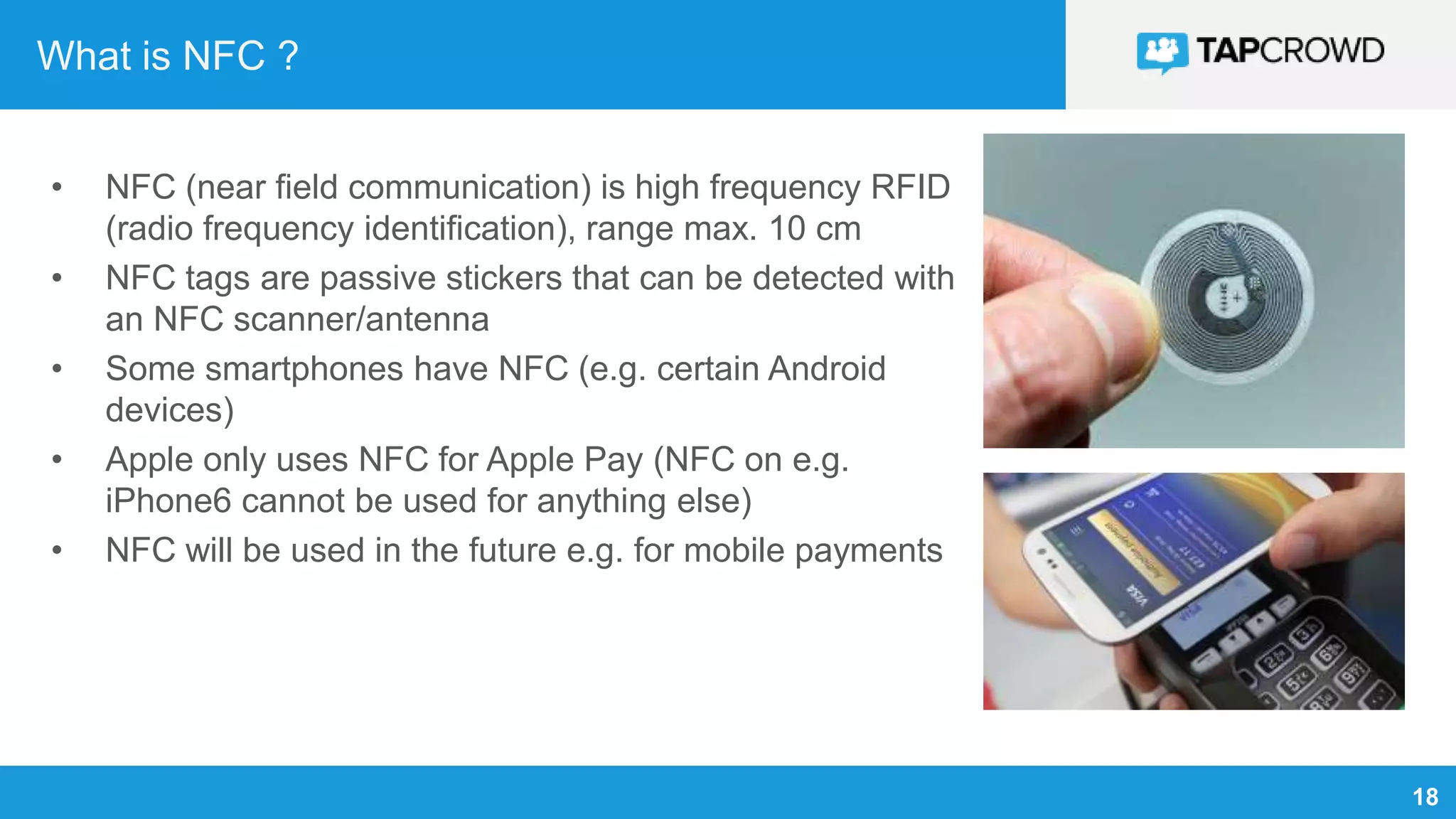
What is NFC ?
• NFC (near field communication) is high frequency RFID
(radio frequency identification), range max. 10 cm
• NFC tags are passive stickers that can be detected with
an NFC scanner/antenna
• Some smartphones have NFC (e.g. certain Android
devices)
• Apple only uses NFC for Apple Pay (NFC on e.g.
iPhone6 cannot be used for anything else)
• NFC will be used in the future e.g. for mobile payments
19
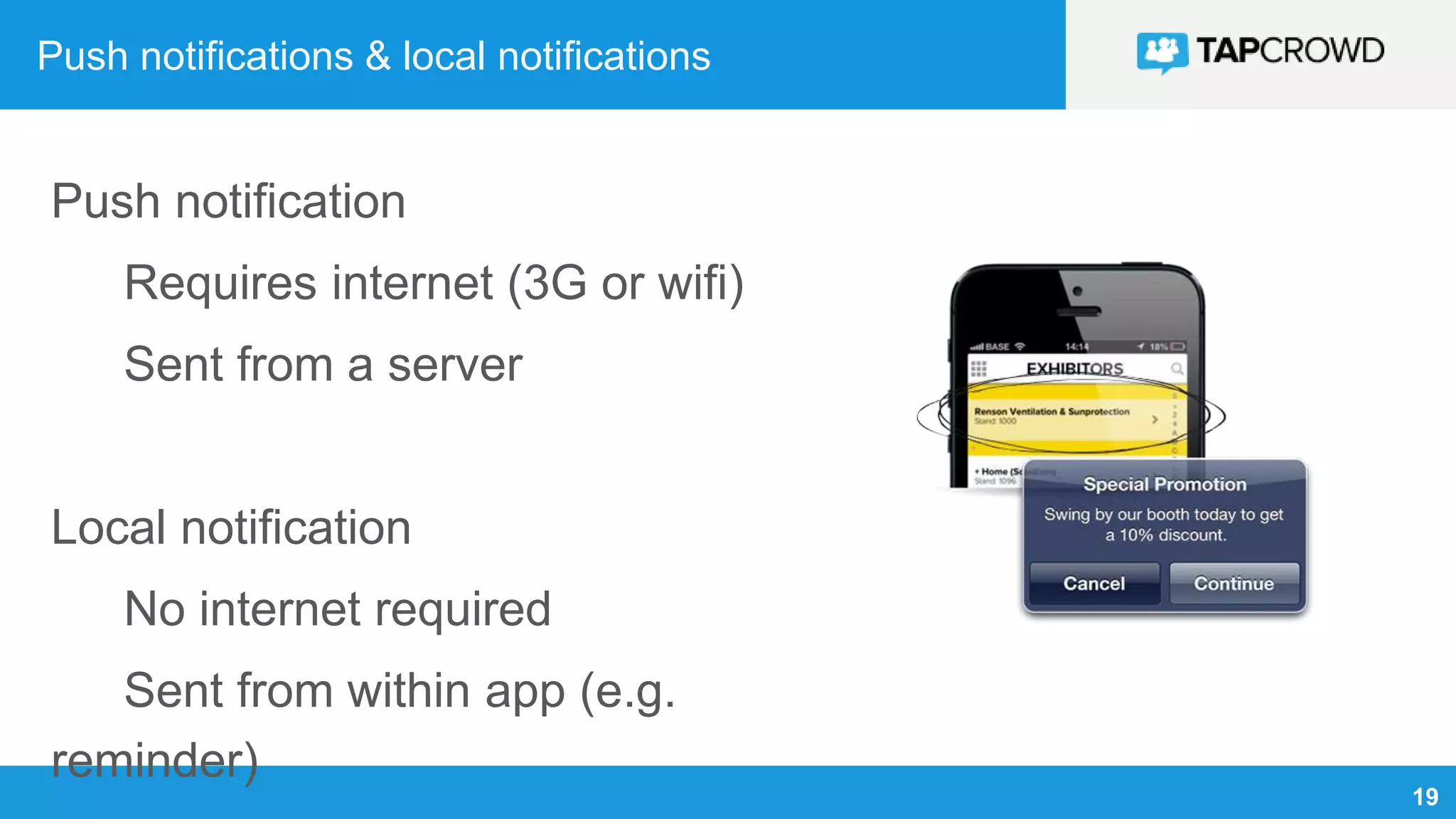
Push notifications & local notifications
Push notification
Requires internet (3G or wifi)
Sent from a server
Local notification
No internet required
Sent from within app (e.g.
reminder)
20
Legislation
EU data protection directive (WP29, new directive 2013/2015)
EU electronic privacy directive (cookie law)
US: similar legislation (cfr. FTC)
• Opt-in from user required
• Only store/track data needed for app to function properly (no excessive
logging/tracking)
• Allow user to have personal data removed
• Privacy policy in app
MOBILE REVENUE MODELS
22
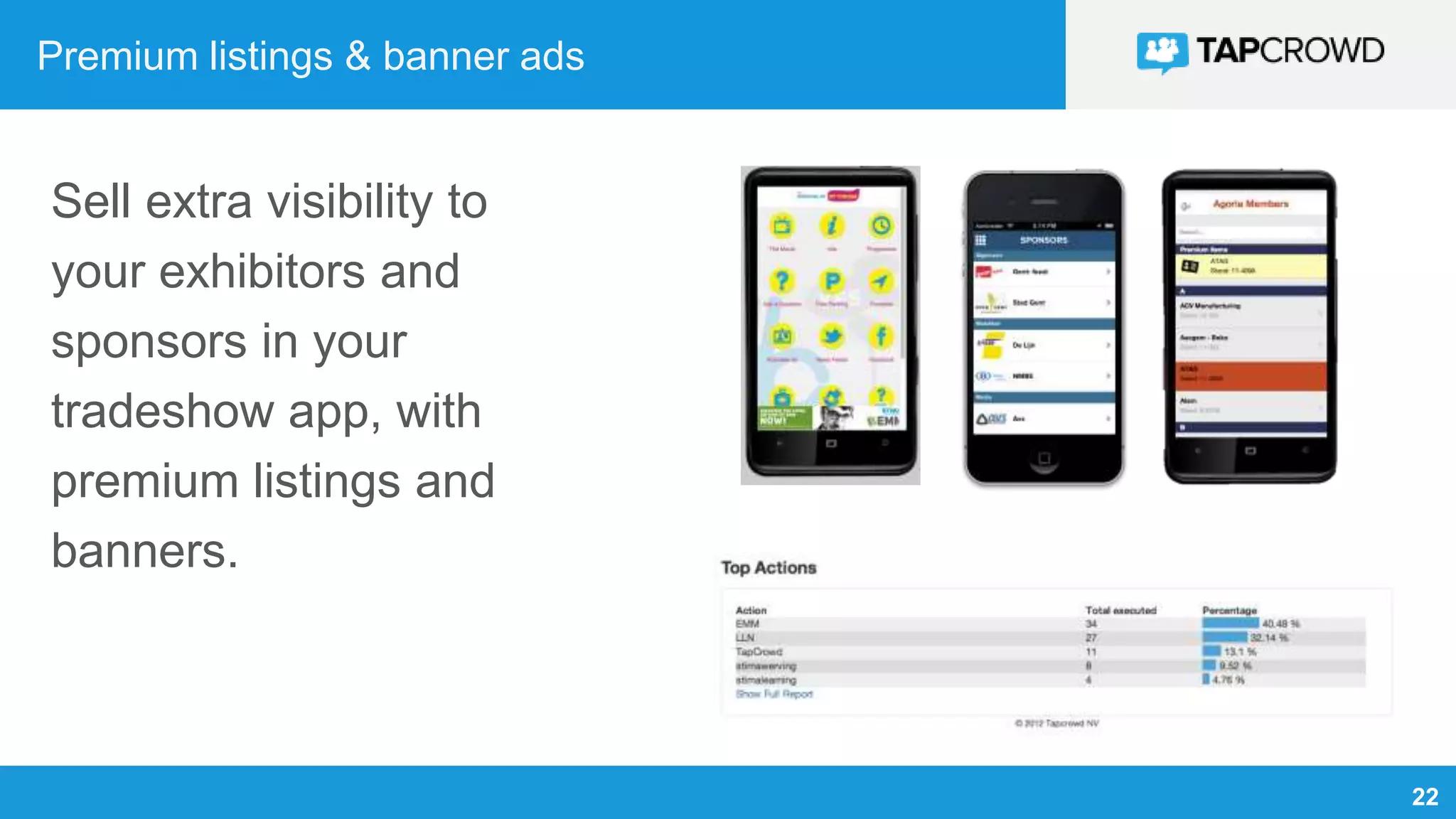
Premium listings & banner ads
Sell extra visibility to
your exhibitors and
sponsors in your
tradeshow app, with
premium listings and
banners.
23
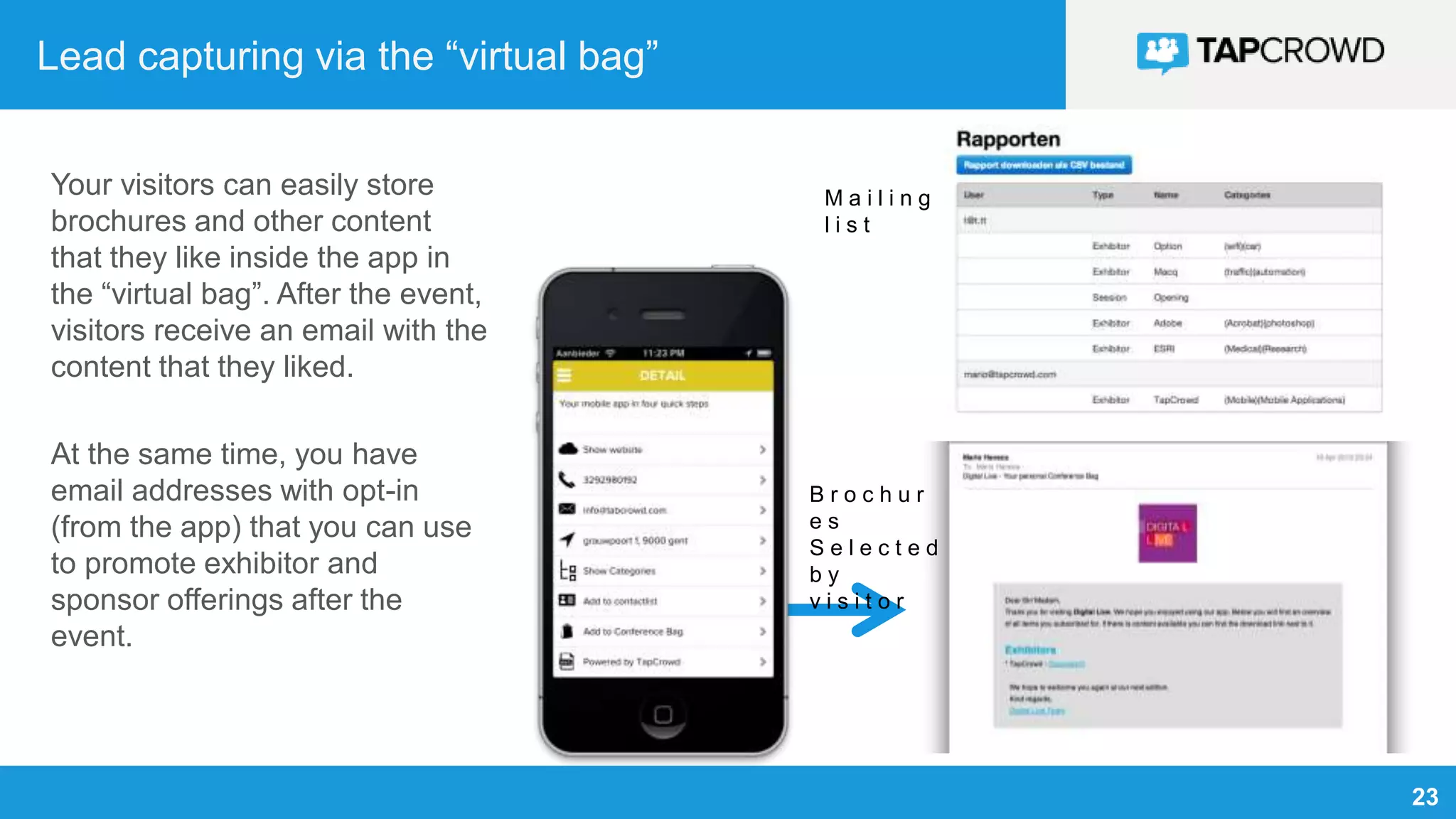
Lead capturing via the “virtual bag”
Your visitors can easily store
brochures and other content
that they like inside the app in
the “virtual bag”. After the event,
visitors receive an email with the
content that they liked.
At the same time, you have
email addresses with opt-in
(from the app) that you can use
to promote exhibitor and
sponsor offerings after the
event.
B r o c h u r
e s
S e l e c t e d
b y
v i s i t o r
M a i l i n g
l i s t
24
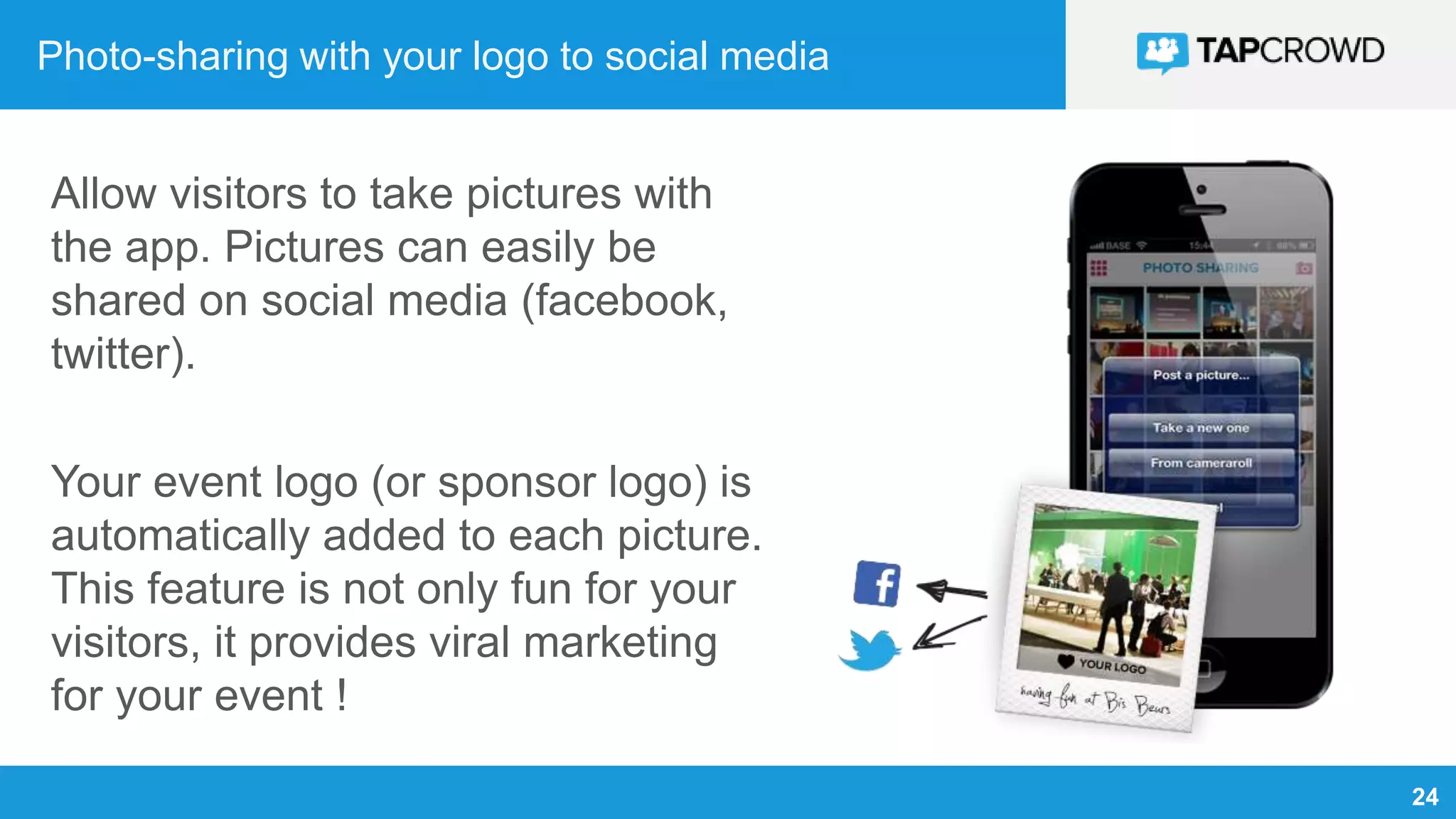
Photo-sharing with your logo to social media
Allow visitors to take pictures with
the app. Pictures can easily be
shared on social media (facebook,
twitter).
Your event logo (or sponsor logo) is
automatically added to each picture.
This feature is not only fun for your
visitors, it provides viral marketing
for your event !
25
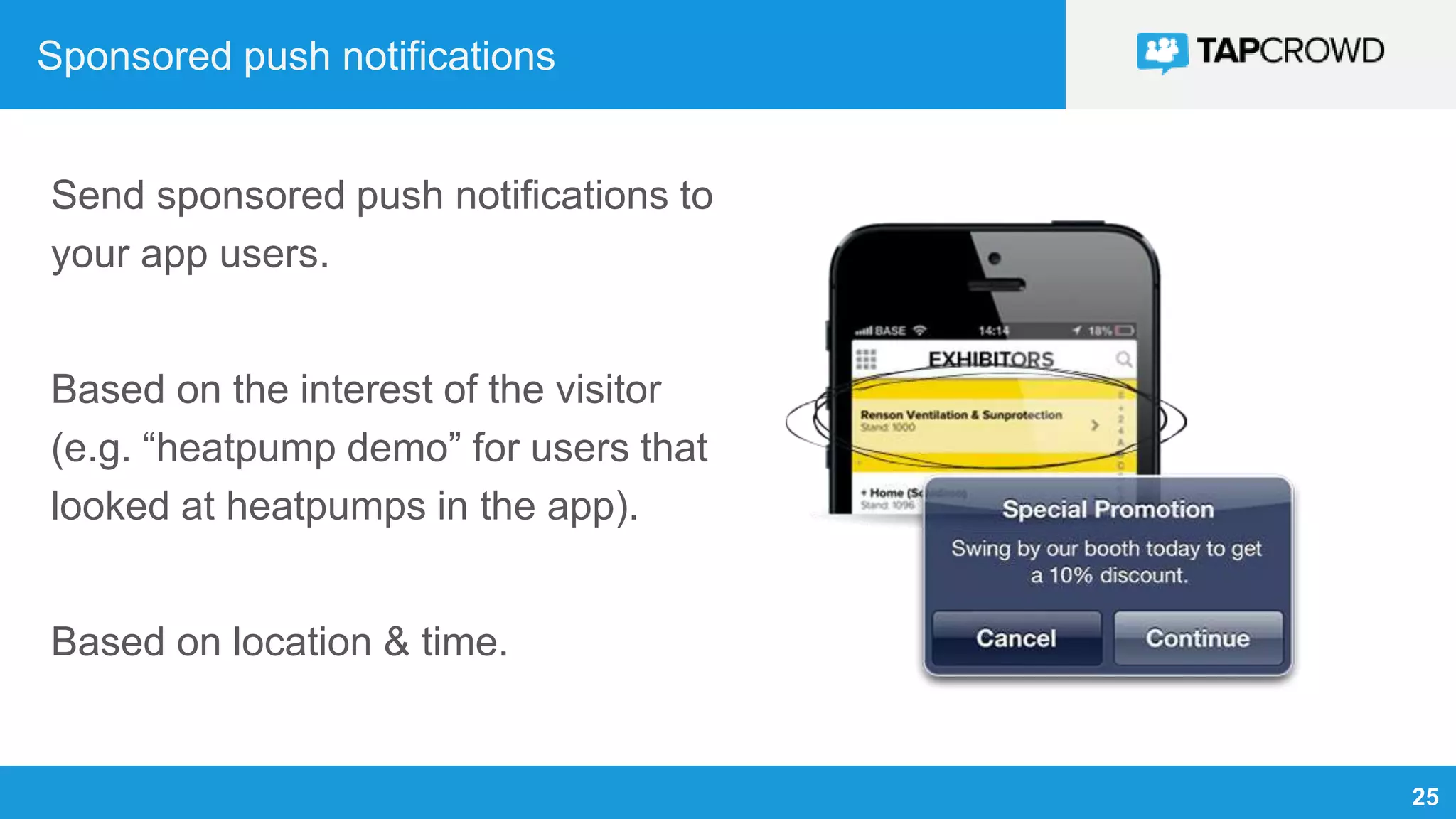
Sponsored push notifications
Send sponsored push notifications to
your app users.
Based on the interest of the visitor
(e.g. “heatpump demo” for users that
looked at heatpumps in the app).
Based on location & time.
26
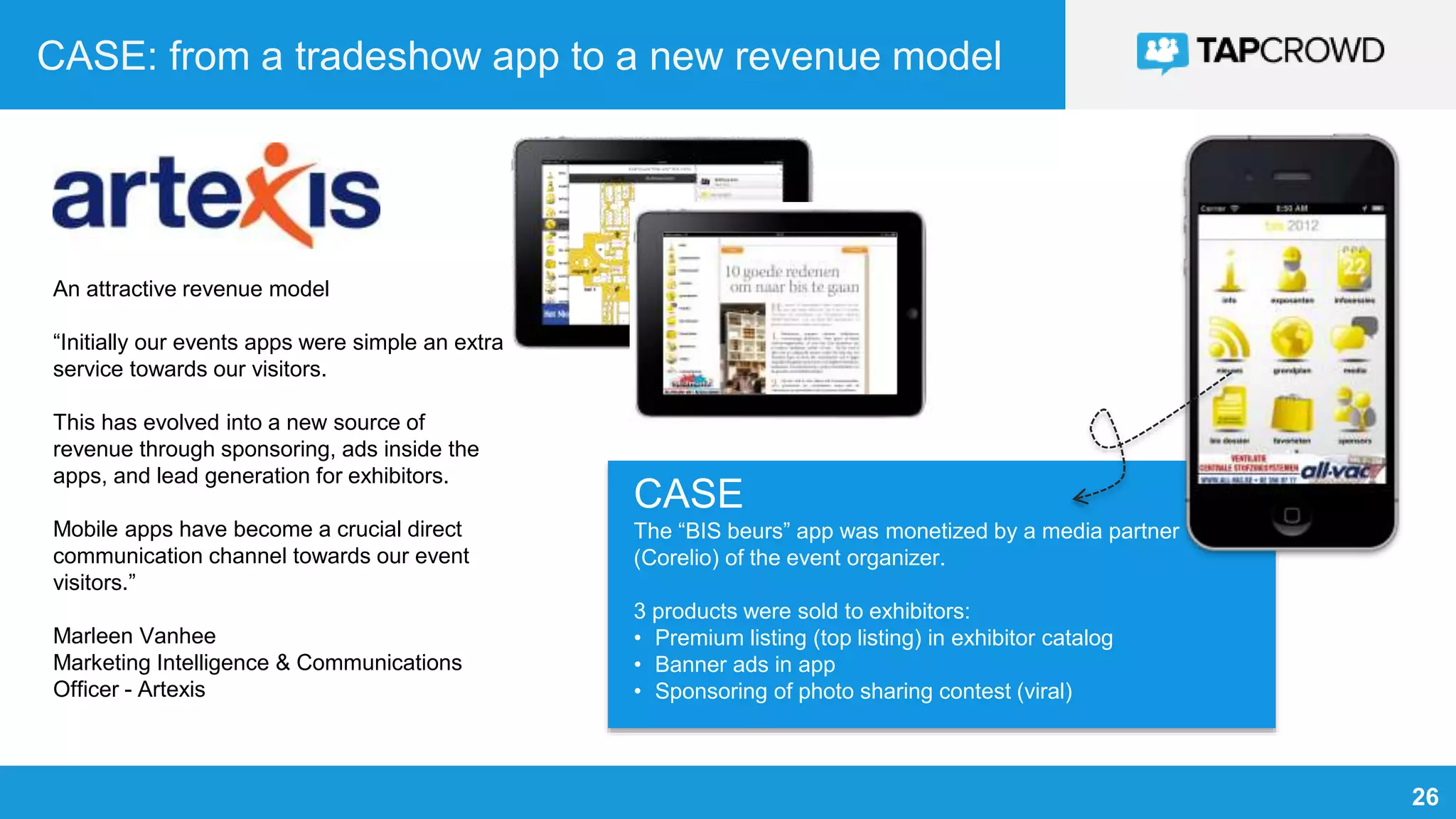
CASE: from a tradeshow app to a new revenue model
An attractive revenue model
“Initially our events apps were simple an extra
service towards our visitors.
This has evolved into a new source of
revenue through sponsoring, ads inside the
apps, and lead generation for exhibitors.
Mobile apps have become a crucial direct
communication channel towards our event
visitors.”
Marleen Vanhee
Marketing Intelligence & Communications
Officer - Artexis
CASE
The “BIS beurs” app was monetized by a media partner
(Corelio) of the event organizer.
3 products were sold to exhibitors:
• Premium listing (top listing) in exhibitor catalog
• Banner ads in app
• Sponsoring of photo sharing contest (viral)
TAPCROWD PLATFORM
28
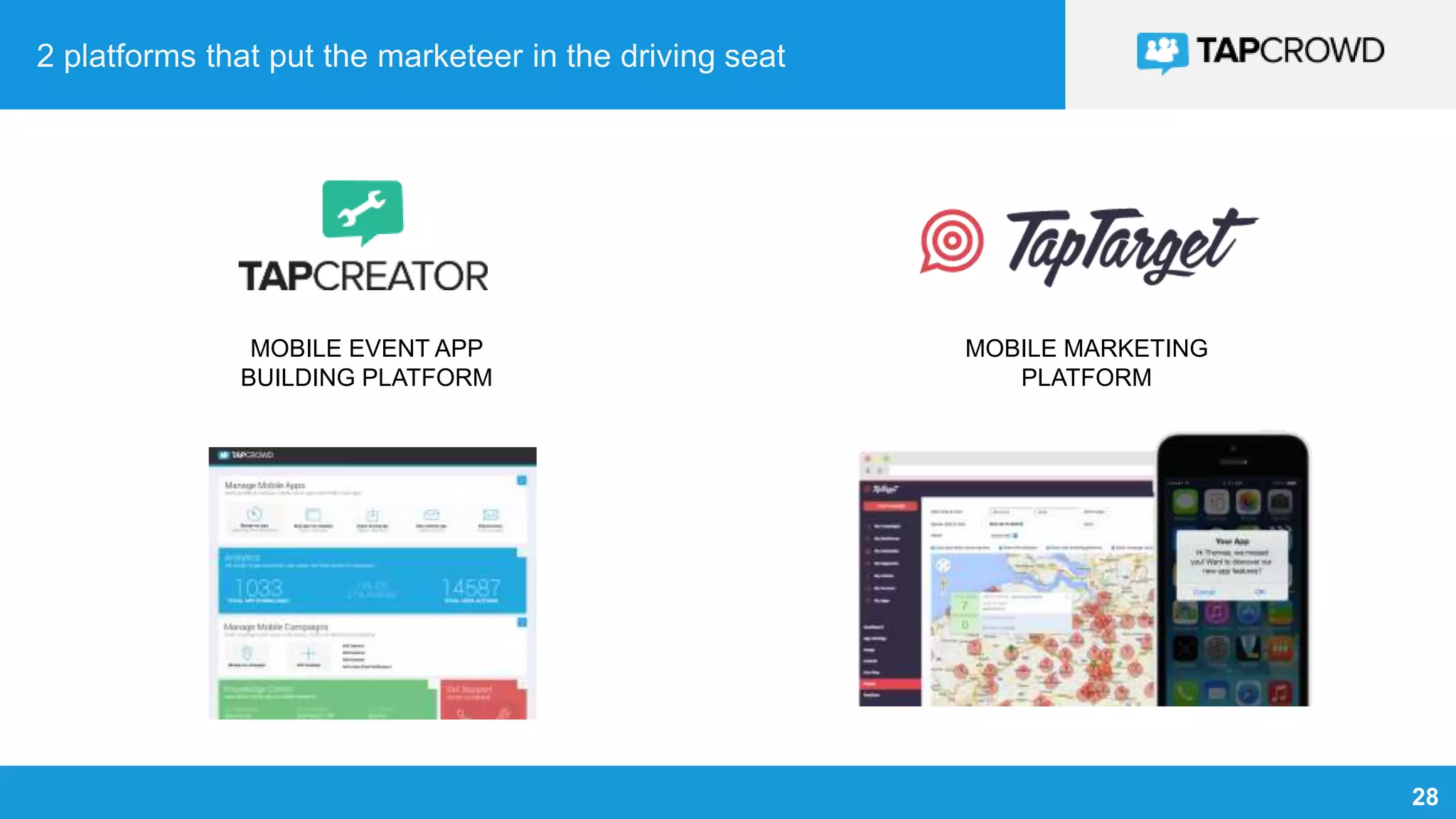
2 platforms that put the marketeer in the driving seat
MOBILE EVENT APP
BUILDING PLATFORM
MOBILE MARKETING
PLATFORM
29
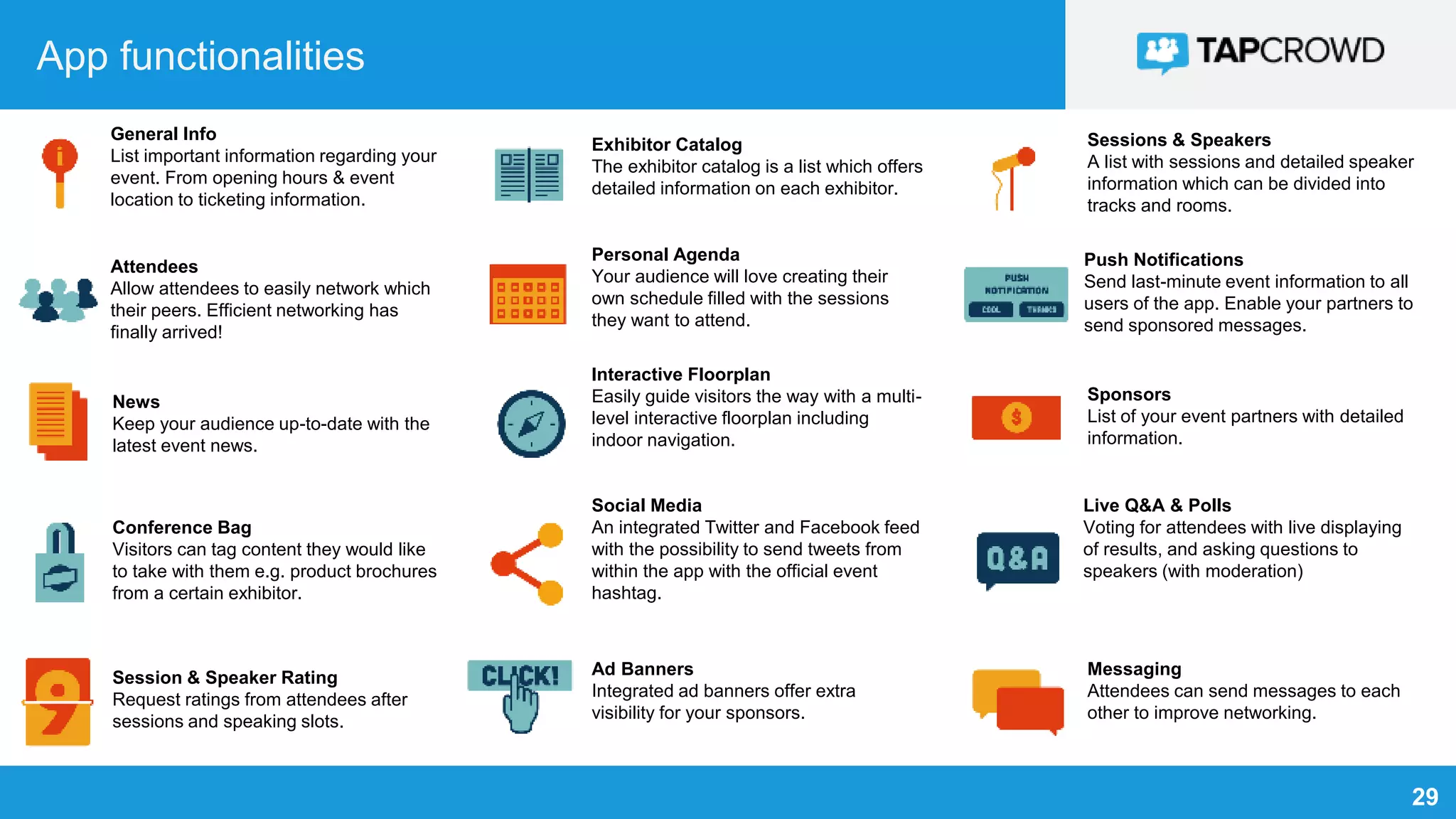
App functionalities
General Info
List important information regarding your
event. From opening hours & event
location to ticketing information.
Attendees
Allow attendees to easily network which
their peers. Efficient networking has
finally arrived!
News
Keep your audience up-to-date with the
latest event news.
Conference Bag
Visitors can tag content they would like
to take with them e.g. product brochures
from a certain exhibitor.
Session & Speaker Rating
Request ratings from attendees after
sessions and speaking slots.
Exhibitor Catalog
The exhibitor catalog is a list which offers
detailed information on each exhibitor.
Personal Agenda
Your audience will love creating their
own schedule filled with the sessions
they want to attend.
Interactive Floorplan
Easily guide visitors the way with a multi-
level interactive floorplan including
indoor navigation.
Social Media
An integrated Twitter and Facebook feed
with the possibility to send tweets from
within the app with the official event
hashtag.
Ad Banners
Integrated ad banners offer extra
visibility for your sponsors.
Sessions & Speakers
A list with sessions and detailed speaker
information which can be divided into
tracks and rooms.
Push Notifications
Send last-minute event information to all
users of the app. Enable your partners to
send sponsored messages.
Sponsors
List of your event partners with detailed
information.
Live Q&A & Polls
Voting for attendees with live displaying
of results, and asking questions to
speakers (with moderation)
Messaging
Attendees can send messages to each
other to improve networking.
30
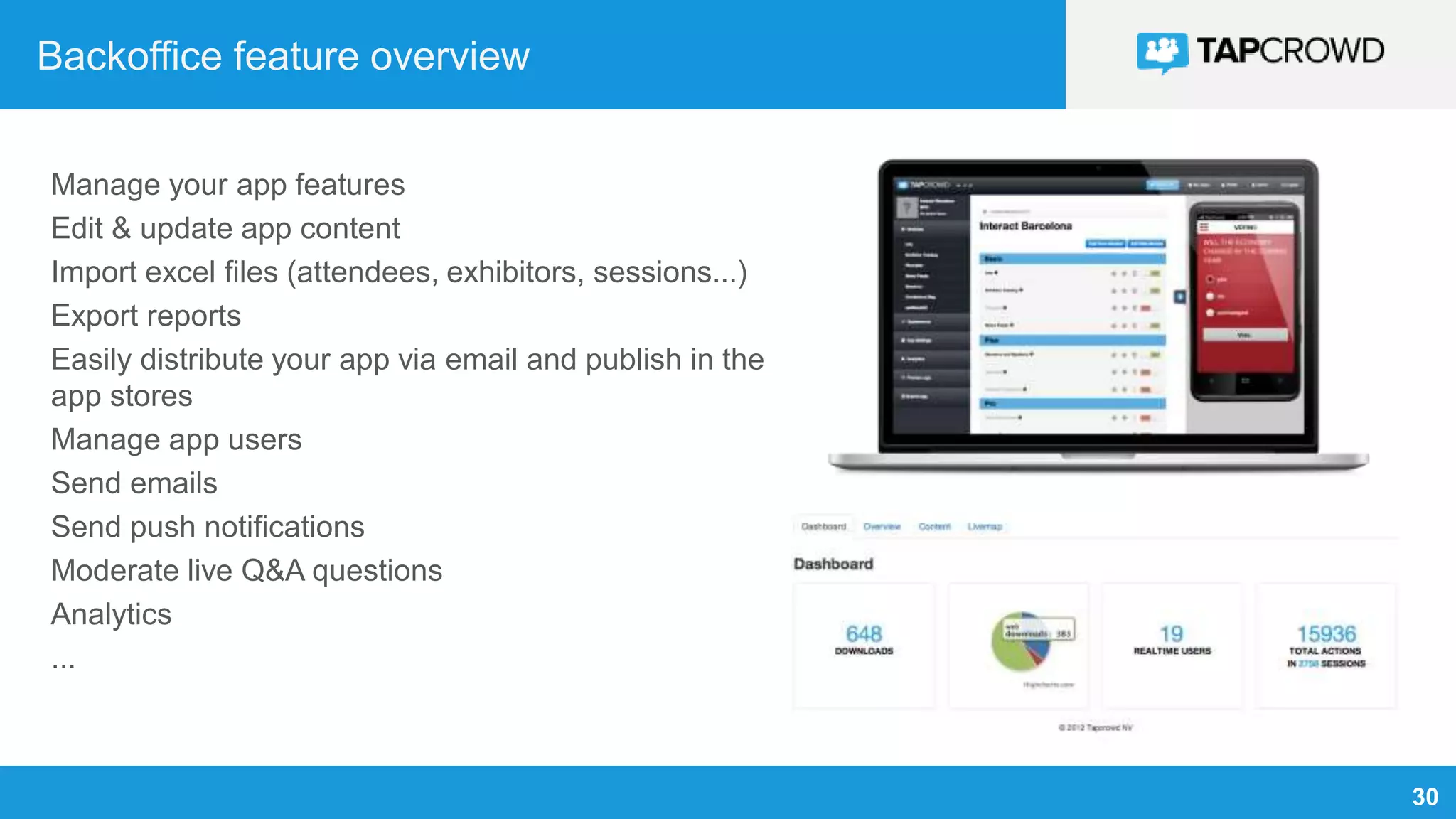
Backoffice feature overview
Manage your app features
Edit & update app content
Import excel files (attendees, exhibitors, sessions...)
Export reports
Easily distribute your app via email and publish in the
app stores
Manage app users
Send emails
Send push notifications
Moderate live Q&A questions
Analytics
...
31
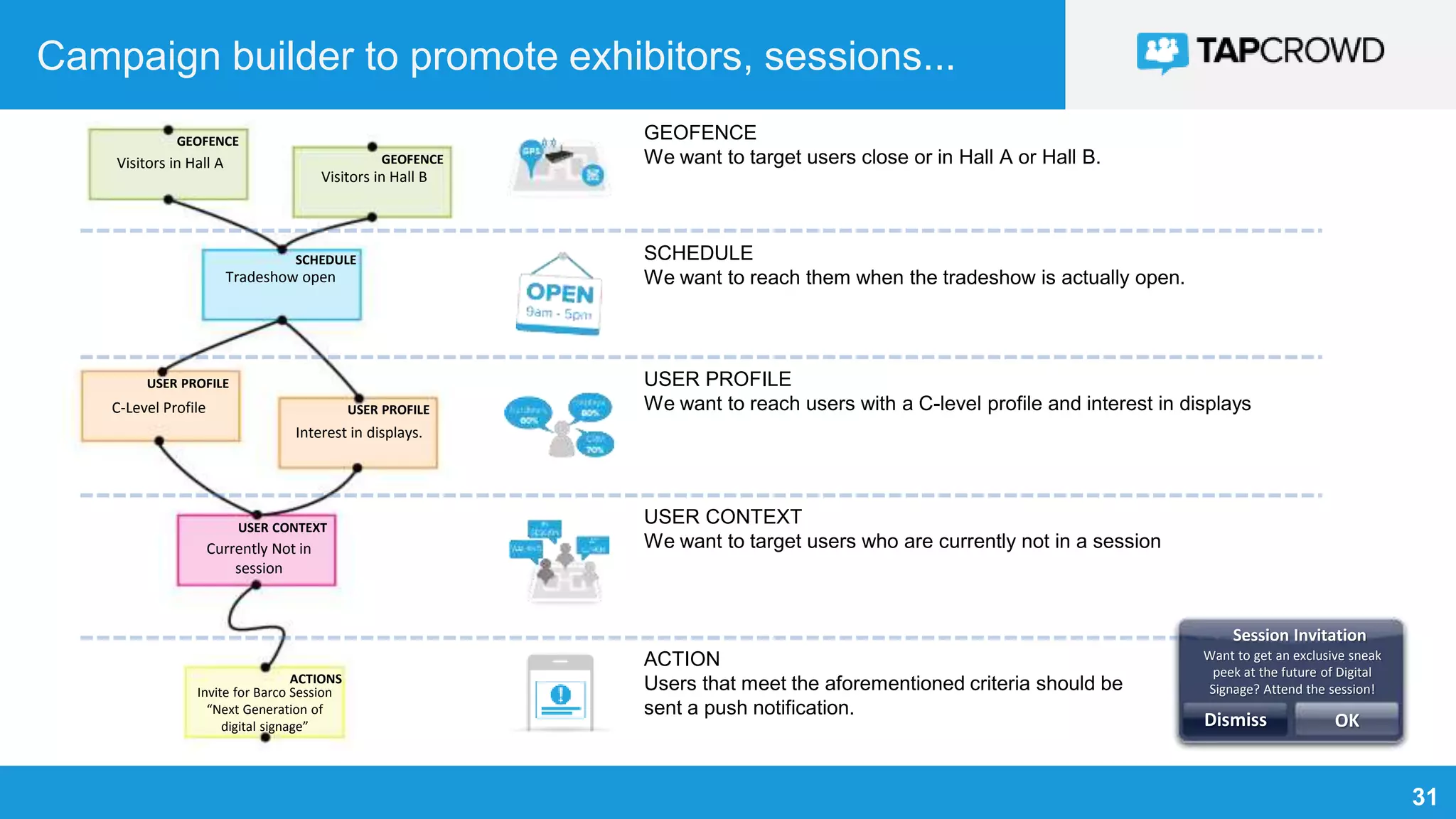
Campaign builder to promote exhibitors, sessions...
SAVINGS GOAL
Visitors in Hall A
USER PROFILE
We want to reach users with a C-level profile and interest in displays
USER CONTEXT
We want to target users who are currently not in a session
ACTION
Users that meet the aforementioned criteria should be
sent a push notification.
SCHEDULE
We want to reach them when the tradeshow is actually open.
GEOFENCE
GEOFENCE
Visitors in Hall B
Tradeshow open
SCHEDULE
USER PROFILE
USER PROFILEC-Level Profile
Interest in displays.
Currently Not in
session
USER CONTEXT
Invite for Barco Session
“Next Generation of
digital signage”
ACTIONS
GEOFENCE
We want to target users close or in Hall A or Hall B.
Session Invitation
Want to get an exclusive sneak
peek at the future of Digital
Signage? Attend the session!
Dismiss OK
32
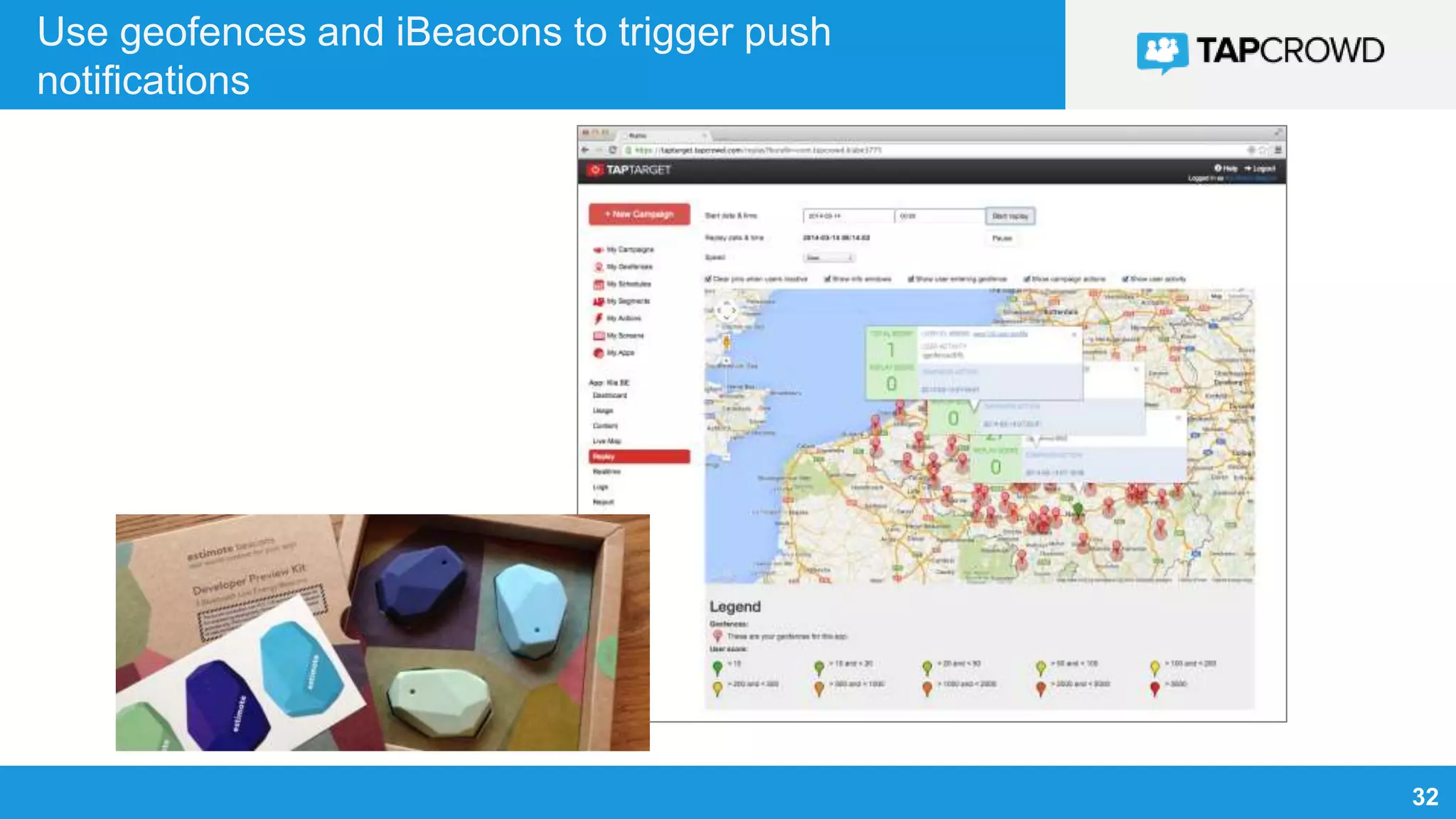
Use geofences and iBeacons to trigger push
notifications
33
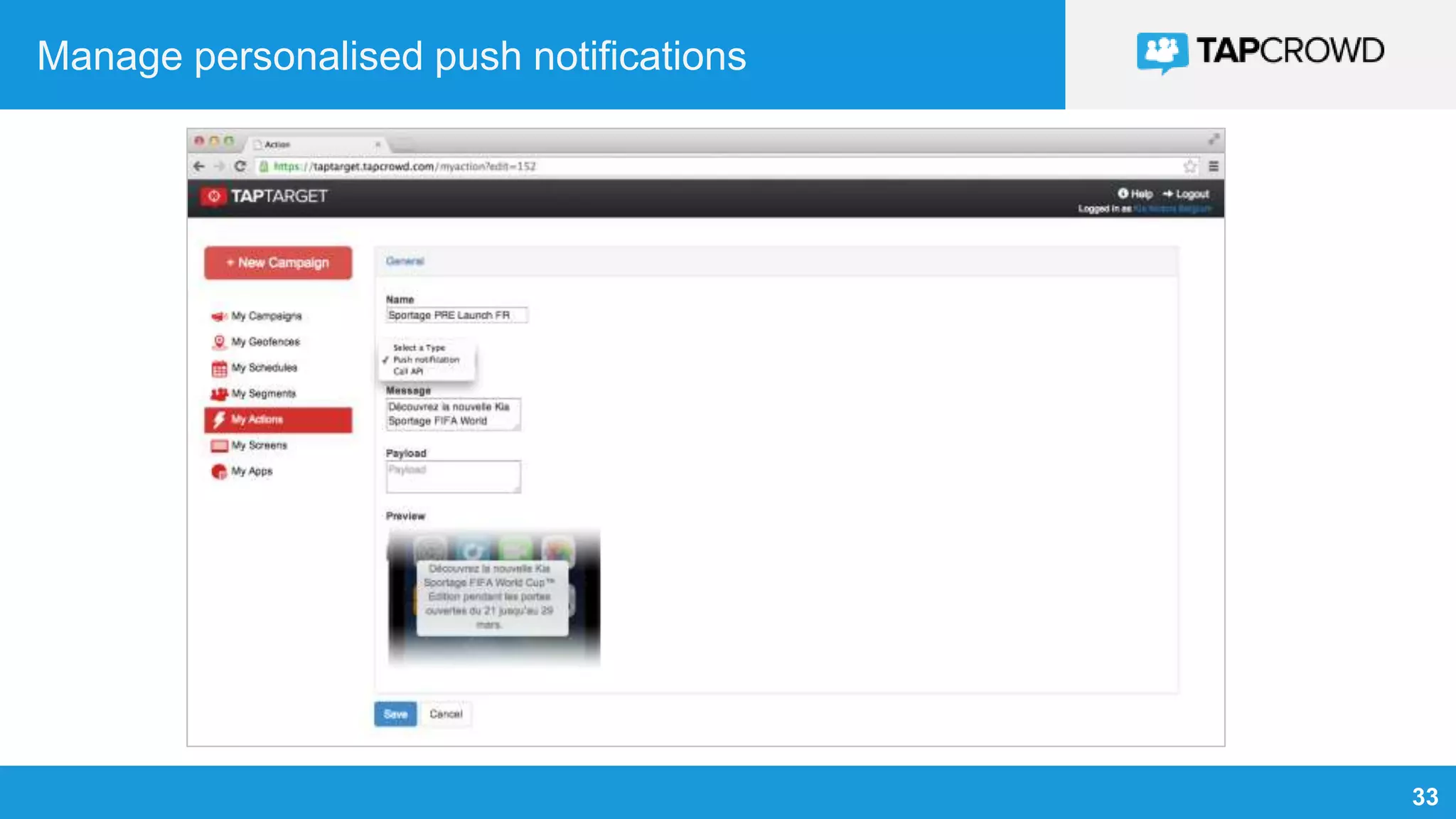
Manage personalised push notifications
CONCLUSION
35
Watch a 2 minute video on TapCrowd for tradeshows
Or visit Youtube: https://www.youtube.com/watch?v=bgmSSH0iHLc
36
Contact us, we are looking forward to talking to you !
36
info@tapcrowd.com
www.tapcrowd.com/events
Europe (HQ)
Grauwpoort 1
B-9000 Gent
Belgium
info@tapcrowd.com
+32 9 298 01 92
Turkey
İnşirah Sk 25, Beşiktaş,
34342 Bebek Mh.
Istanbul
temas@tapcrowd.com
Brazil
Av. Eng. Luis Carlos Berrini 1500
Brooklin Novo, São Paulo, SP
Brazil
contato@tapcrowd.com
+55 11 3588 0400

Mobile technology overview for events and venues

  • 1.
    Overview of mobiletechnologies for tradeshows & venues V1.0, January 2015
  • 2.
    2 TOPICS Mobile opportunities &benefits Mobile technology overview Mobile revenue models TapCrowd platform Conclusion
  • 3.
  • 4.
    4 Mobile opportunities &benefits for tradeshows FOR VISITORS Personalized information before, during & after the event FOR EXHIBITORS Extra leads & booth visitors FOR ORGANIZERS New revenue models: lead generation, visibility…
  • 5.
  • 6.
    6 4 different aspectsof mobile location technologies • Mobile positioning • Outdoor: GPS & wifi • Indoor positioning system (IPS) • Indoor mapping • Today: Your own floorplan in your app • Tomorrow: Google & Apple Indoor maps • Indoor navigation • Today: proprietary solutions • Tomorrow: Google & Apple indoor navigation • Location targeting • Outdoor targeting • Indoor targeting • Native apps vs. web apps
  • 7.
    7 Mobile positioning outdoors Howdoes your smartphone know your location outdoors ? Cellular data From the mobile carrier Satellite positioning Known locations of wifi hotspots Past: streetview cars Today: crowdsourced via everyone’s smartphone
  • 8.
    8 Mobile positioning indoors(IPS) How does your smartphone know your location indoors ? Bluetooth High frequency RFID (radio frequency identification)
  • 9.
    9 Indoor mapping • Today:Your own floorplan in your app • Tomorrow: Google & Apple Indoor maps see maps.google.com/floorplans
  • 10.
    10 Indoor navigation • Today:proprietary solutions • Tomorrow: Google & Apple indoor navigation Google Maps Floor Plan Maker app
  • 11.
    11 Location targeting Location targeting:send commercial & informational messages based on actual location of user • Outdoor targeting: • Geofences • Indoor targeting • iBeacons (Bluetooth) • NFC • Native apps vs. web apps • Native apps: geofencing, iBeacons, push notifications • Web apps: positioning (lat/long) OK, but no geofencing, no iBeacons, no push notifications (yet)
  • 12.
    12 How does ageofence work ? 1. App requests opt-in from user 2. App registers geofence on device 3. Device continuously tracks user location for all apps installed 4. Device will alert app when user enters/leaves geofence Also when app not running or app is in background (but app must still be installed) 5. App decides what to do: • Log user location (for analytics & user profiling) • Show notifications, examples: <5km from venue: “Parking 3 is full, use parking 2” <300m from venue: “Welcome ! Live demo’s in hall 1” Don’t forget to buy your parking ticket at the entrance !
  • 13.
    13 Geofence requirements ondevice User must have accepted location-detection in app Smartphone with GPS (any smartphone these days) No internet (Wifi/3G) needed, unless when app needs to communicate with a server to trigger e.g. a message User can turn of “location services” entirely or per app
  • 14.
    14 How does aniBeacon work ? iBeacon sends out low-energy bluetooth signal (LBE) Battery can last multiple months Smartphone detects Bluetooth signal Similar to geofences, app will register “known” iBeacons on device, and app will be alerted by device when iBeacon is in sight. App can decide to show e.g. a notification. 3 ranges can be set: • Immediate (<10cm, similar to NFC) • Near (2-10m) • Far (10-30m)
  • 15.
    15 Use cases ofiBeacons on tradeshows and in venues Gamification to generate leads to a booth: award visitors when they visit a booth with e.g. a special offer “Negative beacons”: log all booth visits of a user, and invite people to a booth when they did not visit that booth yet: “Don’t forget to visit booth X !” Measure booth visits for analytics/reporting towards exhibitors, or to charge for performance- based lead programs: “3500 leads have visited your booth”. Don’t forget to visit booth A100 for a live demo. Click here to view on floorplan.
  • 16.
    16 iBeacon requirements ondevice Bluetooth turned “on” Both Android and iOS devices support iBeacons Recent version of OS and recent device needed (older devices not supported). No internet (wifi/3G) needed, unless when app needs to communicate with a server to trigger e.g. a message
  • 17.
    17 iBeacon brands &models Power: • Non-replaceble battery • Replacable battery • AA batteries • 220V powered Form factor: • Protection IP40+ • Mounting possibilities Configuration capabilities: • Power of signal (determines battery life)
  • 18.
    18 What is NFC? • NFC (near field communication) is high frequency RFID (radio frequency identification), range max. 10 cm • NFC tags are passive stickers that can be detected with an NFC scanner/antenna • Some smartphones have NFC (e.g. certain Android devices) • Apple only uses NFC for Apple Pay (NFC on e.g. iPhone6 cannot be used for anything else) • NFC will be used in the future e.g. for mobile payments
  • 19.
    19 Push notifications &local notifications Push notification Requires internet (3G or wifi) Sent from a server Local notification No internet required Sent from within app (e.g. reminder)
  • 20.
    20 Legislation EU data protectiondirective (WP29, new directive 2013/2015) EU electronic privacy directive (cookie law) US: similar legislation (cfr. FTC) • Opt-in from user required • Only store/track data needed for app to function properly (no excessive logging/tracking) • Allow user to have personal data removed • Privacy policy in app
  • 21.
  • 22.
    22 Premium listings &banner ads Sell extra visibility to your exhibitors and sponsors in your tradeshow app, with premium listings and banners.
  • 23.
    23 Lead capturing viathe “virtual bag” Your visitors can easily store brochures and other content that they like inside the app in the “virtual bag”. After the event, visitors receive an email with the content that they liked. At the same time, you have email addresses with opt-in (from the app) that you can use to promote exhibitor and sponsor offerings after the event. B r o c h u r e s S e l e c t e d b y v i s i t o r M a i l i n g l i s t
  • 24.
    24 Photo-sharing with yourlogo to social media Allow visitors to take pictures with the app. Pictures can easily be shared on social media (facebook, twitter). Your event logo (or sponsor logo) is automatically added to each picture. This feature is not only fun for your visitors, it provides viral marketing for your event !
  • 25.
    25 Sponsored push notifications Sendsponsored push notifications to your app users. Based on the interest of the visitor (e.g. “heatpump demo” for users that looked at heatpumps in the app). Based on location & time.
  • 26.
    26 CASE: from atradeshow app to a new revenue model An attractive revenue model “Initially our events apps were simple an extra service towards our visitors. This has evolved into a new source of revenue through sponsoring, ads inside the apps, and lead generation for exhibitors. Mobile apps have become a crucial direct communication channel towards our event visitors.” Marleen Vanhee Marketing Intelligence & Communications Officer - Artexis CASE The “BIS beurs” app was monetized by a media partner (Corelio) of the event organizer. 3 products were sold to exhibitors: • Premium listing (top listing) in exhibitor catalog • Banner ads in app • Sponsoring of photo sharing contest (viral)
  • 27.
  • 28.
    28 2 platforms thatput the marketeer in the driving seat MOBILE EVENT APP BUILDING PLATFORM MOBILE MARKETING PLATFORM
  • 29.
    29 App functionalities General Info Listimportant information regarding your event. From opening hours & event location to ticketing information. Attendees Allow attendees to easily network which their peers. Efficient networking has finally arrived! News Keep your audience up-to-date with the latest event news. Conference Bag Visitors can tag content they would like to take with them e.g. product brochures from a certain exhibitor. Session & Speaker Rating Request ratings from attendees after sessions and speaking slots. Exhibitor Catalog The exhibitor catalog is a list which offers detailed information on each exhibitor. Personal Agenda Your audience will love creating their own schedule filled with the sessions they want to attend. Interactive Floorplan Easily guide visitors the way with a multi- level interactive floorplan including indoor navigation. Social Media An integrated Twitter and Facebook feed with the possibility to send tweets from within the app with the official event hashtag. Ad Banners Integrated ad banners offer extra visibility for your sponsors. Sessions & Speakers A list with sessions and detailed speaker information which can be divided into tracks and rooms. Push Notifications Send last-minute event information to all users of the app. Enable your partners to send sponsored messages. Sponsors List of your event partners with detailed information. Live Q&A & Polls Voting for attendees with live displaying of results, and asking questions to speakers (with moderation) Messaging Attendees can send messages to each other to improve networking.
  • 30.
    30 Backoffice feature overview Manageyour app features Edit & update app content Import excel files (attendees, exhibitors, sessions...) Export reports Easily distribute your app via email and publish in the app stores Manage app users Send emails Send push notifications Moderate live Q&A questions Analytics ...
  • 31.
    31 Campaign builder topromote exhibitors, sessions... SAVINGS GOAL Visitors in Hall A USER PROFILE We want to reach users with a C-level profile and interest in displays USER CONTEXT We want to target users who are currently not in a session ACTION Users that meet the aforementioned criteria should be sent a push notification. SCHEDULE We want to reach them when the tradeshow is actually open. GEOFENCE GEOFENCE Visitors in Hall B Tradeshow open SCHEDULE USER PROFILE USER PROFILEC-Level Profile Interest in displays. Currently Not in session USER CONTEXT Invite for Barco Session “Next Generation of digital signage” ACTIONS GEOFENCE We want to target users close or in Hall A or Hall B. Session Invitation Want to get an exclusive sneak peek at the future of Digital Signage? Attend the session! Dismiss OK
  • 32.
    32 Use geofences andiBeacons to trigger push notifications
  • 33.
  • 34.
  • 35.
    35 Watch a 2minute video on TapCrowd for tradeshows Or visit Youtube: https://www.youtube.com/watch?v=bgmSSH0iHLc
  • 36.
    36 Contact us, weare looking forward to talking to you ! 36 info@tapcrowd.com www.tapcrowd.com/events Europe (HQ) Grauwpoort 1 B-9000 Gent Belgium info@tapcrowd.com +32 9 298 01 92 Turkey İnşirah Sk 25, Beşiktaş, 34342 Bebek Mh. Istanbul temas@tapcrowd.com Brazil Av. Eng. Luis Carlos Berrini 1500 Brooklin Novo, São Paulo, SP Brazil contato@tapcrowd.com +55 11 3588 0400