2
Jetpack Compose UI
Jetpack Compose is a modern Android tool for creating UI
with better and newer mechanics. This library simplifies
and speeds up UI development on Android with less code,
powerful tools support, and of course, built with intuitive
Kotlin APIs.
With Jetpack Compose, it is much easier to build UI than it
used to be on Android: no layouts, no bindings, no need
to extend your custom elements of a View or a
ViewGroup!
3
Progress Bar
4
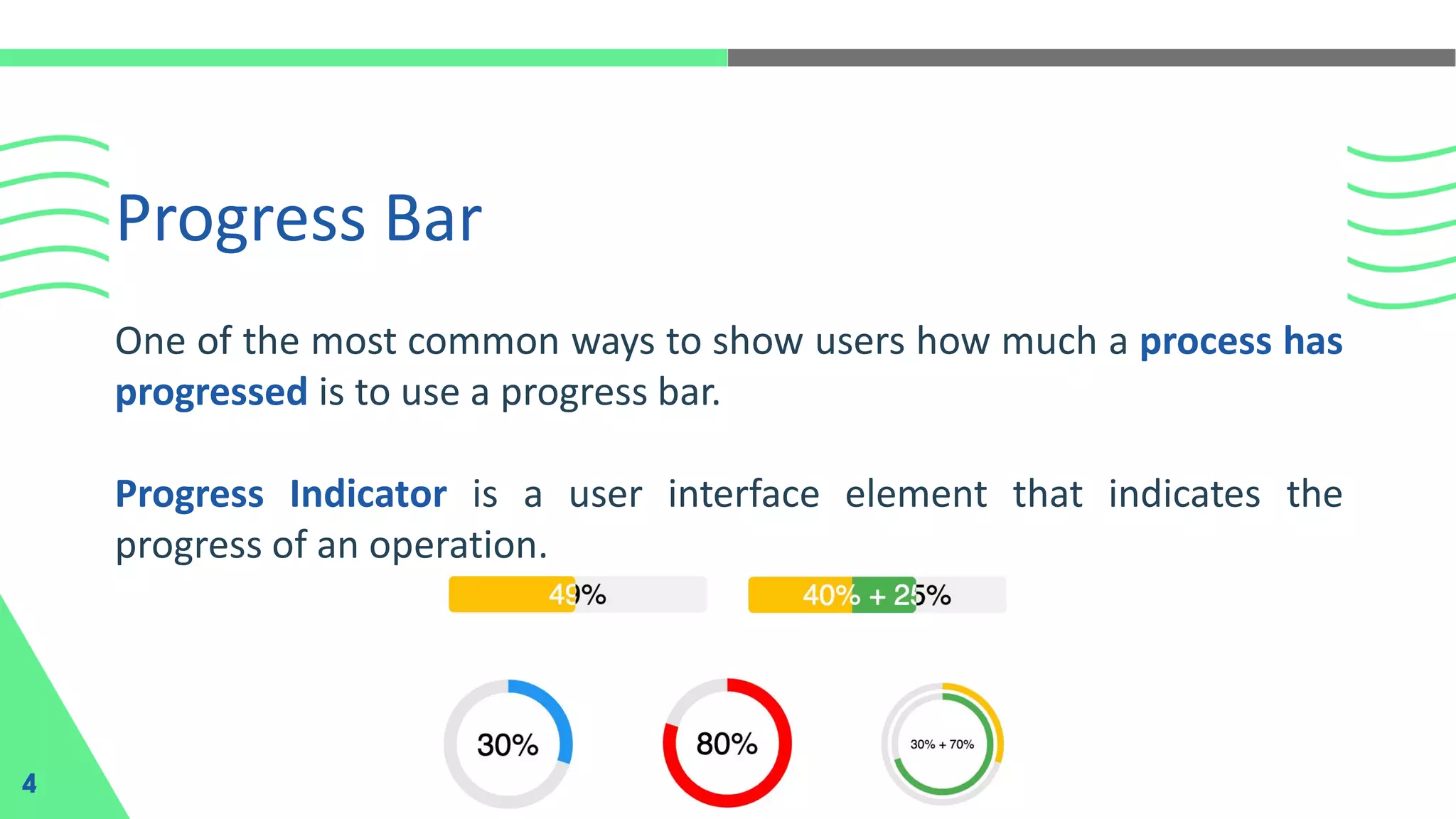
One of the most common ways to show users how much a process has
progressed is to use a progress bar.
Progress Indicator is a user interface element that indicates the
progress of an operation.
Progress Bar Type
5
In Jetpack Compose, there are two types of
progress bars, which are as follows:
1. Circular Progress
2. Linear Progress
Circular Progress
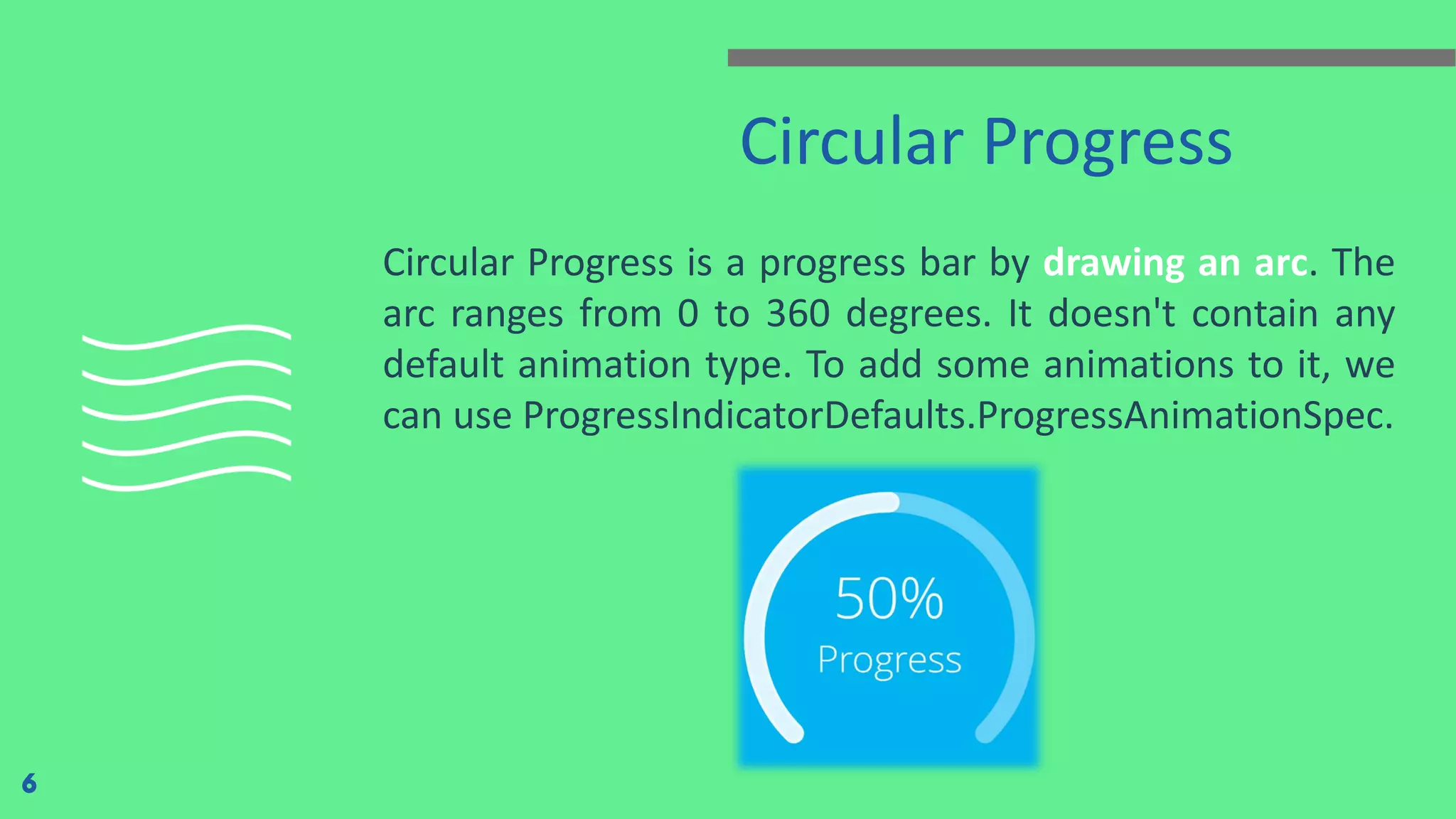
Circular Progress is a progress bar by drawing an arc. The
arc ranges from 0 to 360 degrees. It doesn't contain any
default animation type. To add some animations to it, we
can use ProgressIndicatorDefaults.ProgressAnimationSpec.
6
Linear Progress
7
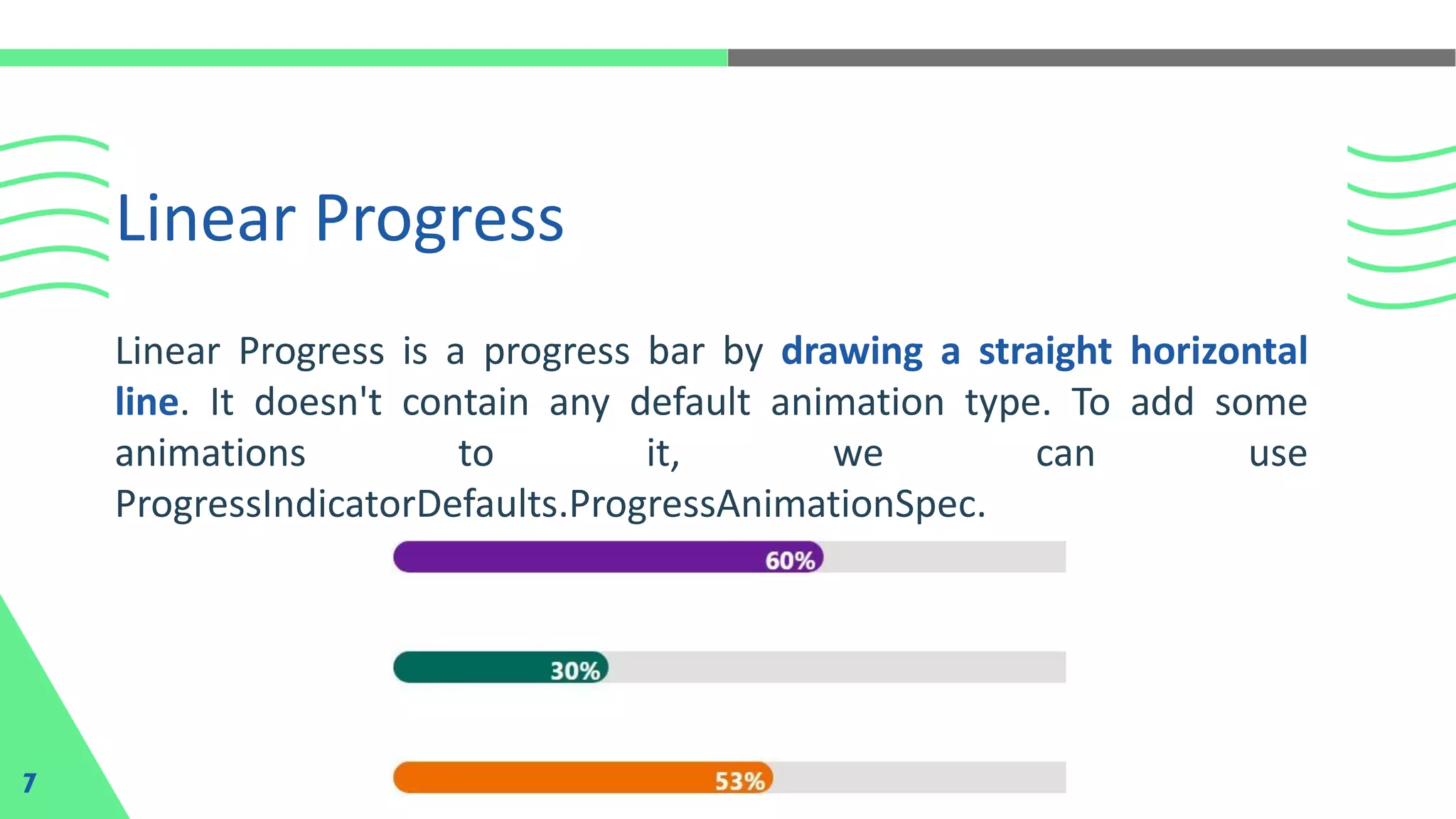
Linear Progress is a progress bar by drawing a straight horizontal
line. It doesn't contain any default animation type. To add some
animations to it, we can use
ProgressIndicatorDefaults.ProgressAnimationSpec.
There are now many music player applications on
Android, and each has its characteristics. But
something is lacking when listening to music
without visual effects or a music visualizer. Music
Visualizer is a visualization effect in the form of
animation that appears when music is playing. The
animation will move to follow the sound of the
music we are playing.
Draggable Music Knob
8
Example of Draggable
Music Knob
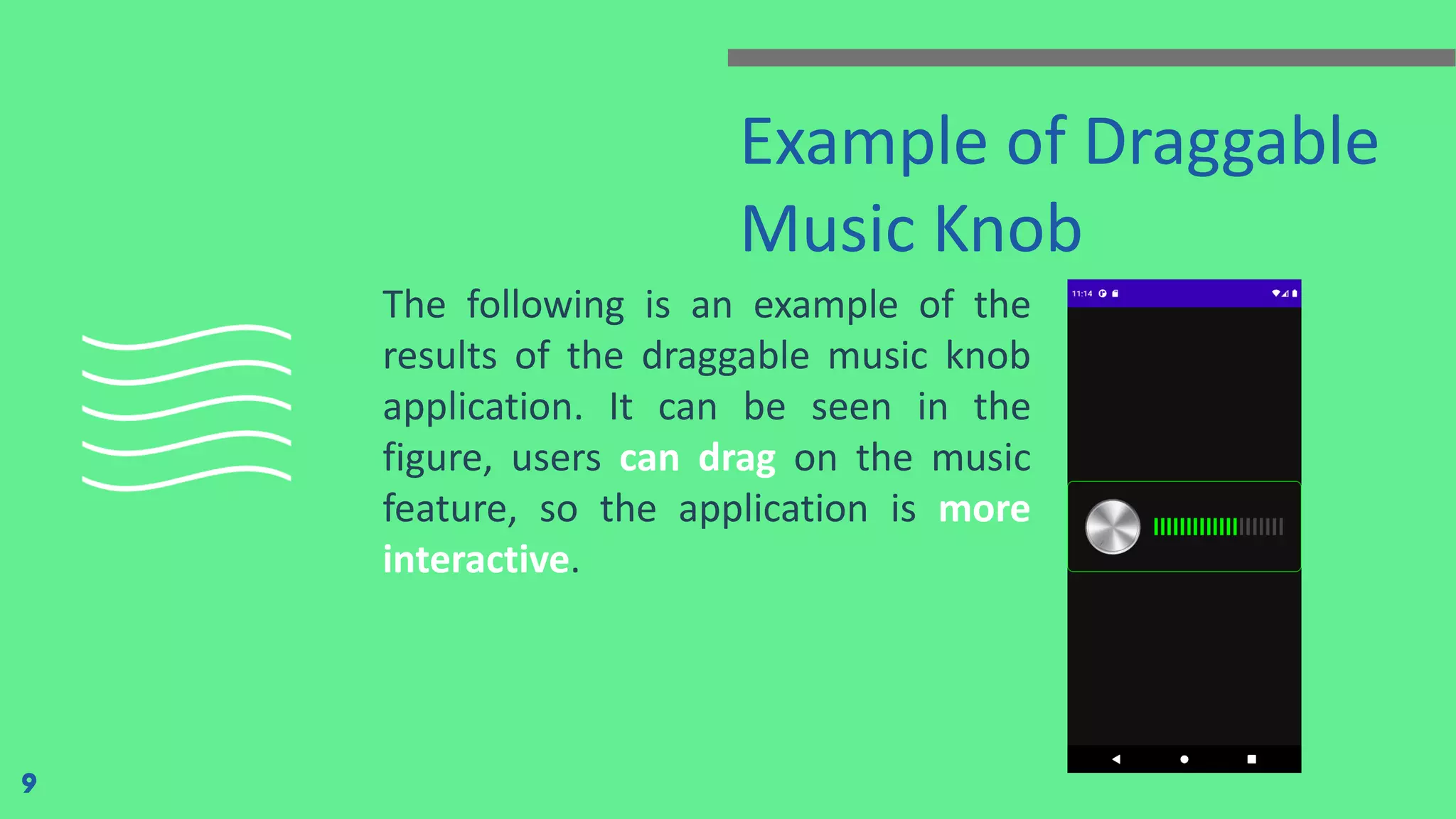
The following is an example of the
results of the draggable music knob
application. It can be seen in the
figure, users can drag on the music
feature, so the application is more
interactive.
9
Timer
10
Jetpack Compose simplifies and speeds up UI development on Android
with less code, powerful tools, and intuitive Kotlin APIs. Next, we will
create a Timer using Jetpack Compose. Timer is a special type of clock
that is generally used to regulate the flow of events or processes.
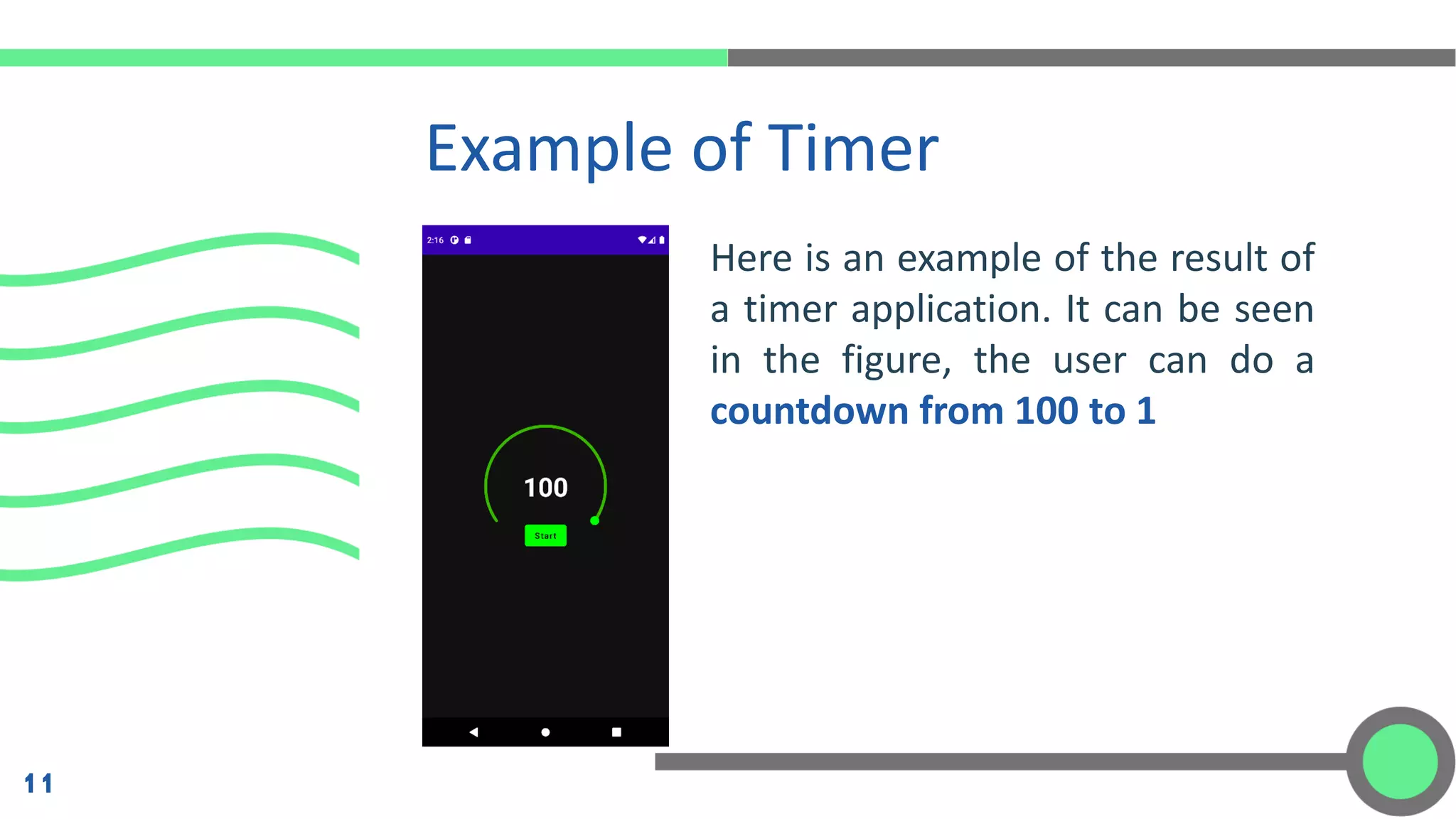
Here is an example of the result of
a timer application. It can be seen
in the figure, the user can do a
countdown from 100 to 1
Example of Timer
11
Mobile Programming - 8 Progress Bar, Draggable Music Knob, Timer

Mobile Programming - 8 Progress Bar, Draggable Music Knob, Timer

  • 2.
  • 3.
    Jetpack Compose UI JetpackCompose is a modern Android tool for creating UI with better and newer mechanics. This library simplifies and speeds up UI development on Android with less code, powerful tools support, and of course, built with intuitive Kotlin APIs. With Jetpack Compose, it is much easier to build UI than it used to be on Android: no layouts, no bindings, no need to extend your custom elements of a View or a ViewGroup! 3
  • 4.
    Progress Bar 4 One ofthe most common ways to show users how much a process has progressed is to use a progress bar. Progress Indicator is a user interface element that indicates the progress of an operation.
  • 5.
    Progress Bar Type 5 InJetpack Compose, there are two types of progress bars, which are as follows: 1. Circular Progress 2. Linear Progress
  • 6.
    Circular Progress Circular Progressis a progress bar by drawing an arc. The arc ranges from 0 to 360 degrees. It doesn't contain any default animation type. To add some animations to it, we can use ProgressIndicatorDefaults.ProgressAnimationSpec. 6
  • 7.
    Linear Progress 7 Linear Progressis a progress bar by drawing a straight horizontal line. It doesn't contain any default animation type. To add some animations to it, we can use ProgressIndicatorDefaults.ProgressAnimationSpec.
  • 8.
    There are nowmany music player applications on Android, and each has its characteristics. But something is lacking when listening to music without visual effects or a music visualizer. Music Visualizer is a visualization effect in the form of animation that appears when music is playing. The animation will move to follow the sound of the music we are playing. Draggable Music Knob 8
  • 9.
    Example of Draggable MusicKnob The following is an example of the results of the draggable music knob application. It can be seen in the figure, users can drag on the music feature, so the application is more interactive. 9
  • 10.
    Timer 10 Jetpack Compose simplifiesand speeds up UI development on Android with less code, powerful tools, and intuitive Kotlin APIs. Next, we will create a Timer using Jetpack Compose. Timer is a special type of clock that is generally used to regulate the flow of events or processes.
  • 11.
    Here is anexample of the result of a timer application. It can be seen in the figure, the user can do a countdown from 100 to 1 Example of Timer 11