Welcome to Developing Android Apps
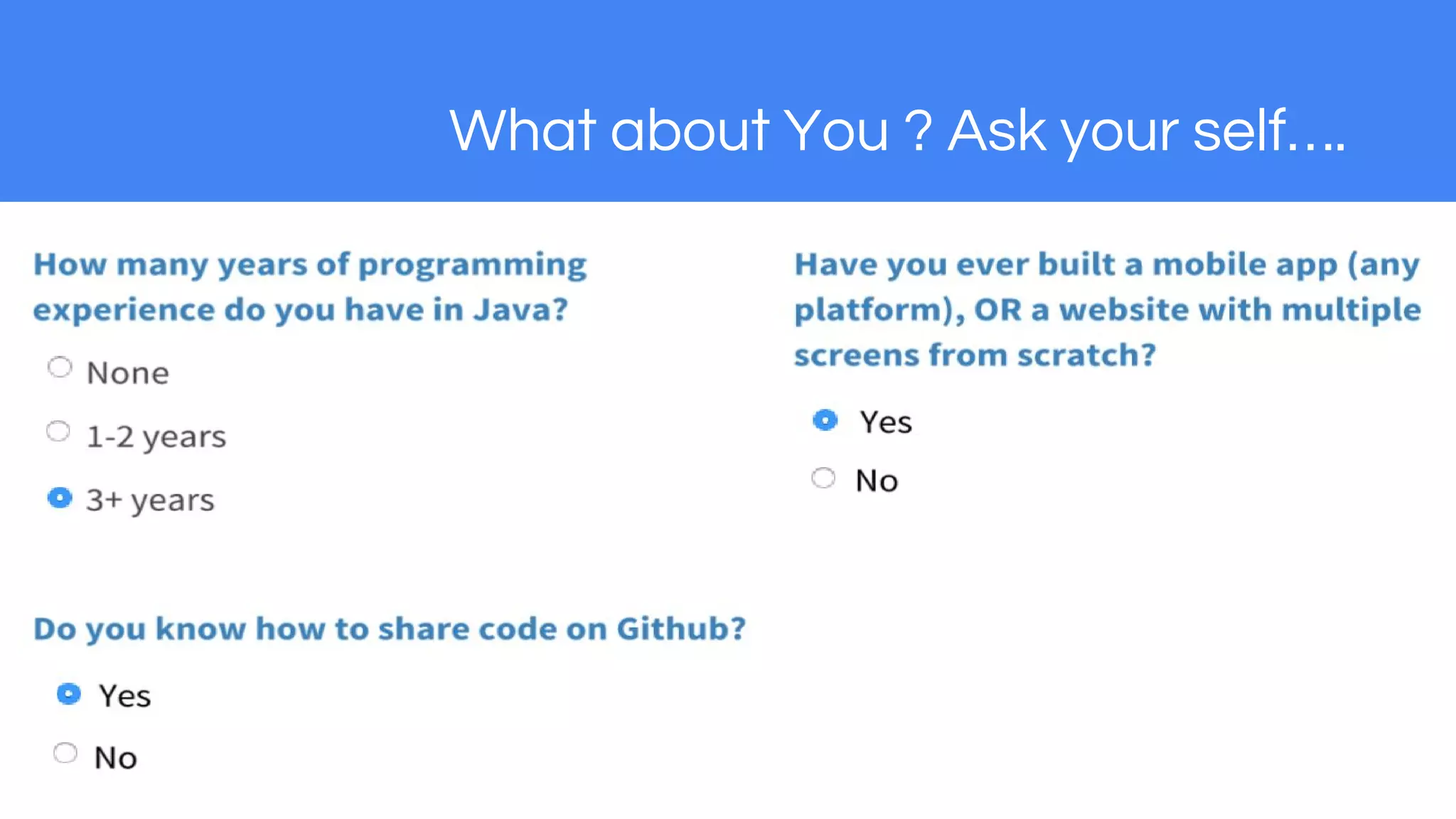
What about You ? Ask your self….
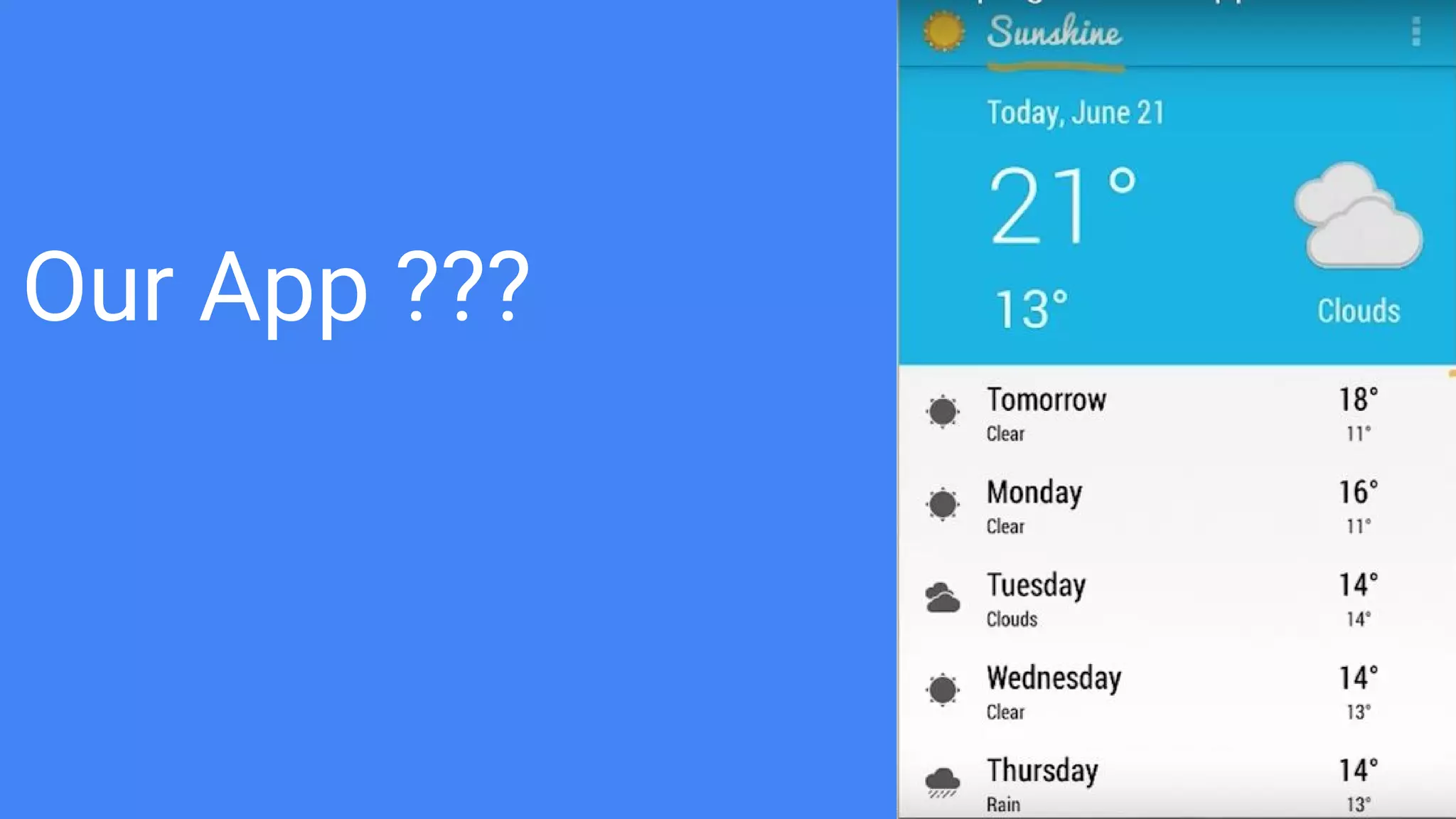
Our App ???
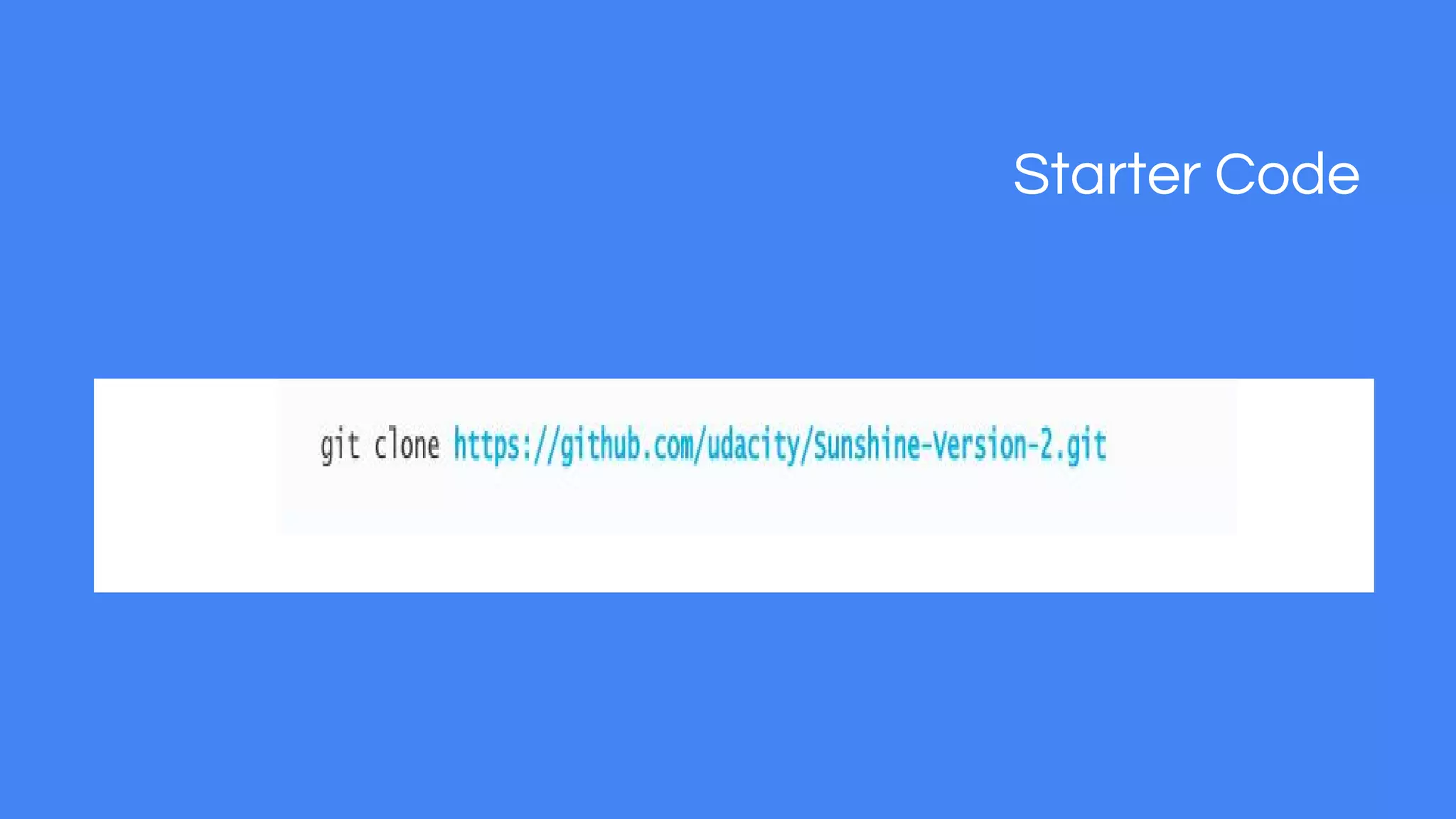
Starter Code
Creating the User Interface
● Fragments are modular containers within your activity
● Fragments can also have the own UIs
You can use the visual editor to create your layouts
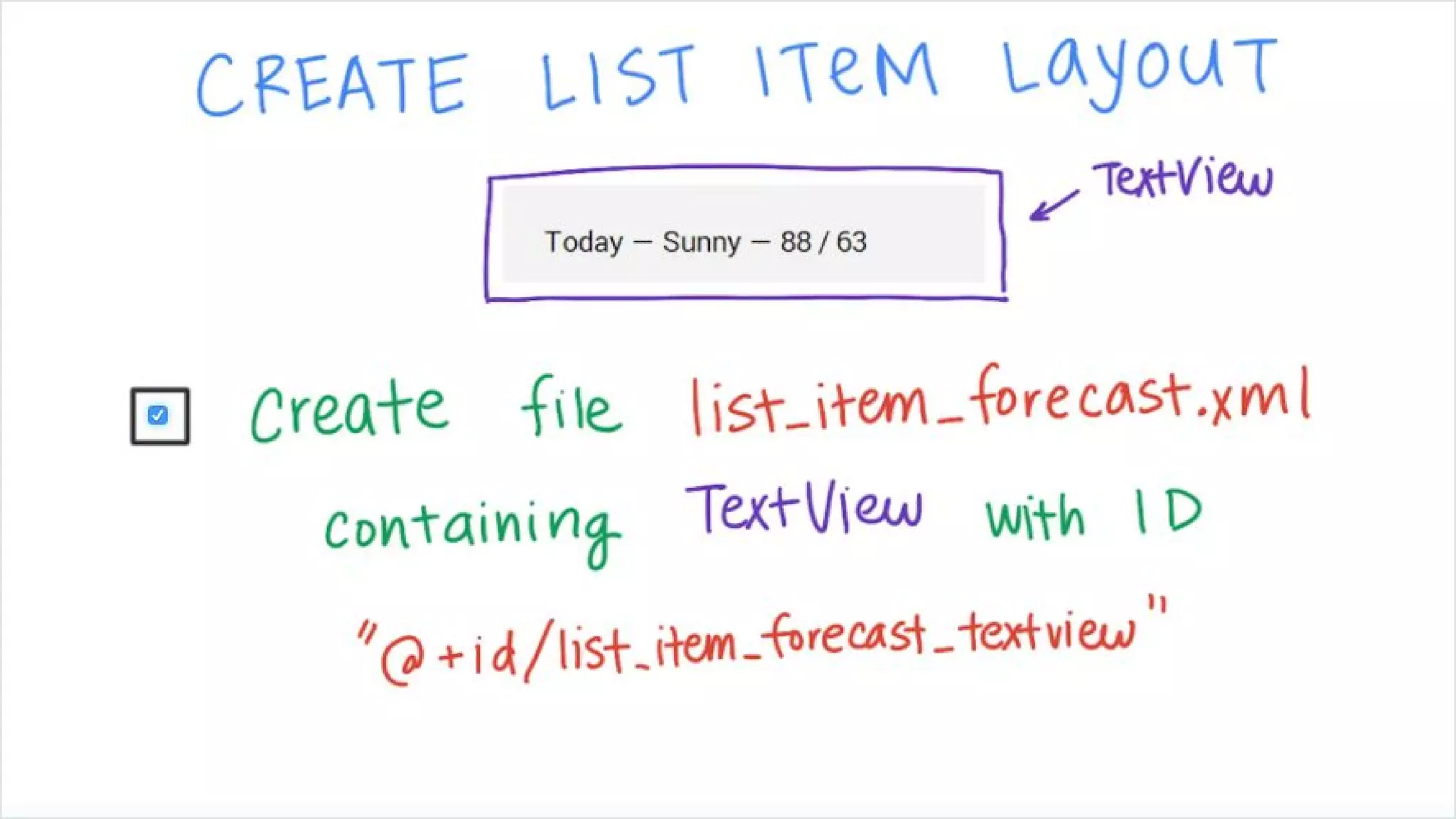
Adding ListItem
1. Create a layout file called list_item_forecast
2. Define a textview as the rootview
3. then assign id as list_item_forecast_textview
4. Give it a minimum height so that it not too short to click on
5. then vertically center the text within the item
Introducing Responsive Design
We need to build for Different Screen Sizes.
You app UI should scale according to different screen sizes.
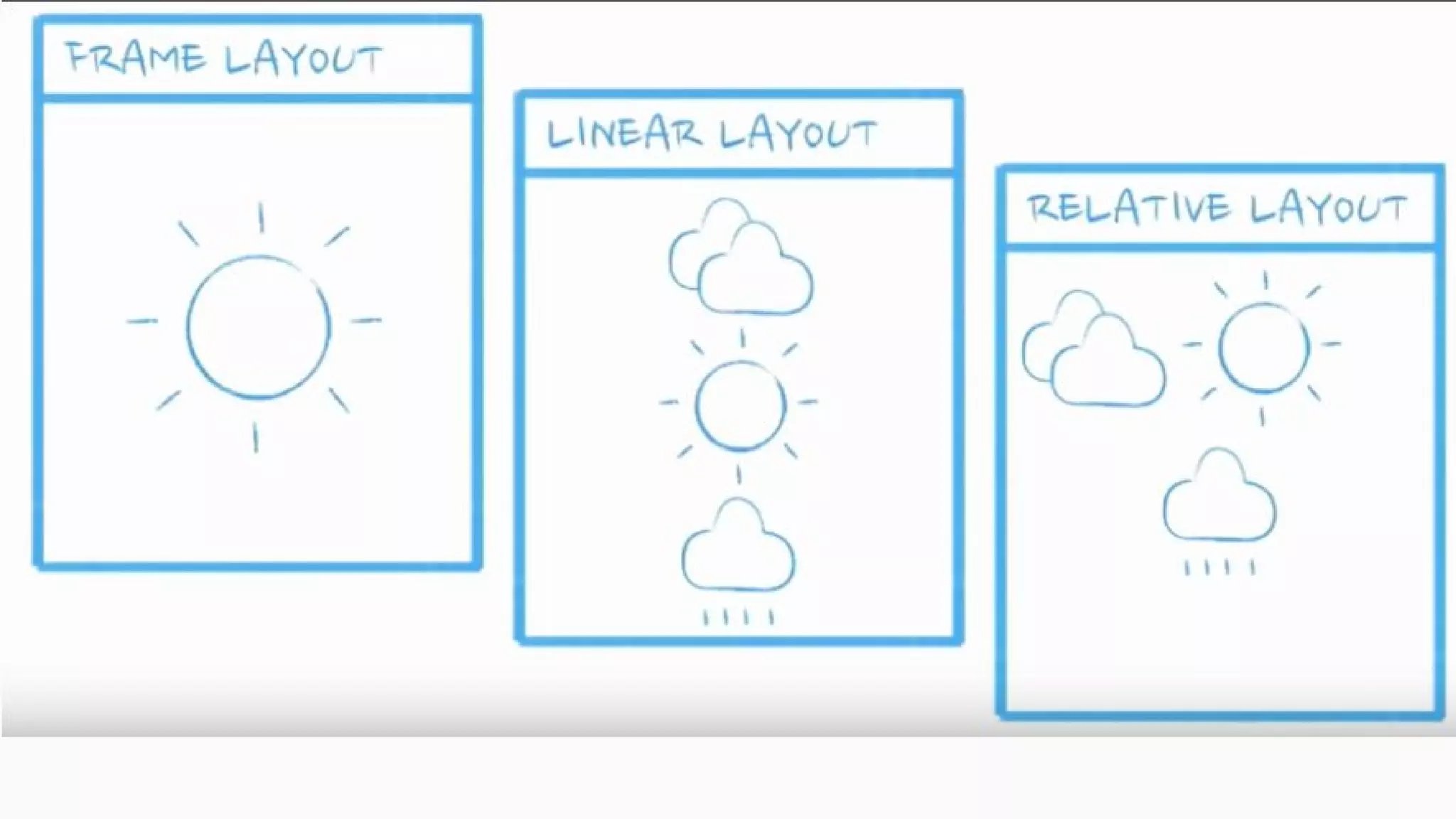
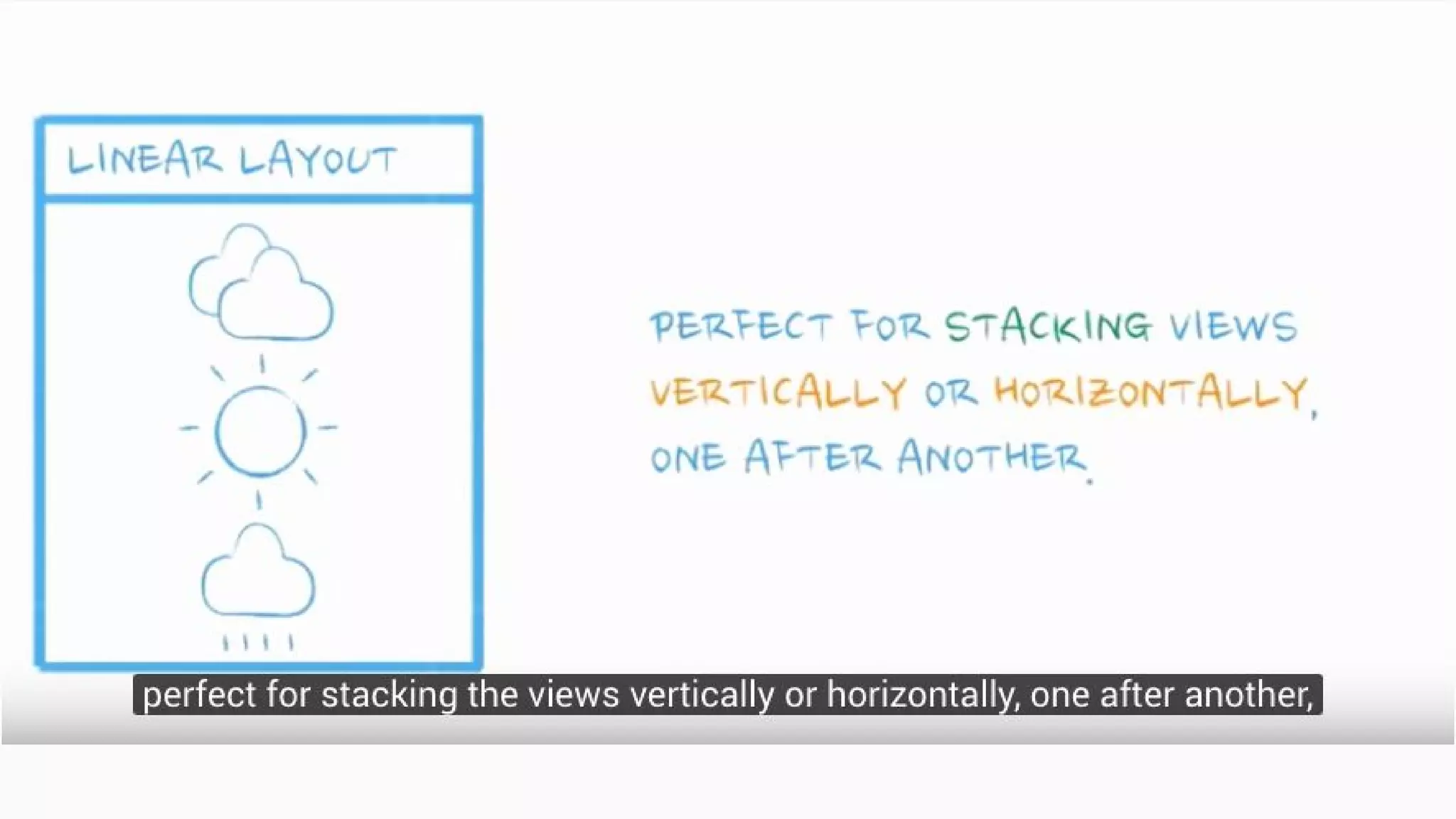
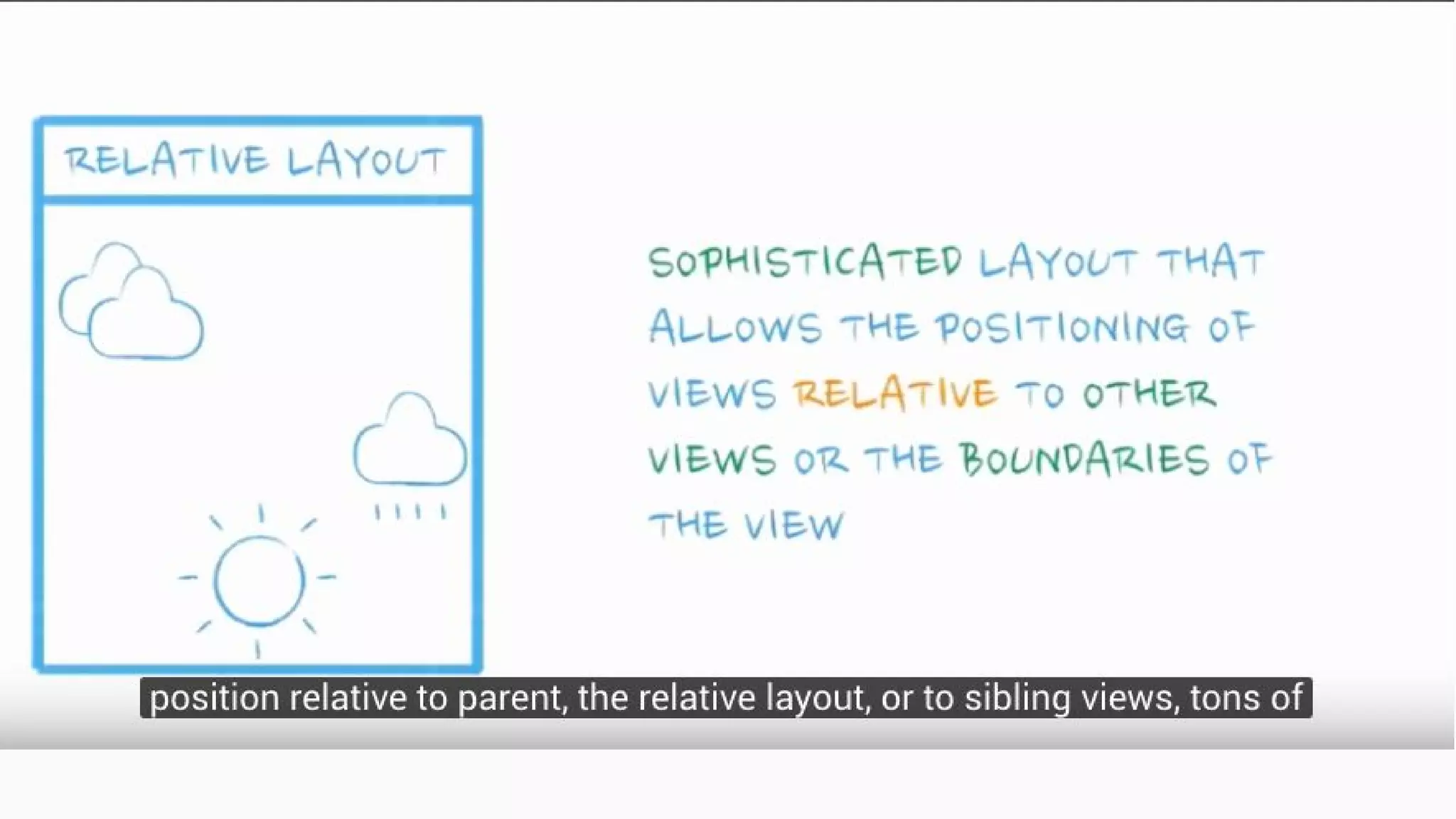
Hence the reason Abosolute Layout was deprecated in favor of Layouts like
Linear Layout, Relative Layout and GridLayout.
They dynamic adapt to any screen size following the principles of Reponsive
Design
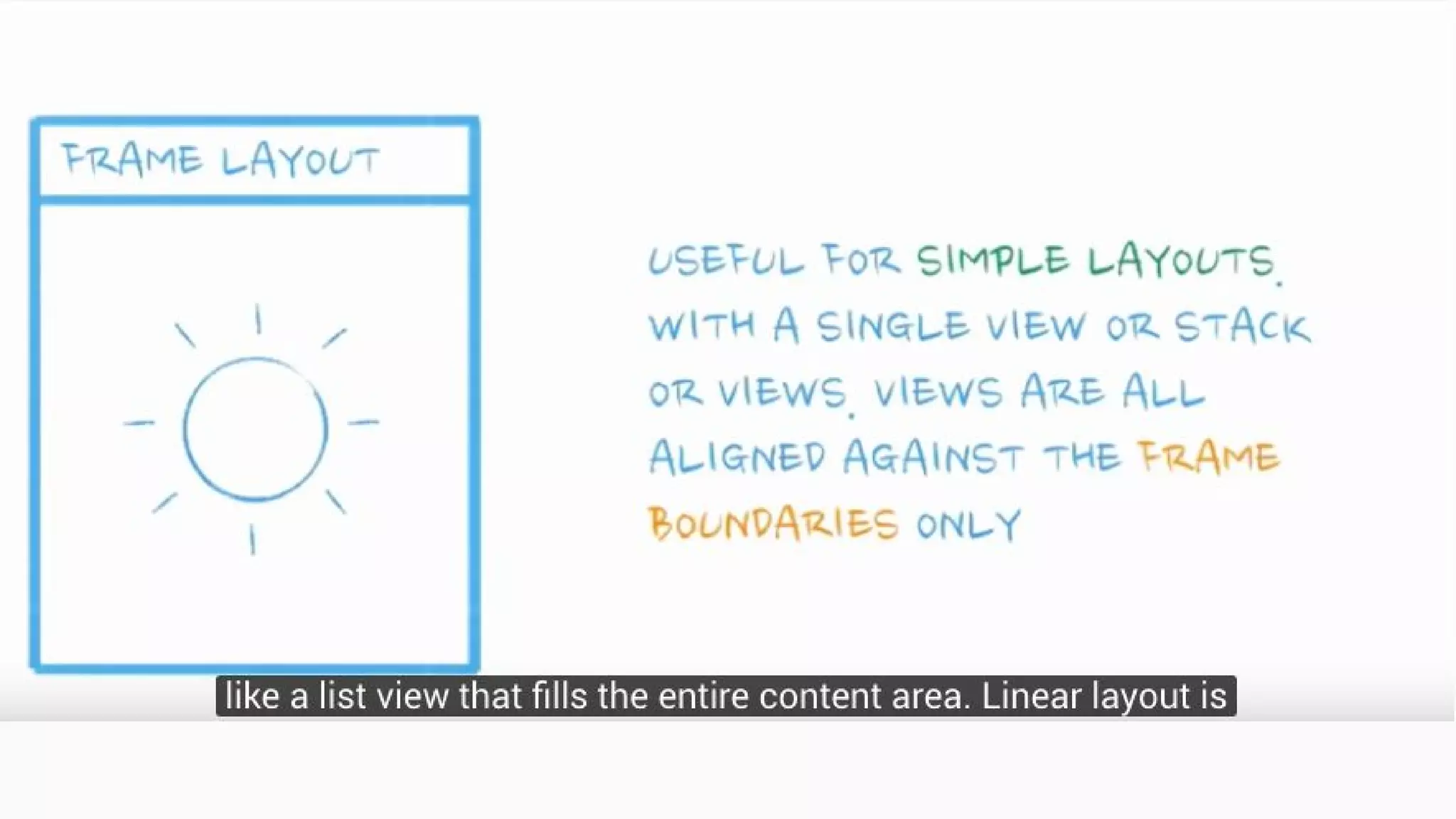
Layout Managers
The all extend the ViewGroup class
ScrollView Vs ListView
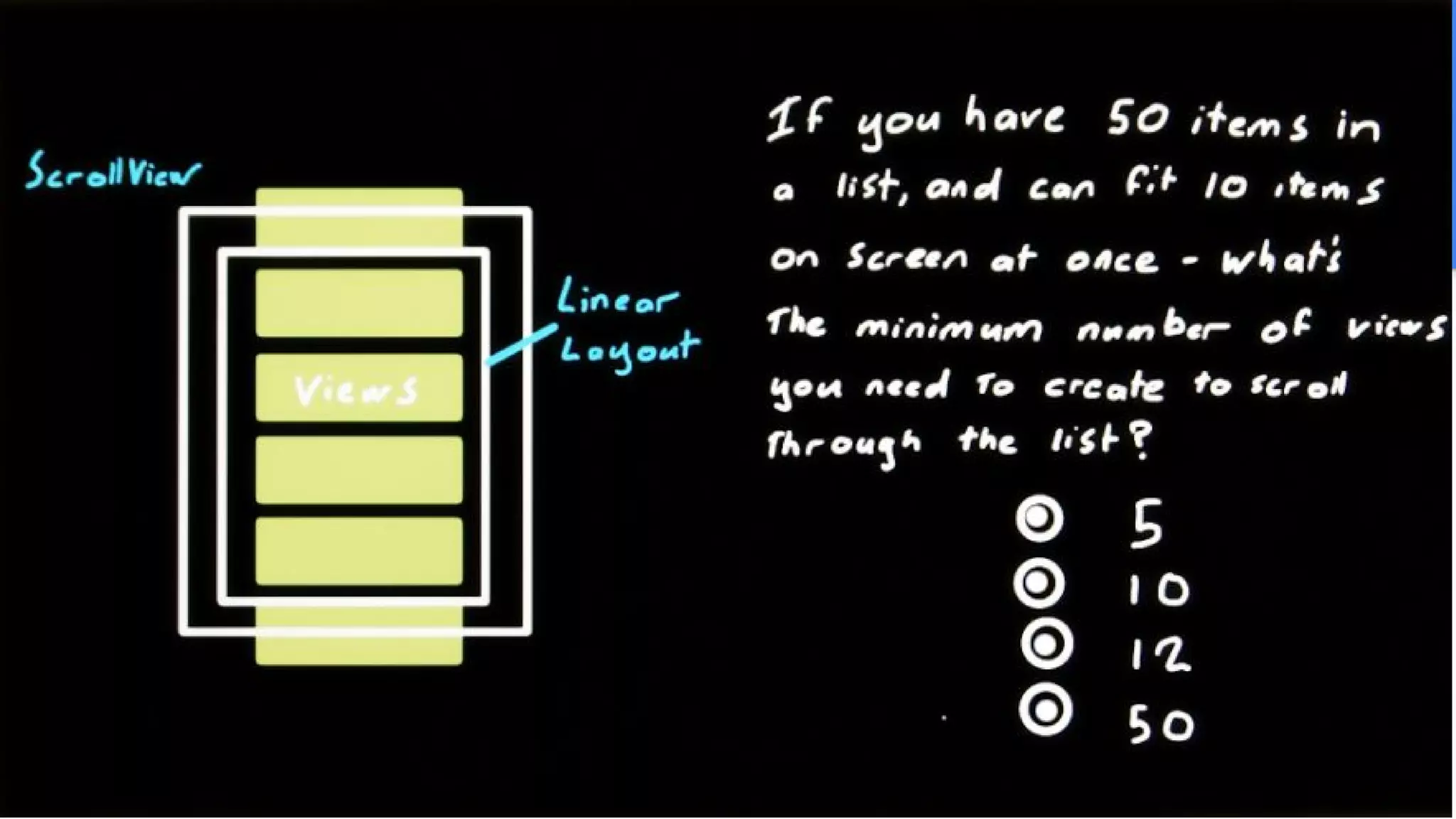
ScrollView is often used to contain a vertically oriented LinearLayout.
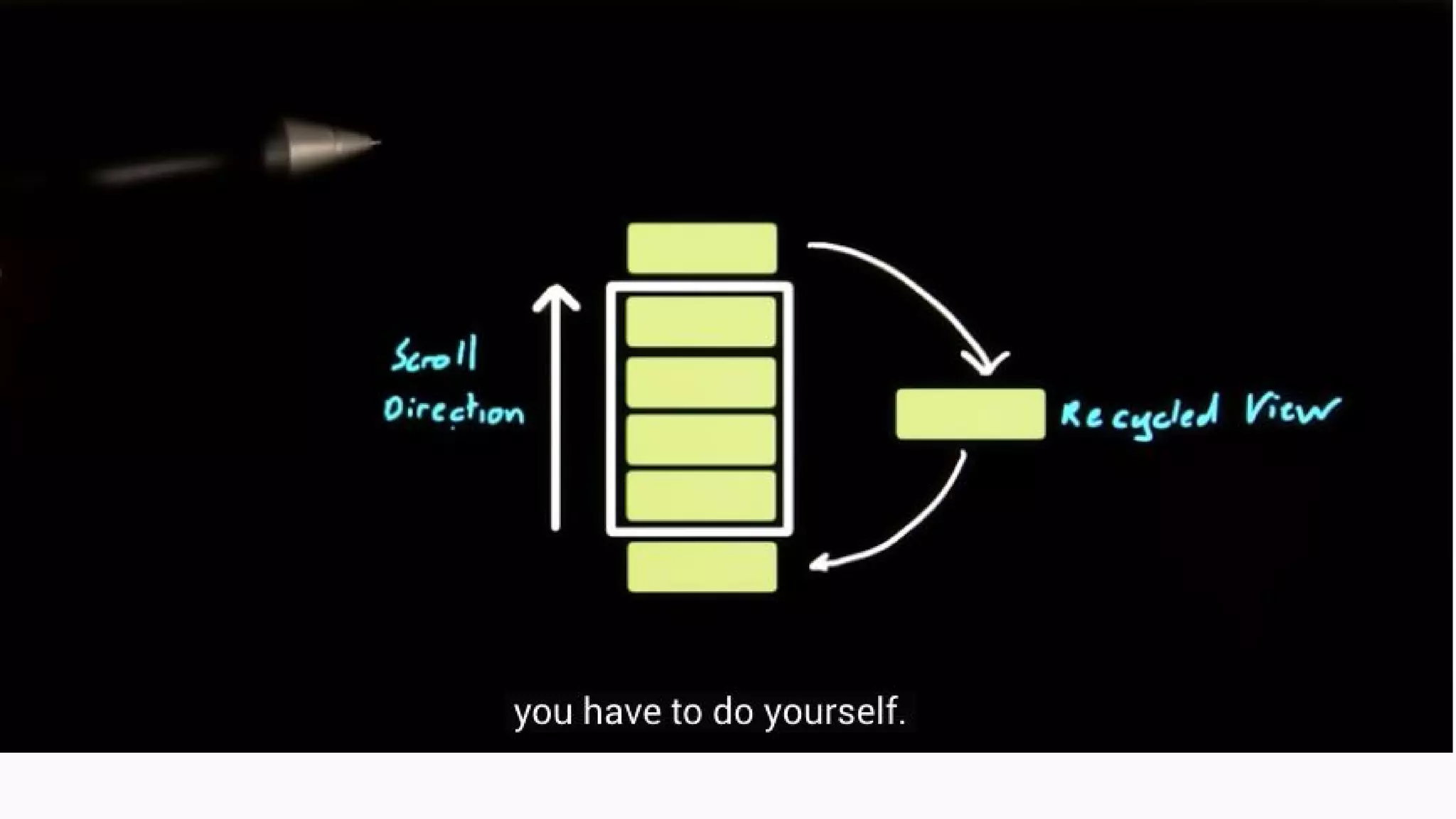
ListView and Recycling
Creates items enough to fit the screen adds two on either side off the screen
RECAP
New Concepts
● Android Studio
● SDK - Target and Minimum
● Emulators vs. Real Devices
● Gradle
● Application
● Activity
● Fragment
● Views and ViewGroups
● Views and XML layouts
● ListView
● Adapter

Welcome to android Apps

  • 1.
  • 2.
    What about You? Ask your self….
  • 3.
  • 4.
  • 6.
    Creating the UserInterface ● Fragments are modular containers within your activity ● Fragments can also have the own UIs You can use the visual editor to create your layouts
  • 7.
    Adding ListItem 1. Createa layout file called list_item_forecast 2. Define a textview as the rootview 3. then assign id as list_item_forecast_textview 4. Give it a minimum height so that it not too short to click on 5. then vertically center the text within the item
  • 9.
    Introducing Responsive Design Weneed to build for Different Screen Sizes. You app UI should scale according to different screen sizes. Hence the reason Abosolute Layout was deprecated in favor of Layouts like Linear Layout, Relative Layout and GridLayout. They dynamic adapt to any screen size following the principles of Reponsive Design
  • 10.
    Layout Managers The allextend the ViewGroup class
  • 15.
    ScrollView Vs ListView ScrollViewis often used to contain a vertically oriented LinearLayout.
  • 17.
    ListView and Recycling Createsitems enough to fit the screen adds two on either side off the screen
  • 19.
    RECAP New Concepts ● AndroidStudio ● SDK - Target and Minimum ● Emulators vs. Real Devices ● Gradle ● Application ● Activity ● Fragment ● Views and ViewGroups ● Views and XML layouts ● ListView ● Adapter