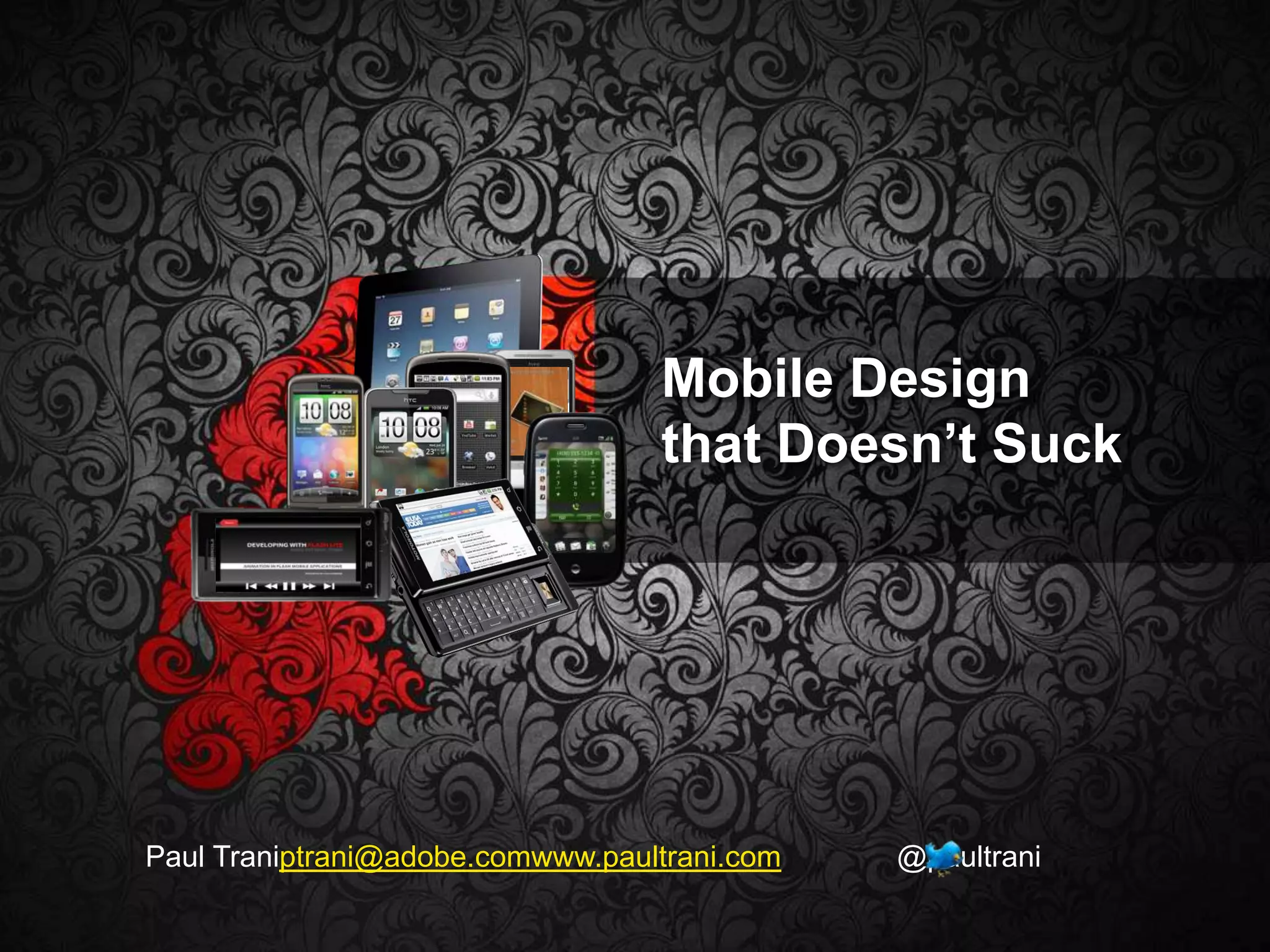
Mobile Design that Doesn’t SuckPaul Traniptrani@adobe.comwww.paultrani.com              @paultrani
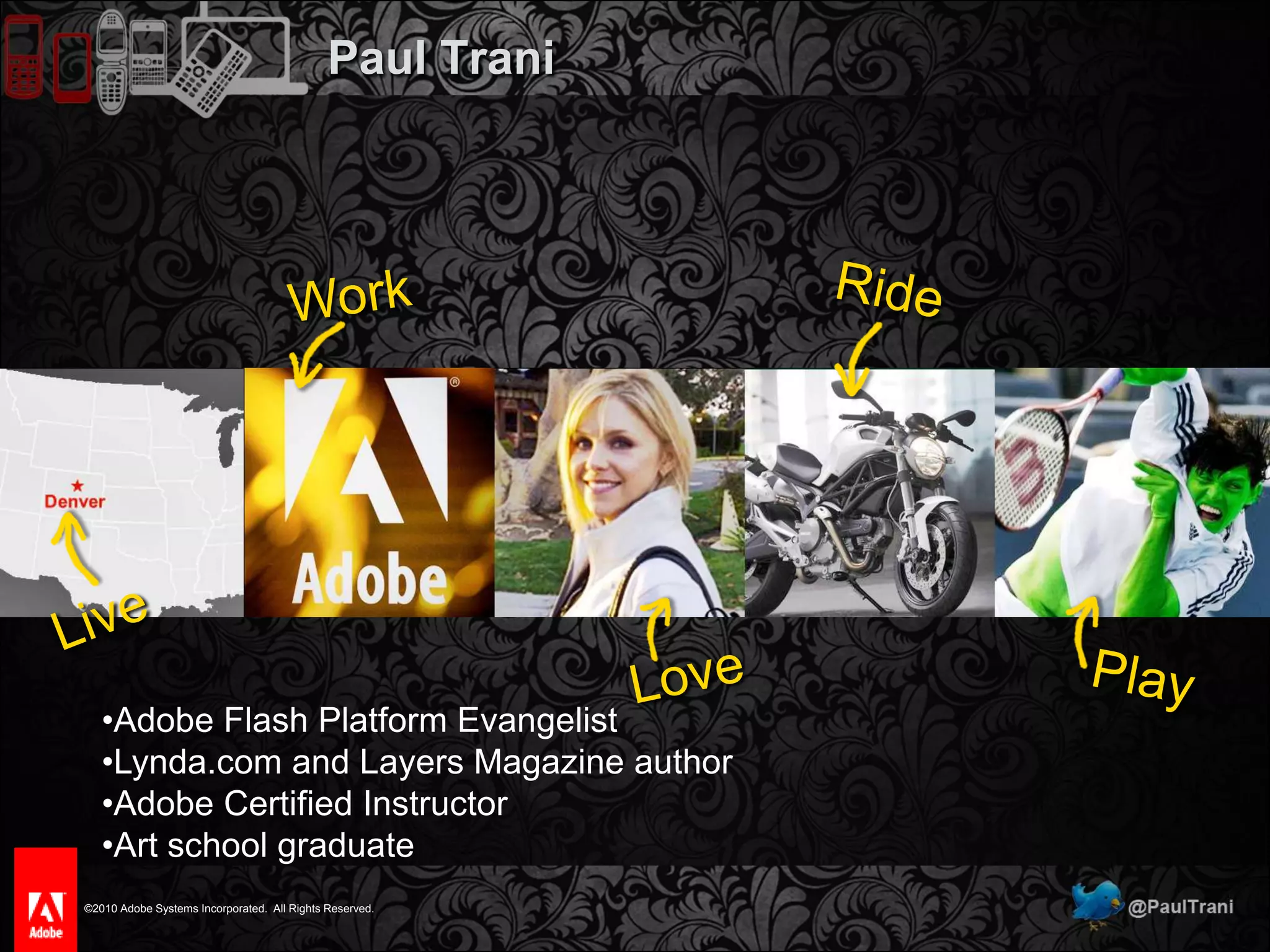
Paul TraniWorkRideLiveLovePlayAdobe Flash Platform Evangelist
Lynda.com and Layers Magazine author
Adobe Certified Instructor
Art school graduateWhy Should I Care?
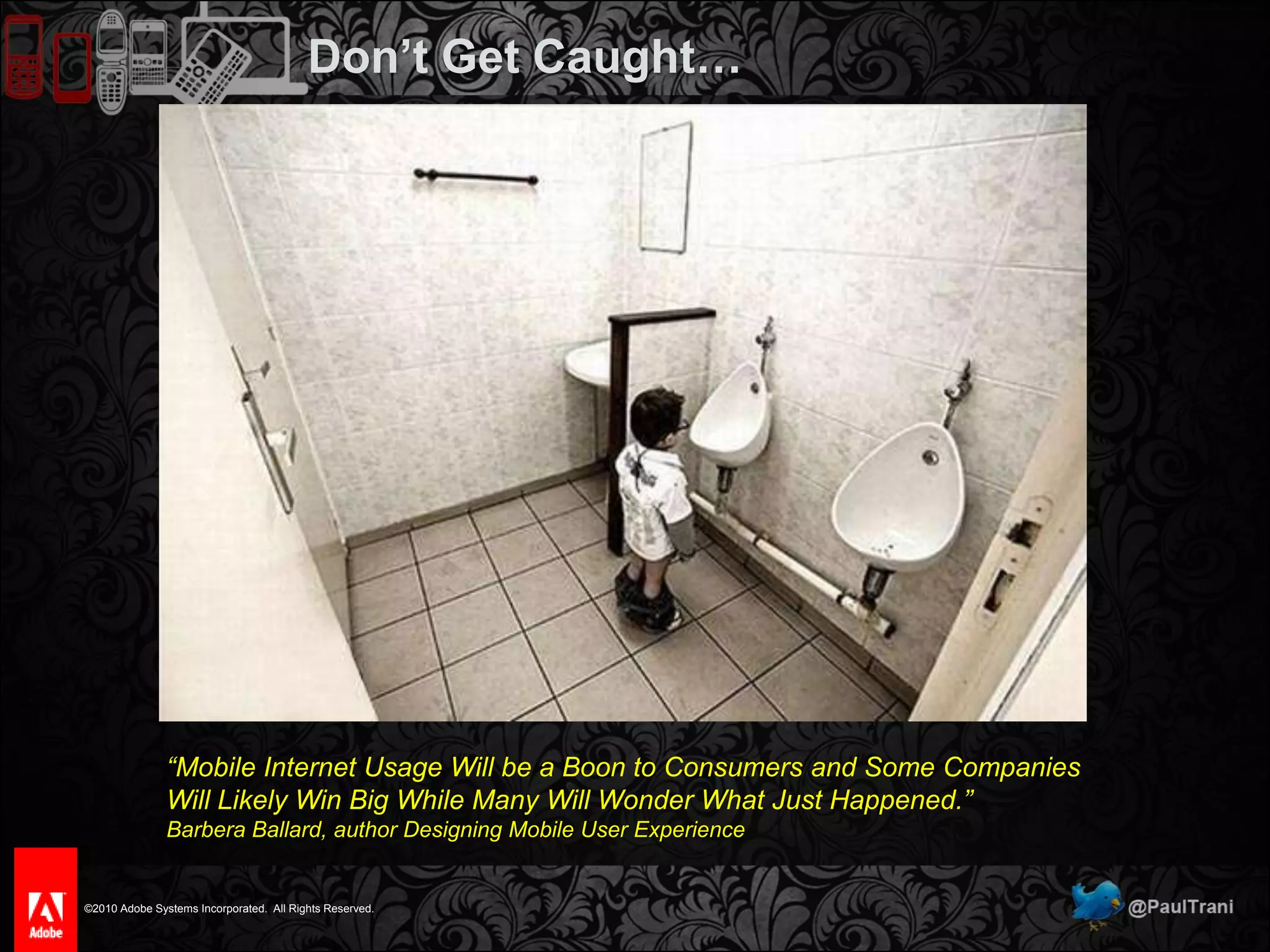
Don’t Get Caught…“Mobile Internet Usage Will be a Boon to Consumers and Some Companies Will Likely Win Big While Many Will Wonder What Just Happened.”Barbera Ballard, author Designing Mobile User Experience
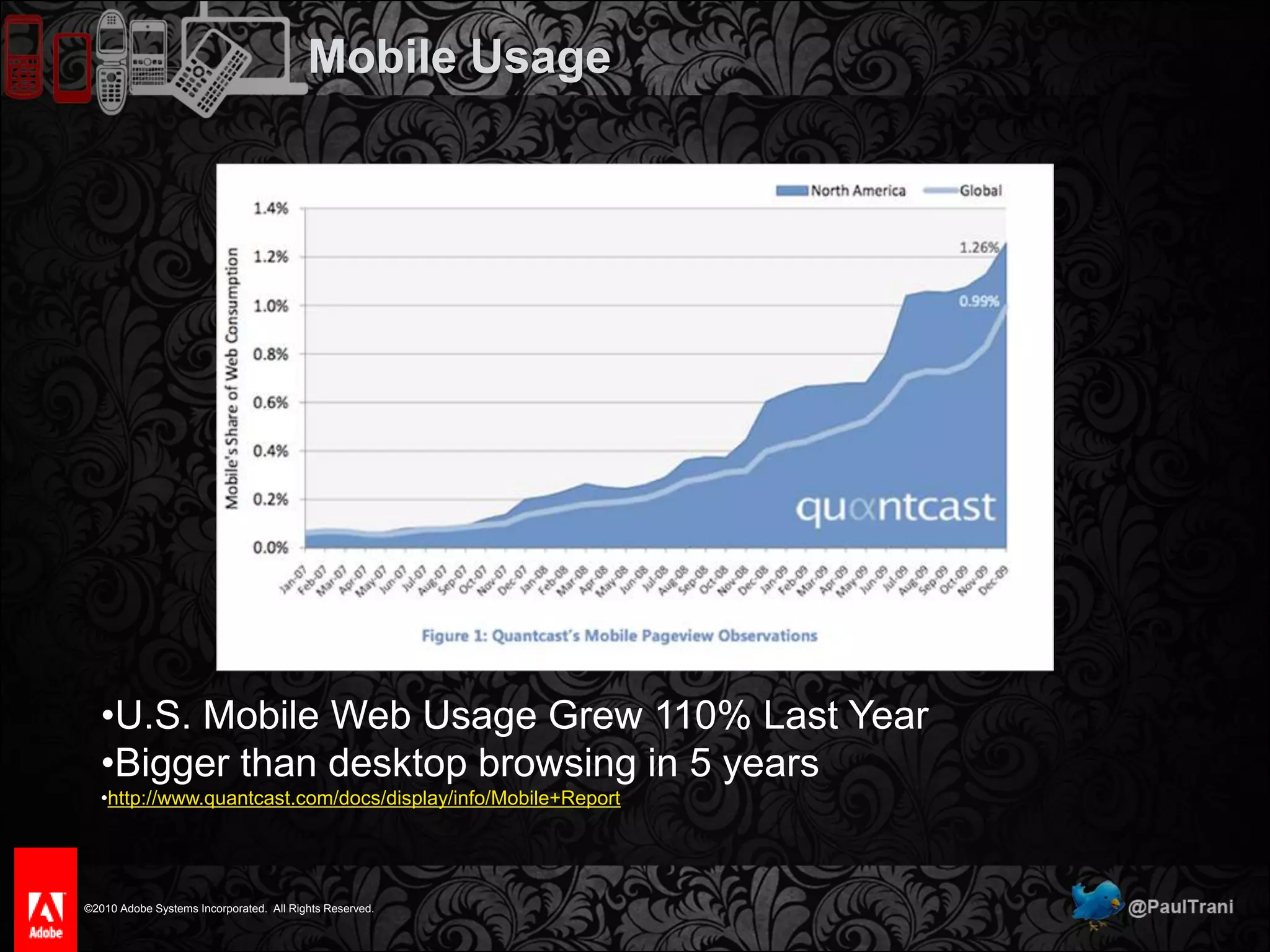
Mobile UsageU.S. Mobile Web Usage Grew 110% Last Year
Bigger than desktop browsing in 5 years
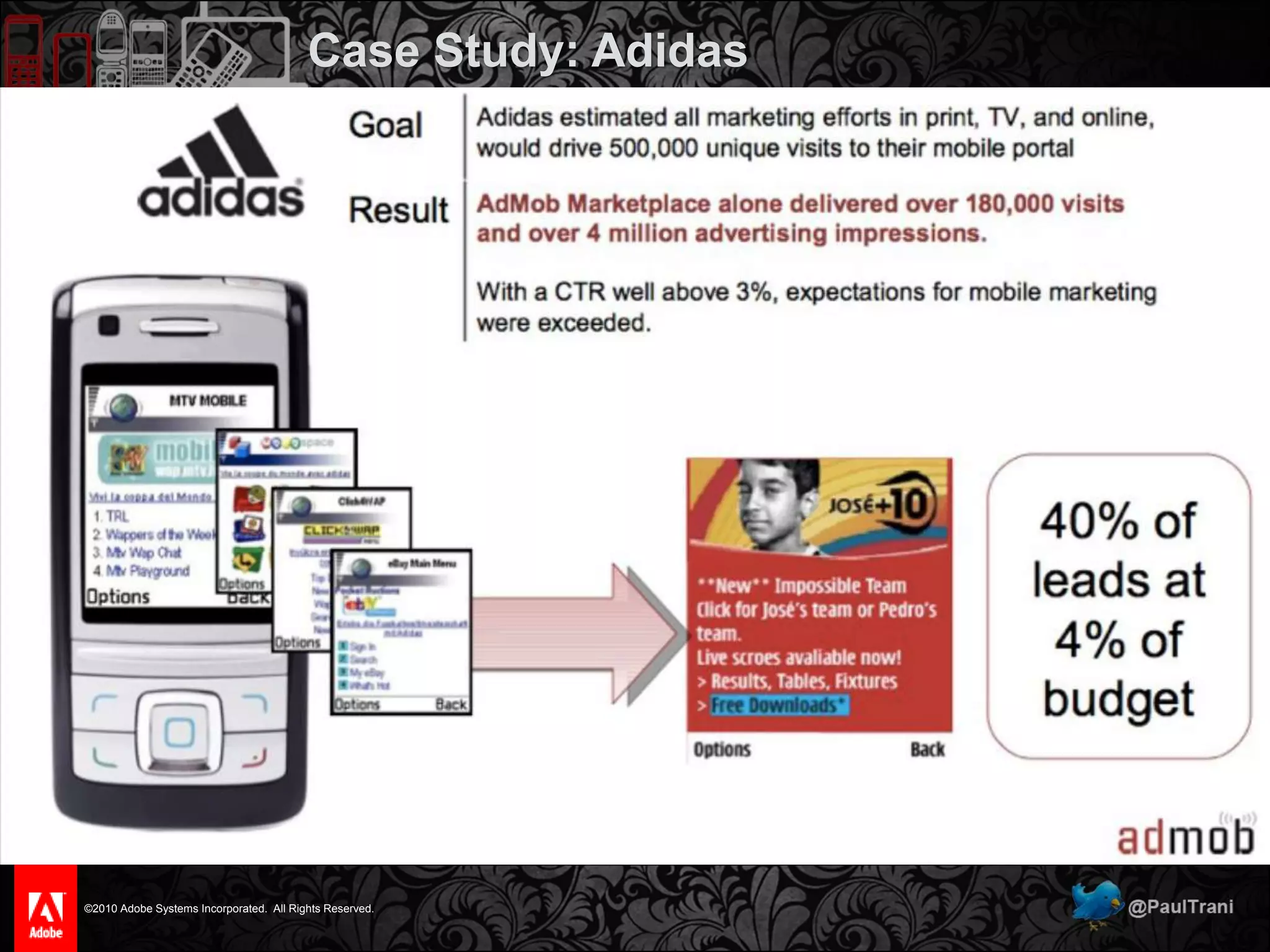
http://www.quantcast.com/docs/display/info/Mobile+ReportCase Study: Adidas
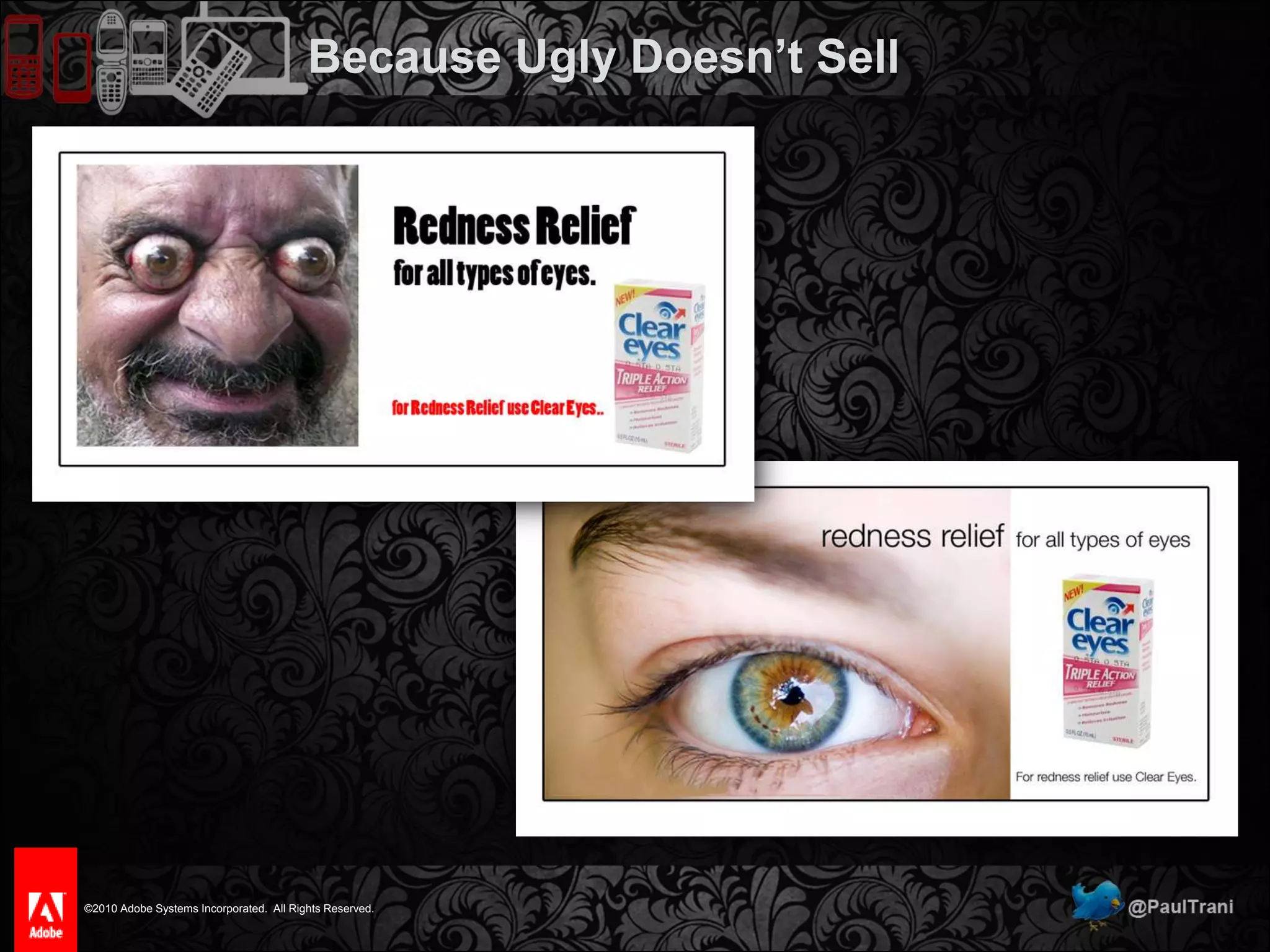
Because Ugly Doesn’t Sell
Most Common Mobile Design Mistakes1 of5
Most Common Mobile Design MistakesNo Mobile SiteNot Understanding the UserLack of ContextLack of Understanding Mobile TechnologyLack of Design Fundamentals
No Mobile Site1 of5
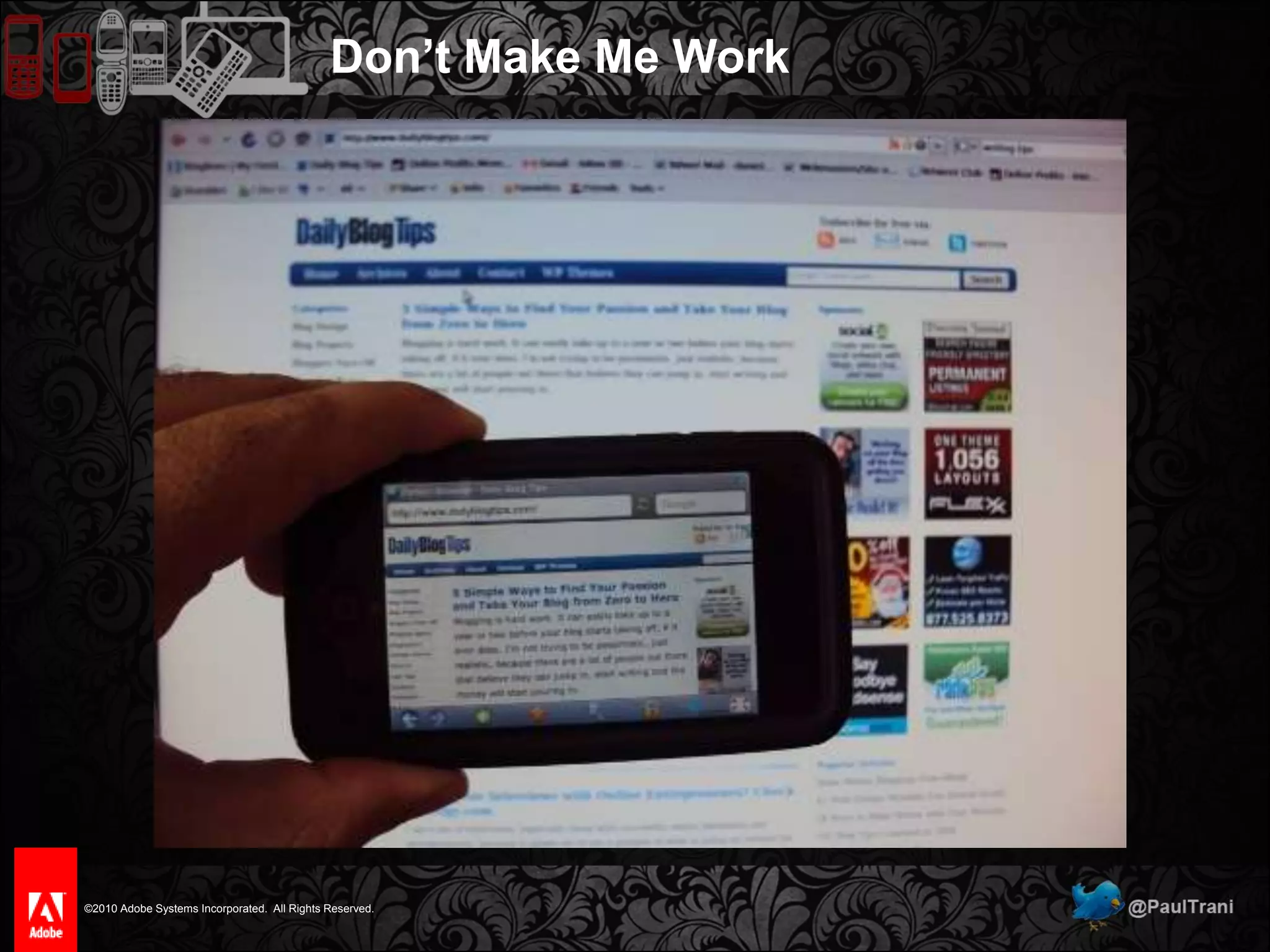
Don’t Make Me Work
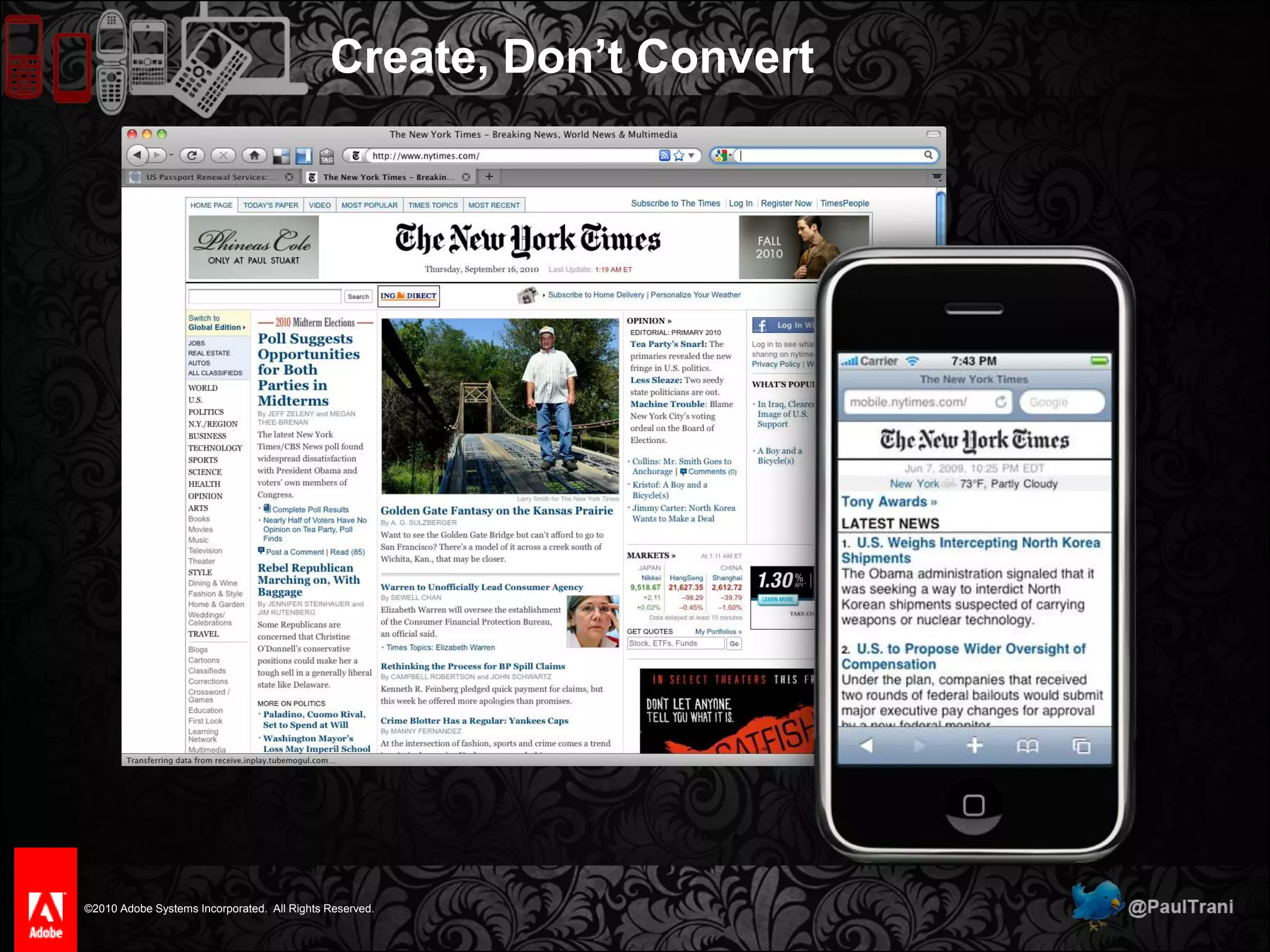
Create, Don’t Convert
Not Understanding the User2 of5
The UserWho are the users?Anyone who interacts with content on their phone.  (What phones?)Men and women between 16-35.
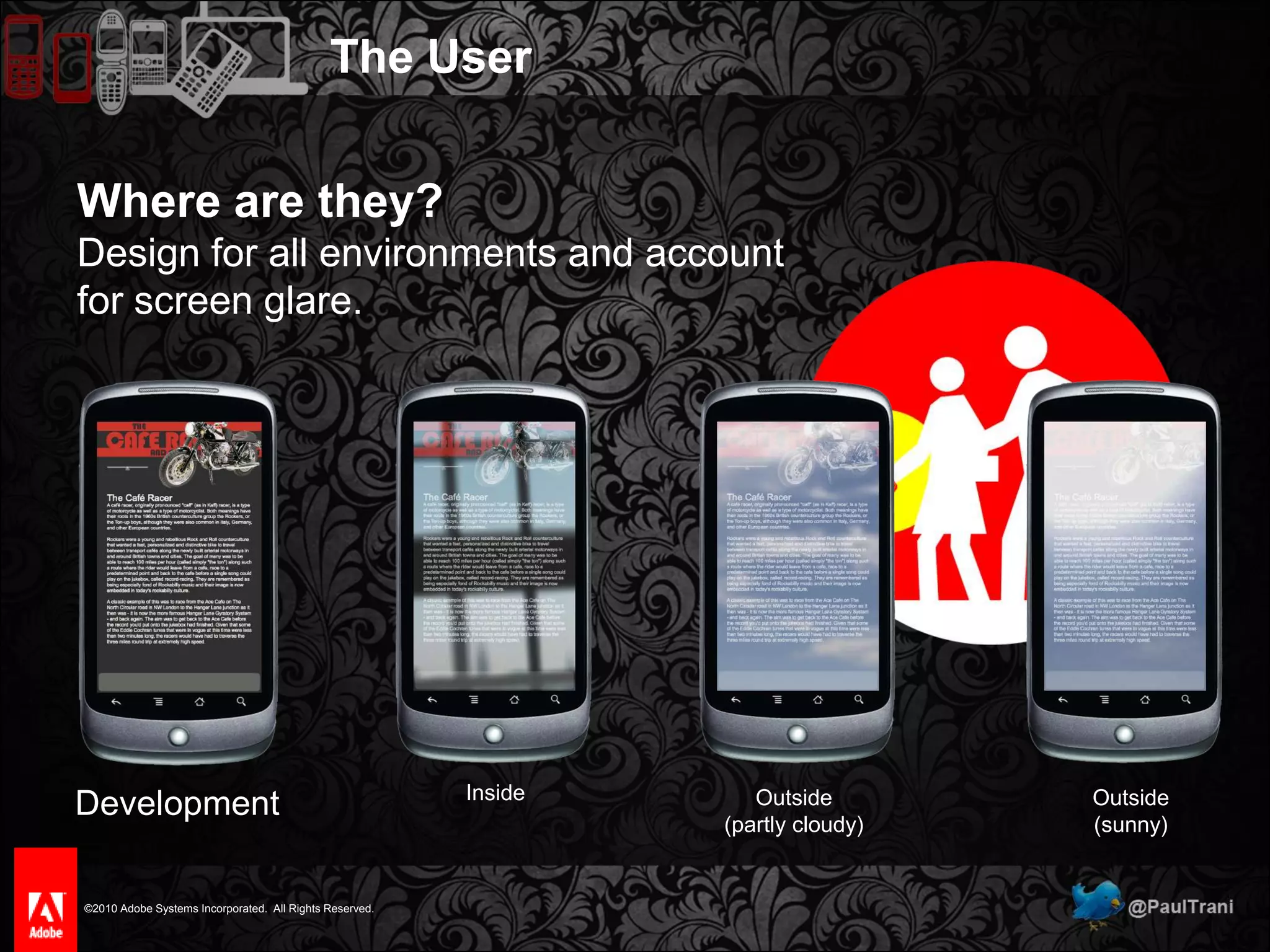
The UserWhere are they?Design for all environments and account for screen glare.DevelopmentInsideOutside(partly cloudy)Outside(sunny)
The UserWhen will they interact?During idle periods of time.
Design for 1 minute tasks.
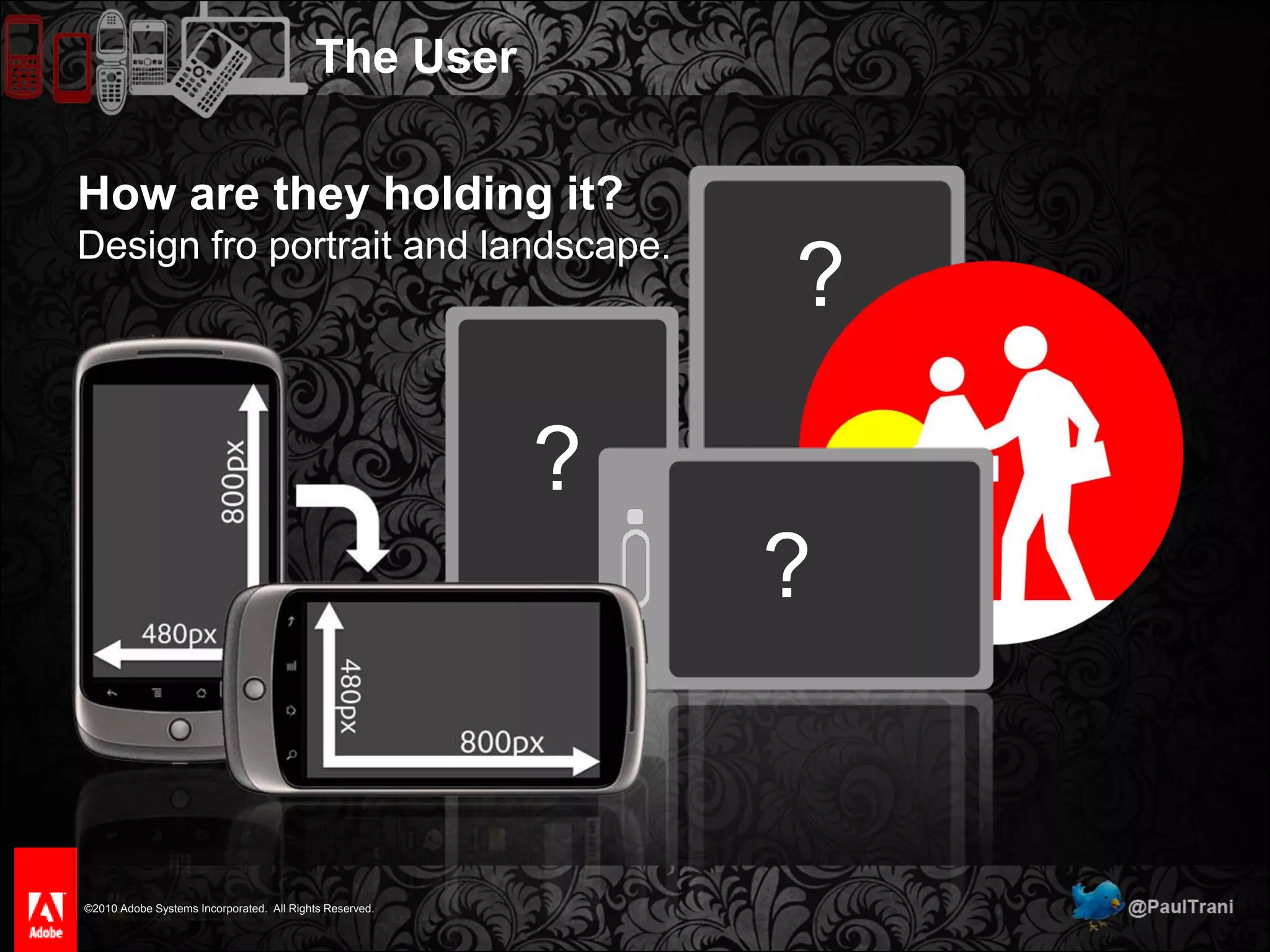
Make navigation shallow and easy.The UserHow are they holding it?Design fro portrait and landscape.???
The UserWhy will they use your app?Valuable, appropriate content.
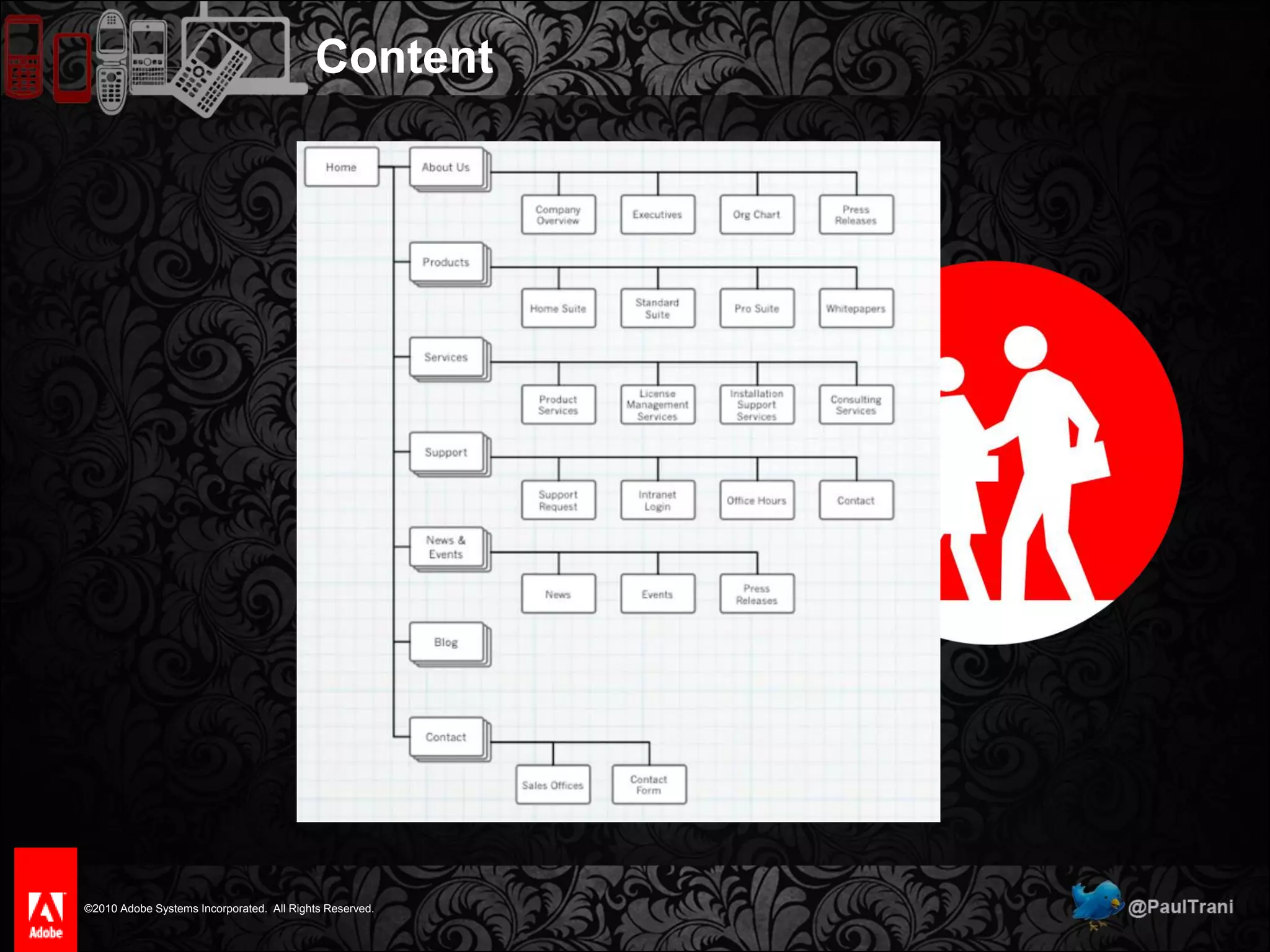
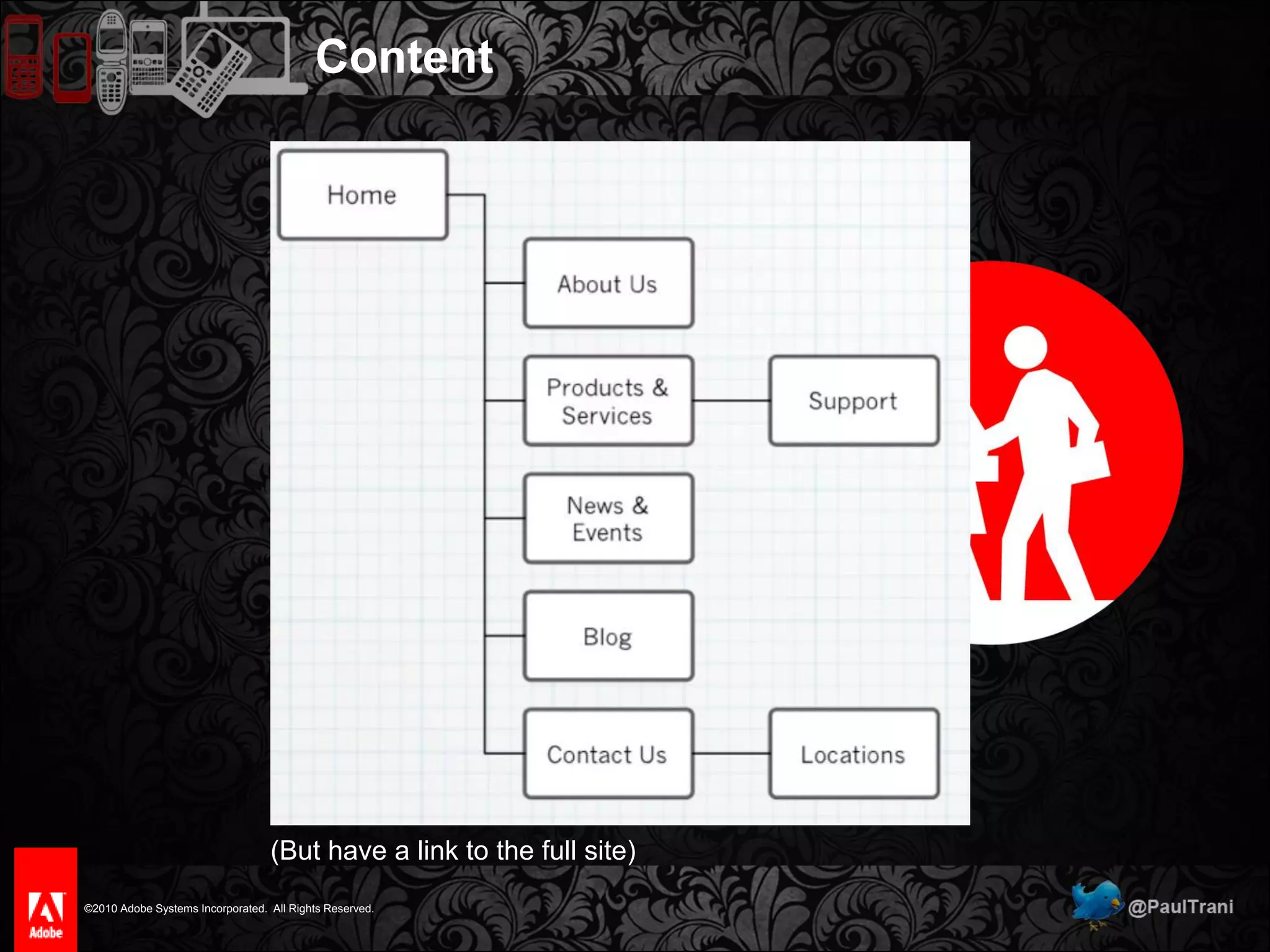
Content
Content(But have a link to the full site)
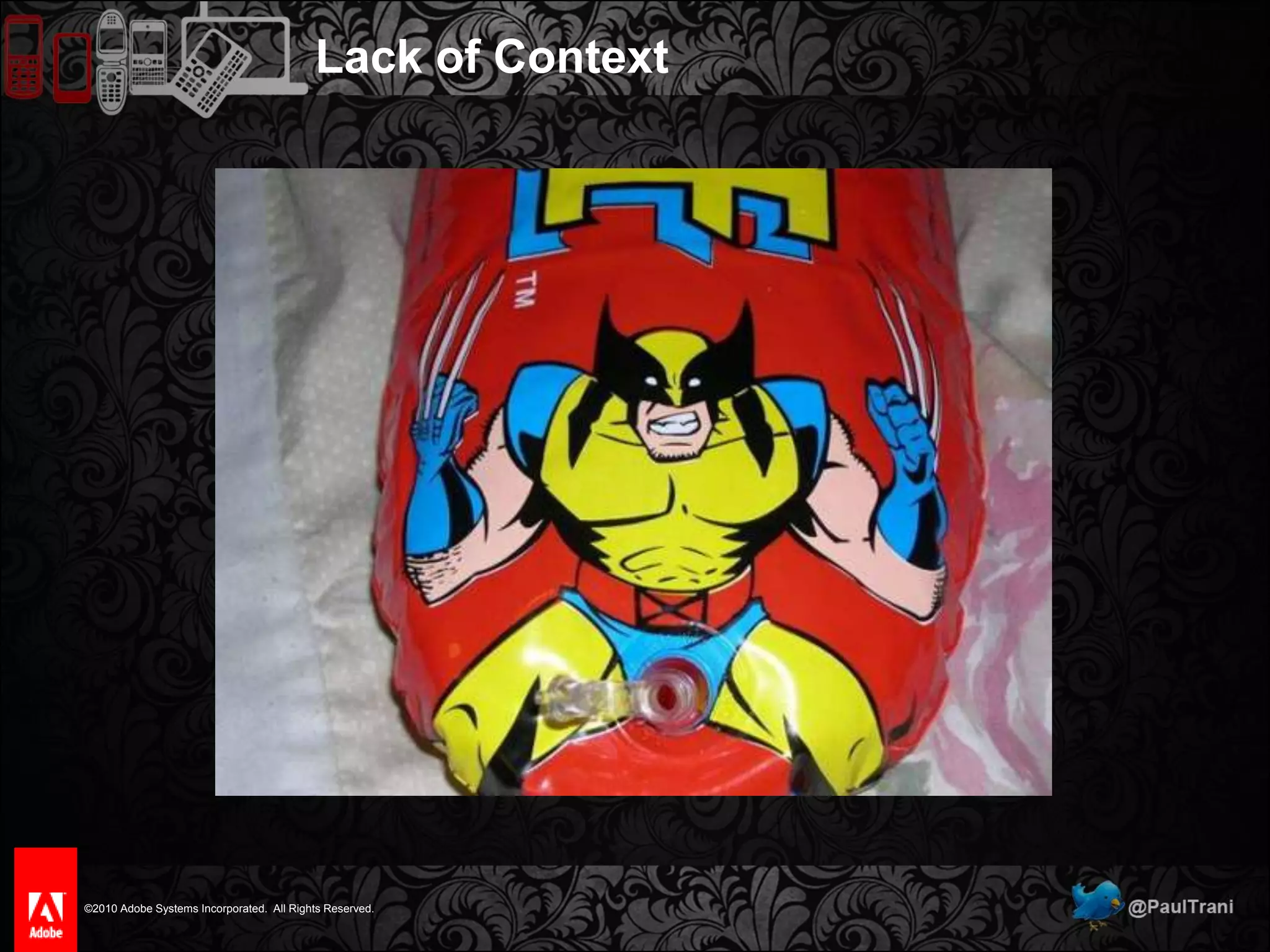
Lack of Context3 of5
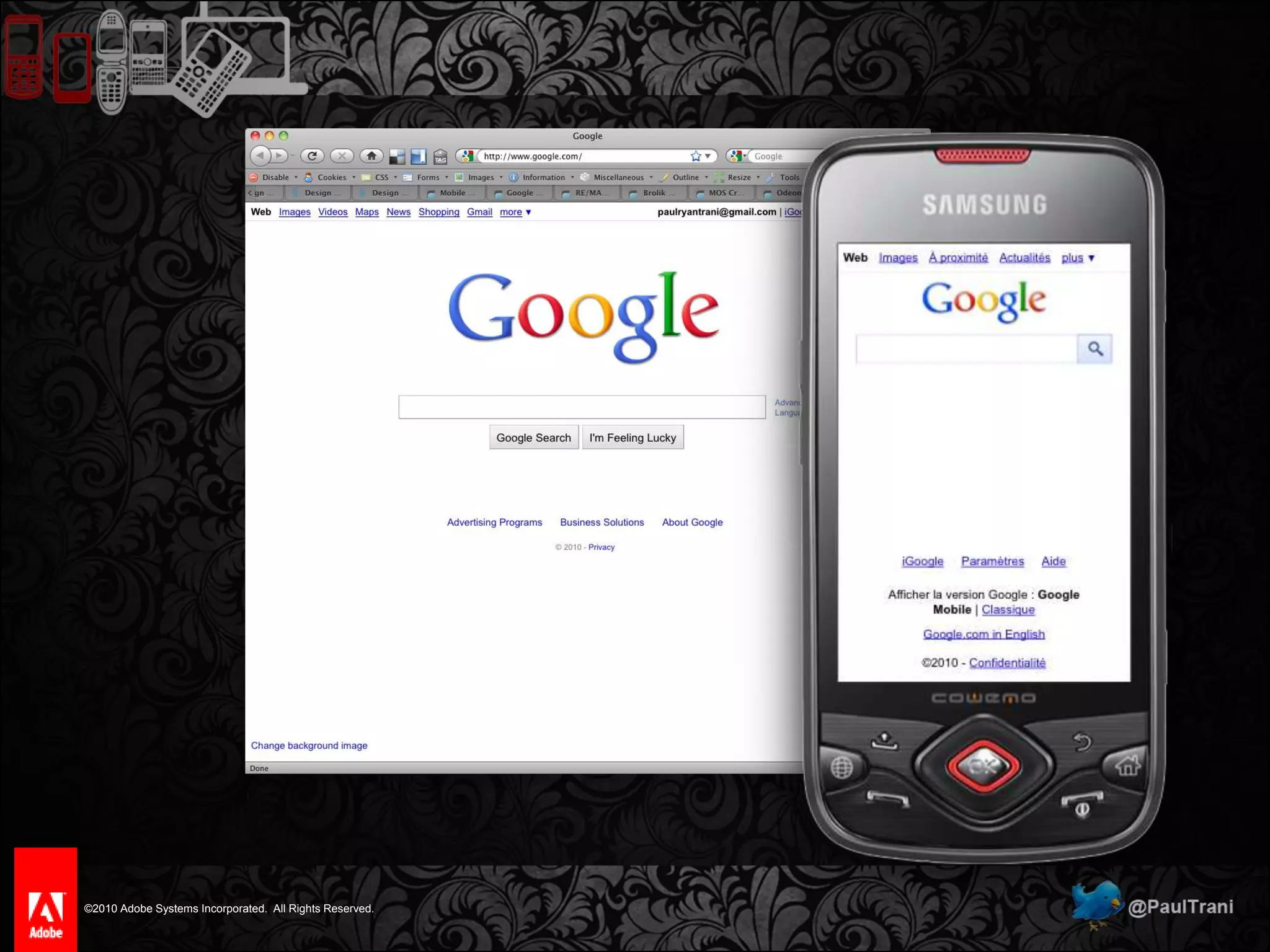
Lack of Context
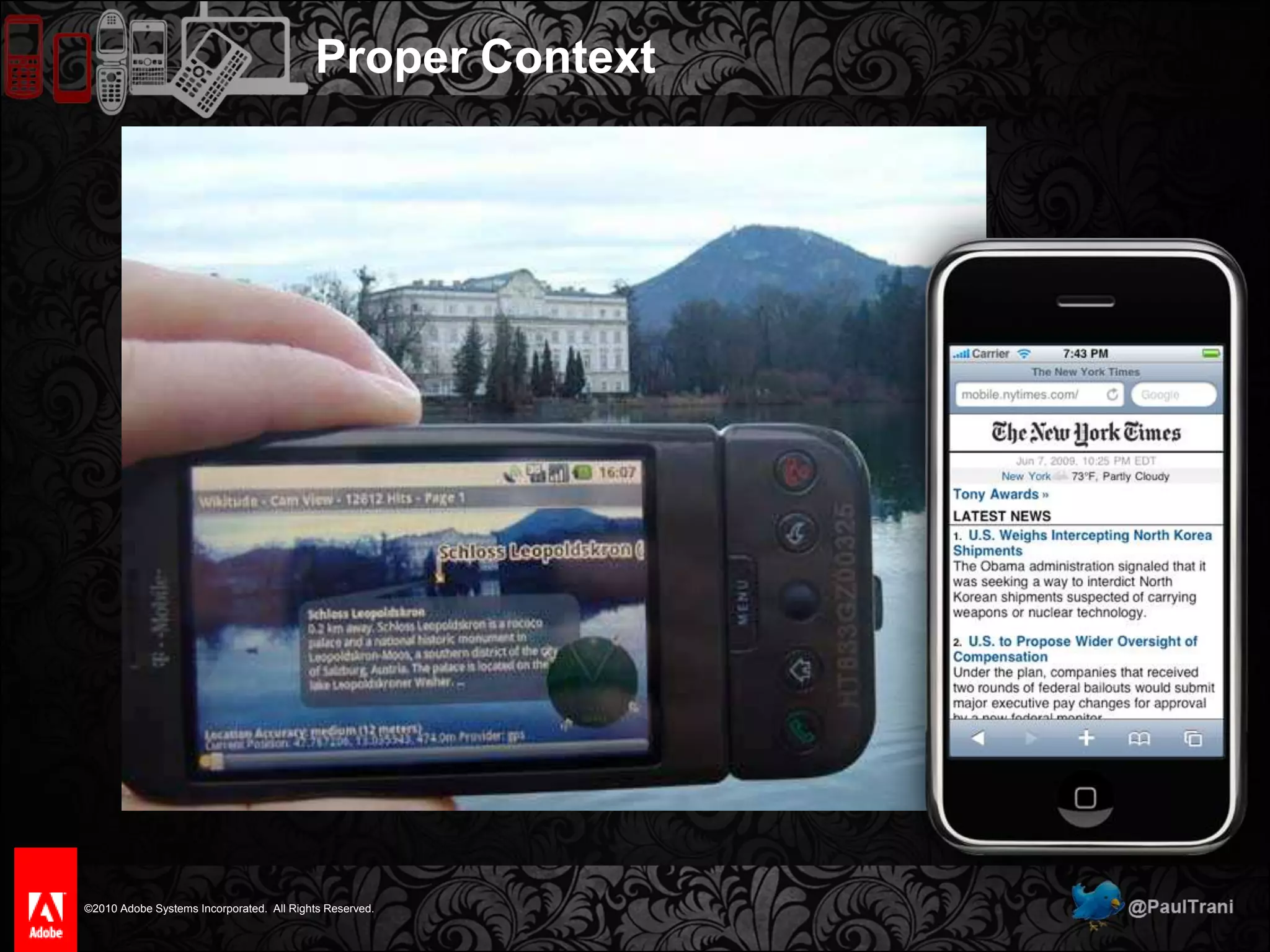
Proper Context
Neglecting Mobile Technology4 of5
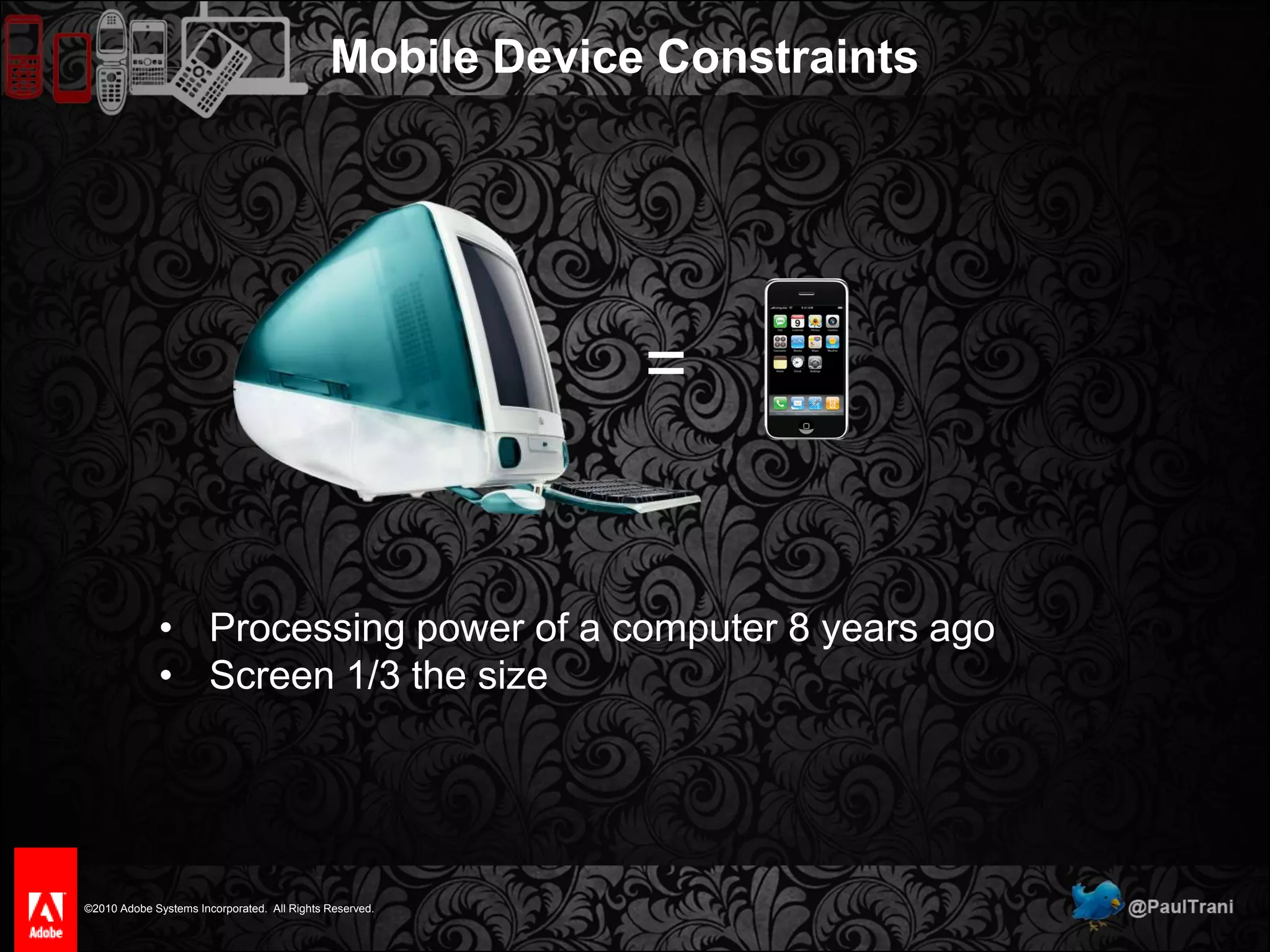
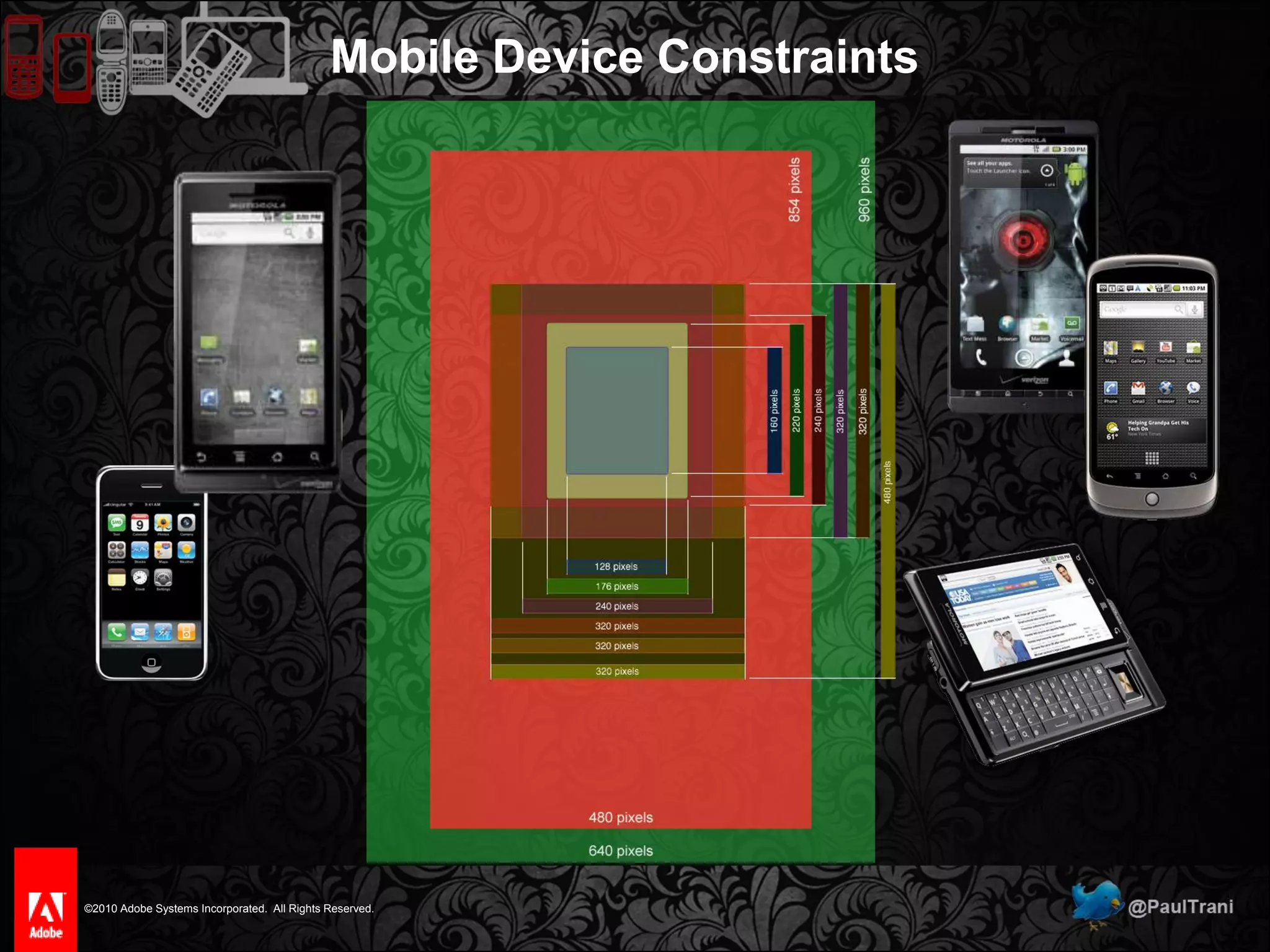
Mobile Device Constraints=Processing power of a computer 8 years ago
Screen 1/3 the sizeMobile Device Constraints
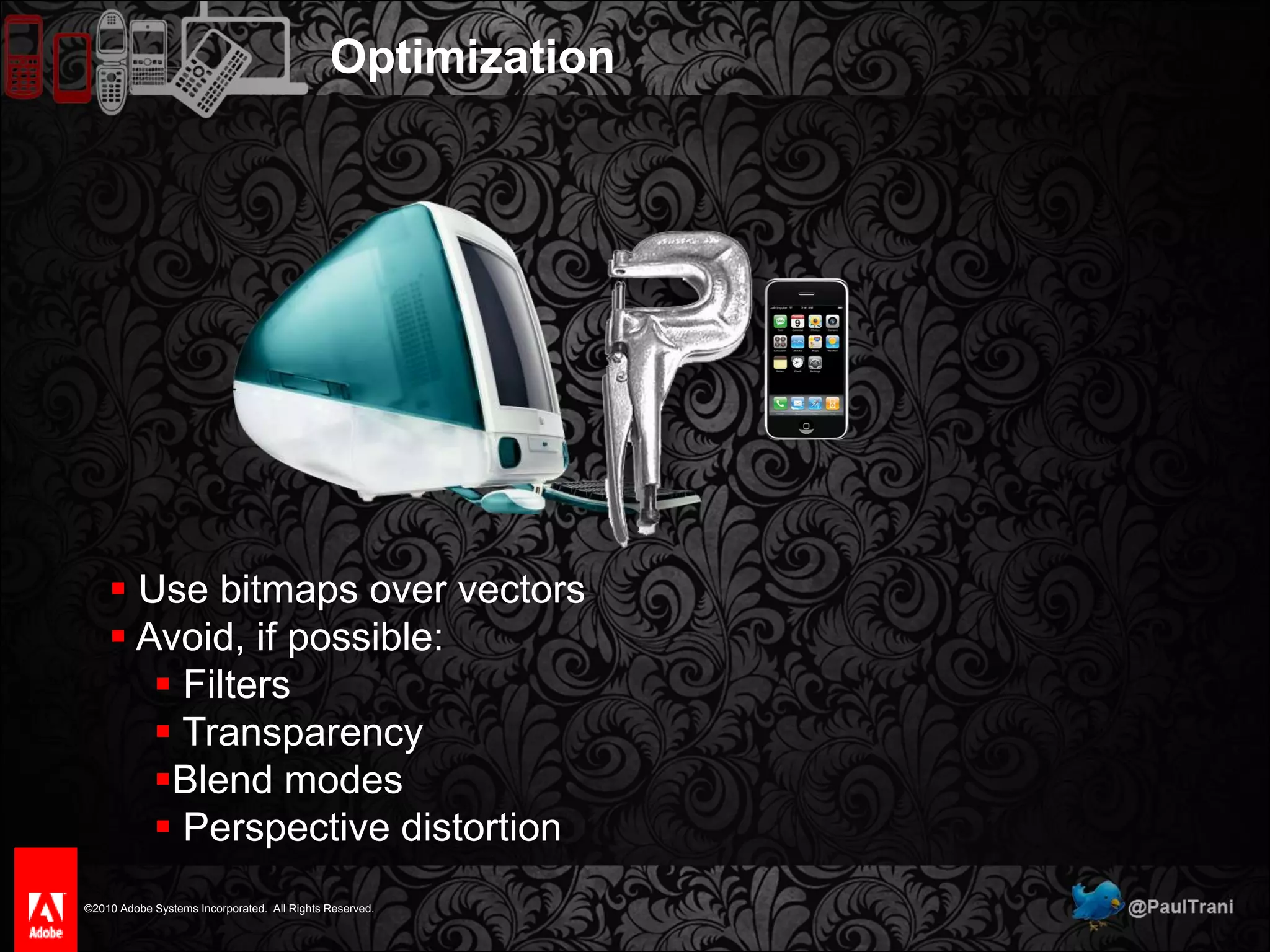
Optimization Use bitmaps over vectors
 Avoid, if possible:
 Filters
 Transparency
Blend modes
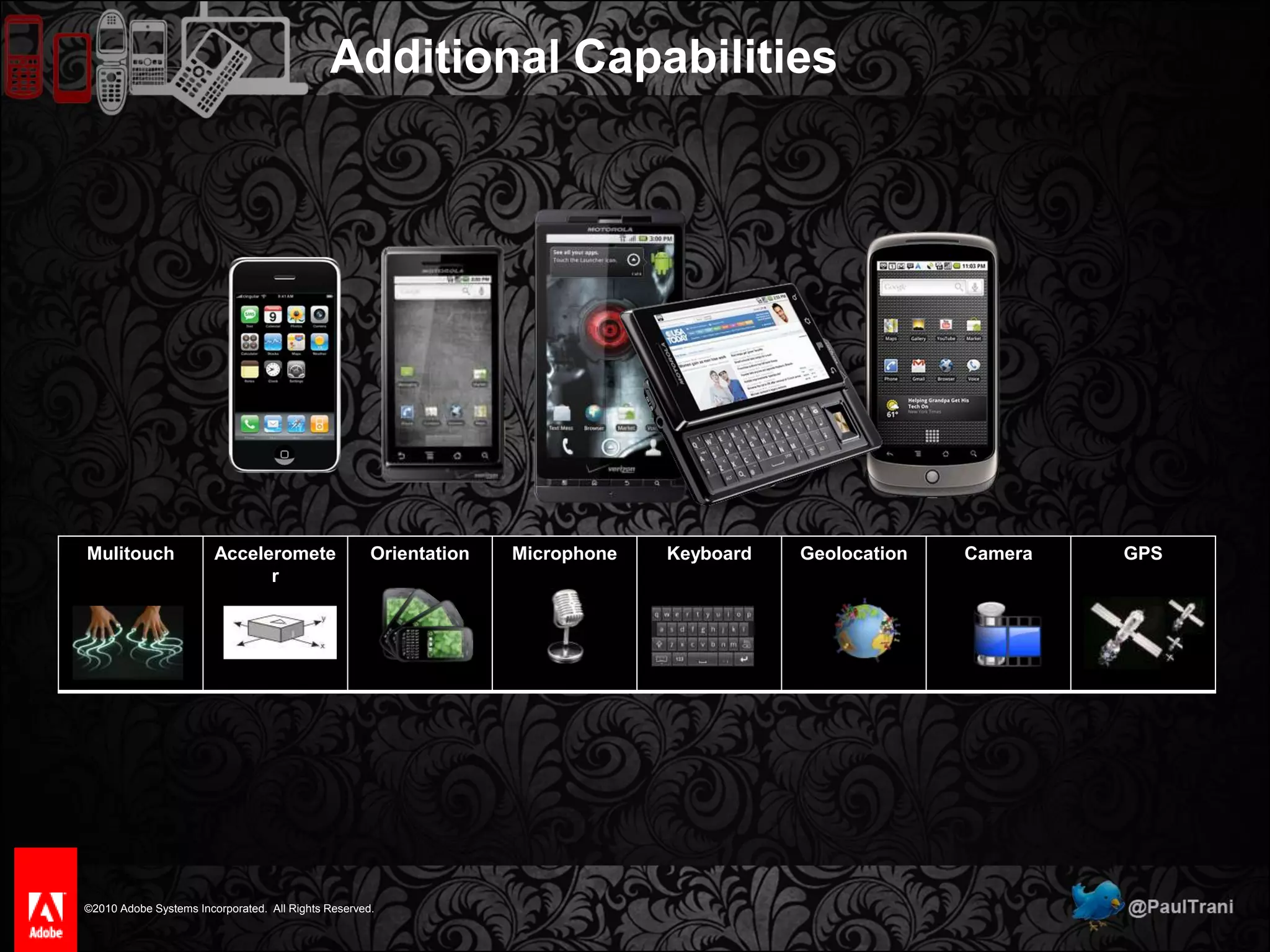
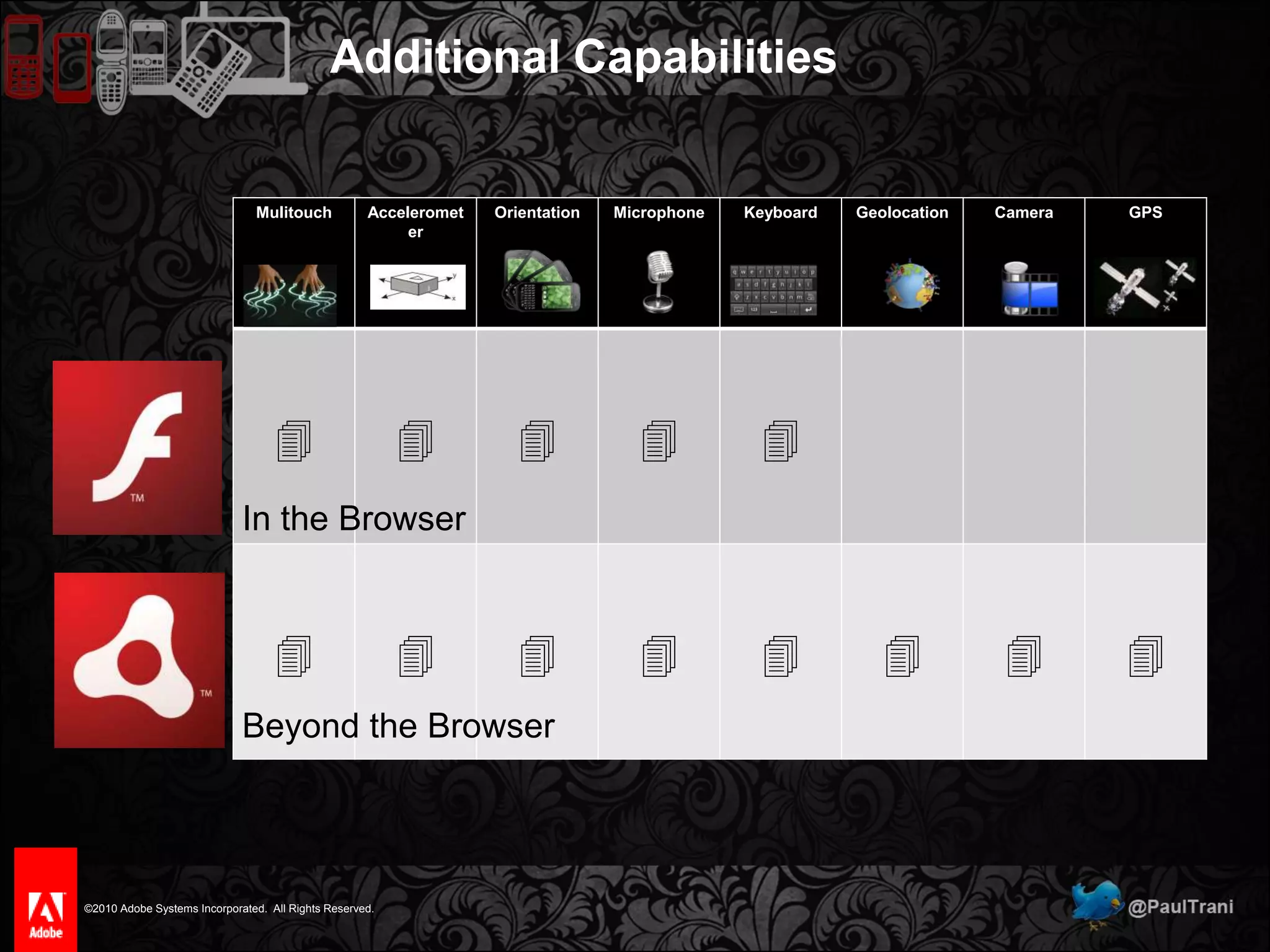
 Perspective distortionAdditional Capabilities
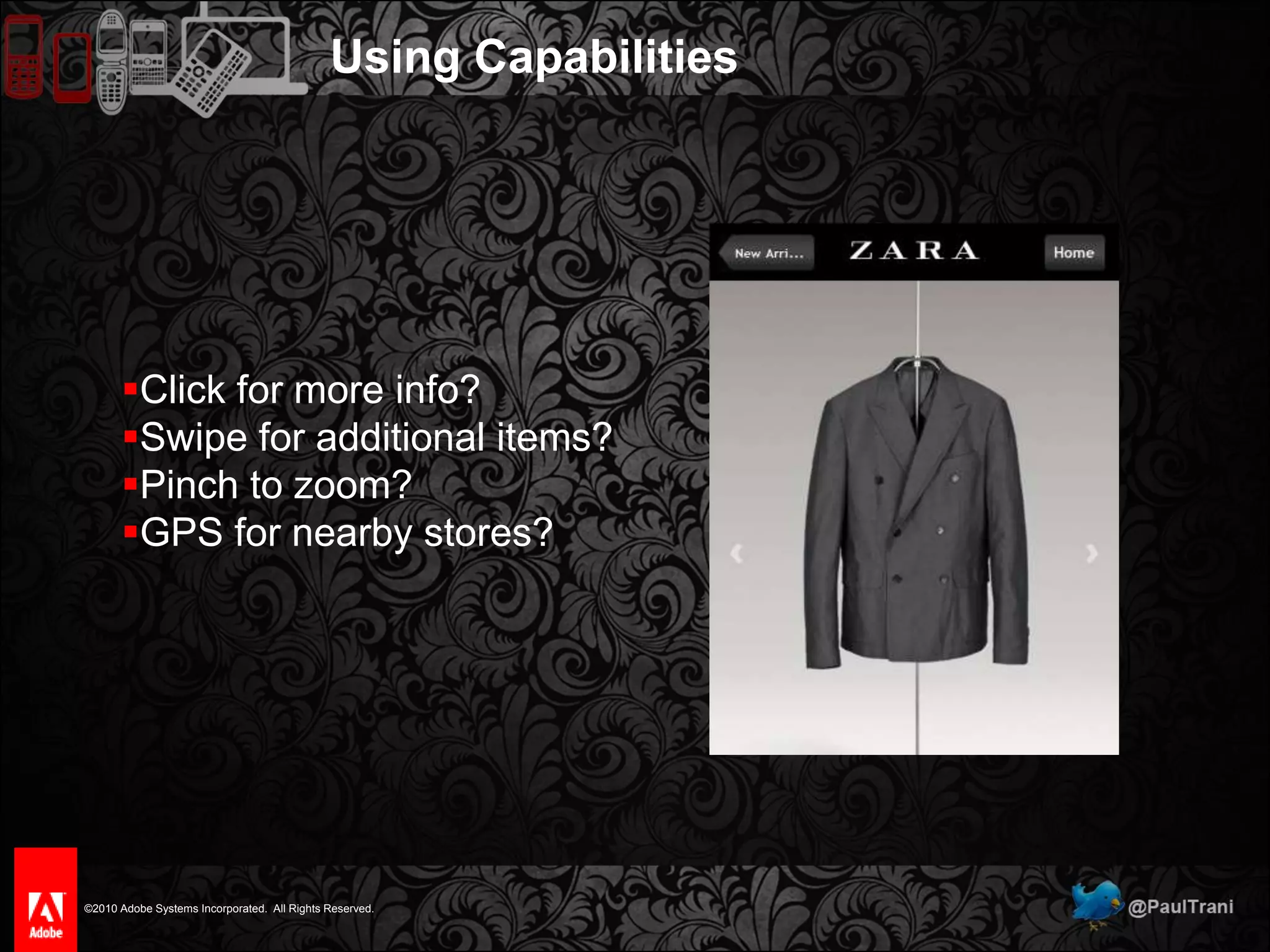
Using CapabilitiesClick for more info?
Swipe for additional items?
Pinch to zoom?
GPS for nearby stores?Lack of Proper Design5 of5
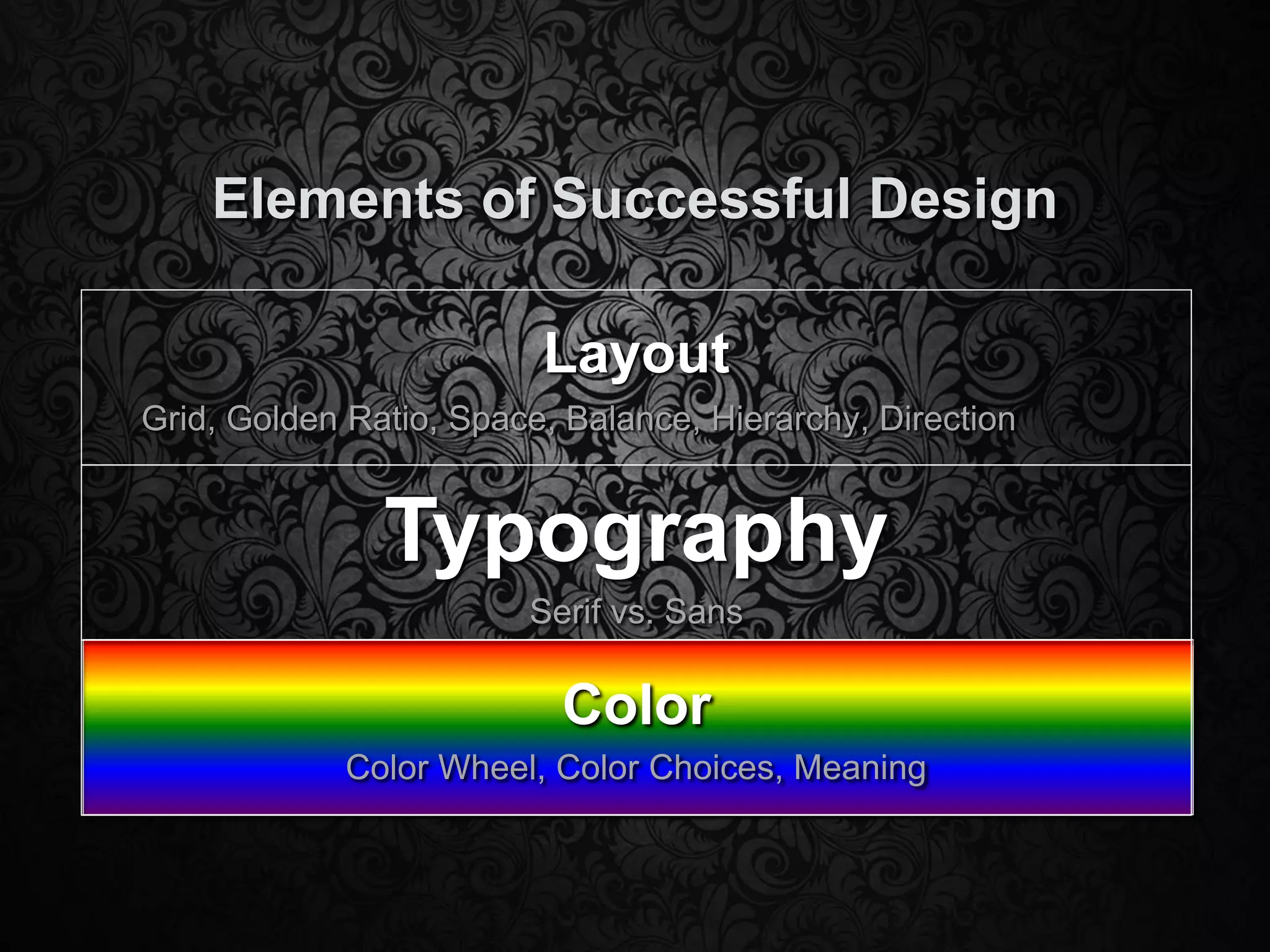
Elements of Successful Design
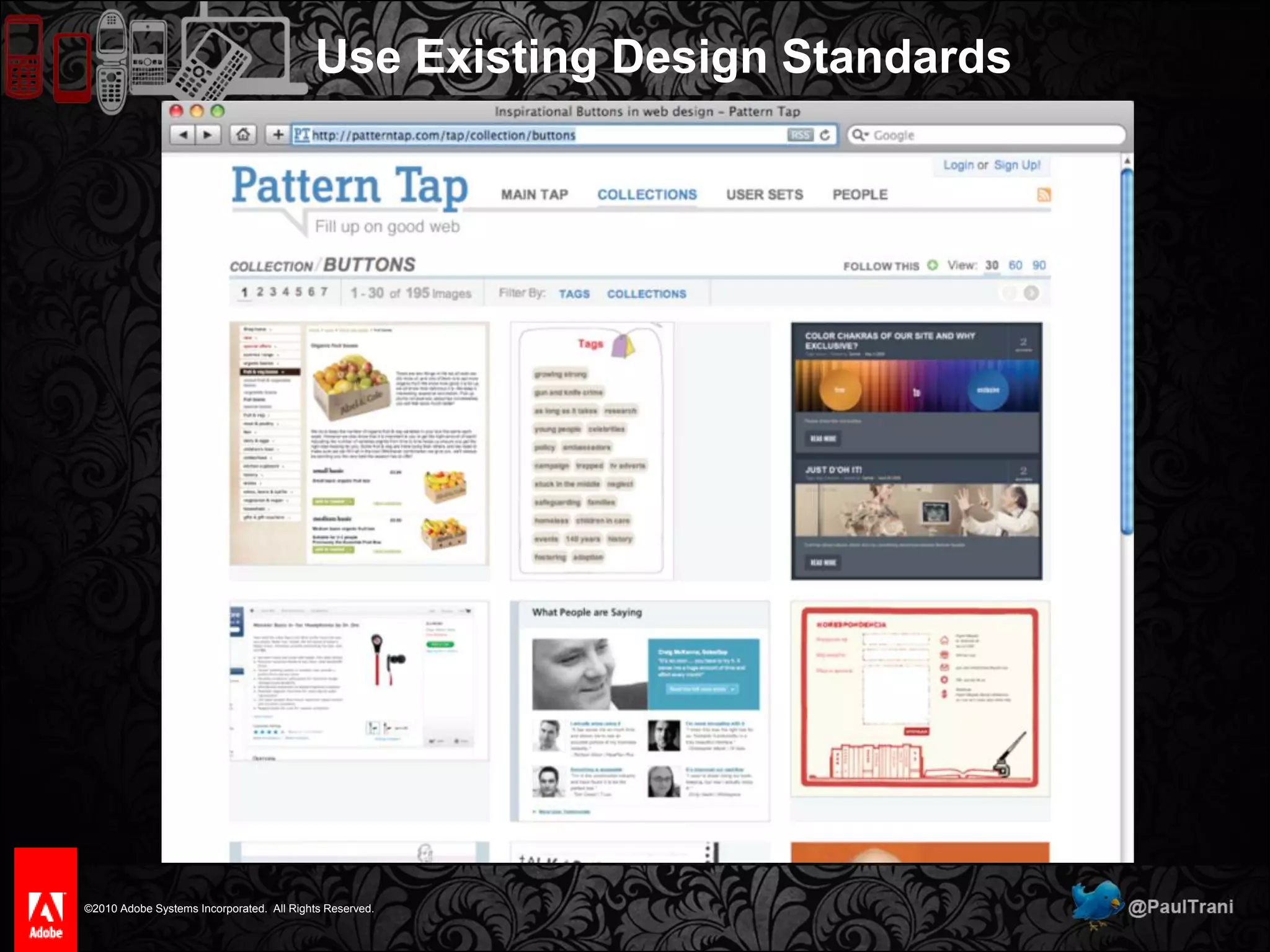
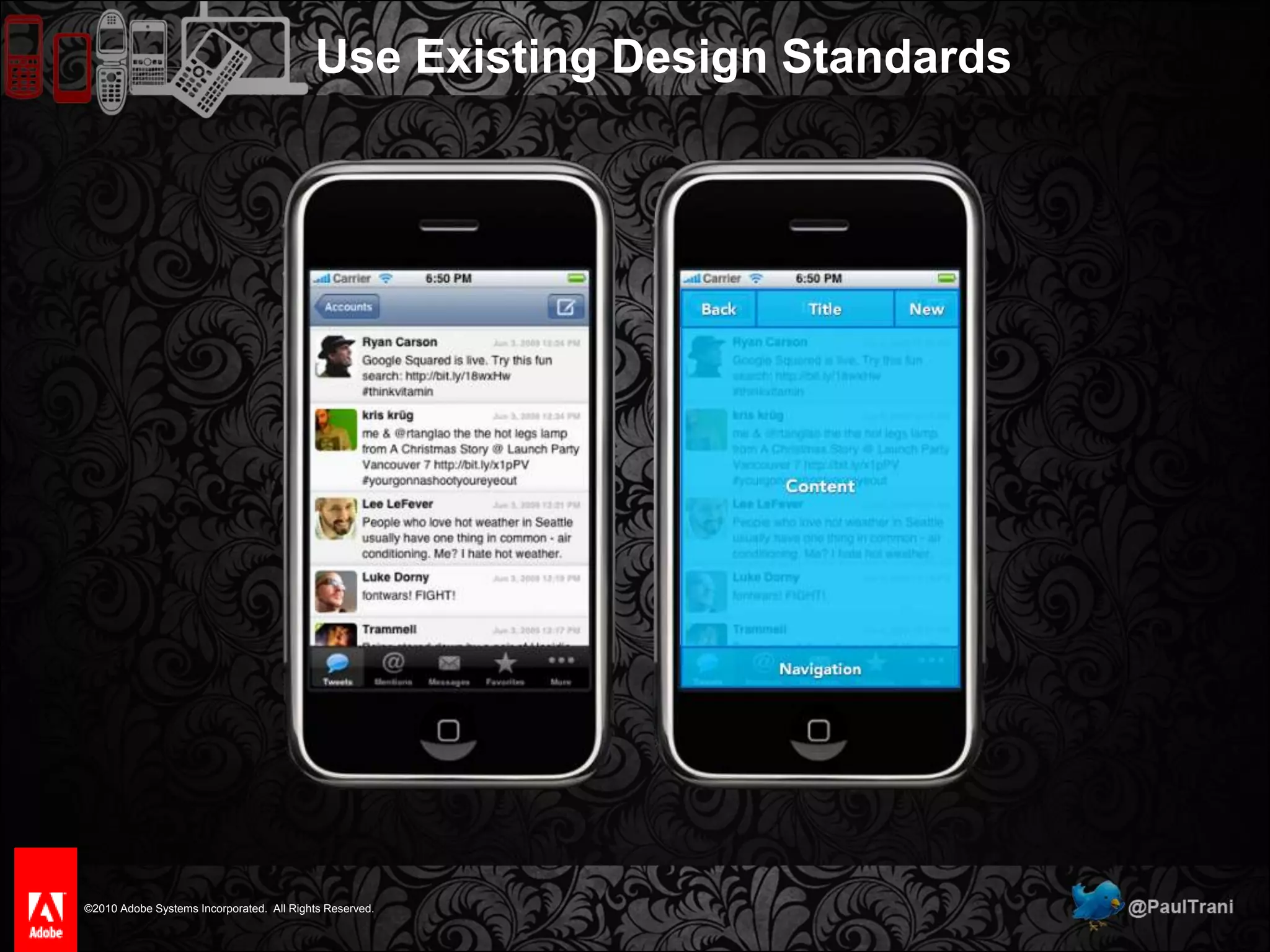
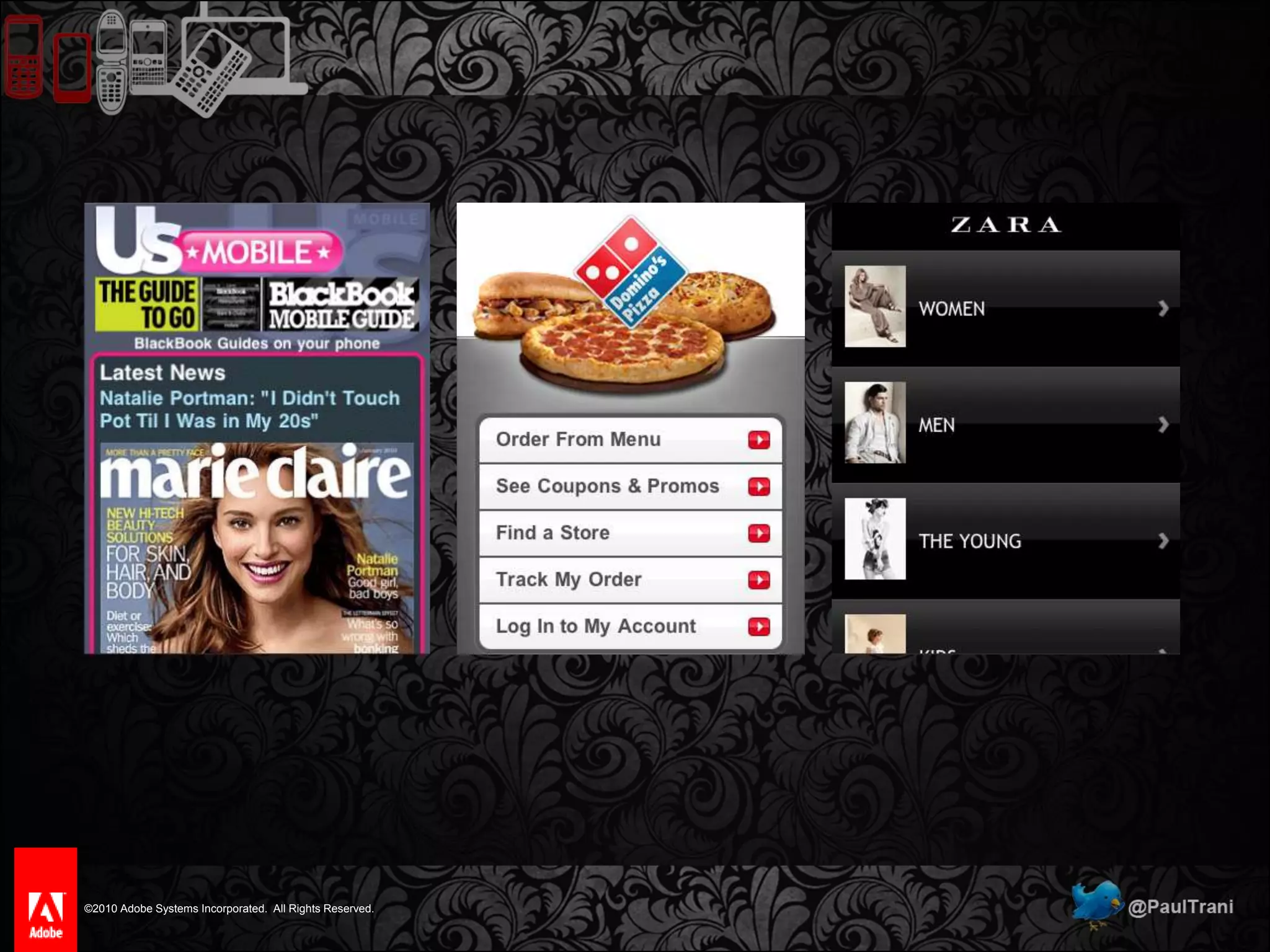
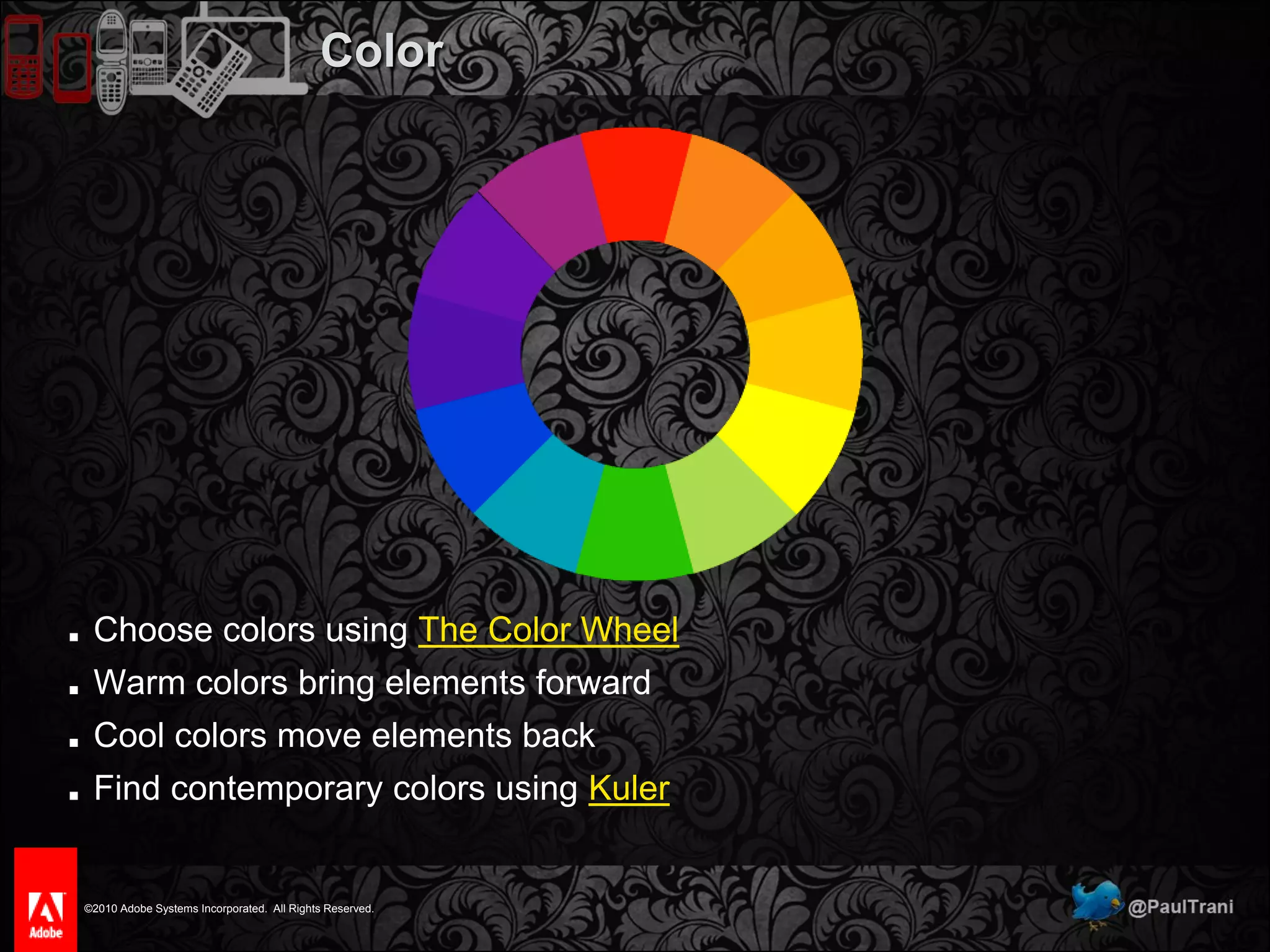
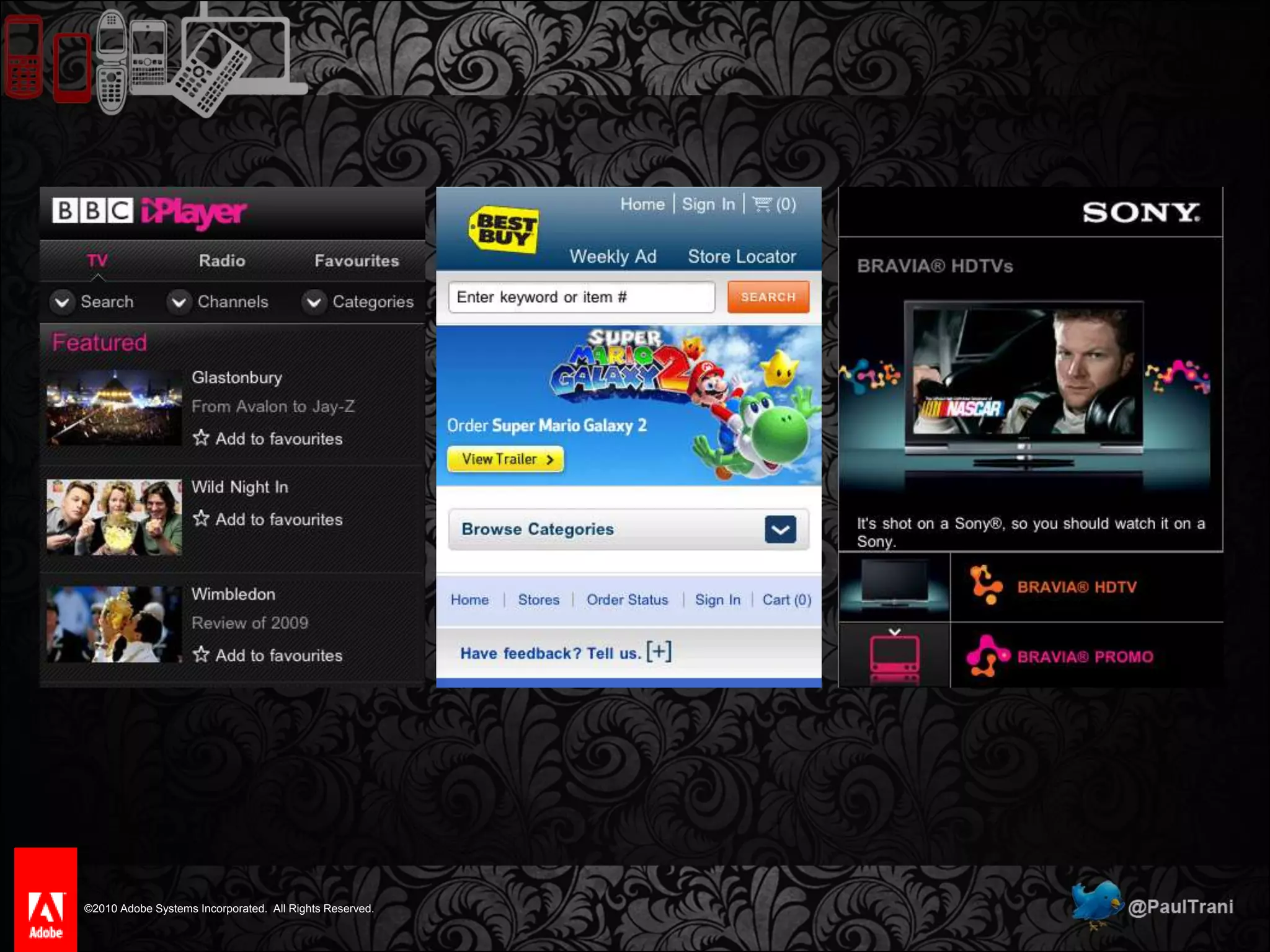
Use Existing Design Standards
Leverage Real World MetaphorsThe UK’s Most Popular Handheld
Leverage Real World Metaphors
Elements of Successful DesignIt’s about leading the eye
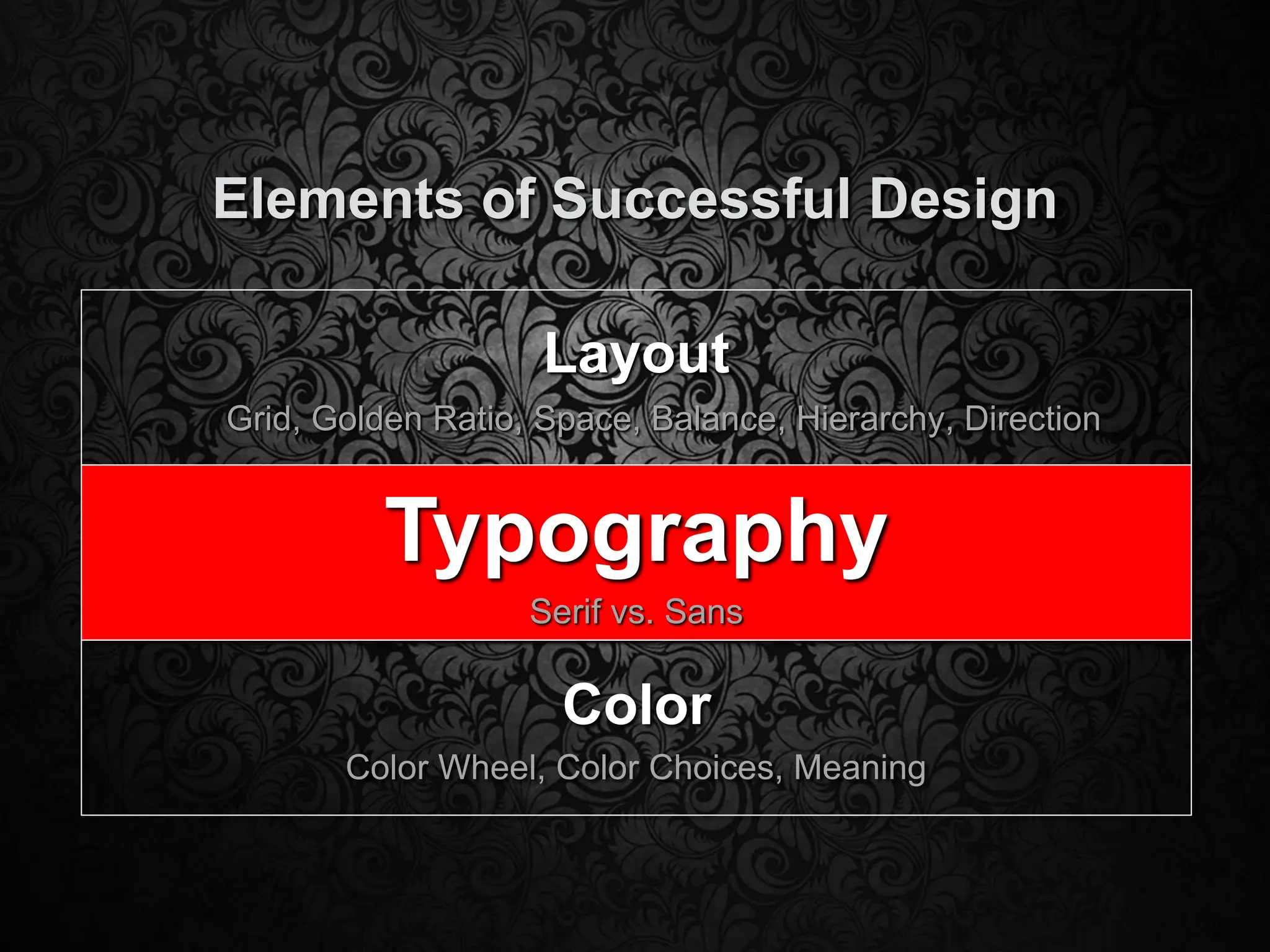
Elements of Successful DesignLayoutGrid, Golden Ratio, Space, Balance, Hierarchy, DirectionTypographySerif vs. SansColorColor Wheel, Color Choices, Meaning
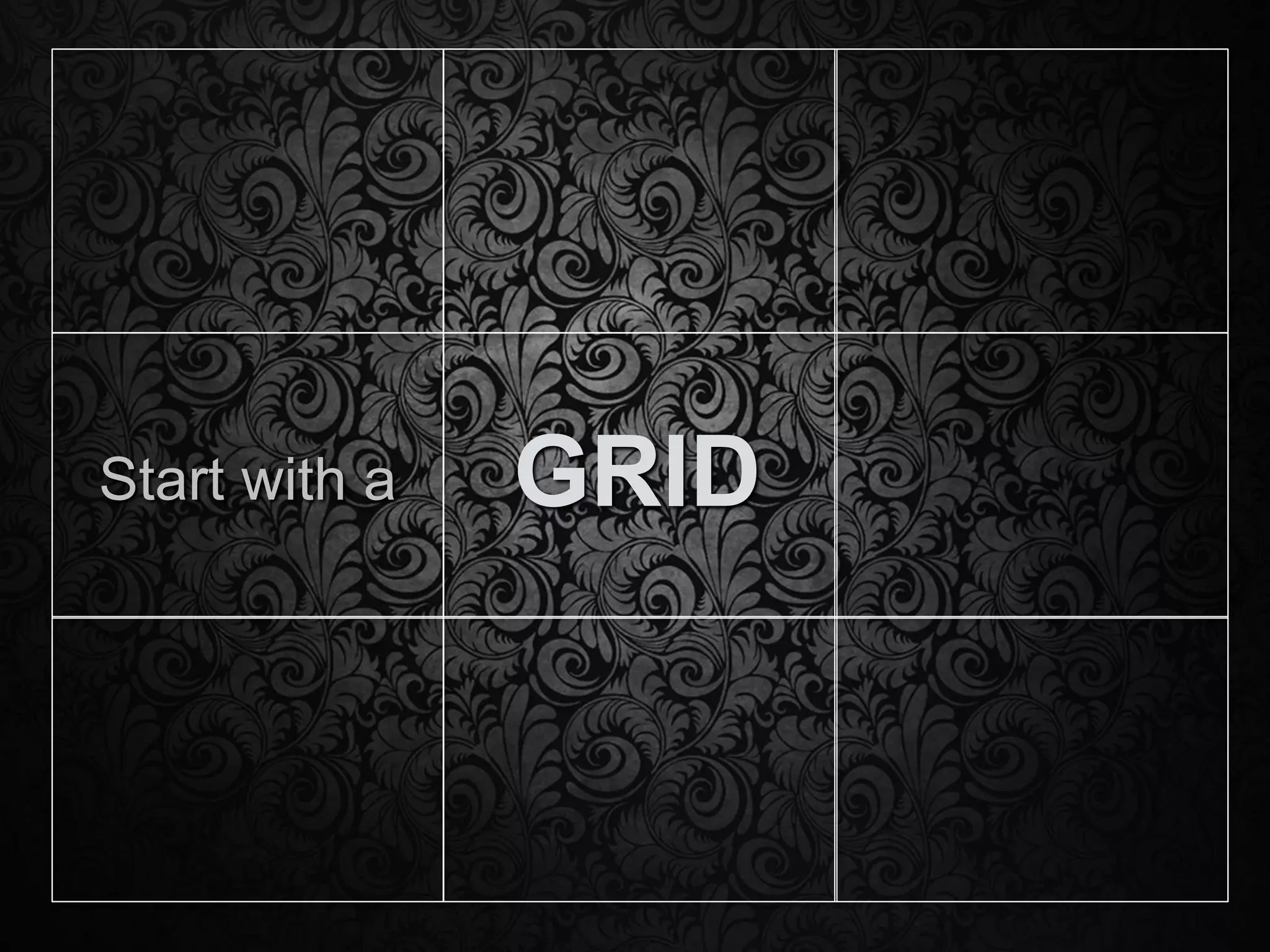
GRIDStart with a
Grid StructureDivide the page into a gridThe eye naturally follows an “F” shape
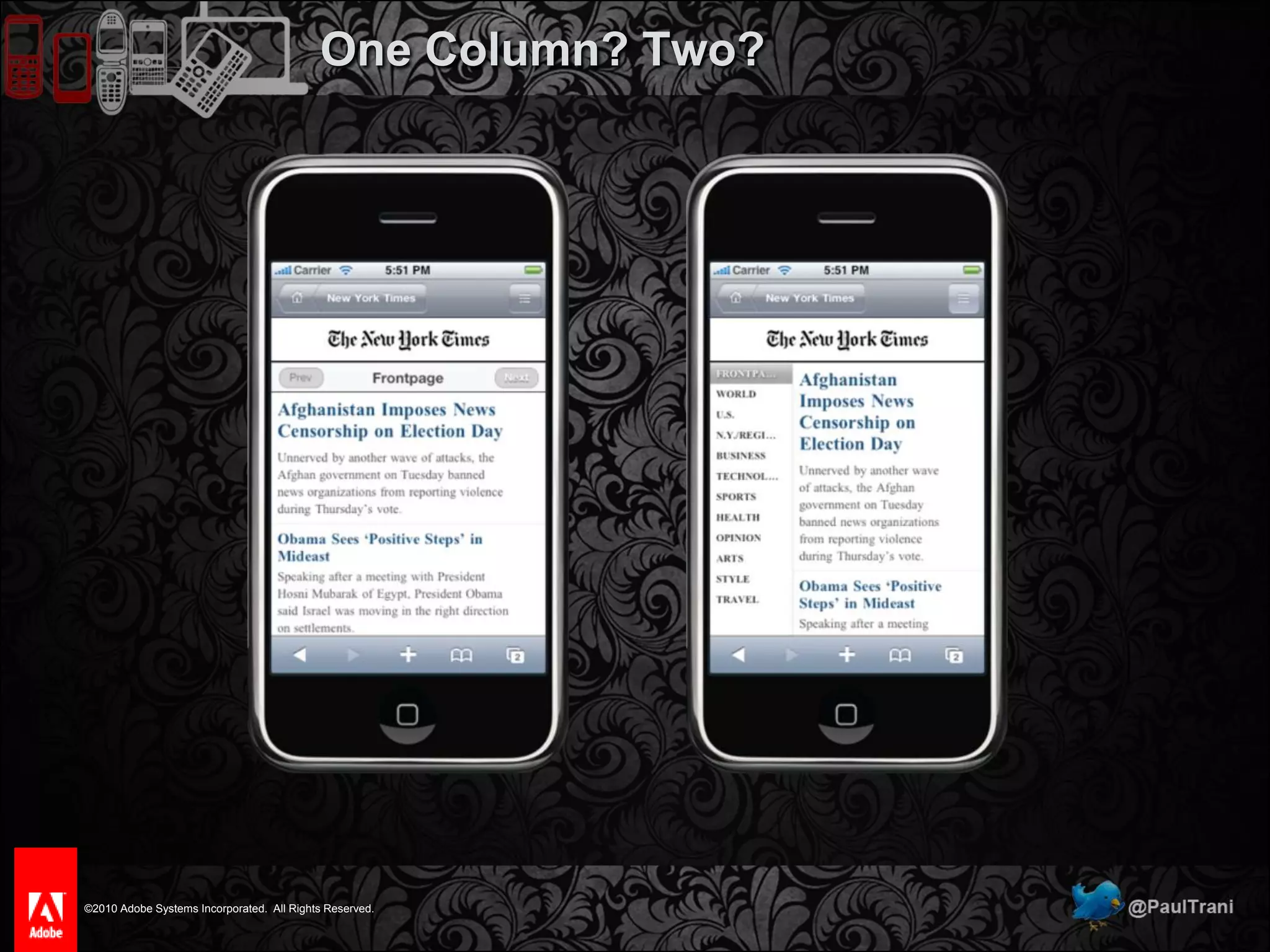
One Column? Two?
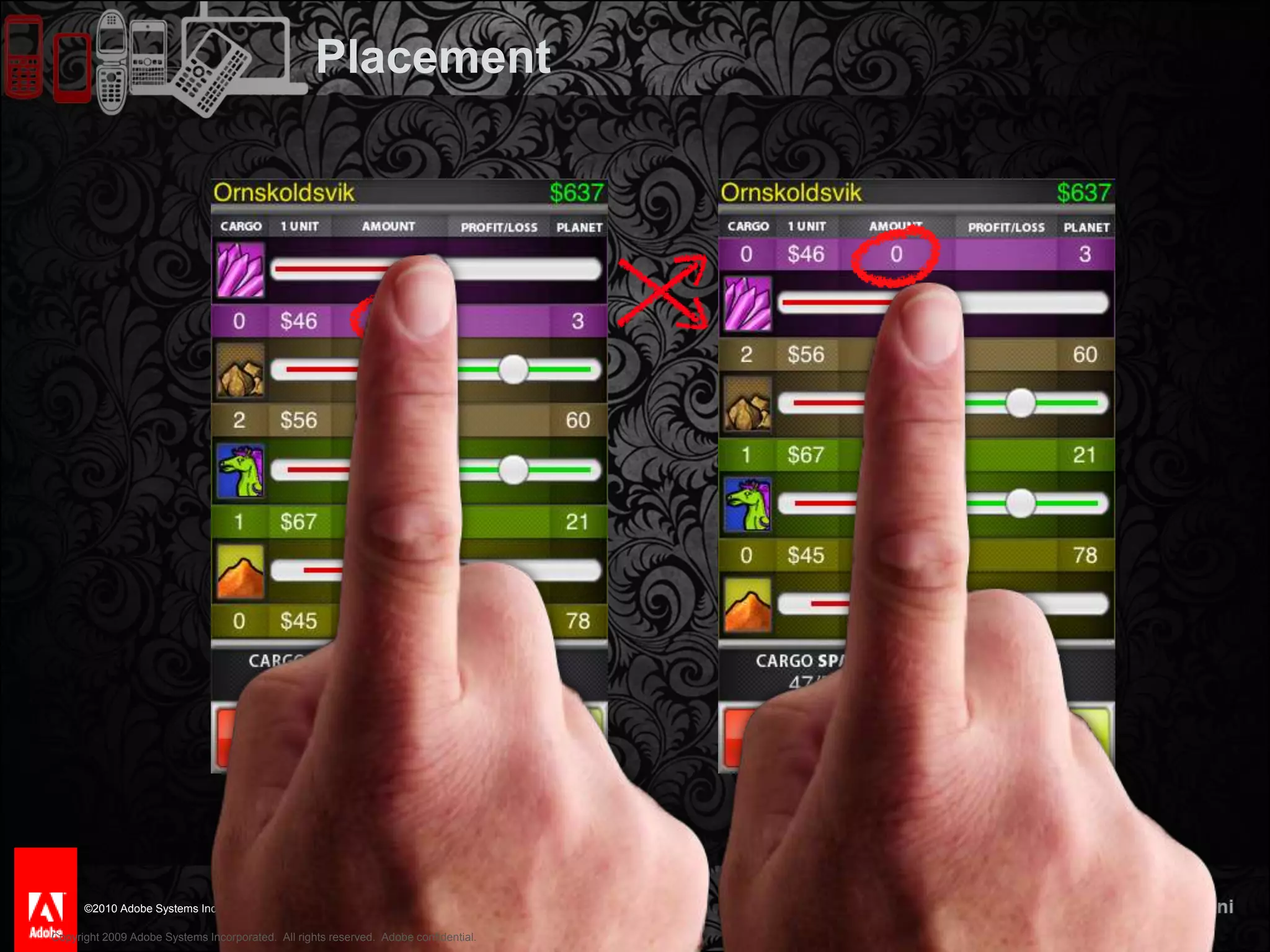
PLACEMENT
44PlacementCopyright 2009 Adobe Systems Incorporated.  All rights reserved.  Adobe confidential.
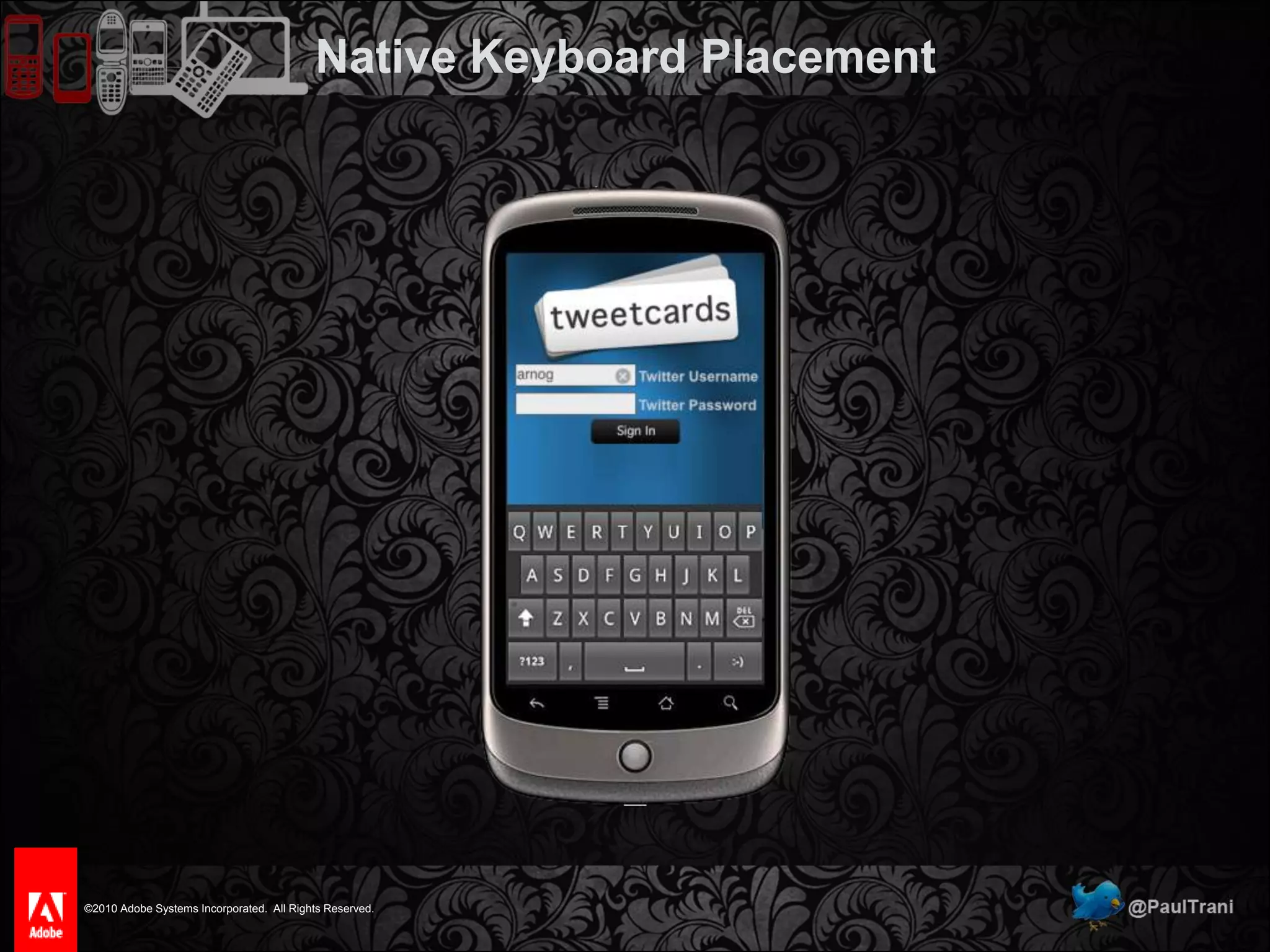
Native Keyboard Placement
SIZE MATTERSMake it large, then make it larger.
Size Matters“Miniaturizing treats the mobile environment and technology as a subset of the desktop environment.”Barbara BallardMobilize, don’t miniaturizeDesign for real hand sizes
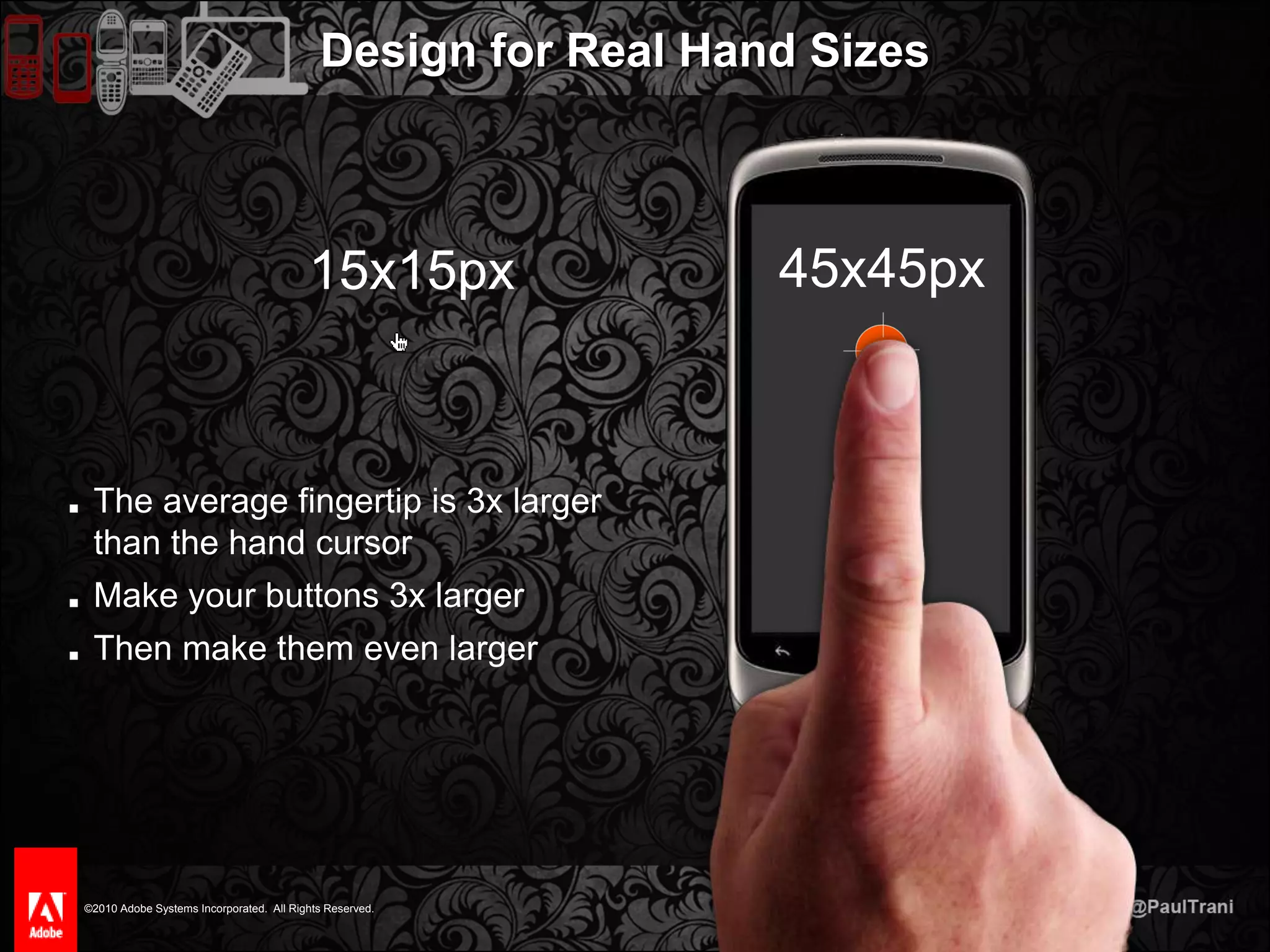
Design for Real Hand Sizes45x45px15x15pxThe average fingertip is 3x larger than the hand cursorMake your buttons 3x largerThen make them even larger
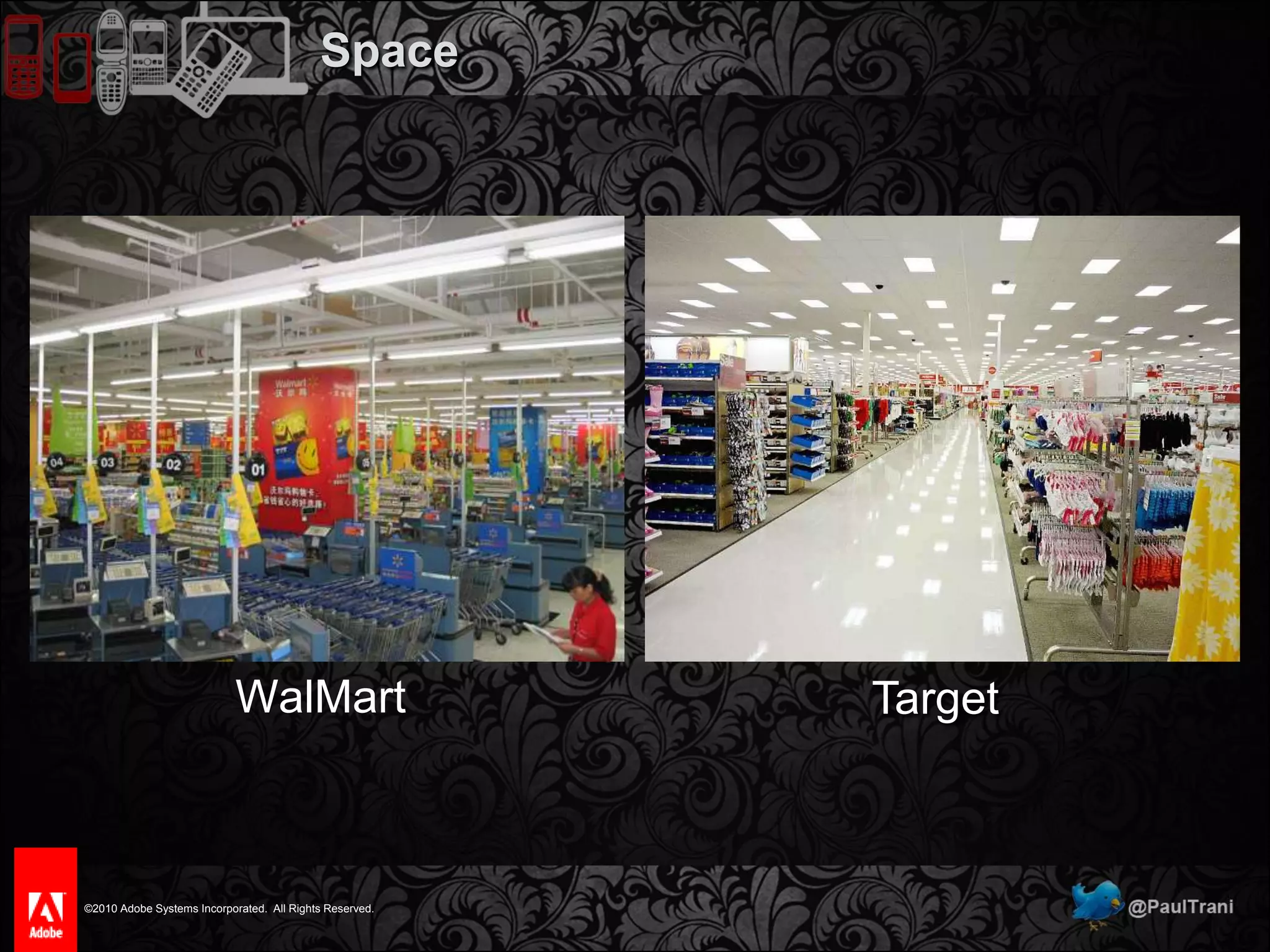
SPACEImplies importance, elegance, and professionalism.
Space“Perfection is achieved not when there is nothing left to add, but when there is nothing left to take away” Antoine de Saint-ExuperyDon’t try to be great, try to be invisible
SpaceWalMartTarget
Elements of Successful DesignLayoutGrid, Golden Ratio, Space, Balance, Hierarchy, DirectionTypographySerif vs. SansColorColor Wheel, Color Choices, Meaning
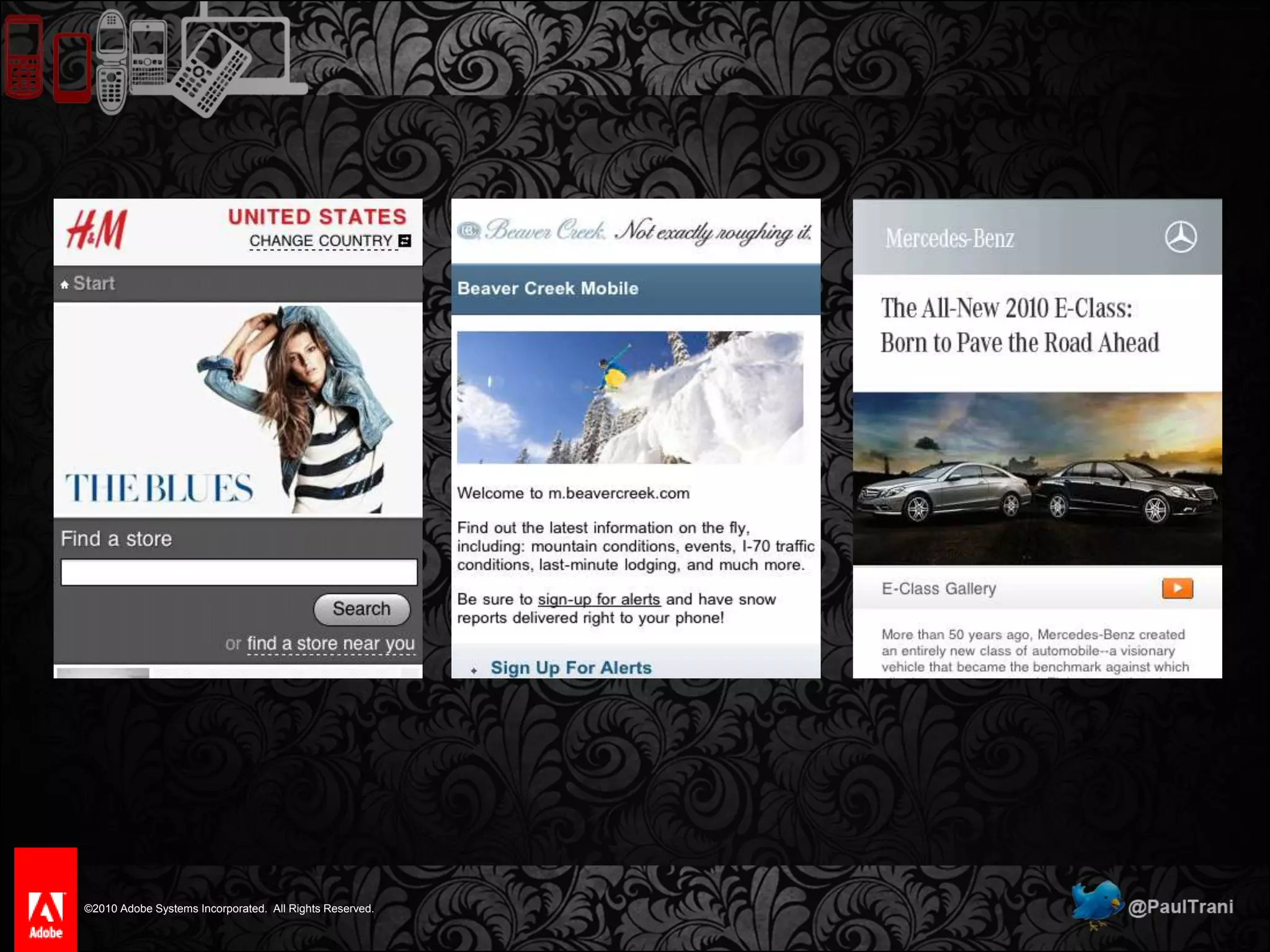
Typography“Typography has one plain duty before it and that’s to convey information in writing.” Emil Ruder, Founder of Basel School of DesignChoose a font that fits the subjectDon’t use more than three@font-faceFlash
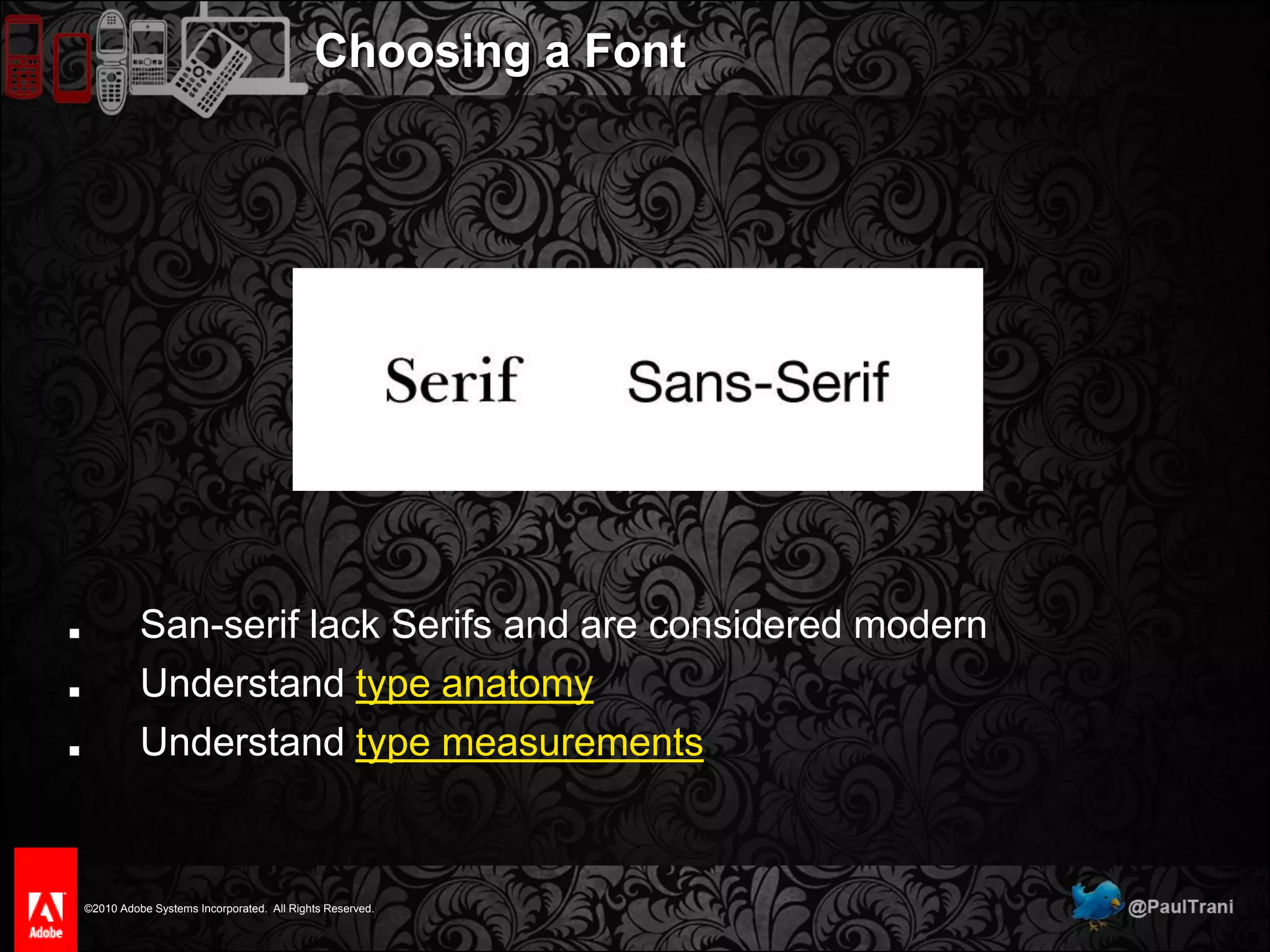
Choosing a FontSan-serif lack Serifs and are considered modernUnderstand type anatomyUnderstand type measurements
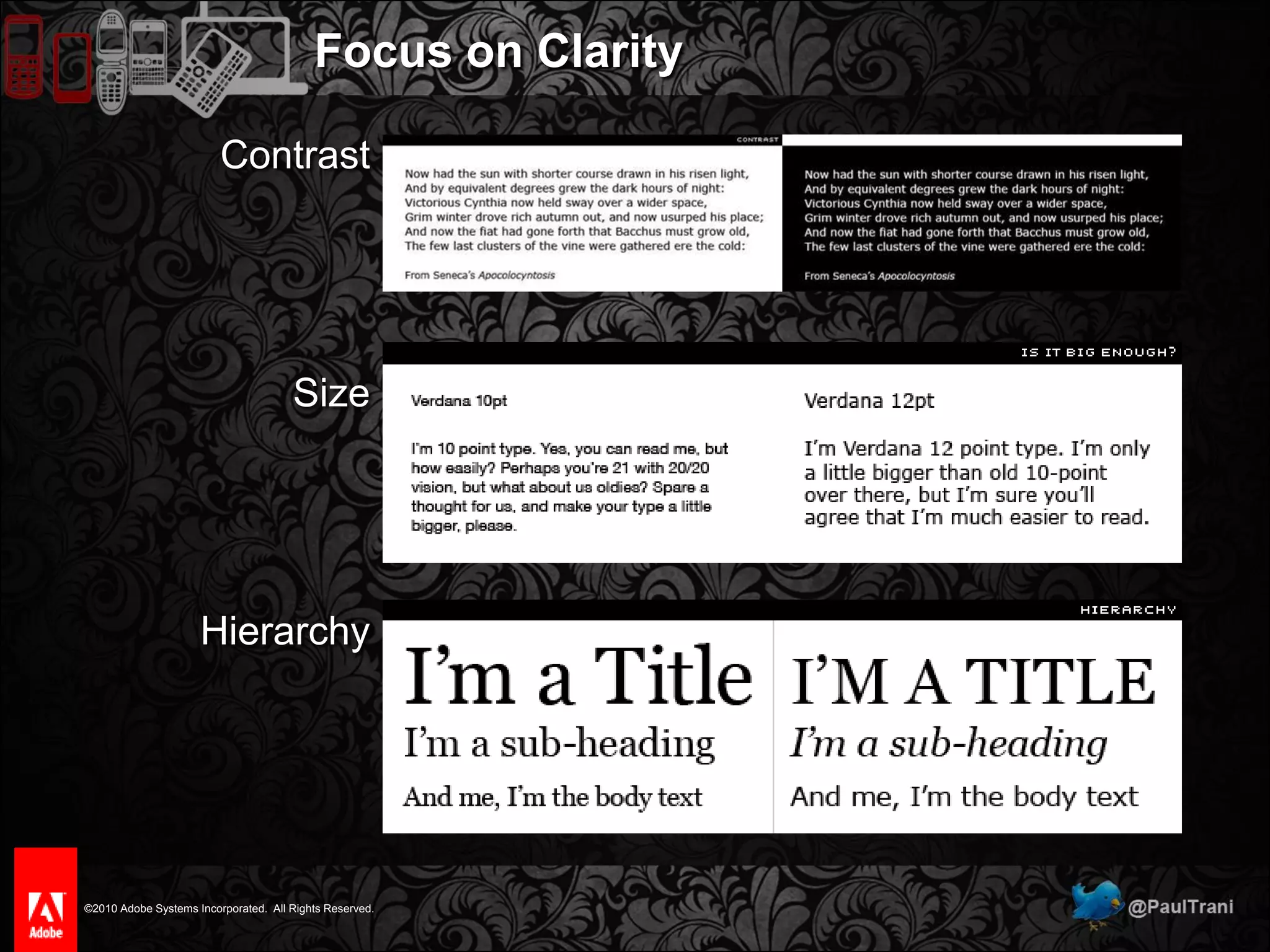
Focus on ClarityContrastSizeHierarchy

Mobile Design that Doesn't Suck