Mobile Data Collection and
Data Visualization tools
Myo Min Oo
Chalk & Slate
www.chalkandslate.co
info@chalkandslate.co
1
Advantages of Mobile in data
collection
▹ Time efficient – skip the secondary data entry step
▹ Faster transmission
▹ Accuracy of Data (Less text errors)
▹ Richer data (Pictures, GPS, BarCode, Audio, Video, etc…)
▹ Easier to analyze
▹ almost ready to visualize
2
Challenges for Mobile Data
Collection
▹Initial trainings for surveyors
▹Connection Problems
▹Provision of Mobile Devices
▹OS Version Compatibility
▹Resolution of System Problems
▹Font Compatibility (Especially Myanmar Fonts) Both front end and back
end
3
Tools for Data Collection
▹Google Forms (200000 Cells Limit)
▹Survey Monkey (Only 100 records for free version, $299 for unlimited)
▹Formhub (Free)
▹Open Data Kit ( Free)
▹Kobo Tool box (Free)
▹Collect
4
Why we used ODK?
▹It’s free no matter how large your data set is (Other free tools have limits)
▹The forms can be created using powerful form design tools like Formhub,
XLS2XForm, Vellum, or Kobo, or PurcForms
▹Data can be exported not only to (.xls) (.csv) files but also to files like
(.kml) or shape files
▹Can operate offline
▹Can record audio, video, geographic codes, barcodes,
▹It’s Open Source
5
Components of ODK
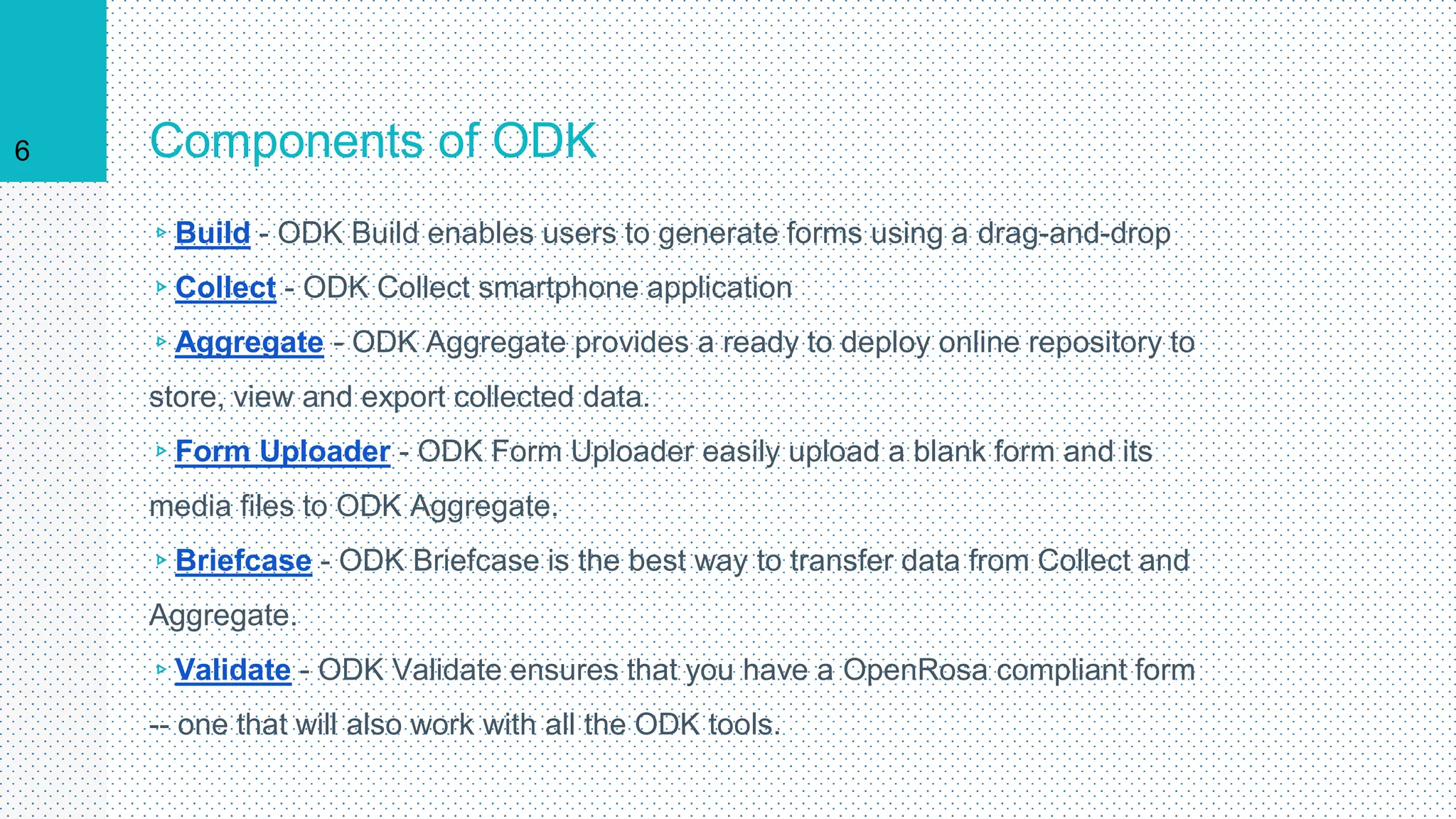
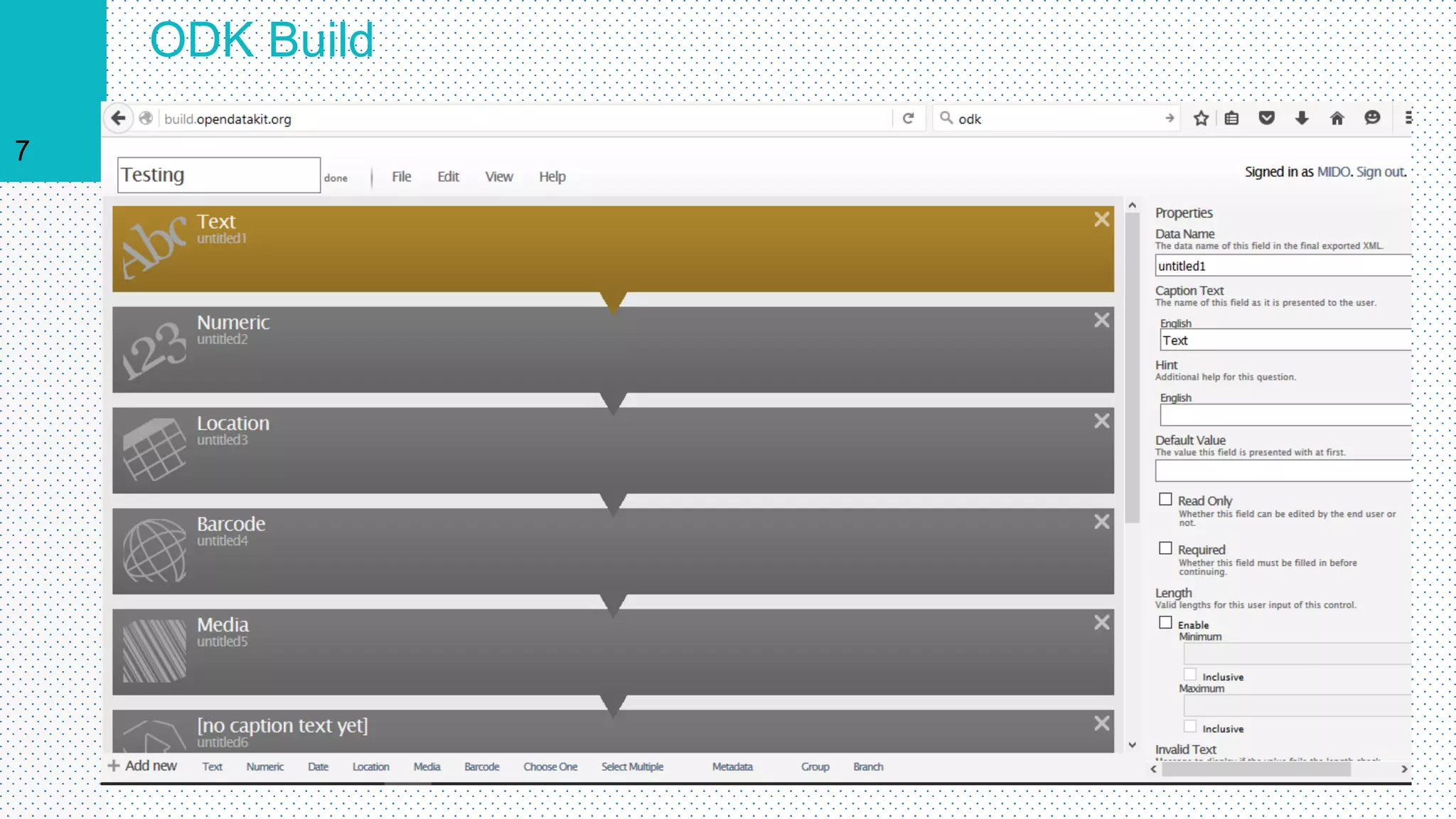
▹Build - ODK Build enables users to generate forms using a drag-and-drop
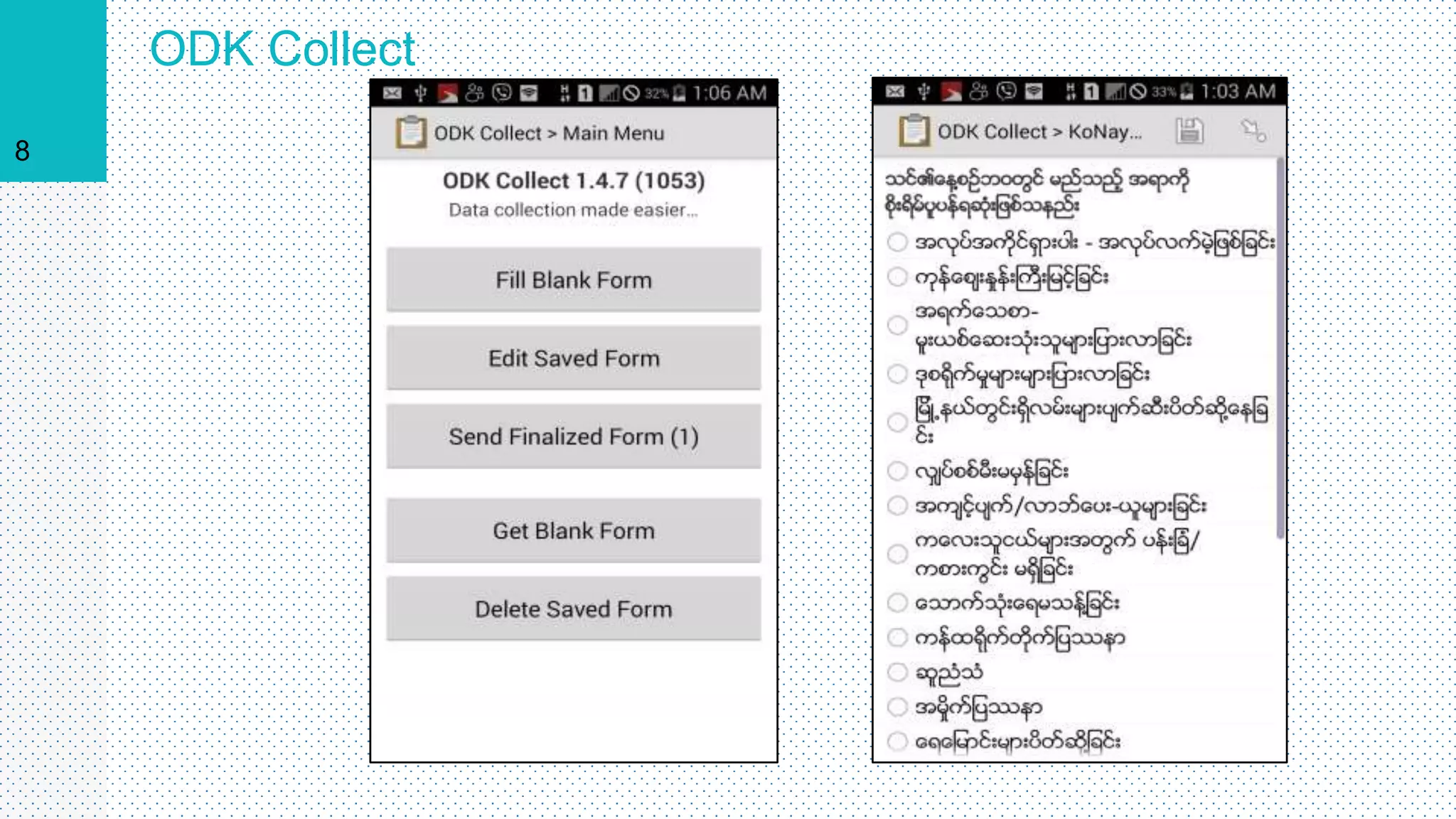
▹Collect - ODK Collect smartphone application
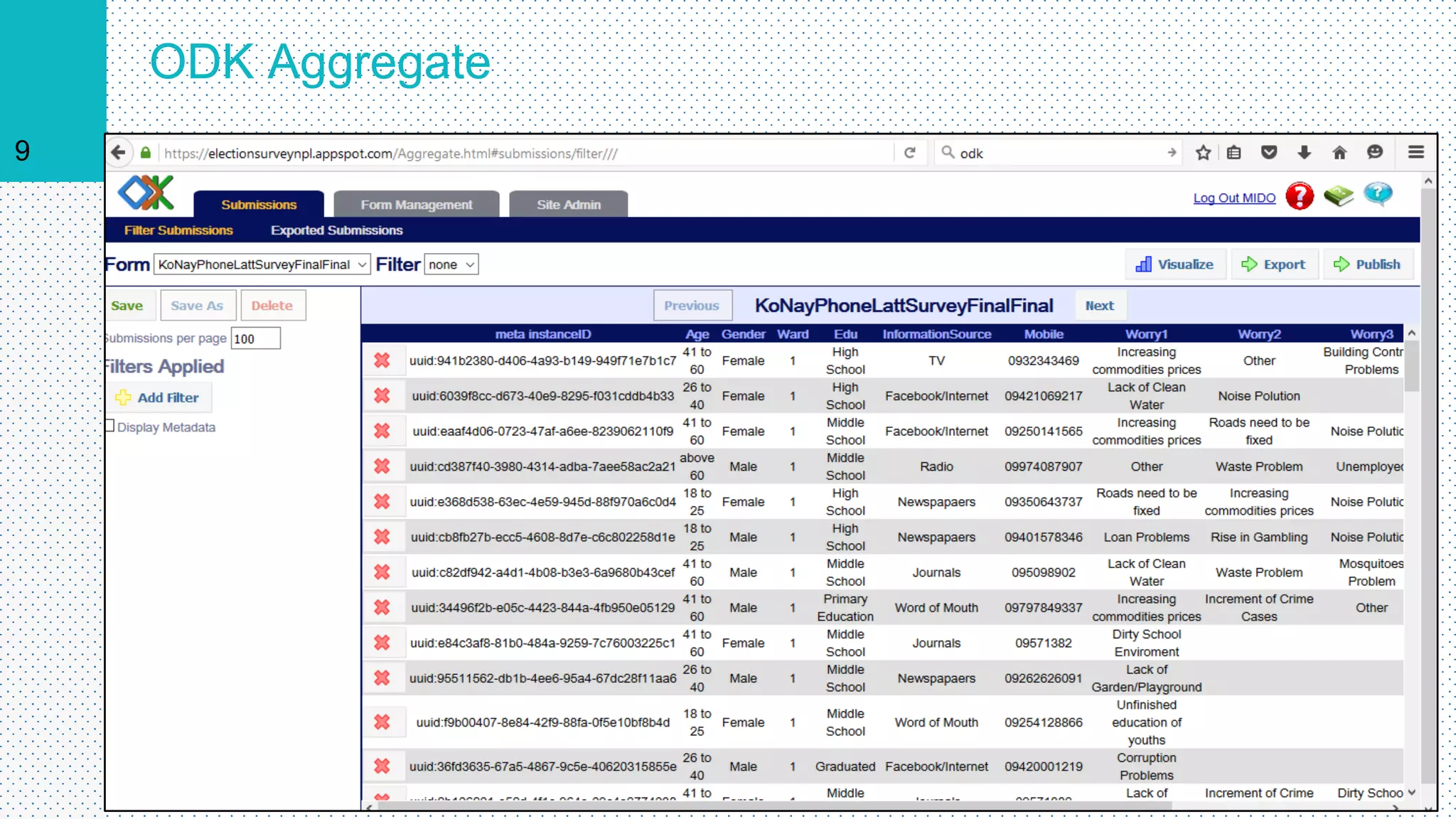
▹Aggregate - ODK Aggregate provides a ready to deploy online repository to
store, view and export collected data.
▹Form Uploader - ODK Form Uploader easily upload a blank form and its
media files to ODK Aggregate.
▹Briefcase - ODK Briefcase is the best way to transfer data from Collect and
Aggregate.
▹Validate - ODK Validate ensures that you have a OpenRosa compliant form
-- one that will also work with all the ODK tools.
6
ODK Build
7
ODK Collect
8
ODK Aggregate
9
Data Cleaning
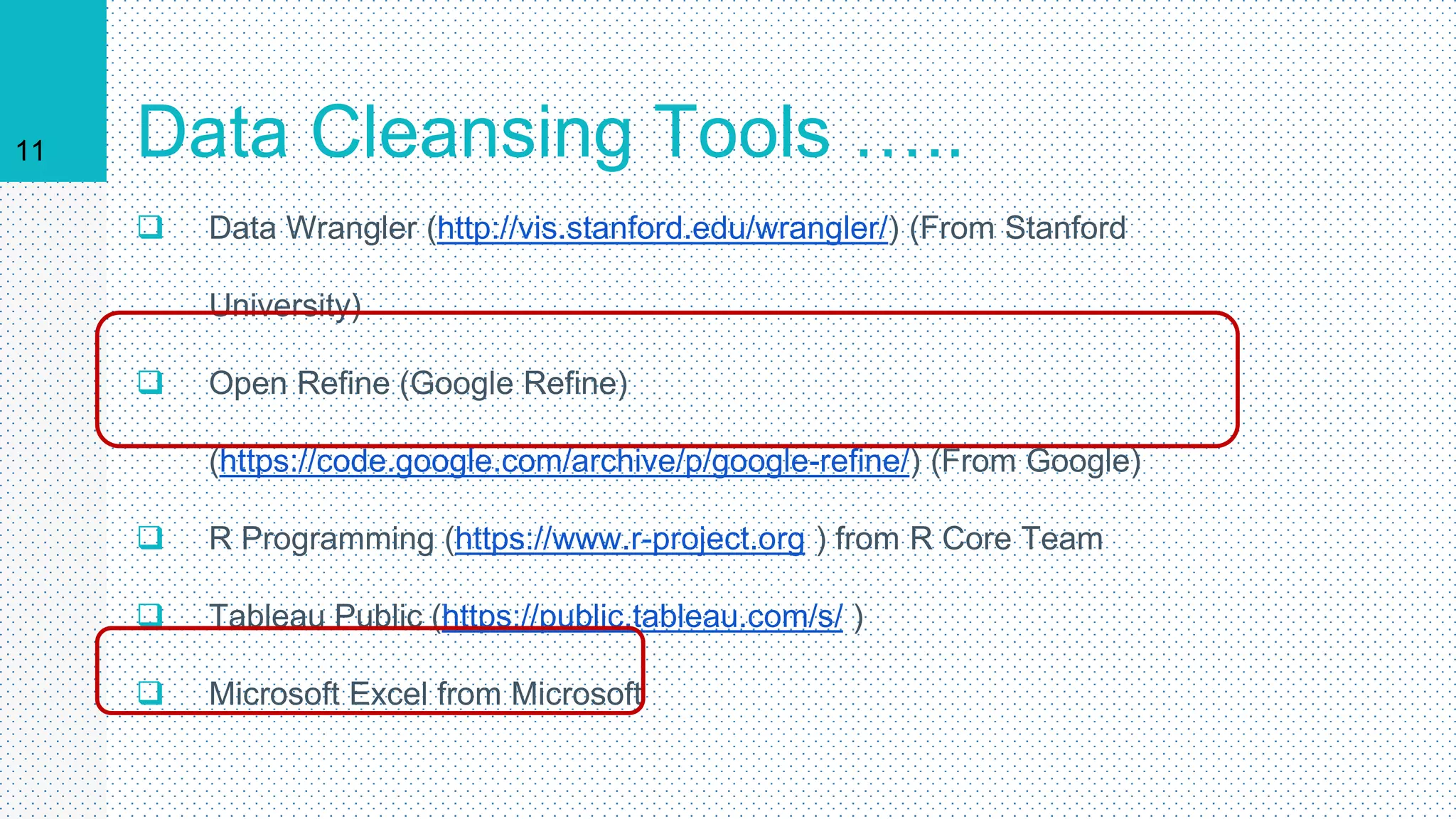
11 Data Cleansing Tools …..
 Data Wrangler (http://vis.stanford.edu/wrangler/) (From Stanford
University)
 Open Refine (Google Refine)
(https://code.google.com/archive/p/google-refine/) (From Google)
 R Programming (https://www.r-project.org ) from R Core Team
 Tableau Public (https://public.tableau.com/s/ )
 Microsoft Excel from Microsoft
Data
Visualization
12
Four Main Things
 Get the data
 Clean the data
 Draw out dimensions, correlation and
facts
 Visualize it
13
14 Get the data: 3 Types of Data
 Data that you have collected
 Other elses’ data that you want to highlight (Eg: Open
Data)
 Search Engine and Social Media Data
15 Data Sources
• http://ckan.org/
• http://www.theguardian.com/data
• http://www.google.com/publicdata/
• http://data.worldbank.org/
• http://datahub.io/
• www.themimu.info/
16
What does your data
say?
 Trends
 Correlations
 Geographics
 Facts and Figures
17
Before handling the
infographics………..
 What message do u want to give to your audience?
 What kind of people are they?
 Align your context with your goals and audience
 Structure your story
Data Visualization Tools
▸ Tableau Public (https://public.tableau.com/s/ )
▸ R Programming (https://www.r-project.org )
▸ D3.js ( https://d3js.org/ )
▸ Infogram ( https://infogr.am/ )
▸ PikToChart ( http://piktochart.com/ )
▸ Info Active ( https://infoactive.co/ )
18
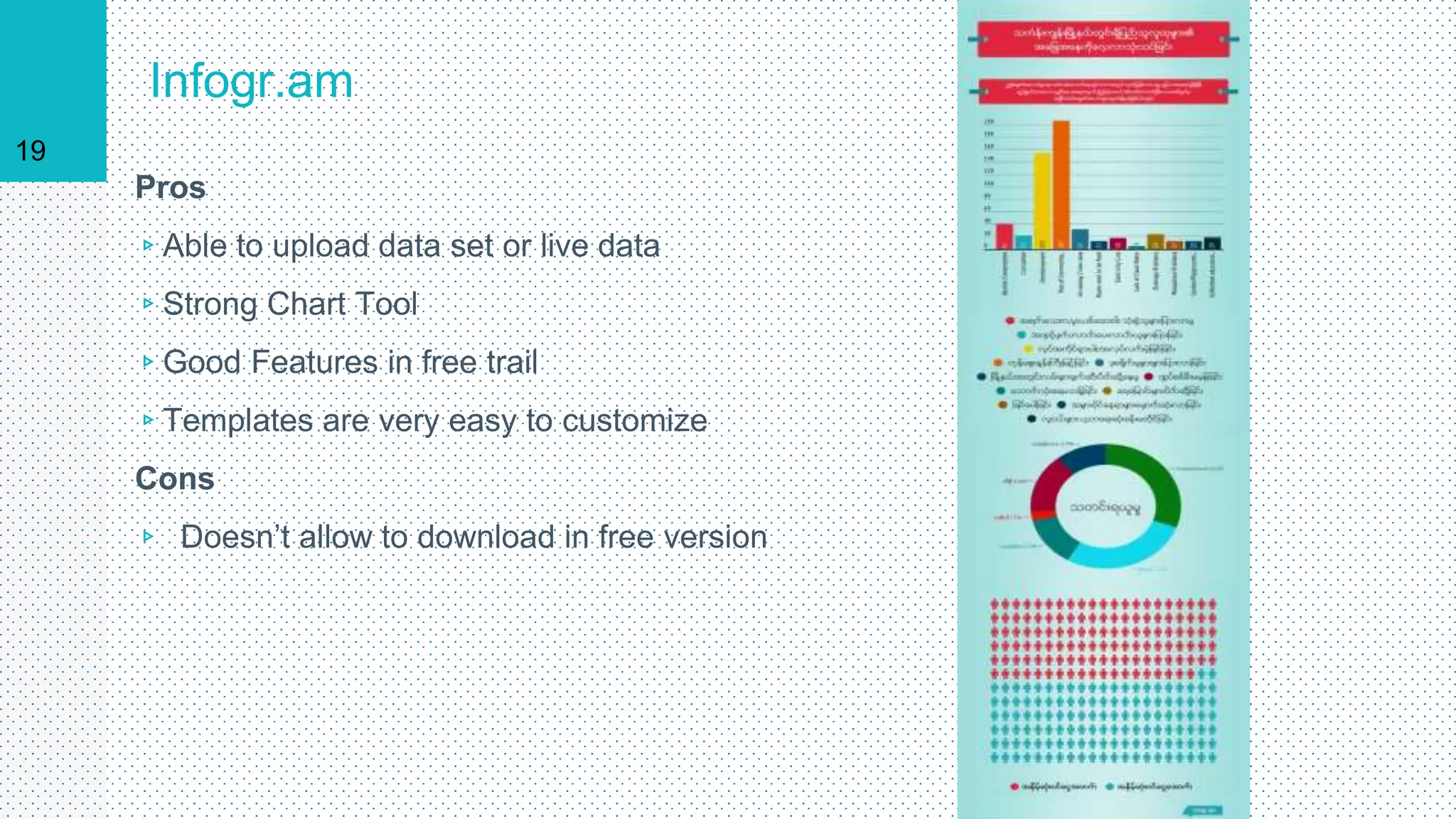
Infogr.am
Pros
▹Able to upload data set or live data
▹Strong Chart Tool
▹Good Features in free trail
▹Templates are very easy to customize
Cons
▹ Doesn’t allow to download in free version
19
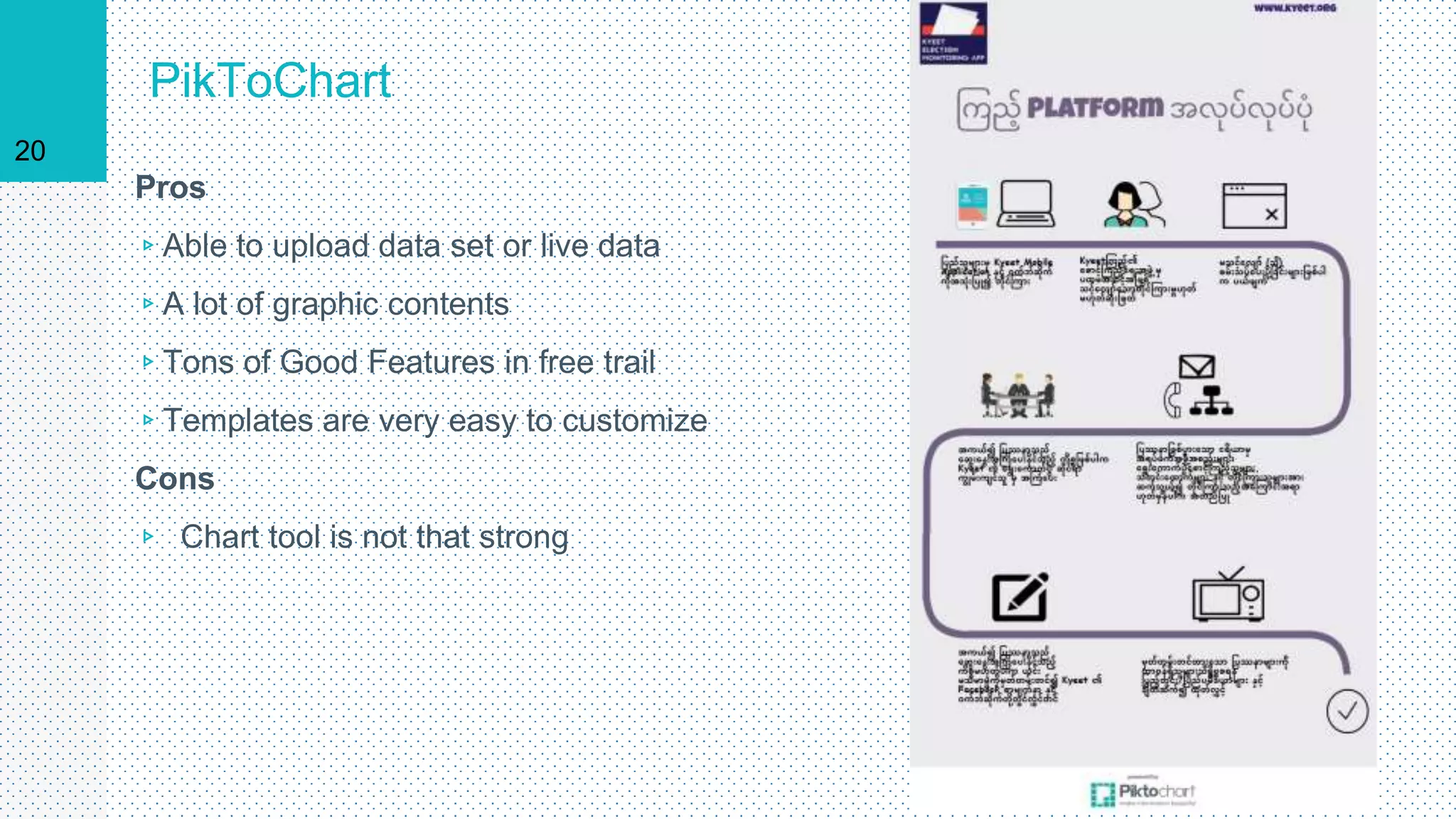
PikToChart
Pros
▹Able to upload data set or live data
▹A lot of graphic contents
▹Tons of Good Features in free trail
▹Templates are very easy to customize
Cons
▹ Chart tool is not that strong
20
Thank You
21
myominoo@tutanota.de
mmorakhine22@gmail.com

Mobile data collection and d viz presentation

  • 1.
    Mobile Data Collectionand Data Visualization tools Myo Min Oo Chalk & Slate www.chalkandslate.co info@chalkandslate.co 1
  • 2.
    Advantages of Mobilein data collection ▹ Time efficient – skip the secondary data entry step ▹ Faster transmission ▹ Accuracy of Data (Less text errors) ▹ Richer data (Pictures, GPS, BarCode, Audio, Video, etc…) ▹ Easier to analyze ▹ almost ready to visualize 2
  • 3.
    Challenges for MobileData Collection ▹Initial trainings for surveyors ▹Connection Problems ▹Provision of Mobile Devices ▹OS Version Compatibility ▹Resolution of System Problems ▹Font Compatibility (Especially Myanmar Fonts) Both front end and back end 3
  • 4.
    Tools for DataCollection ▹Google Forms (200000 Cells Limit) ▹Survey Monkey (Only 100 records for free version, $299 for unlimited) ▹Formhub (Free) ▹Open Data Kit ( Free) ▹Kobo Tool box (Free) ▹Collect 4
  • 5.
    Why we usedODK? ▹It’s free no matter how large your data set is (Other free tools have limits) ▹The forms can be created using powerful form design tools like Formhub, XLS2XForm, Vellum, or Kobo, or PurcForms ▹Data can be exported not only to (.xls) (.csv) files but also to files like (.kml) or shape files ▹Can operate offline ▹Can record audio, video, geographic codes, barcodes, ▹It’s Open Source 5
  • 6.
    Components of ODK ▹Build- ODK Build enables users to generate forms using a drag-and-drop ▹Collect - ODK Collect smartphone application ▹Aggregate - ODK Aggregate provides a ready to deploy online repository to store, view and export collected data. ▹Form Uploader - ODK Form Uploader easily upload a blank form and its media files to ODK Aggregate. ▹Briefcase - ODK Briefcase is the best way to transfer data from Collect and Aggregate. ▹Validate - ODK Validate ensures that you have a OpenRosa compliant form -- one that will also work with all the ODK tools. 6
  • 7.
  • 8.
  • 9.
  • 10.
  • 11.
    11 Data CleansingTools …..  Data Wrangler (http://vis.stanford.edu/wrangler/) (From Stanford University)  Open Refine (Google Refine) (https://code.google.com/archive/p/google-refine/) (From Google)  R Programming (https://www.r-project.org ) from R Core Team  Tableau Public (https://public.tableau.com/s/ )  Microsoft Excel from Microsoft
  • 12.
  • 13.
    Four Main Things Get the data  Clean the data  Draw out dimensions, correlation and facts  Visualize it 13
  • 14.
    14 Get thedata: 3 Types of Data  Data that you have collected  Other elses’ data that you want to highlight (Eg: Open Data)  Search Engine and Social Media Data
  • 15.
    15 Data Sources •http://ckan.org/ • http://www.theguardian.com/data • http://www.google.com/publicdata/ • http://data.worldbank.org/ • http://datahub.io/ • www.themimu.info/
  • 16.
    16 What does yourdata say?  Trends  Correlations  Geographics  Facts and Figures
  • 17.
    17 Before handling the infographics……….. What message do u want to give to your audience?  What kind of people are they?  Align your context with your goals and audience  Structure your story
  • 18.
    Data Visualization Tools ▸Tableau Public (https://public.tableau.com/s/ ) ▸ R Programming (https://www.r-project.org ) ▸ D3.js ( https://d3js.org/ ) ▸ Infogram ( https://infogr.am/ ) ▸ PikToChart ( http://piktochart.com/ ) ▸ Info Active ( https://infoactive.co/ ) 18
  • 19.
    Infogr.am Pros ▹Able to uploaddata set or live data ▹Strong Chart Tool ▹Good Features in free trail ▹Templates are very easy to customize Cons ▹ Doesn’t allow to download in free version 19
  • 20.
    PikToChart Pros ▹Able to uploaddata set or live data ▹A lot of graphic contents ▹Tons of Good Features in free trail ▹Templates are very easy to customize Cons ▹ Chart tool is not that strong 20
  • 21.