MICROSOFT BUSINESS
INTELLIGENCE TRAINING IN
MUMBAI
WHAT IS SSIS?
 Integration Services is a platform for building high
performance data integration and workflow solutions,
including extraction, transformation, and loading (ETL)
operations for data warehousing.
 Transfer and transform data
 SSIS contains a data-flow engine to transfer and transform
data to and from varied data sources
 Tools and wizards
 SSIS contains graphical tools and wizards for creating an
extraction, transform, and loading system
 New version of DTS (Data Transformation Services in SQL
Server 2000)
TYPICAL USE OF INTEGRATION
SERVICES
 Merging Data from Heterogeneous Data Stores
 Populating Data Warehouses and Data Marts
 Cleaning and Standardizing Data
 Building Business Intelligence into a Data
Transformation Process
 Automating Administrative Functions and Data
Loading
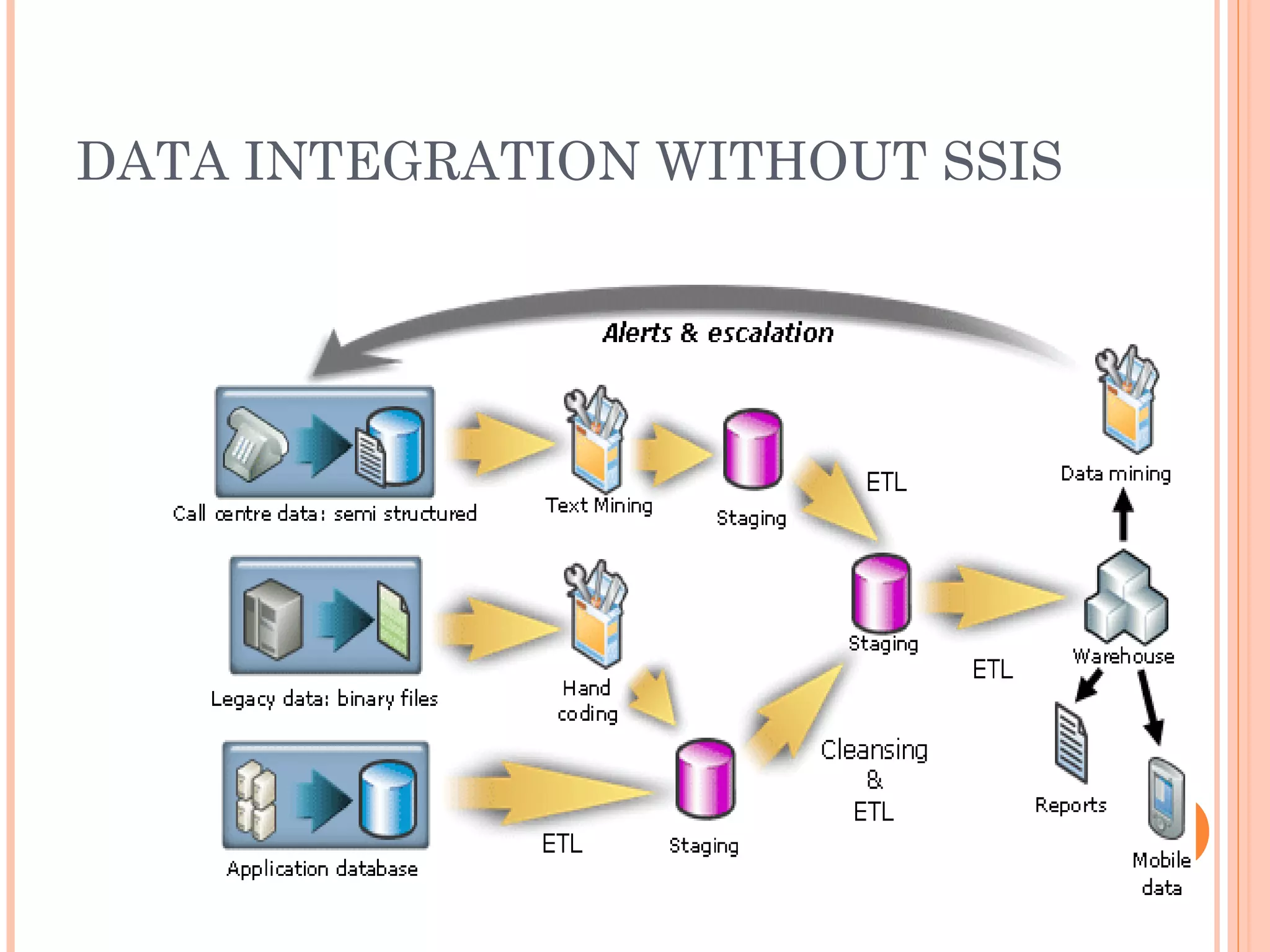
DATA INTEGRATION WITHOUT SSIS
DATA INTEGRATION WITH SSIS
SSIS ARCHITECTURE
Integration Services has a completely new
architecture that separates data movement
and transformation from Package control flow
and management
Packages are the units of work that you
execute
Tasks do the work in packages
Containers are objects that provide structure
to packages
-The run-time engine implements
the control flow and package
management infrastructure
-The data flow engine
is a specialized, high performance
engine that is exclusively
dedicated to extracting,
transforming, and loading data.
SSIS
ARCHITECT
URE
SSIS TOOLS
 Wizards
 SQL Server Import and Export Wizard
 Package Migration Wizard
 …
 SSIS Designer
 built into the BI Development Studio and is the main
surface for package development.
 Command-prompt utilities
 Dtexec (run an existing package at the command
prompt )
 Dtutil (manage existing packages at the command
prompt)
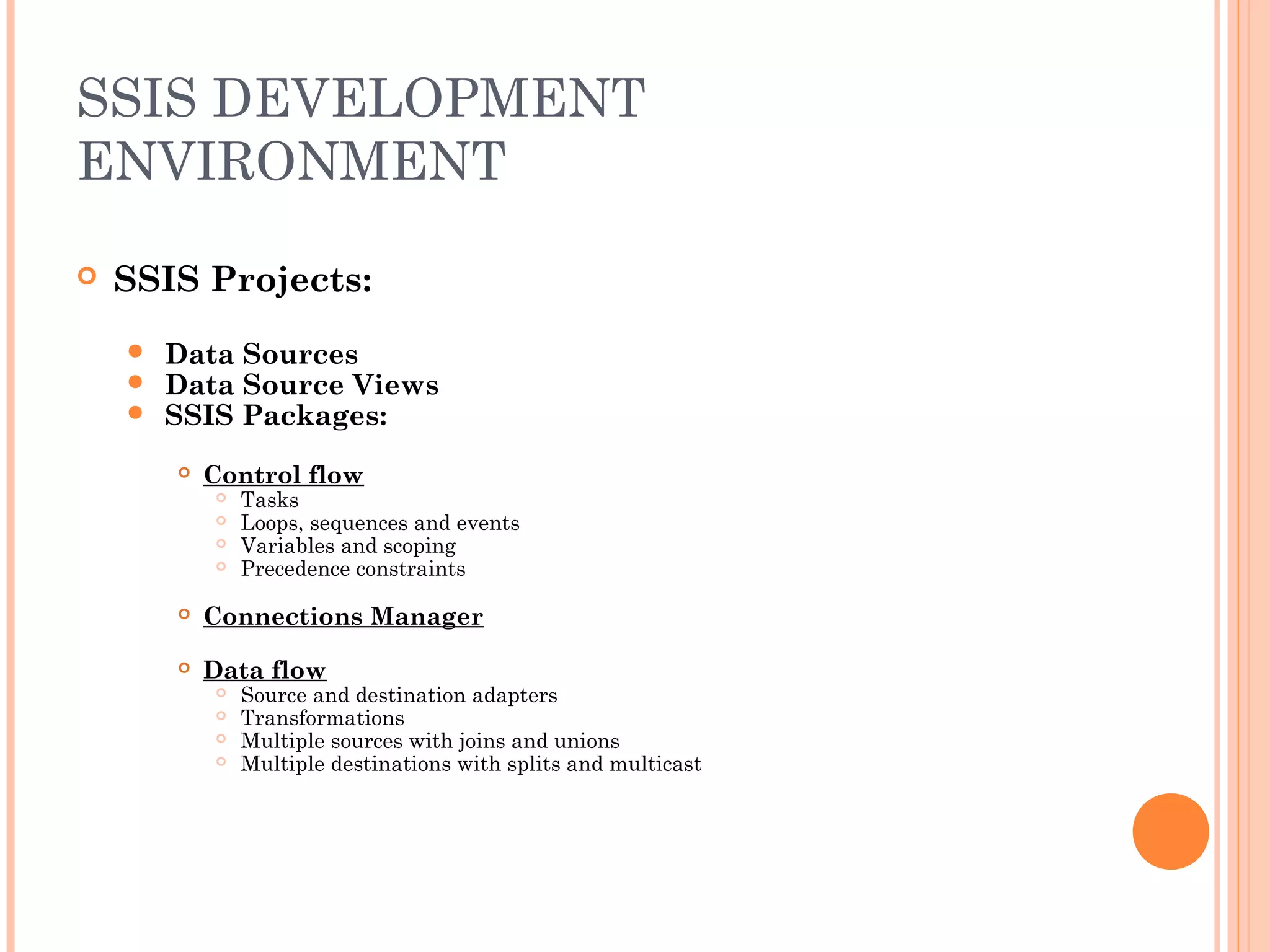
SSIS DEVELOPMENT
ENVIRONMENT
 SSIS Projects:
 Data Sources
 Data Source Views
 SSIS Packages:
 Control flow
 Tasks
 Loops, sequences and events
 Variables and scoping
 Precedence constraints
 Connections Manager
 Data flow
 Source and destination adapters
 Transformations
 Multiple sources with joins and unions
 Multiple destinations with splits and multicast
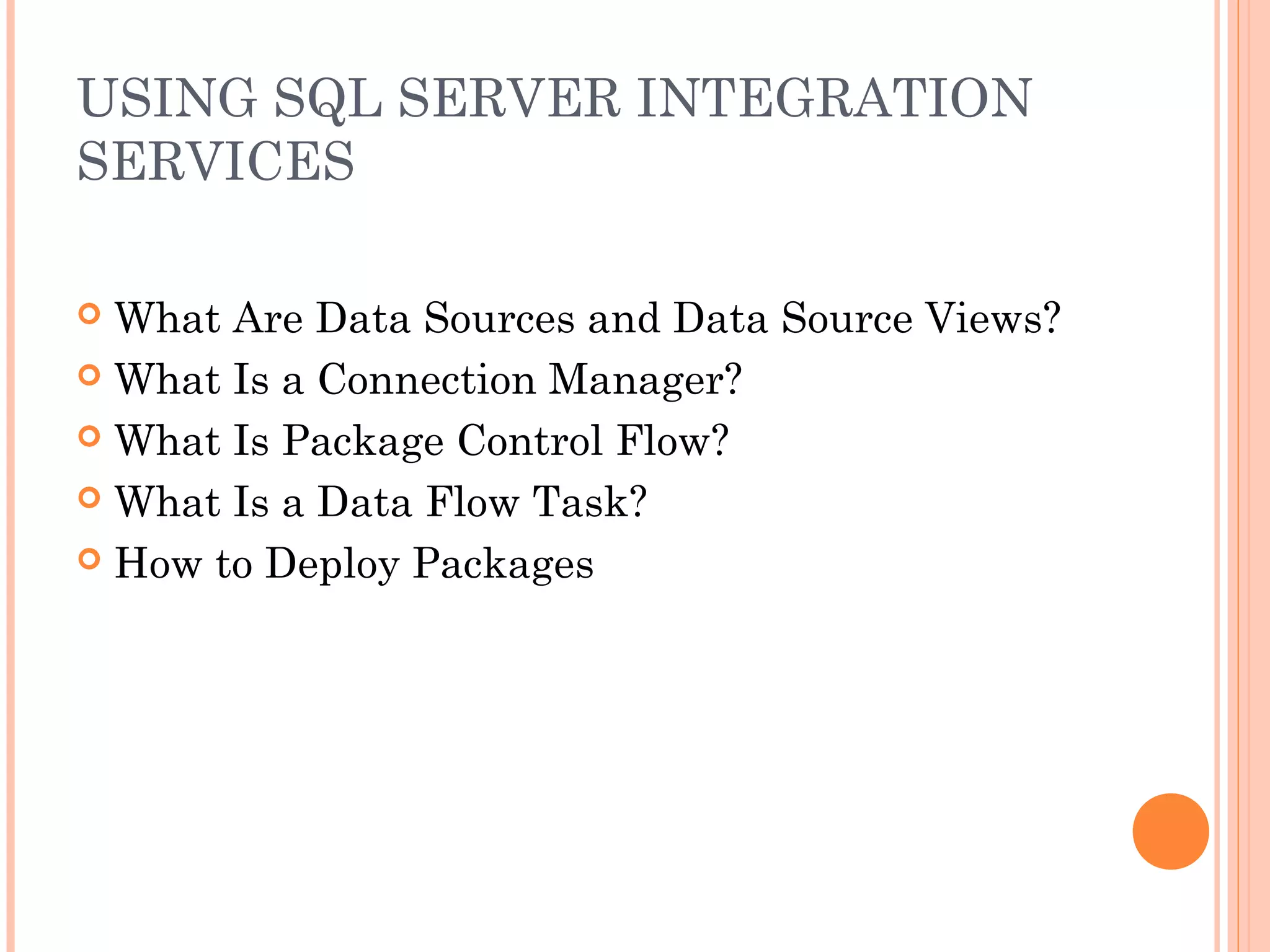
USING SQL SERVER INTEGRATION
SERVICES
 What Are Data Sources and Data Source Views?
 What Is a Connection Manager?
 What Is Package Control Flow?
 What Is a Data Flow Task?
 How to Deploy Packages
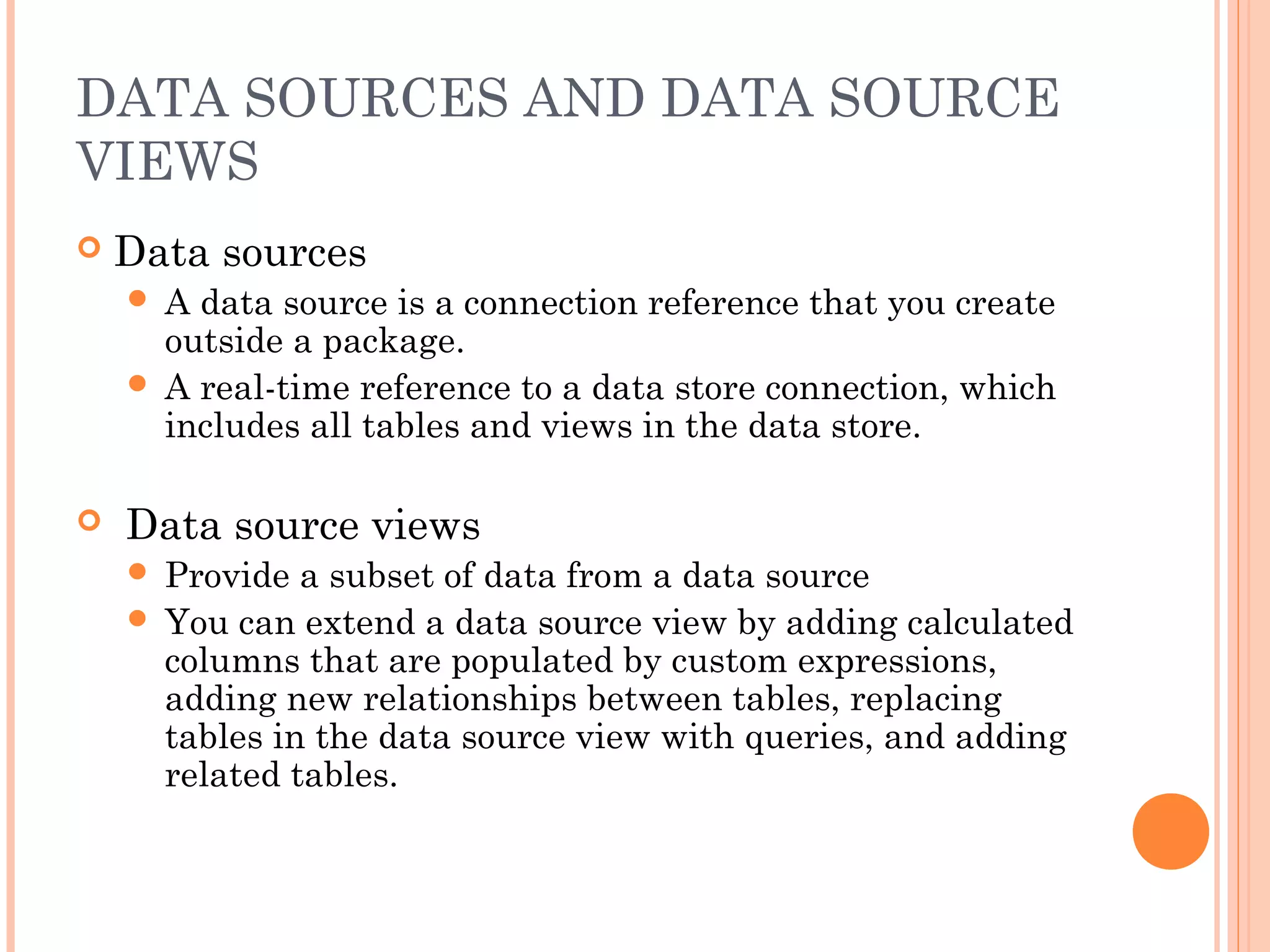
DATA SOURCES AND DATA SOURCE
VIEWS
 Data sources
 A data source is a connection reference that you create
outside a package.
 A real-time reference to a data store connection, which
includes all tables and views in the data store.
 Data source views
 Provide a subset of data from a data source
 You can extend a data source view by adding calculated
columns that are populated by custom expressions,
adding new relationships between tables, replacing
tables in the data source view with queries, and adding
related tables.
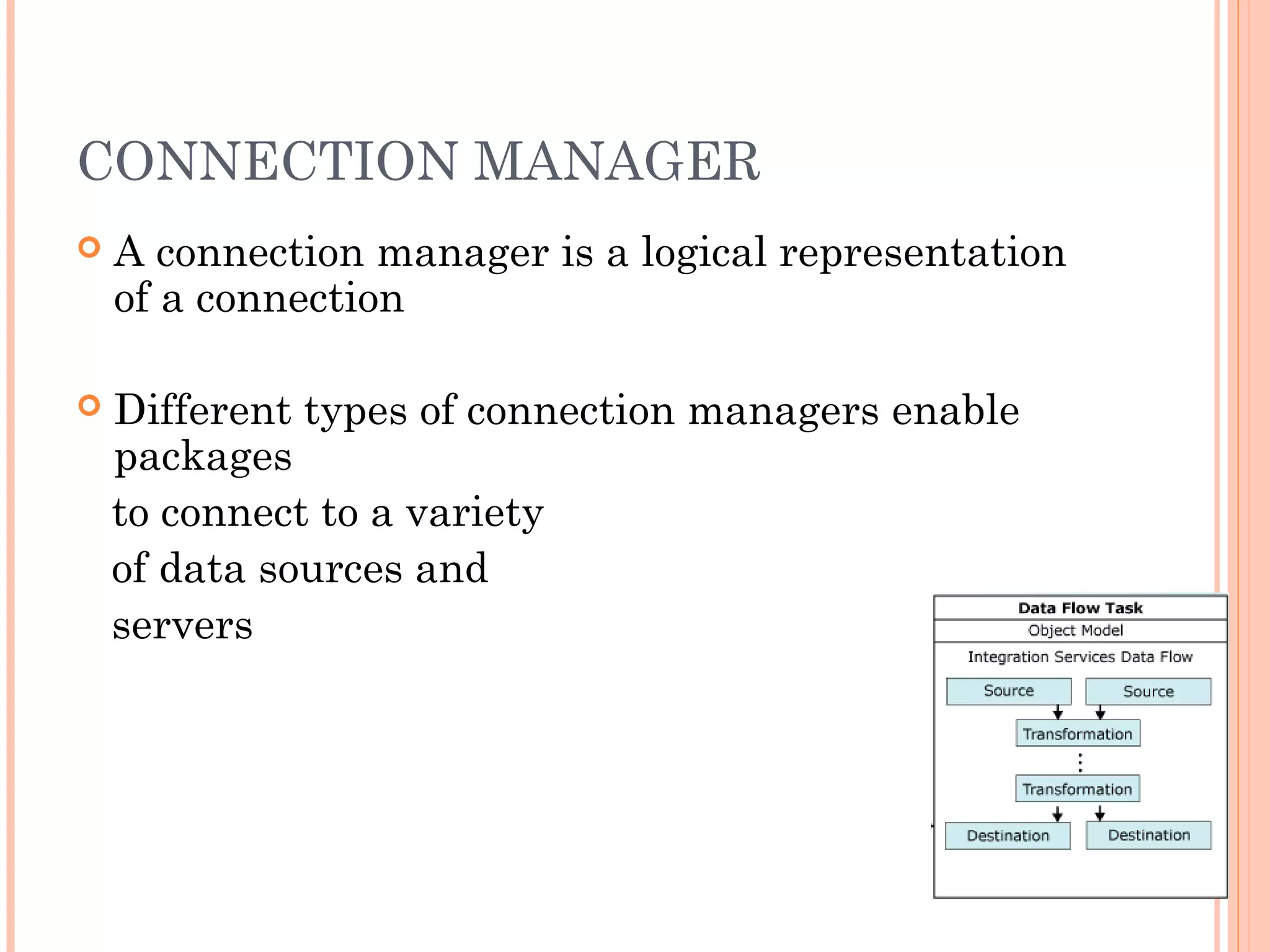
CONNECTION MANAGER
 A connection manager is a logical representation
of a connection
 Different types of connection managers enable
packages
to connect to a variety
of data sources and
servers
PACKAGE CONTROL FLOW
 Tasks
Tasks do the work in packages. The most
important task is the data flow task
 Precedence constraints
Precedence constraints join tasks together
 Containers
Containers allow you to group together, or loop
through, the tasks
DEPLOY PACKAGE
 Define package configurations
 Allow you to update the values of properties at run time
 Build the project
 Configure the deployment utility
 Build the project
 Deploy the build
 Copy the build folder to the new system
 Run the manifest
SSIS EXECUTION METHODS
 Visual Studio / BIDS
 Debugging environment
 Command Line – (dtexec)
 Execute Package Utility (dtexecui)
 SQL Agent Sub System
 Object Model
SSIS DESIGNER
 Available in Business Intelligence Development
Studio as part of an Integration Services project.
 Perform the following tasks:
 Constructing the control flow in a package.
 Constructing the data flows in a package.
 Adding event handlers to the package and package objects.
 Viewing the package content.
 At run time, viewing the execution progress of the package.
PACKAGES DEBUGGING
 Control flow
Breakpoints
Progress reporting
Debug window
 Data flow
Data viewer
Row counts
Progress reporting
SECURITY
 Packages signed with certificates
 Data encryption before saving the package
 Packages protected using passwords
 Packages controlled with database-level
roles, by default:
Administrator
User
Operator
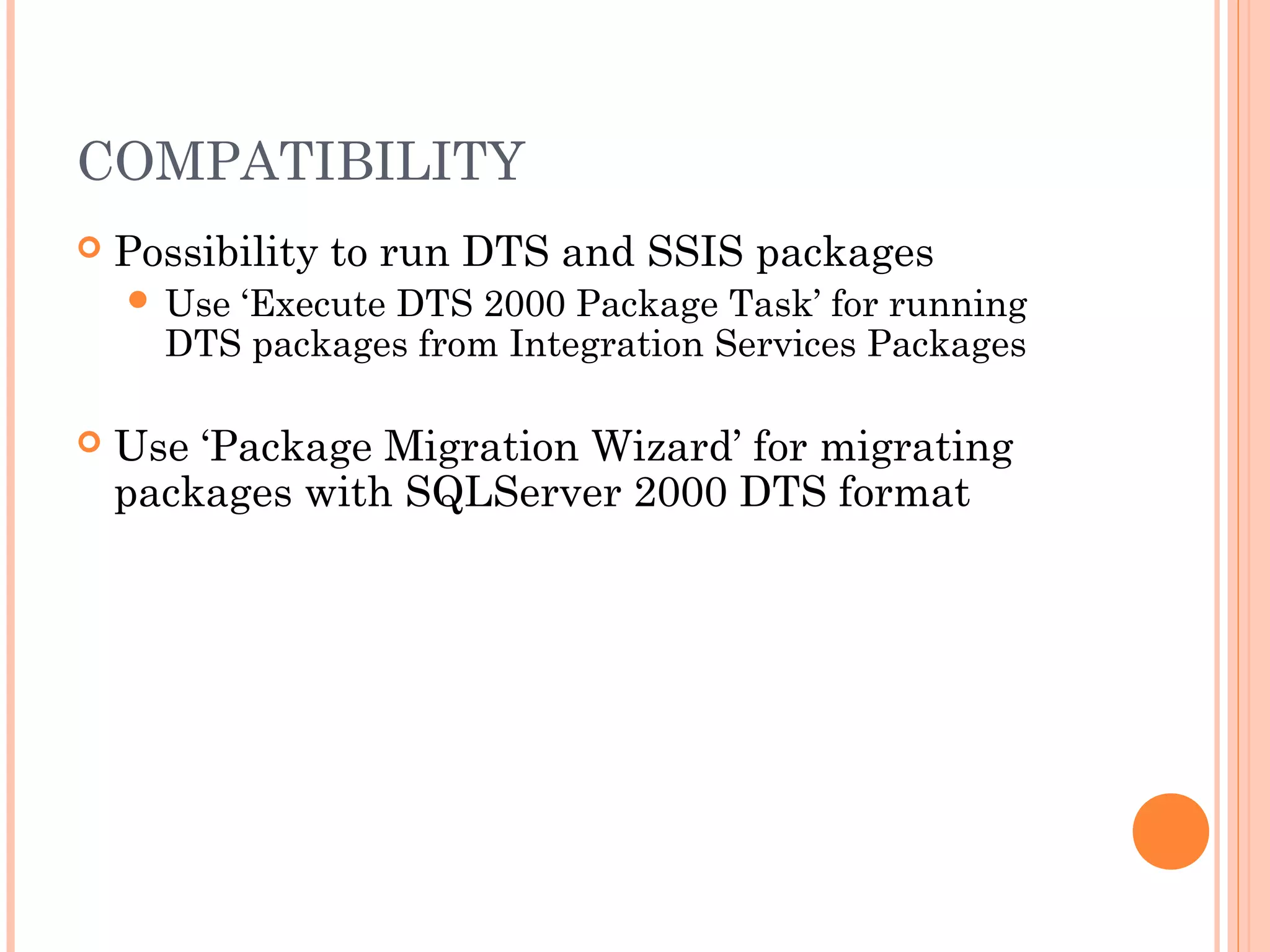
COMPATIBILITY
 Possibility to run DTS and SSIS packages
 Use ‘Execute DTS 2000 Package Task’ for running
DTS packages from Integration Services Packages
 Use ‘Package Migration Wizard’ for migrating
packages with SQLServer 2000 DTS format
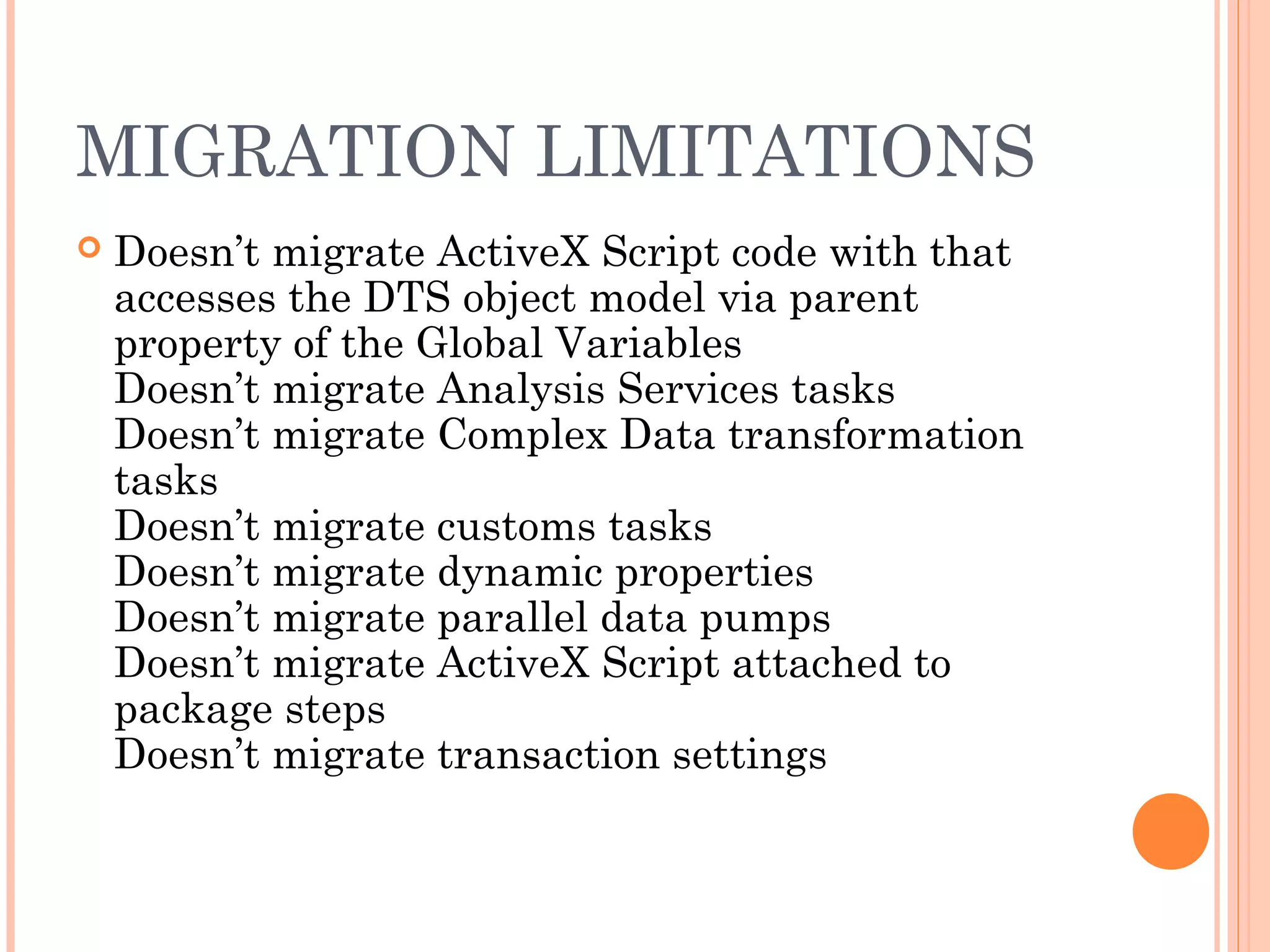
MIGRATION LIMITATIONS
 Doesn’t migrate ActiveX Script code with that
accesses the DTS object model via parent
property of the Global Variables
Doesn’t migrate Analysis Services tasks
Doesn’t migrate Complex Data transformation
tasks
Doesn’t migrate customs tasks
Doesn’t migrate dynamic properties
Doesn’t migrate parallel data pumps
Doesn’t migrate ActiveX Script attached to
package steps
Doesn’t migrate transaction settings
THANK YOU

Microsoft-business-intelligence-training-in-mumbai

  • 1.
  • 2.
    WHAT IS SSIS? Integration Services is a platform for building high performance data integration and workflow solutions, including extraction, transformation, and loading (ETL) operations for data warehousing.  Transfer and transform data  SSIS contains a data-flow engine to transfer and transform data to and from varied data sources  Tools and wizards  SSIS contains graphical tools and wizards for creating an extraction, transform, and loading system  New version of DTS (Data Transformation Services in SQL Server 2000)
  • 3.
    TYPICAL USE OFINTEGRATION SERVICES  Merging Data from Heterogeneous Data Stores  Populating Data Warehouses and Data Marts  Cleaning and Standardizing Data  Building Business Intelligence into a Data Transformation Process  Automating Administrative Functions and Data Loading
  • 4.
  • 5.
  • 6.
    SSIS ARCHITECTURE Integration Serviceshas a completely new architecture that separates data movement and transformation from Package control flow and management Packages are the units of work that you execute Tasks do the work in packages Containers are objects that provide structure to packages
  • 7.
    -The run-time engineimplements the control flow and package management infrastructure -The data flow engine is a specialized, high performance engine that is exclusively dedicated to extracting, transforming, and loading data. SSIS ARCHITECT URE
  • 8.
    SSIS TOOLS  Wizards SQL Server Import and Export Wizard  Package Migration Wizard  …  SSIS Designer  built into the BI Development Studio and is the main surface for package development.  Command-prompt utilities  Dtexec (run an existing package at the command prompt )  Dtutil (manage existing packages at the command prompt)
  • 9.
    SSIS DEVELOPMENT ENVIRONMENT  SSISProjects:  Data Sources  Data Source Views  SSIS Packages:  Control flow  Tasks  Loops, sequences and events  Variables and scoping  Precedence constraints  Connections Manager  Data flow  Source and destination adapters  Transformations  Multiple sources with joins and unions  Multiple destinations with splits and multicast
  • 10.
    USING SQL SERVERINTEGRATION SERVICES  What Are Data Sources and Data Source Views?  What Is a Connection Manager?  What Is Package Control Flow?  What Is a Data Flow Task?  How to Deploy Packages
  • 11.
    DATA SOURCES ANDDATA SOURCE VIEWS  Data sources  A data source is a connection reference that you create outside a package.  A real-time reference to a data store connection, which includes all tables and views in the data store.  Data source views  Provide a subset of data from a data source  You can extend a data source view by adding calculated columns that are populated by custom expressions, adding new relationships between tables, replacing tables in the data source view with queries, and adding related tables.
  • 12.
    CONNECTION MANAGER  Aconnection manager is a logical representation of a connection  Different types of connection managers enable packages to connect to a variety of data sources and servers
  • 13.
    PACKAGE CONTROL FLOW Tasks Tasks do the work in packages. The most important task is the data flow task  Precedence constraints Precedence constraints join tasks together  Containers Containers allow you to group together, or loop through, the tasks
  • 14.
    DEPLOY PACKAGE  Definepackage configurations  Allow you to update the values of properties at run time  Build the project  Configure the deployment utility  Build the project  Deploy the build  Copy the build folder to the new system  Run the manifest
  • 15.
    SSIS EXECUTION METHODS Visual Studio / BIDS  Debugging environment  Command Line – (dtexec)  Execute Package Utility (dtexecui)  SQL Agent Sub System  Object Model
  • 16.
    SSIS DESIGNER  Availablein Business Intelligence Development Studio as part of an Integration Services project.  Perform the following tasks:  Constructing the control flow in a package.  Constructing the data flows in a package.  Adding event handlers to the package and package objects.  Viewing the package content.  At run time, viewing the execution progress of the package.
  • 17.
    PACKAGES DEBUGGING  Controlflow Breakpoints Progress reporting Debug window  Data flow Data viewer Row counts Progress reporting
  • 18.
    SECURITY  Packages signedwith certificates  Data encryption before saving the package  Packages protected using passwords  Packages controlled with database-level roles, by default: Administrator User Operator
  • 19.
    COMPATIBILITY  Possibility torun DTS and SSIS packages  Use ‘Execute DTS 2000 Package Task’ for running DTS packages from Integration Services Packages  Use ‘Package Migration Wizard’ for migrating packages with SQLServer 2000 DTS format
  • 20.
    MIGRATION LIMITATIONS  Doesn’tmigrate ActiveX Script code with that accesses the DTS object model via parent property of the Global Variables Doesn’t migrate Analysis Services tasks Doesn’t migrate Complex Data transformation tasks Doesn’t migrate customs tasks Doesn’t migrate dynamic properties Doesn’t migrate parallel data pumps Doesn’t migrate ActiveX Script attached to package steps Doesn’t migrate transaction settings
  • 21.

Editor's Notes

  • #4 Data is typically stored in many different data storage systems, and extracting data from all sources and merging the data into a single, consistent dataset is challenging. The data in data warehouses and data marts is usually updated frequently, and the data loads are typically very large. Integration Services includes a task that bulk loads data directly from a flat file into SQL Server tables and views, and a destination component that bulk loads data into a SQL Server database as the last step in a data transformation process. Whether data is loaded into an online transaction processing (OLTP) or online analytic processing (OLAP) database, an Excel spreadsheet, or a file, it needs to be cleaned and standardized before it is loaded. The data may need to be summarized, converted, and distributed based on data values. The process may even need to reject data, based on an assessment of column values. Administrators frequently want to automate administrative functions such as backing up and restoring databases, copying SQL Server databases and the objects they contain, copying SQL Server objects, and loading data. Integration Services packages can perform these functions.
  • #5 -Integration and warehousing require separate, staged, operations. -Preparation of data requires different, often incompatible, tools. -Reporting and escalation is a slow process, delaying smart responses. -Heavy data volumes make this scenario increasingly unworkable.
  • #6 -Integration and warehousing are a seamless, manageable, operation. -Source, prepare and load data in a single, auditable process.
  • #8 Integration Services supports both native and managed code. The Integration Services service, monitors running Integration Services packages and manages the storage of packages.
  • #9 The SQL Server Import and Export Wizard provides the simplest method of constructing basic packages and copying data between data sources. The Package Installation Wizard guides you through the process of deploying packages and updating package configurations. The Package Configuration Wizard guides you though the steps to create the configurations that update the values of properties of packages and package objects at run time. The Package Migration Wizard guides you though the steps to migrate SQL Server 2000 DTS packages to SQL Server 2005.