Start using SQL Server Integration Services (SSIS) Now!
Definition of some SSIS Terminology Upgrading Existing Packages Lets start Writing Packages in SSIS Q & A Next Steps
Help you start taking advantage of the great new features in SSIS Should be able to go back to your office tomorrow and start using SSIS See that SQL server Integration Services isn’t that Scary after all – if I can do it – you can too!  
Senior Systems Designer for Cybner Computer Solutions 10 Years experience in the IT industry MCP since 2002, most recently Microsoft Certified Technical Specialist: SQL Server 2005, .Net 2.0 Development Currently Studying IT Masters
Debugging Data Viewer Row level flow control Ability to reference your own dll’s Strongly typed Script tool! In Visual Studio! With intellisense! Even more importantly because of the way SSIS runs, there is a performance increase!
1. General Public Delay on installations 2. Learning Curve for new technology 3. Cost vs Value
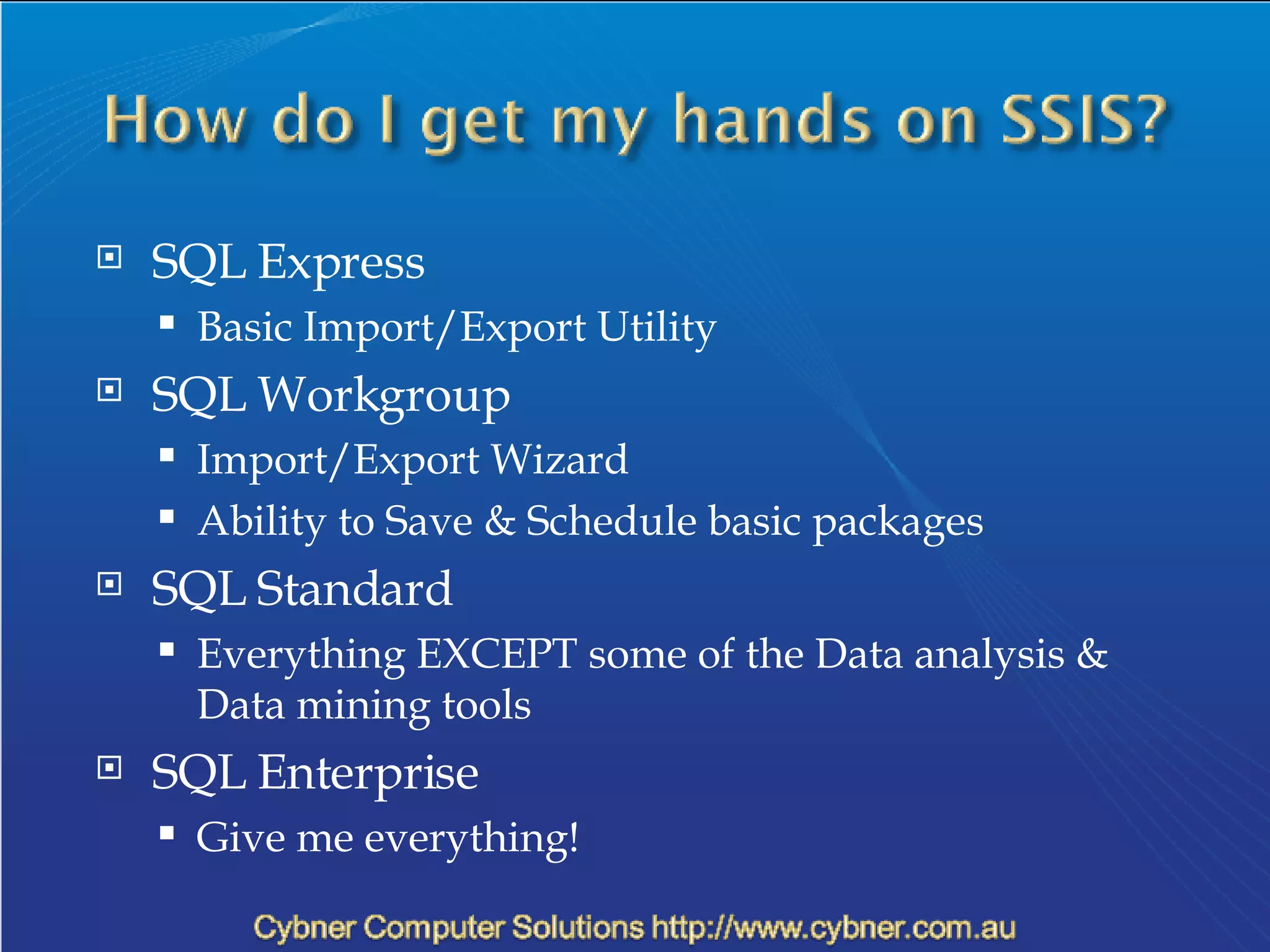
SQL Express Basic Import/Export Utility  SQL Workgroup Import/Export Wizard Ability to Save & Schedule basic packages SQL Standard Everything EXCEPT some of the Data analysis & Data mining tools SQL Enterprise Give me everything!
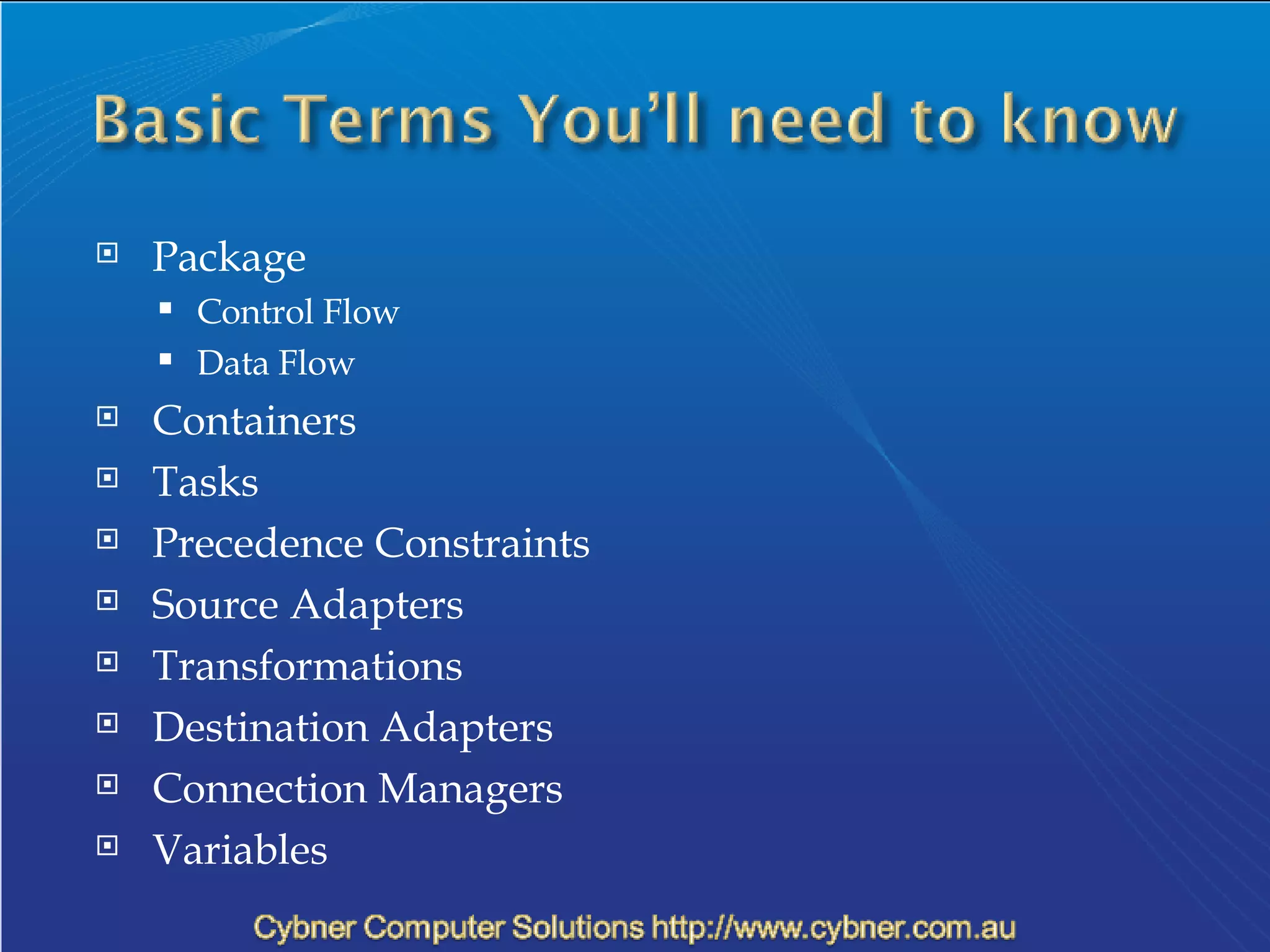
Package Control Flow Data Flow Containers Tasks Precedence Constraints Source Adapters Transformations Destination Adapters Connection Managers Variables
It’s 4:55 on Thursday afternoon… “ We have decided to upgrade to SQL 2005 this weekend. That wont cause any problems for those DTS packages you’ve written for us will it???” DEMO
Key Take Away Points: Script your DTS Packages BEFORE you upgrade Install the  Microsoft SQL Server 2000 DTS Designer Components  &  SQL Server 2005 Backward Compatibility pack (requires a reboot) Watch out for how much SQL Helps you out Look & Learn from what SQL does Don't forget about the Integration Service Connection Manager
We need to do the following: Loop through List of new orders in For Each Loop Create Text file for each order – with the Order ID as the filename Update the order to show that text file has been generated DEMO
Key Take Aways: Add descriptions to each step For Each Loop – Looping Data Working with Variables & expressions Using the lookup tool Working with Output Files Using the data viewer
Some basic Terminology Migrate your existing packages Simple example of some powerful stuff
Over to you…
Best Resources for SSIS: Google!!! Search what you are trying to do http://www.sqlis.com/ http://www.sqlservercentral.com/ http://sqljunkies.com/ http://www.ssistalk.com/  Get Started!! More info on me: http://blog.cybner.com.au/

Integration Services Presentation V2

  • 1.
    Start using SQLServer Integration Services (SSIS) Now!
  • 2.
    Definition of someSSIS Terminology Upgrading Existing Packages Lets start Writing Packages in SSIS Q & A Next Steps
  • 3.
    Help you starttaking advantage of the great new features in SSIS Should be able to go back to your office tomorrow and start using SSIS See that SQL server Integration Services isn’t that Scary after all – if I can do it – you can too! 
  • 4.
    Senior Systems Designerfor Cybner Computer Solutions 10 Years experience in the IT industry MCP since 2002, most recently Microsoft Certified Technical Specialist: SQL Server 2005, .Net 2.0 Development Currently Studying IT Masters
  • 5.
    Debugging Data ViewerRow level flow control Ability to reference your own dll’s Strongly typed Script tool! In Visual Studio! With intellisense! Even more importantly because of the way SSIS runs, there is a performance increase!
  • 6.
    1. General PublicDelay on installations 2. Learning Curve for new technology 3. Cost vs Value
  • 7.
    SQL Express BasicImport/Export Utility SQL Workgroup Import/Export Wizard Ability to Save & Schedule basic packages SQL Standard Everything EXCEPT some of the Data analysis & Data mining tools SQL Enterprise Give me everything!
  • 8.
    Package Control FlowData Flow Containers Tasks Precedence Constraints Source Adapters Transformations Destination Adapters Connection Managers Variables
  • 9.
    It’s 4:55 onThursday afternoon… “ We have decided to upgrade to SQL 2005 this weekend. That wont cause any problems for those DTS packages you’ve written for us will it???” DEMO
  • 10.
    Key Take AwayPoints: Script your DTS Packages BEFORE you upgrade Install the Microsoft SQL Server 2000 DTS Designer Components & SQL Server 2005 Backward Compatibility pack (requires a reboot) Watch out for how much SQL Helps you out Look & Learn from what SQL does Don't forget about the Integration Service Connection Manager
  • 11.
    We need todo the following: Loop through List of new orders in For Each Loop Create Text file for each order – with the Order ID as the filename Update the order to show that text file has been generated DEMO
  • 12.
    Key Take Aways:Add descriptions to each step For Each Loop – Looping Data Working with Variables & expressions Using the lookup tool Working with Output Files Using the data viewer
  • 13.
    Some basic TerminologyMigrate your existing packages Simple example of some powerful stuff
  • 14.
  • 15.
    Best Resources forSSIS: Google!!! Search what you are trying to do http://www.sqlis.com/ http://www.sqlservercentral.com/ http://sqljunkies.com/ http://www.ssistalk.com/ Get Started!! More info on me: http://blog.cybner.com.au/

Editor's Notes

  • #2 ETL – Extraction, Transformation & Loading of data