About Microsoft
Dynamics NAV
Microsoft Dynamics NAV is a global enterprise resource planning (ERP)
solution designed for small and medium sized businesses. It provides the
tools to simplify and streamline business processes across your entire
organization to gain better control, increase your margins and drive profitable
growth. ​​​​With Microsoft Dynamics NAV, you can make smart decisions and
automate key business processes across the board to drive down costs and turn
margins into cash flow.
Microsoft Dynamics portfolio impresses with its user interface based on
Microsoft Office, making the software intuitive and easy to use from the outset.
The open architecture ensures fast and cost-effective implementation, adaptation
and maintenance. Integration with the Microsoft office system is adding a great
deal of efficiency and control.
Reason for Choosing
Microsoft Dynamics NAV
Your current system reliability
issue.
Manual, time-consuming, inconsistent
processes impeding change and
growth.
People running around a lot to
try and get information.
‘Hacking’ multiple
spreadsheets to get reports.
Inconsistent visibility to data in
order to make confident
decisions.
Have reams of paperwork and
spreadsheets.
Grown beyond current
software and incremental
changes are ineffective.
Unable to get to accurate
information about business
operations.
Features of
Microsoft Dynamics NAV
• System adapting to specific needs of your company.
• Support for international trading – foreign branches and multiple currencies.
• Key processes automated across your business.
• Role-based data views, providing relevant data for each user role.
• Compatible with other technologies with no need for extensive IT
infrastructure.
• Improved efficiency of financial procedures.
• The mobile connection between local and remote workers.
Design &
Development
Evolutions of
Dynamics NAV
Designing and developing a professional services
vertical for Microsoft Dynamics NAV is
an experience. There is much to be improved and
simplified in Microsoft Dynamics NAV from a
user's point of view in order to bring about the
goals of efficiency, ease-of-use and user-
friendliness. In no particular order, thoughts on
design evolution as it relates to Microsoft
Dynamics NAV, though many of these points
apply to software design in general and can be
applied at any time through thoughtful design and
development.
Service
Offerings
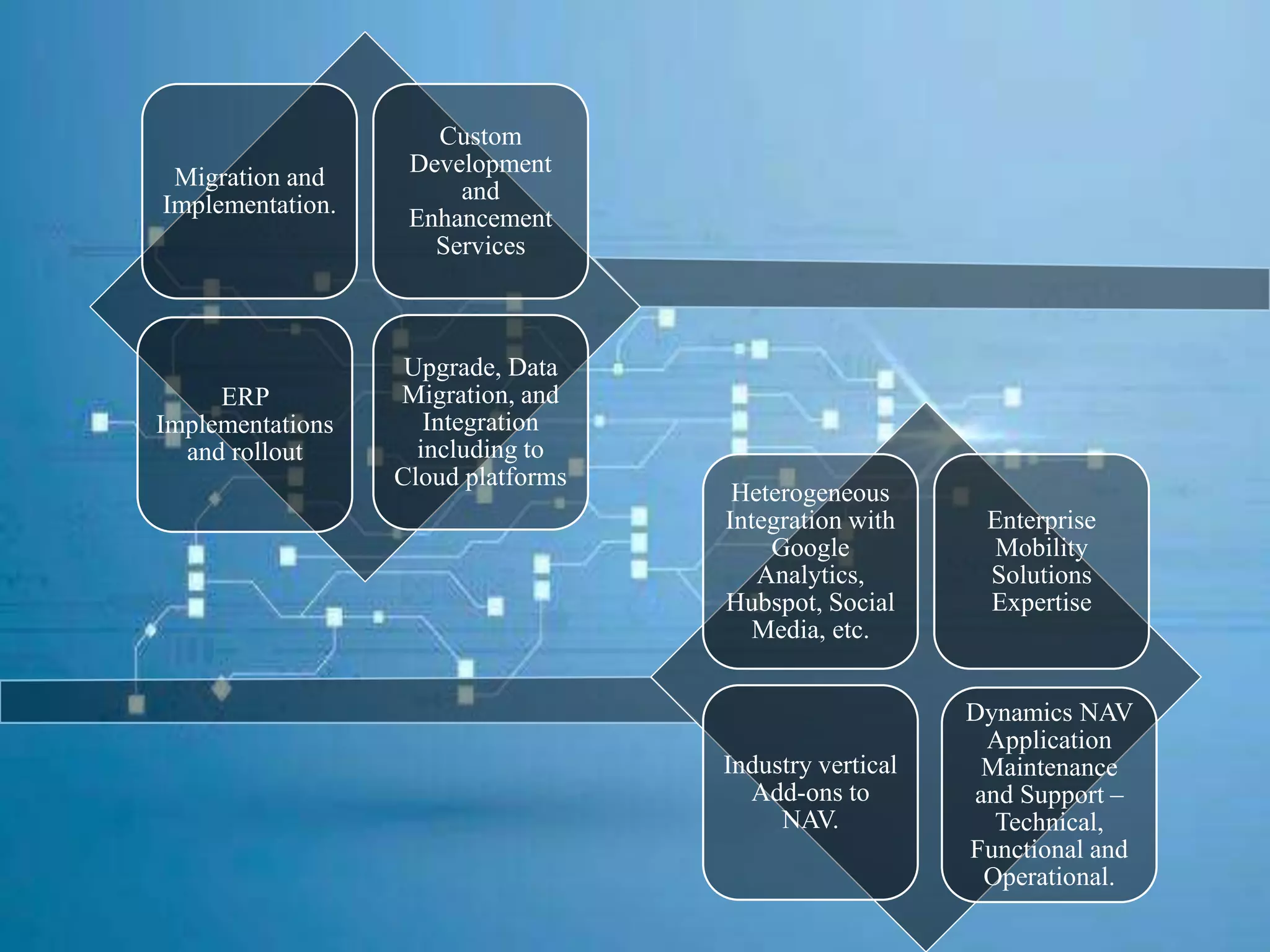
Migration and
Implementation.
Custom
Development
and
Enhancement
Services
ERP
Implementations
and rollout
Upgrade, Data
Migration, and
Integration
including to
Cloud platforms
Heterogeneous
Integration with
Google
Analytics,
Hubspot, Social
Media, etc.
Enterprise
Mobility
Solutions
Expertise
Industry vertical
Add-ons to
NAV.
Dynamics NAV
Application
Maintenance
and Support –
Technical,
Functional and
Operational.
Service
Specifications
Dynamics NAV
‘Tenerife’
Dynamics NAV 'Tenerife' has been code named to
another paradise as the next version of NAV.
Dynamics NAV Tenerife offers
everything you need from a modern ERP
solution. The flexibility of the solution means that it
can be adapted to match and comply with the unique
requirements that exist in your company.
Tenerife is also mark a new stage in the interplay between Dynamics 365 and Office
365, specifically around Outlook and around integration with Office 365 Business
Center, the collection of SMB apps like Invoicing, Bookings using Dynamics 365
Tenerife under the covers. For example, the Office Bookings app, which small
businesses can use to provide appointment booking tools to clients online, can roll
invoices into NAV as un-invoiced bookings that can be formally invoiced. Its connected
to the Common Data Service (CDS), which supports easier flow (and synchronization)
of data between systems and apps.
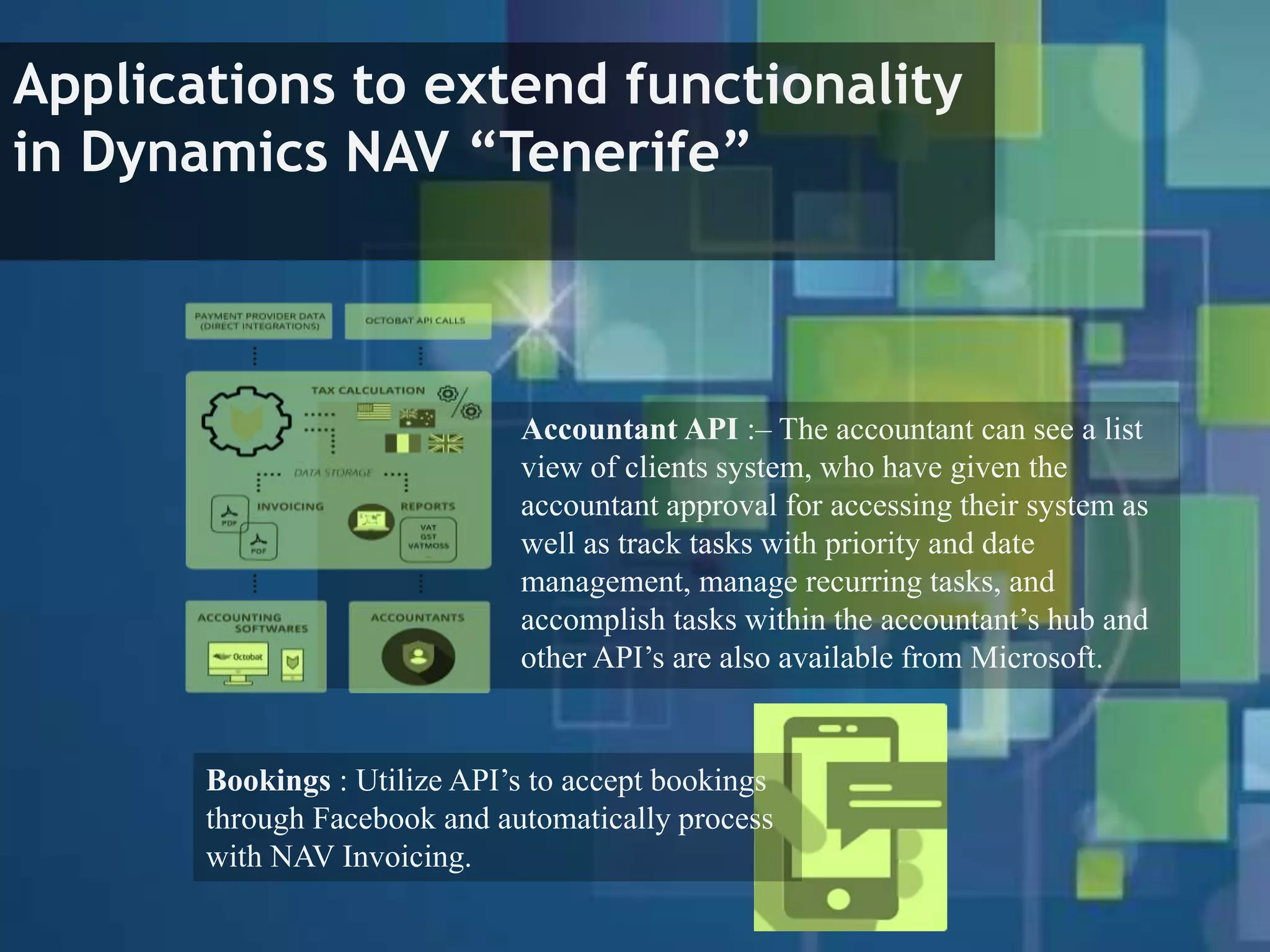
Applications to extend functionality
in Dynamics NAV “Tenerife”
Accountant API :– The accountant can see a list
view of clients system, who have given the
accountant approval for accessing their system as
well as track tasks with priority and date
management, manage recurring tasks, and
accomplish tasks within the accountant’s hub and
other API’s are also available from Microsoft.
Bookings : Utilize API’s to accept bookings
through Facebook and automatically process
with NAV Invoicing.
The two new tools to develop customizations and applications
for Dynamics NAV services, which comes in Two versions
 The in-client designer
Design your extensions in the client via the drag-and-
drop user interface. Use the tool to further develop
your industry-specific solution or to implement a
process optimization.
 Visual Studio Code
With this tool, you can build extensions that
reuses and expands the core business logic of
your application.
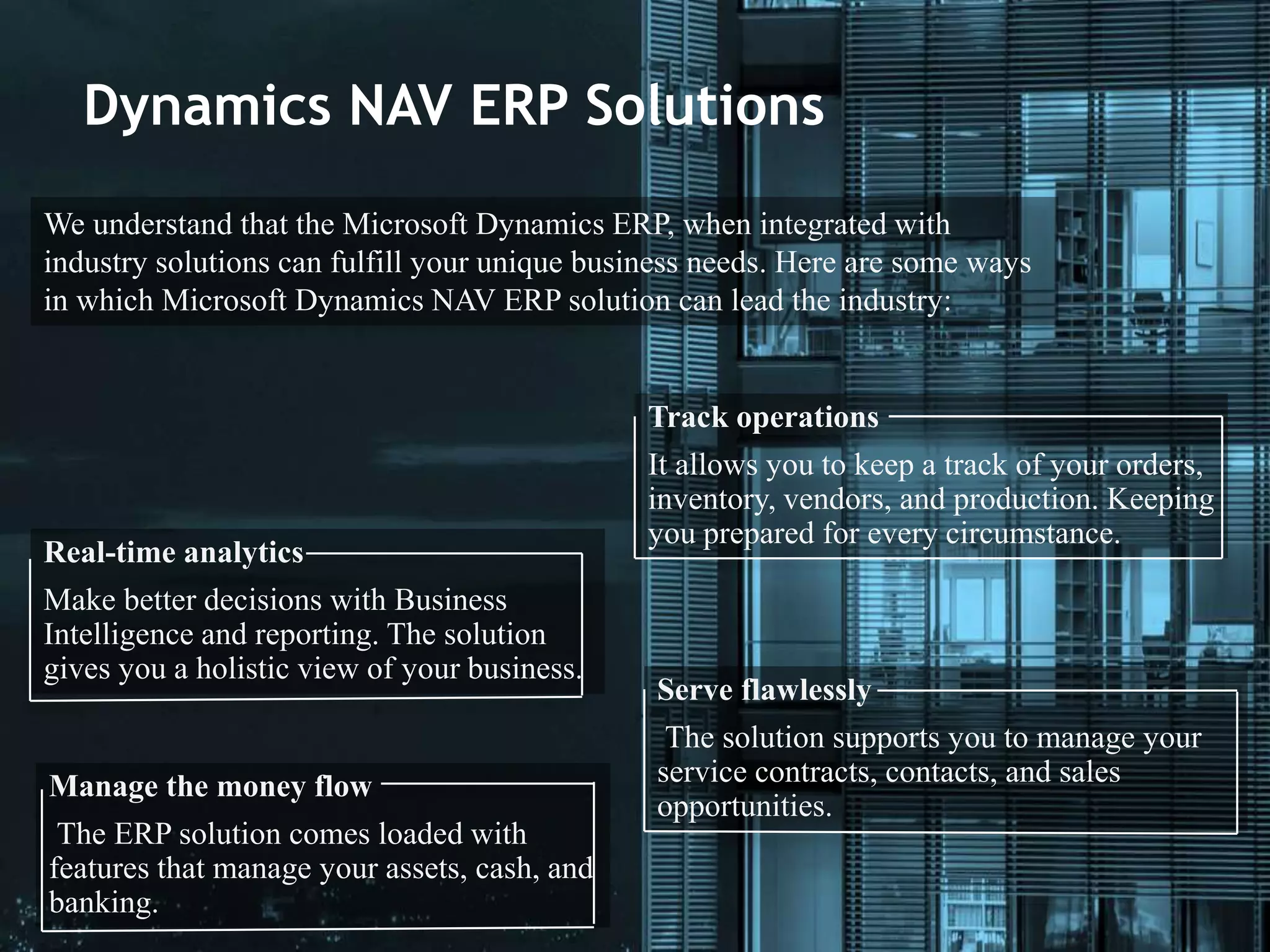
Dynamics NAV ERP Solutions
We understand that the Microsoft Dynamics ERP, when integrated with
industry solutions can fulfill your unique business needs. Here are some ways
in which Microsoft Dynamics NAV ERP solution can lead the industry:
Track operations
It allows you to keep a track of your orders,
inventory, vendors, and production. Keeping
you prepared for every circumstance.
Real-time analytics
Make better decisions with Business
Intelligence and reporting. The solution
gives you a holistic view of your business.
Serve flawlessly
The solution supports you to manage your
service contracts, contacts, and sales
opportunities.
Manage the money flow
The ERP solution comes loaded with
features that manage your assets, cash, and
banking.
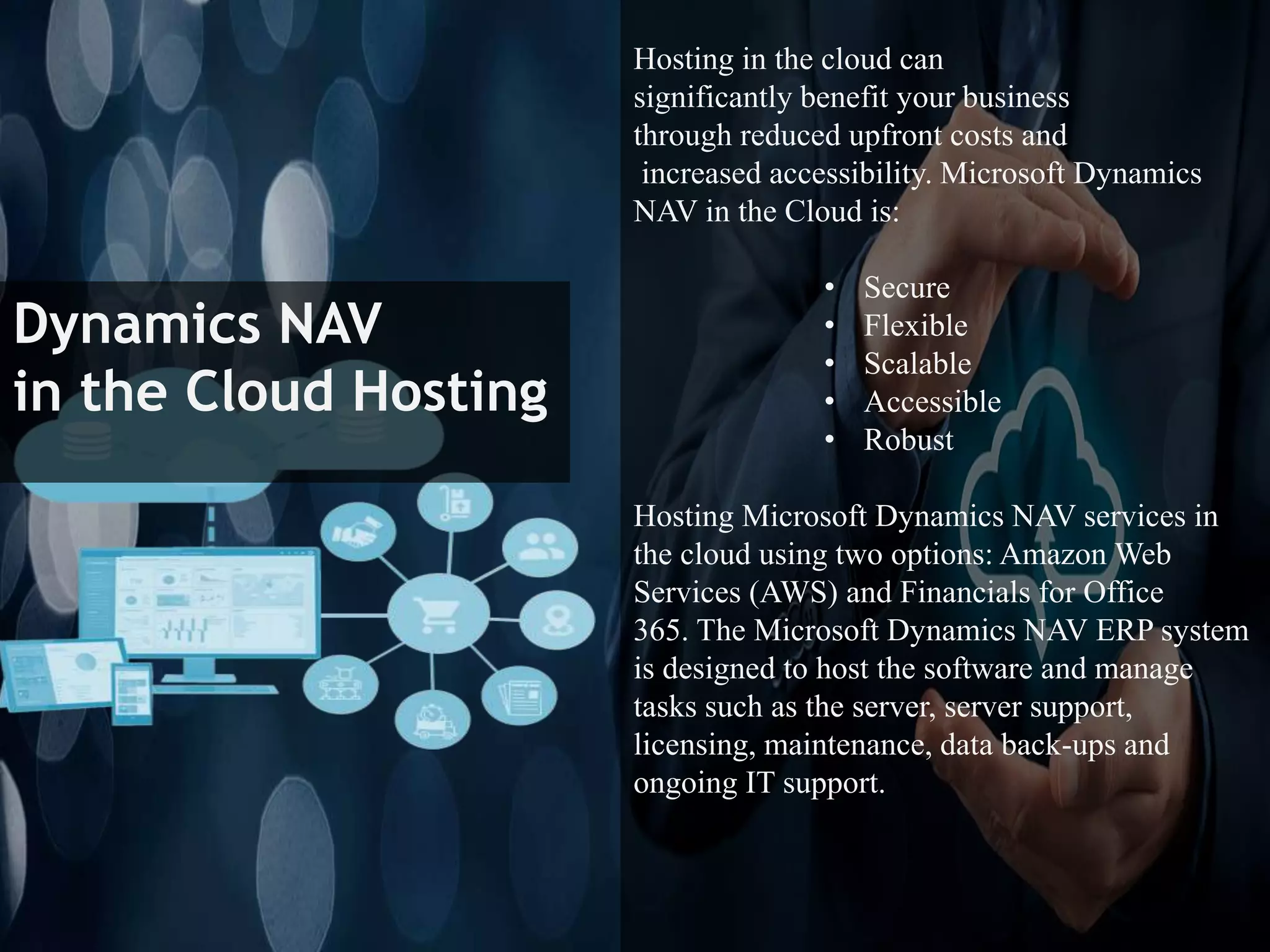
Dynamics NAV
in the Cloud Hosting
Hosting in the cloud can
significantly benefit your business
through reduced upfront costs and
increased accessibility. Microsoft Dynamics
NAV in the Cloud is:
• Secure
• Flexible
• Scalable
• Accessible
• Robust
Hosting Microsoft Dynamics NAV services in
the cloud using two options: Amazon Web
Services (AWS) and Financials for Office
365. The Microsoft Dynamics NAV ERP system
is designed to host the software and manage
tasks such as the server, server support,
licensing, maintenance, data back-ups and
ongoing IT support.
Dynamics NAV Add-On
Development
Dynamics NAV out-of-the-box comes with a generic ERP product
that is applicable to all business horizontals and verticals. In order
to customize the ERP solution for specific business needs, Add-Ons
can be integrated into the system.
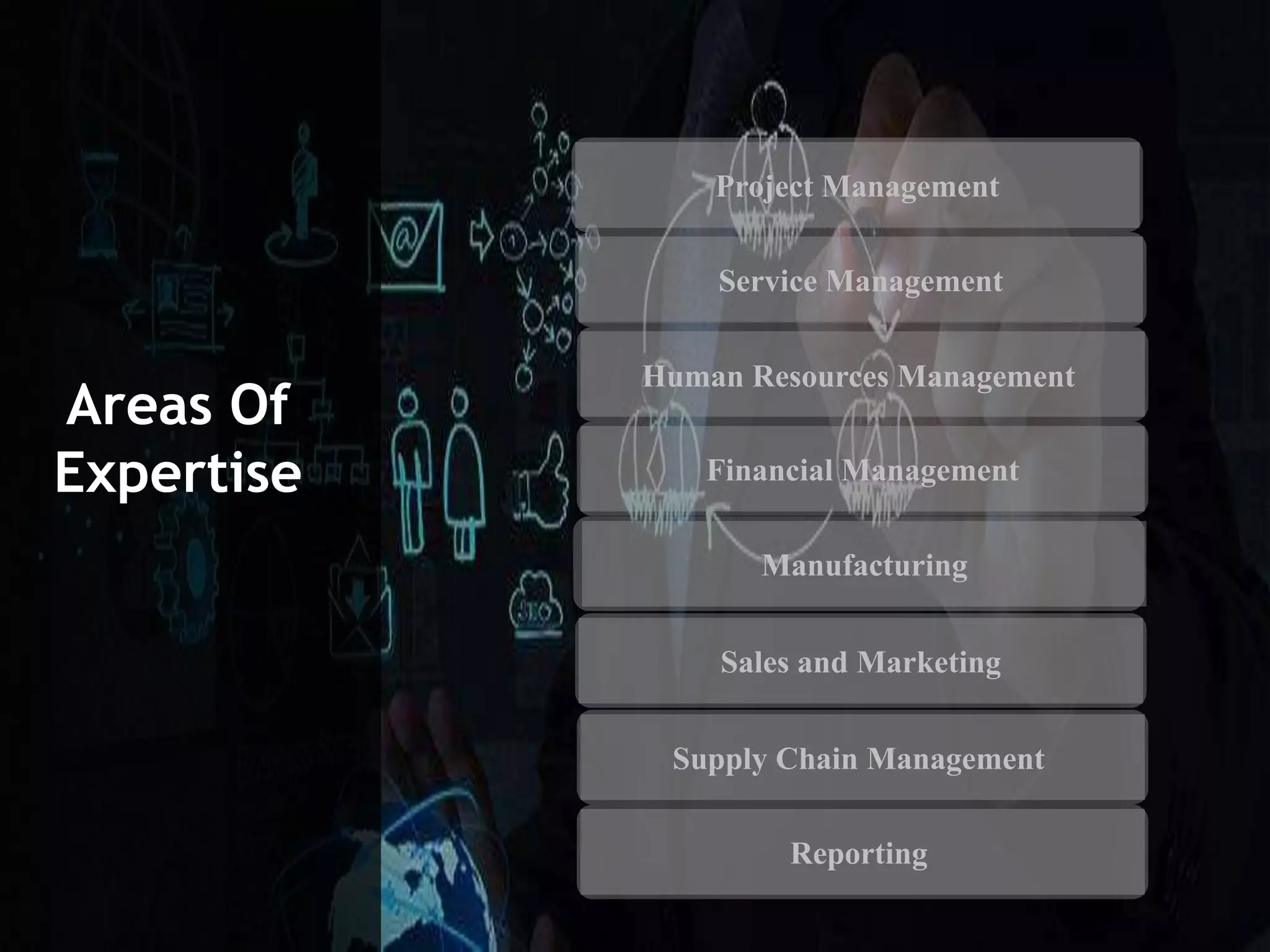
Project Management
Service Management
Human Resources Management
Financial Management
Manufacturing
Sales and Marketing
Supply Chain Management
Reporting
Areas Of
Expertise
• Automated financial statements.
• Monitoring costs and usage of resources.
• Capacity planning.
• Availability forecasting
Project Management
Service Management
Human Resources Management
Financial Management
Manufacturing
Sales and Marketing
Supply Chain Management
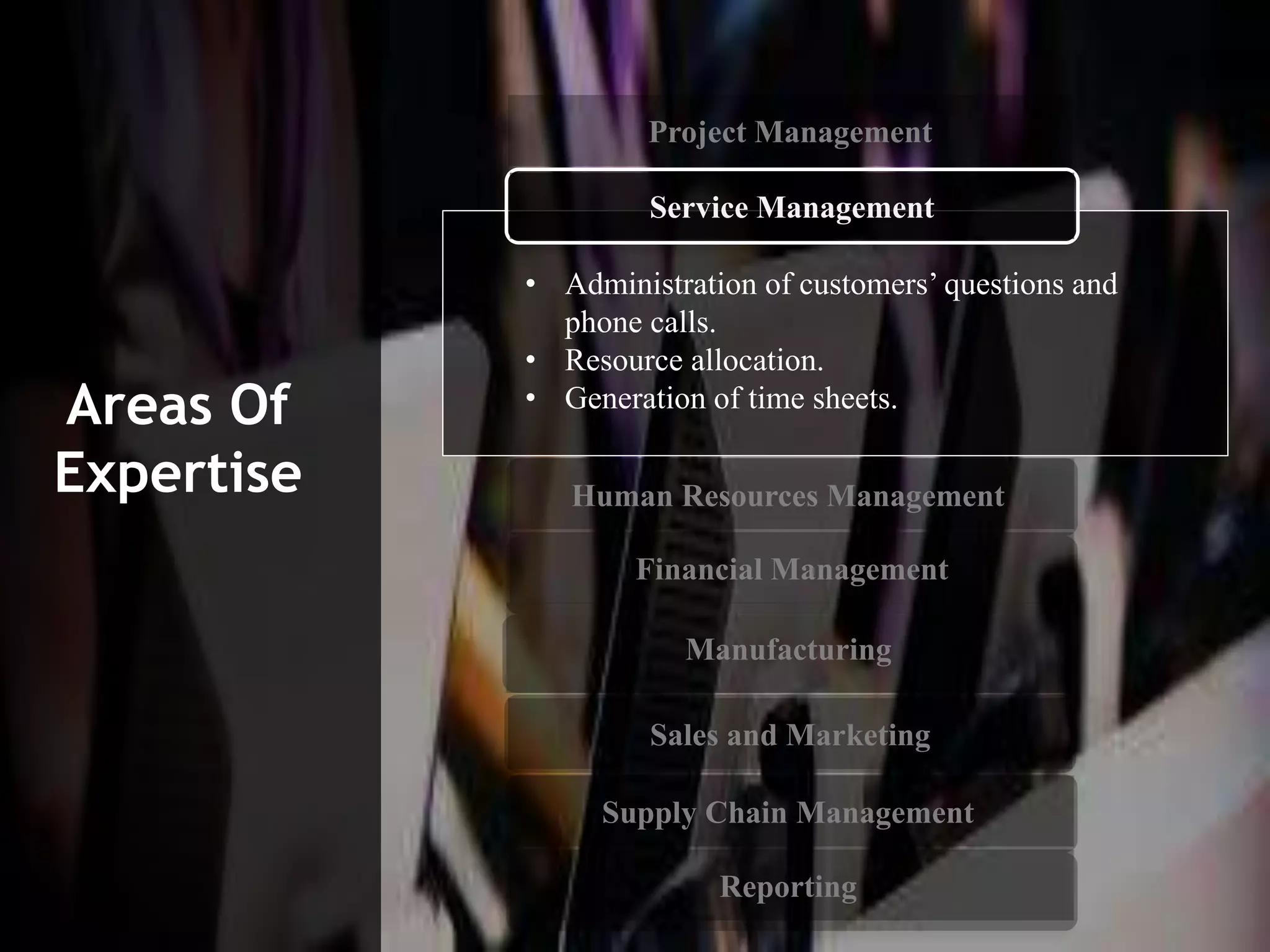
Reporting
Areas Of
Expertise
• Administration of customers’ questions and
phone calls.
• Resource allocation.
• Generation of time sheets.
Service Management
Human Resources Management
Financial Management
Manufacturing
Sales and Marketing
Supply Chain Management
Reporting
Areas Of
Expertise
Project Management
Project Management
Service Management
Financial Management
Manufacturing
Sales and Marketing
Supply Chain Management
Reporting
Areas Of
Expertise
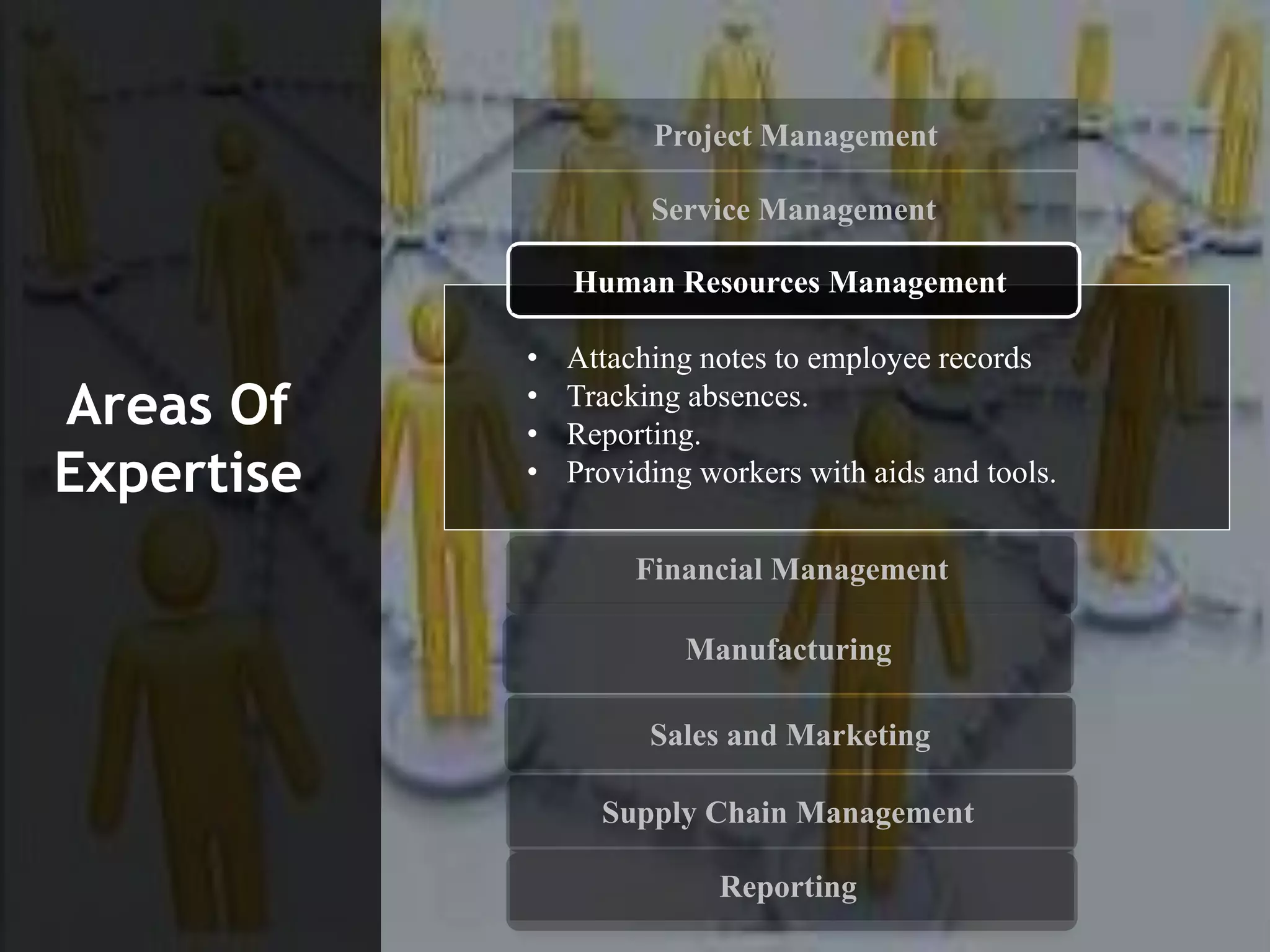
• Attaching notes to employee records
• Tracking absences.
• Reporting.
• Providing workers with aids and tools.
Human Resources Management
Project Management
Service Management
Human Resources Management
Manufacturing
Sales and Marketing
Supply Chain Management
Reporting
Areas Of
Expertise
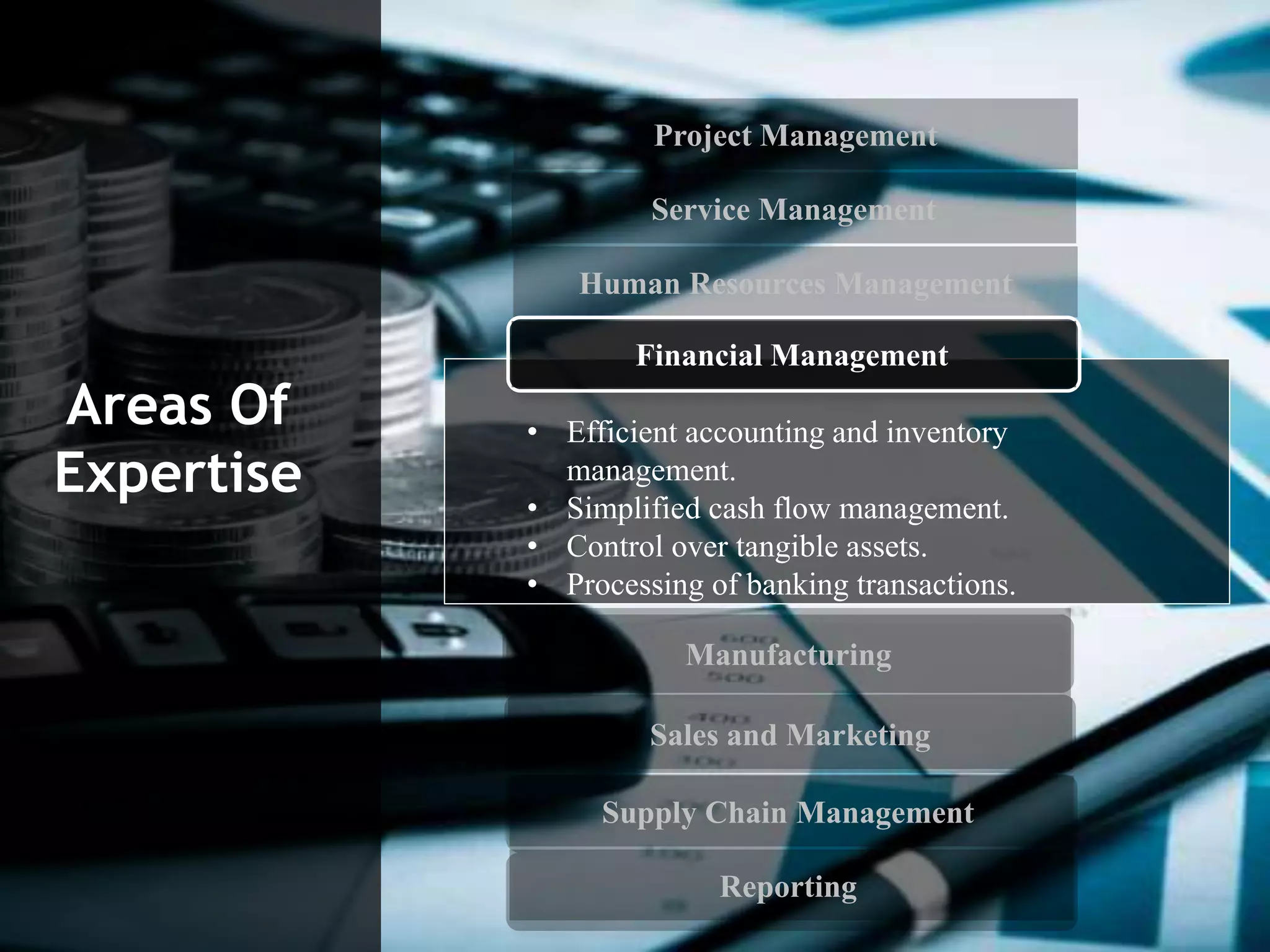
• Efficient accounting and inventory
management.
• Simplified cash flow management.
• Control over tangible assets.
• Processing of banking transactions.
Financial Management
Project Management
Service Management
Human Resources Management
Financial Management
Sales and Marketing
Supply Chain Management
Reporting
Areas Of
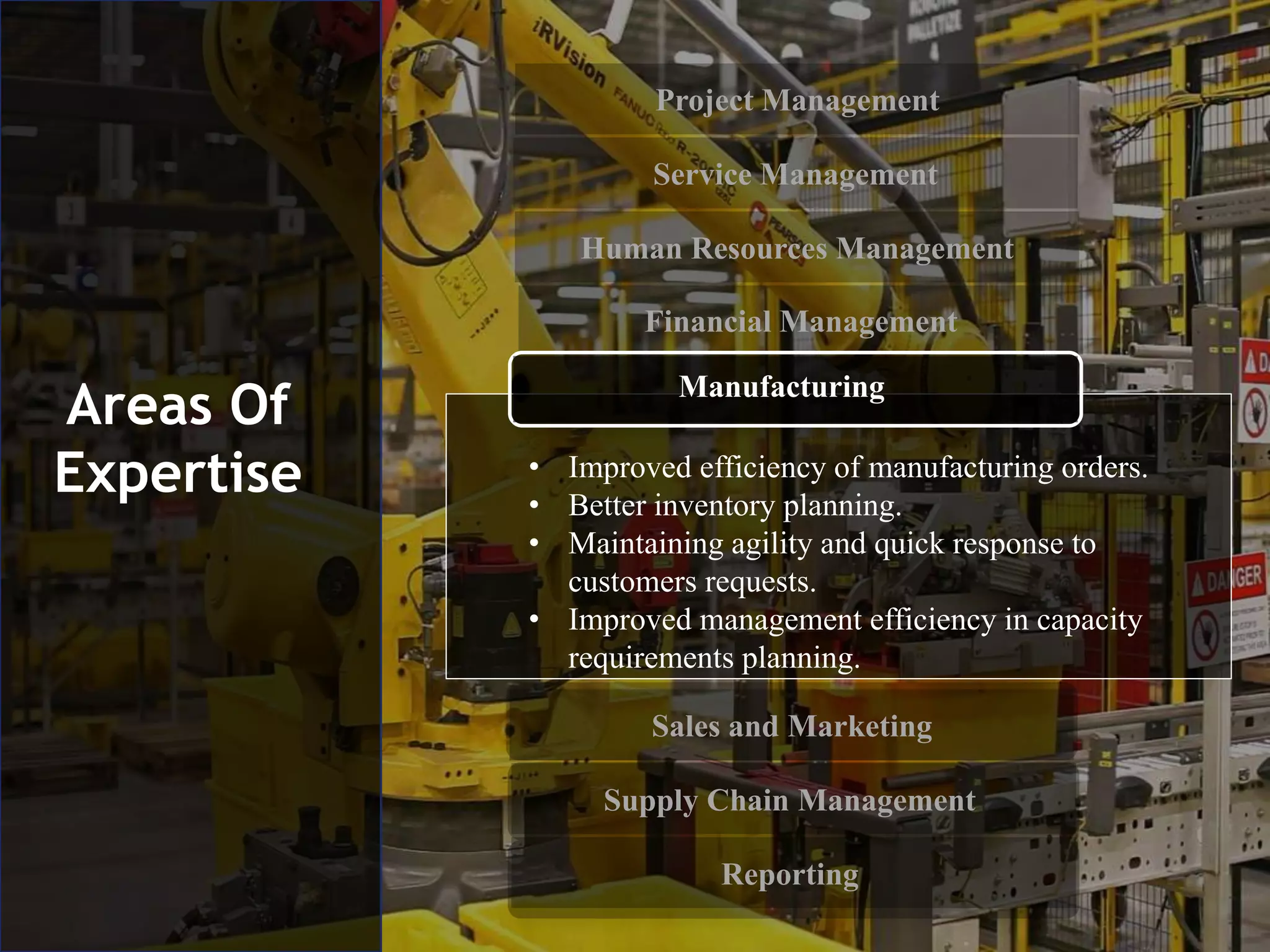
Expertise • Improved efficiency of manufacturing orders.
• Better inventory planning.
• Maintaining agility and quick response to
customers requests.
• Improved management efficiency in capacity
requirements planning.
Manufacturing
Project Management
Service Management
Human Resources Management
Financial Management
Supply Chain Management
Reporting
Areas Of
Expertise
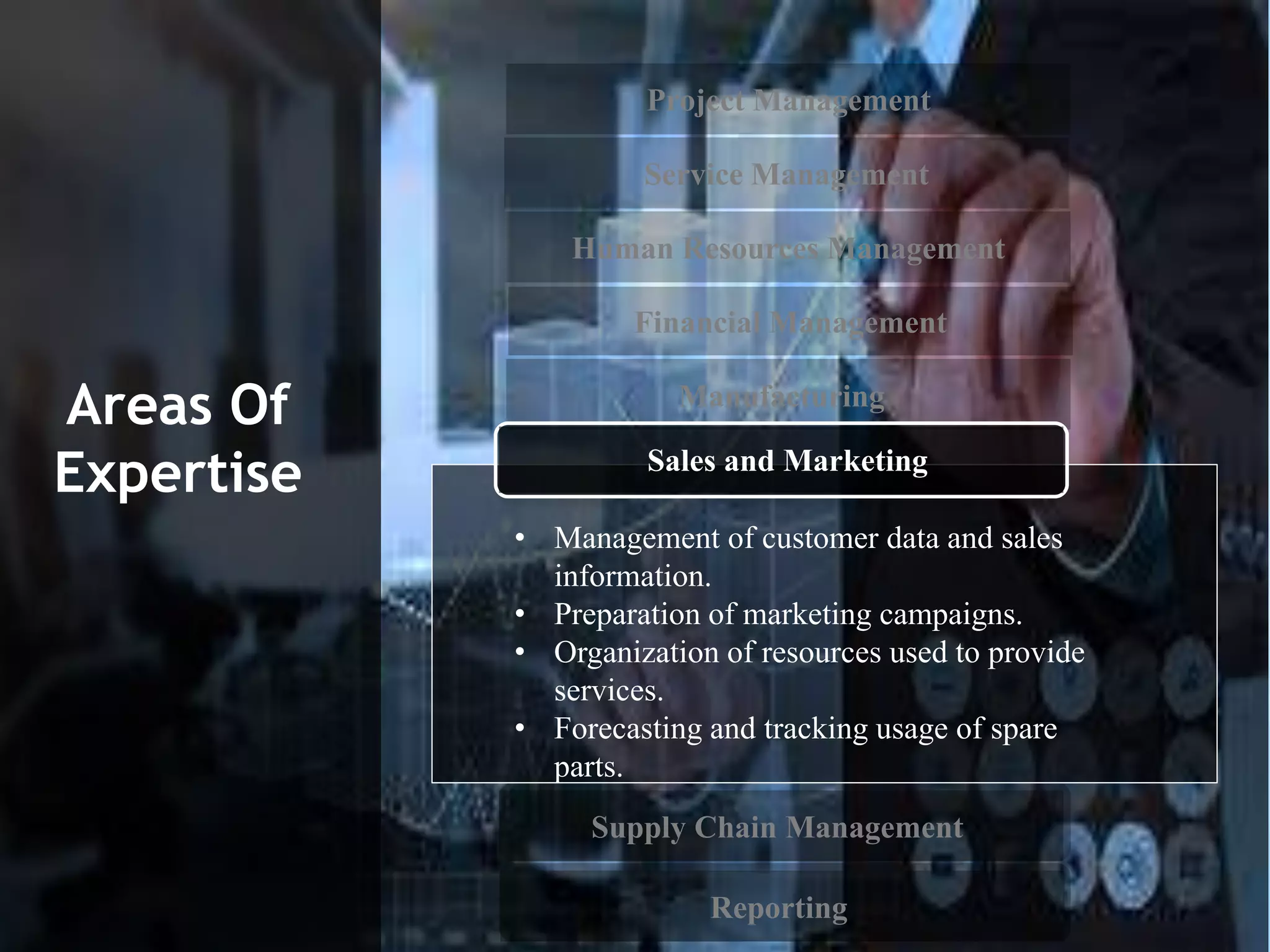
• Management of customer data and sales
information.
• Preparation of marketing campaigns.
• Organization of resources used to provide
services.
• Forecasting and tracking usage of spare
parts.
Manufacturing
Sales and Marketing
Project Management
Service Management
Human Resources Management
Financial Management
Reporting
Areas Of
Expertise
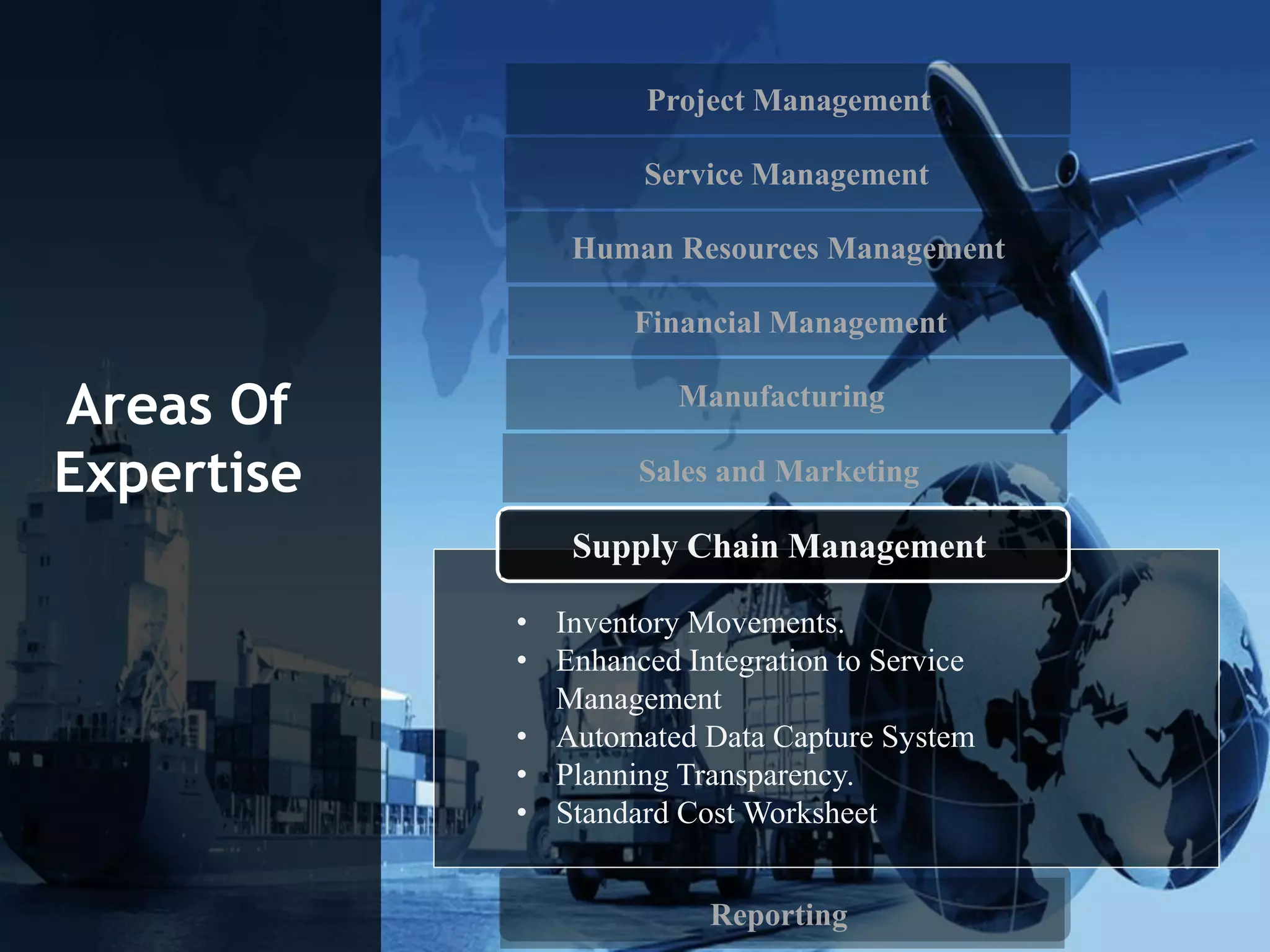
• Inventory Movements.
• Enhanced Integration to Service
Management
• Automated Data Capture System
• Planning Transparency.
• Standard Cost Worksheet
Supply Chain Management
Manufacturing
Sales and Marketing
Project Management
Service Management
Human Resources Management
Financial Management
Supply Chain Management
Areas Of
Expertise
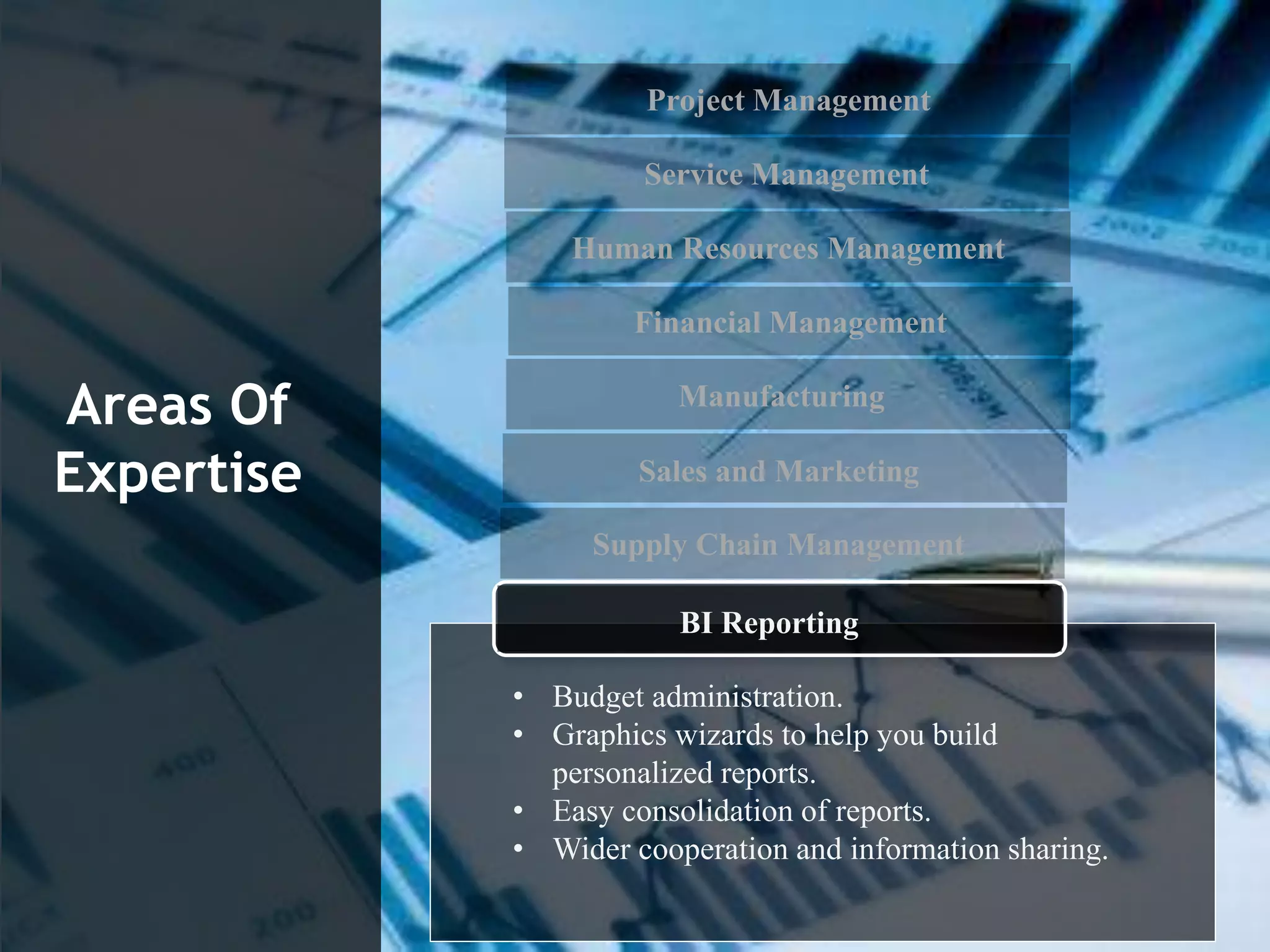
• Budget administration.
• Graphics wizards to help you build
personalized reports.
• Easy consolidation of reports.
• Wider cooperation and information sharing.
Manufacturing
Sales and Marketing
BI Reporting
Benefits of
the Service
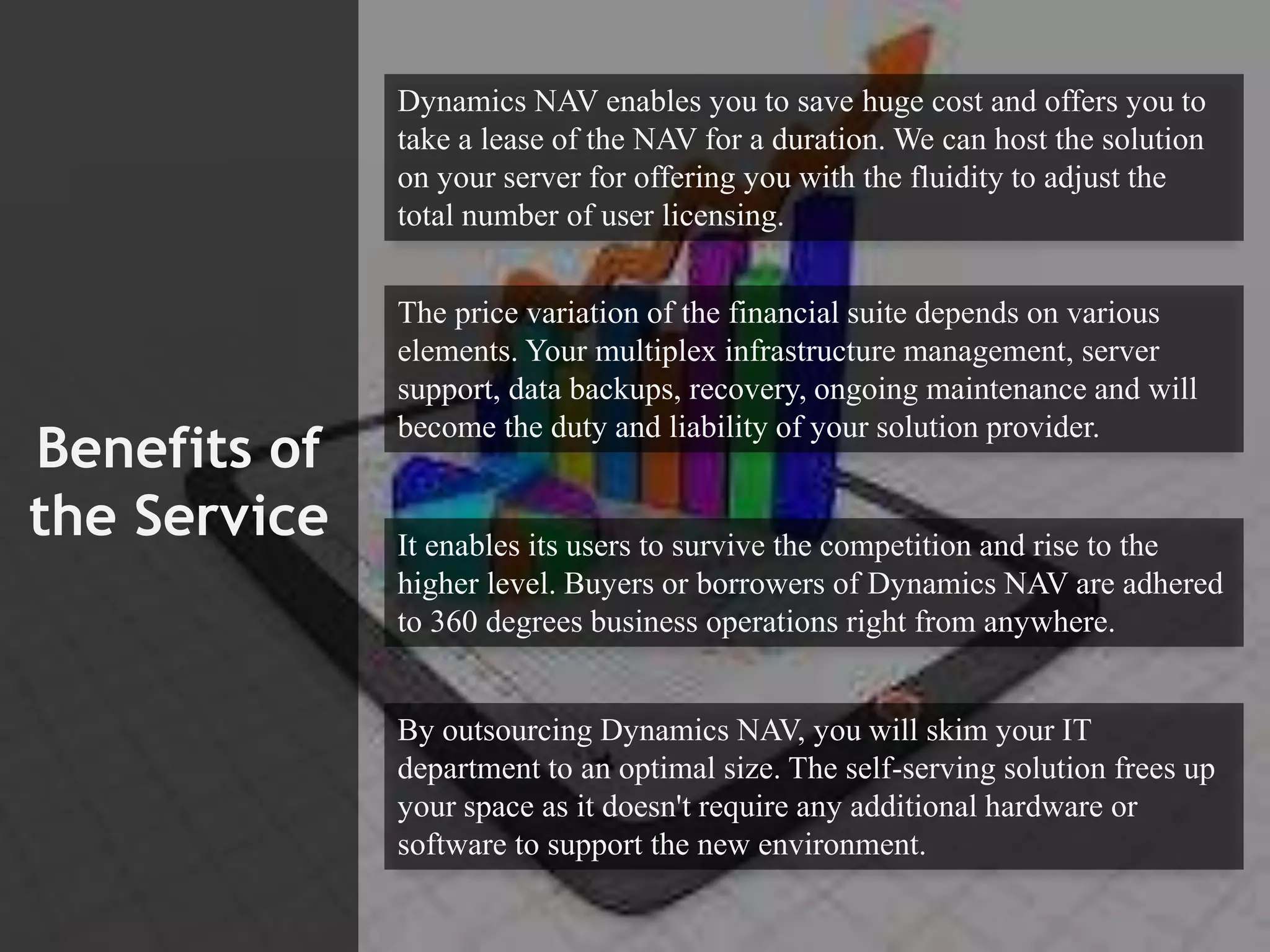
Dynamics NAV enables you to save huge cost and offers you to
take a lease of the NAV for a duration. We can host the solution
on your server for offering you with the fluidity to adjust the
total number of user licensing.
The price variation of the financial suite depends on various
elements. Your multiplex infrastructure management, server
support, data backups, recovery, ongoing maintenance and will
become the duty and liability of your solution provider.
It enables its users to survive the competition and rise to the
higher level. Buyers or borrowers of Dynamics NAV are adhered
to 360 degrees business operations right from anywhere.
By outsourcing Dynamics NAV, you will skim your IT
department to an optimal size. The self-serving solution frees up
your space as it doesn't require any additional hardware or
software to support the new environment.
Contact Us
India
—
6, 2nd Main Rd, Arekere
Off Bannerghatta Road
Bangalore KA 560076
Email: info@faststreamtech.com
Tel: +91 80–4161–3204/3205
Fax: +91 80–4161–3204
USA
—
111 N La Brea Ave
Suite 608
Inglewood CA 90301
Email: info@faststreamtech.com
Tel: +1 310–491–0410
Fax: +1 310–893–6751

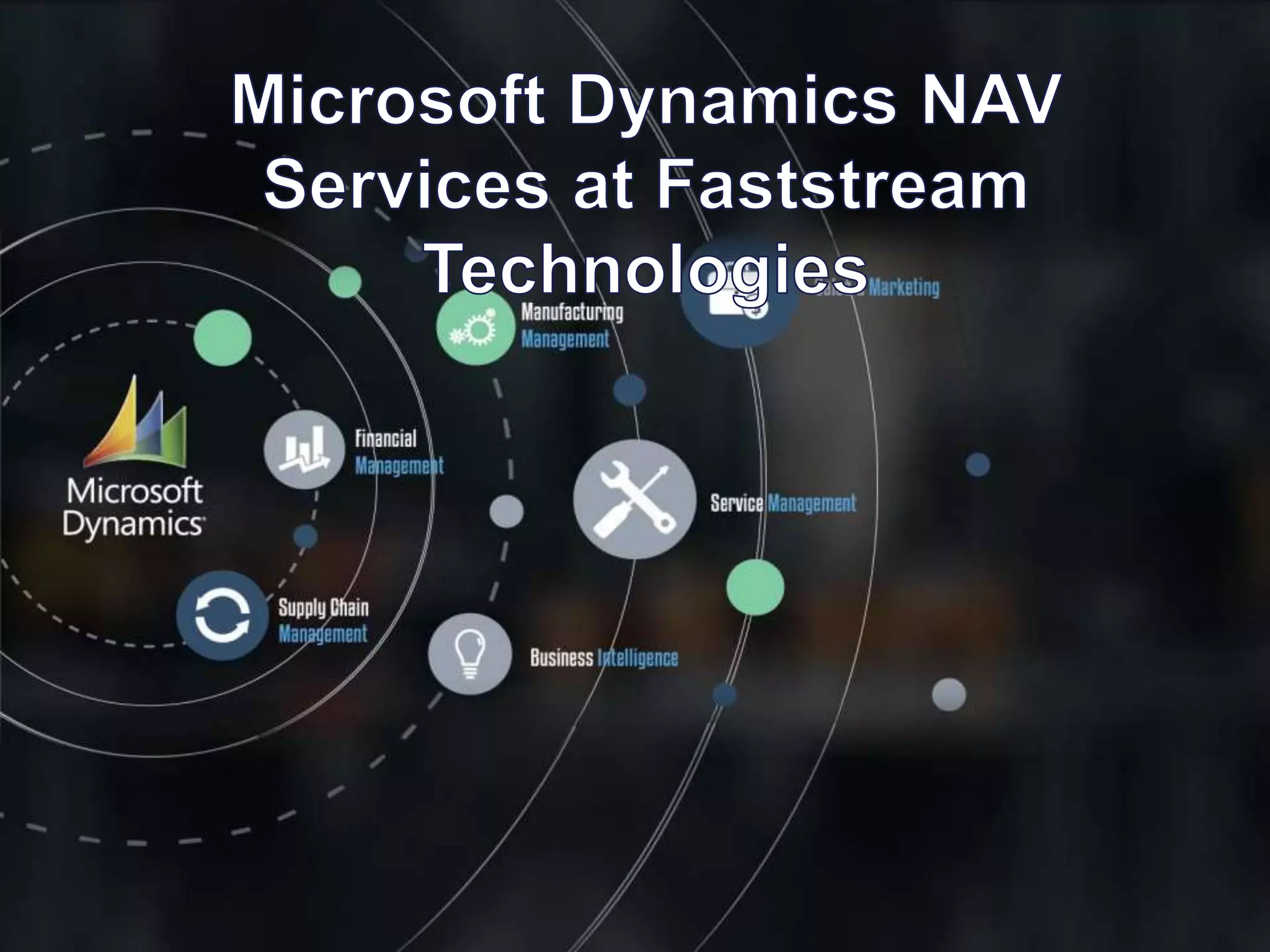
Microsoft Dynamics NAV Services at Faststream Technologies

  • 2.
    About Microsoft Dynamics NAV MicrosoftDynamics NAV is a global enterprise resource planning (ERP) solution designed for small and medium sized businesses. It provides the tools to simplify and streamline business processes across your entire organization to gain better control, increase your margins and drive profitable growth. ​​​​With Microsoft Dynamics NAV, you can make smart decisions and automate key business processes across the board to drive down costs and turn margins into cash flow. Microsoft Dynamics portfolio impresses with its user interface based on Microsoft Office, making the software intuitive and easy to use from the outset. The open architecture ensures fast and cost-effective implementation, adaptation and maintenance. Integration with the Microsoft office system is adding a great deal of efficiency and control.
  • 3.
  • 4.
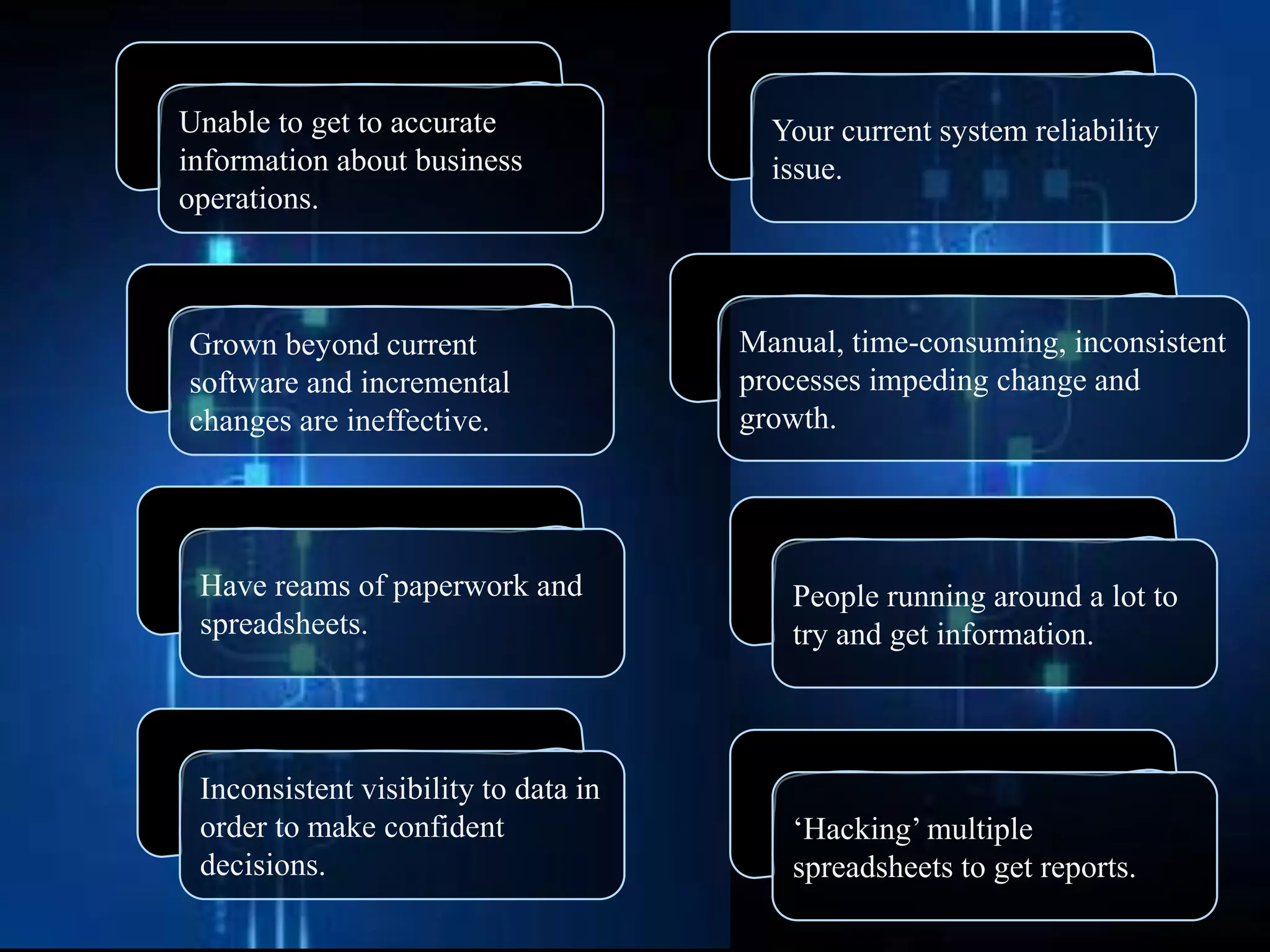
    Your current systemreliability issue. Manual, time-consuming, inconsistent processes impeding change and growth. People running around a lot to try and get information. ‘Hacking’ multiple spreadsheets to get reports. Inconsistent visibility to data in order to make confident decisions. Have reams of paperwork and spreadsheets. Grown beyond current software and incremental changes are ineffective. Unable to get to accurate information about business operations.
  • 5.
    Features of Microsoft DynamicsNAV • System adapting to specific needs of your company. • Support for international trading – foreign branches and multiple currencies. • Key processes automated across your business. • Role-based data views, providing relevant data for each user role. • Compatible with other technologies with no need for extensive IT infrastructure. • Improved efficiency of financial procedures. • The mobile connection between local and remote workers.
  • 6.
    Design & Development Evolutions of DynamicsNAV Designing and developing a professional services vertical for Microsoft Dynamics NAV is an experience. There is much to be improved and simplified in Microsoft Dynamics NAV from a user's point of view in order to bring about the goals of efficiency, ease-of-use and user- friendliness. In no particular order, thoughts on design evolution as it relates to Microsoft Dynamics NAV, though many of these points apply to software design in general and can be applied at any time through thoughtful design and development.
  • 8.
  • 9.
    Migration and Implementation. Custom Development and Enhancement Services ERP Implementations and rollout Upgrade,Data Migration, and Integration including to Cloud platforms Heterogeneous Integration with Google Analytics, Hubspot, Social Media, etc. Enterprise Mobility Solutions Expertise Industry vertical Add-ons to NAV. Dynamics NAV Application Maintenance and Support – Technical, Functional and Operational.
  • 10.
  • 11.
    Dynamics NAV ‘Tenerife’ Dynamics NAV'Tenerife' has been code named to another paradise as the next version of NAV. Dynamics NAV Tenerife offers everything you need from a modern ERP solution. The flexibility of the solution means that it can be adapted to match and comply with the unique requirements that exist in your company. Tenerife is also mark a new stage in the interplay between Dynamics 365 and Office 365, specifically around Outlook and around integration with Office 365 Business Center, the collection of SMB apps like Invoicing, Bookings using Dynamics 365 Tenerife under the covers. For example, the Office Bookings app, which small businesses can use to provide appointment booking tools to clients online, can roll invoices into NAV as un-invoiced bookings that can be formally invoiced. Its connected to the Common Data Service (CDS), which supports easier flow (and synchronization) of data between systems and apps.
  • 12.
    Applications to extendfunctionality in Dynamics NAV “Tenerife” Accountant API :– The accountant can see a list view of clients system, who have given the accountant approval for accessing their system as well as track tasks with priority and date management, manage recurring tasks, and accomplish tasks within the accountant’s hub and other API’s are also available from Microsoft. Bookings : Utilize API’s to accept bookings through Facebook and automatically process with NAV Invoicing.
  • 13.
    The two newtools to develop customizations and applications for Dynamics NAV services, which comes in Two versions  The in-client designer Design your extensions in the client via the drag-and- drop user interface. Use the tool to further develop your industry-specific solution or to implement a process optimization.  Visual Studio Code With this tool, you can build extensions that reuses and expands the core business logic of your application.
  • 14.
    Dynamics NAV ERPSolutions We understand that the Microsoft Dynamics ERP, when integrated with industry solutions can fulfill your unique business needs. Here are some ways in which Microsoft Dynamics NAV ERP solution can lead the industry: Track operations It allows you to keep a track of your orders, inventory, vendors, and production. Keeping you prepared for every circumstance. Real-time analytics Make better decisions with Business Intelligence and reporting. The solution gives you a holistic view of your business. Serve flawlessly The solution supports you to manage your service contracts, contacts, and sales opportunities. Manage the money flow The ERP solution comes loaded with features that manage your assets, cash, and banking.
  • 15.
    Dynamics NAV in theCloud Hosting Hosting in the cloud can significantly benefit your business through reduced upfront costs and increased accessibility. Microsoft Dynamics NAV in the Cloud is: • Secure • Flexible • Scalable • Accessible • Robust Hosting Microsoft Dynamics NAV services in the cloud using two options: Amazon Web Services (AWS) and Financials for Office 365. The Microsoft Dynamics NAV ERP system is designed to host the software and manage tasks such as the server, server support, licensing, maintenance, data back-ups and ongoing IT support.
  • 16.
    Dynamics NAV Add-On Development DynamicsNAV out-of-the-box comes with a generic ERP product that is applicable to all business horizontals and verticals. In order to customize the ERP solution for specific business needs, Add-Ons can be integrated into the system.
  • 17.
    Project Management Service Management HumanResources Management Financial Management Manufacturing Sales and Marketing Supply Chain Management Reporting Areas Of Expertise
  • 18.
    • Automated financialstatements. • Monitoring costs and usage of resources. • Capacity planning. • Availability forecasting Project Management Service Management Human Resources Management Financial Management Manufacturing Sales and Marketing Supply Chain Management Reporting Areas Of Expertise
  • 19.
    • Administration ofcustomers’ questions and phone calls. • Resource allocation. • Generation of time sheets. Service Management Human Resources Management Financial Management Manufacturing Sales and Marketing Supply Chain Management Reporting Areas Of Expertise Project Management
  • 20.
    Project Management Service Management FinancialManagement Manufacturing Sales and Marketing Supply Chain Management Reporting Areas Of Expertise • Attaching notes to employee records • Tracking absences. • Reporting. • Providing workers with aids and tools. Human Resources Management
  • 21.
    Project Management Service Management HumanResources Management Manufacturing Sales and Marketing Supply Chain Management Reporting Areas Of Expertise • Efficient accounting and inventory management. • Simplified cash flow management. • Control over tangible assets. • Processing of banking transactions. Financial Management
  • 22.
    Project Management Service Management HumanResources Management Financial Management Sales and Marketing Supply Chain Management Reporting Areas Of Expertise • Improved efficiency of manufacturing orders. • Better inventory planning. • Maintaining agility and quick response to customers requests. • Improved management efficiency in capacity requirements planning. Manufacturing
  • 23.
    Project Management Service Management HumanResources Management Financial Management Supply Chain Management Reporting Areas Of Expertise • Management of customer data and sales information. • Preparation of marketing campaigns. • Organization of resources used to provide services. • Forecasting and tracking usage of spare parts. Manufacturing Sales and Marketing
  • 24.
    Project Management Service Management HumanResources Management Financial Management Reporting Areas Of Expertise • Inventory Movements. • Enhanced Integration to Service Management • Automated Data Capture System • Planning Transparency. • Standard Cost Worksheet Supply Chain Management Manufacturing Sales and Marketing
  • 25.
    Project Management Service Management HumanResources Management Financial Management Supply Chain Management Areas Of Expertise • Budget administration. • Graphics wizards to help you build personalized reports. • Easy consolidation of reports. • Wider cooperation and information sharing. Manufacturing Sales and Marketing BI Reporting
  • 26.
    Benefits of the Service DynamicsNAV enables you to save huge cost and offers you to take a lease of the NAV for a duration. We can host the solution on your server for offering you with the fluidity to adjust the total number of user licensing. The price variation of the financial suite depends on various elements. Your multiplex infrastructure management, server support, data backups, recovery, ongoing maintenance and will become the duty and liability of your solution provider. It enables its users to survive the competition and rise to the higher level. Buyers or borrowers of Dynamics NAV are adhered to 360 degrees business operations right from anywhere. By outsourcing Dynamics NAV, you will skim your IT department to an optimal size. The self-serving solution frees up your space as it doesn't require any additional hardware or software to support the new environment.
  • 27.
    Contact Us India — 6, 2ndMain Rd, Arekere Off Bannerghatta Road Bangalore KA 560076 Email: info@faststreamtech.com Tel: +91 80–4161–3204/3205 Fax: +91 80–4161–3204 USA — 111 N La Brea Ave Suite 608 Inglewood CA 90301 Email: info@faststreamtech.com Tel: +1 310–491–0410 Fax: +1 310–893–6751