How did you use media
         technologies in the
          construction and
       research, planning and
         evaluation stages?


Question 4 Evaluataion
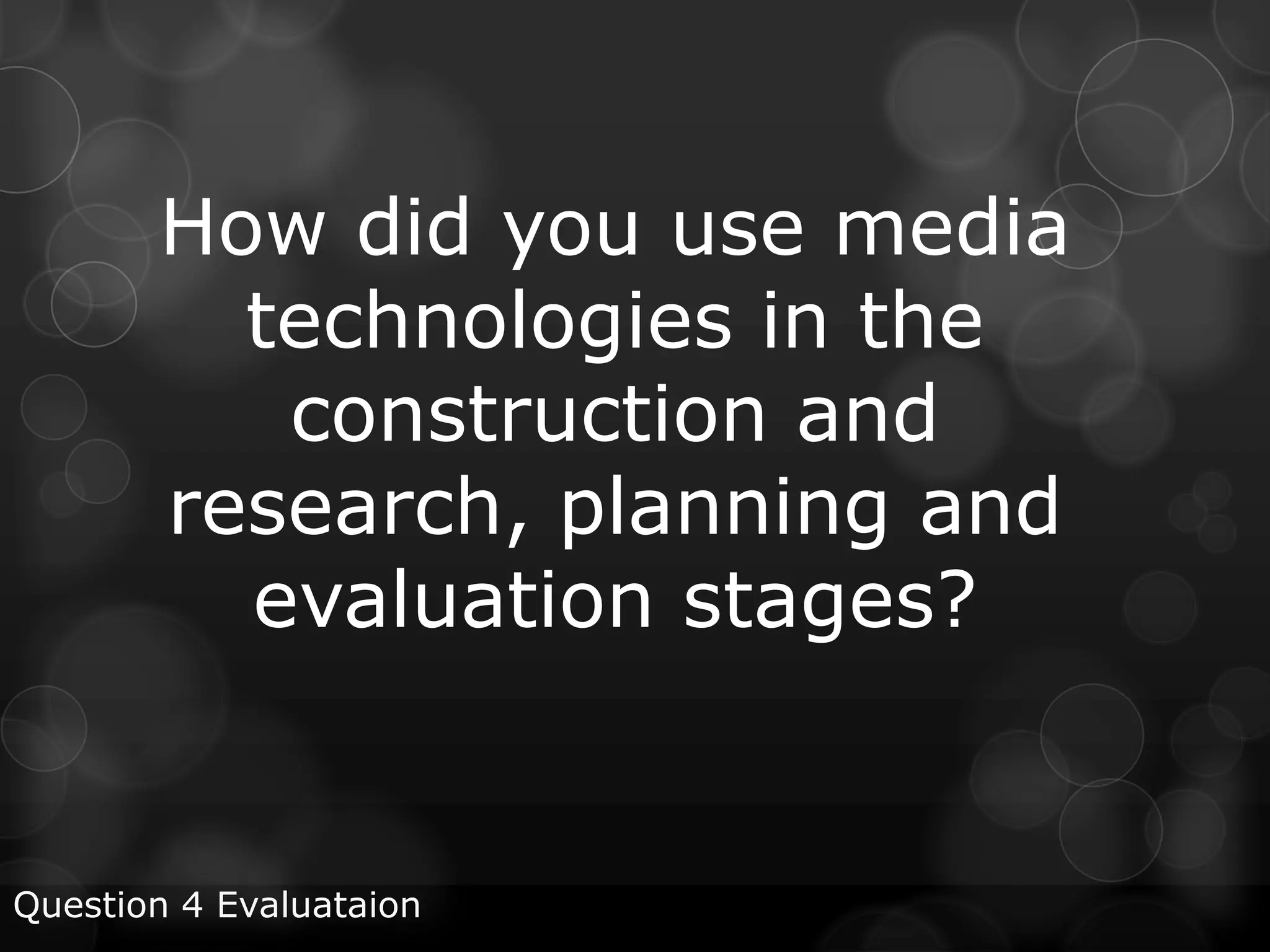
Sony HX 12-MC2000E Camera

The Sony HX 12-MC2000E is the framing of the shot the
a high definition, solid state same. We also used a clip on
broadcast camera. We used mic with the camera for when
to camera to film all of our    we filmed our various
footage which included          interviews.
interviews, b-roll footage and
voxpops. We used the camera
in conjunction with a tripod to
ensure all of our footage was
steady and at the same level.
The use of the tripod
prevented our footage
looking like it was filmed on a
hand held camera and kept
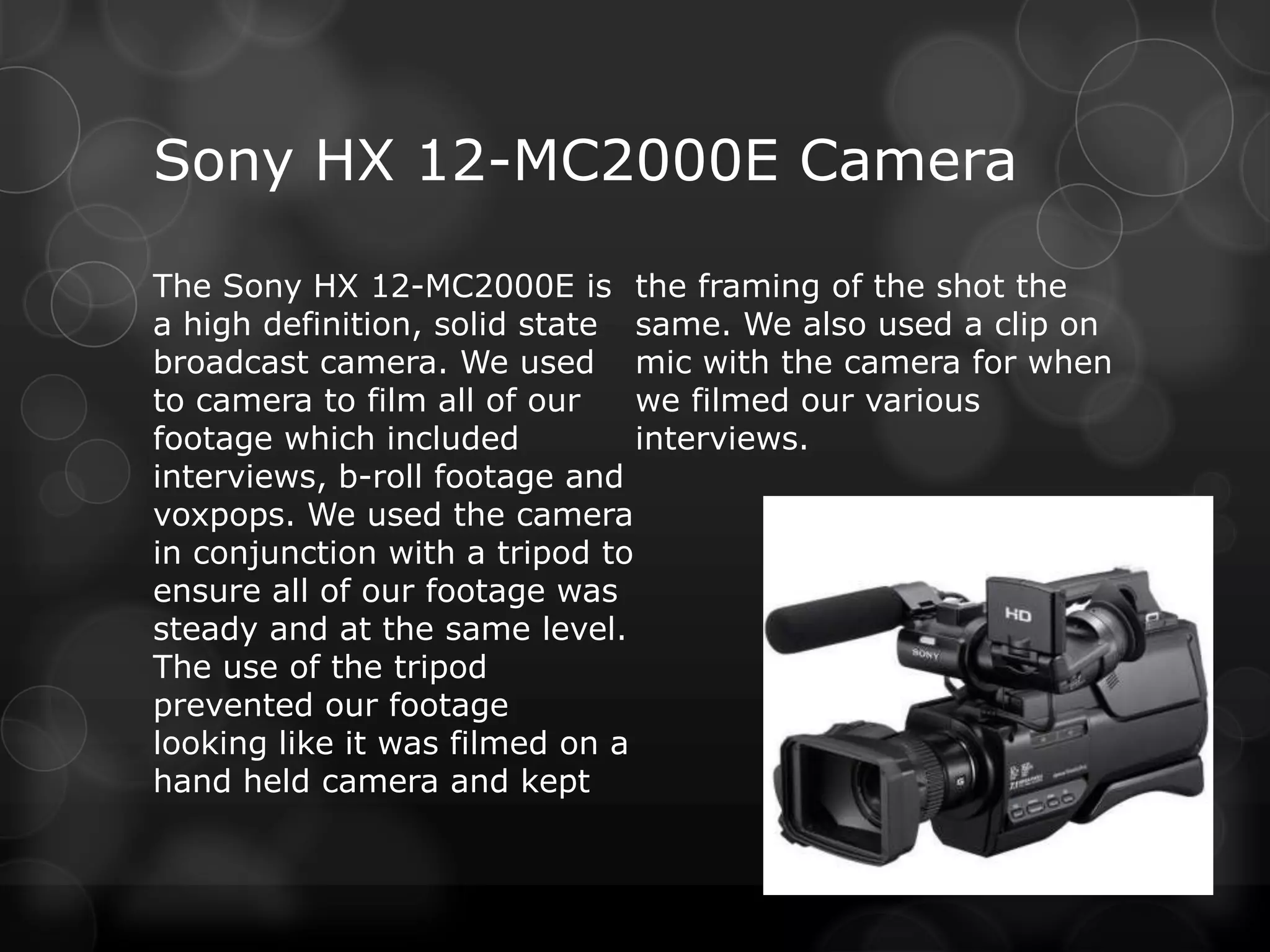
Tripod & Clip On Mic

We used the tripod with our noise and therefore only
camera to prevent our            records the voice which
footage looking like it was      makes the interview much
filmed on a hand held            clearer.
camera. We also used it to
film b-roll footage in difficult
places to move the camera as
it helped keep the framing of
the shot steady.
We used the clip on mic
instead of the camera’s on
board mic as the clip on mic
doesn’t pic up background
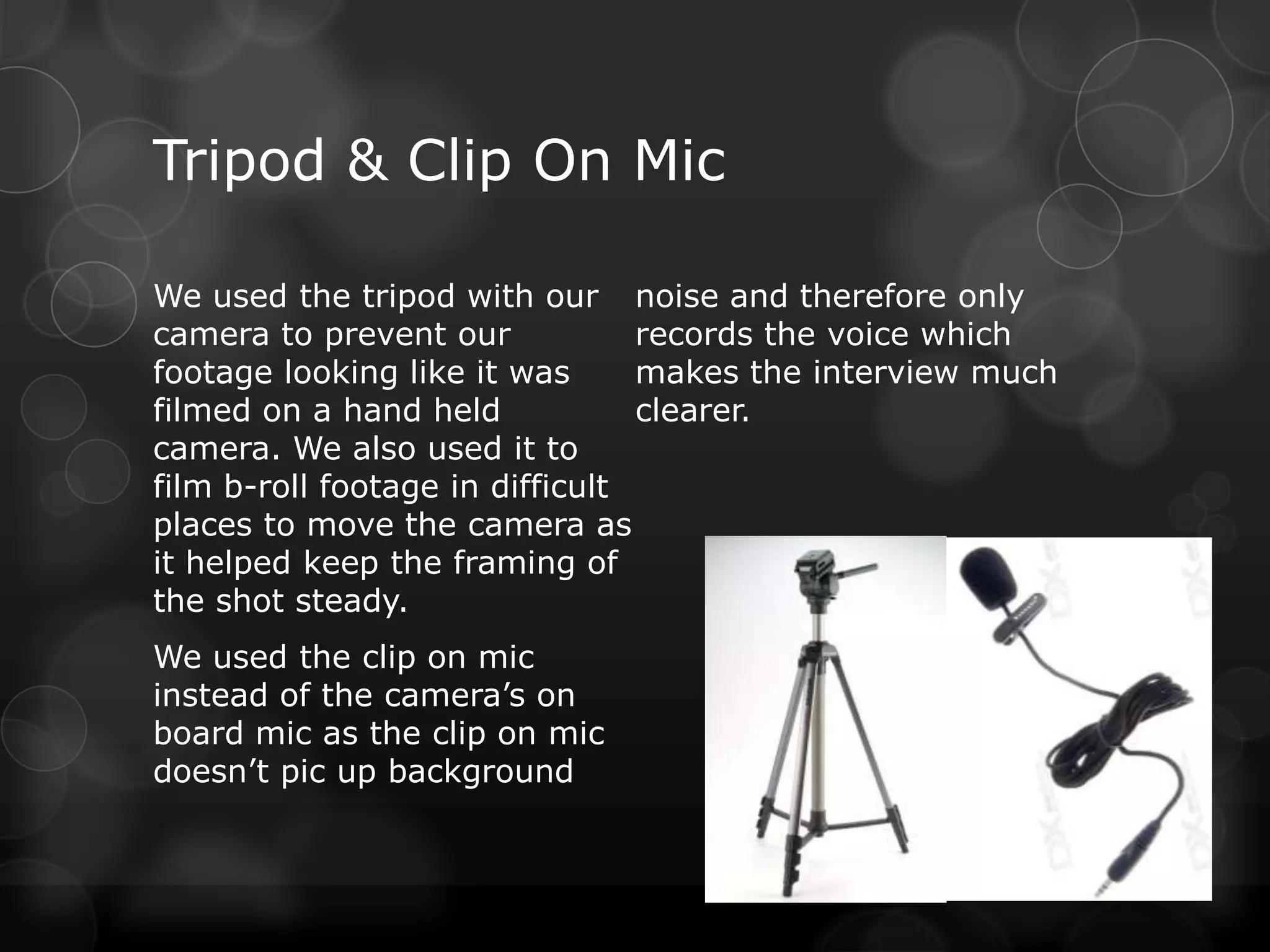
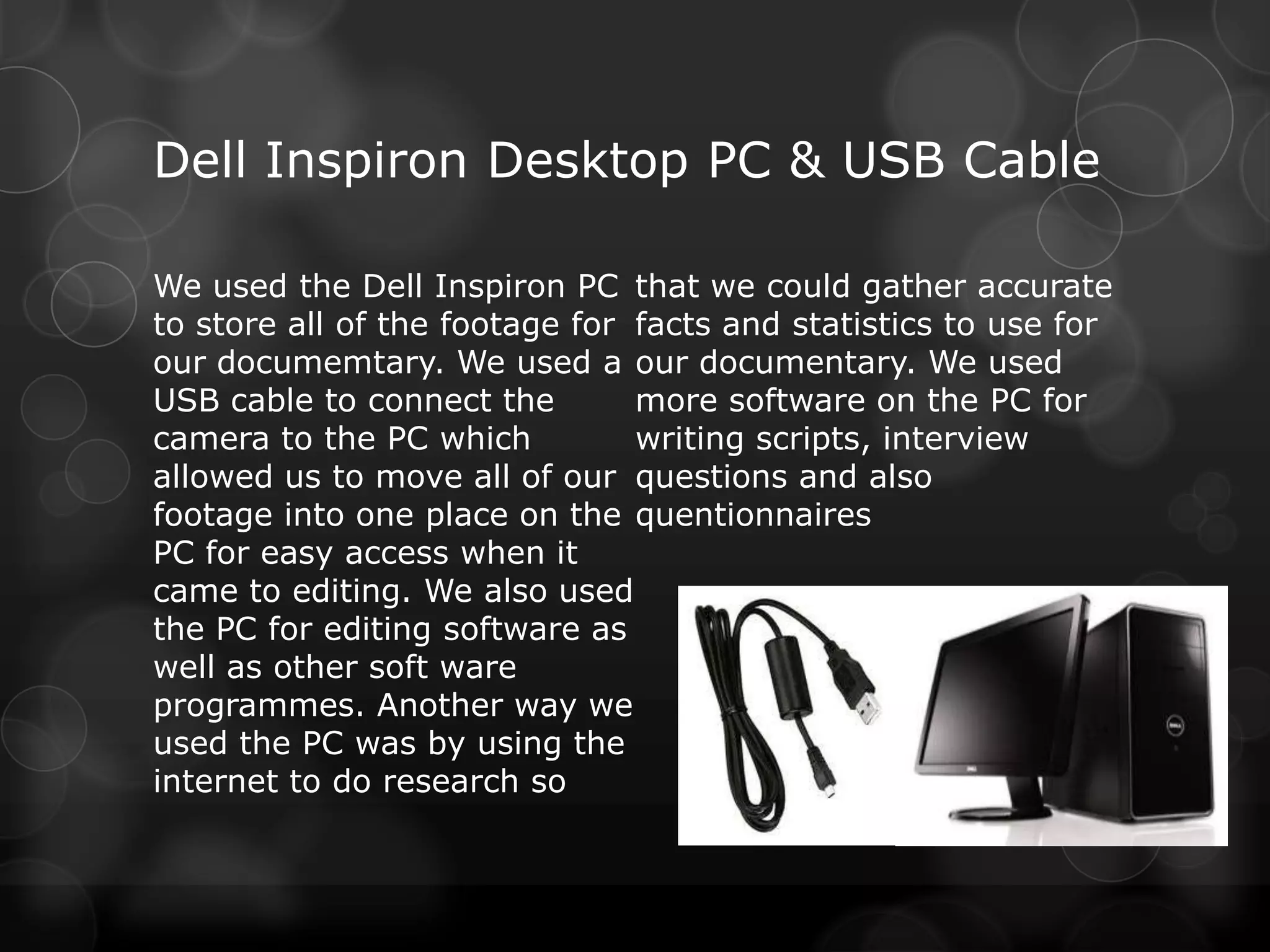
Dell Inspiron Desktop PC & USB Cable

We used the Dell Inspiron PC that we could gather accurate
to store all of the footage for facts and statistics to use for
our documemtary. We used a our documentary. We used
USB cable to connect the        more software on the PC for
camera to the PC which          writing scripts, interview
allowed us to move all of our questions and also
footage into one place on the quentionnaires
PC for easy access when it
came to editing. We also used
the PC for editing software as
well as other soft ware
programmes. Another way we
used the PC was by using the
internet to do research so
Adobe Premier Pro CS5
Our main use for Premier was       put b-roll footage with the audio
for editing our footage together so that the footage of interviews
to create our documentary.         wasn’t constant and was broken
Premier has many features which up instead. Premier also has a
allowed us to make the best        timeline which allowed us to
possible documentary using the watch things over from certain
footage we had. We used the        points and see which footage has
effects bank to find transitions   been rendered. Premier allowed
such as cross dissolve to change us to keep our footage in high
from one interview to another or definition by changing the format
to b-roll footage seamlessly. We to 1080p.
used premier to change the clip
mic from mono to stereo as we
had to fill left so that the sound
would be emitted from both
speakers when played. Premier
allowed us to unlink the video
from the audio, we used this to
Adobe Photoshop CS5

We used Photoshop to create by using the fonts already on
our poster for our            Photoshop or by downloading
documentary. Using            the one we wanted from
Photoshop allowed us to       dafont.com. Photoshop has a
manipulate images so that     filter gallery that we used to
they could look how we        make our original images
wanted them to. By using the brighter, we could also
different brushes we could    change the hue and
add effects and shapes to our saturation as well as other
images. If none of the        elements. We used the layers
brushes would work we could feature in Photoshop to add
easily download new ones      to the poster without .
from Brusheezy.com. We
could add font to our poster
Dafont, Brusheezy, Youtube, Blogger
and Google
  We used the websites            downloaded the song by
  Dafont.com and                  using the firefox MP4
  brusheezy.com to download       downloader.
  add-ons to Photoshop so that
                                  We used google images to
  we could make our poster
                                  find secondary images to add
  look just how we wanted it to
                                  to our poster. As well as using
  and so that it followed the
                                  Google to find accurate facts
  codes and conventions on a
                                  and statistics to use in our
  television programme poster.
                                  documentary.
  We used Youtube.com to find
  the best song for us to use
  for the soundbed for our
  documentary. We then
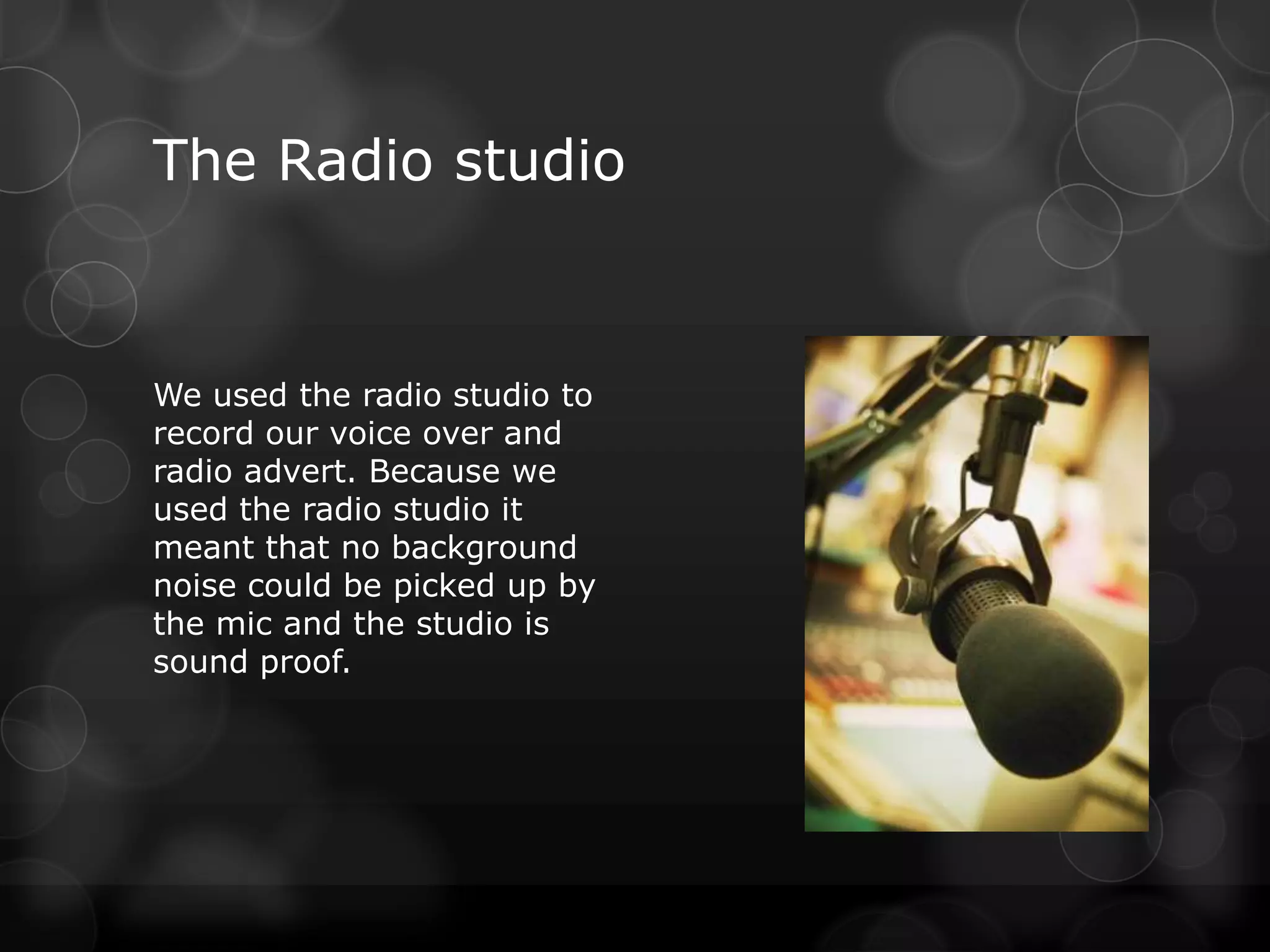
The Radio studio


We used the radio studio to
record our voice over and
radio advert. Because we
used the radio studio it
meant that no background
noise could be picked up by
the mic and the studio is
sound proof.

Media year 2 evaluation question 4

  • 1.
    How did youuse media technologies in the construction and research, planning and evaluation stages? Question 4 Evaluataion
  • 2.
    Sony HX 12-MC2000ECamera The Sony HX 12-MC2000E is the framing of the shot the a high definition, solid state same. We also used a clip on broadcast camera. We used mic with the camera for when to camera to film all of our we filmed our various footage which included interviews. interviews, b-roll footage and voxpops. We used the camera in conjunction with a tripod to ensure all of our footage was steady and at the same level. The use of the tripod prevented our footage looking like it was filmed on a hand held camera and kept
  • 3.
    Tripod & ClipOn Mic We used the tripod with our noise and therefore only camera to prevent our records the voice which footage looking like it was makes the interview much filmed on a hand held clearer. camera. We also used it to film b-roll footage in difficult places to move the camera as it helped keep the framing of the shot steady. We used the clip on mic instead of the camera’s on board mic as the clip on mic doesn’t pic up background
  • 4.
    Dell Inspiron DesktopPC & USB Cable We used the Dell Inspiron PC that we could gather accurate to store all of the footage for facts and statistics to use for our documemtary. We used a our documentary. We used USB cable to connect the more software on the PC for camera to the PC which writing scripts, interview allowed us to move all of our questions and also footage into one place on the quentionnaires PC for easy access when it came to editing. We also used the PC for editing software as well as other soft ware programmes. Another way we used the PC was by using the internet to do research so
  • 5.
    Adobe Premier ProCS5 Our main use for Premier was put b-roll footage with the audio for editing our footage together so that the footage of interviews to create our documentary. wasn’t constant and was broken Premier has many features which up instead. Premier also has a allowed us to make the best timeline which allowed us to possible documentary using the watch things over from certain footage we had. We used the points and see which footage has effects bank to find transitions been rendered. Premier allowed such as cross dissolve to change us to keep our footage in high from one interview to another or definition by changing the format to b-roll footage seamlessly. We to 1080p. used premier to change the clip mic from mono to stereo as we had to fill left so that the sound would be emitted from both speakers when played. Premier allowed us to unlink the video from the audio, we used this to
  • 6.
    Adobe Photoshop CS5 Weused Photoshop to create by using the fonts already on our poster for our Photoshop or by downloading documentary. Using the one we wanted from Photoshop allowed us to dafont.com. Photoshop has a manipulate images so that filter gallery that we used to they could look how we make our original images wanted them to. By using the brighter, we could also different brushes we could change the hue and add effects and shapes to our saturation as well as other images. If none of the elements. We used the layers brushes would work we could feature in Photoshop to add easily download new ones to the poster without . from Brusheezy.com. We could add font to our poster
  • 7.
    Dafont, Brusheezy, Youtube,Blogger and Google We used the websites downloaded the song by Dafont.com and using the firefox MP4 brusheezy.com to download downloader. add-ons to Photoshop so that We used google images to we could make our poster find secondary images to add look just how we wanted it to to our poster. As well as using and so that it followed the Google to find accurate facts codes and conventions on a and statistics to use in our television programme poster. documentary. We used Youtube.com to find the best song for us to use for the soundbed for our documentary. We then
  • 8.
    The Radio studio Weused the radio studio to record our voice over and radio advert. Because we used the radio studio it meant that no background noise could be picked up by the mic and the studio is sound proof.