Downloaded 100 times
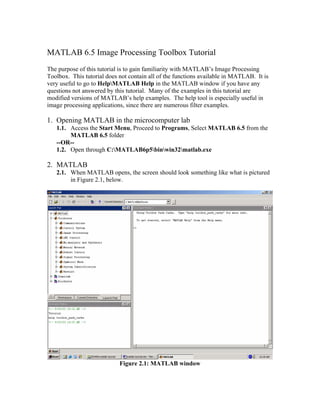
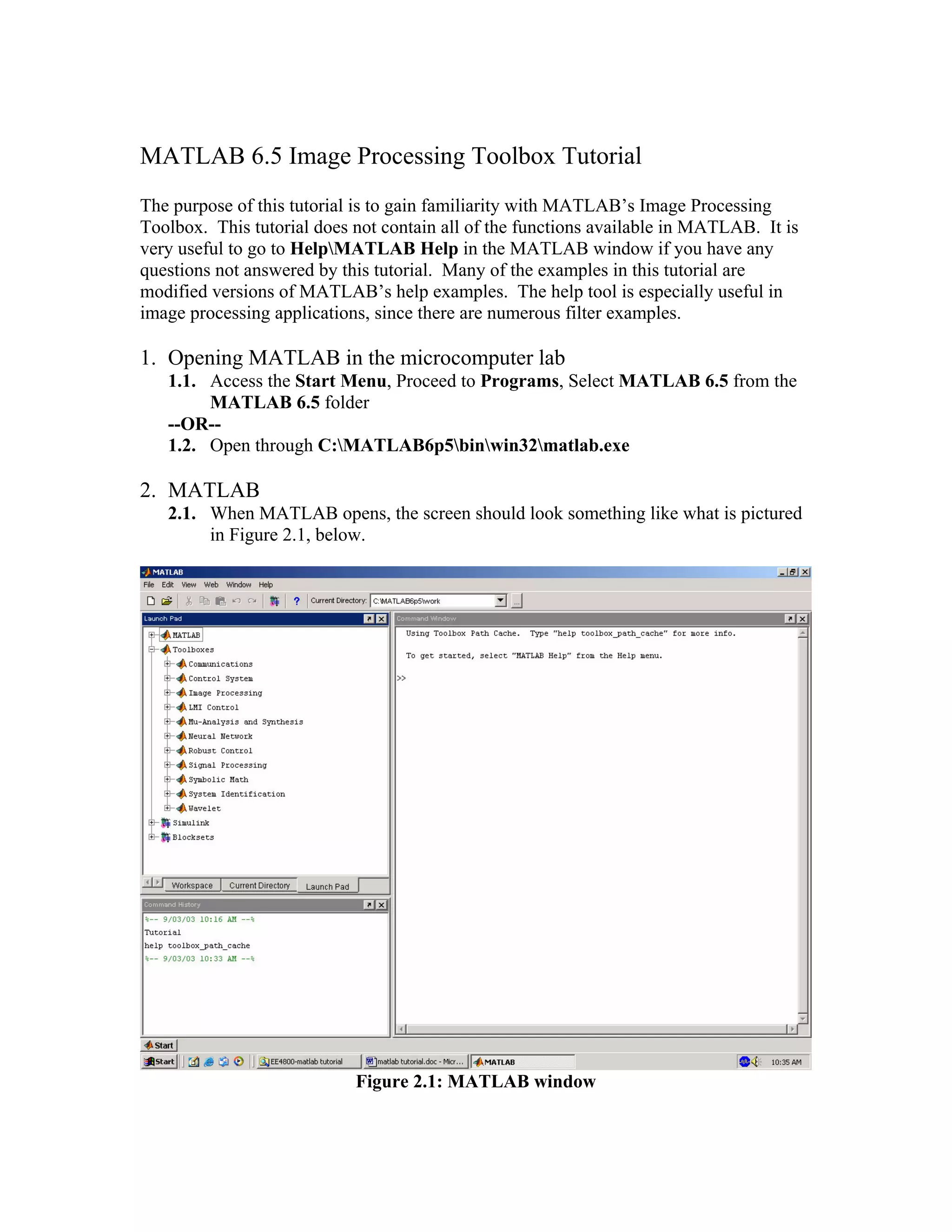
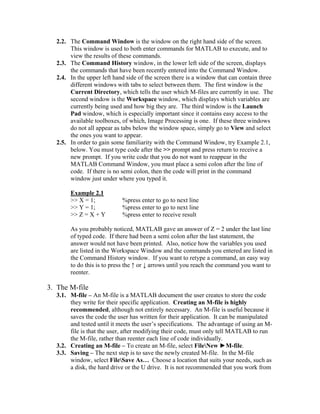
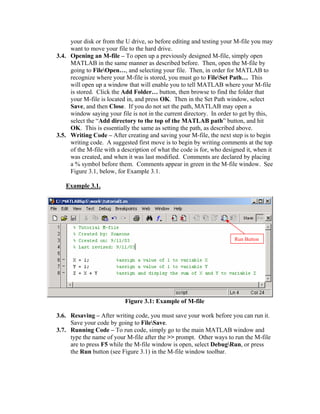
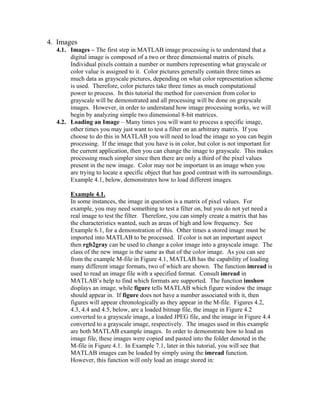
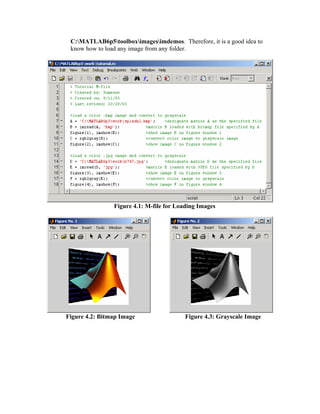
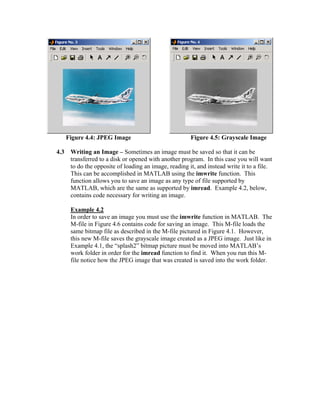
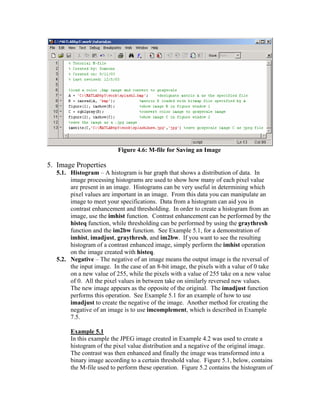
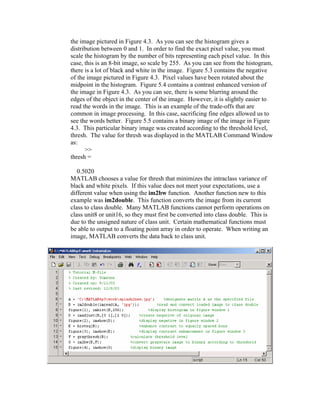
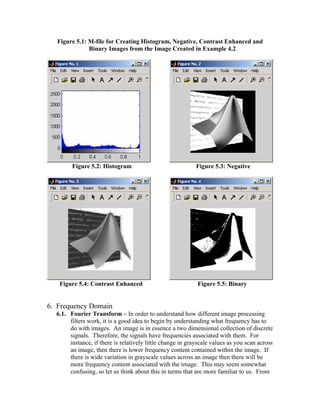
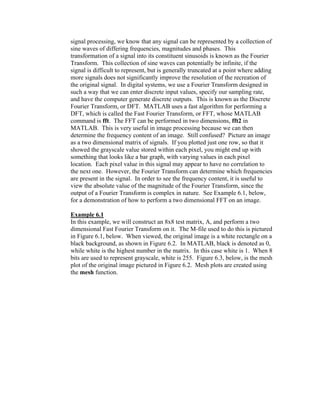
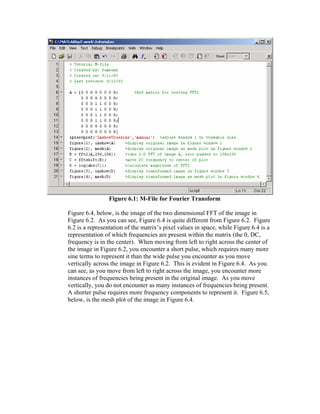
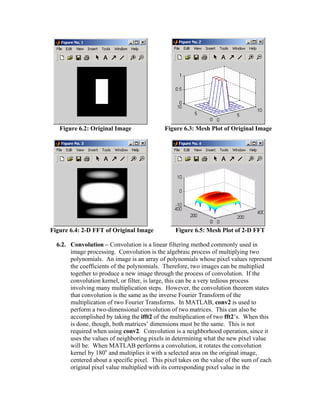
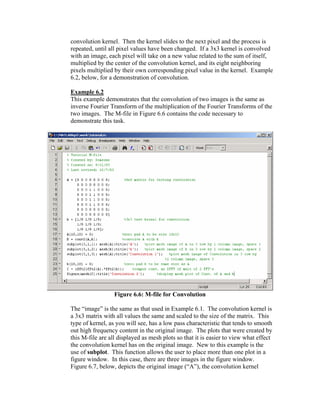
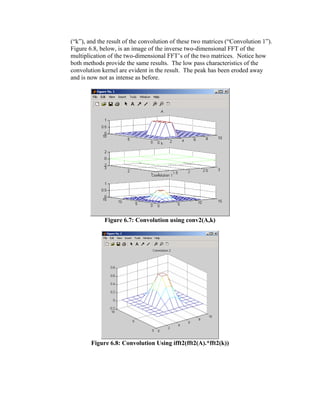
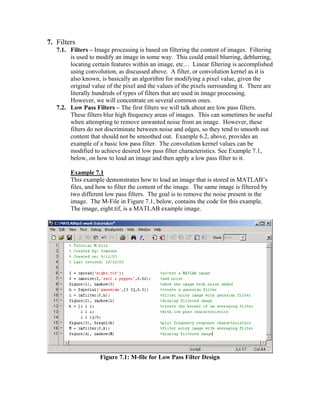
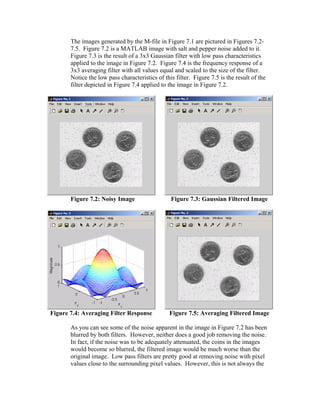
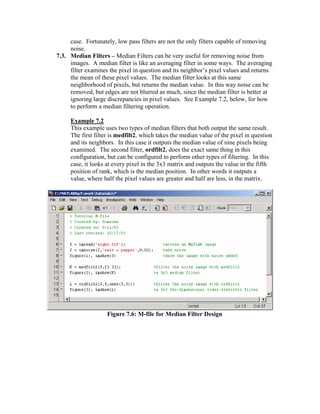
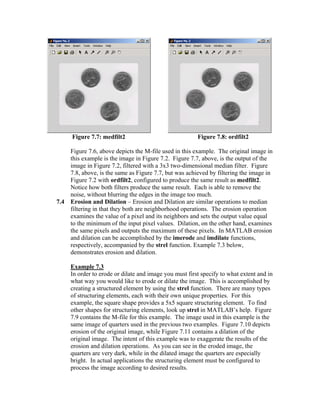
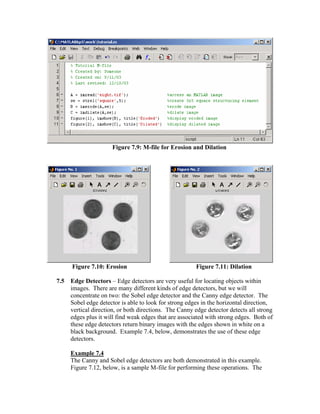
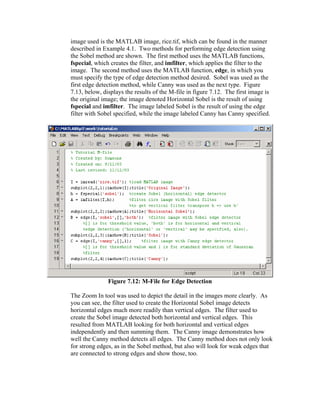
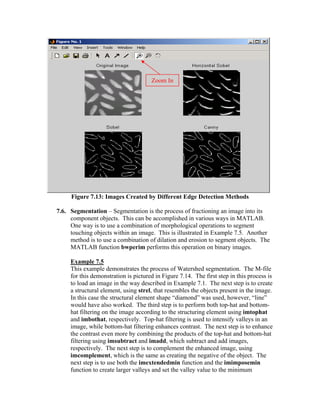
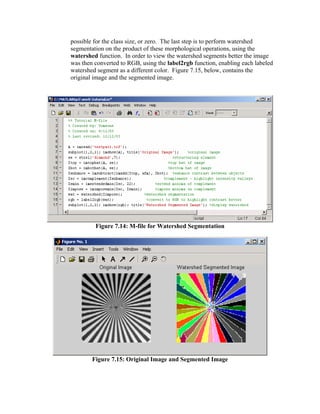

This tutorial provides an overview of MATLAB's Image Processing Toolbox. It discusses opening MATLAB, loading and displaying images, converting between color and grayscale, and writing processed images out to file formats like JPEG. The tutorial is intended to familiarize users with basic image processing tasks in MATLAB like importing, displaying, and saving images in different formats. It also provides examples of creating and running M-files to store image processing code.


