
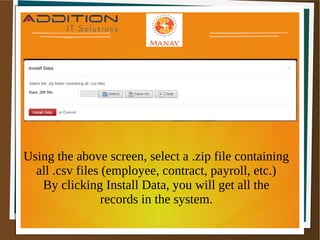
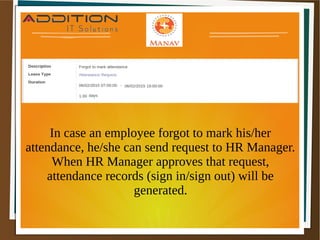


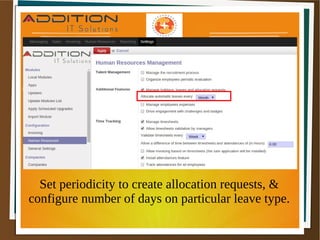
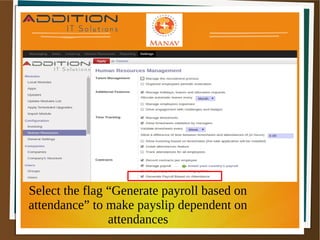
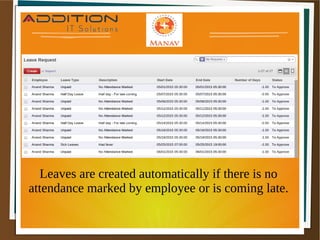

Human Resource Services provides features to install all employee data with one click, create different types of requests, automatically allocate leaves periodically, generate payroll based on attendance, and automatically create leaves based on attendance records. Key features include installing all employee records from a single .zip file, allowing employees to request changes to attendance records, automatically calculating partial day leaves, setting rules to allocate leave days, tying payroll to attendance data, and generating leaves if attendance is missing.


![Coper prueba 2[1]](https://cdn.slidesharecdn.com/ss_thumbnails/coperprueba21-150714104604-lva1-app6891-thumbnail.jpg?width=640&height=640&fit=bounds)


![Lect 1 Number systems and base conversions. [Autosaved].pptx](https://cdn.slidesharecdn.com/ss_thumbnails/lect1numbersystemsandbaseconversions-260111134109-67c2d865-thumbnail.jpg?width=640&height=640&fit=bounds)
