OCTOBER 16, 2014 
MAGNOLIA APP 
DEVELOPMENT
ZAK GREANT 
TECHNICAL EVANGELIST @ MAGNOLIA 
Credit:
BACKGROUND INFO 
Need more background information on 
Magnolia 5 and Apps? 
Watch the recording of the “Start Developing 
Apps for Magnolia 5” webinar here: 
http://magnolia-cms.com/company/events/ 
start-developing-apps-for-magnolia-five.html
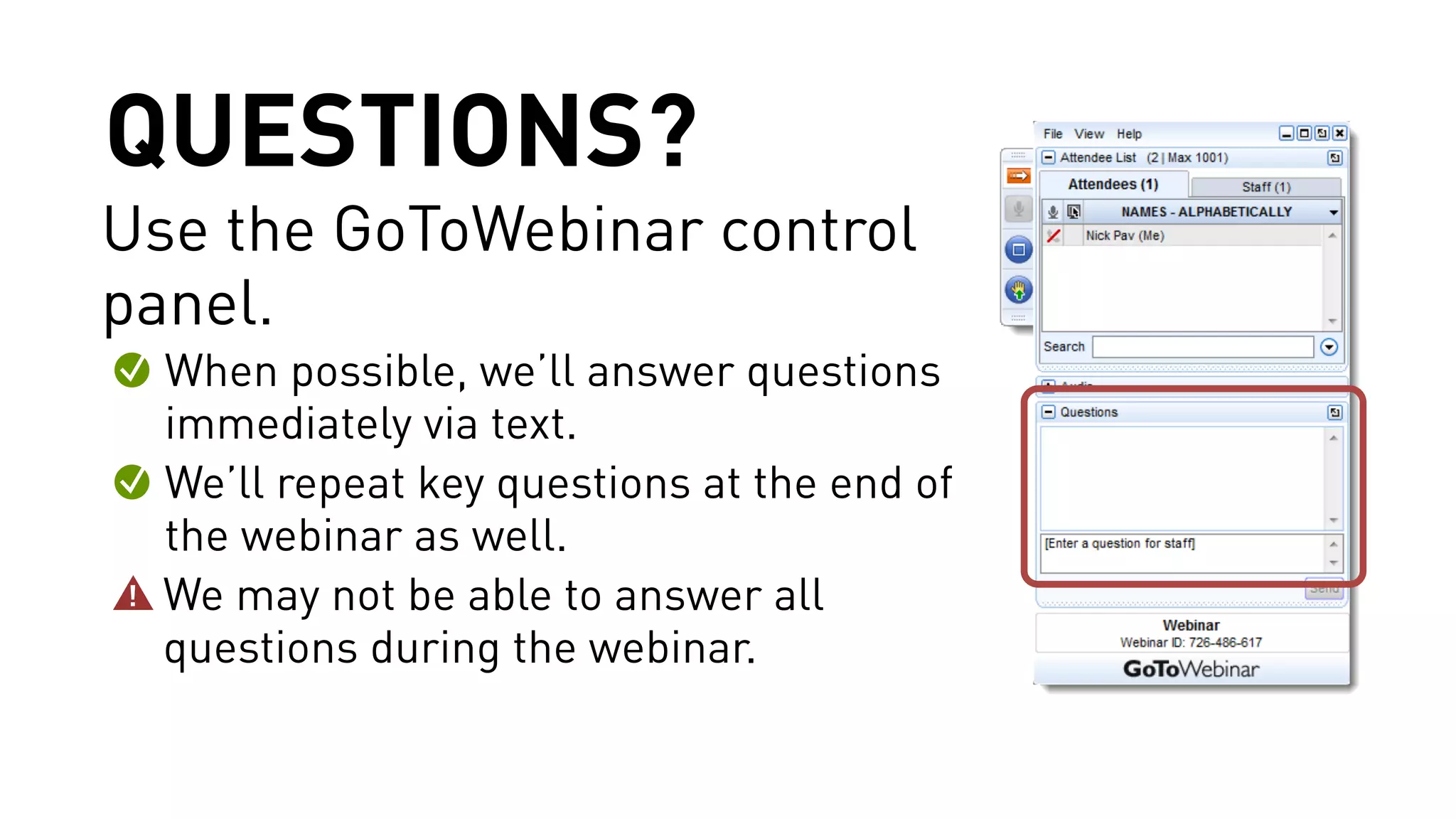
QUESTIONS? 
Use the GoToWebinar control 
panel. 
When possible, we’ll answer questions 
immediately via text. 
We’ll repeat key questions at the end of 
the webinar as well. 
We may not be able to answer all 
questions during the webinar.
ANDREAS WEDER 
HEAD OF USER EXPERIENCE @ MAGNOLIA
JAN HADERKA 
CHIEF INTEGRATION OFFICER @ MAGNOLIA
MIKAËL GELJIĆ 
SOFTWARE ENGINEER @ MAGNOLIA
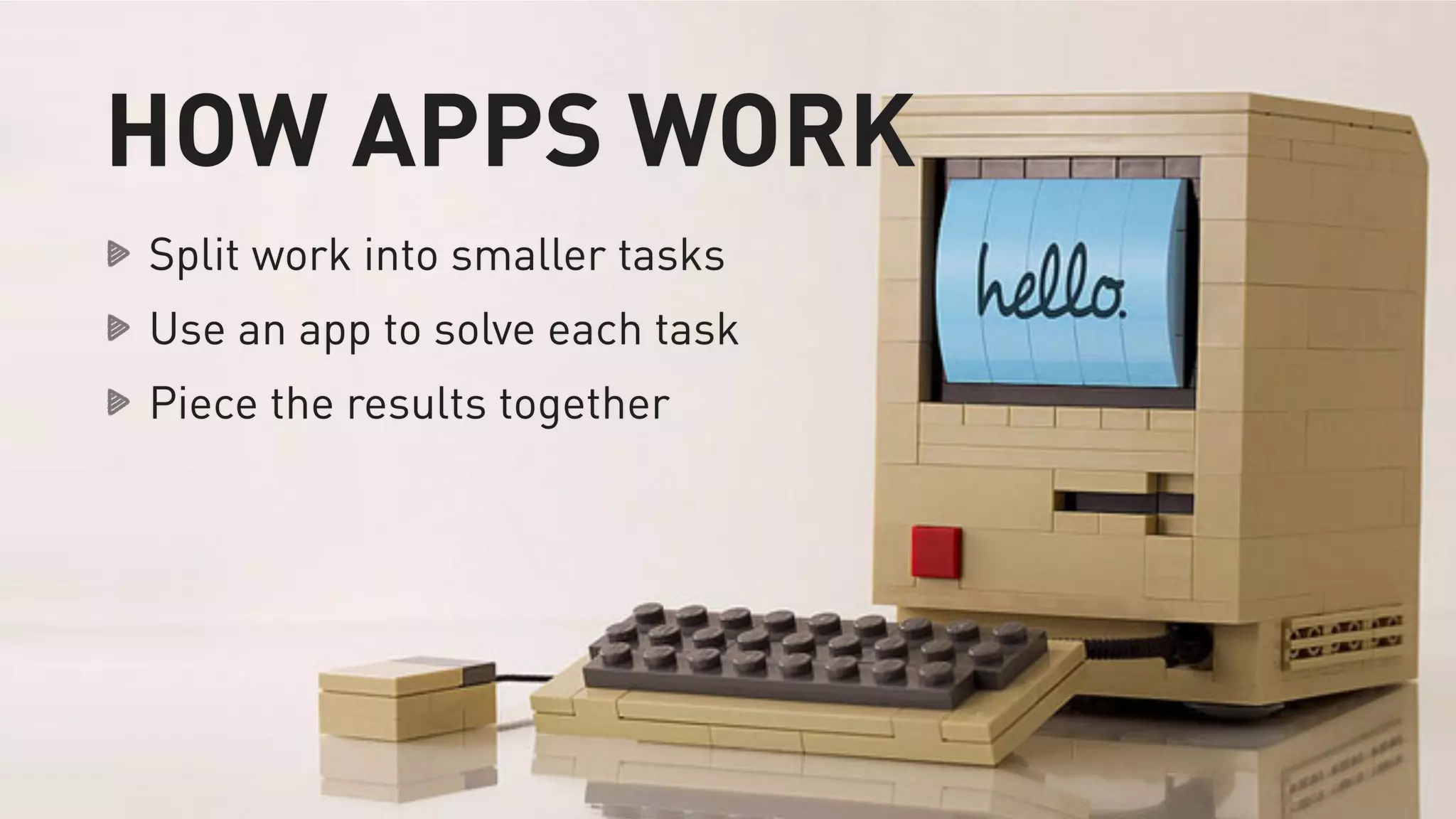
HOW APPS WORK 
Split work into smaller tasks 
Use an app to solve each task 
Piece the results together
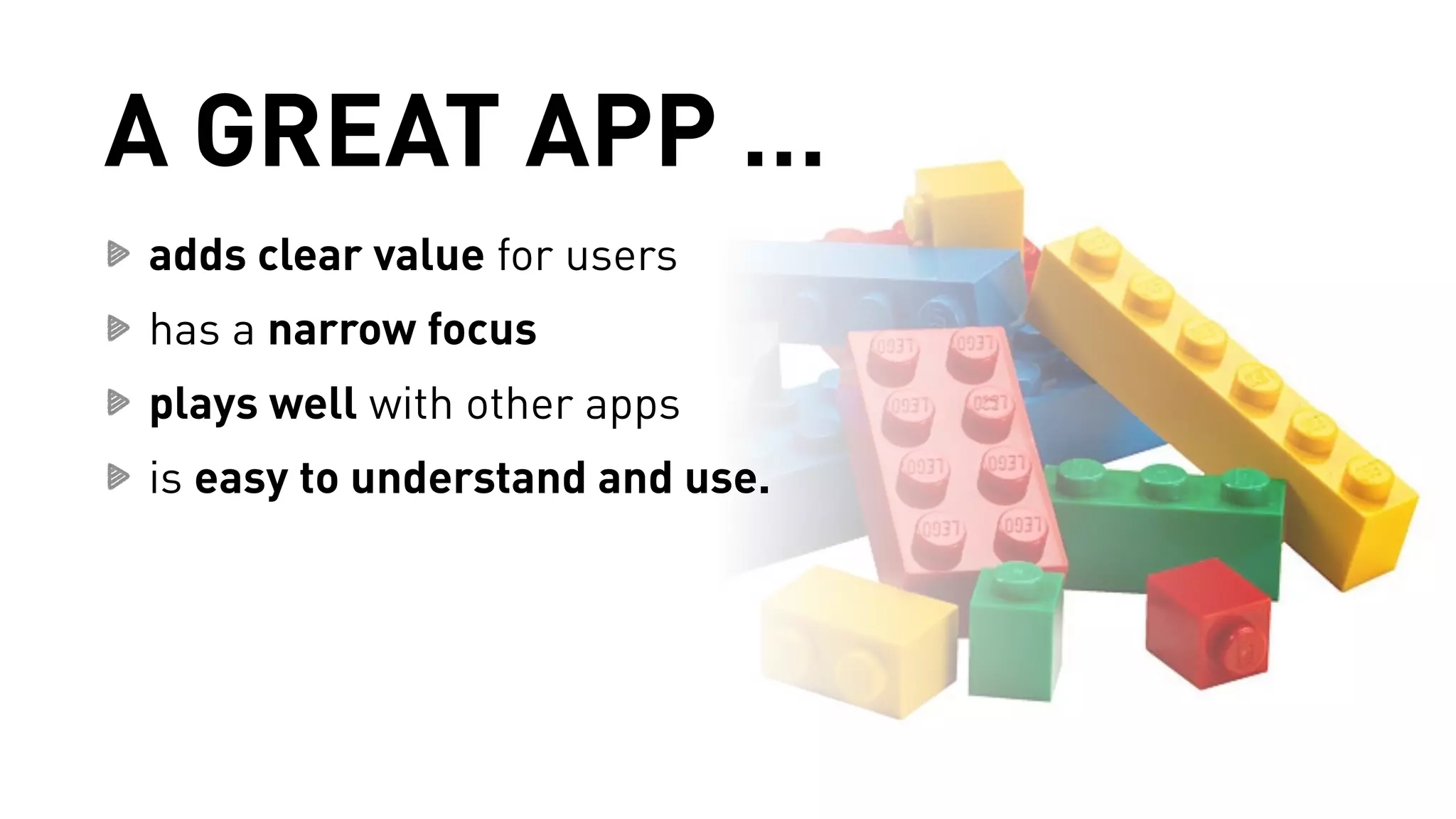
A GREAT APP … 
adds clear value for users 
has a narrow focus 
plays well with other apps 
is easy to understand and use.
An app fulfills a need.
An app works well.
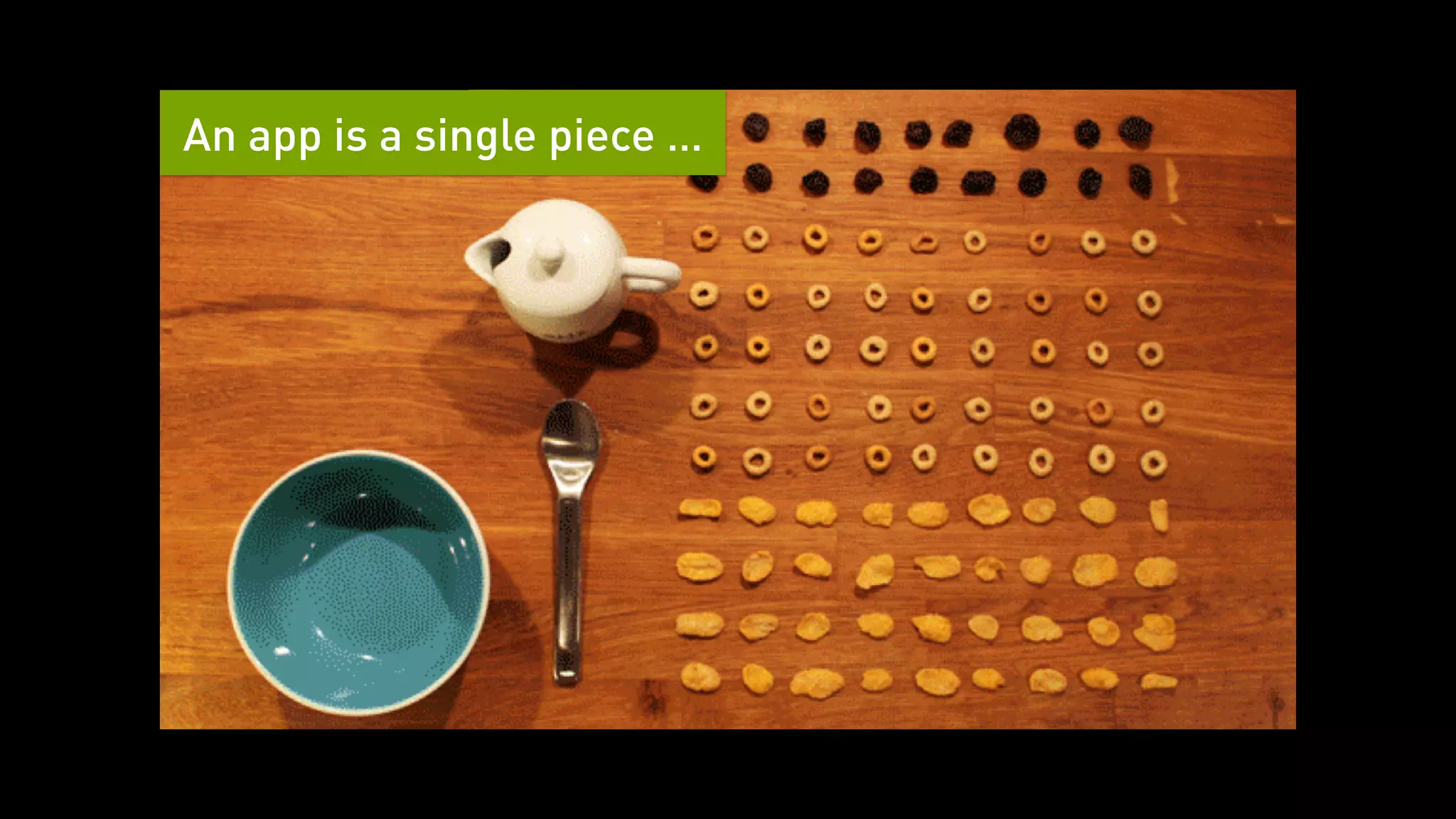
An app is a single piece …
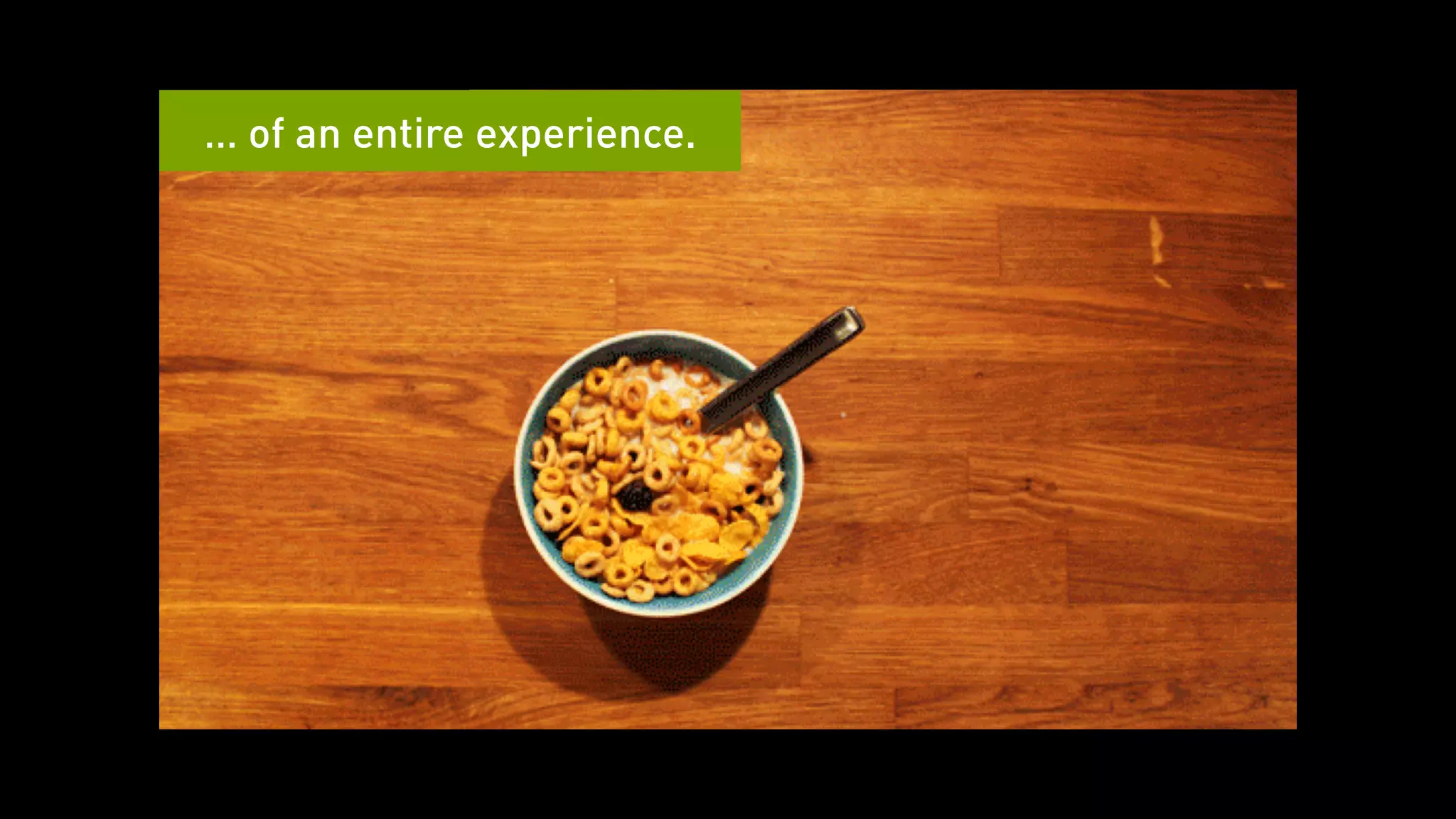
… of an entire experience.
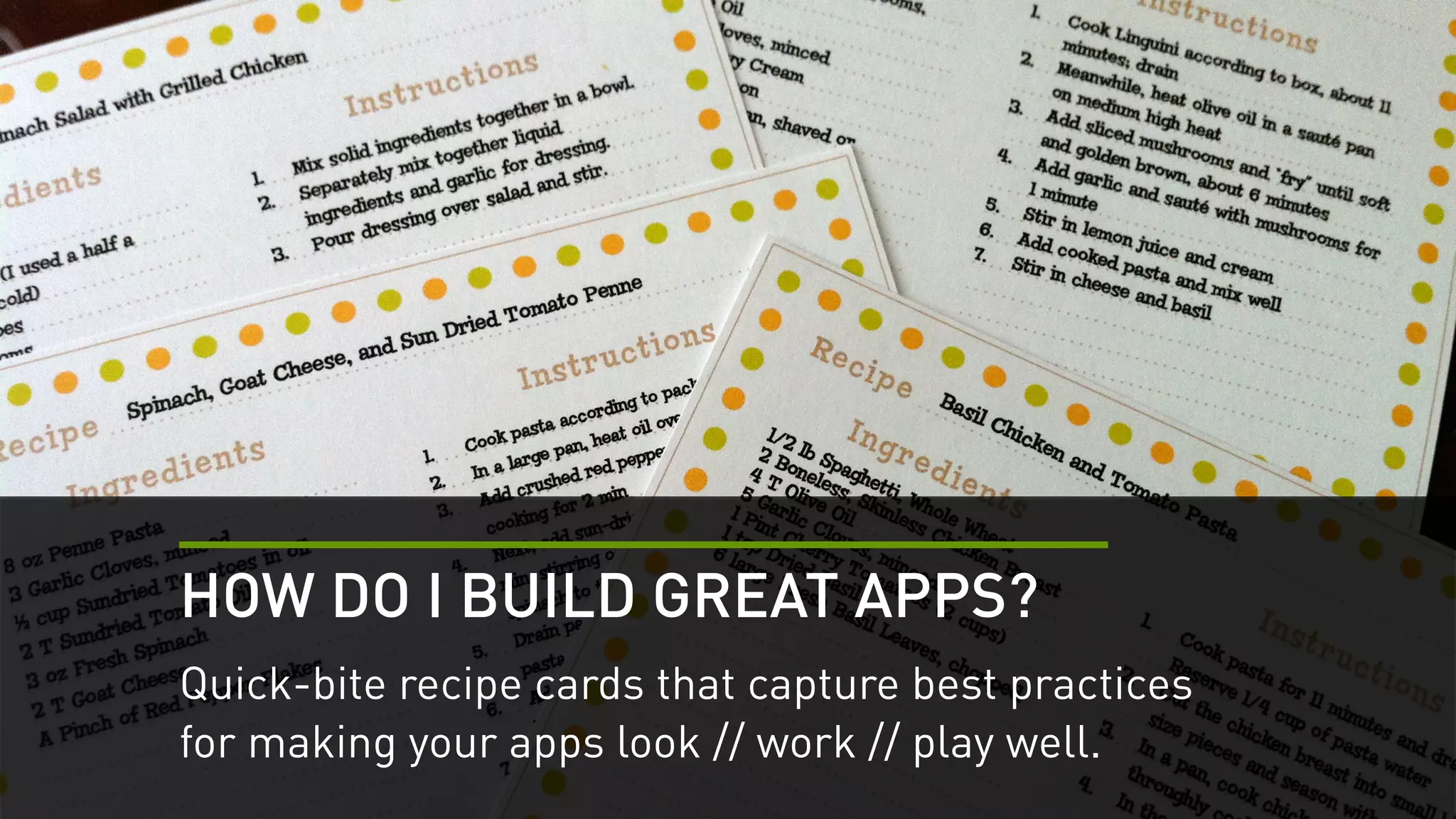
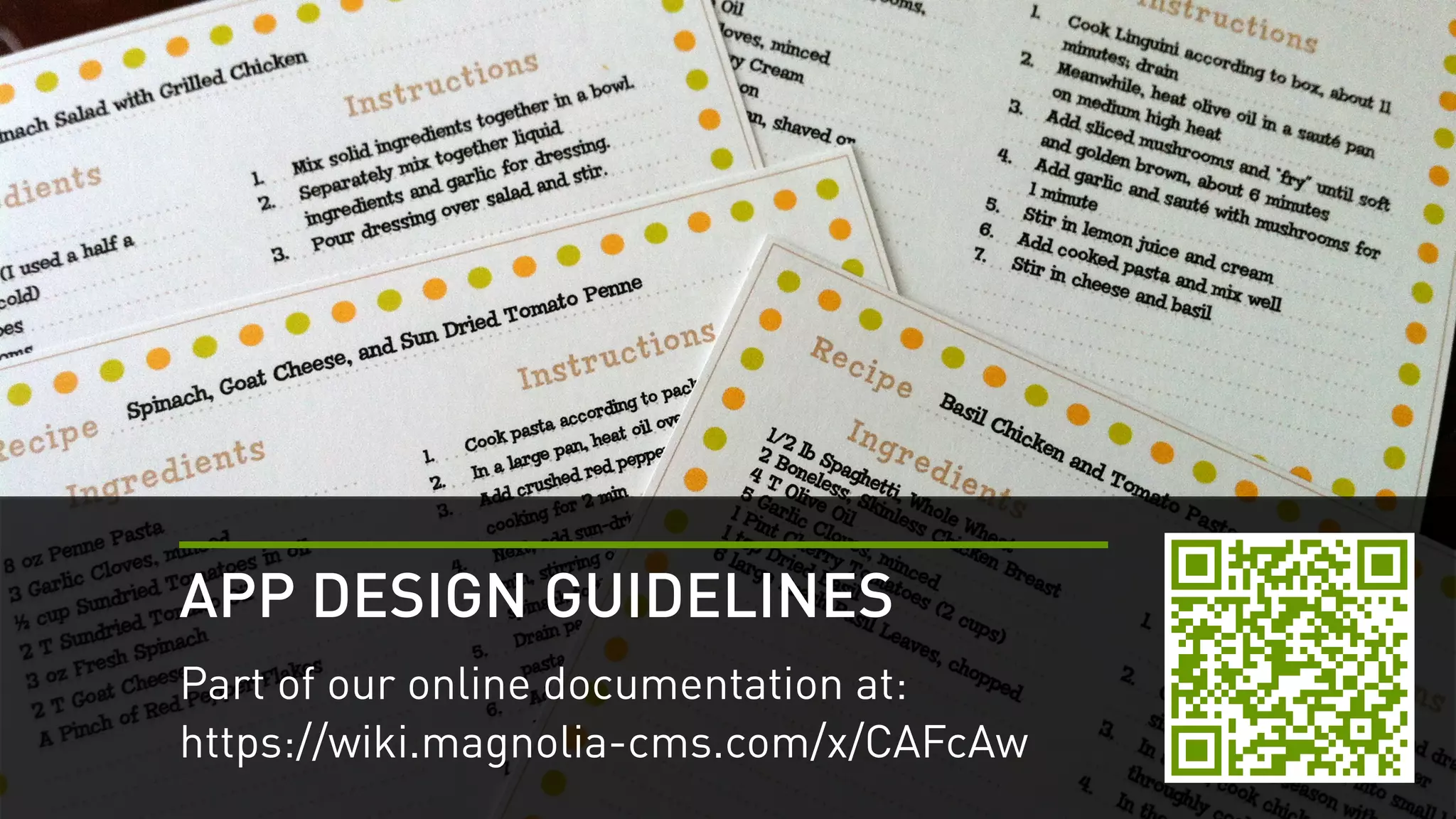
HOW DO I BUILD GREAT APPS? 
Quick-bite recipe cards that capture best practices 
for making your apps look // work // play well.
APP DESIGN GUIDELINES 
Part of our online documentation at: 
https://wiki.magnolia-cms.com/x/CAFcAw
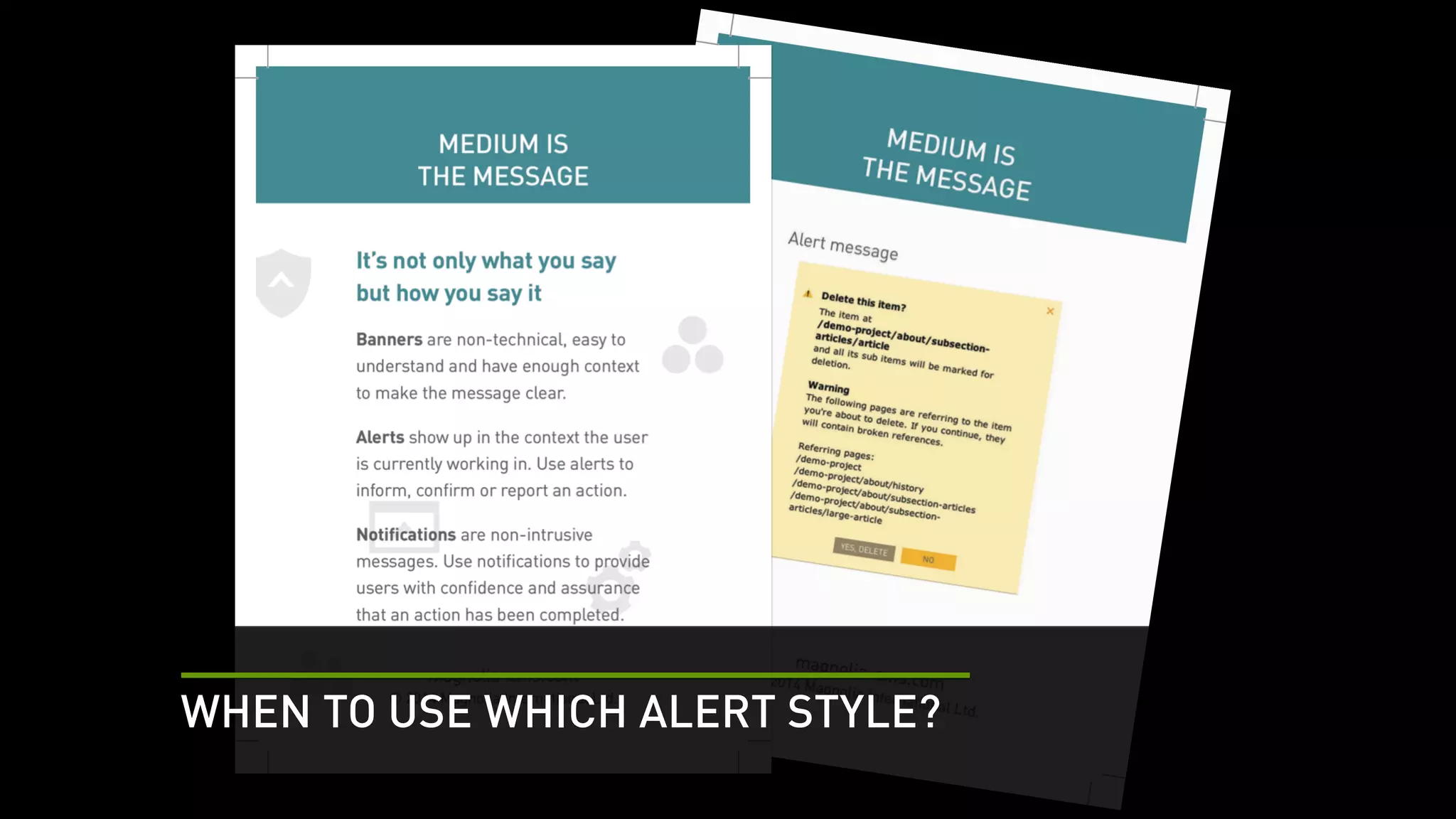
WHEN TO USE WHICH ALERT STYLE?
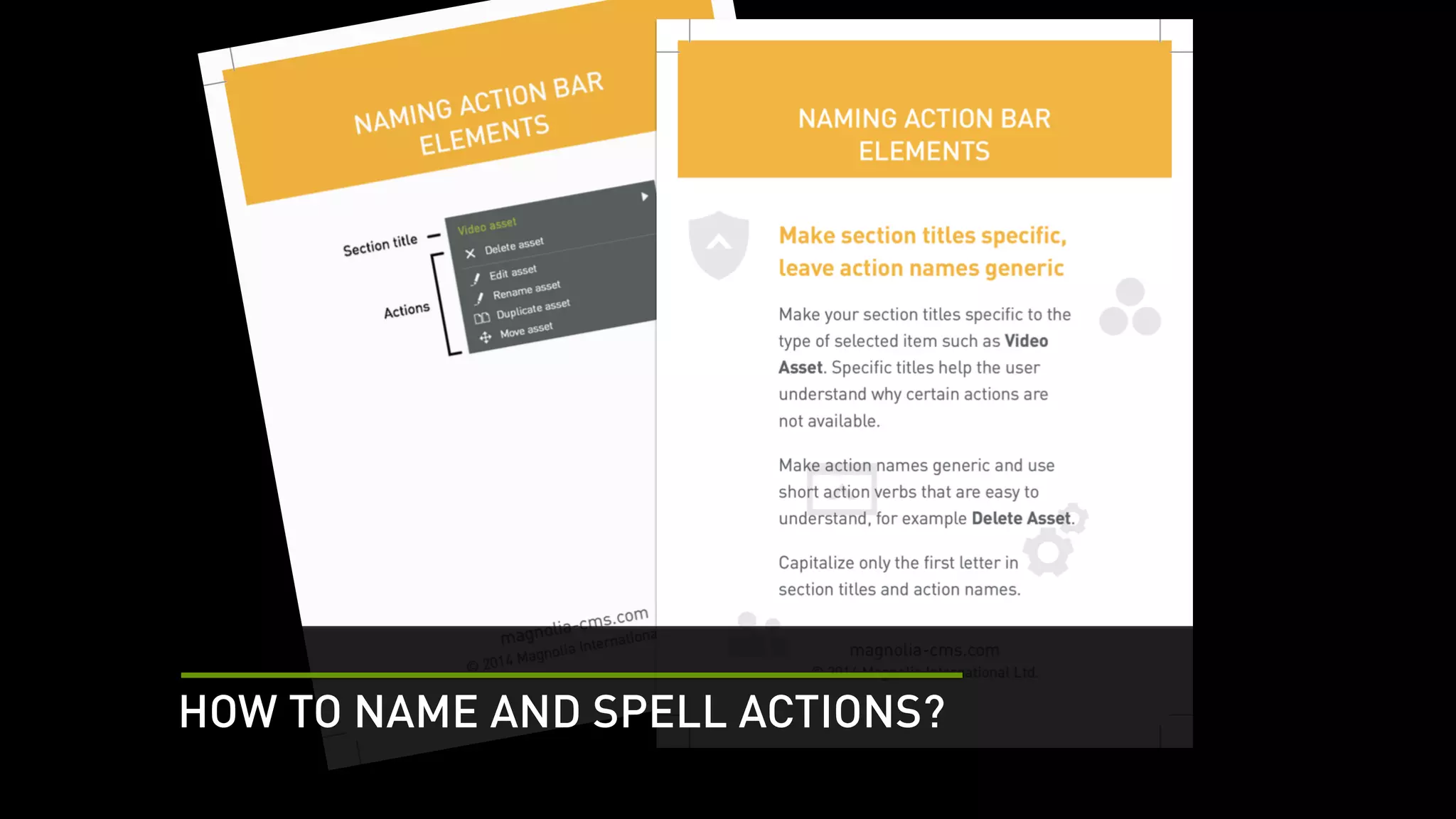
HOW TO NAME AND SPELL ACTIONS?
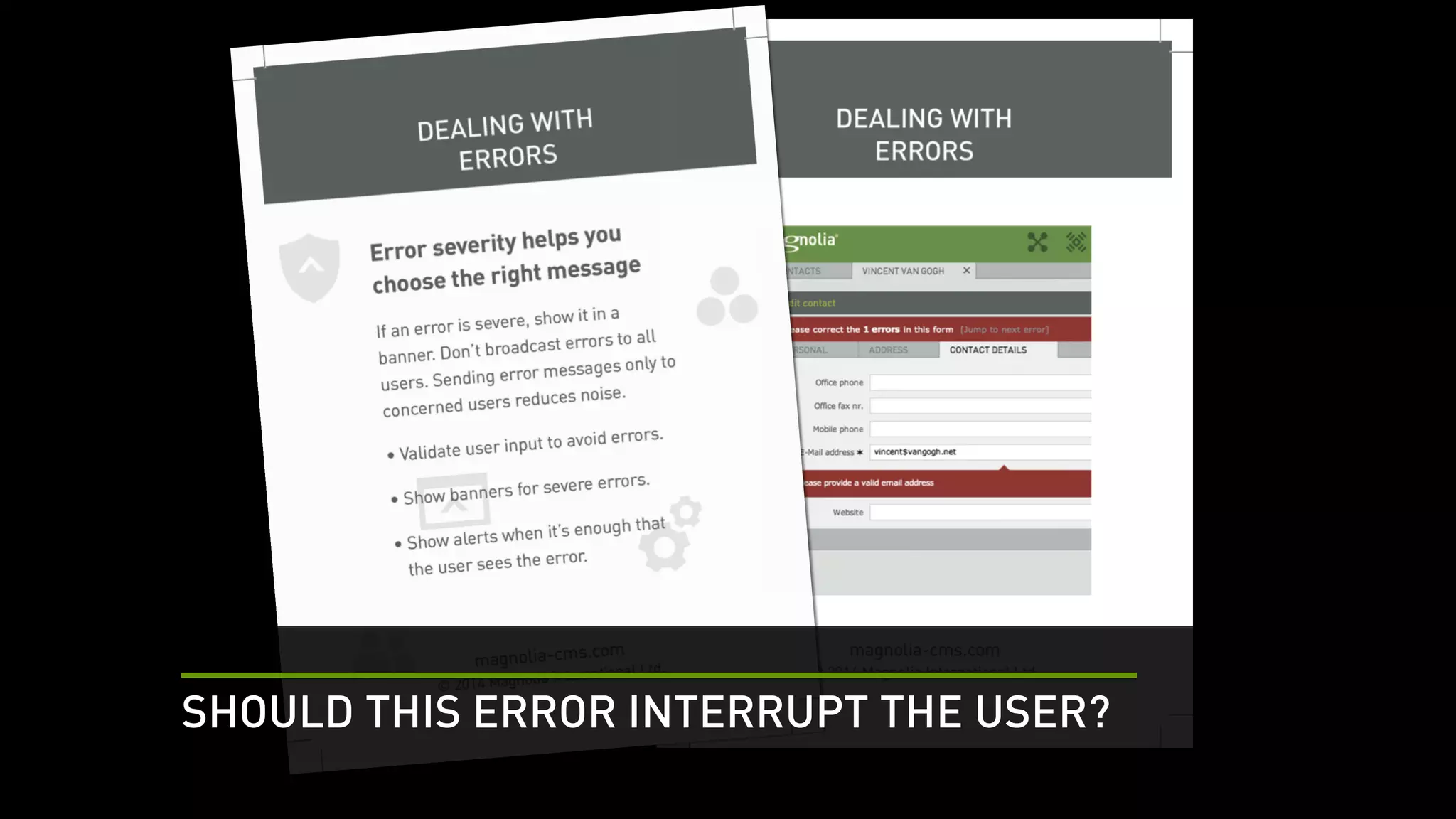
SHOULD THIS ERROR INTERRUPT THE USER?
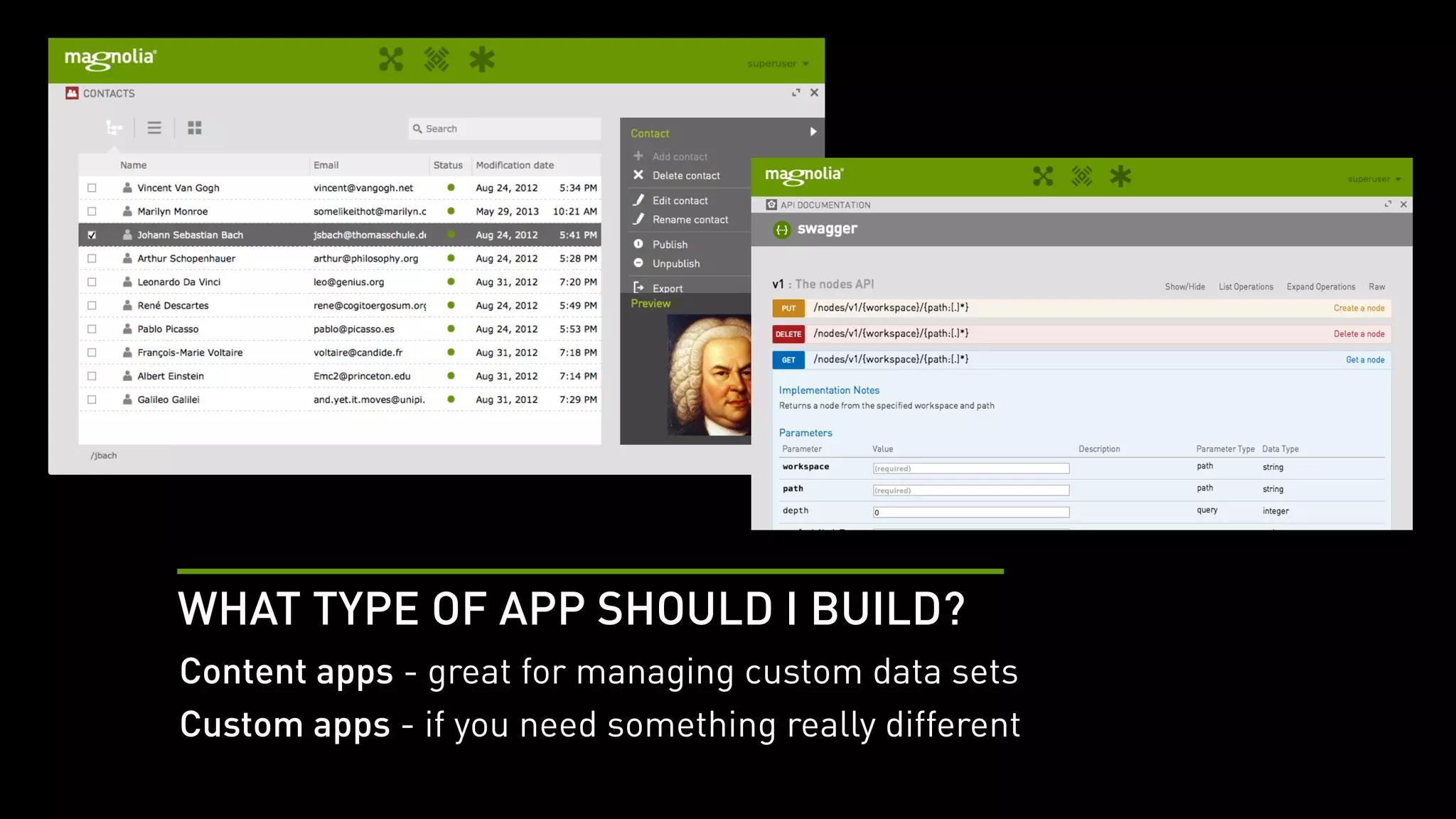
WHAT TYPE OF APP SHOULD I BUILD? 
Content apps - great for managing custom data sets 
Custom apps - if you need something really different
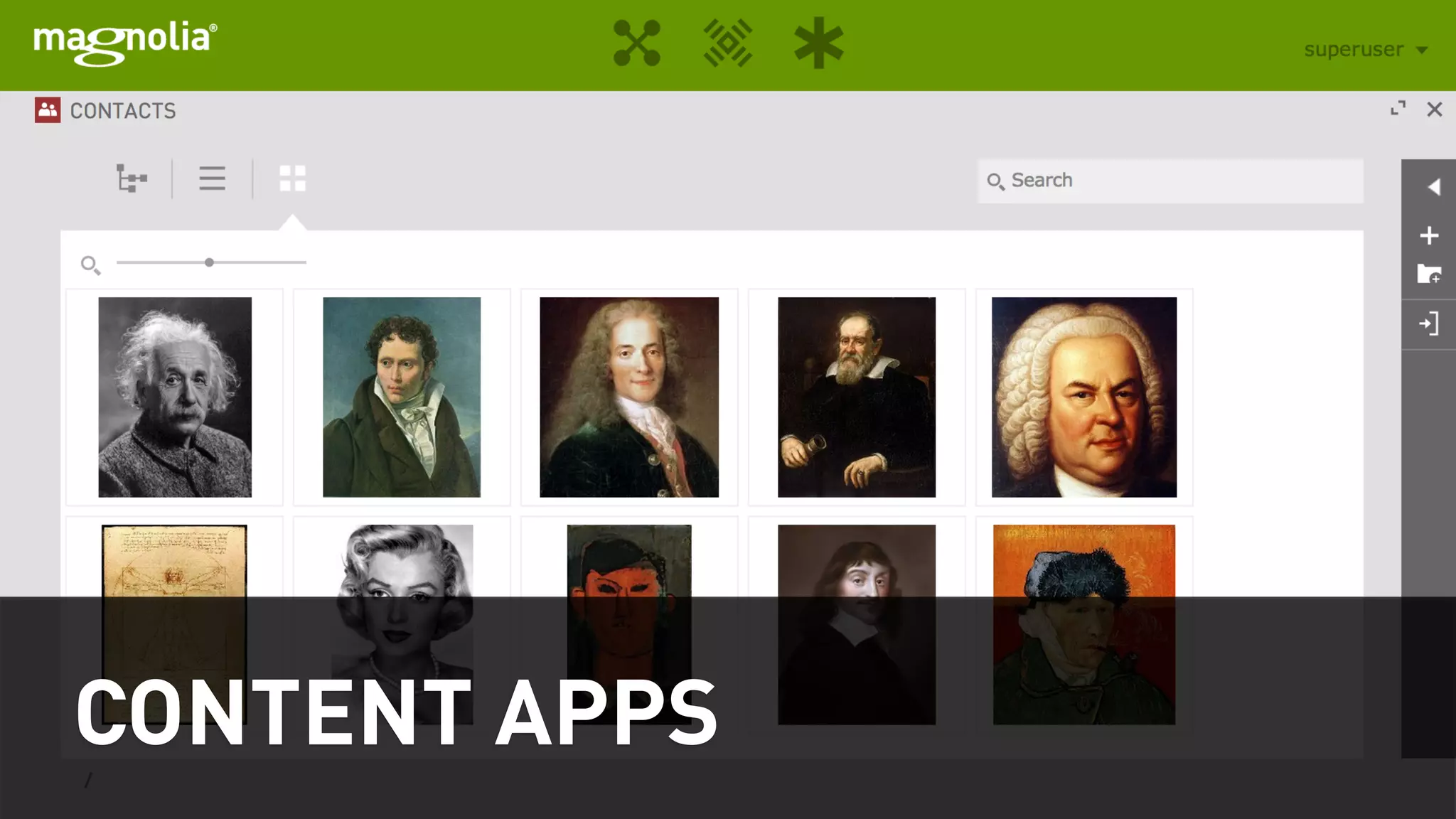
CONTENT APPS
CONTENT APPS 
By config, no Java necessary 
Design guidelines 
Cookbook in Magnolia documentation
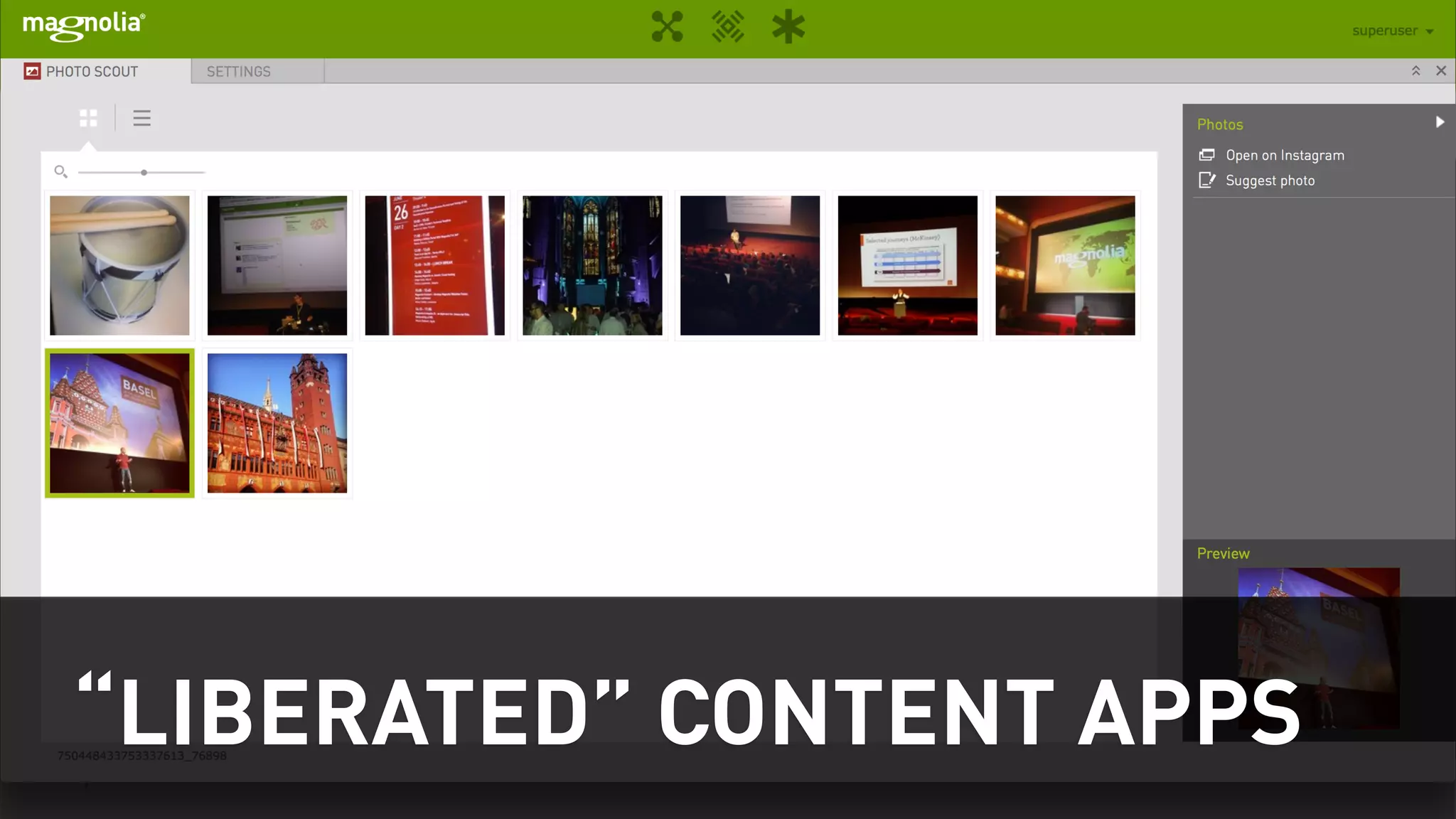
“LIBERATED” CONTENT APPS
LIBERATED CONTENT APPS 
A new (5.3) type of content app 
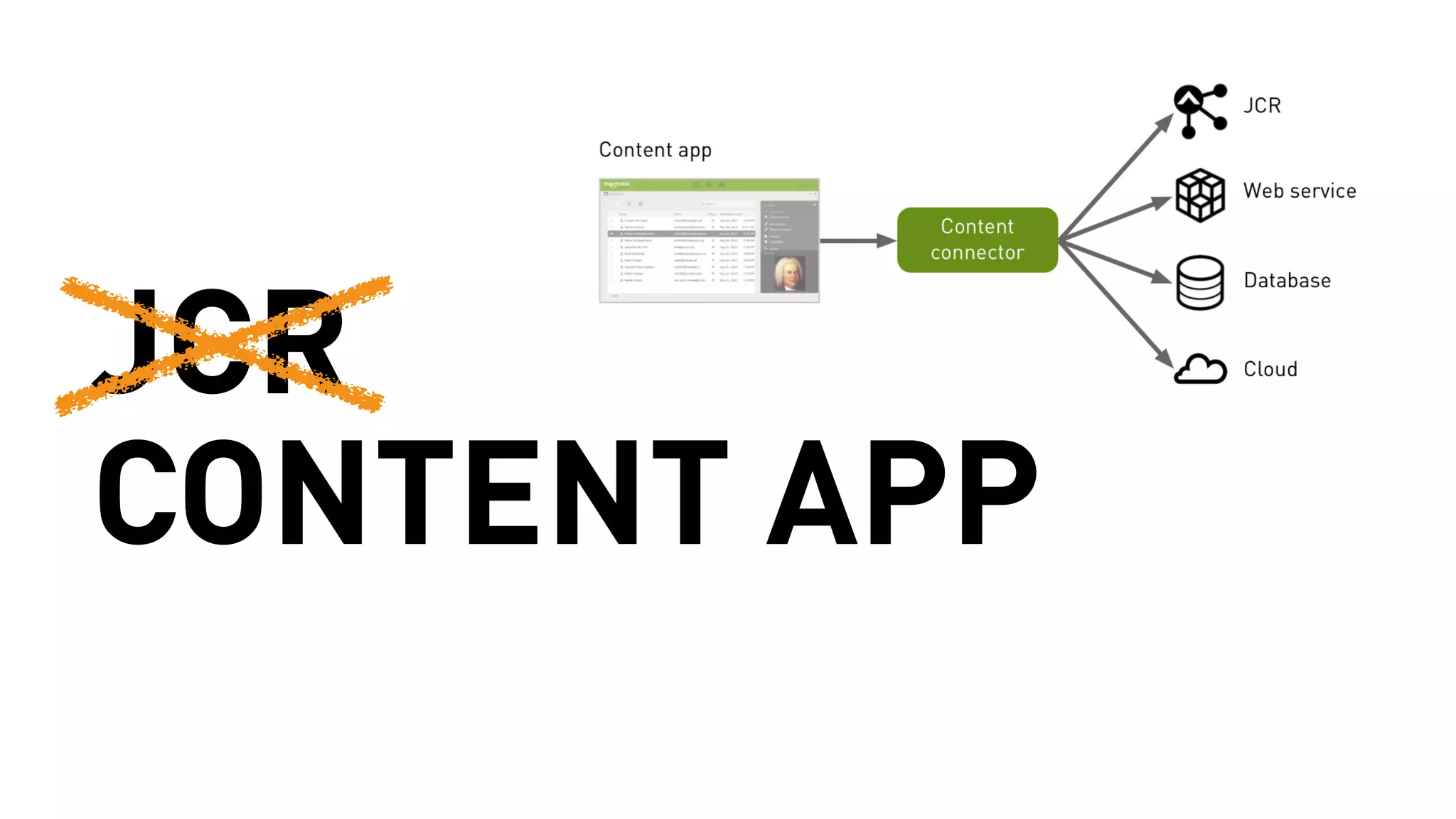
Liberated from the JCR 
Java coding required 
Vaadin know-how is helpful 
Blossom can help customize just about anything
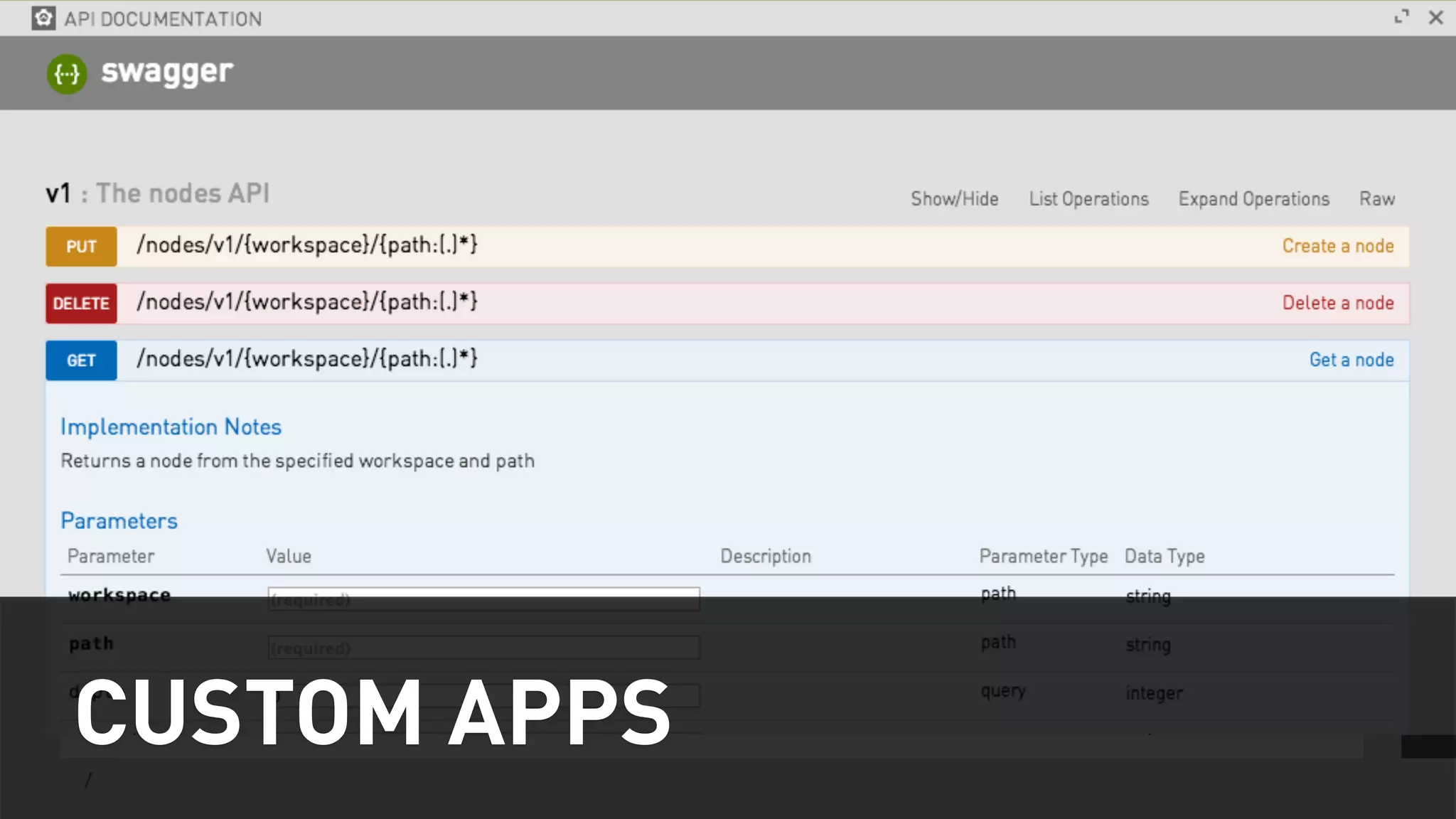
CUSTOM APPS
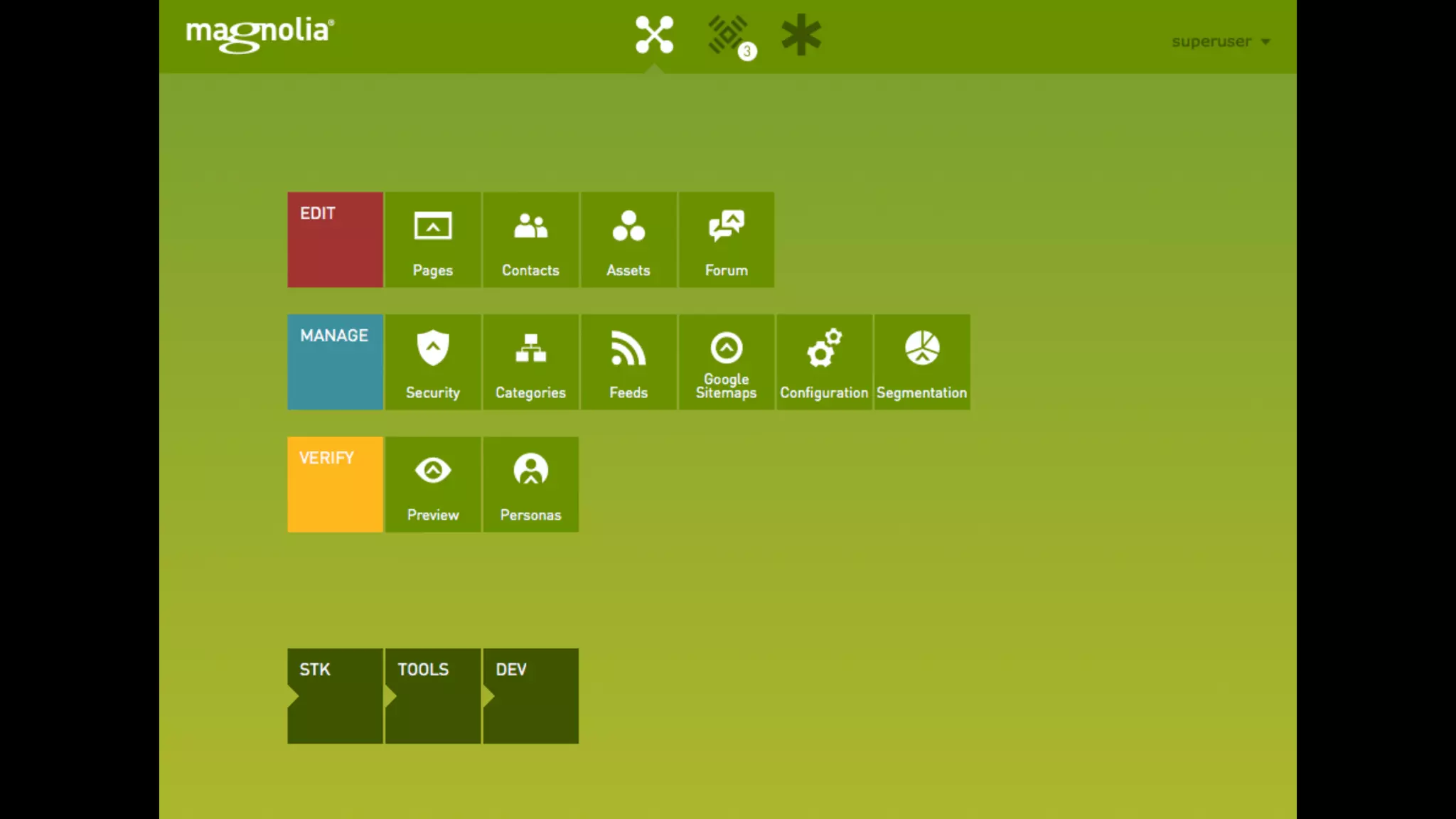
APP SETUP 
Define a module 
Write a service to encapsulate business logic 
Create app launcher entry 
Define & implement subapps 
Define & implement actions
APP BASE CLASSES 
Might be able to use EmbeddedPageSubApp 
(which shows external content in iframe) 
Use BaseSubApp 
Try to use SmallAppLayout
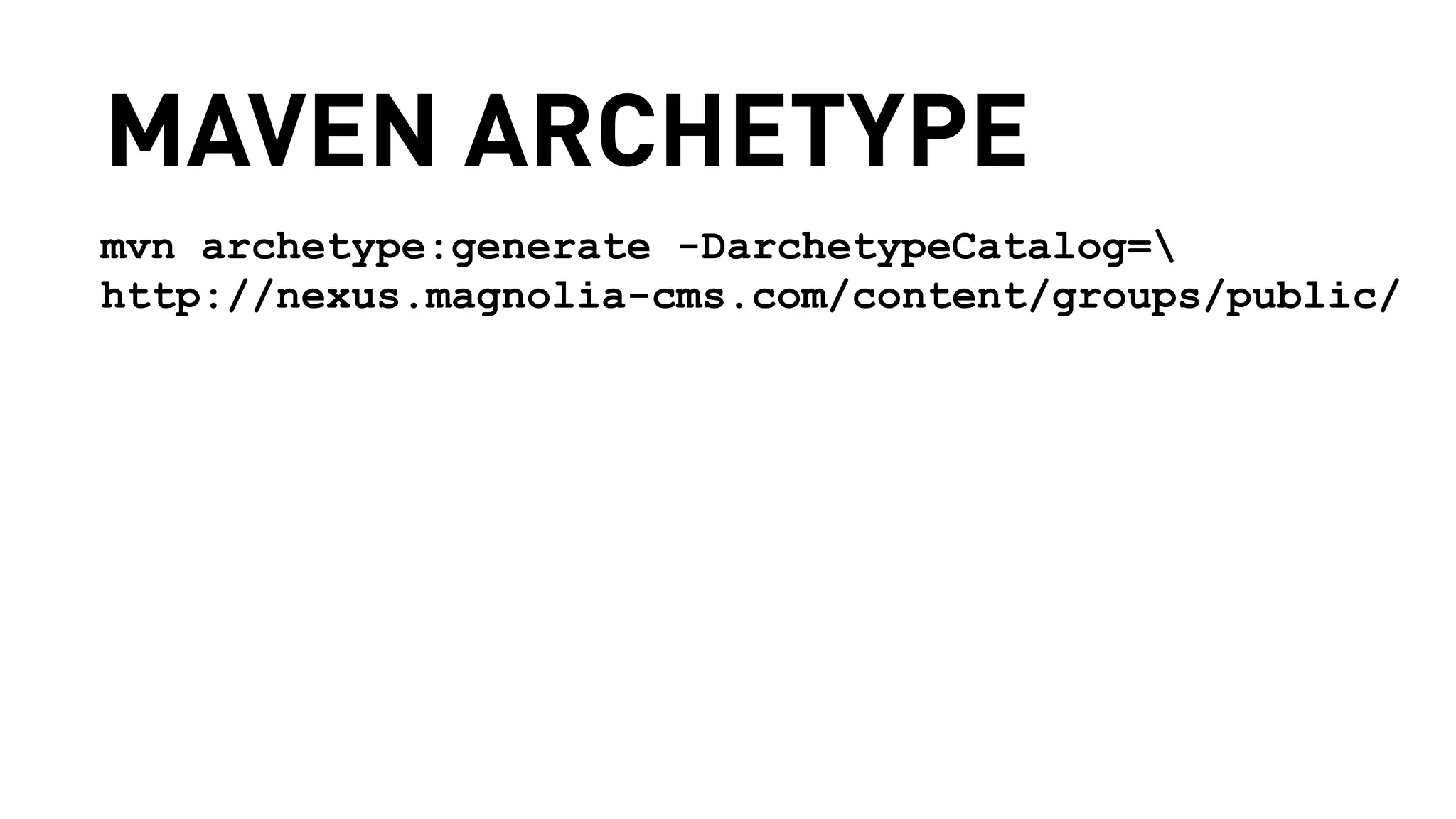
MAVEN ARCHETYPE 
mvn archetype:generate -DarchetypeCatalog= 
http://nexus.magnolia-cms.com/content/groups/public/
SCRIPT DEMO
JCR 
CONTENT APP
LIBERATED CONTENT APPS 
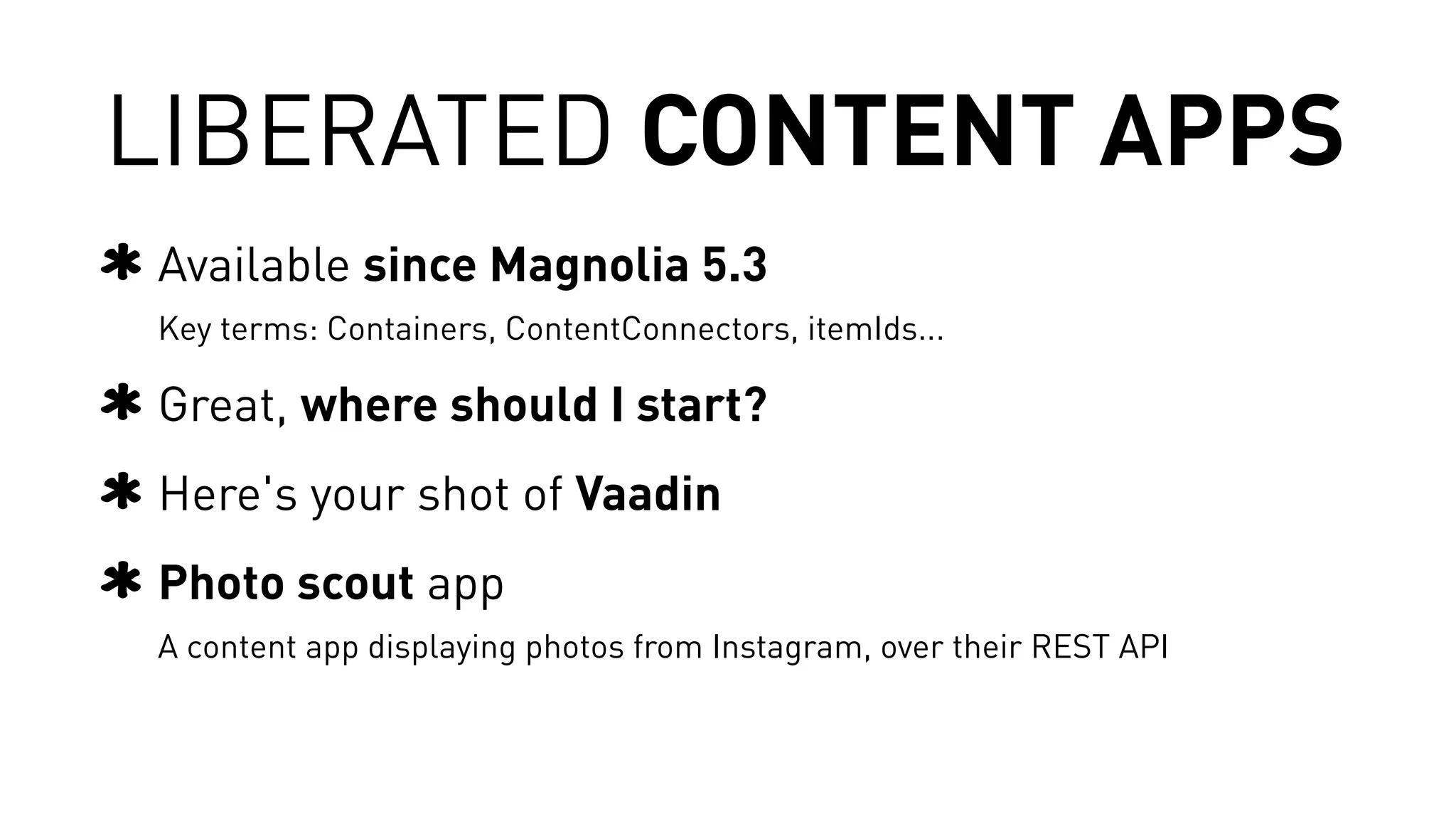
Available since Magnolia 5.3 
Key terms: Containers, ContentConnectors, itemIds... 
Great, where should I start? 
Here's your shot of Vaadin 
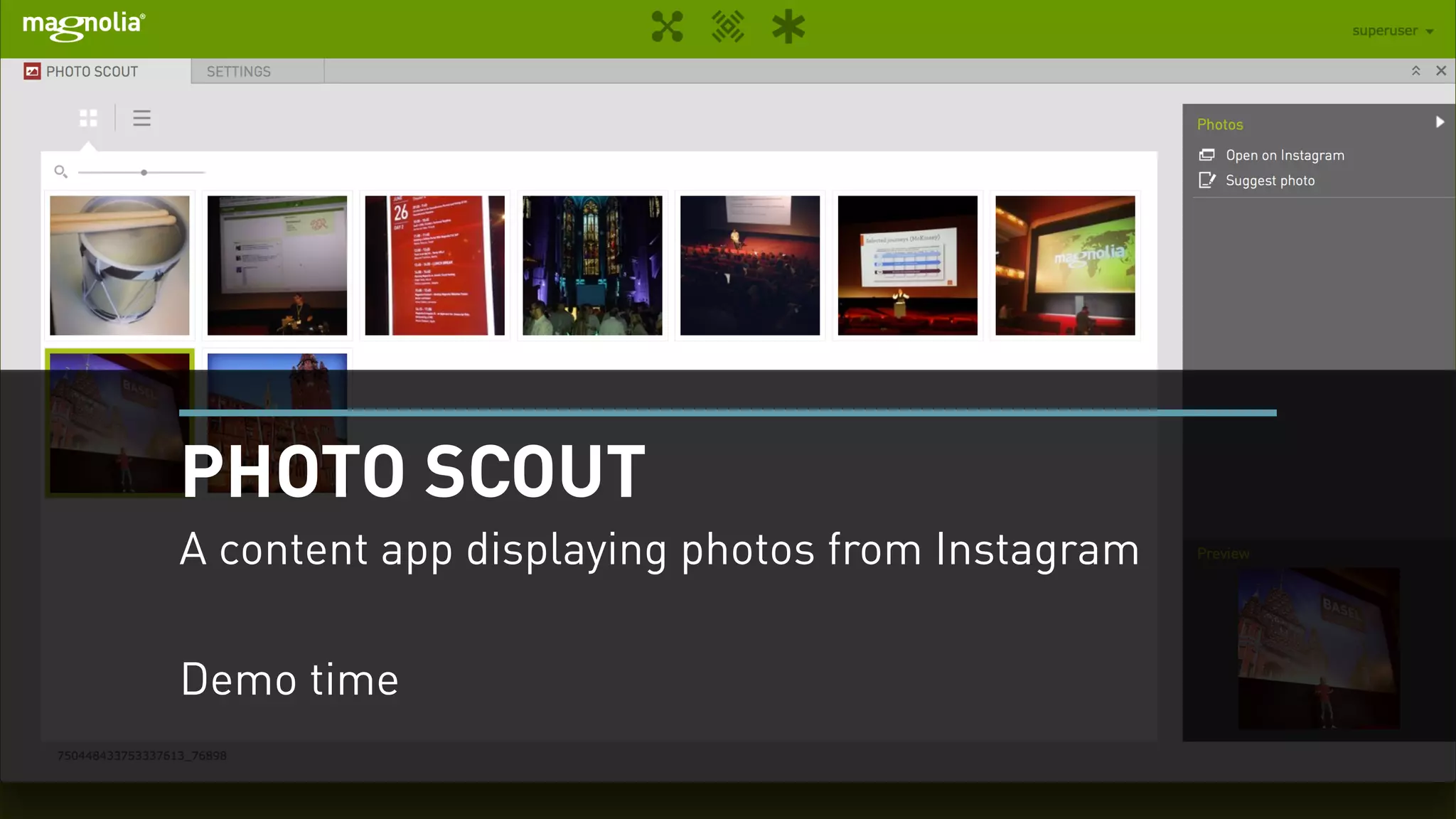
Photo scout app 
A content app displaying photos from Instagram, over their REST API
PHOTO SCOUT 
A content app displaying photos from Instagram 
! 
Demo time
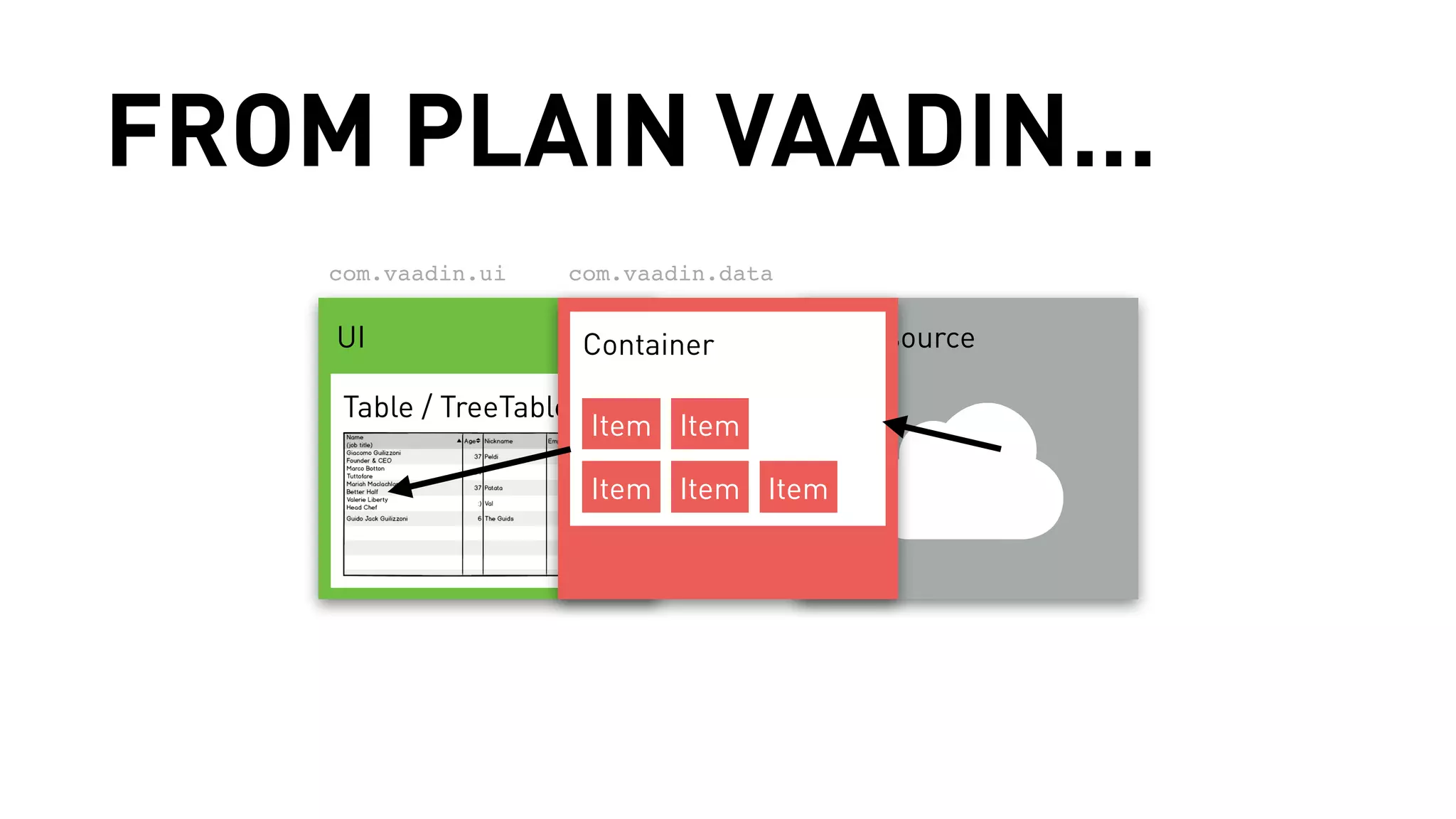
FROM PLAIN VAADIN... 
com.vaadin.ui 
com.vaadin.data 
UI Container 
Data source 
Table / TreeTable 
Item Item 
Item Item Item
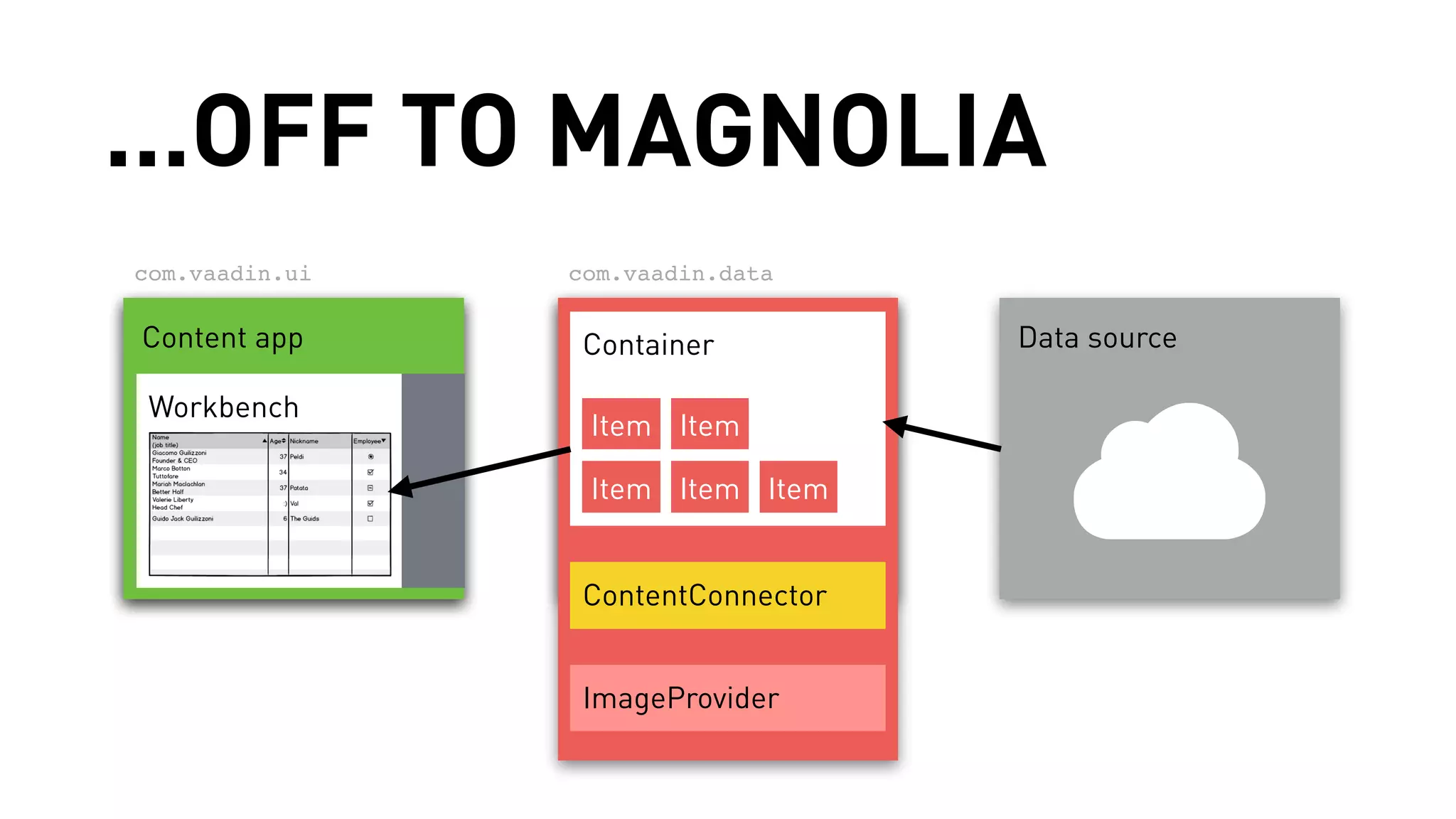
...OFF TO MAGNOLIA 
com.vaadin.ui com.vaadin.data 
CUoI ntent app Container 
Data source 
TWaobrlkeb /e TnrceheTable 
Item Item 
Item Item Item 
ContentConnector 
ImageProvider
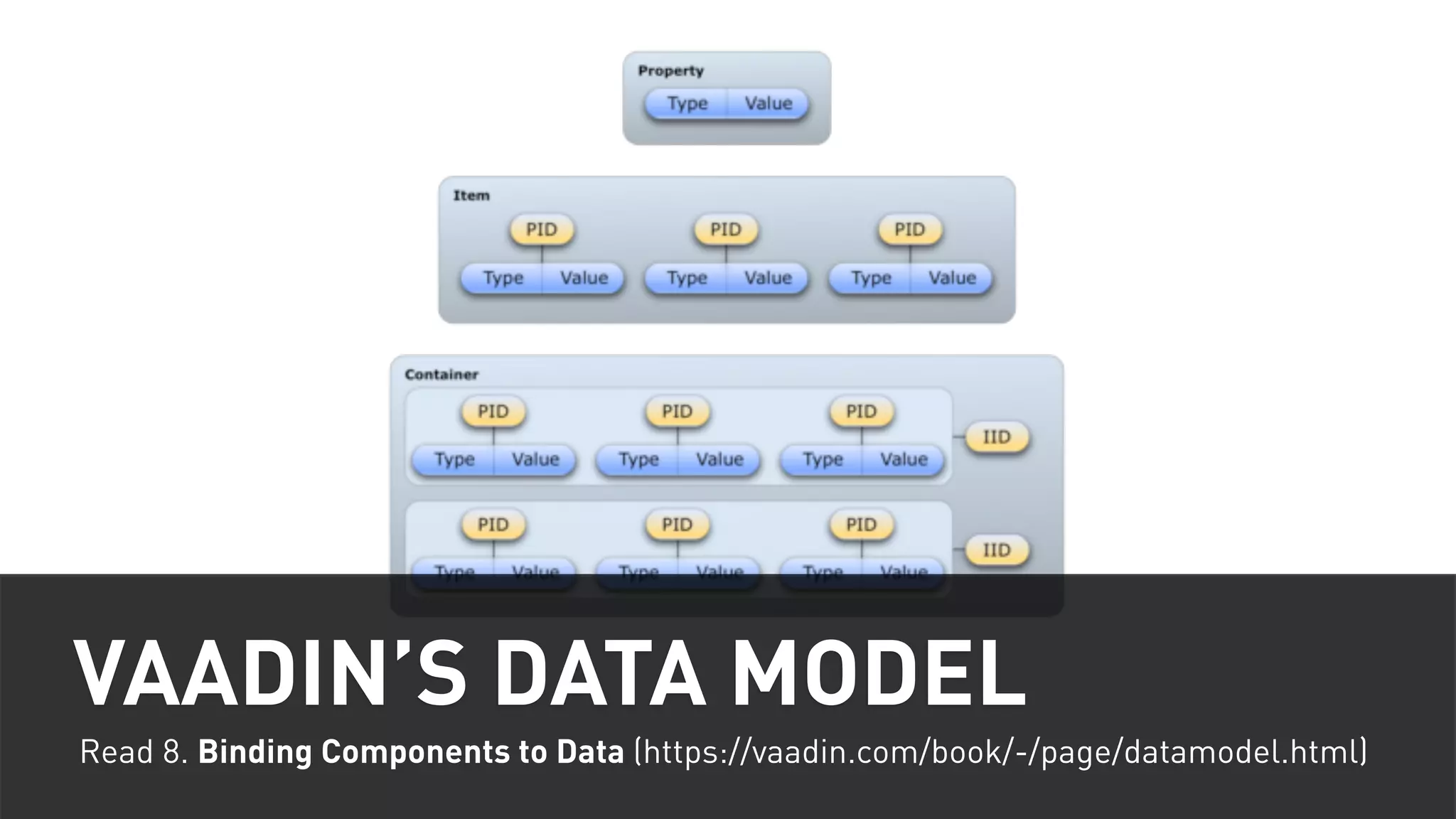
VAADIN’S DATA MODEL 
Read 8. Binding Components to Data (https://vaadin.com/book/-/page/datamodel.html)
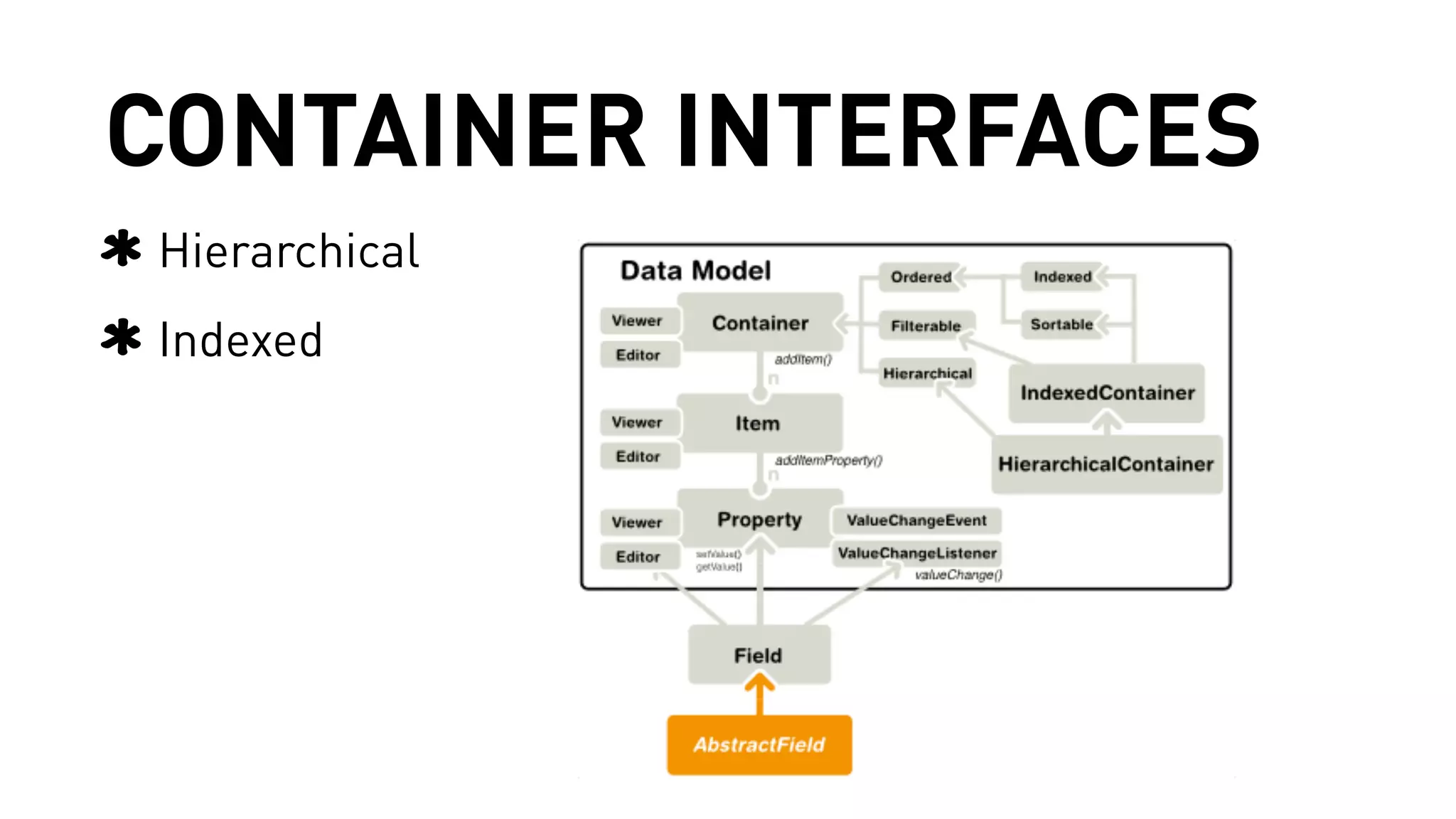
CONTAINER INTERFACES 
Hierarchical 
Indexed
CONTAINER IMPLEMENTATION TIPS 
#1 Start by extending the AbstractContainer 
#2 Focus on READ operations 
Leave WRITE operations unimplemented 
Read 8.5 Collecting Items in Containers 
https://vaadin.com/book/-/page/datamodel.container.html
The InstagramContainer
GOOD ITEM IDs 
Most simple unique representation of your content 
e.g. workspace + uuid in Magnolia for JCR items, photo id in flickr, 
path on a simple file-system 
Don't build itemIds by concatenating strings, use a 
typed POJO instead (eg. JcrItemId) 
In challenging situations, you might need more than 
strict uniqueness 
e.g. browse flickr photos by album, in a tree
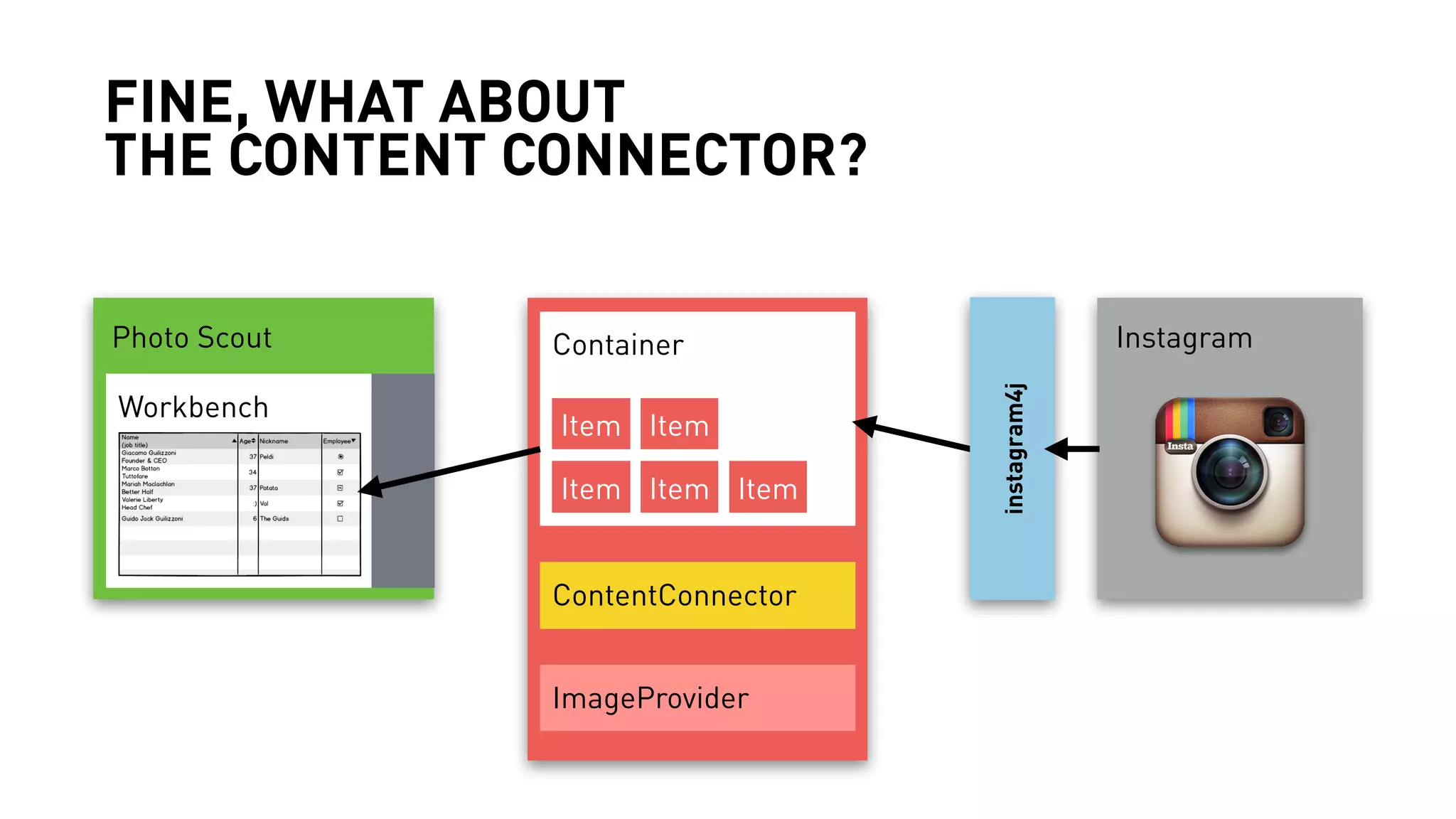
FINE, WHAT ABOUT 
THE CONTENT CONNECTOR? 
Photo Scout Container 
Instagram 
Workbench 
Item Item 
Item Item Item 
ContentConnector 
ImageProvider 
instagram4j
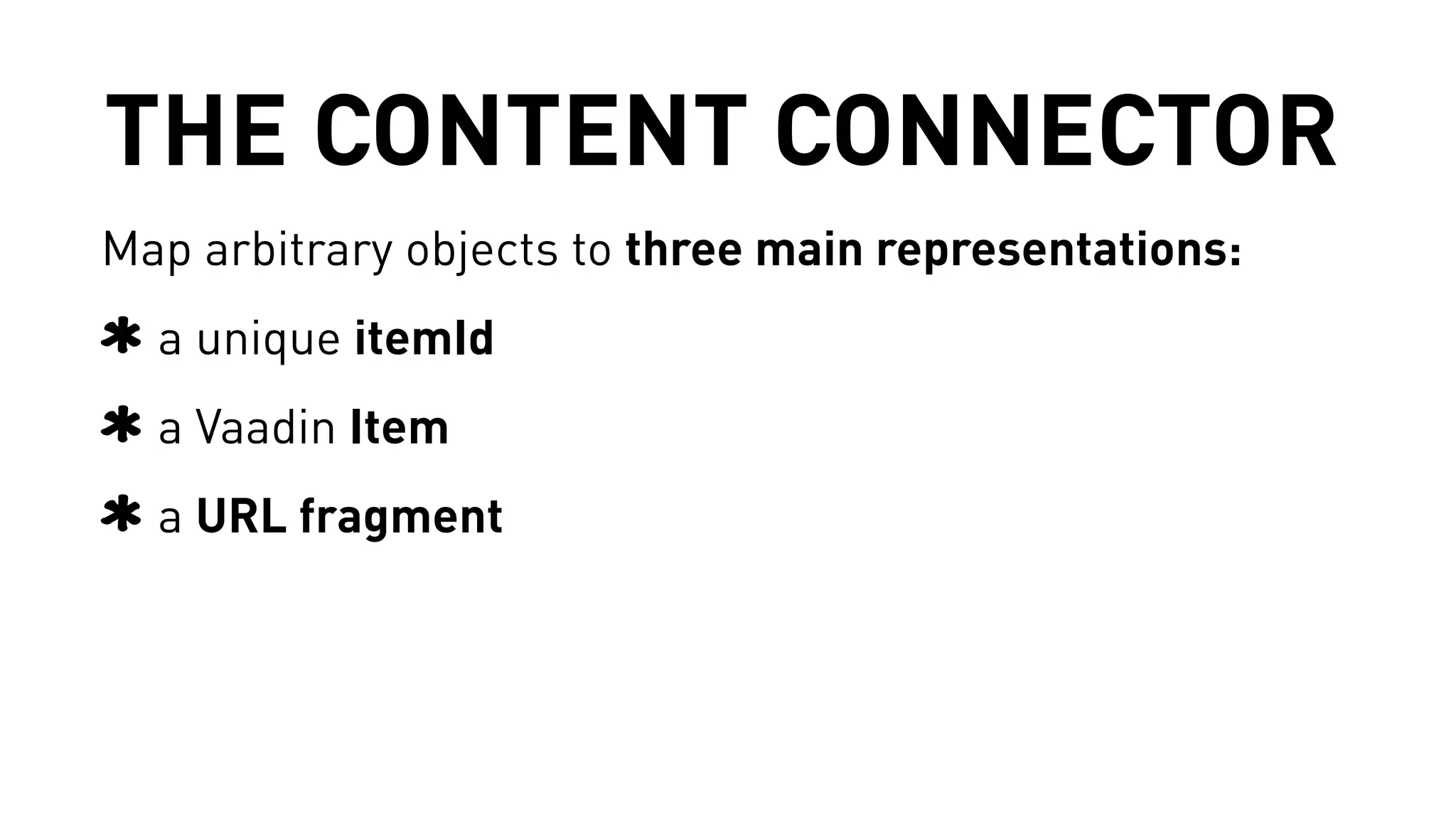
THE CONTENT CONNECTOR 
Map arbitrary objects to three main representations: 
a unique itemId 
a Vaadin Item 
a URL fragment
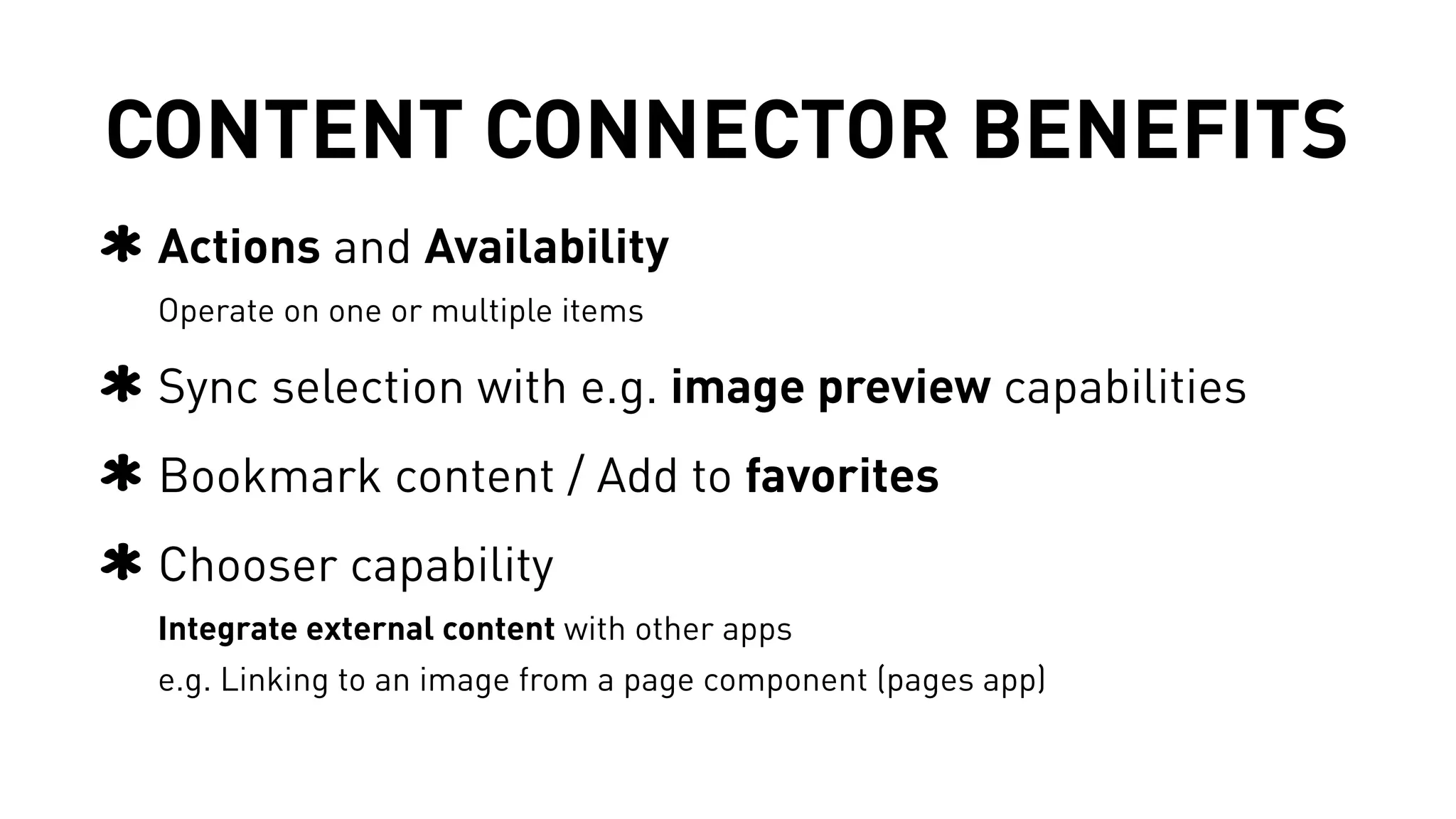
CONTENT CONNECTOR BENEFITS 
Actions and Availability 
Operate on one or multiple items 
Sync selection with e.g. image preview capabilities 
Bookmark content / Add to favorites 
Chooser capability 
Integrate external content with other apps 
e.g. Linking to an image from a page component (pages app)
The InstagramContentConnector
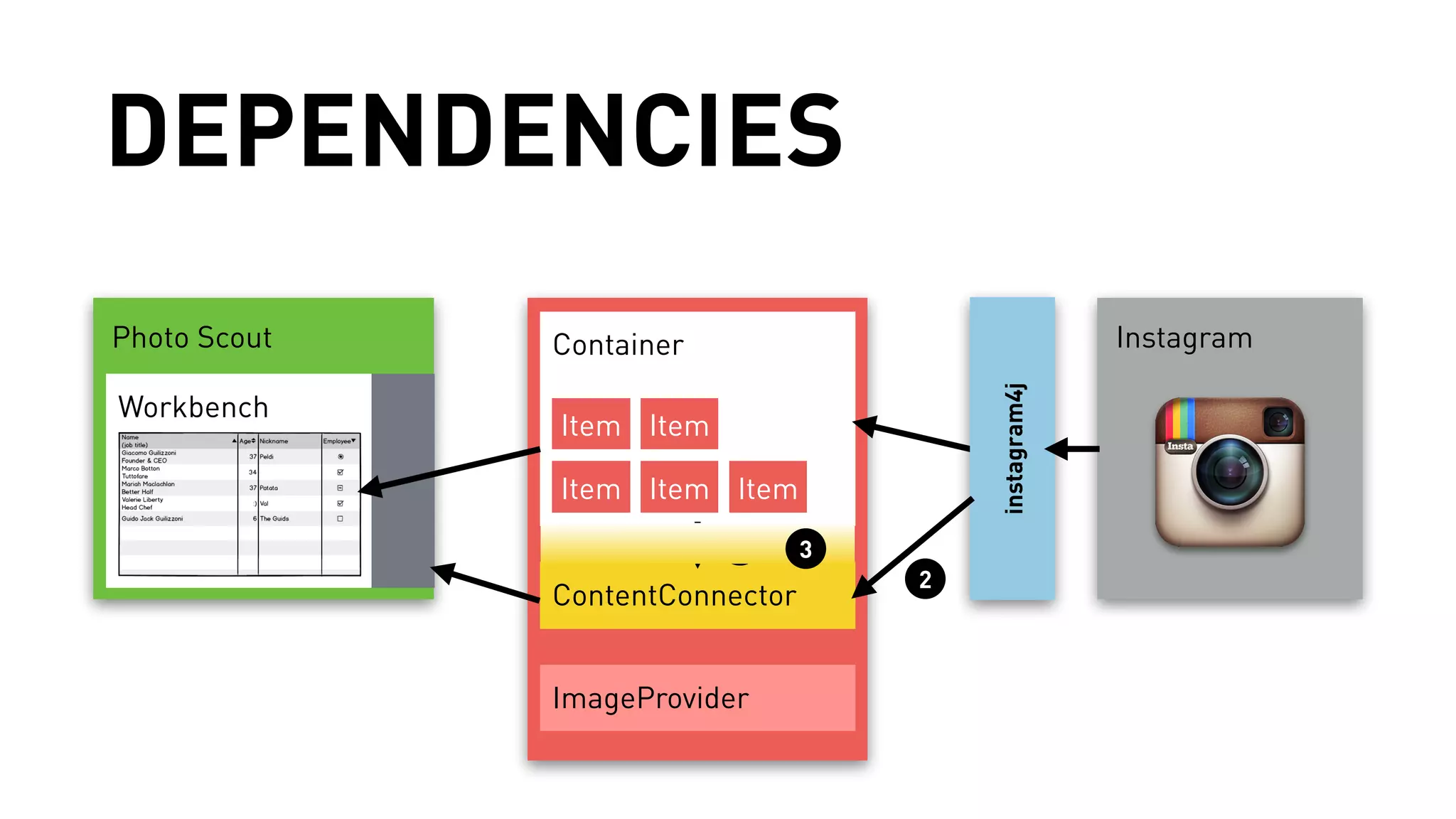
DEPENDENCIES 
Photo Scout Container 
Instagram 
Workbench 
Item Item 
Item Item Item 
ContentConnector 
ImageProvider 
instagram4j 
1 
2 
3
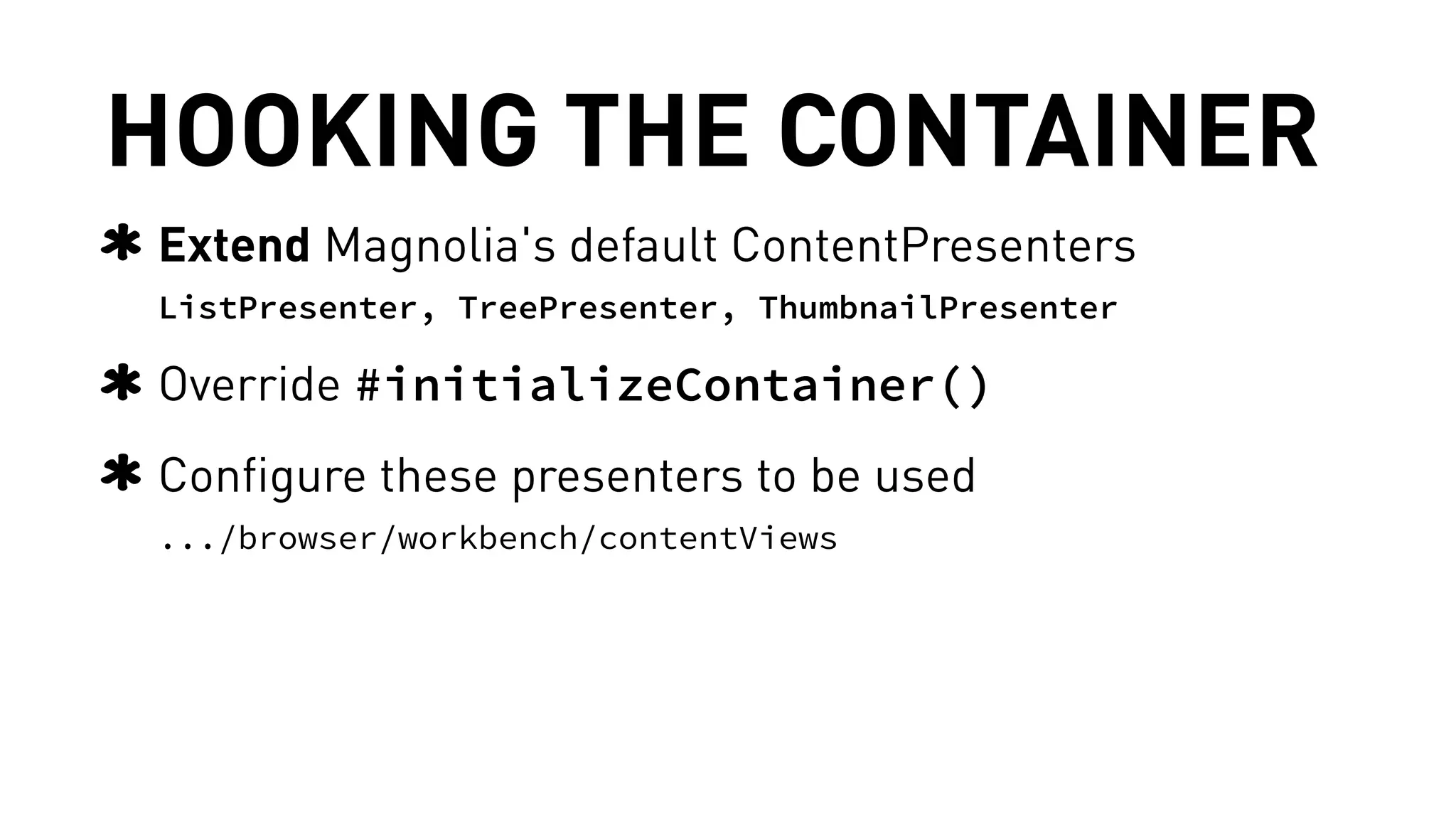
HOOKING THE CONTAINER 
Extend Magnolia's default ContentPresenters 
ListPresenter, TreePresenter, ThumbnailPresenter 
Override #initializeContainer() 
Configure these presenters to be used 
.../browser/workbench/contentViews
Want to dive deeper? 
/** 
* Want to see more code? 
* Have I overlooked anything? 
* 
* Please do ask & let us know :) 
*/
DISCUSSION
THANK 
YOU!

Magnolia CMS App Developer Roundtable

  • 1.
    OCTOBER 16, 2014 MAGNOLIA APP DEVELOPMENT
  • 2.
    ZAK GREANT TECHNICALEVANGELIST @ MAGNOLIA Credit:
  • 3.
    BACKGROUND INFO Needmore background information on Magnolia 5 and Apps? Watch the recording of the “Start Developing Apps for Magnolia 5” webinar here: http://magnolia-cms.com/company/events/ start-developing-apps-for-magnolia-five.html
  • 4.
    QUESTIONS? Use theGoToWebinar control panel. When possible, we’ll answer questions immediately via text. We’ll repeat key questions at the end of the webinar as well. We may not be able to answer all questions during the webinar.
  • 5.
    ANDREAS WEDER HEADOF USER EXPERIENCE @ MAGNOLIA
  • 6.
    JAN HADERKA CHIEFINTEGRATION OFFICER @ MAGNOLIA
  • 7.
    MIKAËL GELJIĆ SOFTWAREENGINEER @ MAGNOLIA
  • 13.
    HOW APPS WORK Split work into smaller tasks Use an app to solve each task Piece the results together
  • 14.
    A GREAT APP… adds clear value for users has a narrow focus plays well with other apps is easy to understand and use.
  • 15.
  • 16.
  • 17.
    An app isa single piece …
  • 18.
    … of anentire experience.
  • 19.
    HOW DO IBUILD GREAT APPS? Quick-bite recipe cards that capture best practices for making your apps look // work // play well.
  • 20.
    APP DESIGN GUIDELINES Part of our online documentation at: https://wiki.magnolia-cms.com/x/CAFcAw
  • 21.
    WHEN TO USEWHICH ALERT STYLE?
  • 22.
    HOW TO NAMEAND SPELL ACTIONS?
  • 23.
    SHOULD THIS ERRORINTERRUPT THE USER?
  • 24.
    WHAT TYPE OFAPP SHOULD I BUILD? Content apps - great for managing custom data sets Custom apps - if you need something really different
  • 25.
  • 26.
    CONTENT APPS Byconfig, no Java necessary Design guidelines Cookbook in Magnolia documentation
  • 27.
  • 28.
    LIBERATED CONTENT APPS A new (5.3) type of content app Liberated from the JCR Java coding required Vaadin know-how is helpful Blossom can help customize just about anything
  • 29.
  • 30.
    APP SETUP Definea module Write a service to encapsulate business logic Create app launcher entry Define & implement subapps Define & implement actions
  • 31.
    APP BASE CLASSES Might be able to use EmbeddedPageSubApp (which shows external content in iframe) Use BaseSubApp Try to use SmallAppLayout
  • 32.
    MAVEN ARCHETYPE mvnarchetype:generate -DarchetypeCatalog= http://nexus.magnolia-cms.com/content/groups/public/
  • 33.
  • 34.
  • 35.
    LIBERATED CONTENT APPS Available since Magnolia 5.3 Key terms: Containers, ContentConnectors, itemIds... Great, where should I start? Here's your shot of Vaadin Photo scout app A content app displaying photos from Instagram, over their REST API
  • 36.
    PHOTO SCOUT Acontent app displaying photos from Instagram ! Demo time
  • 37.
    FROM PLAIN VAADIN... com.vaadin.ui com.vaadin.data UI Container Data source Table / TreeTable Item Item Item Item Item
  • 38.
    ...OFF TO MAGNOLIA com.vaadin.ui com.vaadin.data CUoI ntent app Container Data source TWaobrlkeb /e TnrceheTable Item Item Item Item Item ContentConnector ImageProvider
  • 39.
    VAADIN’S DATA MODEL Read 8. Binding Components to Data (https://vaadin.com/book/-/page/datamodel.html)
  • 40.
  • 41.
    CONTAINER IMPLEMENTATION TIPS #1 Start by extending the AbstractContainer #2 Focus on READ operations Leave WRITE operations unimplemented Read 8.5 Collecting Items in Containers https://vaadin.com/book/-/page/datamodel.container.html
  • 42.
  • 43.
    GOOD ITEM IDs Most simple unique representation of your content e.g. workspace + uuid in Magnolia for JCR items, photo id in flickr, path on a simple file-system Don't build itemIds by concatenating strings, use a typed POJO instead (eg. JcrItemId) In challenging situations, you might need more than strict uniqueness e.g. browse flickr photos by album, in a tree
  • 44.
    FINE, WHAT ABOUT THE CONTENT CONNECTOR? Photo Scout Container Instagram Workbench Item Item Item Item Item ContentConnector ImageProvider instagram4j
  • 45.
    THE CONTENT CONNECTOR Map arbitrary objects to three main representations: a unique itemId a Vaadin Item a URL fragment
  • 46.
    CONTENT CONNECTOR BENEFITS Actions and Availability Operate on one or multiple items Sync selection with e.g. image preview capabilities Bookmark content / Add to favorites Chooser capability Integrate external content with other apps e.g. Linking to an image from a page component (pages app)
  • 47.
  • 48.
    DEPENDENCIES Photo ScoutContainer Instagram Workbench Item Item Item Item Item ContentConnector ImageProvider instagram4j 1 2 3
  • 49.
    HOOKING THE CONTAINER Extend Magnolia's default ContentPresenters ListPresenter, TreePresenter, ThumbnailPresenter Override #initializeContainer() Configure these presenters to be used .../browser/workbench/contentViews
  • 50.
    Want to divedeeper? /** * Want to see more code? * Have I overlooked anything? * * Please do ask & let us know :) */
  • 51.
  • 52.