M5.C OBSTACLE COURSE
PROGRESS REPORT WEEK 1
SEAN ANDREWS
PRACTICUM: VIRTUAL WORLDS
PROFESSOR EILEEN O’CONNOR
DUE: 3/16/14
IT’S A SIGN!
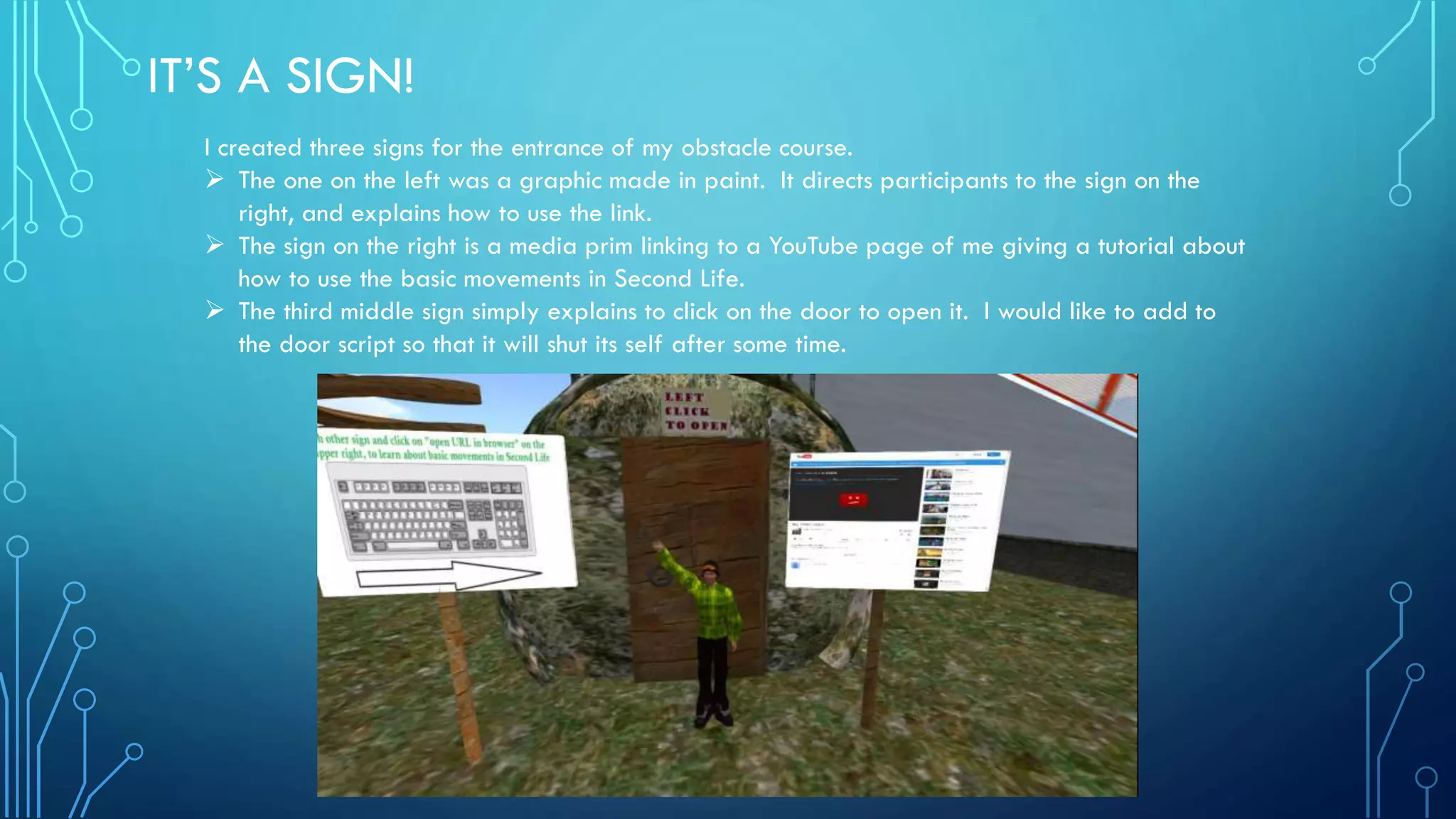
I created three signs for the entrance of my obstacle course.
 The one on the left was a graphic made in paint. It directs participants to the sign on the
right, and explains how to use the link.
 The sign on the right is a media prim linking to a YouTube page of me giving a tutorial about
how to use the basic movements in Second Life.
 The third middle sign simply explains to click on the door to open it. I would like to add to
the door script so that it will shut its self after some time.
SIT, STAY AND LAUGH
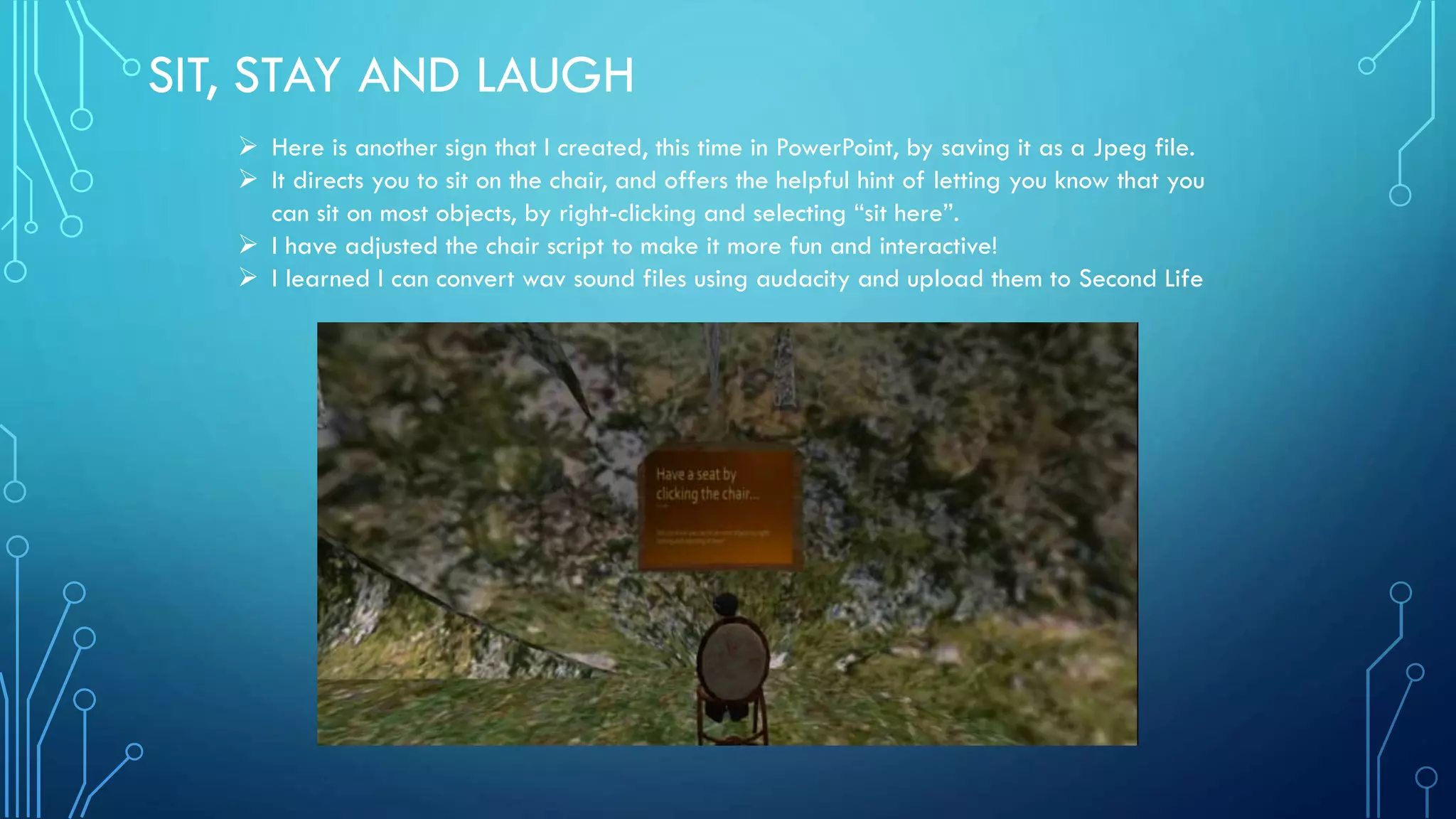
 Here is another sign that I created, this time in PowerPoint, by saving it as a Jpeg file.
 It directs you to sit on the chair, and offers the helpful hint of letting you know that you
can sit on most objects, by right-clicking and selecting “sit here”.
 I have adjusted the chair script to make it more fun and interactive!
 I learned I can convert wav sound files using audacity and upload them to Second Life
TO JUMP OR NOT TO JUMP?
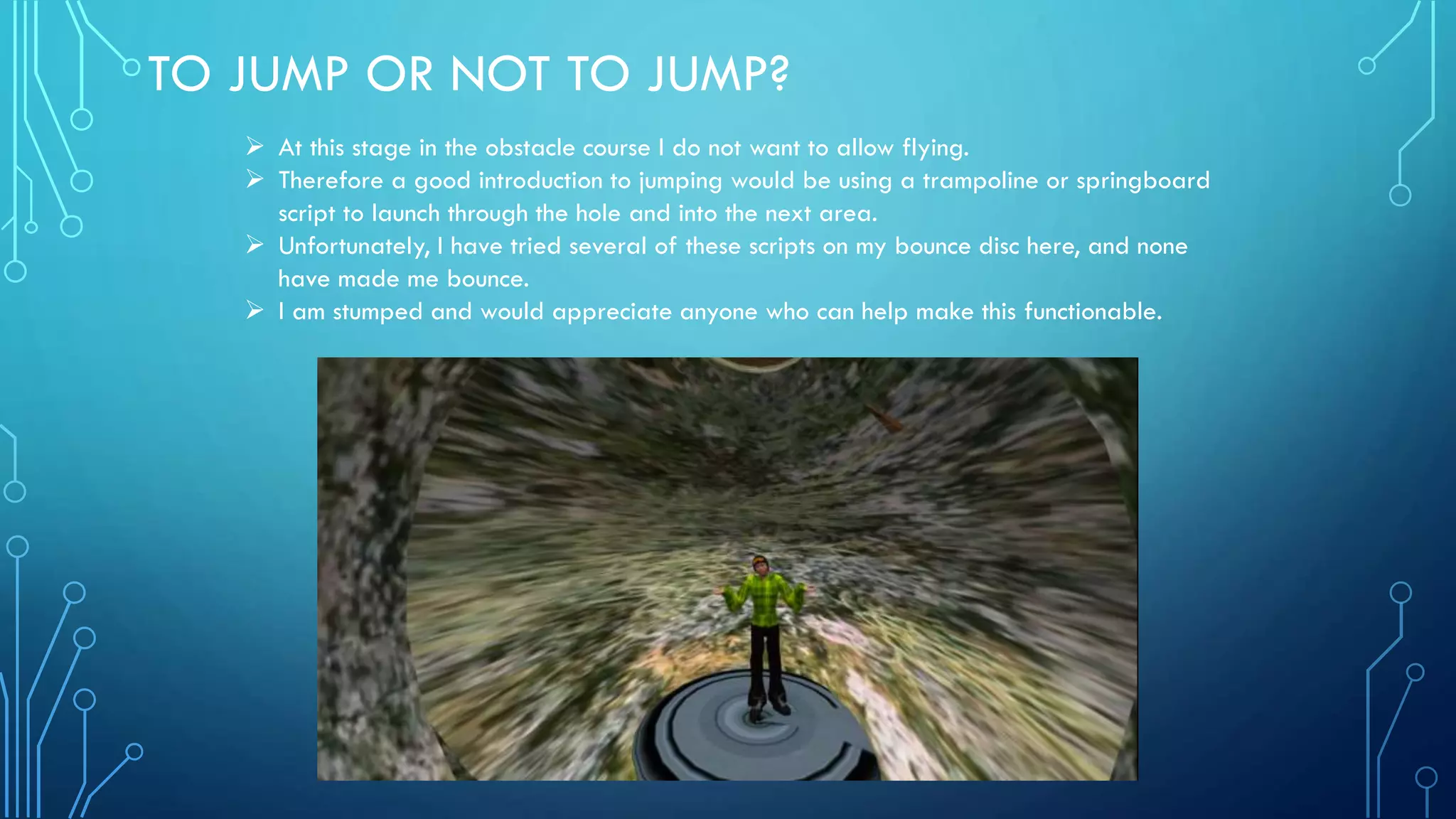
 At this stage in the obstacle course I do not want to allow flying.
 Therefore a good introduction to jumping would be using a trampoline or springboard
script to launch through the hole and into the next area.
 Unfortunately, I have tried several of these scripts on my bounce disc here, and none
have made me bounce.
 I am stumped and would appreciate anyone who can help make this functionable.
WATCH THE BIRDIE!
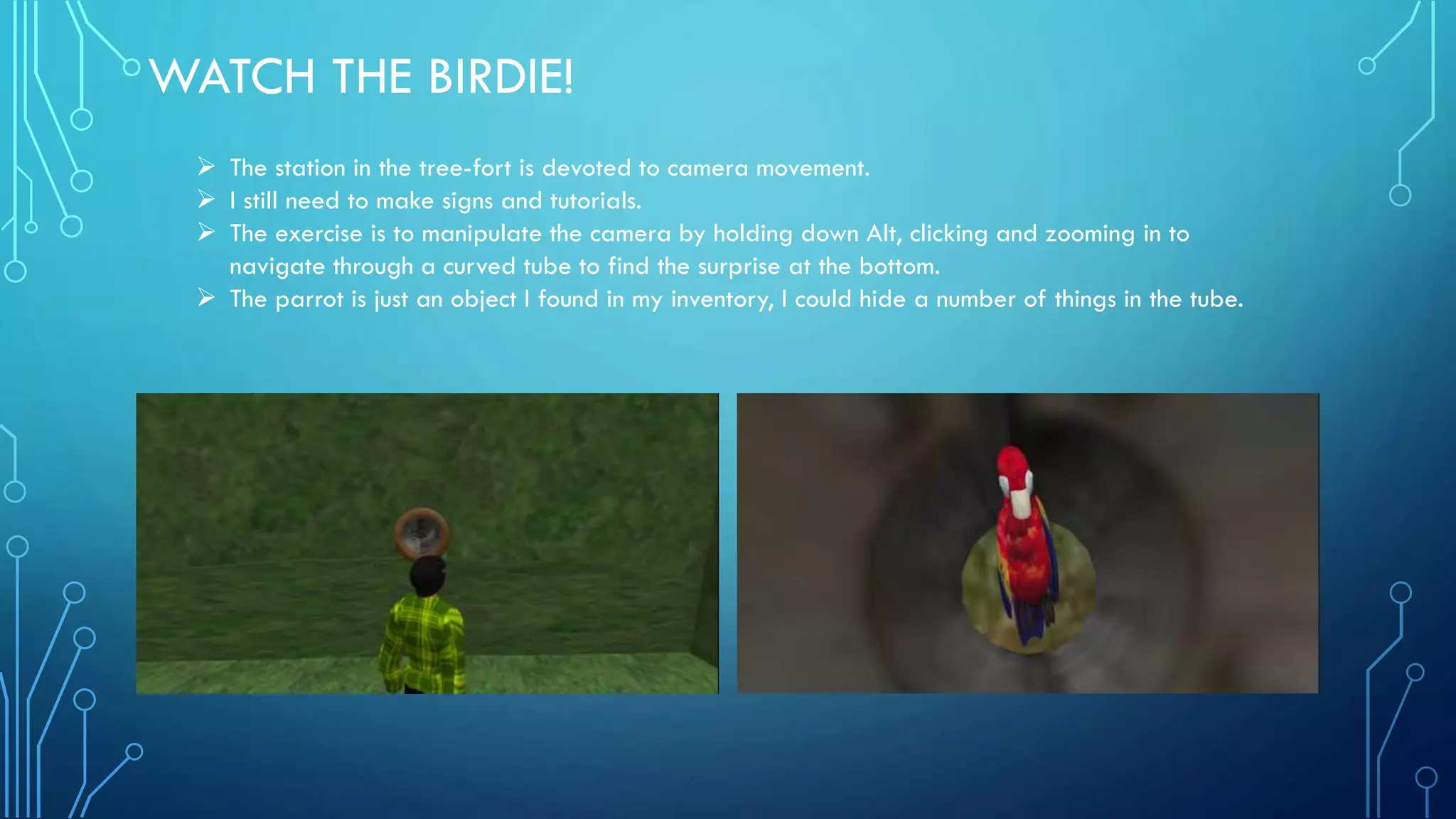
 The station in the tree-fort is devoted to camera movement.
 I still need to make signs and tutorials.
 The exercise is to manipulate the camera by holding down Alt, clicking and zooming in to
navigate through a curved tube to find the surprise at the bottom.
 The parrot is just an object I found in my inventory, I could hide a number of things in the tube.
SHOPPING CORNER
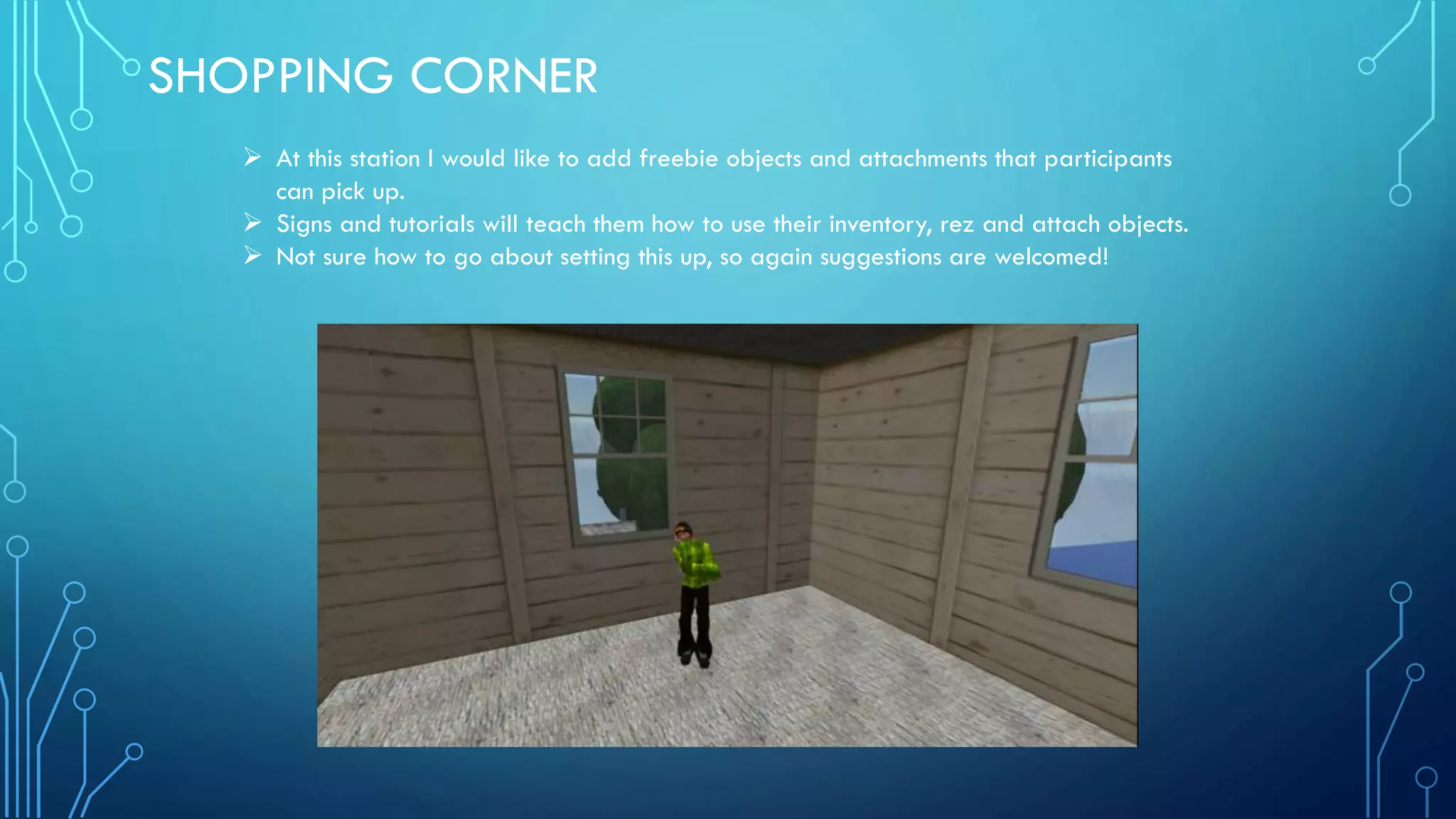
 At this station I would like to add freebie objects and attachments that participants
can pick up.
 Signs and tutorials will teach them how to use their inventory, rez and attach objects.
 Not sure how to go about setting this up, so again suggestions are welcomed!
SHRED THE SLOPE
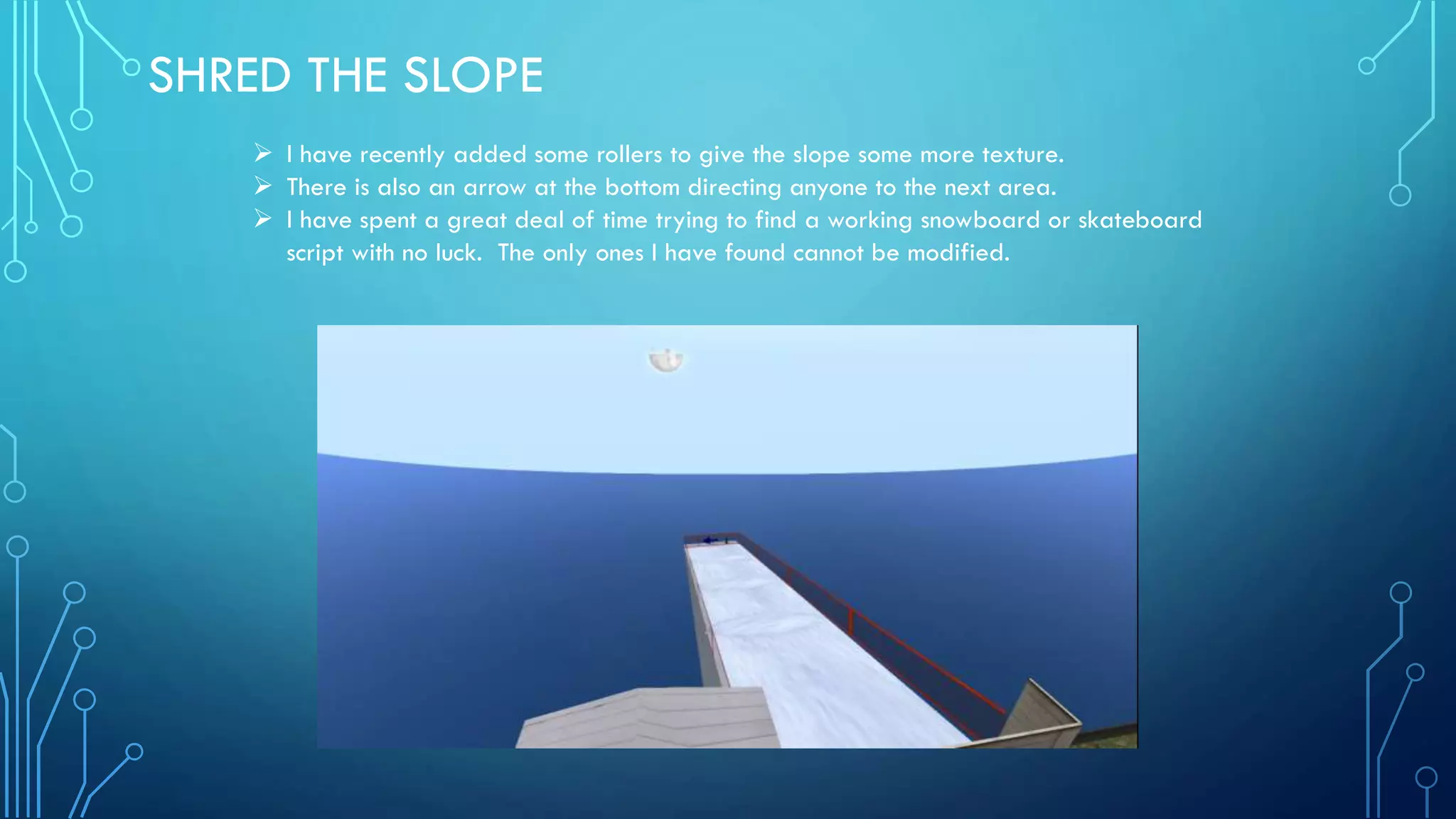
 I have recently added some rollers to give the slope some more texture.
 There is also an arrow at the bottom directing anyone to the next area.
 I have spent a great deal of time trying to find a working snowboard or skateboard
script with no luck. The only ones I have found cannot be modified.
THE NEXT STEP
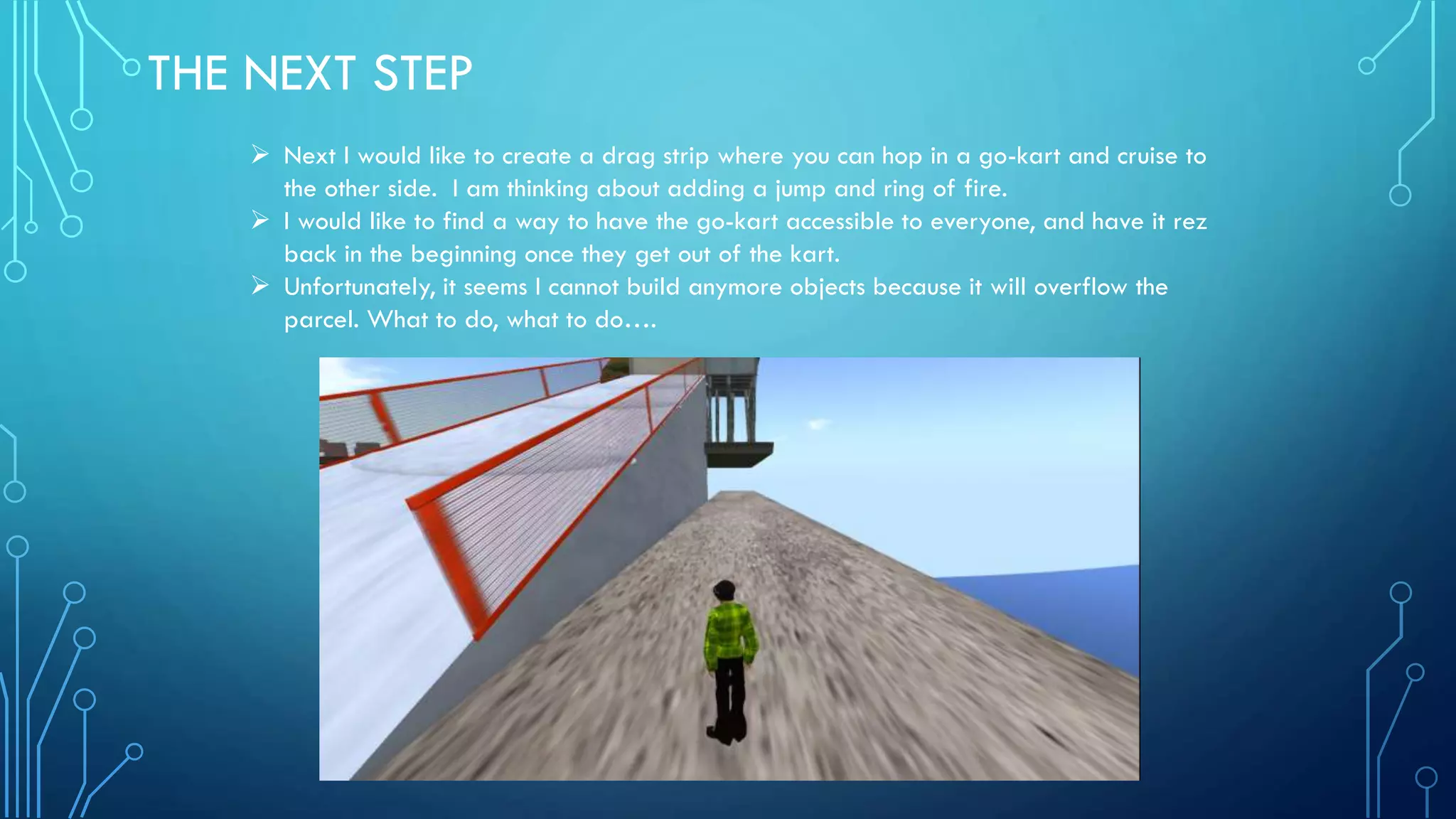
 Next I would like to create a drag strip where you can hop in a go-kart and cruise to
the other side. I am thinking about adding a jump and ring of fire.
 I would like to find a way to have the go-kart accessible to everyone, and have it rez
back in the beginning once they get out of the kart.
 Unfortunately, it seems I cannot build anymore objects because it will overflow the
parcel. What to do, what to do….

M5.c progress report

  • 1.
    M5.C OBSTACLE COURSE PROGRESSREPORT WEEK 1 SEAN ANDREWS PRACTICUM: VIRTUAL WORLDS PROFESSOR EILEEN O’CONNOR DUE: 3/16/14
  • 2.
    IT’S A SIGN! Icreated three signs for the entrance of my obstacle course.  The one on the left was a graphic made in paint. It directs participants to the sign on the right, and explains how to use the link.  The sign on the right is a media prim linking to a YouTube page of me giving a tutorial about how to use the basic movements in Second Life.  The third middle sign simply explains to click on the door to open it. I would like to add to the door script so that it will shut its self after some time.
  • 3.
    SIT, STAY ANDLAUGH  Here is another sign that I created, this time in PowerPoint, by saving it as a Jpeg file.  It directs you to sit on the chair, and offers the helpful hint of letting you know that you can sit on most objects, by right-clicking and selecting “sit here”.  I have adjusted the chair script to make it more fun and interactive!  I learned I can convert wav sound files using audacity and upload them to Second Life
  • 4.
    TO JUMP ORNOT TO JUMP?  At this stage in the obstacle course I do not want to allow flying.  Therefore a good introduction to jumping would be using a trampoline or springboard script to launch through the hole and into the next area.  Unfortunately, I have tried several of these scripts on my bounce disc here, and none have made me bounce.  I am stumped and would appreciate anyone who can help make this functionable.
  • 5.
    WATCH THE BIRDIE! The station in the tree-fort is devoted to camera movement.  I still need to make signs and tutorials.  The exercise is to manipulate the camera by holding down Alt, clicking and zooming in to navigate through a curved tube to find the surprise at the bottom.  The parrot is just an object I found in my inventory, I could hide a number of things in the tube.
  • 6.
    SHOPPING CORNER  Atthis station I would like to add freebie objects and attachments that participants can pick up.  Signs and tutorials will teach them how to use their inventory, rez and attach objects.  Not sure how to go about setting this up, so again suggestions are welcomed!
  • 7.
    SHRED THE SLOPE I have recently added some rollers to give the slope some more texture.  There is also an arrow at the bottom directing anyone to the next area.  I have spent a great deal of time trying to find a working snowboard or skateboard script with no luck. The only ones I have found cannot be modified.
  • 8.
    THE NEXT STEP Next I would like to create a drag strip where you can hop in a go-kart and cruise to the other side. I am thinking about adding a jump and ring of fire.  I would like to find a way to have the go-kart accessible to everyone, and have it rez back in the beginning once they get out of the kart.  Unfortunately, it seems I cannot build anymore objects because it will overflow the parcel. What to do, what to do….