LinkedIn: Tips and Best Practices
Alex Lawrence: Vice Provost – Weber State University
Twitter: @_AlexLawrence (underscore before my name)
LinkedIn: /AlexOnLinkedIn
Facebook: /AlexLawrence
Blog: StartupFlavor.com
Google+: Gplus.am/Alex
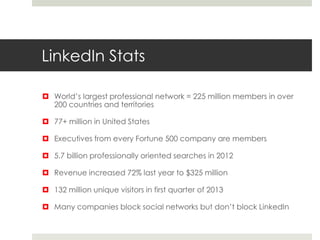
LinkedIn Stats
 World’s largest professional network = 225 million members in over
200 countries and territories
 77+ million in United States
 Executives from every Fortune 500 company are members
 5.7 billion professionally oriented searches in 2012
 Revenue increased 72% last year to $325 million
 132 million unique visitors in first quarter of 2013
 Many companies block social networks but don’t block LinkedIn
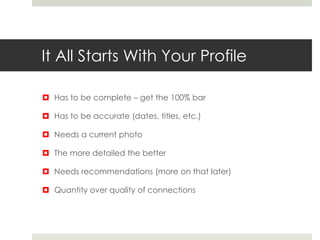
It All Starts With Your Profile
 Has to be complete – get the 100% bar
 Has to be accurate (dates, titles, etc.)
 Needs a current photo
 The more detailed the better
 Needs recommendations (more on that later)
 Quantity over quality of connections
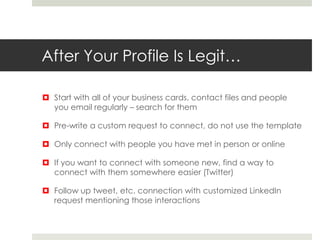
After Your Profile Is Legit…
 Start with all of your business cards, contact files and people
you email regularly – search for them
 Pre-write a custom request to connect, do not use the template
 Only connect with people you have met in person or online
 If you want to connect with someone new, find a way to
connect with them somewhere easier (Twitter)
 Follow up tweet, etc. connection with customized LinkedIn
request mentioning those interactions
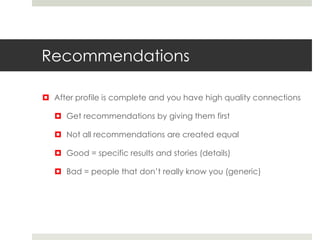
Recommendations
 After profile is complete and you have high quality connections
 Get recommendations by giving them first
 Not all recommendations are created equal
 Good = specific results and stories (details)
 Bad = people that don’t really know you (generic)
Recommendations
 Asking is okay -- make it personal and polite.
Dear ____,
I’m sending this to ask you for a brief recommendation of my
work that I can include in my LinkedIn profile. It would
be great if you could include stories and details as a result of
working with me.
To make this easier for you, here’s a possible draft…feel
free to edit this or create your own. I’d be happy to do the
same for you in return!
[Insert your draft of the recommendation]
Thanks so much for your help.
Sample Recommendations
 Something like this for a draft recommendation:
 I’ve worked with Jane for the past two years. During that
time her department has increased sales from $20m to over
$40, which was nearly 50% more than the company had
hoped for. I’ve seen Jane earn the respect of her peers and
customers alike in addition to strong and measurable
performance. When I was promoted, I specifically asked for
her to join my team. Since that time, Jane has led a team
that has consistently been our top performer, beating quota
by an average of over 20%. Jane is a pleasure to work with
and a very reliable high performer – a great combination.
Recommendations
 Get at least ten
 You control which ones show up
 Okay to ask for a re-write or edit (if relationship warrants it)
 Make sure they are specific
 Customers and co-workers – get them while working together
and still there
Leads On LinkedIn
 Three types of leads on LinkedIn
 Jobs
 Who’s Viewed You
 Employees
 Great way to find talent online
 Customers
 Who makes the decisions and how do you get to them?
Paid and Unpaid Lead Gen
 Paid = targeted status updates
 Unpaid strategies
 Include and encourage employees – 70% more likely to
comment and share
 Join groups – lots of them out there or start your own
 Time your updates – morning and midday on weekdays
 Encourage participation – calls to action, spark discussion
 Keep it brief
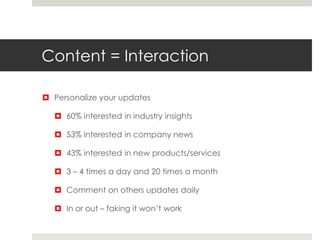
Content = Interaction
 Personalize your updates
 60% interested in industry insights
 53% interested in company news
 43% interested in new products/services
 3 – 4 times a day and 20 times a month
 Comment on others updates daily
 In or out – faking it won’t work
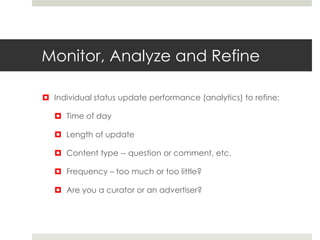
Monitor, Analyze and Refine
 Individual status update performance (analytics) to refine:
 Time of day
 Length of update
 Content type -- question or comment, etc.
 Frequency – too much or too little?
 Are you a curator or an advertiser?
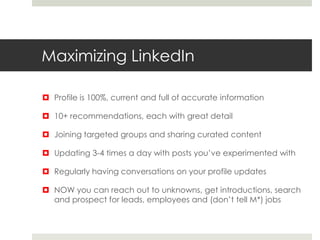
Maximizing LinkedIn
 Profile is 100%, current and full of accurate information
 10+ recommendations, each with great detail
 Joining targeted groups and sharing curated content
 Updating 3-4 times a day with posts you’ve experimented with
 Regularly having conversations on your profile updates
 NOW you can reach out to unknowns, get introductions, search
and prospect for leads, employees and (don’t tell M*) jobs
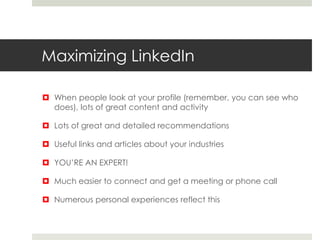
Maximizing LinkedIn
 When people look at your profile (remember, you can see who
does), lots of great content and activity
 Lots of great and detailed recommendations
 Useful links and articles about your industries
 YOU’RE AN EXPERT!
 Much easier to connect and get a meeting or phone call
 Numerous personal experiences reflect this
Thanks!
 Alex Lawrence
 @_AlexLawrence
 Facebook: /alexlawrence
 Linkedin: /alexonlinkedin
 Blog: startupflavor.com
 This ppt:

LinkedIn - MarketStar - June 12, 2013

  • 1.
    LinkedIn: Tips andBest Practices Alex Lawrence: Vice Provost – Weber State University Twitter: @_AlexLawrence (underscore before my name) LinkedIn: /AlexOnLinkedIn Facebook: /AlexLawrence Blog: StartupFlavor.com Google+: Gplus.am/Alex
  • 2.
    LinkedIn Stats  World’slargest professional network = 225 million members in over 200 countries and territories  77+ million in United States  Executives from every Fortune 500 company are members  5.7 billion professionally oriented searches in 2012  Revenue increased 72% last year to $325 million  132 million unique visitors in first quarter of 2013  Many companies block social networks but don’t block LinkedIn
  • 3.
    It All StartsWith Your Profile  Has to be complete – get the 100% bar  Has to be accurate (dates, titles, etc.)  Needs a current photo  The more detailed the better  Needs recommendations (more on that later)  Quantity over quality of connections
  • 4.
    After Your ProfileIs Legit…  Start with all of your business cards, contact files and people you email regularly – search for them  Pre-write a custom request to connect, do not use the template  Only connect with people you have met in person or online  If you want to connect with someone new, find a way to connect with them somewhere easier (Twitter)  Follow up tweet, etc. connection with customized LinkedIn request mentioning those interactions
  • 5.
    Recommendations  After profileis complete and you have high quality connections  Get recommendations by giving them first  Not all recommendations are created equal  Good = specific results and stories (details)  Bad = people that don’t really know you (generic)
  • 6.
    Recommendations  Asking isokay -- make it personal and polite. Dear ____, I’m sending this to ask you for a brief recommendation of my work that I can include in my LinkedIn profile. It would be great if you could include stories and details as a result of working with me. To make this easier for you, here’s a possible draft…feel free to edit this or create your own. I’d be happy to do the same for you in return! [Insert your draft of the recommendation] Thanks so much for your help.
  • 7.
    Sample Recommendations  Somethinglike this for a draft recommendation:  I’ve worked with Jane for the past two years. During that time her department has increased sales from $20m to over $40, which was nearly 50% more than the company had hoped for. I’ve seen Jane earn the respect of her peers and customers alike in addition to strong and measurable performance. When I was promoted, I specifically asked for her to join my team. Since that time, Jane has led a team that has consistently been our top performer, beating quota by an average of over 20%. Jane is a pleasure to work with and a very reliable high performer – a great combination.
  • 8.
    Recommendations  Get atleast ten  You control which ones show up  Okay to ask for a re-write or edit (if relationship warrants it)  Make sure they are specific  Customers and co-workers – get them while working together and still there
  • 9.
    Leads On LinkedIn Three types of leads on LinkedIn  Jobs  Who’s Viewed You  Employees  Great way to find talent online  Customers  Who makes the decisions and how do you get to them?
  • 10.
    Paid and UnpaidLead Gen  Paid = targeted status updates  Unpaid strategies  Include and encourage employees – 70% more likely to comment and share  Join groups – lots of them out there or start your own  Time your updates – morning and midday on weekdays  Encourage participation – calls to action, spark discussion  Keep it brief
  • 11.
    Content = Interaction Personalize your updates  60% interested in industry insights  53% interested in company news  43% interested in new products/services  3 – 4 times a day and 20 times a month  Comment on others updates daily  In or out – faking it won’t work
  • 12.
    Monitor, Analyze andRefine  Individual status update performance (analytics) to refine:  Time of day  Length of update  Content type -- question or comment, etc.  Frequency – too much or too little?  Are you a curator or an advertiser?
  • 13.
    Maximizing LinkedIn  Profileis 100%, current and full of accurate information  10+ recommendations, each with great detail  Joining targeted groups and sharing curated content  Updating 3-4 times a day with posts you’ve experimented with  Regularly having conversations on your profile updates  NOW you can reach out to unknowns, get introductions, search and prospect for leads, employees and (don’t tell M*) jobs
  • 14.
    Maximizing LinkedIn  Whenpeople look at your profile (remember, you can see who does), lots of great content and activity  Lots of great and detailed recommendations  Useful links and articles about your industries  YOU’RE AN EXPERT!  Much easier to connect and get a meeting or phone call  Numerous personal experiences reflect this
  • 15.
    Thanks!  Alex Lawrence @_AlexLawrence  Facebook: /alexlawrence  Linkedin: /alexonlinkedin  Blog: startupflavor.com  This ppt: