Download to read offline
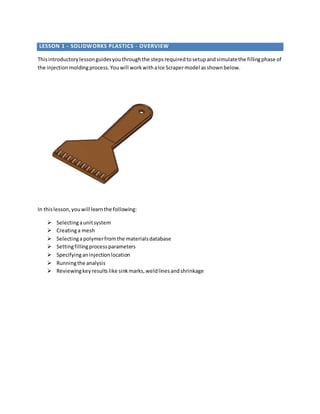
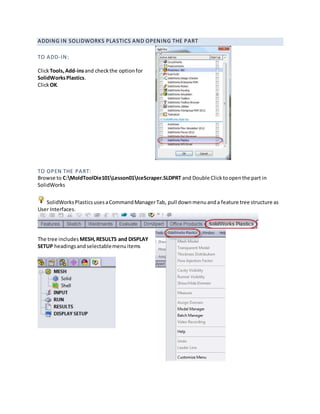
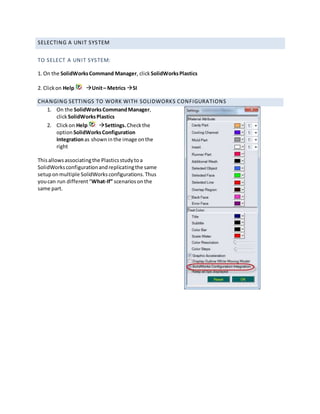
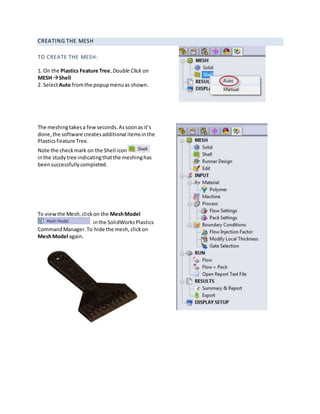
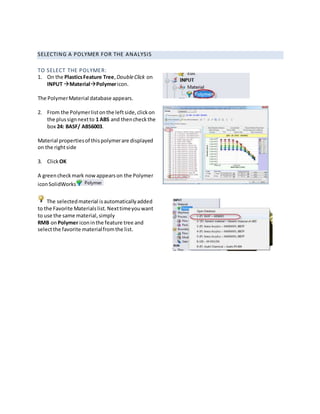
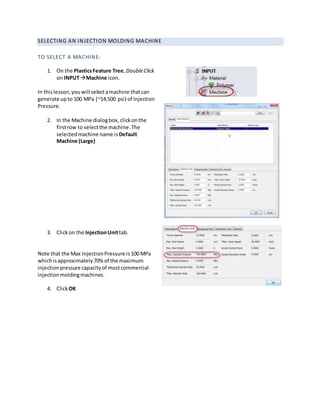
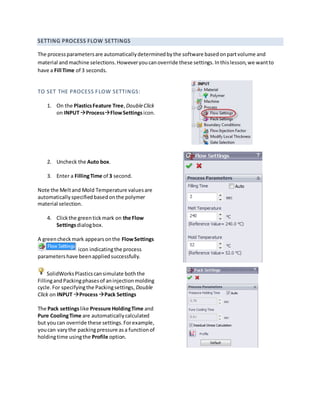
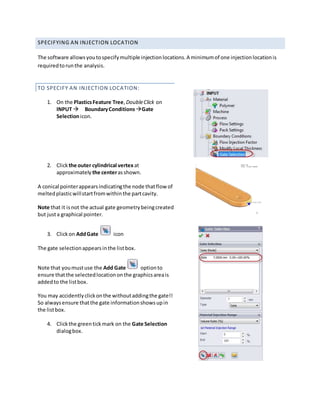
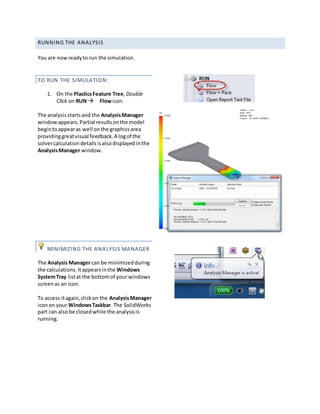
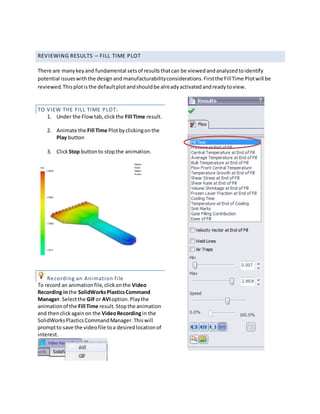
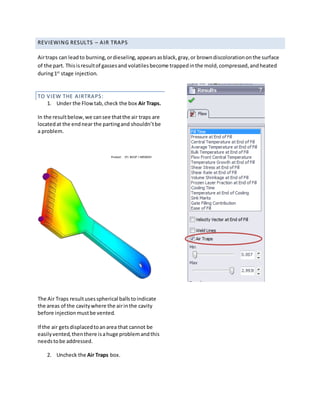
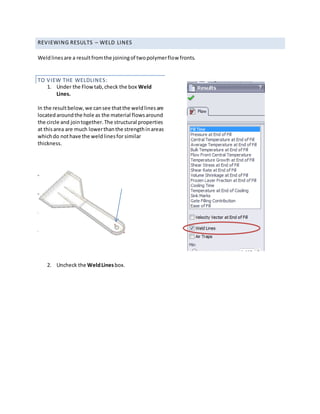
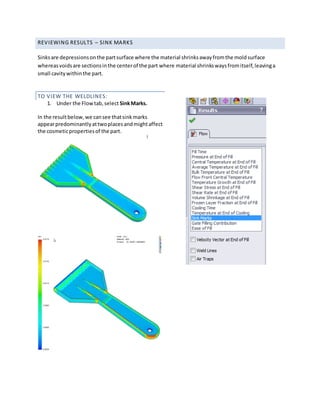
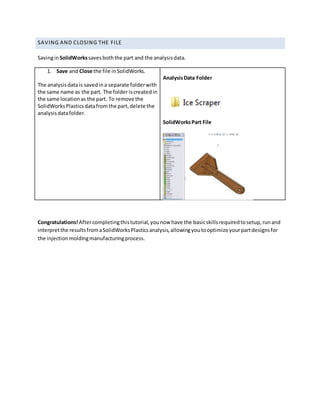

This document provides an overview of how to use SolidWorks Plastics to simulate the injection molding process. It outlines the steps to: 1) Set up the analysis by selecting units, creating a mesh, choosing a polymer material, and specifying injection locations and process parameters. 2) Run the simulation and view key results like fill time, air traps, weld lines, and sink marks to identify potential issues. 3) Save and close the project files.


