LECTURE 3
Digital Image Processing
POINT OPERATIONS
Content
Point Processing
2.1 Introduction …………………………….…………………….
2.2 Arithmetic operations………………………………………
2.3 Color operations………………..…………………………....
2.4 Multiple image operations………………………………..
2.5 Histograms ……………………………….……………………
2.6 Lookup tables………………………………………………...
Introduction
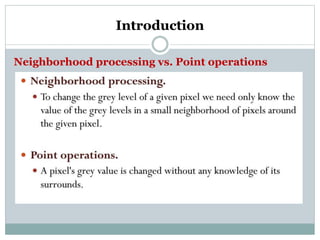
Neighborhood processing vs. Point operations
Introduction
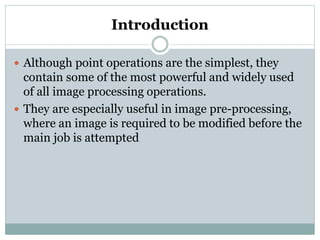
 Although point operations are the simplest, they
contain some of the most powerful and widely used
of all image processing operations.
 They are especially useful in image pre-processing,
where an image is required to be modified before the
main job is attempted
Arithmetic operations
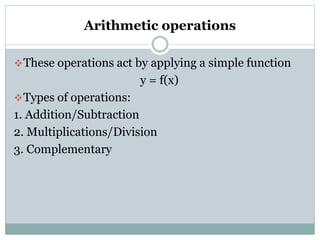
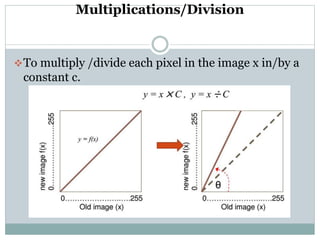
These operations act by applying a simple function
y = f(x)
Types of operations:
1. Addition/Subtraction
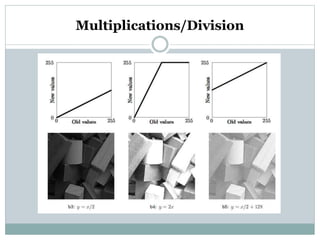
2. Multiplications/Division
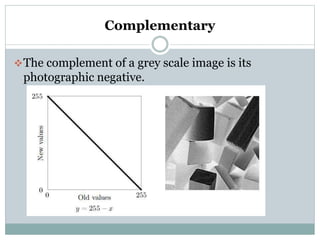
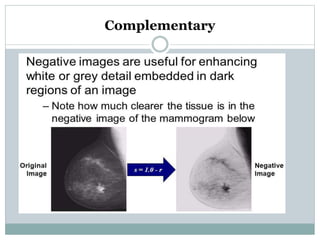
3. Complementary
Addition/Subtraction
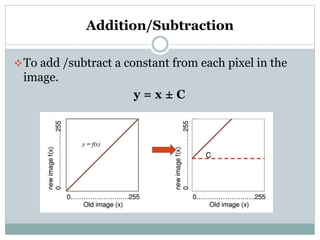
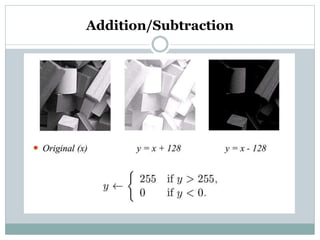
To add /subtract a constant from each pixel in the
image.
y = x ± C
Addition/Subtraction
Multiplications/Division
To multiply /divide each pixel in the image x in/by a
constant c.
Multiplications/Division
Complementary
The complement of a grey scale image is its
photographic negative.
Complementary
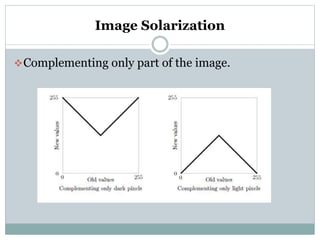
Image Solarization
Complementing only part of the image.
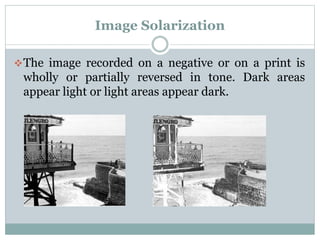
Image Solarization
The image recorded on a negative or on a print is
wholly or partially reversed in tone. Dark areas
appear light or light areas appear dark.
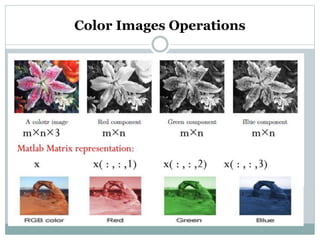
Color Images Operations
Possible channel operations:
 Changing the image lighting color.
 Swapping image channels.
 Eliminating color channels
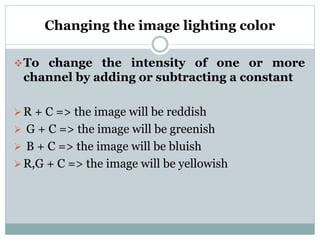
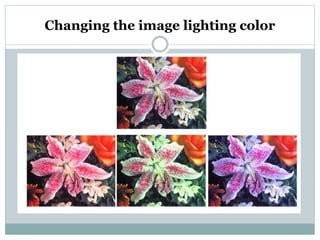
Changing the image lighting color
To change the intensity of one or more
channel by adding or subtracting a constant
R + C => the image will be reddish
 G + C => the image will be greenish
 B + C => the image will be bluish
R,G + C => the image will be yellowish
Changing the image lighting color
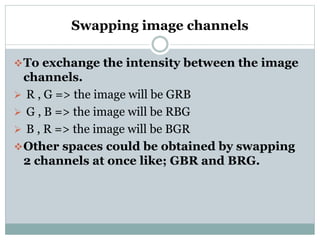
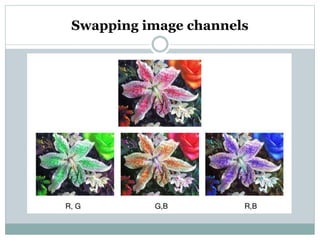
Swapping image channels
To exchange the intensity between the image
channels.
 R , G => the image will be GRB
 G , B => the image will be RBG
 B , R => the image will be BGR
Other spaces could be obtained by swapping
2 channels at once like; GBR and BRG.
Swapping image channels
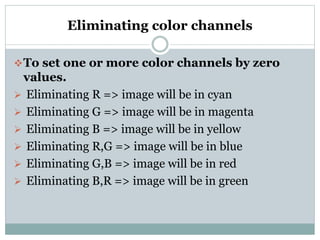
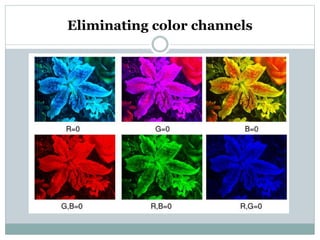
Eliminating color channels
To set one or more color channels by zero
values.
 Eliminating R => image will be in cyan
 Eliminating G => image will be in magenta
 Eliminating B => image will be in yellow
 Eliminating R,G => image will be in blue
 Eliminating G,B => image will be in red
 Eliminating B,R => image will be in green
Eliminating color channels
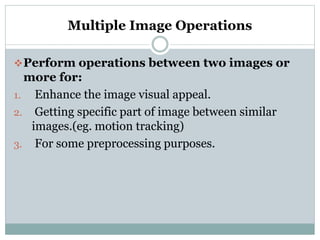
Multiple Image Operations
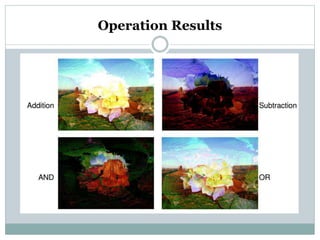
Perform operations between two images or
more for:
1. Enhance the image visual appeal.
2. Getting specific part of image between similar
images.(eg. motion tracking)
3. For some preprocessing purposes.
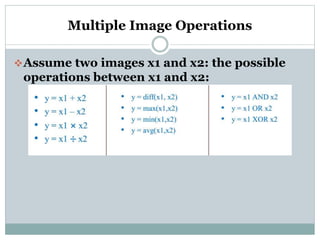
Multiple Image Operations
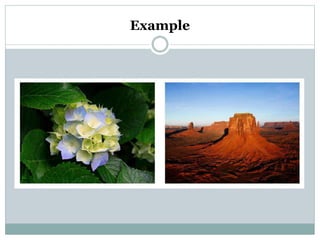
Assume two images x1 and x2: the possible
operations between x1 and x2:
Example
Operation Results
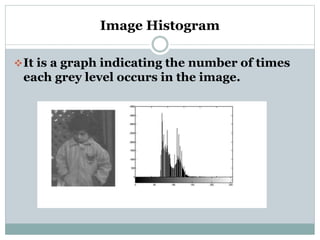
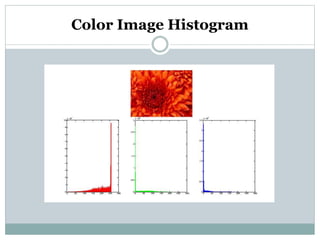
Image Histogram
It is a graph indicating the number of times
each grey level occurs in the image.
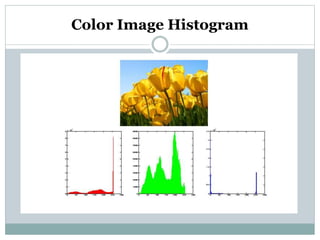
Color Image Histogram
Why Histogram?
To know image features:
 Most color(intensity) in the image
 Image Contrast
 Image Brightness
For segmentation purpose
 A threshold can be used to segment the image into
parts.
Histogram Image features
In a dark image, the grey levels would be
clustered at the lower end.
In a uniformly bright image, the grey levels
would be clustered at the upper end.
In a well contrasted image, the grey levels
would be well spread out over much of the
range.

Lecture3.pptx