What is AssemblyLanguage?
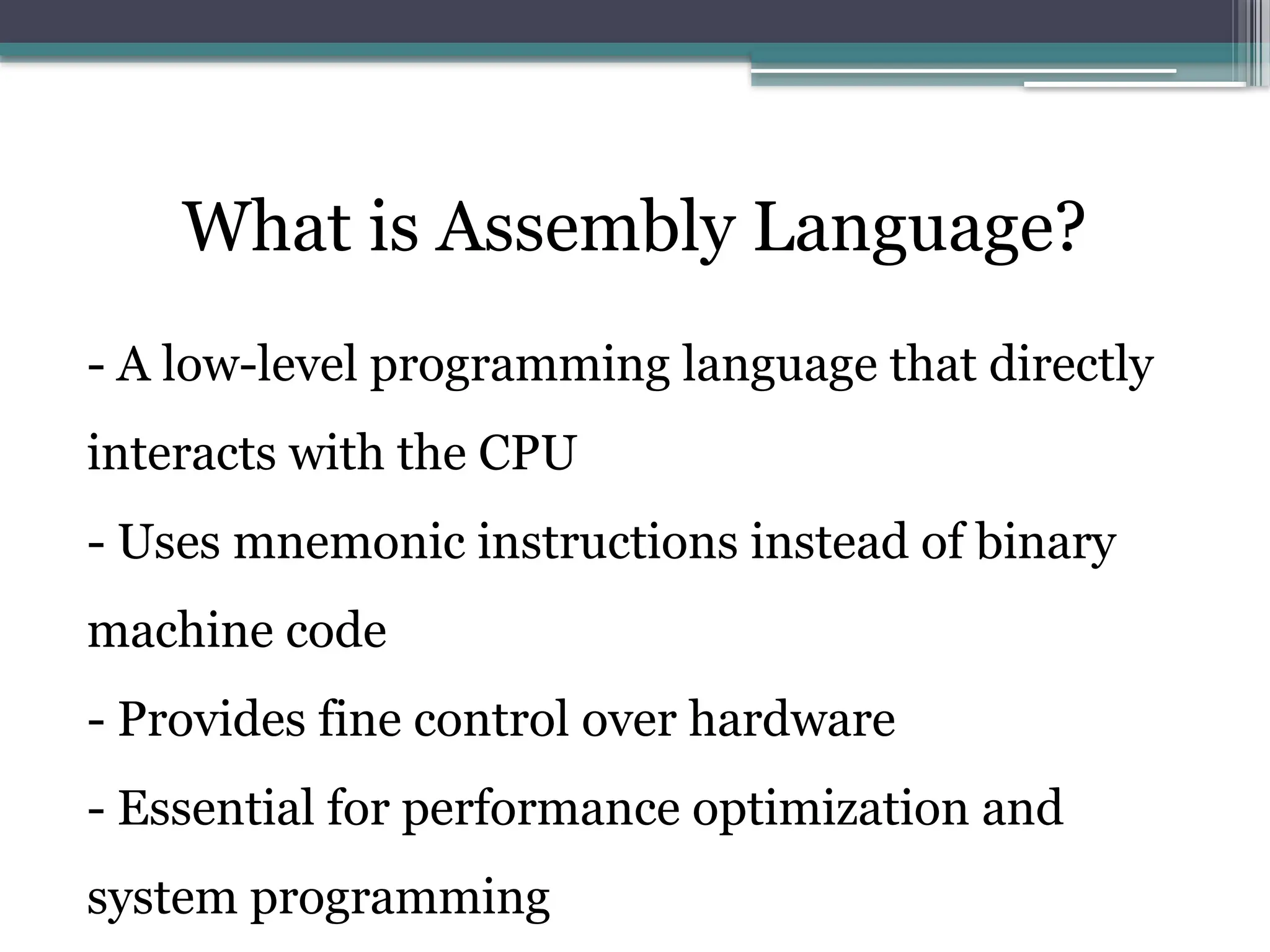
- A low-level programming language that directly
interacts with the CPU
- Uses mnemonic instructions instead of binary
machine code
- Provides fine control over hardware
- Essential for performance optimization and
system programming
5.
History and Evolutionof Assembly Language
• - 1940s: Early computers programmed using
machine code (binary)
• - 1950s: First assemblers developed to simplify
programming
• - 1960s-1980s: Assembly used in operating
systems, embedded systems
• - Present: Still used in low-level system
development, embedded devices, and
cybersecurity
6.
Why Learn AssemblyLanguage?
• - Provides deep understanding of how computers
work
• - Used in OS development, embedded systems,
reverse engineering, and security
• - Helps optimize performance-critical
applications
• - Essential for debugging and system-level
programming
7.
Comparison: Assembly vs.High-Level
Languages
• - Assembly Language:
• - Directly manipulates hardware
• - Faster execution but harder to write
• - No built-in memory management
• - High-Level Languages (C, Python):
• - More readable and portable
• - Easier debugging and memory management
• - Less control over hardware
8.
Central Processing Unit(CPU)
• A CPU contains the following four major
components:
1. Clock: The clock synchronizes the internal
operations of the CPU with other system
components
2. Control Unit (CU): It coordinates the sequencing
of steps involved in executing machine instructions
9.
3. Arithmetic LogicUnit (ALU): It performs
arithmetic operations such as Addition or
Subtraction and logical operations such as True or
False (Boolean)
4. Registers: Temporary storage units in CPU
10.
Memory Storage Unit
•The memory storage unit is where instructions
and data are held while a computer program is
running
• The storage unit receives requests for data from
the CPU, transfers data from Random Access
Memory (RAM) to the CPU and from the CPU to
memory
11.
• All processingof data takes place within the
CPU, so programs residing in memory must be
copied into the CPU before they can execute
• Individual program instructions can be copied
into the CPU one at a time, or groups of
instructions can also be copied together
12.
Bus
• A busis a communication pathway, connecting
two or more devices
• Typically, a bus consists of multiple
communication pathways or lines
• Each line is capable of transmitting signals
representing binary ‘1’ and binary ‘0’
13.
• Over time,a sequence of binary digits can be
transmitted across a single line
• Taken together, several lines of a bus can be
used to transmit binary digits simultaneously (in
parallel)
• Example
▫ An 8-bit unit of data can be transmitted over eight
bus lines simultaneously
14.
Bus Line Classifications
•Bus lines can be classified as three functional
groups:
1. Data or I/O Bus
2. Control Bus
3. Address Bus
15.
Data or I/OBus
• This contains the content that have been read from
the memory location or is to be written into the
memory location
• It is bidirectional, as microprocessor requires to
send and receive the data
• The word length of a processor depends on data
bus, that’s why Intel 8086 is called 16 bit
microprocessor because it has 16 bit data bus
16.
Control Bus
• Thecontrol bus is used for sending control
signals to the memory and I/O devices
• The CPU sends control signals on the control bus
to enable the outputs of addressed memory
devices or I/O port devices
• It is unidirectional
17.
• Some ofthe control bus signals are as follows:
▫ Memory read
▫ Memory write
▫ I/O read
▫ I/O write
18.
Address Bus
• CPUuses address bus to send out the address of the
memory location
• The address bus carries the address of memory
location to be written or to be read from
• It is unidirectional, as bits flowing occurs only in
one direction, i.e. from microprocessor to peripheral
devices
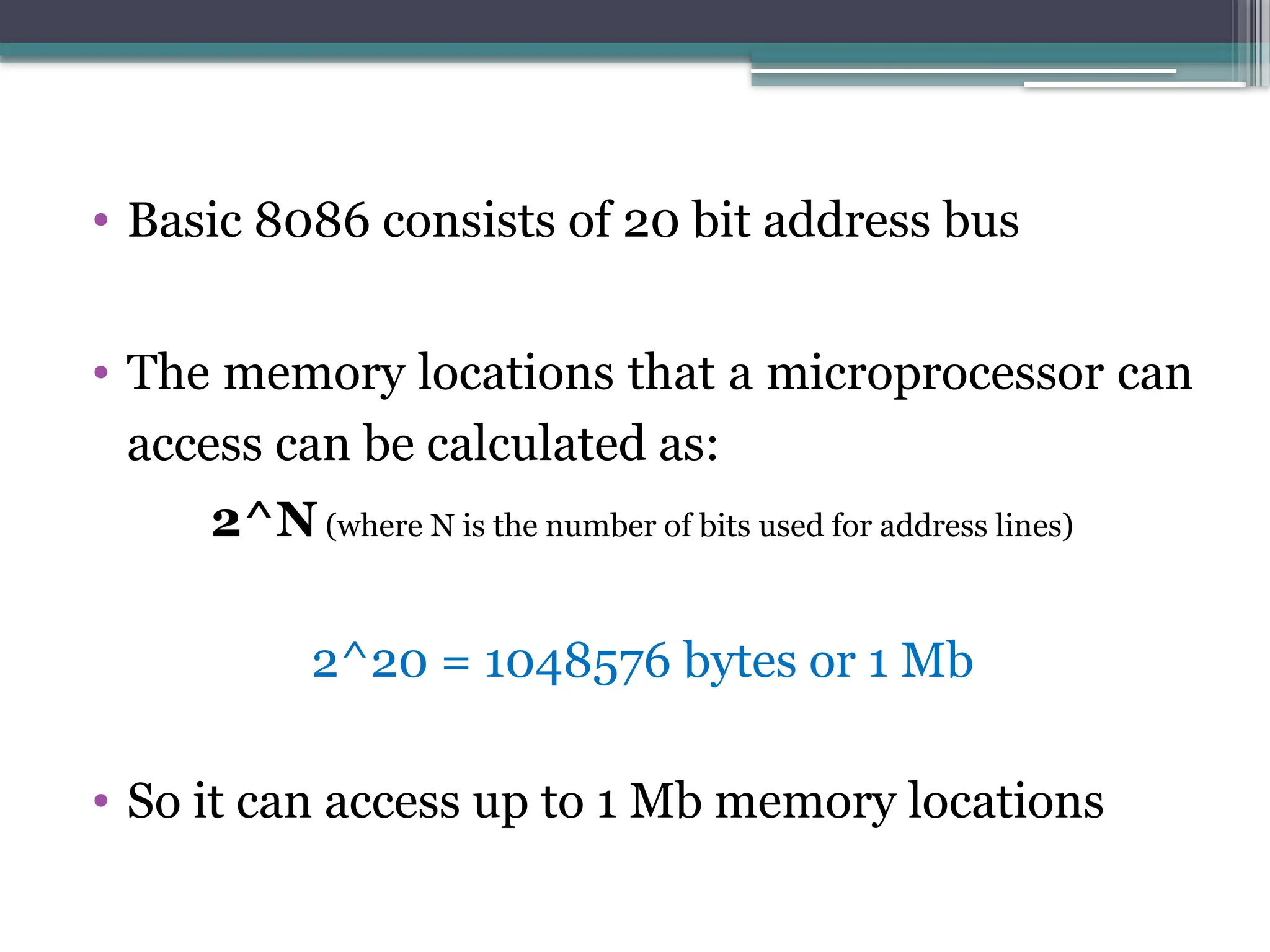
19.
• Basic 8086consists of 20 bit address bus
• The memory locations that a microprocessor can
access can be calculated as:
2^N (where N is the number of bits used for address lines)
2^20 = 1048576 bytes or 1 Mb
• So it can access up to 1 Mb memory locations
20.
Instruction Execution Cycle
•The execution of a single machine instruction can be divided into a
sequence of individual operations called the instruction
execution cycle
• Executing a machine instruction requires three basic steps:
▫ Fetch
▫ Decode
▫ Execute
• Two more steps are required when the instruction uses a memory
operand:
▫ Fetch operand
▫ Store output operand
21.
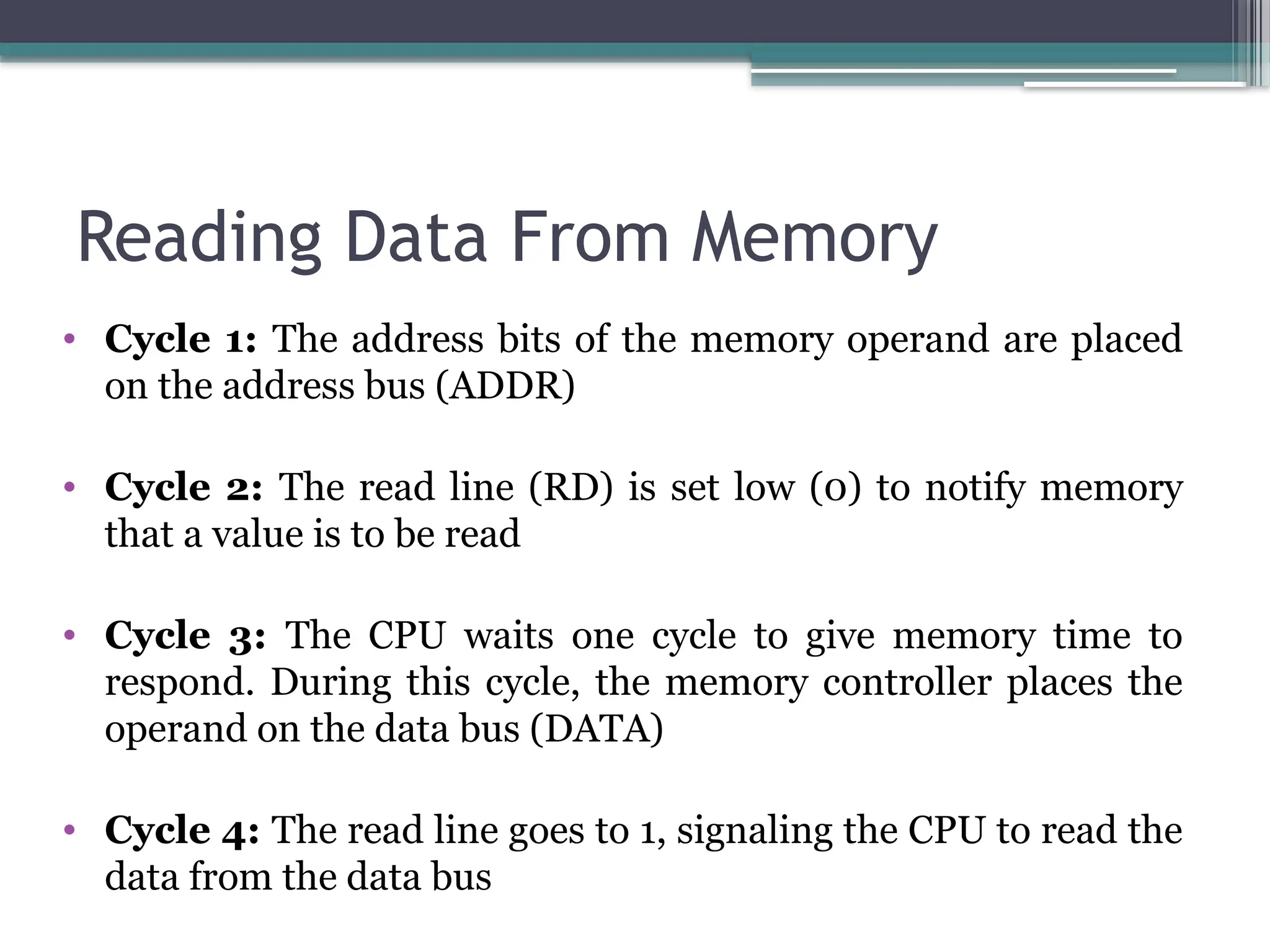
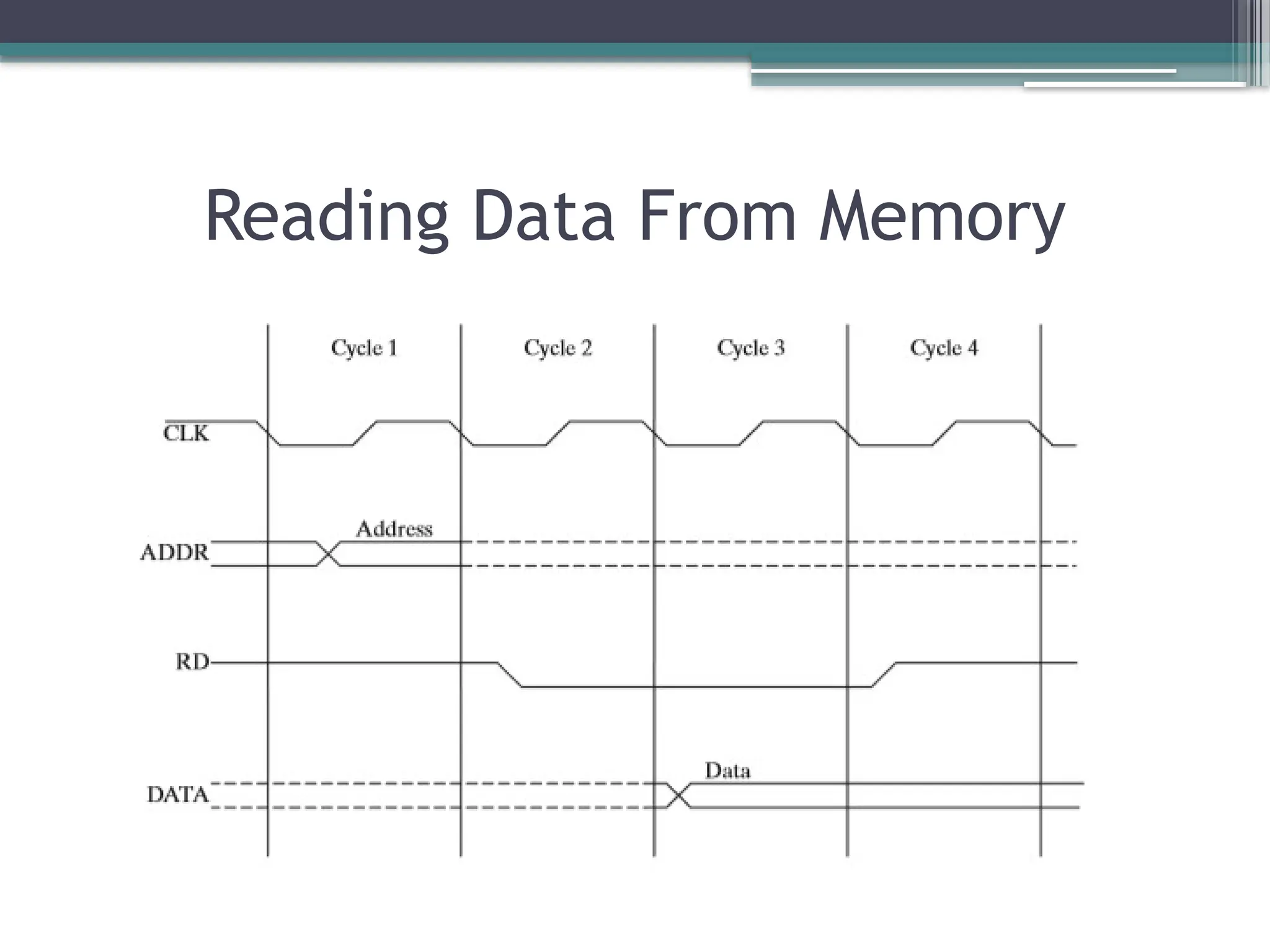
Reading Data FromMemory
• Cycle 1: The address bits of the memory operand are placed
on the address bus (ADDR)
• Cycle 2: The read line (RD) is set low (0) to notify memory
that a value is to be read
• Cycle 3: The CPU waits one cycle to give memory time to
respond. During this cycle, the memory controller places the
operand on the data bus (DATA)
• Cycle 4: The read line goes to 1, signaling the CPU to read the
data from the data bus