Lecture No.5
Computer Skills
Creating new documents
•Creating a new blank document
•Creating a new document from a template
•Using an online template
•Opening an existing document
•Adding 'new' and 'open' docs to quick taskbar
•Keeping recently used documents visible in list
(pinning)
Using The Ribbon
•Working with the ribbon.
•Minimize the ribbon.
•Showing the ribbon.
Formatting and editing text
•Selecting text
•Deleting text
•Moving text
•Copy and paste
•Undo, redo
•Formatting and paragraph marks
•Find tool
•Find and replace tool
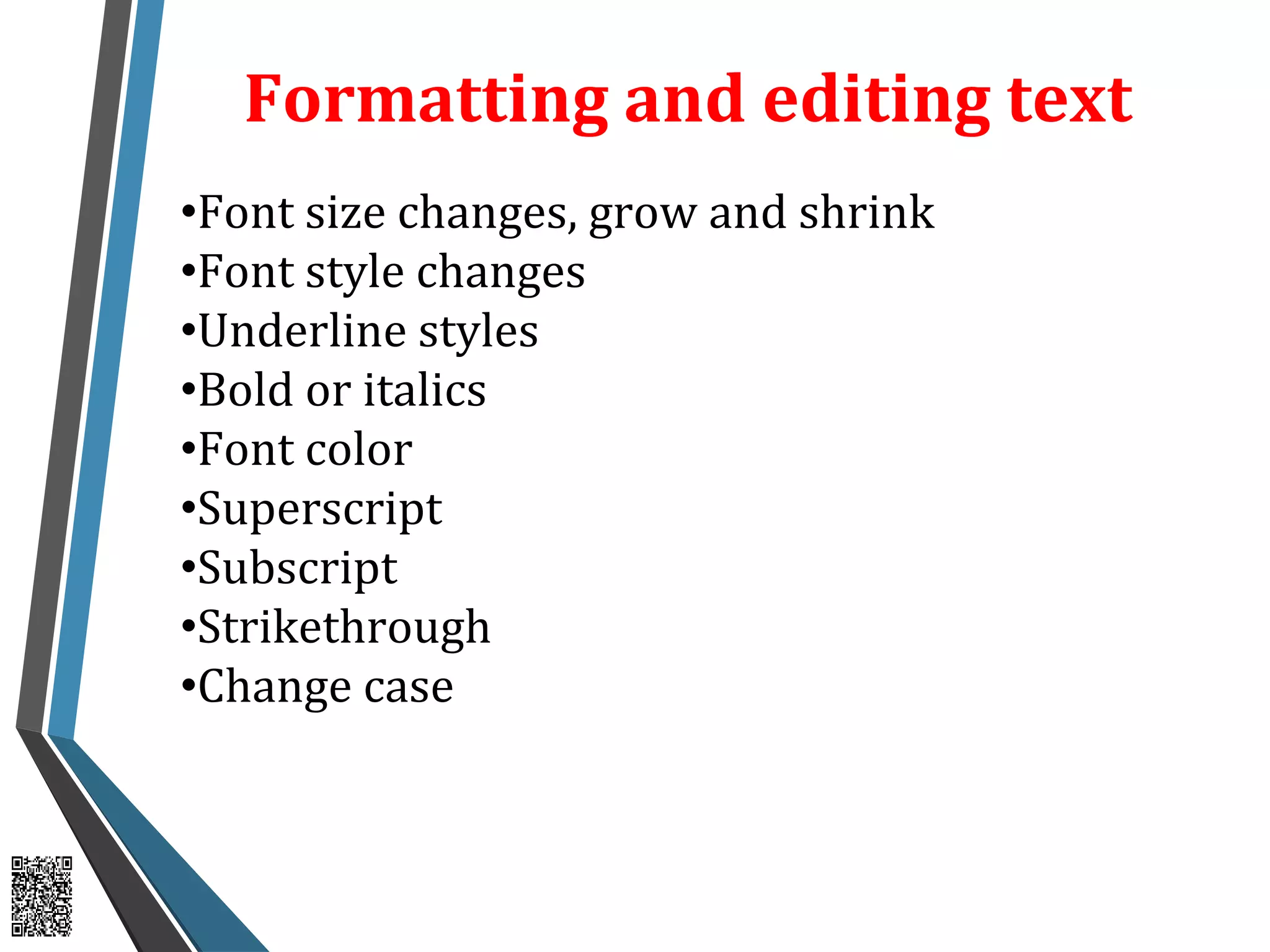
Formatting and editing text
•Font size changes, grow and shrink
•Font style changes
•Underline styles
•Bold or italics
•Font color
•Superscript
•Subscript
•Strikethrough
•Change case
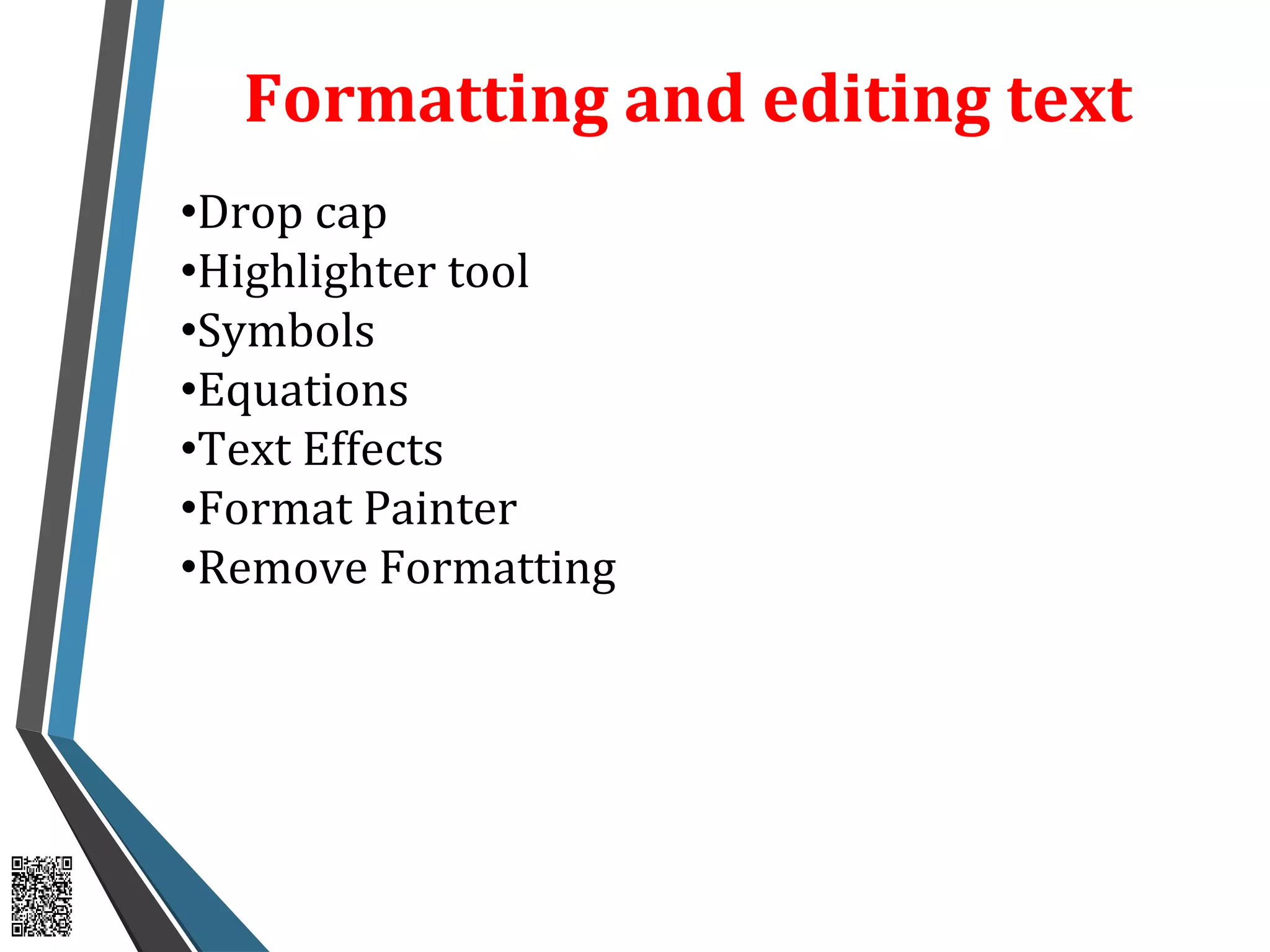
Formatting and editing text
•Drop cap
•Highlighter tool
•Symbols
•Equations
•Text Effects
•Format Painter
•Remove Formatting

Lecture 05

  • 1.
  • 2.
    Creating new documents •Creatinga new blank document •Creating a new document from a template •Using an online template •Opening an existing document •Adding 'new' and 'open' docs to quick taskbar •Keeping recently used documents visible in list (pinning)
  • 3.
    Using The Ribbon •Workingwith the ribbon. •Minimize the ribbon. •Showing the ribbon.
  • 4.
    Formatting and editingtext •Selecting text •Deleting text •Moving text •Copy and paste •Undo, redo •Formatting and paragraph marks •Find tool •Find and replace tool
  • 5.
    Formatting and editingtext •Font size changes, grow and shrink •Font style changes •Underline styles •Bold or italics •Font color •Superscript •Subscript •Strikethrough •Change case
  • 6.
    Formatting and editingtext •Drop cap •Highlighter tool •Symbols •Equations •Text Effects •Format Painter •Remove Formatting