

Empowering Business through Automation with
CONTINUOUS SERVICE
AUTOMIC Request Management
Ralf Paschen, Sr. Director ww Product & Solutions Marketing
© Automic. All rights reserved.
Reality check for the business
2
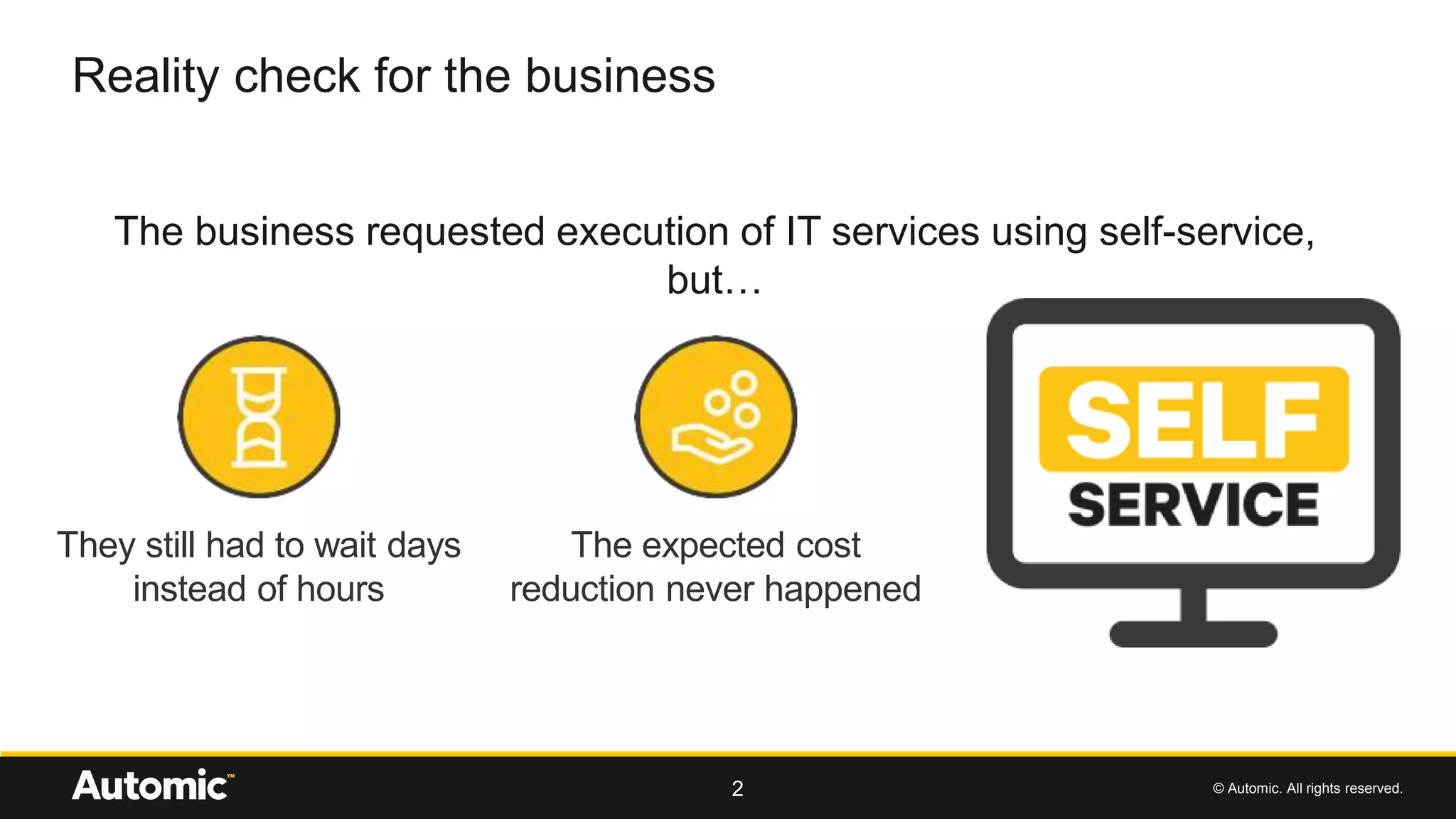
The business requested execution of IT services using self-service,
but…
They still had to wait days
instead of hours
The expected cost
reduction never happened
© Automic. All rights reserved.
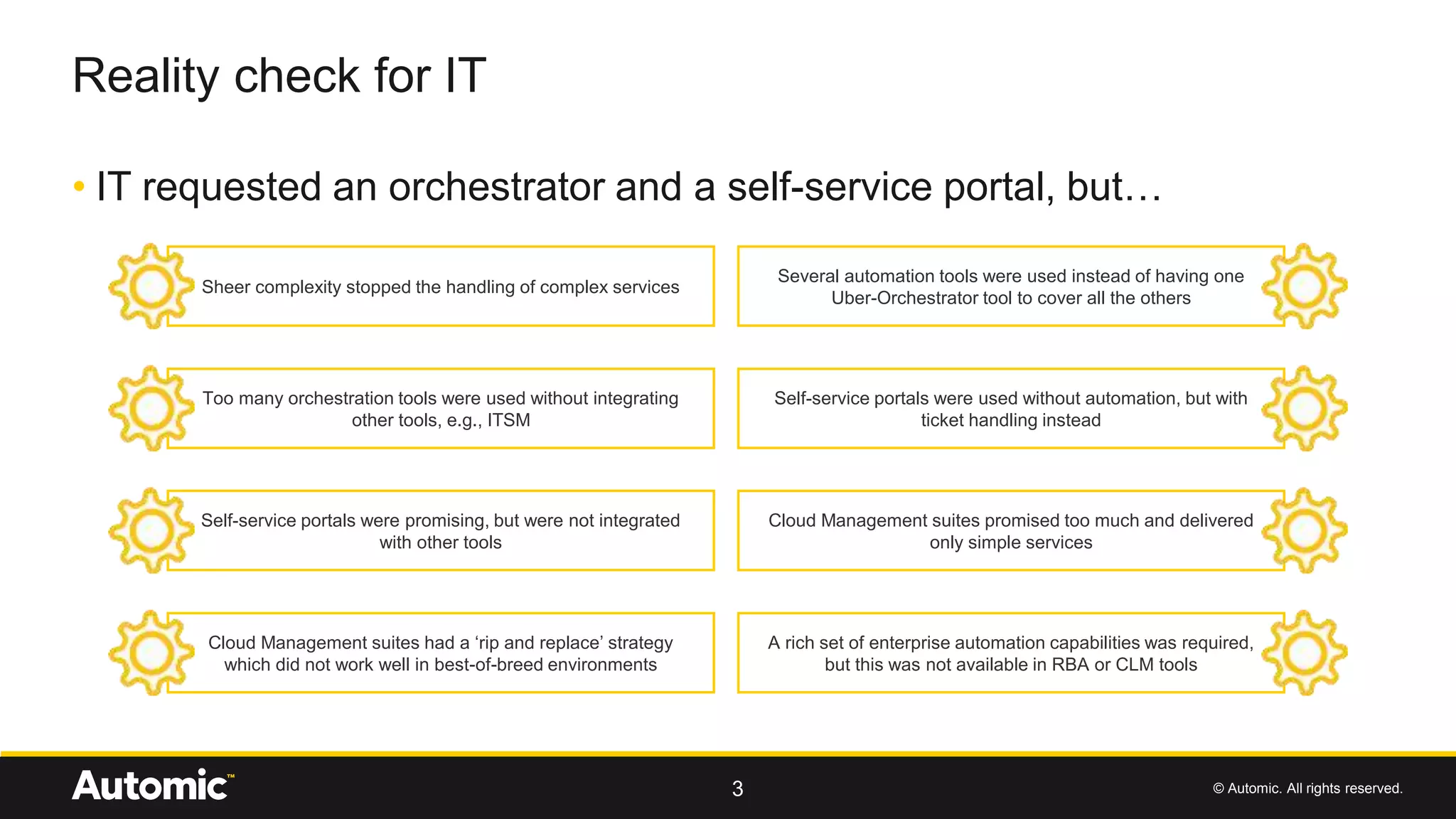
• IT requested an orchestrator and a self-service portal, but…
Reality check for IT
3
Sheer complexity stopped the handling of complex services
Several automation tools were used instead of having one
Uber-Orchestrator tool to cover all the others
Too many orchestration tools were used without integrating
other tools, e.g., ITSM
Self-service portals were used without automation, but with
ticket handling instead
Self-service portals were promising, but were not integrated
with other tools
Cloud Management suites promised too much and delivered
only simple services
Cloud Management suites had a ‘rip and replace’ strategy
which did not work well in best-of-breed environments
A rich set of enterprise automation capabilities was required,
but this was not available in RBA or CLM tools
© Automic. All rights reserved.
Demo AUTOMIC Request Management
4
© Automic. All rights reserved.
What‘s new in RM v3.1?
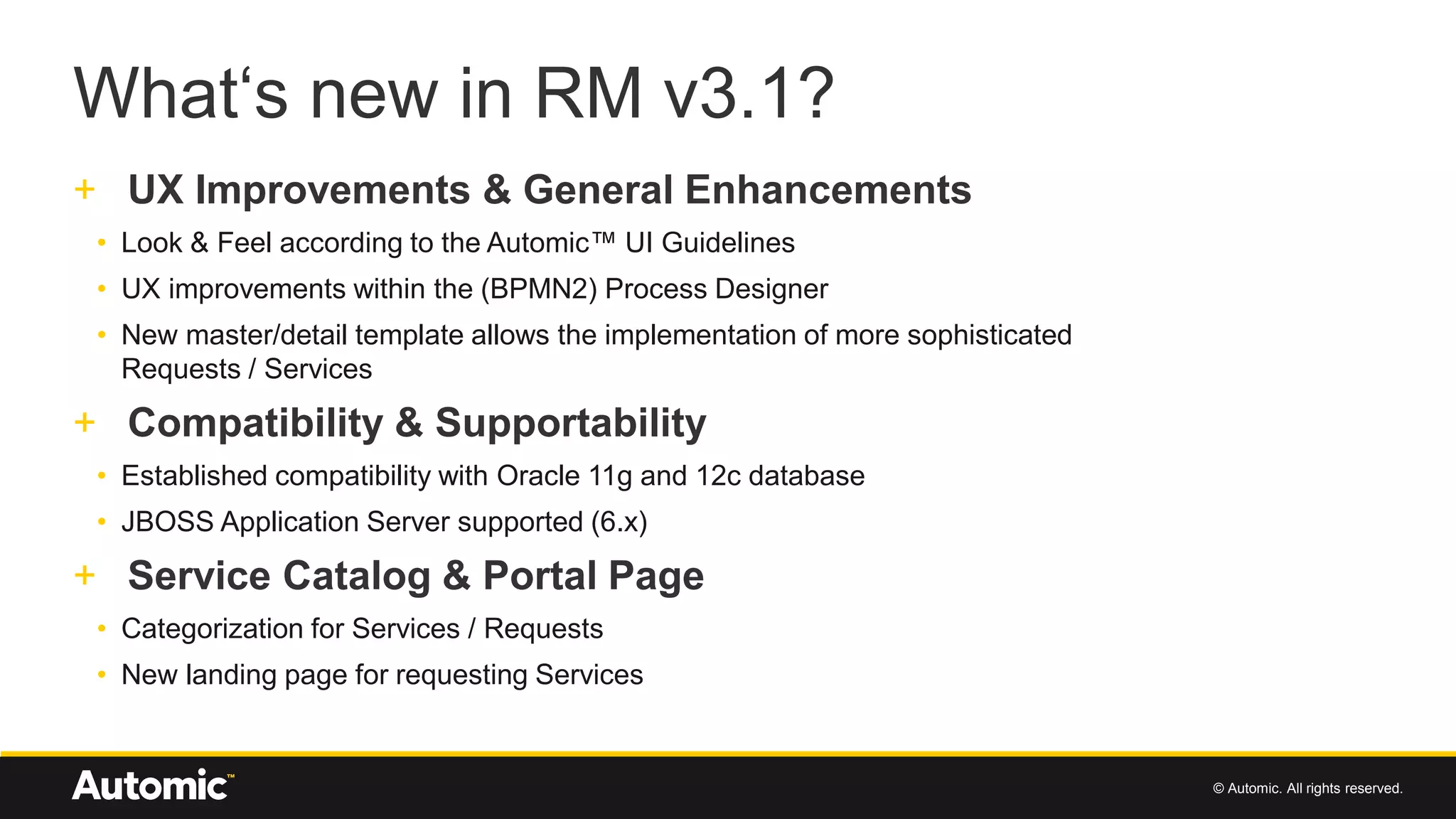
+ UX Improvements & General Enhancements
• Look & Feel according to the Automic™ UI Guidelines
• UX improvements within the (BPMN2) Process Designer
• New master/detail template allows the implementation of more sophisticated
Requests / Services
+ Compatibility & Supportability
• Established compatibility with Oracle 11g and 12c database
• JBOSS Application Server supported (6.x)
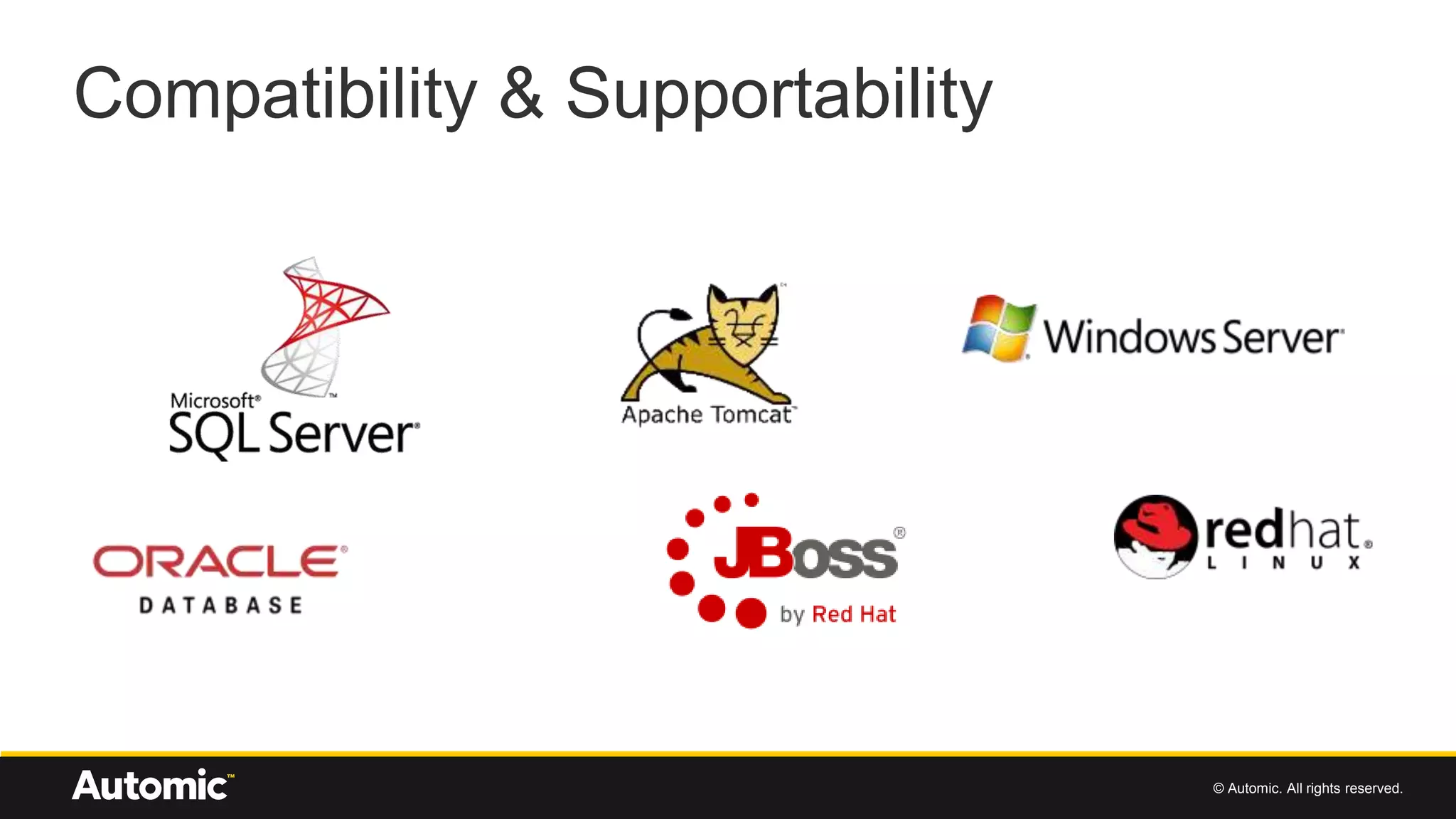
+ Service Catalog & Portal Page
• Categorization for Services / Requests
• New landing page for requesting Services
© Automic. All rights reserved.
UX Improvements & General Enhancements
© Automic. All rights reserved.
Compatibility & Supportability
© Automic. All rights reserved.
Service Catalog & Portal Page
© Automic. All rights reserved.
Use Case Employee Onboarding
9
© Automic. All rights reserved.
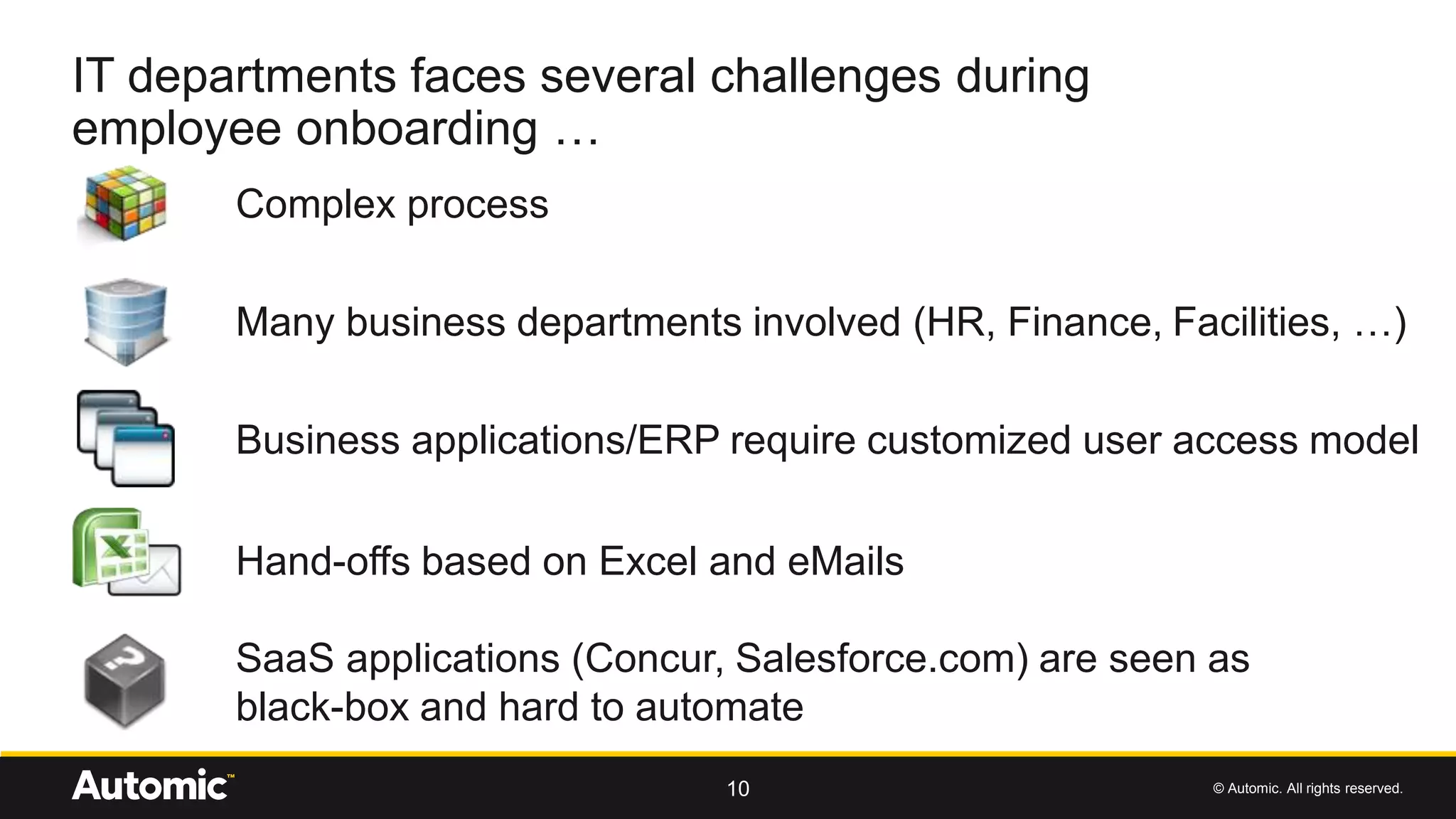
IT departments faces several challenges during
employee onboarding …
10
Complex process
Business applications/ERP require customized user access model
Hand-offs based on Excel and eMails
SaaS applications (Concur, Salesforce.com) are seen as
black-box and hard to automate
Many business departments involved (HR, Finance, Facilities, …)
© Automic. All rights reserved.
… which result into
11
Same data inserted into multiple systems
No standardized process with no clarity on
roles and responsibilities
Hard to keep track of progress
Inefficient task hand-offs
© Automic. All rights reserved.
• The employee cannot be productive on day one if not later
the first week
• Companies fail to satisfy compliance audit when trying to
produce comprehensive reports for user accesses to
enterprise applications
• Due to uncomplete distribution lists, additional costly audit
efforts may be generated, which can reach out customers
when related to risk of bribery exposure
Some business consequences
12
© Automic. All rights reserved.
• Define and execute business and IT workflow
• Offer service portal for business end-users
• Automation of all IT tasks
• Real-time monitoring of current process state
• Full traceability of all activities
How Automic helps
13
© Automic. All rights reserved.
Demo scenario
14
© Automic. All rights reserved.15
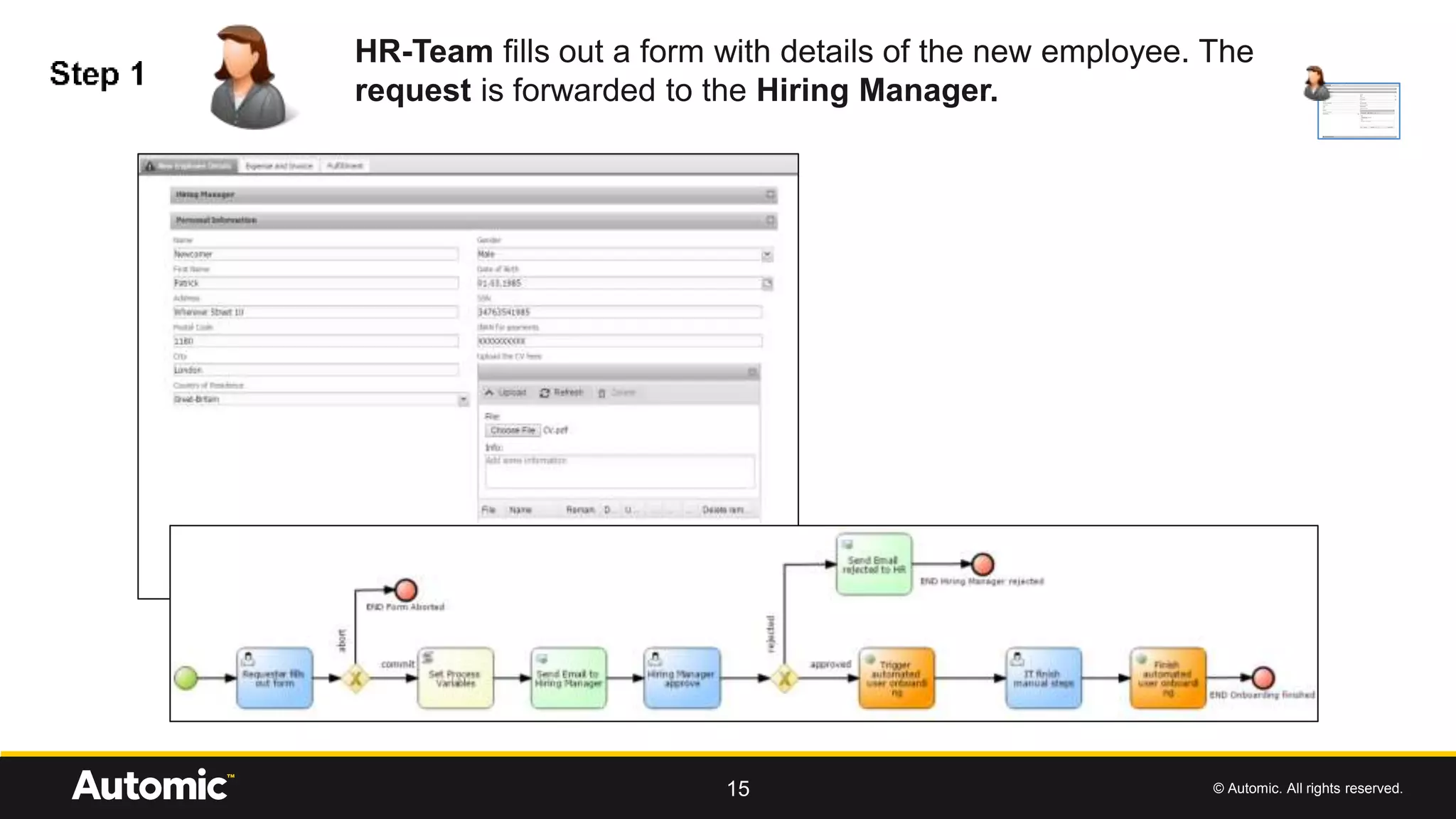
HR-Team fills out a form with details of the new employee. The
request is forwarded to the Hiring Manager.
© Automic. All rights reserved.16
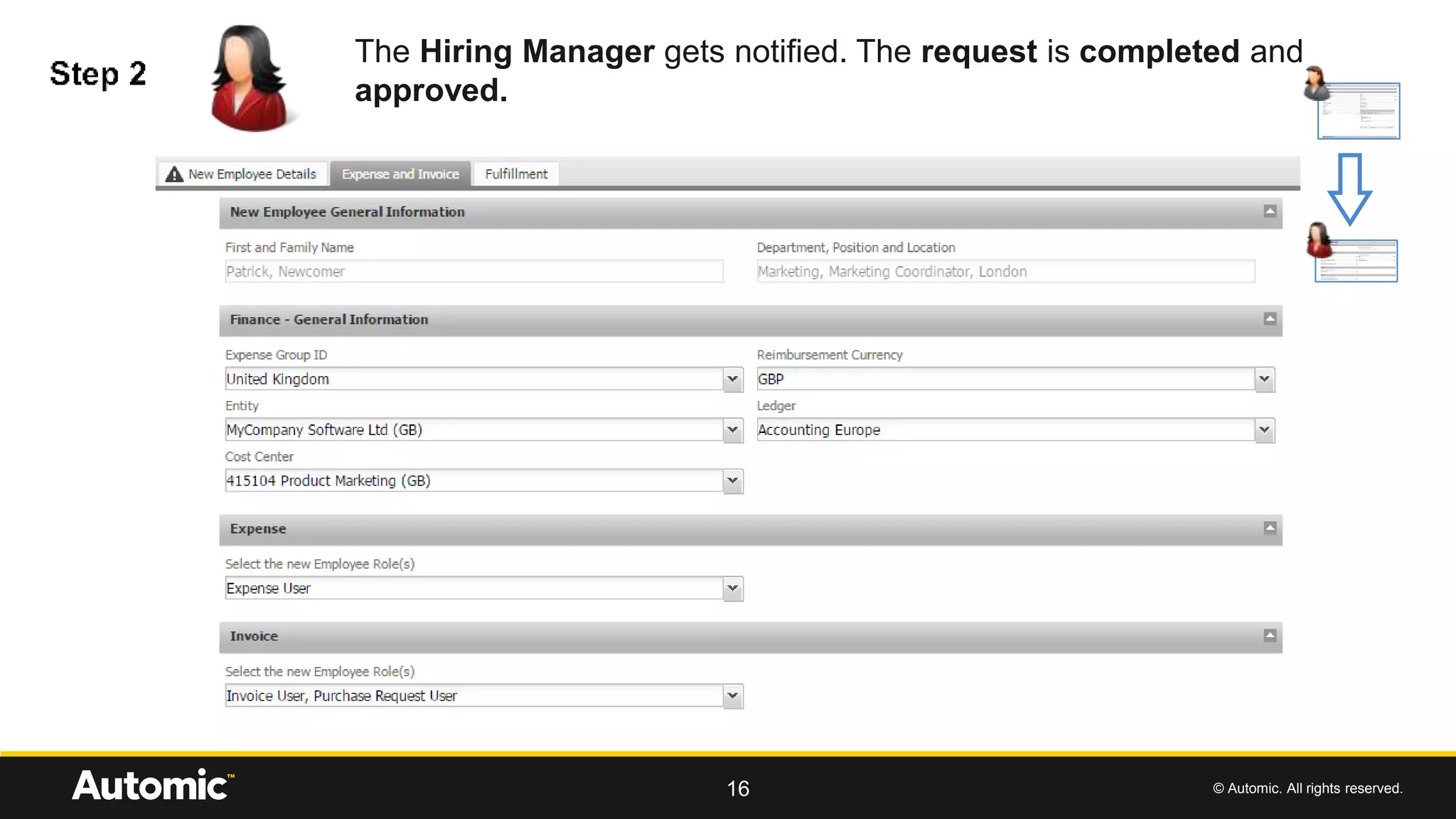
The Hiring Manager gets notified. The request is completed and
approved.
© Automic. All rights reserved.17
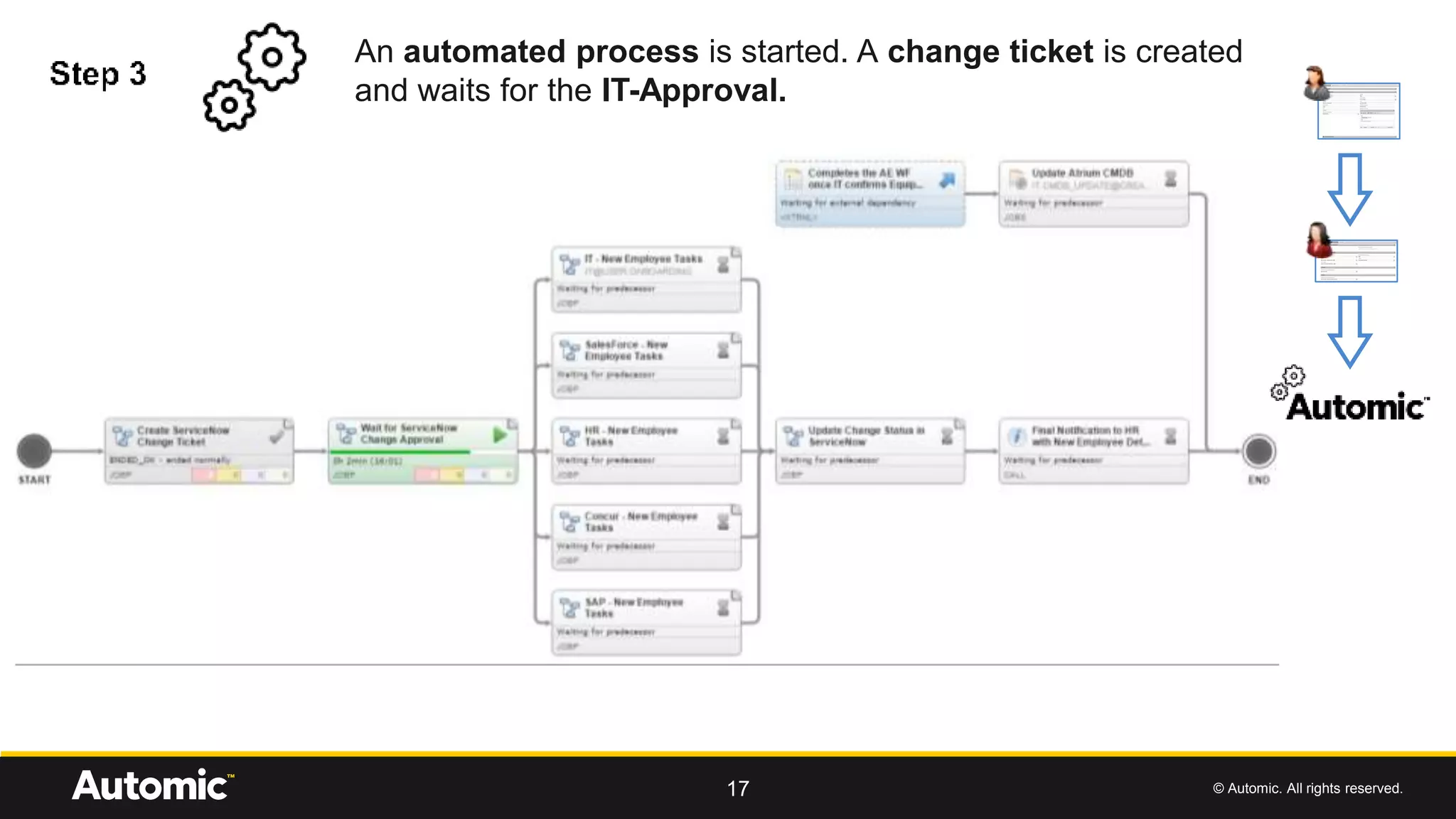
An automated process is started. A change ticket is created
and waits for the IT-Approval.
© Automic. All rights reserved.18
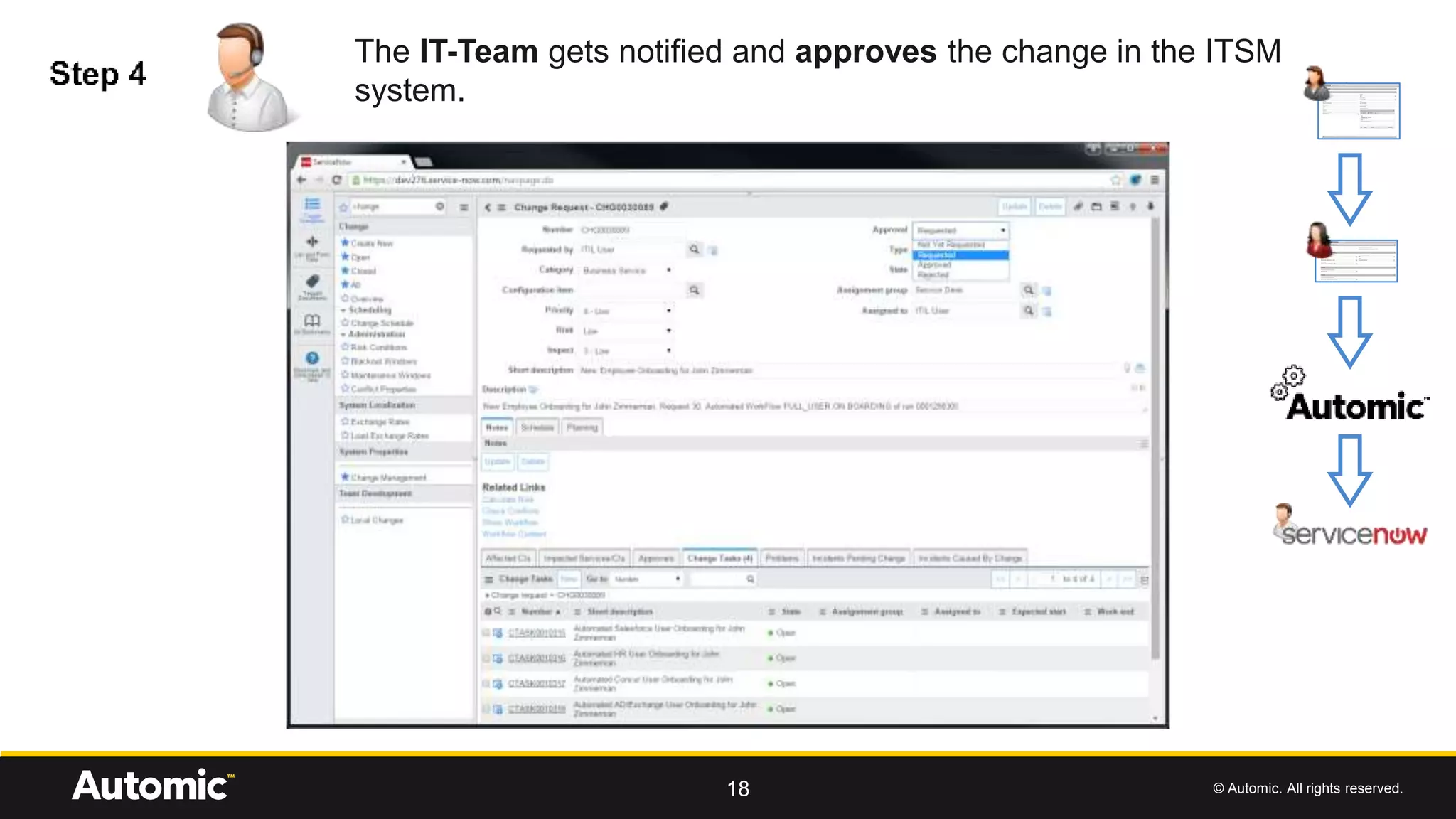
The IT-Team gets notified and approves the change in the ITSM
system.
© Automic. All rights reserved.19
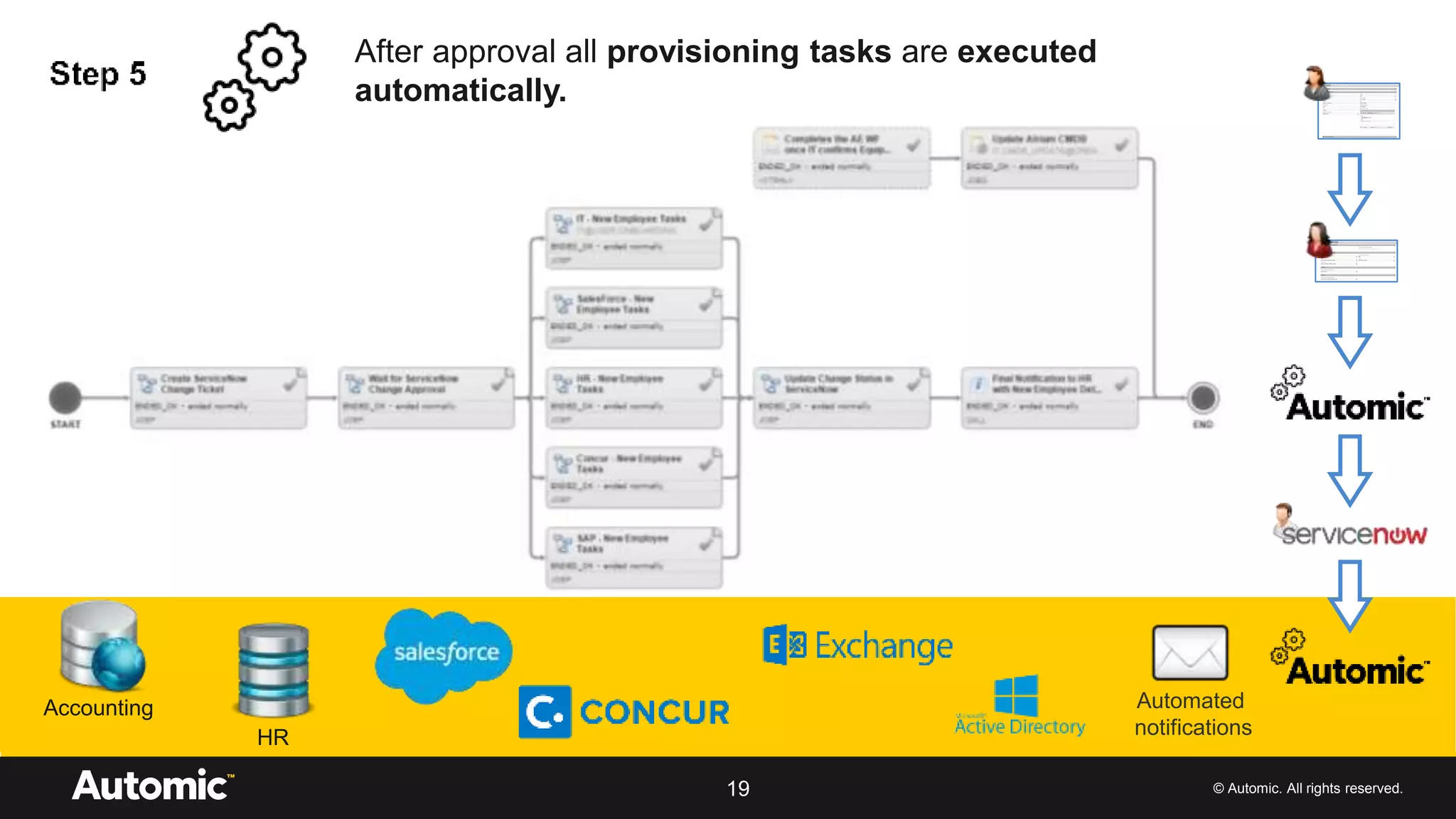
After approval all provisioning tasks are executed
automatically.
Automated
notifications
Accounting
HR
© Automic. All rights reserved.
Demo Employee OnBoarding
20
© Automic. All rights reserved.
Benefits
21
Structured and consistent process
No data inconsistency
Ability to execute
Automated hand-offs
Full traceability and audit trail
Duration reduced from days to hours
Learning Request Management

Learning Request Management

  • 2.
    Empowering Business throughAutomation with CONTINUOUS SERVICE AUTOMIC Request Management Ralf Paschen, Sr. Director ww Product & Solutions Marketing
  • 3.
    © Automic. Allrights reserved. Reality check for the business 2 The business requested execution of IT services using self-service, but… They still had to wait days instead of hours The expected cost reduction never happened
  • 4.
    © Automic. Allrights reserved. • IT requested an orchestrator and a self-service portal, but… Reality check for IT 3 Sheer complexity stopped the handling of complex services Several automation tools were used instead of having one Uber-Orchestrator tool to cover all the others Too many orchestration tools were used without integrating other tools, e.g., ITSM Self-service portals were used without automation, but with ticket handling instead Self-service portals were promising, but were not integrated with other tools Cloud Management suites promised too much and delivered only simple services Cloud Management suites had a ‘rip and replace’ strategy which did not work well in best-of-breed environments A rich set of enterprise automation capabilities was required, but this was not available in RBA or CLM tools
  • 5.
    © Automic. Allrights reserved. Demo AUTOMIC Request Management 4
  • 6.
    © Automic. Allrights reserved. What‘s new in RM v3.1? + UX Improvements & General Enhancements • Look & Feel according to the Automic™ UI Guidelines • UX improvements within the (BPMN2) Process Designer • New master/detail template allows the implementation of more sophisticated Requests / Services + Compatibility & Supportability • Established compatibility with Oracle 11g and 12c database • JBOSS Application Server supported (6.x) + Service Catalog & Portal Page • Categorization for Services / Requests • New landing page for requesting Services
  • 7.
    © Automic. Allrights reserved. UX Improvements & General Enhancements
  • 8.
    © Automic. Allrights reserved. Compatibility & Supportability
  • 9.
    © Automic. Allrights reserved. Service Catalog & Portal Page
  • 10.
    © Automic. Allrights reserved. Use Case Employee Onboarding 9
  • 11.
    © Automic. Allrights reserved. IT departments faces several challenges during employee onboarding … 10 Complex process Business applications/ERP require customized user access model Hand-offs based on Excel and eMails SaaS applications (Concur, Salesforce.com) are seen as black-box and hard to automate Many business departments involved (HR, Finance, Facilities, …)
  • 12.
    © Automic. Allrights reserved. … which result into 11 Same data inserted into multiple systems No standardized process with no clarity on roles and responsibilities Hard to keep track of progress Inefficient task hand-offs
  • 13.
    © Automic. Allrights reserved. • The employee cannot be productive on day one if not later the first week • Companies fail to satisfy compliance audit when trying to produce comprehensive reports for user accesses to enterprise applications • Due to uncomplete distribution lists, additional costly audit efforts may be generated, which can reach out customers when related to risk of bribery exposure Some business consequences 12
  • 14.
    © Automic. Allrights reserved. • Define and execute business and IT workflow • Offer service portal for business end-users • Automation of all IT tasks • Real-time monitoring of current process state • Full traceability of all activities How Automic helps 13
  • 15.
    © Automic. Allrights reserved. Demo scenario 14
  • 16.
    © Automic. Allrights reserved.15 HR-Team fills out a form with details of the new employee. The request is forwarded to the Hiring Manager.
  • 17.
    © Automic. Allrights reserved.16 The Hiring Manager gets notified. The request is completed and approved.
  • 18.
    © Automic. Allrights reserved.17 An automated process is started. A change ticket is created and waits for the IT-Approval.
  • 19.
    © Automic. Allrights reserved.18 The IT-Team gets notified and approves the change in the ITSM system.
  • 20.
    © Automic. Allrights reserved.19 After approval all provisioning tasks are executed automatically. Automated notifications Accounting HR
  • 21.
    © Automic. Allrights reserved. Demo Employee OnBoarding 20
  • 22.
    © Automic. Allrights reserved. Benefits 21 Structured and consistent process No data inconsistency Ability to execute Automated hand-offs Full traceability and audit trail Duration reduced from days to hours