Download to read offline


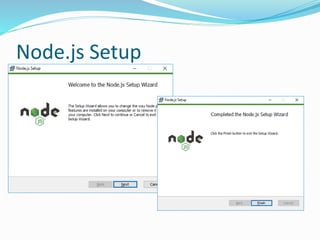
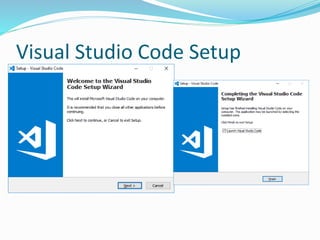
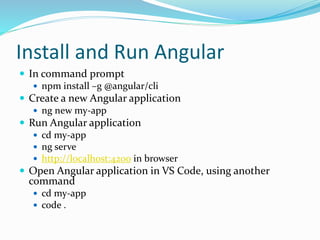
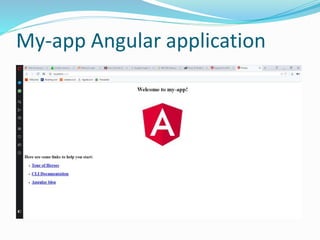
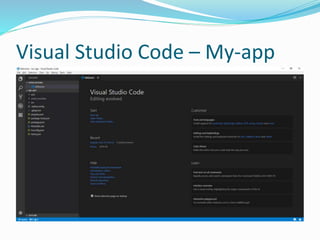
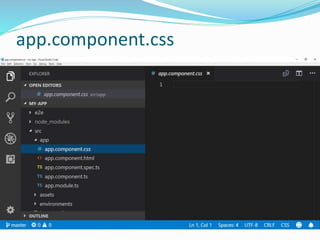
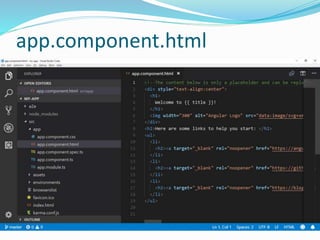
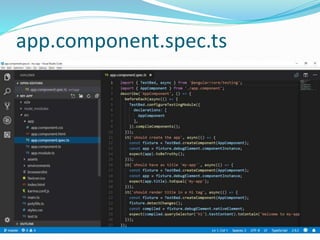
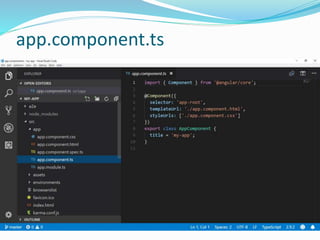
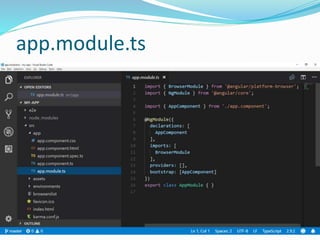
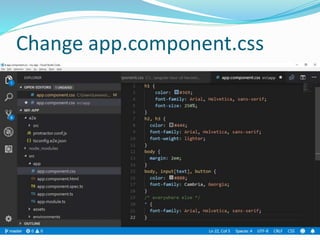
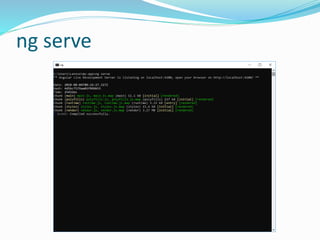
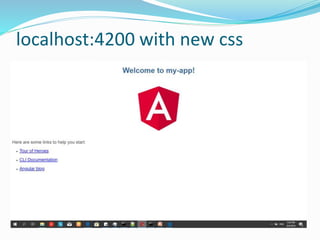
To develop Angular apps, Node.js must be installed since Angular is written in TypeScript, which needs to be compiled to JavaScript for browsers to understand. The document outlines installing Node.js and the Angular CLI, using the CLI to generate a new Angular app called "my-app", and serving it locally at localhost:4200. It also recommends using Visual Studio Code as the code editor and shows how to open the generated app in VS Code.


![[@NaukriEngineering] Mobile Web app scripts execution using Appium](https://cdn.slidesharecdn.com/ss_thumbnails/html5mobilesiteautomationusingappiumdemo-161117070734-thumbnail.jpg?width=640&height=640&fit=bounds)


