Linux Kernel Compilation
from source to running
Muli Ben-Yehuda
mulix@mulix.org
IBM Haifa Research Labs
Linux Kernel Development, TAU Linux Workshop, July 2003 – p.1/9
introduction
In this talk, I will talk about and demonstrate compiling the
Linux kernel. Topics inlcude:
overview of kernel compilation
configuring the kernel
dep, clean and mrproper
make bzImage - build the kernel image
make modules - build the modules
make modules_install and final installation
problem solving
Linux Kernel Development, TAU Linux Workshop, July 2003 – p.2/9
overview
compiling the kernel is composed of three stages:
configuration, building (compiling) and installing
it’s really quite simpler than it appears, and it’s very hard
to cause damage and end with a non booting system
we will go over the steps together, configuring, building
and installing the latest 2.4 kernel (2.4.22-pre5 as I
write this)
Linux Kernel Development, TAU Linux Workshop, July 2003 – p.3/9
configuration
configuring the kernel can be non trivial, since you have
to include support for your hardware for things to work
if you’ve done it before and saved the .config, just do
’make oldconfig’. ’make oldconfig’ will only asked about
new configuration choices and use your old choices for
everything else
otherwise, run ’make menuconfig’ or ’make xconfig’,
and start going through the options, based on your
computer’s hardware
alternatives include ’make defconfig’, for a “default”
configuration, and copying a distribution’s .config for a
configuration that should fit almost everything
Linux Kernel Development, TAU Linux Workshop, July 2003 – p.4/9
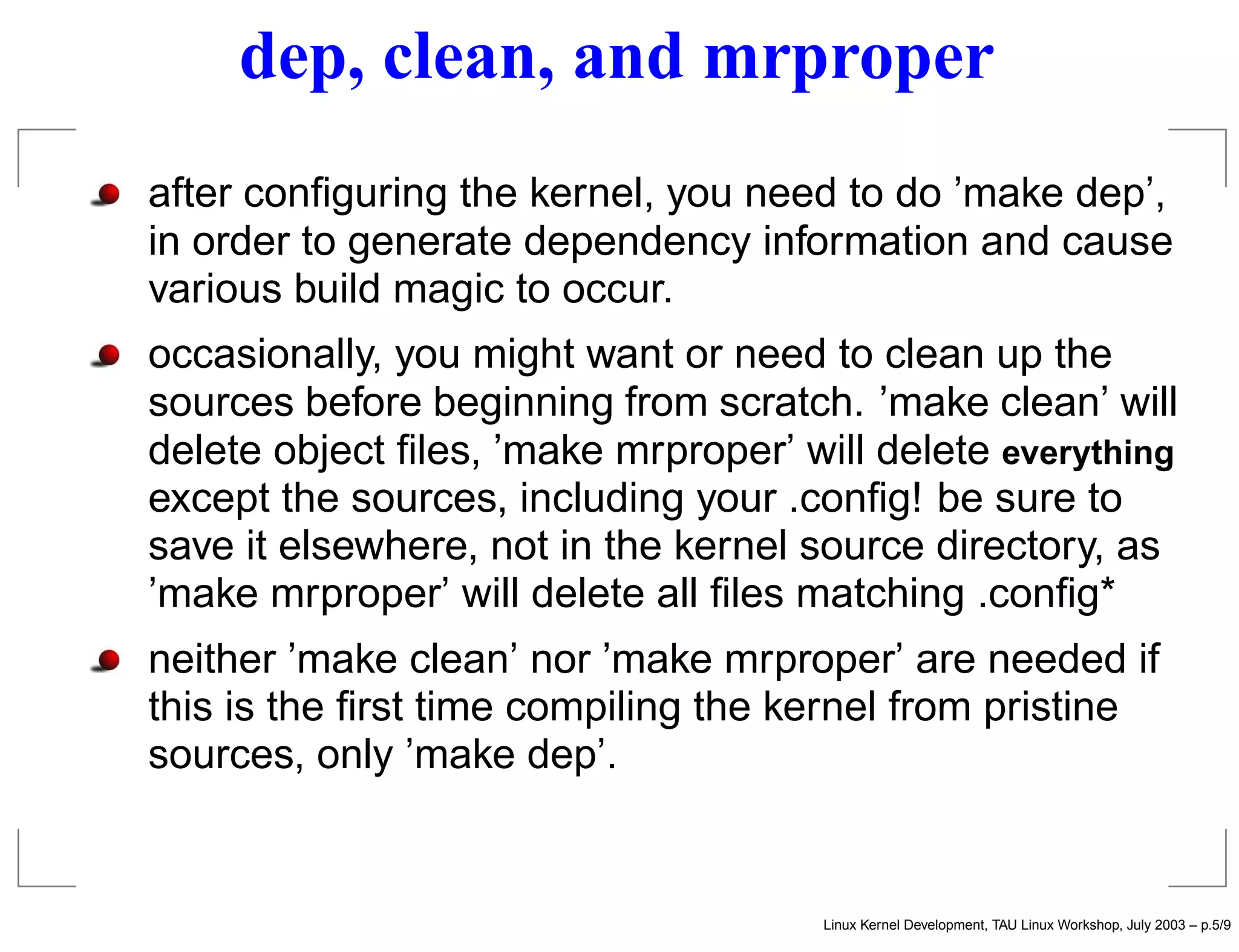
dep, clean, and mrproper
after configuring the kernel, you need to do ’make dep’,
in order to generate dependency information and cause
various build magic to occur.
occasionally, you might want or need to clean up the
sources before beginning from scratch. ’make clean’ will
delete object files, ’make mrproper’ will delete everything
except the sources, including your .config! be sure to
save it elsewhere, not in the kernel source directory, as
’make mrproper’ will delete all files matching .config*
neither ’make clean’ nor ’make mrproper’ are needed if
this is the first time compiling the kernel from pristine
sources, only ’make dep’.
Linux Kernel Development, TAU Linux Workshop, July 2003 – p.5/9
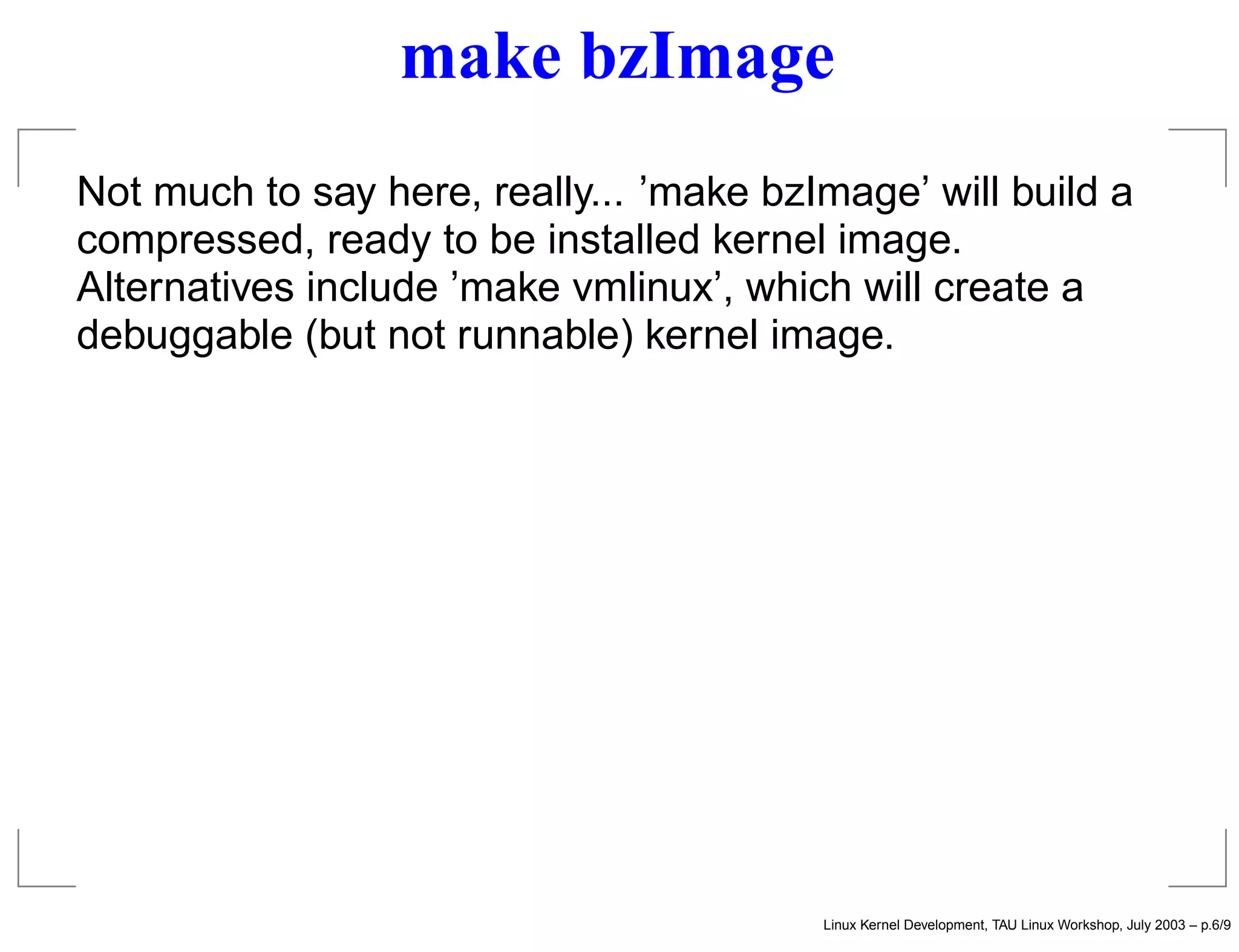
make bzImage
Not much to say here, really... ’make bzImage’ will build a
compressed, ready to be installed kernel image.
Alternatives include ’make vmlinux’, which will create a
debuggable (but not runnable) kernel image.
Linux Kernel Development, TAU Linux Workshop, July 2003 – p.6/9
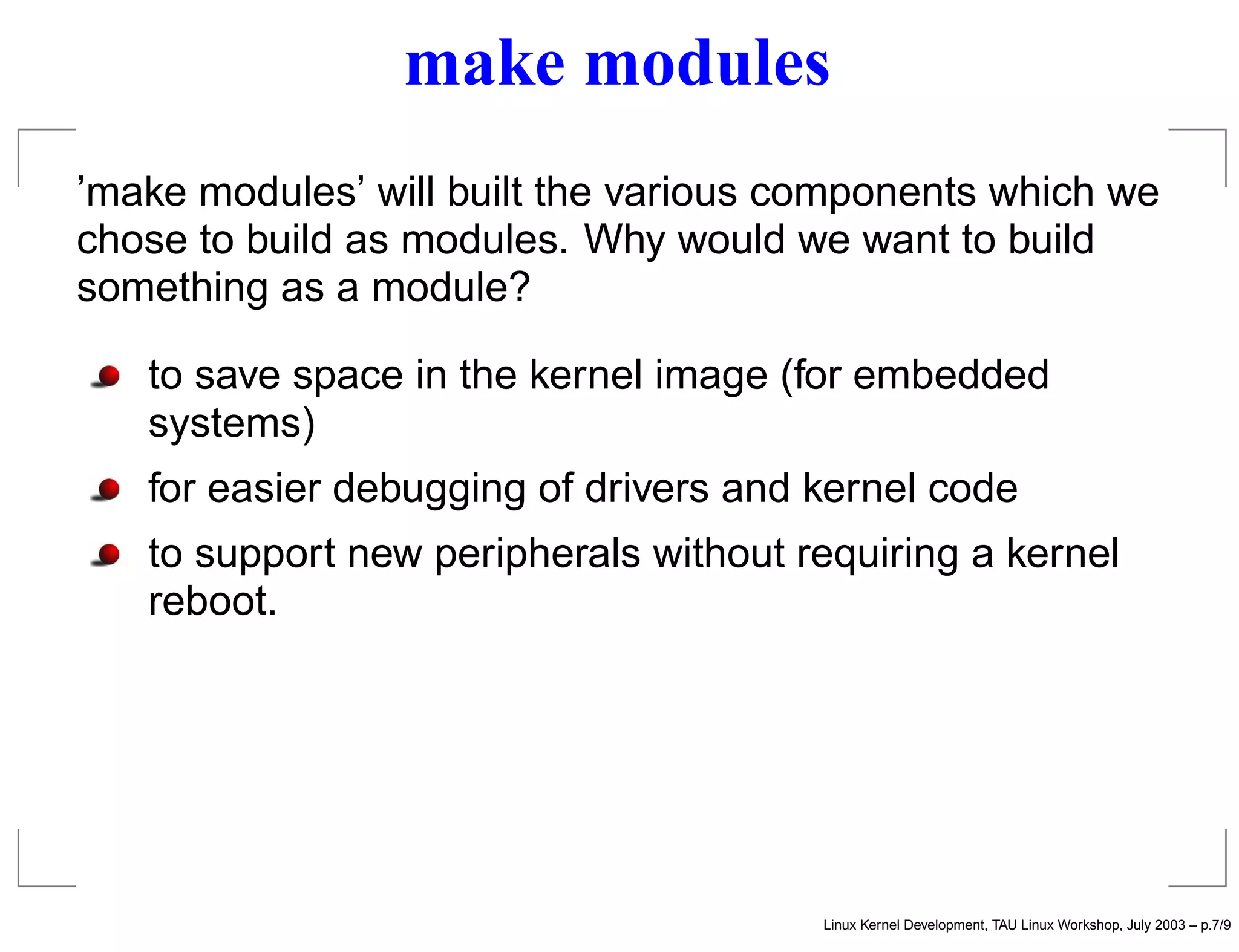
make modules
’make modules’ will built the various components which we
chose to build as modules. Why would we want to build
something as a module?
to save space in the kernel image (for embedded
systems)
for easier debugging of drivers and kernel code
to support new peripherals without requiring a kernel
reboot.
Linux Kernel Development, TAU Linux Workshop, July 2003 – p.7/9
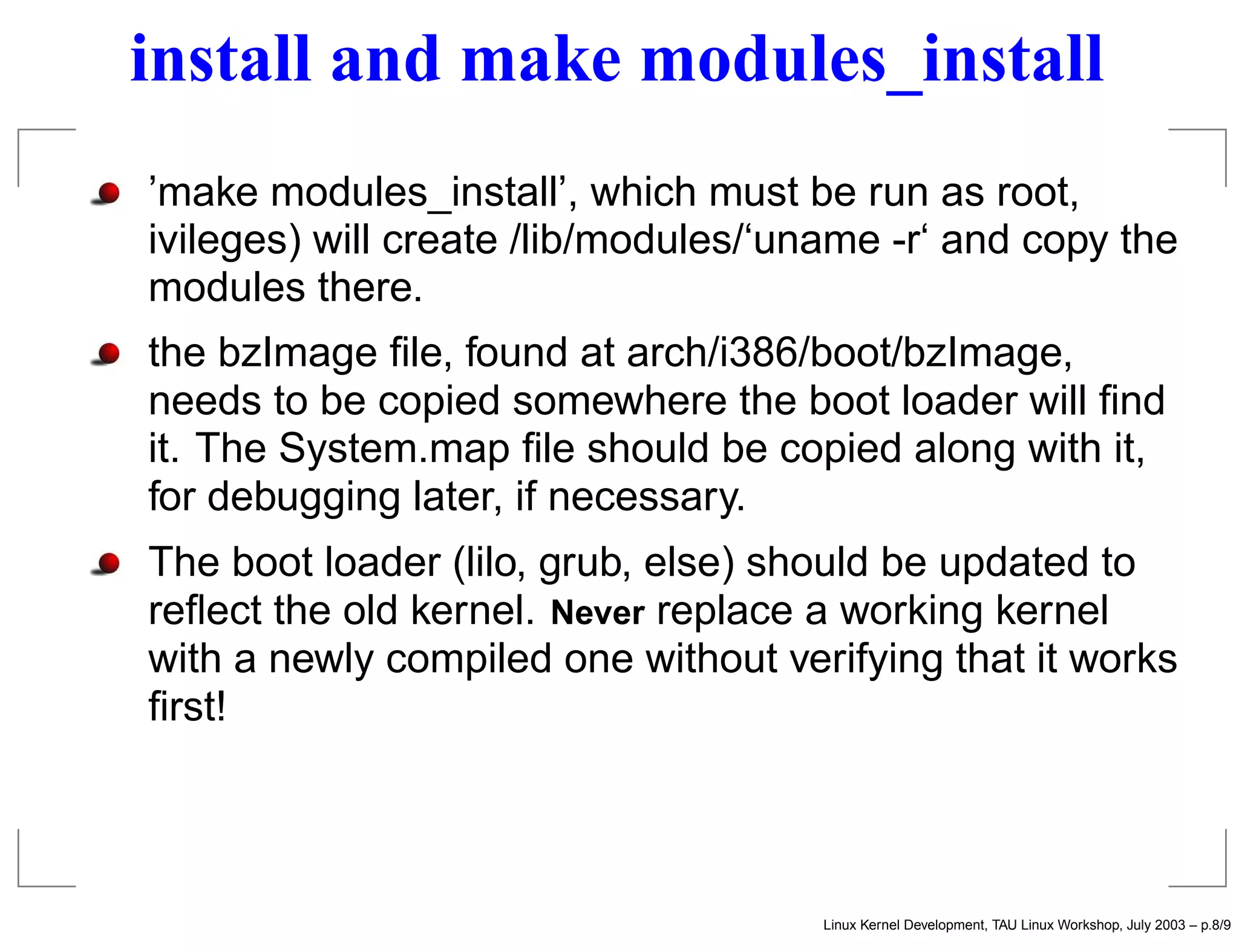
install and make modules_install
’make modules_install’, which must be run as root,
ivileges) will create /lib/modules/‘uname -r‘ and copy the
modules there.
the bzImage file, found at arch/i386/boot/bzImage,
needs to be copied somewhere the boot loader will find
it. The System.map file should be copied along with it,
for debugging later, if necessary.
The boot loader (lilo, grub, else) should be updated to
reflect the old kernel. Never replace a working kernel
with a newly compiled one without verifying that it works
first!
Linux Kernel Development, TAU Linux Workshop, July 2003 – p.8/9
problem solving
So you compiled your first kernel, and it doesn’t work.
Congratulations! you aren’t the first one, and certainly won’t
be the last one.
did you install the bzImage and modules properly? did
you update the boot loader?
if hardware that used to work no longer works, check
the .config for appropriate support
if you compiled your disk drivers as modules, you need
to create an initrd (initial ram disk). Read the
documentation for more information.
enjoy your new kernel!
Linux Kernel Development, TAU Linux Workshop, July 2003 – p.9/9

Kernel compilation

  • 1.
    Linux Kernel Compilation fromsource to running Muli Ben-Yehuda mulix@mulix.org IBM Haifa Research Labs Linux Kernel Development, TAU Linux Workshop, July 2003 – p.1/9
  • 2.
    introduction In this talk,I will talk about and demonstrate compiling the Linux kernel. Topics inlcude: overview of kernel compilation configuring the kernel dep, clean and mrproper make bzImage - build the kernel image make modules - build the modules make modules_install and final installation problem solving Linux Kernel Development, TAU Linux Workshop, July 2003 – p.2/9
  • 3.
    overview compiling the kernelis composed of three stages: configuration, building (compiling) and installing it’s really quite simpler than it appears, and it’s very hard to cause damage and end with a non booting system we will go over the steps together, configuring, building and installing the latest 2.4 kernel (2.4.22-pre5 as I write this) Linux Kernel Development, TAU Linux Workshop, July 2003 – p.3/9
  • 4.
    configuration configuring the kernelcan be non trivial, since you have to include support for your hardware for things to work if you’ve done it before and saved the .config, just do ’make oldconfig’. ’make oldconfig’ will only asked about new configuration choices and use your old choices for everything else otherwise, run ’make menuconfig’ or ’make xconfig’, and start going through the options, based on your computer’s hardware alternatives include ’make defconfig’, for a “default” configuration, and copying a distribution’s .config for a configuration that should fit almost everything Linux Kernel Development, TAU Linux Workshop, July 2003 – p.4/9
  • 5.
    dep, clean, andmrproper after configuring the kernel, you need to do ’make dep’, in order to generate dependency information and cause various build magic to occur. occasionally, you might want or need to clean up the sources before beginning from scratch. ’make clean’ will delete object files, ’make mrproper’ will delete everything except the sources, including your .config! be sure to save it elsewhere, not in the kernel source directory, as ’make mrproper’ will delete all files matching .config* neither ’make clean’ nor ’make mrproper’ are needed if this is the first time compiling the kernel from pristine sources, only ’make dep’. Linux Kernel Development, TAU Linux Workshop, July 2003 – p.5/9
  • 6.
    make bzImage Not muchto say here, really... ’make bzImage’ will build a compressed, ready to be installed kernel image. Alternatives include ’make vmlinux’, which will create a debuggable (but not runnable) kernel image. Linux Kernel Development, TAU Linux Workshop, July 2003 – p.6/9
  • 7.
    make modules ’make modules’will built the various components which we chose to build as modules. Why would we want to build something as a module? to save space in the kernel image (for embedded systems) for easier debugging of drivers and kernel code to support new peripherals without requiring a kernel reboot. Linux Kernel Development, TAU Linux Workshop, July 2003 – p.7/9
  • 8.
    install and makemodules_install ’make modules_install’, which must be run as root, ivileges) will create /lib/modules/‘uname -r‘ and copy the modules there. the bzImage file, found at arch/i386/boot/bzImage, needs to be copied somewhere the boot loader will find it. The System.map file should be copied along with it, for debugging later, if necessary. The boot loader (lilo, grub, else) should be updated to reflect the old kernel. Never replace a working kernel with a newly compiled one without verifying that it works first! Linux Kernel Development, TAU Linux Workshop, July 2003 – p.8/9
  • 9.
    problem solving So youcompiled your first kernel, and it doesn’t work. Congratulations! you aren’t the first one, and certainly won’t be the last one. did you install the bzImage and modules properly? did you update the boot loader? if hardware that used to work no longer works, check the .config for appropriate support if you compiled your disk drivers as modules, you need to create an initrd (initial ram disk). Read the documentation for more information. enjoy your new kernel! Linux Kernel Development, TAU Linux Workshop, July 2003 – p.9/9