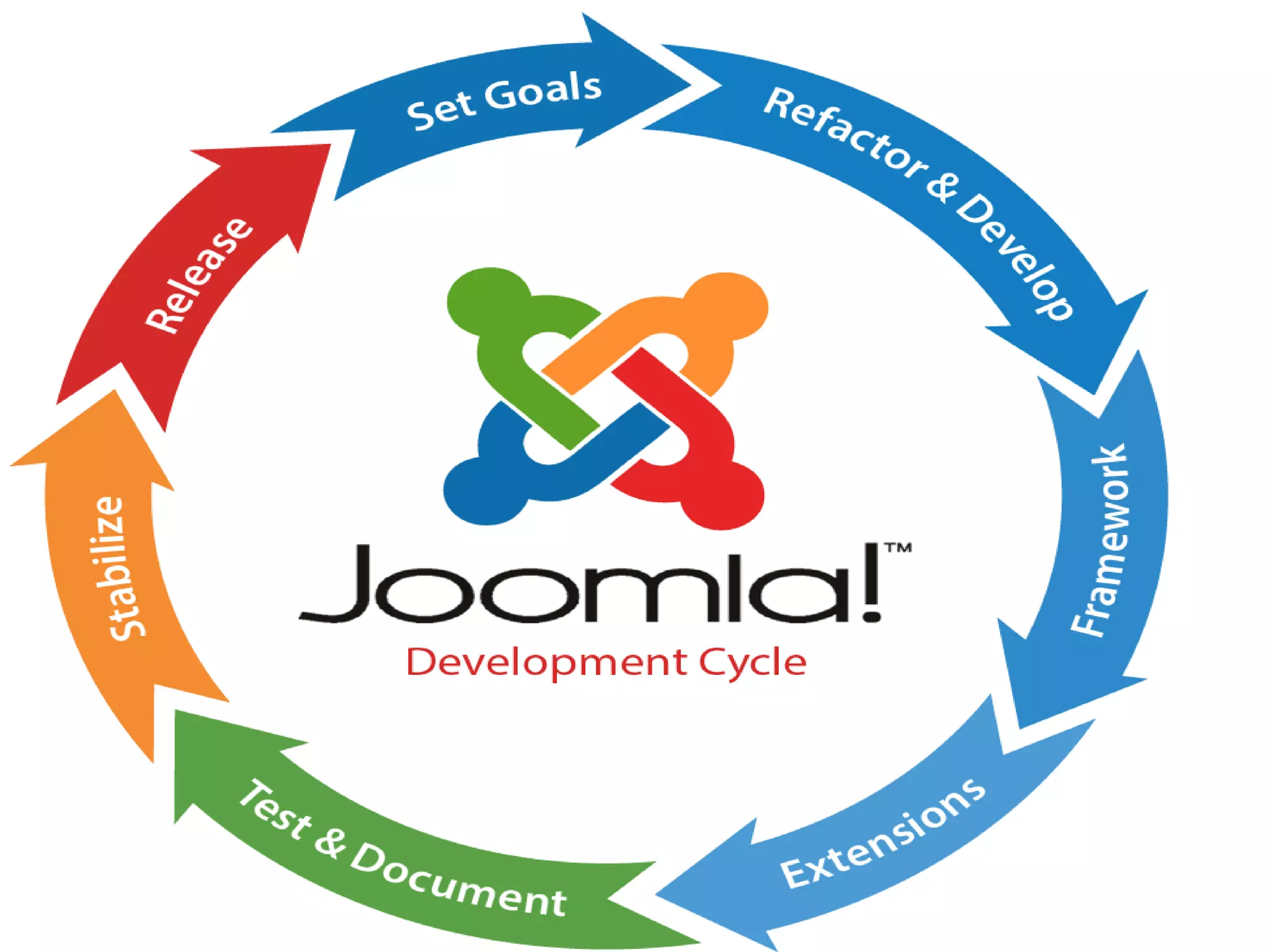
Joomla is the most
popular and widely
supported open source
multilingual CMS
platform in the world
offering more than 64
languages
Core Features of Joomla!
• ContentManagement
• User Management
• MediaManager
• ContactManagement
• Banner Management
• Search
• WebLinks
• RSS
• Menu Manager
• TemplateManagement
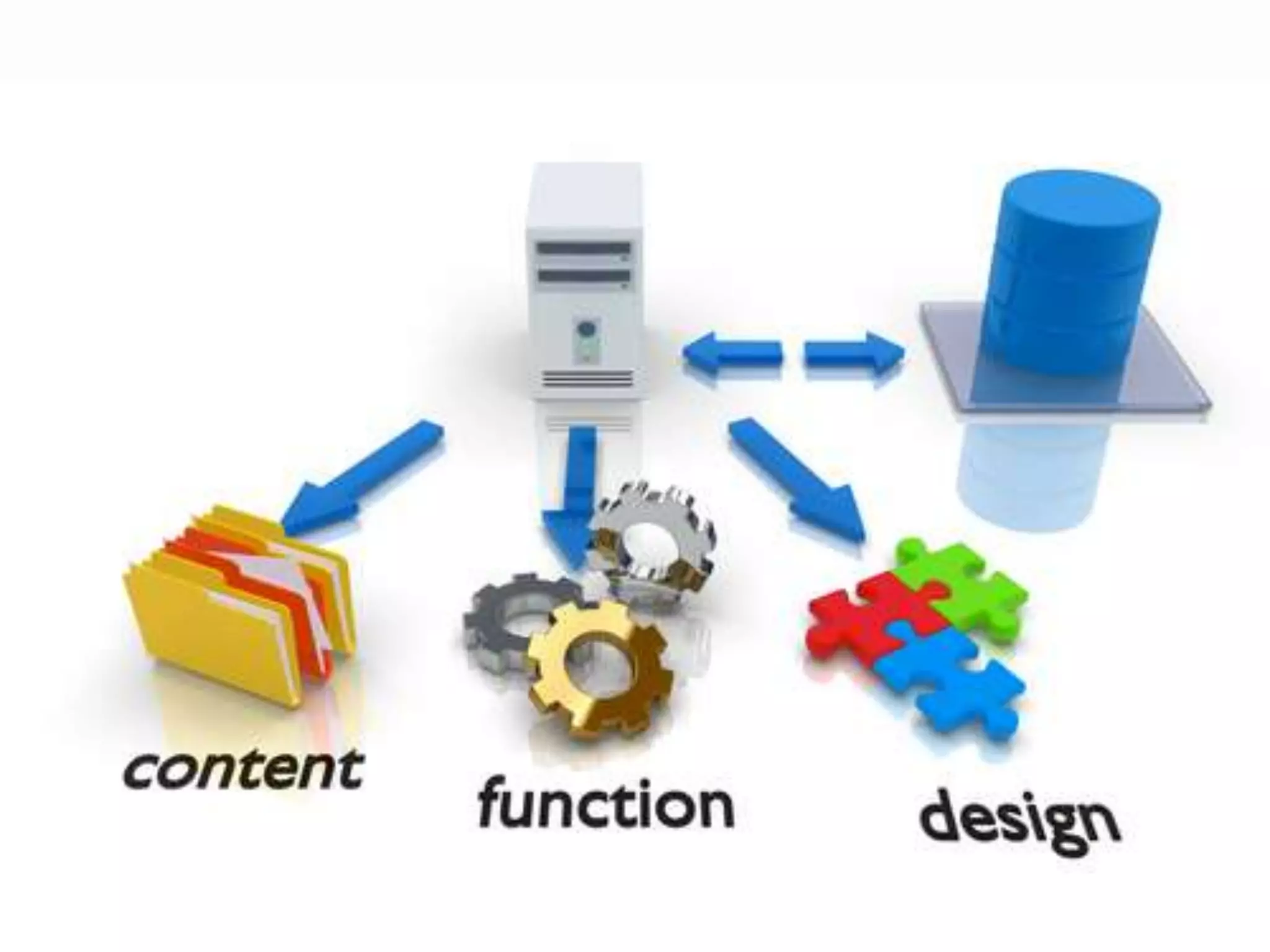
Content management System is a software that
allows to create and manage web pages easily by
separating the creation of your content from the
mechanics reqiored to present it on the web. Look
and feel of a site are created by templates. Joomla!
Brings together the template and your content to
create web page. The content involved may be
images, video, audio and multimedia as well as
text.
WithJoomla!Get Your Website loadin under1
second
Joomla!- Extensive ACL forall your access
control needs
ACL stands for Access Control List, it allows you to manage the
users of your site, and different groups. When you're
managing large content portals or even intranets that means
you need extensive control on who can see what and who
can edit or manage what. The Joomla! ACL is extremely
powerful and can be tweaked via configuration to suit any
needsyou mighthave.
Next GenerationToolKit -Joomla
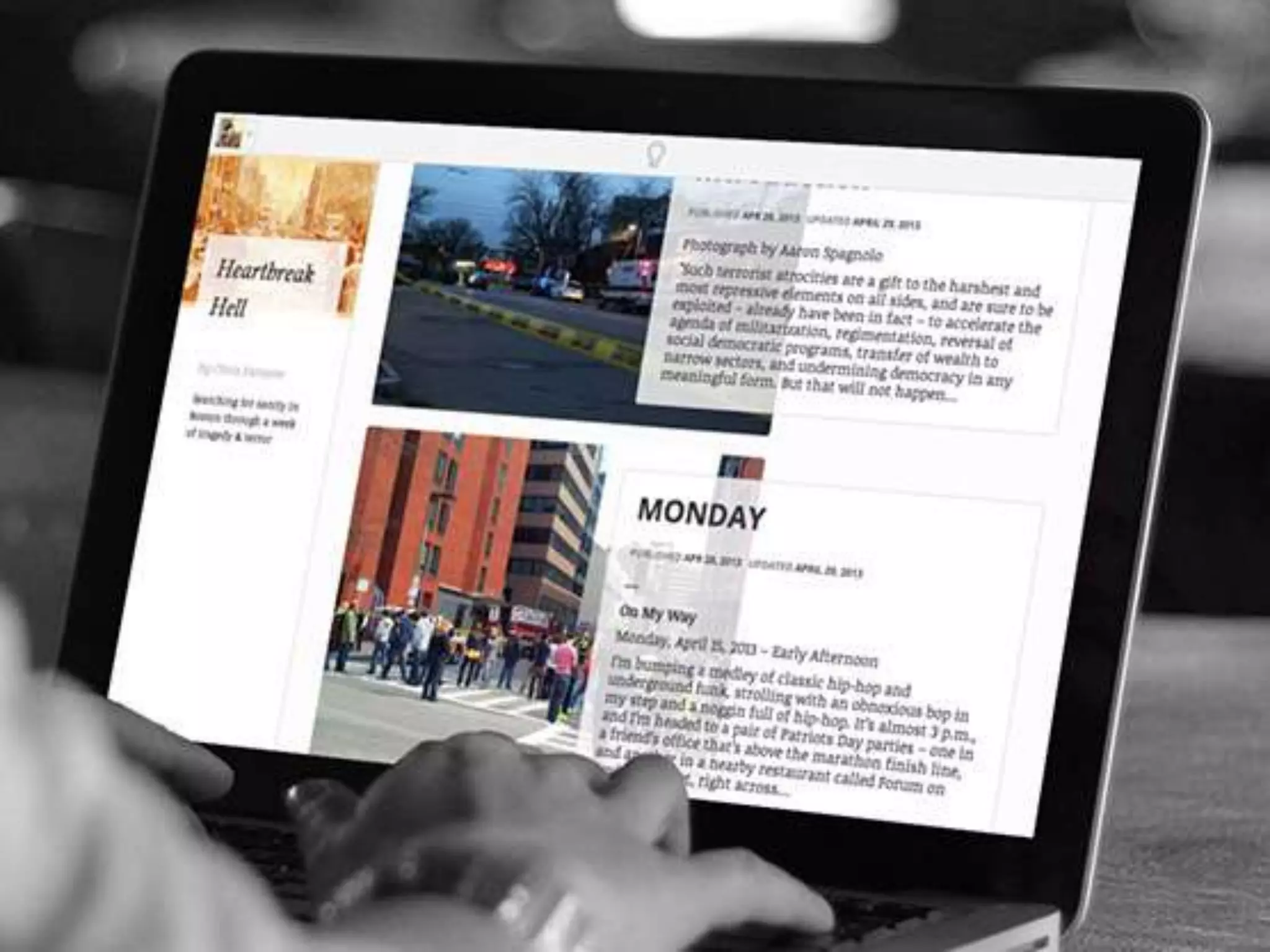
Frontend Editing Feature ofJoomla!
Editing content should be easy and fast. You are
reading through your site's content and see a change
you need to make. No need to login to the
administrative section any more for simple edits of
content and modules. Simply click and edit from the
frontend.
What is User Management
Joomla has a built-in registration system that allows users to
configure personal options. There are multiple user groups with
various types of permissions on what users are allowed to access,
edit, publish and administrate. Authentication is an important part of
user management and Joomla support multiple protocols, including
LDAP, OpenID, and even Google mail. This allows users to use their
existingaccount informationtostreamlinetheregistration process.
Media Manager
The Media Manager is the tool for easily managing media
(image and others) files or folders. Joomla! Media Manager
contains a number of subdirectories which will show up in a
column to the left of the Media Manager. By clicking on the
folders in this tree structure, you can show their content in the
right-hand section of the Media Manager. Navigation through
subdirectories in the Media Manager can be done using this
method, or by clicking on the folders in the right-hand section
which willalso show thecontents.
Menu Manager–Joomla!
The Menu Manager allows you to create as many menus and
menu items as you need. You can structure your menu
hierarchy (and nested menu items) completely independent
of your content structure. Put one menu in multiple places
and in any style you want; use rollovers, dropdown, flyouts
and just about any other navigation system you can think of.
Also automatic breadcrumbs are generated to help navigate
your siteusers.
Joomla!–MakingBeautiful Icons
Banner Managementon Joomla!
It's easy to set up banners on Joomla powered web
site usingthe Banner Manager, starting with creating
a client profile. After adding campaigns and banners,
impression numbers, special URLs and more can be
pre-set.
Jooomla! was one of the pioneers in opensource CMS's by adopting a MVC
design strategy. MVC means that views are strictly separate from the
business logic. This is a huge advantage since you own the views or can
overridethem to achieve superior custom designs. Joomla! not only gives
you the design freedom that you have always craved but can help you make
your sites stand outin the crowd!
JOOMLA DESIGN
Spend less time coding and reduce the tedious tasks
associated with building interfaces in Joomla! The features
LESS CSS and jQuery which means you canwrite less code to
achieve greater results. In addition the Icomoon font icon
library provides a wealth of retina-optimized icons. The
Joomla! User Interface (JUI) library gives you a standardized
backend& frontendinterface.
Beautiful Fonts forthat extra edge
Designers know the power of fonts for expressing ideas and
design strategies. With Joomla! you do not need to get
constrained by standard Web fonts. The Joomla! core itself
opens a whole new world of expression because it allows you
the freedom to use Google fonts to make that new design
dream cometrue !
TemplateManagement
Template Management
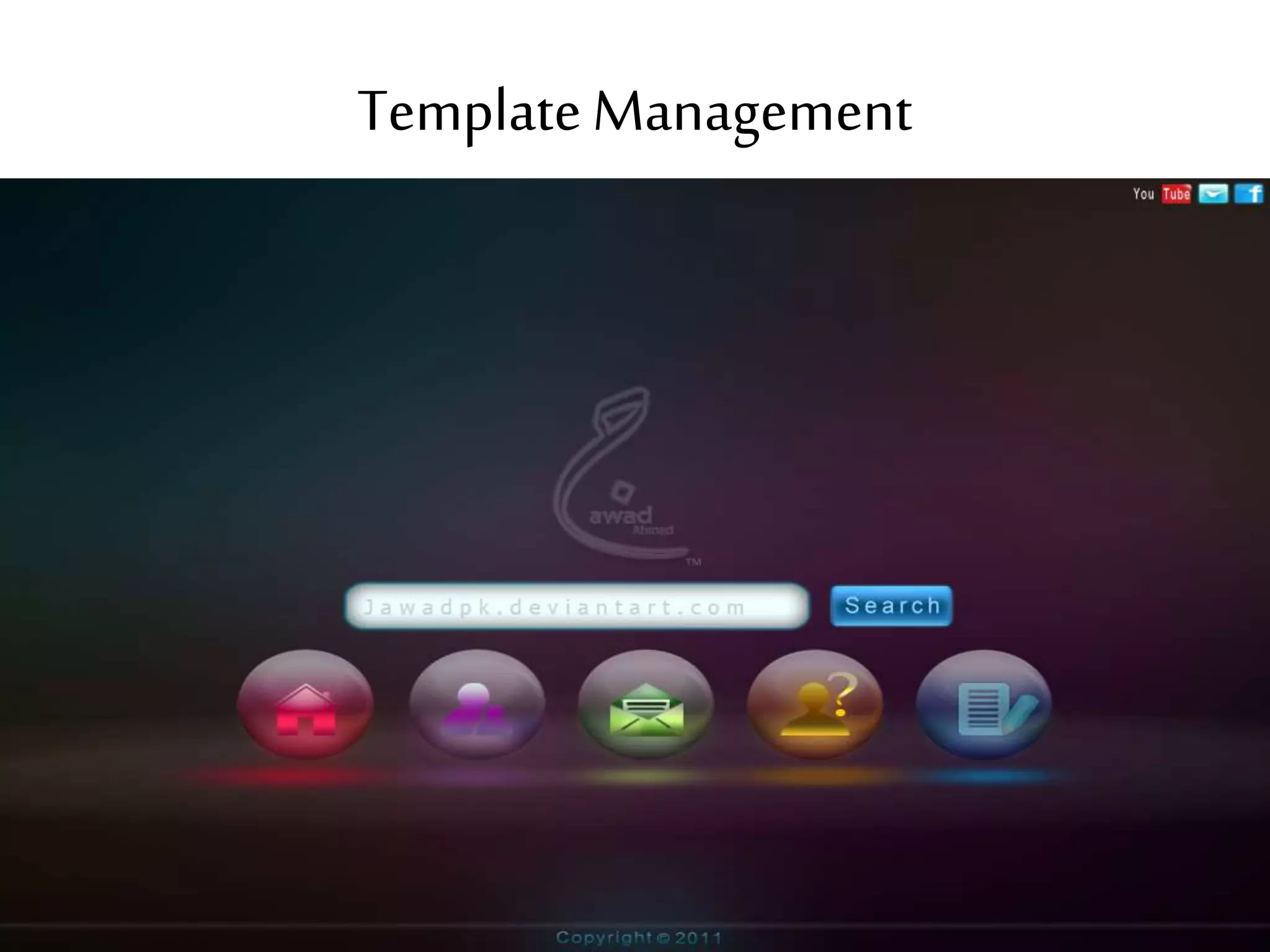
Templates in Joomla! are more than a framework for
managing your designs but a powerful tool suite for making
your site look exactly the way you want. You have complete
control of your presentation since you can either use a single
template for the entire site or a separate template for each site
section or menu item. The level of visual control goes a step
further with powerful template overrides, allowing you to
customizeeach part of your pages.
Integrated helpsystem of Joomla
Joomla! has anin-app contextualhelp system to help every
level of user to operate theirJoomla.Most pages have a
help button in the top right, helping you fullyunderstand
all optionson thatpage. There is also a glossary explaining
the terms in plainEnglish,a version checker makes sure
you're using the latest version, a system informationtool
helps you troubleshoot.If allelse fails,links toa wealth of
online resources for additional helpand support are
available, such asJoomla! Documentation and User Forum
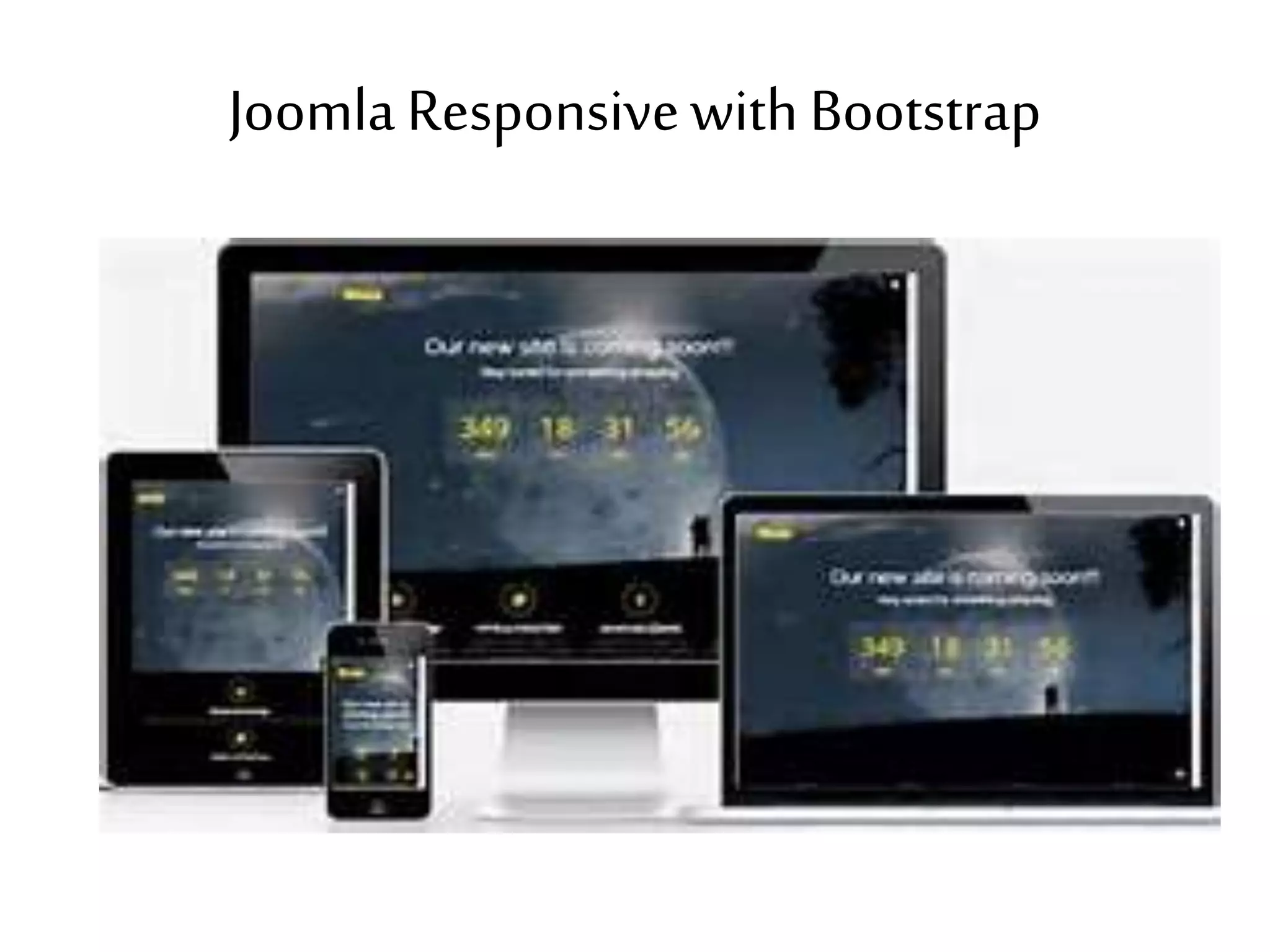
JoomlaResponsivewith Bootstrap
Joomla! is Mobile Ready and allows you to build
more than just websites but online applications
that can respond to virtually any device. Joomla!
core templates are built with Bootstrap making
it responsive out of the box. Which means you
have a toolset to work with which makes
creating templates even easier!
In a web where content is being shared across multiple
networks,Joomla! makes it easy to manageyour content
from a single location. WithAPIs supporting several third
party services and a connector enablingrequests to
anywhere on the web, users and developers have a
magnitudeof power and data readily available to them.
User Management
Joomla! has a registration system that allows users to configure
personal options. There are user groups with various types of
permissions on what users are allowed to access, edit, publish
and administer. Authentication is an important part of user
management and Joomla! supports multiple protocols, including
LDAP, OpenID, and even Gmail. This allows users to use their
existing account information to streamline the registration
process. All of this can be added onto with extensions, giving you
complete control over what users can access and how they
authenticatetoyour site.
PowerfulExtensibility
The Joomla! core is just the beginning, the real
power is in the way you can customize Joomla.
More than 8.000 extensions are available to
extend your website and broaden its
funcionality.
NetConnectWeb
Philadelphia Office
30 Village Center Drive,
Suite 1
Flying Hills, PA 19067
Tel (610)285-97927
Fax (610)285-9791
Florida Office
970 Lake Carillon Drive,
Suite 300
St Petersburg, FL 33716
Tel (610) 285-9792 x 1003
Fax (610) 285-9791

Joomla! - Features of Joomla! - Joomla! Web development Company - Joomla! E-Commerce development - Web developing Company Jooma!

  • 2.
    Joomla is themost popular and widely supported open source multilingual CMS platform in the world offering more than 64 languages
  • 3.
    Core Features ofJoomla! • ContentManagement • User Management • MediaManager • ContactManagement • Banner Management • Search • WebLinks • RSS • Menu Manager • TemplateManagement
  • 4.
    Content management Systemis a software that allows to create and manage web pages easily by separating the creation of your content from the mechanics reqiored to present it on the web. Look and feel of a site are created by templates. Joomla! Brings together the template and your content to create web page. The content involved may be images, video, audio and multimedia as well as text.
  • 6.
    WithJoomla!Get Your Websiteloadin under1 second
  • 7.
    Joomla!- Extensive ACLforall your access control needs ACL stands for Access Control List, it allows you to manage the users of your site, and different groups. When you're managing large content portals or even intranets that means you need extensive control on who can see what and who can edit or manage what. The Joomla! ACL is extremely powerful and can be tweaked via configuration to suit any needsyou mighthave.
  • 9.
  • 10.
    Frontend Editing FeatureofJoomla! Editing content should be easy and fast. You are reading through your site's content and see a change you need to make. No need to login to the administrative section any more for simple edits of content and modules. Simply click and edit from the frontend.
  • 12.
    What is UserManagement Joomla has a built-in registration system that allows users to configure personal options. There are multiple user groups with various types of permissions on what users are allowed to access, edit, publish and administrate. Authentication is an important part of user management and Joomla support multiple protocols, including LDAP, OpenID, and even Google mail. This allows users to use their existingaccount informationtostreamlinetheregistration process.
  • 14.
    Media Manager The MediaManager is the tool for easily managing media (image and others) files or folders. Joomla! Media Manager contains a number of subdirectories which will show up in a column to the left of the Media Manager. By clicking on the folders in this tree structure, you can show their content in the right-hand section of the Media Manager. Navigation through subdirectories in the Media Manager can be done using this method, or by clicking on the folders in the right-hand section which willalso show thecontents.
  • 16.
    Menu Manager–Joomla! The MenuManager allows you to create as many menus and menu items as you need. You can structure your menu hierarchy (and nested menu items) completely independent of your content structure. Put one menu in multiple places and in any style you want; use rollovers, dropdown, flyouts and just about any other navigation system you can think of. Also automatic breadcrumbs are generated to help navigate your siteusers.
  • 17.
  • 18.
    Banner Managementon Joomla! It'seasy to set up banners on Joomla powered web site usingthe Banner Manager, starting with creating a client profile. After adding campaigns and banners, impression numbers, special URLs and more can be pre-set.
  • 19.
    Jooomla! was oneof the pioneers in opensource CMS's by adopting a MVC design strategy. MVC means that views are strictly separate from the business logic. This is a huge advantage since you own the views or can overridethem to achieve superior custom designs. Joomla! not only gives you the design freedom that you have always craved but can help you make your sites stand outin the crowd! JOOMLA DESIGN
  • 20.
    Spend less timecoding and reduce the tedious tasks associated with building interfaces in Joomla! The features LESS CSS and jQuery which means you canwrite less code to achieve greater results. In addition the Icomoon font icon library provides a wealth of retina-optimized icons. The Joomla! User Interface (JUI) library gives you a standardized backend& frontendinterface.
  • 21.
    Beautiful Fonts forthatextra edge Designers know the power of fonts for expressing ideas and design strategies. With Joomla! you do not need to get constrained by standard Web fonts. The Joomla! core itself opens a whole new world of expression because it allows you the freedom to use Google fonts to make that new design dream cometrue !
  • 22.
  • 23.
    Template Management Templates inJoomla! are more than a framework for managing your designs but a powerful tool suite for making your site look exactly the way you want. You have complete control of your presentation since you can either use a single template for the entire site or a separate template for each site section or menu item. The level of visual control goes a step further with powerful template overrides, allowing you to customizeeach part of your pages.
  • 24.
  • 25.
    Joomla! has anin-appcontextualhelp system to help every level of user to operate theirJoomla.Most pages have a help button in the top right, helping you fullyunderstand all optionson thatpage. There is also a glossary explaining the terms in plainEnglish,a version checker makes sure you're using the latest version, a system informationtool helps you troubleshoot.If allelse fails,links toa wealth of online resources for additional helpand support are available, such asJoomla! Documentation and User Forum
  • 26.
  • 27.
    Joomla! is MobileReady and allows you to build more than just websites but online applications that can respond to virtually any device. Joomla! core templates are built with Bootstrap making it responsive out of the box. Which means you have a toolset to work with which makes creating templates even easier!
  • 28.
    In a webwhere content is being shared across multiple networks,Joomla! makes it easy to manageyour content from a single location. WithAPIs supporting several third party services and a connector enablingrequests to anywhere on the web, users and developers have a magnitudeof power and data readily available to them.
  • 29.
  • 30.
    Joomla! has aregistration system that allows users to configure personal options. There are user groups with various types of permissions on what users are allowed to access, edit, publish and administer. Authentication is an important part of user management and Joomla! supports multiple protocols, including LDAP, OpenID, and even Gmail. This allows users to use their existing account information to streamline the registration process. All of this can be added onto with extensions, giving you complete control over what users can access and how they authenticatetoyour site.
  • 32.
    PowerfulExtensibility The Joomla! coreis just the beginning, the real power is in the way you can customize Joomla. More than 8.000 extensions are available to extend your website and broaden its funcionality.
  • 34.
    NetConnectWeb Philadelphia Office 30 VillageCenter Drive, Suite 1 Flying Hills, PA 19067 Tel (610)285-97927 Fax (610)285-9791 Florida Office 970 Lake Carillon Drive, Suite 300 St Petersburg, FL 33716 Tel (610) 285-9792 x 1003 Fax (610) 285-9791