08.10.2015
1
Java Development
Environment
YRD.DOÇ.DR. CELAL MURAT KANDEMİR
ESKİŞEHİR OSMANGAZİ ÜNİVERSİTESİ EĞİTİM FAKÜLTESİ
BİLGİSAYAR VE ÖĞRETİM TEKNOLOJİLERİ EĞİTİMİ
Contents
JDK Installation
Eclipse Installation
Eclipse Configuration
08.10.2015
2
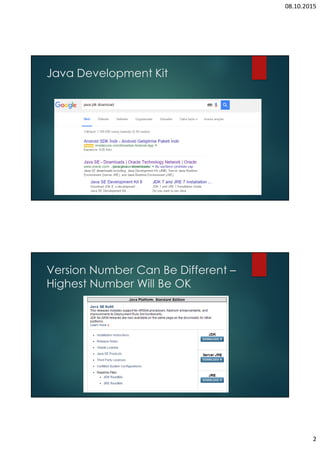
Java Development Kit
Version Number Can Be Different –
Highest Number Will Be OK
08.10.2015
3
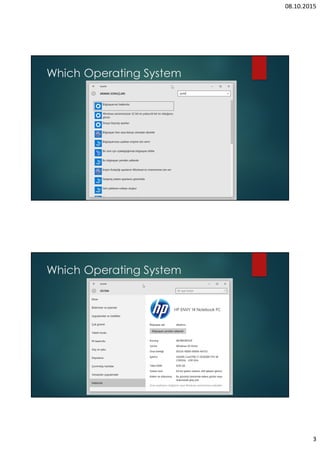
Which Operating System
08.10.2015
4
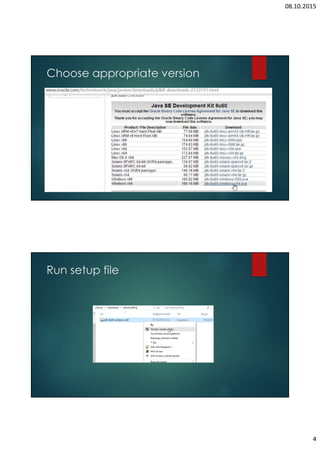
Choose appropriate version
Run setup file
08.10.2015
5
Follow the steps – 1st JDK
Installation
Follow the steps – 2nd JRE
Installation
08.10.2015
6
Environments variables
System Properties
08.10.2015
7
Environments variables
System variables
Add JAVA_HOME
c:Program FilesJavajdk1.8.0_60
Add %JAVA_HOME% and
%JAVA_HOME%bin to the PATH
;JAVA_HOME; %JAVA_HOME%bin
Environments variables
08.10.2015
8
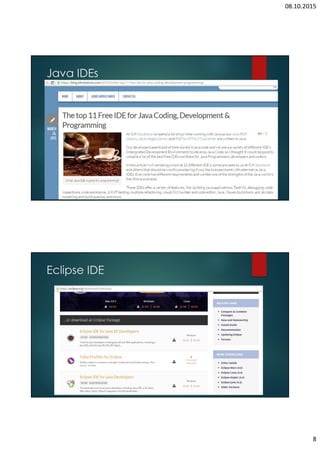
Java IDEs
Eclipse IDE
08.10.2015
9
Compare Eclipse Packages
Eclipse Mars
08.10.2015
10
Running Eclipse
Running Eclipse
08.10.2015
11
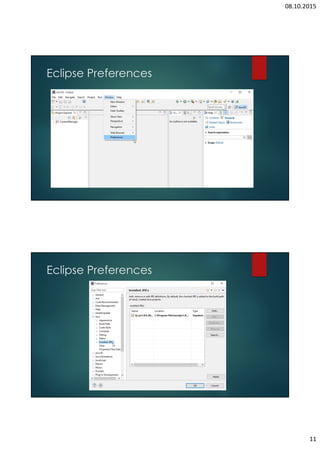
Eclipse Preferences
Eclipse Preferences
08.10.2015
12
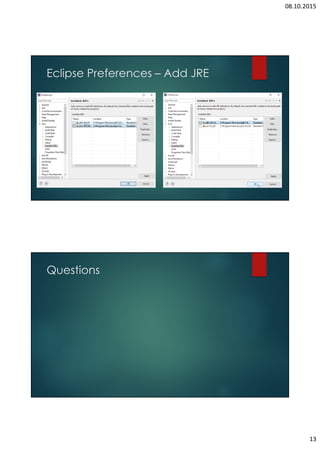
Eclipse Preferences – Add JRE
08.10.2015
13
Eclipse Preferences – Add JRE
Questions

JDK and Eclipse Installation and Configuration