JDBC – 
Java DataBase Connectivity 
CSE432 
Object Oriented 
Software Engineering
2 
What is JDBC? 
 “An API that lets you access virtually any tabular data 
source from the Java programming language” 
 JDBC Data Access API – JDBC Technology Homepage 
 What’s an API? 
 See J2SE documentation 
 What’s a tabular data source? 
 “… access virtually any data source, from relational 
databases to spreadsheets and flat files.” 
 JDBC Documentation 
 We’ll focus on accessing Oracle databases
3 
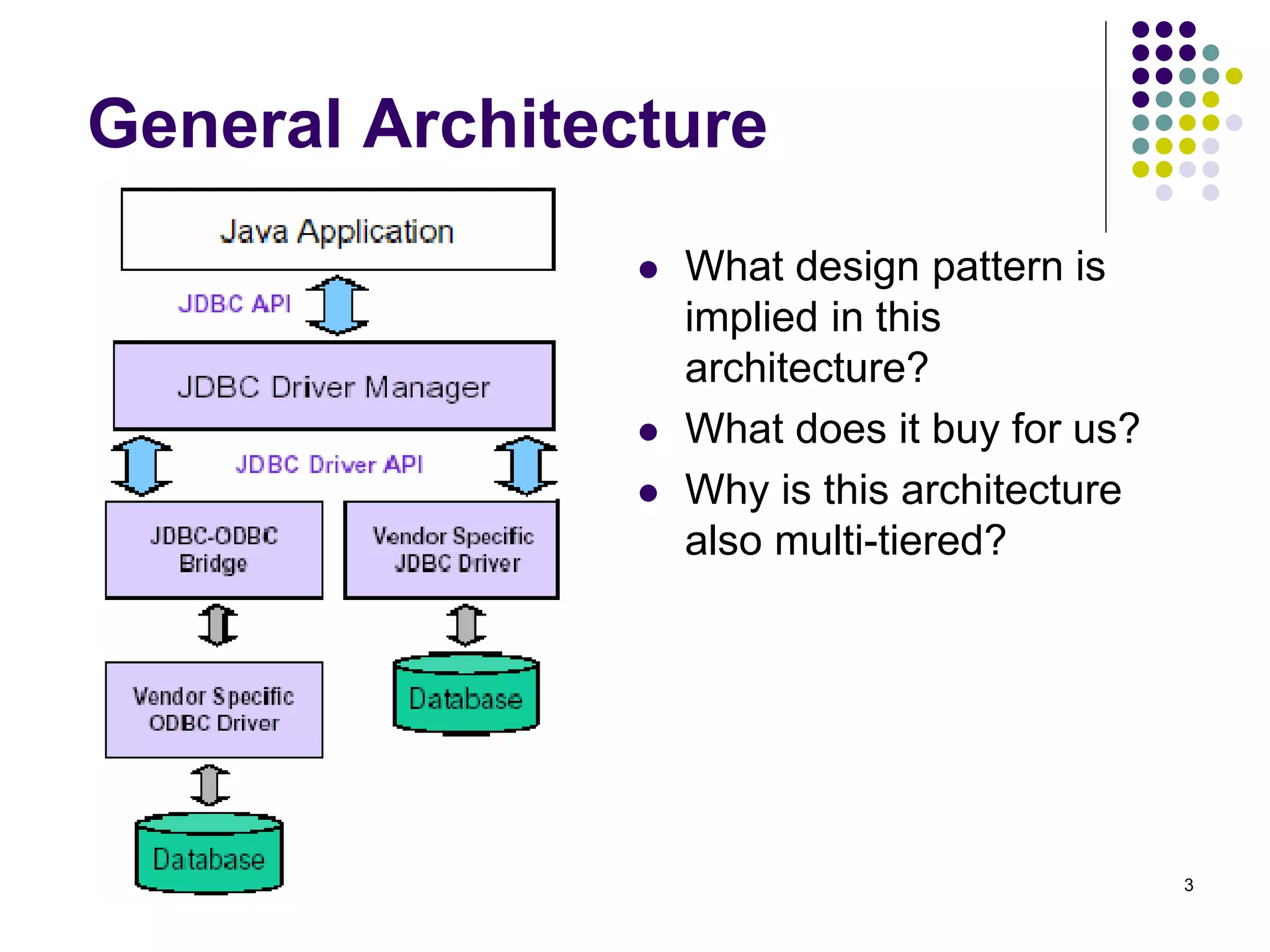
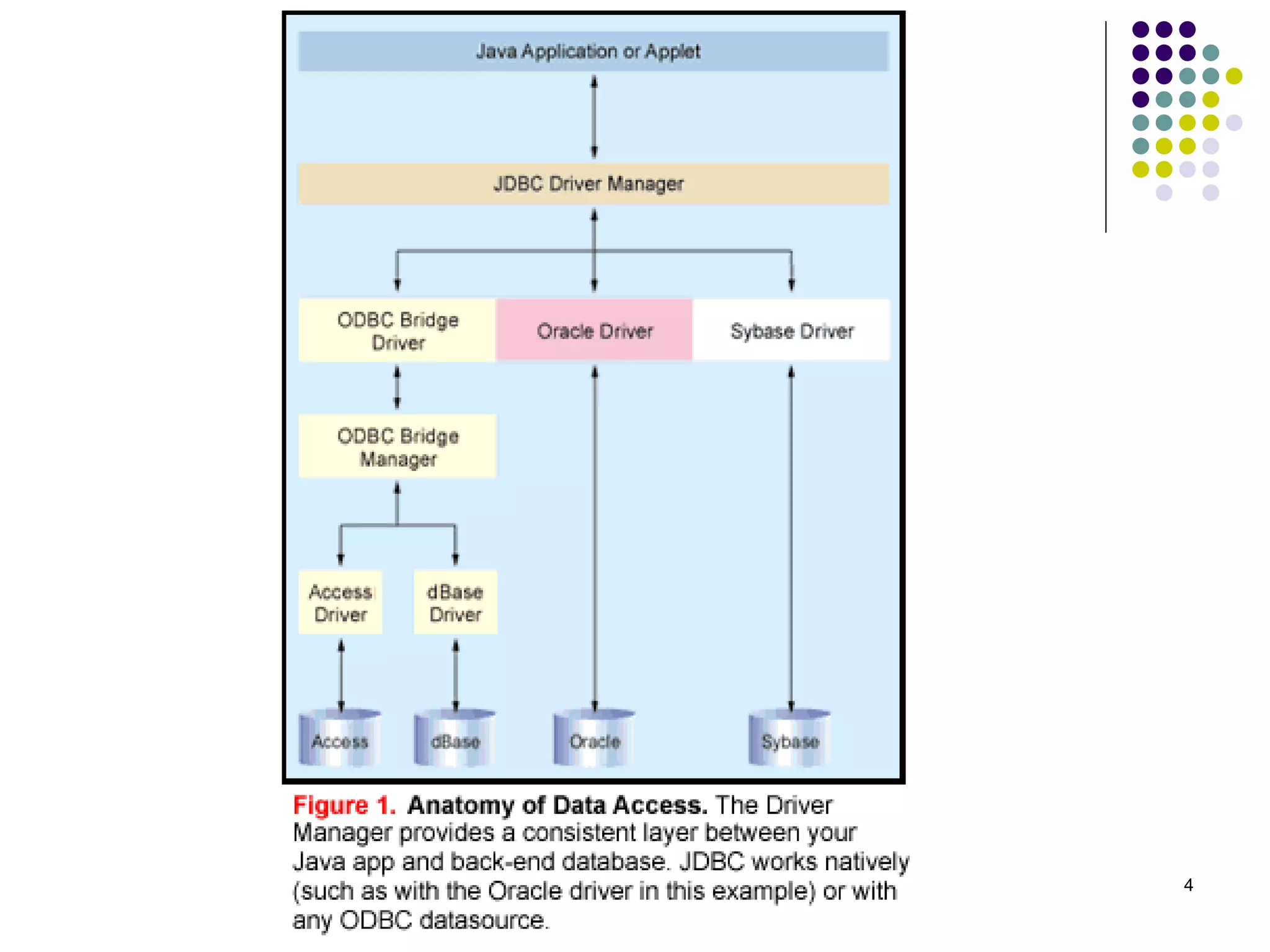
General Architecture 
 What design pattern is 
implied in this 
architecture? 
 What does it buy for us? 
 Why is this architecture 
also multi-tiered?
4
5 
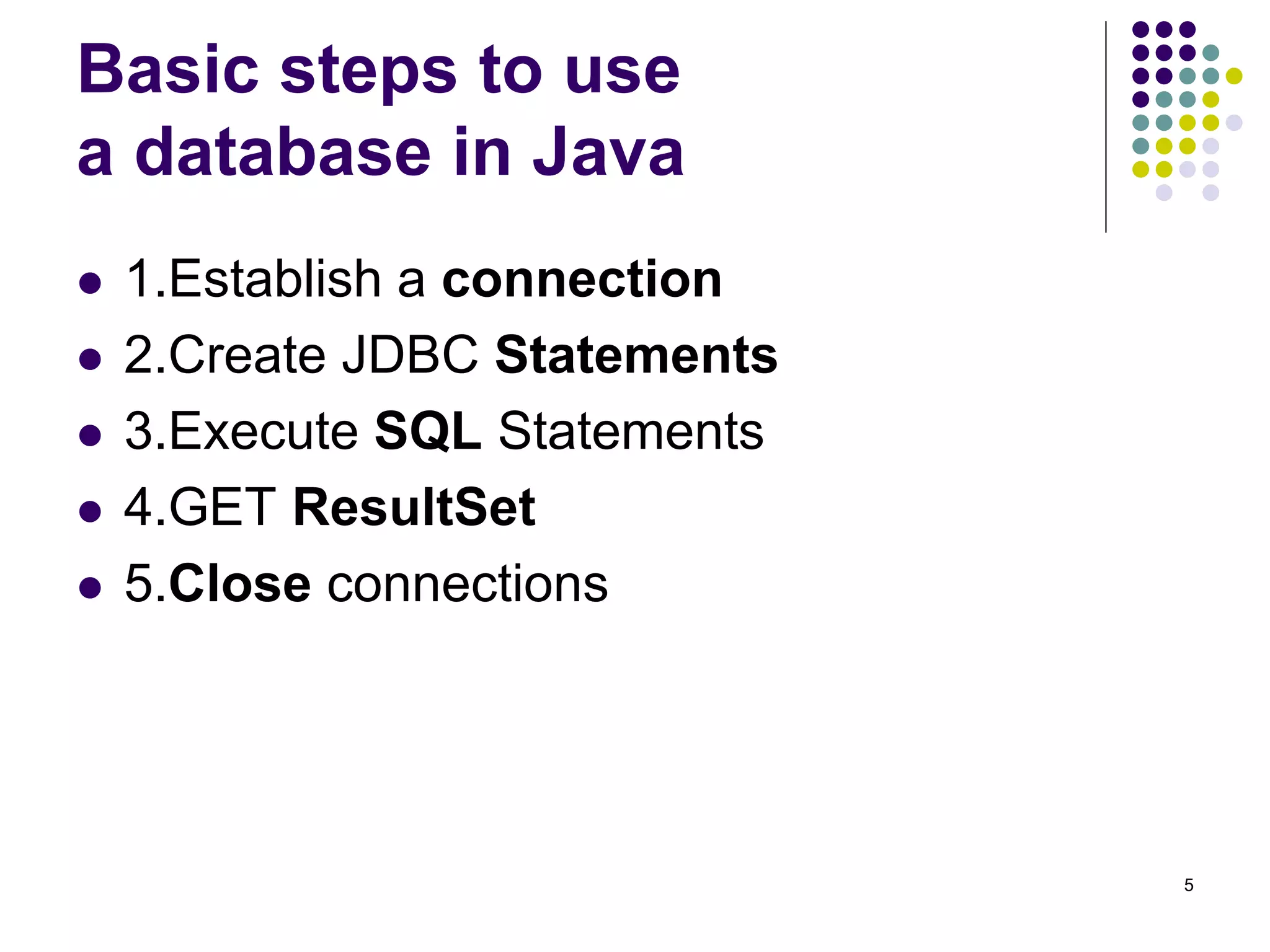
Basic steps to use 
a database in Java 
 1.Establish a connection 
 2.Create JDBC Statements 
 3.Execute SQL Statements 
 4.GET ResultSet 
 5.Close connections
6 
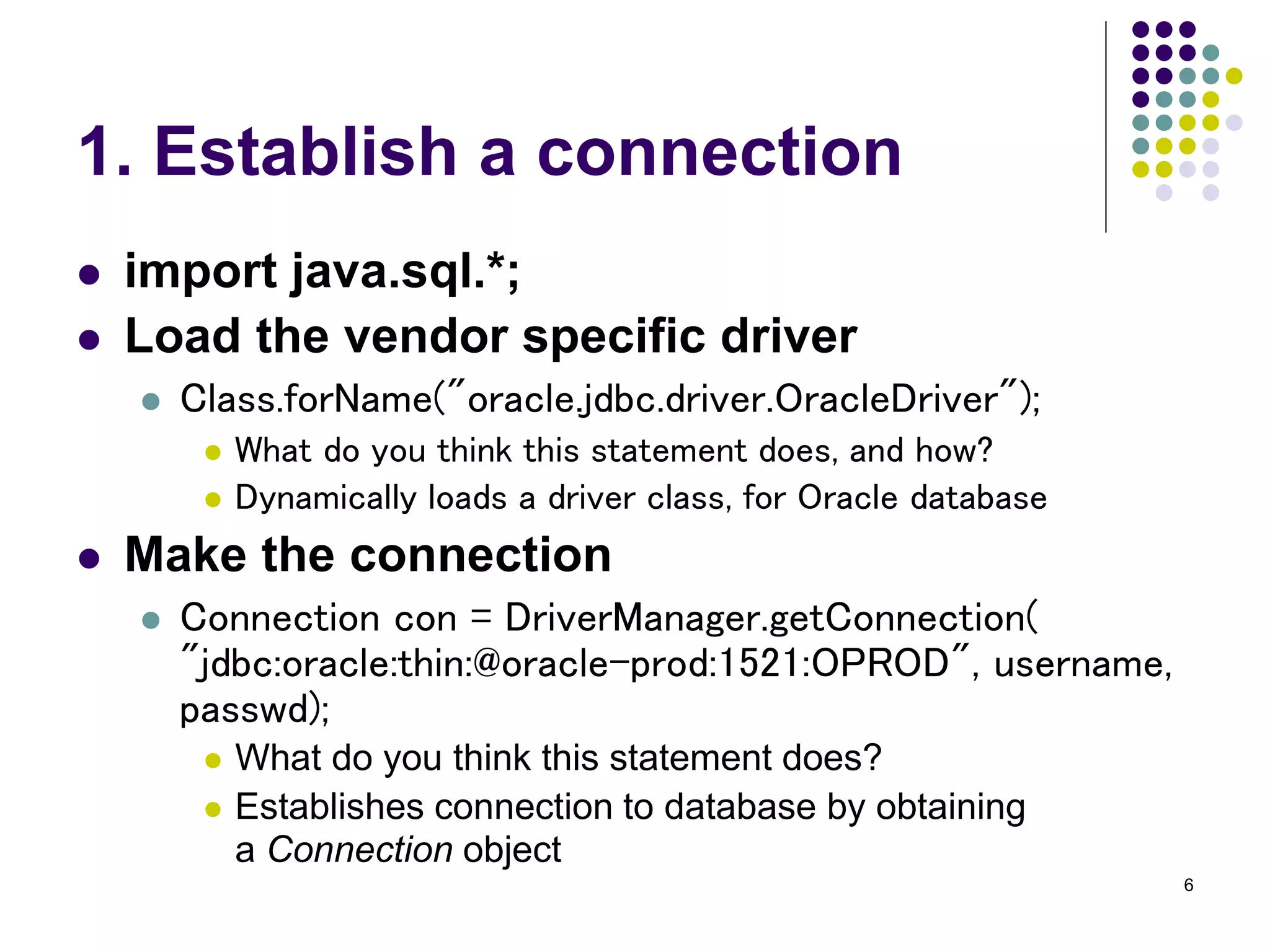
1. Establish a connection 
 import java.sql.*; 
 Load the vendor specific driver 
 Class.forName("oracle.jdbc.driver.OracleDriver"); 
 What do you think this statement does, and how? 
 Dynamically loads a driver class, for Oracle database 
 Make the connection 
 Connection con = DriverManager.getConnection( 
"jdbc:oracle:thin:@oracle-prod:1521:OPROD", username, 
passwd); 
 What do you think this statement does? 
 Establishes connection to database by obtaining 
a Connection object
7 
2. Create JDBC statement(s) 
 Statement stmt = con.createStatement() ; 
 Creates a Statement object for sending SQL statements 
to the database
8 
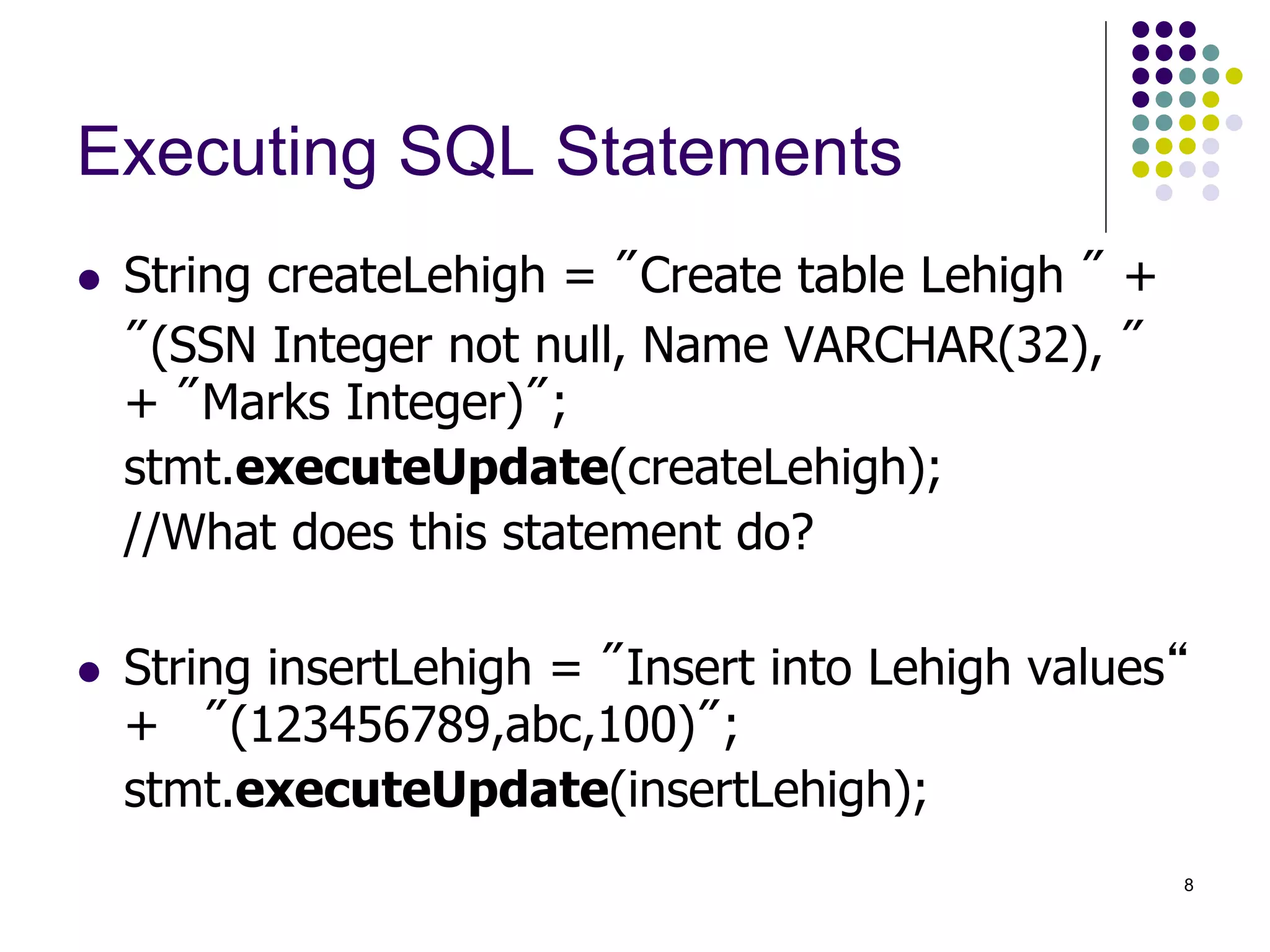
Executing SQL Statements 
 String createLehigh = "Create table Lehigh " + 
"(SSN Integer not null, Name VARCHAR(32), " 
+ "Marks Integer)"; 
stmt.executeUpdate(createLehigh); 
//What does this statement do? 
 String insertLehigh = "Insert into Lehigh values“ 
+ "(123456789,abc,100)"; 
stmt.executeUpdate(insertLehigh);
9 
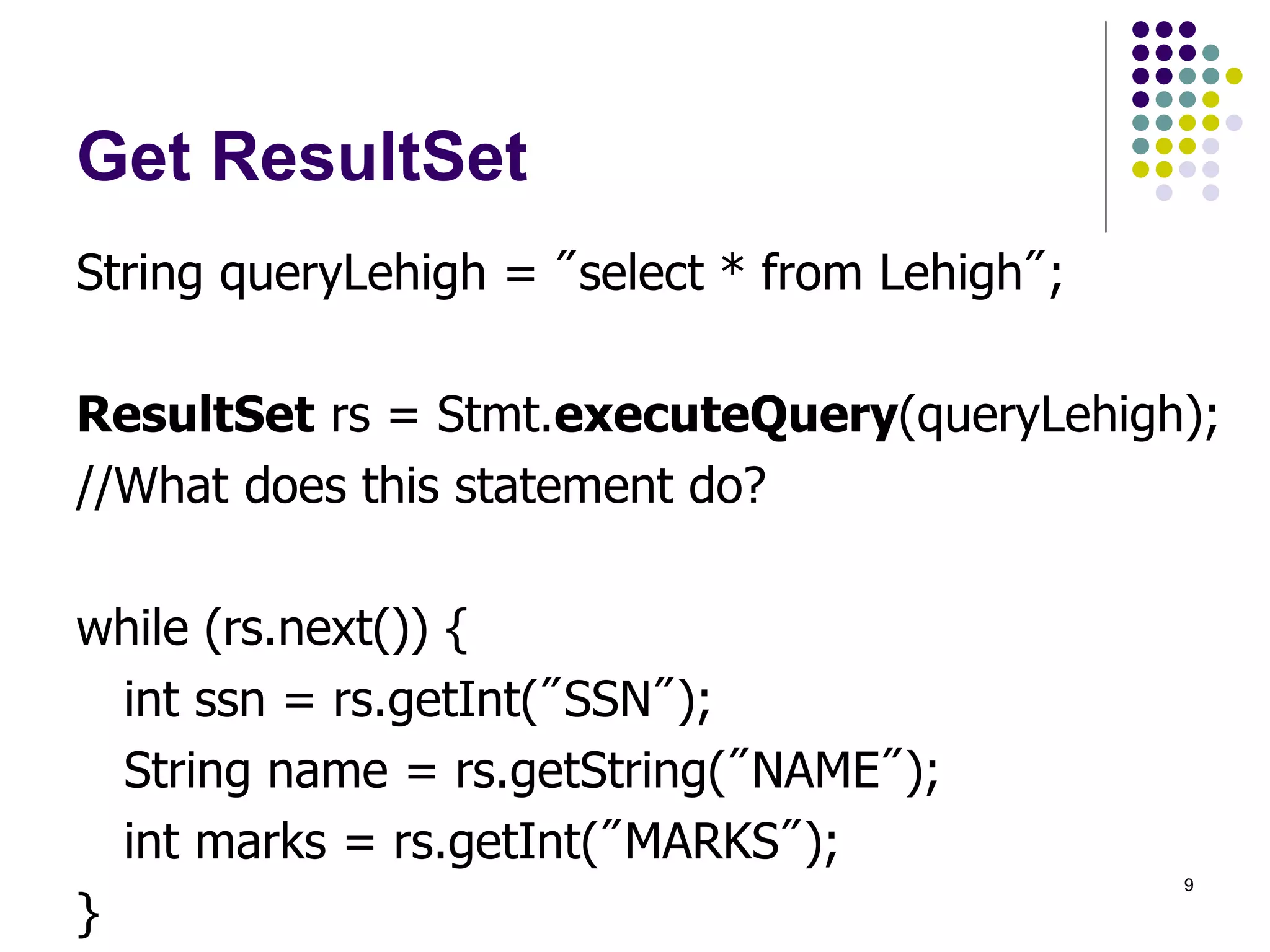
Get ResultSet 
String queryLehigh = "select * from Lehigh"; 
ResultSet rs = Stmt.executeQuery(queryLehigh); 
//What does this statement do? 
while (rs.next()) { 
int ssn = rs.getInt("SSN"); 
String name = rs.getString("NAME"); 
int marks = rs.getInt("MARKS"); 
}
10 
Close connection 
 stmt.close(); 
 con.close();
11 
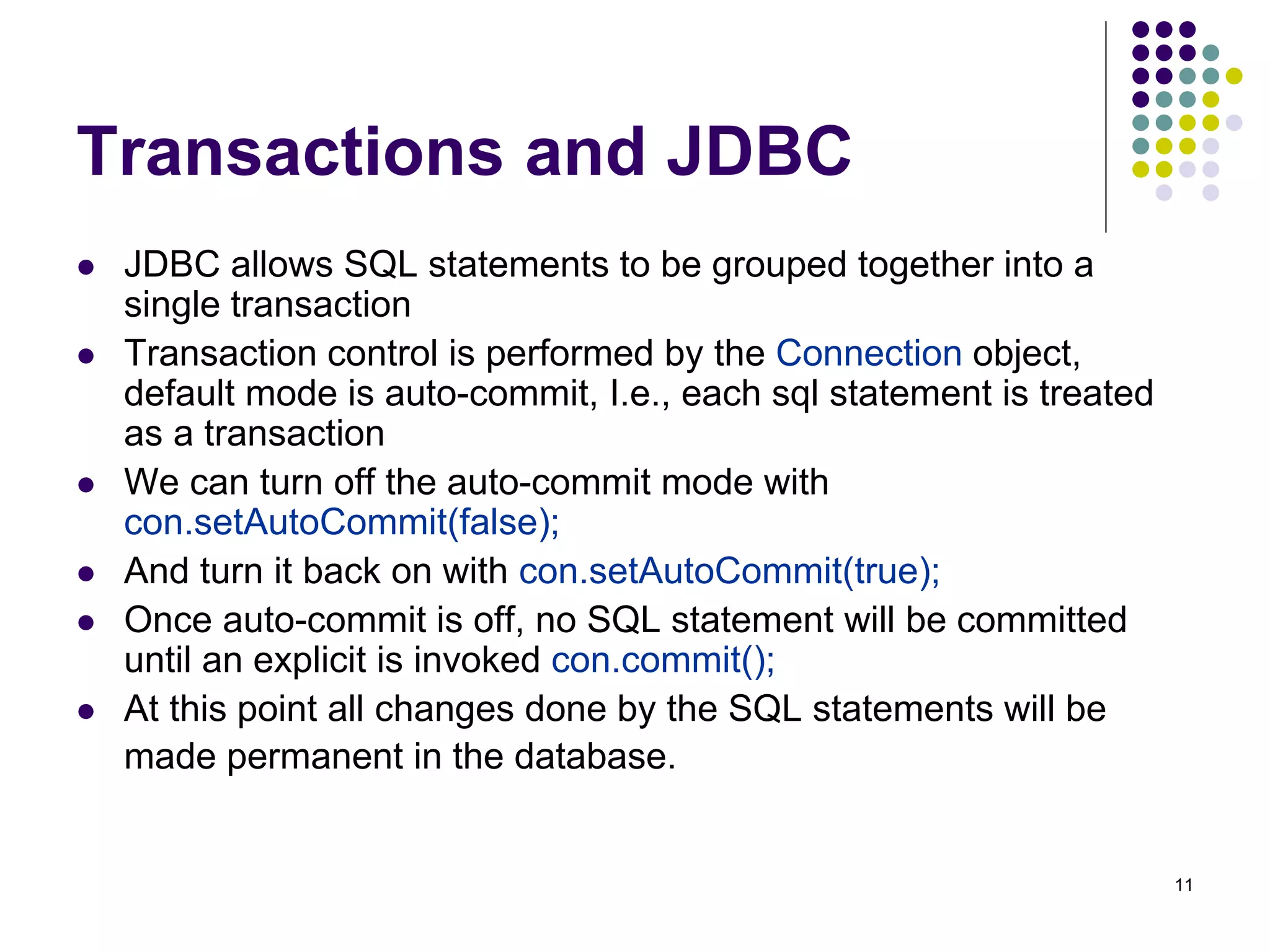
Transactions and JDBC 
 JDBC allows SQL statements to be grouped together into a 
single transaction 
 Transaction control is performed by the Connection object, 
default mode is auto-commit, I.e., each sql statement is treated 
as a transaction 
 We can turn off the auto-commit mode with 
con.setAutoCommit(false); 
 And turn it back on with con.setAutoCommit(true); 
 Once auto-commit is off, no SQL statement will be committed 
until an explicit is invoked con.commit(); 
 At this point all changes done by the SQL statements will be 
made permanent in the database.
12 
Handling Errors with 
Exceptions 
 Programs should recover and leave the database in 
a consistent state. 
 If a statement in the try block throws an exception or 
warning, it can be caught in one of the 
corresponding catch statements 
 How might a finally {…} block be helpful here? 
 E.g., you could rollback your transaction in a 
catch { …} block or close database connection and 
free database related resources in finally {…} block
13 
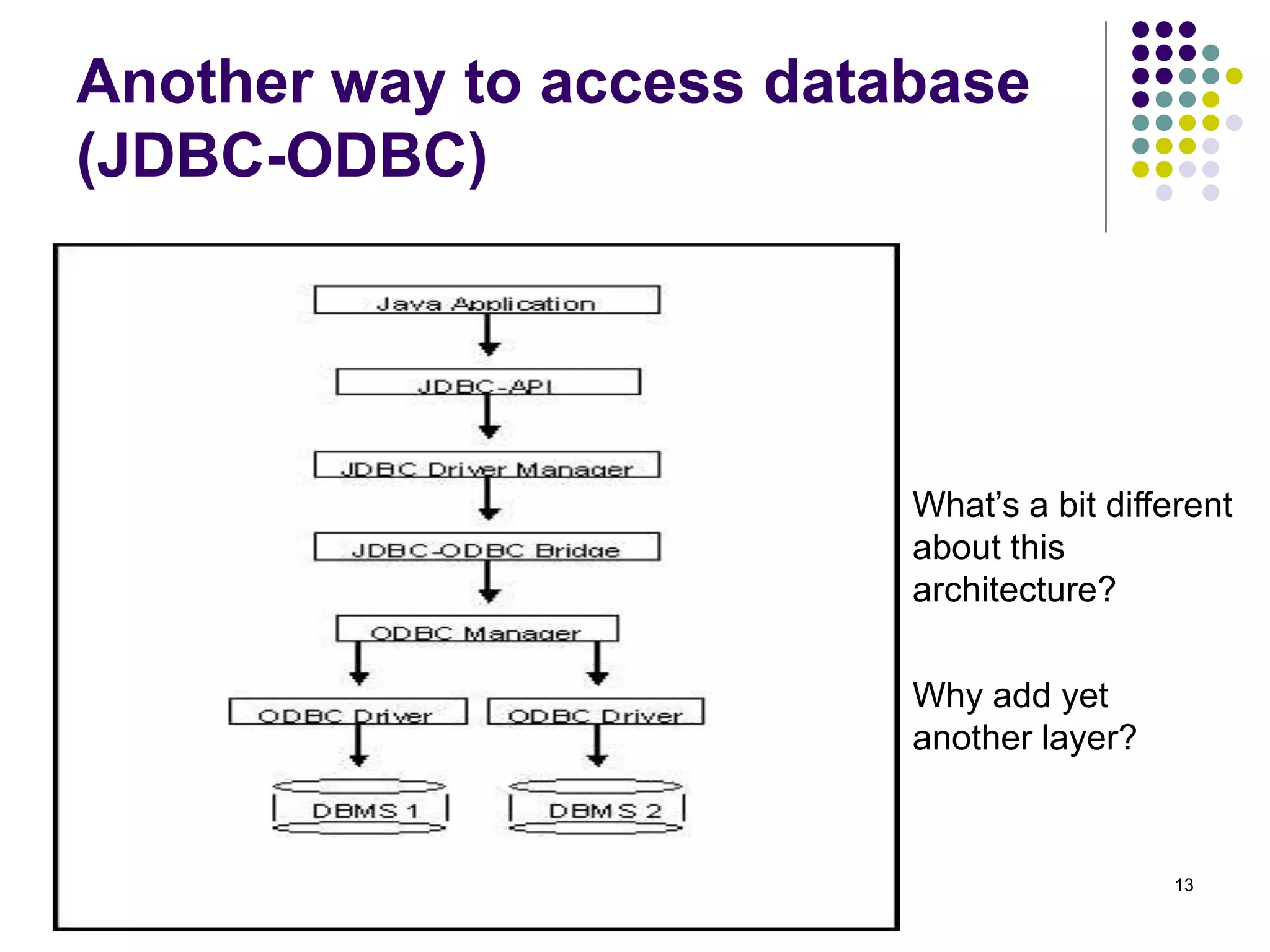
Another way to access database 
(JDBC-ODBC) 
What’s a bit different 
about this 
architecture? 
Why add yet 
another layer?
14 
Sample program 
import java.sql.*; 
class Test { 
public static void main(String[] args) { 
try { 
Class.forName("sun.jdbc.odbc.JdbcOdbcDriver"); //dynamic loading of driver 
String filename = "c:/db1.mdb"; //Location of an Access database 
String database = "jdbc:odbc:Driver={Microsoft Access Driver (*.mdb)};DBQ="; 
database+= filename.trim() + ";DriverID=22;READONLY=true}"; //add on to end 
Connection con = DriverManager.getConnection( database ,"",""); 
Statement s = con.createStatement(); 
s.execute("create table TEST12345 ( firstcolumn integer )"); 
s.execute("insert into TEST12345 values(1)"); 
s.execute("select firstcolumn from TEST12345");
15 
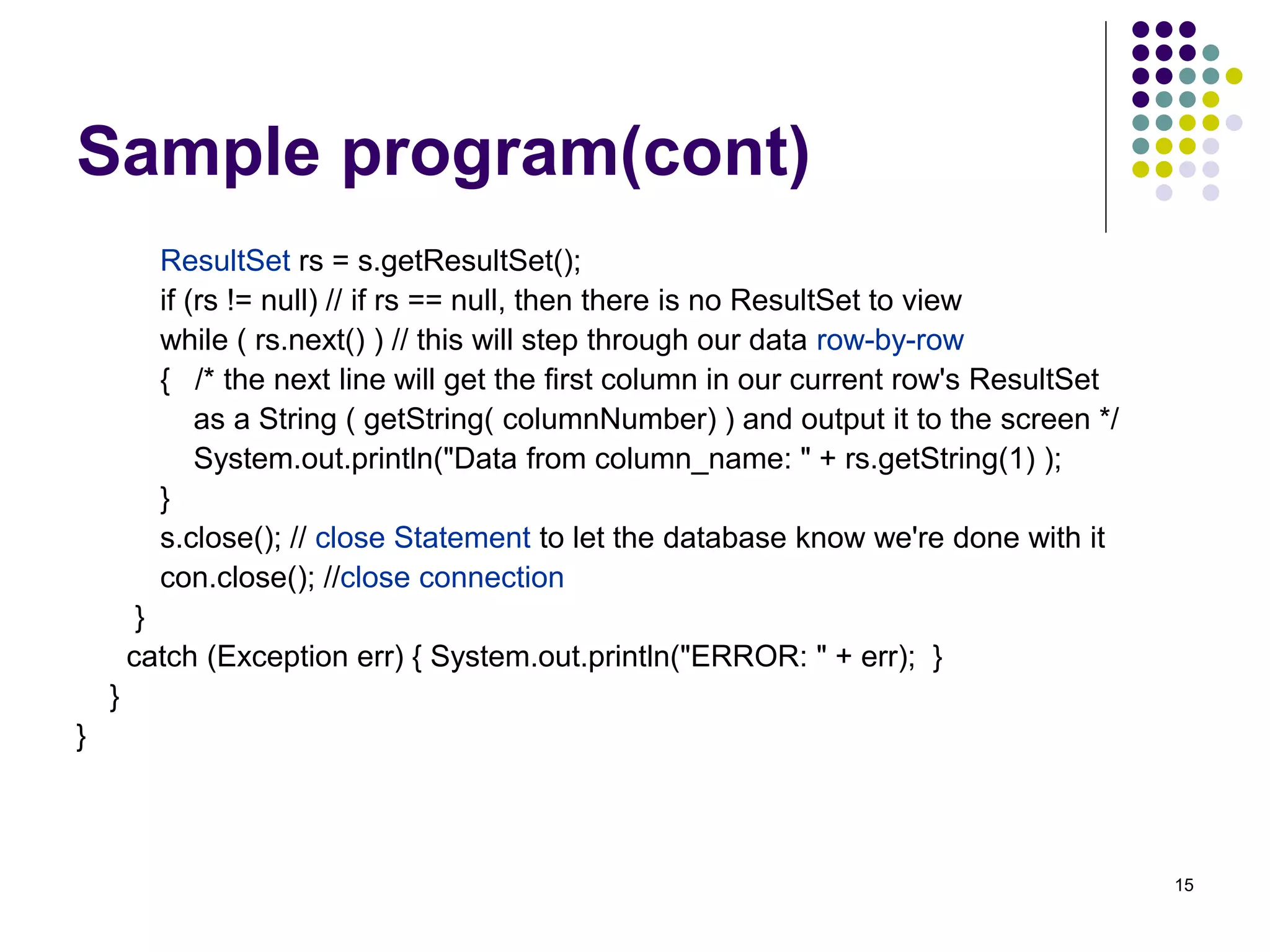
Sample program(cont) 
ResultSet rs = s.getResultSet(); 
if (rs != null) // if rs == null, then there is no ResultSet to view 
while ( rs.next() ) // this will step through our data row-by-row 
{ /* the next line will get the first column in our current row's ResultSet 
as a String ( getString( columnNumber) ) and output it to the screen */ 
System.out.println("Data from column_name: " + rs.getString(1) ); 
} 
s.close(); // close Statement to let the database know we're done with it 
con.close(); //close connection 
} 
catch (Exception err) { System.out.println("ERROR: " + err); } 
} 
}
16 
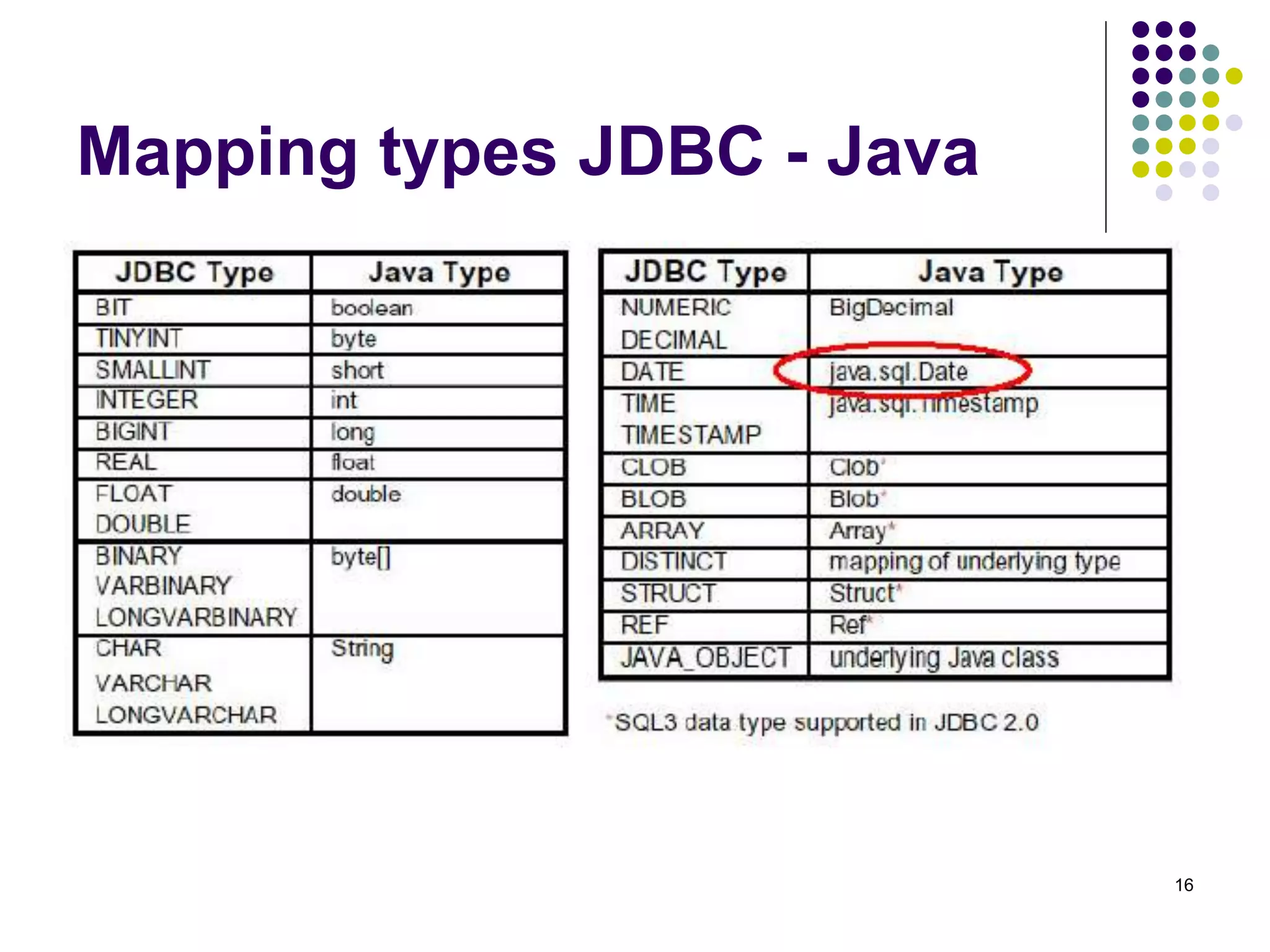
Mapping types JDBC - Java
17 
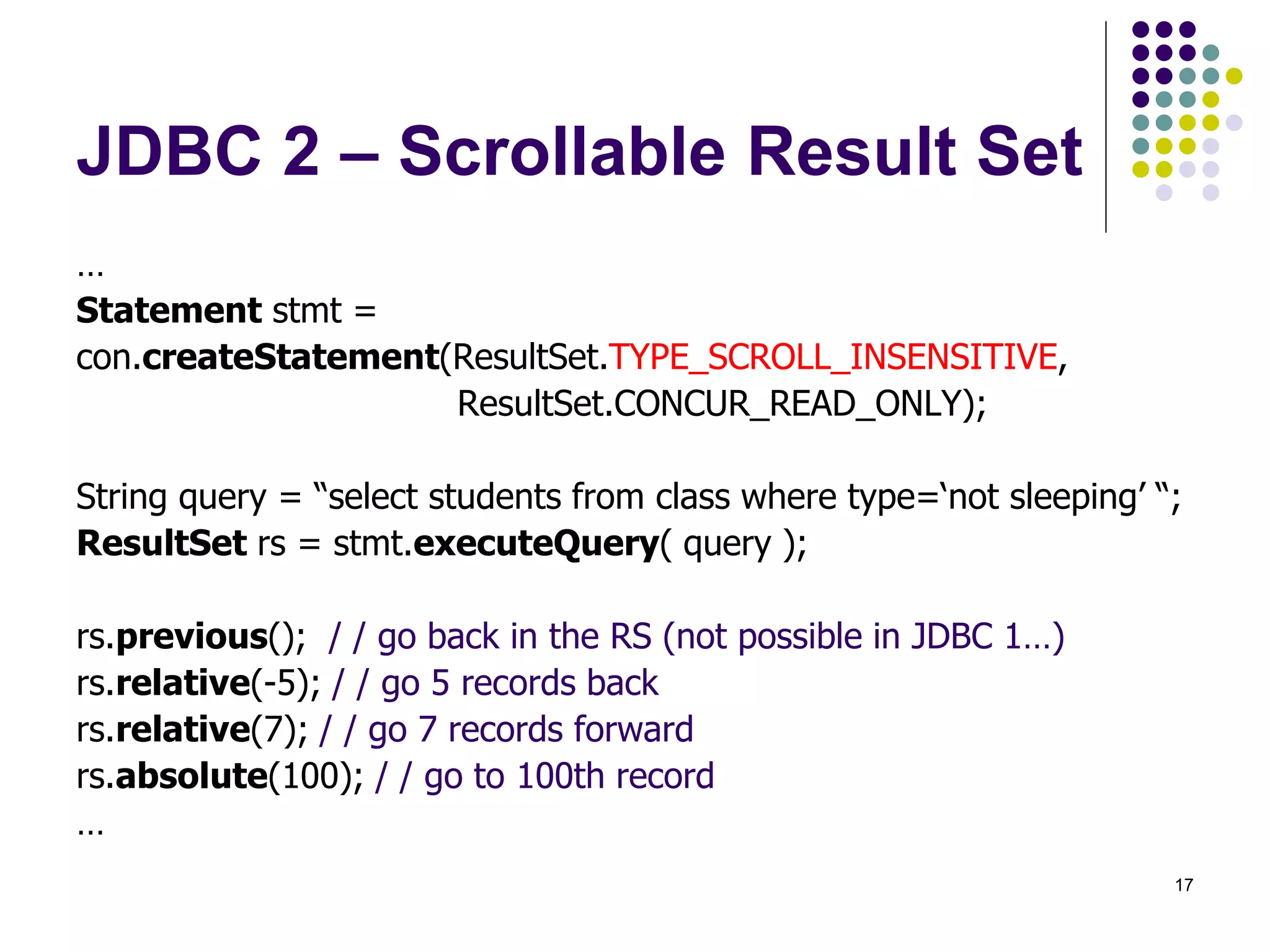
JDBC 2 – Scrollable Result Set 
… 
Statement stmt = 
con.createStatement(ResultSet.TYPE_SCROLL_INSENSITIVE, 
ResultSet.CONCUR_READ_ONLY); 
String query = “select students from class where type=‘not sleeping’ “; 
ResultSet rs = stmt.executeQuery( query ); 
rs.previous(); / / go back in the RS (not possible in JDBC 1…) 
rs.relative(-5); / / go 5 records back 
rs.relative(7); / / go 7 records forward 
rs.absolute(100); / / go to 100th record 
…
18 
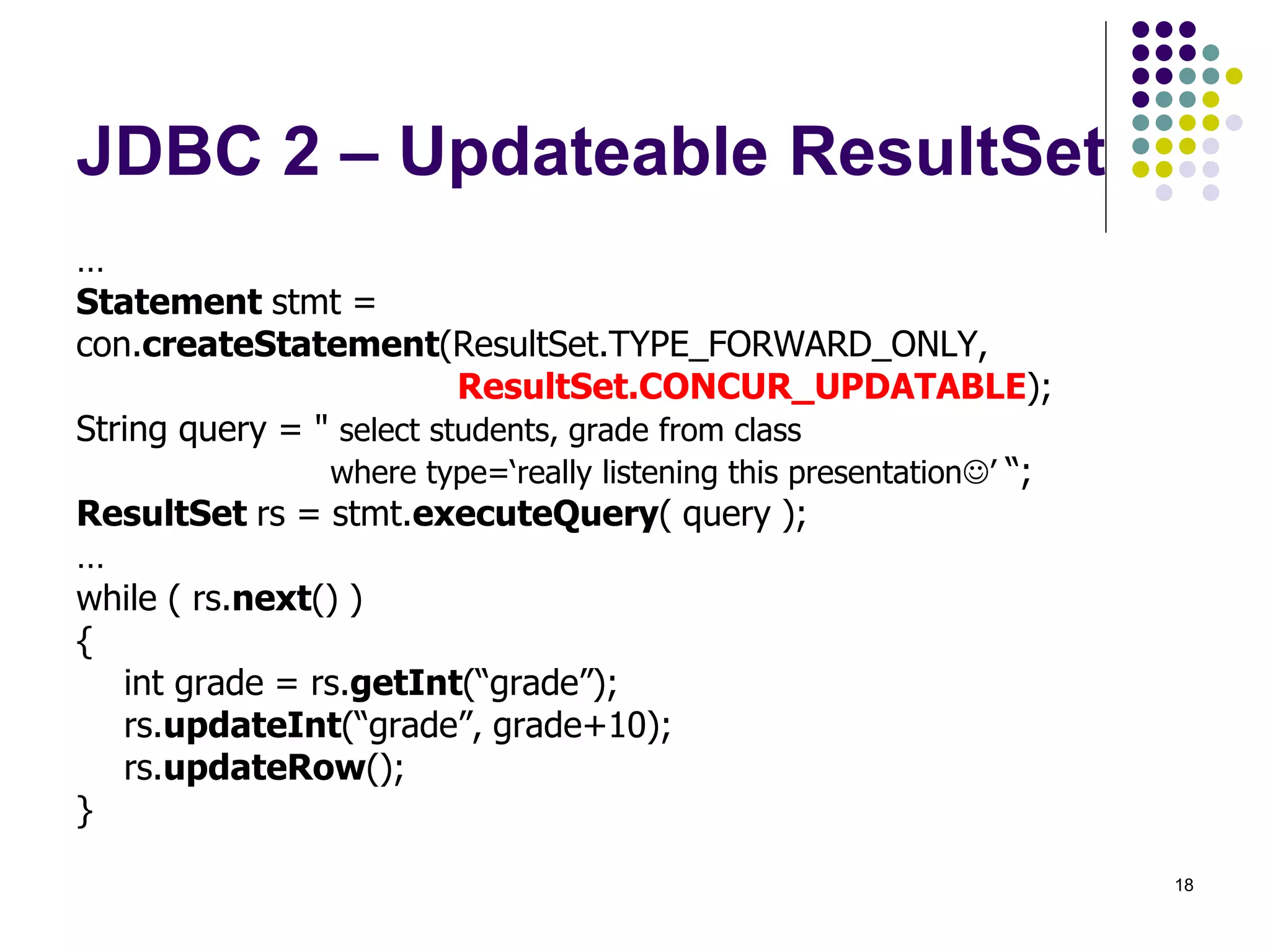
JDBC 2 – Updateable ResultSet 
… 
Statement stmt = 
con.createStatement(ResultSet.TYPE_FORWARD_ONLY, 
ResultSet.CONCUR_UPDATABLE); 
String query = " select students, grade from class 
where type=‘really listening this presentation’ “; 
ResultSet rs = stmt.executeQuery( query ); 
… 
while ( rs.next() ) 
{ 
int grade = rs.getInt(“grade”); 
rs.updateInt(“grade”, grade+10); 
rs.updateRow(); 
}
19 
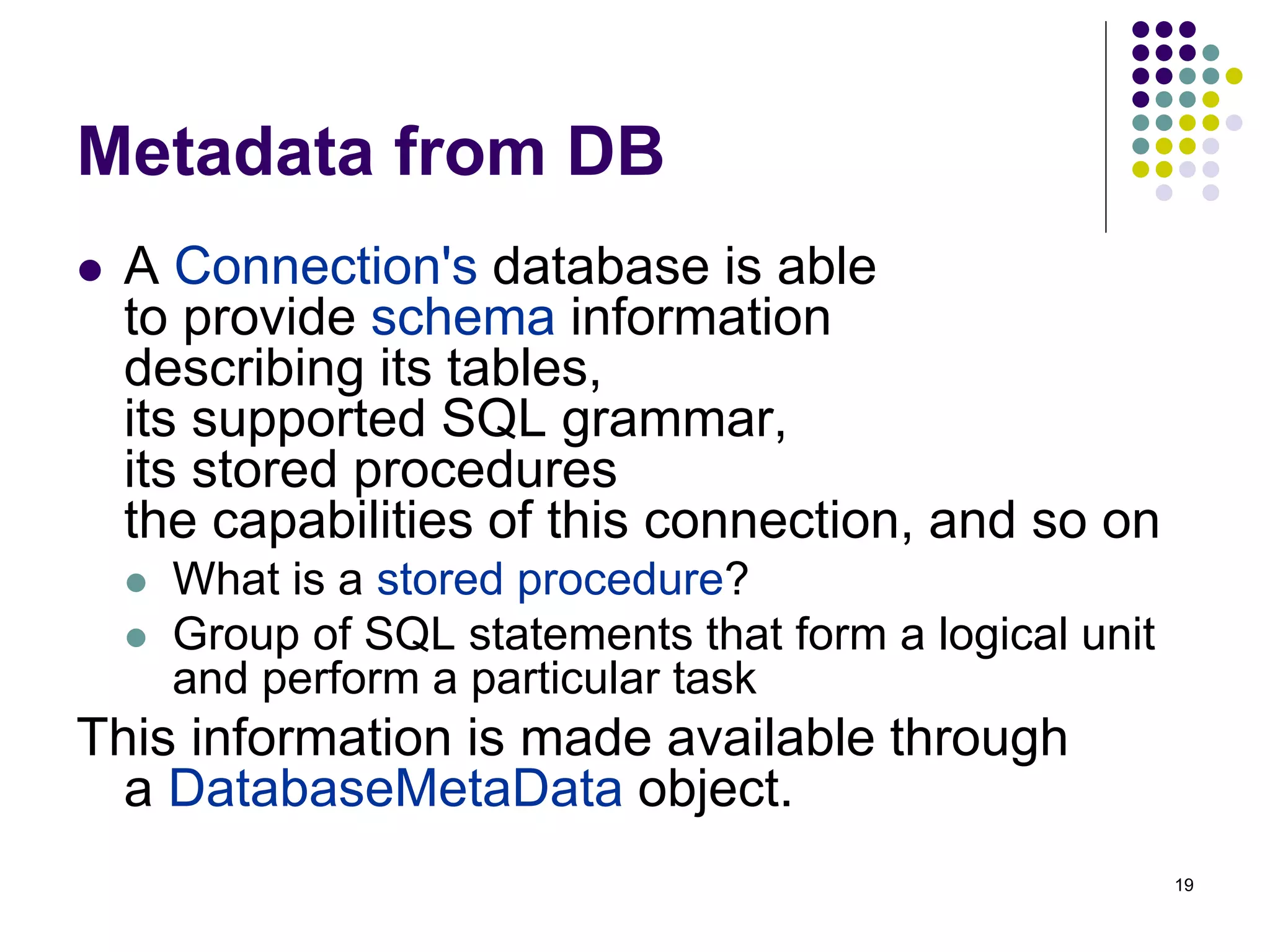
Metadata from DB 
 A Connection's database is able 
to provide schema information 
describing its tables, 
its supported SQL grammar, 
its stored procedures 
the capabilities of this connection, and so on 
 What is a stored procedure? 
 Group of SQL statements that form a logical unit 
and perform a particular task 
This information is made available through 
a DatabaseMetaData object.
20 
Metadata from DB - example 
… 
Connection con = …. ; 
DatabaseMetaData dbmd = con.getMetaData(); 
String catalog = null; 
String schema = null; 
String table = “sys%”; 
String[ ] types = null; 
ResultSet rs = 
dbmd.getTables(catalog , schema , table , types ); 
…
21 
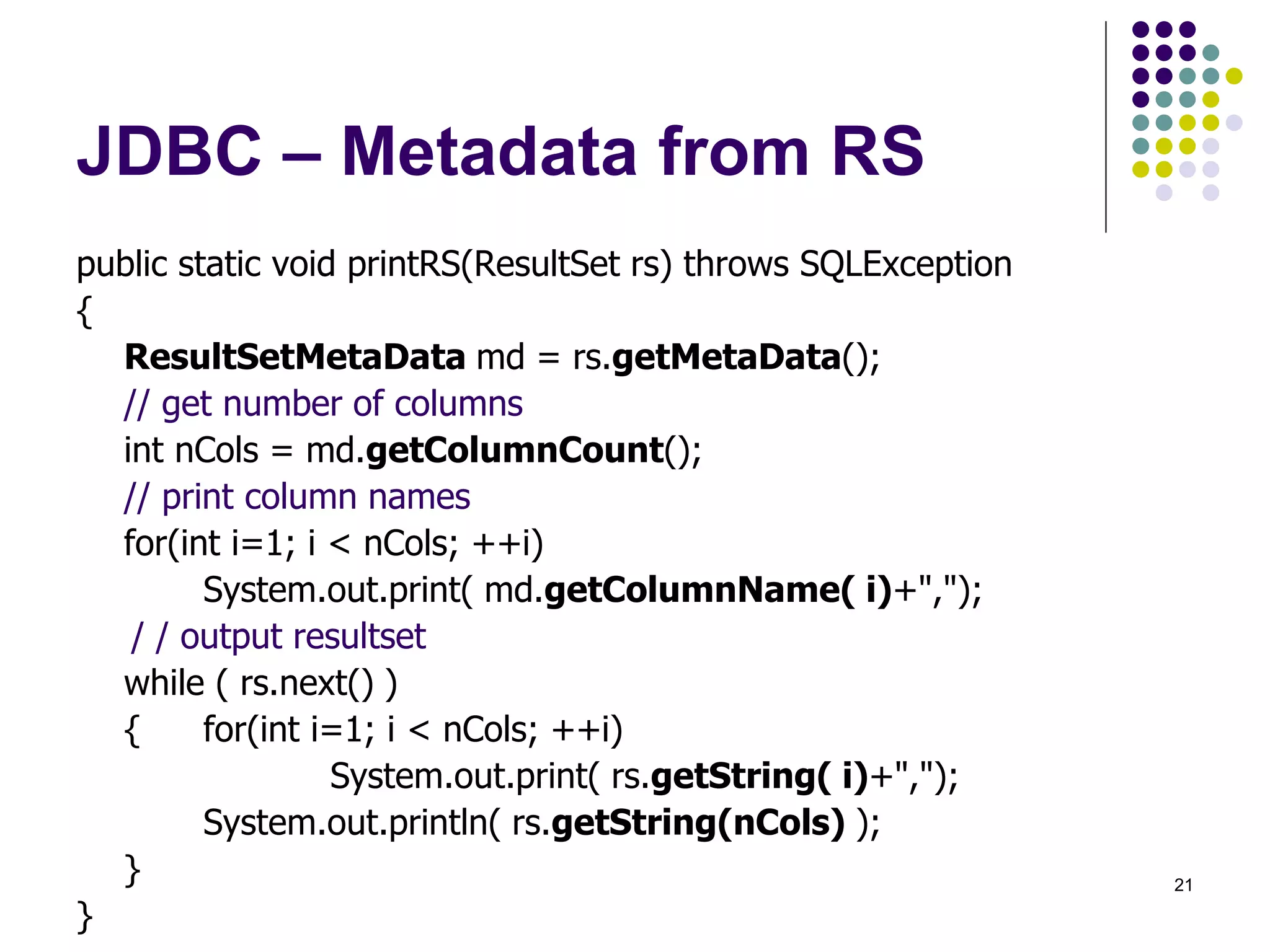
JDBC – Metadata from RS 
public static void printRS(ResultSet rs) throws SQLException 
{ 
ResultSetMetaData md = rs.getMetaData(); 
// get number of columns 
int nCols = md.getColumnCount(); 
// print column names 
for(int i=1; i < nCols; ++i) 
System.out.print( md.getColumnName( i)+","); 
/ / output resultset 
while ( rs.next() ) 
{ for(int i=1; i < nCols; ++i) 
System.out.print( rs.getString( i)+","); 
System.out.println( rs.getString(nCols) ); 
} 
}
22 
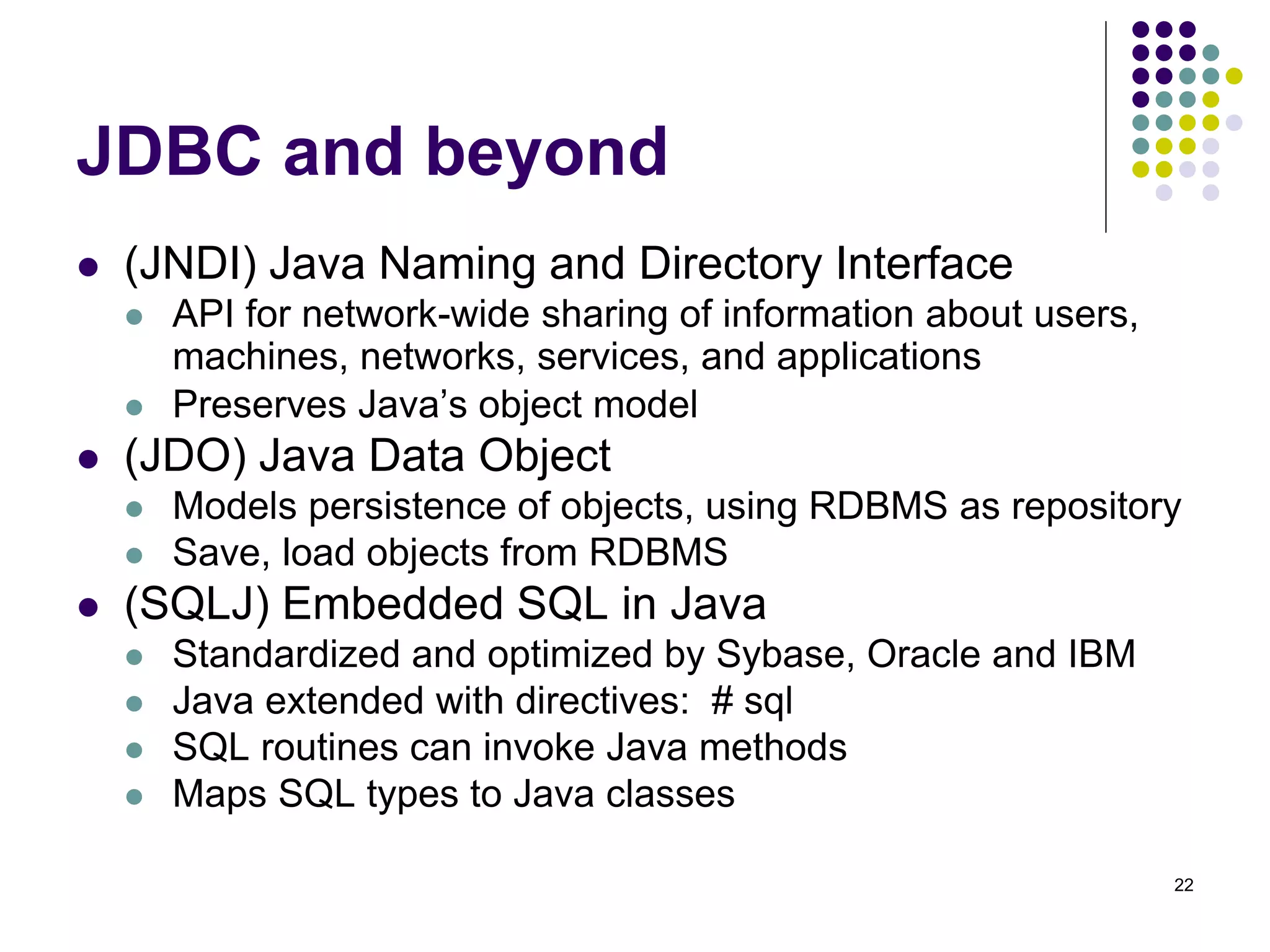
JDBC and beyond 
 (JNDI) Java Naming and Directory Interface 
 API for network-wide sharing of information about users, 
machines, networks, services, and applications 
 Preserves Java’s object model 
 (JDO) Java Data Object 
 Models persistence of objects, using RDBMS as repository 
 Save, load objects from RDBMS 
 (SQLJ) Embedded SQL in Java 
 Standardized and optimized by Sybase, Oracle and IBM 
 Java extended with directives: # sql 
 SQL routines can invoke Java methods 
 Maps SQL types to Java classes
24 
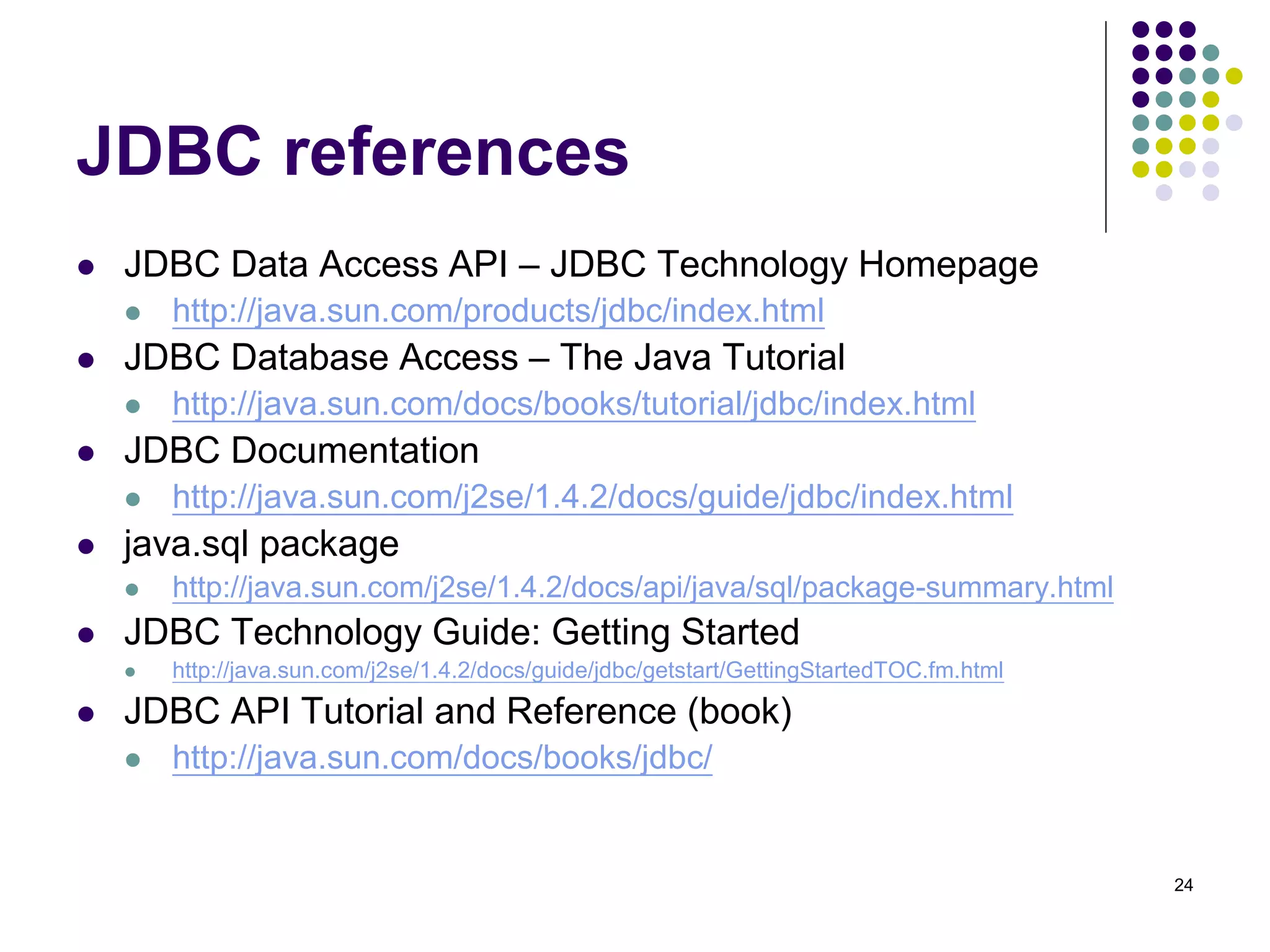
JDBC references 
 JDBC Data Access API – JDBC Technology Homepage 
 http://java.sun.com/products/jdbc/index.html 
 JDBC Database Access – The Java Tutorial 
 http://java.sun.com/docs/books/tutorial/jdbc/index.html 
 JDBC Documentation 
 http://java.sun.com/j2se/1.4.2/docs/guide/jdbc/index.html 
 java.sql package 
 http://java.sun.com/j2se/1.4.2/docs/api/java/sql/package-summary.html 
 JDBC Technology Guide: Getting Started 
 http://java.sun.com/j2se/1.4.2/docs/guide/jdbc/getstart/GettingStartedTOC.fm.html 
 JDBC API Tutorial and Reference (book) 
 http://java.sun.com/docs/books/jdbc/
25 
JDBC 
 JDBC Data Access API – JDBC Technology Homepage 
 http://java.sun.com/products/jdbc/index.html 
 JDBC Database Access – The Java Tutorial 
 http://java.sun.com/docs/books/tutorial/jdbc/index.html 
 JDBC Documentation 
 http://java.sun.com/j2se/1.4.2/docs/guide/jdbc/index.html 
 java.sql package 
 http://java.sun.com/j2se/1.4.2/docs/api/java/sql/package-summary.html 
 JDBC Technology Guide: Getting Started 
 http://java.sun.com/j2se/1.4.2/docs/guide/jdbc/getstart/GettingStartedTOC.fm.html 
 JDBC API Tutorial and Reference (book) 
 http://java.sun.com/docs/books/jdbc/

Jdbc

  • 1.
    JDBC – JavaDataBase Connectivity CSE432 Object Oriented Software Engineering
  • 2.
    2 What isJDBC?  “An API that lets you access virtually any tabular data source from the Java programming language”  JDBC Data Access API – JDBC Technology Homepage  What’s an API?  See J2SE documentation  What’s a tabular data source?  “… access virtually any data source, from relational databases to spreadsheets and flat files.”  JDBC Documentation  We’ll focus on accessing Oracle databases
  • 3.
    3 General Architecture  What design pattern is implied in this architecture?  What does it buy for us?  Why is this architecture also multi-tiered?
  • 4.
  • 5.
    5 Basic stepsto use a database in Java  1.Establish a connection  2.Create JDBC Statements  3.Execute SQL Statements  4.GET ResultSet  5.Close connections
  • 6.
    6 1. Establisha connection  import java.sql.*;  Load the vendor specific driver  Class.forName("oracle.jdbc.driver.OracleDriver");  What do you think this statement does, and how?  Dynamically loads a driver class, for Oracle database  Make the connection  Connection con = DriverManager.getConnection( "jdbc:oracle:thin:@oracle-prod:1521:OPROD", username, passwd);  What do you think this statement does?  Establishes connection to database by obtaining a Connection object
  • 7.
    7 2. CreateJDBC statement(s)  Statement stmt = con.createStatement() ;  Creates a Statement object for sending SQL statements to the database
  • 8.
    8 Executing SQLStatements  String createLehigh = "Create table Lehigh " + "(SSN Integer not null, Name VARCHAR(32), " + "Marks Integer)"; stmt.executeUpdate(createLehigh); //What does this statement do?  String insertLehigh = "Insert into Lehigh values“ + "(123456789,abc,100)"; stmt.executeUpdate(insertLehigh);
  • 9.
    9 Get ResultSet String queryLehigh = "select * from Lehigh"; ResultSet rs = Stmt.executeQuery(queryLehigh); //What does this statement do? while (rs.next()) { int ssn = rs.getInt("SSN"); String name = rs.getString("NAME"); int marks = rs.getInt("MARKS"); }
  • 10.
    10 Close connection  stmt.close();  con.close();
  • 11.
    11 Transactions andJDBC  JDBC allows SQL statements to be grouped together into a single transaction  Transaction control is performed by the Connection object, default mode is auto-commit, I.e., each sql statement is treated as a transaction  We can turn off the auto-commit mode with con.setAutoCommit(false);  And turn it back on with con.setAutoCommit(true);  Once auto-commit is off, no SQL statement will be committed until an explicit is invoked con.commit();  At this point all changes done by the SQL statements will be made permanent in the database.
  • 12.
    12 Handling Errorswith Exceptions  Programs should recover and leave the database in a consistent state.  If a statement in the try block throws an exception or warning, it can be caught in one of the corresponding catch statements  How might a finally {…} block be helpful here?  E.g., you could rollback your transaction in a catch { …} block or close database connection and free database related resources in finally {…} block
  • 13.
    13 Another wayto access database (JDBC-ODBC) What’s a bit different about this architecture? Why add yet another layer?
  • 14.
    14 Sample program import java.sql.*; class Test { public static void main(String[] args) { try { Class.forName("sun.jdbc.odbc.JdbcOdbcDriver"); //dynamic loading of driver String filename = "c:/db1.mdb"; //Location of an Access database String database = "jdbc:odbc:Driver={Microsoft Access Driver (*.mdb)};DBQ="; database+= filename.trim() + ";DriverID=22;READONLY=true}"; //add on to end Connection con = DriverManager.getConnection( database ,"",""); Statement s = con.createStatement(); s.execute("create table TEST12345 ( firstcolumn integer )"); s.execute("insert into TEST12345 values(1)"); s.execute("select firstcolumn from TEST12345");
  • 15.
    15 Sample program(cont) ResultSet rs = s.getResultSet(); if (rs != null) // if rs == null, then there is no ResultSet to view while ( rs.next() ) // this will step through our data row-by-row { /* the next line will get the first column in our current row's ResultSet as a String ( getString( columnNumber) ) and output it to the screen */ System.out.println("Data from column_name: " + rs.getString(1) ); } s.close(); // close Statement to let the database know we're done with it con.close(); //close connection } catch (Exception err) { System.out.println("ERROR: " + err); } } }
  • 16.
    16 Mapping typesJDBC - Java
  • 17.
    17 JDBC 2– Scrollable Result Set … Statement stmt = con.createStatement(ResultSet.TYPE_SCROLL_INSENSITIVE, ResultSet.CONCUR_READ_ONLY); String query = “select students from class where type=‘not sleeping’ “; ResultSet rs = stmt.executeQuery( query ); rs.previous(); / / go back in the RS (not possible in JDBC 1…) rs.relative(-5); / / go 5 records back rs.relative(7); / / go 7 records forward rs.absolute(100); / / go to 100th record …
  • 18.
    18 JDBC 2– Updateable ResultSet … Statement stmt = con.createStatement(ResultSet.TYPE_FORWARD_ONLY, ResultSet.CONCUR_UPDATABLE); String query = " select students, grade from class where type=‘really listening this presentation’ “; ResultSet rs = stmt.executeQuery( query ); … while ( rs.next() ) { int grade = rs.getInt(“grade”); rs.updateInt(“grade”, grade+10); rs.updateRow(); }
  • 19.
    19 Metadata fromDB  A Connection's database is able to provide schema information describing its tables, its supported SQL grammar, its stored procedures the capabilities of this connection, and so on  What is a stored procedure?  Group of SQL statements that form a logical unit and perform a particular task This information is made available through a DatabaseMetaData object.
  • 20.
    20 Metadata fromDB - example … Connection con = …. ; DatabaseMetaData dbmd = con.getMetaData(); String catalog = null; String schema = null; String table = “sys%”; String[ ] types = null; ResultSet rs = dbmd.getTables(catalog , schema , table , types ); …
  • 21.
    21 JDBC –Metadata from RS public static void printRS(ResultSet rs) throws SQLException { ResultSetMetaData md = rs.getMetaData(); // get number of columns int nCols = md.getColumnCount(); // print column names for(int i=1; i < nCols; ++i) System.out.print( md.getColumnName( i)+","); / / output resultset while ( rs.next() ) { for(int i=1; i < nCols; ++i) System.out.print( rs.getString( i)+","); System.out.println( rs.getString(nCols) ); } }
  • 22.
    22 JDBC andbeyond  (JNDI) Java Naming and Directory Interface  API for network-wide sharing of information about users, machines, networks, services, and applications  Preserves Java’s object model  (JDO) Java Data Object  Models persistence of objects, using RDBMS as repository  Save, load objects from RDBMS  (SQLJ) Embedded SQL in Java  Standardized and optimized by Sybase, Oracle and IBM  Java extended with directives: # sql  SQL routines can invoke Java methods  Maps SQL types to Java classes
  • 23.
    24 JDBC references  JDBC Data Access API – JDBC Technology Homepage  http://java.sun.com/products/jdbc/index.html  JDBC Database Access – The Java Tutorial  http://java.sun.com/docs/books/tutorial/jdbc/index.html  JDBC Documentation  http://java.sun.com/j2se/1.4.2/docs/guide/jdbc/index.html  java.sql package  http://java.sun.com/j2se/1.4.2/docs/api/java/sql/package-summary.html  JDBC Technology Guide: Getting Started  http://java.sun.com/j2se/1.4.2/docs/guide/jdbc/getstart/GettingStartedTOC.fm.html  JDBC API Tutorial and Reference (book)  http://java.sun.com/docs/books/jdbc/
  • 24.
    25 JDBC JDBC Data Access API – JDBC Technology Homepage  http://java.sun.com/products/jdbc/index.html  JDBC Database Access – The Java Tutorial  http://java.sun.com/docs/books/tutorial/jdbc/index.html  JDBC Documentation  http://java.sun.com/j2se/1.4.2/docs/guide/jdbc/index.html  java.sql package  http://java.sun.com/j2se/1.4.2/docs/api/java/sql/package-summary.html  JDBC Technology Guide: Getting Started  http://java.sun.com/j2se/1.4.2/docs/guide/jdbc/getstart/GettingStartedTOC.fm.html  JDBC API Tutorial and Reference (book)  http://java.sun.com/docs/books/jdbc/