CSQL -  JDBC Jitendra Lenka Developer - Lakshya Solutions Ltd. [email_address] olutions.com
Module Objectives After completing this module you will be able to : Understand various interfaces in JDBC. Write application to access CSQL database using JDBC driver. Understand different SQL statements executed in CSQL databse with parameter and projection value. www.csqldb.com
The topics to be covered in this session are :- Introduction to CSQL main memory database. Overview of different Interfaces to client provided by CSQL. Important classes and functions for writing application in JDBC. Connection to the CSQL database and execute DDL and DML statements. Handling errors returned by various functions in JDBC. Module Coverage www.csqldb.com
CSQL is a open source main memory high-performance relational database management system developed in sourceforge.net site. CSQL comprises suite of products such as CSQL MMDB, CSQL Cache for  leading target databases such as Oracle, MySQL and Postgres , and CSQL Replication which provides high availability and load balancing cluster for MMDB. CSQL MMDB is 30x faster than any other leading databases with undisrupted performance for real-time applications.  CSQL is mainly developed to be used as a cache for existing disk based commercial databases.  What is CSQL? www.csqldb.com
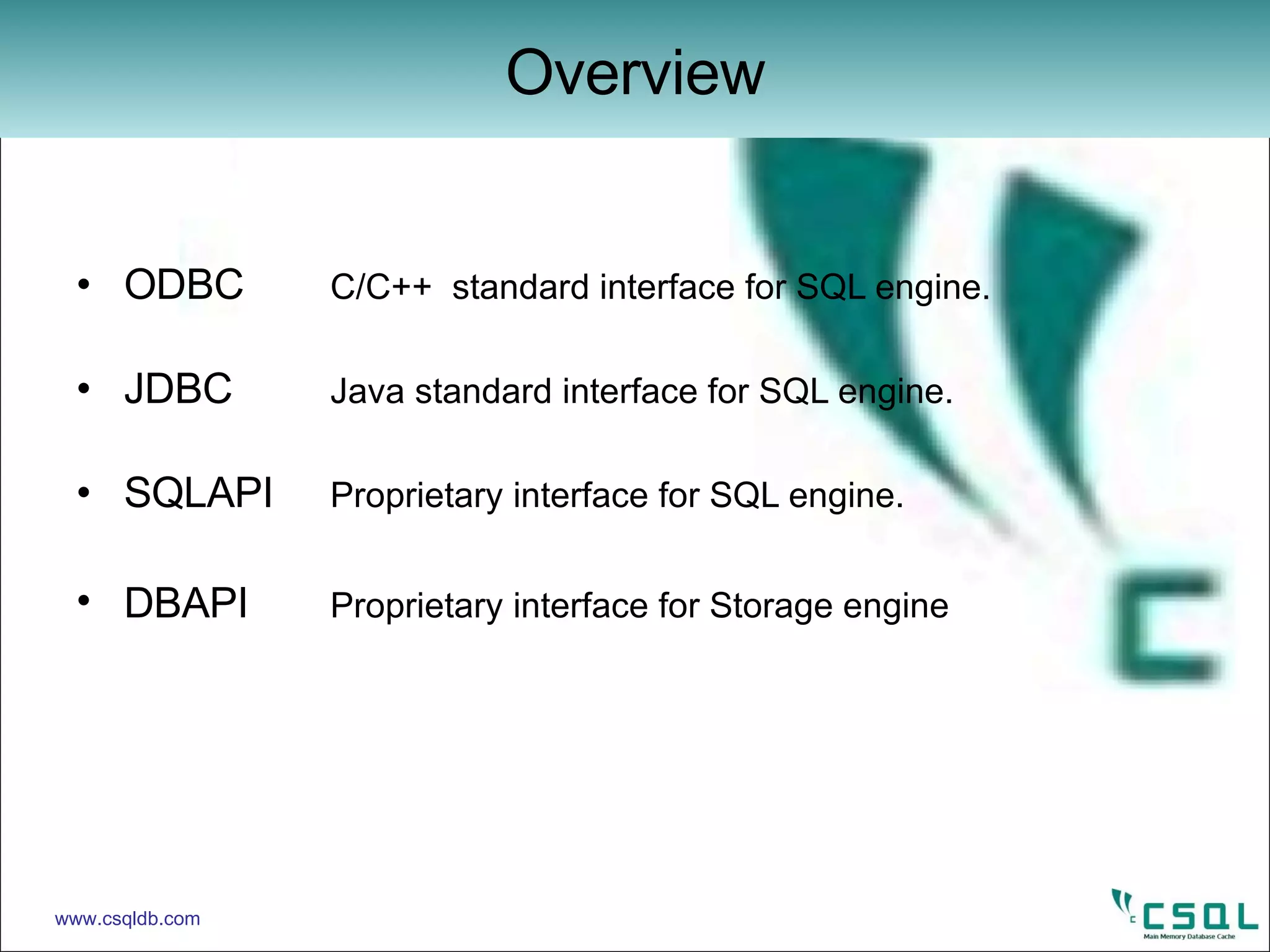
ODBC C/C++  standard interface for SQL engine. JDBC Java standard interface for SQL engine. SQLAPI Proprietary interface for SQL engine. DBAPI Proprietary interface for Storage engine Overview www.csqldb.com
Java Database Connectivity defines an API that java programs can use to connect to CSQL server. The JDBC API defines interfaces and classes for writing database applications in java by making database connections. Java application calls the JDBC library. JDBC loads a driver which talks to the CSQL database.  What is JDBC ? www.csqldb.com
Proprietary  C++ Interface Important Package java.sql Important classes java.sql.Date java.lang.DriverManager java.sql.Time Important Interfaces java.sql.Connection java.sql.PreparedStatement java.sql.ResultSet java.sql.Statement java.sql.SQLException Library libcsqljdbc.so JDBC www.csqldb.com
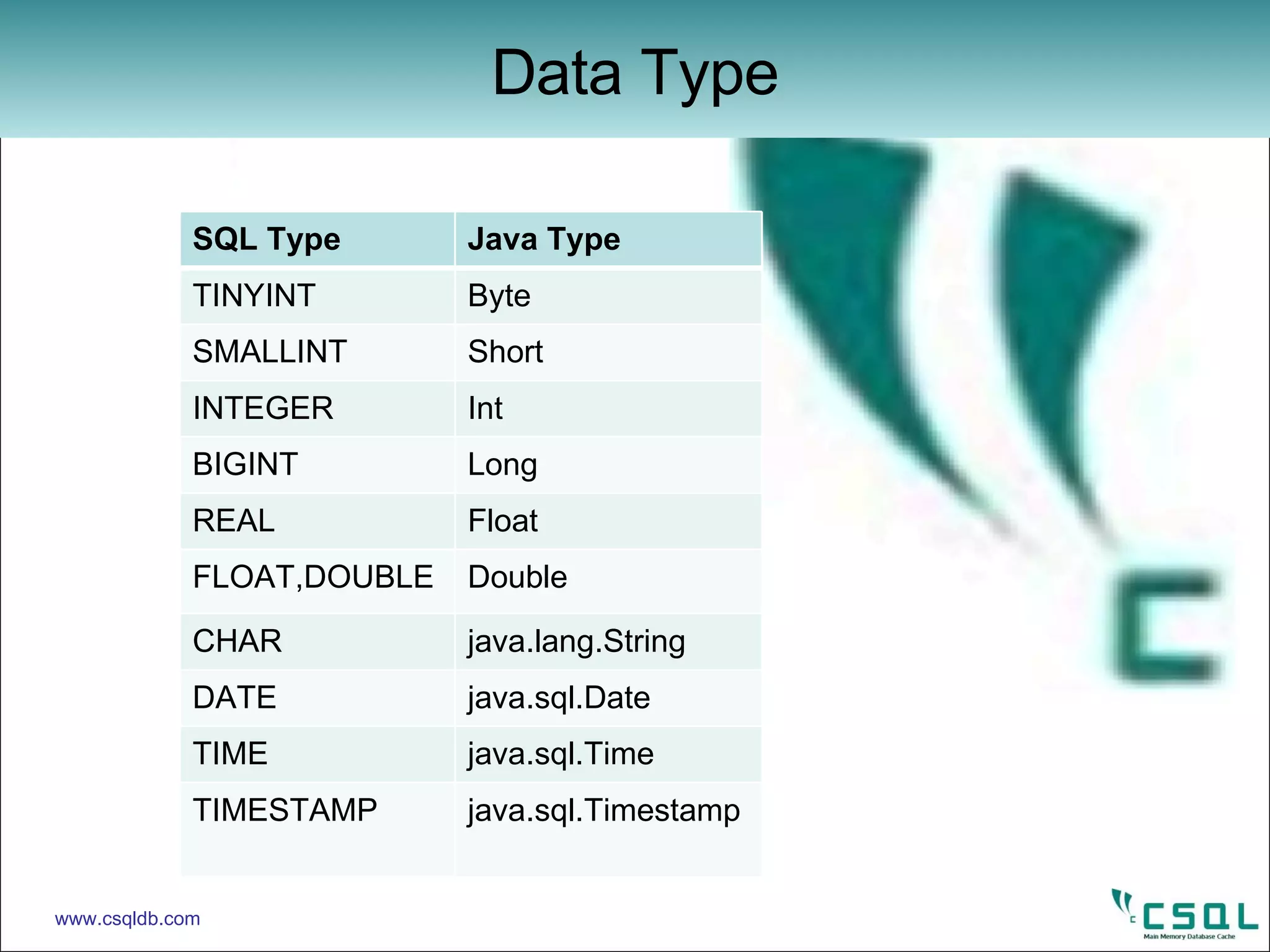
Data Type www.csqldb.com SQL Type Java Type TINYINT Byte SMALLINT Short INTEGER Int BIGINT Long REAL Float FLOAT,DOUBLE Double CHAR java.lang.String DATE java.sql.Date TIME java.sql.Time TIMESTAMP java.sql.Timestamp
Before making a connection to database the JDBC driver should be loaded. Class  forName( <Database Driver> ) : Load the driver class by calling this function. Driver class name as an argument. Once loaded the driver class creates an instances of itself. A client can connect to database server through JDBC driver. The return type of this method is  Class  which is a class in  java.lang  package. Method for Loading Driver www.csqldb.com
Below method will establish a connection to the database. getConenction( <url> , <LoginName> , <password> ) : This method is belongs to JDBC  DriverManager  class. DriverManager  class defines object which can connect java application to a JDBC driver. Driver can recognizes the url (jdbc:csql) . This method uses the above argument(url,LoginName, password) to connect to database. This method returns a new  Connection  object to the database. DriverManager www.csqldb.com
java.sql.Connection The below methods are belongs to the  Connection  interface. Statement  createStatement ( ) throws SQLException. PreparedStatement   prepareStatement (<SqlStatement>) throws SQLException . void  close ( ) throws SQLException.  void  commit ( ) throws SQLException. void  rollback ( )  throws SQLException.  Connection www.csqldb.com
java.sql.Connection In order to use DDL Statements,we require a  Statement  object. So, the next step is to create the  Statement  object from the  Connection . Statement  stmt = con. createStatemen t() This method is for interacting with the database. It generates new query plan for DDL statements. By the help of  Statement  object SQL statements would be used. A  Statement  object is used to send and execute SQL statements to a database. Note  : we used  createStatement  for DDL Statements. Connection www.csqldb.com
Example :  Connect to the CSQL through JDBC Driver. import   java.sql.* ;   public class ConnTest { public static void main( String argv[ ] ) {   Connection  con = null ;   try {     class.forName(“csql.jdbc.JdbcSqlDriver ”) ;   Connection  con = DriverManager . getConnection(“jdbc:csql” , “root” ,”manager”) ;   if(con==null) System.exit(1) ;   con.close() ;  System.exit(0) ;     } catch (Exception  e) {   System.out.println(“Exception in Test :“ +e) ;   e.getStackTrace();   System.exit(1) ; } } } Connection www.csqldb.com
java.sql.Statement The Statement class provide the below method to execute the SQL statements, mainly for DDL Statements.  execute (<sqlstatement>)  This method is for execution of SQL statements in the database. Returns a result set object using specified  Statement  object. Return type is Boolean value. Note :  execute  method for DDL statements. Execution of DDL Statements www.csqldb.com
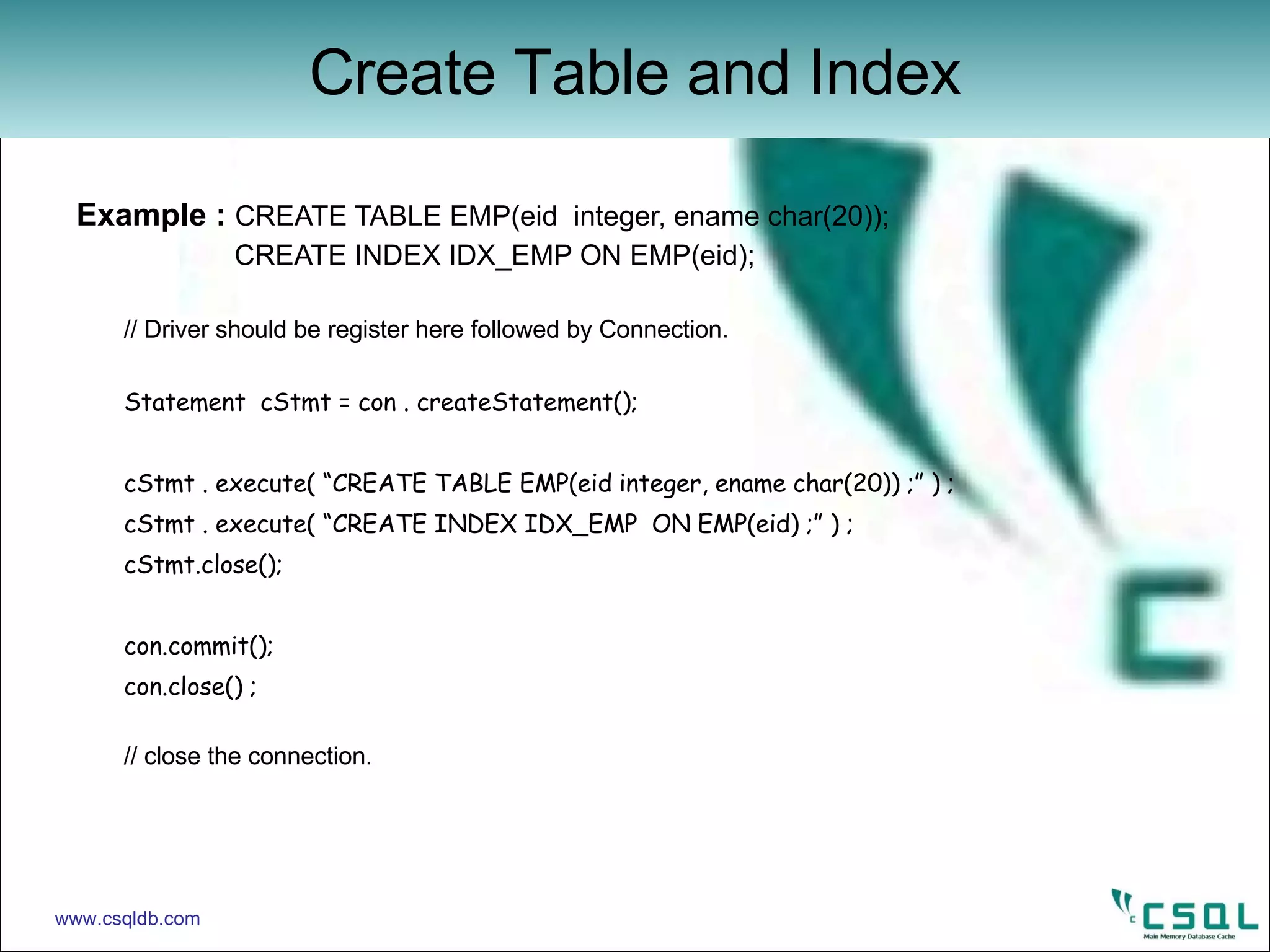
Example :  CREATE TABLE EMP(eid  integer, ename char(20));   CREATE INDEX IDX_EMP ON EMP(eid); // Driver should be register here followed by Connection.  Statement  cStmt = con . createStatement(); cStmt . execute( “CREATE TABLE EMP(eid integer, ename char(20)) ;” ) ; cStmt . execute( “CREATE INDEX IDX_EMP  ON EMP(eid) ;” ) ; cStmt.close(); con.commit(); con.close() ; // close the connection. Create Table and Index www.csqldb.com
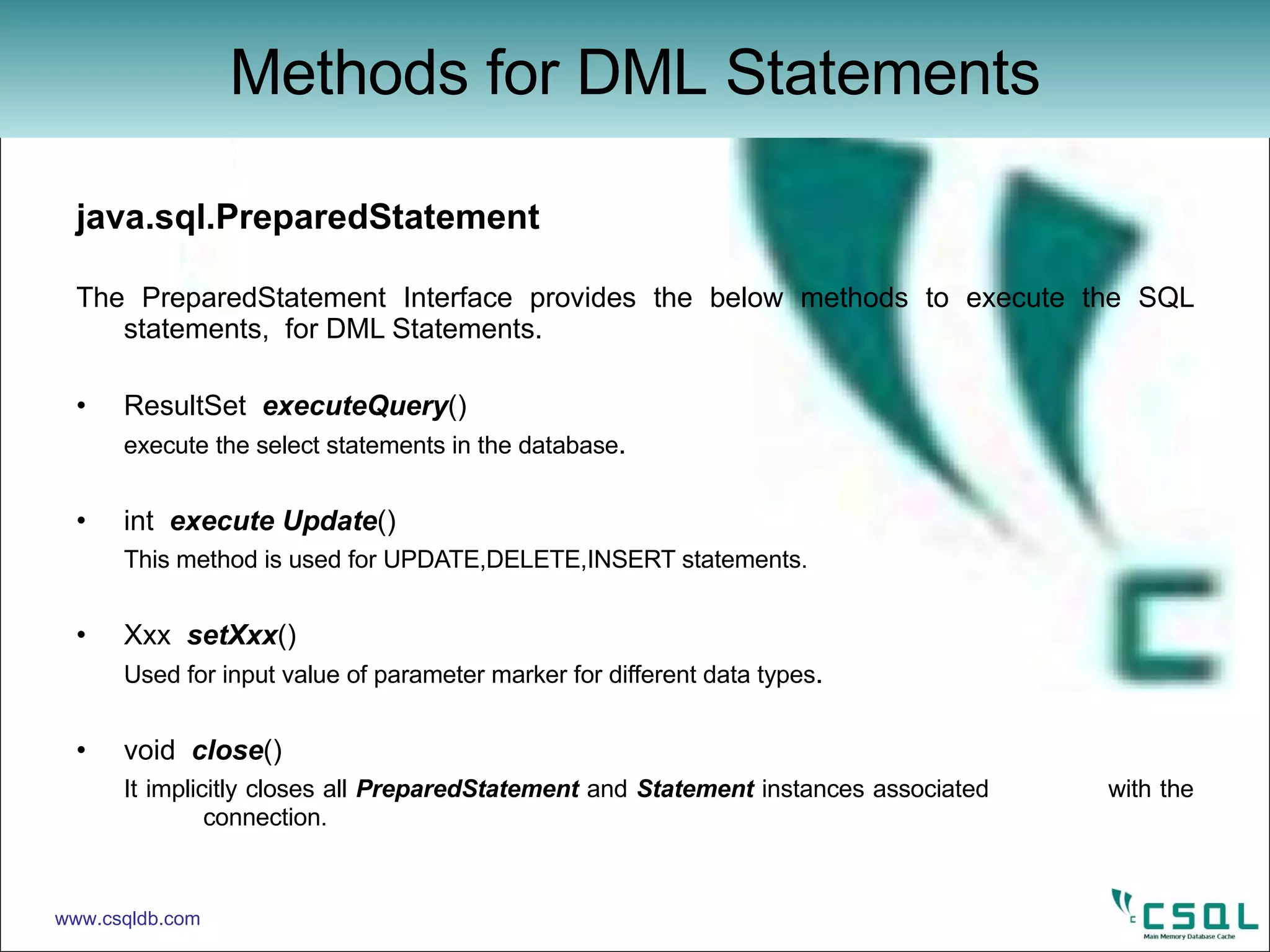
java.sql.PreparedStatement The PreparedStatement Interface provides the below methods to execute the SQL statements,  for DML Statements.  ResultSet  executeQuery () execute the select statements in the database . int  execute Update () This method is used for UPDATE,DELETE,INSERT statements. Xxx  setXxx () Used for input value of parameter marker for different data types . void  close () It implicitly closes all  PreparedStatement  and  Statement  instances associated  with the  connection. Methods for DML Statements www.csqldb.com
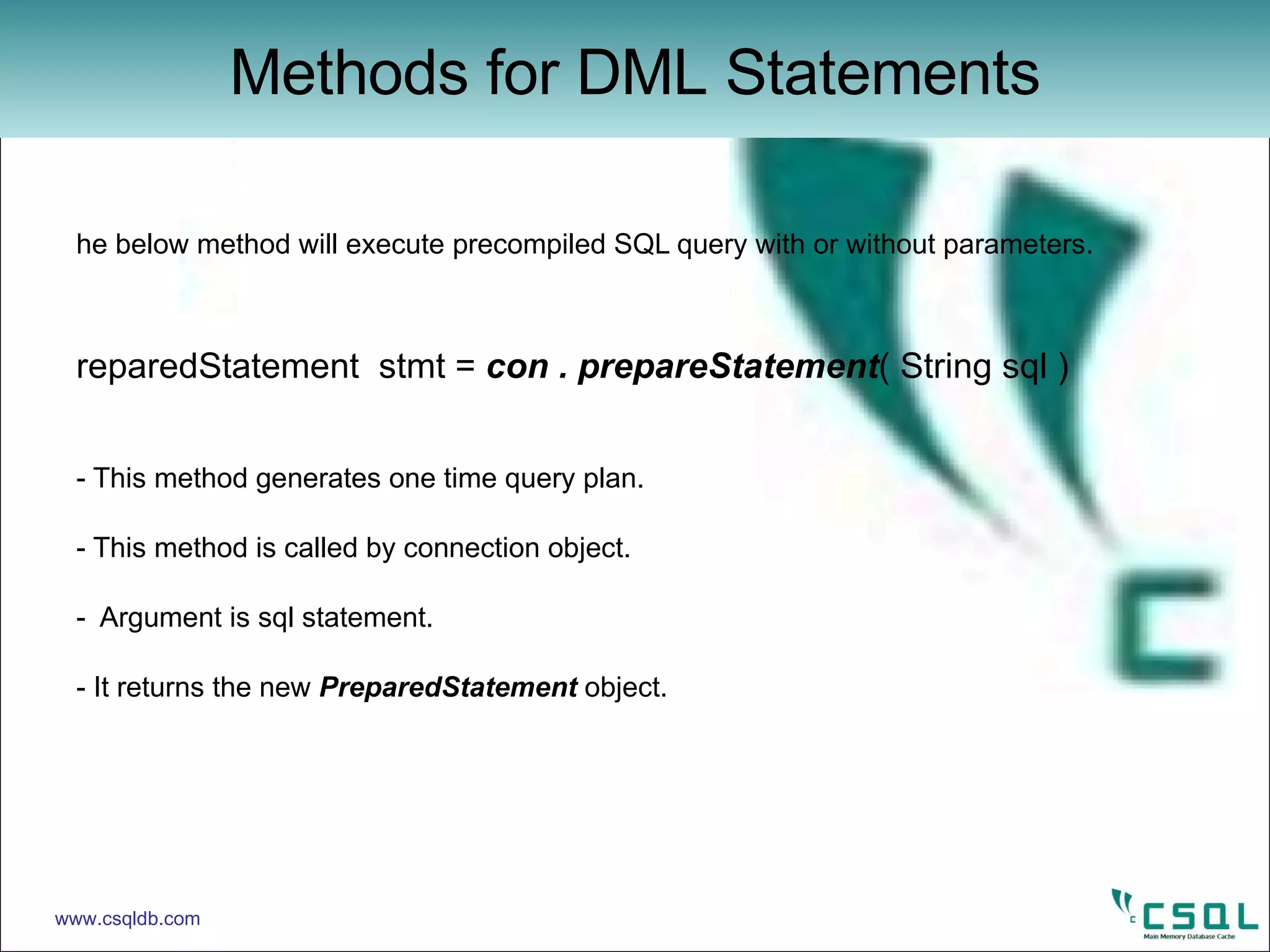
The below method will execute precompiled SQL query with or without parameters. PreparedStatement  stmt =   con . prepareStatement ( String sql )  - This method generates one time query plan. - This method is called by connection object. -  Argument is sql statement. - It returns   the new  PreparedStatement  object. Methods for DML Statements www.csqldb.com
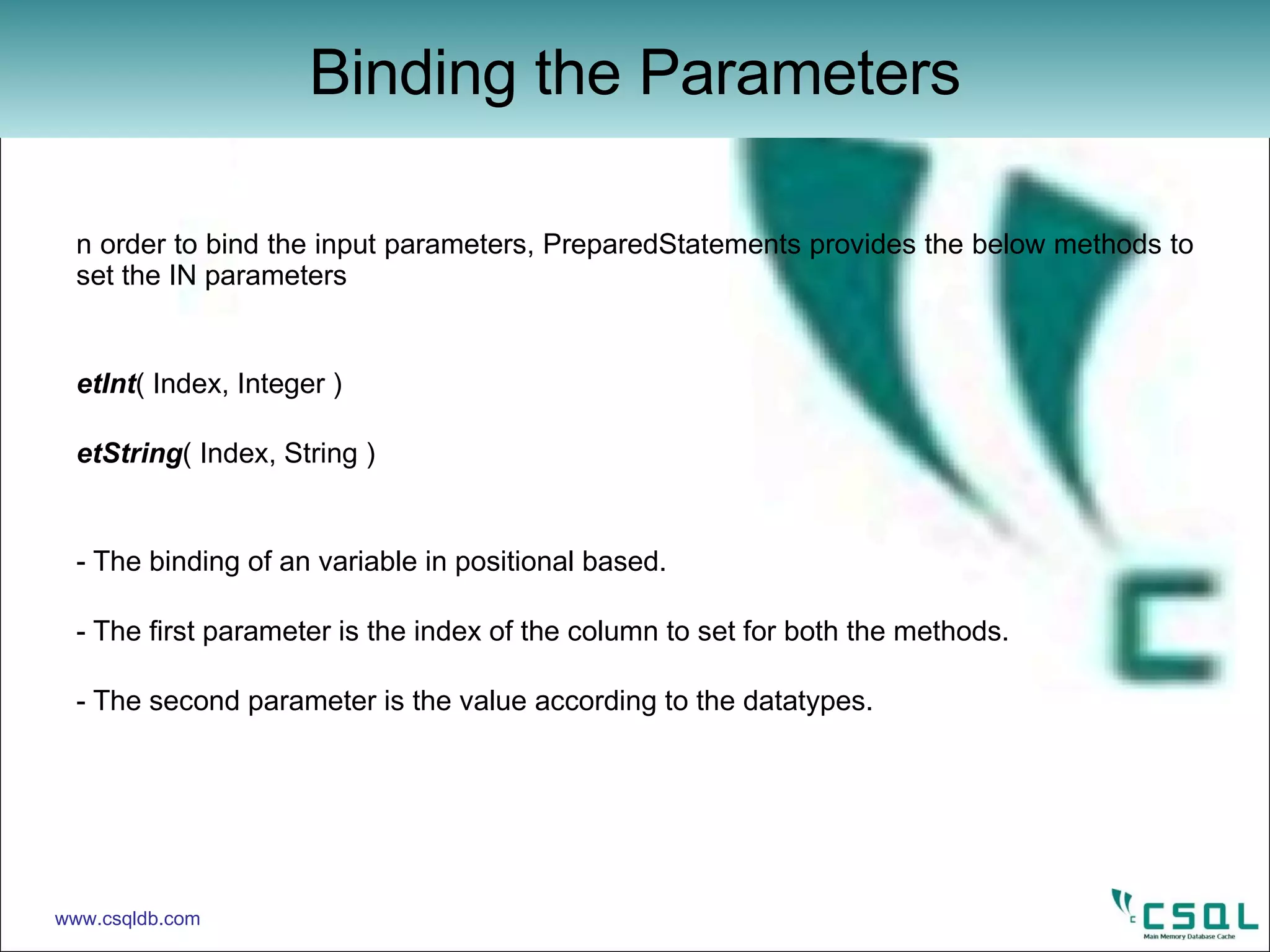
In order to bind the input parameters, PreparedStatements provides the below methods to set the IN parameters setInt ( Index, Integer ) setString ( Index, String ) - The binding of an variable in positional based. - The first parameter is the index of the column to set for both the methods. - The second parameter is the value according to the datatypes.  Binding the Parameters www.csqldb.com
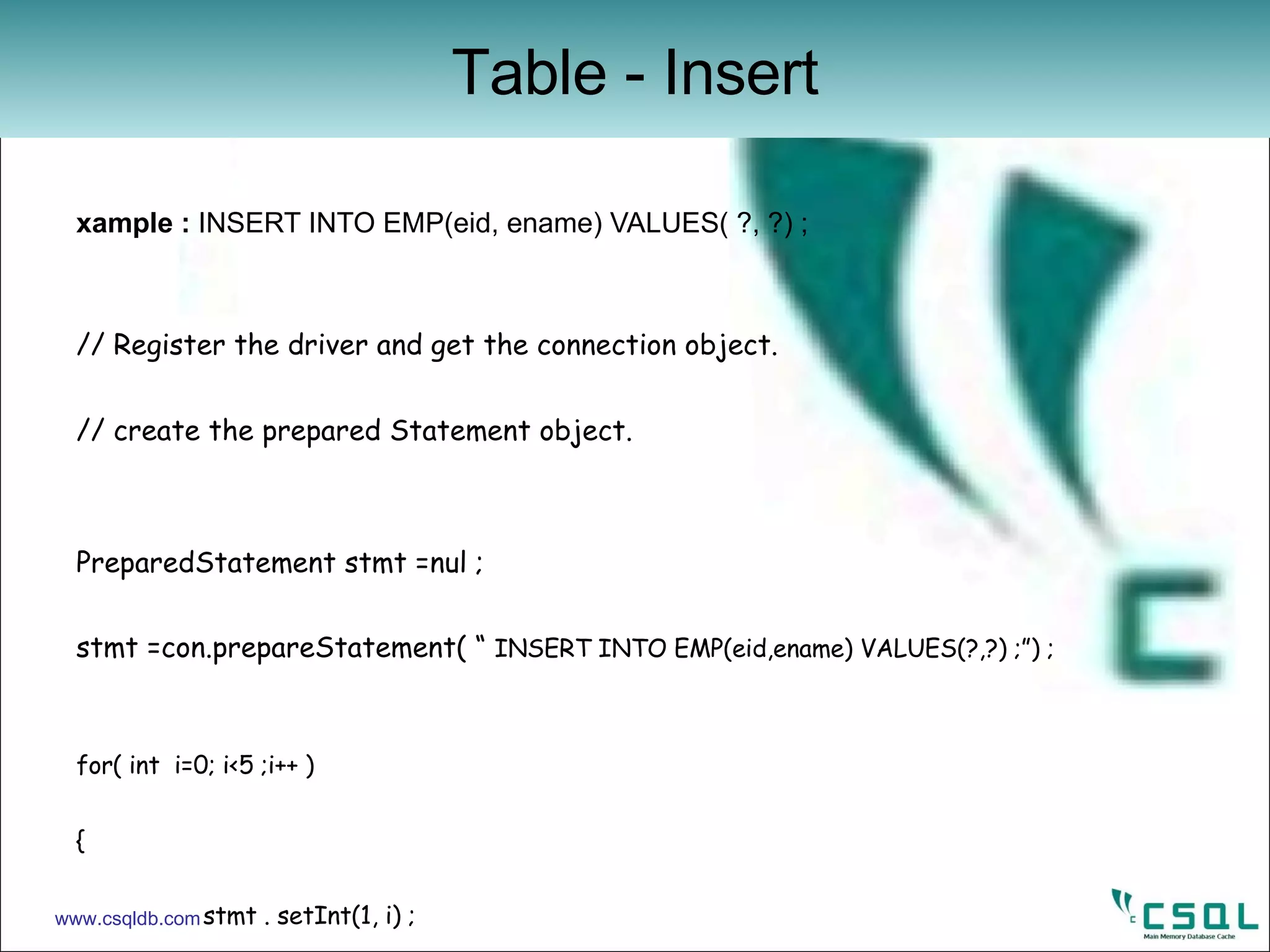
Example :  INSERT INTO EMP(eid, ename) VALUES( ?, ?) ; // Register the driver and get the connection object. // create the prepared Statement object. PreparedStatement stmt =nul ; stmt =con.prepareStatement( “  INSERT INTO EMP(eid,ename) VALUES(?,?) ;”) ; for( int  i=0; i<5 ;i++ )  { stmt . setInt(1, i) ; stmt.setString( 2 , String.valueOf( i+100 )) ; ret = stmt . executeUpdate(); if(ret !=1) break ; count++; } stmt.close(); con . commit() ; con . close() ;   Table - Insert www.csqldb.com
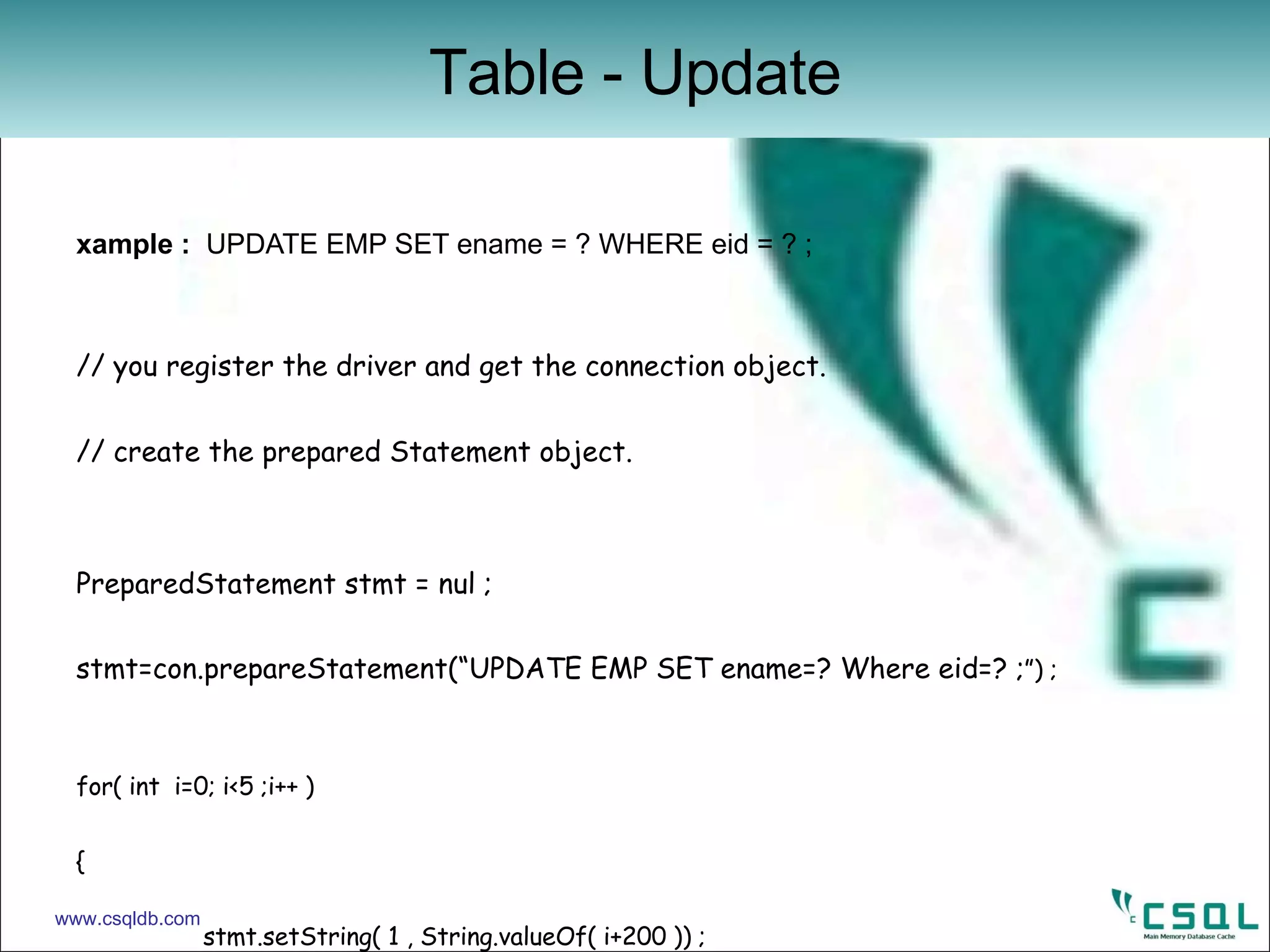
Example :  UPDATE EMP SET ename = ? WHERE eid = ? ; // you register the driver and get the connection object. // create the prepared Statement object. PreparedStatement stmt = nul ; stmt=con.prepareStatement(“UPDATE EMP SET ename=? Where eid=? ; ”) ; for( int  i=0; i<5 ;i++ )  { stmt.setString( 1 , String.valueOf( i+200 )) ; stmt.setInt(2,i) ; ret = stmt . executeUpdate(); if(ret !=1) break ; count++; } stmt.close(); con . commit() ; con . close() ;   Table - Update www.csqldb.com
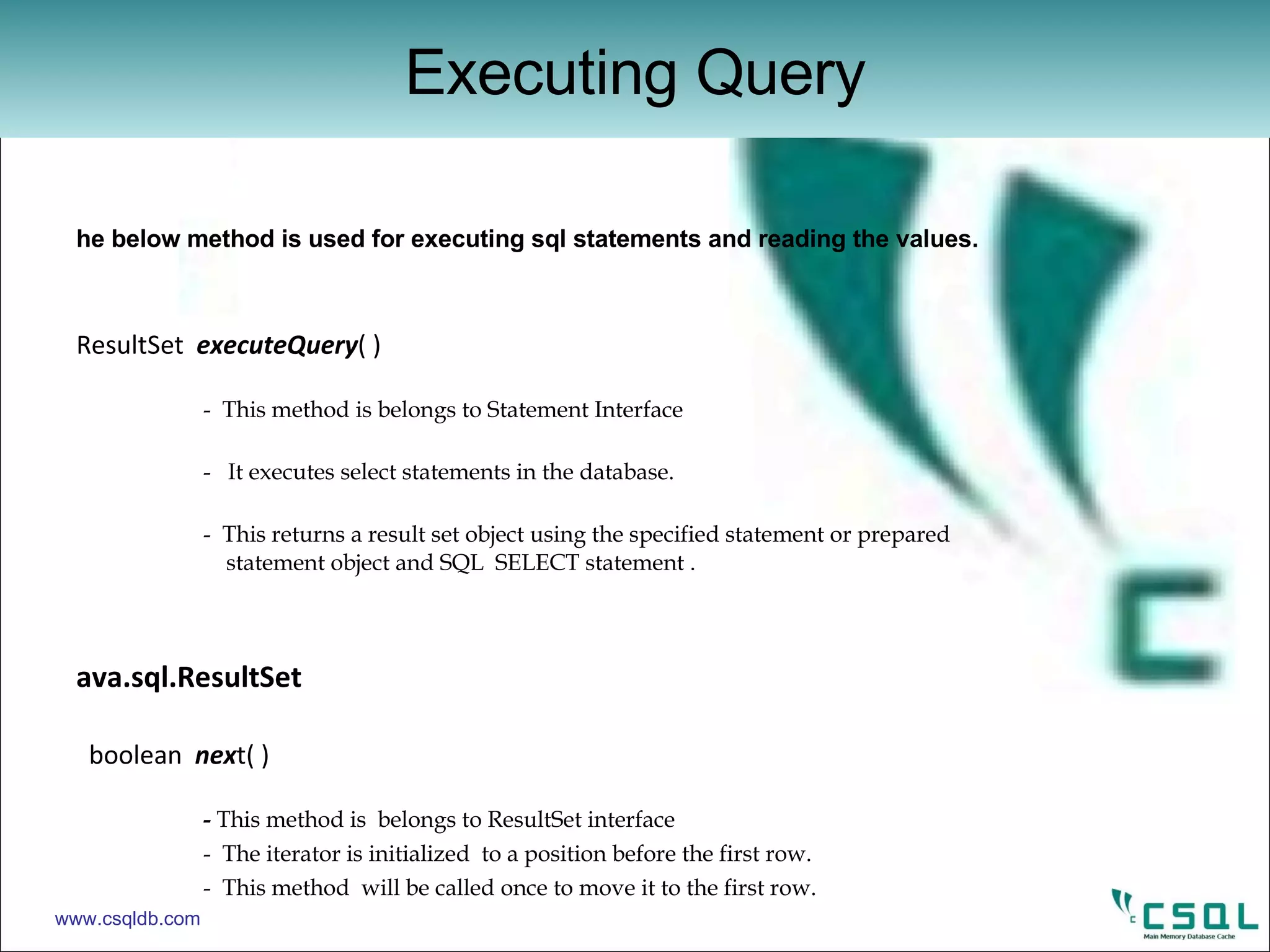
The below method is used for executing sql statements and reading the values. ResultSet  executeQuery ( )  -  This method is belongs to Statement Interface -  It executes select statements in the database. -  This returns a result set object using the specified statement or prepared        statement object and SQL  SELECT statement . Java.sql.ResultSet   boolean  nex t( )    -  This method is  belongs to ResultSet interface -  The iterator is initialized  to a position before the first row. -  This method  will be called once to move it to the first row. xxx  getXxx  (  int  column number )  -  once we have the result set  we can retrieve the data by looping through it.  void  close  ( ) -  used to close a result set. Executing Query www.csqldb.com
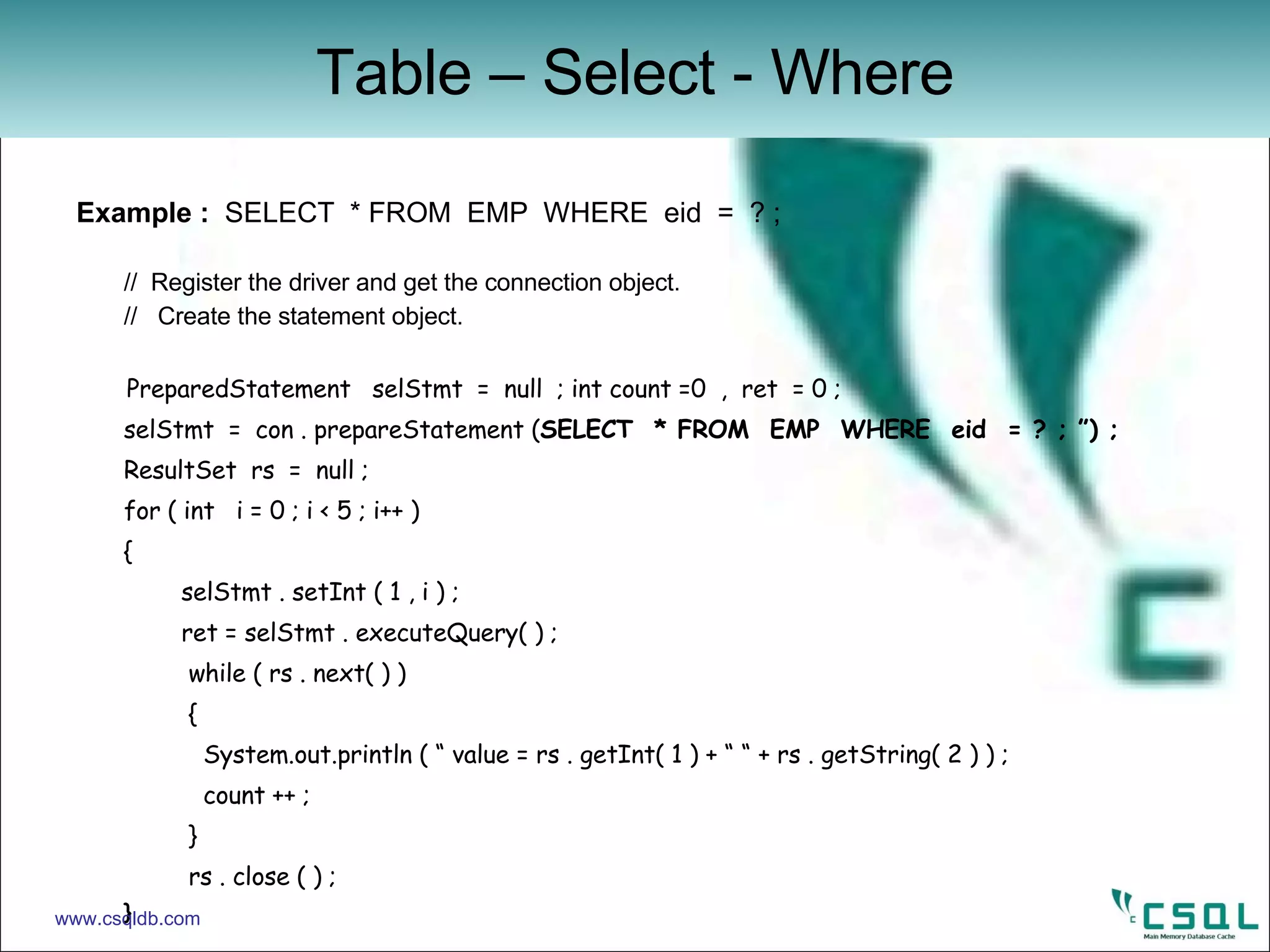
Example :  SELECT  * FROM  EMP  WHERE  eid  =  ? ;  //  Register the driver and get the connection object. //  Create the statement object. PreparedStatement  selStmt  =  null  ; int count =0  ,  ret  = 0 ; selStmt  =  con . prepareStatement ( SELECT  * FROM  EMP  WHERE  eid  = ? ; ”) ; ResultSet  rs  =  null ; for ( int  i = 0 ; i < 5 ; i++ ) {    selStmt . setInt ( 1 , i ) ;   ret = selStmt . executeQuery( ) ;   while ( rs . next( ) )    { System.out.println ( “ value = rs . getInt( 1 ) + “ “ + rs . getString( 2 ) ) ; count ++ ;   }   rs . close ( ) ; } Table – Select - Where www.csqldb.com
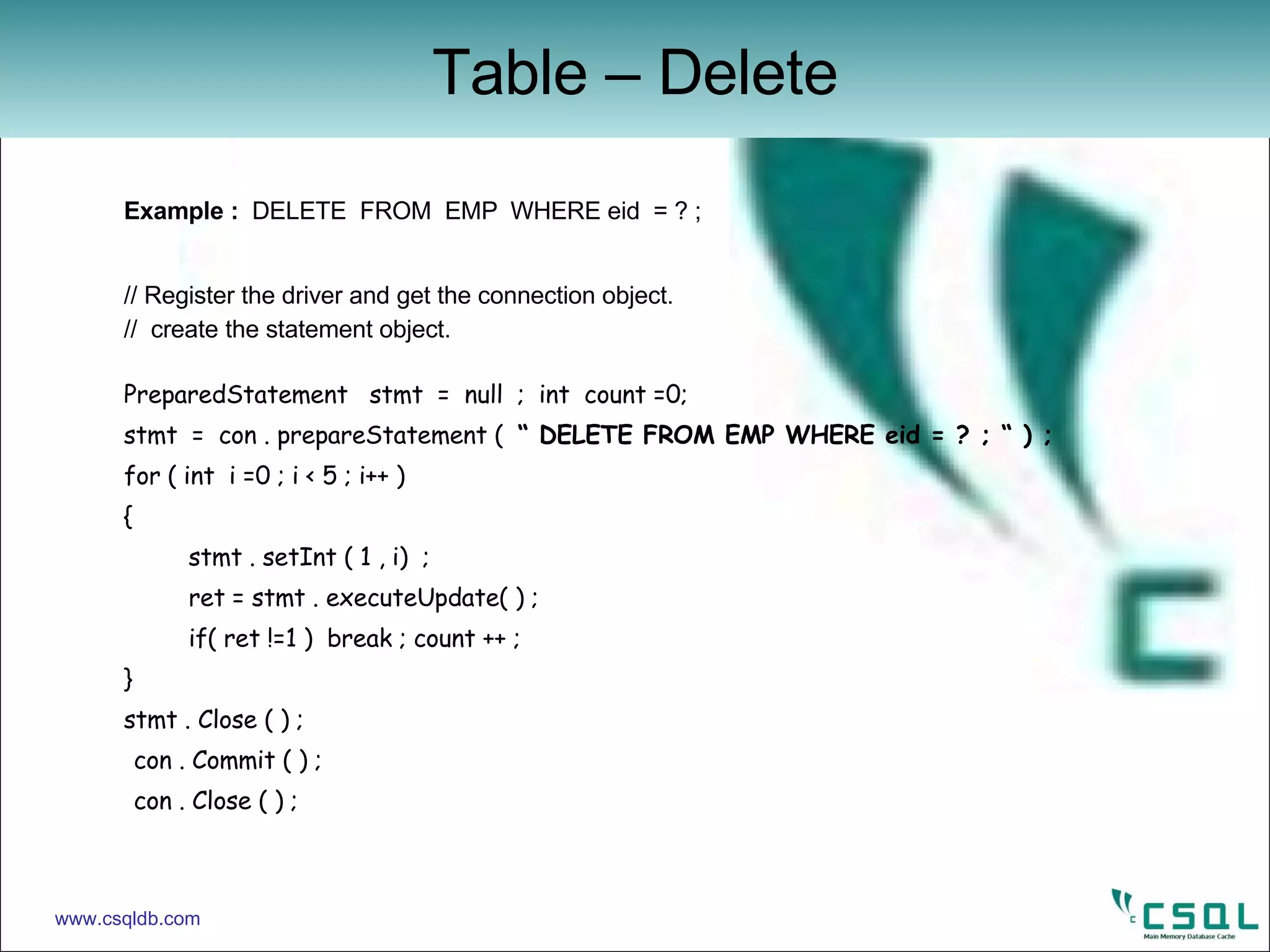
Example :  DELETE  FROM  EMP  WHERE eid  = ? ; // Register the driver and get the connection object. //  create the statement object. PreparedStatement  stmt  =  null  ;  int  count =0; stmt  =  con . prepareStatement (  “ DELETE FROM EMP WHERE eid = ? ; “ ) ; for ( int  i =0 ; i < 5 ; i++ ) {    stmt . setInt ( 1 , i)  ;   ret = stmt . executeUpdate( ) ;   if( ret !=1 )  break ; count ++ ; } stmt . Close ( ) ;  con . Commit ( ) ; con . Close ( ) ; Table – Delete www.csqldb.com
Example :  DROP TABLE EMP ; import  java . Sql . * ; public  class  jdbcexample { public static  void main ( String [ ] args ) {   try {   //  get  the  connection object  ‘ con ‘   Statement  cStmt  =  con . createStatement ( ) ; cStmt . execute ( “  DROP TABLE EMP  ; “ ) ; cStmt . Close ( ) ; con . Close ( ) ; }  catch ( Exception  e )  {   //  print the error value here   } } } Table – Drop www.csqldb.com
Example :  set the auto commit false and commit the transaction. import   java.sql.* ;   public class ConnTest { public static void main( String  argv[ ] ) {   Connection  con = null ;   try {   class.forName(“csql.jdbc.JdbcSqlDriver ”) ;   Connection  con = DriverManager . getConnection(“jdbc:csql” , “root” ,”manager”) ;     con . setAutoCommit(false) ;     //  perform DML operations here   con.commit() ;  } // close the connection Transaction www.csqldb.com
Referenced Manuals: User Manual:  Describes Concept, components and basic usages and useful for    administrators. Programmer Guide:  It covers JDBC, ODBC and proprietary SQL interface and    useful for application developers. Cache Guide:  Describes caching functionality of CSQL and  configuration settings  required to set up caching for MySQL, Postgres and Oracle DBMS. DOWNLOAD :  http://www.csqldb.com/pro_documentation.html CSQL Documents www.csqldb.com
For detailed information, please visit: Enterprise:  www.csqldb.com Open Source:  http://sourceforge.net/products/csql CSQL Web Site www.csqldb.com

JDBC for CSQL Database

  • 1.
    CSQL - JDBC Jitendra Lenka Developer - Lakshya Solutions Ltd. [email_address] olutions.com
  • 2.
    Module Objectives Aftercompleting this module you will be able to : Understand various interfaces in JDBC. Write application to access CSQL database using JDBC driver. Understand different SQL statements executed in CSQL databse with parameter and projection value. www.csqldb.com
  • 3.
    The topics tobe covered in this session are :- Introduction to CSQL main memory database. Overview of different Interfaces to client provided by CSQL. Important classes and functions for writing application in JDBC. Connection to the CSQL database and execute DDL and DML statements. Handling errors returned by various functions in JDBC. Module Coverage www.csqldb.com
  • 4.
    CSQL is aopen source main memory high-performance relational database management system developed in sourceforge.net site. CSQL comprises suite of products such as CSQL MMDB, CSQL Cache for leading target databases such as Oracle, MySQL and Postgres , and CSQL Replication which provides high availability and load balancing cluster for MMDB. CSQL MMDB is 30x faster than any other leading databases with undisrupted performance for real-time applications. CSQL is mainly developed to be used as a cache for existing disk based commercial databases. What is CSQL? www.csqldb.com
  • 5.
    ODBC C/C++ standard interface for SQL engine. JDBC Java standard interface for SQL engine. SQLAPI Proprietary interface for SQL engine. DBAPI Proprietary interface for Storage engine Overview www.csqldb.com
  • 6.
    Java Database Connectivitydefines an API that java programs can use to connect to CSQL server. The JDBC API defines interfaces and classes for writing database applications in java by making database connections. Java application calls the JDBC library. JDBC loads a driver which talks to the CSQL database. What is JDBC ? www.csqldb.com
  • 7.
    Proprietary C++Interface Important Package java.sql Important classes java.sql.Date java.lang.DriverManager java.sql.Time Important Interfaces java.sql.Connection java.sql.PreparedStatement java.sql.ResultSet java.sql.Statement java.sql.SQLException Library libcsqljdbc.so JDBC www.csqldb.com
  • 8.
    Data Type www.csqldb.comSQL Type Java Type TINYINT Byte SMALLINT Short INTEGER Int BIGINT Long REAL Float FLOAT,DOUBLE Double CHAR java.lang.String DATE java.sql.Date TIME java.sql.Time TIMESTAMP java.sql.Timestamp
  • 9.
    Before making aconnection to database the JDBC driver should be loaded. Class forName( <Database Driver> ) : Load the driver class by calling this function. Driver class name as an argument. Once loaded the driver class creates an instances of itself. A client can connect to database server through JDBC driver. The return type of this method is Class which is a class in java.lang package. Method for Loading Driver www.csqldb.com
  • 10.
    Below method willestablish a connection to the database. getConenction( <url> , <LoginName> , <password> ) : This method is belongs to JDBC DriverManager class. DriverManager class defines object which can connect java application to a JDBC driver. Driver can recognizes the url (jdbc:csql) . This method uses the above argument(url,LoginName, password) to connect to database. This method returns a new Connection object to the database. DriverManager www.csqldb.com
  • 11.
    java.sql.Connection The belowmethods are belongs to the Connection interface. Statement createStatement ( ) throws SQLException. PreparedStatement prepareStatement (<SqlStatement>) throws SQLException . void close ( ) throws SQLException. void commit ( ) throws SQLException. void rollback ( ) throws SQLException. Connection www.csqldb.com
  • 12.
    java.sql.Connection In orderto use DDL Statements,we require a Statement object. So, the next step is to create the Statement object from the Connection . Statement stmt = con. createStatemen t() This method is for interacting with the database. It generates new query plan for DDL statements. By the help of Statement object SQL statements would be used. A Statement object is used to send and execute SQL statements to a database. Note : we used createStatement for DDL Statements. Connection www.csqldb.com
  • 13.
    Example : Connect to the CSQL through JDBC Driver. import java.sql.* ; public class ConnTest { public static void main( String argv[ ] ) { Connection con = null ; try { class.forName(“csql.jdbc.JdbcSqlDriver ”) ; Connection con = DriverManager . getConnection(“jdbc:csql” , “root” ,”manager”) ; if(con==null) System.exit(1) ; con.close() ; System.exit(0) ; } catch (Exception e) { System.out.println(“Exception in Test :“ +e) ; e.getStackTrace(); System.exit(1) ; } } } Connection www.csqldb.com
  • 14.
    java.sql.Statement The Statementclass provide the below method to execute the SQL statements, mainly for DDL Statements. execute (<sqlstatement>) This method is for execution of SQL statements in the database. Returns a result set object using specified Statement object. Return type is Boolean value. Note : execute method for DDL statements. Execution of DDL Statements www.csqldb.com
  • 15.
    Example : CREATE TABLE EMP(eid integer, ename char(20)); CREATE INDEX IDX_EMP ON EMP(eid); // Driver should be register here followed by Connection. Statement cStmt = con . createStatement(); cStmt . execute( “CREATE TABLE EMP(eid integer, ename char(20)) ;” ) ; cStmt . execute( “CREATE INDEX IDX_EMP ON EMP(eid) ;” ) ; cStmt.close(); con.commit(); con.close() ; // close the connection. Create Table and Index www.csqldb.com
  • 16.
    java.sql.PreparedStatement The PreparedStatementInterface provides the below methods to execute the SQL statements, for DML Statements. ResultSet executeQuery () execute the select statements in the database . int execute Update () This method is used for UPDATE,DELETE,INSERT statements. Xxx setXxx () Used for input value of parameter marker for different data types . void close () It implicitly closes all PreparedStatement and Statement instances associated with the connection. Methods for DML Statements www.csqldb.com
  • 17.
    The below methodwill execute precompiled SQL query with or without parameters. PreparedStatement stmt = con . prepareStatement ( String sql ) - This method generates one time query plan. - This method is called by connection object. - Argument is sql statement. - It returns the new PreparedStatement object. Methods for DML Statements www.csqldb.com
  • 18.
    In order tobind the input parameters, PreparedStatements provides the below methods to set the IN parameters setInt ( Index, Integer ) setString ( Index, String ) - The binding of an variable in positional based. - The first parameter is the index of the column to set for both the methods. - The second parameter is the value according to the datatypes. Binding the Parameters www.csqldb.com
  • 19.
    Example : INSERT INTO EMP(eid, ename) VALUES( ?, ?) ; // Register the driver and get the connection object. // create the prepared Statement object. PreparedStatement stmt =nul ; stmt =con.prepareStatement( “ INSERT INTO EMP(eid,ename) VALUES(?,?) ;”) ; for( int i=0; i<5 ;i++ ) { stmt . setInt(1, i) ; stmt.setString( 2 , String.valueOf( i+100 )) ; ret = stmt . executeUpdate(); if(ret !=1) break ; count++; } stmt.close(); con . commit() ; con . close() ; Table - Insert www.csqldb.com
  • 20.
    Example : UPDATE EMP SET ename = ? WHERE eid = ? ; // you register the driver and get the connection object. // create the prepared Statement object. PreparedStatement stmt = nul ; stmt=con.prepareStatement(“UPDATE EMP SET ename=? Where eid=? ; ”) ; for( int i=0; i<5 ;i++ ) { stmt.setString( 1 , String.valueOf( i+200 )) ; stmt.setInt(2,i) ; ret = stmt . executeUpdate(); if(ret !=1) break ; count++; } stmt.close(); con . commit() ; con . close() ; Table - Update www.csqldb.com
  • 21.
    The below methodis used for executing sql statements and reading the values. ResultSet executeQuery ( ) - This method is belongs to Statement Interface - It executes select statements in the database. - This returns a result set object using the specified statement or prepared statement object and SQL SELECT statement . Java.sql.ResultSet boolean nex t( ) - This method is belongs to ResultSet interface - The iterator is initialized to a position before the first row. - This method will be called once to move it to the first row. xxx getXxx ( int column number ) - once we have the result set we can retrieve the data by looping through it. void close ( ) - used to close a result set. Executing Query www.csqldb.com
  • 22.
    Example : SELECT * FROM EMP WHERE eid = ? ; // Register the driver and get the connection object. // Create the statement object. PreparedStatement selStmt = null ; int count =0 , ret = 0 ; selStmt = con . prepareStatement ( SELECT * FROM EMP WHERE eid = ? ; ”) ; ResultSet rs = null ; for ( int i = 0 ; i < 5 ; i++ ) { selStmt . setInt ( 1 , i ) ; ret = selStmt . executeQuery( ) ; while ( rs . next( ) ) { System.out.println ( “ value = rs . getInt( 1 ) + “ “ + rs . getString( 2 ) ) ; count ++ ; } rs . close ( ) ; } Table – Select - Where www.csqldb.com
  • 23.
    Example : DELETE FROM EMP WHERE eid = ? ; // Register the driver and get the connection object. // create the statement object. PreparedStatement stmt = null ; int count =0; stmt = con . prepareStatement ( “ DELETE FROM EMP WHERE eid = ? ; “ ) ; for ( int i =0 ; i < 5 ; i++ ) { stmt . setInt ( 1 , i) ; ret = stmt . executeUpdate( ) ; if( ret !=1 ) break ; count ++ ; } stmt . Close ( ) ; con . Commit ( ) ; con . Close ( ) ; Table – Delete www.csqldb.com
  • 24.
    Example : DROP TABLE EMP ; import java . Sql . * ; public class jdbcexample { public static void main ( String [ ] args ) { try { // get the connection object ‘ con ‘ Statement cStmt = con . createStatement ( ) ; cStmt . execute ( “ DROP TABLE EMP ; “ ) ; cStmt . Close ( ) ; con . Close ( ) ; } catch ( Exception e ) { // print the error value here } } } Table – Drop www.csqldb.com
  • 25.
    Example : set the auto commit false and commit the transaction. import java.sql.* ; public class ConnTest { public static void main( String argv[ ] ) { Connection con = null ; try { class.forName(“csql.jdbc.JdbcSqlDriver ”) ; Connection con = DriverManager . getConnection(“jdbc:csql” , “root” ,”manager”) ; con . setAutoCommit(false) ; // perform DML operations here con.commit() ; } // close the connection Transaction www.csqldb.com
  • 26.
    Referenced Manuals: UserManual: Describes Concept, components and basic usages and useful for administrators. Programmer Guide: It covers JDBC, ODBC and proprietary SQL interface and useful for application developers. Cache Guide: Describes caching functionality of CSQL and configuration settings required to set up caching for MySQL, Postgres and Oracle DBMS. DOWNLOAD : http://www.csqldb.com/pro_documentation.html CSQL Documents www.csqldb.com
  • 27.
    For detailed information,please visit: Enterprise: www.csqldb.com Open Source: http://sourceforge.net/products/csql CSQL Web Site www.csqldb.com