












Denise R. Jacobs Voices That Matter Web Design Conference 2010   San Francisco It’s Business Time: Givin’ User Experience Love With CSS3
#css3ux<3
The passionate love affair with CSS3 only grows stronger over time http://www.flickr.com/photos/victoriapeckham/2091704802/
What’s not to love? Easier implementation of visual effects Effects that enhance the user experience http://www.flickr.com/photos/shibanidutta/4115390982/
As with many seemingly perfect romances, there are issues… http://www.flickr.com/photos/cybervin/266632074/
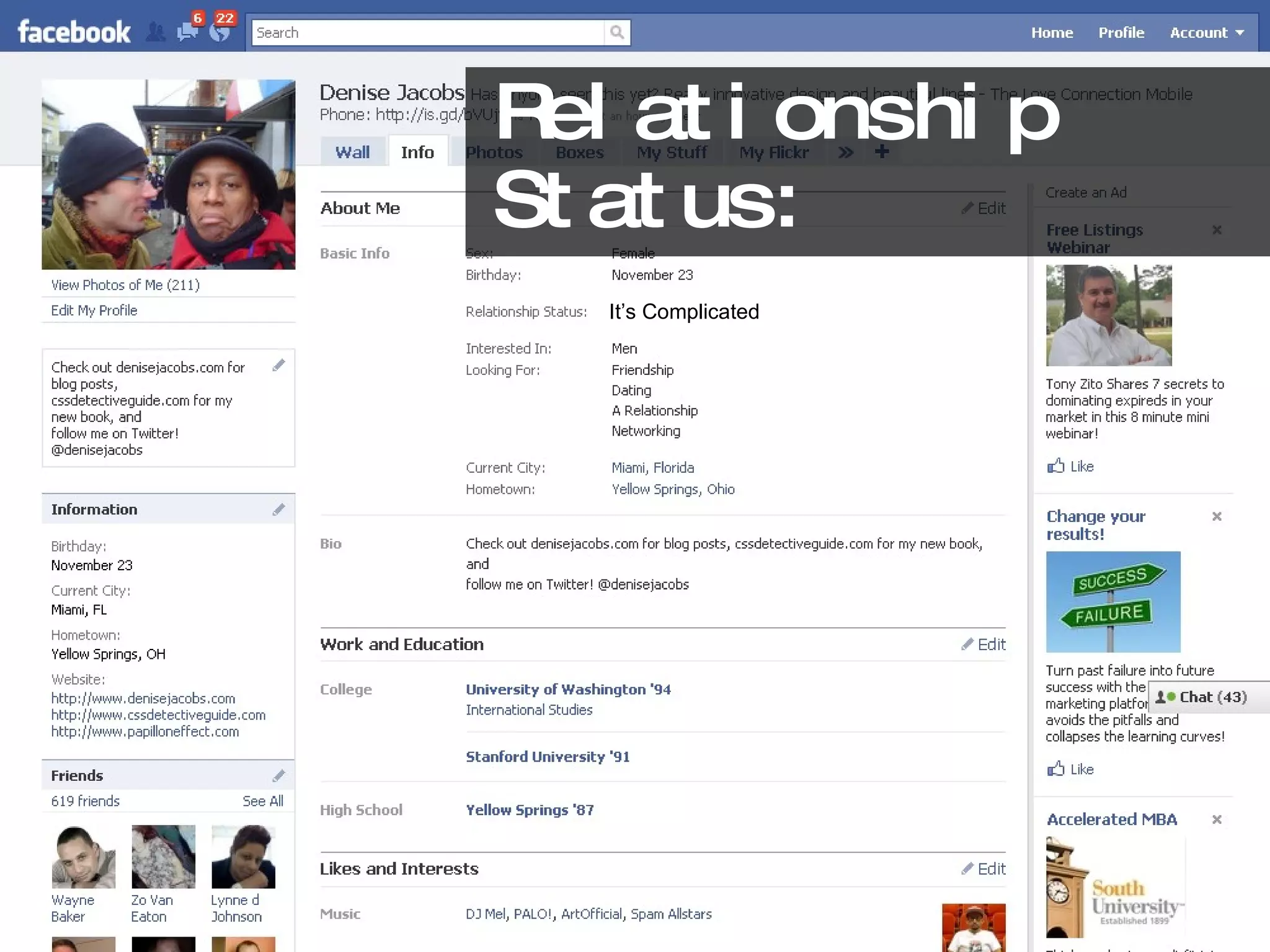
Relationship Status: It’s Complicated
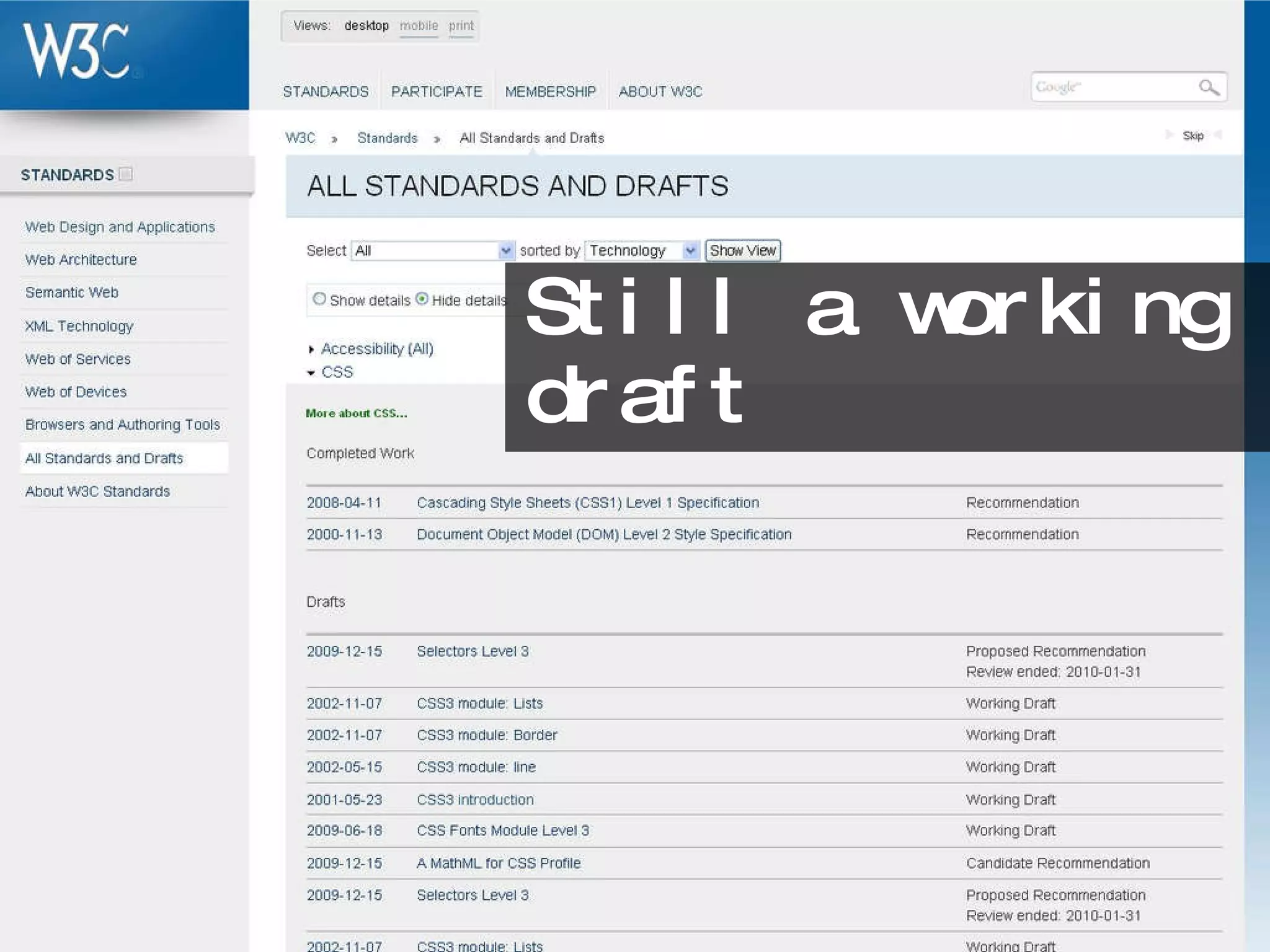
Still a working draft
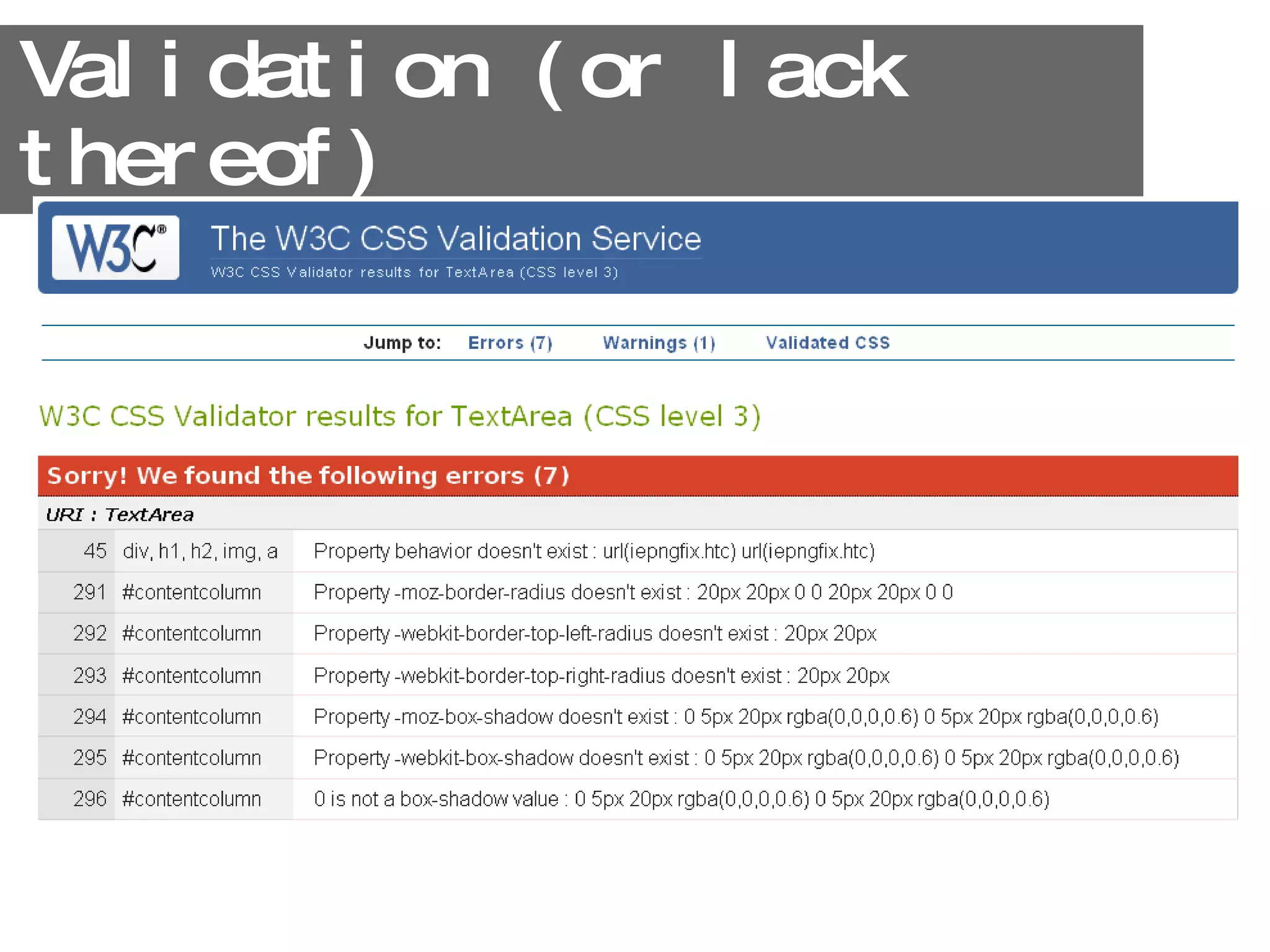
Validation (or lack thereof)
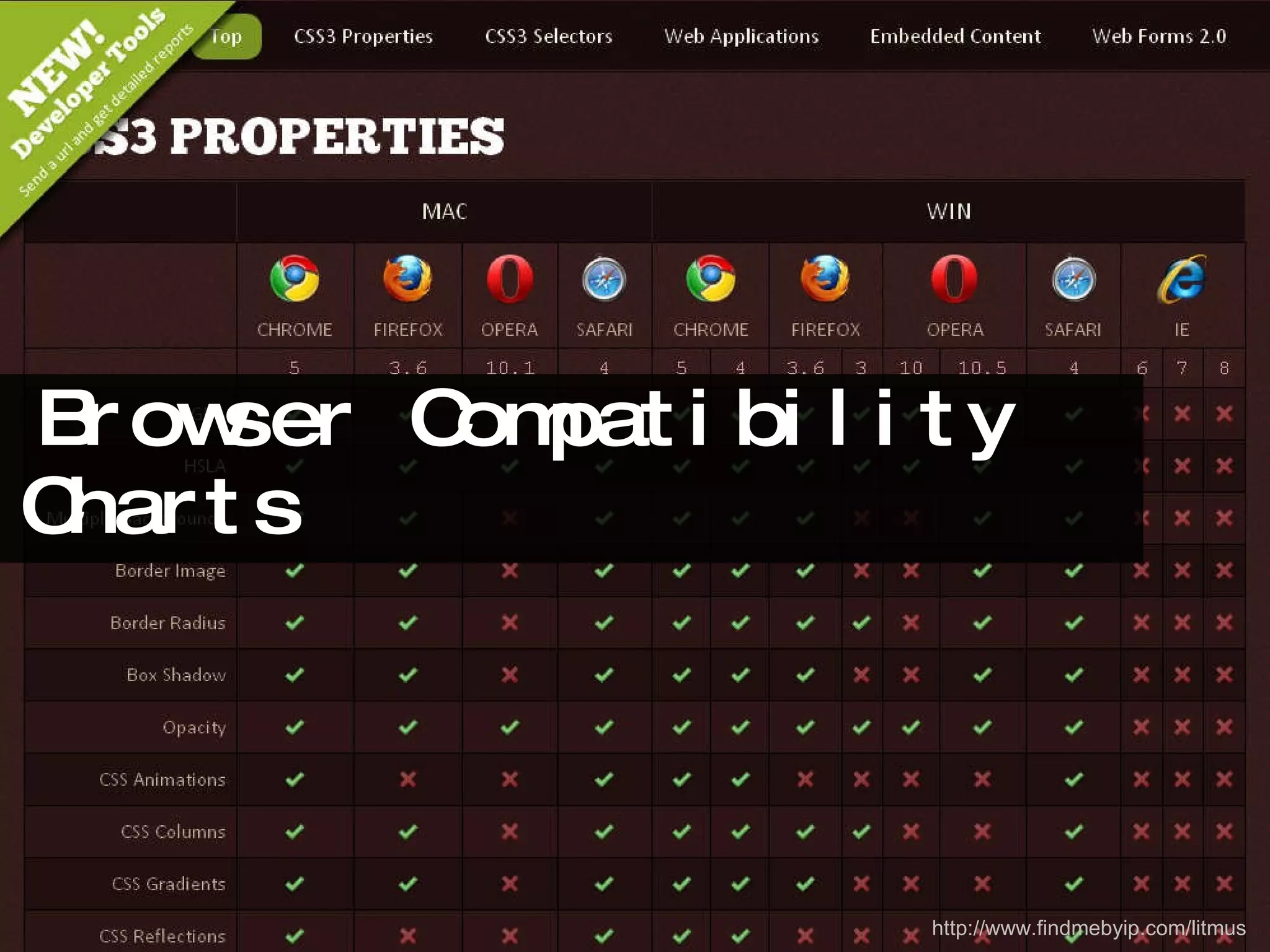
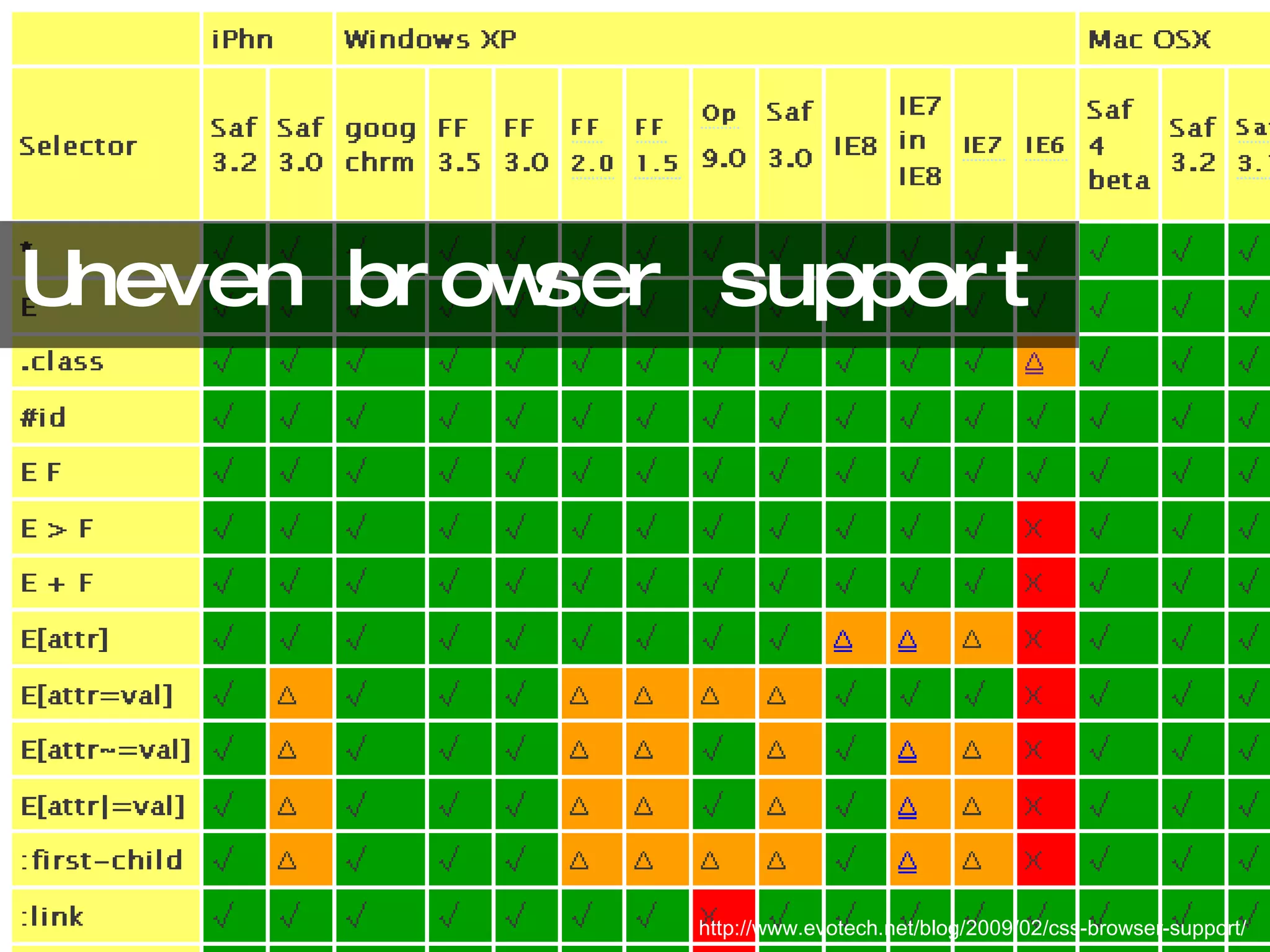
Uneven browser support http://www.evotech.net/blog/2009/02/css-browser-support/
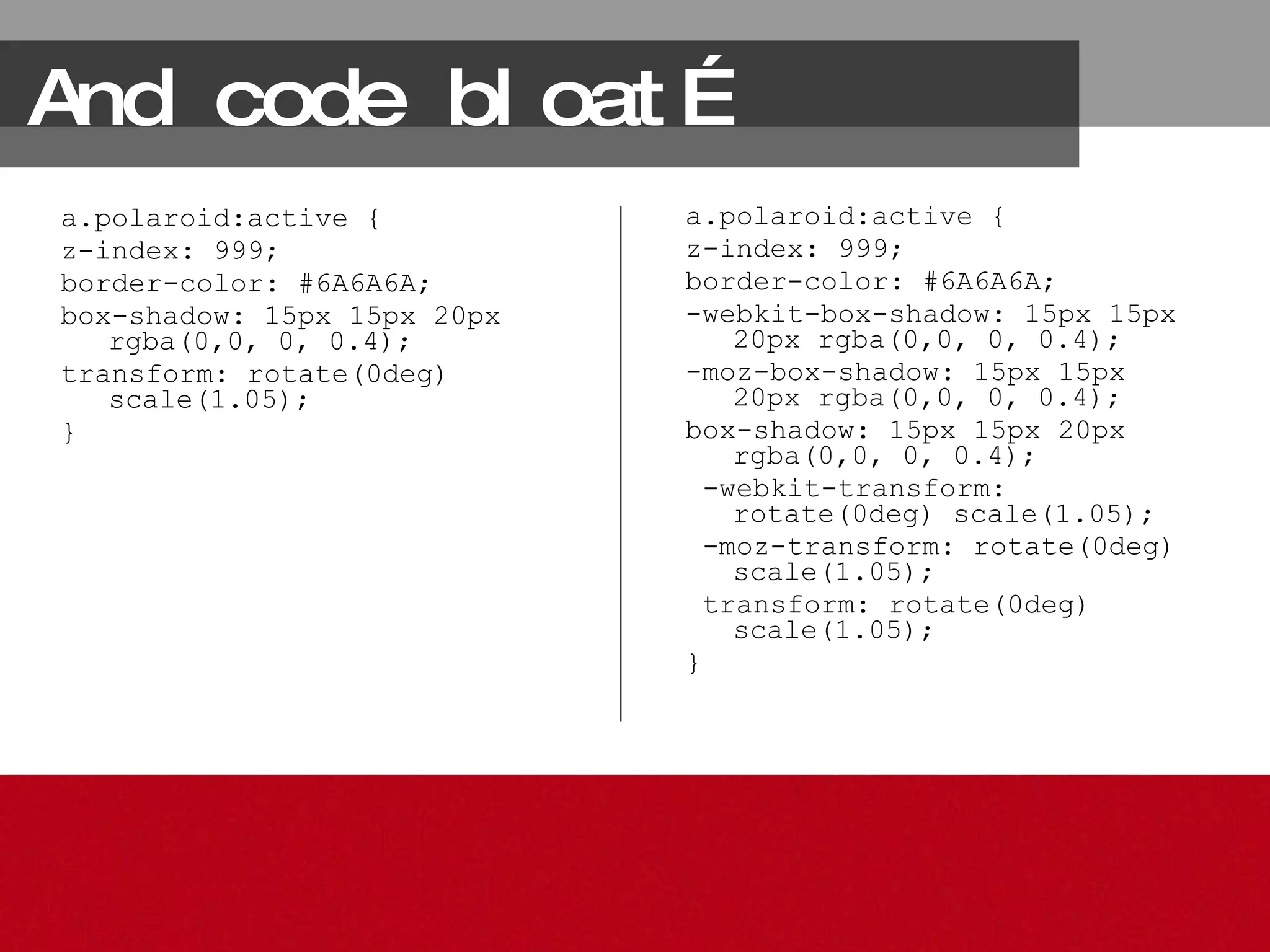
And code bloat… a.polaroid:active { z-index: 999; border-color: #6A6A6A; box-shadow: 15px 15px 20px rgba(0,0, 0, 0.4); transform: rotate(0deg) scale(1.05); } a.polaroid:active { z-index: 999; border-color: #6A6A6A; -webkit-box-shadow: 15px 15px 20px rgba(0,0, 0, 0.4); -moz-box-shadow: 15px 15px 20px rgba(0,0, 0, 0.4); box-shadow: 15px 15px 20px rgba(0,0, 0, 0.4); -webkit-transform: rotate(0deg) scale(1.05); -moz-transform: rotate(0deg) scale(1.05); transform: rotate(0deg) scale(1.05); }
Oh my!
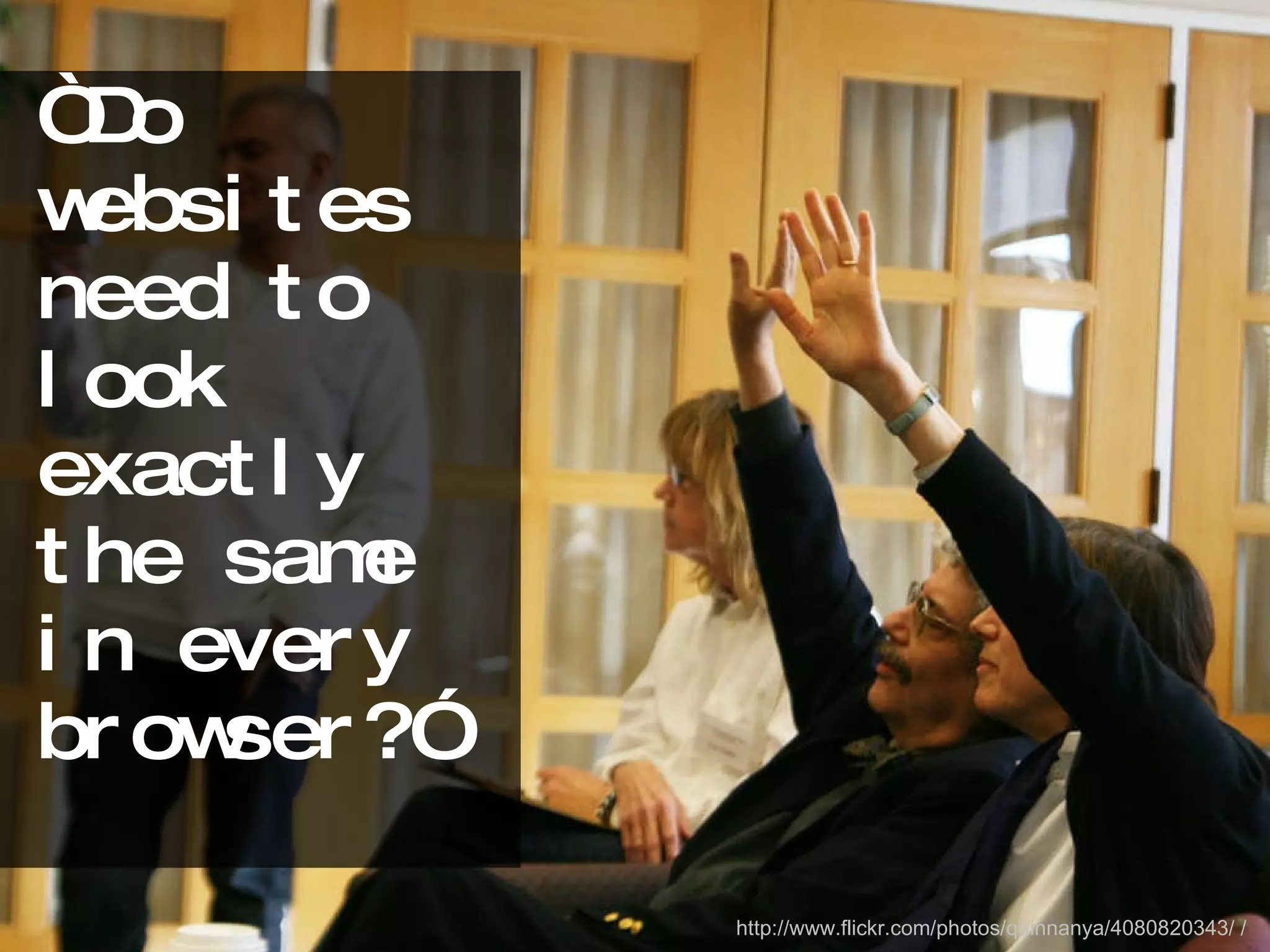
“Do websites need to look exactly the same in every browser?” http://www.flickr.com/photos/quinnanya/4080820343/ /
http://dowebsitesneedtolookexactlythesameineverybrowser.com/
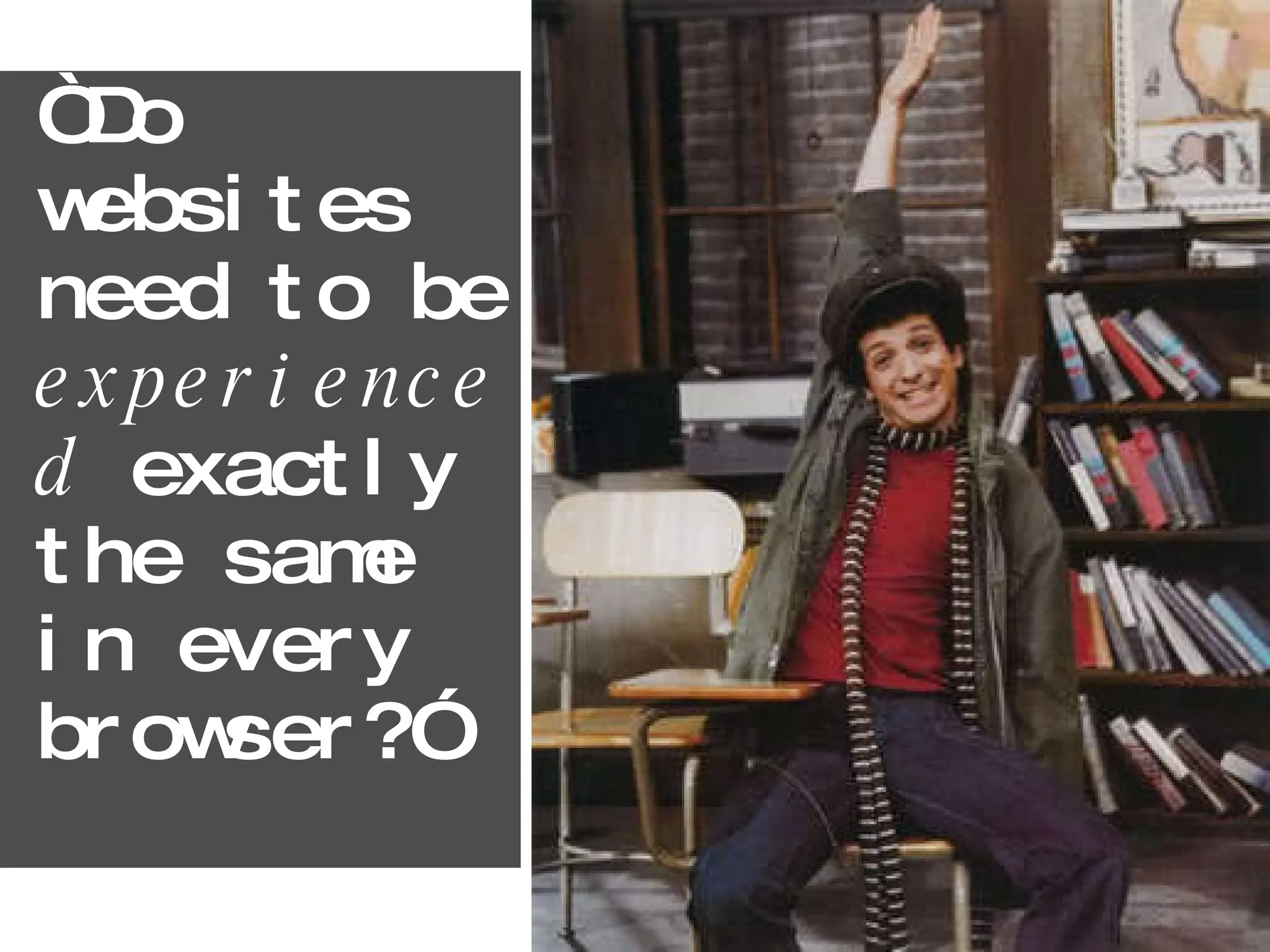
“Do websites need to be  experienced  exactly the same in every browser?”
http://dowebsitesneedtobeexperiencedexactlythesameineverybrowser.com/
The Age of Emotional & Experience Design
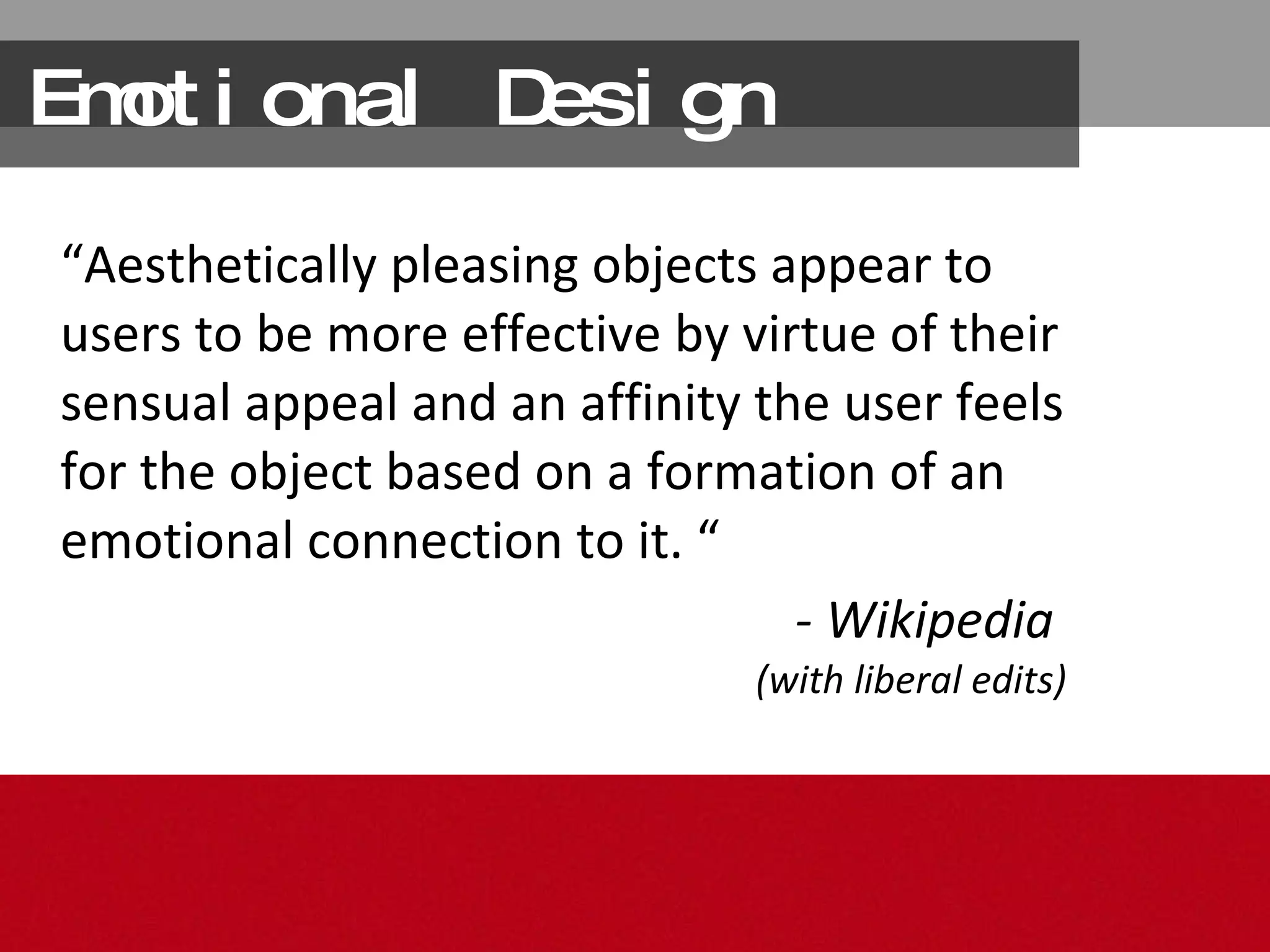
Emotional Design “ Aesthetically pleasing  objects appear to users to be  more effective  by virtue of their sensual appeal and  an affinity  the user feels for the object based on a formation of an  emotional connection  to it. “ - Wikipedia  (with liberal edits)
Good looks + http://www.flickr.com/photos/spierzchala/66232046/
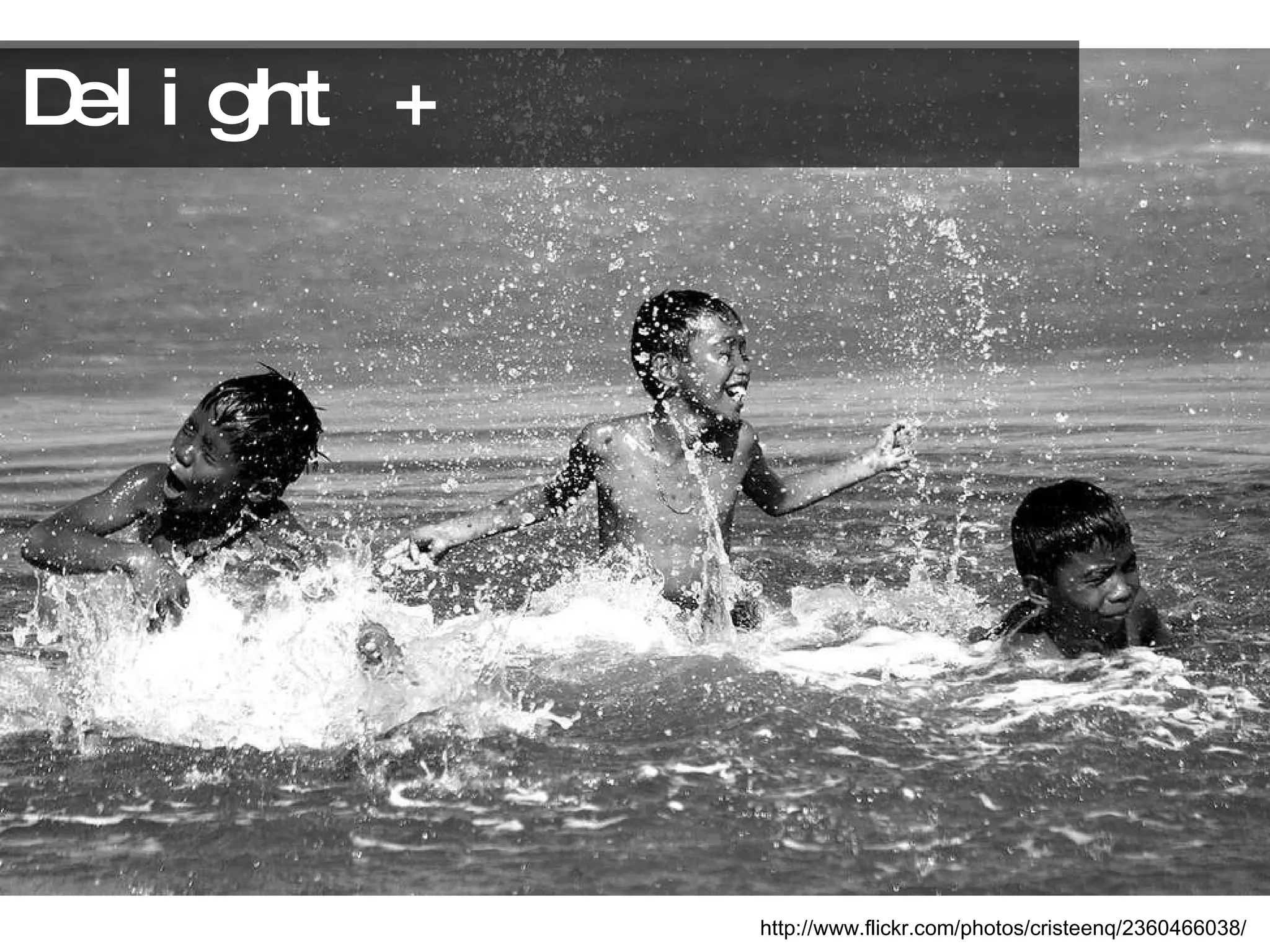
Delight + http://www.flickr.com/photos/cristeenq/2360466038/
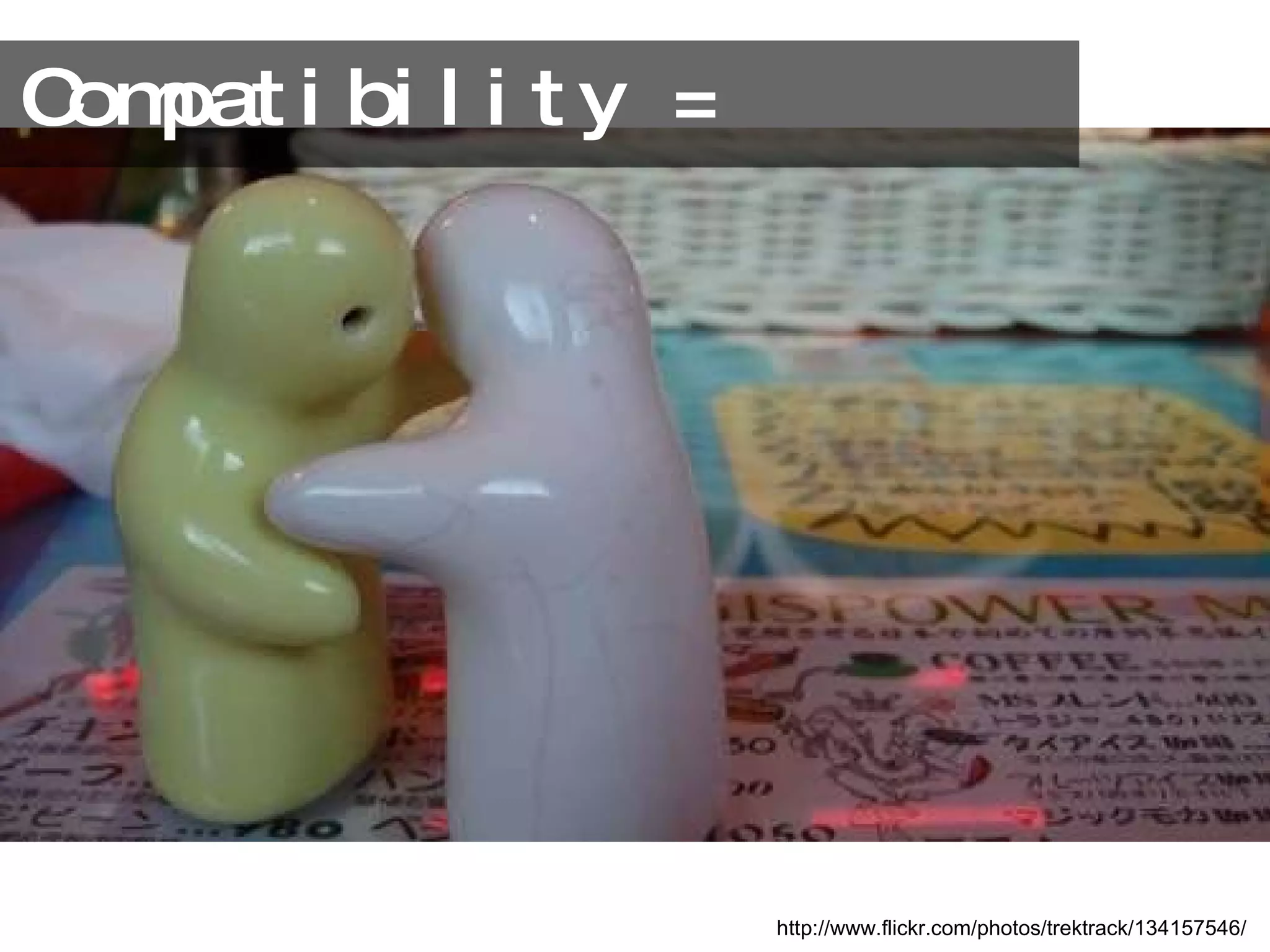
Compatibility = http://www.flickr.com/photos/trektrack/134157546/
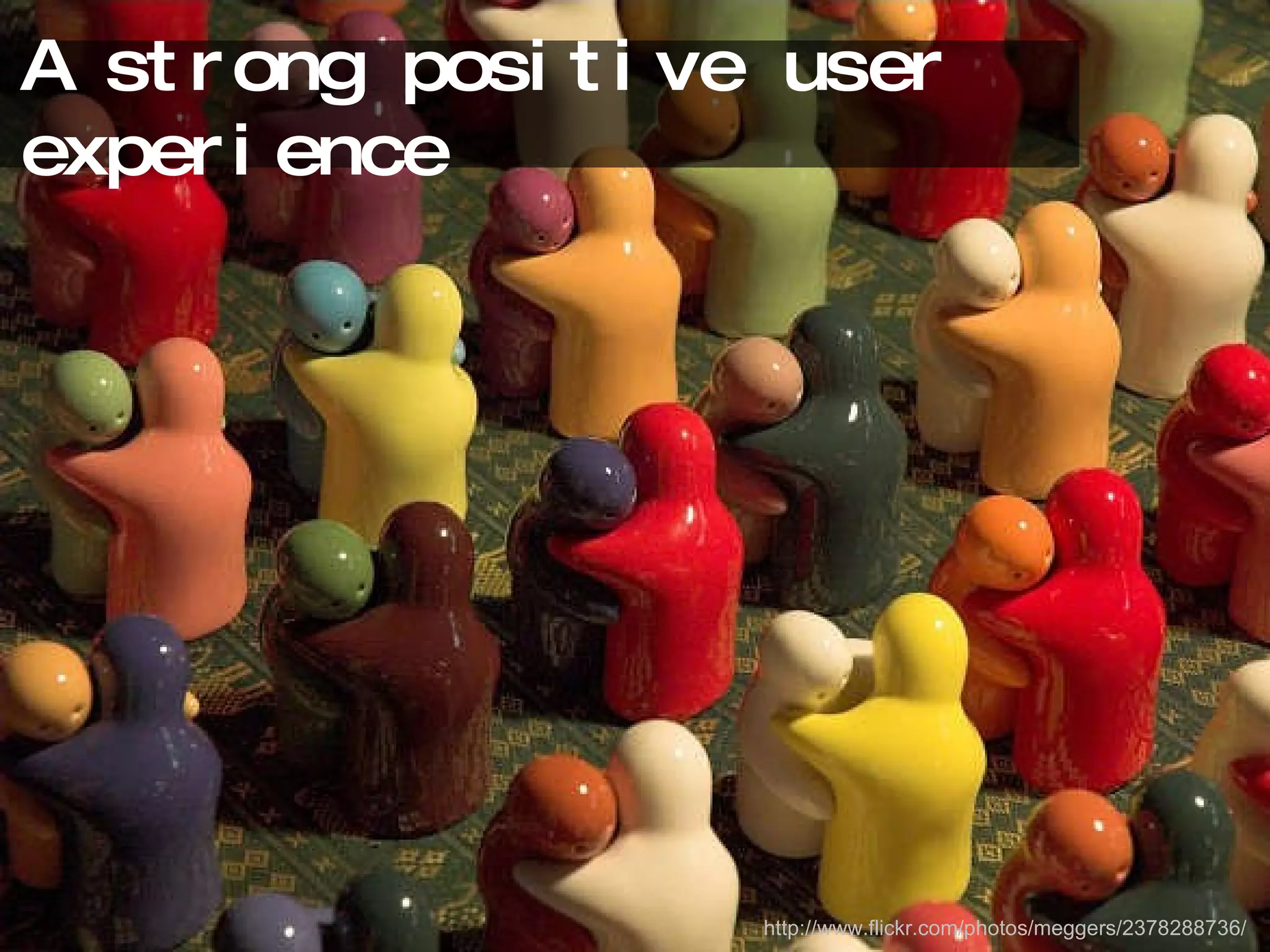
A strong positive user experience http://www.flickr.com/photos/meggers/2378288736/
The question… http://www.flickr.com/photos/exquisitur/2549355743/
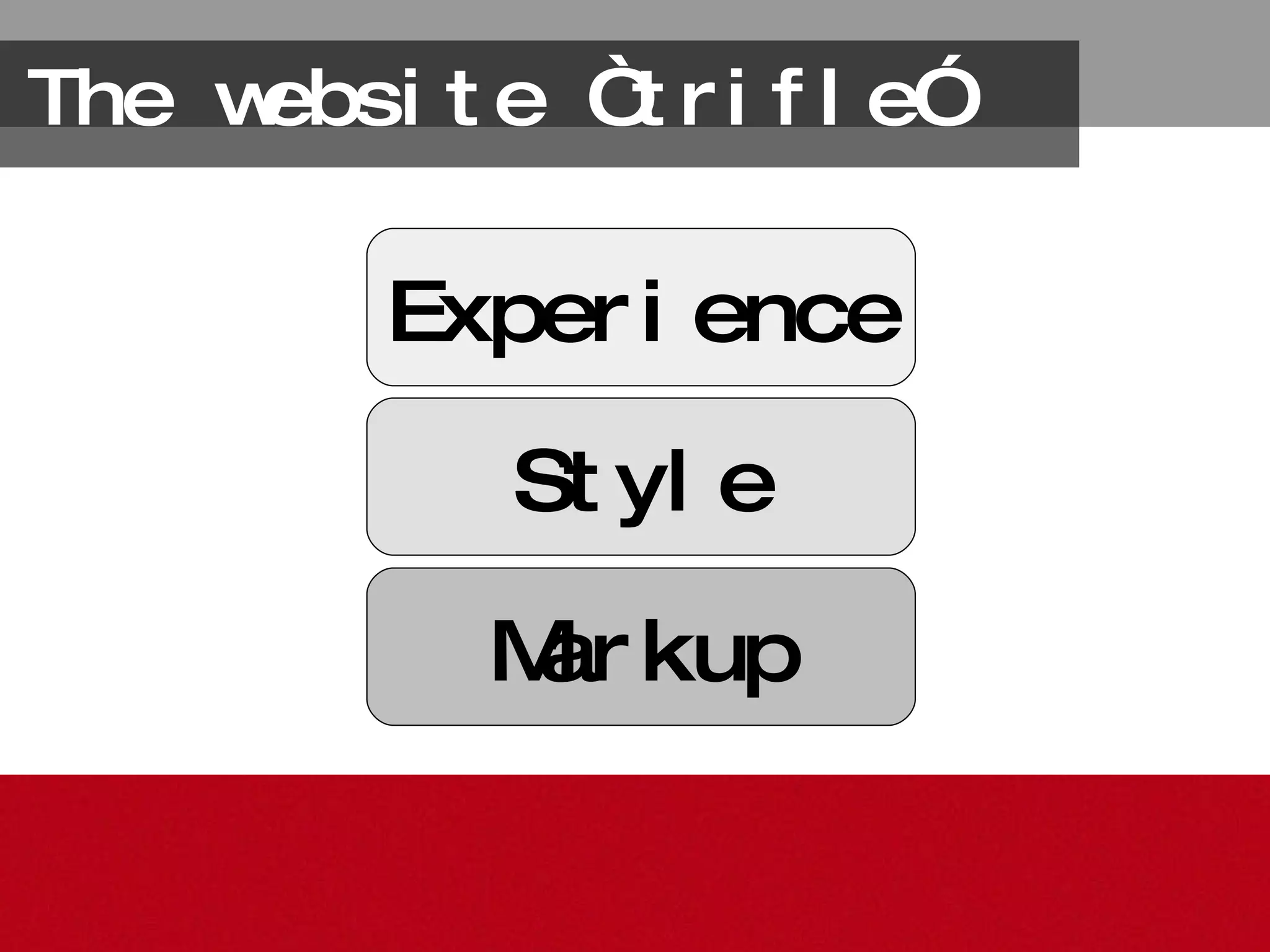
The website “trifle” Markup Style Experience
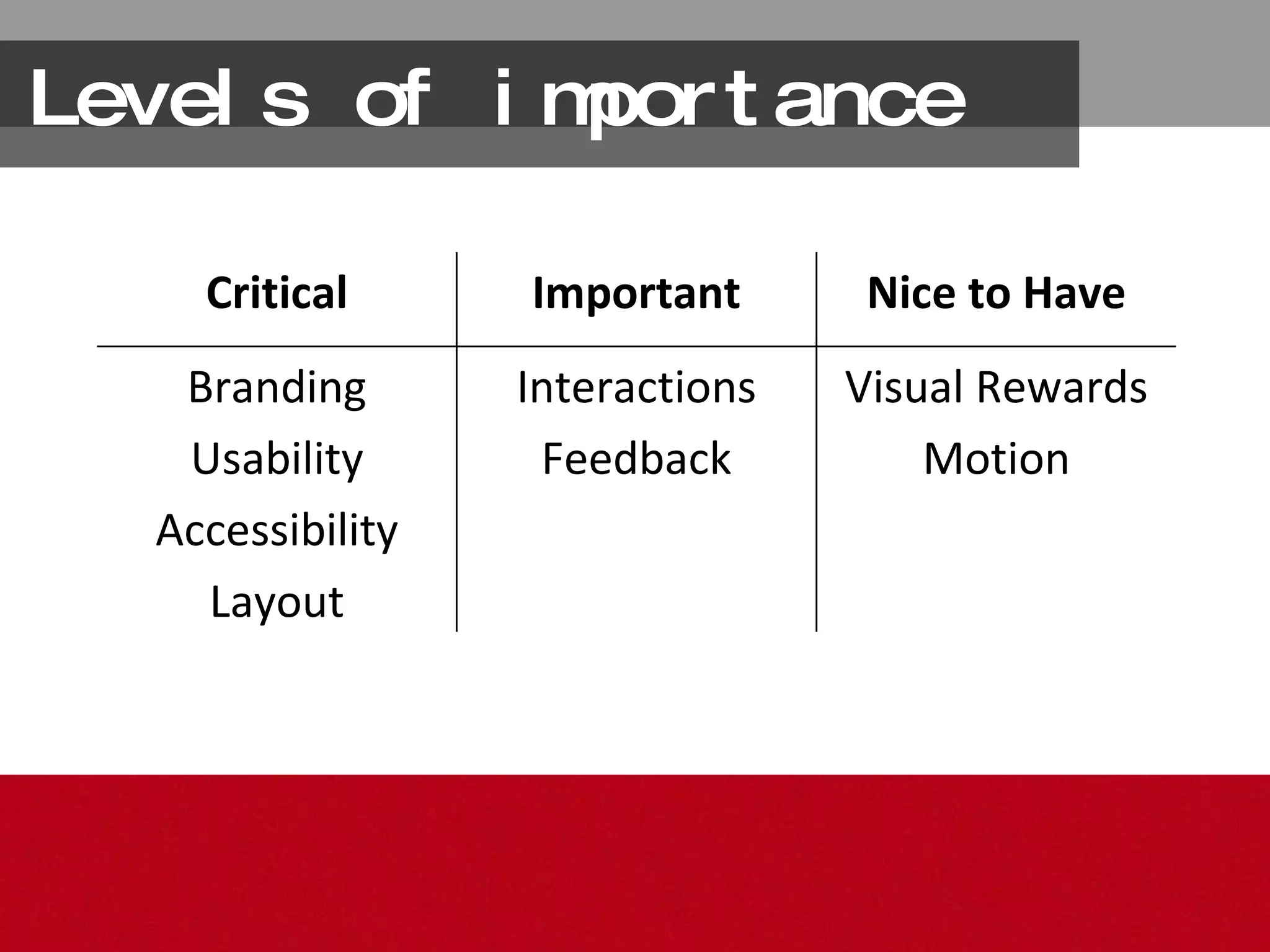
Levels of importance Visual Rewards Motion Interactions Feedback Branding Usability Accessibility Layout Nice to Have Important Critical
You get out what you put in Design the user experience to leverage the best technology of the time Let the capabilities of the device determine the experience
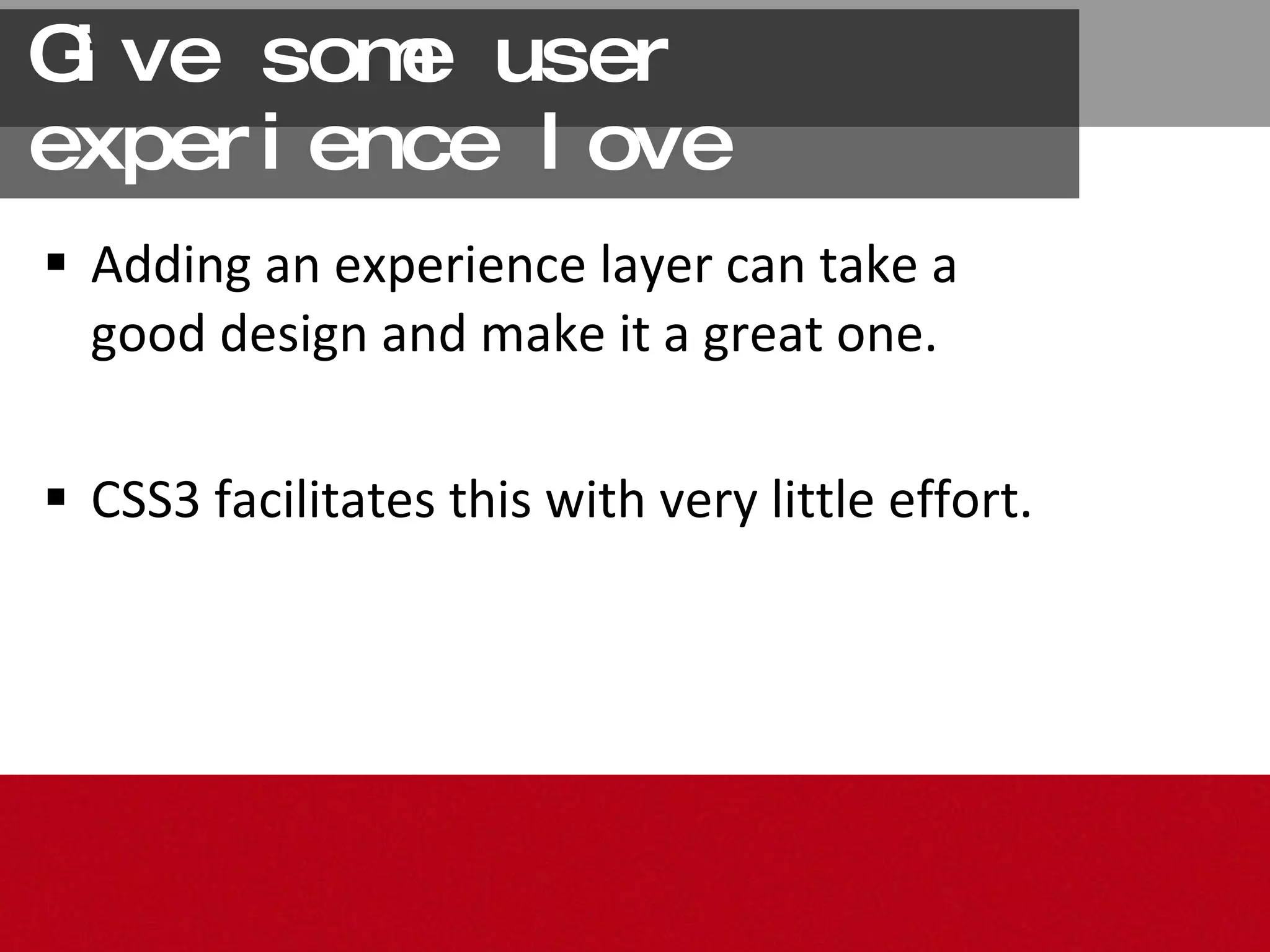
Give some user experience love Adding an experience layer can take a good design and make it a great one.  CSS3 facilitates this with very little effort.
While we spend much of our time looking towards a brighter future… 2011
Despite our most fervent  wishes otherwise… http://www.flickr.com/photos/1k3r/1371314660/
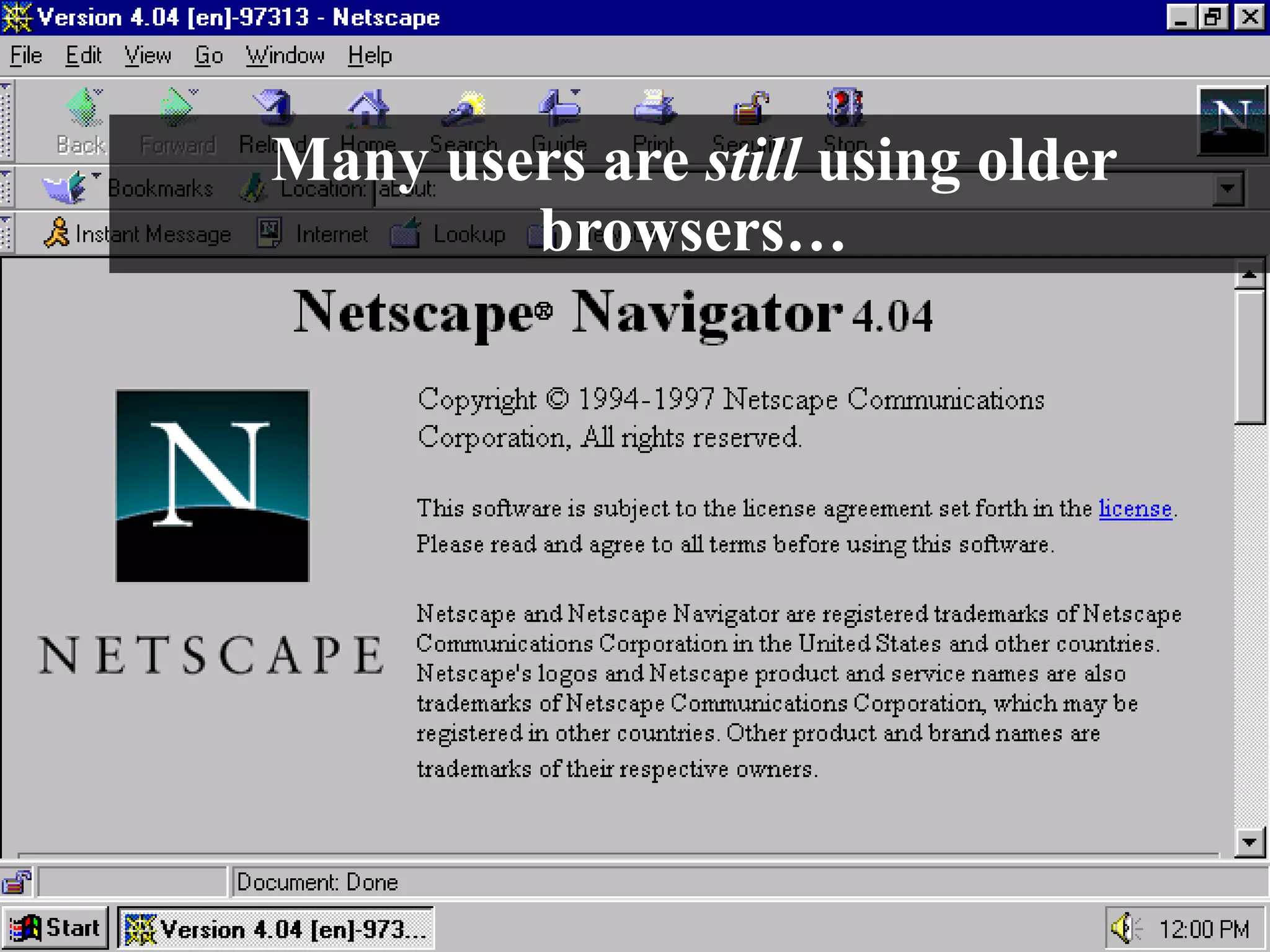
Many users are  still  using older browsers…
… that just aren’t very supportive http://www.flickr.com/photos/johnsnape/4258191545/
Either by force http://www.flickr.com/photos/porcupiny/783990790//
Or by choice http://www.flickr.com/photos/mwichary/2240608755//
Catering to these users http://www.flickr.com/photos/pointshoot/3375778761/
Usually isn’t very fun
So, which is better,   Graceful Degradation  or  Progressive Enhancement? http://www.flickr.com/photos/tom1231/273579455/
* Please * http://www.flickr.com/photos/gideon/6582069/
Sites need be usable and look good to as many people as possible.  That’s the true goal. http://www.flickr.com/photos/shirinwiniger/3680885289/
What’s in a name? “ Progressful Degrahancement” (coined by M. Jackson Wilkinson and Jason Garber) “ Graceful Reverse Degradation”  (coined by me)
Some Techniques http://www.flickr.com/photos/thisparticulargreg/514817208/ [3]
(Re)set the Mood A CSS reset insures that you are starting from a common base point in all browsers. 1.
Resets Eric Meyer’s Reset:  http://meyerweb.com/eric/tools/css/reset/ Article on DIY resets by Jason Cranford Teague:  http://bit.ly/1D4jSB
Get Conditional <!--[if gte IE 6]> <link href=&quot;ie_stylesheet.css&quot; rel=&quot;stylesheet&quot;> <![endif]--> (place  after  the regular stylesheet link to override styles) 2.
If you  must  have the effect in IE, such as alpha opacity, gradient, shadow, transitions etc. you could use a proprietary IE filter. Apply a Filter 3.
IE filters work, but are essentially hacks IE filters are proprietary and thus not part of any standard specification, and never will be … And that’s an issue because…
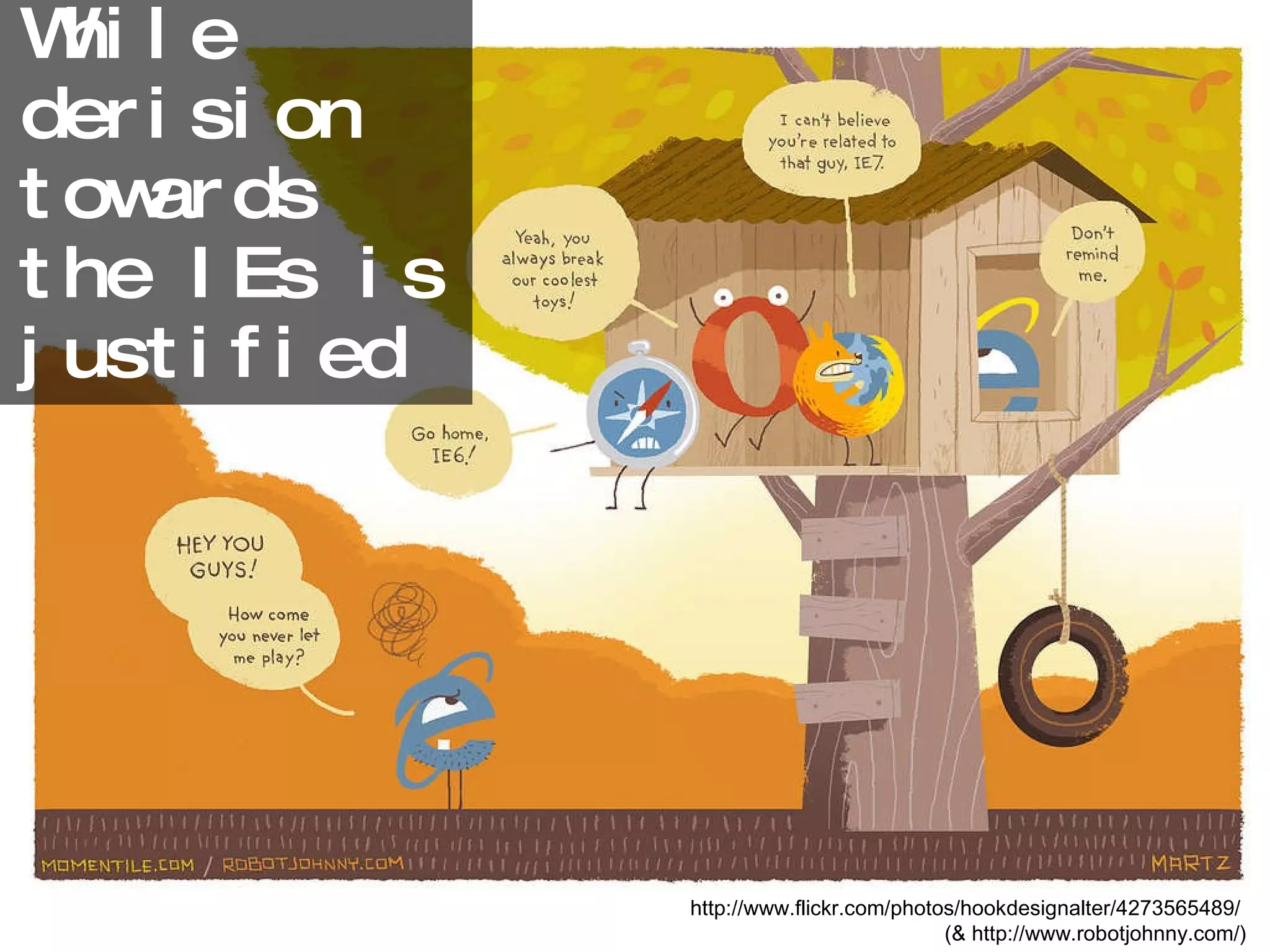
While derision towards the IEs is justified http://www.flickr.com/photos/hookdesignalter/4273565489/  (& http://www.robotjohnny.com/)
You can still show  a little  Love . http://www.flickr.com/photos/brunkfordbraun/391876102/
Let’s make the CSS3
The Seduction Suite http://www.flickr.com/photos/criminalintent/3282026121/
Many properties are browser-specific Syntax differences between browser-specific properties and the standard property Increase in the amount of CSS Precautions http://www.flickr.com/photos/mogwai_83/2055034959/
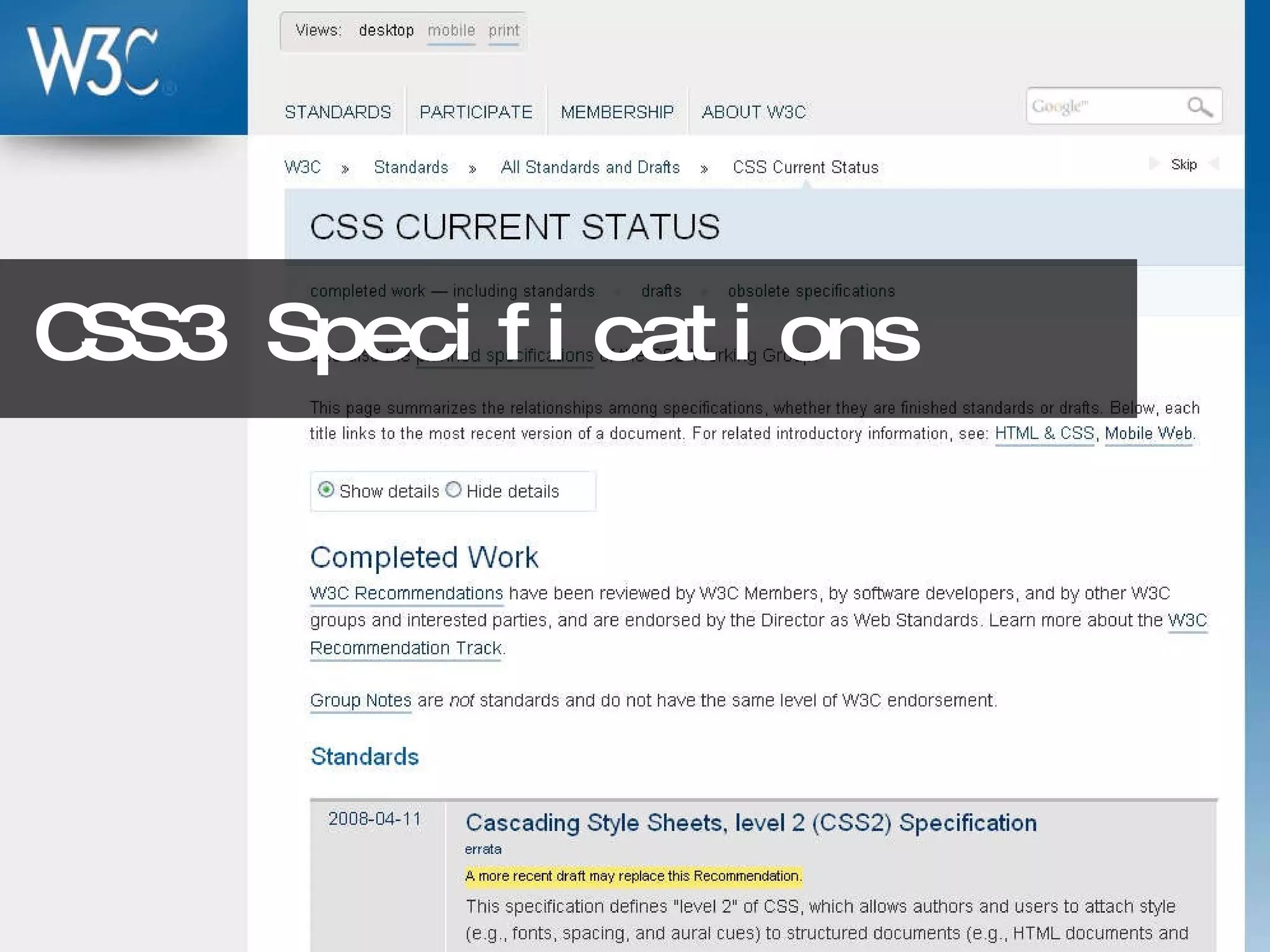
CSS3 Specifications
Browser Compatibility Charts http://www.findmebyip.com/litmus
Cross- Browser Testers
Four Useful Tips http://www.flickr.com/photos/nostri-imago/3216359107/ [4]
Place default properties first Place browser-specific properties ahead of standard properties The standard properties will override the vendor’s when the standard is established. Leverage source order 1.
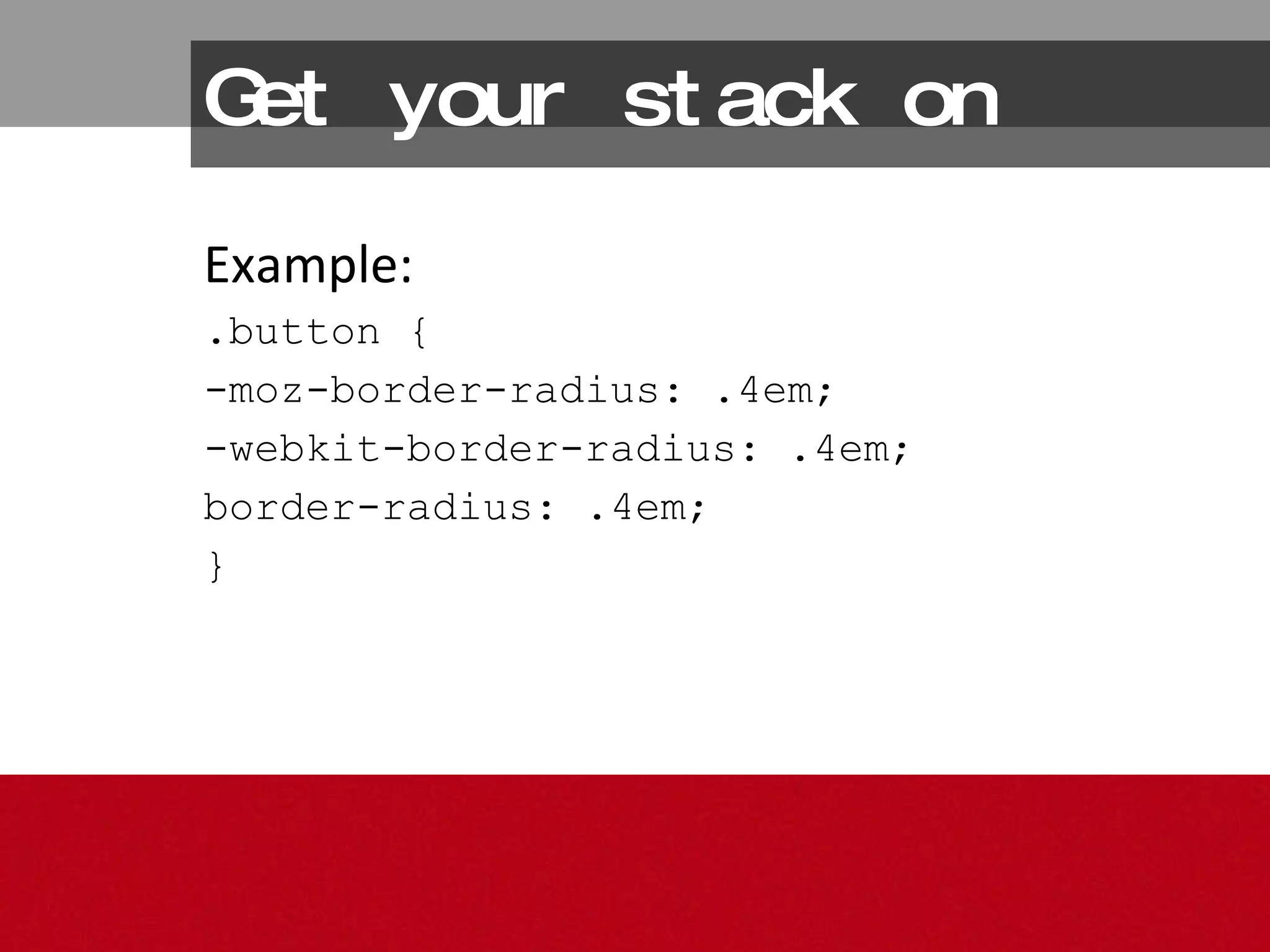
Get your stack on Example: .button { -moz-border-radius: .4em; -webkit-border-radius: .4em; border-radius: .4em; }
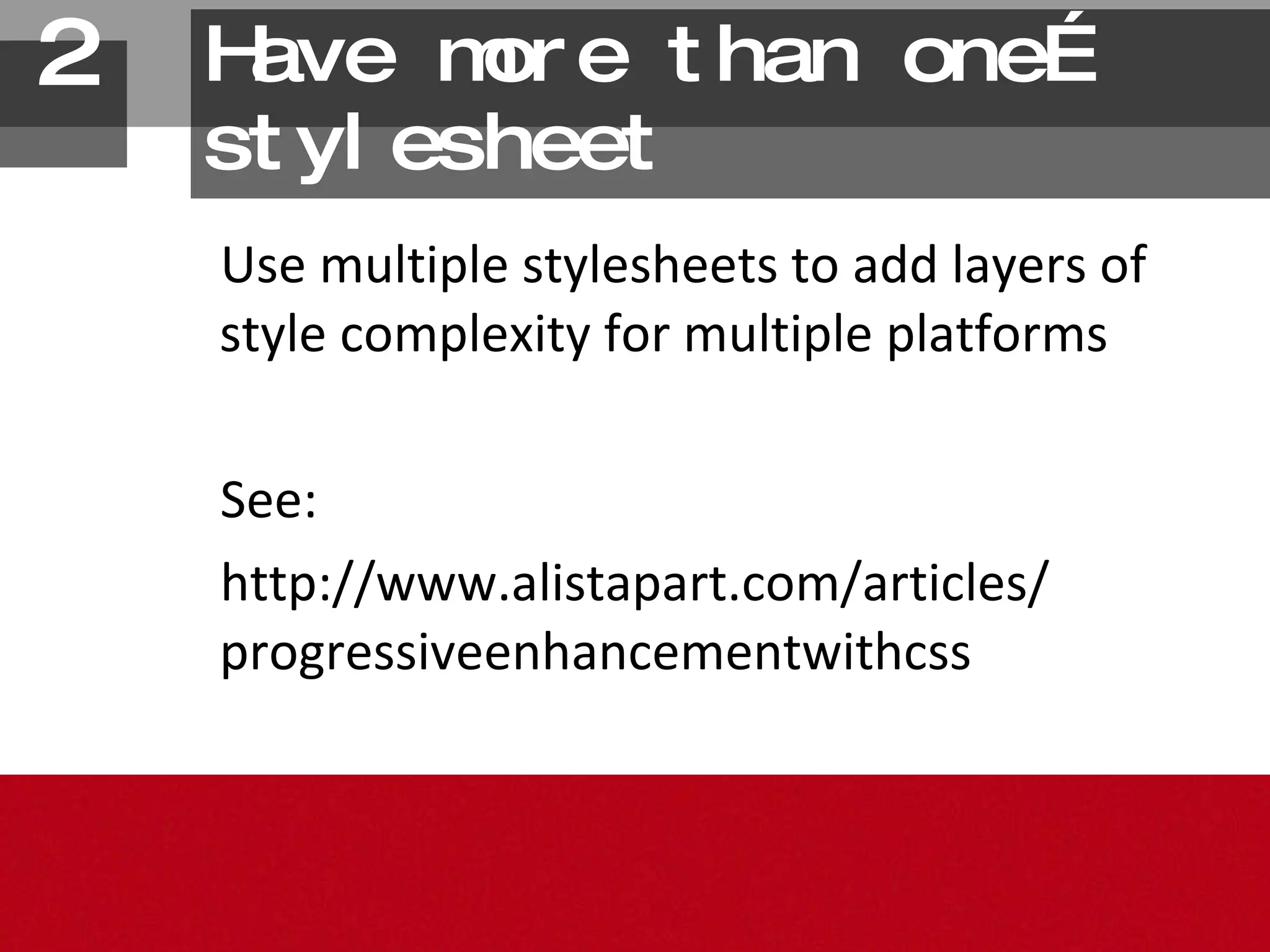
Have more than one…stylesheet Use multiple stylesheets to add layers of style complexity for multiple platforms See: http://www.alistapart.com/articles/ progressiveenhancementwithcss 2.
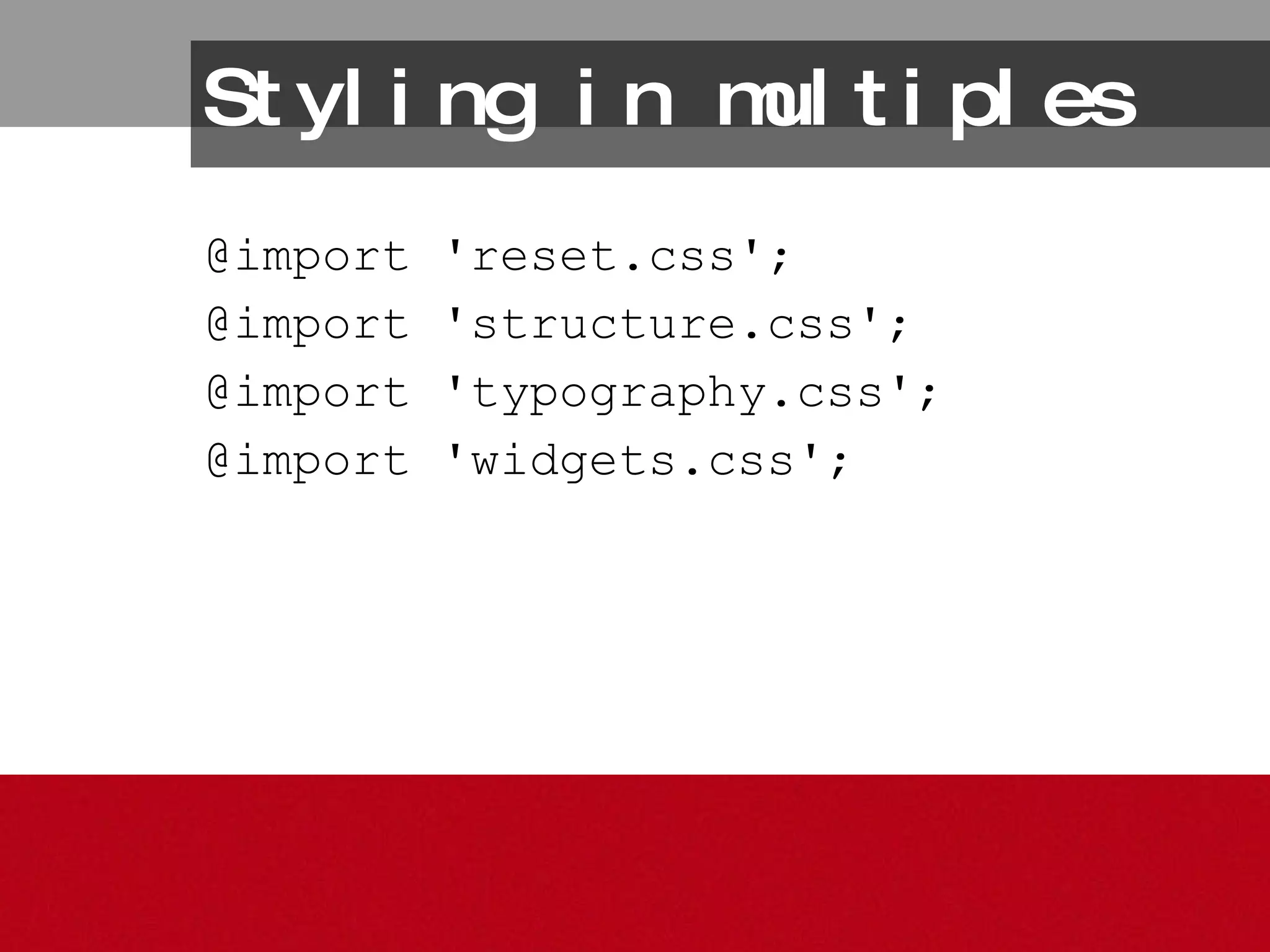
Styling in multiples @import 'reset.css';  @import 'structure.css';  @import 'typography.css';  @import 'widgets.css';
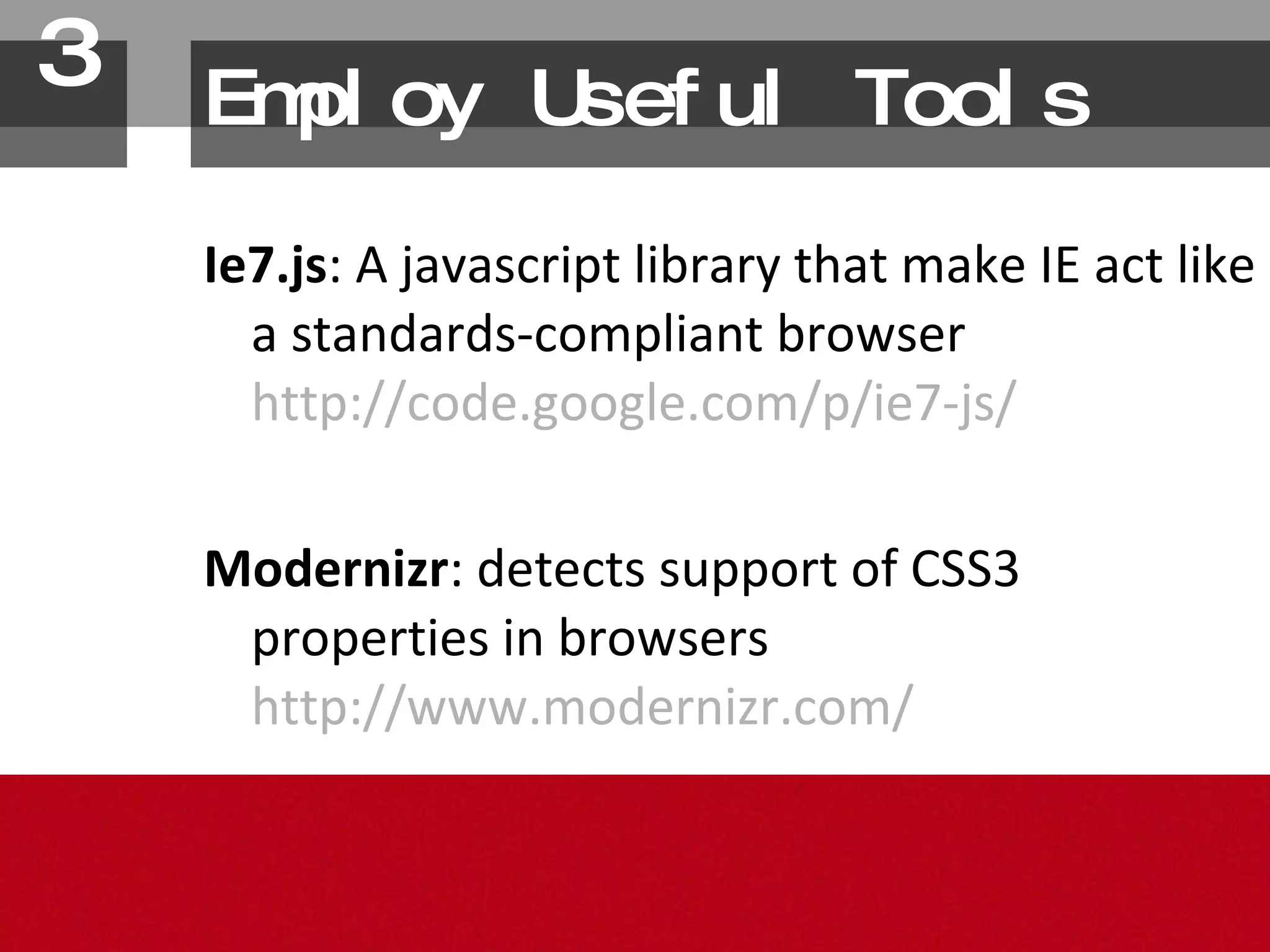
Employ Useful Tools Ie7.js : A javascript library that make IE act like a standards-compliant browser http://code.google.com/p/ie7-js/ Modernizr : detects support of CSS3 properties in browsers http://www.modernizr.com/ 3.
Be advanced Advanced selectors are a good way to specifically target styles for modern browsers. 4.
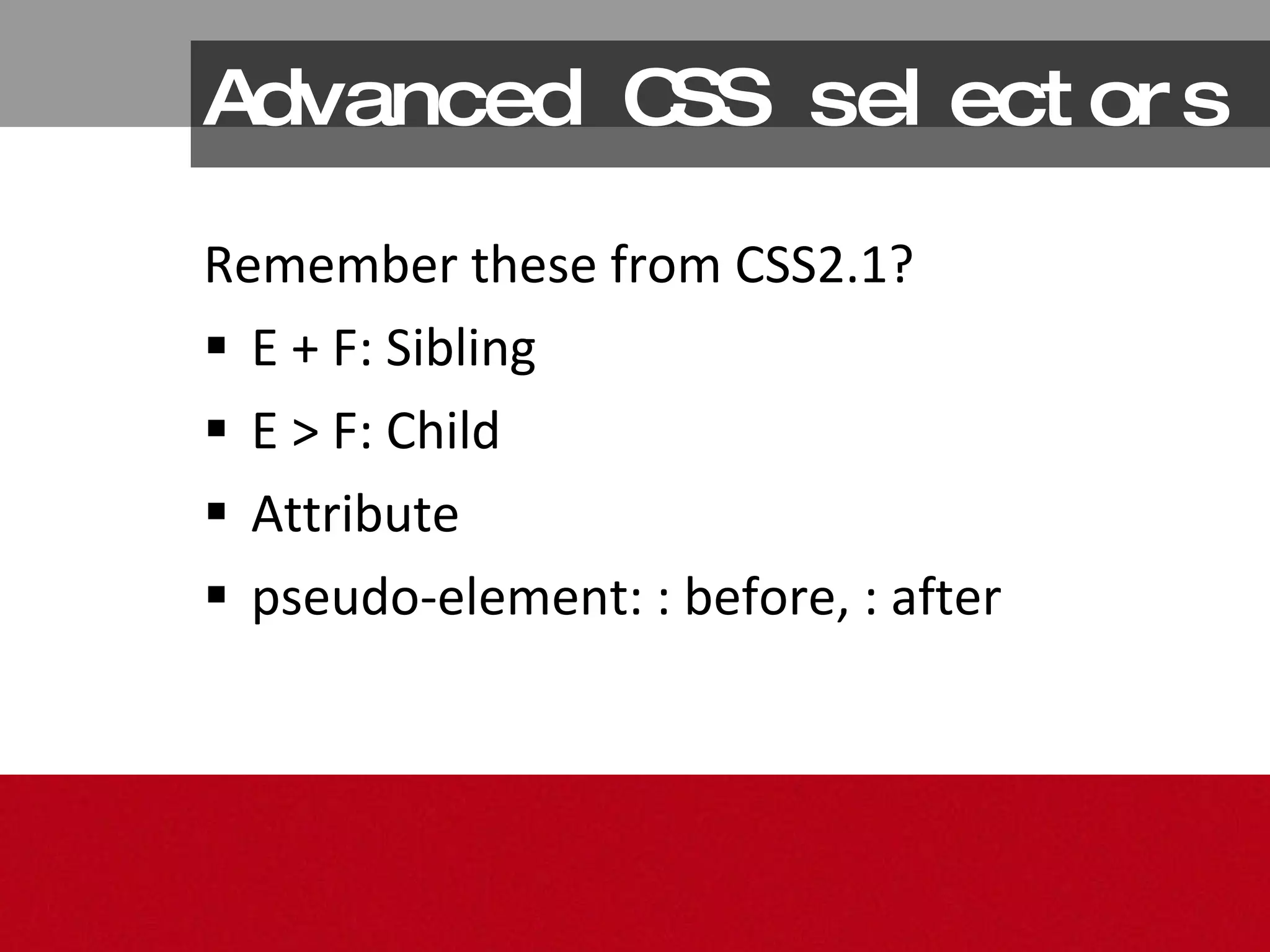
Advanced CSS selectors Remember these from CSS2.1? E + F: Sibling E > F: Child Attribute pseudo-element: : before, : after
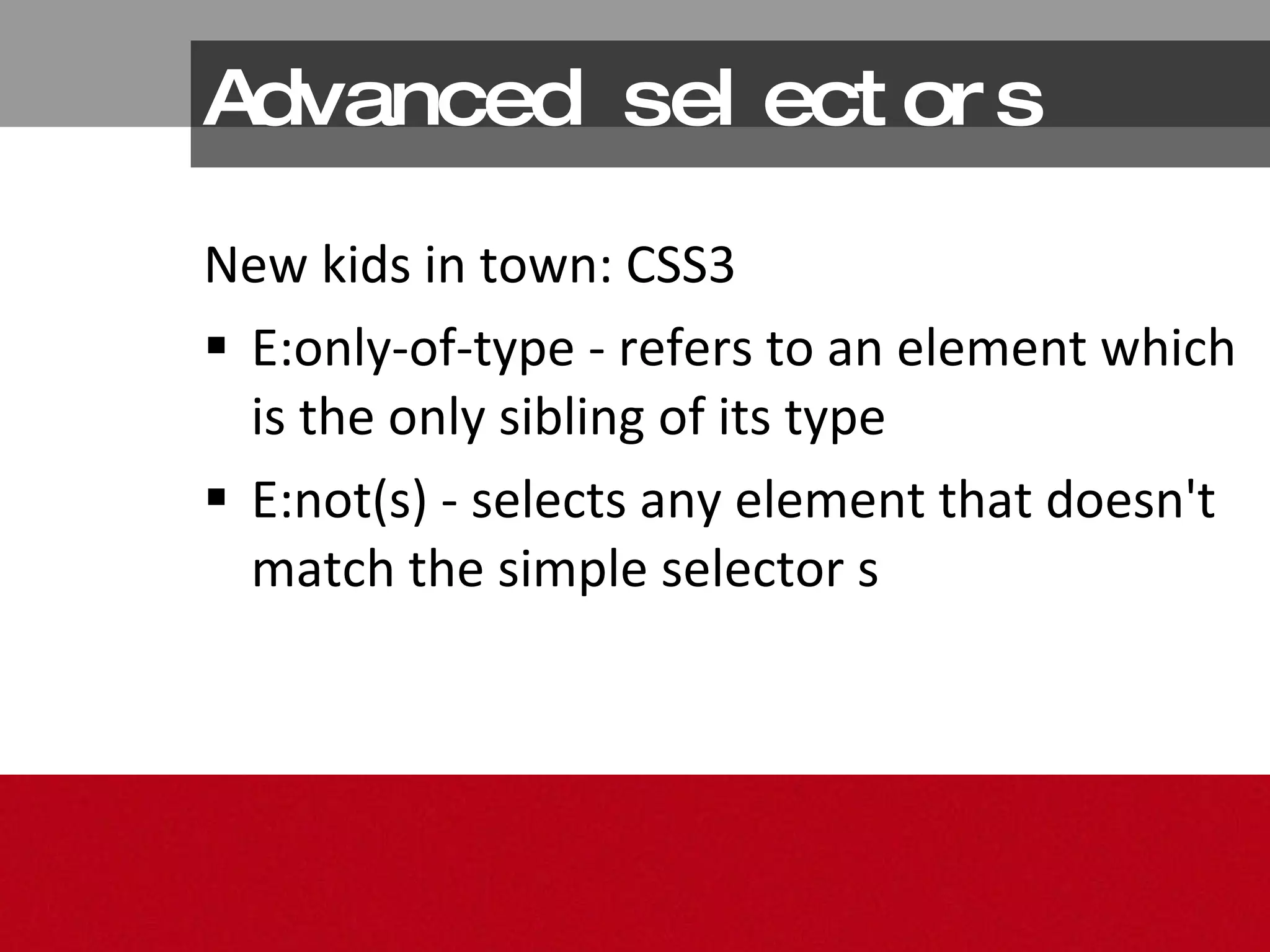
Advanced selectors New kids in town: CSS3 E:only-of-type - refers to an element which is the only sibling of its type E:not(s) - selects any element that doesn't match the simple selector s
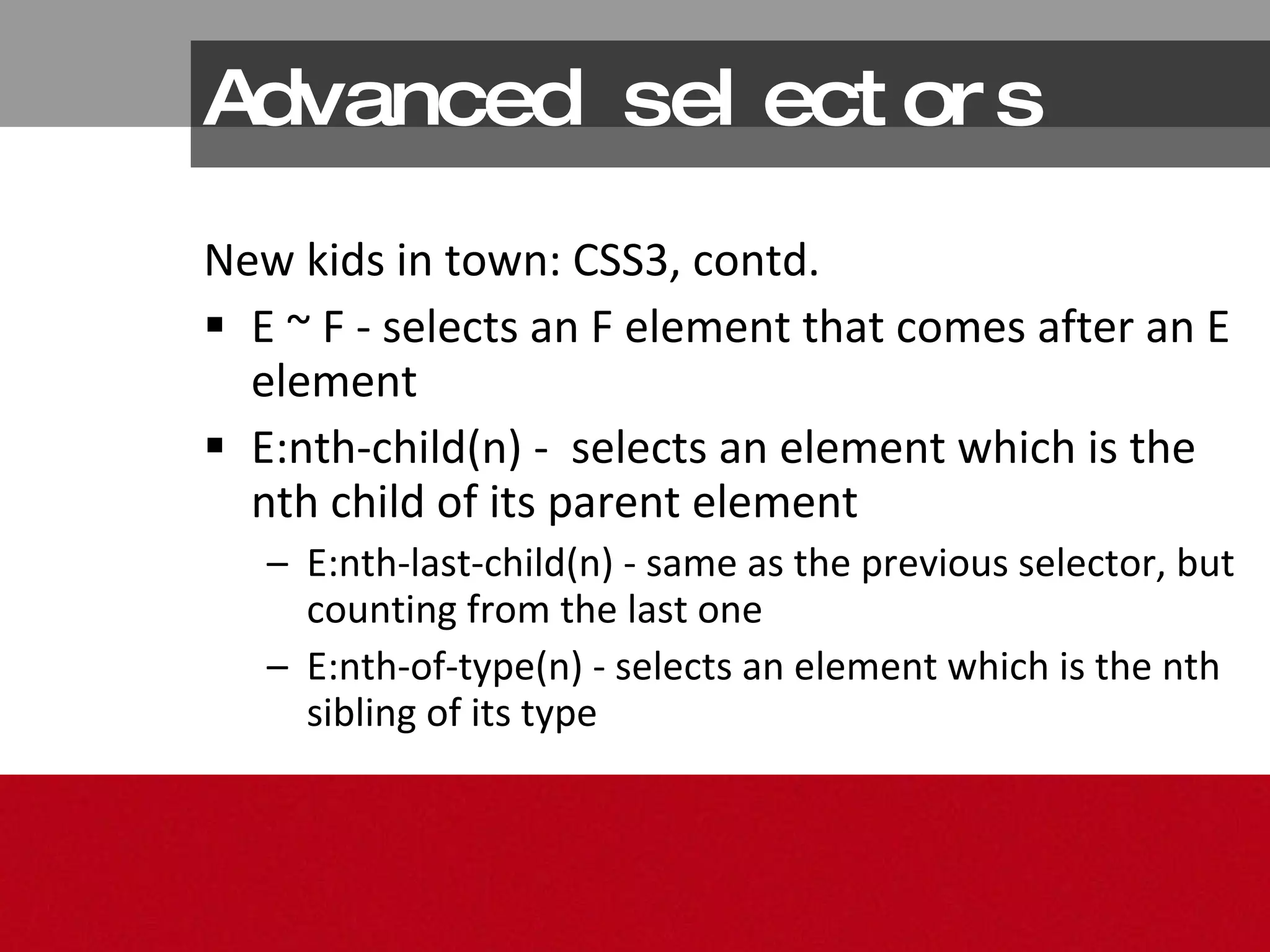
Advanced selectors New kids in town: CSS3, contd. E ~ F - selects an F element that comes after an E element  E:nth-child(n) -  selects an element which is the nth child of its parent element  E:nth-last-child(n) - same as the previous selector, but counting from the last one  E:nth-of-type(n) - selects an element which is the nth sibling of its type
“Not tonight, dear…” http://www.flickr.com/photos/jbguess/4269420290/
Let’s Get It On
A Dozen Roses: 12 CSS3 Properties http://www.flickr.com/photos/southpaw2305/3705409282/
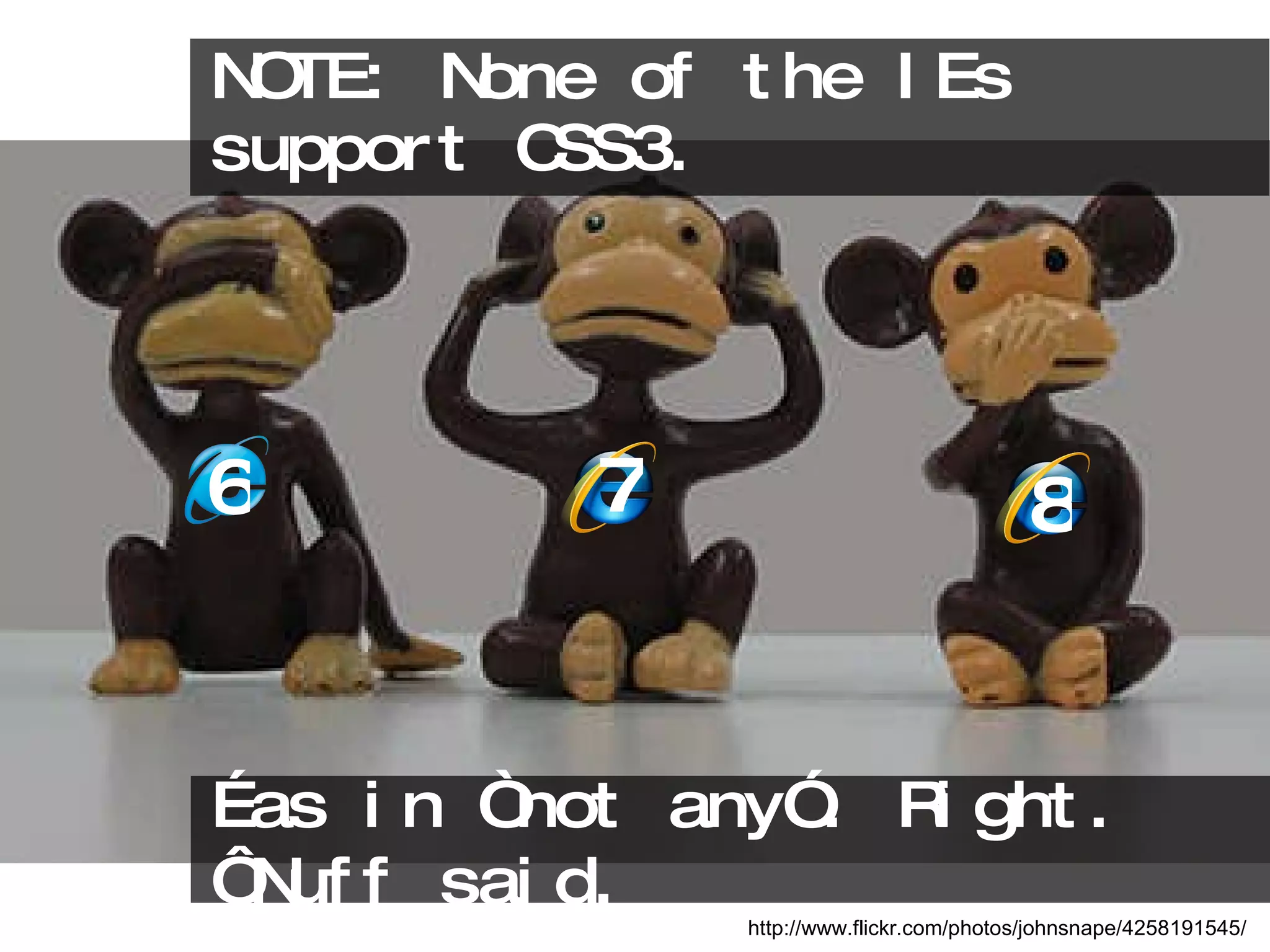
NOTE: None of the IEs support CSS3.  http://www.flickr.com/photos/johnsnape/4258191545/ … as in “not any”. Right. ‘Nuff said. 6 7 8
CSS3 for Visual Presentation @font-face gradient border-image [3]
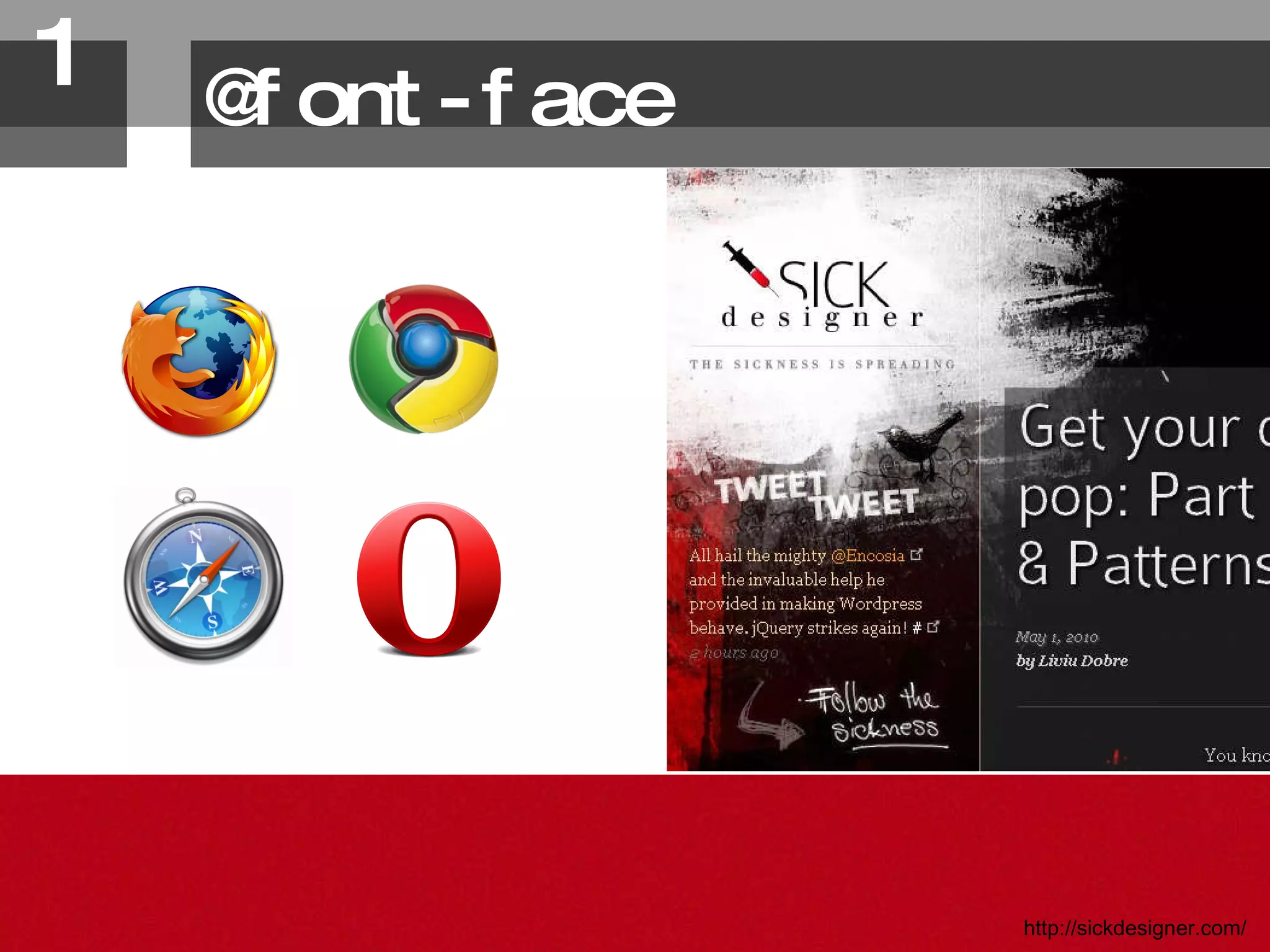
@font-face http://sickdesigner.com/ 1.
@font-face Note: Actually part of the CSS2.1 specification. Therefore, the IEs do support it! Browser Support However, IE requires fonts to be in EOT format
@font-face Tips & issues Potential font license restrictions Flash of unstyled text (fout)
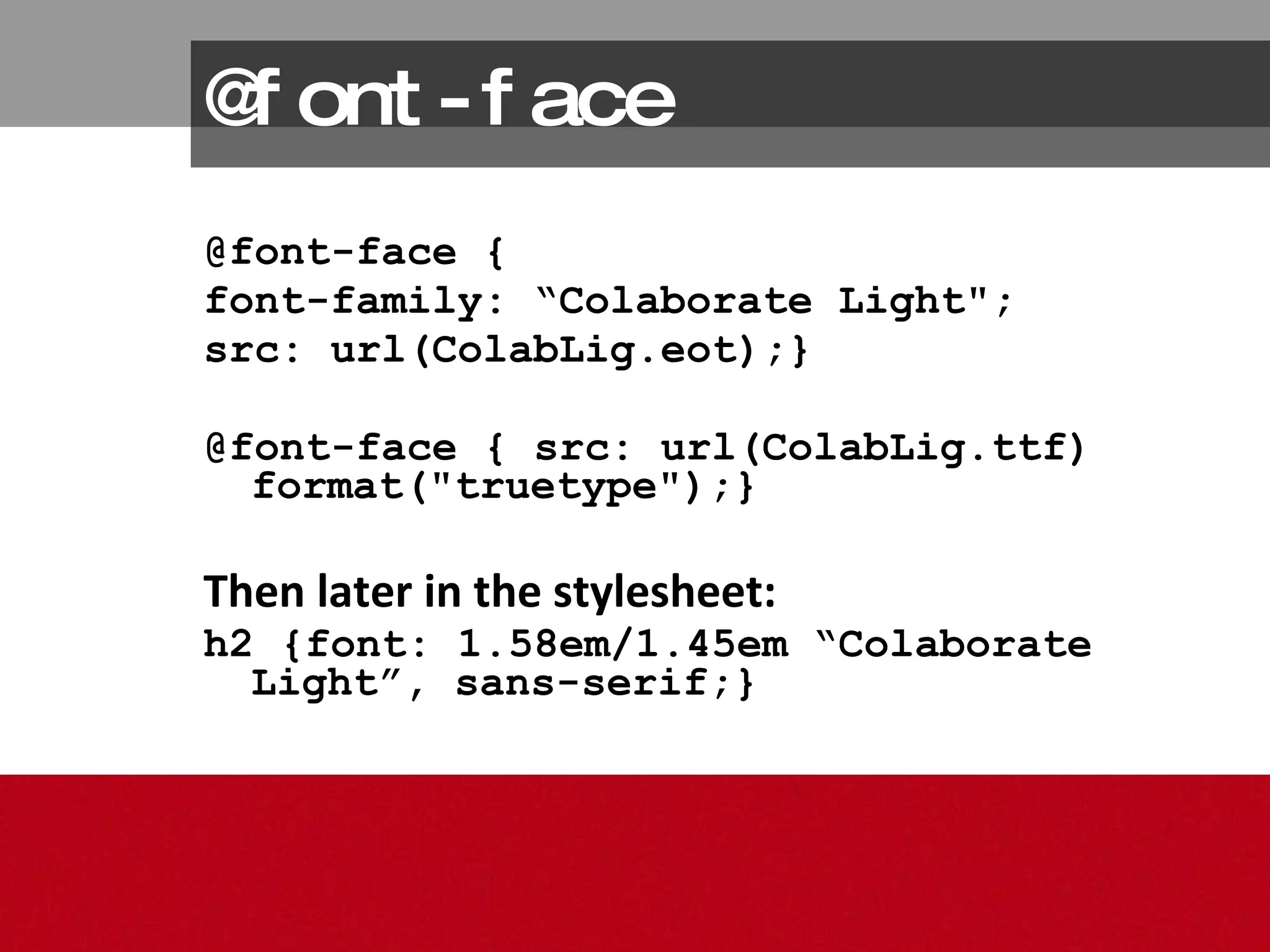
@font-face @font-face {  font-family: “Colaborate Light&quot;; src: url(ColabLig.eot);}  @font-face { src: url(ColabLig.ttf) format(&quot;truetype&quot;);} Then later in the stylesheet: h2 {font: 1.58em/1.45em “Colaborate Light”, sans-serif;}
@font-face Graceful degradation Desired font should display in all browsers. If not, fallback fonts will display
@font-face Fontsquirrel.com  will create @font-face kits with all of the file types  and  the css for it.
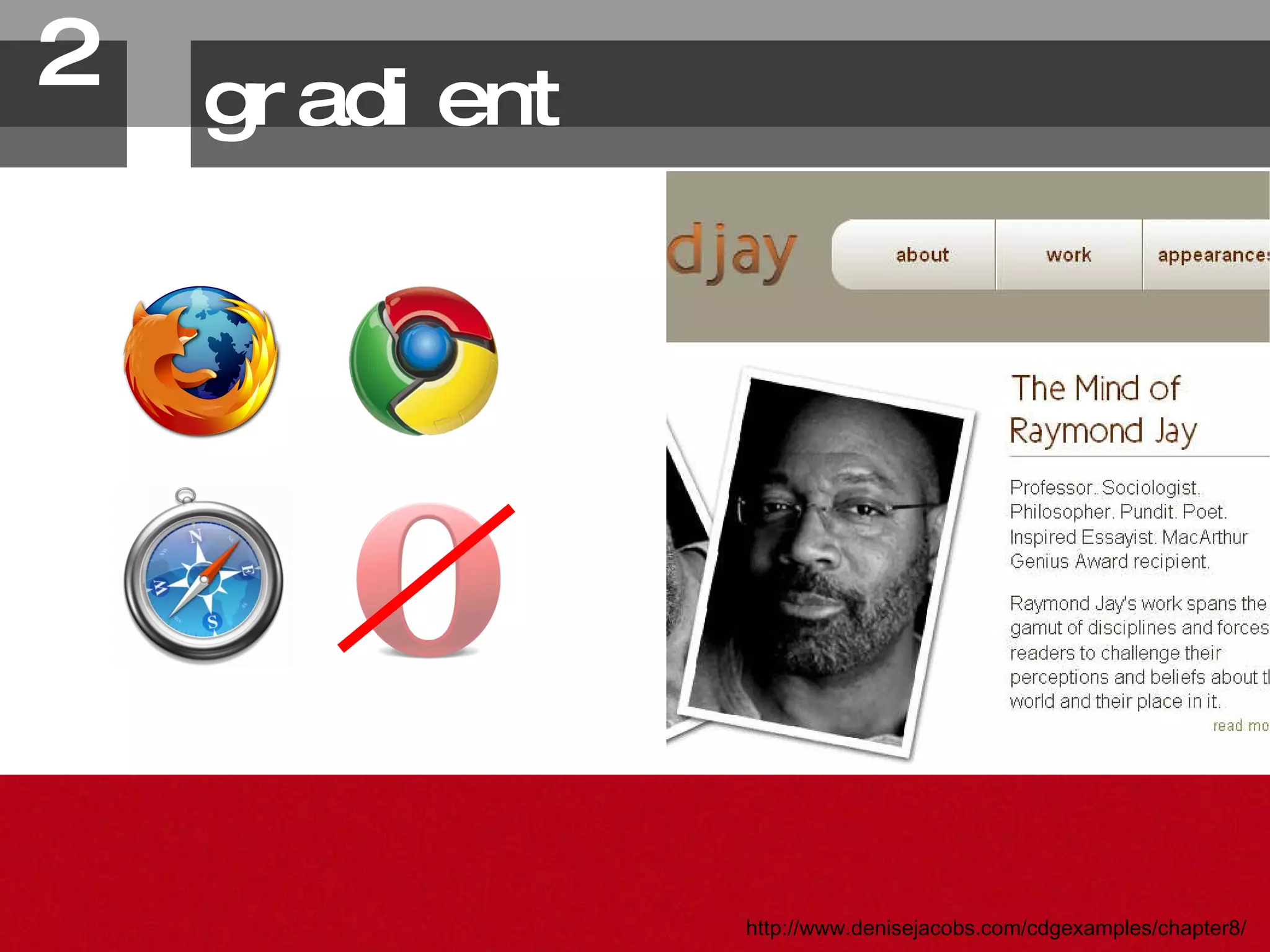
gradient 2. http://www.denisejacobs.com/cdgexamples/chapter8/
gradient Tips & issues Different syntax for mozilla and webkit browsers Browser Support IE and Opera do not support
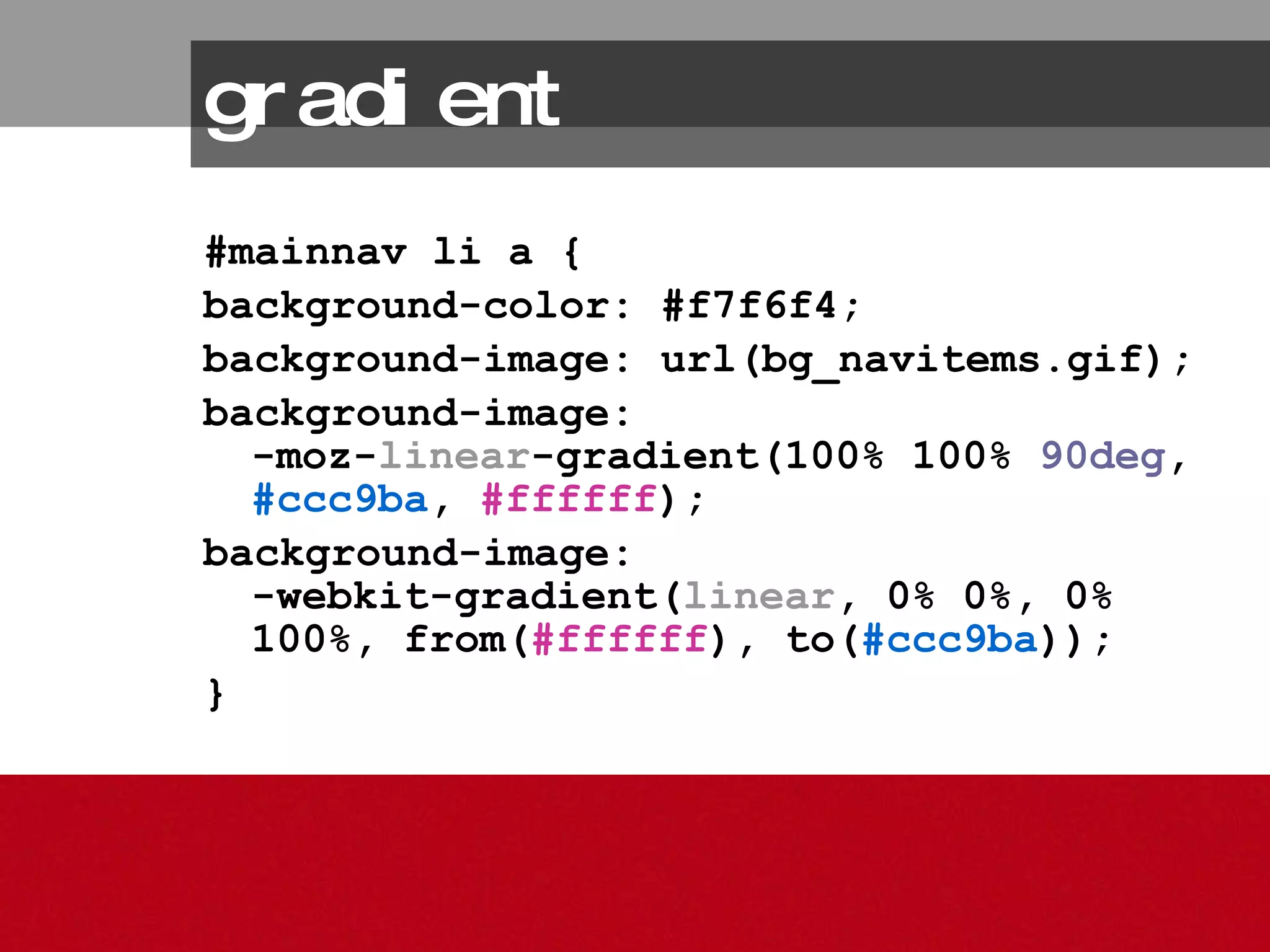
#mainnav li a { background-color: #f7f6f4;  background-image: url(bg_navitems.gif);  background-image:  -moz- linear -gradient(100% 100%  90deg ,  #ccc9ba ,  #ffffff ); background-image:  -webkit-gradient( linear , 0% 0%, 0% 100%, from( #ffffff ), to( #ccc9ba )); } gradient
gradient http://www.westciv.com/tools/gradients/
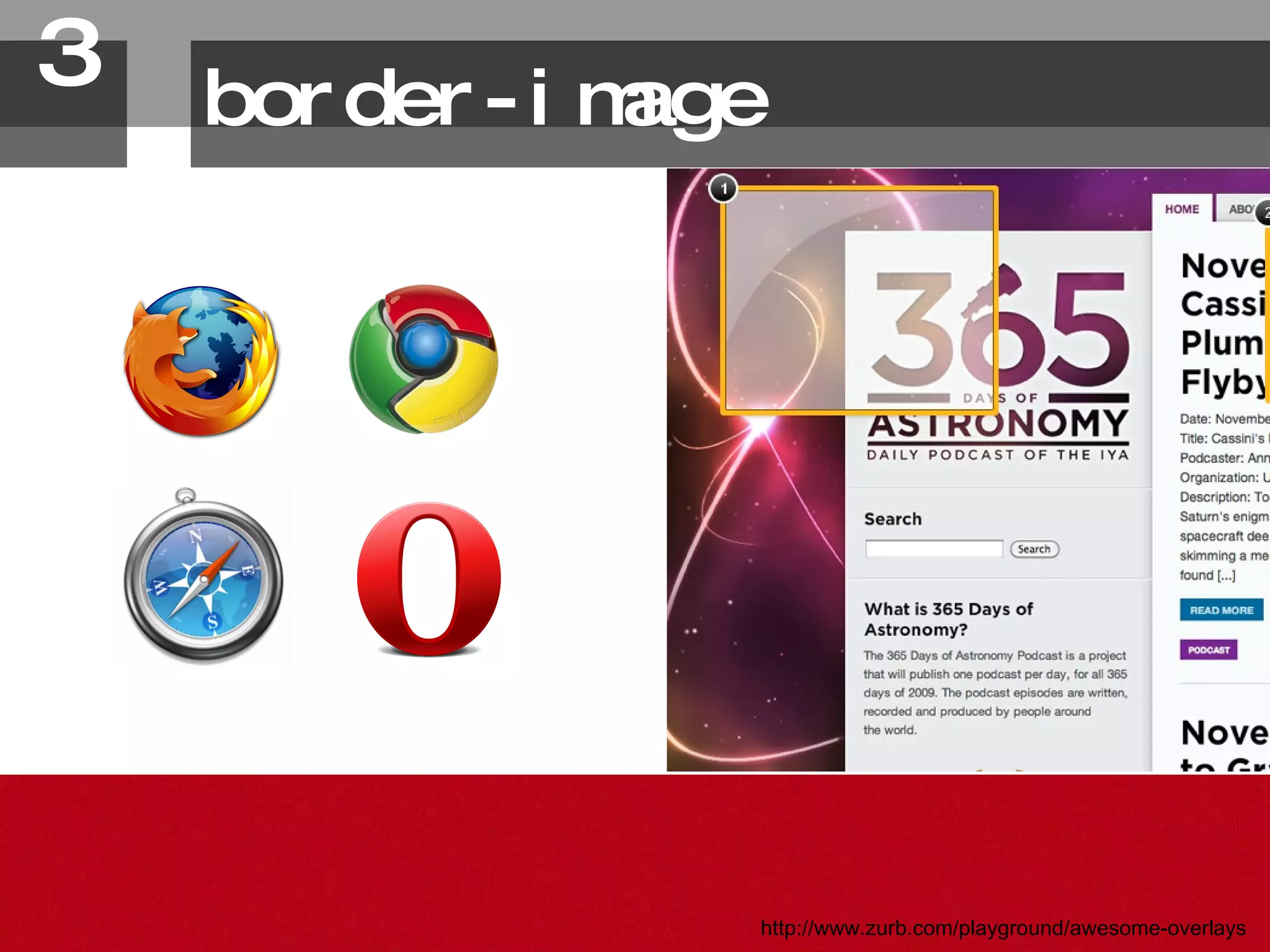
border-image 3. http://www.zurb.com/playground/awesome-overlays
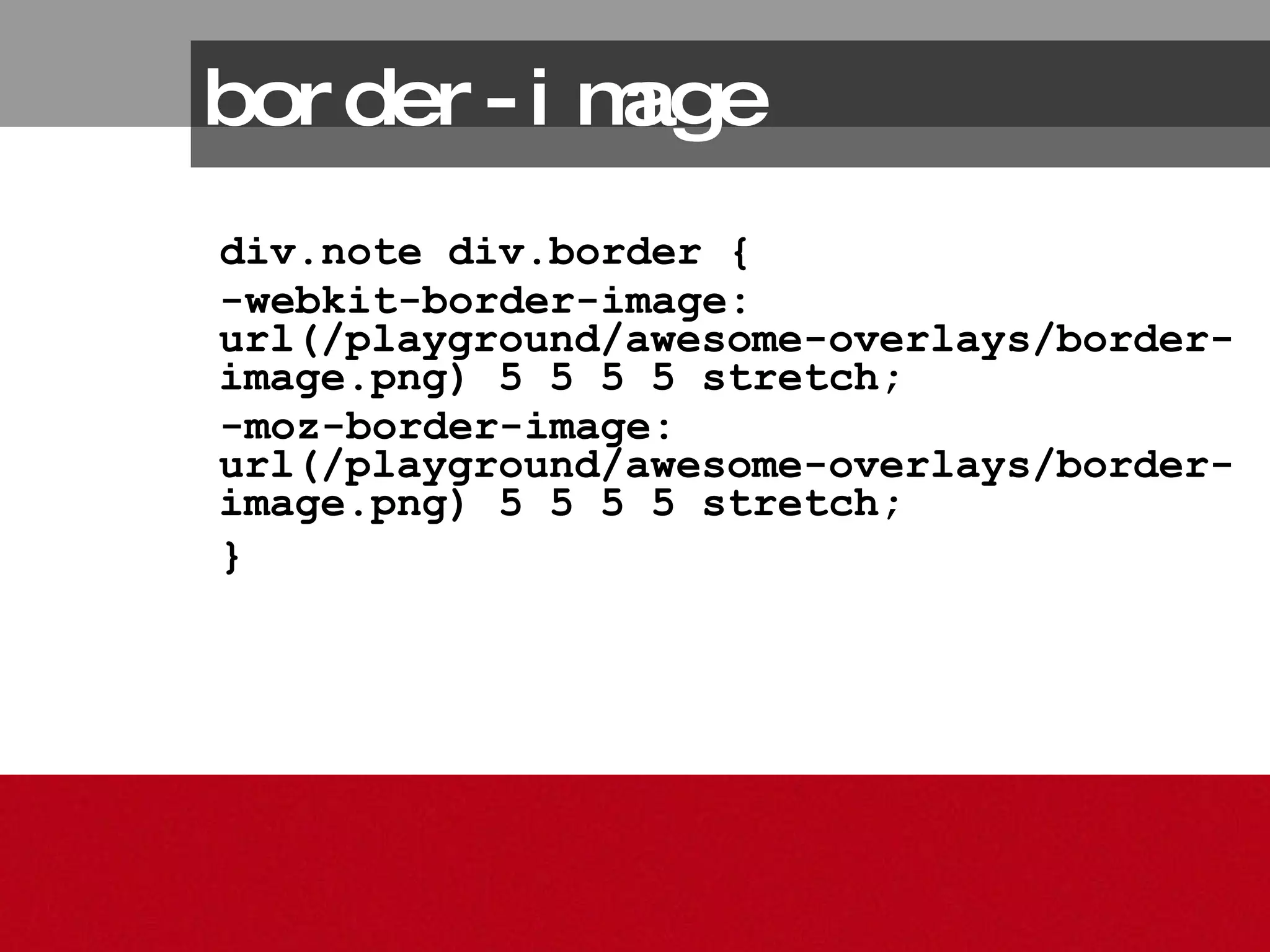
border-image div.note div.border {  -webkit-border-image: url(/playground/awesome-overlays/border-image.png) 5 5 5 5 stretch;  -moz-border-image: url(/playground/awesome-overlays/border-image.png) 5 5 5 5 stretch;  }
CSS3 for Presentation + UX: Core text-shadow border-radius box-shadow opacity rgba color multiple background images [6]
text-shadow 1. http://www.bountybev.com/home.html
text-shadow Tips & issues Can help accentuate text and improve readability and visual importance  Browser Support IE does not support
text-shadow Graceful degradation If it doesn’t show up, that’s okay No impact on accessibility
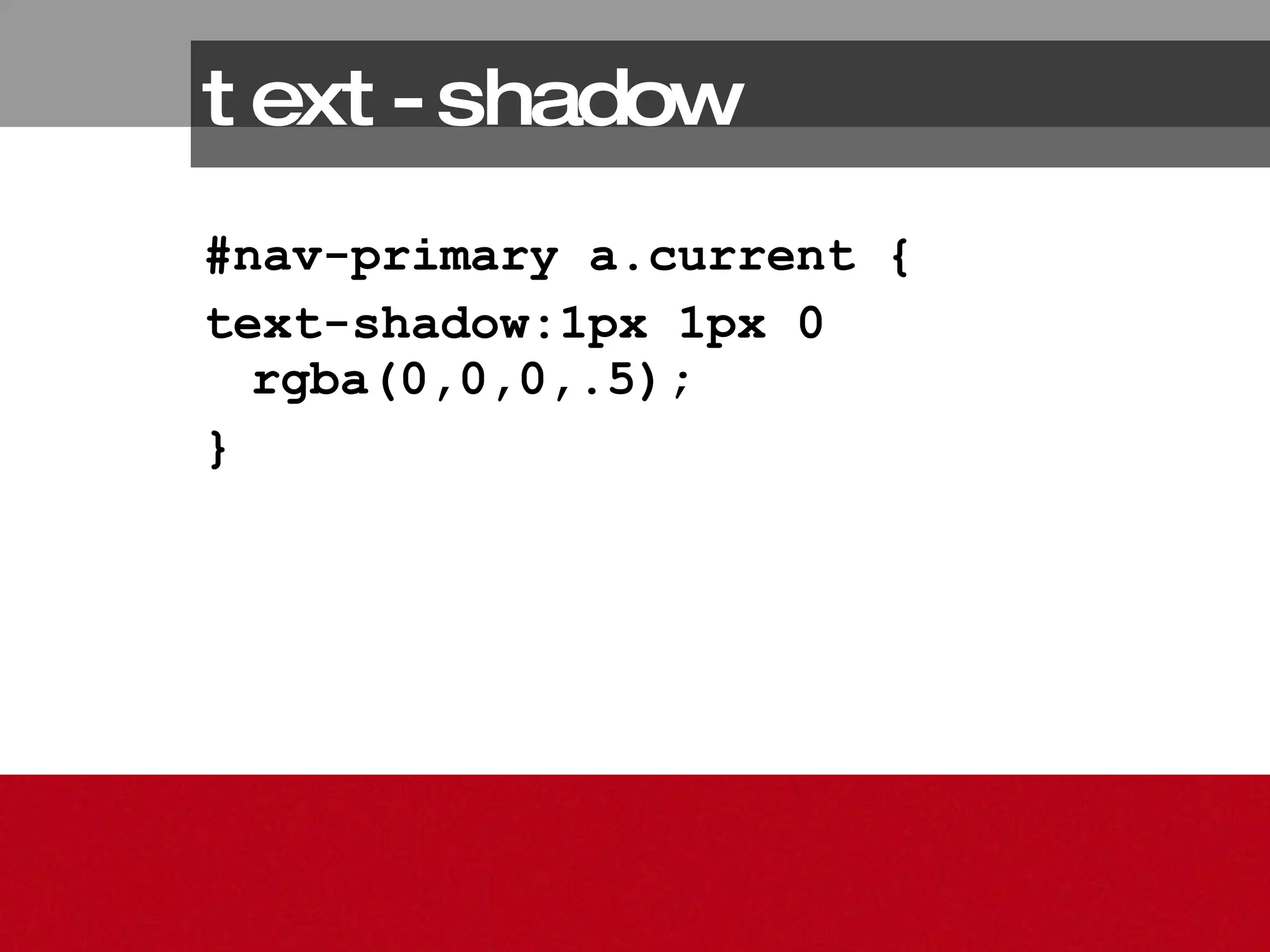
text-shadow #nav-primary a.current { text-shadow:1px 1px 0 rgba(0,0,0,.5); }
border-radius 2. http://www.denisejacobs.com/cdgexamples/chapter10/
border-radius Tips & issues Different syntax for mozilla, webkit, and opera browsers Browser Support IE does not support, Opera: 10.5 only
Graceful Degradation Square corners are okay Extra credit: serve images through conditional comments border-radius
border-radius #contentcolumn { -moz-border-radius: 20px 20px 0 0; -webkit-border-top-left-radius: 20px; -webkit-border-top-right-radius: 20px; border-radius: 20px 20px 0 0; }
border-radius Syntax comparison breakdown: -moz allows multiple values for each position -webkit individual values Standard is like mozilla
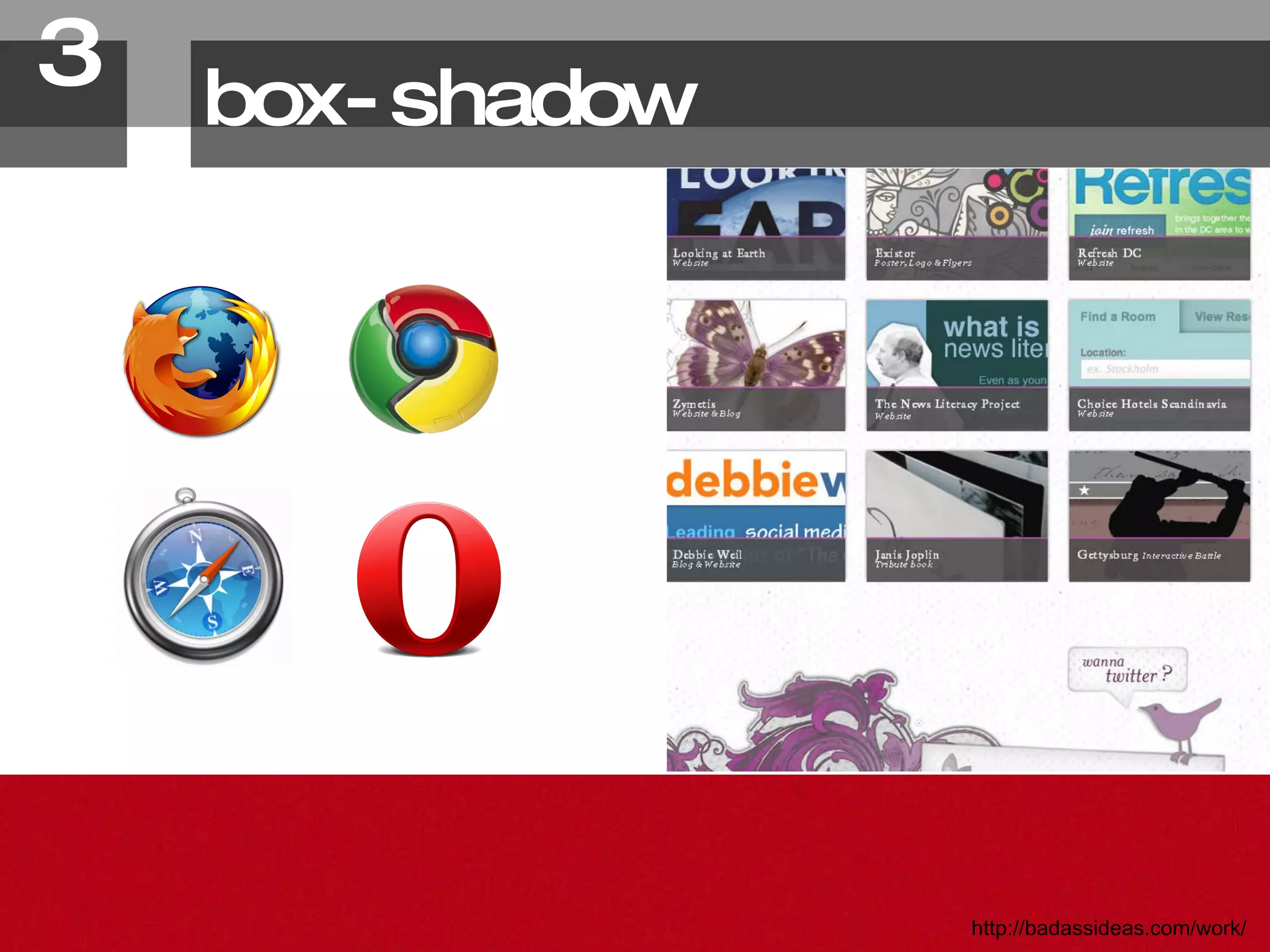
box-shadow 3. http://badassideas.com/work/
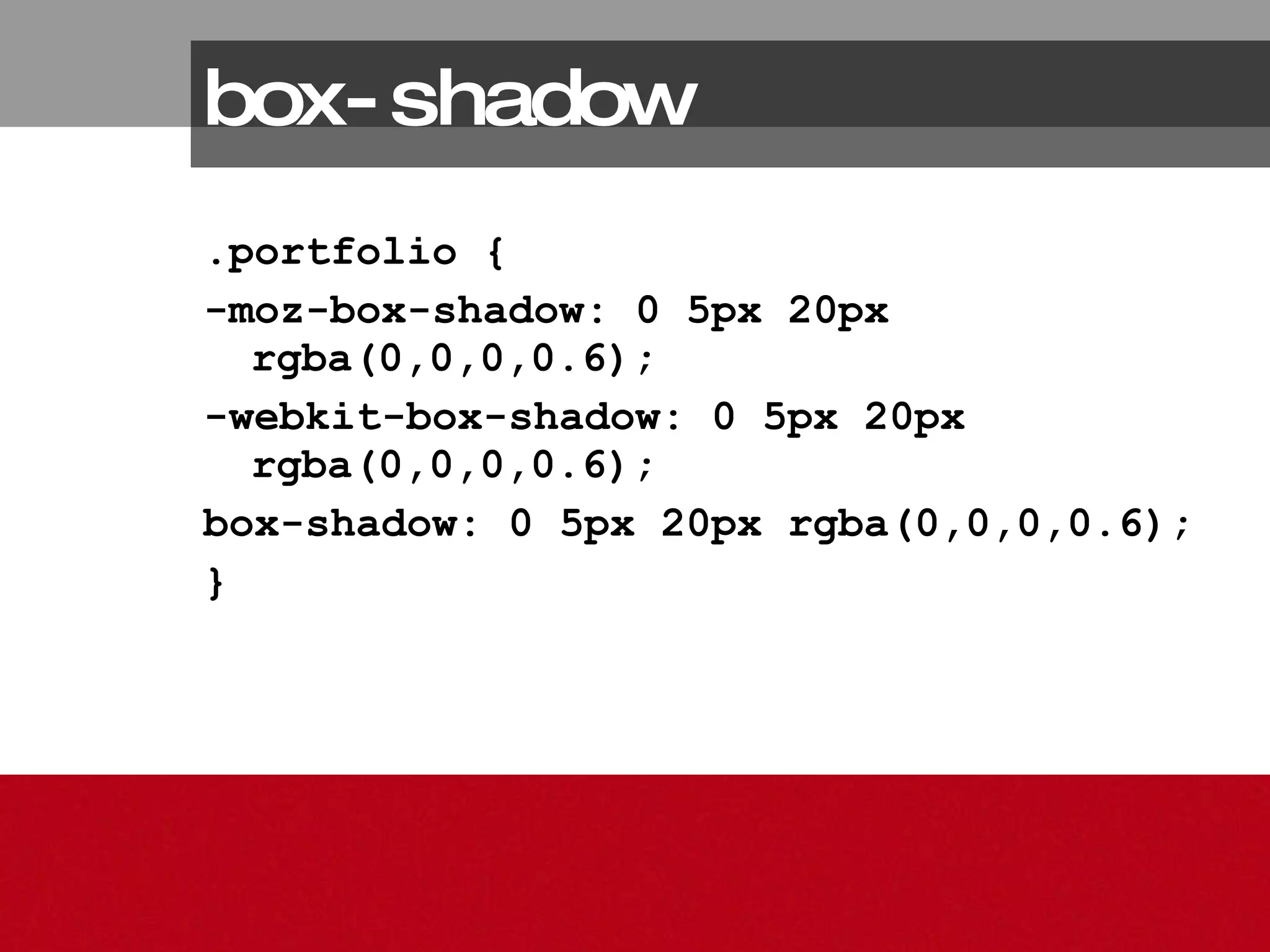
box-shadow Tips & issues Different syntax for mozilla, webkit, and opera browsers Browser Support IE does not support, Opera only 10.5
box-shadow Graceful degradation Okay if users don’t see effect
box-shadow .portfolio { -moz-box-shadow: 0 5px 20px rgba(0,0,0,0.6); -webkit-box-shadow: 0 5px 20px rgba(0,0,0,0.6);  box-shadow: 0 5px 20px rgba(0,0,0,0.6); }
opacity 4. http://rustinjessen.com/weblog/833
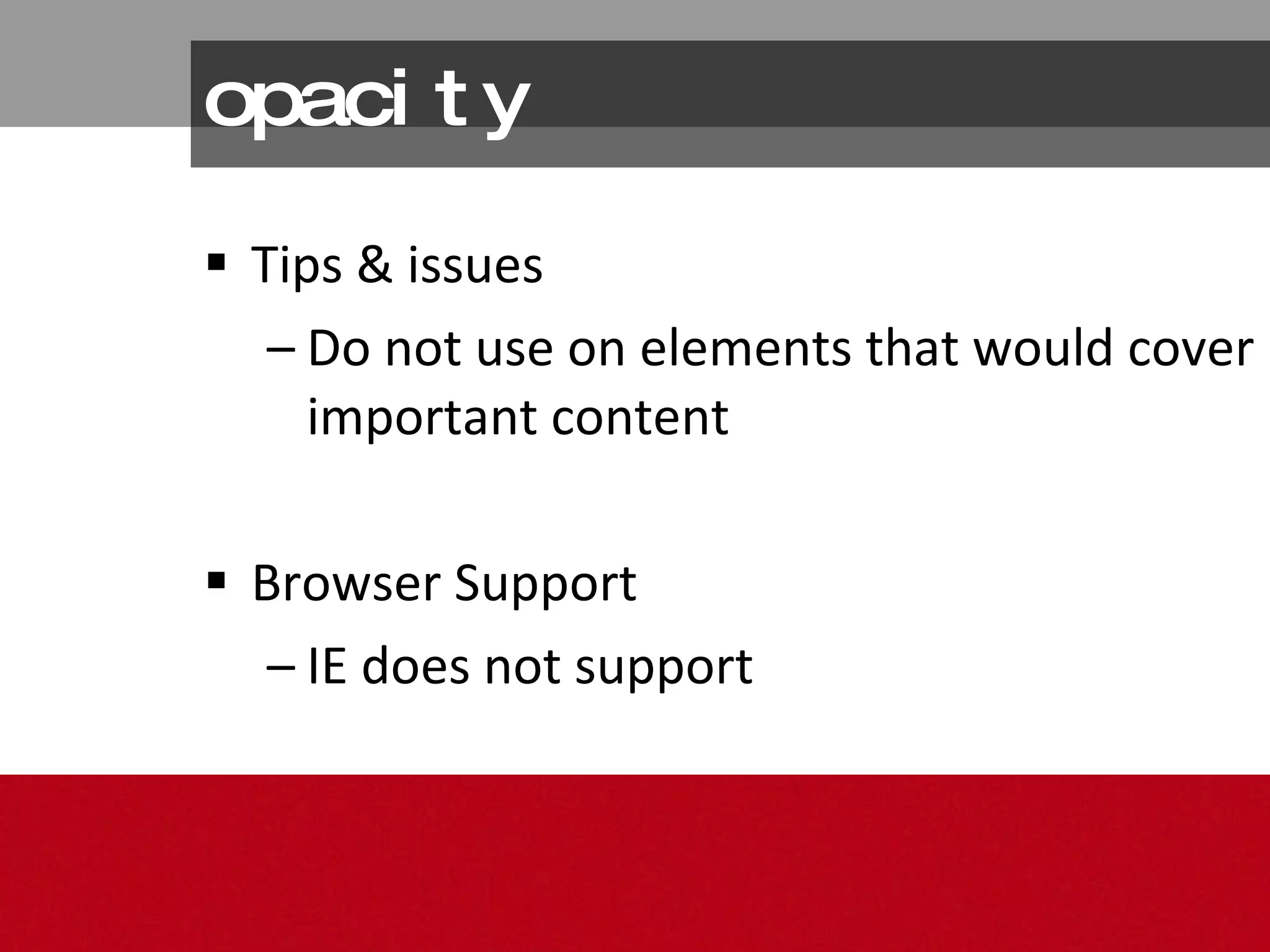
opacity Tips & issues Do not use on elements that would cover important content Browser Support IE does not support
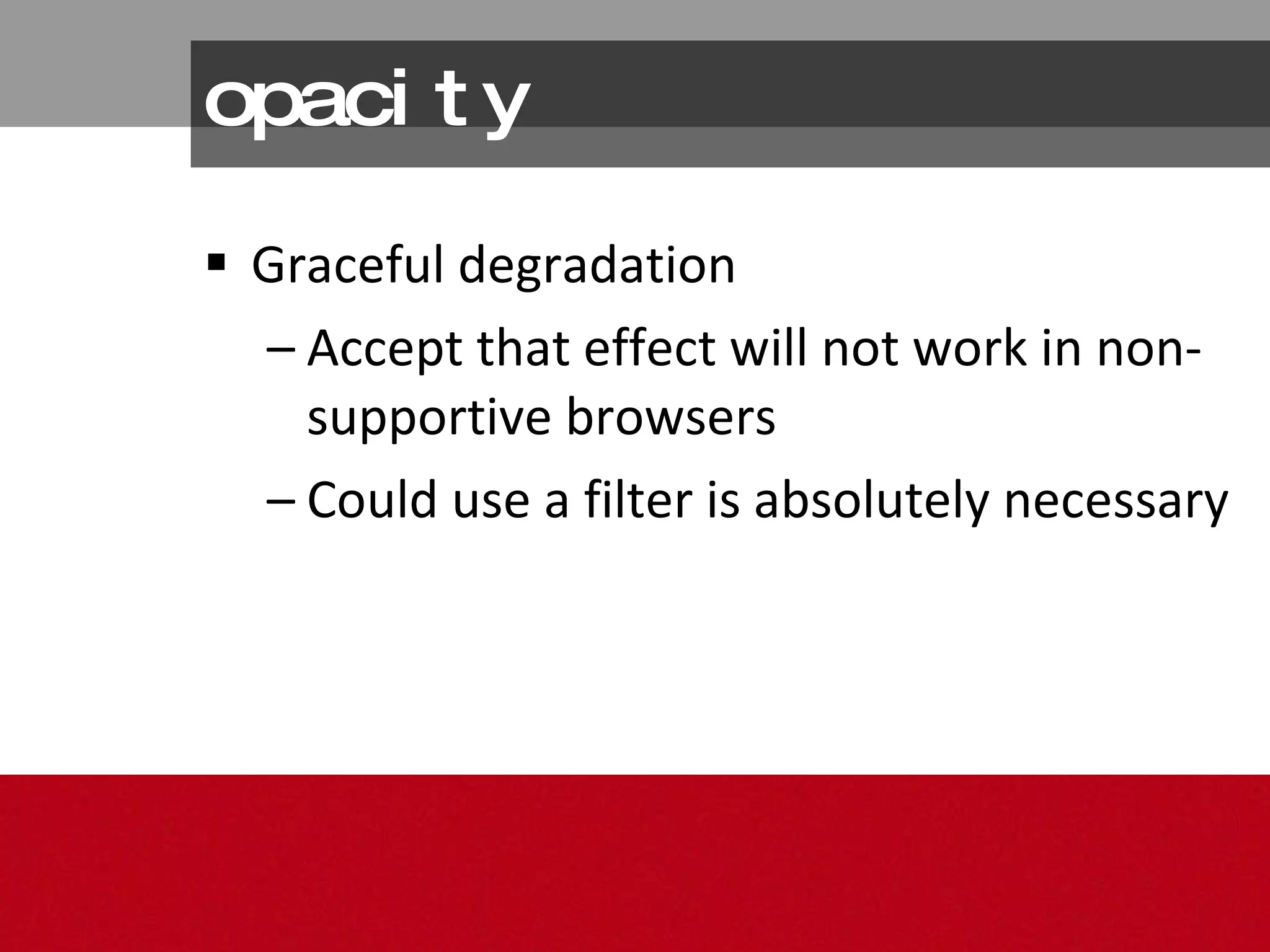
opacity Graceful degradation Accept that effect will not work in non-supportive browsers Could use a filter is absolutely necessary
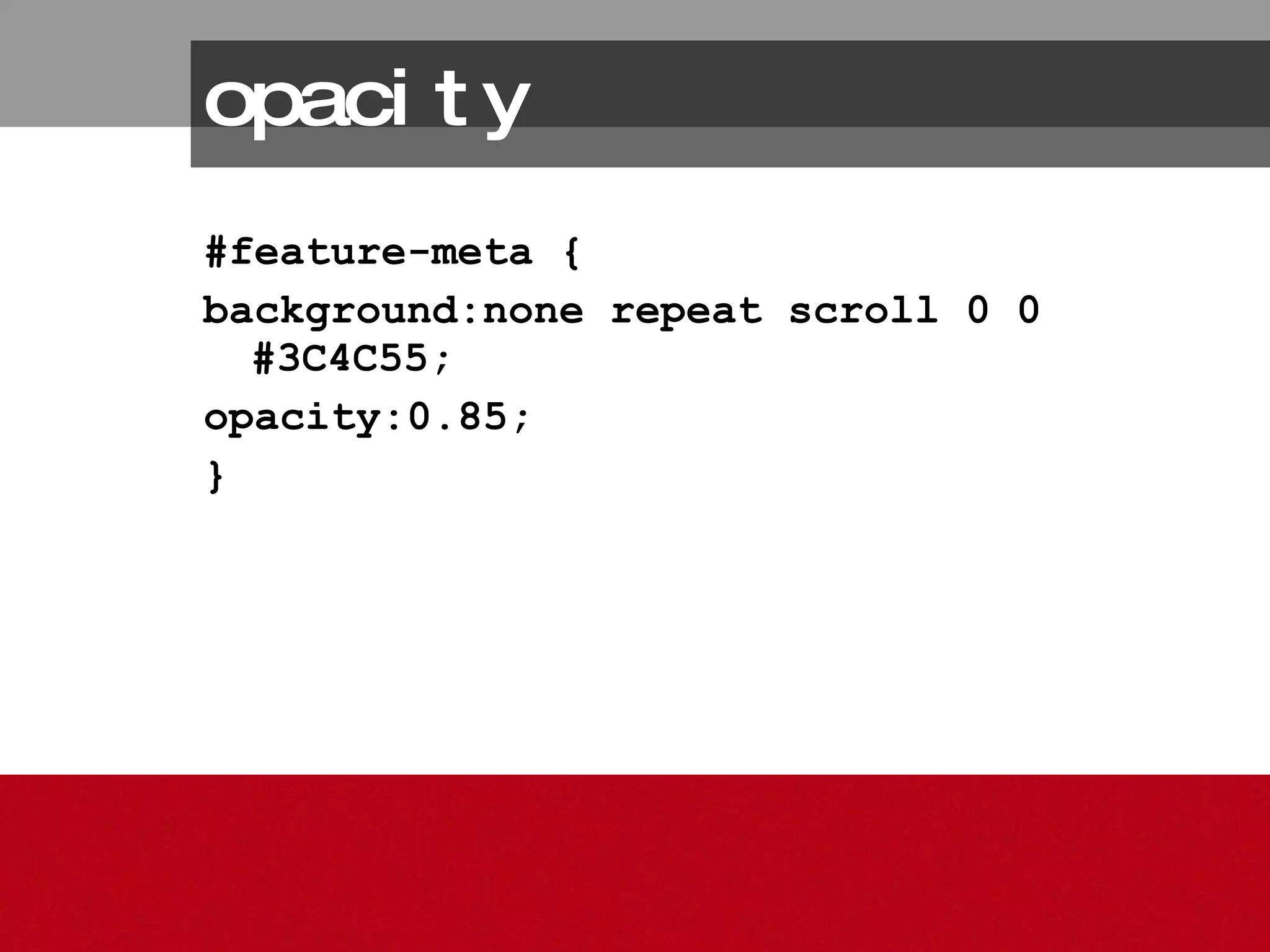
opacity #feature-meta { background:none repeat scroll 0 0 #3C4C55; opacity:0.85; }
rgba 5. http://aarronwalter.com/designer/
rgba Tips & issues More granular control of particular elements than opacity Browser Support IE does not support
rgba Graceful degradation Place after regular rgb color property to override in modern browsers; older browsers will ignore it; - IE bug: use the property  background  instead of  background-color  for the regular color
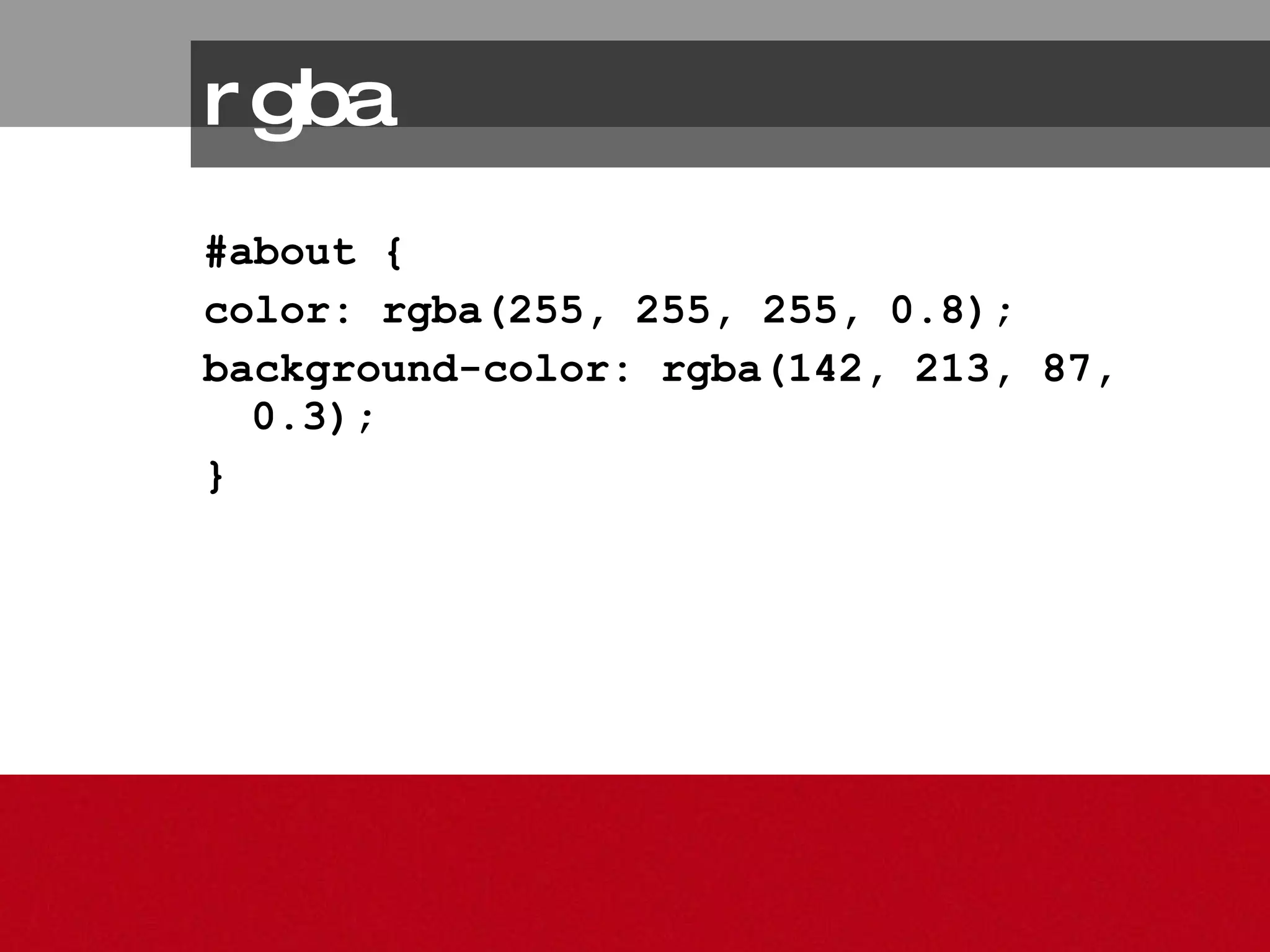
#about { color: rgba(255, 255, 255, 0.8); background-color: rgba(142, 213, 87, 0.3); } rgba
multiple backgrounds 6. http://www.stunningcss3.com
CSS3 for Presentation + UX:  Extras transform transitions animation (the webkits only) [3]
Another Tip Be subtle – it’s more effective
transform (2d) 1. http://www.stunningcss3.com
transform types rotate scale skew
transform Tips & issues Mozilla, webkit, and opera properties Browser Support IE does not support, Opera 10.5 only
transform Graceful degradation Leave images/elements in standard orientation or shape
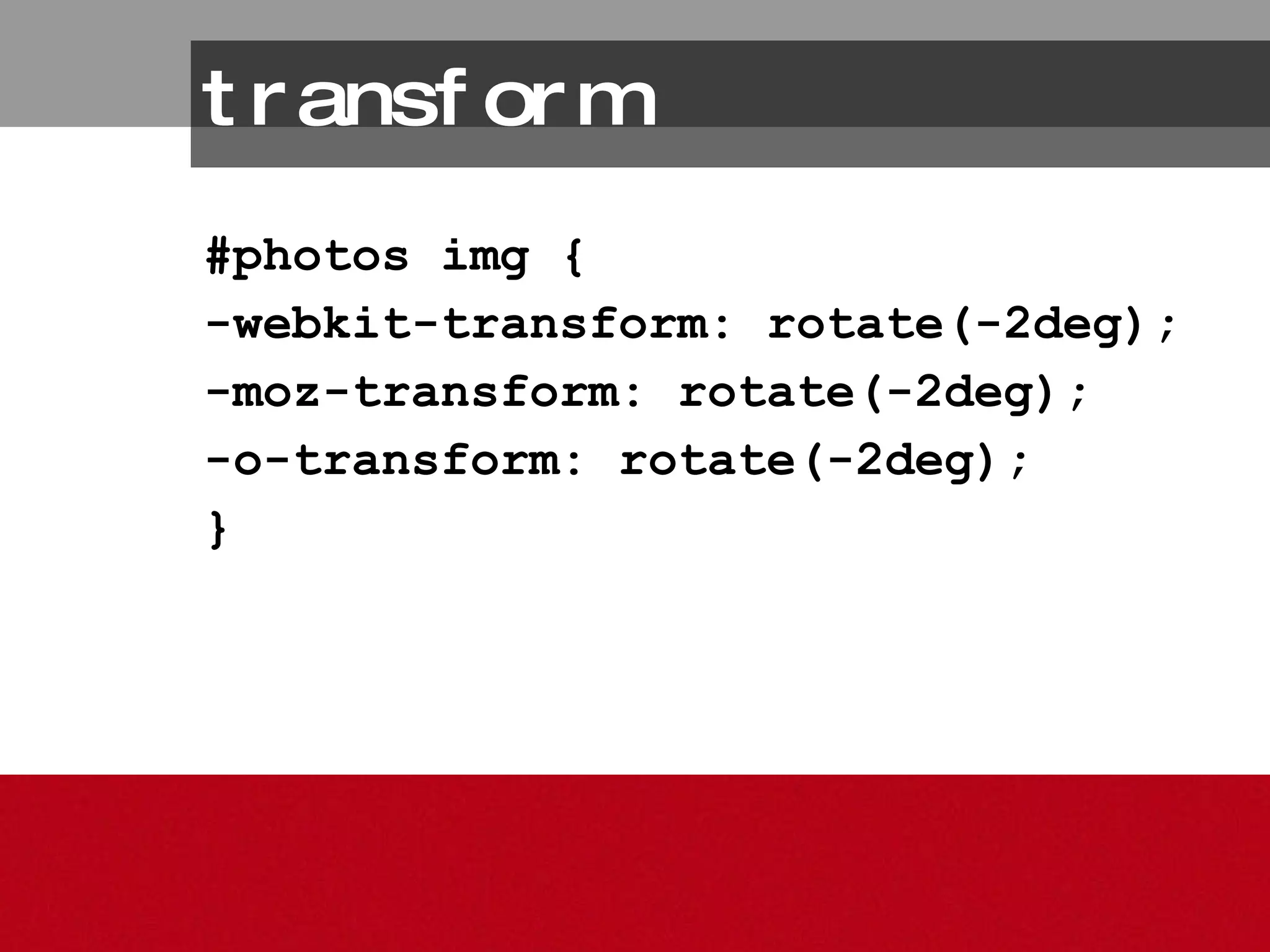
#photos img { -webkit-transform: rotate(-2deg); -moz-transform: rotate(-2deg); -o-transform: rotate(-2deg); } transform
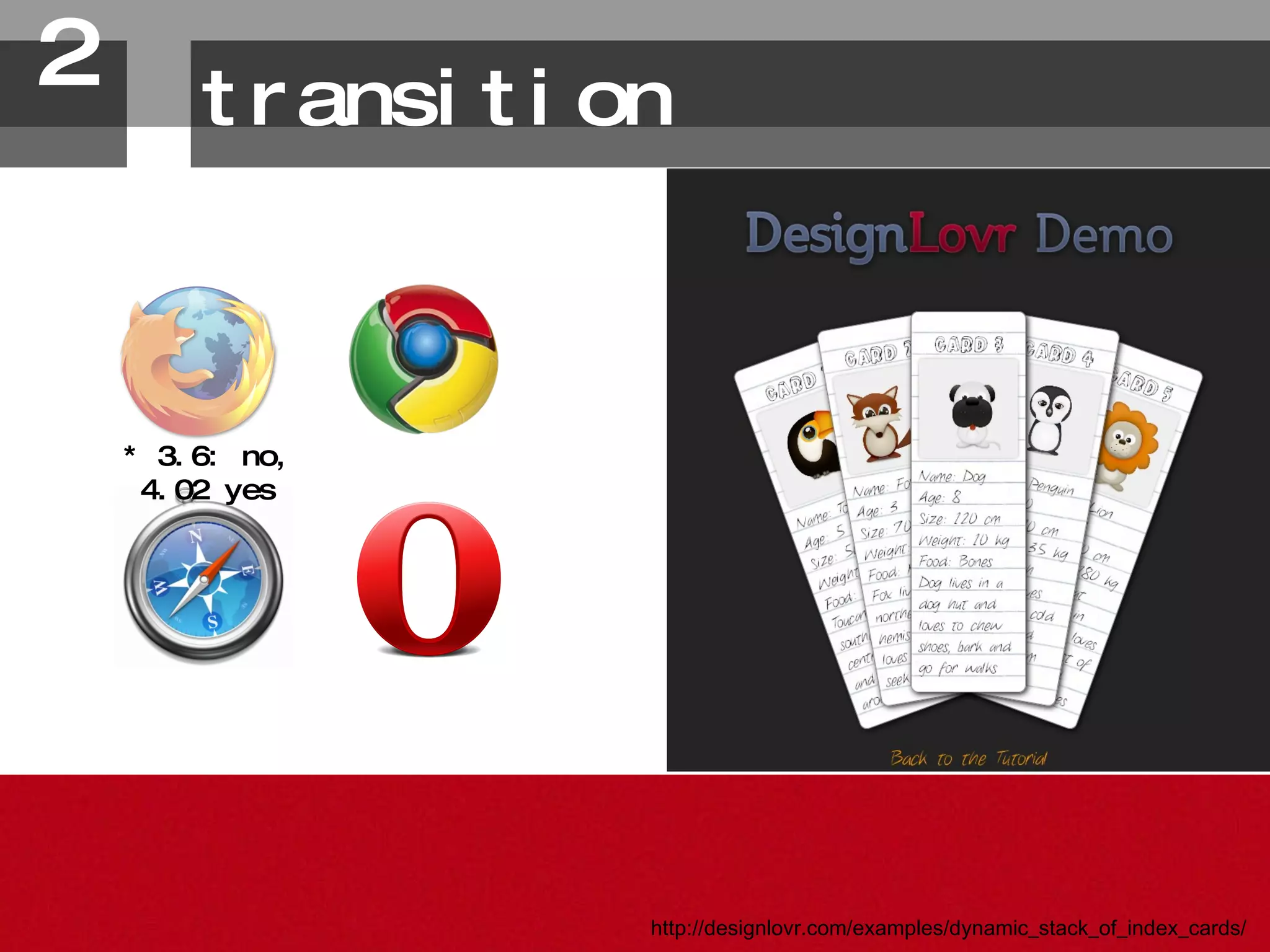
transition 2. http://designlovr.com/examples/dynamic_stack_of_index_cards/ * 3.6: no, 4.02 yes
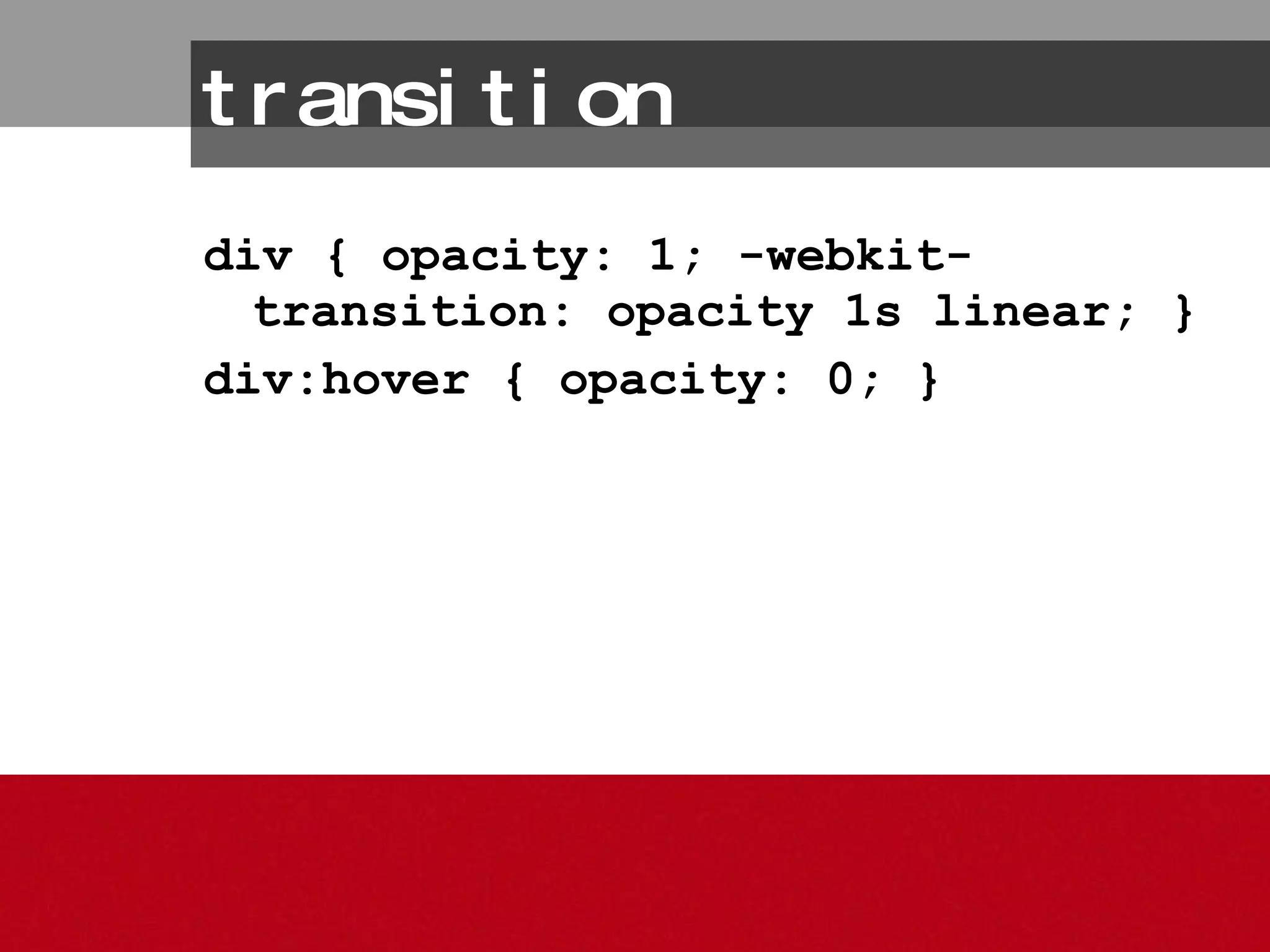
transition div { opacity: 1; -webkit-transition: opacity 1s linear; }  div:hover { opacity: 0; }
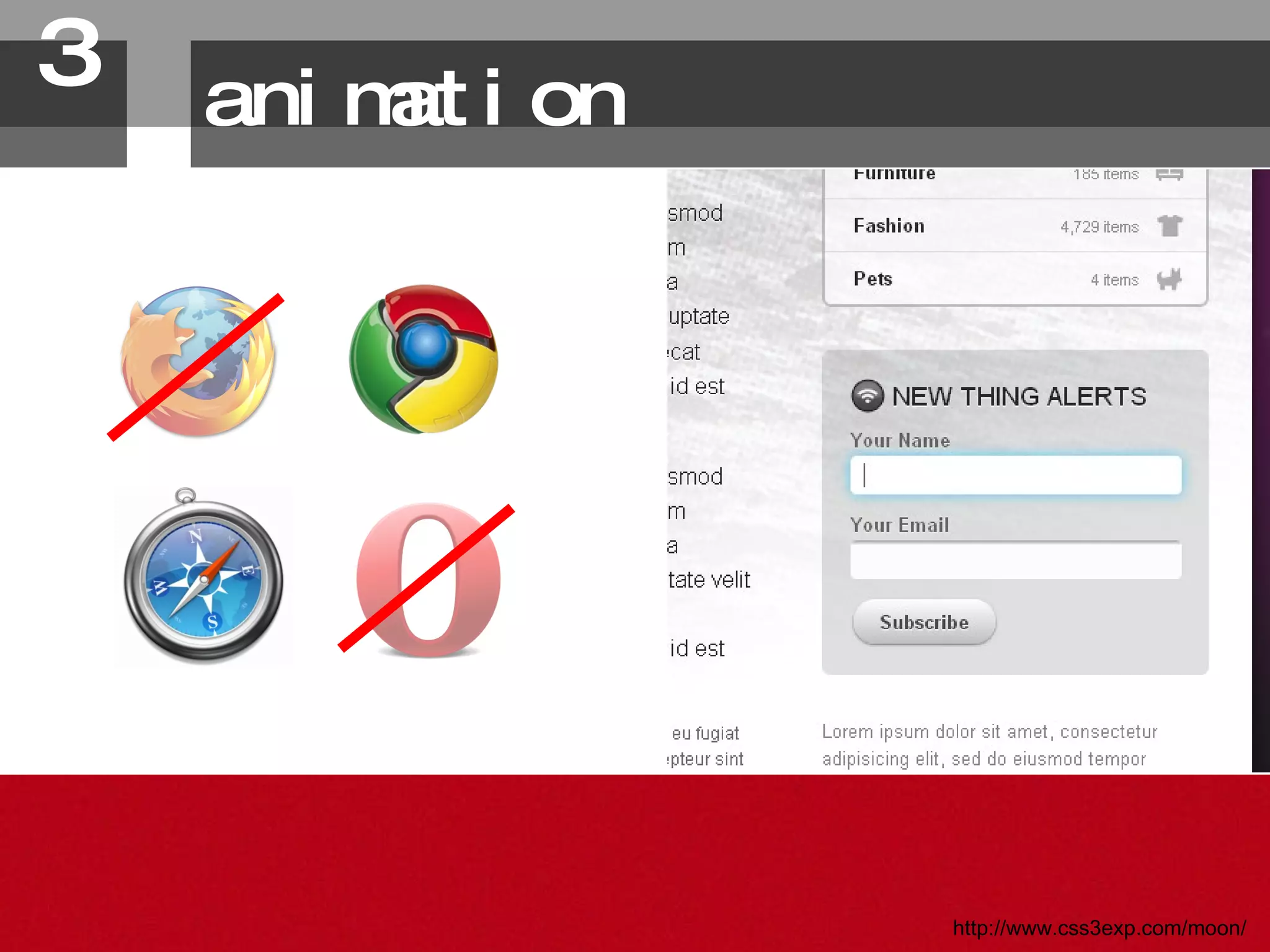
animation 3. http://www.css3exp.com/moon/
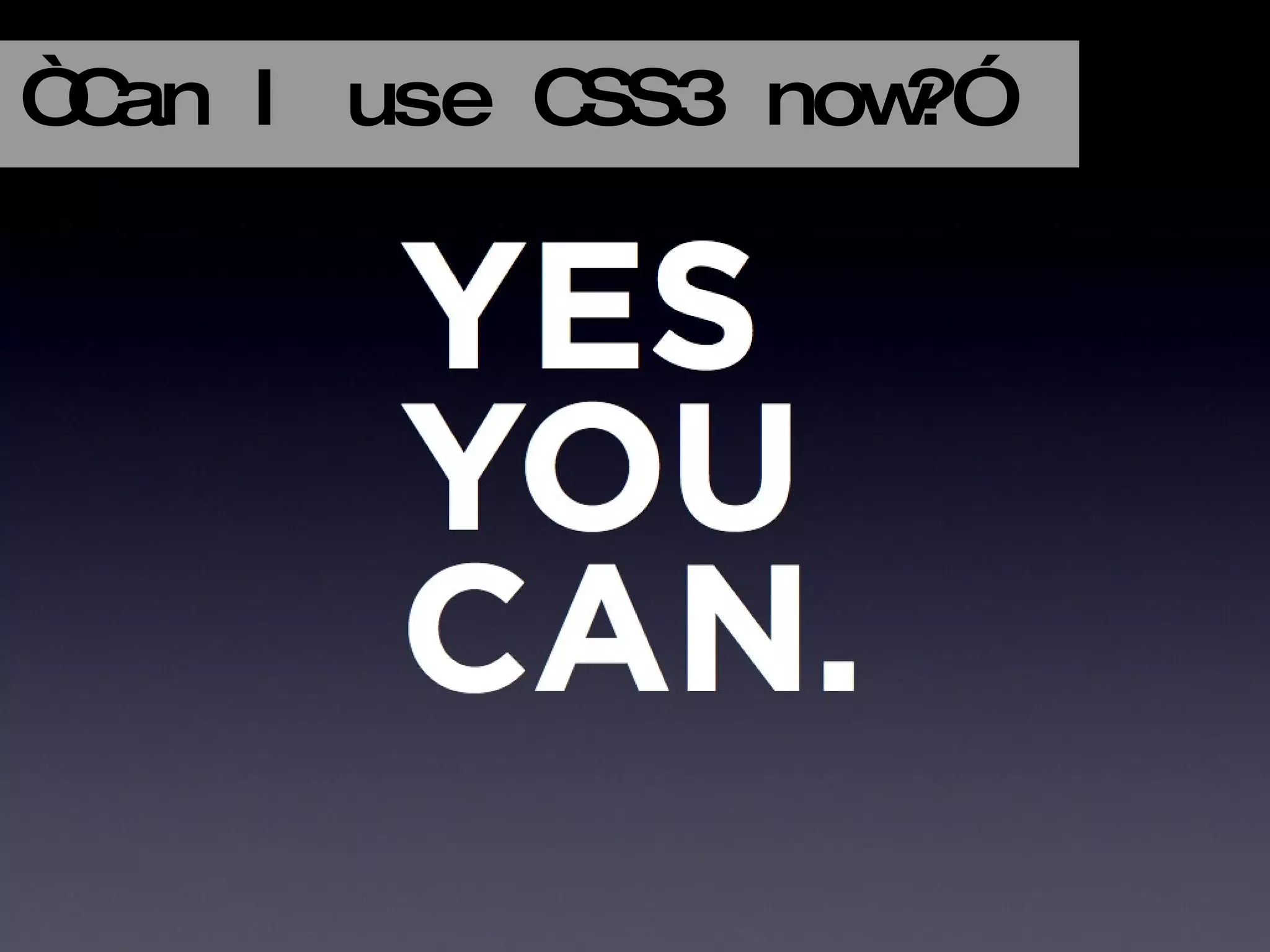
“ Can I use CSS3 now?”
Making Plans for the Future http://www.flickr.com/photos/unfrenziedspace/4551505664/
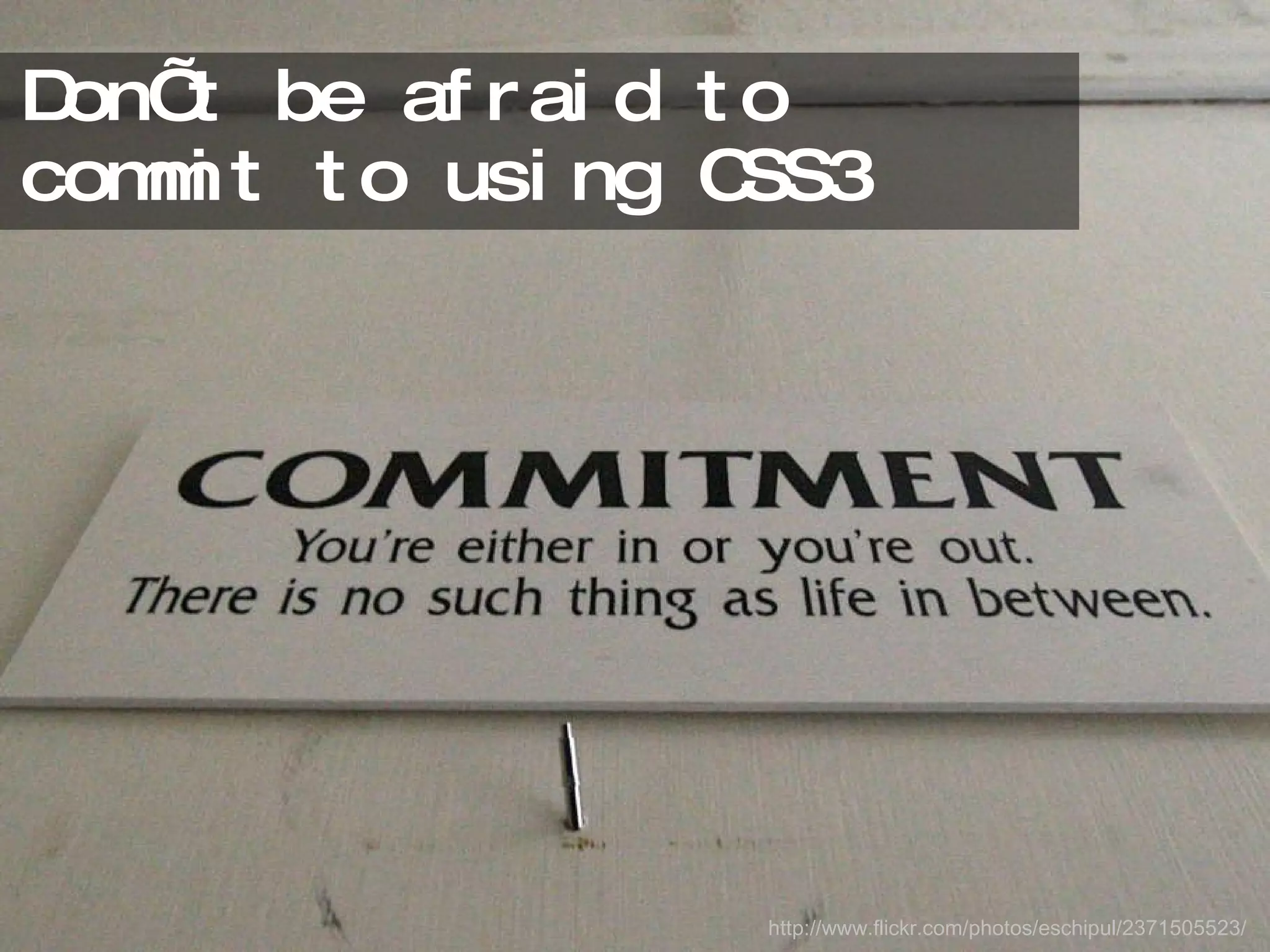
Don’t be afraid to commit to using CSS3 http://www.flickr.com/photos/eschipul/2371505523/
Feel the love:  Put in some hands-on quality time http://www.flickr.com/photos/erikogan/3481255/
One thing you can do in the next week Find some favorite CSS3 and experience design resources http://www.flickr.com/photos/possible248/3695594410/
Two things you can do in  the next month Incorporate CSS3 properties in to a personal site Seek out CSS3 inspiration and sounding boards http://www.flickr.com/photos/carbonnyc/3160373238/
Three things you can do in  the next three months Convince your boss that using CSS3 is a beneficial move Plan to use CSS3 in your next project Share CSS3 with colleagues/your team http://www.flickr.com/photos/boklm/486646798/in/set-72157600208217964/
We all want to fall (or stay) in love http://www.flickr.com/photos/8322821@N04/500108112/
…and spread love http://www.flickr.com/photos/eelssej_/413385838/
Today >> Tomorrow >> http://www.flickr.com/photos/trektrack/134157546/ http://www.flickr.com/photos/meggers/2378288736/
Not everyone will be able to access your added experience layer from CSS3 http://www.flickr.com/photos/icanchangethisright/3687782204/
And those who do… http://www.flickr.com/photos/jamiecampbell/446301597/
Will love you for it http://www.flickr.com/photos/erikogan/3481255/
CSSDetectiveGuide.com twitter.com/cssdetective Book  Love 1
InterActWithWebStandards.com twitter.com/waspinteract Book  Love 2
Re/source Love delicious.com/denisejacobs/ css3resources delicious.com/denisejacobs/ gdcss3examples http://www.flickr.com/photos/soerenheuer/17879000/
Flickr   Love All images from flickr.com are noted by a url at the bottom of the slide. http://www.flickr.com/photos/nickwebb/2919914290/
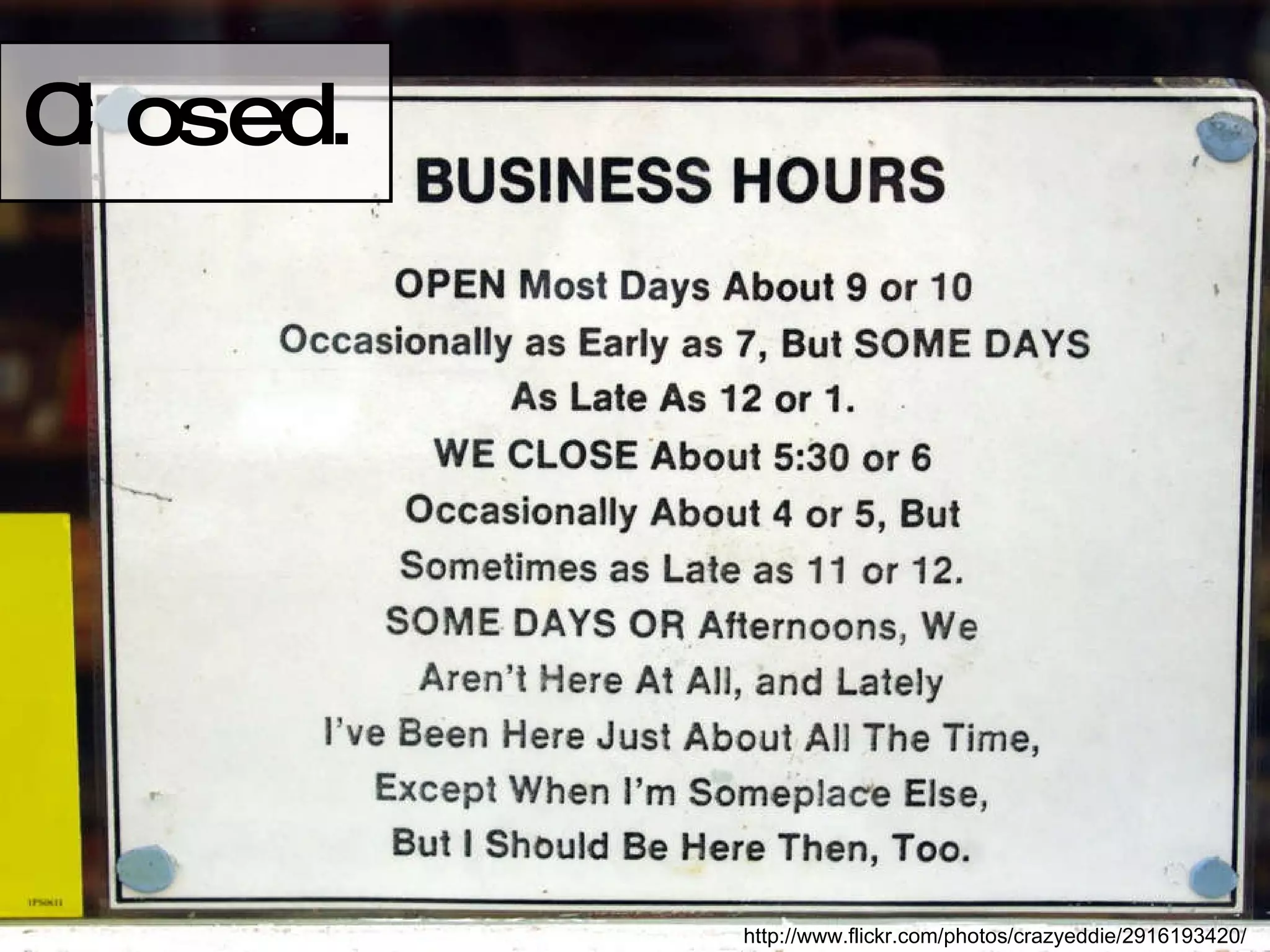
Closed . http://www.flickr.com/photos/crazyeddie/2916193420/
denisejacobs.com twitter.com/denisejacobs slideshare.net/denisejacobs
http://www.flickr.com/photos/27620885@N02/2609974180/

It's Business Time: Givin' User Experience Love with CSS3