Introducti
on to
Operating
Systems
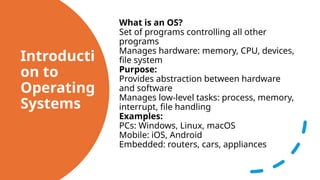
What isan OS?
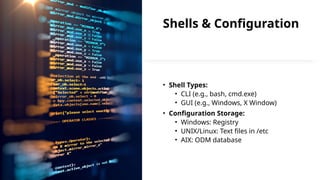
Set of programs controlling all other
programs
Manages hardware: memory, CPU, devices,
file system
Purpose:
Provides abstraction between hardware
and software
Manages low-level tasks: process, memory,
interrupt, file handling
Examples:
PCs: Windows, Linux, macOS
Mobile: iOS, Android
Embedded: routers, cars, appliances
3.
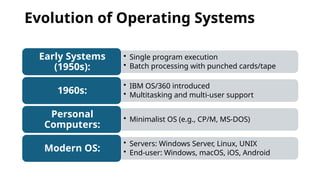
Evolution of OperatingSystems
• Single program execution
• Batch processing with punched cards/tape
Early Systems
(1950s):
• IBM OS/360 introduced
• Multitasking and multi-user support
1960s:
• Minimalist OS (e.g., CP/M, MS-DOS)
Personal
Computers:
• Servers: Windows Server, Linux, UNIX
• End-user: Windows, macOS, iOS, Android
Modern OS:
4.
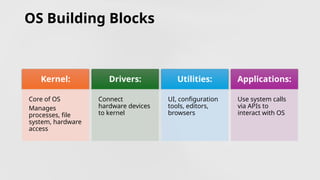
OS Building Blocks
Kernel:
Coreof OS
Manages
processes, file
system, hardware
access
Drivers:
Connect
hardware devices
to kernel
Utilities:
UI, configuration
tools, editors,
browsers
Applications:
Use system calls
via APIs to
interact with OS
5.
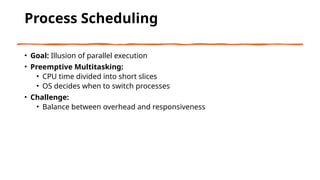
Process Scheduling
• Goal:Illusion of parallel execution
• Preemptive Multitasking:
• CPU time divided into short slices
• OS decides when to switch processes
• Challenge:
• Balance between overhead and responsiveness
6.
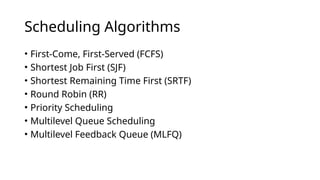
Scheduling Algorithms
• First-Come,First-Served (FCFS)
• Shortest Job First (SJF)
• Shortest Remaining Time First (SRTF)
• Round Robin (RR)
• Priority Scheduling
• Multilevel Queue Scheduling
• Multilevel Feedback Queue (MLFQ)
7.
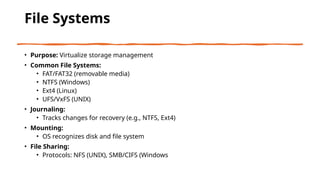
File Systems
• Purpose:Virtualize storage management
• Common File Systems:
• FAT/FAT32 (removable media)
• NTFS (Windows)
• Ext4 (Linux)
• UFS/VxFS (UNIX)
• Journaling:
• Tracks changes for recovery (e.g., NTFS, Ext4)
• Mounting:
• OS recognizes disk and file system
• File Sharing:
• Protocols: NFS (UNIX), SMB/CIFS (Windows
8.
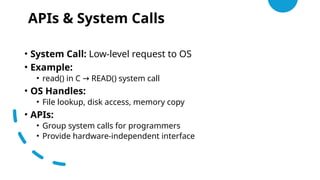
APIs & SystemCalls
• System Call: Low-level request to OS
• Example:
• read() in C READ() system call
→
• OS Handles:
• File lookup, disk access, memory copy
• APIs:
• Group system calls for programmers
• Provide hardware-independent interface
9.
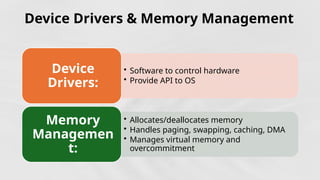
Device Drivers &Memory Management
• Software to control hardware
• Provide API to OS
Device
Drivers:
• Allocates/deallocates memory
• Handles paging, swapping, caching, DMA
• Manages virtual memory and
overcommitment
Memory
Managemen
t:
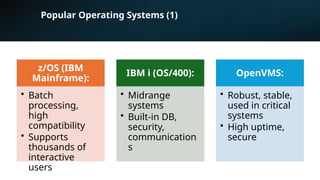
Popular Operating Systems(1)
z/OS (IBM
Mainframe):
• Batch
processing,
high
compatibility
• Supports
thousands of
interactive
users
IBM i (OS/400):
• Midrange
systems
• Built-in DB,
security,
communication
s
OpenVMS:
• Robust, stable,
used in critical
systems
• High uptime,
secure
12.
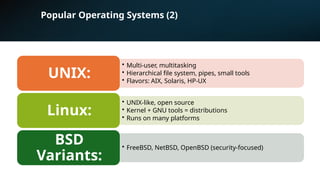
Popular Operating Systems(2)
• Multi-user, multitasking
• Hierarchical file system, pipes, small tools
• Flavors: AIX, Solaris, HP-UX
UNIX:
• UNIX-like, open source
• Kernel + GNU tools = distributions
• Runs on many platforms
Linux:
• FreeBSD, NetBSD, OpenBSD (security-focused)
BSD
Variants:
13.
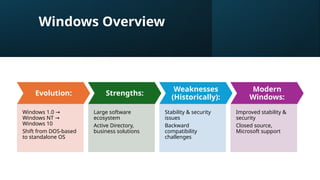
Windows Overview
Evolution:
Windows 1.0→
Windows NT →
Windows 10
Shift from DOS-based
to standalone OS
Strengths:
Large software
ecosystem
Active Directory,
business solutions
Weaknesses
(Historically):
Stability & security
issues
Backward
compatibility
challenges
Modern
Windows:
Improved stability &
security
Closed source,
Microsoft support
14.
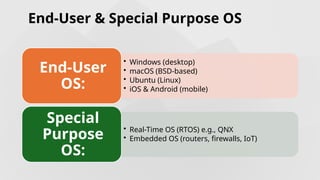
End-User & SpecialPurpose OS
• Windows (desktop)
• macOS (BSD-based)
• Ubuntu (Linux)
• iOS & Android (mobile)
End-User
OS:
• Real-Time OS (RTOS) e.g., QNX
• Embedded OS (routers, firewalls, IoT)
Special
Purpose
OS:
15.
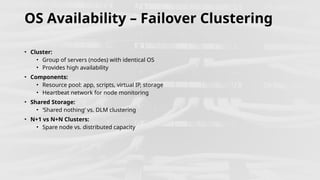
OS Availability –Failover Clustering
• Cluster:
• Group of servers (nodes) with identical OS
• Provides high availability
• Components:
• Resource pool: app, scripts, virtual IP, storage
• Heartbeat network for node monitoring
• Shared Storage:
• ‘Shared nothing’ vs. DLM clustering
• N+1 vs N+N Clusters:
• Spare node vs. distributed capacity
16.
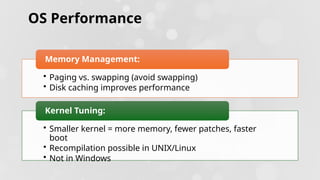
OS Performance
• Pagingvs. swapping (avoid swapping)
• Disk caching improves performance
Memory Management:
• Smaller kernel = more memory, fewer patches, faster
boot
• Recompilation possible in UNIX/Linux
• Not in Windows
Kernel Tuning:



![Getting Started with Apache Spark: Big Data Made Simple [Free Meetup]](https://cdn.slidesharecdn.com/ss_thumbnails/apachesparkgettingstarted-260203175547-8361bcc3-thumbnail.jpg?width=640&height=640&fit=bounds)