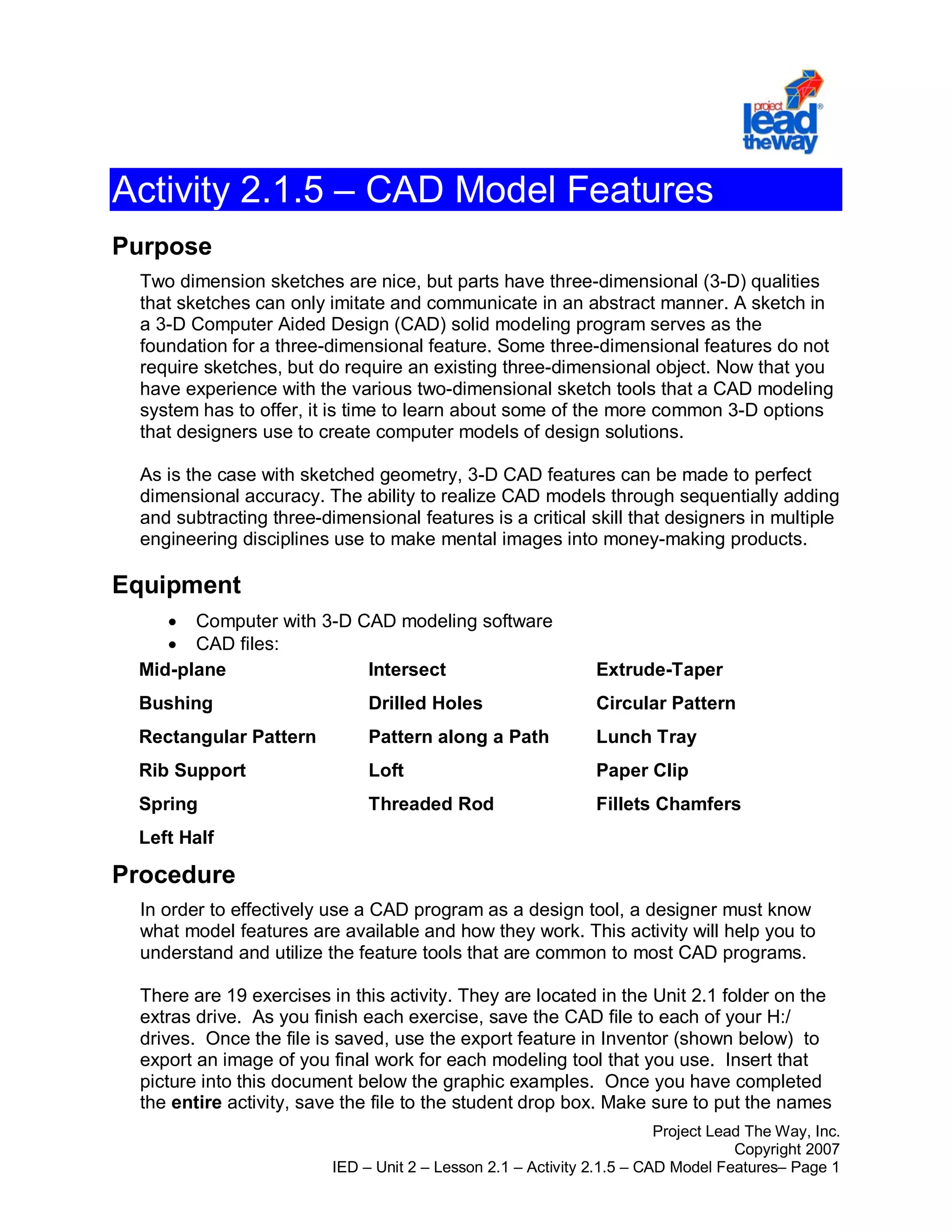
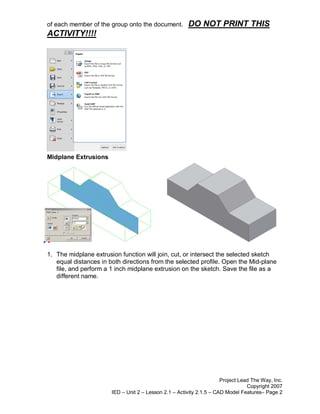
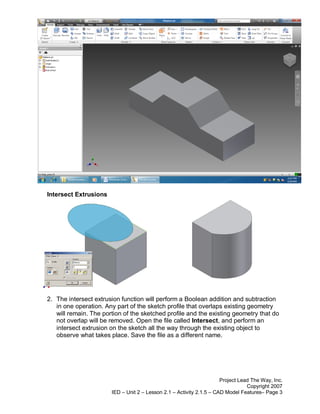
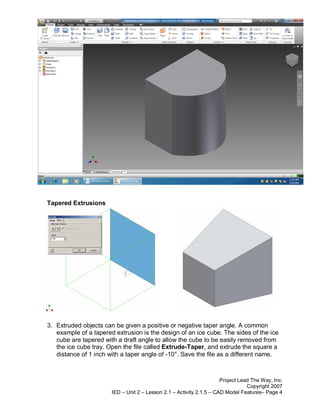
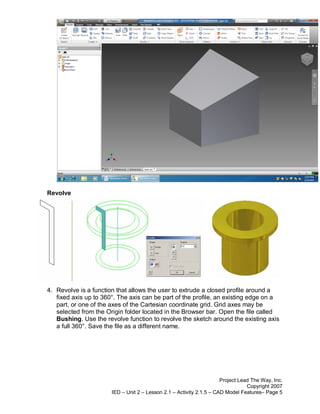
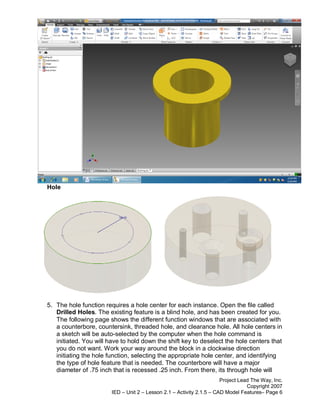
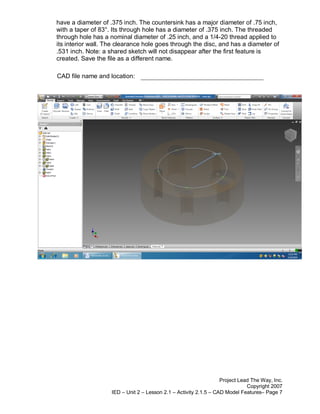
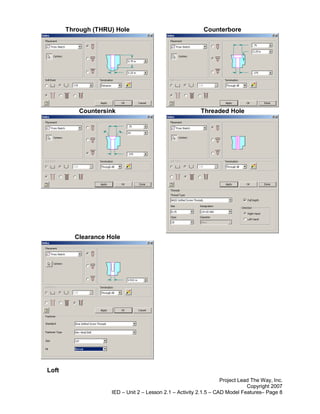
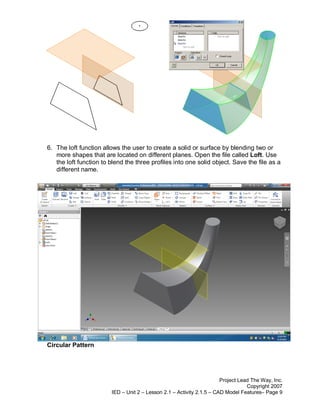
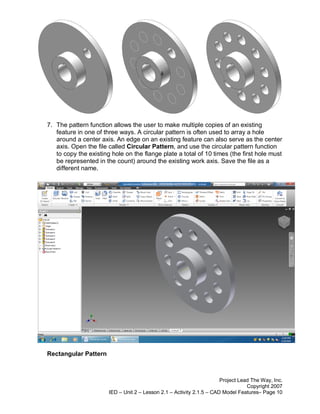
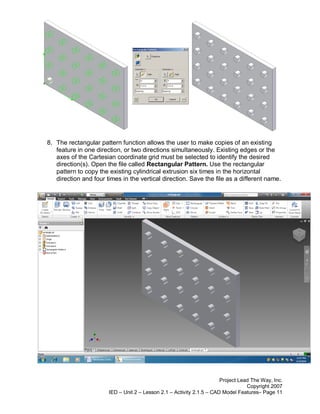
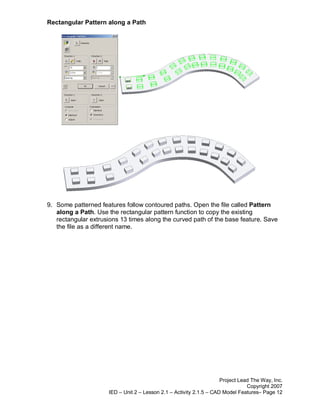
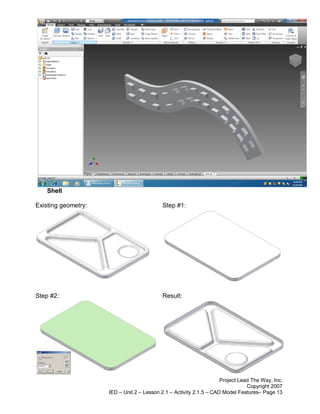
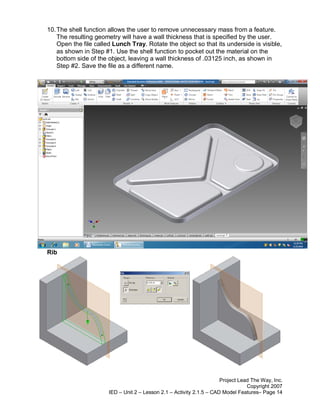
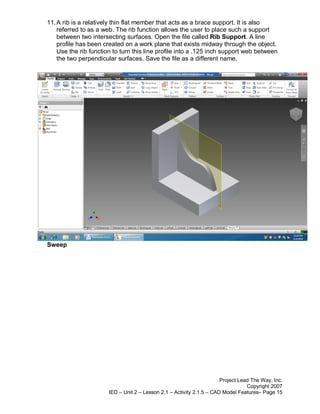
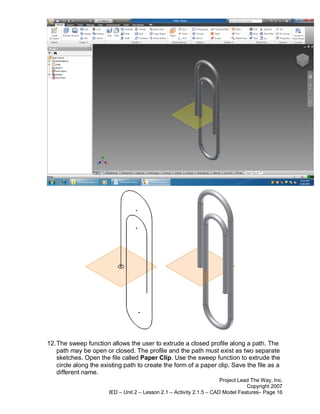
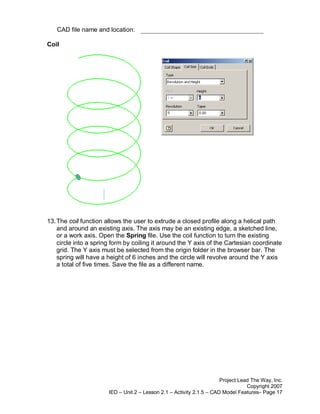
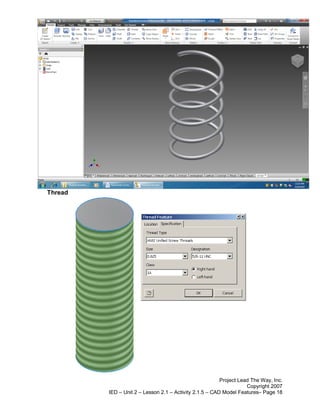
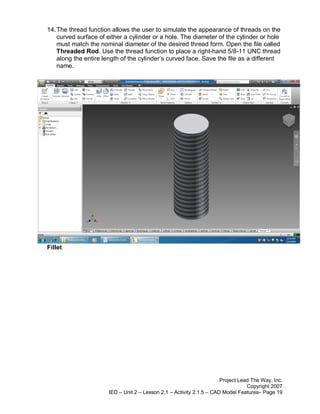
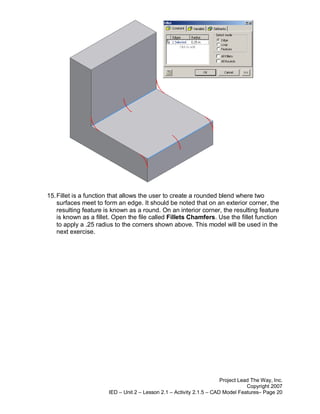
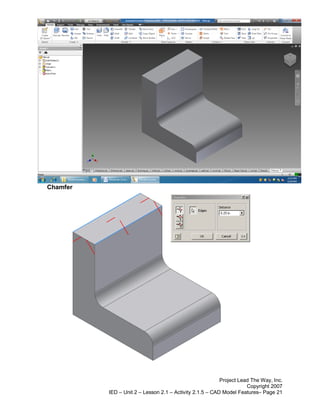
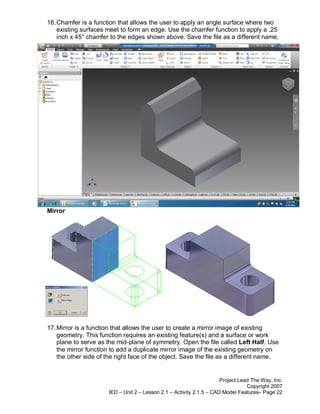
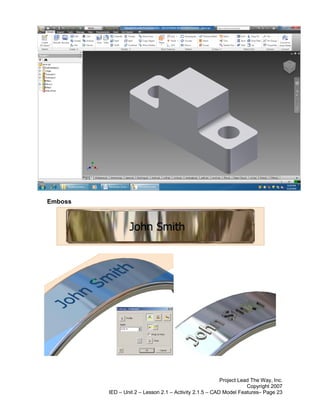
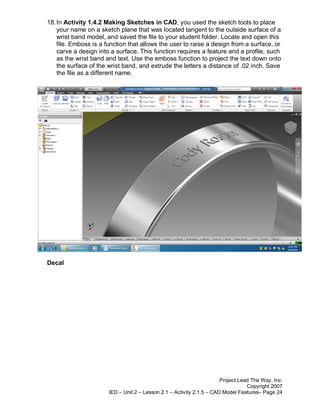
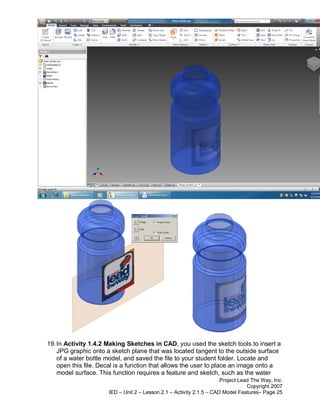
This document provides instructions for an activity to familiarize students with common 3D modeling features in CAD software. It describes 19 exercises using features like extrude, revolve, hole, fillet, chamfer, and pattern. For each exercise, students open a CAD file, use the specified feature to modify the model, save it with a new name, and export an image of the result. The goal is for students to understand how each feature works and utilize the tools that are common to most CAD programs.