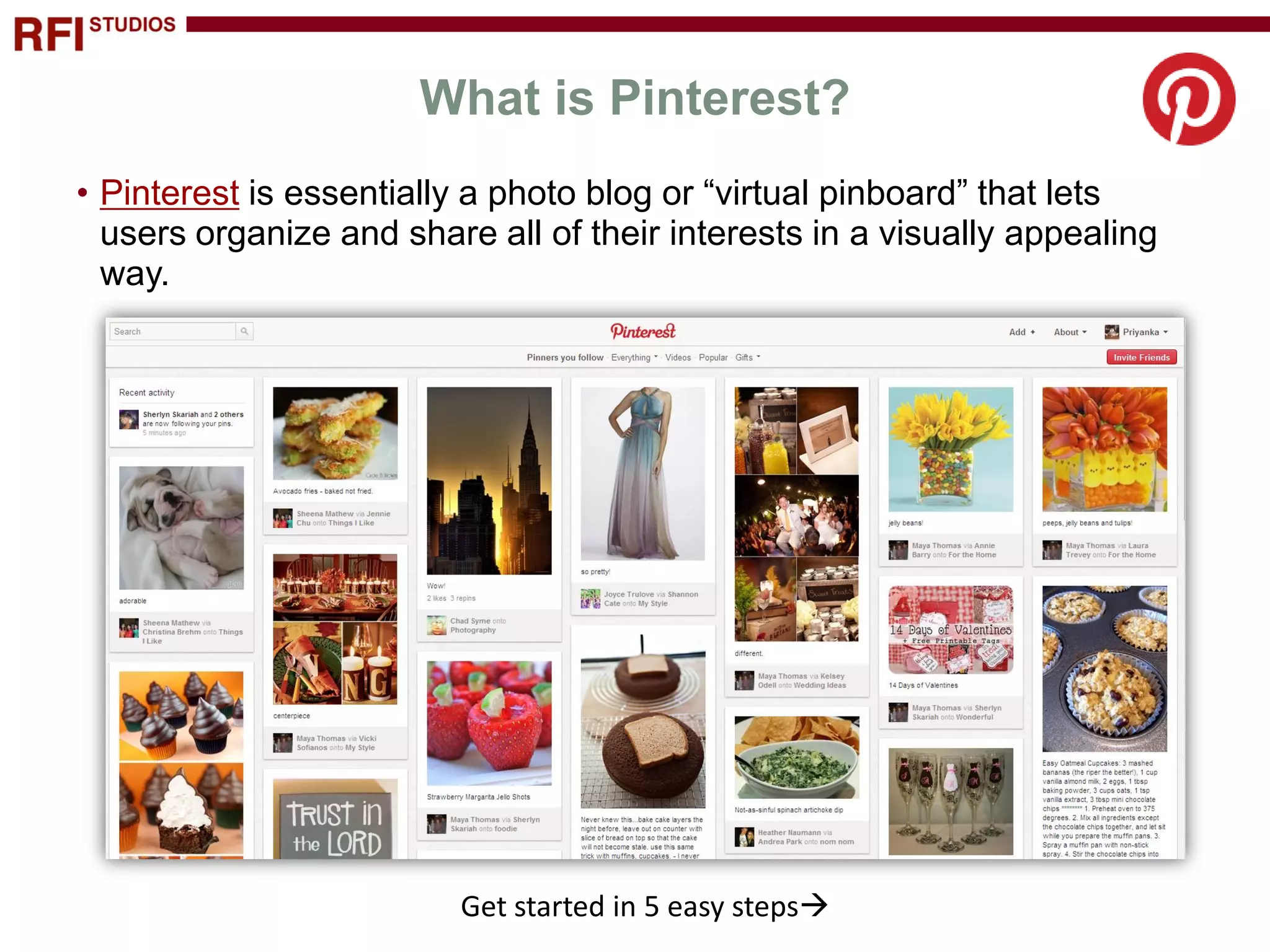
This document provides instructions for getting started with Pinterest in 5 easy steps:
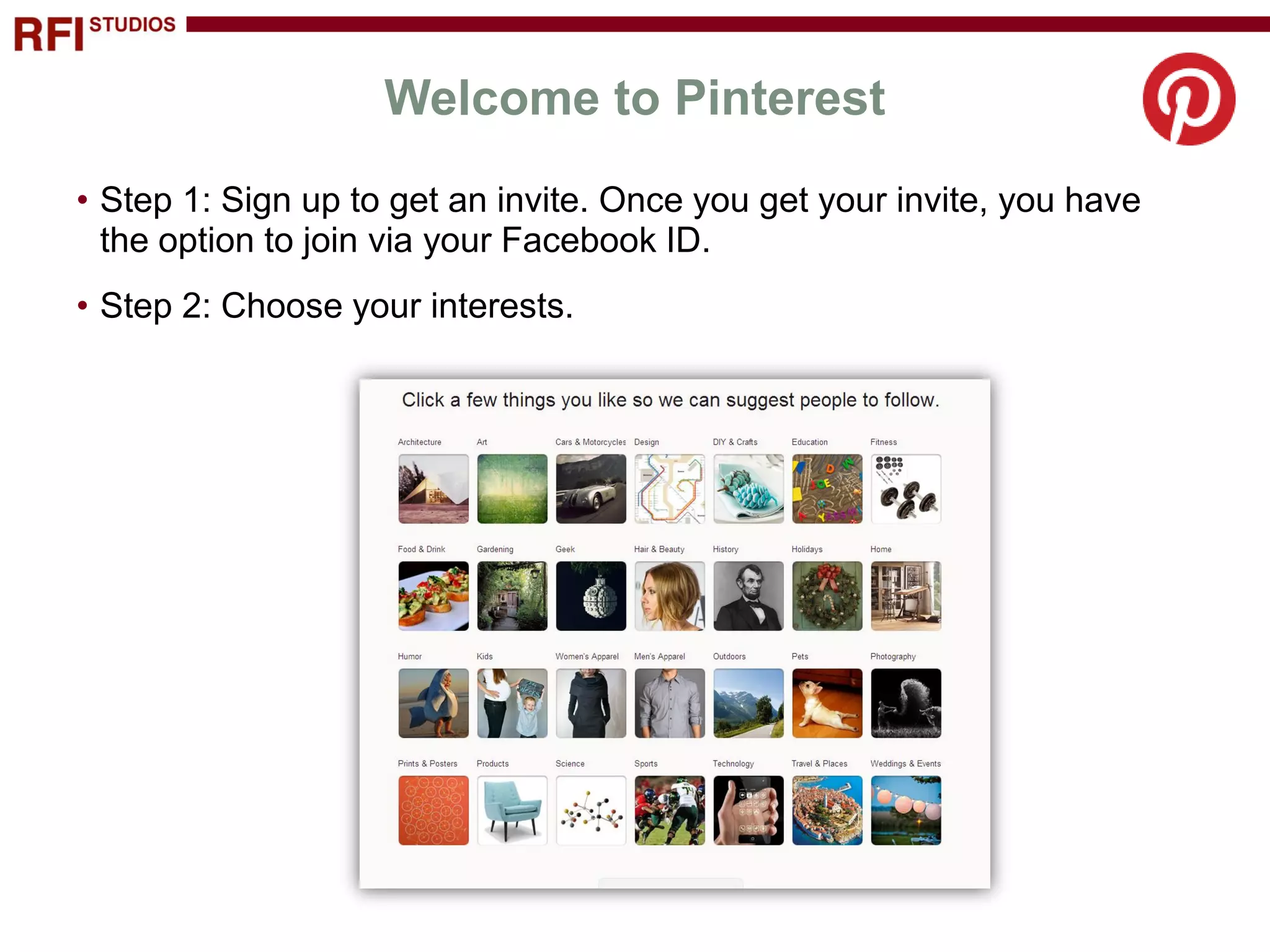
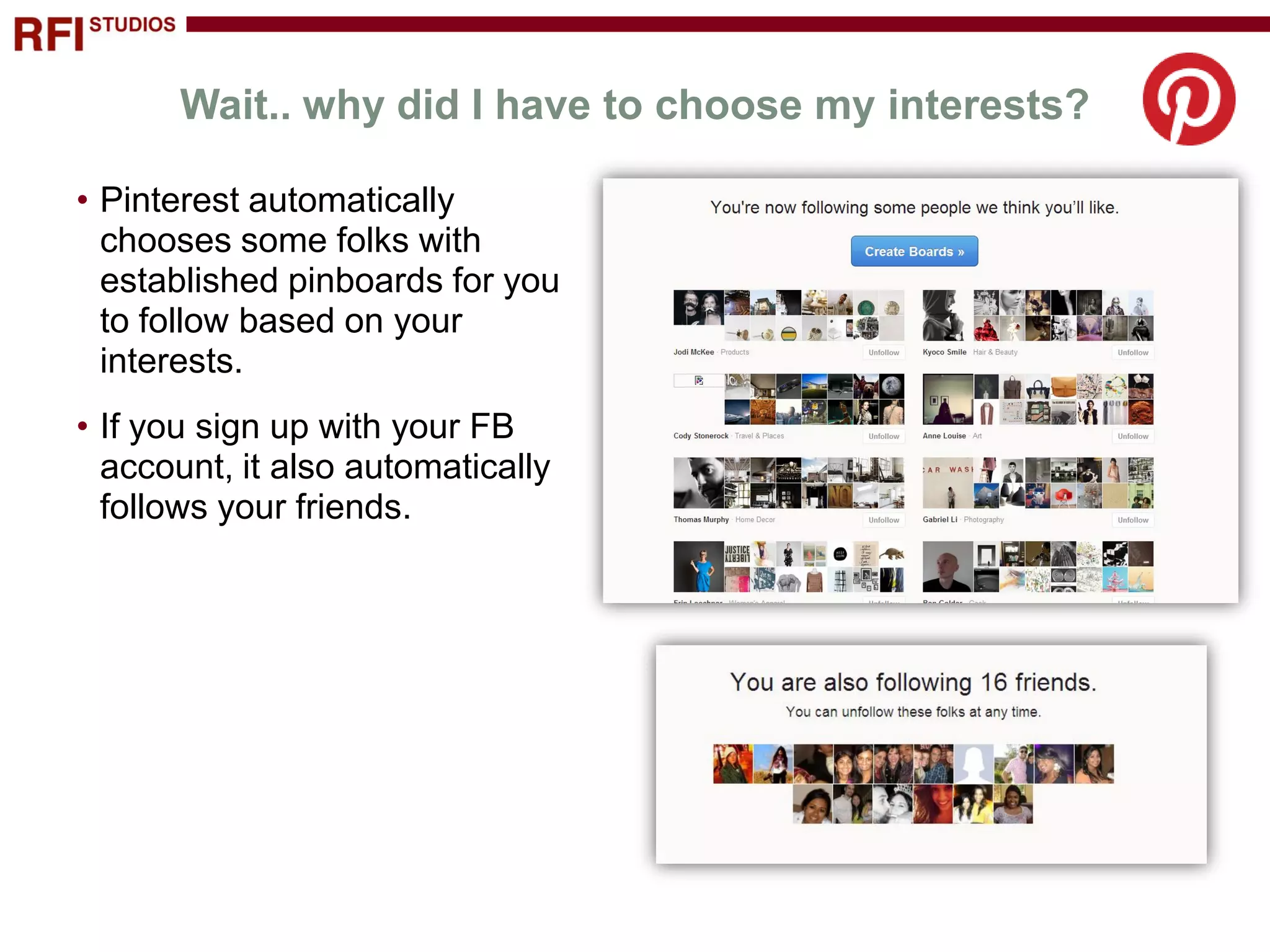
1) Sign up and choose your interests. Pinterest will automatically follow related boards.
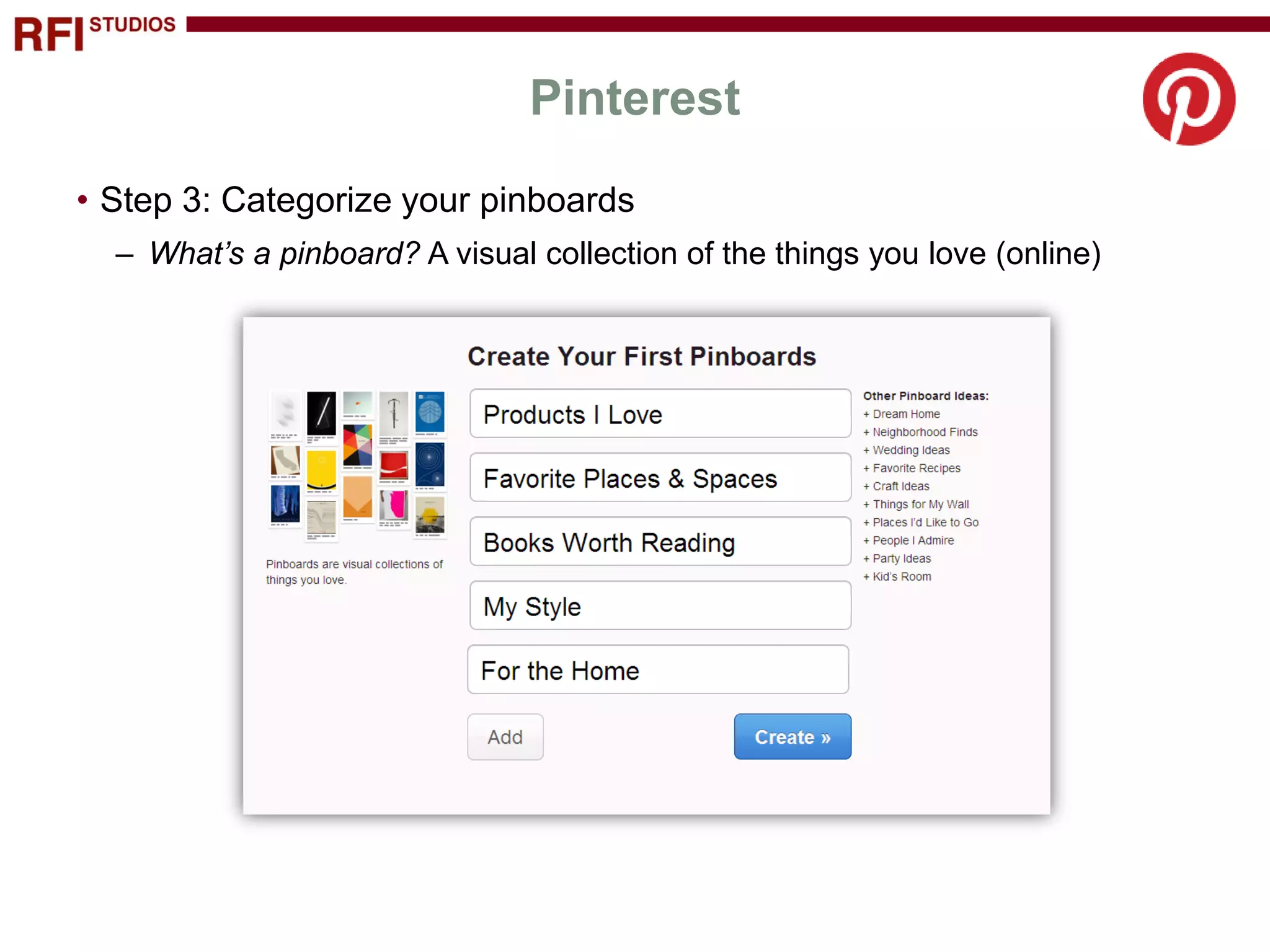
2) Categorize your pinboards to organize what you love.
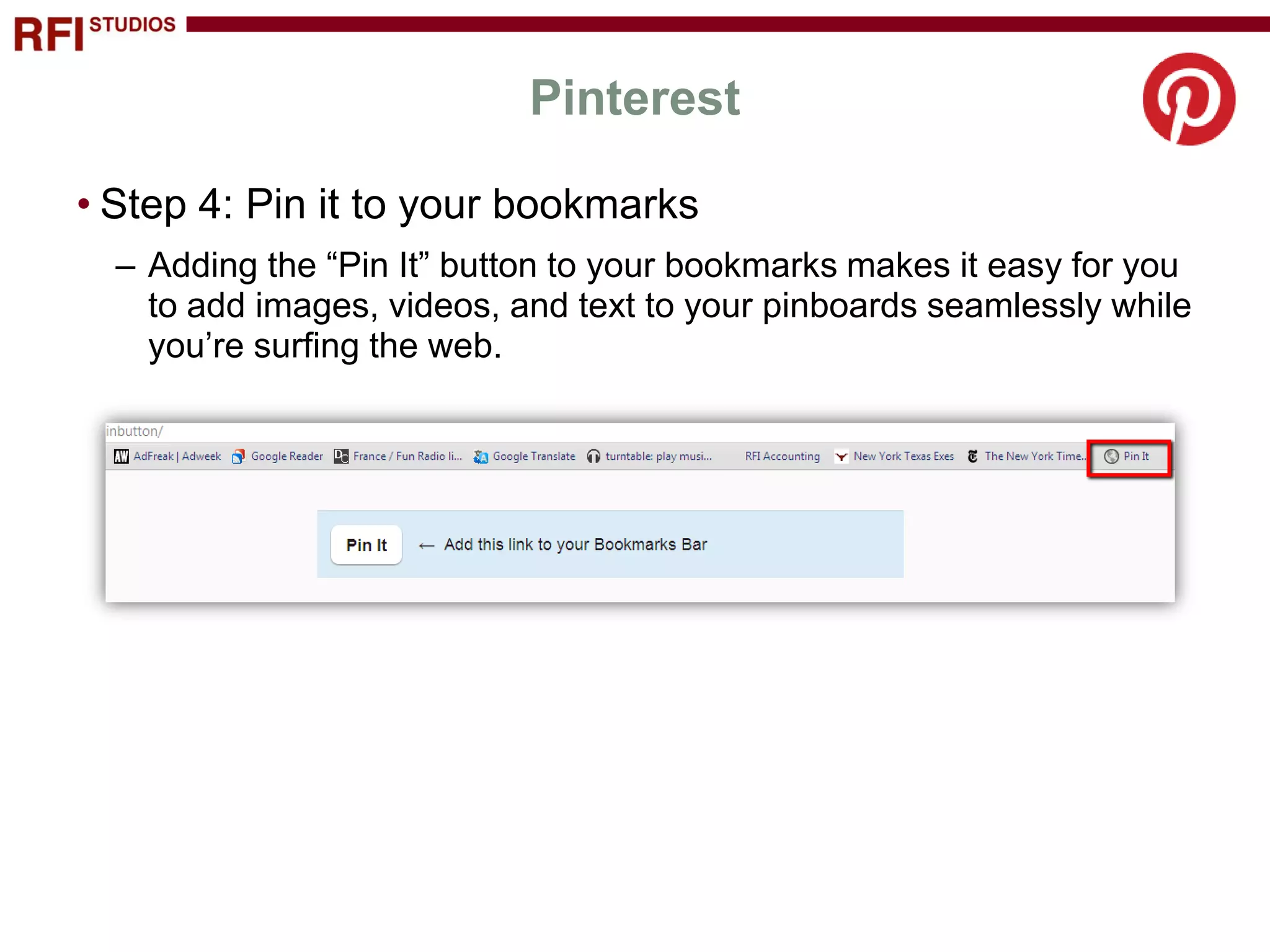
3) Add the "Pin It" button to bookmarks to easily pin images while browsing.
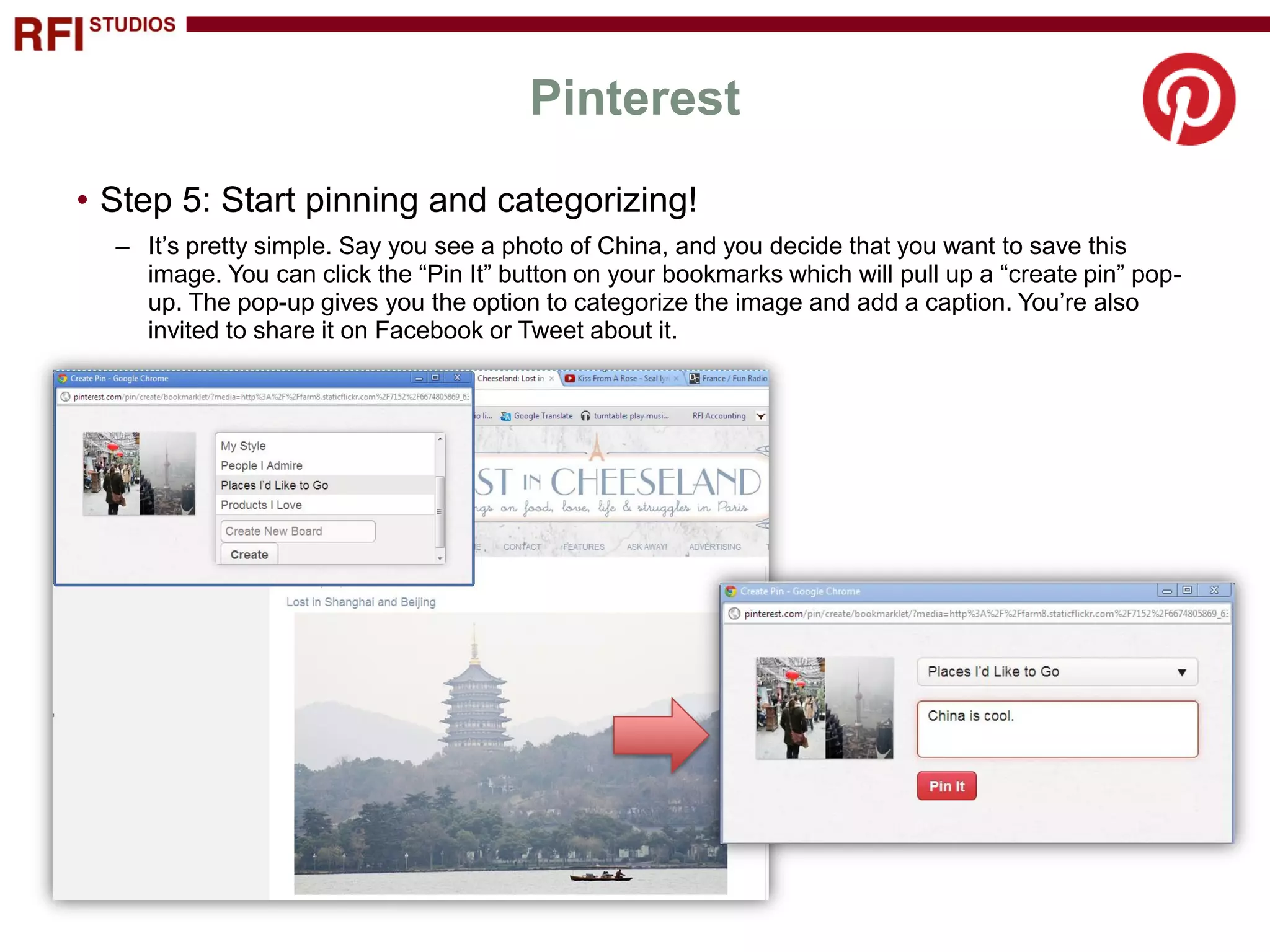
4) Start pinning images and videos to your boards, adding captions and sharing on social media.
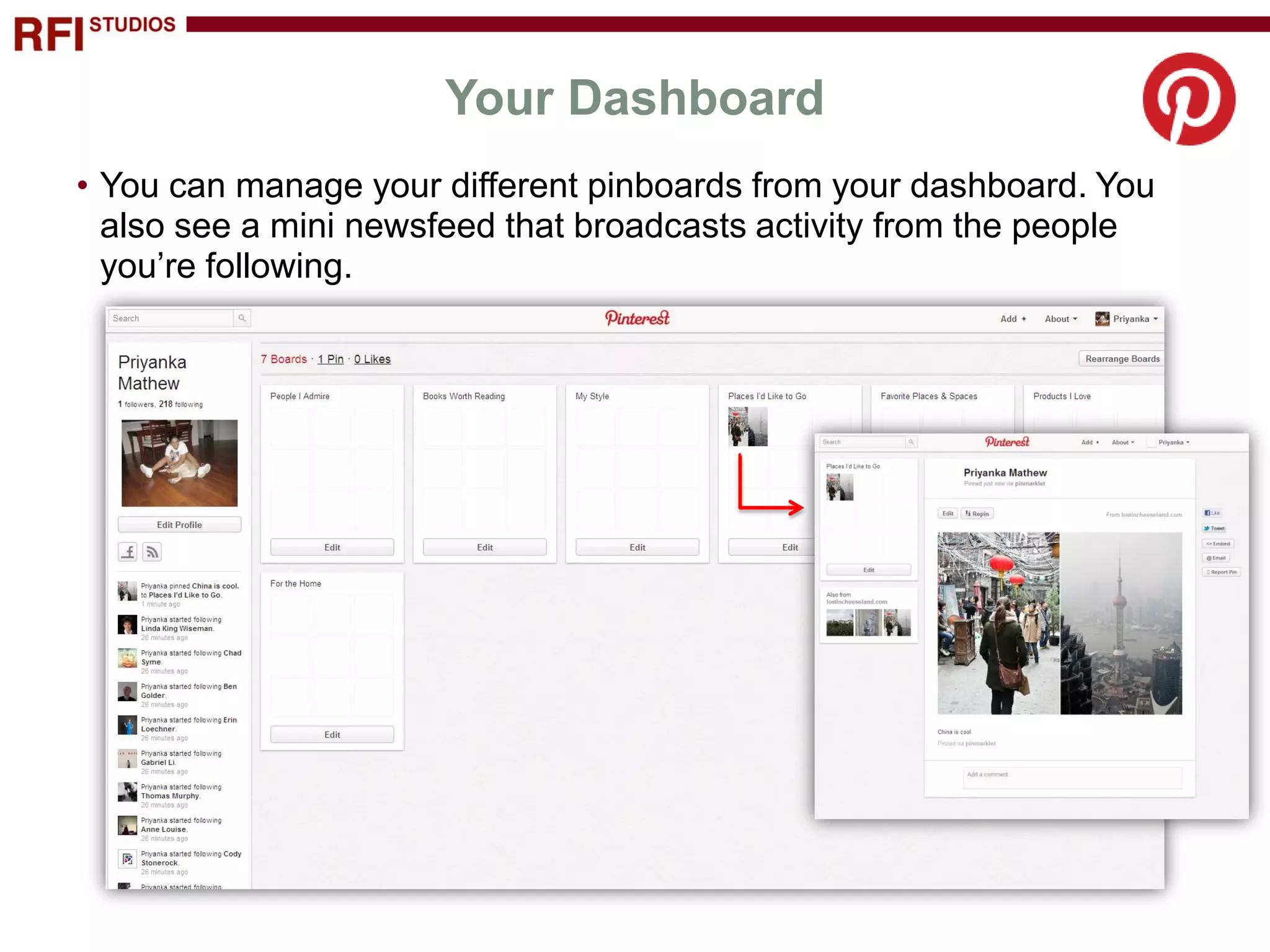
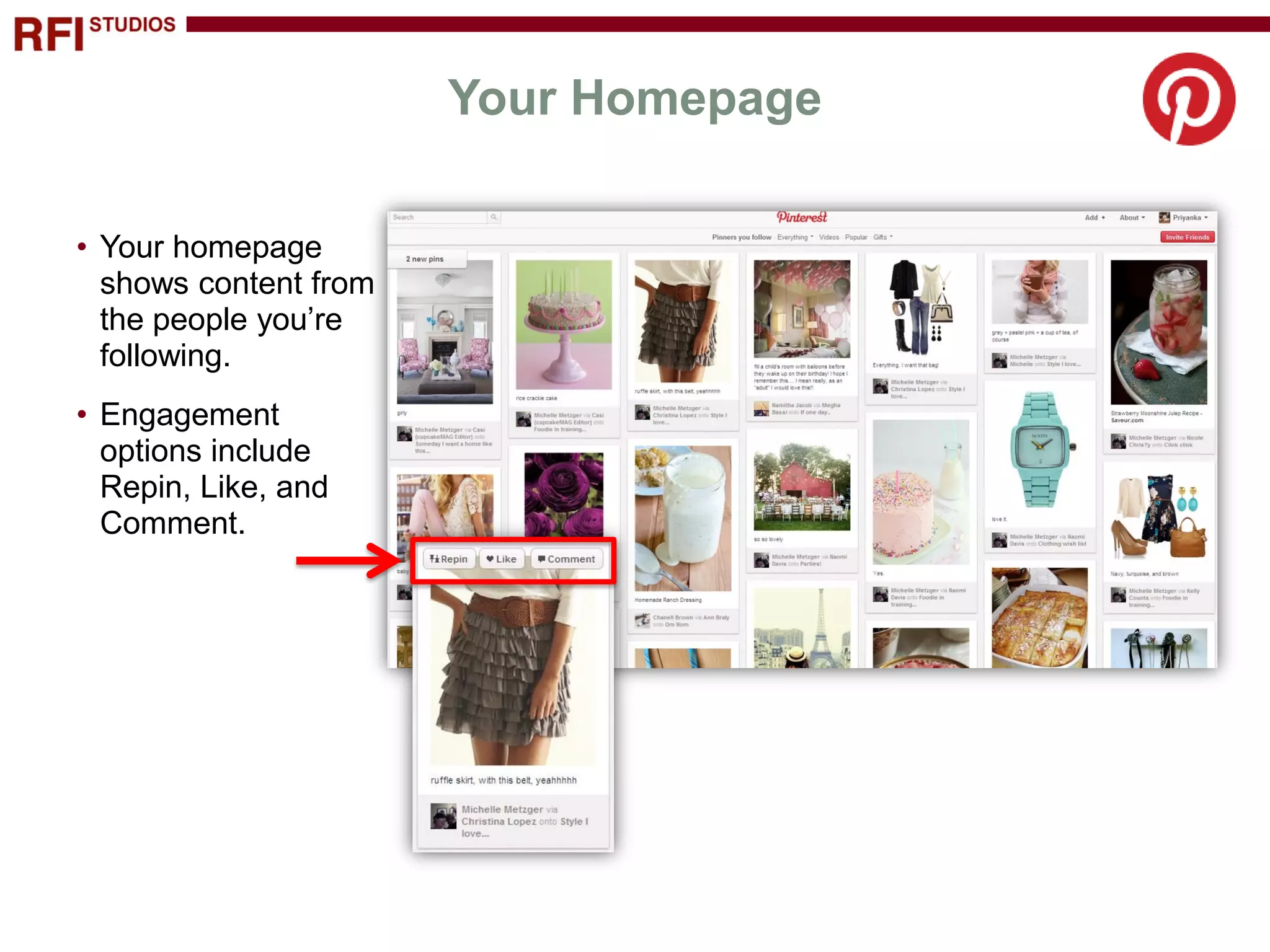
5) Manage your boards and see updates from those you follow on your dashboard and homepage.