Download to read offline


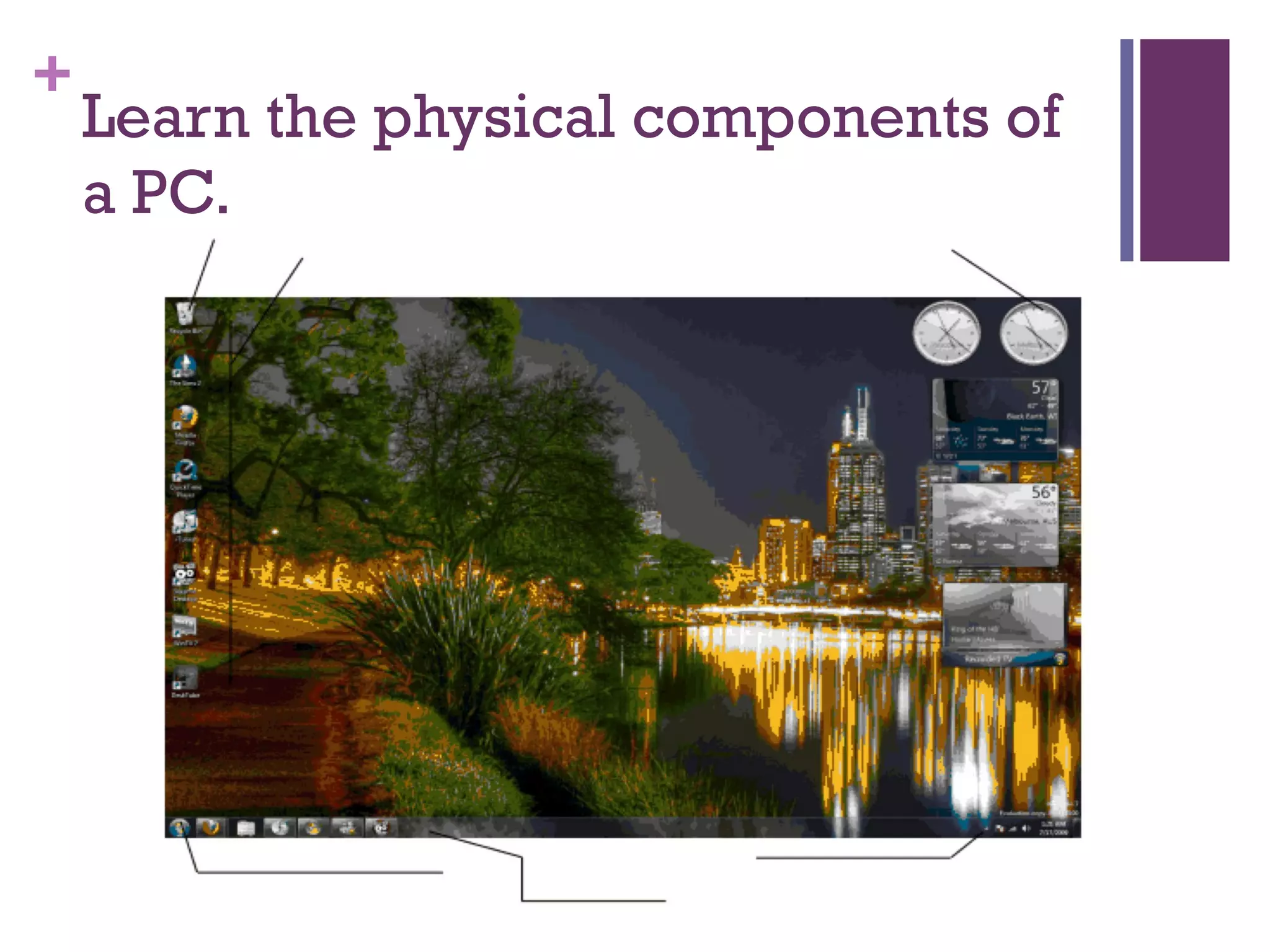

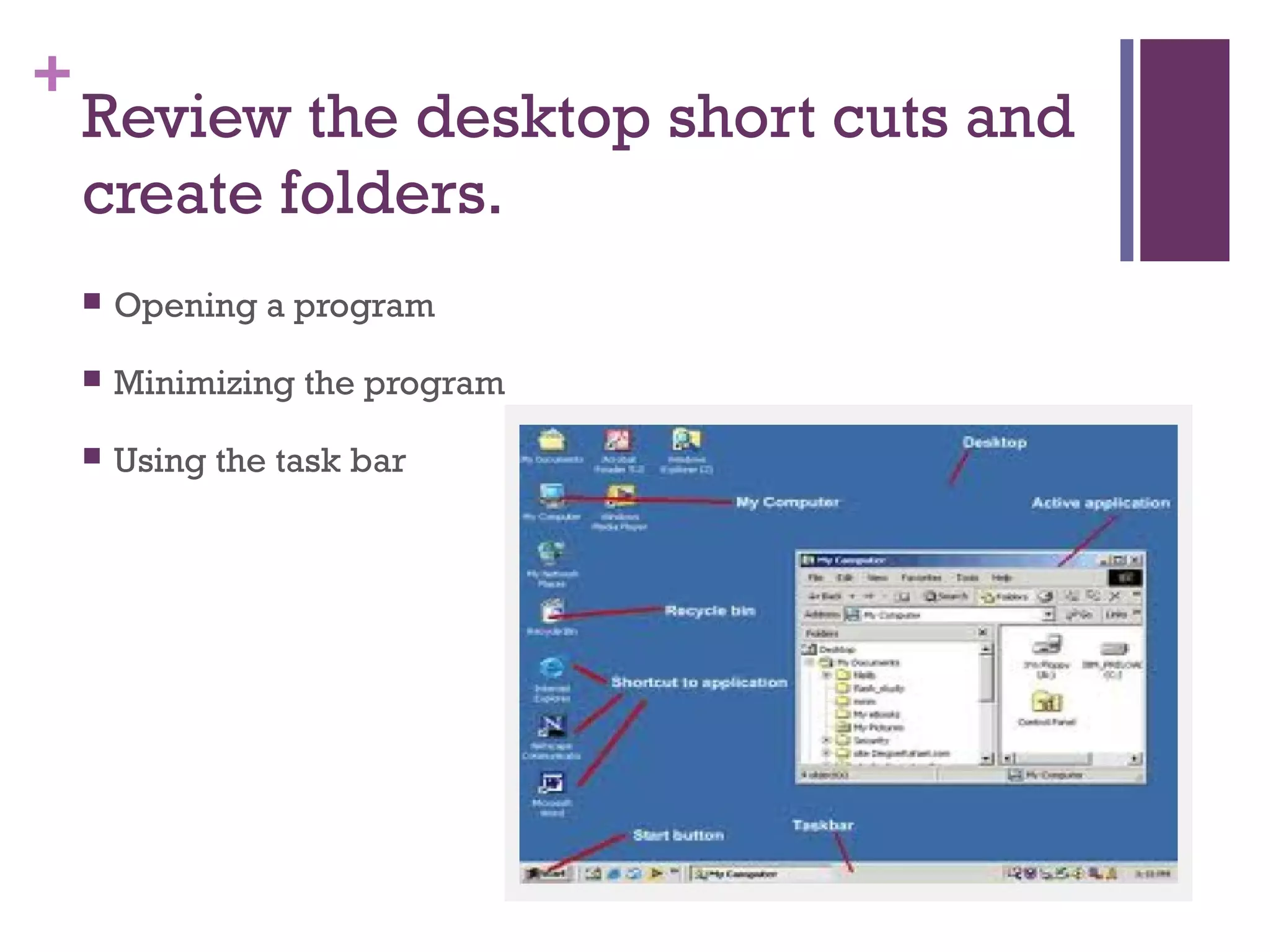
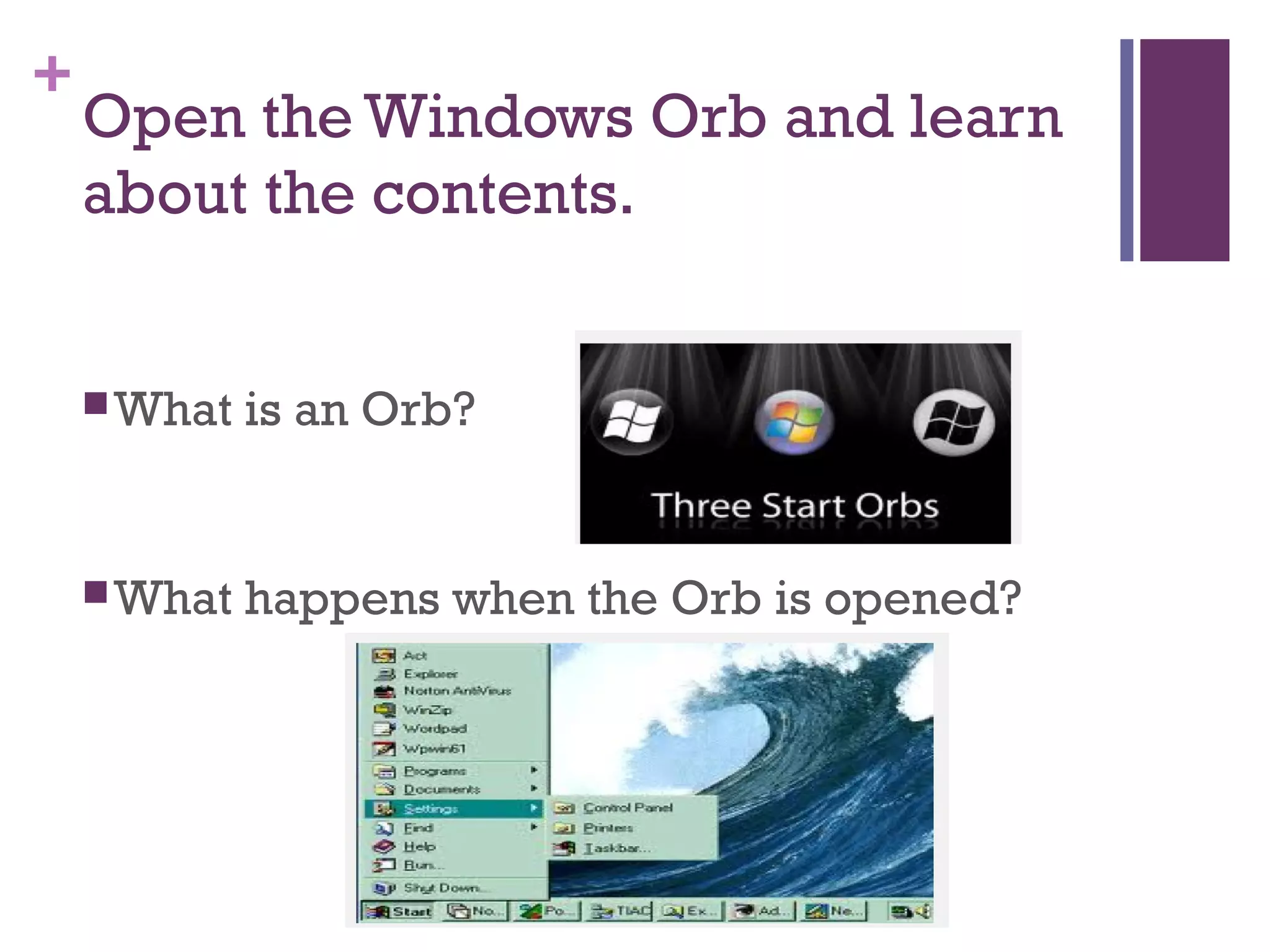
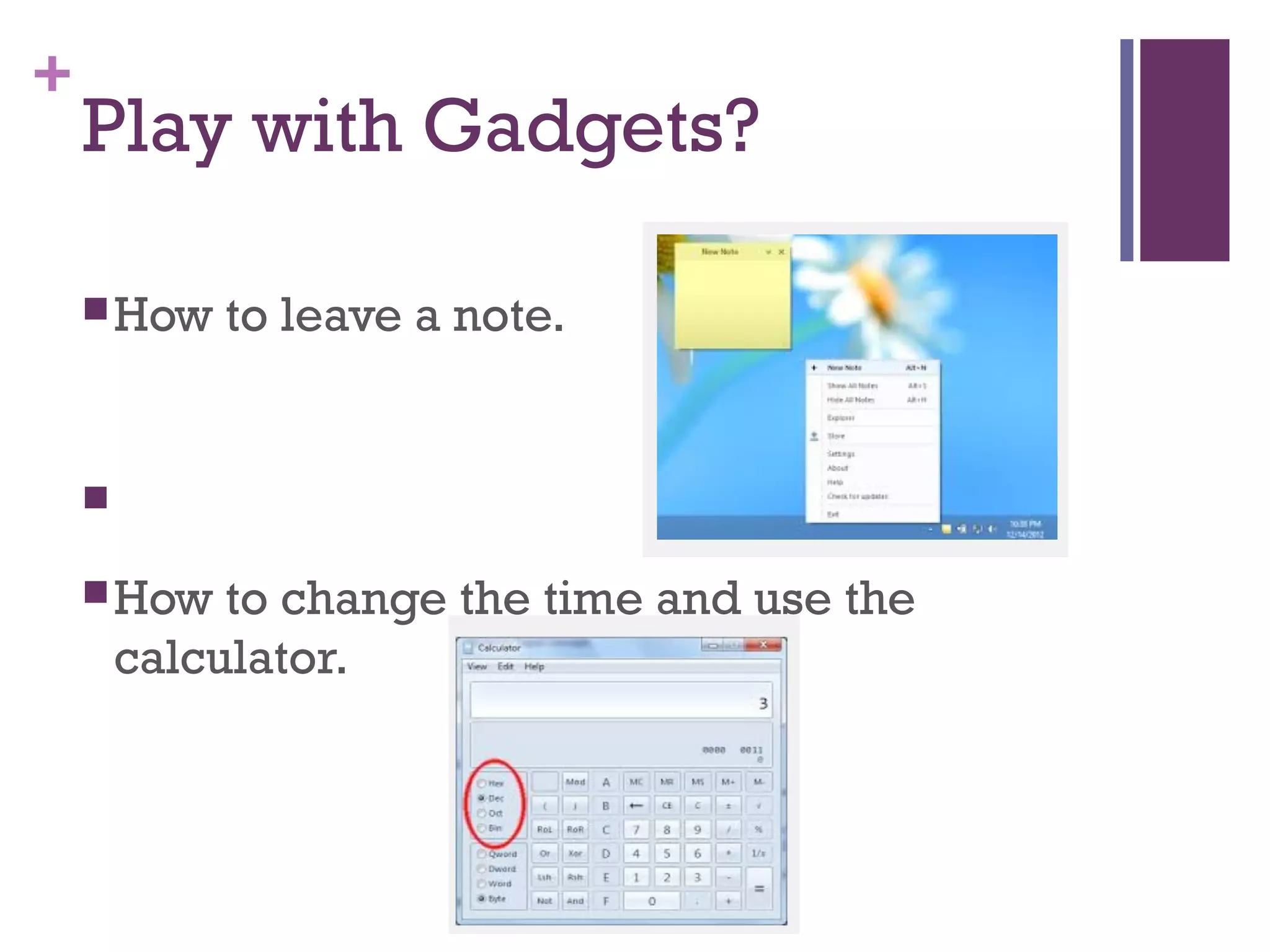


This document outlines an introduction to Windows 7 presentation given by Molly Walt of the Carson City Library. The learning objectives are to learn the physical components of a PC, the Windows 7 interface, the contents of the system tray, how to create desktop folders, the Windows Orb menu, and optionally how to use gadgets. The presentation covers turning the computer on/off, disk drives, USB ports, the system tray functions and customization, opening programs and using the task bar, what the Orb menu is and does, and how to leave notes, change the time, and use the calculator with gadgets. Surveys are linked to collect feedback before and after the class.


