Download as PDF, PPTX




![using pop
• Import the header file
!
#import <POP/POP.h>
• To start an animation add it to an object
// sample code
POPSpringAnimation *anim = [POPSpringAnimation
animation];
…
!
[layer pop_addAnimation:anim forKey:@"myKey"];](https://image.slidesharecdn.com/animatewithpop-140723095117-phpapp02/75/Introduction-to-POP-animation-engine-6-2048.jpg)
![using pop
• To stop an animation
!
[layer pop_removeAnimationForKey:@"myKey"];
!
• Check existence of an animation using key
!
// Sample code
!
anim = [layer pop_animationForKey:@"myKey"];
!
if (anim) {
// Do something
}](https://image.slidesharecdn.com/animatewithpop-140723095117-phpapp02/75/Introduction-to-POP-animation-engine-7-2048.jpg)
![spring animation
• gives objects a delightful bouncy effects
!
// Sample code
!
POPSpringAnimation *anim = [POPSpringAnimation
animationWithPropertyNamed:kPOPLayerBounds];
!
anim.toValue = [NSValue
valueWithCGRect:CGRectMake(0, 0, 400, 400)];
!
[layer pop_addAnimation:anim forKey:@"size"];](https://image.slidesharecdn.com/animatewithpop-140723095117-phpapp02/75/Introduction-to-POP-animation-engine-9-2048.jpg)
![decay animation
• gradually slows an object to halt
!
// sample code
POPDecayAnimation *anim = [POPDecayAnimation
animationWithPropertyNamed:kPOPLayerPositionX];
!
anim.velocity = @(1000.);
!
[layer pop_addAnimation:anim forKey:@"slide"];](https://image.slidesharecdn.com/animatewithpop-140723095117-phpapp02/75/Introduction-to-POP-animation-engine-10-2048.jpg)
![basic animation
• used to interpolate values over a specified time period
!
// sample code
POPBasicAnimation *anim = [POPBasicAnimation
animationWithPropertyNamed:kPOPViewAlpha];
anim.timingFunction = [CAMediaTimingFunction
functionWithName:kCAMediaTimingFunctionEaseInEaseOut];
anim.fromValue = @(0.0);
anim.toValue = @(1.0);
[view pop_addAnimation:anim forKey:@"fade"];](https://image.slidesharecdn.com/animatewithpop-140723095117-phpapp02/75/Introduction-to-POP-animation-engine-11-2048.jpg)
![properties
• Property animated is specified by
POPAnimatableProperty class
!
// kPopLayerBounds sets the property to
[CALayer bounds]
POPSpringAnimation *anim = [POPSpringAnimation
animation];
!
anim.property = [POPAnimatableProperty
propertyWithName:kPOPLayerBounds];](https://image.slidesharecdn.com/animatewithpop-140723095117-phpapp02/75/Introduction-to-POP-animation-engine-12-2048.jpg)
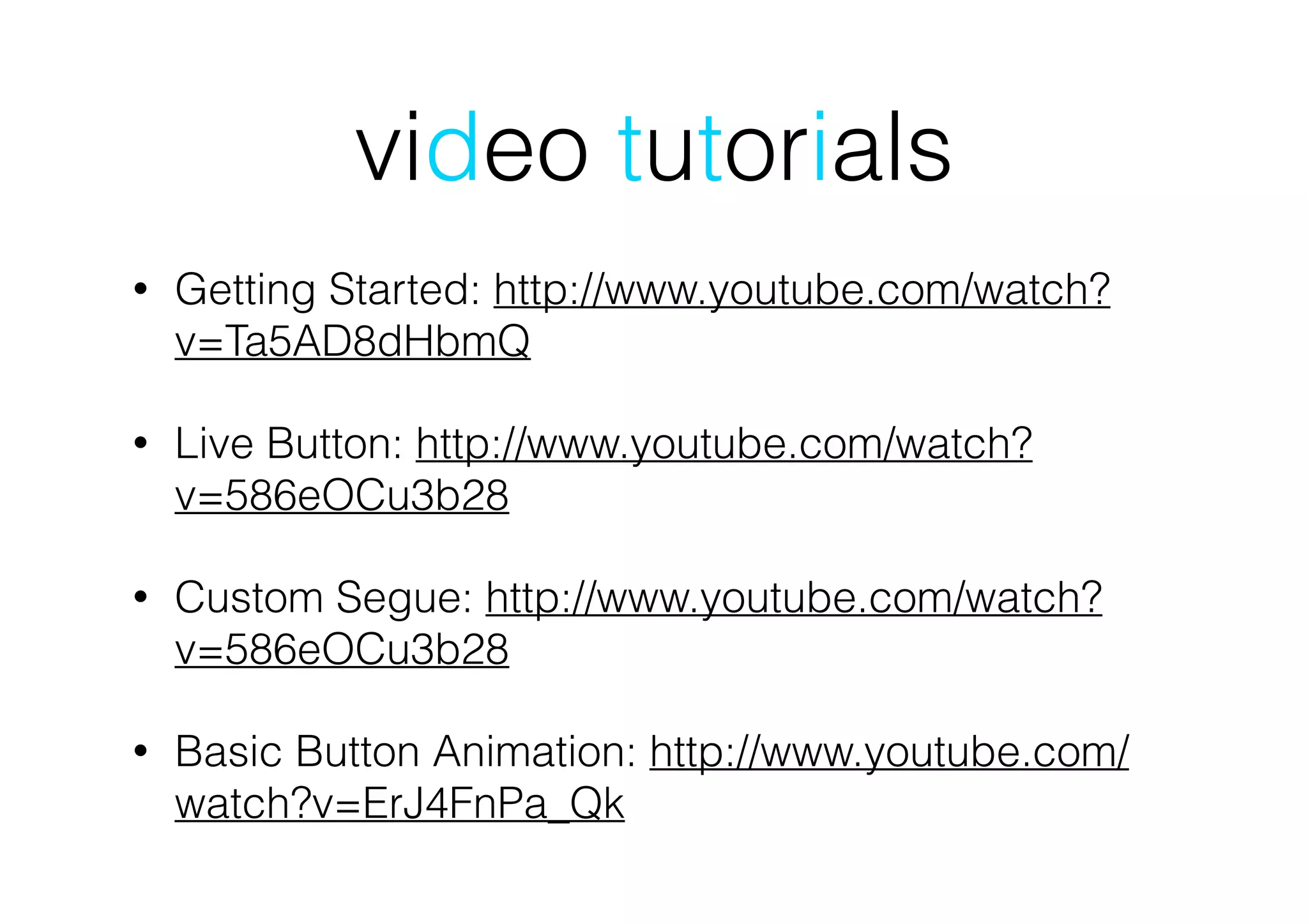


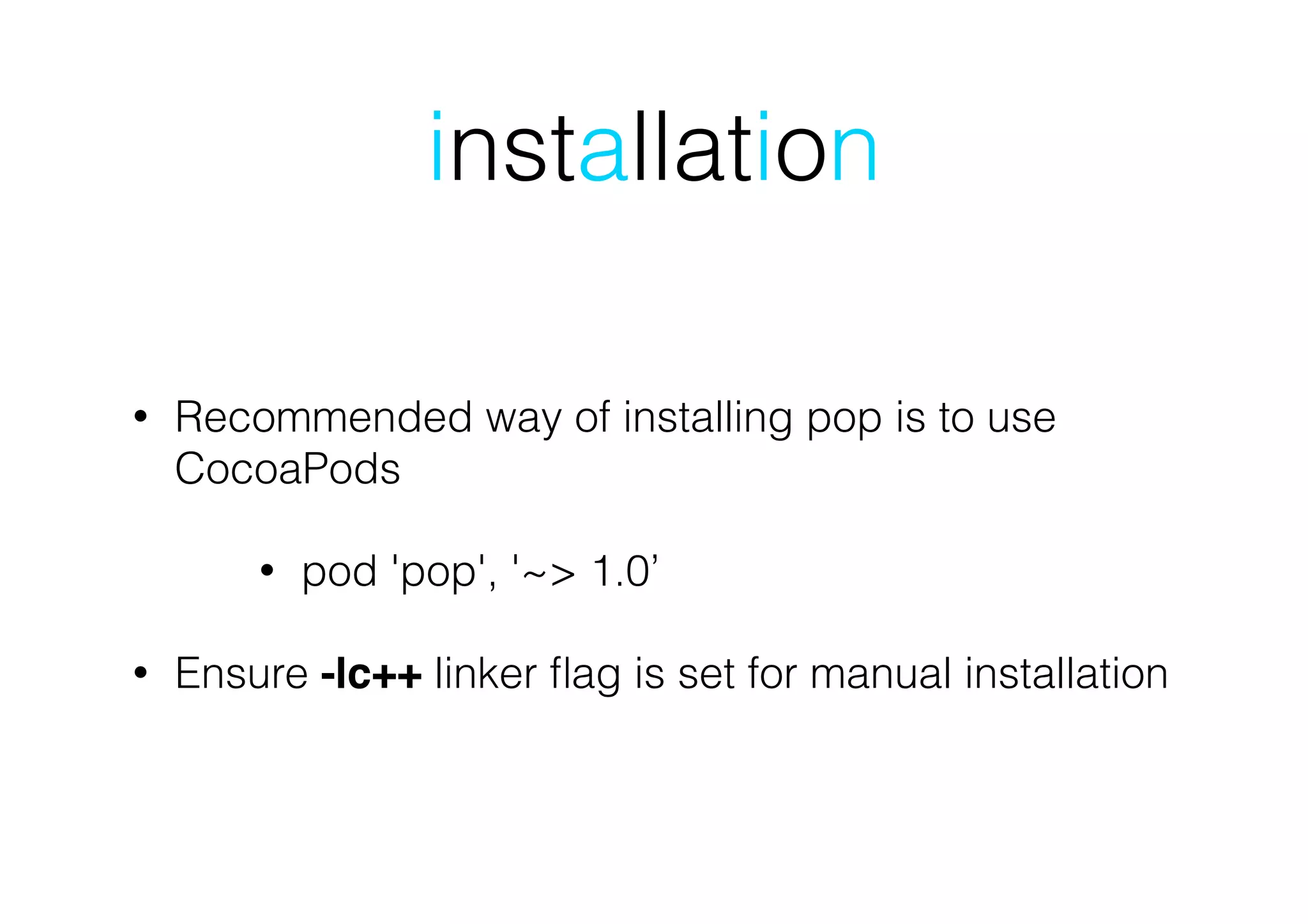
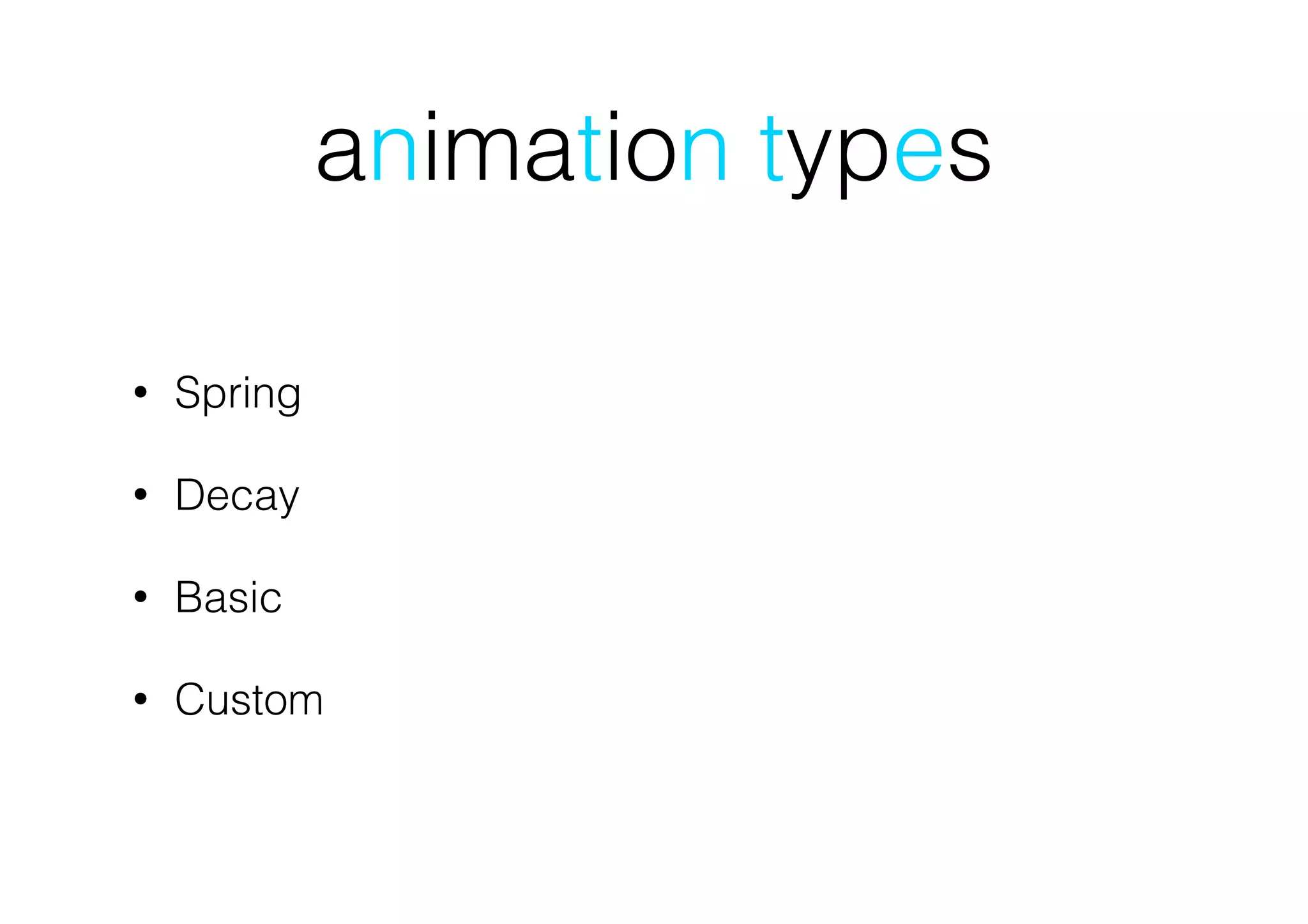
The document provides an overview of the Pop animation engine for iOS and OSX, highlighting its features such as support for spring and dynamic animations, as well as installation instructions via Cocoapods. It offers sample code for various animation types, including spring, decay, and basic animations, along with links to resources and video tutorials. Users are encouraged to join a Facebook group for further information on iOS development.


![[TECHCON 2019: MOBILE - iOS]5.사용자 경험을 높이는 애니메이션 만들기](https://cdn.slidesharecdn.com/ss_thumbnails/kim3-190715012313-thumbnail.jpg?width=640&height=640&fit=bounds)


![Vibe Coding vs. Spec-Driven Development [Free Meetup]](https://cdn.slidesharecdn.com/ss_thumbnails/vibecodingvsspecdrivendevelopment-251209105622-43f455e7-thumbnail.jpg?width=640&height=640&fit=bounds)


