Magento
Magento hands on: building a module
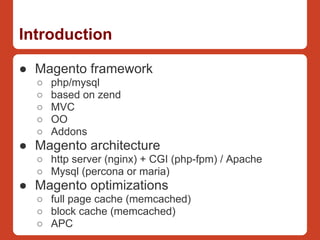
Introduction

● Magento framework
  ○   php/mysql
  ○   based on zend
  ○   MVC
  ○   OO
  ○   Addons
● Magento architecture
  ○ http server (nginx) + CGI (php-fpm) / Apache
  ○ Mysql (percona or maria)
● Magento optimizations
  ○ full page cache (memcached)
  ○ block cache (memcached)
  ○ APC
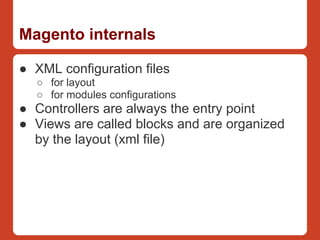
Magento internals

● XML configuration files
  ○ for layout
  ○ for modules configurations
● Controllers are always the entry point
● Views are called blocks and are organized
  by the layout (xml file)
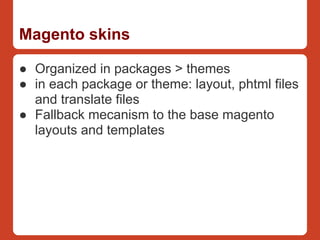
Magento skins

● Organized in packages > themes
● in each package or theme: layout, phtml files
  and translate files
● Fallback mecanism to the base magento
  layouts and templates
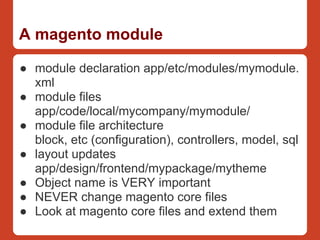
A magento module

● module declaration app/etc/modules/mymodule.
  xml
● module files
  app/code/local/mycompany/mymodule/
● module file architecture
  block, etc (configuration), controllers, model, sql
● layout updates
  app/design/frontend/mypackage/mytheme
● Object name is VERY important
● NEVER change magento core files
● Look at magento core files and extend them
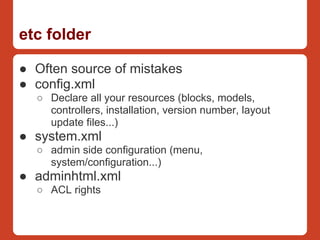
etc folder

● Often source of mistakes
● config.xml
  ○ Declare all your resources (blocks, models,
    controllers, installation, version number, layout
    update files...)
● system.xml
  ○ admin side configuration (menu,
    system/configuration...)
● adminhtml.xml
  ○ ACL rights
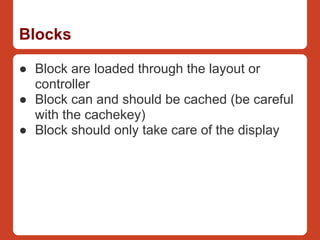
Blocks

● Block are loaded through the layout or
  controller
● Block can and should be cached (be careful
  with the cachekey)
● Block should only take care of the display
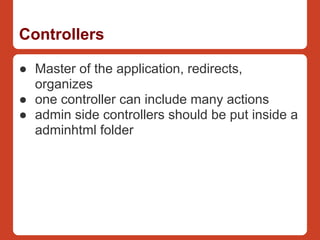
Controllers

● Master of the application, redirects,
  organizes
● one controller can include many actions
● admin side controllers should be put inside a
  adminhtml folder
Models

● All data access should be done there
● Business logic
Models specificities

● Event observers
● Crons
Databases changes on install

● Only triggered on version changes (check
  core_resource and config.xml)
● Can add anything in the database
  (attributes, new tables, new users...)
Packaging your module

● Use magento packaging tool
● Think in advance (company, module
  name...)
● Push to magentoconnect (easy if free, little
  more work if not)
Conclusion / links

● POWERFUL :)
● Useful links
  ○   http://alanstorm.com/
  ○   http://inchoo.net/
  ○   http://www.aschroder.com/
  ○   http://www.blog.magepsycho.com/

Introduction to Magento

  • 1.
    Magento Magento hands on:building a module
  • 2.
    Introduction ● Magento framework ○ php/mysql ○ based on zend ○ MVC ○ OO ○ Addons ● Magento architecture ○ http server (nginx) + CGI (php-fpm) / Apache ○ Mysql (percona or maria) ● Magento optimizations ○ full page cache (memcached) ○ block cache (memcached) ○ APC
  • 3.
    Magento internals ● XMLconfiguration files ○ for layout ○ for modules configurations ● Controllers are always the entry point ● Views are called blocks and are organized by the layout (xml file)
  • 4.
    Magento skins ● Organizedin packages > themes ● in each package or theme: layout, phtml files and translate files ● Fallback mecanism to the base magento layouts and templates
  • 5.
    A magento module ●module declaration app/etc/modules/mymodule. xml ● module files app/code/local/mycompany/mymodule/ ● module file architecture block, etc (configuration), controllers, model, sql ● layout updates app/design/frontend/mypackage/mytheme ● Object name is VERY important ● NEVER change magento core files ● Look at magento core files and extend them
  • 6.
    etc folder ● Oftensource of mistakes ● config.xml ○ Declare all your resources (blocks, models, controllers, installation, version number, layout update files...) ● system.xml ○ admin side configuration (menu, system/configuration...) ● adminhtml.xml ○ ACL rights
  • 7.
    Blocks ● Block areloaded through the layout or controller ● Block can and should be cached (be careful with the cachekey) ● Block should only take care of the display
  • 8.
    Controllers ● Master ofthe application, redirects, organizes ● one controller can include many actions ● admin side controllers should be put inside a adminhtml folder
  • 9.
    Models ● All dataaccess should be done there ● Business logic
  • 10.
    Models specificities ● Eventobservers ● Crons
  • 11.
    Databases changes oninstall ● Only triggered on version changes (check core_resource and config.xml) ● Can add anything in the database (attributes, new tables, new users...)
  • 12.
    Packaging your module ●Use magento packaging tool ● Think in advance (company, module name...) ● Push to magentoconnect (easy if free, little more work if not)
  • 13.
    Conclusion / links ●POWERFUL :) ● Useful links ○ http://alanstorm.com/ ○ http://inchoo.net/ ○ http://www.aschroder.com/ ○ http://www.blog.magepsycho.com/