

Gitlab CI-CD
Presented by: Deeksha Tripathi
Lack of etiquette and manners is a huge turn off.
Knolx Etiquettes
 Punctuality
Join the session 5 minutes prior to the session start time. We start on
time and conclude on time!
 Feedback
Make sure to submit a constructive feedback for all sessions as it is very
helpful for the presenter.
 Silent Mode
Keep your mobile devices in silent mode, feel free to move out of session
in case you need to attend an urgent call.
 Avoid Disturbance
Avoid unwanted chit chat during the session.
What is CI-CD
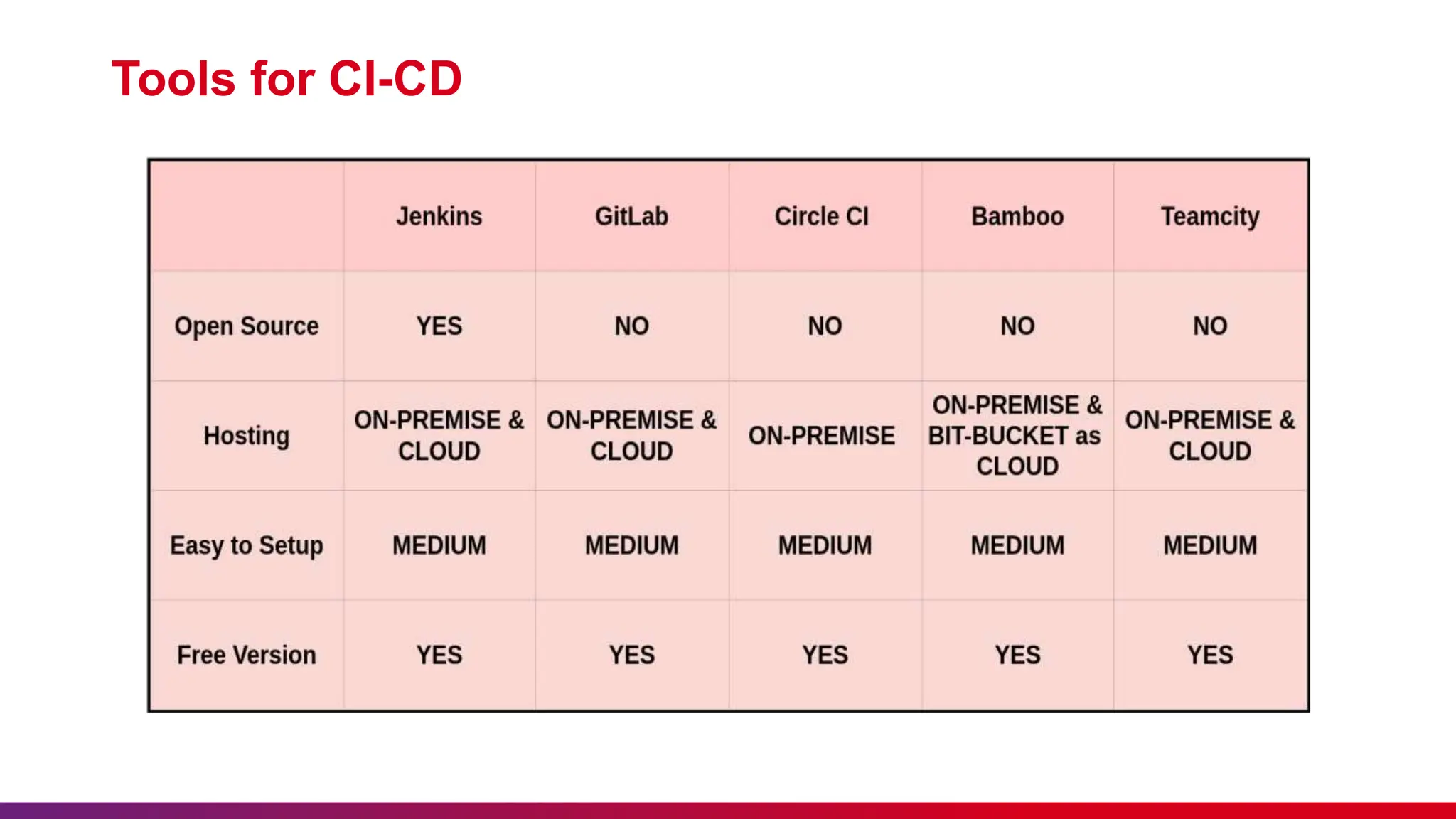
Tools for CI-CD
Why GitLab CI-CD
What is GitLab CI-CD
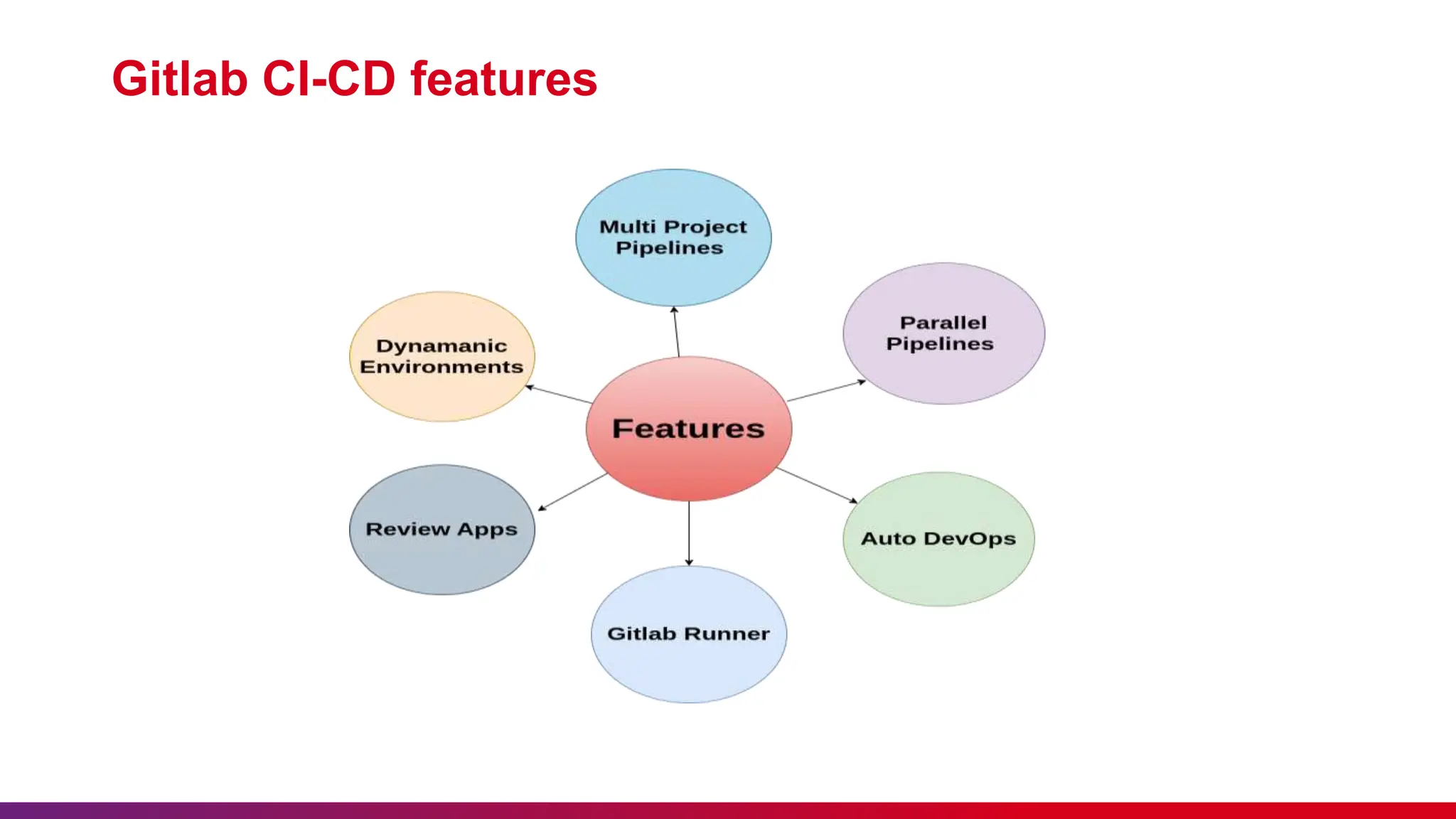
Gitlab CI-CD features
Use Case & Best Practices
Demo
What is CI -CD
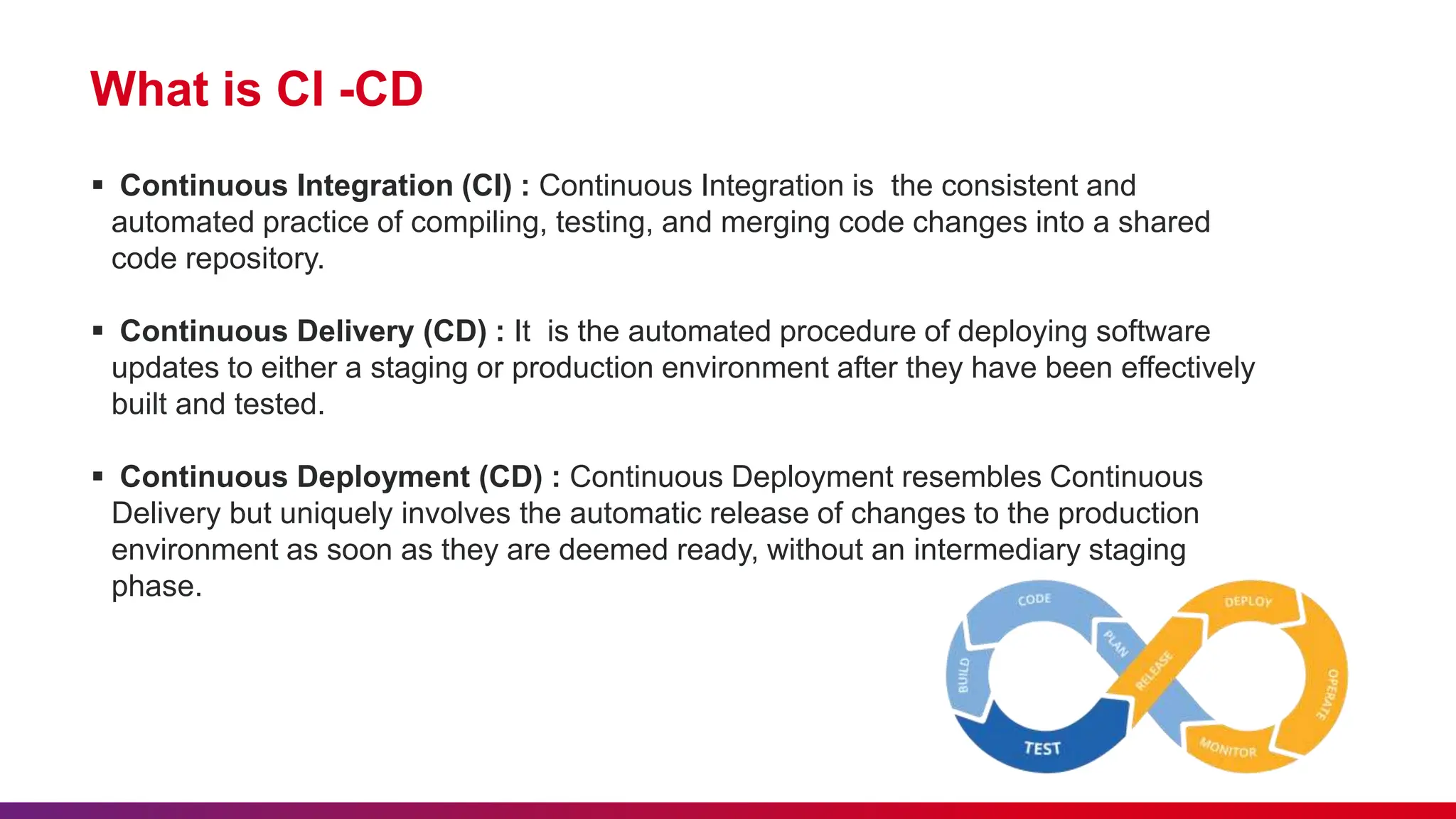
 Continuous Integration (CI) : Continuous Integration is the consistent and
automated practice of compiling, testing, and merging code changes into a shared
code repository.
 Continuous Delivery (CD) : It is the automated procedure of deploying software
updates to either a staging or production environment after they have been effectively
built and tested.
 Continuous Deployment (CD) : Continuous Deployment resembles Continuous
Delivery but uniquely involves the automatic release of changes to the production
environment as soon as they are deemed ready, without an intermediary staging
phase.
Tools for CI-CD
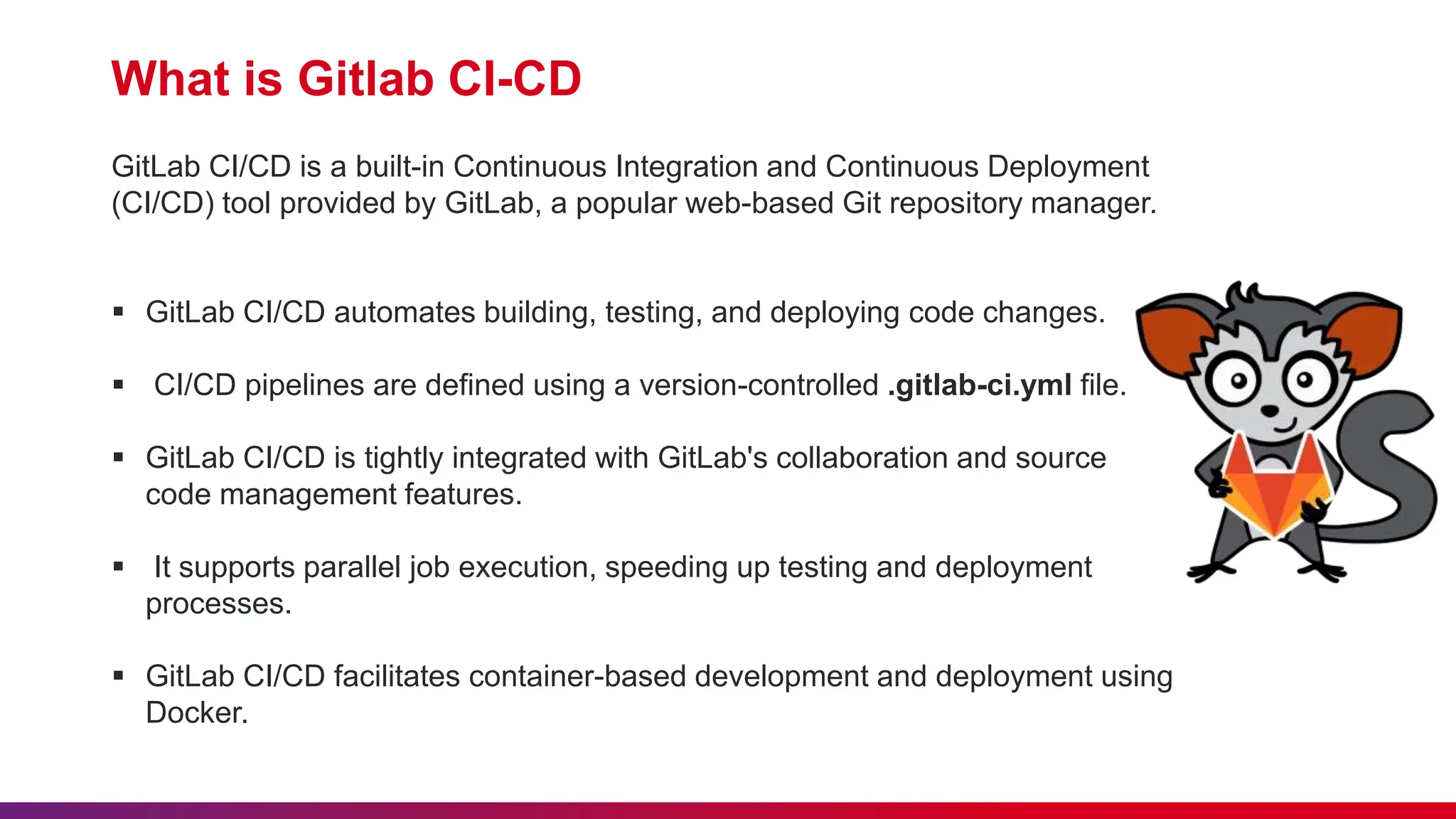
What is Gitlab CI-CD
GitLab CI/CD is a built-in Continuous Integration and Continuous Deployment
(CI/CD) tool provided by GitLab, a popular web-based Git repository manager.
 GitLab CI/CD automates building, testing, and deploying code changes.
 CI/CD pipelines are defined using a version-controlled .gitlab-ci.yml file.
 GitLab CI/CD is tightly integrated with GitLab's collaboration and source
code management features.
 It supports parallel job execution, speeding up testing and deployment
processes.
 GitLab CI/CD facilitates container-based development and deployment using
Docker.
Key Components of Gitlab CI-CD
GitLab CI/CD consists of several key components that work together to automate
the software development lifecycle. The main components are :
 Runner
 Pipeline
 Gitlab CI file
 Artifacts
 Triggers
 CI-CD Variables
Why Gitlab CI-CD
GitLab CI/CD is a popular choice for many development teams and organizations for
several reasons:
 Automated and Consistent Build and Deployment Process
 Faster Time-to-Market
 Continuous Integration and Testing
 Improved Collaboration
 Enhanced Security and Stability
Gitlab CI-CD features
Use Case and Best practices
Use Case -
 Continuous integration and deployment for web applications
 Infrastructure automation
 Data pipelines
 Automated Testing
 Containerized Applications
Best Practise -
 Security and secrets management
 Parallelization and caching
 Infrastructure as code
 Pipeline testing
DEMO
For more information and any queries contact to Deeksha.Tripathi@nashtechglobal.com

Introduction to GItlab CICD Presentation.pptx

  • 1.
  • 2.
    Lack of etiquetteand manners is a huge turn off. Knolx Etiquettes  Punctuality Join the session 5 minutes prior to the session start time. We start on time and conclude on time!  Feedback Make sure to submit a constructive feedback for all sessions as it is very helpful for the presenter.  Silent Mode Keep your mobile devices in silent mode, feel free to move out of session in case you need to attend an urgent call.  Avoid Disturbance Avoid unwanted chit chat during the session.
  • 3.
    What is CI-CD Toolsfor CI-CD Why GitLab CI-CD What is GitLab CI-CD Gitlab CI-CD features Use Case & Best Practices Demo
  • 4.
    What is CI-CD  Continuous Integration (CI) : Continuous Integration is the consistent and automated practice of compiling, testing, and merging code changes into a shared code repository.  Continuous Delivery (CD) : It is the automated procedure of deploying software updates to either a staging or production environment after they have been effectively built and tested.  Continuous Deployment (CD) : Continuous Deployment resembles Continuous Delivery but uniquely involves the automatic release of changes to the production environment as soon as they are deemed ready, without an intermediary staging phase.
  • 5.
  • 6.
    What is GitlabCI-CD GitLab CI/CD is a built-in Continuous Integration and Continuous Deployment (CI/CD) tool provided by GitLab, a popular web-based Git repository manager.  GitLab CI/CD automates building, testing, and deploying code changes.  CI/CD pipelines are defined using a version-controlled .gitlab-ci.yml file.  GitLab CI/CD is tightly integrated with GitLab's collaboration and source code management features.  It supports parallel job execution, speeding up testing and deployment processes.  GitLab CI/CD facilitates container-based development and deployment using Docker.
  • 7.
    Key Components ofGitlab CI-CD GitLab CI/CD consists of several key components that work together to automate the software development lifecycle. The main components are :  Runner  Pipeline  Gitlab CI file  Artifacts  Triggers  CI-CD Variables
  • 8.
    Why Gitlab CI-CD GitLabCI/CD is a popular choice for many development teams and organizations for several reasons:  Automated and Consistent Build and Deployment Process  Faster Time-to-Market  Continuous Integration and Testing  Improved Collaboration  Enhanced Security and Stability
  • 9.
  • 10.
    Use Case andBest practices Use Case -  Continuous integration and deployment for web applications  Infrastructure automation  Data pipelines  Automated Testing  Containerized Applications Best Practise -  Security and secrets management  Parallelization and caching  Infrastructure as code  Pipeline testing
  • 11.
  • 12.
    For more informationand any queries contact to Deeksha.Tripathi@nashtechglobal.com