@snnkzk
Unblocking The Main Thread:
Solving ANRs and Frozen Frames
Sinan Kozak
Staff Android Developer
Google Developer Expert
@snnkzk
2
Sinan Kozak
12 years Android experience
@snnkzk
I wrote a chapter about performance in 2014
book with GDG community Ankara, Turkey.
If you cannot find my book,
It could be sold out or maybe outdated already.
@snnkzk
3
We deliver
food over
70 countries
With same rider application
@snnkzk
4
Our playground
Android runtime - Limited resources
@snnkzk
5
How we test vs real user
Production is wild, really wild
@snnkzk
6
6
@snnkzk
7
What to measure?
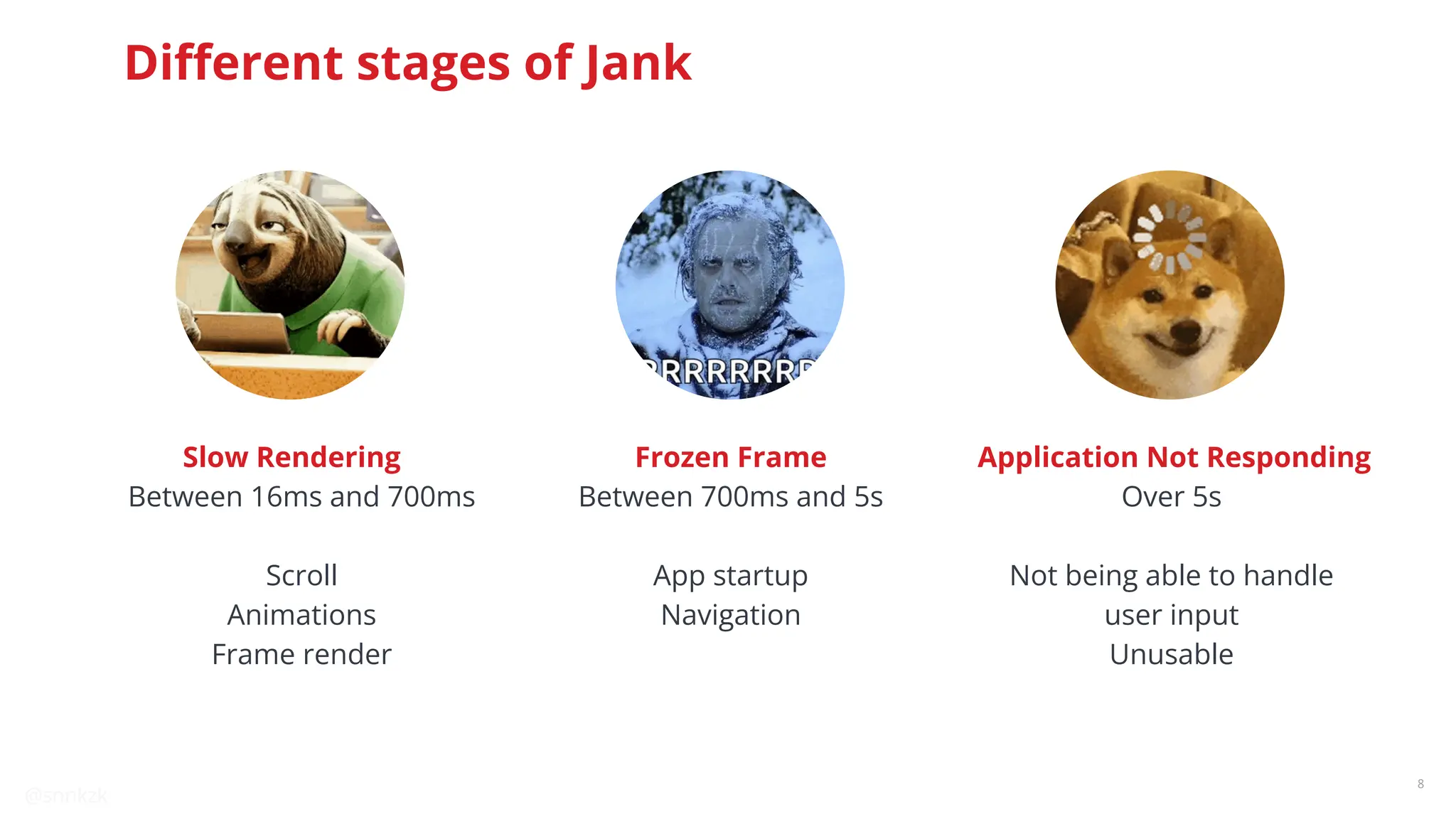
Different stages of Jank
@snnkzk
8
Between 16ms and 700ms
Scroll
Animations
Frame render
Slow Rendering
Between 700ms and 5s
App startup
Navigation
Frozen Frame
Over 5s
Not being able to handle
user input
Unusable
Application Not Responding
Different stages of Jank
@snnkzk
9
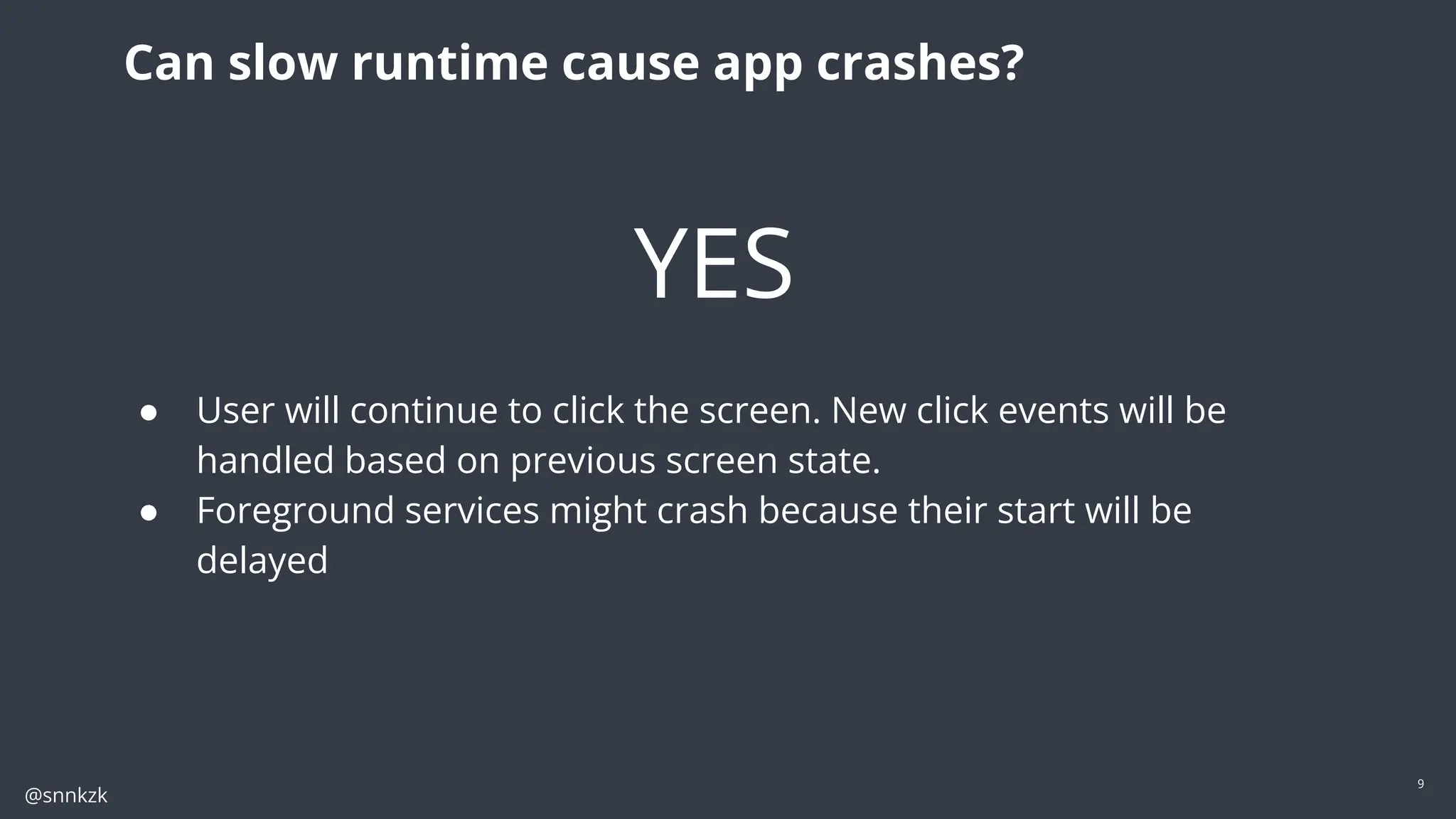
Can slow runtime cause app crashes?
YES
● User will continue to click the screen. New click events will be
handled based on previous screen state.
● Foreground services might crash because their start will be
delayed
@snnkzk
10
10
How to
measure?
Real data vs profiling
@snnkzk
11
How to measure?
Data from user
● Firebase Performance Monitoring or similar solutions
● JankStat library
● Memory leaks from test users
Data from profiling
● Systrace
● CPU
● Allocation and memory
● Layout inspector and debugger
● perfetto.dev
@snnkzk
12
What bad looks like
@snnkzk
13
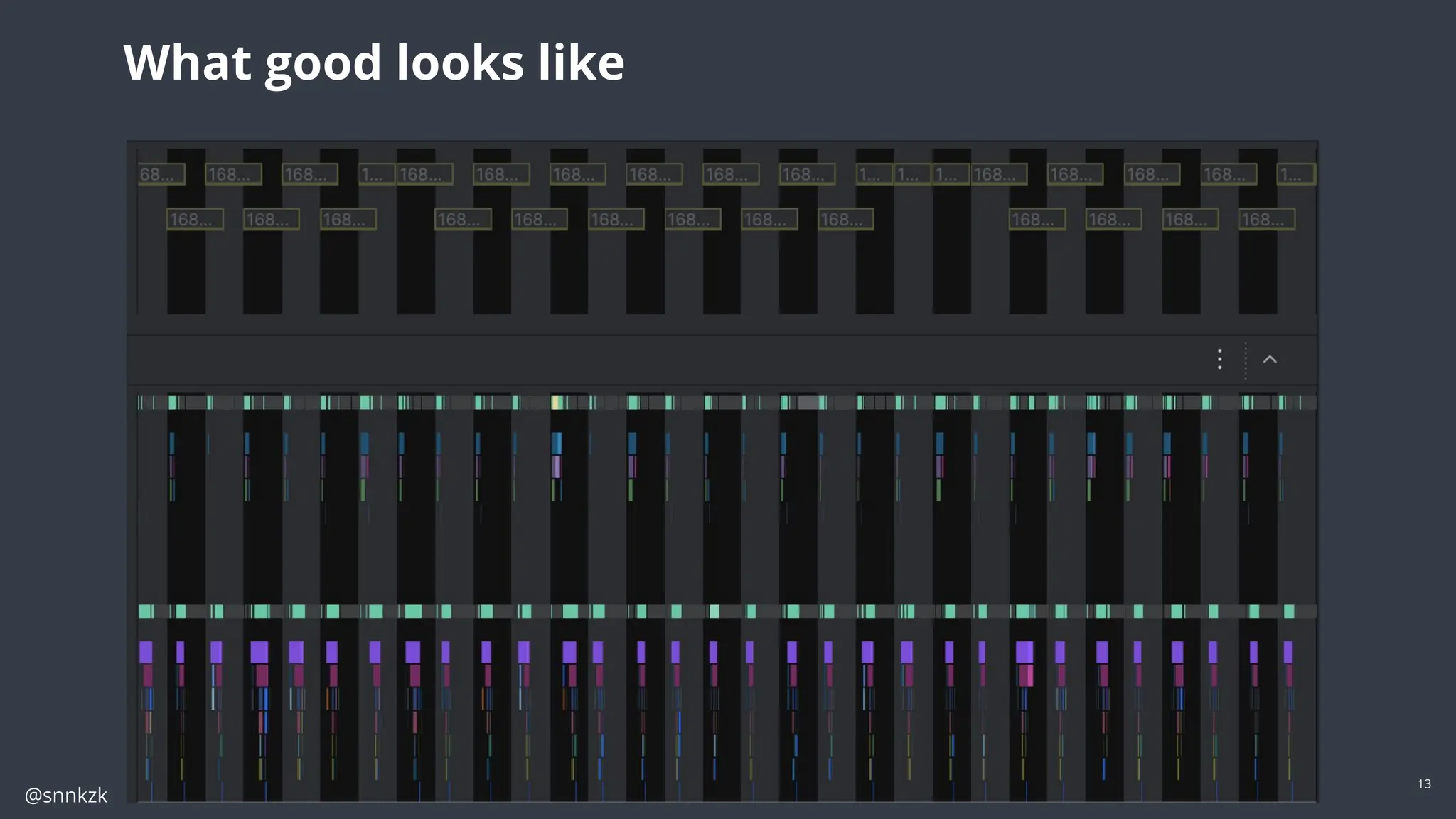
What good looks like
@snnkzk
14
Is there a magic
solution?
Maybe…
@snnkzk
15
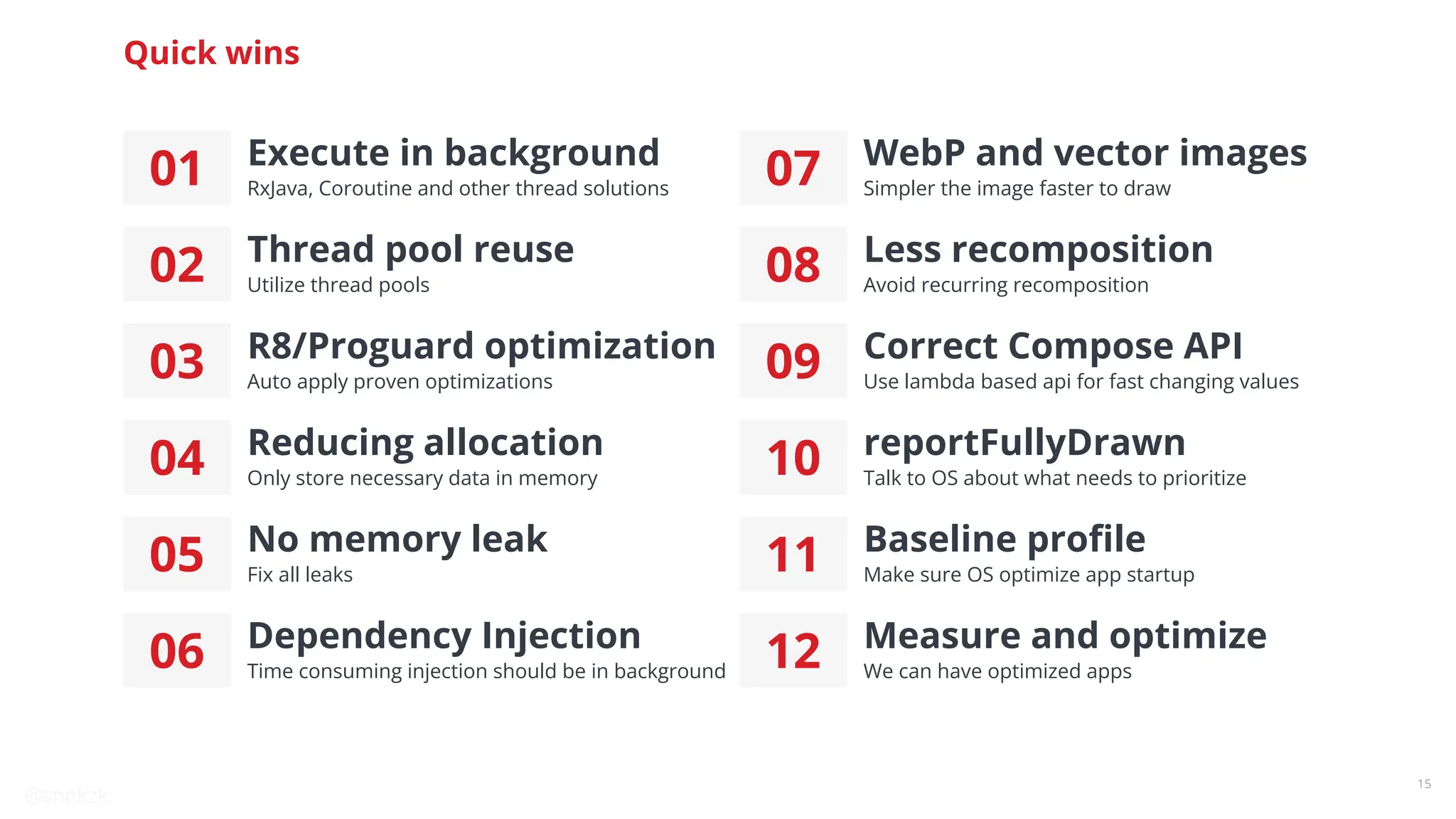
Quick wins
01 Execute in background
RxJava, Coroutine and other thread solutions
02 Thread pool reuse
Utilize thread pools
03 R8/Proguard optimization
Auto apply proven optimizations
04 Reducing allocation
Only store necessary data in memory
05 No memory leak
Fix all leaks
06 Dependency Injection
Time consuming injection should be in background
07 WebP and vector images
Simpler the image faster to draw
08 Less recomposition
Avoid recurring recomposition
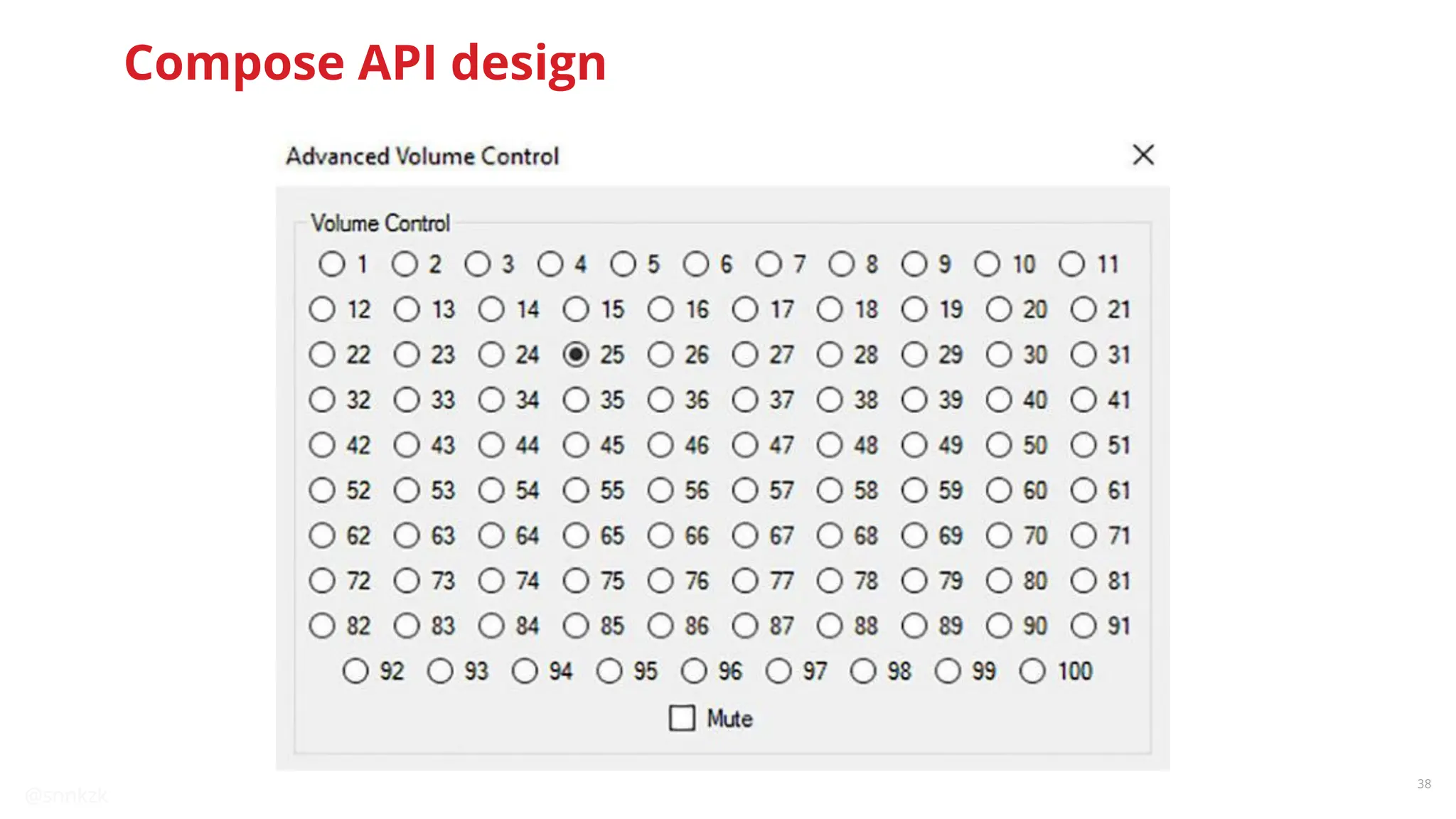
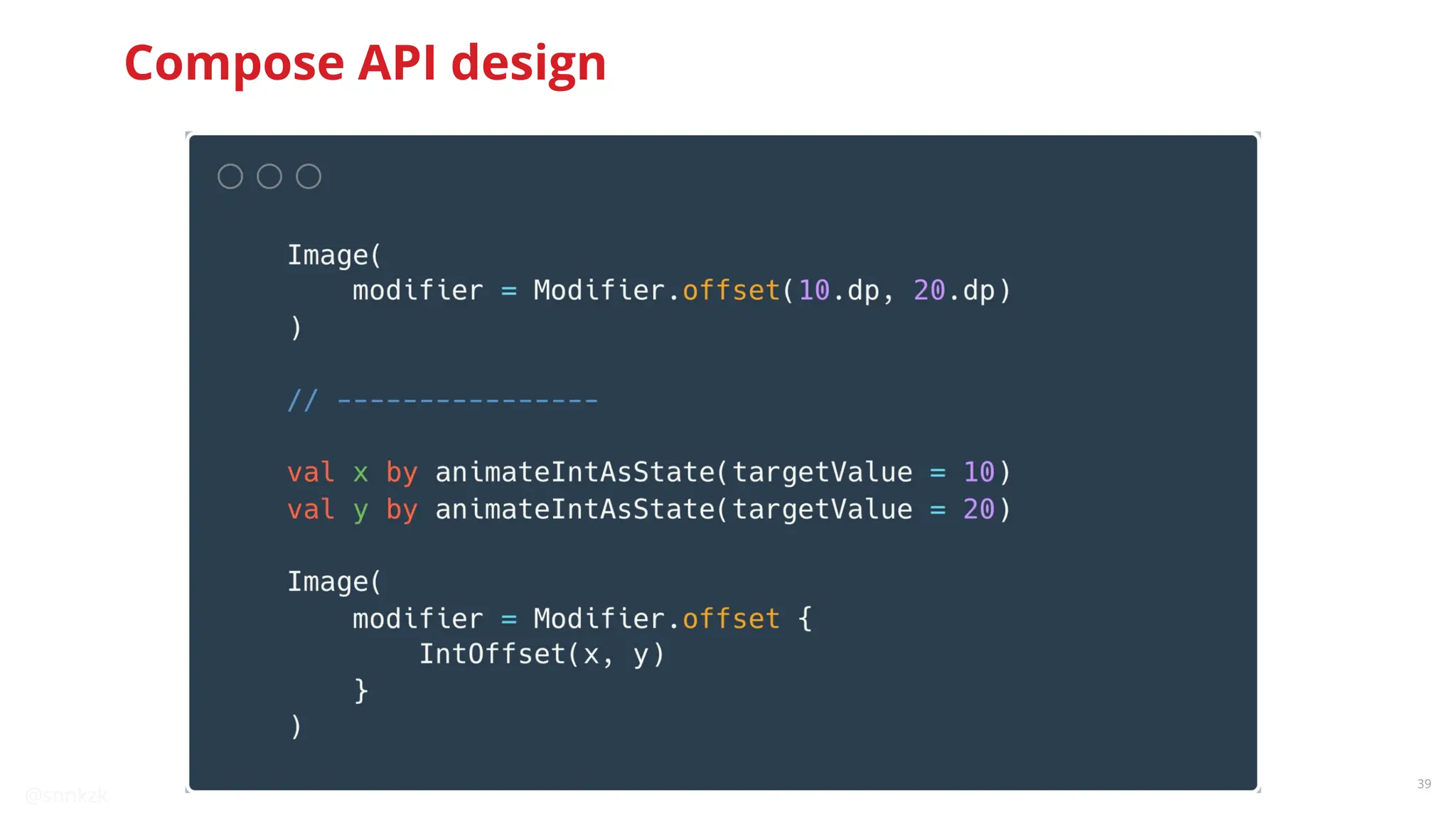
09 Correct Compose API
Use lambda based api for fast changing values
10 reportFullyDrawn
Talk to OS about what needs to prioritize
11 Baseline profile
Make sure OS optimize app startup
12 Measure and optimize
We can have optimized apps
@snnkzk
16
Use multi thread
solutions
● IO operations
● Data parsing
● Encryption
● Any time consuming operation
Move work to the background
Photo by Campbell on Unsplash
@snnkzk
17
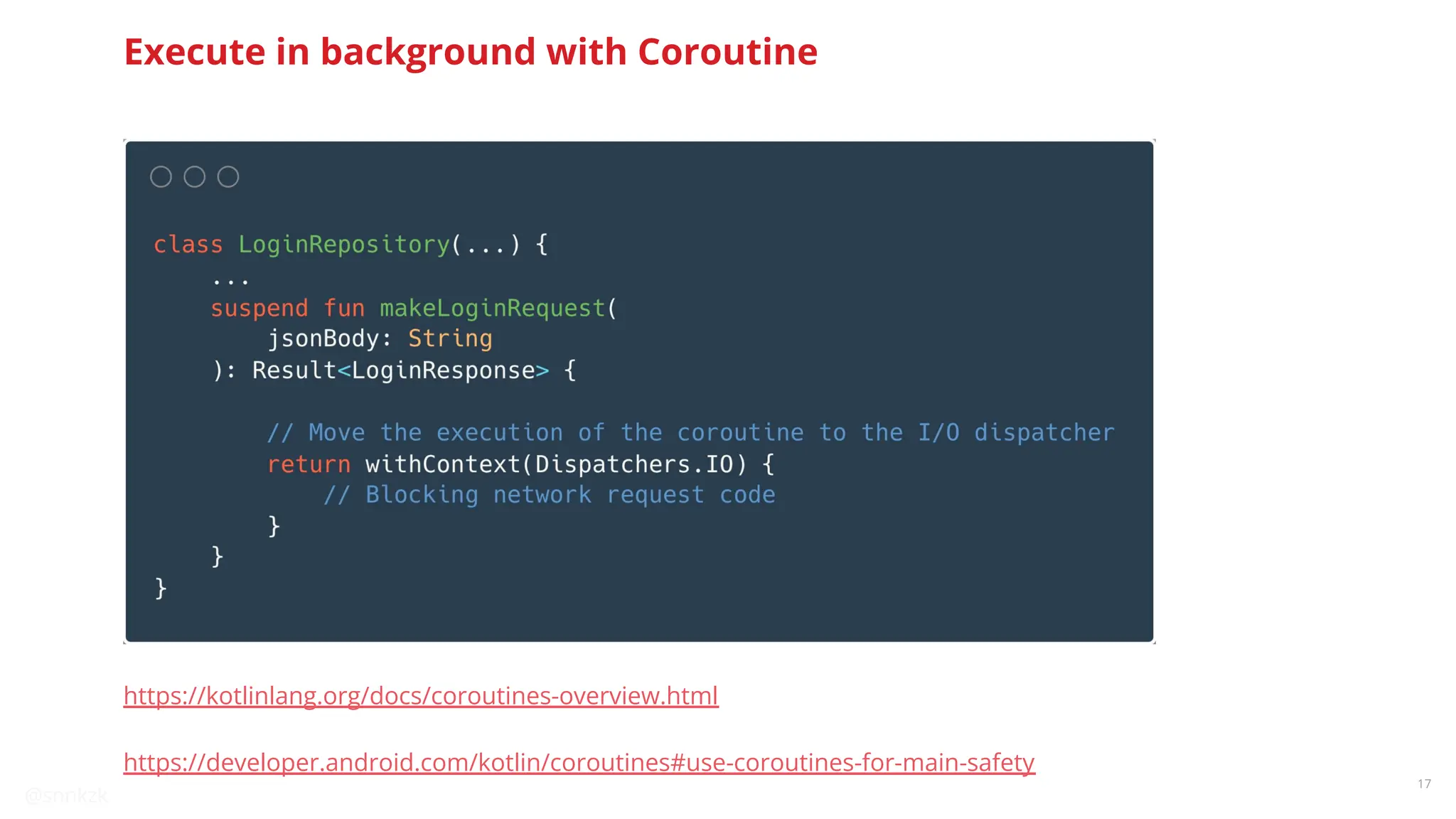
Execute in background with Coroutine
https://kotlinlang.org/docs/coroutines-overview.html
https://developer.android.com/kotlin/coroutines#use-coroutines-for-main-safety
@snnkzk
18
Share Thread Pools
A single thread can use 1-3 MB memory
@snnkzk
19
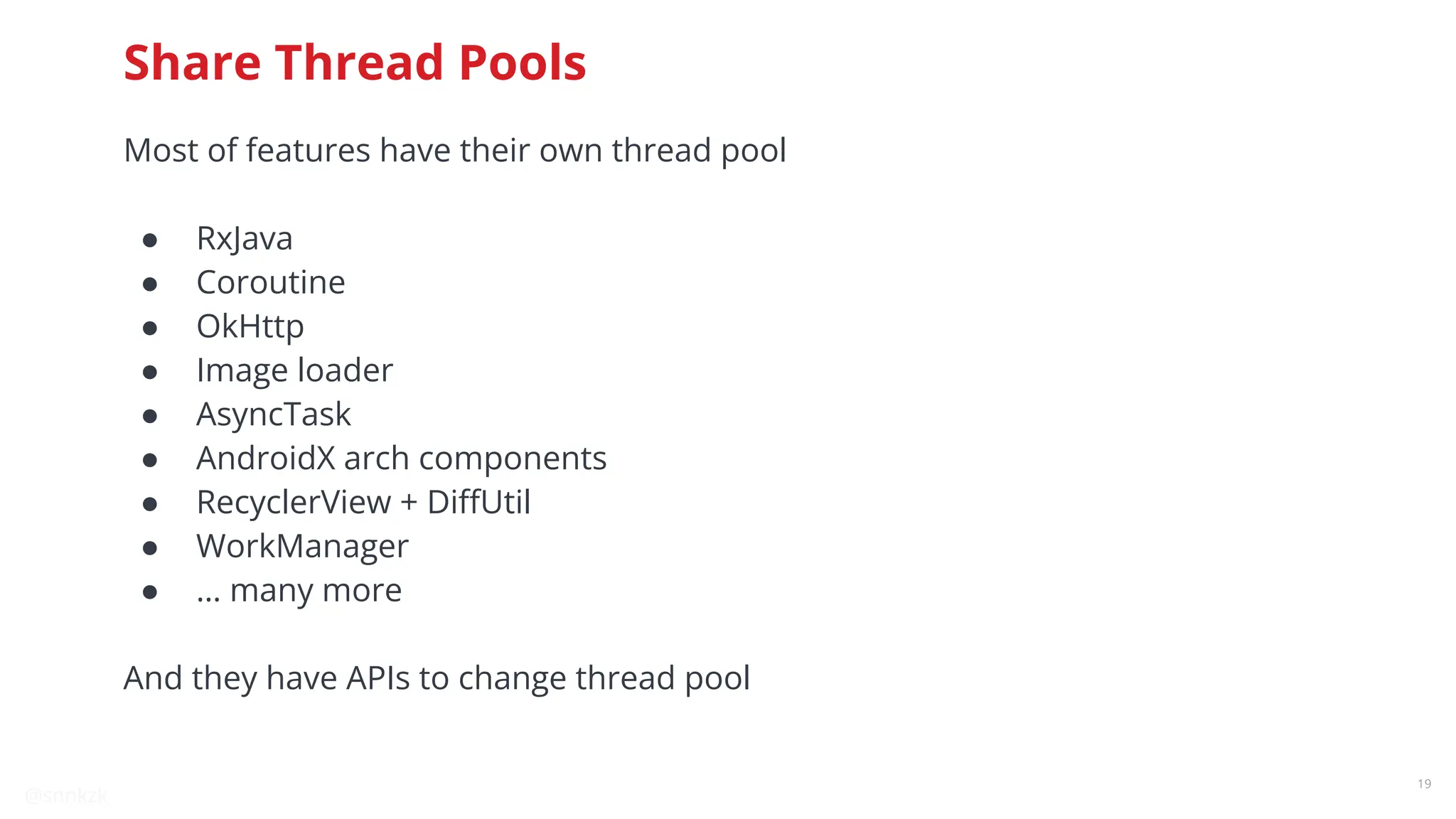
Share Thread Pools
Most of features have their own thread pool
● RxJava
● Coroutine
● OkHttp
● Image loader
● AsyncTask
● AndroidX arch components
● RecyclerView + DiffUtil
● WorkManager
● … many more
And they have APIs to change thread pool
@snnkzk
20
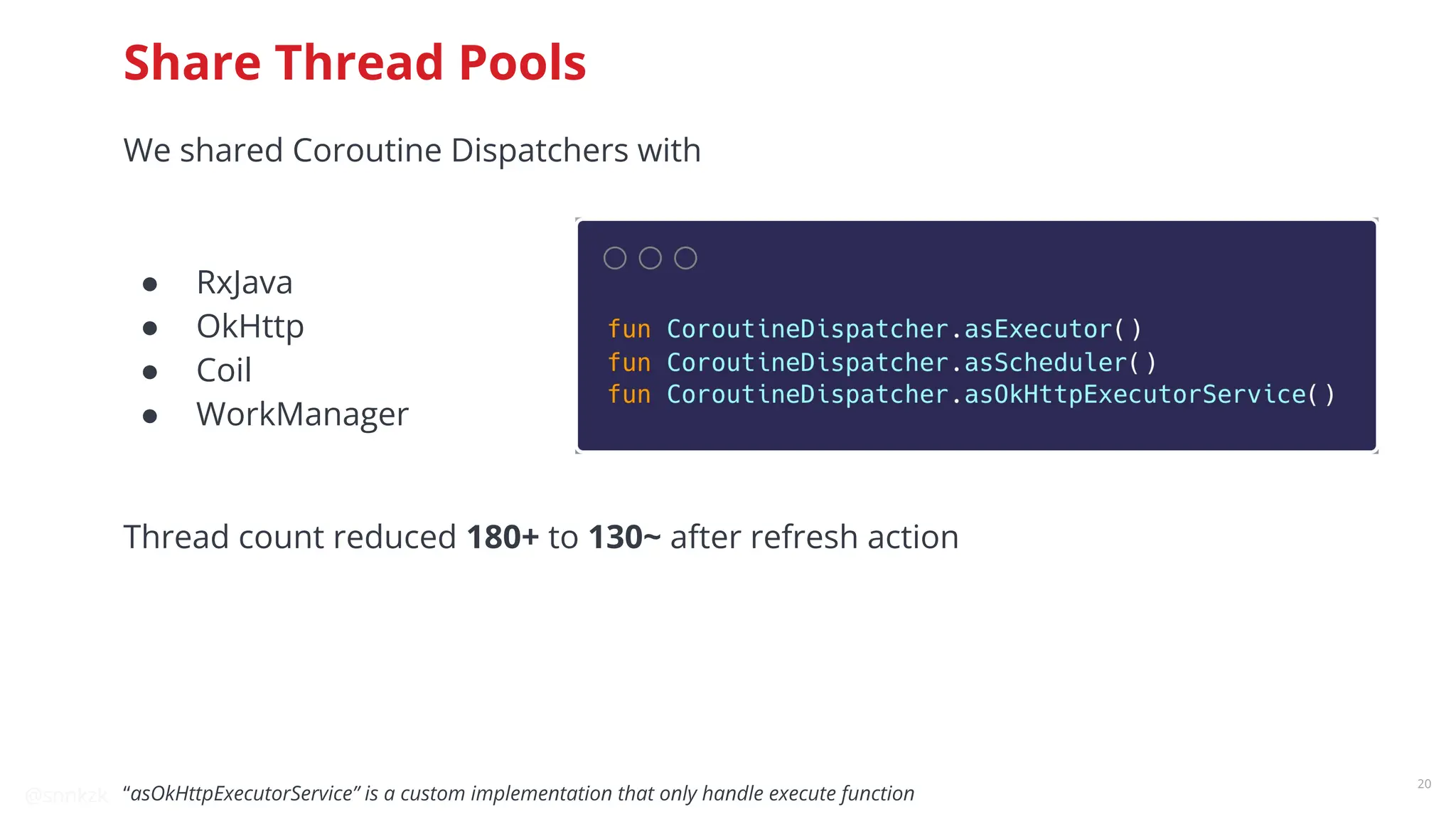
Share Thread Pools
We shared Coroutine Dispatchers with
● RxJava
● OkHttp
● Coil
● WorkManager
Thread count reduced 180+ to 130~ after refresh action
“asOkHttpExecutorService” is a custom implementation that only handle execute function
@snnkzk
21
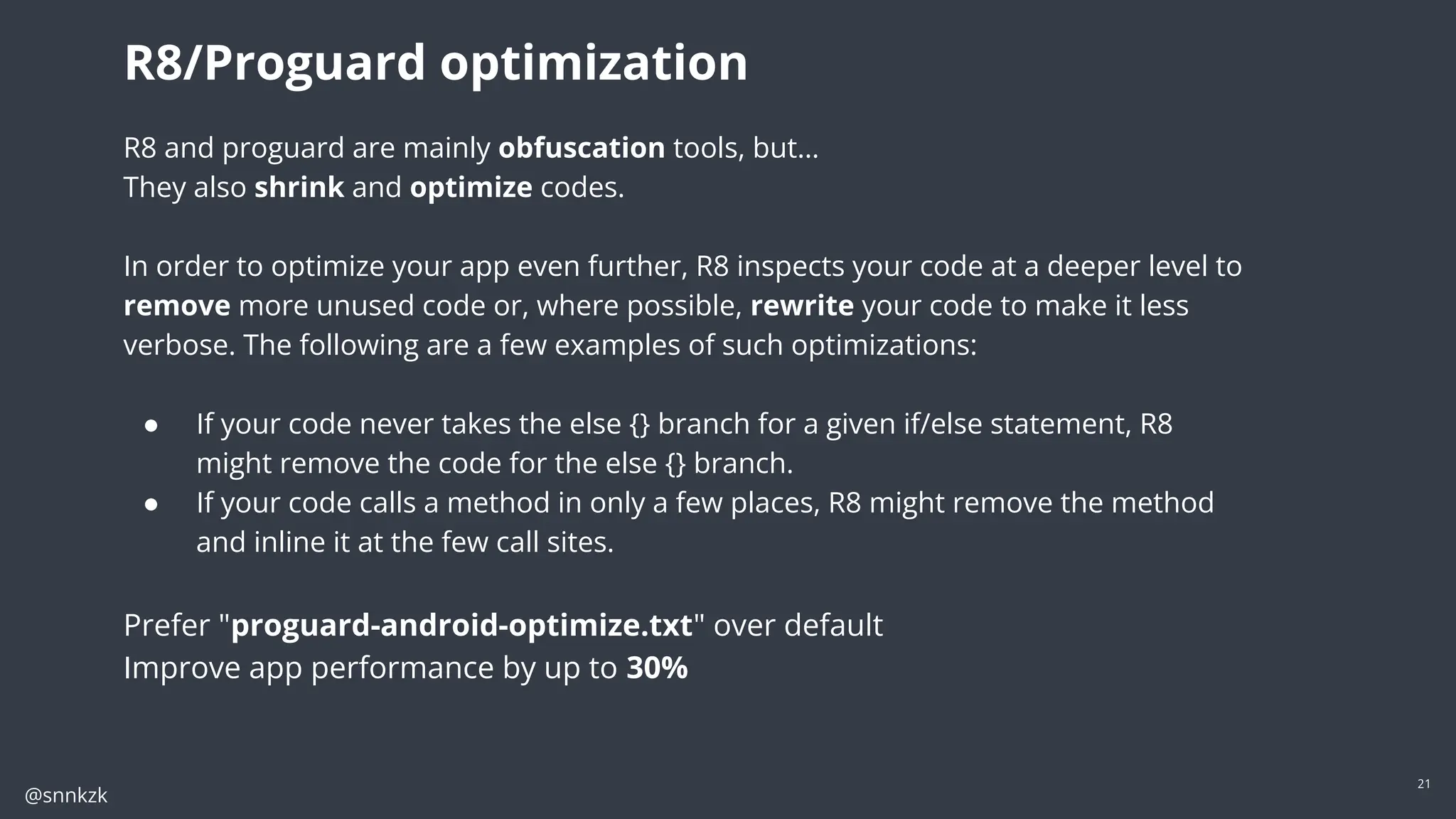
R8 and proguard are mainly obfuscation tools, but…
They also shrink and optimize codes.
In order to optimize your app even further, R8 inspects your code at a deeper level to
remove more unused code or, where possible, rewrite your code to make it less
verbose. The following are a few examples of such optimizations:
● If your code never takes the else {} branch for a given if/else statement, R8
might remove the code for the else {} branch.
● If your code calls a method in only a few places, R8 might remove the method
and inline it at the few call sites.
Prefer "proguard-android-optimize.txt" over default
Improve app performance by up to 30%
R8/Proguard optimization
@snnkzk
22
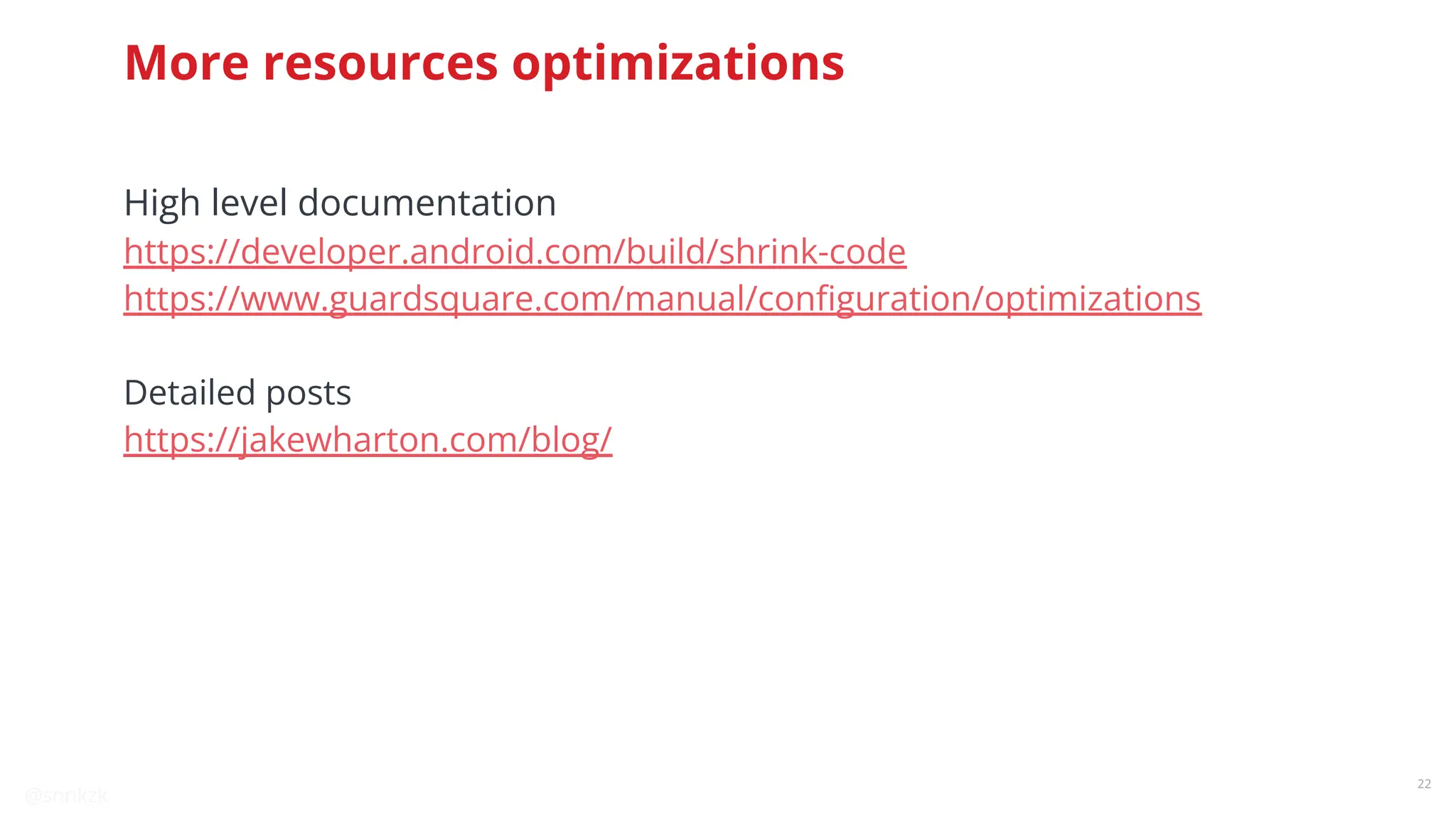
More resources optimizations
High level documentation
https://developer.android.com/build/shrink-code
https://www.guardsquare.com/manual/configuration/optimizations
Detailed posts
https://jakewharton.com/blog/
@snnkzk
23
23
Reducing
allocation
Garbage collector pauses
runtime to clean up
Spare memory for all features
Photo by Andreas Gücklhorn on Unsplash
@snnkzk
24
Reducing allocation
@snnkzk
25
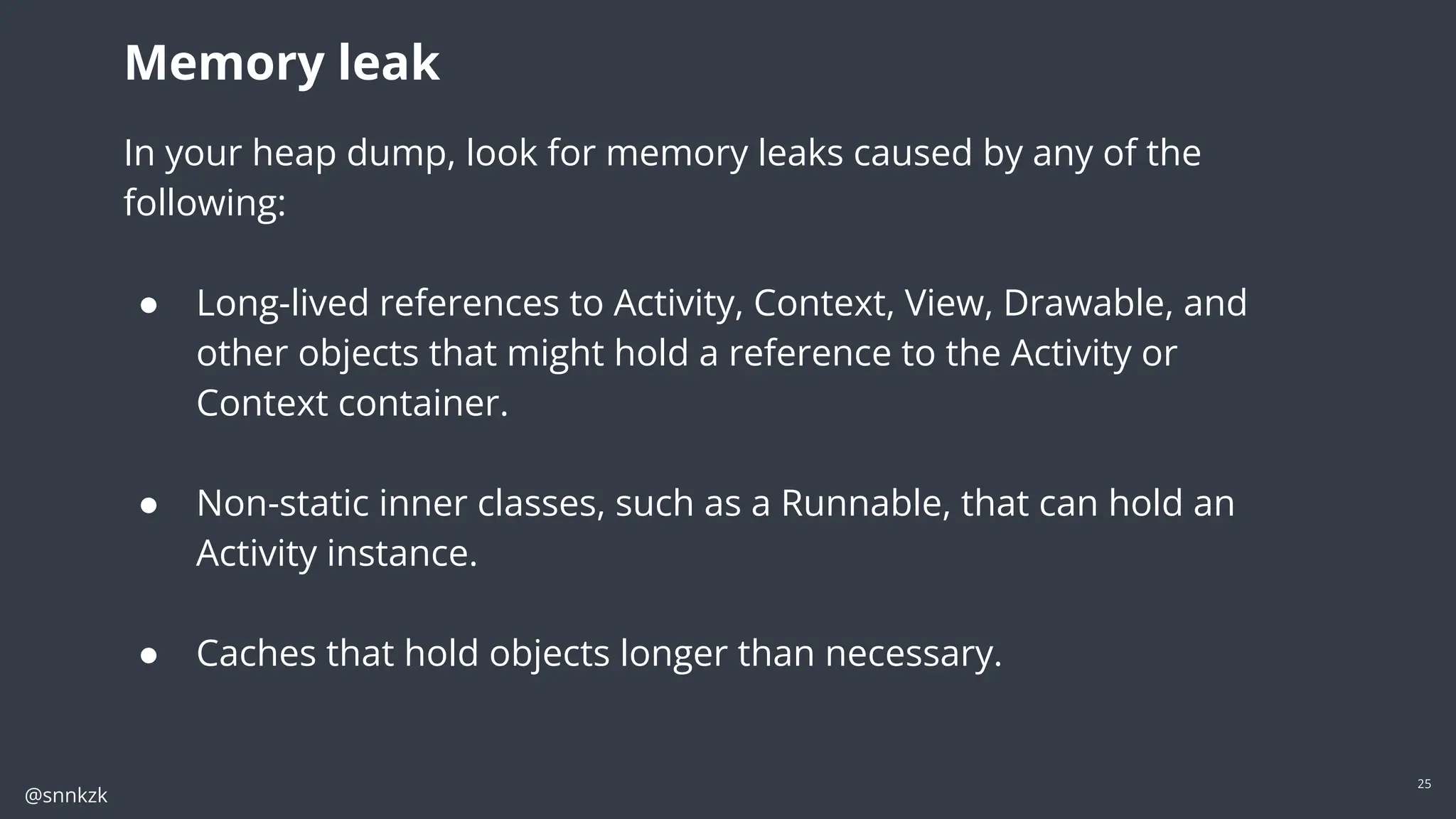
In your heap dump, look for memory leaks caused by any of the following:
● Long-lived references to Activity, Context, View, Drawable, and other objects
that might hold a reference to the Activity or Context container.
● Non-static inner classes, such as a Runnable, that can hold an Activity instance.
● Caches that hold objects longer than necessary.
Memory leak
In your heap dump, look for memory leaks caused by any of the
following:
● Long-lived references to Activity, Context, View, Drawable, and
other objects that might hold a reference to the Activity or
Context container.
● Non-static inner classes, such as a Runnable, that can hold an
Activity instance.
● Caches that hold objects longer than necessary.
@snnkzk
26
Memory leak
@snnkzk
27
Memory leak
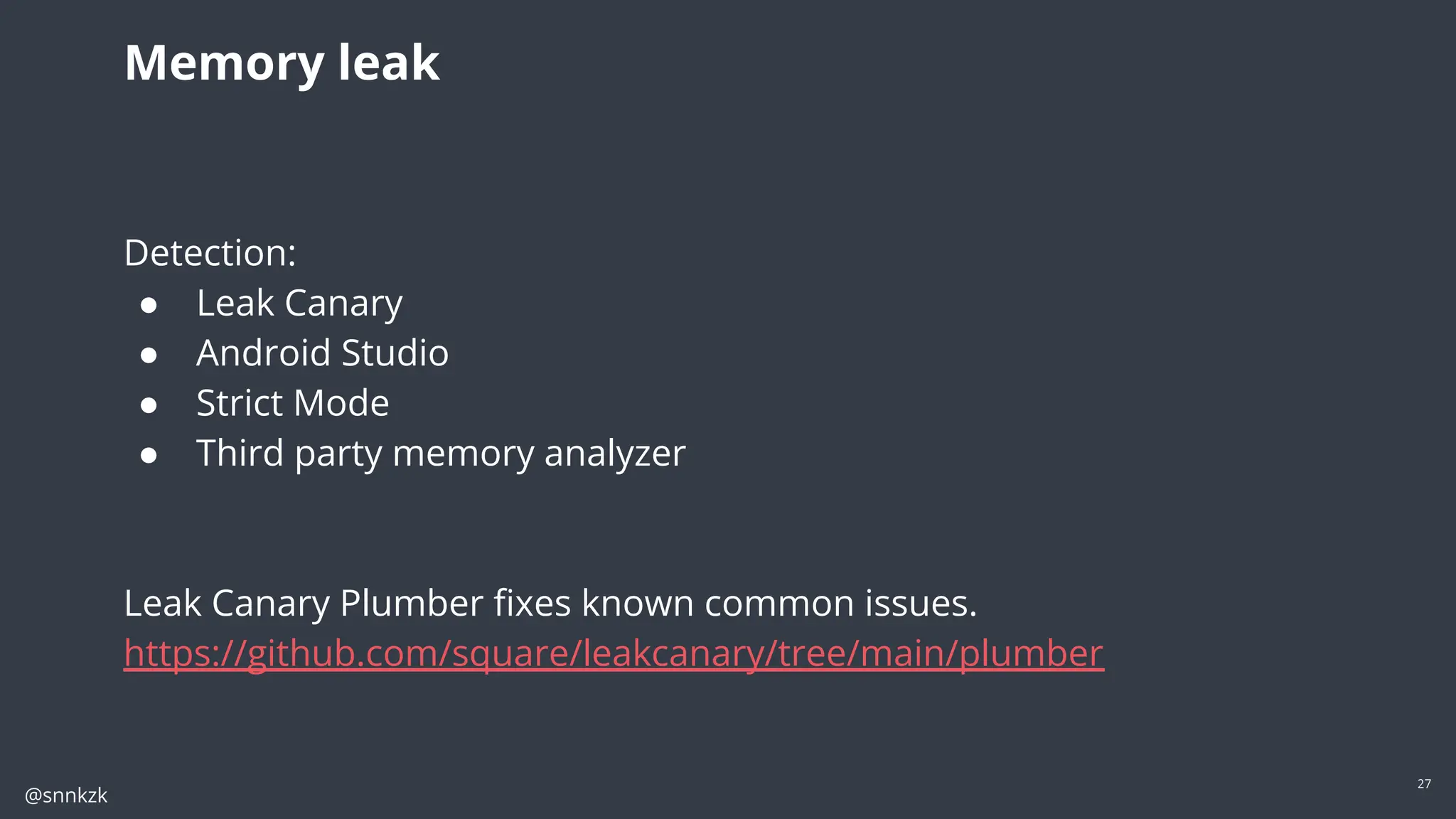
Detection:
● Leak Canary
● Android Studio
● Strict Mode
● Third party memory analyzer
Leak Canary Plumber fixes known common issues.
https://github.com/square/leakcanary/tree/main/plumber
@snnkzk
28
Dependency Injection
DI should not slow you down
@snnkzk
29
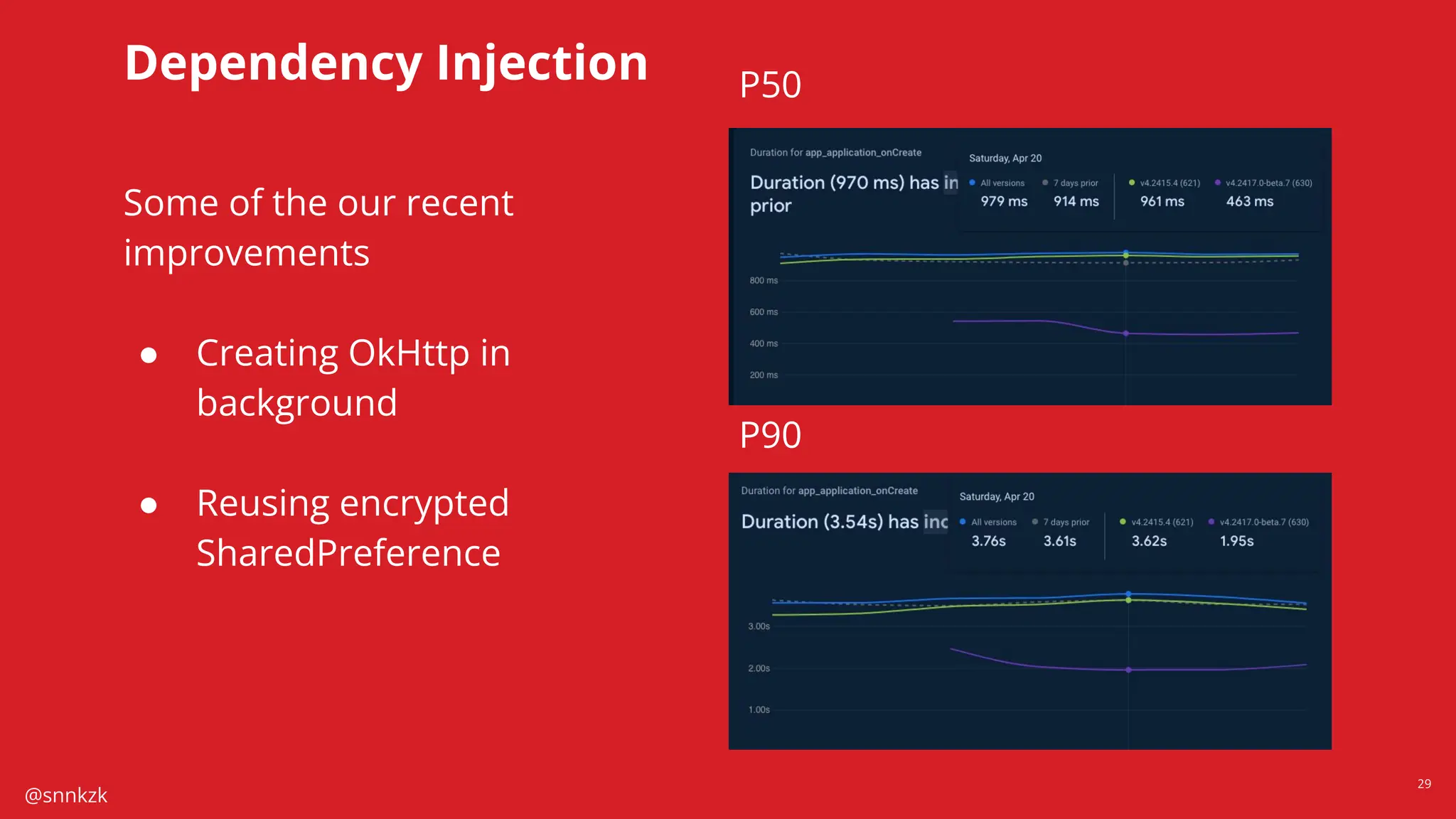
Dependency Injection P50
P90
Some of the our recent
improvements
● Creating OkHttp in
background
● Reusing encrypted
SharedPreference
@snnkzk
30
Dependency Injection
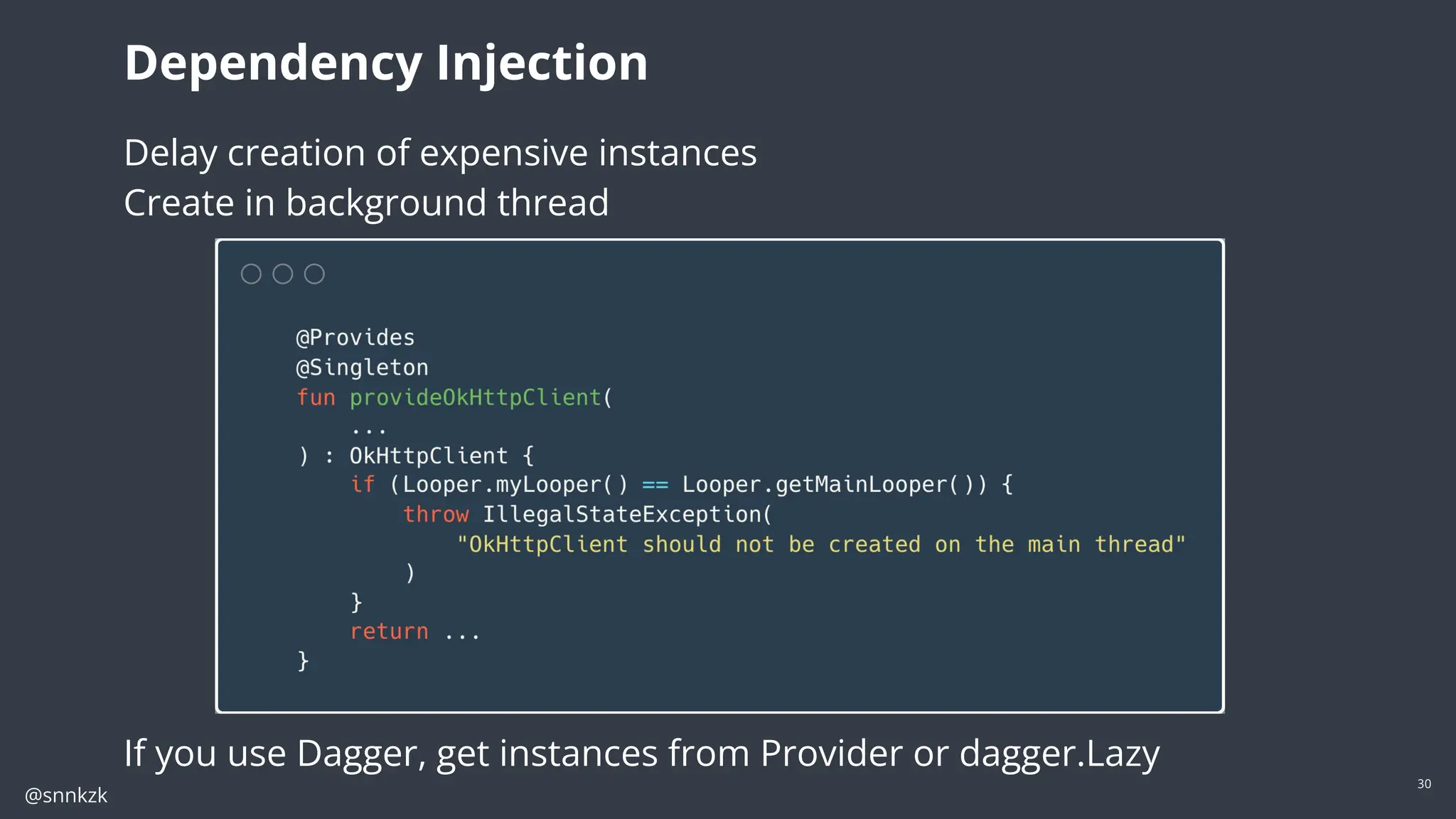
Delay creation of expensive instances
Create in background thread
If you use Dagger, get instances from Provider or dagger.Lazy
@snnkzk
31
WebP
WebP is an image file format from Google that provides lossy compression
(like JPEG) as well as transparency (like PNG) but can provide better
compression than either JPEG or PNG
Average %26 less space
More efficient
Android Studio can convert images
https://developer.android.com/studio/write/convert-webp
Resource optimizations
@snnkzk
32
Resource optimizations
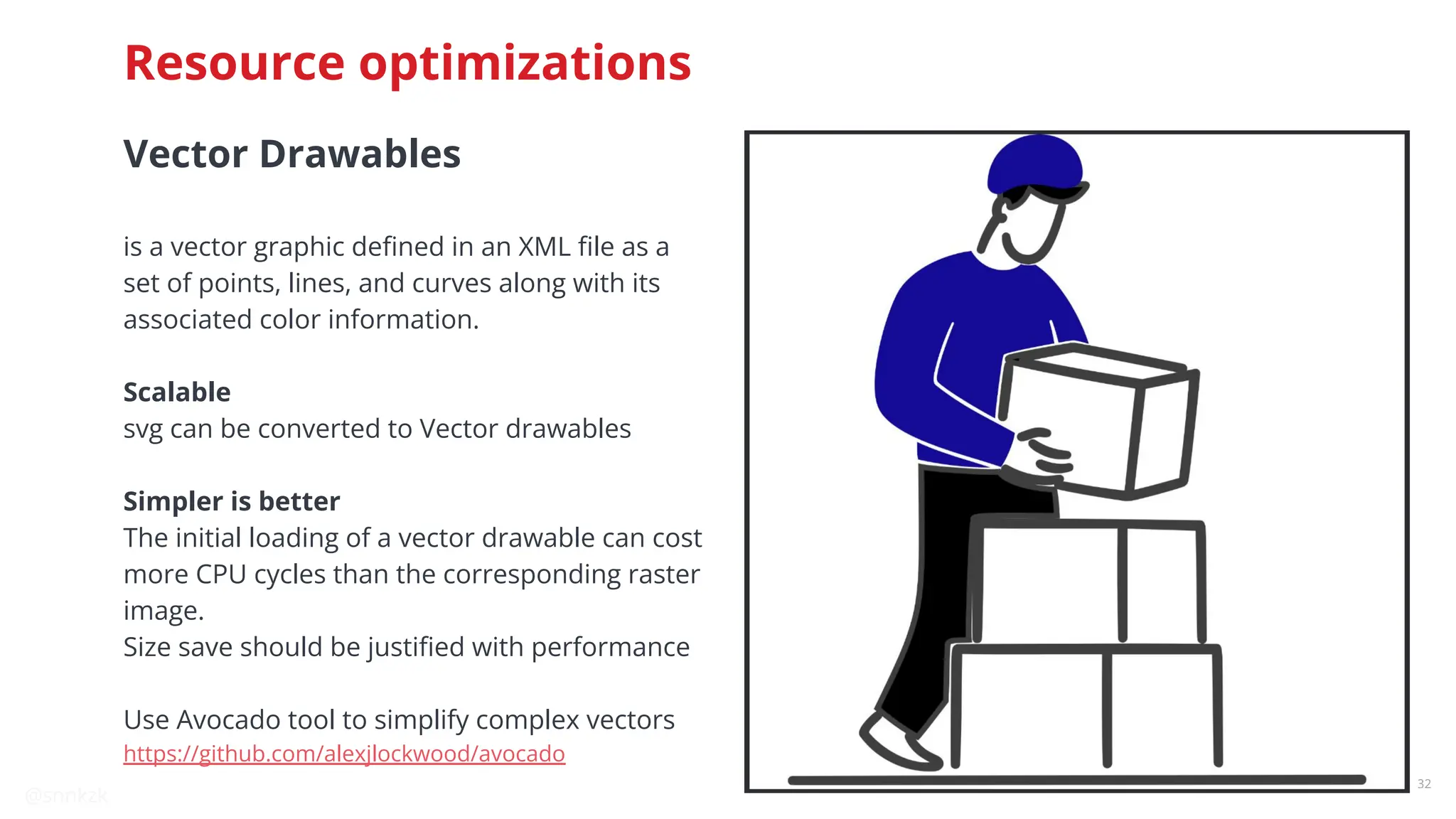
Vector Drawables
is a vector graphic defined in an XML file as a
set of points, lines, and curves along with its
associated color information.
Scalable
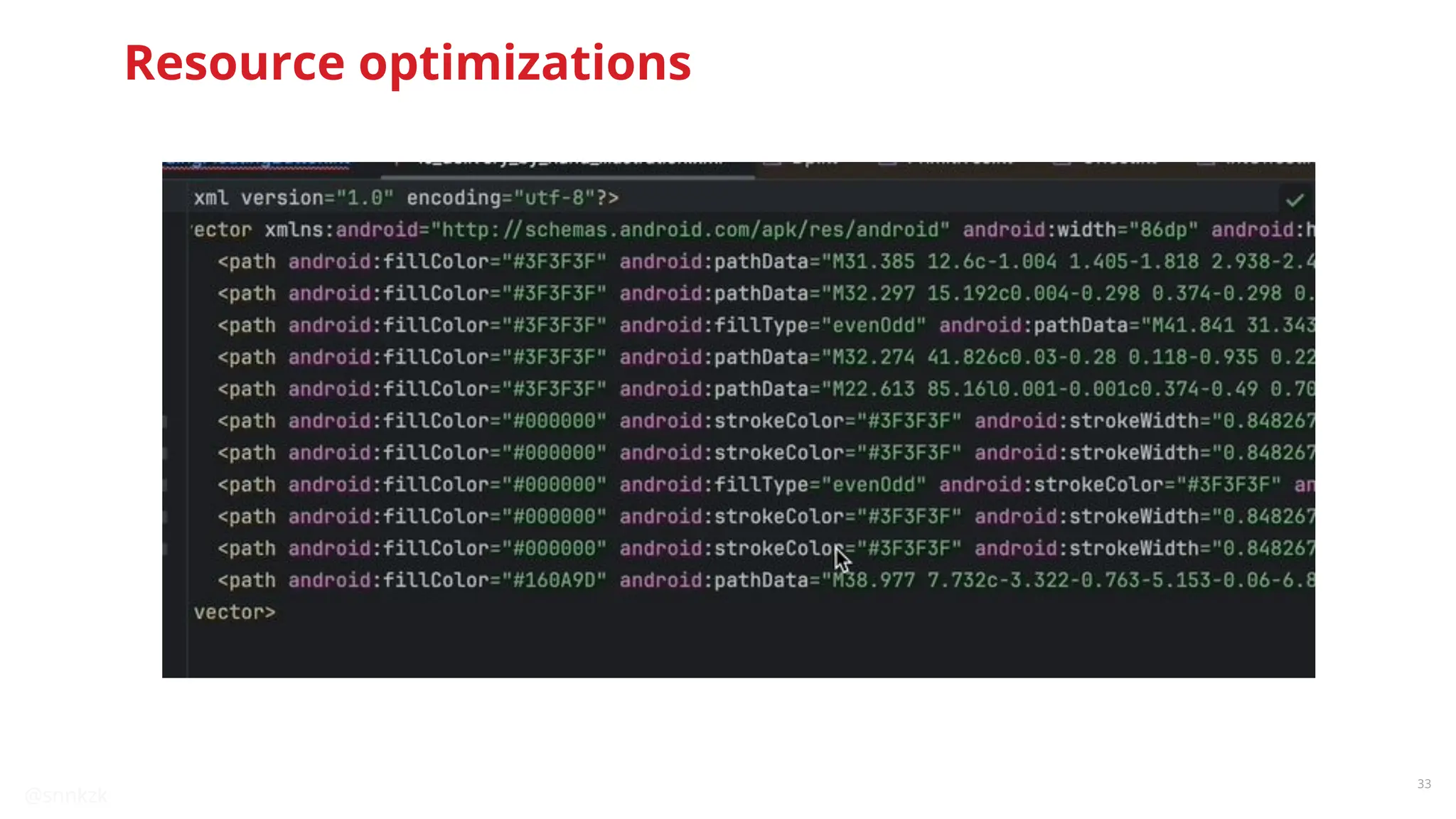
svg can be converted to Vector drawables
Simpler is better
The initial loading of a vector drawable can cost
more CPU cycles than the corresponding raster
image.
Size save should be justified with performance
Use Avocado tool to simplify complex vectors
https://github.com/alexjlockwood/avocado
@snnkzk
33
Resource optimizations
@snnkzk
34
Compose recomposition
optimizations
Does count matter?
@snnkzk
35
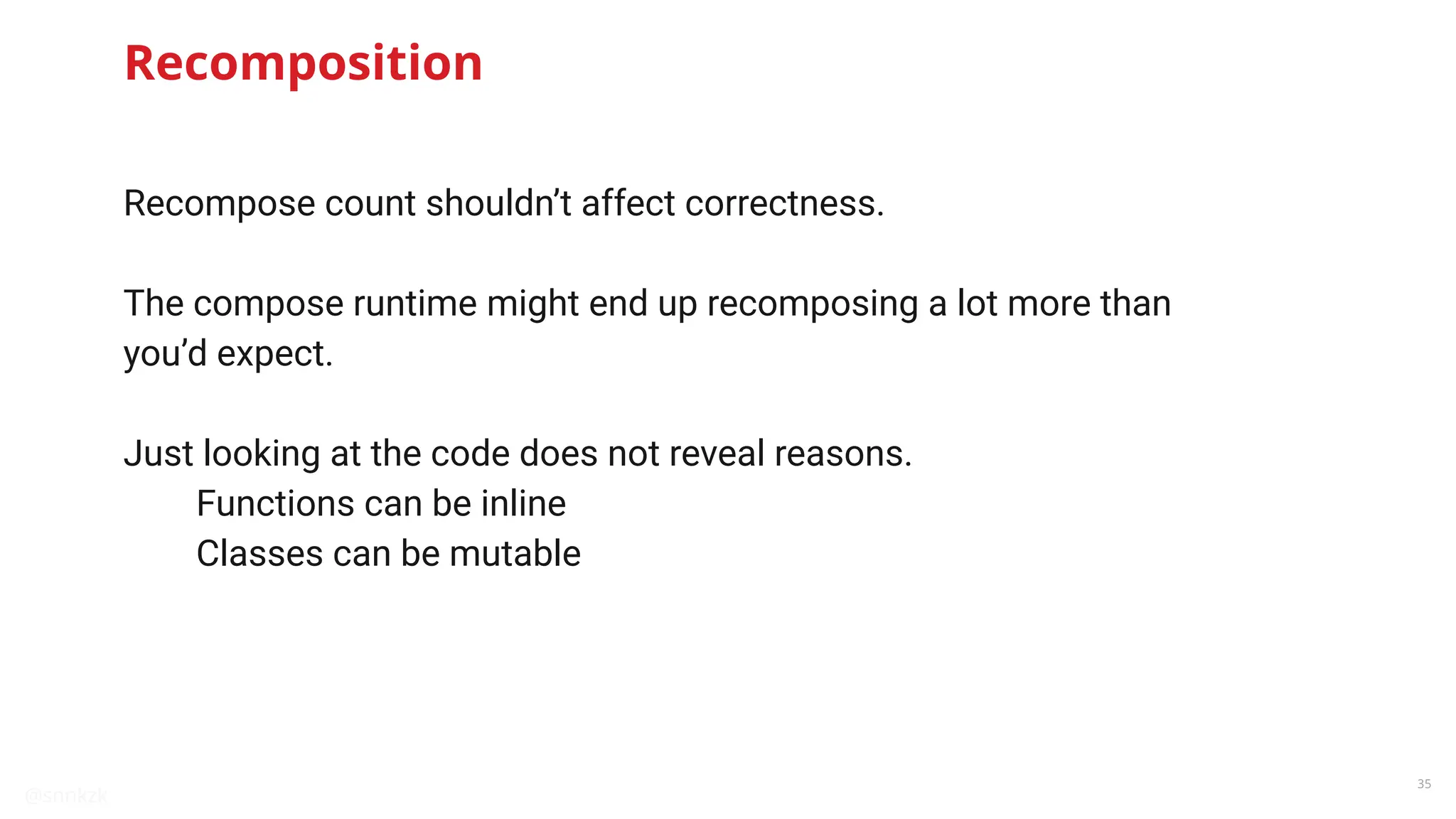
Recomposition
Recompose count shouldn’t affect correctness.
The compose runtime might end up recomposing a lot more than
you’d expect.
Just looking at the code does not reveal reasons.
Functions can be inline
Classes can be mutable
@snnkzk
36
https://dev.to/zachklipp/scoped-recomposition-jetpack-compose-what-happens-when-state-changes-l78
Donut hole skipping
Compose API design enforces
better performance with
lambda and scoping
@snnkzk
37
Donut hole skipping
● Lambdas are special in Compose
● The runtime keeps track of values used in lambdas
● Lambdas get reevaluated if values change
● Composable can be skipped if they are not affected by change
@snnkzk
38
Compose API design
@snnkzk
39
Compose API design
@snnkzk
40
Play Store helps you
Use reportFullyDrawn for better cloud profiles
@snnkzk
41
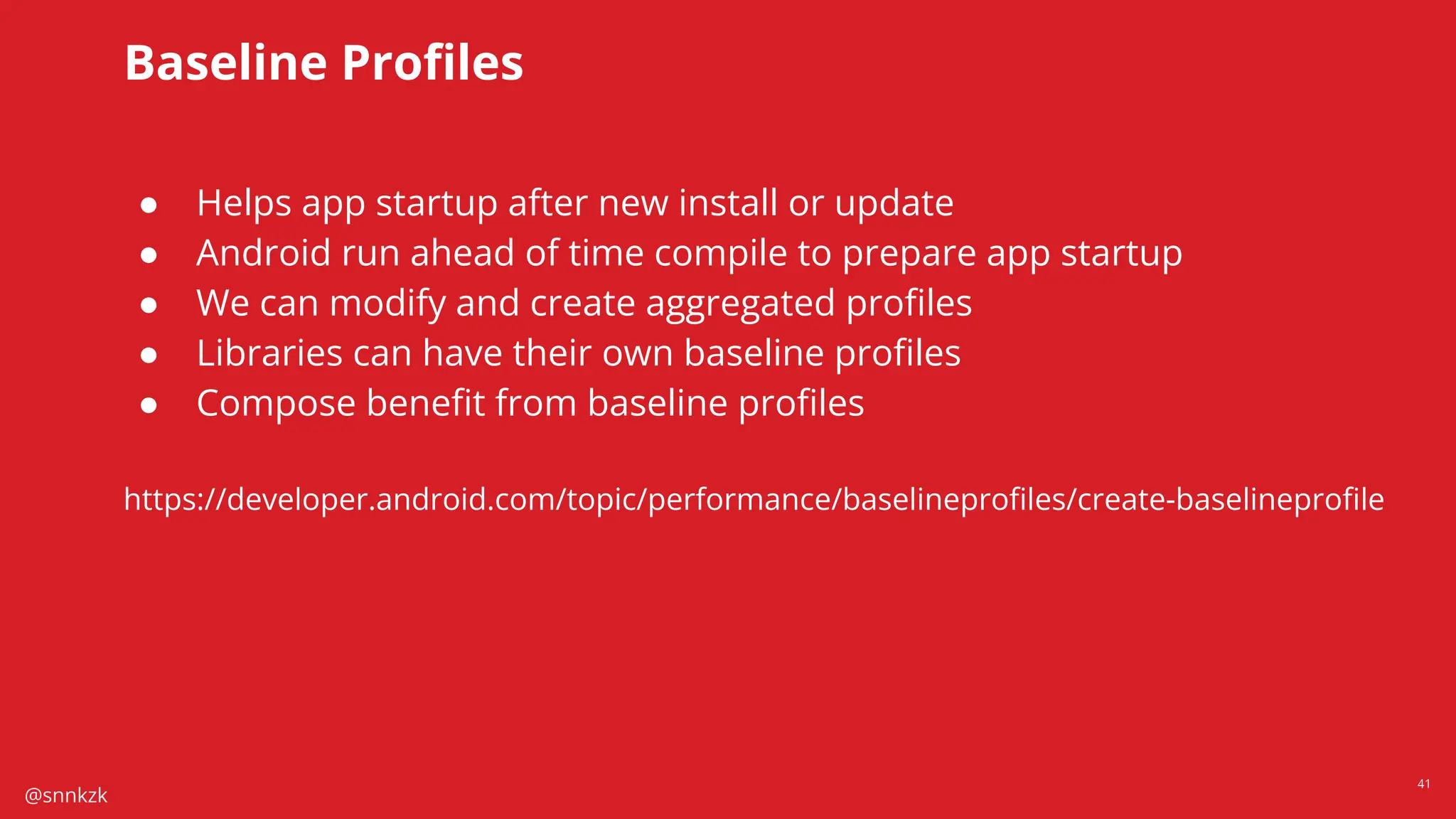
Baseline Profiles
● Helps app startup after new install or update
● Android run ahead of time compile to prepare app startup
● We can modify and create aggregated profiles
● Libraries can have their own baseline profiles
● Compose benefit from baseline profiles
https://developer.android.com/topic/performance/baselineprofiles/create-baselineprofile
@snnkzk
42
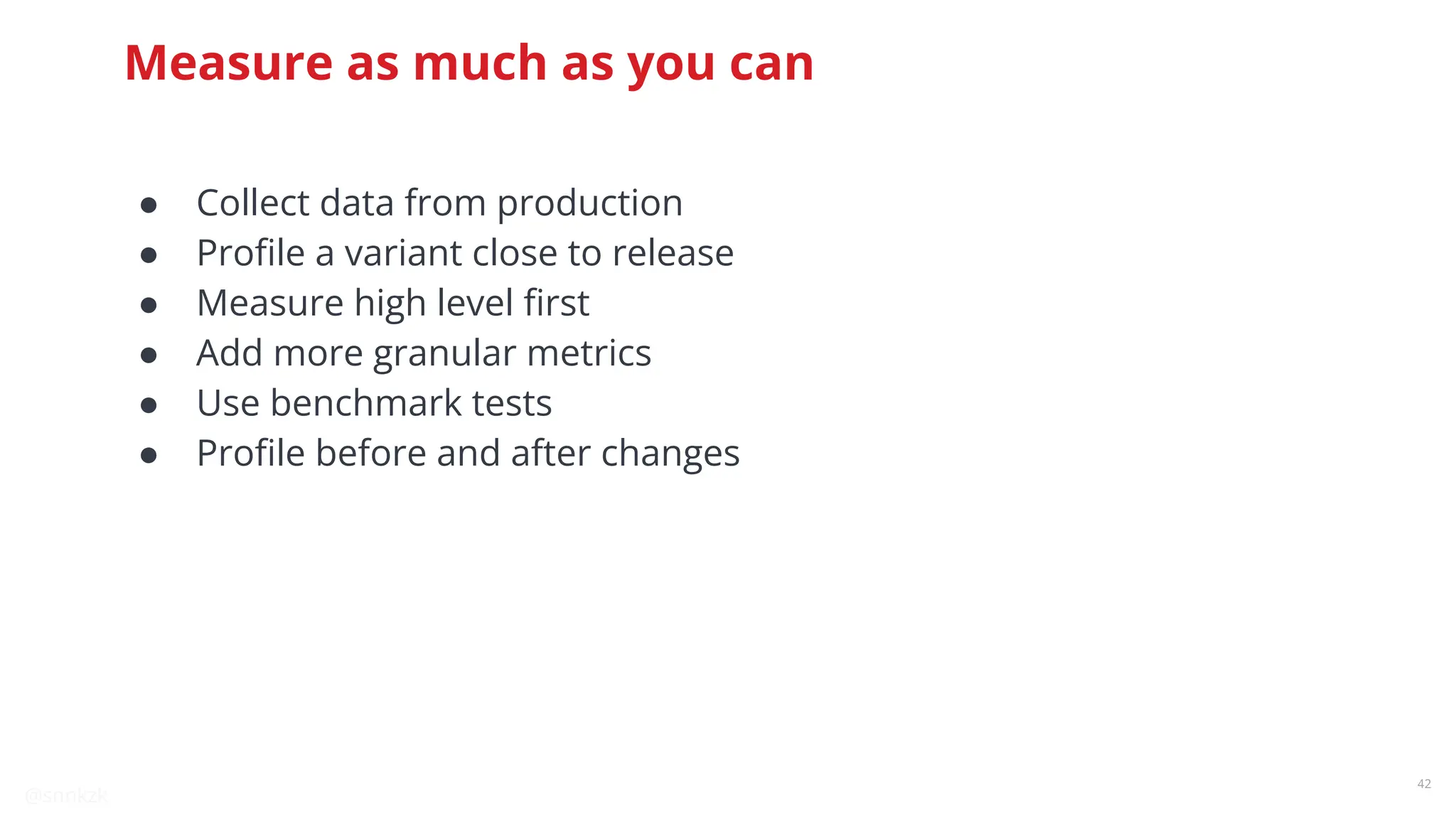
Measure as much as you can
● Collect data from production
● Profile a variant close to release
● Measure high level first
● Add more granular metrics
● Use benchmark tests
● Profile before and after changes
@snnkzk
43
Visible performance is
one side of the coin
App needs to be performant in all operations.
@snnkzk
44
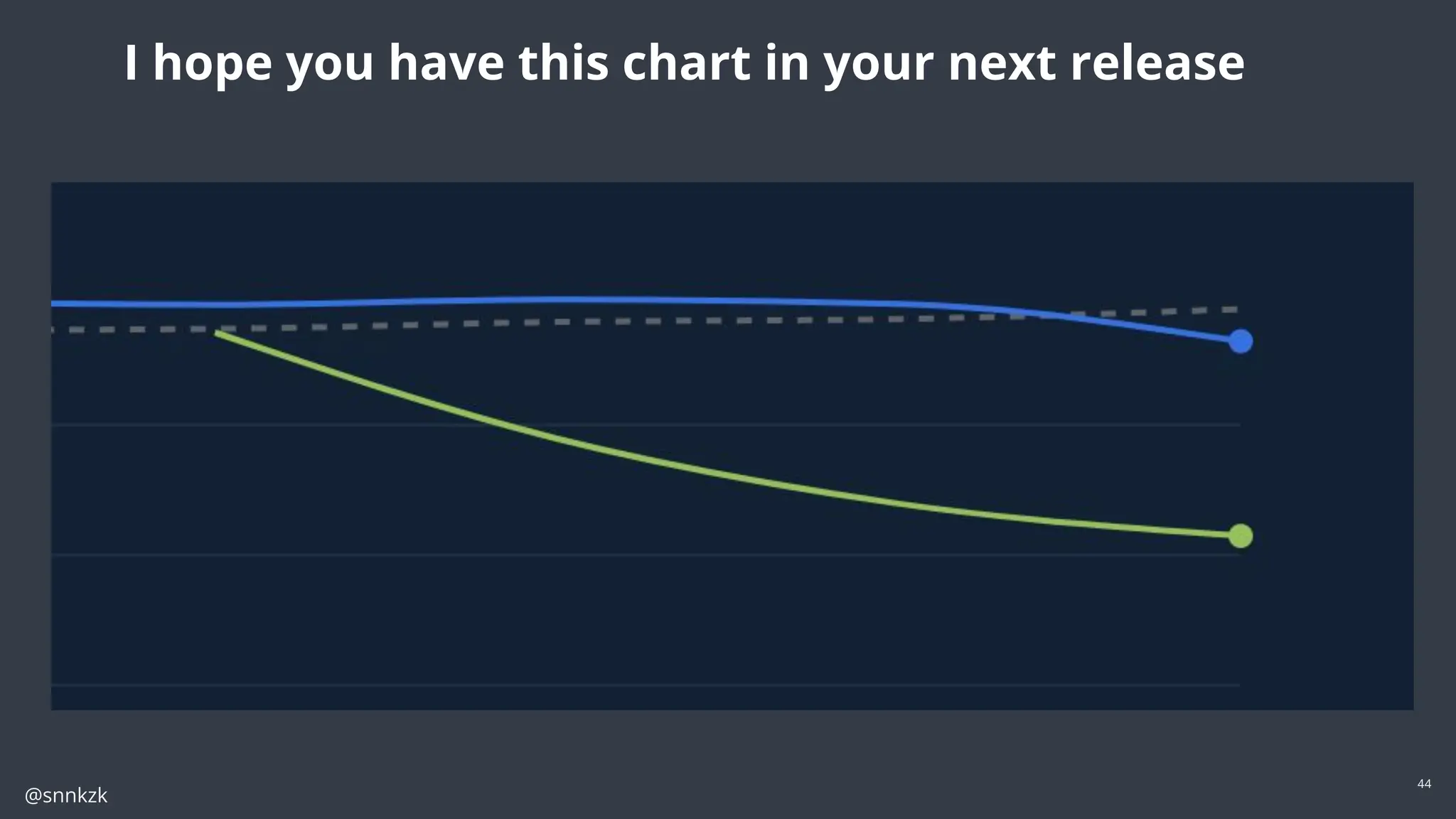
I hope you have this chart in your next release
@snnkzk
45
10 years retro of
performance suggestions
Comments are welcome in QA
@snnkzk
46
@snnkzk
47
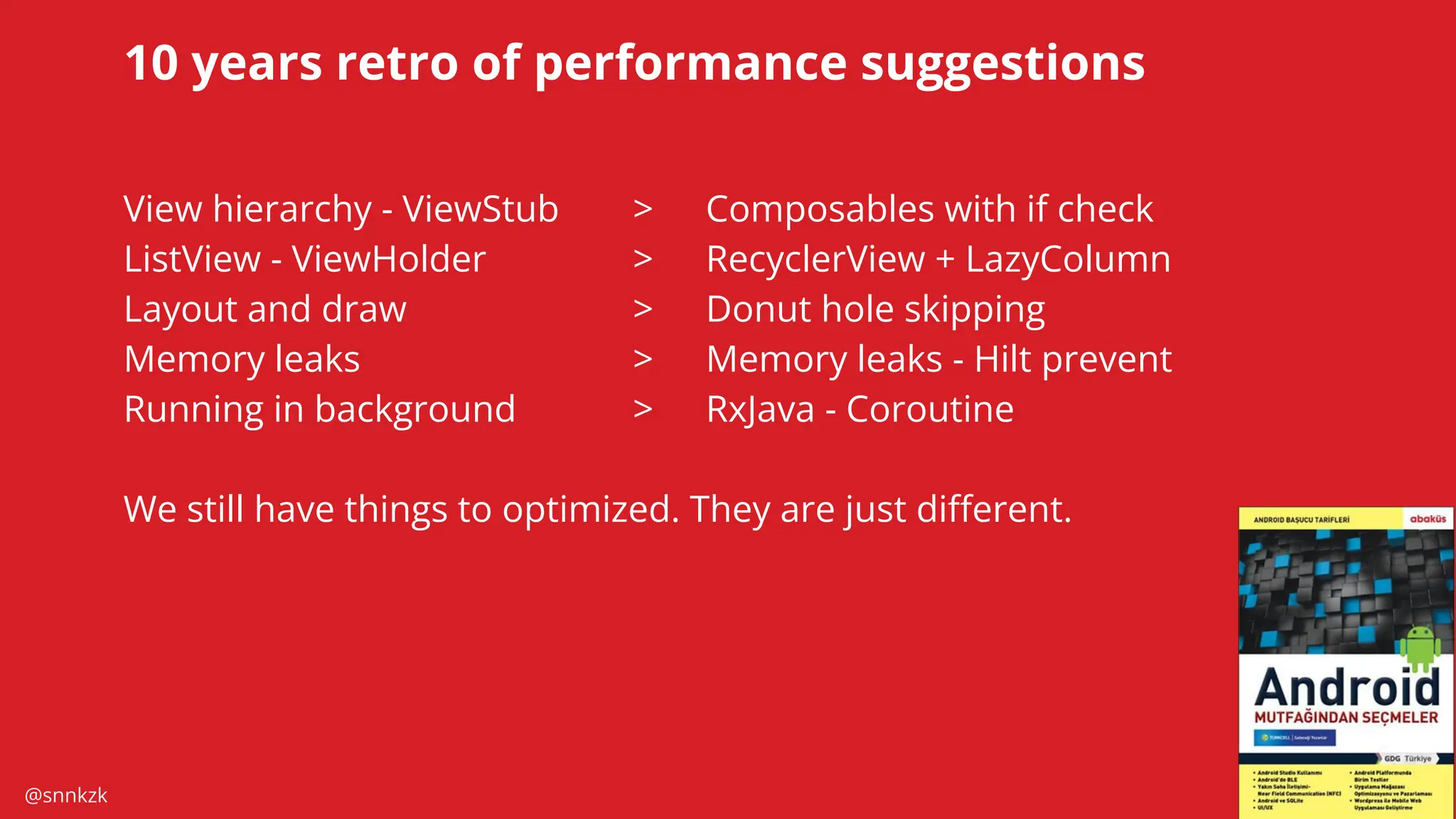
10 years retro of performance suggestions
View hierarchy - ViewStub > Composables with if check
ListView - ViewHolder > RecyclerView + LazyColumn
Layout and draw > Donut hole skipping
Memory leaks > Memory leaks - Hilt prevent
Running in background > RxJava - Coroutine
We still have things to optimized. They are just different.
@snnkzk
Thank you
github.com/kozaxinan linkedin.com/in/sinankozak strava.com/athletes/sinankozak
@snnkzk
Do you have any questions?

Unblocking The Main Thread Solving ANRs and Frozen Frames

  • 1.
    @snnkzk Unblocking The MainThread: Solving ANRs and Frozen Frames Sinan Kozak Staff Android Developer Google Developer Expert
  • 2.
    @snnkzk 2 Sinan Kozak 12 yearsAndroid experience @snnkzk I wrote a chapter about performance in 2014 book with GDG community Ankara, Turkey. If you cannot find my book, It could be sold out or maybe outdated already.
  • 3.
    @snnkzk 3 We deliver food over 70countries With same rider application
  • 4.
  • 5.
    @snnkzk 5 How we testvs real user Production is wild, really wild
  • 6.
  • 7.
  • 8.
    @snnkzk 8 Between 16ms and700ms Scroll Animations Frame render Slow Rendering Between 700ms and 5s App startup Navigation Frozen Frame Over 5s Not being able to handle user input Unusable Application Not Responding Different stages of Jank
  • 9.
    @snnkzk 9 Can slow runtimecause app crashes? YES ● User will continue to click the screen. New click events will be handled based on previous screen state. ● Foreground services might crash because their start will be delayed
  • 10.
  • 11.
    @snnkzk 11 How to measure? Datafrom user ● Firebase Performance Monitoring or similar solutions ● JankStat library ● Memory leaks from test users Data from profiling ● Systrace ● CPU ● Allocation and memory ● Layout inspector and debugger ● perfetto.dev
  • 12.
  • 13.
  • 14.
    @snnkzk 14 Is there amagic solution? Maybe…
  • 15.
    @snnkzk 15 Quick wins 01 Executein background RxJava, Coroutine and other thread solutions 02 Thread pool reuse Utilize thread pools 03 R8/Proguard optimization Auto apply proven optimizations 04 Reducing allocation Only store necessary data in memory 05 No memory leak Fix all leaks 06 Dependency Injection Time consuming injection should be in background 07 WebP and vector images Simpler the image faster to draw 08 Less recomposition Avoid recurring recomposition 09 Correct Compose API Use lambda based api for fast changing values 10 reportFullyDrawn Talk to OS about what needs to prioritize 11 Baseline profile Make sure OS optimize app startup 12 Measure and optimize We can have optimized apps
  • 16.
    @snnkzk 16 Use multi thread solutions ●IO operations ● Data parsing ● Encryption ● Any time consuming operation Move work to the background Photo by Campbell on Unsplash
  • 17.
    @snnkzk 17 Execute in backgroundwith Coroutine https://kotlinlang.org/docs/coroutines-overview.html https://developer.android.com/kotlin/coroutines#use-coroutines-for-main-safety
  • 18.
    @snnkzk 18 Share Thread Pools Asingle thread can use 1-3 MB memory
  • 19.
    @snnkzk 19 Share Thread Pools Mostof features have their own thread pool ● RxJava ● Coroutine ● OkHttp ● Image loader ● AsyncTask ● AndroidX arch components ● RecyclerView + DiffUtil ● WorkManager ● … many more And they have APIs to change thread pool
  • 20.
    @snnkzk 20 Share Thread Pools Weshared Coroutine Dispatchers with ● RxJava ● OkHttp ● Coil ● WorkManager Thread count reduced 180+ to 130~ after refresh action “asOkHttpExecutorService” is a custom implementation that only handle execute function
  • 21.
    @snnkzk 21 R8 and proguardare mainly obfuscation tools, but… They also shrink and optimize codes. In order to optimize your app even further, R8 inspects your code at a deeper level to remove more unused code or, where possible, rewrite your code to make it less verbose. The following are a few examples of such optimizations: ● If your code never takes the else {} branch for a given if/else statement, R8 might remove the code for the else {} branch. ● If your code calls a method in only a few places, R8 might remove the method and inline it at the few call sites. Prefer "proguard-android-optimize.txt" over default Improve app performance by up to 30% R8/Proguard optimization
  • 22.
    @snnkzk 22 More resources optimizations Highlevel documentation https://developer.android.com/build/shrink-code https://www.guardsquare.com/manual/configuration/optimizations Detailed posts https://jakewharton.com/blog/
  • 23.
    @snnkzk 23 23 Reducing allocation Garbage collector pauses runtimeto clean up Spare memory for all features Photo by Andreas Gücklhorn on Unsplash
  • 24.
  • 25.
    @snnkzk 25 In your heapdump, look for memory leaks caused by any of the following: ● Long-lived references to Activity, Context, View, Drawable, and other objects that might hold a reference to the Activity or Context container. ● Non-static inner classes, such as a Runnable, that can hold an Activity instance. ● Caches that hold objects longer than necessary. Memory leak In your heap dump, look for memory leaks caused by any of the following: ● Long-lived references to Activity, Context, View, Drawable, and other objects that might hold a reference to the Activity or Context container. ● Non-static inner classes, such as a Runnable, that can hold an Activity instance. ● Caches that hold objects longer than necessary.
  • 26.
  • 27.
    @snnkzk 27 Memory leak Detection: ● LeakCanary ● Android Studio ● Strict Mode ● Third party memory analyzer Leak Canary Plumber fixes known common issues. https://github.com/square/leakcanary/tree/main/plumber
  • 28.
  • 29.
    @snnkzk 29 Dependency Injection P50 P90 Someof the our recent improvements ● Creating OkHttp in background ● Reusing encrypted SharedPreference
  • 30.
    @snnkzk 30 Dependency Injection Delay creationof expensive instances Create in background thread If you use Dagger, get instances from Provider or dagger.Lazy
  • 31.
    @snnkzk 31 WebP WebP is animage file format from Google that provides lossy compression (like JPEG) as well as transparency (like PNG) but can provide better compression than either JPEG or PNG Average %26 less space More efficient Android Studio can convert images https://developer.android.com/studio/write/convert-webp Resource optimizations
  • 32.
    @snnkzk 32 Resource optimizations Vector Drawables isa vector graphic defined in an XML file as a set of points, lines, and curves along with its associated color information. Scalable svg can be converted to Vector drawables Simpler is better The initial loading of a vector drawable can cost more CPU cycles than the corresponding raster image. Size save should be justified with performance Use Avocado tool to simplify complex vectors https://github.com/alexjlockwood/avocado
  • 33.
  • 34.
  • 35.
    @snnkzk 35 Recomposition Recompose count shouldn’taffect correctness. The compose runtime might end up recomposing a lot more than you’d expect. Just looking at the code does not reveal reasons. Functions can be inline Classes can be mutable
  • 36.
  • 37.
    @snnkzk 37 Donut hole skipping ●Lambdas are special in Compose ● The runtime keeps track of values used in lambdas ● Lambdas get reevaluated if values change ● Composable can be skipped if they are not affected by change
  • 38.
  • 39.
  • 40.
    @snnkzk 40 Play Store helpsyou Use reportFullyDrawn for better cloud profiles
  • 41.
    @snnkzk 41 Baseline Profiles ● Helpsapp startup after new install or update ● Android run ahead of time compile to prepare app startup ● We can modify and create aggregated profiles ● Libraries can have their own baseline profiles ● Compose benefit from baseline profiles https://developer.android.com/topic/performance/baselineprofiles/create-baselineprofile
  • 42.
    @snnkzk 42 Measure as muchas you can ● Collect data from production ● Profile a variant close to release ● Measure high level first ● Add more granular metrics ● Use benchmark tests ● Profile before and after changes
  • 43.
    @snnkzk 43 Visible performance is oneside of the coin App needs to be performant in all operations.
  • 44.
    @snnkzk 44 I hope youhave this chart in your next release
  • 45.
    @snnkzk 45 10 years retroof performance suggestions Comments are welcome in QA
  • 46.
  • 47.
    @snnkzk 47 10 years retroof performance suggestions View hierarchy - ViewStub > Composables with if check ListView - ViewHolder > RecyclerView + LazyColumn Layout and draw > Donut hole skipping Memory leaks > Memory leaks - Hilt prevent Running in background > RxJava - Coroutine We still have things to optimized. They are just different.
  • 48.
    @snnkzk Thank you github.com/kozaxinan linkedin.com/in/sinankozakstrava.com/athletes/sinankozak @snnkzk Do you have any questions?