INTRODUCTION TO
by Tom Verelst
Automation & Tooling Competence Center
© 2016 JWorks
BEFORE WE BEGIN...
Join https://tlk.io/ordina-docker
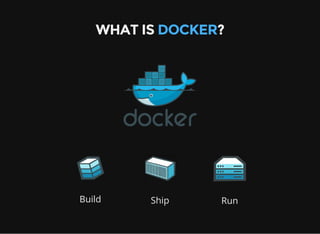
WHAT IS DOCKER?
Build Ship Run
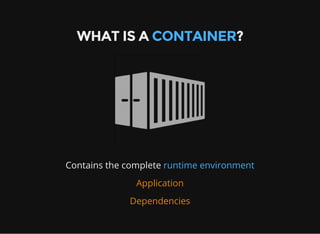
WHAT IS A CONTAINER?
Contains the complete runtime environment
Application
Dependencies
It feels like a
LIGHTWEIGHT VIRTUAL MACHINE
It has a shell (SSH, ...)

Has its own namespace
Has its own network interface
Run stuff as root
Services
Packages
But if it's not a VM, so what's the difference?
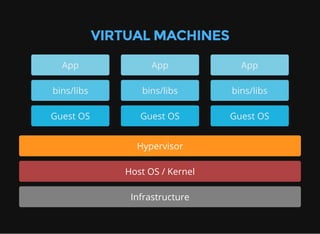
VIRTUAL MACHINES
App
bins/libs
Guest OS
App
bins/libs
Guest OS
App
bins/libs
Guest OS
Hypervisor
Host OS / Kernel
Infrastructure
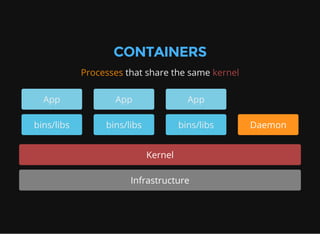
CONTAINERS
Processes that share the same kernel
App
bins/libs
App
bins/libs
App
bins/libs Daemon
Kernel
Infrastructure
Docker
Architecture
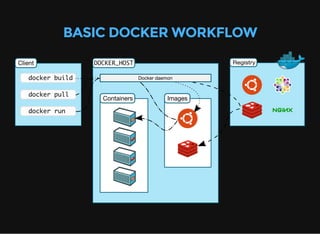
BASIC DOCKER WORKFLOW
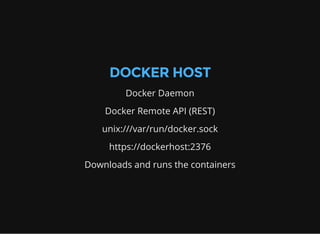
DOCKER HOST
Docker Daemon
Docker Remote API (REST)
unix:///var/run/docker.sock
https://dockerhost:2376
Downloads and runs the containers
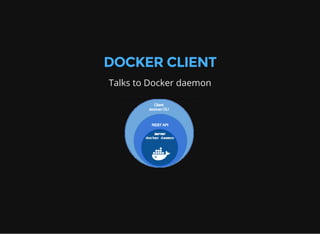
DOCKER CLIENT
Talks to Docker daemon
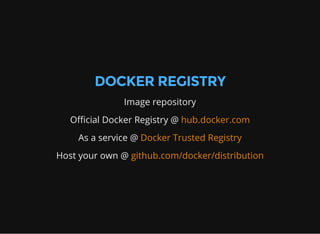
DOCKER REGISTRY
Image repository
Official Docker Registry @ hub.docker.com
As a service @ Docker Trusted Registry
Host your own @ github.com/docker/distribution
DOCKER IMAGE
Basis for each container
Layers
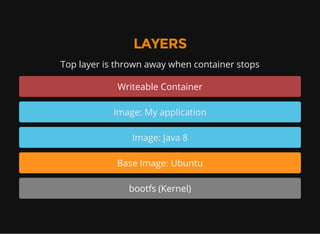
LAYERS
Top layer is thrown away when container stops
Writeable Container
Image: My application
Image: Java 8
Base Image: Ubuntu
bootfs (Kernel)
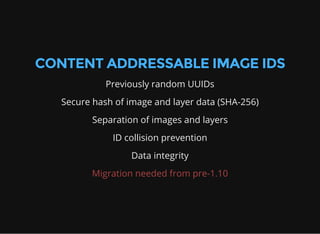
CONTENT ADDRESSABLE IMAGE IDS
Previously random UUIDs
Secure hash of image and layer data (SHA-256)
Separation of images and layers
ID collision prevention
Data integrity
Migration needed from pre-1.10
VOLUMES
Write and read data from outside
Mount local folders onto the container
Docker Volume drivers available
Basic Docker
DEMO TIME!
Commands
DOCKERFILE
Instructions to automate building of your image
Steps are cached for fast-reuse
FROM java:8
COPY target/application.jar app.jar
ENTRYPOINT ["java", "-jar", "app.jar"]
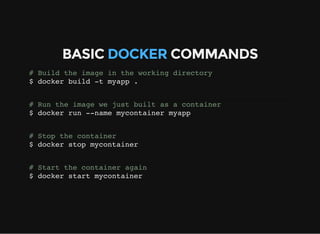
BASIC DOCKER COMMANDS
# Build the image in the working directory
$ docker build -t myapp .
# Run the image we just built as a container
$ docker run --name mycontainer myapp
# Stop the container
$ docker stop mycontainer
# Start the container again
$ docker start mycontainer
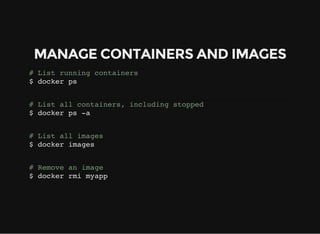
MANAGE CONTAINERS AND IMAGES
# List running containers
$ docker ps
# List all containers, including stopped
$ docker ps -a
# List all images
$ docker images
# Remove an image
$ docker rmi myapp
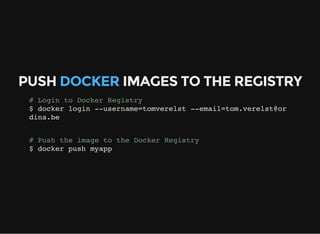
PUSH DOCKER IMAGES TO THE REGISTRY
# Login to Docker Registry
$ docker login --username=tomverelst --email=tom.verelst@or
dina.be
# Push the image to the Docker Registry
$ docker push myapp
HOW DO CONTAINERS REALLY WORK?
WARNING
Real low-level Linux stuff ahead!
BACK TO 2007, KERNEL 2.6.24
Control Groups aka cgroups
Kernel feature
Linux Containers aka lxc
Linux package that uses cgroups
CONTROL GROUP
Resource limiting
Prioritization
Accounting
Controlling
LINUX CONTAINERS
Package
Different on different Linux distro's
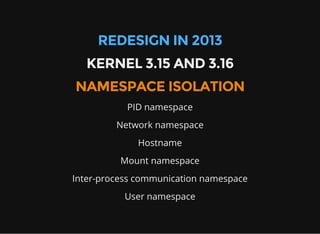
REDESIGN IN 2013
KERNEL 3.15 AND 3.16
NAMESPACE ISOLATION
PID namespace
Network namespace
Hostname
Mount namespace
Inter-process communication namespace
User namespace
FIRST DOCKER RELEASE IN 2013
Depended on LXC
Now abstracted with libcontainer
Benefits of containerisation
SCALING
IMMUTABLE INFRASTRUCTURE
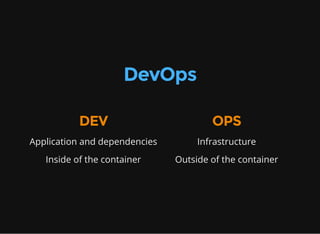
DevOps
DEV
Application and dependencies
Inside of the container
OPS
Infrastructure
Outside of the container
CONTINUOUS INTEGRATION
Same artifact for all environments
No more "It worked on my laptop"
Run your builds and tests inside containers
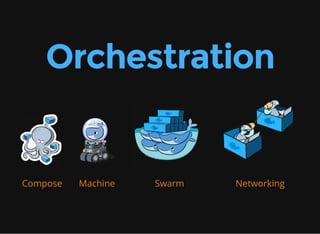
Orchestration
Compose Machine Swarm Networking
Compose
Define and run multi-container applications
Single host
Multi-host experimental
Machine
Create and provision machines as Docker hosts
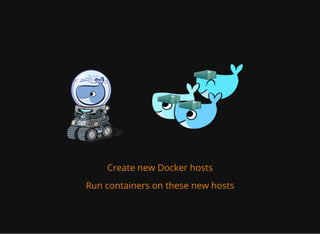
Create new Docker hosts
Run containers on these new hosts
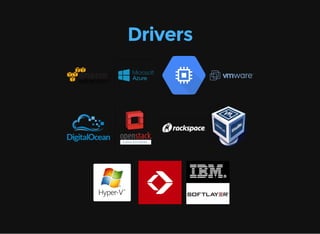
Drivers
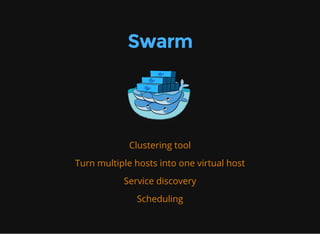
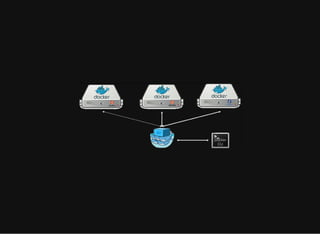
Swarm
Clustering tool
Turn multiple hosts into one virtual host
Service discovery
Scheduling
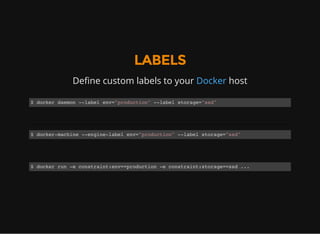
LABELS
Define custom labels to your Docker host
$ docker daemon --label env="production" --label storage="ssd"
$ docker-machine --engine-label env="production" --label storage="ssd"
$ docker run -e constraint:env==production -e constraint:storage==ssd ...
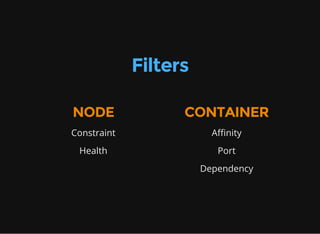
Filters
NODE
Constraint
Health
 
CONTAINER
Affinity
Port
Dependency
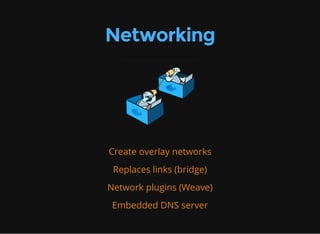
Networking
Create overlay networks
Replaces links (bridge)
Network plugins (Weave)
Embedded DNS server
Compose + Swarm Production Ready?
NOPE
https://github.com/docker/compose/issues/2866
https://cloud.docker.com/
(Tutum: )https://www.tutum.co/
Tools
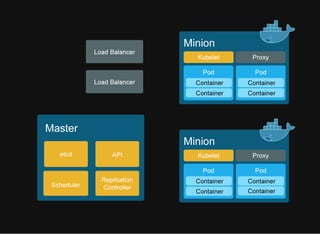
Kubernetes
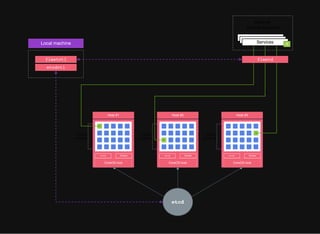
etcd etcd etcdDocker Docker Docker
CoreOS host CoreOS host CoreOS host
Host #1 Host #2 Host #3
etcd
fleetctl
etcdctl
fleetd
nServices
systemd
service files pool
Docker
containers
Docker
containers
Docker
containers
Local machine
Lattice
Flocker
Data Volume Manager
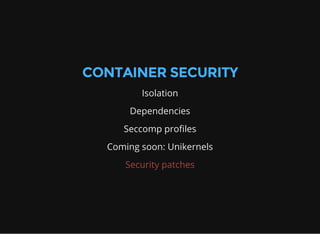
CONTAINER SECURITY
Isolation
Dependencies
Seccomp profiles
Coming soon: Unikernels
Security patches
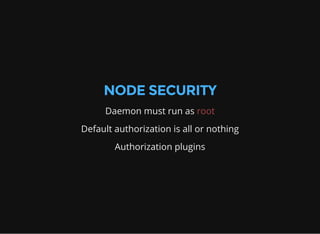
NODE SECURITY
Daemon must run as root
Default authorization is all or nothing
Authorization plugins
Roadmap
Thank You!
Automation & Tooling Competence Center
© 2016 JWorks

Introduction to Docker