






IInnttrroodduuccttiioonn ttoo 
ddoocckkeerr
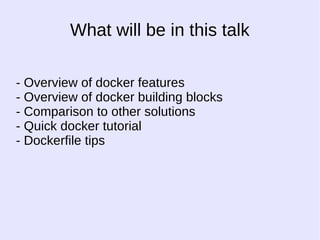
What will be in this talk 
- Overview of docker features 
- Overview of docker building blocks 
- Comparison to other solutions 
- Quick docker tutorial 
- Dockerfile tips
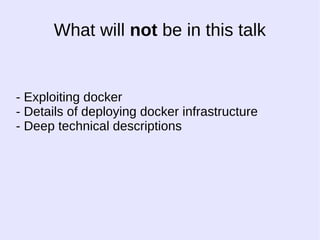
What will not be in this talk 
- Exploiting docker 
- Details of deploying docker infrastructure 
- Deep technical descriptions
Easy to learn
-- EEaassyy ttoo lleeaarrnn 
-- CCooooll wwhhaallee 
-- WWrriitttteenn iinn ggoo
BBuutt sseerriioouussllyy??
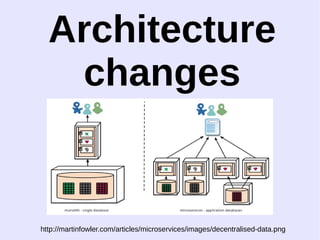
Architecture 
changes 
http://martinfowler.com/articles/microservices/images/decentralised-data.png
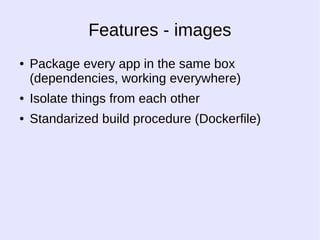
Features - images 
● Package every app in the same box 
(dependencies, working everywhere) 
● Isolate things from each other 
● Standarized build procedure (Dockerfile)
Containers
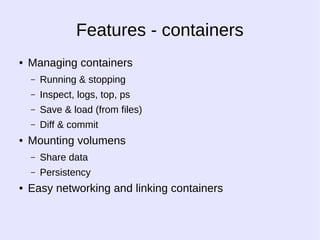
Features - containers 
● Managing containers 
– Running & stopping 
– Inspect, logs, top, ps 
– Save & load (from files) 
– Diff & commit 
● Mounting volumens 
– Share data 
– Persistency 
● Easy networking and linking containers
WWoorrkkss oonn 
eevveerryyoonnee''ss 
mmaacchhiinnee
IIssoollaatt iioonn
PPoorrttaabbiilliittyy
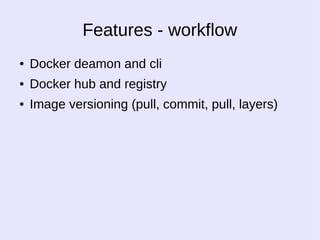
Features - workflow 
● Docker deamon and cli 
● Docker hub and registry 
● Image versioning (pull, commit, pull, layers)
DDoocckkeerr bbuuiillddiinngg 
bblloocckkss
HHooww iitt''ss 
ccooookkeedd??
NNaammeessppaacceess 
hhttttpp::////bblloogg..ddoottcclloouudd..ccoomm//uunnddeerr--tthhee--hhoooodd--lliinnuuxx--kkeerrnneellss--oonn-- 
ddoottcclloouudd--ppaarrtt
Namespaces - GOAL 
One of the overall goals of 
namespaces is to support the 
implementation of containers, a tool for 
lightweight virtualization.
Namespaces - HOW 
Wrap a particular global system 
resource in an abstraction that makes 
it appear to the processes within the 
namespace that they have their own 
isolated instance of the global resource
Namespaces - Result 
Processes 'think' that they are 
the only processes on the 
system
Namespaces - Examples 
- pid 
- numbering 
- hierarchy 
- cannot kill / ptrace in other namespaces 
- net 
- 20 apaches at 80 
- mount
CCoonnttrrooll 
ggrroouuppss 
hhttttpp::////bblloogg..ddoottcclloouudd..ccoomm//kkeerrnneell--sseeccrreettss--ffrroomm--tthhee--ppaaaass--ggaarraaggee-- 
ppaarrtt--2244--cc
Control groups 
Measure and limit resource 
usage for groups of 
processes
DDoocckkeerr vvss VVMM
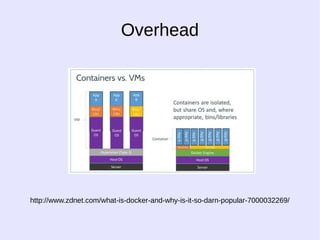
Overhead 
http://www.zdnet.com/what-is-docker-and-why-is-it-so-darn-popular-7000032269/
LLiigghhttwweeiigghhtt 
AAnndd 
ffaasstt
SShhaarriinngg OOSS
HHiigghheerr ddeennssiittyy
NNoott rreeaallllyy aa VVMM
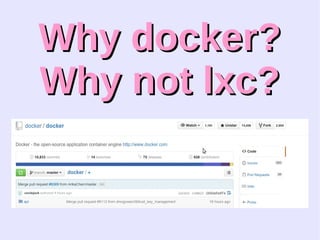
WWhhyy ddoocckkeerr?? 
WWhhyy nnoott llxxcc??
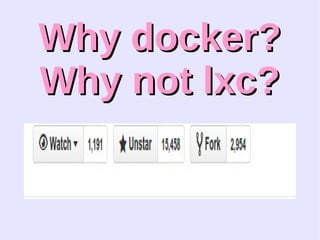
WWhhyy ddoocckkeerr?? 
WWhhyy nnoott llxxcc??
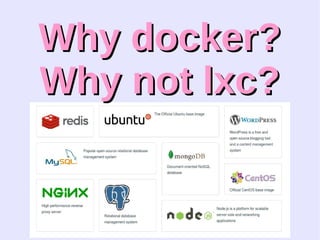
WWhhyy ddoocckkeerr?? 
WWhhyy nnoott llxxcc??
WWhhyy ddoocckkeerr?? 
WWhhyy nnoott llxxcc?? 
http://stackoverflow.com/questions/17989306/what-does-docker-add-to-just-plain-lxc
DDoocckkeerr ttuuttoorriiaall
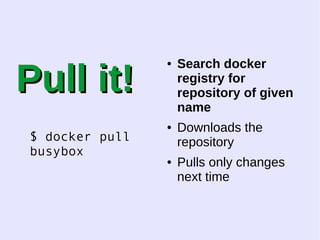
PPuullll iitt!! 
$ docker pull 
busybox 
● Search docker 
registry for 
repository of given 
name 
● Downloads the 
repository 
● Pulls only changes 
next time
PPuullll iitt!! 
$ docker pull 
busybox 
● Search docker 
registry for repository 
of given name 
● Downloads the 
repository 
● Pulls only changes 
next time
PPuullll iitt!! 
$ docker pull 
busybox 
● Search docker 
registry for repository 
of given name 
● Downloads the 
repository 
● Pulls only changes 
next time
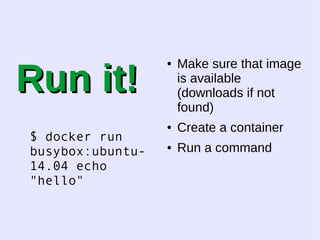
RRuunn iitt!! 
$ docker run 
busybox:ubuntu- 
14.04 echo 
"hello" 
● Make sure that image 
is available 
(downloads if not 
found) 
● Create a container 
● Run a command
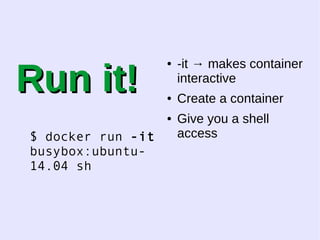
RRuunn iitt!! 
$ docker run -it 
busybox:ubuntu- 
14.04 sh 
● -it → makes container 
interactive 
● Create a container 
● Give you a shell 
access
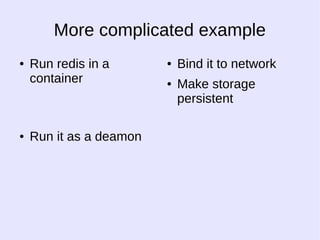
More complicated example 
● Run redis in a 
container 
● Run it as a deamon 
● Bind it to network 
● Make storage 
persistent
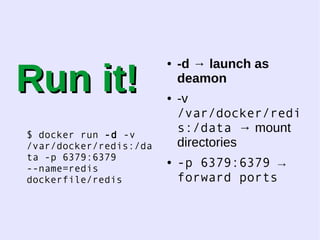
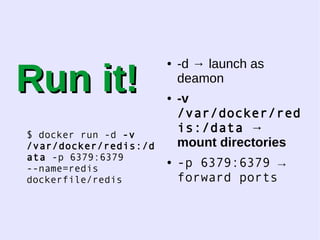
RRuunn iitt!! 
$ docker run -d -v 
/var/docker/redis:/da 
ta -p 6379:6379 
--name=redis 
dockerfile/redis 
● -d → launch as 
deamon 
● -v 
/var/docker/redi 
s:/data → mount 
directories 
● -p 6379:6379 → 
forward ports
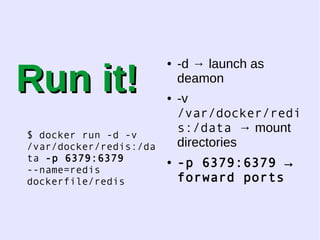
RRuunn iitt!! 
$ docker run -d -v 
/var/docker/redis:/d 
ata -p 6379:6379 
--name=redis 
dockerfile/redis 
● -d → launch as 
deamon 
● -v 
/var/docker/red 
is:/data → 
mount directories 
● -p 6379:6379 → 
forward ports
RRuunn iitt!! 
$ docker run -d -v 
/var/docker/redis:/da 
ta -p 6379:6379 
--name=redis 
dockerfile/redis 
● -d → launch as 
deamon 
● -v 
/var/docker/redi 
s:/data → mount 
directories 
● -p 6379:6379 → 
forward ports
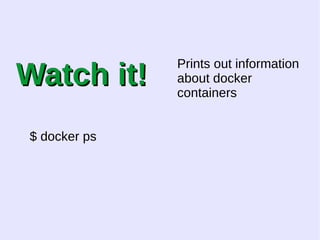
WWaattcchh iitt!! 
$ docker ps 
Prints out information 
about docker 
containers
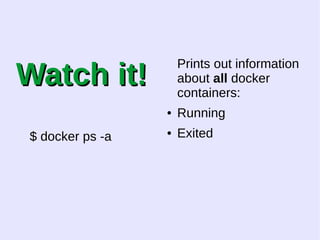
WWaattcchh iitt!! 
$ docker ps -a 
Prints out information 
about all docker 
containers: 
● Running 
● Exited
WWaattcchh iitt!! 
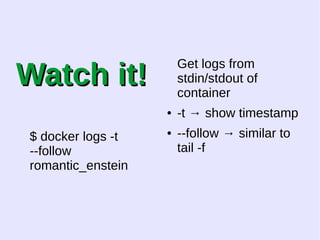
$ docker logs -t 
--follow 
romantic_enstein 
Get logs from 
stdin/stdout of 
container 
● -t → show timestamp 
● --follow → similar to 
tail -f
WWaattcchh iitt!! 
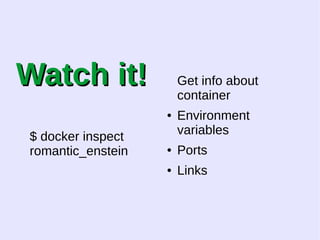
$ docker inspect 
romantic_enstein 
Get info about 
container 
● Environment 
variables 
● Ports 
● Links
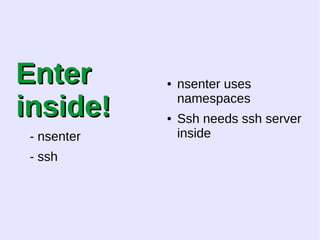
EEnntteerr 
iinnssiiddee!! 
- nsenter 
- ssh 
● nsenter uses 
namespaces 
● Ssh needs ssh server 
inside
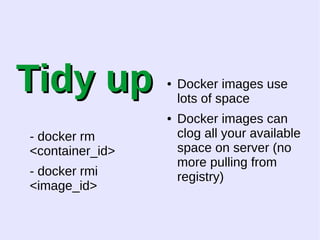
TTiiddyy uupp 
- docker rm 
<container_id> 
- docker rmi 
<image_id> 
● Docker images use 
lots of space 
● Docker images can 
clog all your available 
space on server (no 
more pulling from 
registry)
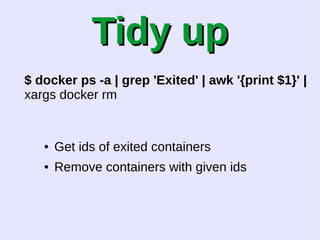
TTiiddyy uupp 
$ docker ps -a | grep 'Exited' | awk '{print $1}' | 
xargs docker rm 
● Get ids of exited containers 
● Remove containers with given ids
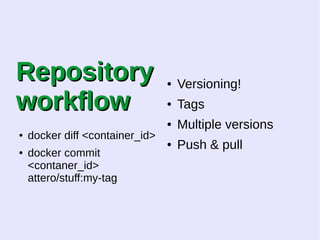
RReeppoossiittoorryy 
wwoorrkkffllooww 
● docker diff <container_id> 
● docker commit 
<contaner_id> 
attero/stuff:my-tag 
● Versioning! 
● Tags 
● Multiple versions 
● Push & pull
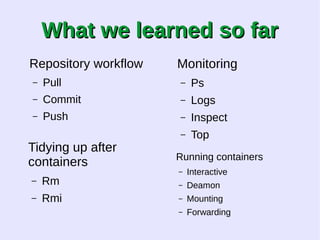
WWhhaatt wwee lleeaarrnneedd ssoo ffaarr 
Repository workflow 
– Pull 
– Commit 
– Push 
Tidying up after 
containers 
– Rm 
– Rmi 
Monitoring 
– Ps 
– Logs 
– Inspect 
– Top 
Running containers 
– Interactive 
– Deamon 
– Mounting 
– Forwarding
Containers are 
nice
How about automation?
DOCKERFILE
DOCKERFILE 
- Version control 
- Automation 
- Portability
DOCKERFILE 
FROM ubuntu 
MAINTAINER me@me.me 
# Install tmux 
RUN  
apt-get update && apt-get install tmux 
RUN mkdir /home/hello 
# Define working directory. 
WORKDIR /home/hello 
# Define default command. 
CMD ["/bin/bash"]
DOCKERFILE 
FROM ubuntu ← defines base imag 
MAINTAINER me@me.me ← who is reponsible 
# Install tmux 
RUN  
apt-get update && apt-get install tmux 
RUN mkdir /home/hello ← let's run some 
commands 
# Define working directory. 
WORKDIR /home/hello ← let's start here 
# Define default command. 
CMD ["/bin/bash"] ← default command to run 
without arguments in run
DOCKERFILE 
Every command in 
Dockerfile is run on 
a different container
DOCKERFILE 
Don't start services 
in dockerfile.
DOCKERFILE 
Cache! 
- use it 
- save lots of time 
- not changed 
layers are reused
DOCKERFILE 
- short 
- good base image 
- most changing 
things at the bottom
DOCKERFILE 
Every command in 
Dockerfile is run on 
a different container
Learning resources 
● http://docs.docker.com/#installation-guides 
● http://docs.docker.com/reference/builder/ 
● http://docs.docker.com/reference/commandline/cli 
/ 
● https://crosbymichael.com/dockerfile-best-practic 
es.html 
● http://docs.docker.com/articles/basics/ 
● https://www.youtube.com/watch?v=XCVOxht34H 
s 
● https://www.youtube.com/watch?v=9bvdc55xYdo
More Learning resources 
● https://www.digitalocean.com/community/tutoria 
ls/docker-explained-how-to-containerize-python 
-web-applications 
● http://phusion.github.io/baseimage-docker/ 
● https://circleci.com/docs/docker 
● http://docs.docker.com/userguide/usingdocker/
Q&A

Introduction to docker