Introduction to
CSS
Welcome to our comprehensive introduction to Cascading Style Sheets (CSS). In
this presentation, we'll explore the definition, advantages, syntax, and methods of
using CSS to style your web pages.
What is
CSS?
Definition
CSS is a style sheet language used
to describe the presentation of a
document written in a markup
language like HTML.
Purpose
CSS allows web developers to
control the layout, color, font, and
and other visual aspects of a web
web page.
Separation of
Concerns
CSS separates content (HTML) from
presentation, making it easier to
maintain and update web pages.
Consistency
CSS ensures consistent styling
across across multiple web pages,
improving the overall user
experience.
Advantages of
CSS
Flexibility
CSS allows you to easily
change change the appearance
of your your web pages
without modifying the HTML.
Efficiency
CSS reduces code duplication
duplication and makes it
easier easier to update styles
across across multiple pages.
Accessibility
CSS can be used to improve
the the accessibility of your
web content for users with
disabilities.
Responsiveness
CSS enables the creation of
responsive web designs that
adapt to different screen sizes
sizes and devices.
CSS
Syntax
1 Selectors
CSS selectors target HTML
elements to apply styles.
2 Properties
CSS properties define the visual
visual characteristics of an
element, such as color, font, and
and layout.
3 Values
Values are assigned to CSS
properties to specify how the
element should be styled.
4 Declarations
A declaration is a single
property- property-value pair
within a CSS CSS rule.
CSS
Selectors
Element Selectors
Target HTML elements by their tag
tag name, such as h1, p, or div.
Class Selectors
Target elements with a specific
class attribute, using the . notation.
ID Selectors
Target a unique element with a
specific ID attribute, using the
# notation.
Attribute Selectors
Target elements based on their
attribute values, using square
brackets.
Applying
CSS
Inline
CSS
CSS styles are applied directly
to directly to an HTML element
using the style attribute.
Internal CSS
CSS styles are defined in the
head section of an HTML
document, using the style
tag. tag.
External CSS
CSS styles are written in a
separate .css file and linked
to to the HTML document
using using the link tag.
Cascade
CSS follows a specific order of
of precedence when
applying applying styles,
known as the the cascade.
CSS
Properties
Color
Set the color of text,
backgrounds, backgrounds, and
other elements. elements.
Background
Control the background color,
color, image, and other properties.
properties.
Text
Customize the font, size,
alignment, and other
text properties.
Border
Define the width, style, and
color color of element borders.
CSS in
Action
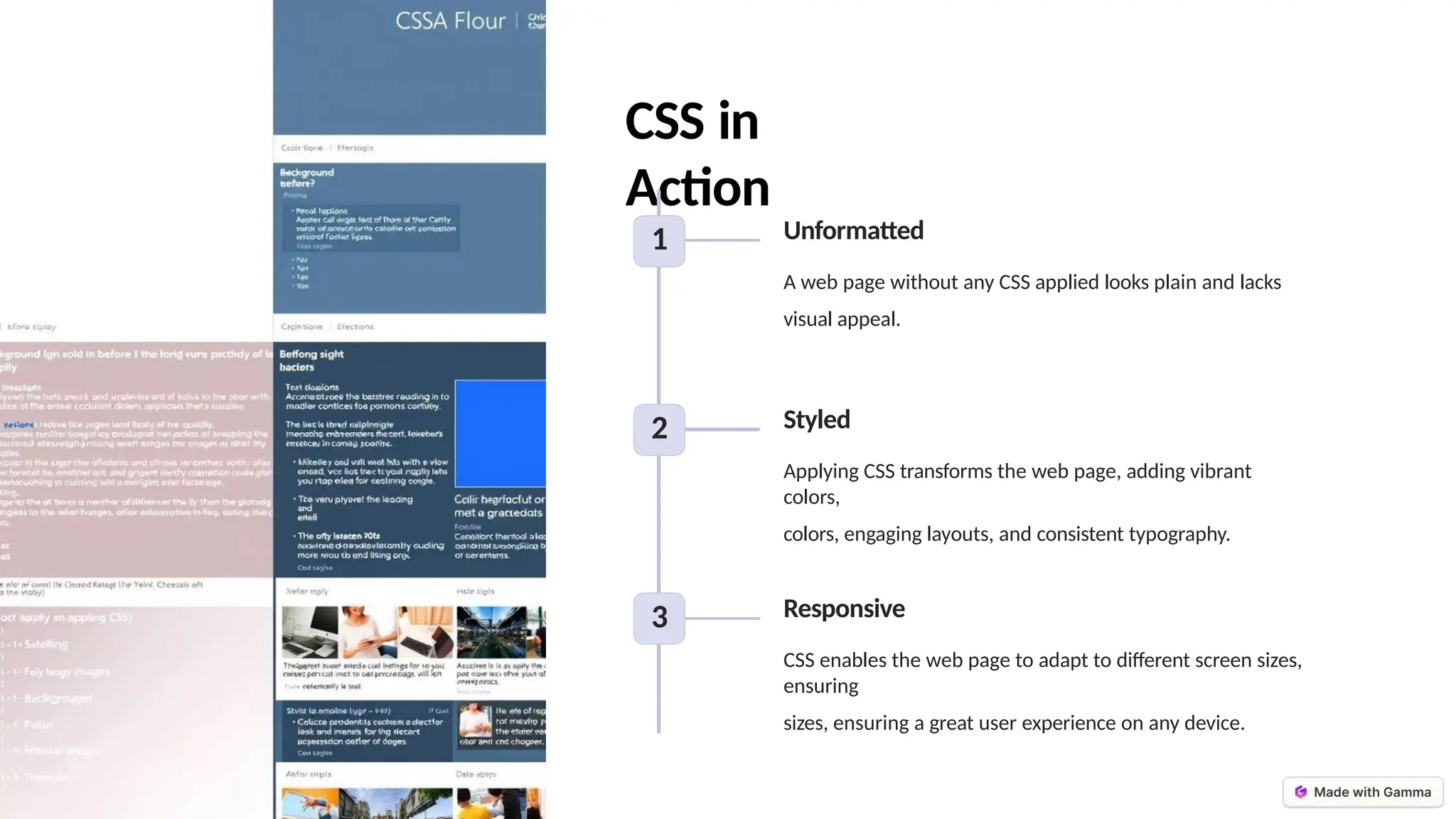
1 Unformatted
A web page without any CSS applied looks plain and lacks
visual appeal.
2 Styled
Applying CSS transforms the web page, adding vibrant
colors,
colors, engaging layouts, and consistent typography.
3 Responsive
CSS enables the web page to adapt to different screen sizes,
ensuring
sizes, ensuring a great user experience on any device.
Key Takeaways
Separation of Concerns
CSS separates content from presentation, making web
development more efficient and maintainable.
Responsive Design
CSS enables the creation of responsive web designs that adapt
to adapt to different screen sizes and devices.
Flexibility and Consistency
CSS provides the ability to easily update and apply
styles consistently across multiple web pages.
Endless Possibilities
CSS offers a vast array of properties and techniques to
create create visually stunning and engaging web
experiences.

Introduction-to-CSS hihihihihihihih.pptx

  • 1.
    Introduction to CSS Welcome toour comprehensive introduction to Cascading Style Sheets (CSS). In this presentation, we'll explore the definition, advantages, syntax, and methods of using CSS to style your web pages.
  • 2.
    What is CSS? Definition CSS isa style sheet language used to describe the presentation of a document written in a markup language like HTML. Purpose CSS allows web developers to control the layout, color, font, and and other visual aspects of a web web page. Separation of Concerns CSS separates content (HTML) from presentation, making it easier to maintain and update web pages. Consistency CSS ensures consistent styling across across multiple web pages, improving the overall user experience.
  • 3.
    Advantages of CSS Flexibility CSS allowsyou to easily change change the appearance of your your web pages without modifying the HTML. Efficiency CSS reduces code duplication duplication and makes it easier easier to update styles across across multiple pages. Accessibility CSS can be used to improve the the accessibility of your web content for users with disabilities. Responsiveness CSS enables the creation of responsive web designs that adapt to different screen sizes sizes and devices.
  • 4.
    CSS Syntax 1 Selectors CSS selectorstarget HTML elements to apply styles. 2 Properties CSS properties define the visual visual characteristics of an element, such as color, font, and and layout. 3 Values Values are assigned to CSS properties to specify how the element should be styled. 4 Declarations A declaration is a single property- property-value pair within a CSS CSS rule.
  • 5.
    CSS Selectors Element Selectors Target HTMLelements by their tag tag name, such as h1, p, or div. Class Selectors Target elements with a specific class attribute, using the . notation. ID Selectors Target a unique element with a specific ID attribute, using the # notation. Attribute Selectors Target elements based on their attribute values, using square brackets.
  • 6.
    Applying CSS Inline CSS CSS styles areapplied directly to directly to an HTML element using the style attribute. Internal CSS CSS styles are defined in the head section of an HTML document, using the style tag. tag. External CSS CSS styles are written in a separate .css file and linked to to the HTML document using using the link tag. Cascade CSS follows a specific order of of precedence when applying applying styles, known as the the cascade.
  • 7.
    CSS Properties Color Set the colorof text, backgrounds, backgrounds, and other elements. elements. Background Control the background color, color, image, and other properties. properties. Text Customize the font, size, alignment, and other text properties. Border Define the width, style, and color color of element borders.
  • 8.
    CSS in Action 1 Unformatted Aweb page without any CSS applied looks plain and lacks visual appeal. 2 Styled Applying CSS transforms the web page, adding vibrant colors, colors, engaging layouts, and consistent typography. 3 Responsive CSS enables the web page to adapt to different screen sizes, ensuring sizes, ensuring a great user experience on any device.
  • 9.
    Key Takeaways Separation ofConcerns CSS separates content from presentation, making web development more efficient and maintainable. Responsive Design CSS enables the creation of responsive web designs that adapt to adapt to different screen sizes and devices. Flexibility and Consistency CSS provides the ability to easily update and apply styles consistently across multiple web pages. Endless Possibilities CSS offers a vast array of properties and techniques to create create visually stunning and engaging web experiences.