


C# on 2.6 billion devices
Pierce Boggan
@pierceboggan
pierceboggan.com
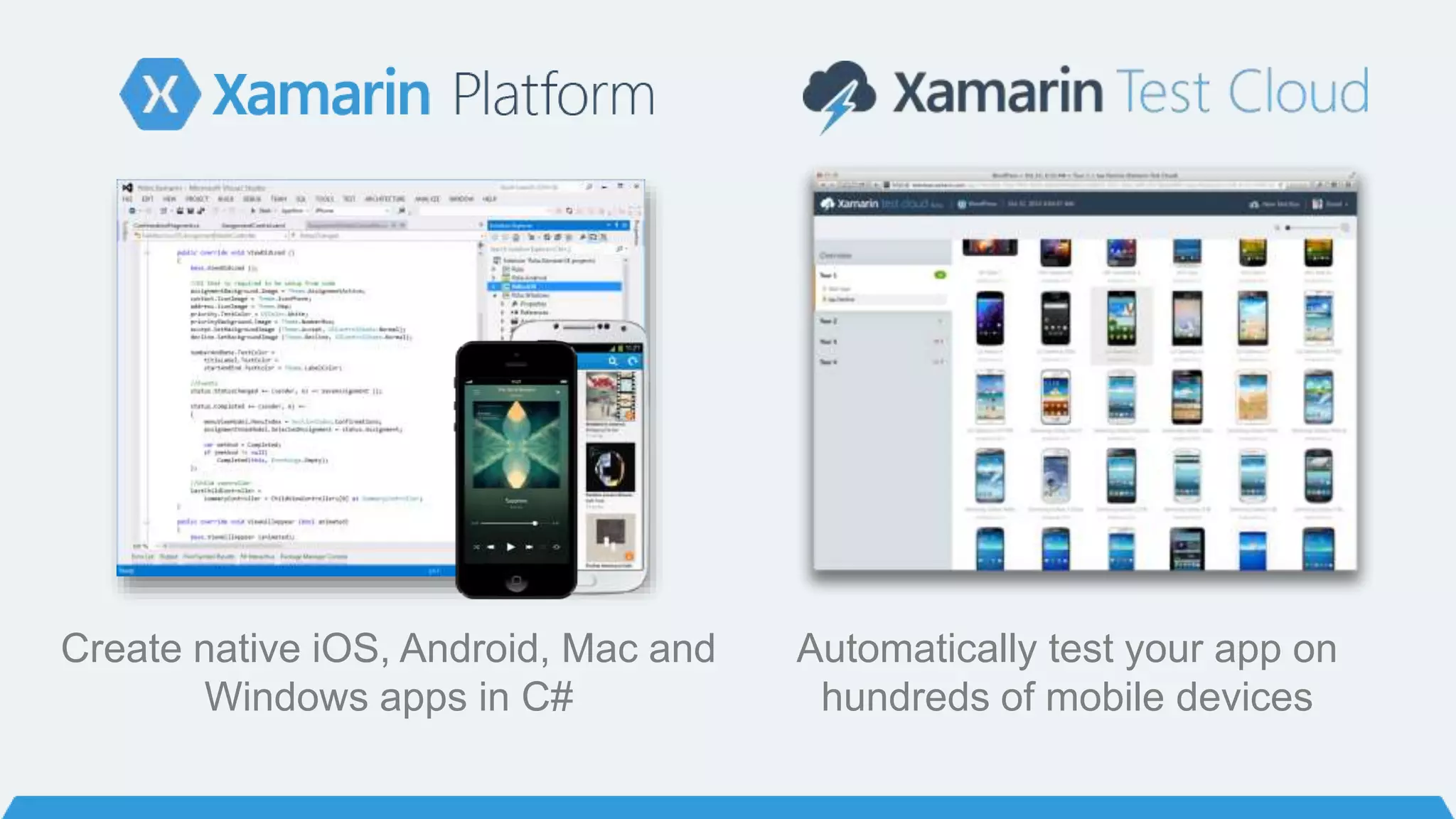
Automatically test your app on
hundreds of mobile devices
Create native iOS, Android, Mac and
Windows apps in C#
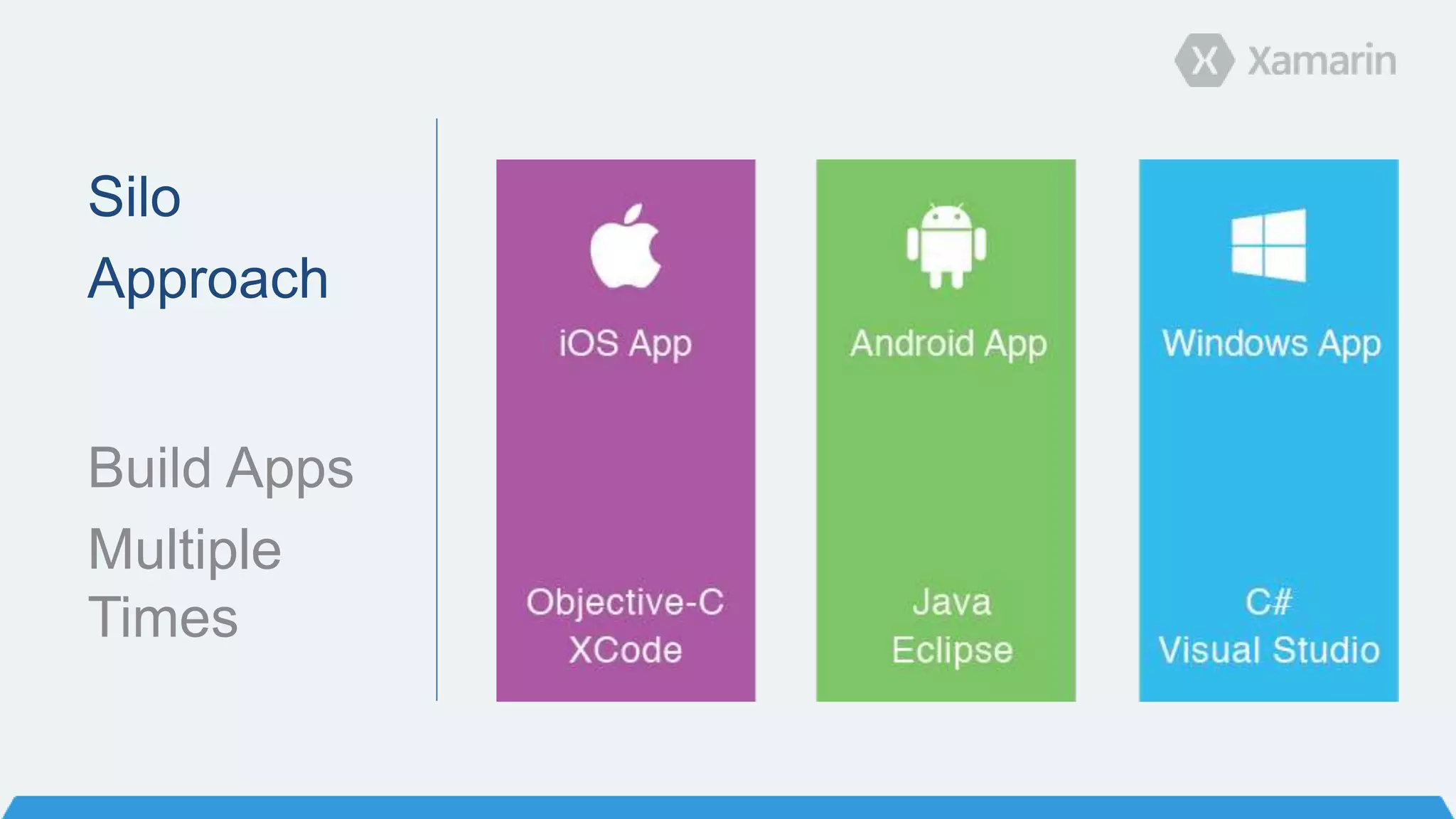
Silo
Approach
Build Apps
Multiple
Times
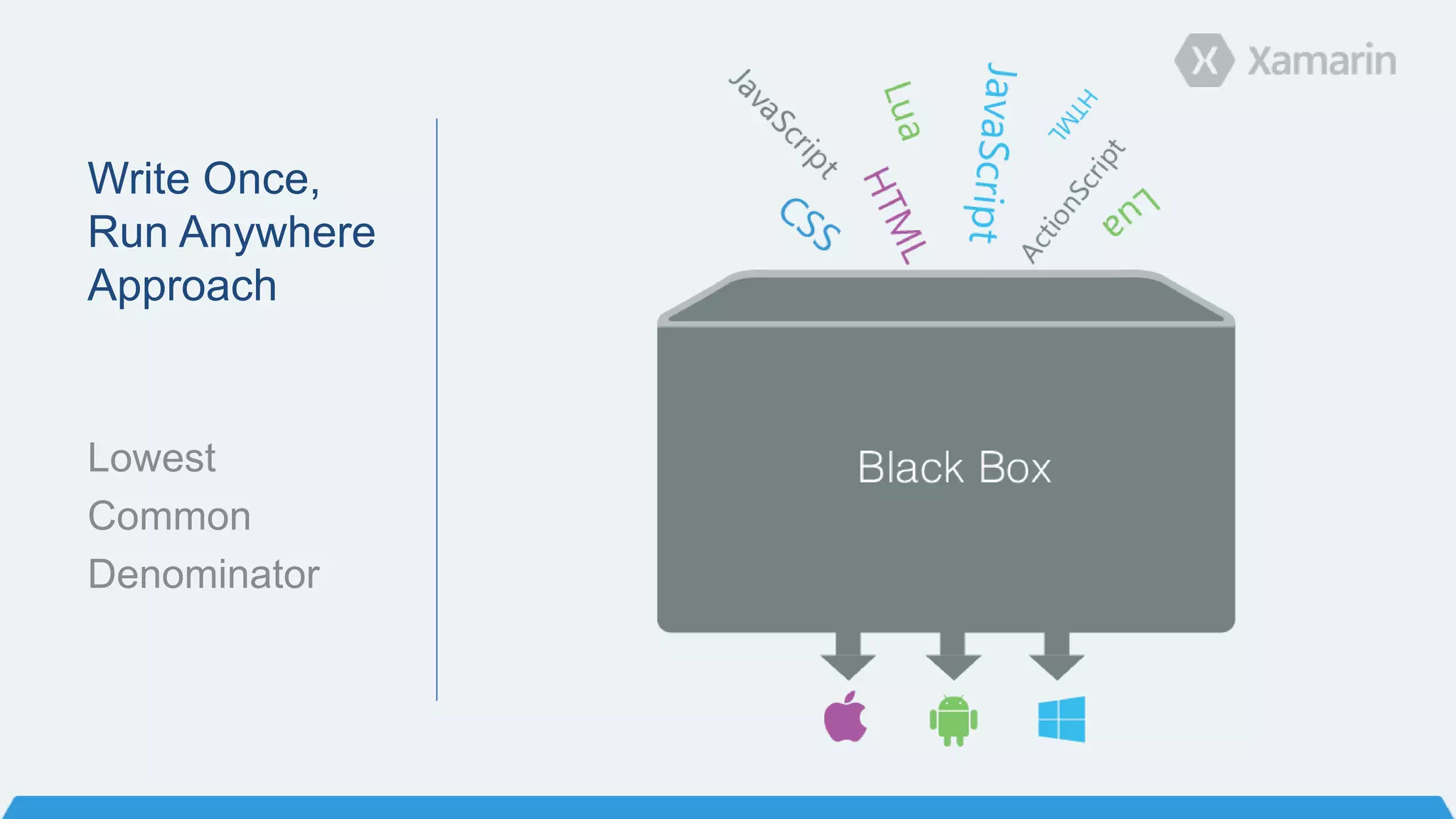
Write Once,
Run Anywhere
Approach
Lowest
Common
Denominator
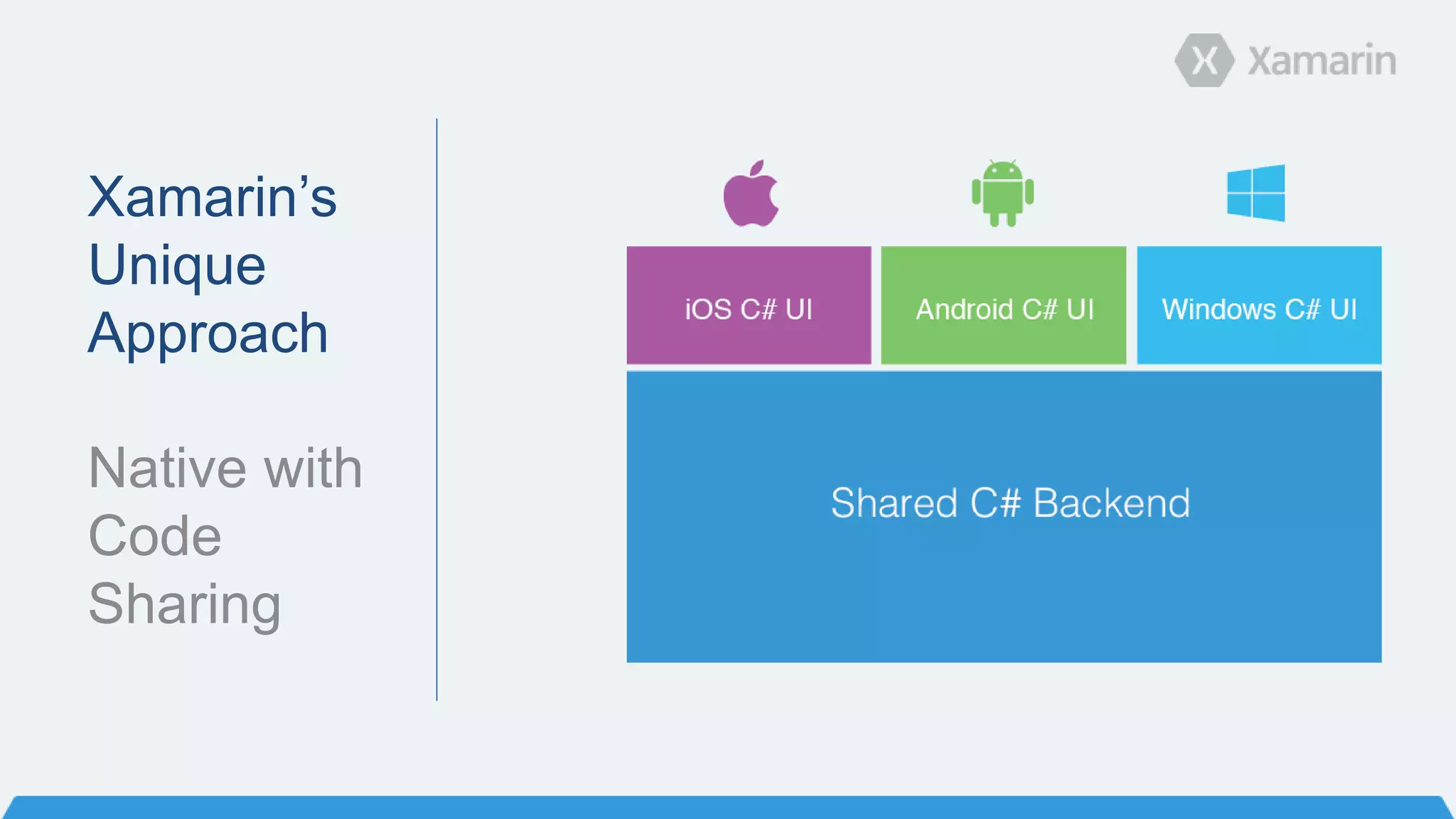
Xamarin’s
Unique
Approach
Native with
Code
Sharing
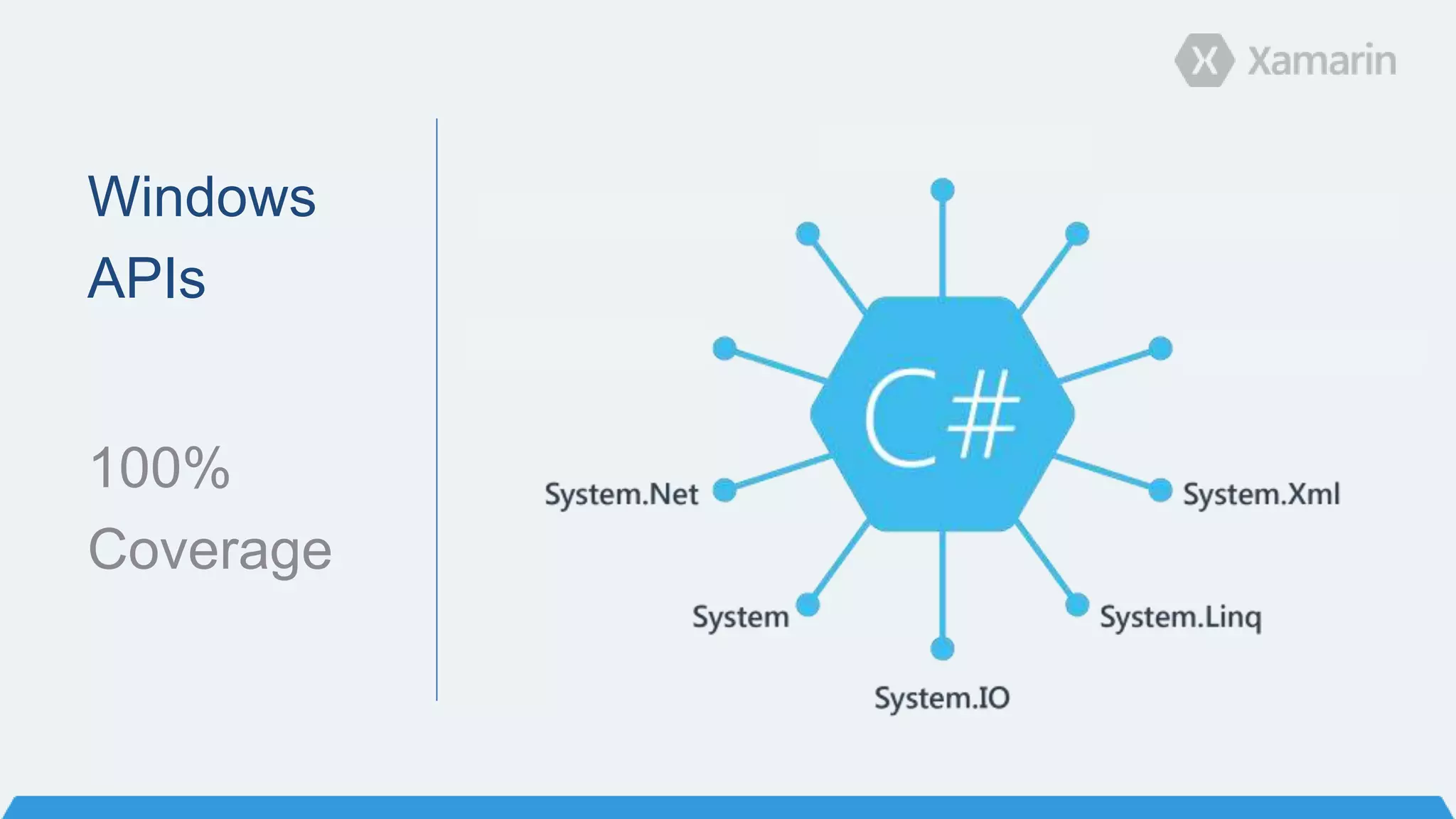
Windows
APIs
100%
Coverage
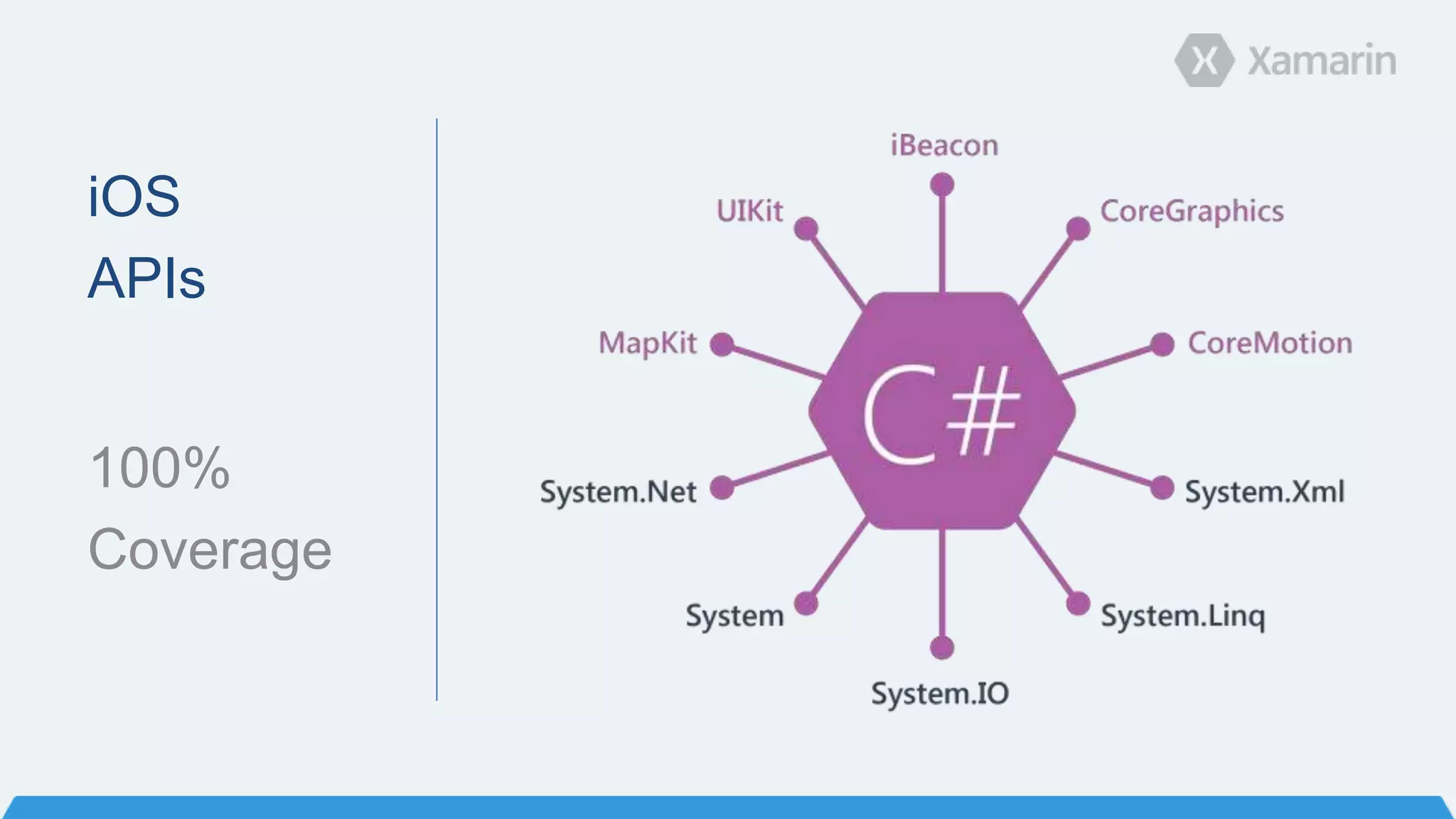
iOS
APIs
100%
Coverage
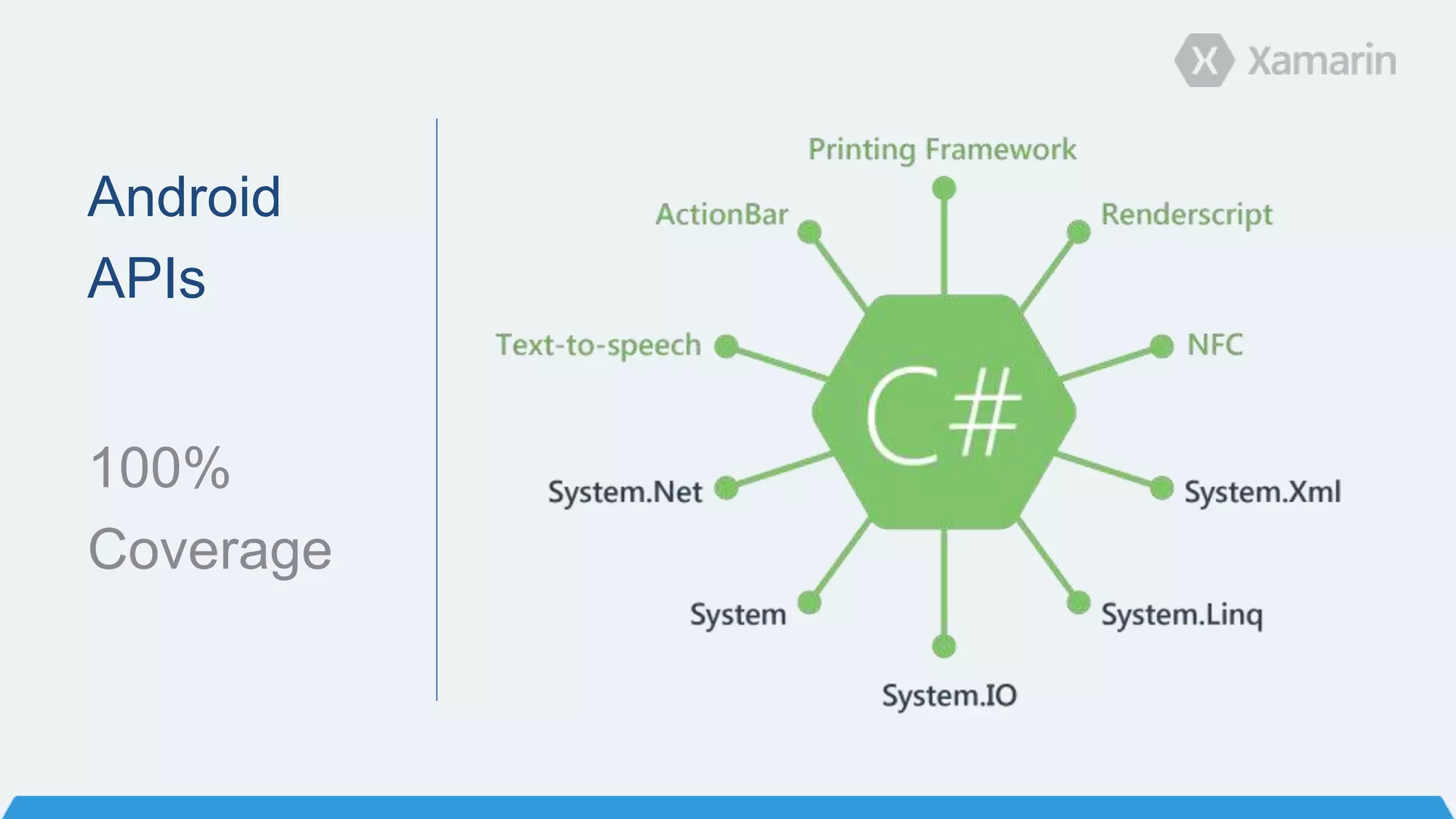
Android
APIs
100%
Coverage
Anything you can do in Objective-C, Swift or
Java, can be done in C# with Xamarin.
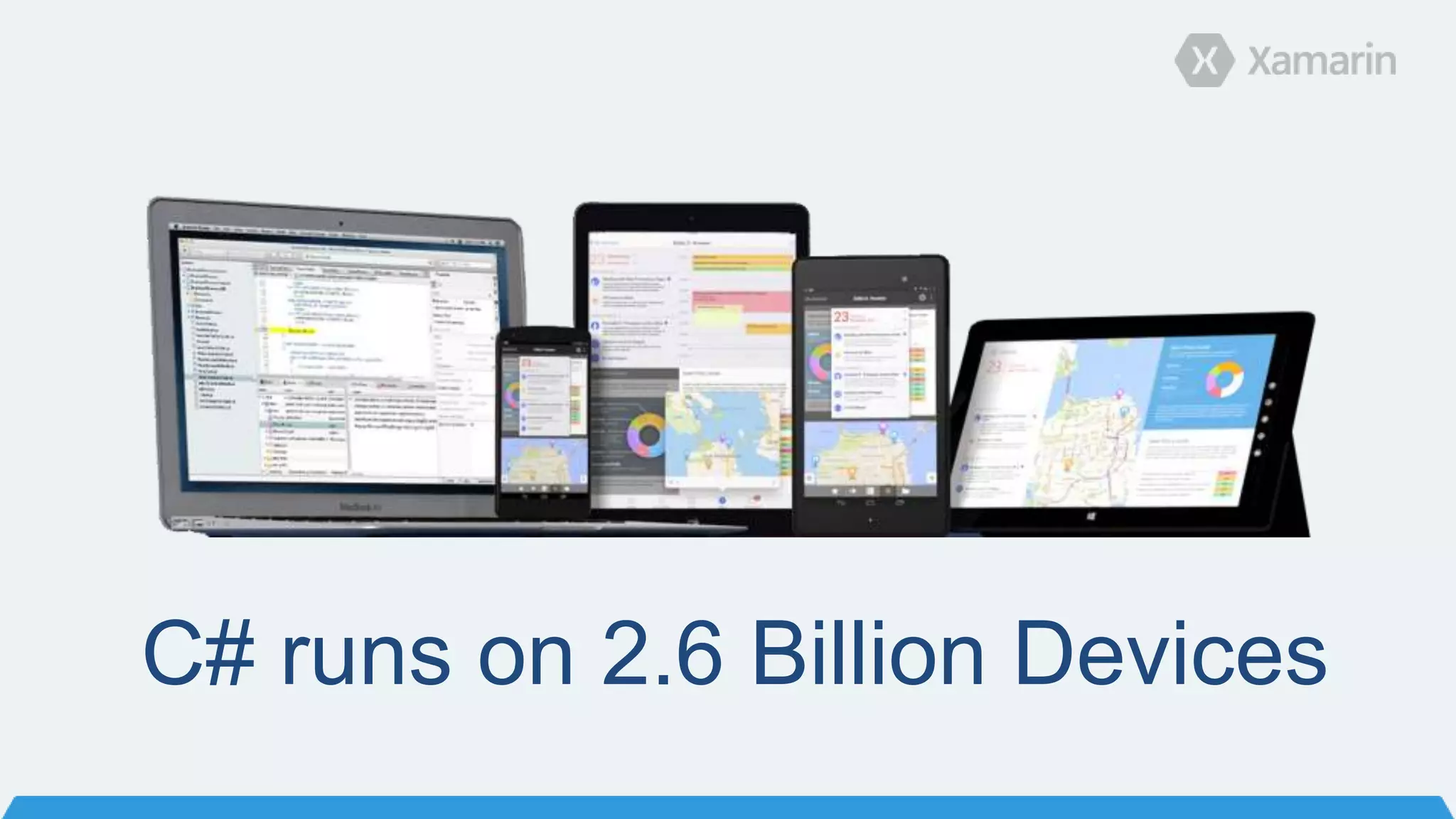
C# runs on 2.6 Billion Devices
How
Xamarin
Works
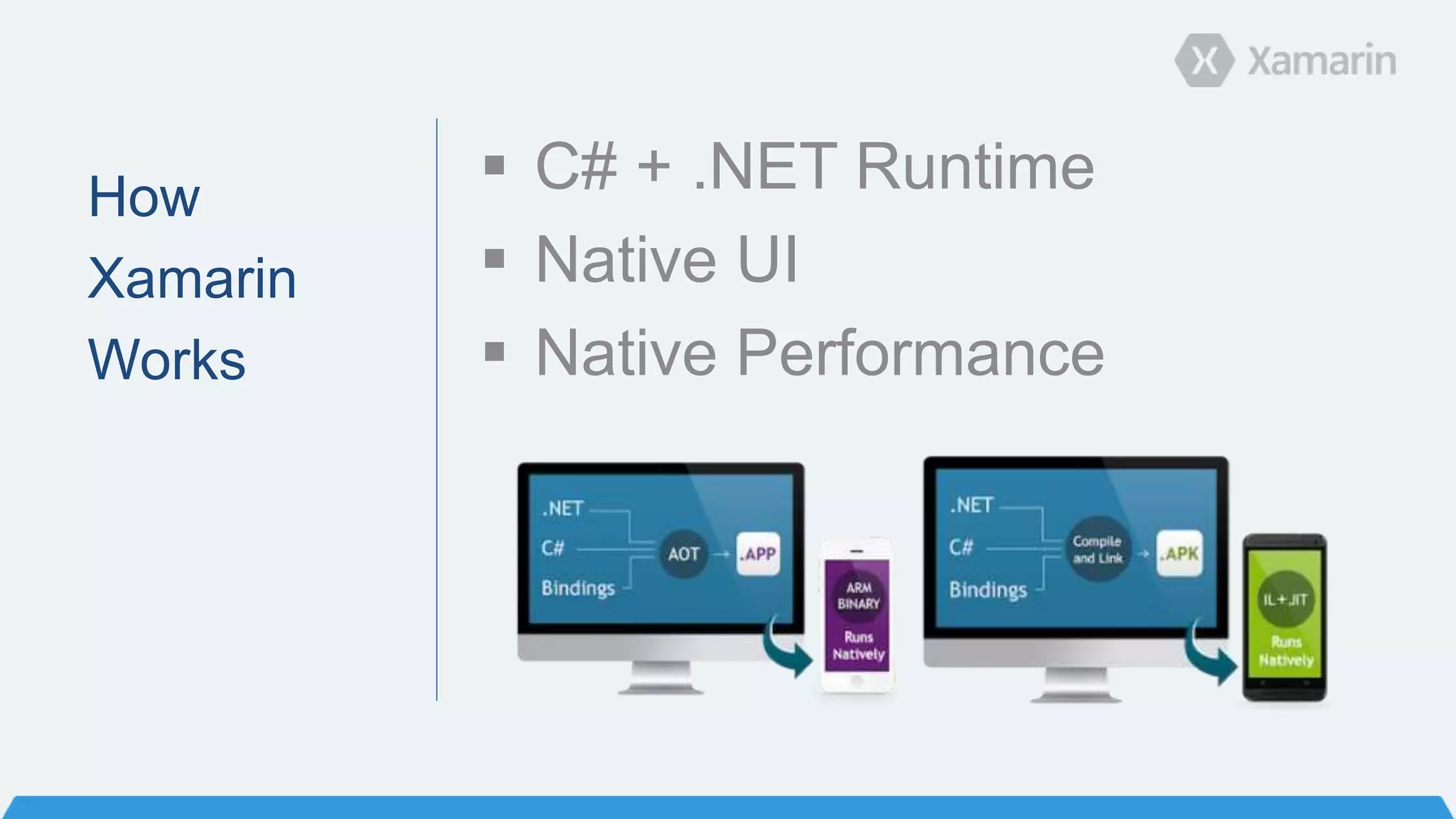
 C# + .NET Runtime
 Native UI
 Native Performance
What’s new in Xamarin 3
Major
Elements
in
Xamarin 3
 Xamarin Designer for iOS
 Major IDE Enhancements
 Improved Code Sharing
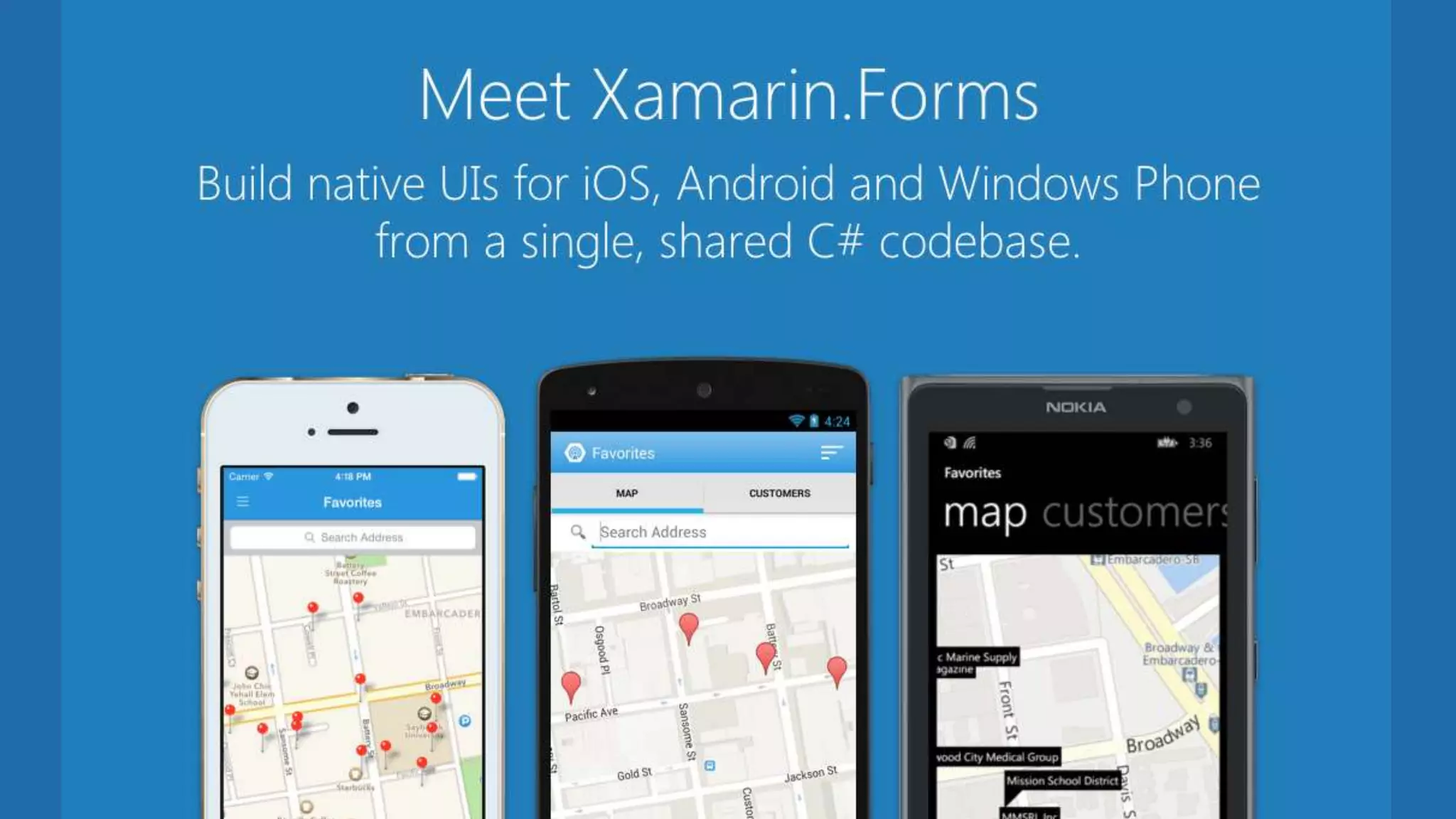
 Xamarin.Forms
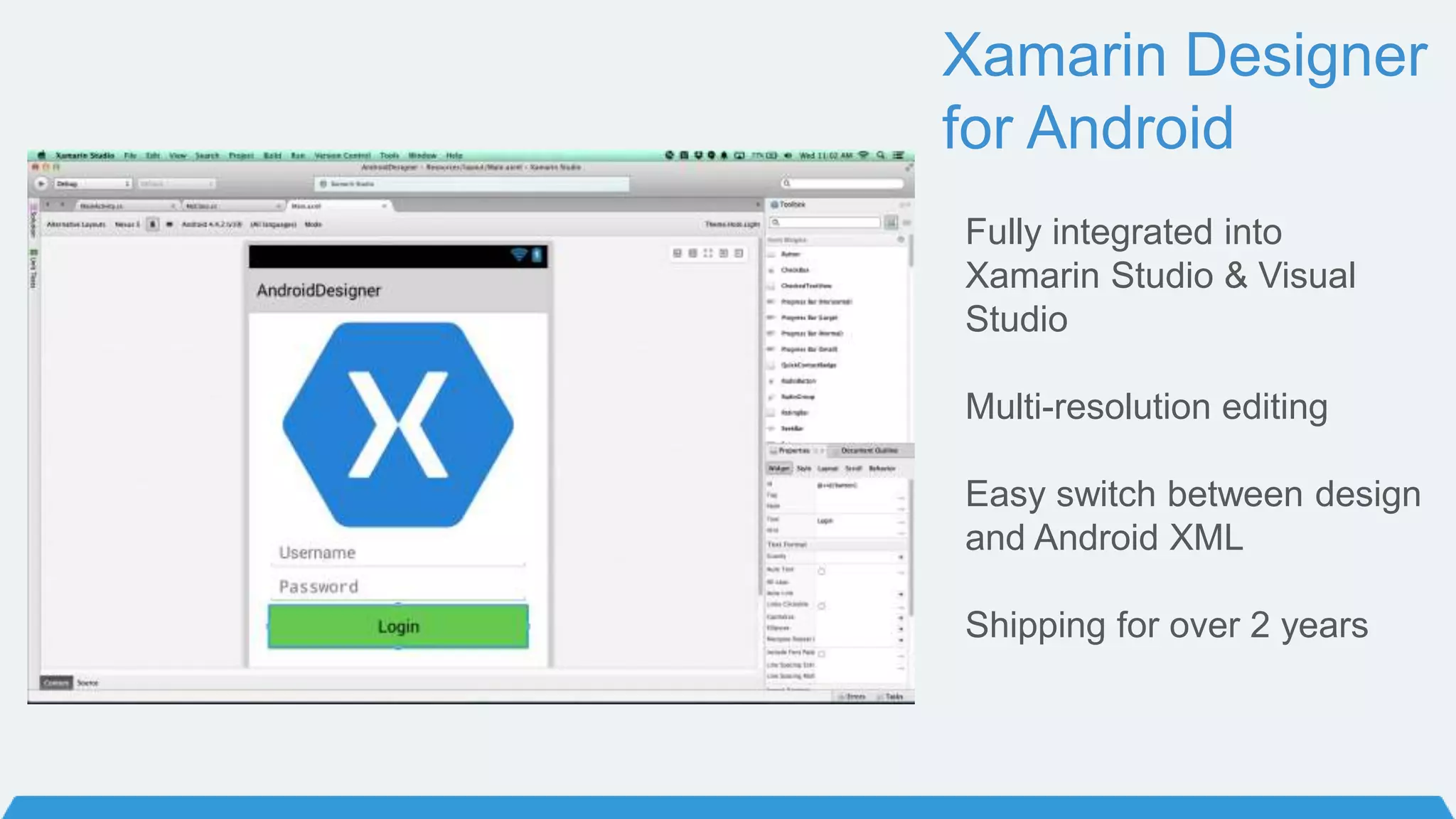
Xamarin Designer
for Android
Fully integrated into
Xamarin Studio & Visual
Studio
Multi-resolution editing
Easy switch between design
and Android XML
Shipping for over 2 years
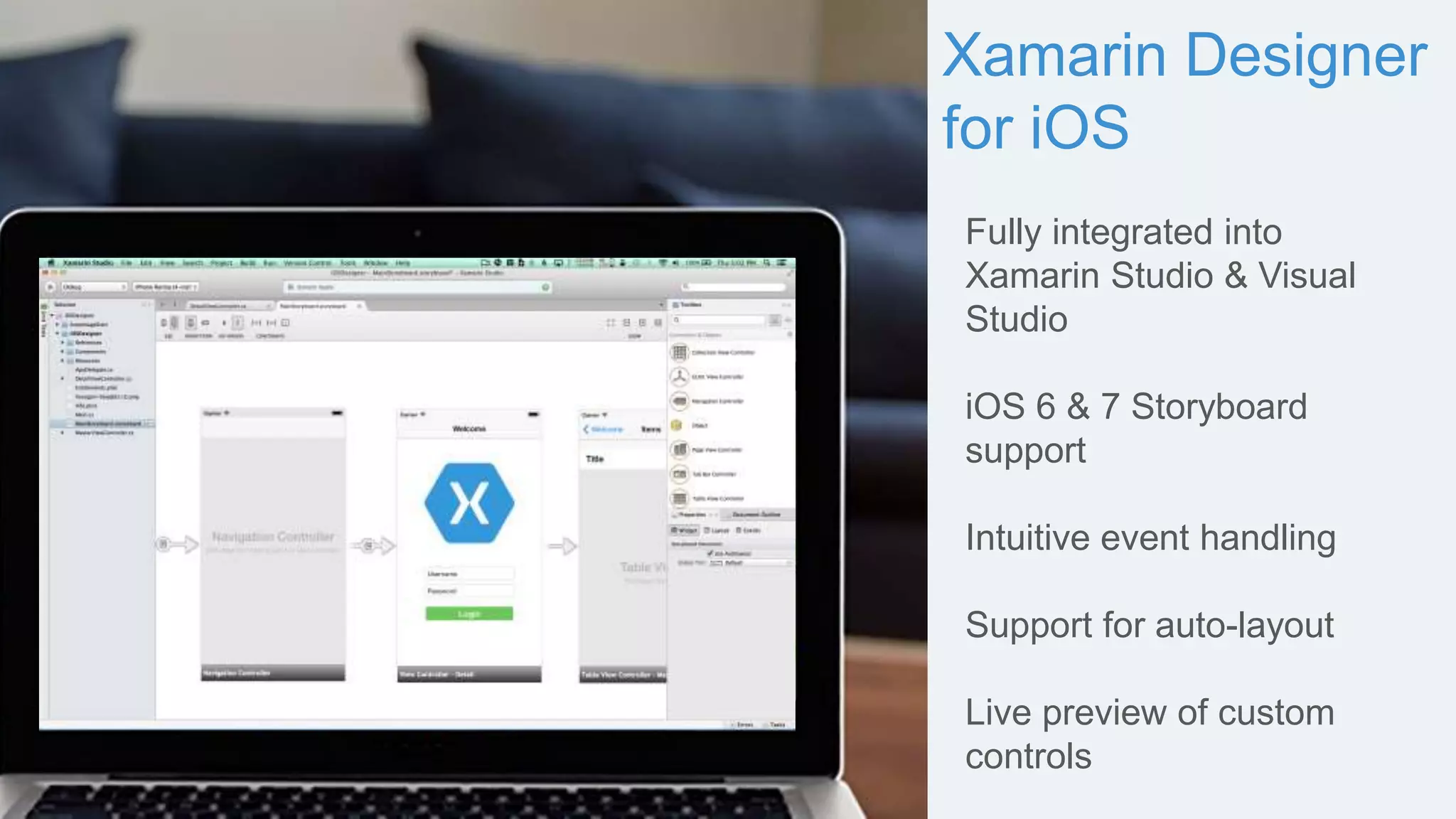
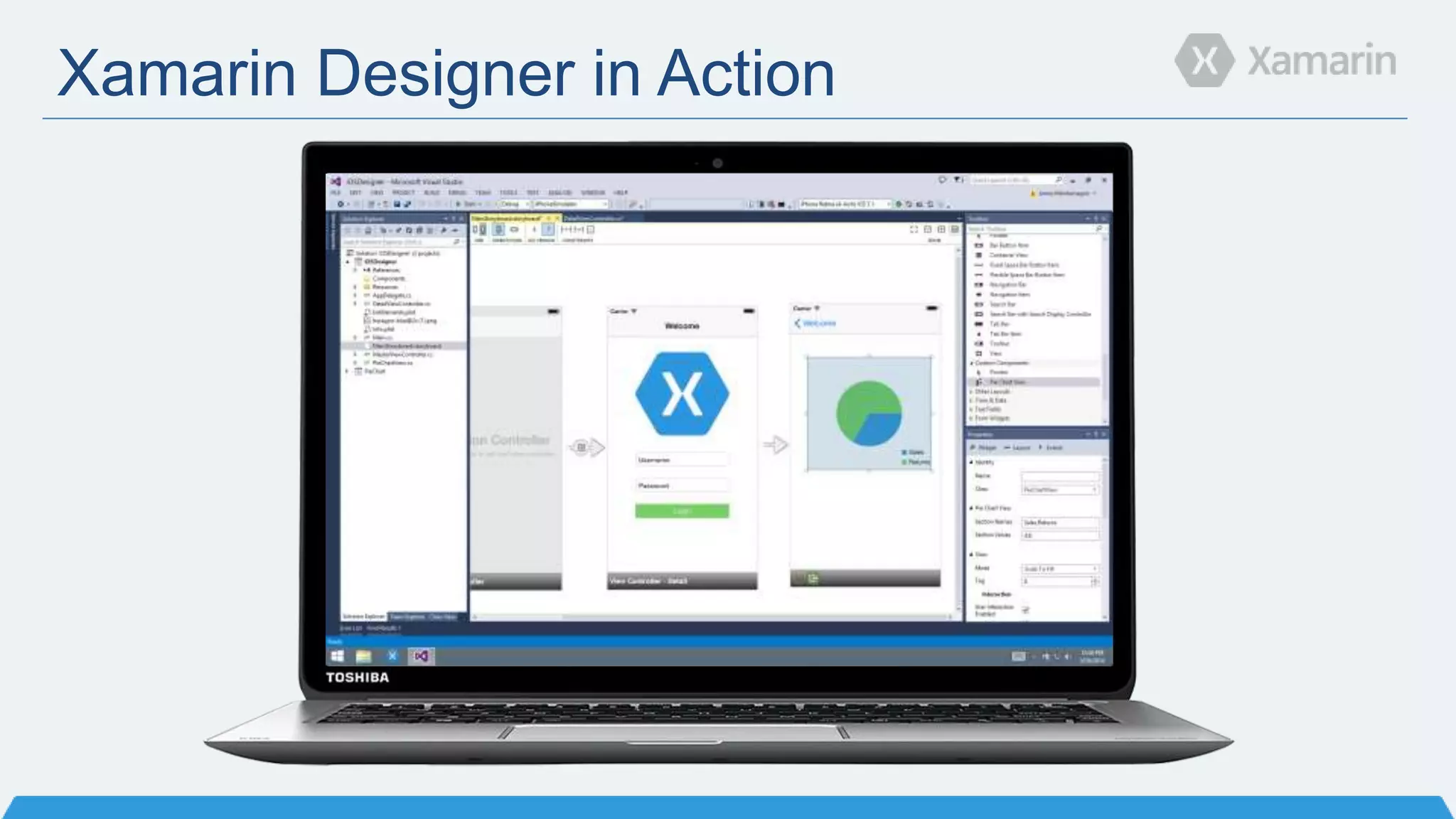
Xamarin Designer
for iOS
Fully integrated into
Xamarin Studio & Visual
Studio
iOS 6 & 7 Storyboard
support
Intuitive event handling
Support for auto-layout
Live preview of custom
controls
Xamarin Designer in Action
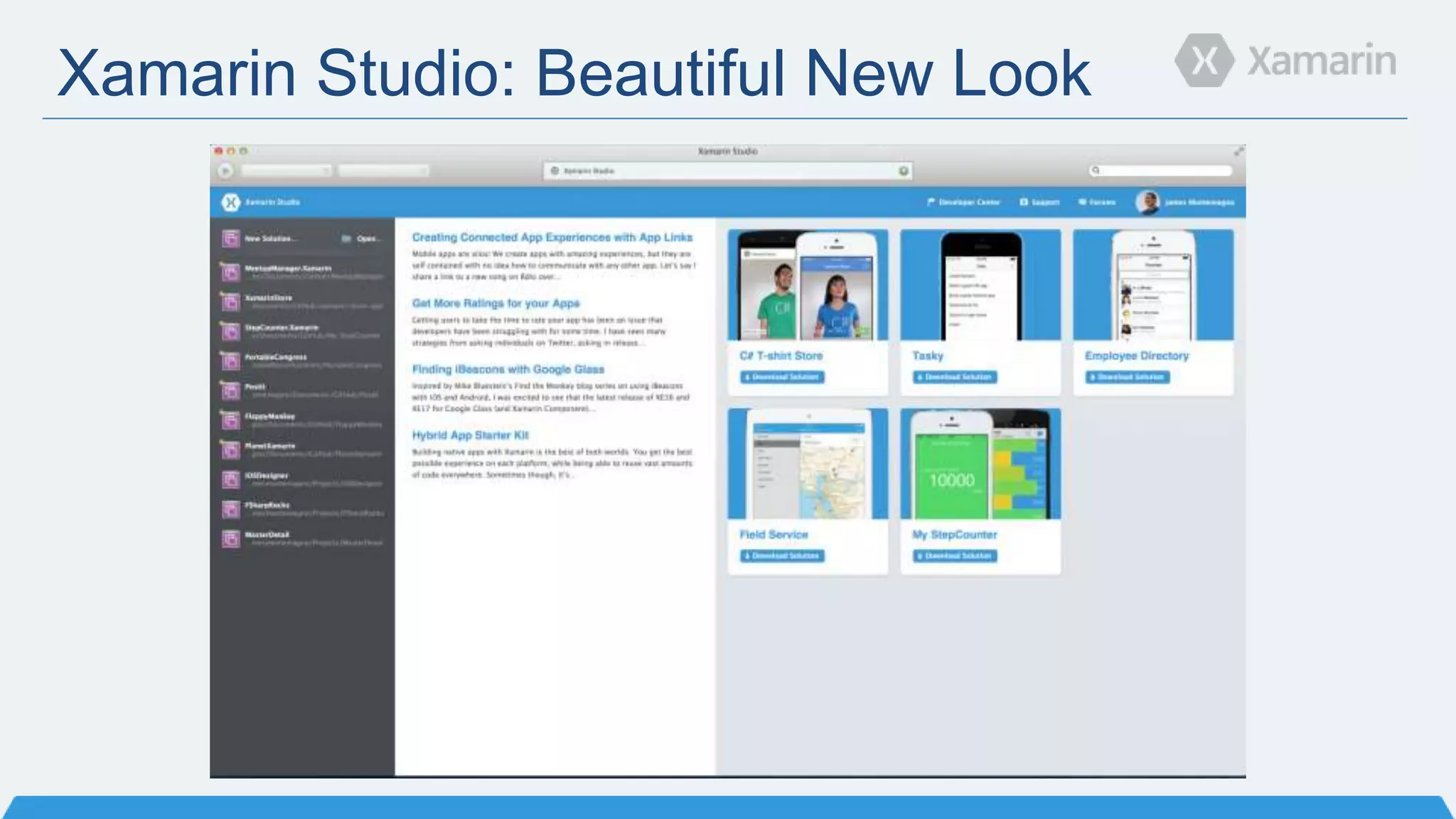
Xamarin Studio: Beautiful New Look
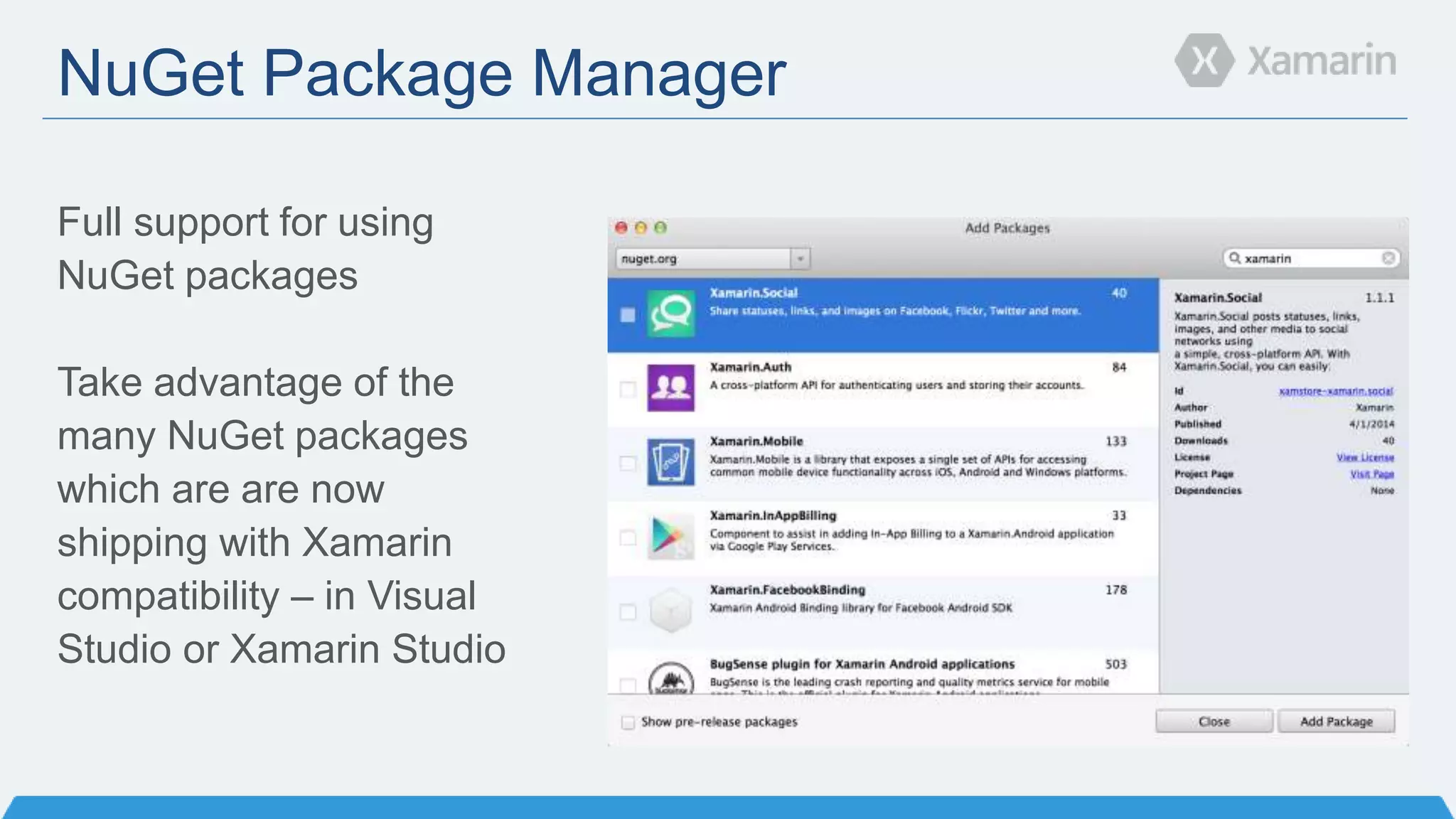
NuGet Package Manager
Full support for using
NuGet packages
Take advantage of the
many NuGet packages
which are are now
shipping with Xamarin
compatibility – in Visual
Studio or Xamarin Studio
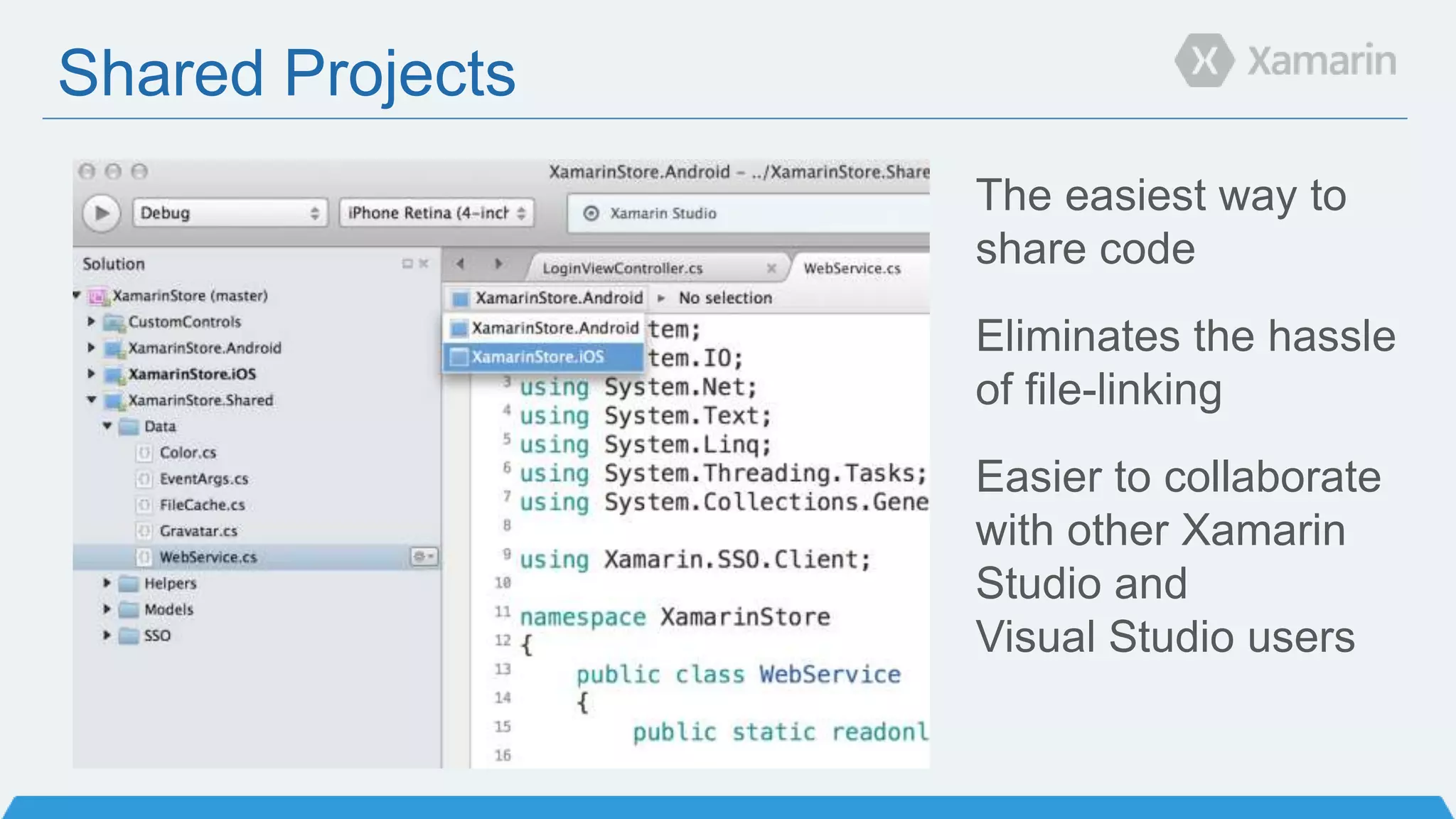
Shared Projects
The easiest way to
share code
Eliminates the hassle
of file-linking
Easier to collaborate
with other Xamarin
Studio and
Visual Studio users
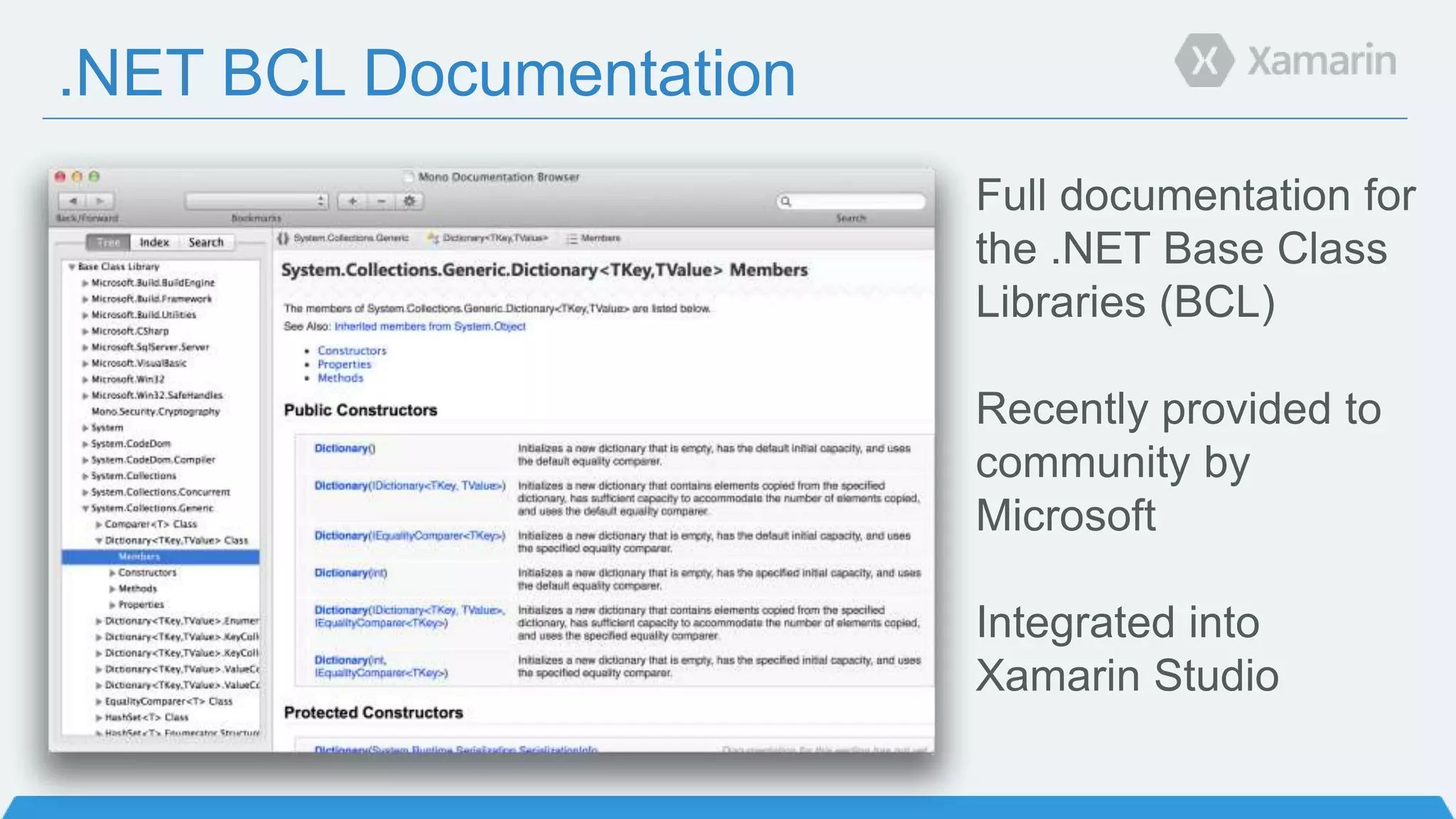
.NET BCL Documentation
Full documentation for
the .NET Base Class
Libraries (BCL)
Recently provided to
community by
Microsoft
Integrated into
Xamarin Studio
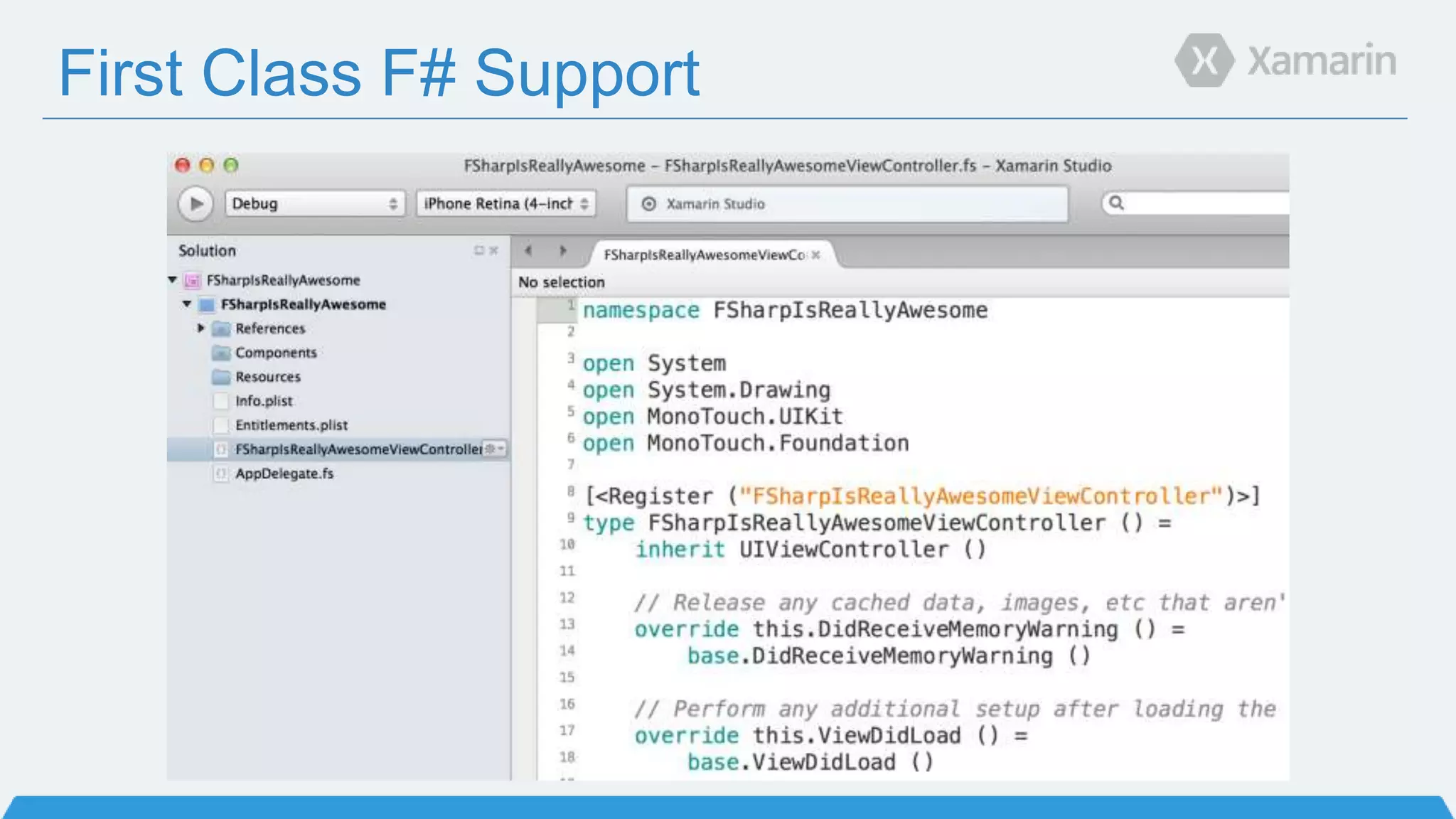
First Class F# Support
Portable Class Libraries
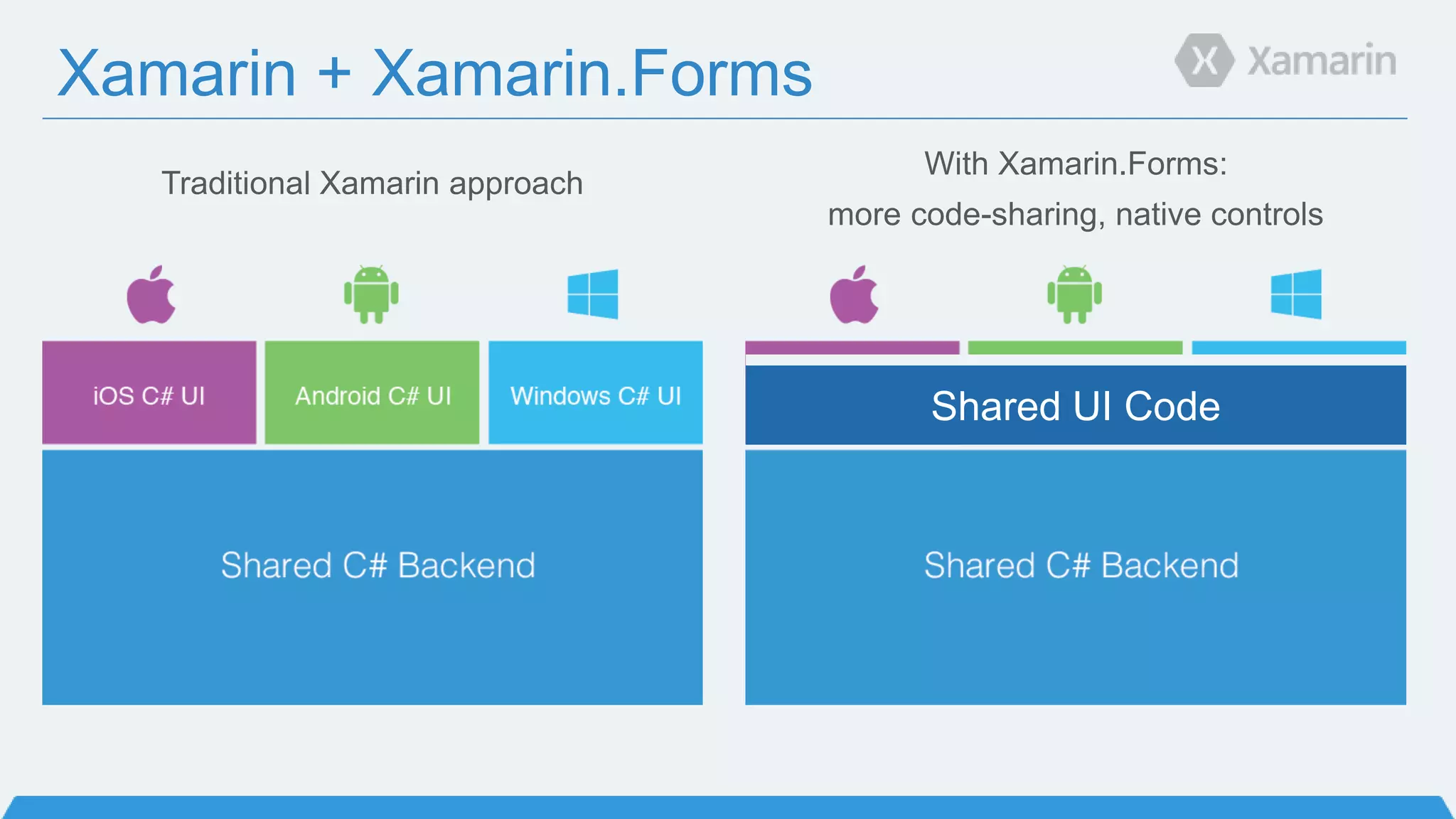
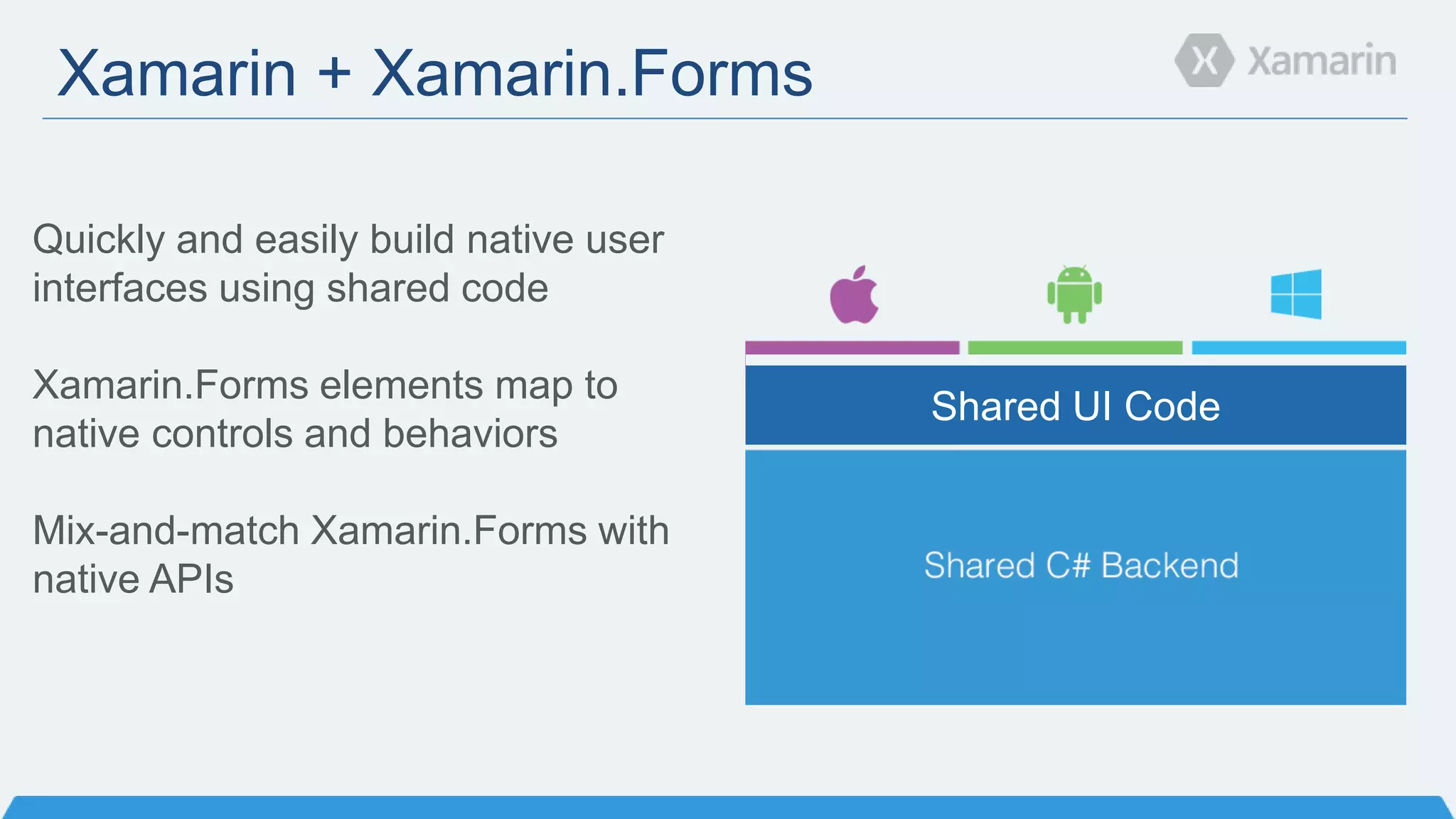
Xamarin + Xamarin.Forms
With Xamarin.Forms:
more code-sharing, native controls
Traditional Xamarin approach
Shared UI Code
Xamarin + Xamarin.Forms
Shared UI Code
Quickly and easily build native user
interfaces using shared code
Xamarin.Forms elements map to
native controls and behaviors
Mix-and-match Xamarin.Forms with
native APIs
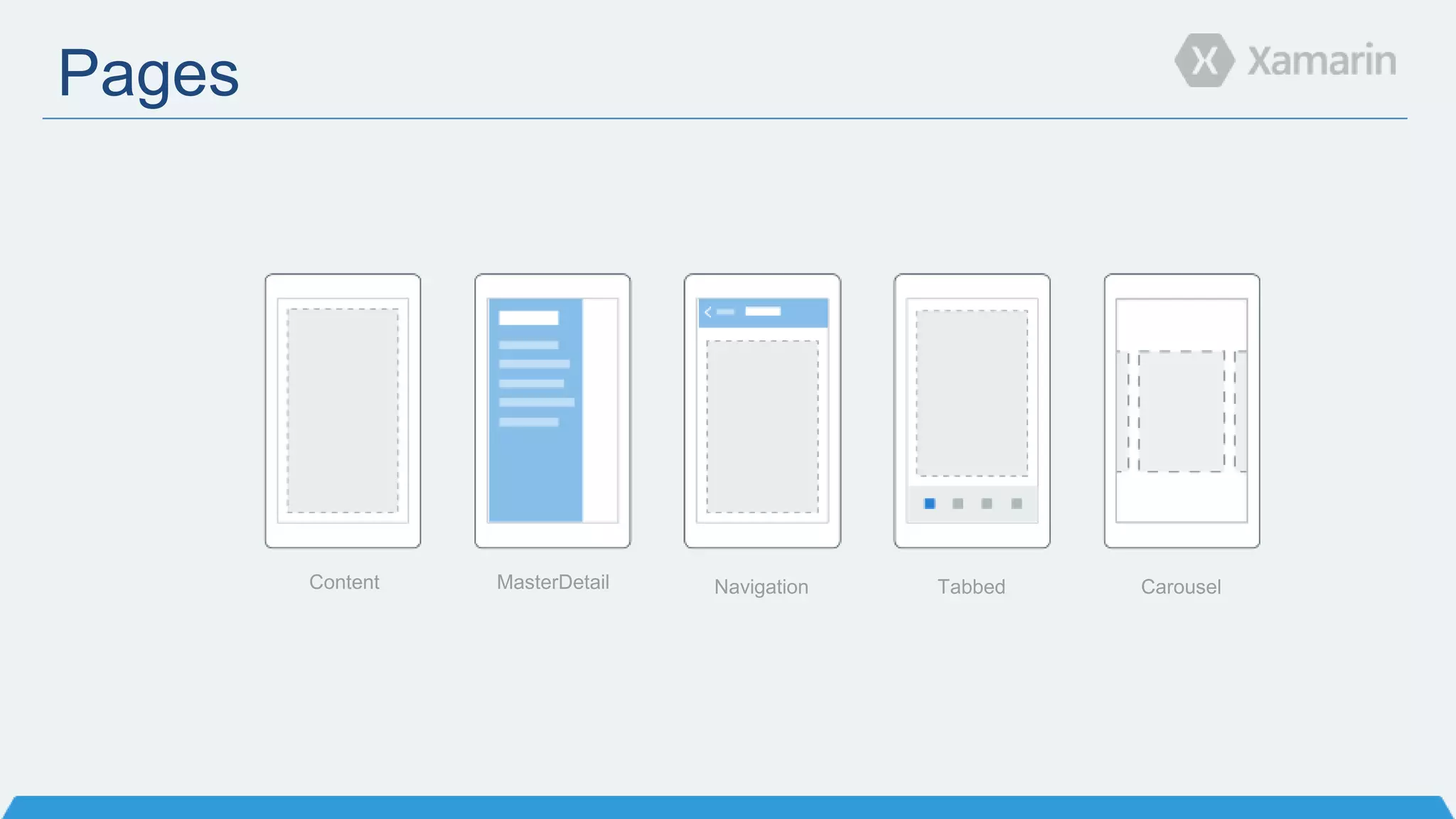
Pages
Content MasterDetail Navigation Tabbed Carousel
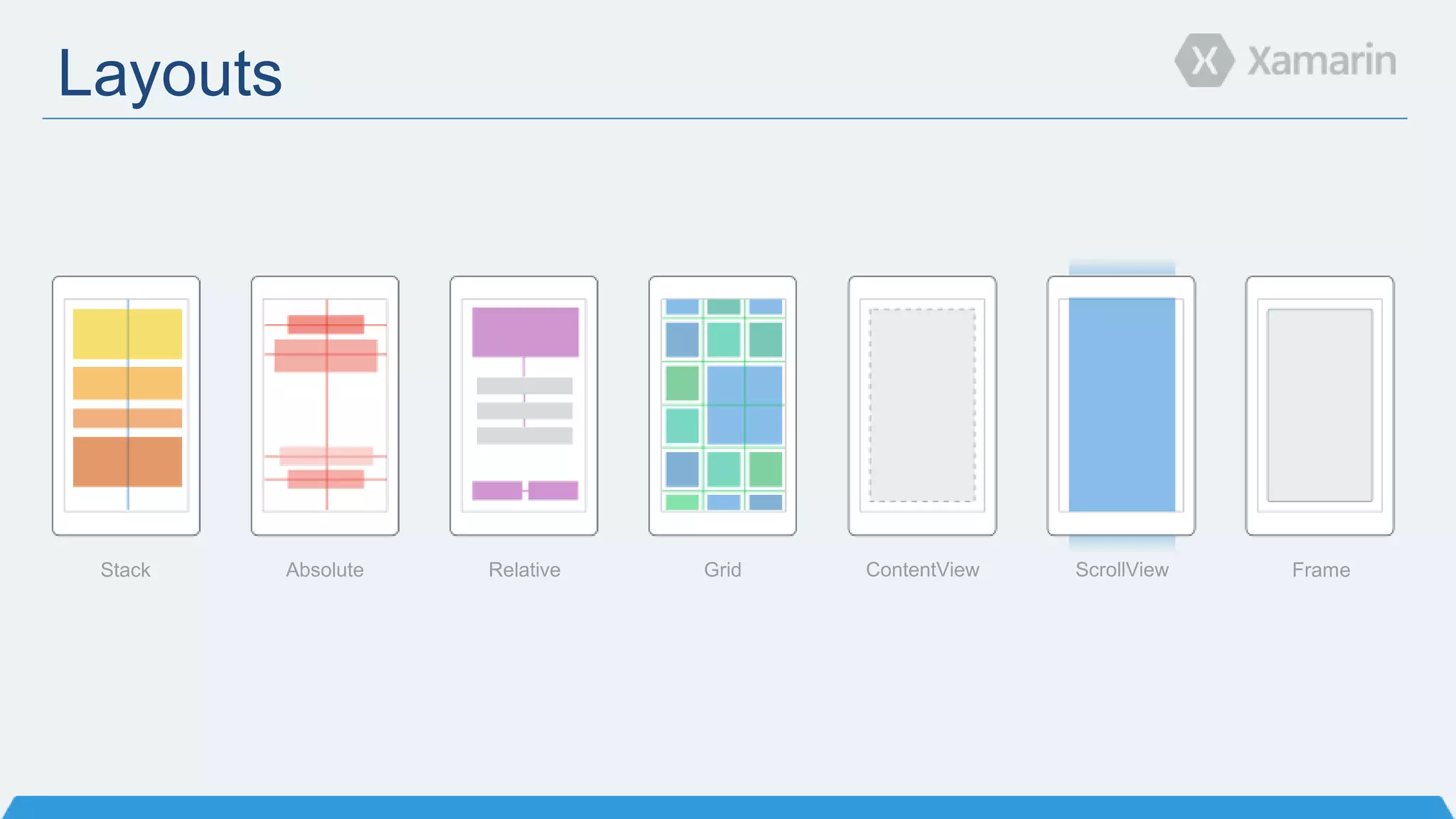
Layouts
Stack Absolute Relative Grid ContentView ScrollView Frame
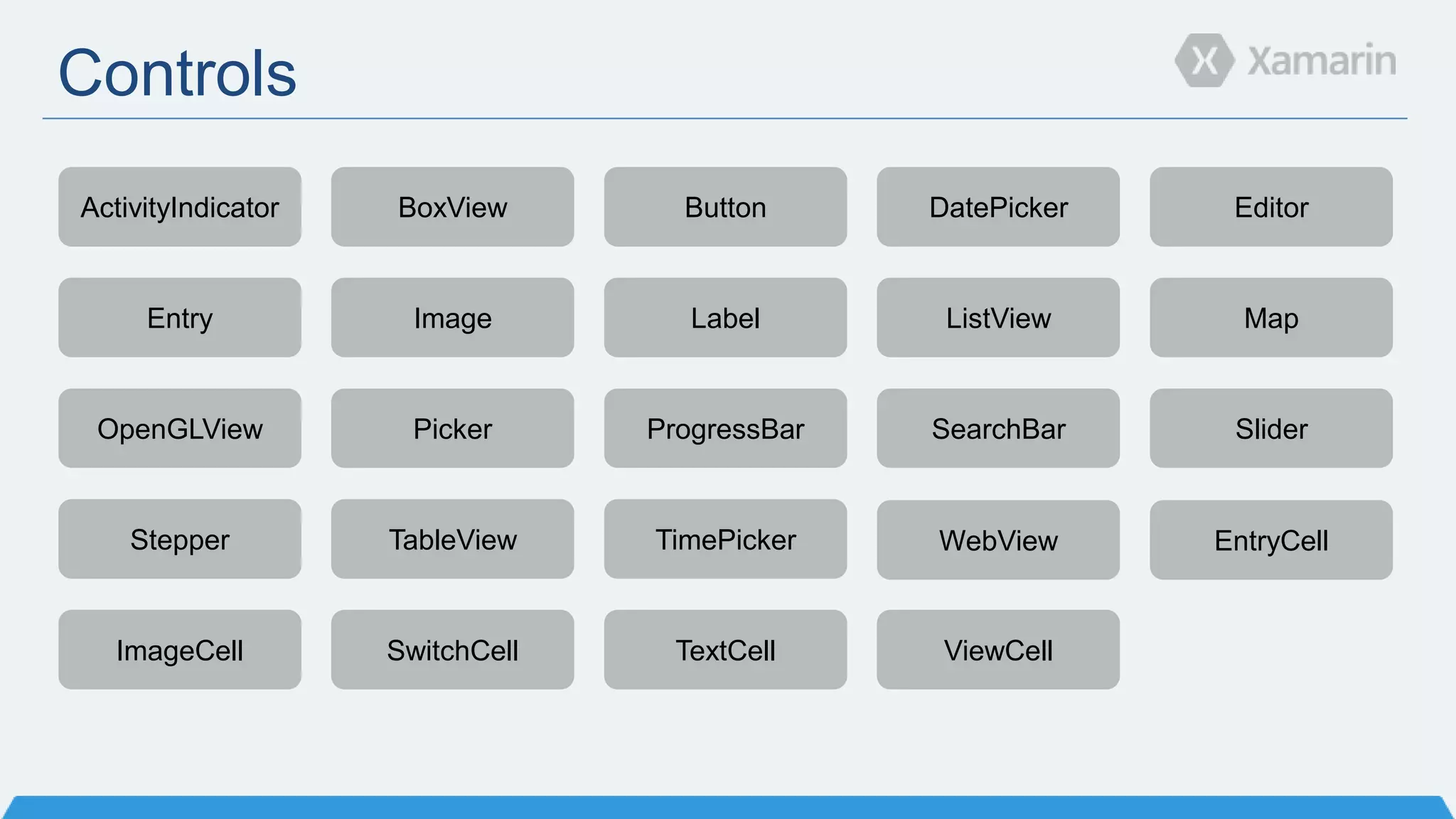
Controls
ActivityIndicator BoxView Button DatePicker Editor
Entry Image Label ListView Map
OpenGLView Picker ProgressBar SearchBar Slider
Stepper TableView TimePicker WebView EntryCell
ImageCell SwitchCell TextCell ViewCell
DEMO
Xamarin 3 Recap
 Xamarin Designer for iOS
 Major IDE Enhancements
 Improved Code Sharing
 Xamarin.Forms
 So much more!
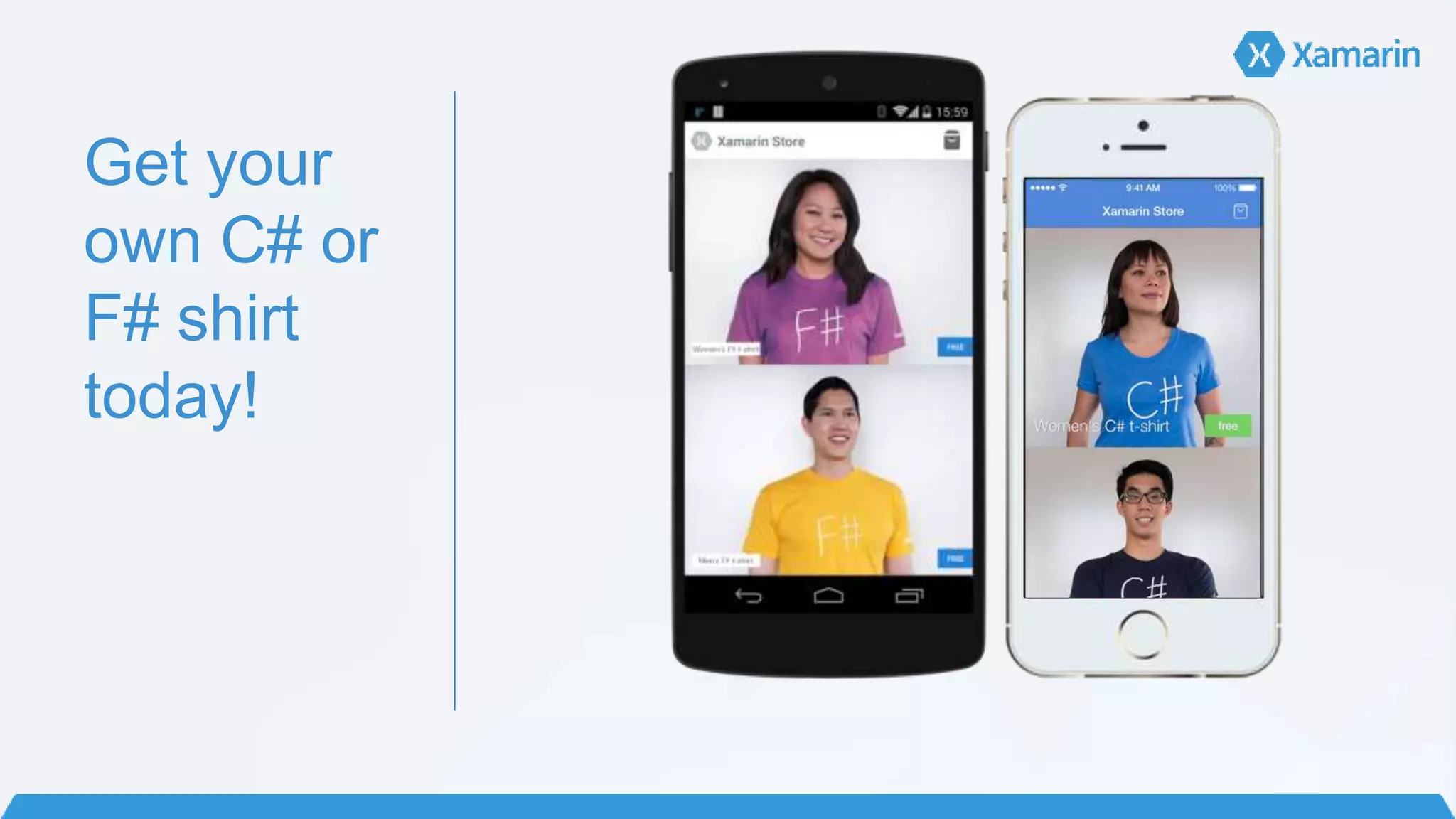
Get your
own C# or
F# shirt
today!
Learn more
Unrivaled Mobile Development Training
Live unlimited mobile development training from mobile experts,
in your time-zone, on your schedule and as often as you'd like
Key Attendees
Get Started Today: xamarin.com/download

Introducing Xamarin 3

Editor's Notes

  • #2 Developer Evangelism Intern @ Xamarin From Auburn, Alabama Student at Auburn University studying Software Engineering Been interning on-and-off for three years in different roles for Xamarin Host the Xamarin Podcast with Chris Hardy (spoke here)
  • #3 -Going to go over new features in Xamarin 3 -A combination of over a year’s worth of development -Everything available for download today that we mention! -Before we get into Xamarin 3, let’s talk about what Xamarin is for those who are unfamiliar
  • #4 What is Xamarin? -Two Products -Xamarin Platform -Enables you to create iOS, Android, Mac, and Windows apps using C# -Backbone of the company -Xamarin Test Cloud -Still in Beta -Test your app on hundreds of physical devices -Android and iOS -Phones and tablets -User interface scripts -Identifies issues on apps -Xamarin QA actually uses it as well! Jumping into the Xamarin Platform
  • #5 -Vender-Specific Silo Approach -Most common -Three separate languages -Three separate toolkits -No sharing code -Different teams with different expertise -Not agile -Android rose quickly -Supporting new platforms with quick rise is tough
  • #6 -Biggest misconception -Cross-Platform = Magic Box -Write Once, Run Anywhere -Write app once with single codebase -Drop into magic box -Think Java SWING -Good -Share code -One language -Problem -Abstraction frameworks cannot express the patterns and variations of each platform’s design language -Lowest Common Denominator -Want access to 100% native APIs
  • #7 -Fully native mobile apps written in C# -Graphic -Share lots of code -Business logic, input validation, etc. -Share ~75% code across platforms -Accelerate time to market -Productivity -Savings -Platform-Specific UI stuff -Many *think* this is a negative -But is actually a positive -Build rich applications -Deliver optimal performance -Leverage every last inch of functionality exposed by the underlying platform and device -Power + comfort of C# and .NET -.NET BCLs -LINQ -Start with existing teams -C# and Visual Studio = productive from Day 1
  • #8 -Windows developers are familiar with these namespaces -Core .NET libraries -Windows Phone/Store = more platform-specific APIs
  • #9 -Taken all the native APIs for iOS and made them available for C# developers -1-to-1 mapping from Objective-C to C# -Some things are C#-ified -Button click events -.NET BCL access -System.Net -System.Linq
  • #10 -Android bits also mapped to C# -100% API coverage -NFC, printing, etc., all works! -Power of C# and .NET Framework as well Working up towards a theme..
  • #12 As a result of this, C# now runs on 2.6 billion devices
  • #13 Xamarin apps look and feel native because they are native. What really is native? What defines native? -Native UI -Native API Access -Just went over both of these -Native Performance -How do Xamarin apps work and how performant are they? -Mono Runtime for Android -Compile to IL -Converted to native instructions at runtime just JIT -Often faster than Dalvik at times -AOT on iOS -C# compiles down to IL -Xamarin creates LLVM bit code and uses same LLVM Compiler/Optimizer that Apple uses for Obj-C
  • #14 -Just gave an overview to Xamarin -We are here to celebrate Xamarin 3 -What is Xmaarin 3
  • #15 Lots of elements, but these are some of the major ones Designer -Deeply integrated into IDE IDE Enhancements -For both Xamarin and Visual Studio Improved Code Sharing -Already could share lots, now can share more Xamarin.Forms -Build 3 native UIs with a single, shared C# codebase -Allows you to share up to 100% code
  • #16 -Shipping for over two years -In both Xamarin and Visual Studio -Drag-and-Drop -Windows world! -Multi-layout editing to make it easy to design for all form factors
  • #17 -Full integration into Xamarin and Visual Studio -Incorporated elements that people like about VS UI design -Develop on the design surface -Easily add callbacks to events -No Interface Builder -Switch between iOS 6 and iOS 7 with a button click -Extensive support for AutoLayout -Live preview of custom controls -Can see data live as you change properties -No gray boxes!
  • #18 Play video!
  • #19 Major IDE Enhancments Xamarin Studio -IDE for Windows and Mac What’s new with Xamarin Studio in Xamarin 3? -Refreshed UI -Added high-resolution artwork for Retina displays -Hundreds of new Icons -Redesigned Welcome page -Portal that helps you get started -RSS feed from blogs -Starter packs / samples
  • #20 -Fully integrated NuGet Package Manager in Xamarin Studio -Beautiful UI -Add, update, remove packages -Project templates can install NuGet packages when a new project created -Xamarin.Forms does this -Deep integration with Xamarin Studio -Solution Window -Universal Search -X.S automatically restores NuGet packages that are missing when a solution loads -No need to add packages to source control -Seamless access to great libraries -Xamarin.Auth/Social/Mobile -Xamarin.Forms -Azure Mobile Services -Linq-to-Twitter -JSON.NET -Couchbase -MailKit
  • #21 Old sharing approaches: -File linking -PCLs -Enter: Shared Projects -New technology from Microsoft introduced in Visual Studio 2013 Update 2 -Makes it easy to write common code between multiple platforms -Treated as part of the projects that reference it -Can switch back and forth between different versions -Xamarin.Forms uses this
  • #22 Tooltips now shown when writing code within Editor
  • #23 -F# is now a first-class citizen -One year of development work -What is F# -Type Providers -Rachel Reese NYC / NDC Oslo 2014 Talk -Use C# and F# together! -F# week was two weeks ago -Lots of great resources -Rachel Reese: Introduction to F# with Xamarin -David Siegel: Reproduced Tinder Swipe animation in F# -F# contest -Finish by July 21st 8AM EDT -Build your first F# app, I am
  • #24 Xamarin.Forms: Three UIs, One Shared C# Codebase -Write your UI once, and it will run on Android, iOS, and Windows Phone -Doesn’t this contract myself? -Each control is mapped to a native control on each platform -Platform-specific access if you need it -Features -Phone? -UI -Camera?
  • #25 Left = traditional Xamarin approach Right = Xamarin.Forms approach -Highly productive -Share code
  • #26 -Build native user interfaces -Demo in a second -Build out UI on each platform -Code -XAML -Access platform-specific APIs if you need -Custom renderers -dependencyservice -Entirely optional -Different approaches -All Xamarin.Forms -Some Xamarin.Forms -Xamarin.Forms -> Non-Xamarin Forms -Works with existing MVVM libraries -MVVMCross -MVVMLight -Though has built-in MVVM support -Custom databinding
  • #27 -Start at highest-level, then work down to smallest -Pages = screen -Content -Most used -MasterDetail -Tabbed -Native on each platform -iOS = bottom -Android = top -Windows Phone = Pivot -Carousel
  • #28 -Inside a page are layouts -Handle how a page’s controls are organized and presented -Many similar to existing Windows Store / Android layouts -StackLayout -StackPanel!
  • #29 -Over 40 controls, layouts, and pages to mix and match from -Out-of-the-box -Can create your own -Xamarin.Forms labs -Community-supported -Bindings -Entry -UITextField -EditText -TextBox
  • #32 -I’m wearing a C# shirt! -You can get an C# or F# shirt now! -Look “sharp” Xamarin.com/Shirt
  • #33 Talked about a lot today. Lots to learn. 6 days a week. Live online mobile classes. Around 2 hours each New courses available today for: Xamarin.Forms iOS Designer New Code Sharing Strategies and more Become a Certified Mobile Developer