Developing for
Google Glass
Chris Hardy
Director of Customer Support, Xamarin
Agenda !
Introduction to Google Glass	
  
!
Developing for Glass with Xamarin and
the GDK
!
Why develop for Google Glass &
Questions and Answers
!
!
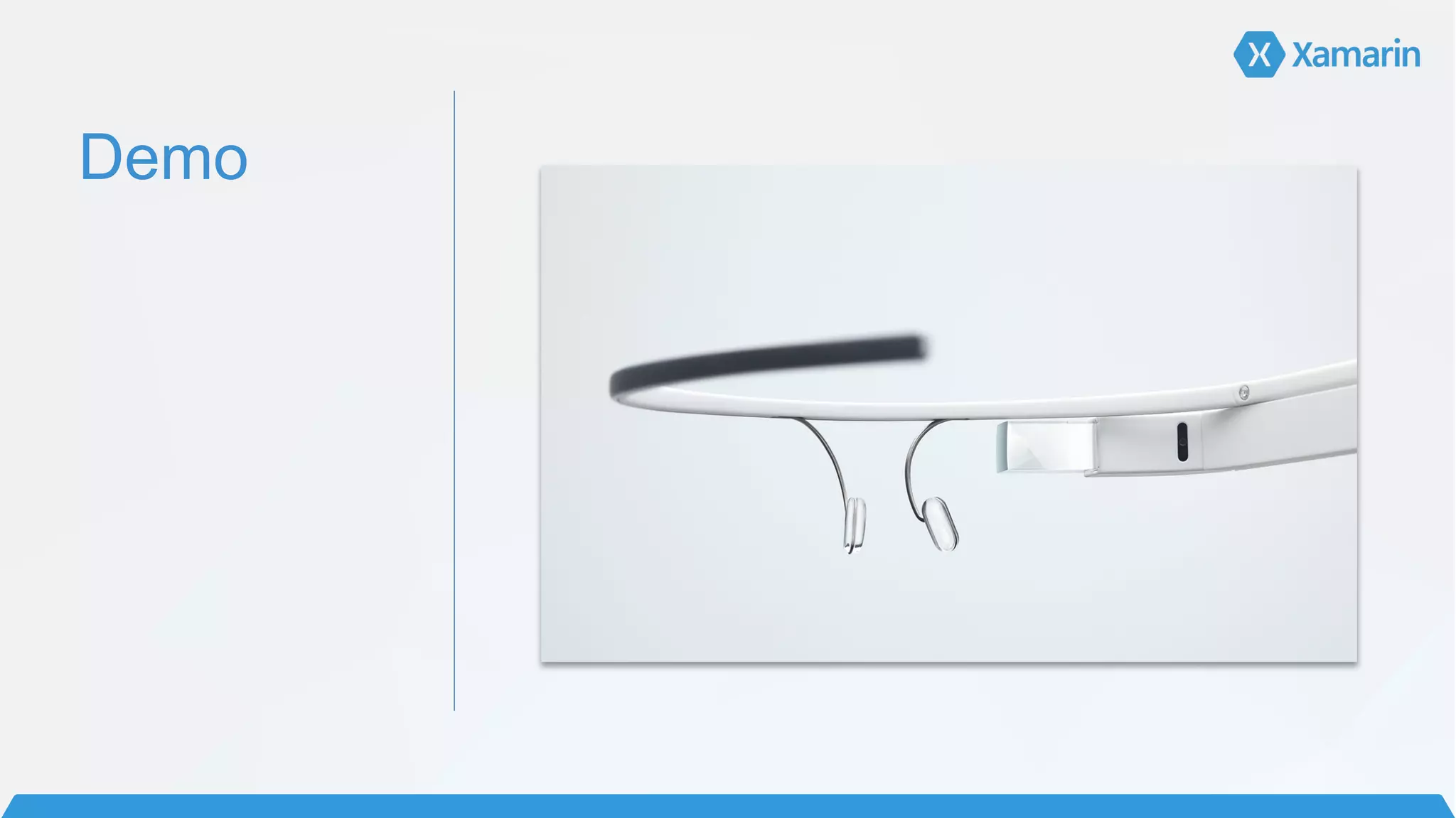
Demo
Demo
Tapping
Demo
Voice
Activated
States
!
Active	
  
• “Normal” Google Glass mode	
  
!
In-active	
  
• No notifications, no touch, only does photos and videos
• Tap the power button to enter in-active state
!
Off	
  
• The Glass is off, hold down power button for three seconds to turn off	
  
!
!
!
!
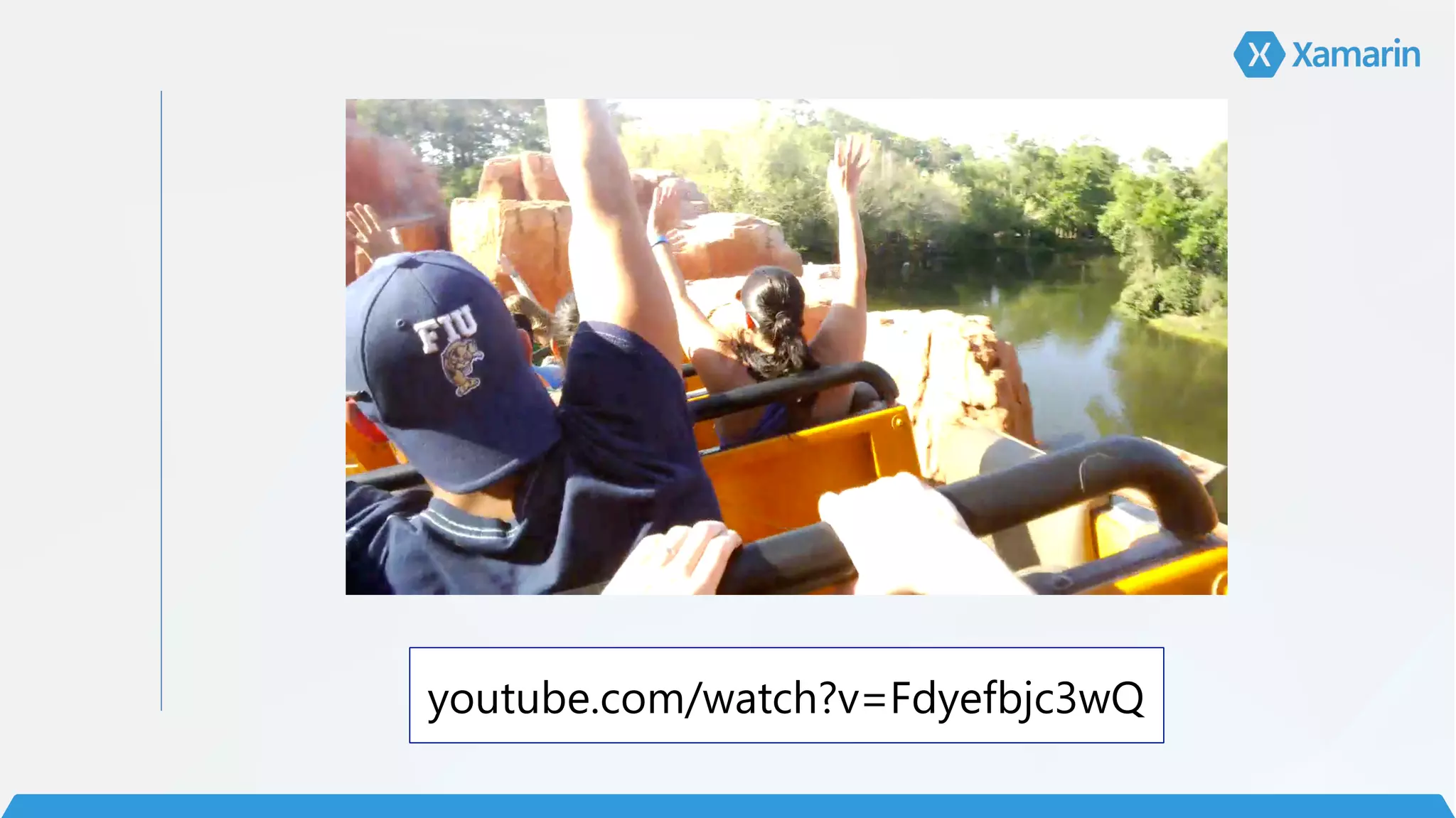
youtube.com/watch?v=Fdyefbjc3wQ
youtube.com/watch?v=Y82eppGS1TM
Architecting 

Mobile Apps
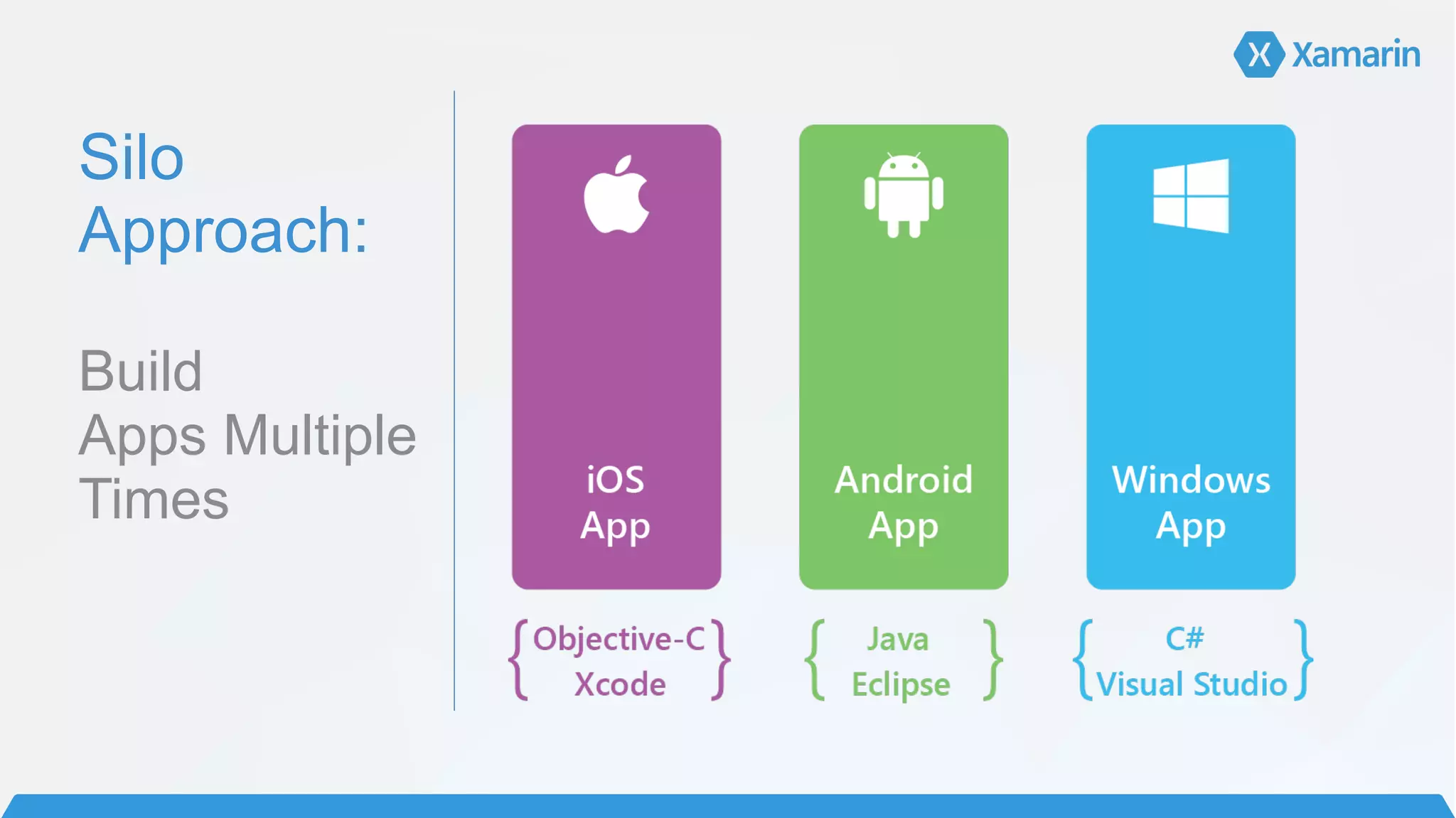
Silo
Approach:


Build 

Apps Multiple
Times
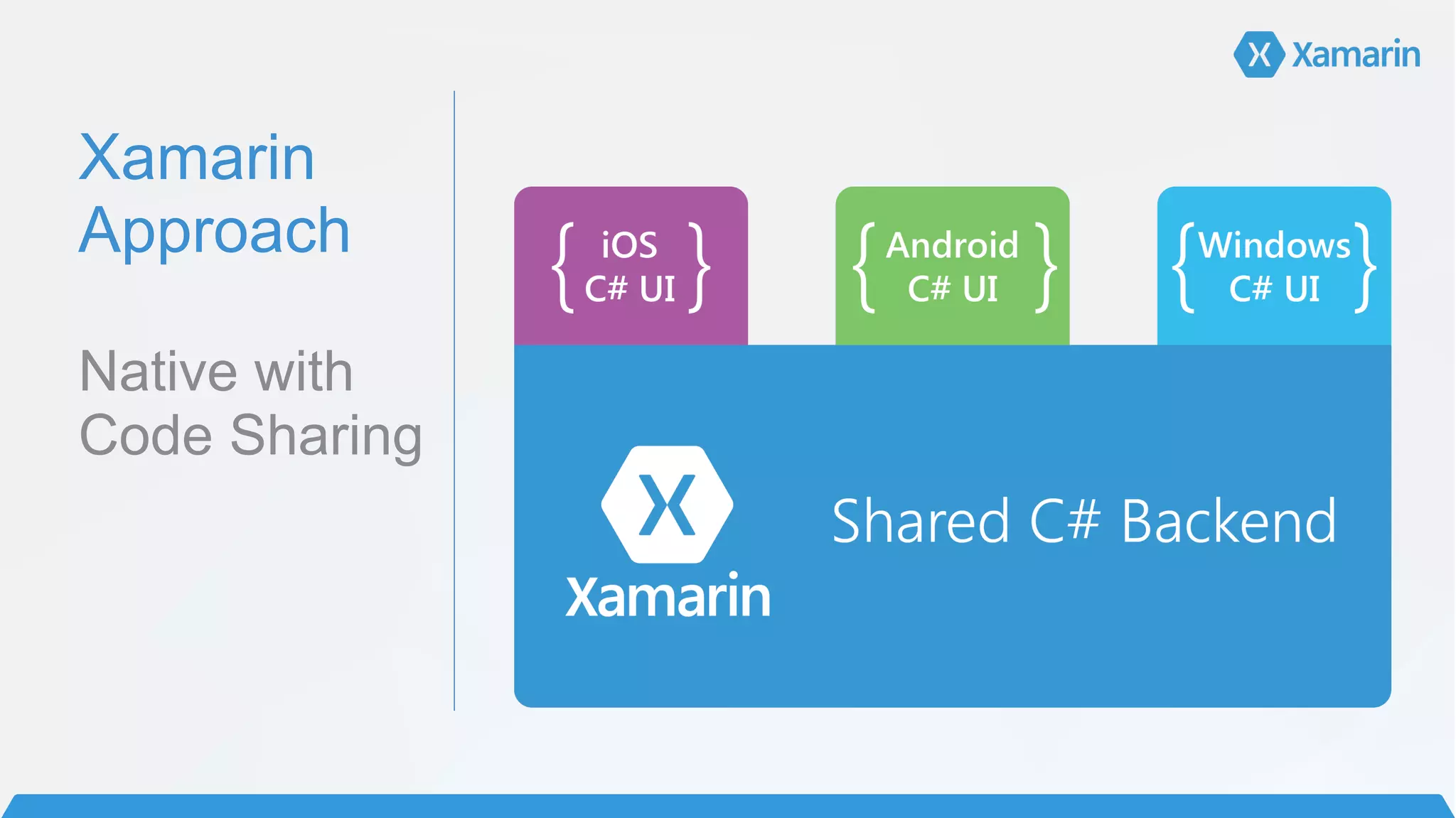
Xamarin

Approach


Native with
Code Sharing
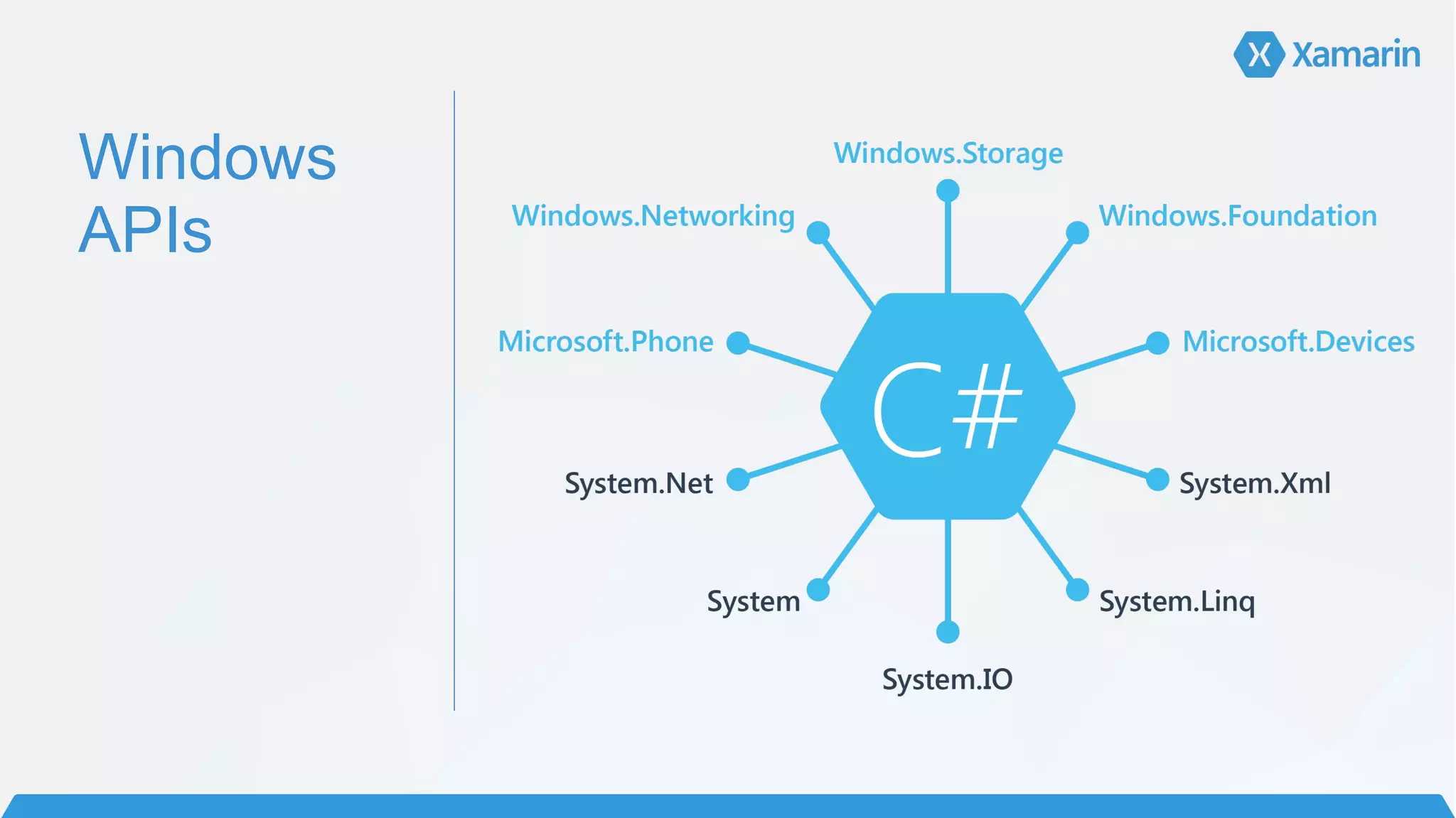
Windows
APIs
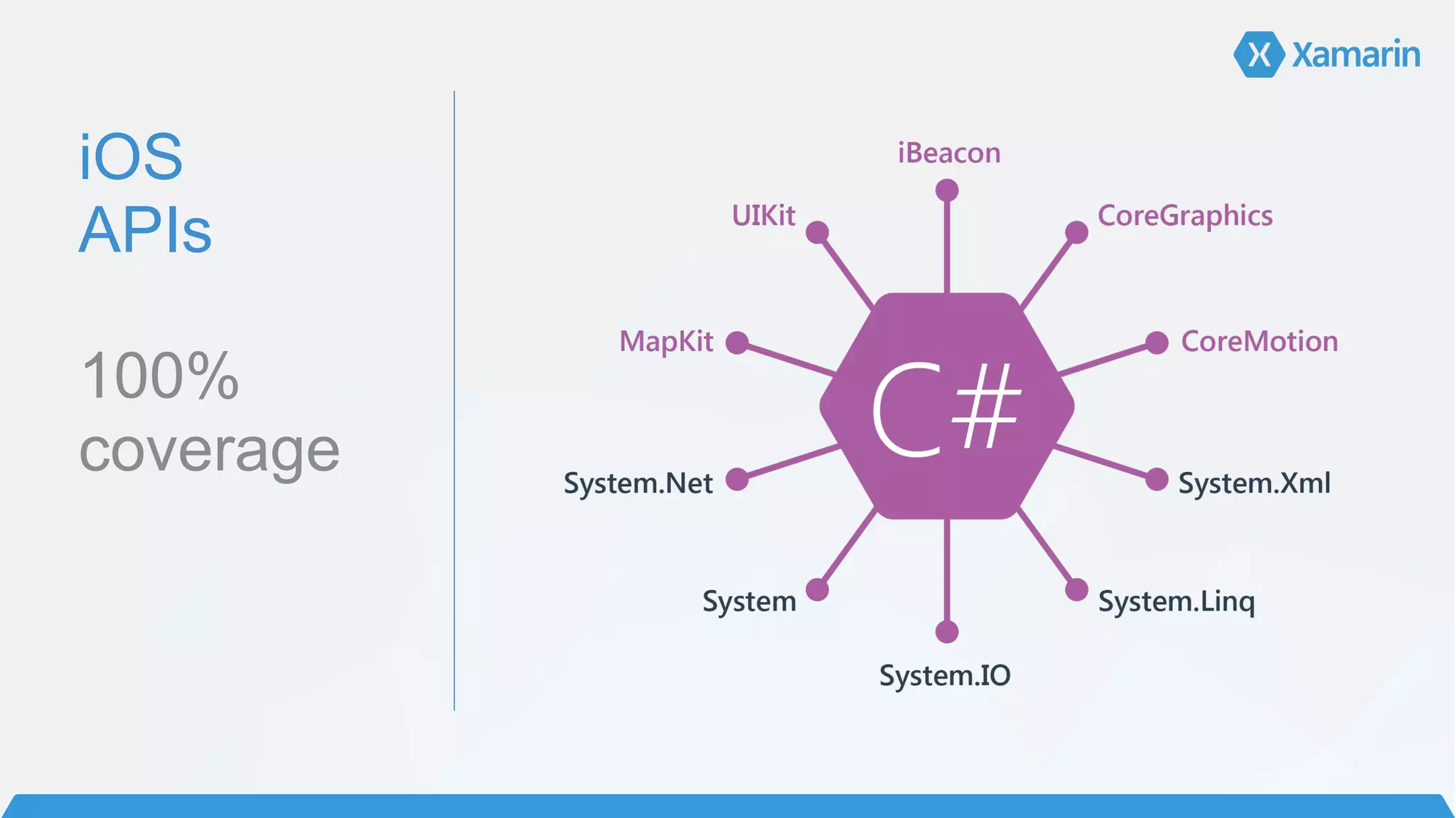
iOS

APIs


100%
coverage


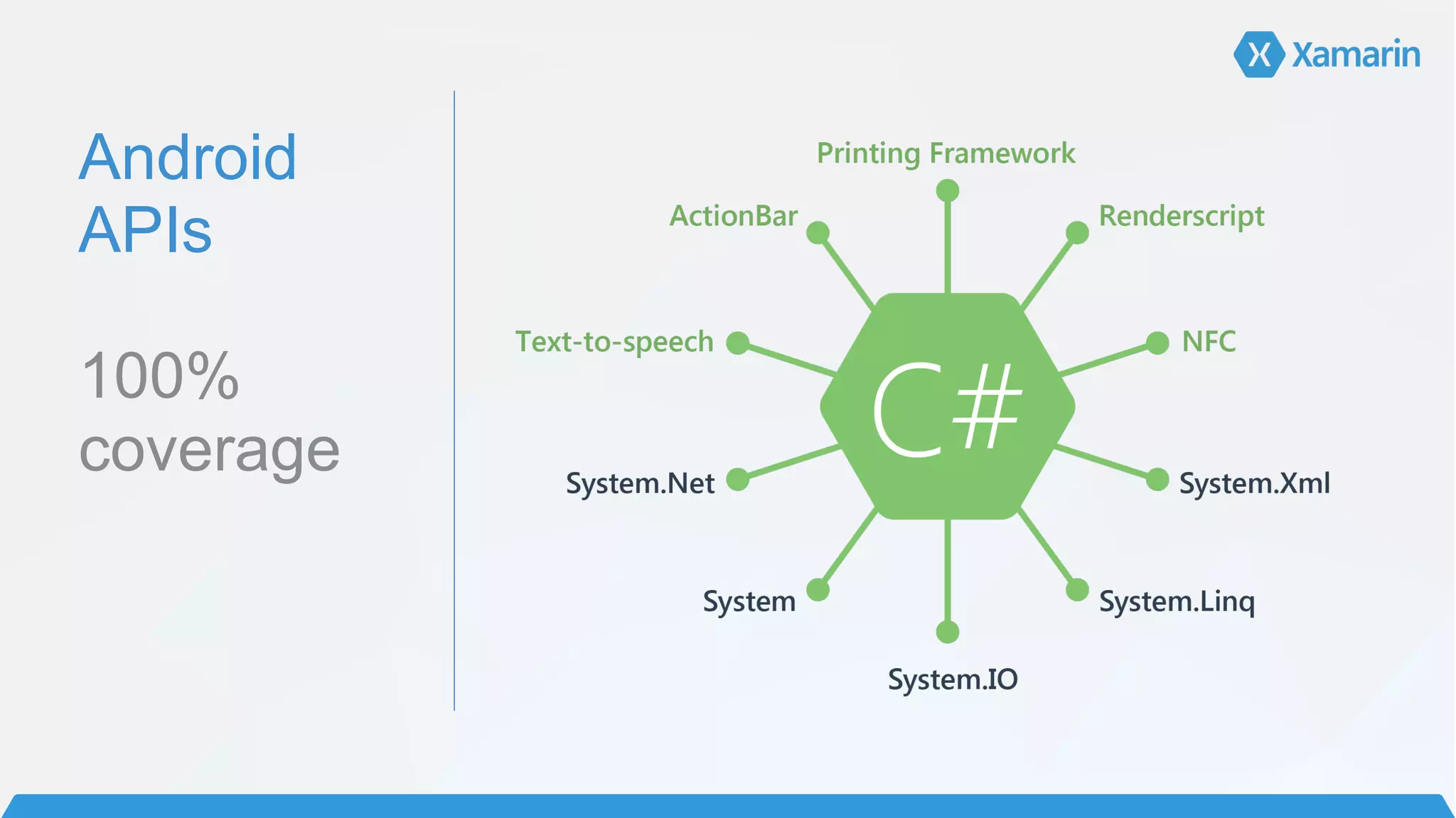
Android

APIs


100%
coverage
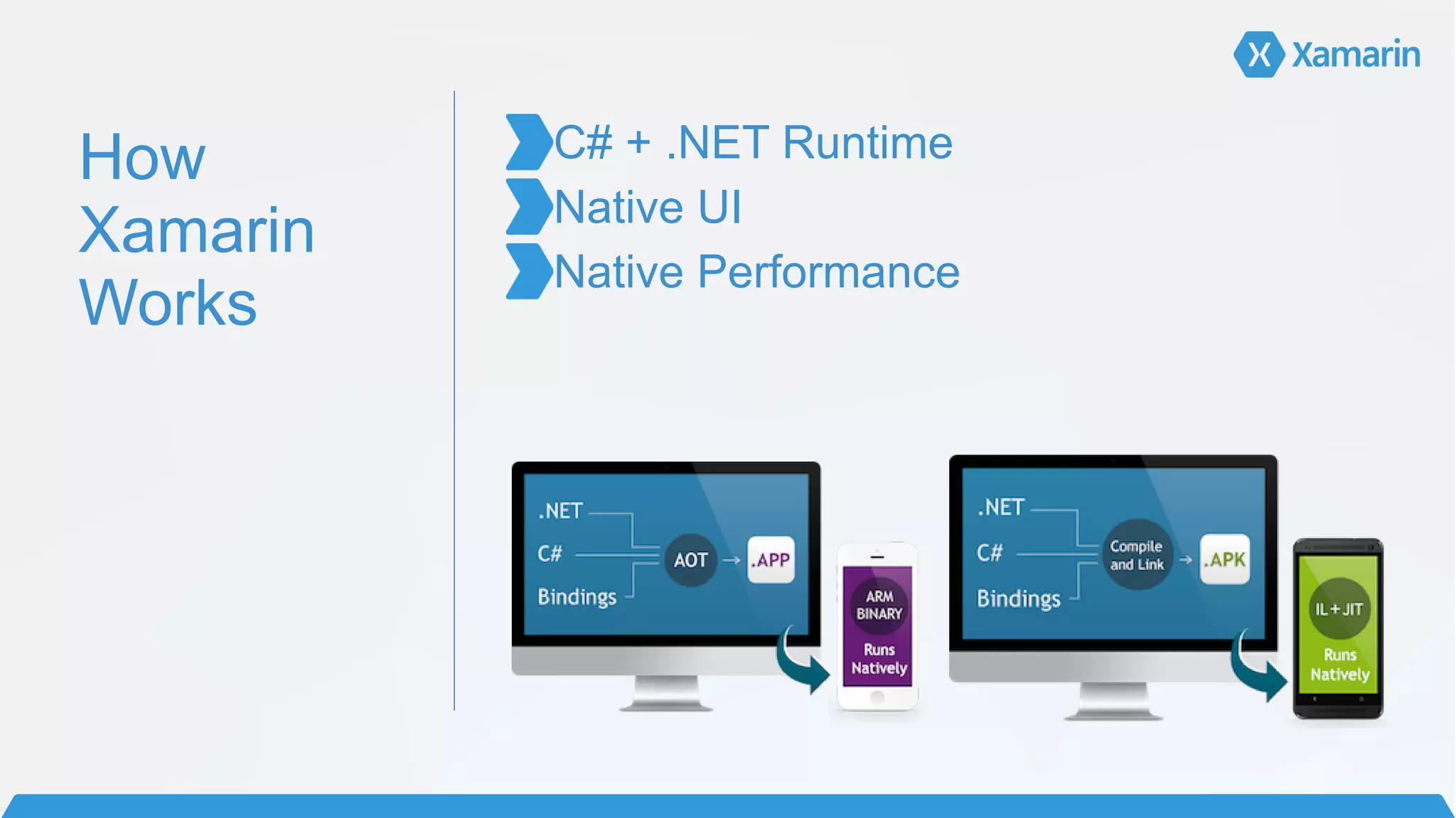
How
Xamarin
Works
C# + .NET Runtime	
  
Native UI	
  
Native Performance
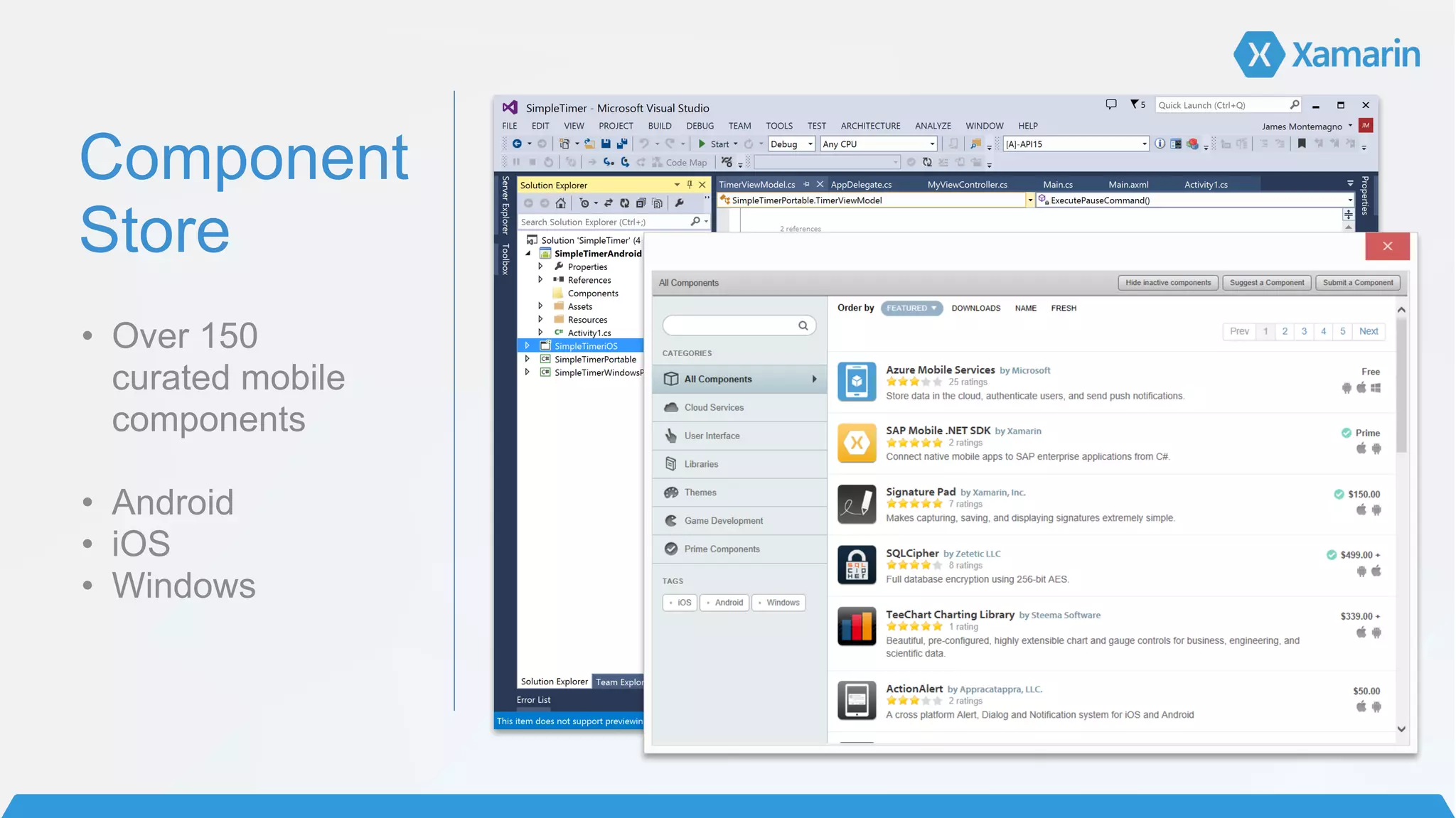
Component
Store
• Over 150 

curated mobile
components	
  
!
• Android 	
  
• iOS 	
  
• Windows
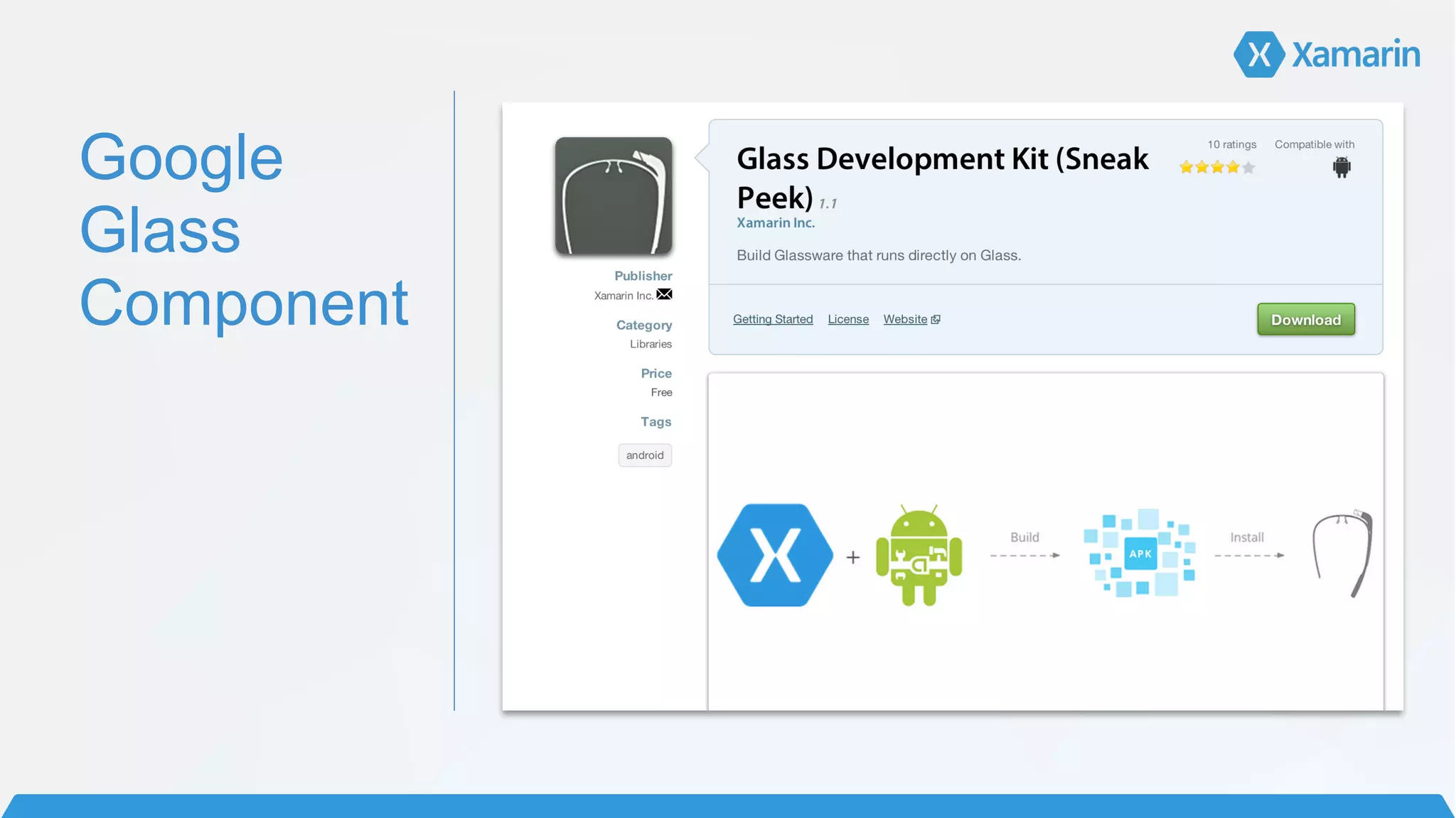
Google
Glass
Component
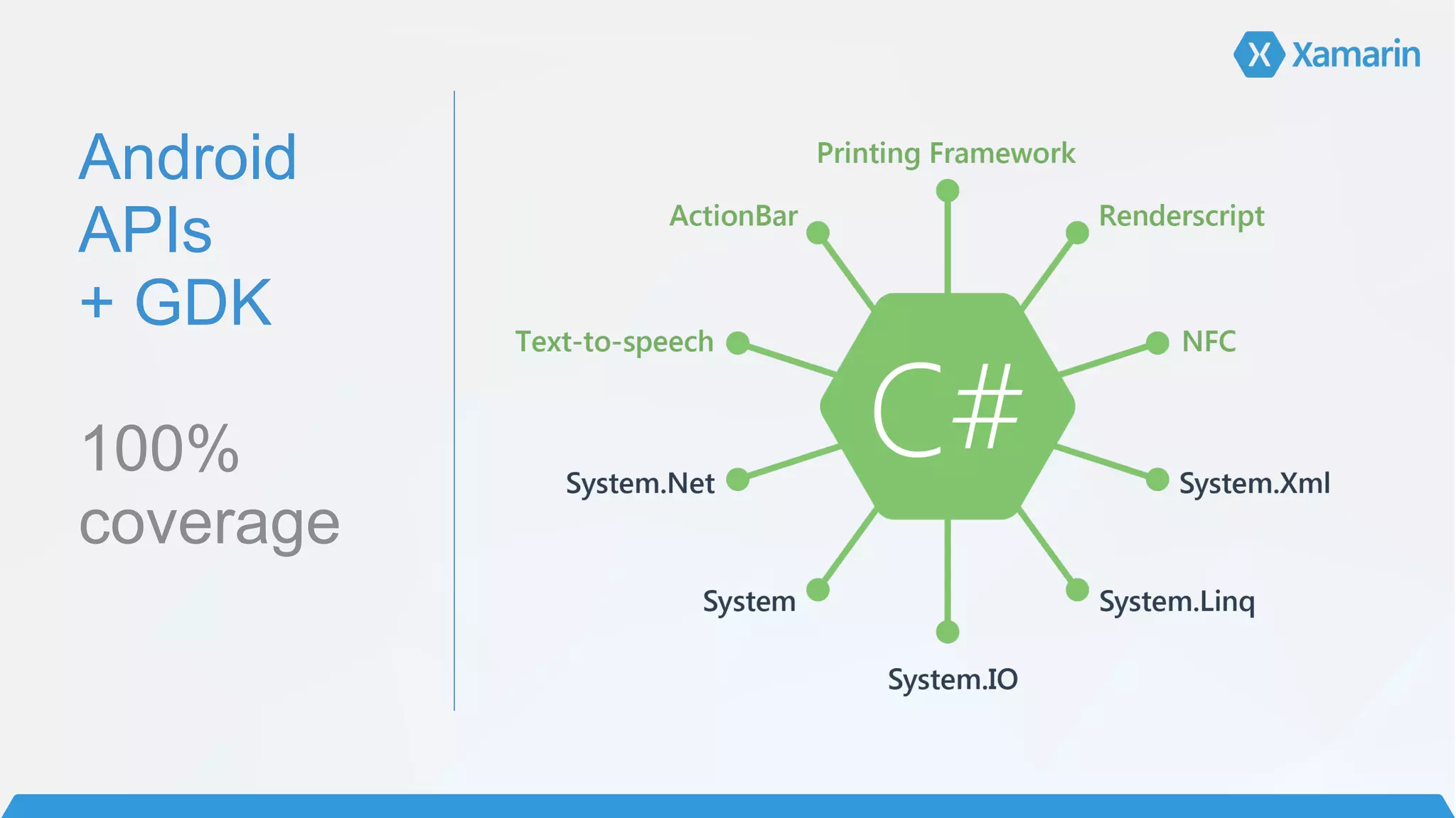
Android

APIs
+ GDK


100%
coverage
It’s just Android
development…
But for your face.
Device required
Let’s Build a Google
Glass app with C#
Let’s Build a Google
Glass app with C#
with project templates
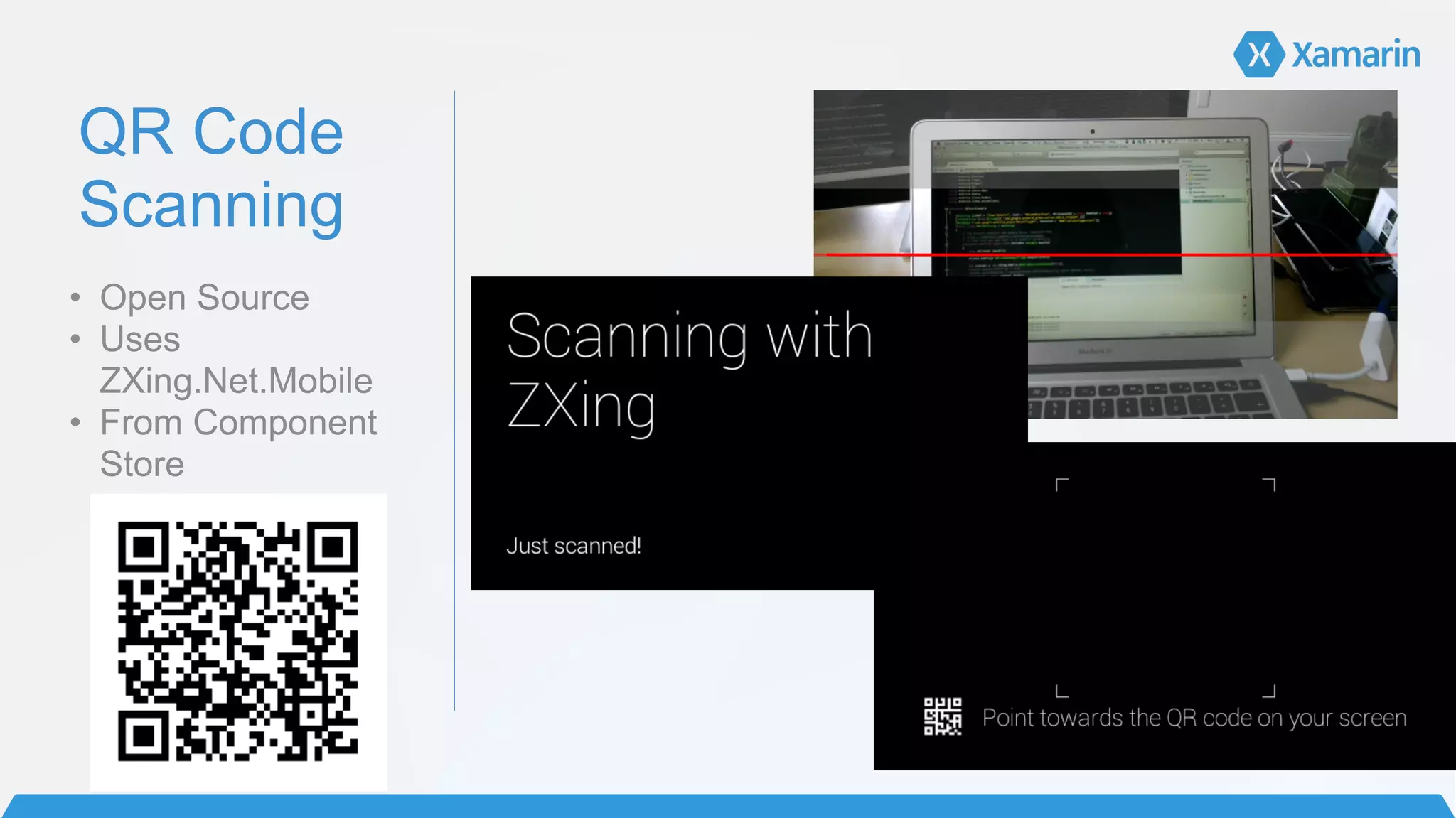
QR Code
Scanning
• Open Source
• Uses
ZXing.Net.Mobile
• From Component
Store
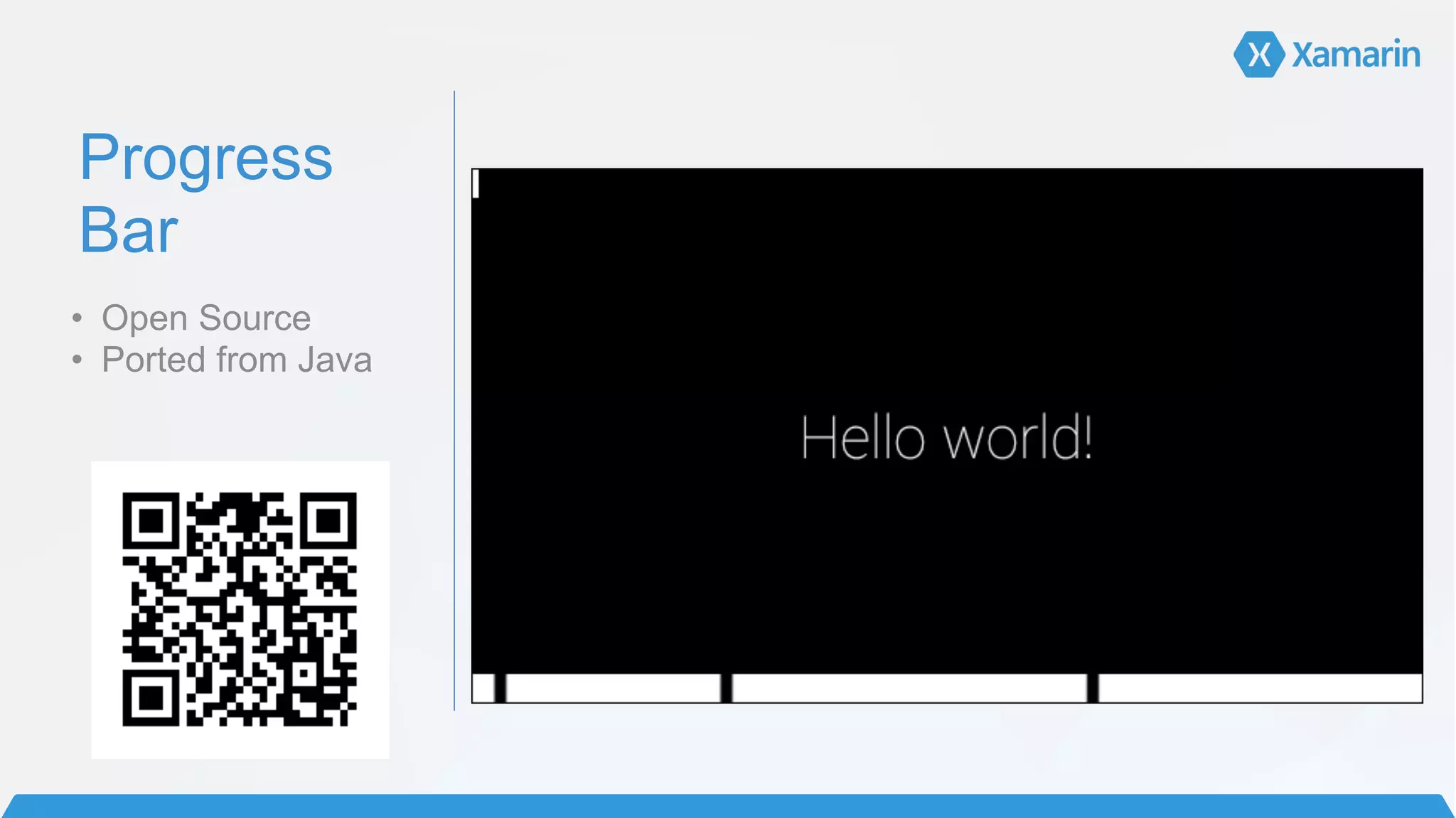
Progress
Bar
• Open Source
• Ported from Java
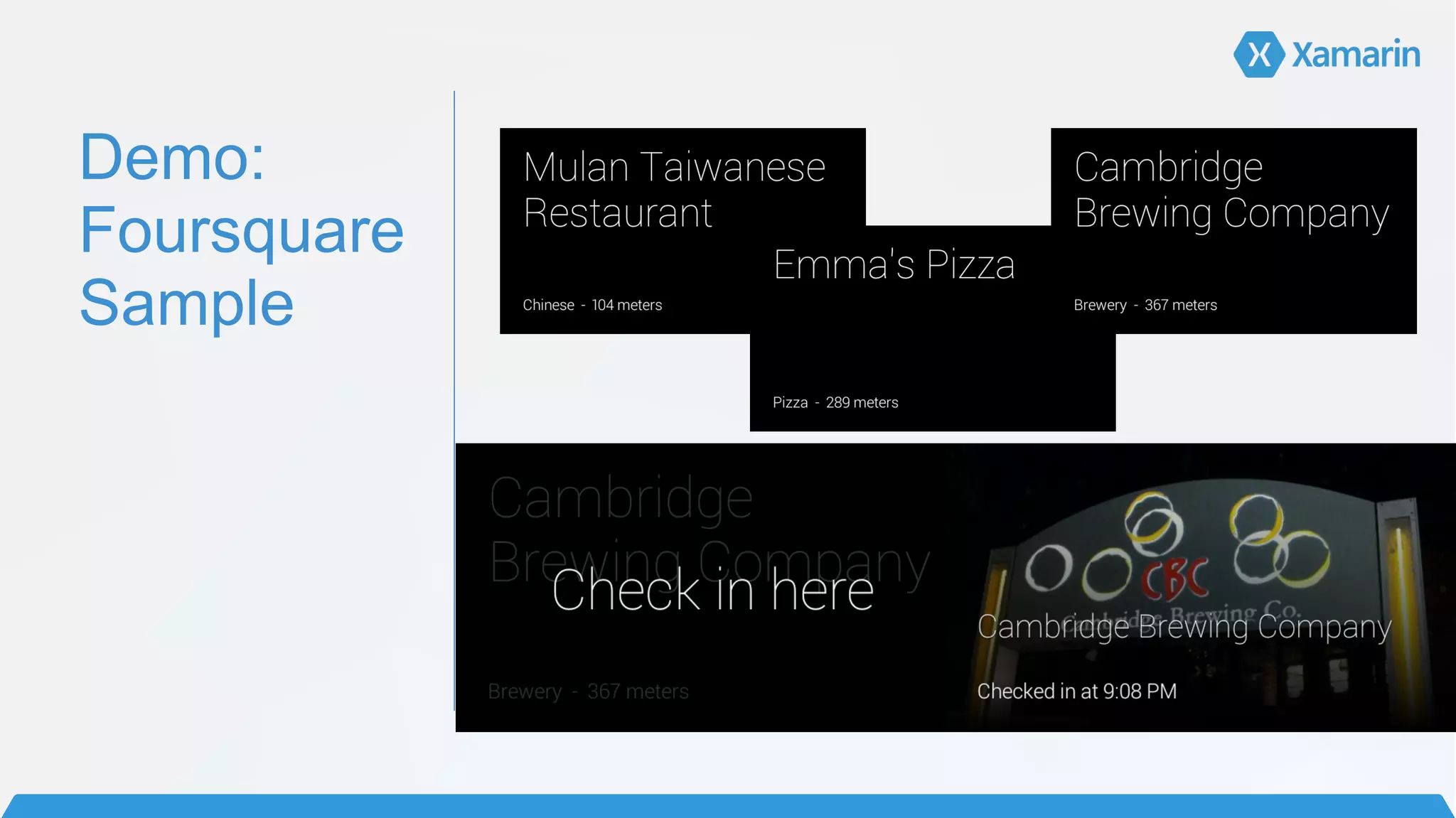
Demo:

Foursquare
Sample
Demo
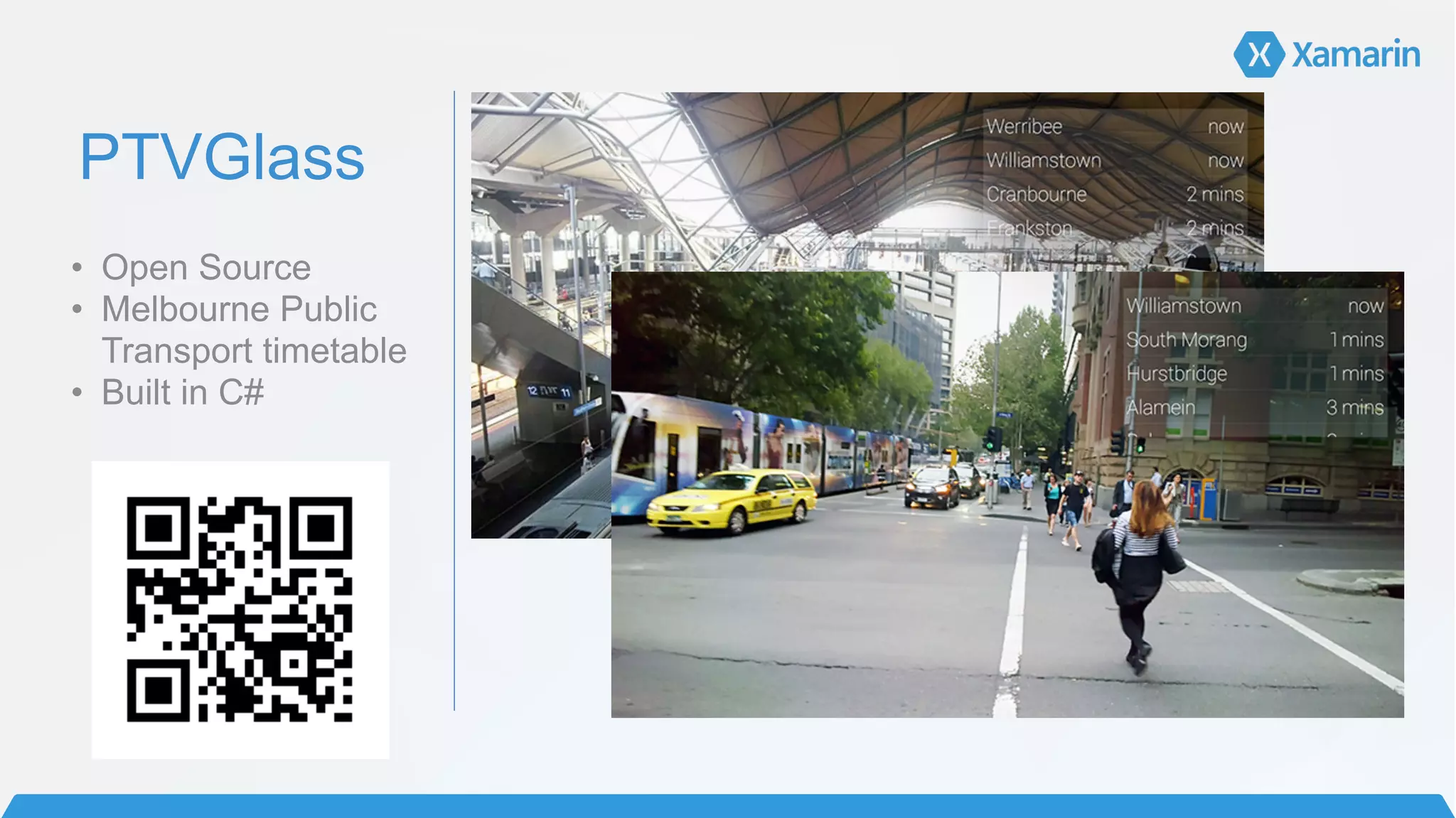
PTVGlass
• Open Source
• Melbourne Public
Transport timetable
• Built in C#
!
Why develop for Google
Glass?
Why
develop for
Google
Glass?
!
Creep people out	
  
• Although Google will never allow “face detection” apps


Advertising	
  
• Not in the traditional sense
• Discover Banking App
!
Hot Topic	
  
• Front page of news articles, featured on Simpsons…	
  
!
!
!
!
Q&A

Developing with Google Glass and Xamarin