Highlights from
Evolve 2016
What does “Xamarin from Microsoft” mean for you?
Chris Miller
Senior R&D Engineer for Tyler Technologies, currently working on mobile apps for
the K-12 transportation market.
@anotherlab
http://www.rajapet.net
https://www.linkedin.com/in/christophermiller
Overview
• Sold out (3 for 3)
• 2 Days of training
• 2 days of conference sessions
• Included sessions by the Woz and a Mythbuster
• Open sourcing of Xamarin SDKs
Xamarin SDKs
• open.xamarin.com
• All repos on Github
• Xamarin.iOS
• Xamarin.Android
• Xamarin.Forms
• MIT license
• Ready for pull requests
• Consider filing a bug before going in and changing the code
Licensing
• What’s covered
• How do I get me some free Xamarin
• What was lost
Licensing
• What’s covered
• Included in every edition of Visual Studio
• Including Visual Studio Community Edition
• Test Cloud and Xamarin University are separate products
Licensing
• How do I get me some free Xamarin
• Install Visual Studio 2015 Update 2
Licensing
• What was lost
• The Enterprise Edition of Xamarin included a set of 3rd party controls (like SQLcipher)
at no extra charge. Those controls are no longer bundled in.
• Having to find $1900 in budget money each year.
Open Source
• The Mono Project to be re-released under the MIT License
• Xamarin SDKs for Android, iOS, and OS X
• Xamarin.Forms
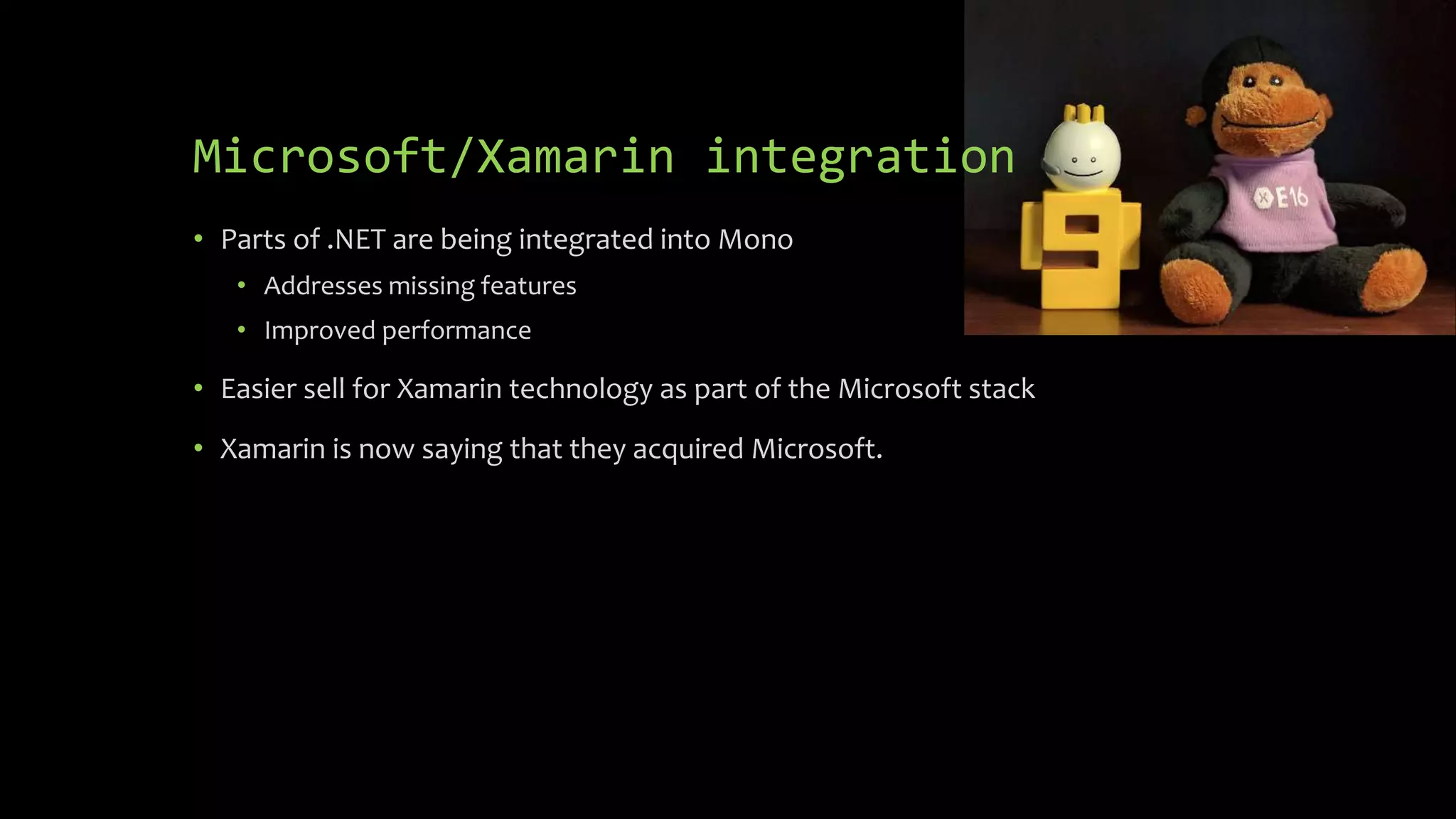
Microsoft/Xamarin integration
• Parts of .NET are being integrated into Mono
• Addresses missing features
• Improved performance
• Easier sell for Xamarin technology as part of the Microsoft stack
• Xamarin is now saying that they acquired Microsoft.
Changes to Xamarin Studio
• New “dark” theme
• All new icons
• First class support for F#, the only IDE to
support shared projects for F#
• Uses the Roslyn compiler as a service
• Better code compilation
• Better refactoring
• Full C#6 support
• Will pick up C#7 features at the same time as Visual Studio
• New Project Model with parallel compilation of projects and better support for
MSBuild
Changes to Xamarin.iOS &
Xamarin.Android
• New Java Invocation Architecture – reduce app size by 2MB (API-23) by shrinking
the size of Mono.Android.dll. Fewer round trips from managed code to JNI
• HttpClient uses new platform specific handlers for better performance and
access to platform specific network & encryption protocols such as TLS 1.2.
• Visual Studio Community Edition now supported. No more application size limits.
Command line builds, P/Invoke, All assembly types: all supported in all editions,
Trial version splash screen has been removed
Workbooks
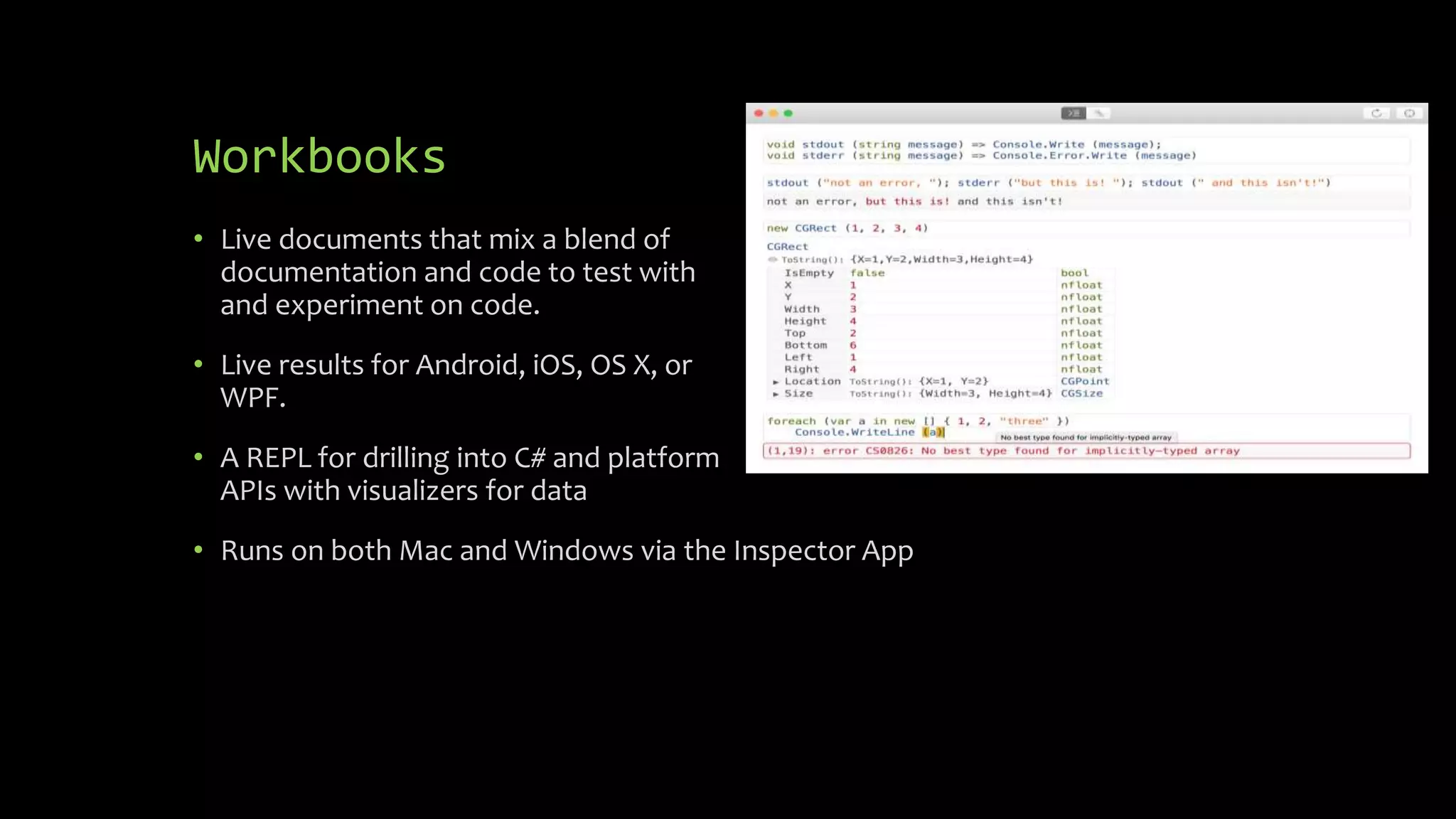
• Live documents that mix a blend of
documentation and code to test with
and experiment on code.
• Live results for Android, iOS, OS X, or
WPF.
• A REPL for drilling into C# and platform
APIs with visualizers for data
• Runs on both Mac and Windows via the Inspector App
Workbooks
• Support Rich Text Editing
• All Xamarin documentation is being moved over to use Workbooks. This will let
you see step by step invocations of the code.
• Rich Visualizations of data
• Early preview, get it from the Beta Channel
• https://developer.xamarin.com/guides/cross-platform/workbooks/
iOS Simulator on Windows
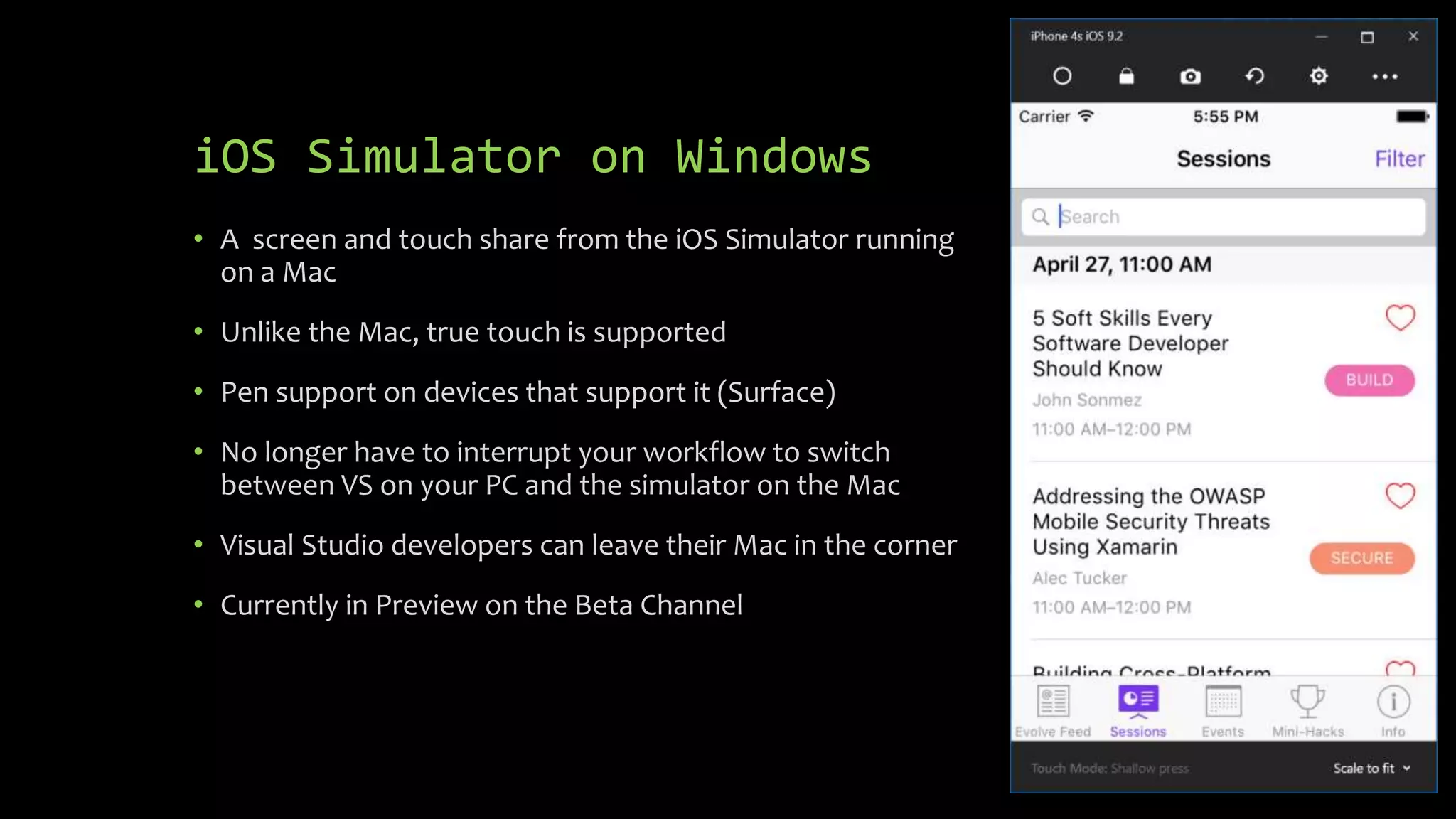
• A screen and touch share from the iOS Simulator running
on a Mac
• Unlike the Mac, true touch is supported
• Pen support on devices that support it (Surface)
• No longer have to interrupt your workflow to switch
between VS on your PC and the simulator on the Mac
• Visual Studio developers can leave their Mac in the corner
• Currently in Preview on the Beta Channel
iOS USB Remoting
• You can debug an iOS app on actual device plugged into Windows
• Still requires the Mac, but pushes it further back in the corner
• Will be available soon
Xamarin.Forms
• Now supports native deep linking
• Datapages let you create master/detail pages from json or Azure data
• Theming support to change styles quickly and easily
• Embedded Platform specific controls
• Xamarin.Forms Previewer
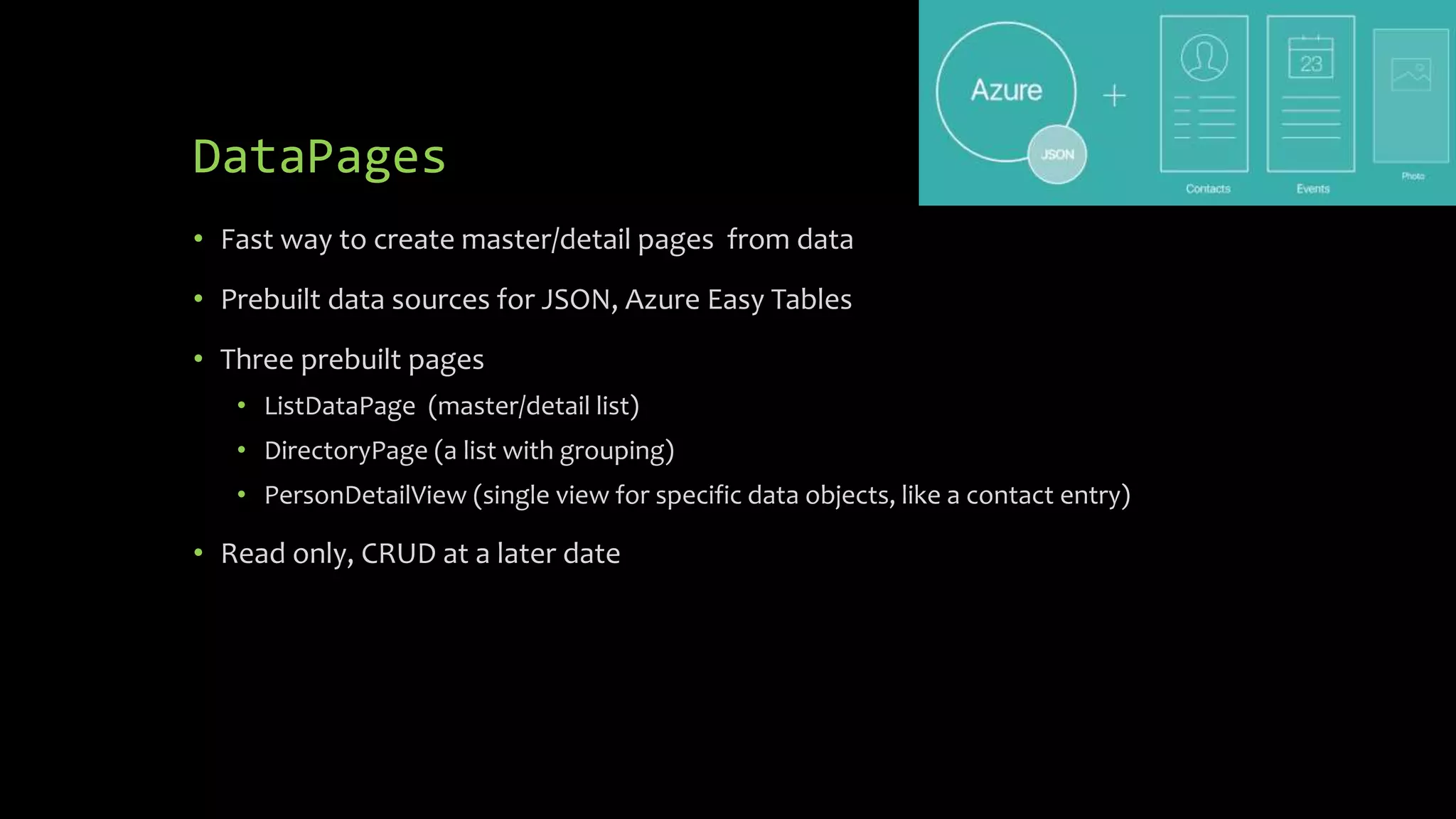
DataPages
• Fast way to create master/detail pages from data
• Prebuilt data sources for JSON, Azure Easy Tables
• Three prebuilt pages
• ListDataPage (master/detail list)
• DirectoryPage (a list with grouping)
• PersonDetailView (single view for specific data objects, like a contact entry)
• Read only, CRUD at a later date
Linus Torvalds
“Talk is cheap.
Show me the code.”
Themes
• Define specific styling for the standard controls
• Comes with a Light theme and a Dark theme
• Create your own theme
• The StyleClass property of a view allows the view to be changed to a definition
provided by the theme
• Preview release and requires Xamarin.Forms 2.3 preview release (or later)
Xamarin.Forms Previewer
• Support live previews of XAML on iOS and Android.
• Supports custom renderers
• Works with latest release of Xamarin.Forms (2.3 Prerelease)
• Preview release in Alpha Channel, Xamarin Studio Mac only
Xamarin Test Recorder
• As you interact with your app, Xamarin.UITest code will be generated
• Run the test locally on the device or on thousands of devices in Xamarin Test
Cloud
• Preview
DevOps
• Check your code into Visual Studio Team Services (VSTS) and VSTS will run the
unit tests
• Push the code to HockeyApp and enable testers to get the latest builds.
• Xamarin Insights is now part of HockeyApp. All of the Xamarin Insights metrics
and crash reporting have been brought to HockeyApp
Test Cloud Live
• Remote debugging into one of the thousands of devices currently
hosted in Test Cloud
• Private preview
Xamarin University
• Still one of the best ways to learn Xamarin
• As part of Microsoft, more resources means more classes
• Self-Guide Learning
• Certification Exam Improvements
Xamarin University
• Still one of the best ways to learn Xamarin
• Live lessons with instructors
• Scheduled around the clock for a global audience
• Class size is limited
• Covers Xamarin coding, C#, F#, Testing
Xamarin University
• As part of Microsoft, more resources means more classes
• More instructors mean more sessions available
• More topics
• Azure
• Data
• Best Practices
Xamarin University
• Self-Guide Learning
• Follow at your pace
• Tracked like a live class and counts towards certification
• Still includes labs and quizzes
• Video Chapter Navigation
• Responsive design, scales to your device
Xamarin University
• Certification Exam Improvements
• New inhouse exam system to replace 3rd party exam site
• Better user experience
• Status updated instantly
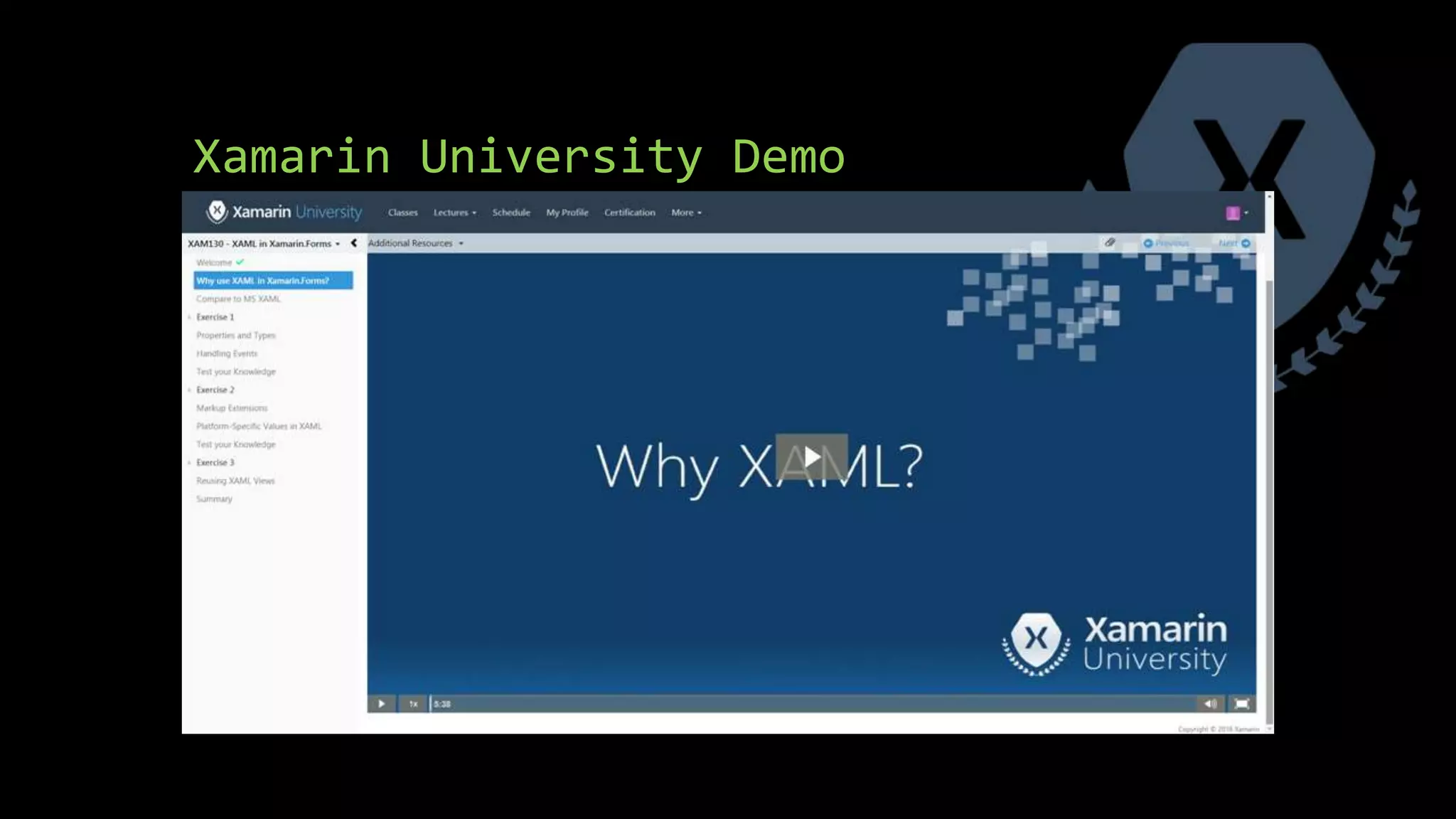
Xamarin University Demo
Watch the Keynote and the sessions
• The keynote and individual sessions were all recorded and available online
• https://evolve.xamarin.com/#sessions
• Updates are posted to http://releases.xamarin.com/

Highlights from the Xamarin Evolve 2016 conference

  • 1.
    Highlights from Evolve 2016 Whatdoes “Xamarin from Microsoft” mean for you?
  • 2.
    Chris Miller Senior R&DEngineer for Tyler Technologies, currently working on mobile apps for the K-12 transportation market. @anotherlab http://www.rajapet.net https://www.linkedin.com/in/christophermiller
  • 3.
    Overview • Sold out(3 for 3) • 2 Days of training • 2 days of conference sessions • Included sessions by the Woz and a Mythbuster • Open sourcing of Xamarin SDKs
  • 4.
    Xamarin SDKs • open.xamarin.com •All repos on Github • Xamarin.iOS • Xamarin.Android • Xamarin.Forms • MIT license • Ready for pull requests • Consider filing a bug before going in and changing the code
  • 5.
    Licensing • What’s covered •How do I get me some free Xamarin • What was lost
  • 6.
    Licensing • What’s covered •Included in every edition of Visual Studio • Including Visual Studio Community Edition • Test Cloud and Xamarin University are separate products
  • 7.
    Licensing • How doI get me some free Xamarin • Install Visual Studio 2015 Update 2
  • 8.
    Licensing • What waslost • The Enterprise Edition of Xamarin included a set of 3rd party controls (like SQLcipher) at no extra charge. Those controls are no longer bundled in. • Having to find $1900 in budget money each year.
  • 9.
    Open Source • TheMono Project to be re-released under the MIT License • Xamarin SDKs for Android, iOS, and OS X • Xamarin.Forms
  • 10.
    Microsoft/Xamarin integration • Partsof .NET are being integrated into Mono • Addresses missing features • Improved performance • Easier sell for Xamarin technology as part of the Microsoft stack • Xamarin is now saying that they acquired Microsoft.
  • 11.
    Changes to XamarinStudio • New “dark” theme • All new icons • First class support for F#, the only IDE to support shared projects for F# • Uses the Roslyn compiler as a service • Better code compilation • Better refactoring • Full C#6 support • Will pick up C#7 features at the same time as Visual Studio • New Project Model with parallel compilation of projects and better support for MSBuild
  • 12.
    Changes to Xamarin.iOS& Xamarin.Android • New Java Invocation Architecture – reduce app size by 2MB (API-23) by shrinking the size of Mono.Android.dll. Fewer round trips from managed code to JNI • HttpClient uses new platform specific handlers for better performance and access to platform specific network & encryption protocols such as TLS 1.2. • Visual Studio Community Edition now supported. No more application size limits. Command line builds, P/Invoke, All assembly types: all supported in all editions, Trial version splash screen has been removed
  • 13.
    Workbooks • Live documentsthat mix a blend of documentation and code to test with and experiment on code. • Live results for Android, iOS, OS X, or WPF. • A REPL for drilling into C# and platform APIs with visualizers for data • Runs on both Mac and Windows via the Inspector App
  • 14.
    Workbooks • Support RichText Editing • All Xamarin documentation is being moved over to use Workbooks. This will let you see step by step invocations of the code. • Rich Visualizations of data • Early preview, get it from the Beta Channel • https://developer.xamarin.com/guides/cross-platform/workbooks/
  • 15.
    iOS Simulator onWindows • A screen and touch share from the iOS Simulator running on a Mac • Unlike the Mac, true touch is supported • Pen support on devices that support it (Surface) • No longer have to interrupt your workflow to switch between VS on your PC and the simulator on the Mac • Visual Studio developers can leave their Mac in the corner • Currently in Preview on the Beta Channel
  • 16.
    iOS USB Remoting •You can debug an iOS app on actual device plugged into Windows • Still requires the Mac, but pushes it further back in the corner • Will be available soon
  • 17.
    Xamarin.Forms • Now supportsnative deep linking • Datapages let you create master/detail pages from json or Azure data • Theming support to change styles quickly and easily • Embedded Platform specific controls • Xamarin.Forms Previewer
  • 18.
    DataPages • Fast wayto create master/detail pages from data • Prebuilt data sources for JSON, Azure Easy Tables • Three prebuilt pages • ListDataPage (master/detail list) • DirectoryPage (a list with grouping) • PersonDetailView (single view for specific data objects, like a contact entry) • Read only, CRUD at a later date
  • 19.
    Linus Torvalds “Talk ischeap. Show me the code.”
  • 20.
    Themes • Define specificstyling for the standard controls • Comes with a Light theme and a Dark theme • Create your own theme • The StyleClass property of a view allows the view to be changed to a definition provided by the theme • Preview release and requires Xamarin.Forms 2.3 preview release (or later)
  • 21.
    Xamarin.Forms Previewer • Supportlive previews of XAML on iOS and Android. • Supports custom renderers • Works with latest release of Xamarin.Forms (2.3 Prerelease) • Preview release in Alpha Channel, Xamarin Studio Mac only
  • 22.
    Xamarin Test Recorder •As you interact with your app, Xamarin.UITest code will be generated • Run the test locally on the device or on thousands of devices in Xamarin Test Cloud • Preview
  • 23.
    DevOps • Check yourcode into Visual Studio Team Services (VSTS) and VSTS will run the unit tests • Push the code to HockeyApp and enable testers to get the latest builds. • Xamarin Insights is now part of HockeyApp. All of the Xamarin Insights metrics and crash reporting have been brought to HockeyApp
  • 24.
    Test Cloud Live •Remote debugging into one of the thousands of devices currently hosted in Test Cloud • Private preview
  • 25.
    Xamarin University • Stillone of the best ways to learn Xamarin • As part of Microsoft, more resources means more classes • Self-Guide Learning • Certification Exam Improvements
  • 26.
    Xamarin University • Stillone of the best ways to learn Xamarin • Live lessons with instructors • Scheduled around the clock for a global audience • Class size is limited • Covers Xamarin coding, C#, F#, Testing
  • 27.
    Xamarin University • Aspart of Microsoft, more resources means more classes • More instructors mean more sessions available • More topics • Azure • Data • Best Practices
  • 28.
    Xamarin University • Self-GuideLearning • Follow at your pace • Tracked like a live class and counts towards certification • Still includes labs and quizzes • Video Chapter Navigation • Responsive design, scales to your device
  • 29.
    Xamarin University • CertificationExam Improvements • New inhouse exam system to replace 3rd party exam site • Better user experience • Status updated instantly
  • 30.
  • 31.
    Watch the Keynoteand the sessions • The keynote and individual sessions were all recorded and available online • https://evolve.xamarin.com/#sessions • Updates are posted to http://releases.xamarin.com/

Editor's Notes

  • #6 SQLcipher
  • #7 SQLcipher
  • #8 SQLcipher
  • #9 SQLcipher
  • #13 JNI Java Native Interface. The framework that allows java code to interact with native applications
  • #14 Visuallizers Play with live data read-eval-print-loop, interactive shell
  • #18 so you can deep link to a page deep in your Xamarin.Forms app from the web, email, or other app-external sources. DataPages connect you to a cloud or JSON data source, and create master-detail views for visualizing that data automatically, without any additional configuration. Add platfprm controls with a single line without having to write a custom rendered. Like the Android FAB button That took out Gorilla Player
  • #20 Do a walk through of the DataPages demo I used https://blog.xamarin.com/scaffolding-xamarin-forms-pages-with-datapages/
  • #26 Self-Guide Learning was soft launched at //build
  • #27 Self-Guide Learning was soft launched at //build
  • #28 Self-Guide Learning was soft launched at //build
  • #29 Self-Guide Learning was soft launched at //build
  • #30 Self-Guide Learning was soft launched at //build
  • #31 With the kind permission of Xamarin http://elearning.xamarin.com/forms/xam130/why-xaml