Introducing Scylla Manager: Cluster Management and Task Automation
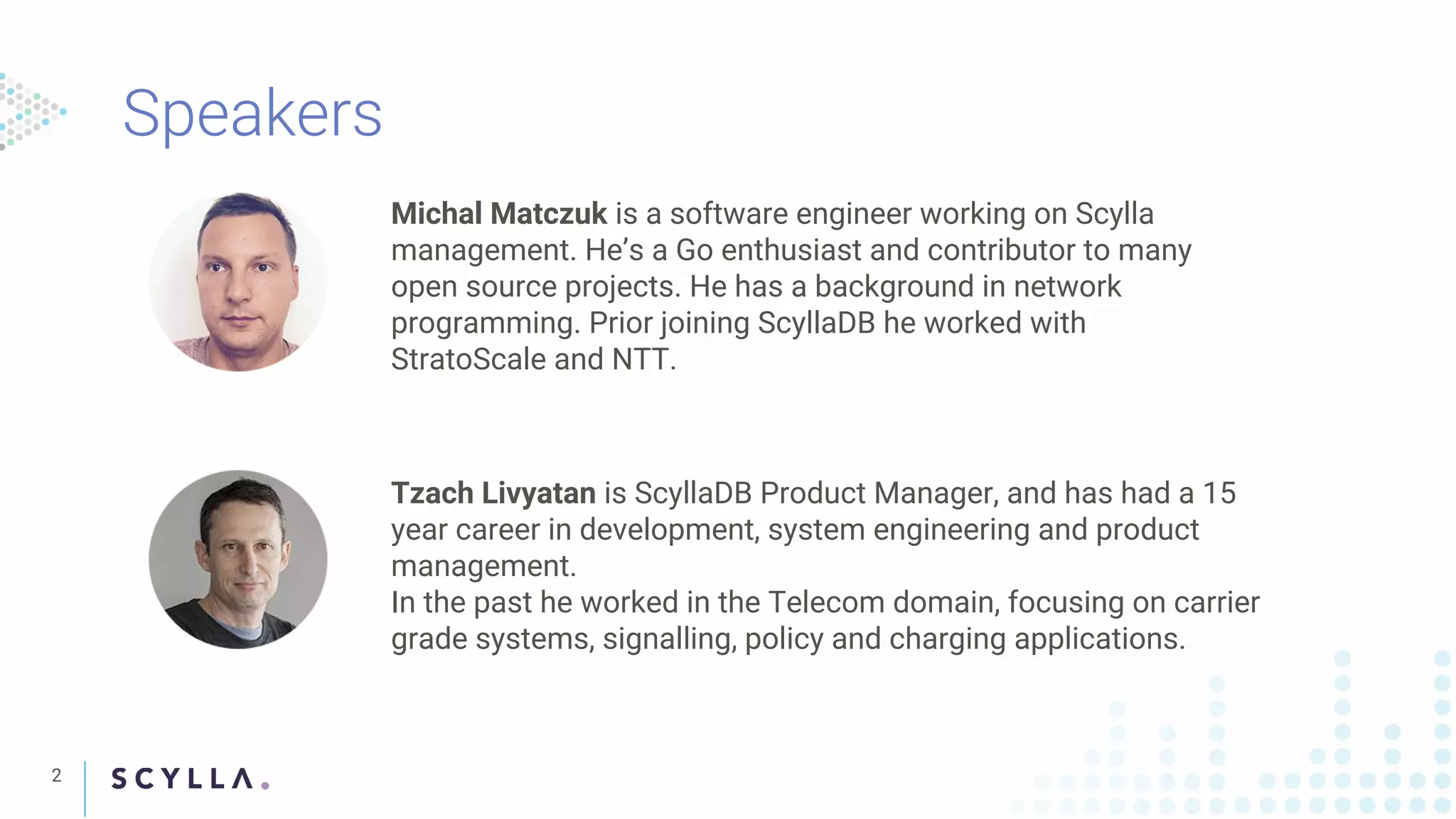
The document discusses Scylla Manager, a tool for managing Scylla clusters and automating tasks such as data repair to ensure data consistency across nodes. It highlights the importance of a recurrent repair solution and provides an overview of the features, including user-friendly CLI tools (sctool), centralized control, and integration with Prometheus for monitoring. The document also outlines the development team behind Scylla Manager, including Michal Matczuk and Tzach Livyatan, and their backgrounds in software engineering and product management.
Presenters Michał Matczuk (Scylla Manager Lead Developer) and Tzach Livyatan (Product Manager) introduced the webinar on Scylla's Cluster Management and Task Automation.
Discussion on the need for recurrent repair solutions in Scylla Manager, its status, roadmap, features like 24/7 support, and enterprise functionalities.
Challenges in data consistency due to node sync issues, with solutions like periodic repairs recommended to maintain data integrity in Scylla clusters.
Explains the offline repair process for data synchronization across nodes, including important commands and reminders on data propagation.
Different strategies for running repairs: from automated solutions to manual interventions, highlighting limitations of current solutions.
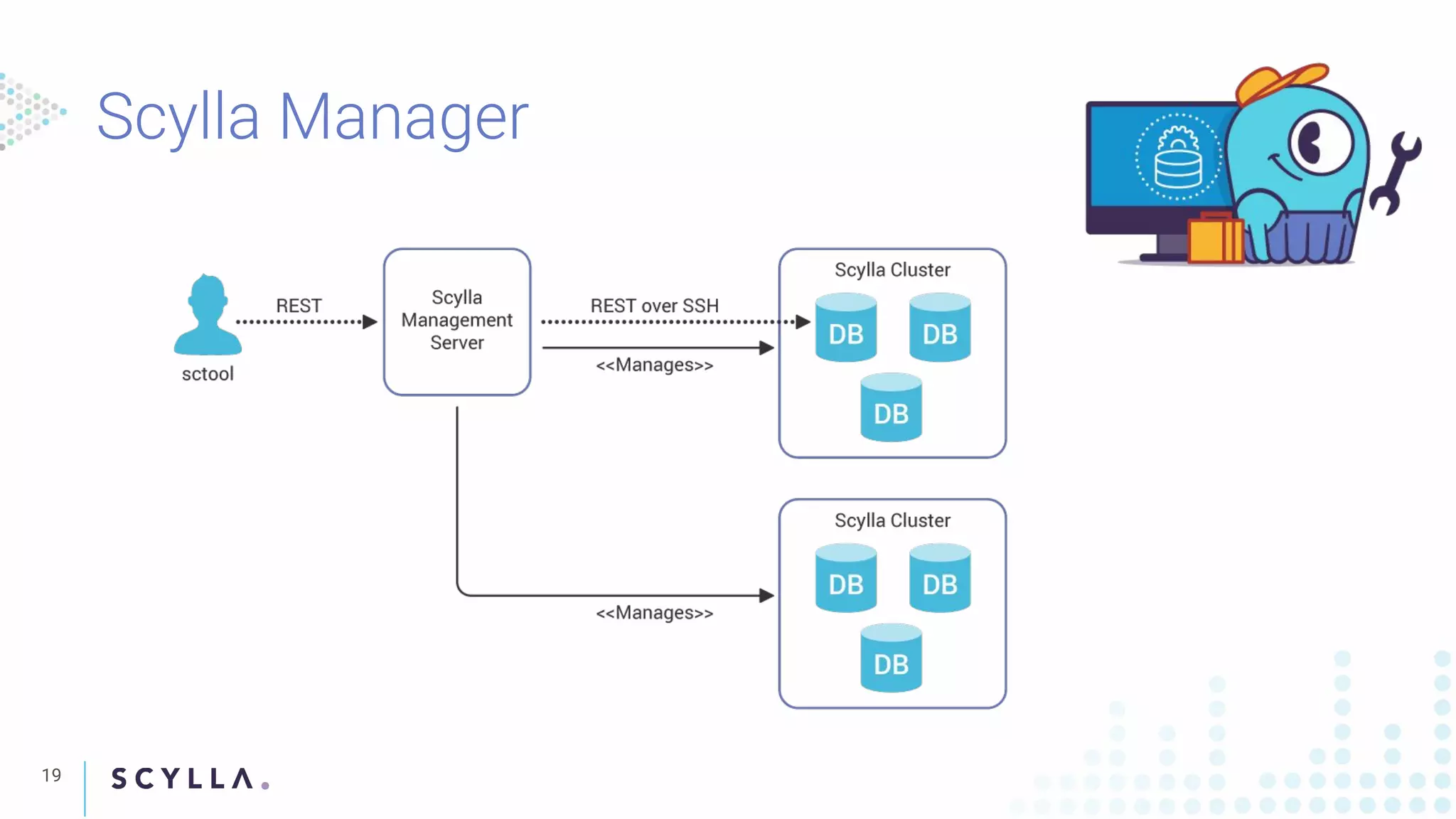
Introducing Scylla Manager as a centralized tool for managing multiple clusters with features like automated repairs, user-friendly CLI, and high availability.
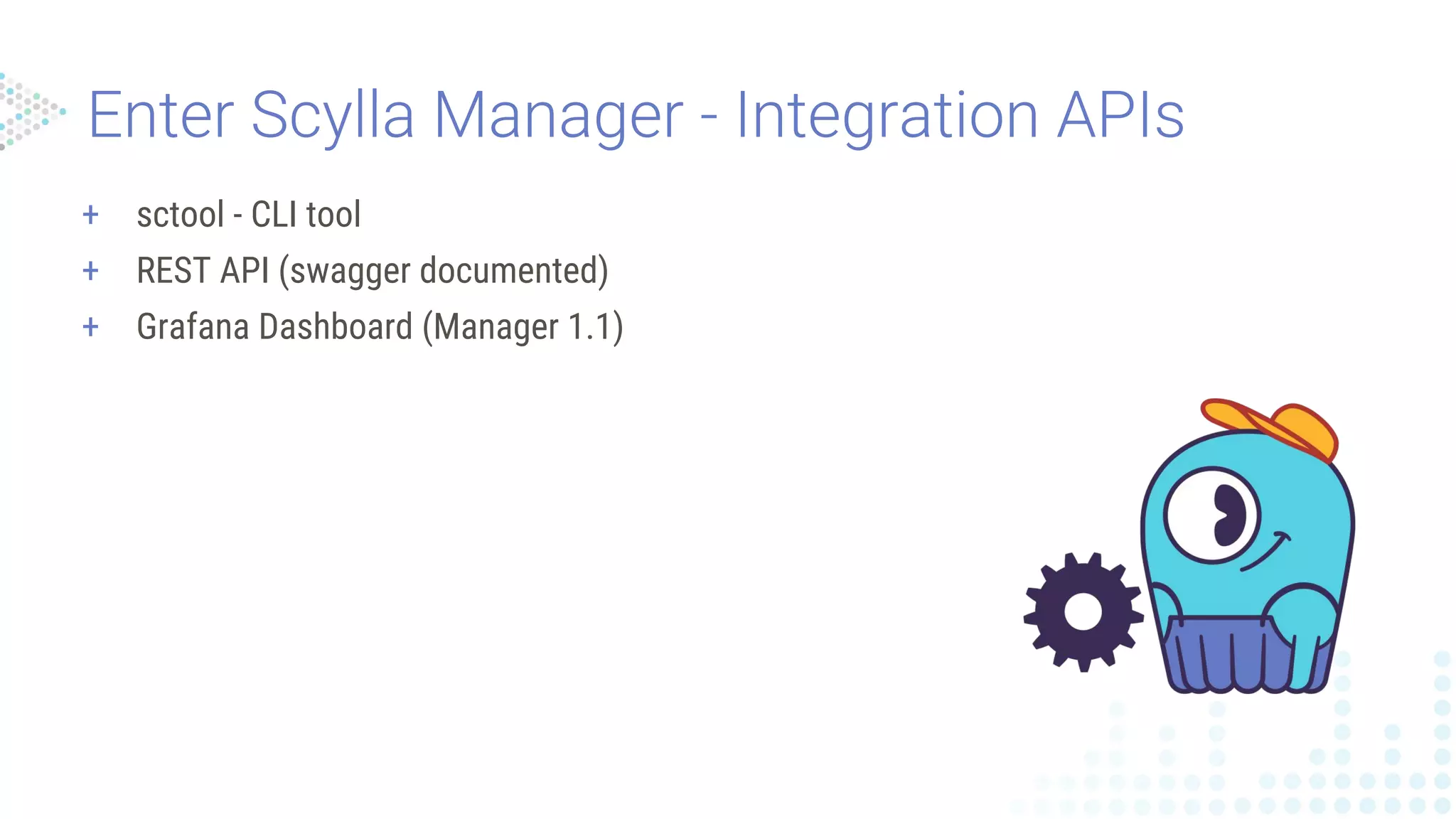
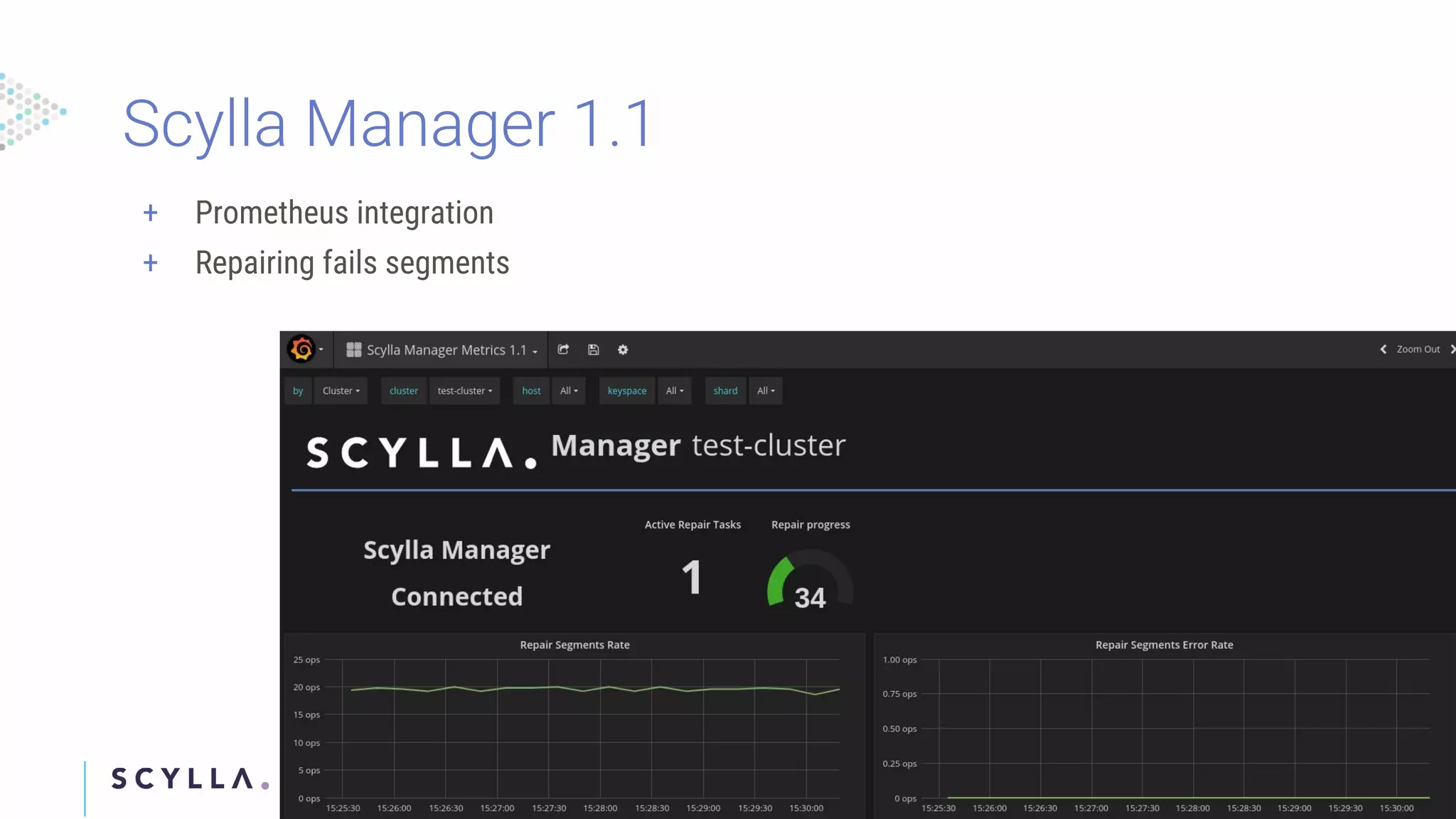
Overview of 'sctool', its functionalities, including REST APIs, Grafana integration, and metrics exporting capabilities.
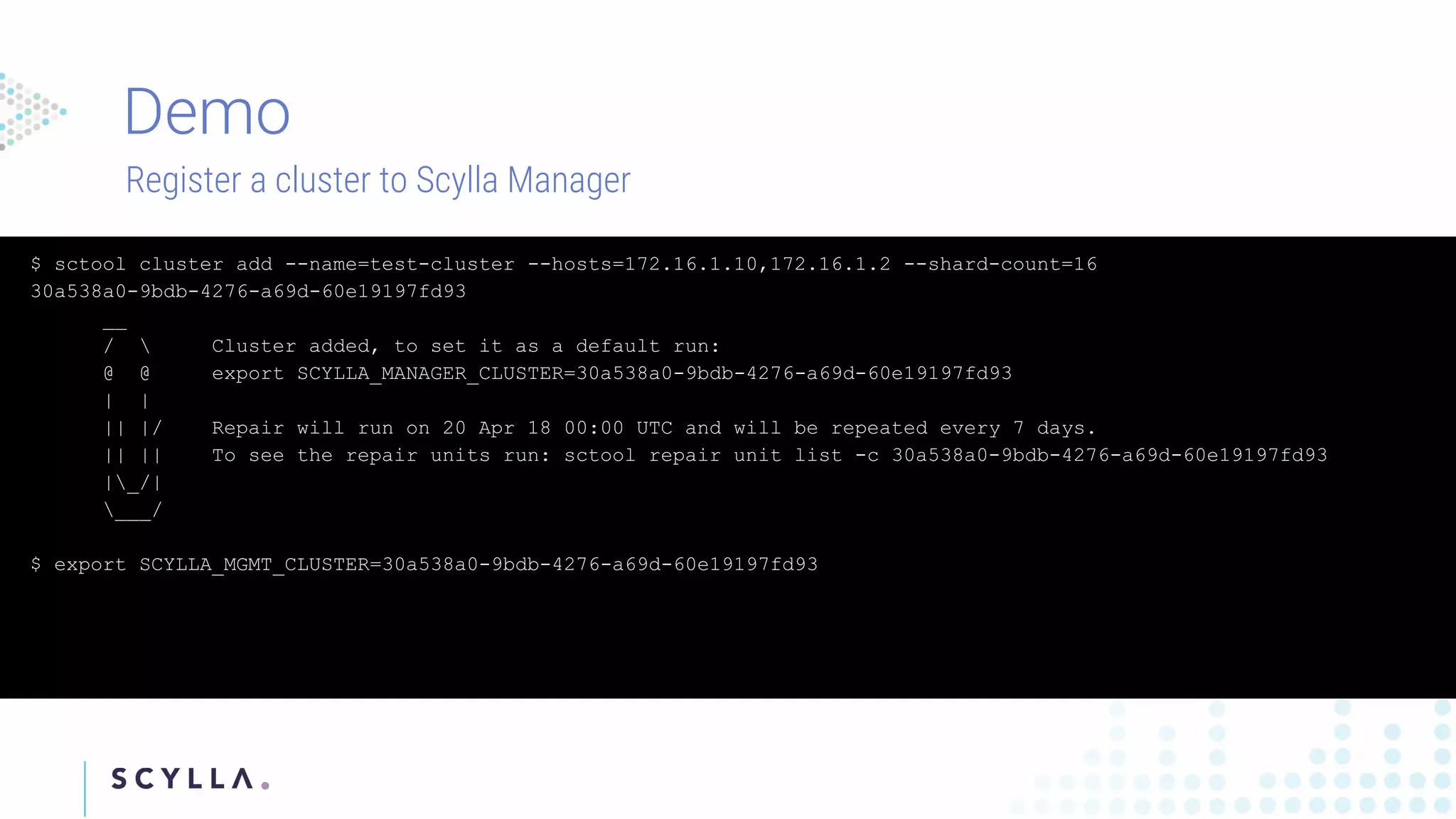
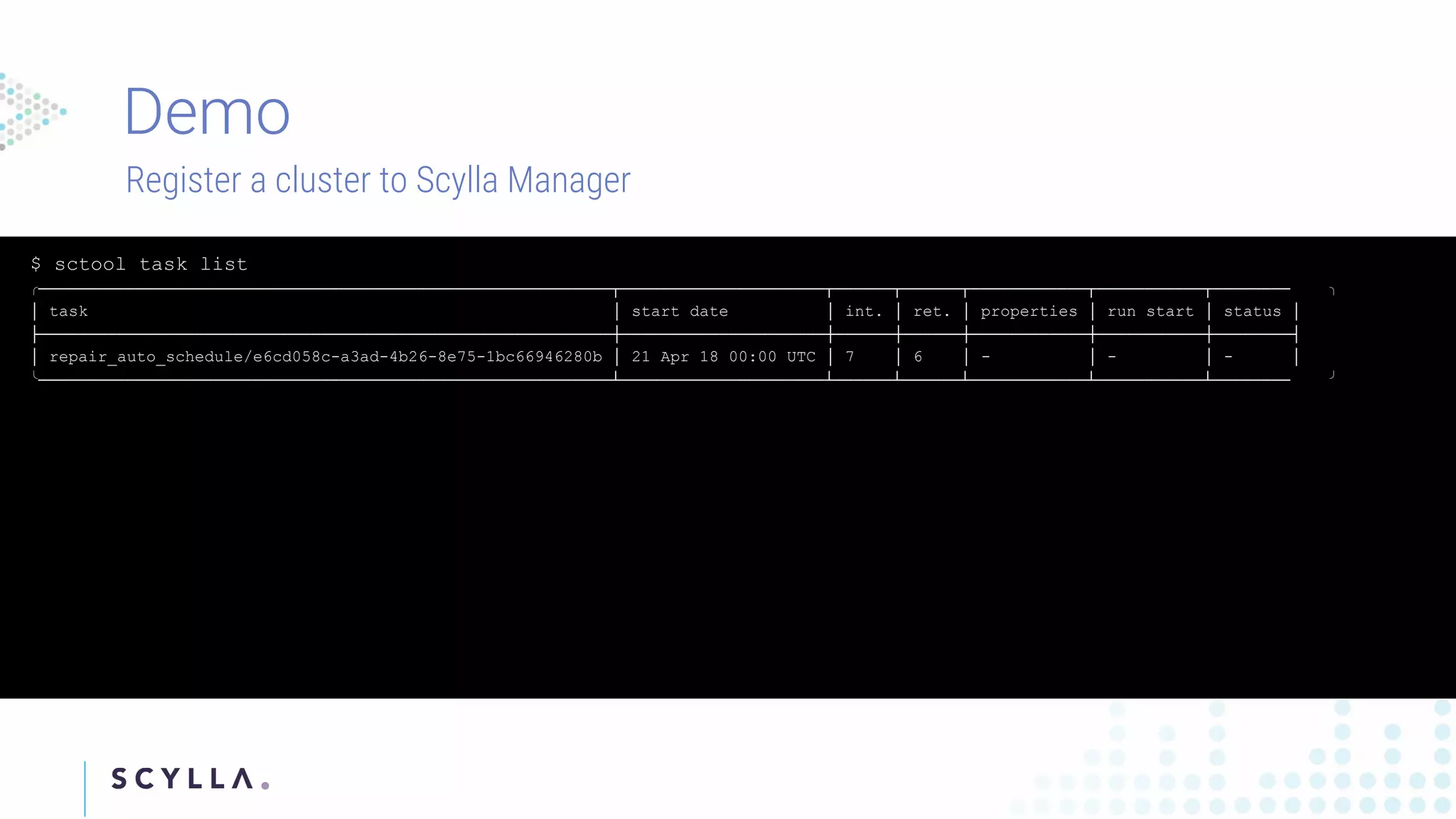
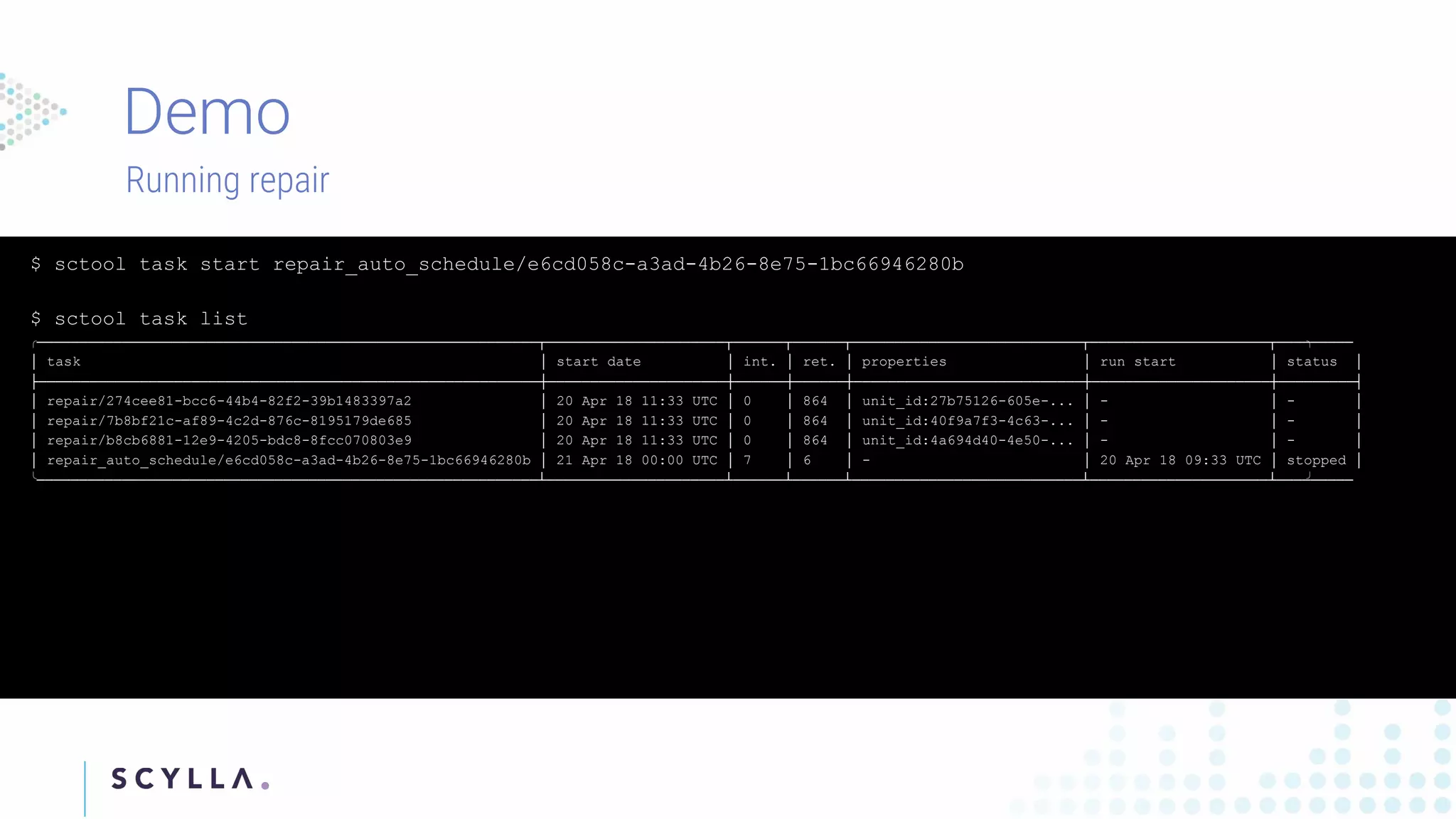
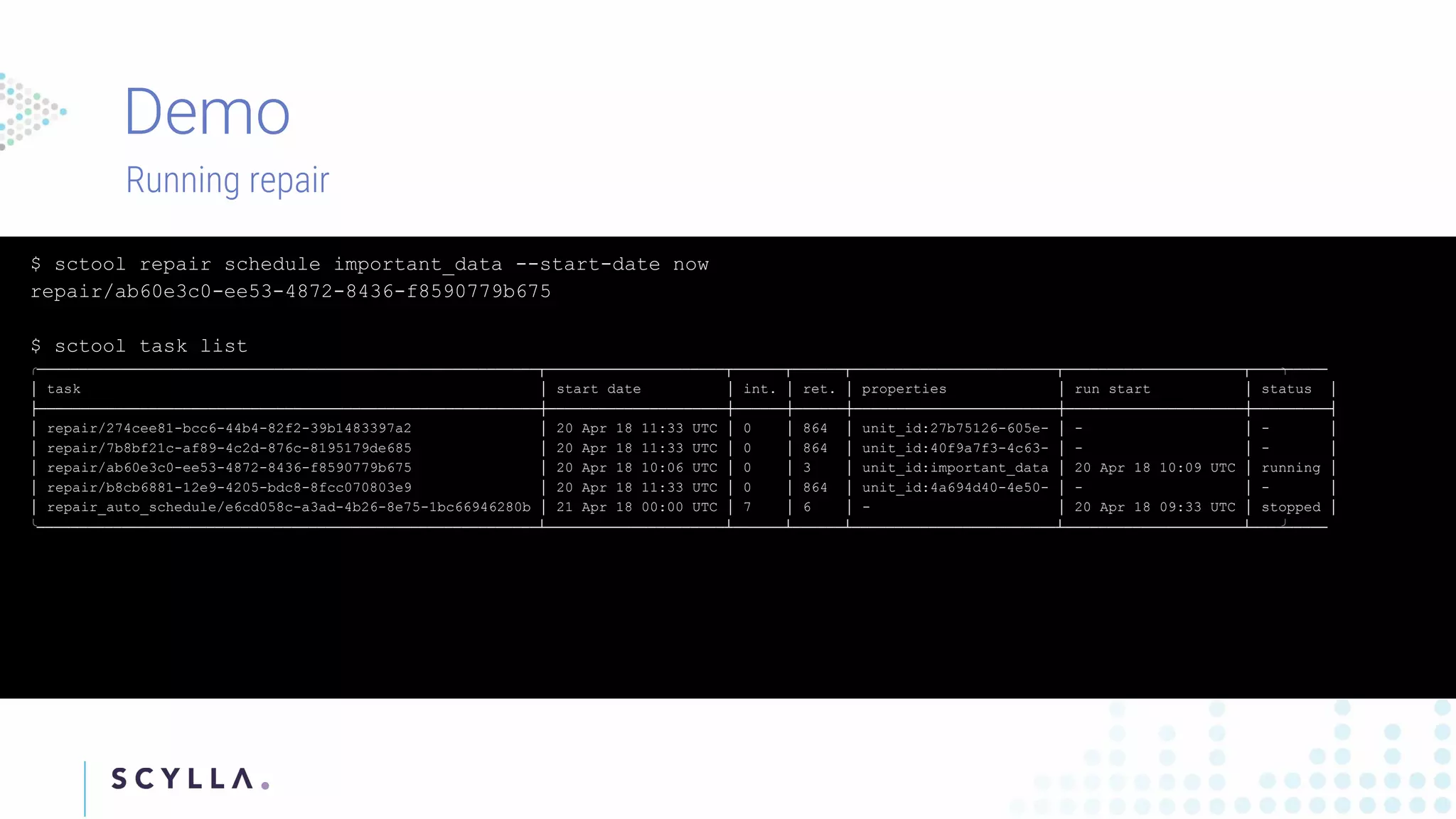
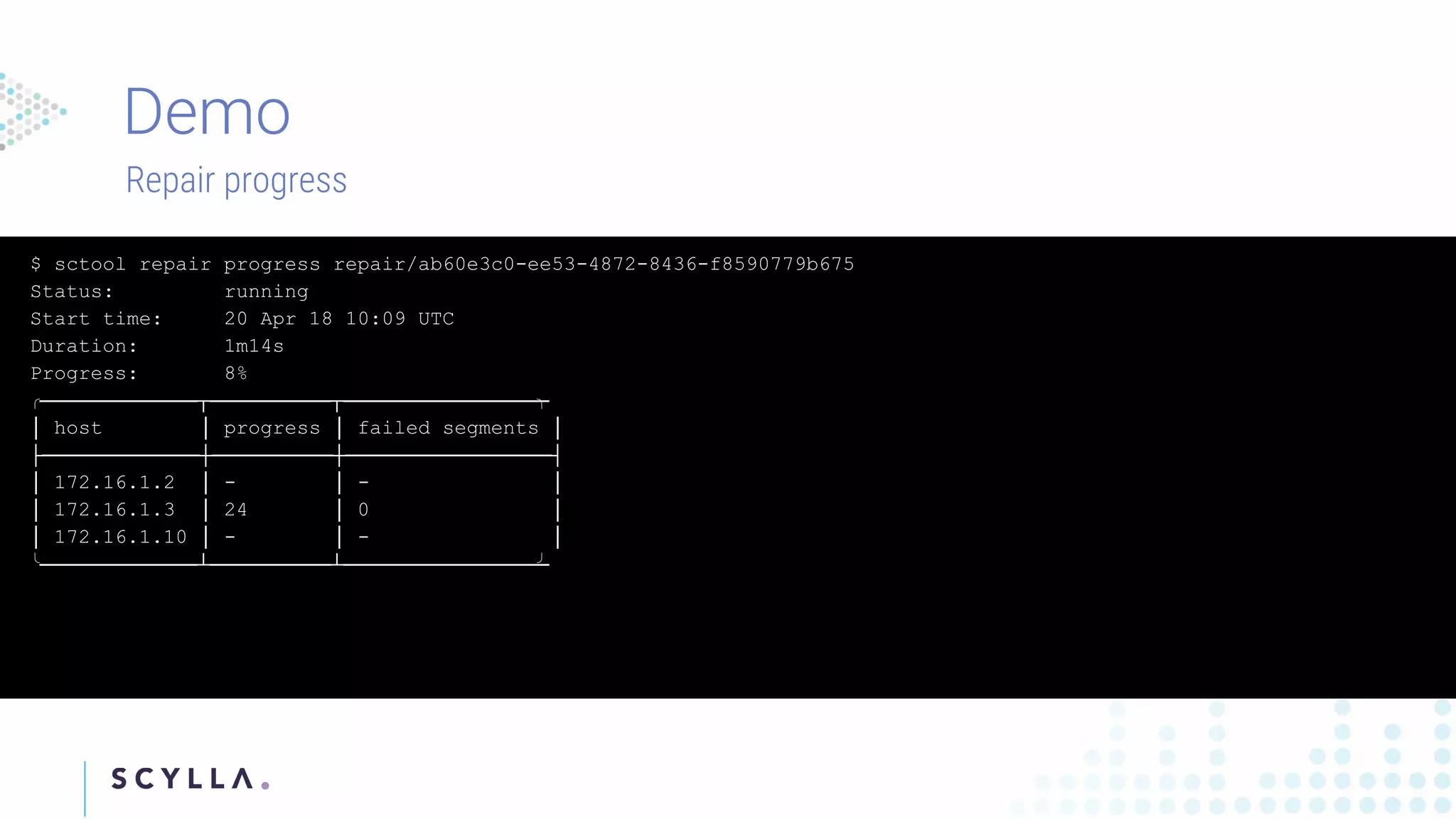
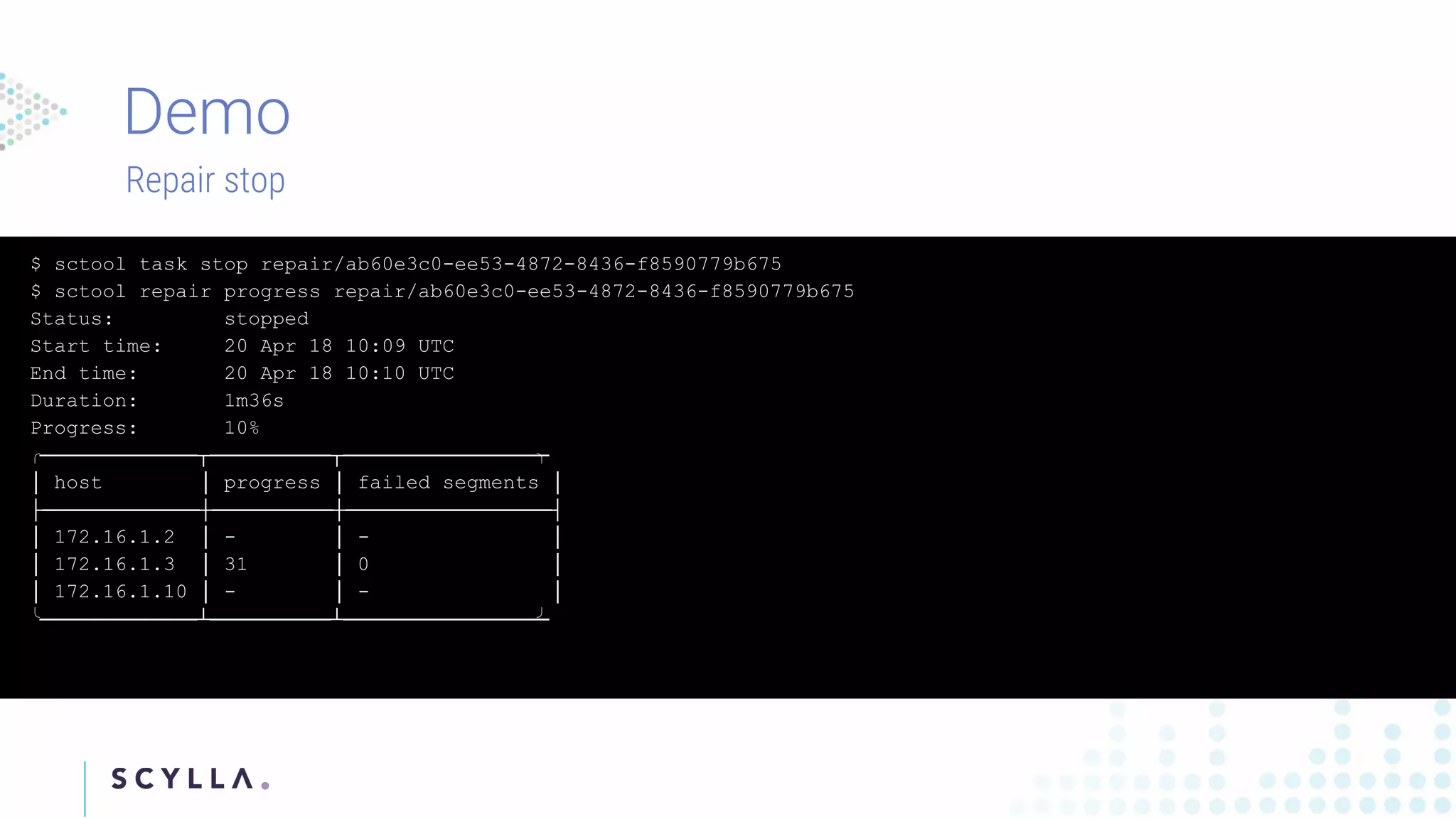
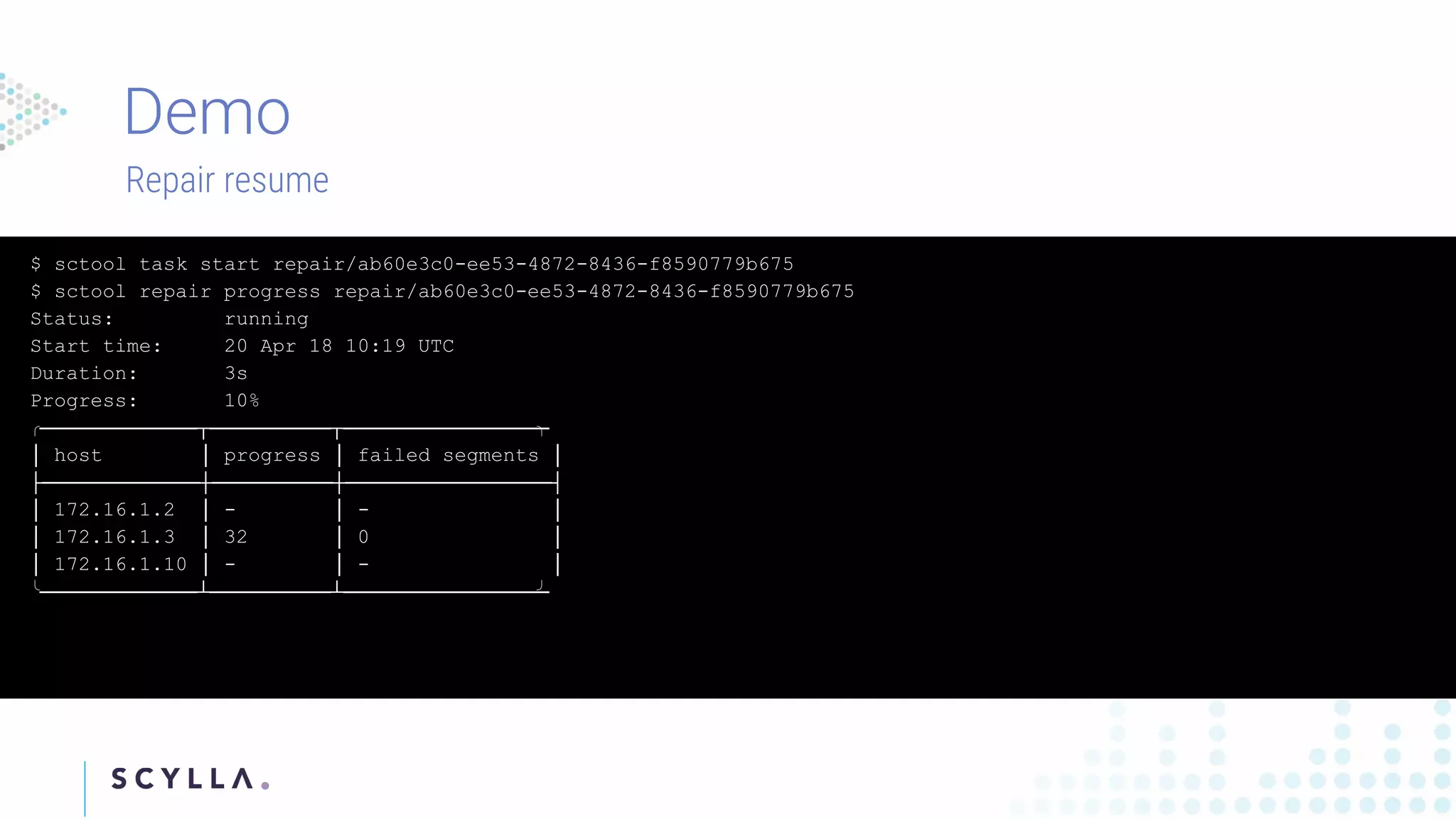
Instructions on registering clusters to Scylla Manager and how to manage repair tasks with status updates and progress tracking. Commands to check diagnostics on repair tasks, including start, stop, and resume functionalities, ensuring efficient management.
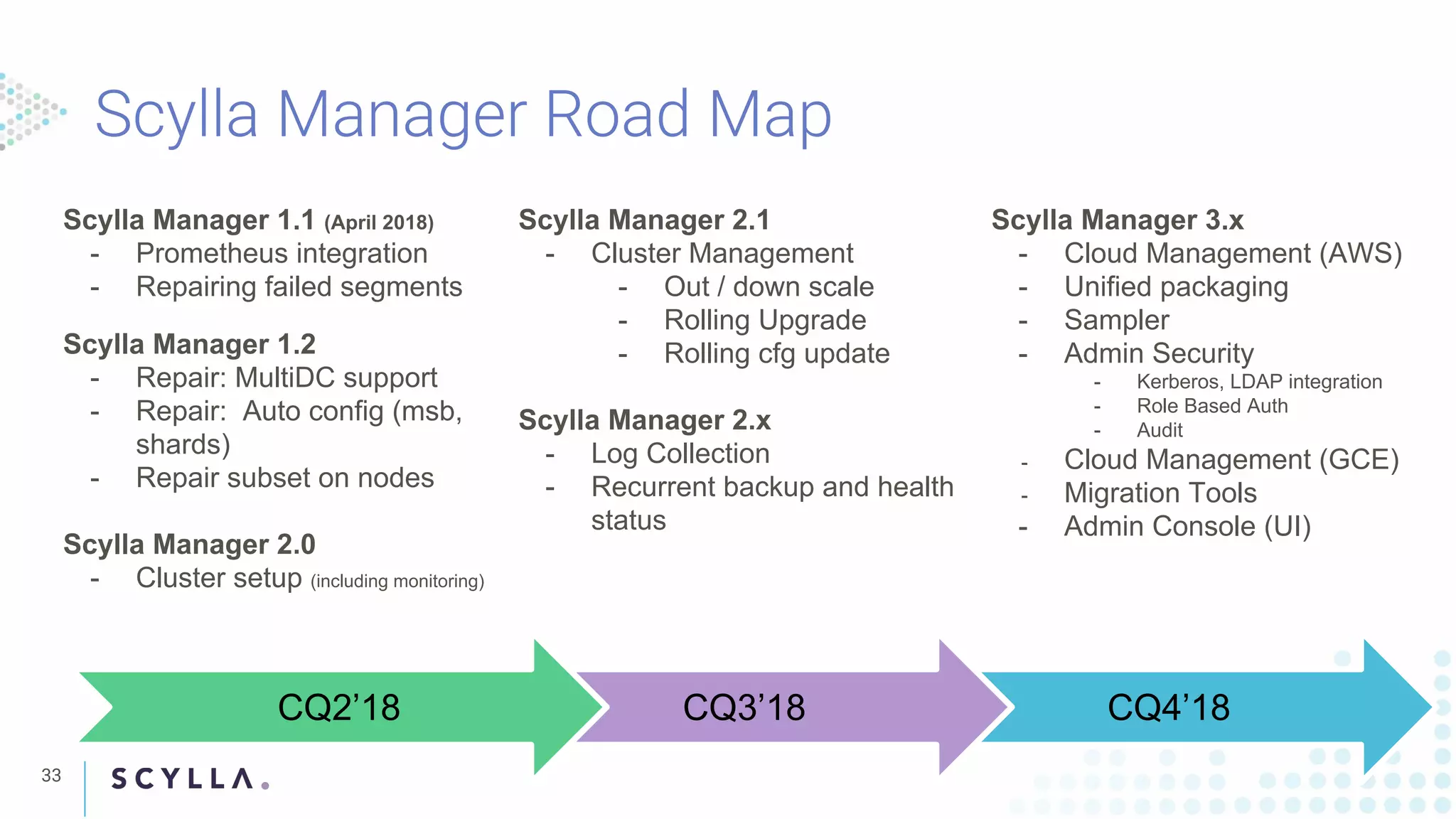
Highlighting Scylla Manager updates, features, and enhancements across versions, including cloud management tools and security integrations.
Concludes the presentation with contact details for ScyllaDB, including website and social media channels.
Introducing Scylla Manager: Cluster Management and Task Automation
1.
Michał Matczuk, ScyllaManager Lead Developer
Tzach Livyatan, Product Manager
WEBINAR
Cluster Management and Task Automation
2.
2
Michal Matczuk isa software engineer working on Scylla
management. He’s a Go enthusiast and contributor to many
open source projects. He has a background in network
programming. Prior joining ScyllaDB he worked with
StratoScale and NTT.
Tzach Livyatan is ScyllaDB Product Manager, and has had a 15
year career in development, system engineering and product
management.
In the past he worked in the Telecom domain, focusing on carrier
grade systems, signalling, policy and charging applications.
3.
Why do weneed a recurrent repair solution?
Scylla Manager status and road map
Scylla Manager 101
4.
4
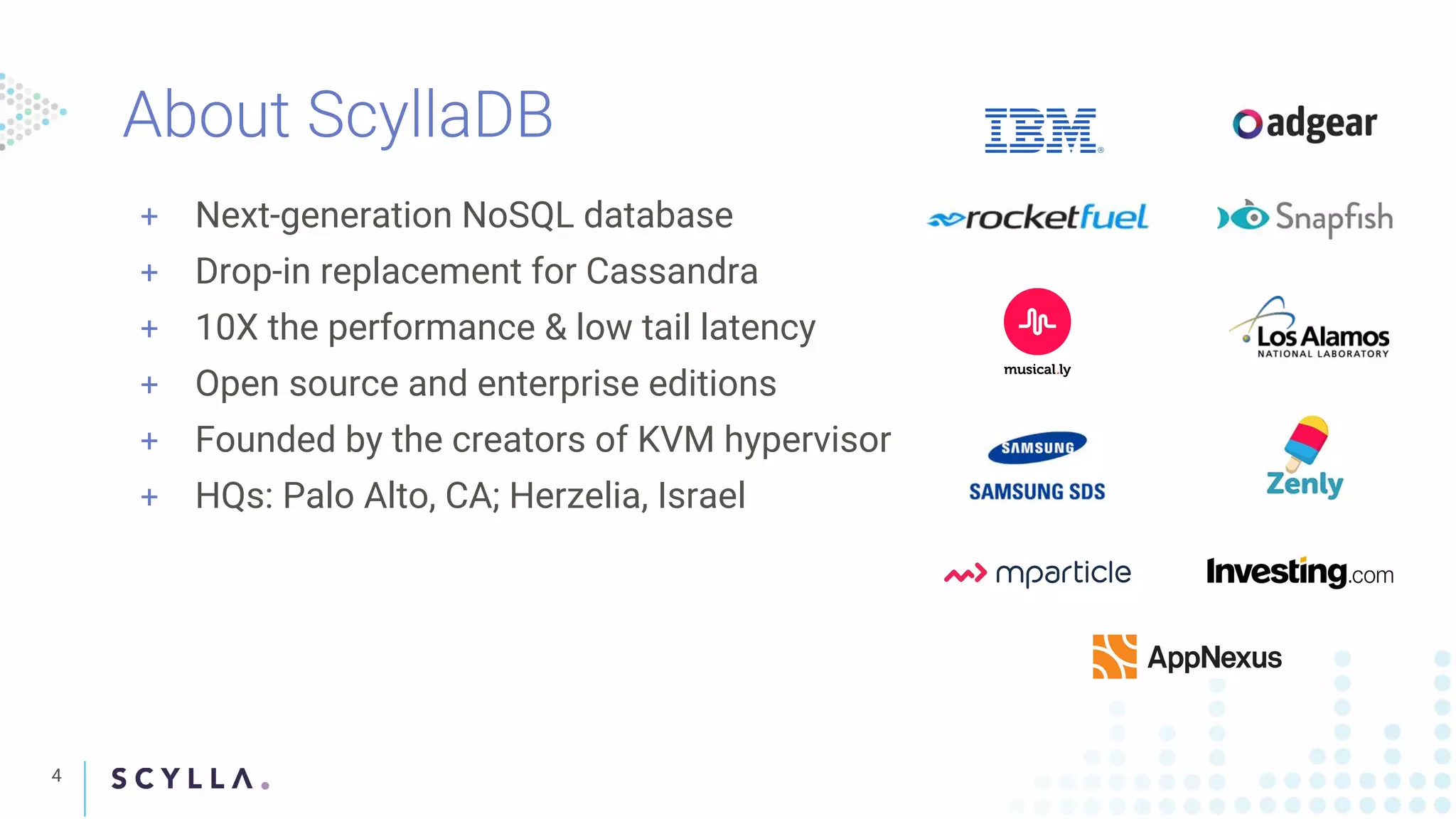
+ Next-generation NoSQLdatabase
+ Drop-in replacement for Cassandra
+ 10X the performance & low tail latency
+ Open source and enterprise editions
+ Founded by the creators of KVM hypervisor
+ HQs: Palo Alto, CA; Herzelia, Israel
5.
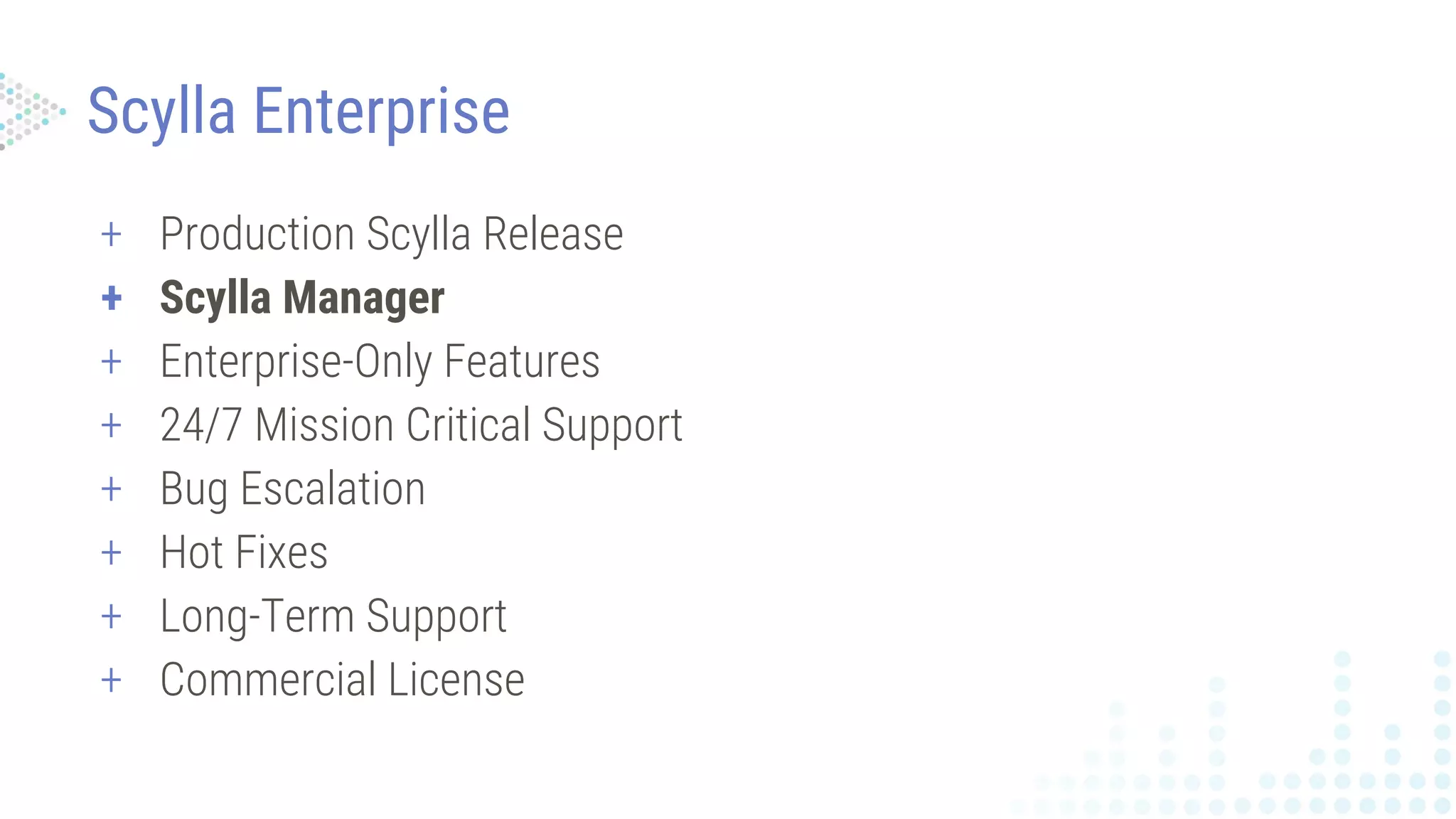
+ Production ScyllaRelease
+ Scylla Manager
+ Enterprise-Only Features
+ 24/7 Mission Critical Support
+ Bug Escalation
+ Hot Fixes
+ Long-Term Support
+ Commercial License
Scylla Enterprise
7.
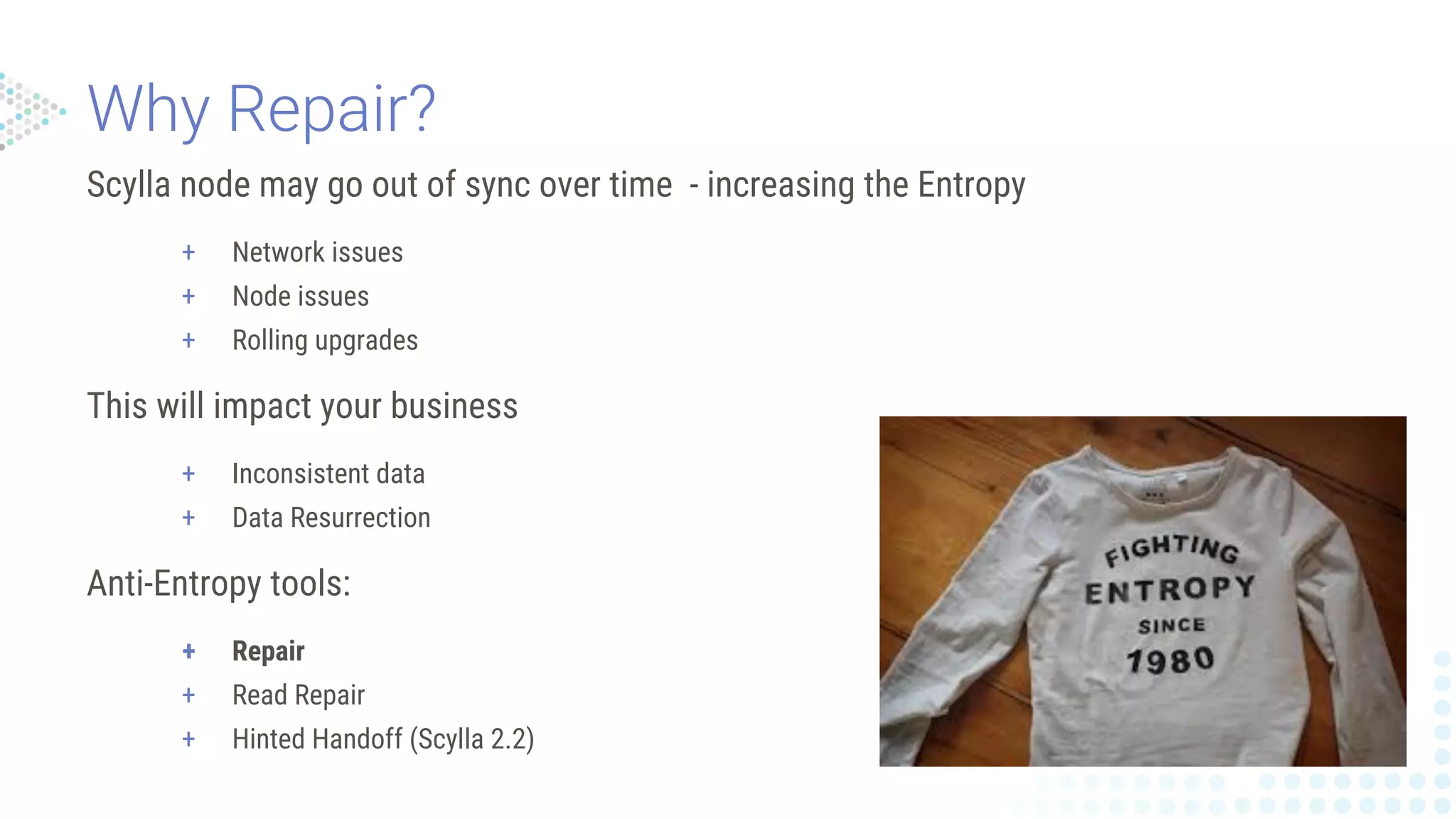
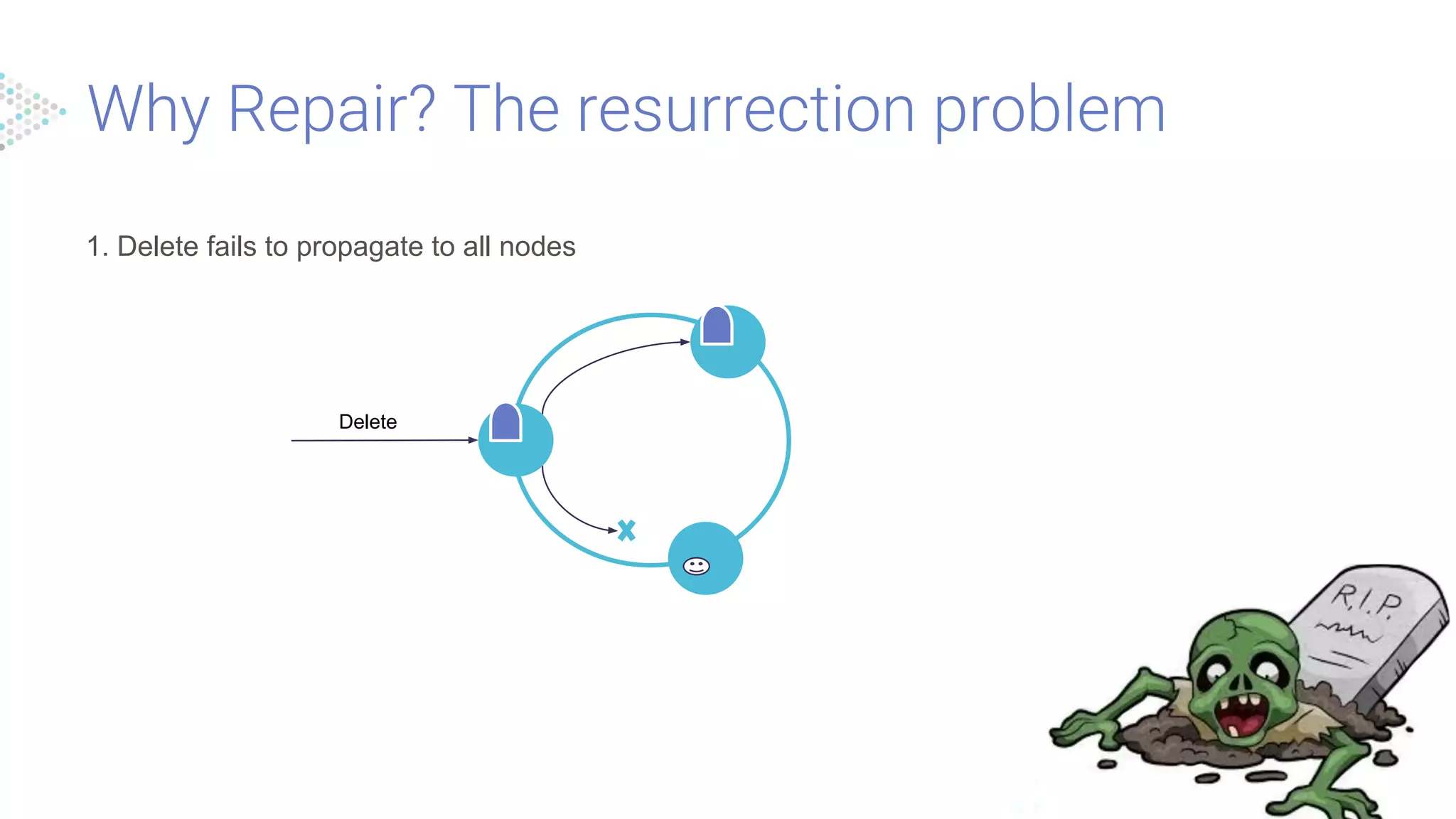
Scylla node maygo out of sync over time - increasing the Entropy
+ Network issues
+ Node issues
+ Rolling upgrades
This will impact your business
+ Inconsistent data
+ Data Resurrection
Anti-Entropy tools:
+ Repair
+ Read Repair
+ Hinted Handoff (Scylla 2.2)
8.
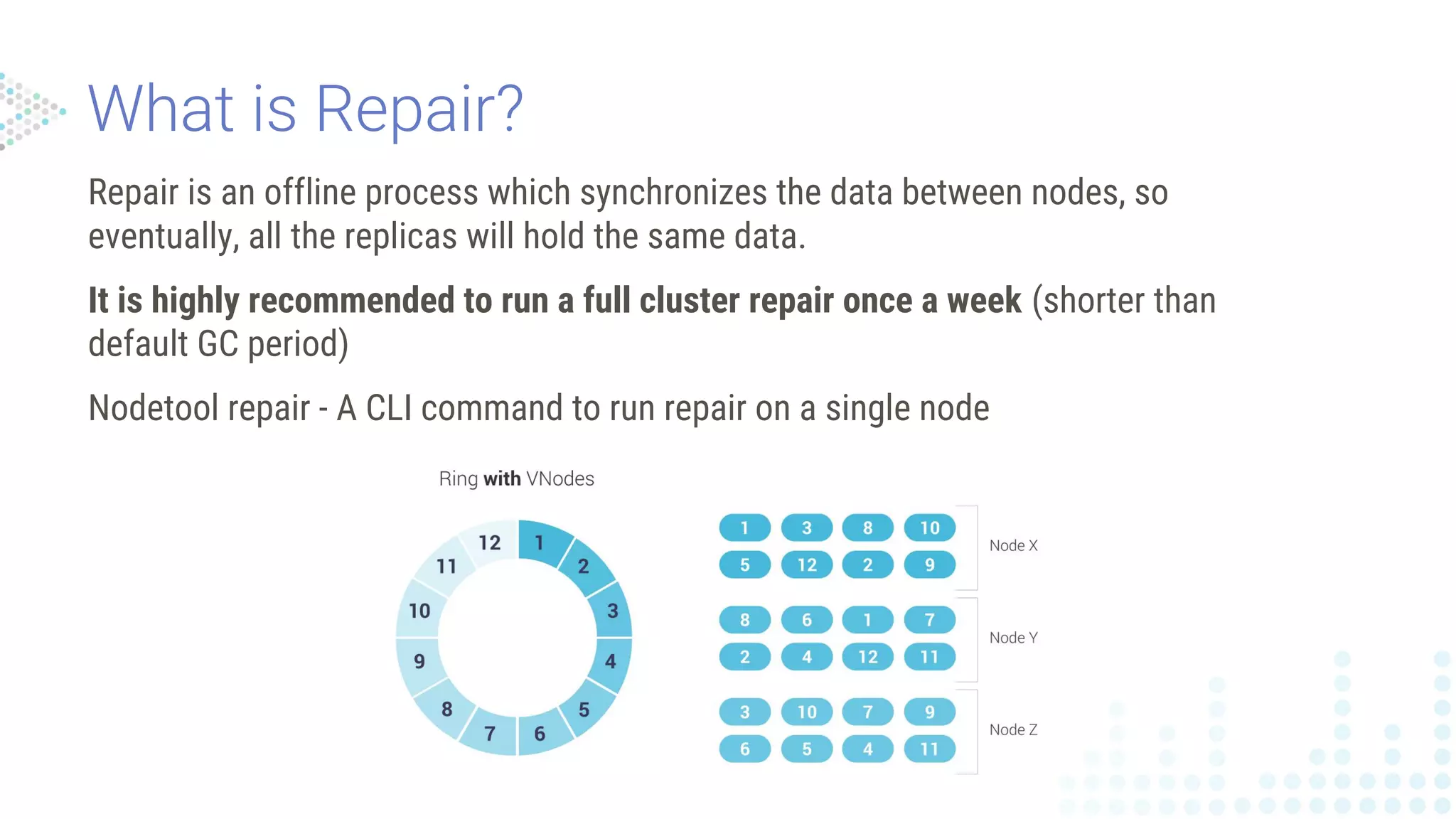
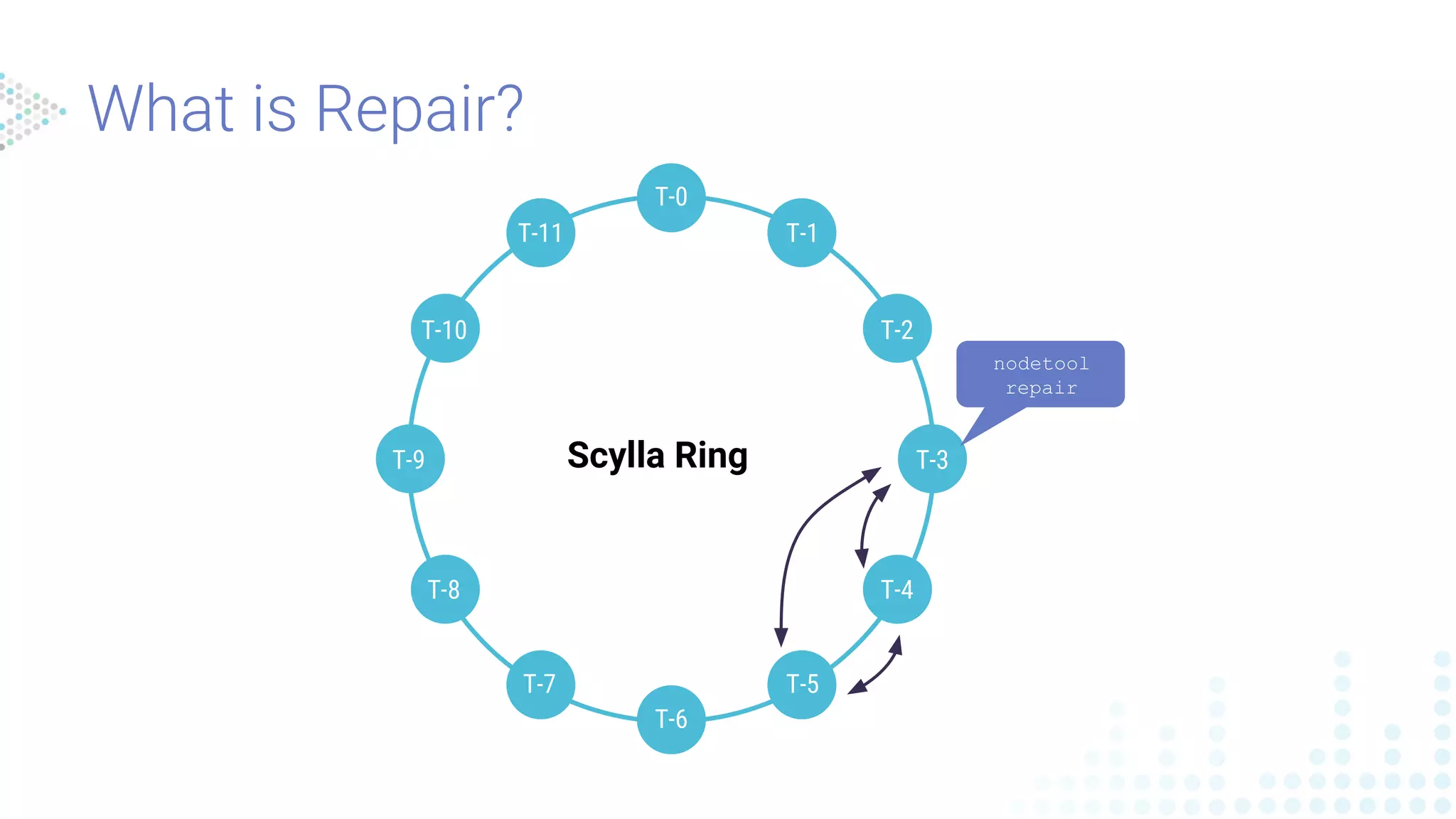
Repair is anoffline process which synchronizes the data between nodes, so
eventually, all the replicas will hold the same data.
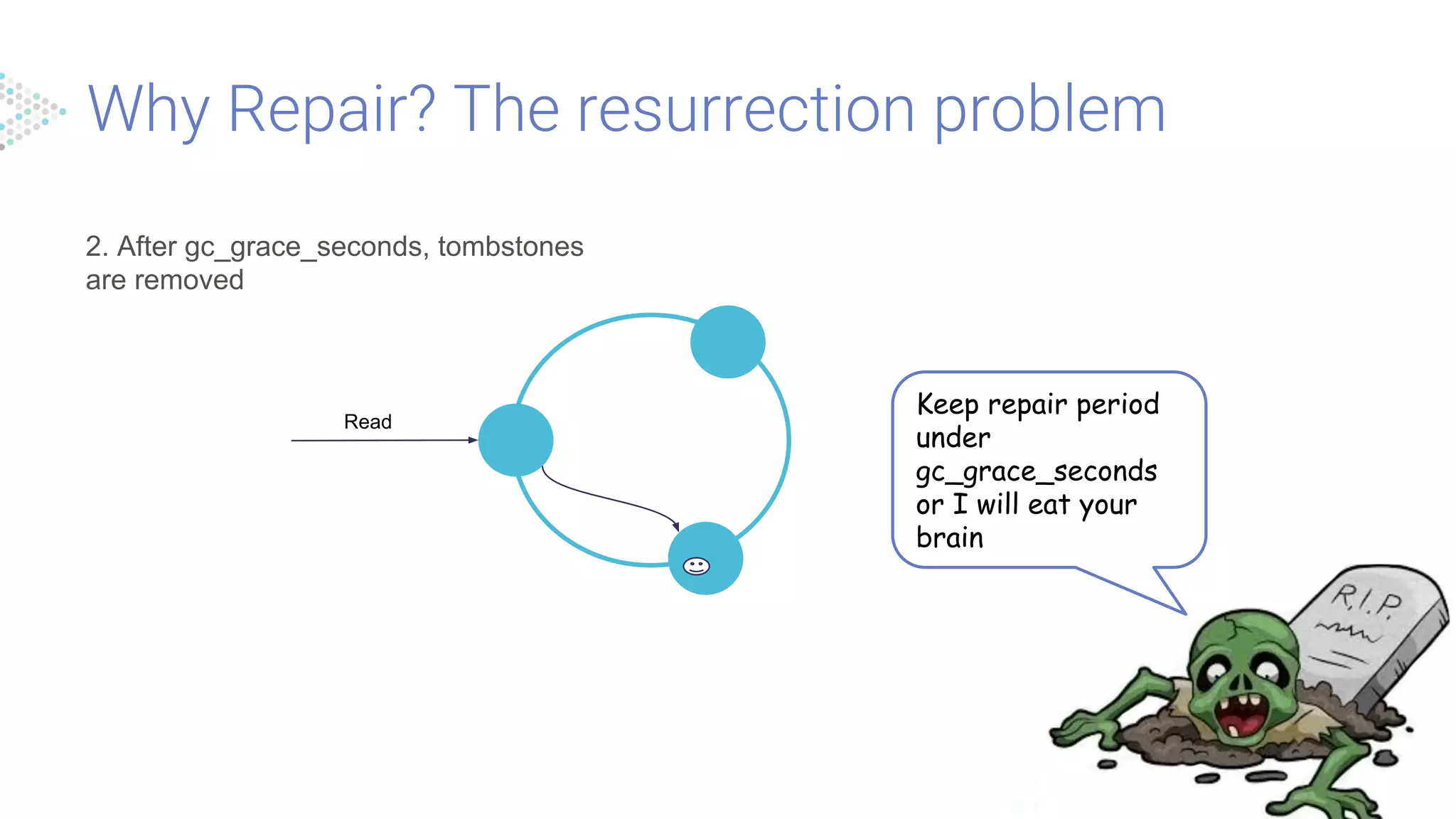
It is highly recommended to run a full cluster repair once a week (shorter than
default GC period)
Nodetool repair - A CLI command to run repair on a single node
2. After gc_grace_seconds,tombstones
are removed
Read
Keep repair period
under
gc_grace_seconds
or I will eat your
brain
12.
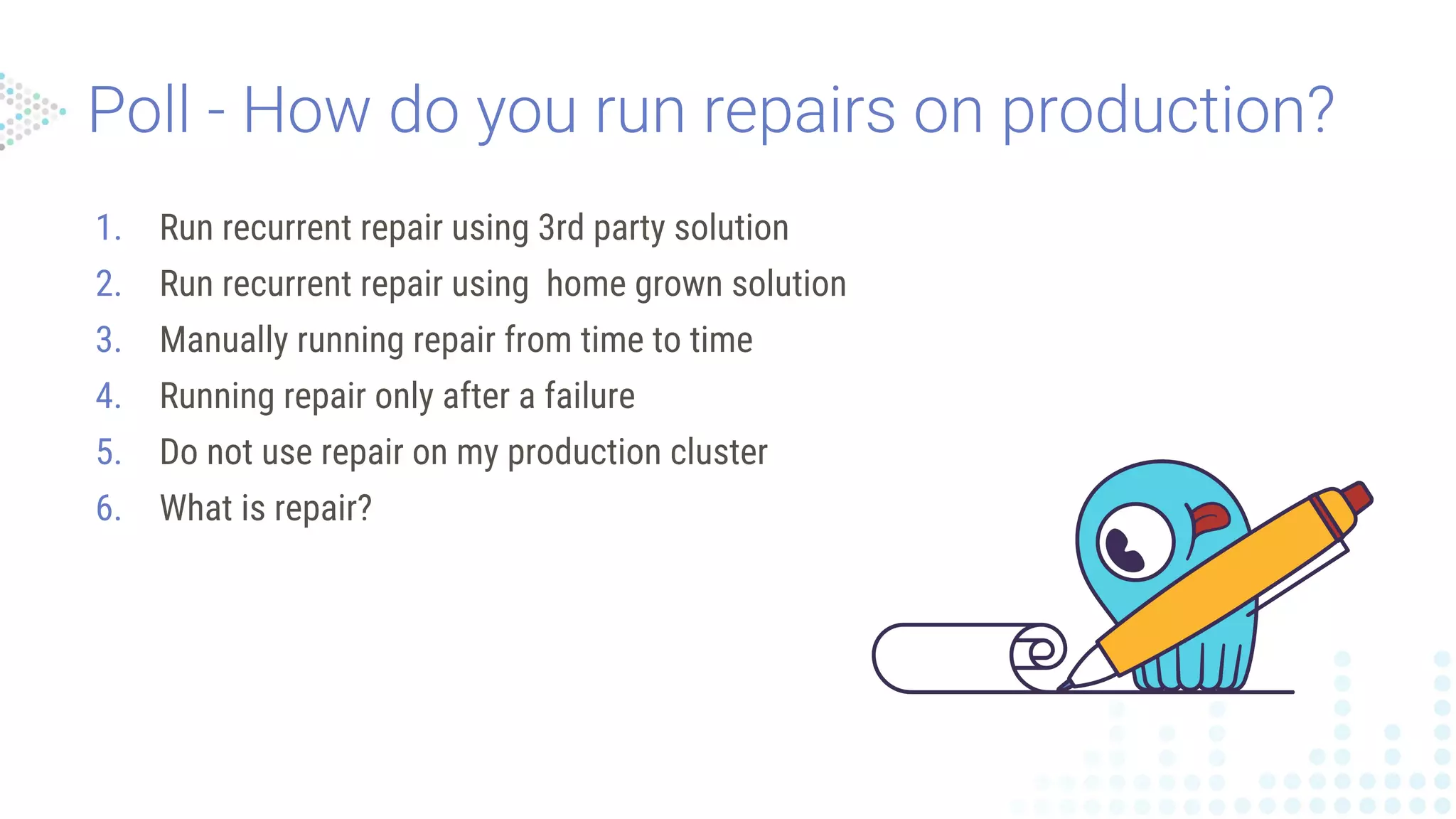
1. Run recurrentrepair using 3rd party solution
2. Run recurrent repair using home grown solution
3. Manually running repair from time to time
4. Running repair only after a failure
5. Do not use repair on my production cluster
6. What is repair?
13.
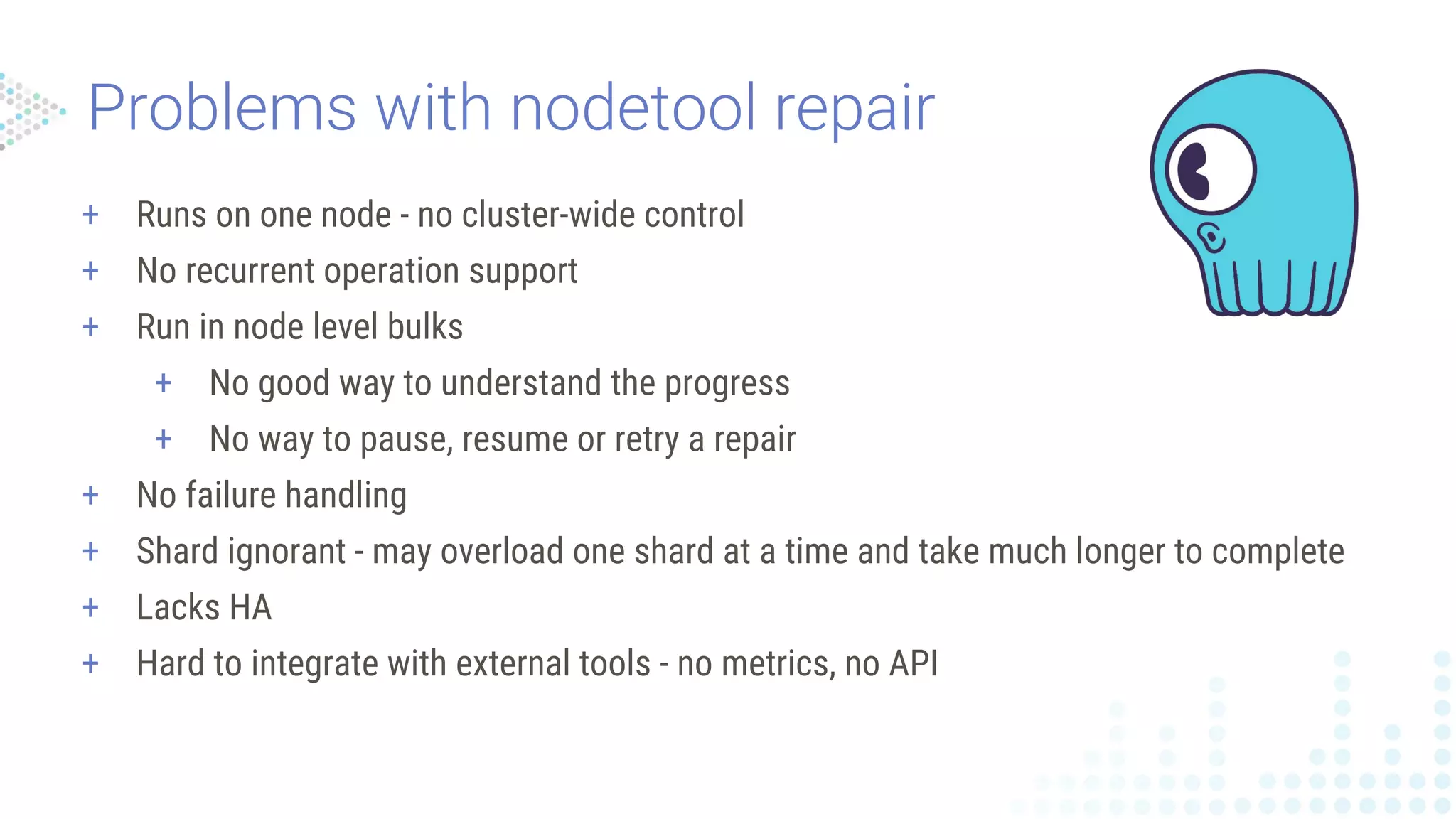
+ Runs onone node - no cluster-wide control
+ No recurrent operation support
+ Run in node level bulks
+ No good way to understand the progress
+ No way to pause, resume or retry a repair
+ No failure handling
+ Shard ignorant - may overload one shard at a time and take much longer to complete
+ Lacks HA
+ Hard to integrate with external tools - no metrics, no API
14.
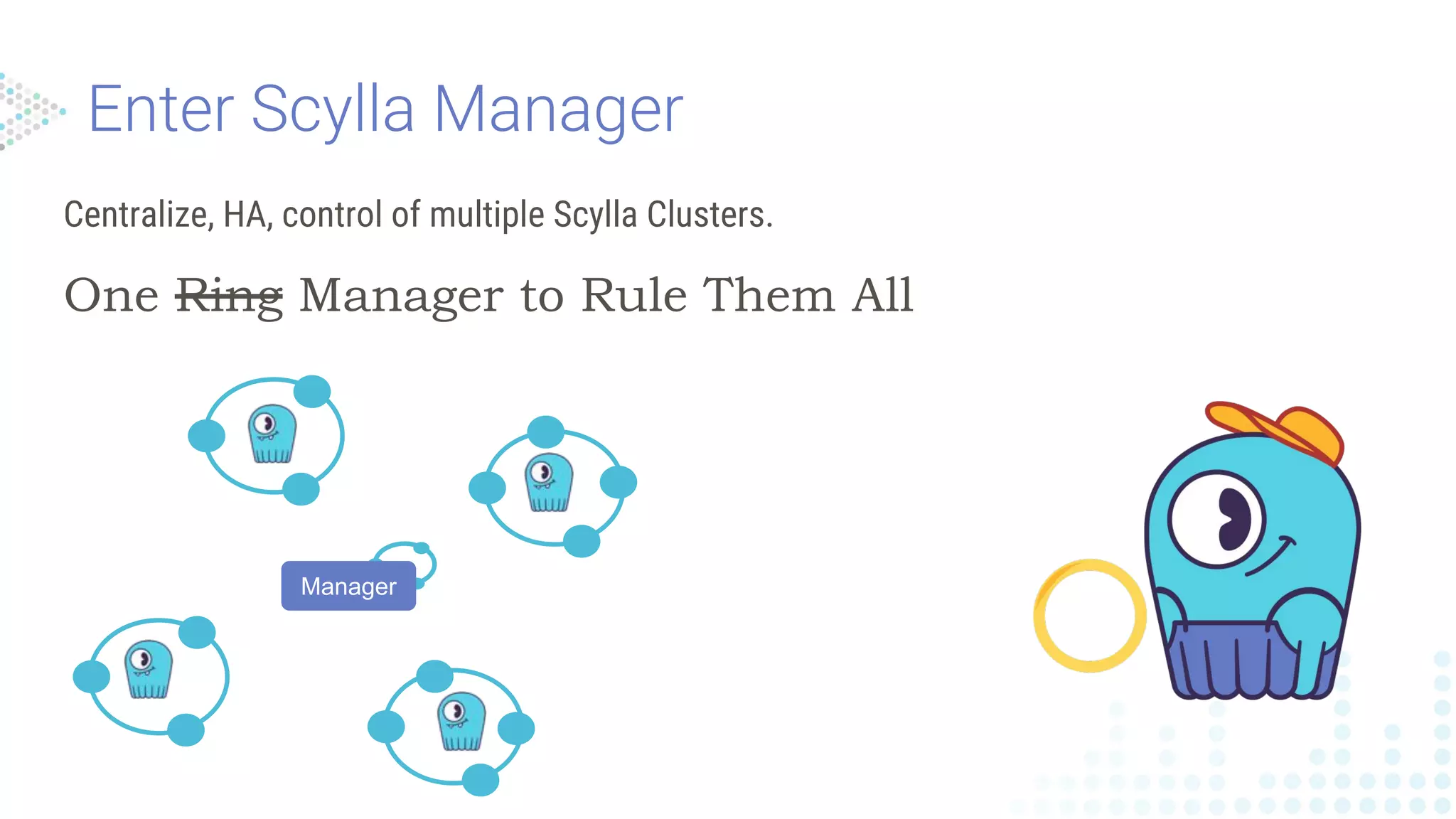
Centralize, HA, controlof multiple Scylla Clusters.
One Ring Manager to Rule Them All
Manager
15.
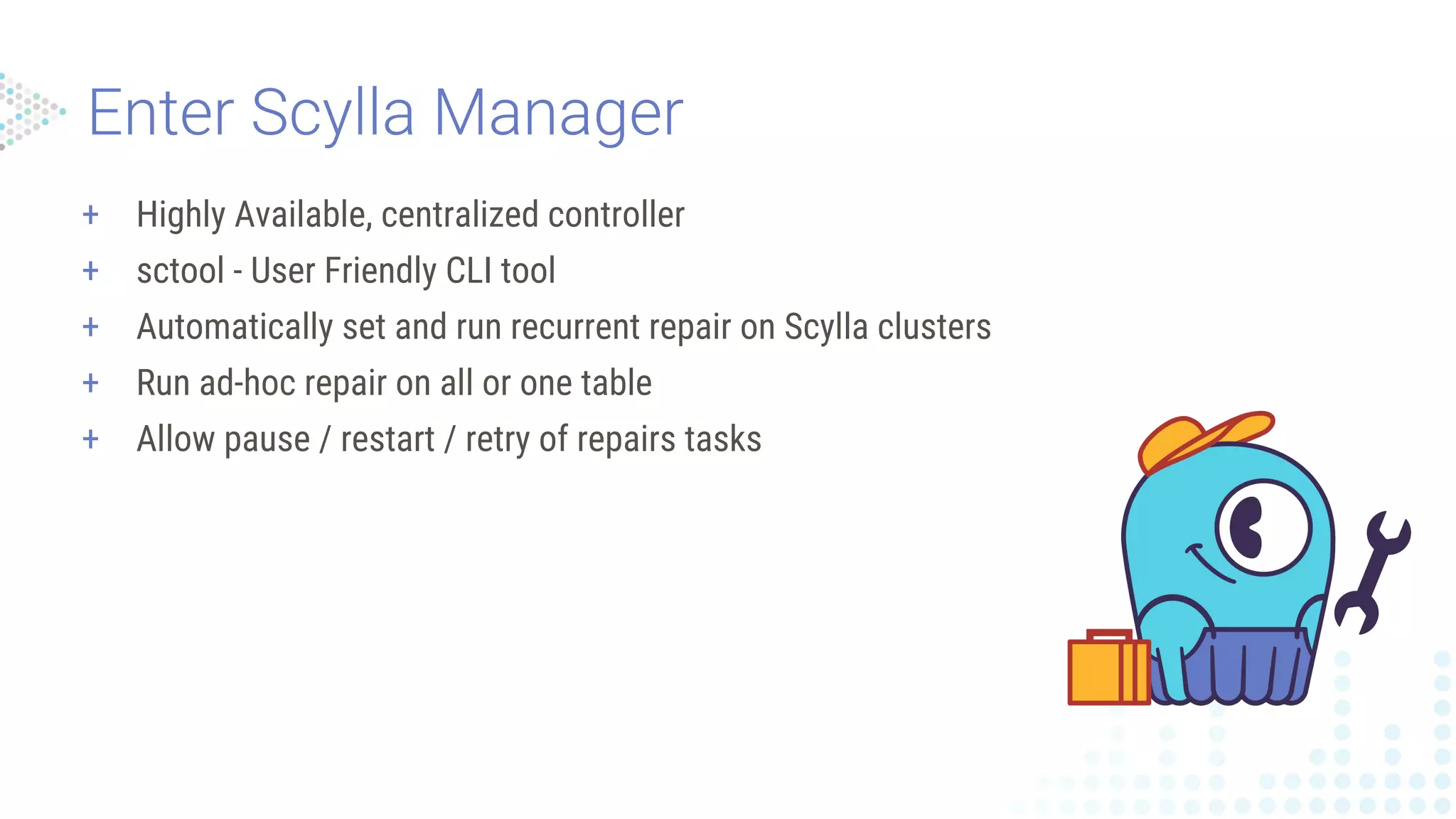
+ Highly Available,centralized controller
+ sctool - User Friendly CLI tool
+ Automatically set and run recurrent repair on Scylla clusters
+ Run ad-hoc repair on all or one table
+ Allow pause / restart / retry of repairs tasks
16.
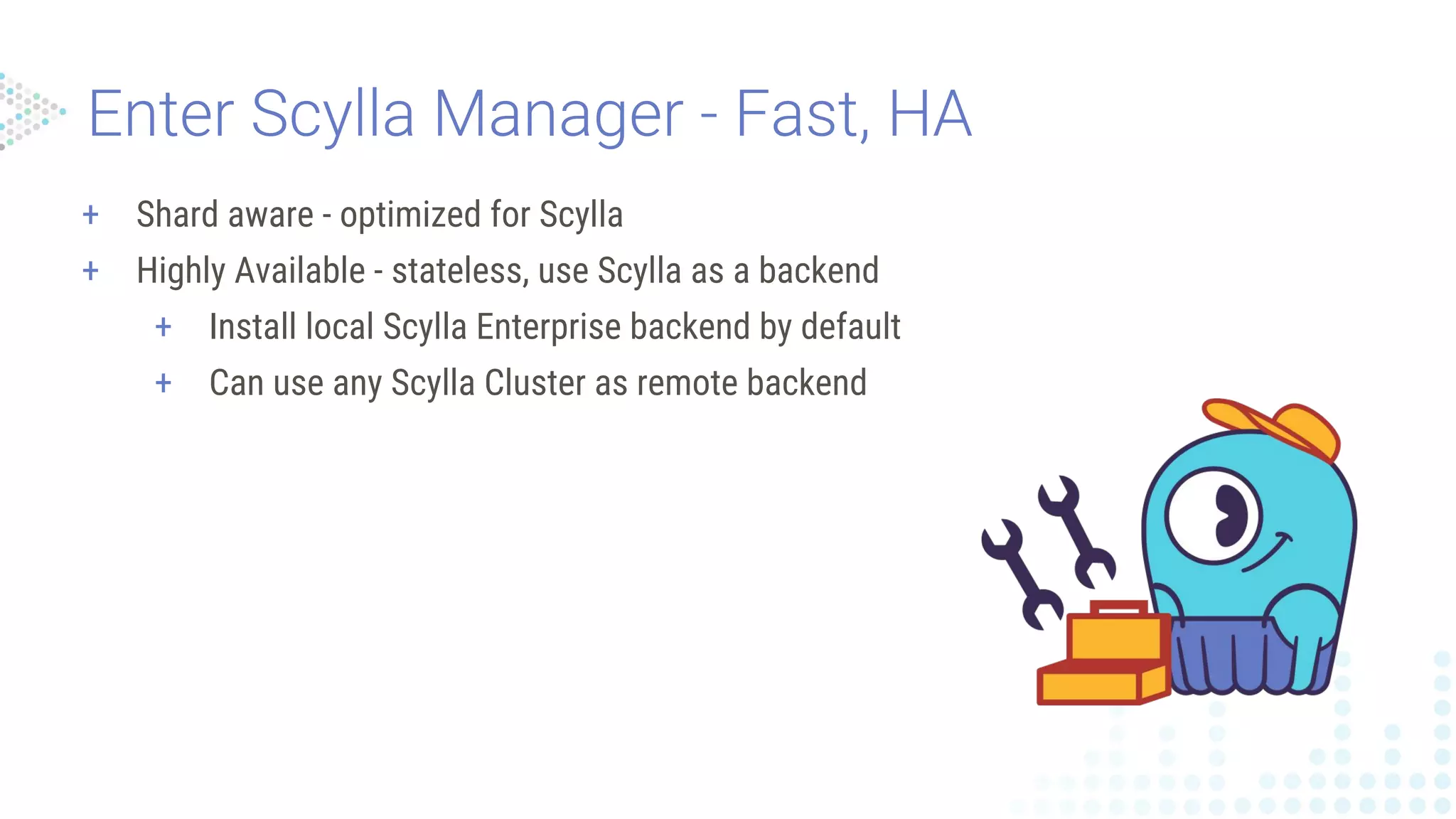
+ Shard aware- optimized for Scylla
+ Highly Available - stateless, use Scylla as a backend
+ Install local Scylla Enterprise backend by default
+ Can use any Scylla Cluster as remote backend
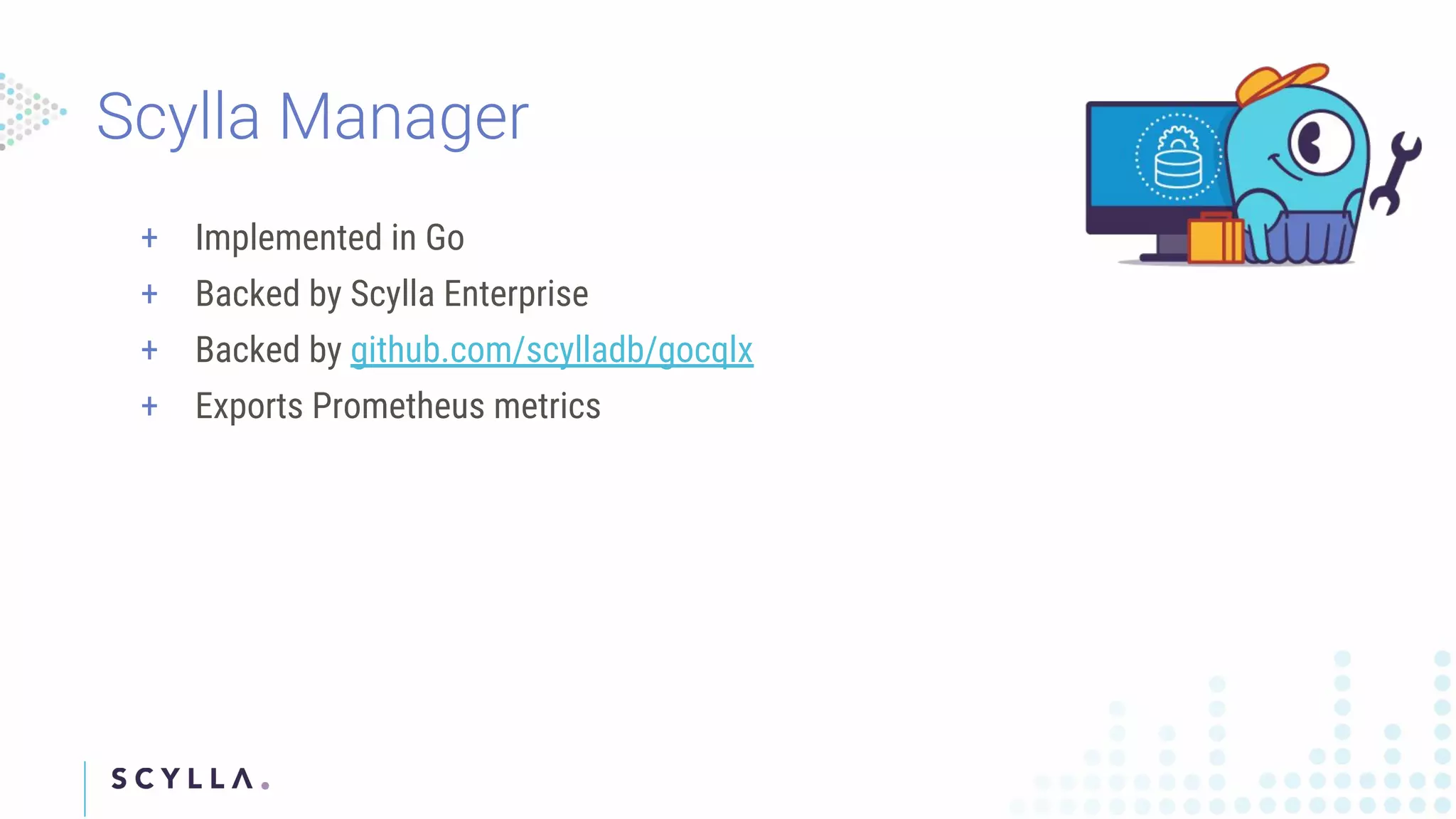
+ Implemented inGo
+ Backed by Scylla Enterprise
+ Backed by github.com/scylladb/gocqlx
+ Exports Prometheus metrics
21.
21
+ Sctool
+ Cluster
+Repair
+ Task
+ POSIX compliant
+ BASH completion
+ Prints tables :)
$ sctool repair -h
Manage repairs
Usage:
sctool repair [command]
Available Commands:
progress Shows repair progress
schedule Schedule repair of a unit
unit Manage repair units
Flags:
-h, --help help for repair
Global Flags:
--api-url URL URL of Scylla Manager server (defau
-c, --cluster name target cluster name or ID
Use "sctool repair [command] --help" for more information
22.
Register a clusterto Scylla Manager
$ sctool cluster add --name=test-cluster --hosts=172.16.1.10,172.16.1.2 --shard-count=16
30a538a0-9bdb-4276-a69d-60e19197fd93
__
/ Cluster added, to set it as a default run:
@ @ export SCYLLA_MANAGER_CLUSTER=30a538a0-9bdb-4276-a69d-60e19197fd93
| |
|| |/ Repair will run on 20 Apr 18 00:00 UTC and will be repeated every 7 days.
|| || To see the repair units run: sctool repair unit list -c 30a538a0-9bdb-4276-a69d-60e19197fd93
|_/|
___/
$ export SCYLLA_MGMT_CLUSTER=30a538a0-9bdb-4276-a69d-60e19197fd93
23.
Register a clusterto Scylla Manager
$ sctool repair unit list
╭──────────────────────────────────────┬──────────────────────┬──────────────────────┬────────╮
│ unit id │ name │ keyspace │ tables │
├──────────────────────────────────────┼──────────────────────┼──────────────────────┼────────┤
│ 27b75126-605e-4238-9e6c-a2cec097d2c4 │ super_important_data │ super_important_data │ [] │
│ 40f9a7f3-4c63-4abb-8044-5397e36e1960 │ important_data │ important_data │ [] │
│ 4a694d40-4e50-4b05-9a45-3f0fe2c0f00a │ very_important_data │ very_important_data │ [] │
╰──────────────────────────────────────┴──────────────────────┴──────────────────────┴────────╯
24.
Register a clusterto Scylla Manager
$ sctool task list
╭───────────────────────────────────────────────────────────┬─────────────────────┬──────┬──────┬────────────┬───────────┬──────── ╮
│ task │ start date │ int. │ ret. │ properties │ run start │ status │
├───────────────────────────────────────────────────────────┼─────────────────────┼──────┼──────┼────────────┼───────────┼────────┤
│ repair_auto_schedule/e6cd058c-a3ad-4b26-8e75-1bc66946280b │ 21 Apr 18 00:00 UTC │ 7 │ 6 │ - │ - │ - │
╰───────────────────────────────────────────────────────────┴─────────────────────┴──────┴──────┴────────────┴───────────┴──────── ╯