Introducing 
Chrome Apps
Our customer needs a PC version!
Requirements: 
"Port our iOS/Android app to Windows" 
"Just support Windows 7 and that's 
enough" 
But market demand changes very fast! 
We should expect Macs, Chromebooks also in 
future.
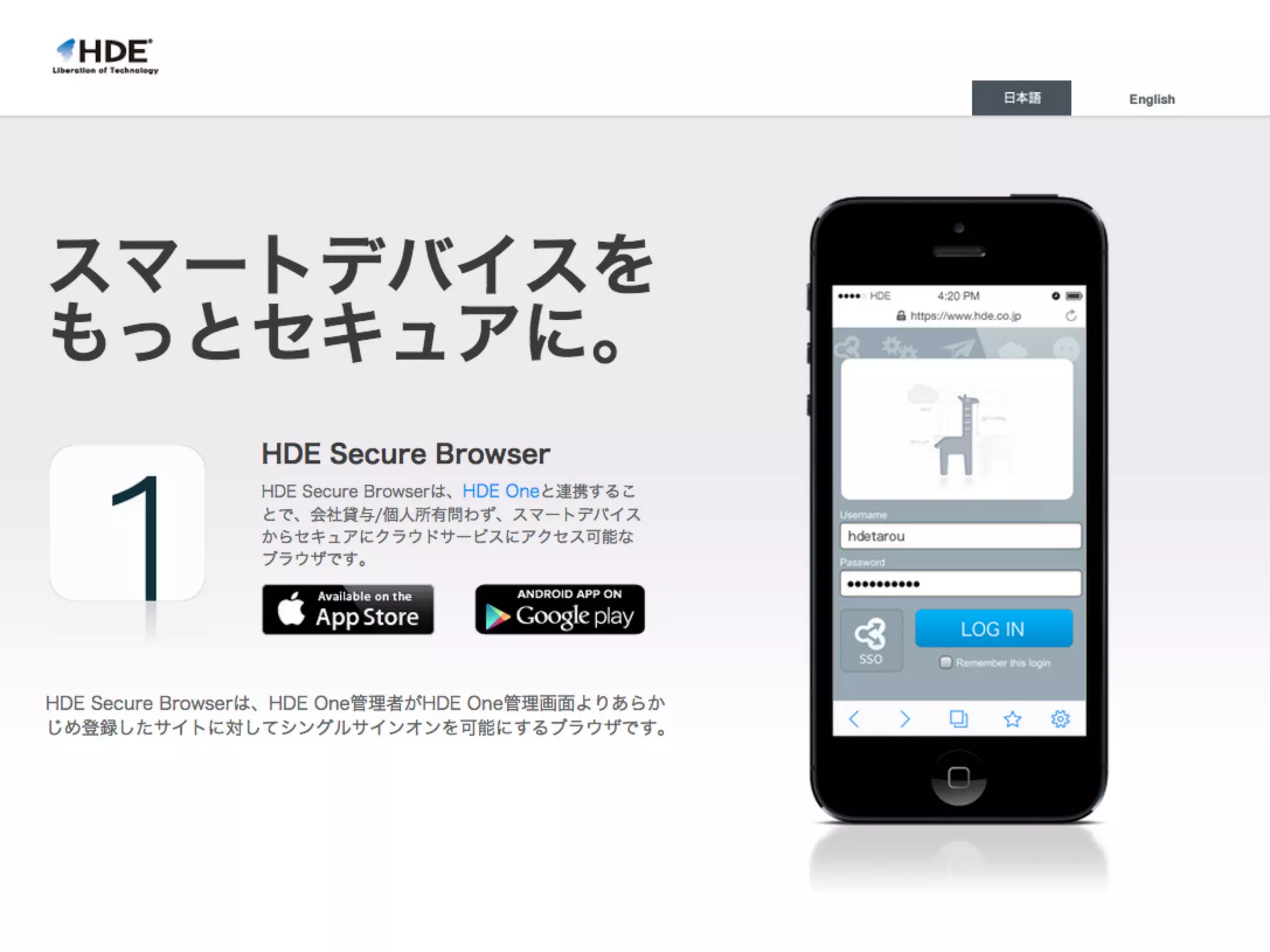
Our app to port from Android/iOS 
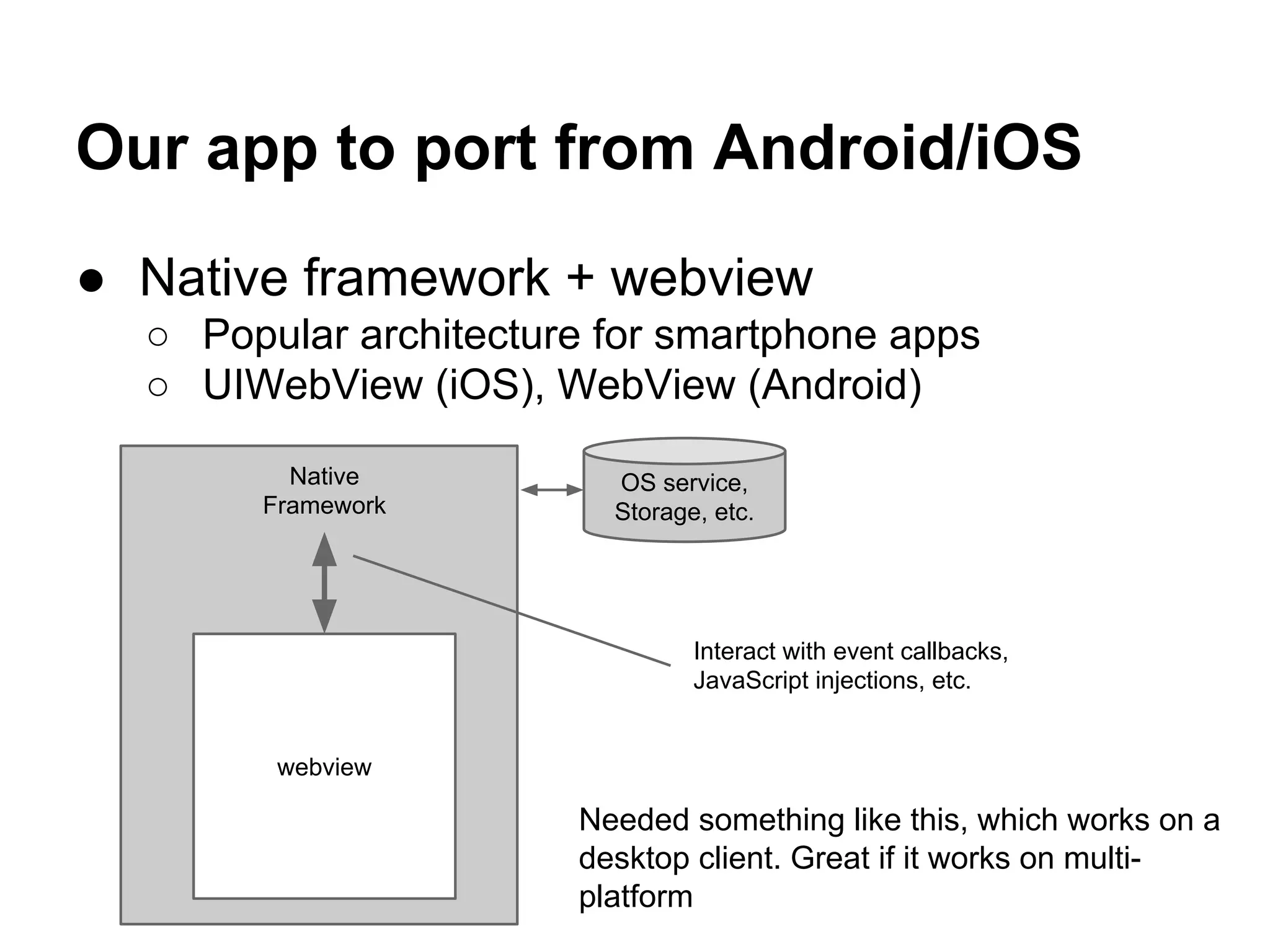
● Native framework + webview 
○ Popular architecture for smartphone apps 
○ UIWebView (iOS), WebView (Android) 
Native 
Framework 
webview 
OS service, 
Storage, etc. 
Interact with event callbacks, 
JavaScript injections, etc. 
Needed something like this, which works on a 
desktop client. Great if it works on multi-platform
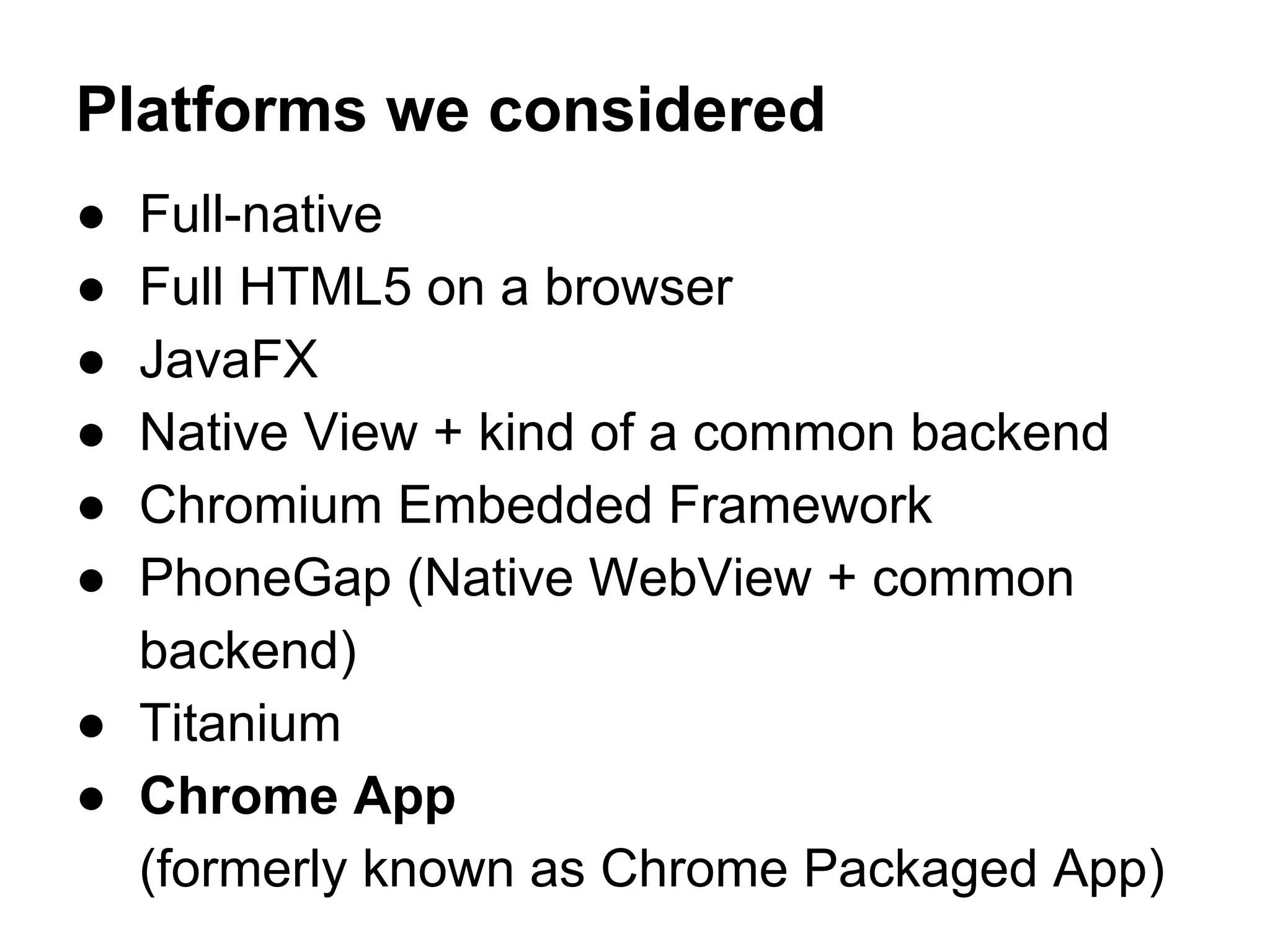
Platforms we considered 
● Full-native 
● Full HTML5 on a browser 
● JavaFX 
● Native View + kind of a common backend 
● Chromium Embedded Framework 
● PhoneGap (Native WebView + common 
backend) 
● Titanium 
● Chrome App 
(formerly known as Chrome Packaged App)
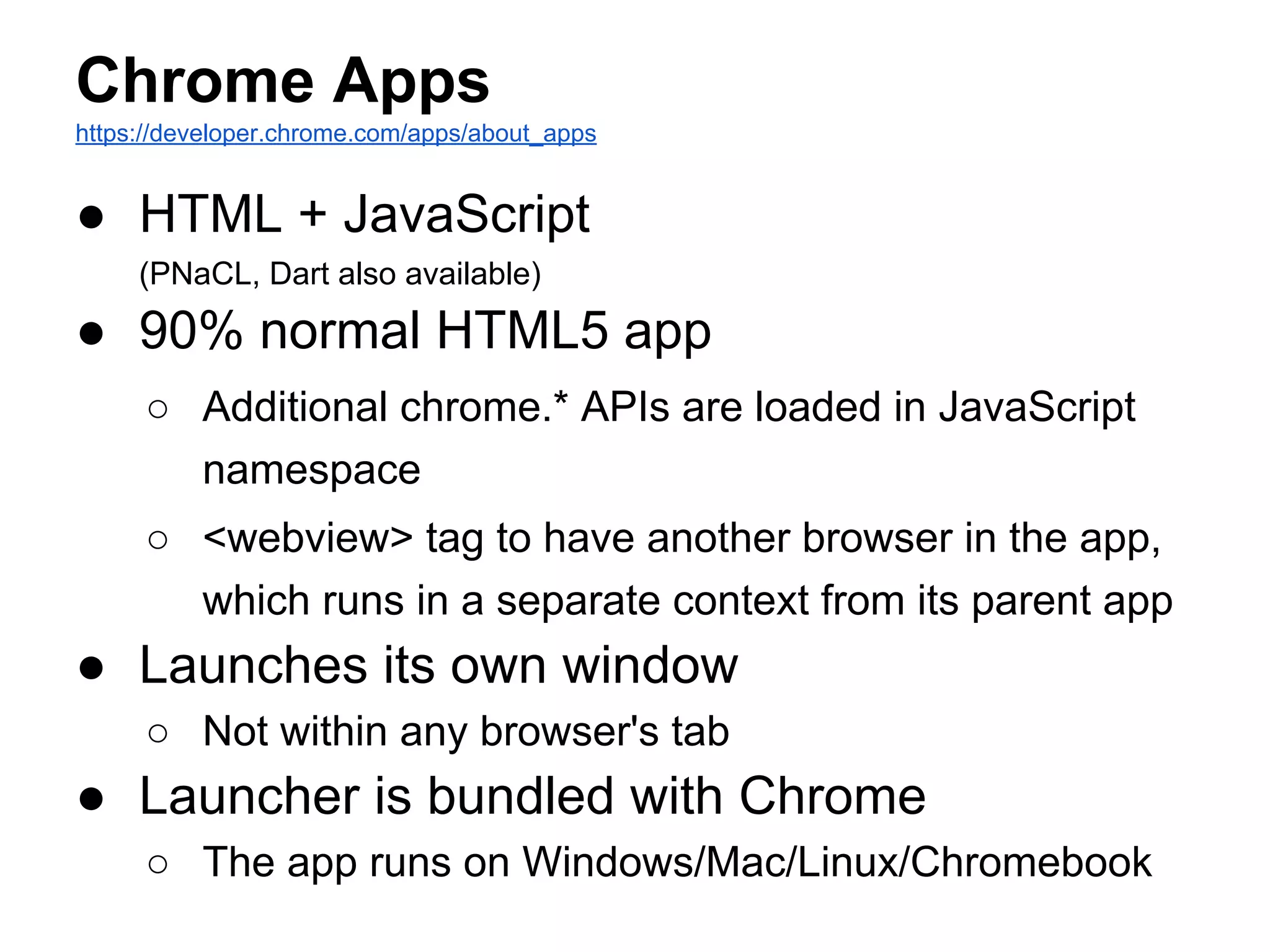
Chrome Apps 
https://developer.chrome.com/apps/about_apps 
● HTML + JavaScript 
(PNaCL, Dart also available) 
● 90% normal HTML5 app 
○ Additional chrome.* APIs are loaded in JavaScript 
namespace 
○ <webview> tag to have another browser in the app, 
which runs in a separate context from its parent app 
● Launches its own window 
○ Not within any browser's tab 
● Launcher is bundled with Chrome 
○ The app runs on Windows/Mac/Linux/Chromebook
Chrome Apps User Experience 
● User Installs an app via Chrome Web Store 
● Update happens automatically 
● User launches the app when it's needed
So, looks great…! 
● Works on multi-platform 
● Don't have to worry about how to 
distribute/update 
● Programmer can use popular web 
technology. No need to learn any new 
framework or language 
● Has a webview
Let's take a look 
https://github.com/GoogleChrome/chrome-app-samples
Not just for calculators!
Interesting Features 
● APIs same as chrome extensions 
○ Local storage, etc. 
● Low-level system services 
○ USB 
○ Serial 
○ Network Communications (raw TCP/UDP sockets) 
○ Bluetooth
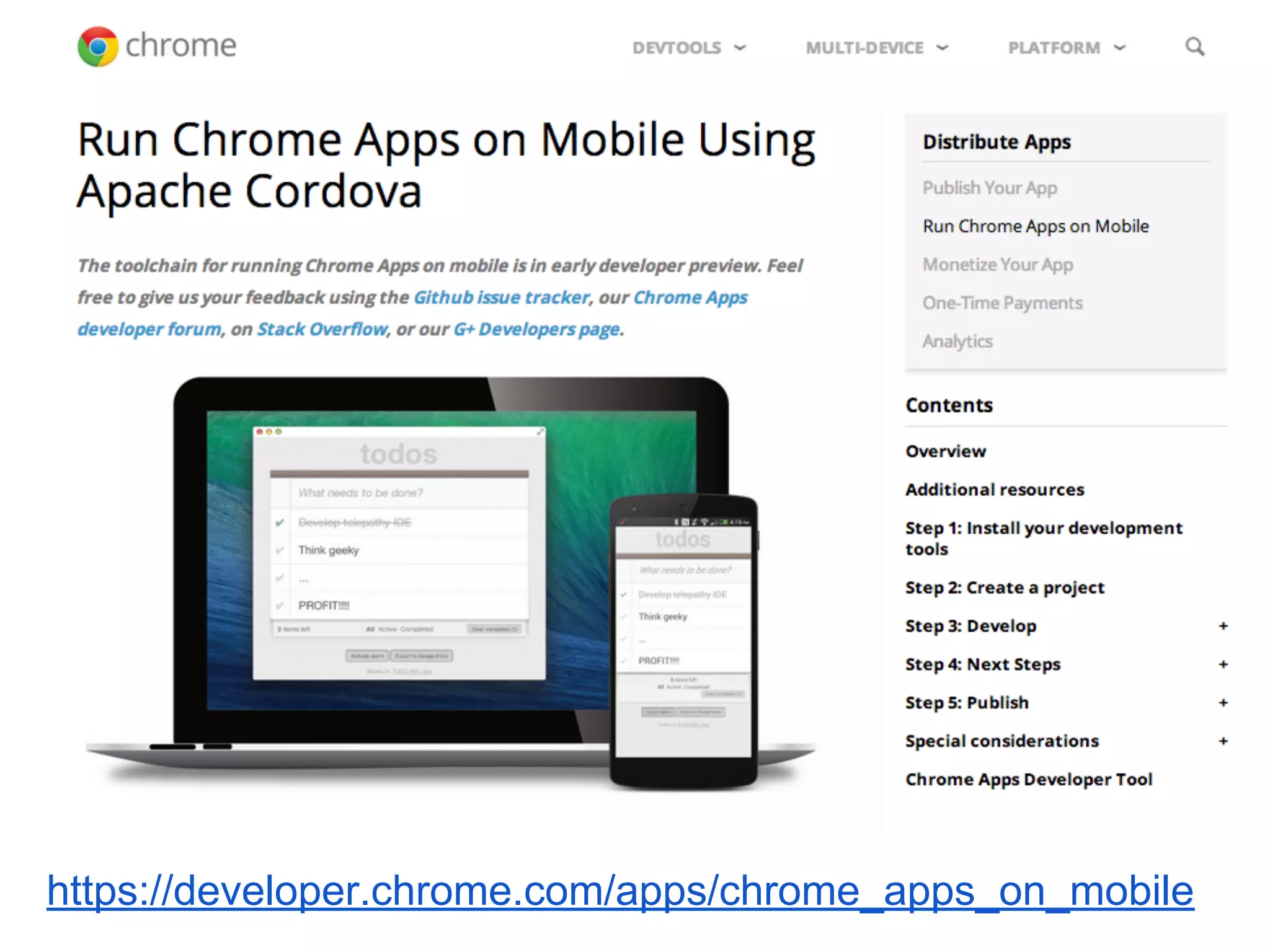
https://developer.chrome.com/apps/chrome_apps_on_mobile
Problems I faced (1) 
● No interface to access OS-level secure 
storage (like KeyChain) 
● CSP (Content Security Policy) 
○ No eval, no inline scripting. 
○ AngularJS already has a csp-mode which doesn't 
use evals 
● No easy way to interact with webview 
○ Can inject JavaScript but access limited to the DOM 
tree only. No access to the page's namespace (can't 
use jQuery for example) 
● No WebDriver yet 
○ Can't test it's automation… (still seeking how to do it, 
help is welcomed!)
Problems I faced (2) 
● Documents are not very much organized, 
and it's sometimes not accurate 
○ http://stackoverflow. 
com/questions/25883534/chrome-apps-webview-find- 
method-is-undefined 
● Not stable very much yet 
…But it's improving!
(Coming next, may be) 
● Chrome Apps WebView pitfalls 
● Testing Chrome Apps 
● Wrapping Chrome APIs as an AngularJS 
service

Introducing chrome apps (ogura)

  • 1.
  • 3.
    Our customer needsa PC version!
  • 4.
    Requirements: "Port ouriOS/Android app to Windows" "Just support Windows 7 and that's enough" But market demand changes very fast! We should expect Macs, Chromebooks also in future.
  • 5.
    Our app toport from Android/iOS ● Native framework + webview ○ Popular architecture for smartphone apps ○ UIWebView (iOS), WebView (Android) Native Framework webview OS service, Storage, etc. Interact with event callbacks, JavaScript injections, etc. Needed something like this, which works on a desktop client. Great if it works on multi-platform
  • 6.
    Platforms we considered ● Full-native ● Full HTML5 on a browser ● JavaFX ● Native View + kind of a common backend ● Chromium Embedded Framework ● PhoneGap (Native WebView + common backend) ● Titanium ● Chrome App (formerly known as Chrome Packaged App)
  • 7.
    Chrome Apps https://developer.chrome.com/apps/about_apps ● HTML + JavaScript (PNaCL, Dart also available) ● 90% normal HTML5 app ○ Additional chrome.* APIs are loaded in JavaScript namespace ○ <webview> tag to have another browser in the app, which runs in a separate context from its parent app ● Launches its own window ○ Not within any browser's tab ● Launcher is bundled with Chrome ○ The app runs on Windows/Mac/Linux/Chromebook
  • 8.
    Chrome Apps UserExperience ● User Installs an app via Chrome Web Store ● Update happens automatically ● User launches the app when it's needed
  • 9.
    So, looks great…! ● Works on multi-platform ● Don't have to worry about how to distribute/update ● Programmer can use popular web technology. No need to learn any new framework or language ● Has a webview
  • 10.
    Let's take alook https://github.com/GoogleChrome/chrome-app-samples
  • 11.
    Not just forcalculators!
  • 12.
    Interesting Features ●APIs same as chrome extensions ○ Local storage, etc. ● Low-level system services ○ USB ○ Serial ○ Network Communications (raw TCP/UDP sockets) ○ Bluetooth
  • 13.
  • 14.
    Problems I faced(1) ● No interface to access OS-level secure storage (like KeyChain) ● CSP (Content Security Policy) ○ No eval, no inline scripting. ○ AngularJS already has a csp-mode which doesn't use evals ● No easy way to interact with webview ○ Can inject JavaScript but access limited to the DOM tree only. No access to the page's namespace (can't use jQuery for example) ● No WebDriver yet ○ Can't test it's automation… (still seeking how to do it, help is welcomed!)
  • 15.
    Problems I faced(2) ● Documents are not very much organized, and it's sometimes not accurate ○ http://stackoverflow. com/questions/25883534/chrome-apps-webview-find- method-is-undefined ● Not stable very much yet …But it's improving!
  • 16.
    (Coming next, maybe) ● Chrome Apps WebView pitfalls ● Testing Chrome Apps ● Wrapping Chrome APIs as an AngularJS service