
INTRO TO INDESIGN
Jo Lowes
PLAN FOR TONIGHT
• Into me
• Go through course
• Practical task X 2
• End me talking at 8.30 then I’ll be here for questions….
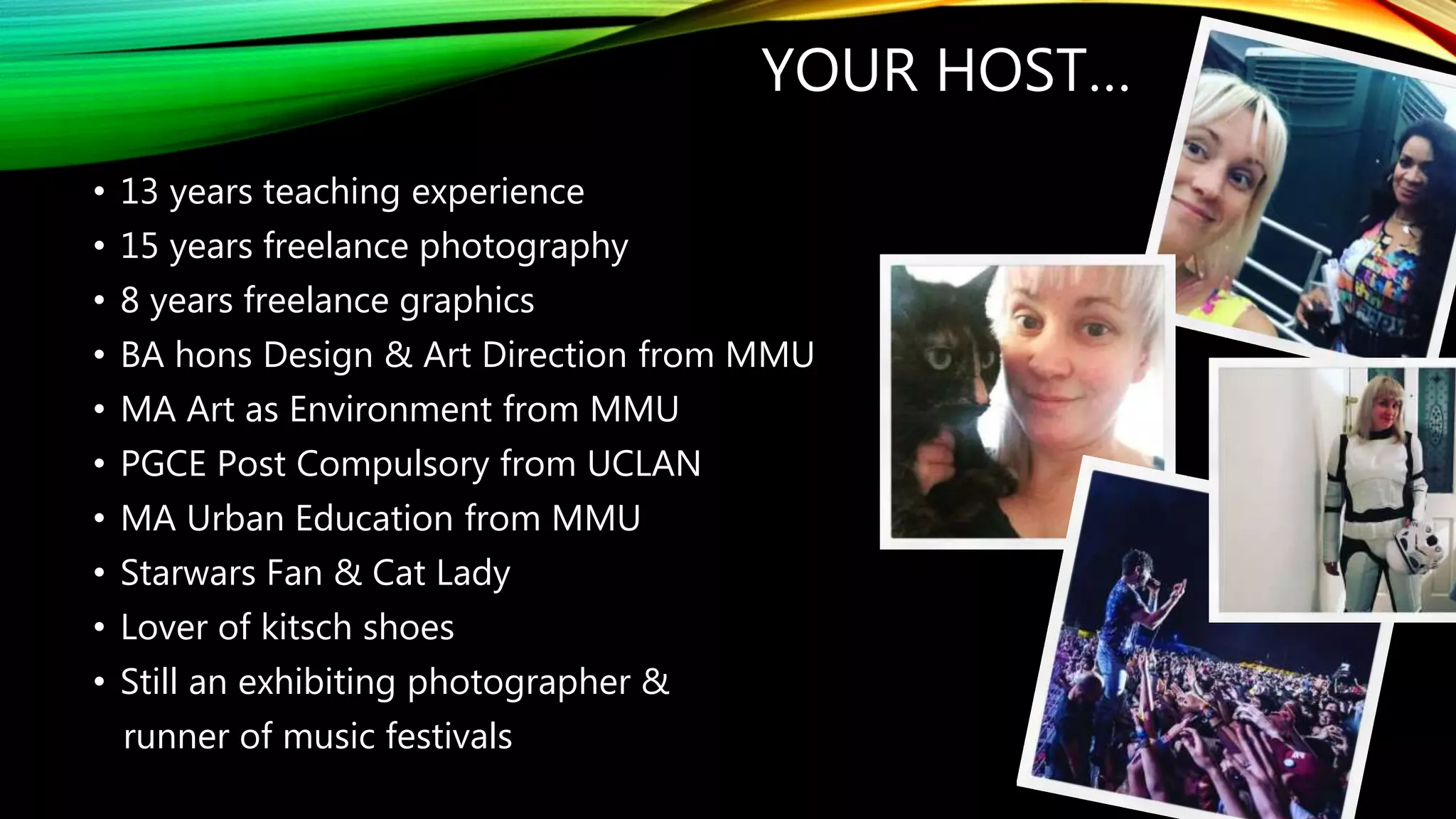
YOUR HOST…
• 13 years teaching experience
• 15 years freelance photography
• 8 years freelance graphics
• BA hons Design & Art Direction from MMU
• MA Art as Environment from MMU
• PGCE Post Compulsory from UCLAN
• MA Urban Education from MMU
• Starwars Fan & Cat Lady
• Lover of kitsch shoes
• Still an exhibiting photographer &
runner of music festivals
MUSIC
PHOTOGRAPHY
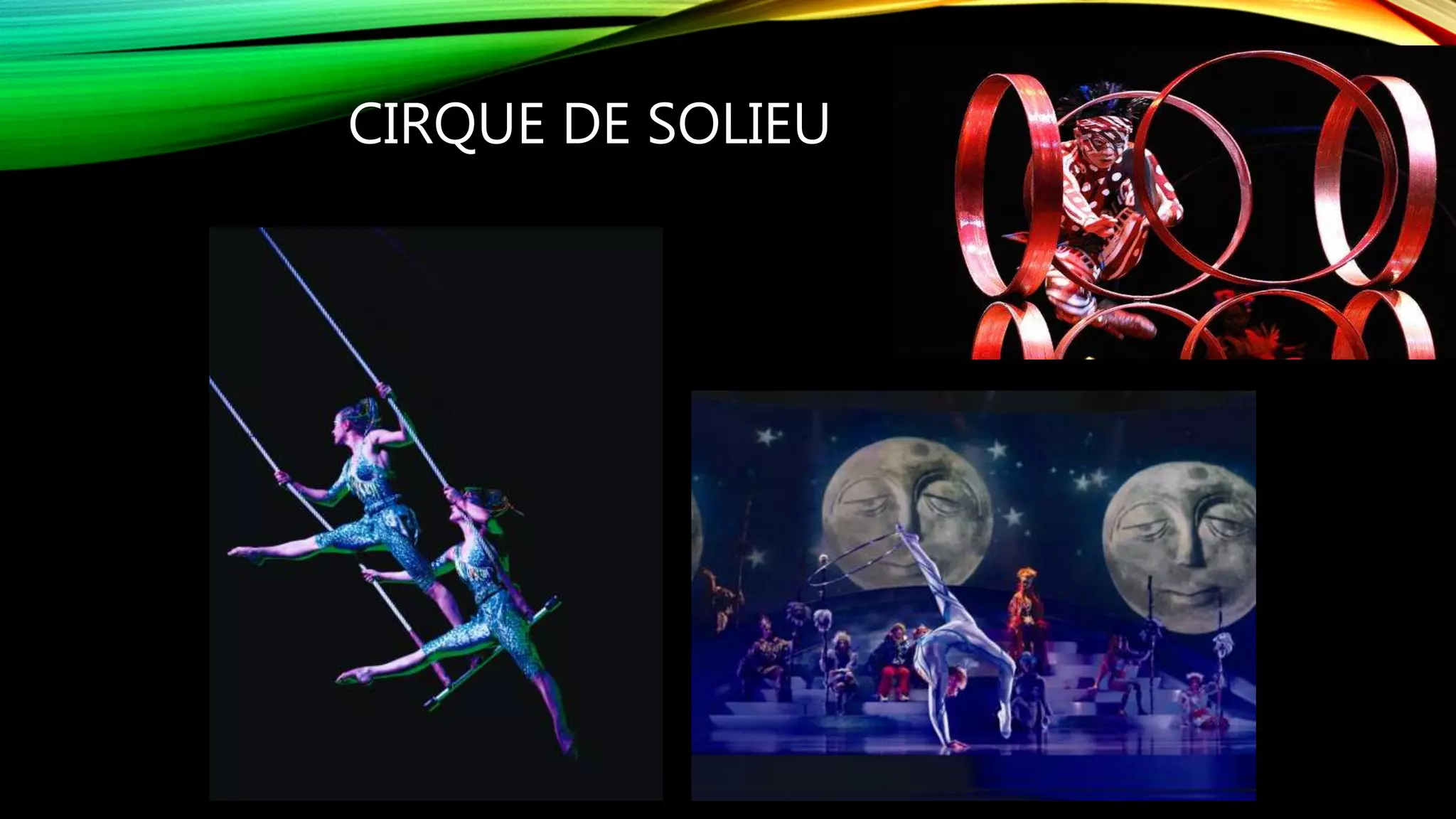
CIRQUE DE SOLIEU
GABBY YOUNG &
OTHER ANIMALS
ROUGH
GUIDETRAVEL
PHOTOGRAPHY
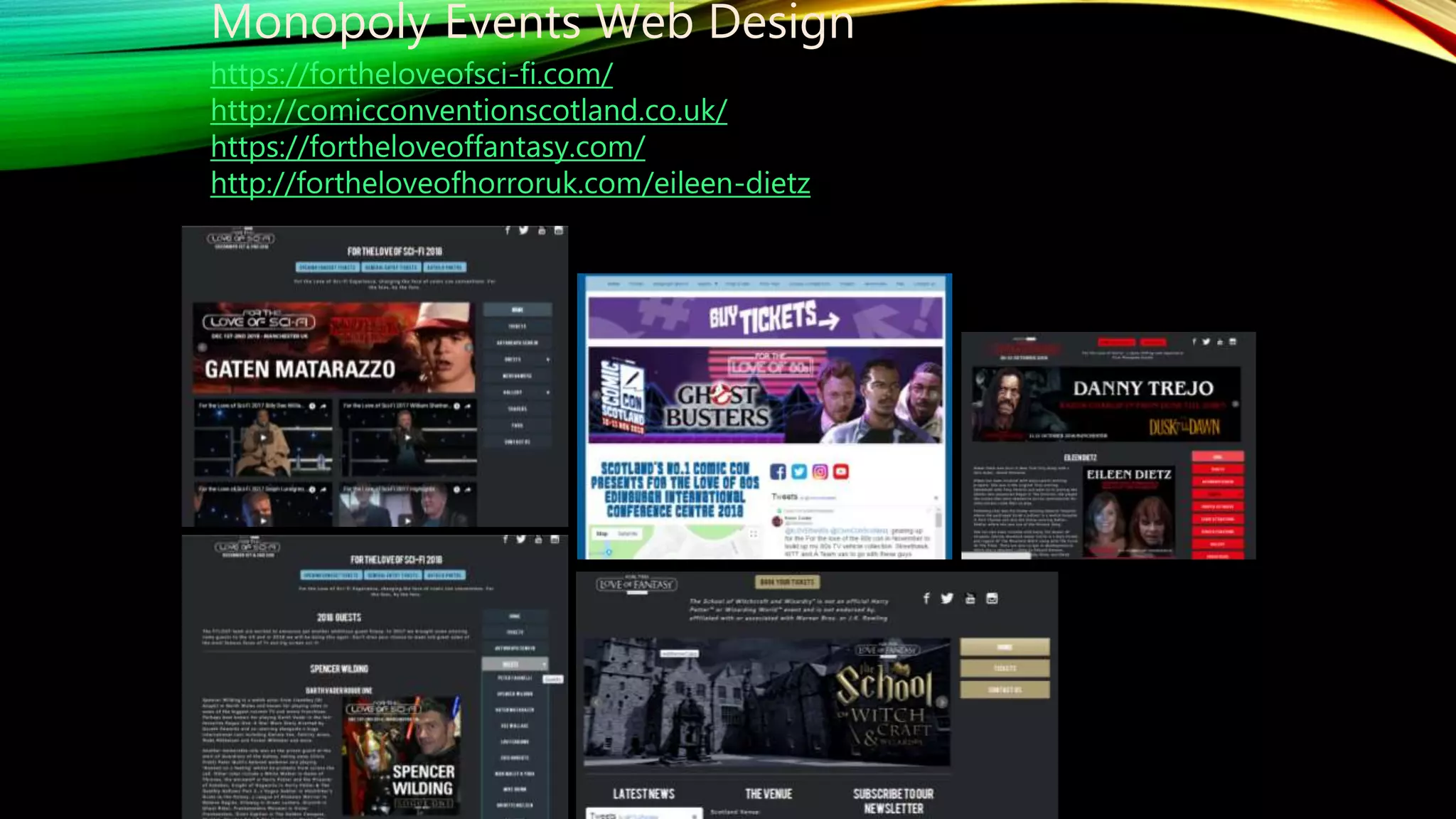
Monopoly Events Web Design
https://fortheloveofsci-fi.com/
http://comicconventionscotland.co.uk/
https://fortheloveoffantasy.com/
http://fortheloveofhorroruk.com/eileen-dietz
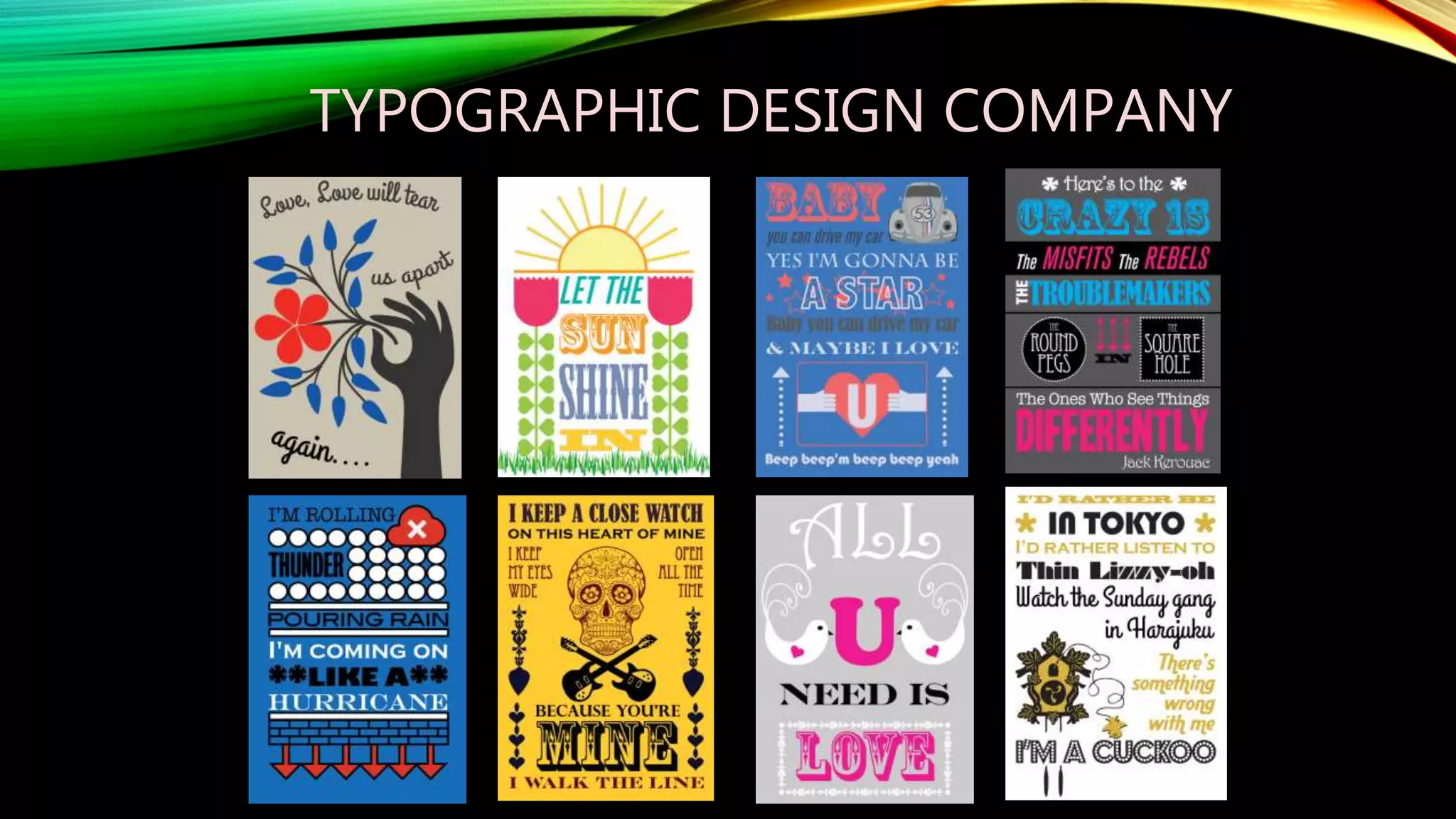
TYPOGRAPHIC DESIGN COMPANY
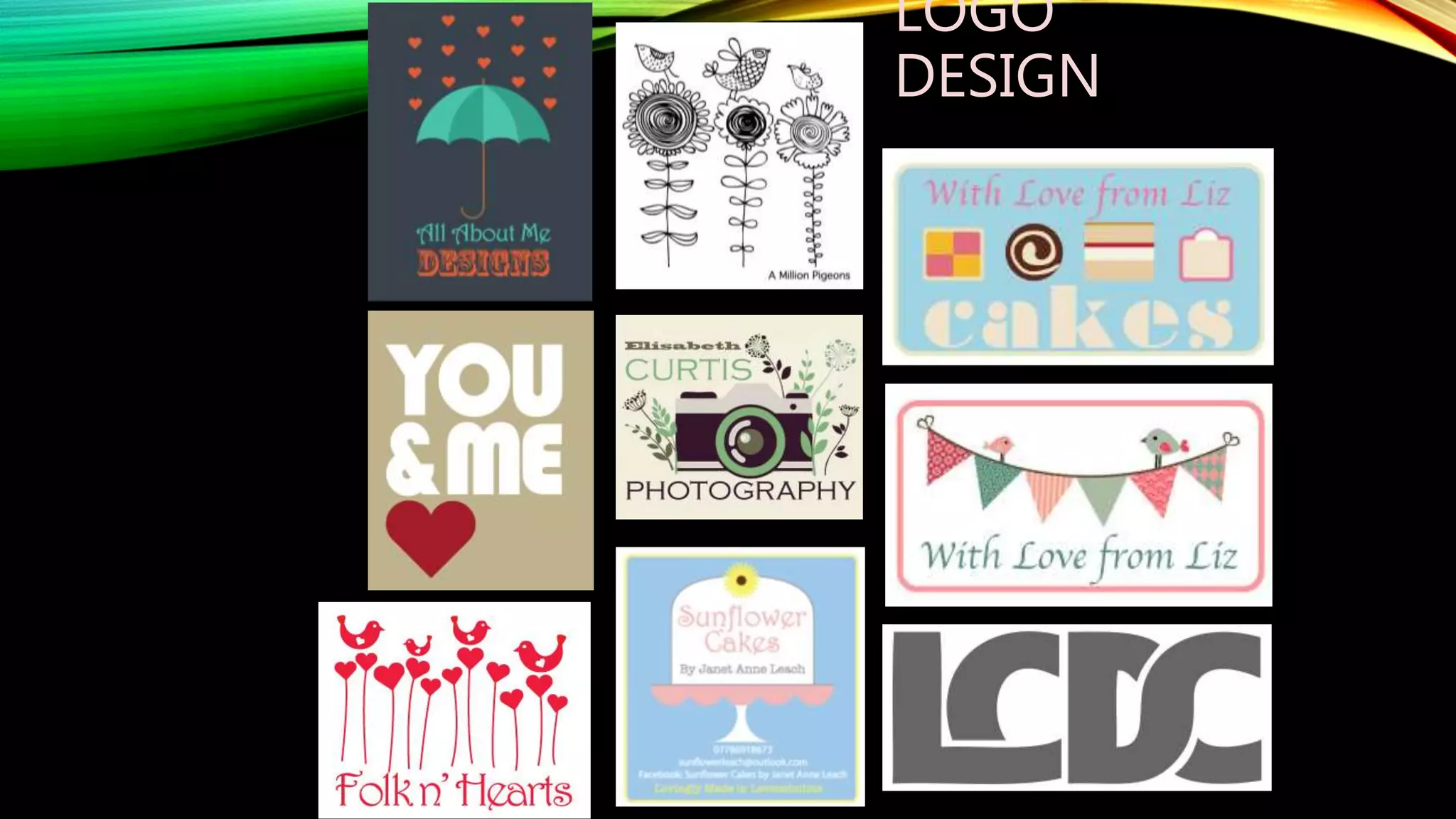
LOGO
DESIGN
LANCASHIRE FOLK TALES BOOK
ILLUSTRATIONS
HULME PARK FESTIVAL & MACC FEST
COURSES TAUGHT / PROGRAMS
TAUGHT
A Level Art Craft & Design, including clay, fine art painting
techniques, textiles & life drawing
BTEC & A Level Graphics, including Adobe Creative Suite
BTEC & A Level Photography, including photographic editing,
studio lighting & DSLR camera use
BTEC & A Level Media, including Film editing, graphics &
photography including studio & DSLR camera use, web design
BTEC Art & Design, including set design, 3D design, fine art
painting techniques, life drawing, fashion garment construction
THE SET UP….
• There is 3 courses: Intro to DSLR Photography, Photoshop for Photographers & Intro
InDesign
• Each course will run for 8 weeks
• You can do as many courses as you like, they do compliments each other
• All course start at 6pm and ending at 9pm
• Don’t worry about work commitments & start time the course is flexible
• Each week will include theory and a practical task
• This course is for enjoyment, there is no pass or fail but it can lead to qualified course at
the college
THEDIFFERENT
PROGRAMS
WHAT IS INDESIGN?
• Adobe InDesign is a desktop publishing and typesetting software application
produced by Adobe Systems. It can be used to create works such as posters, flyers,
brochures, magazines, newspapers, presentations, books and ebooks.
INTRO TO INDESIGN
DESKTOP PUBLISHING / USING TOOLS TO
LEARNING LAYOUT TRICKS
• Week 1 Uses of indesign setting up your
pages and saving files
• Week 2 Combing text and images
• Week 3 Using the grid system and
complementary colours
• Week 4 The rules of typography and
layout and how to break them
• Week 5 Mood boards and coming up
with ideas
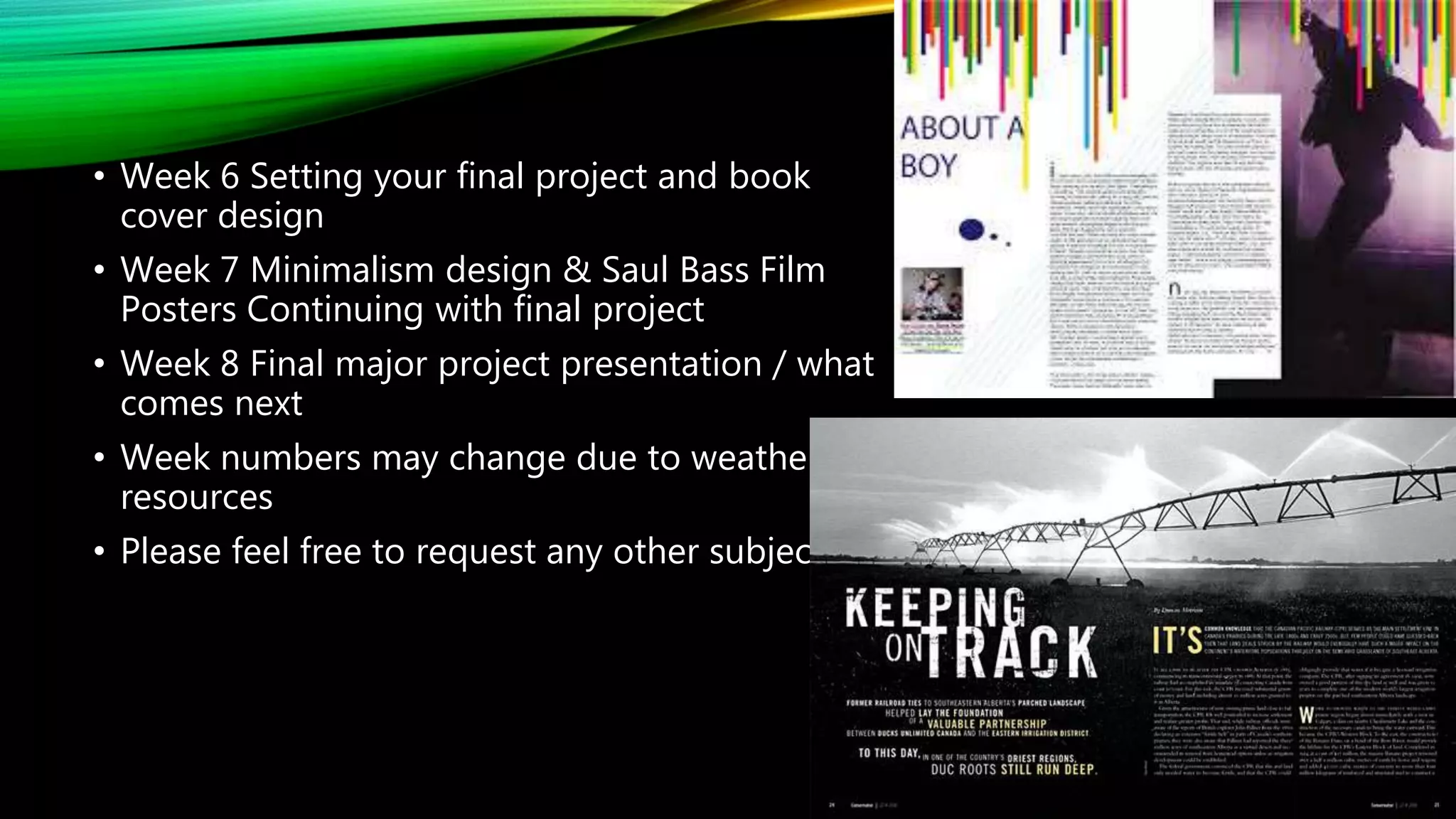
• Week 6 Setting your final project and book
cover design
• Week 7 Minimalism design & Saul Bass Film
Posters Continuing with final project
• Week 8 Final major project presentation / what
comes next
• Week numbers may change due to weather /
resources
• Please feel free to request any other subjects
WHAT YOU NEED… & THE DREADED
HOMEWORK BIT
• You will need something to store your work on
• You may be asked to bring in images / text to work on in class
• Each week will starting with a re cap and end with dreaded homework…… but don’t
be scared of that
• Take home task should be fun
• They should help you remember steps gone through in class
• They also help me know more about what you want to learn
• They will help you create resources to use in class
WHO ARE YOU?
• To find out a bit more about you and what you want out of the course….
• Introduce yourself?
• Say why you want to do the course
• They tell 2 truths and a lie and will try and guess the lie……
TYPOLOGY MINI TASK
• To help you to get the know the college and think about shape / line and lay out
TYPOLOGY
“A CLASSIFICATION ACCORDING TO GENERAL
TYPE”
BASICALLY PHOTOGRAPHING THE SAME THING /
STICKING TO A THEME
Typology: Jo Lowes
WHO USES IT?
ANSWER: EVERYONE
GUESS THE “TYPE”
YOUR TASK :
ALPHABET TYPOLOGY & FOUND FONTS.
FONTS CAN BE FOUND OR CREATED USING
OBJECTS AROUND YOU
FOUND EXISTING FONTS
NATURALLY OCCURRING FONTS
CREATED FONTS
YOUR TASK:
• You have 20 minutes to find your name as an alphabet

Intro to Indesign

  • 1.
  • 2.
    PLAN FOR TONIGHT •Into me • Go through course • Practical task X 2 • End me talking at 8.30 then I’ll be here for questions….
  • 3.
    YOUR HOST… • 13years teaching experience • 15 years freelance photography • 8 years freelance graphics • BA hons Design & Art Direction from MMU • MA Art as Environment from MMU • PGCE Post Compulsory from UCLAN • MA Urban Education from MMU • Starwars Fan & Cat Lady • Lover of kitsch shoes • Still an exhibiting photographer & runner of music festivals
  • 4.
  • 5.
  • 6.
  • 7.
  • 8.
    Monopoly Events WebDesign https://fortheloveofsci-fi.com/ http://comicconventionscotland.co.uk/ https://fortheloveoffantasy.com/ http://fortheloveofhorroruk.com/eileen-dietz
  • 9.
  • 10.
  • 11.
    LANCASHIRE FOLK TALESBOOK ILLUSTRATIONS
  • 12.
  • 13.
    COURSES TAUGHT /PROGRAMS TAUGHT A Level Art Craft & Design, including clay, fine art painting techniques, textiles & life drawing BTEC & A Level Graphics, including Adobe Creative Suite BTEC & A Level Photography, including photographic editing, studio lighting & DSLR camera use BTEC & A Level Media, including Film editing, graphics & photography including studio & DSLR camera use, web design BTEC Art & Design, including set design, 3D design, fine art painting techniques, life drawing, fashion garment construction
  • 14.
    THE SET UP…. •There is 3 courses: Intro to DSLR Photography, Photoshop for Photographers & Intro InDesign • Each course will run for 8 weeks • You can do as many courses as you like, they do compliments each other • All course start at 6pm and ending at 9pm • Don’t worry about work commitments & start time the course is flexible • Each week will include theory and a practical task • This course is for enjoyment, there is no pass or fail but it can lead to qualified course at the college
  • 15.
  • 16.
    WHAT IS INDESIGN? •Adobe InDesign is a desktop publishing and typesetting software application produced by Adobe Systems. It can be used to create works such as posters, flyers, brochures, magazines, newspapers, presentations, books and ebooks.
  • 17.
    INTRO TO INDESIGN DESKTOPPUBLISHING / USING TOOLS TO LEARNING LAYOUT TRICKS • Week 1 Uses of indesign setting up your pages and saving files • Week 2 Combing text and images • Week 3 Using the grid system and complementary colours • Week 4 The rules of typography and layout and how to break them • Week 5 Mood boards and coming up with ideas
  • 18.
    • Week 6Setting your final project and book cover design • Week 7 Minimalism design & Saul Bass Film Posters Continuing with final project • Week 8 Final major project presentation / what comes next • Week numbers may change due to weather / resources • Please feel free to request any other subjects
  • 19.
    WHAT YOU NEED…& THE DREADED HOMEWORK BIT • You will need something to store your work on • You may be asked to bring in images / text to work on in class • Each week will starting with a re cap and end with dreaded homework…… but don’t be scared of that • Take home task should be fun • They should help you remember steps gone through in class • They also help me know more about what you want to learn • They will help you create resources to use in class
  • 20.
    WHO ARE YOU? •To find out a bit more about you and what you want out of the course…. • Introduce yourself? • Say why you want to do the course • They tell 2 truths and a lie and will try and guess the lie……
  • 21.
    TYPOLOGY MINI TASK •To help you to get the know the college and think about shape / line and lay out
  • 22.
    TYPOLOGY “A CLASSIFICATION ACCORDINGTO GENERAL TYPE” BASICALLY PHOTOGRAPHING THE SAME THING / STICKING TO A THEME Typology: Jo Lowes
  • 23.
  • 24.
  • 26.
    YOUR TASK : ALPHABETTYPOLOGY & FOUND FONTS. FONTS CAN BE FOUND OR CREATED USING OBJECTS AROUND YOU
  • 27.
  • 28.
  • 29.
  • 32.
    YOUR TASK: • Youhave 20 minutes to find your name as an alphabet