Downloaded 221 times
![If you wish to reinstall or repopulate the tables you can simply run the scripts under
%ORACLE_HOME%demoschema. For example, if you want to reinstall the HR data after you updated
or deleted some rows while practicing, you could do by running the following scripts [on unix systems
you can just run the hr_main.sql]:
SQL>
@C:apporacle12cproduct12.1.0dbhome_1demoschemahuman_resourceshr_drop.sql
SQL>
@C:apporacle12cproduct12.1.0dbhome_1demoschemahuman_resourceshr_cre.sql
SQL>
@C:apporacle12cproduct12.1.0dbhome_1demoschemahuman_resourceshr_popul.sql
SQL>
@C:apporacle12cproduct12.1.0dbhome_1demoschemahuman_resourceshr_idx.sql](https://image.slidesharecdn.com/installoracledatabase12csoftwareonwindows-130910201530-phpapp02/85/Install-oracle-database-12c-software-on-windows-29-320.jpg)

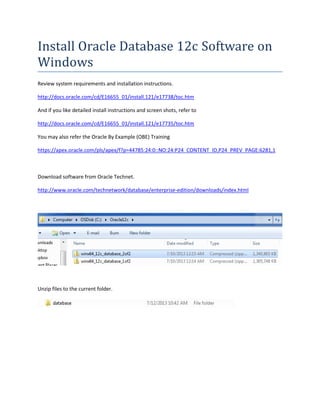
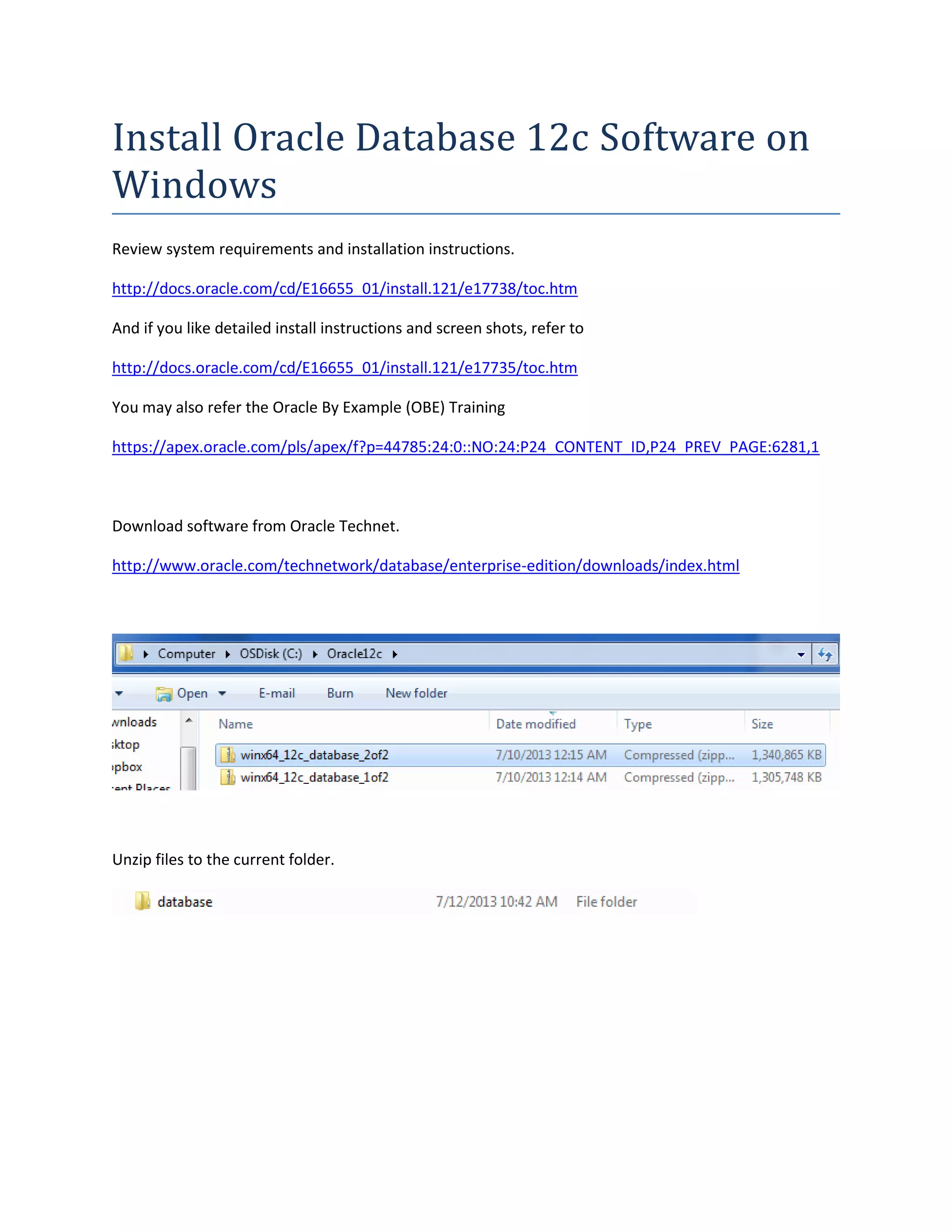
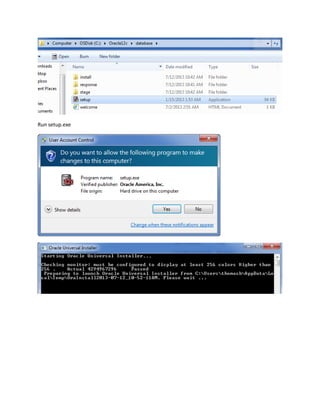
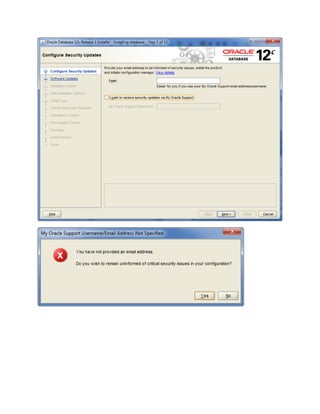
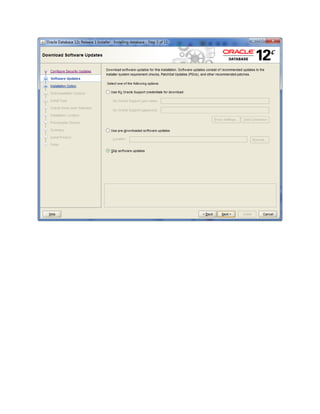
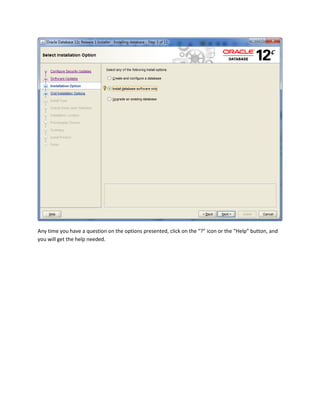
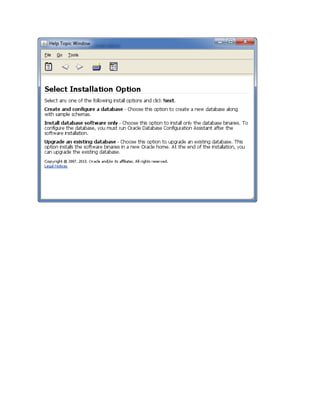
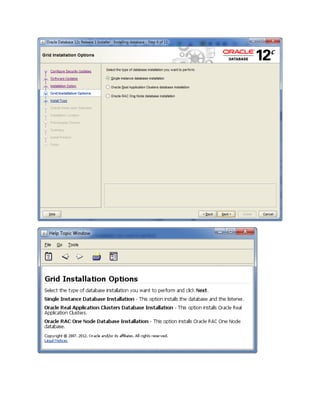
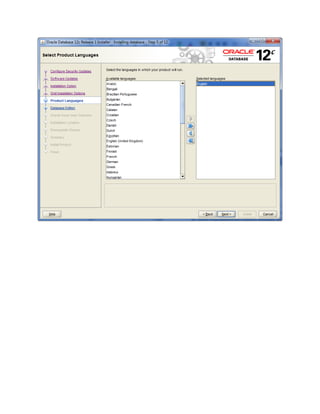
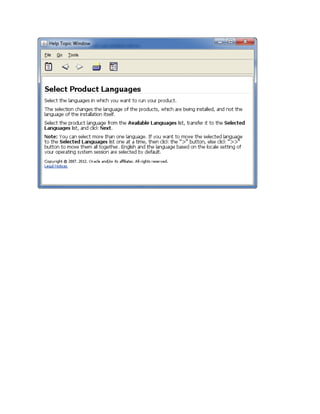
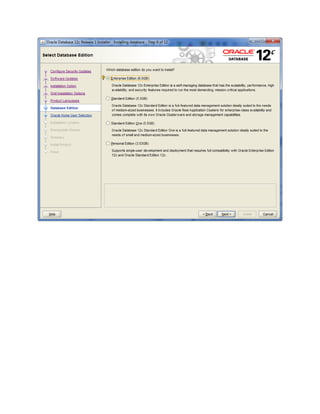
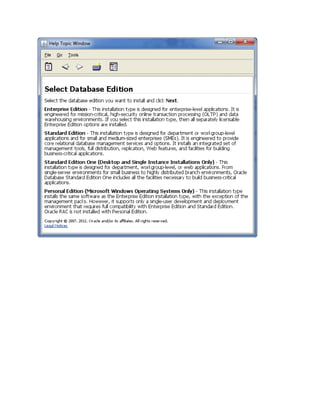
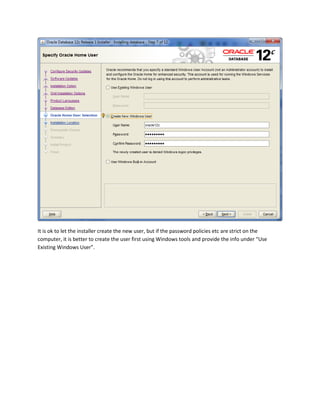
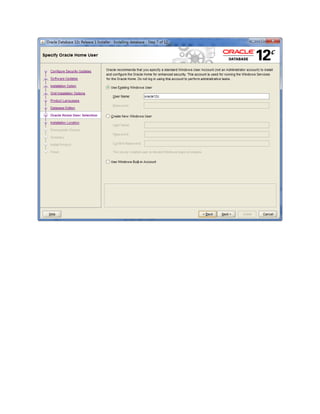
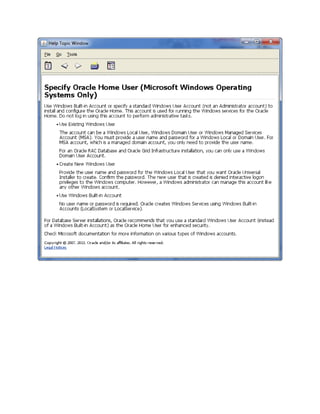
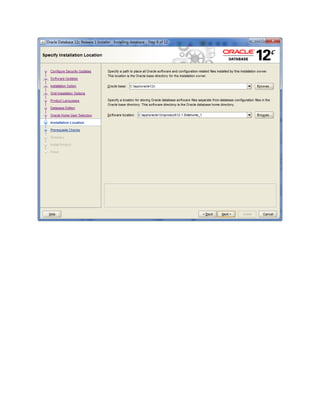
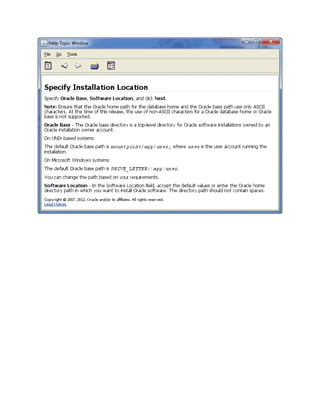
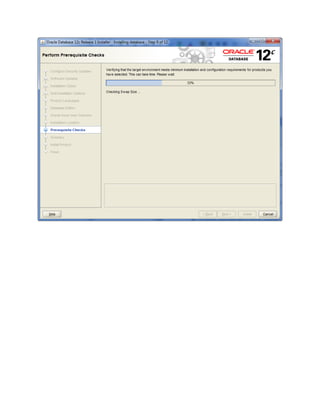
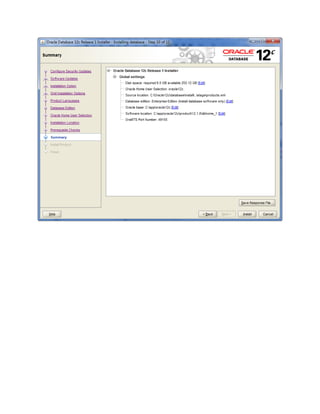
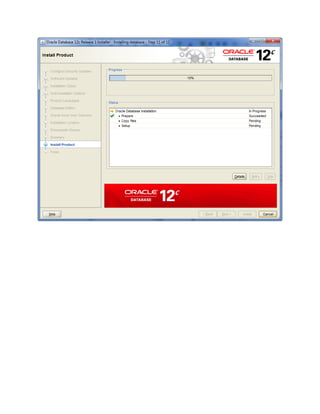
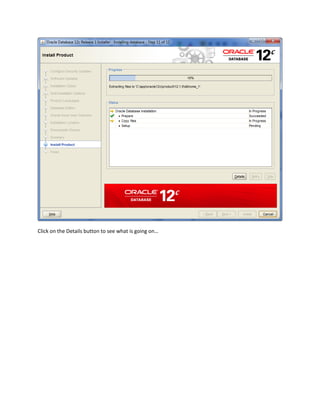
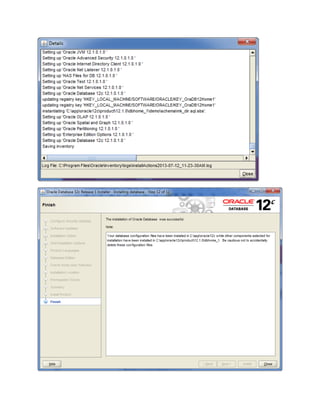
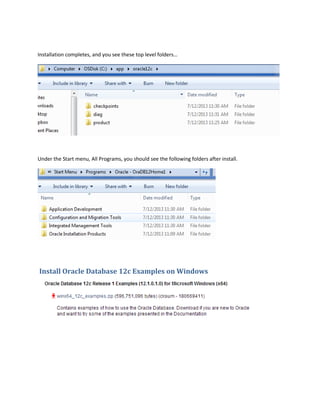
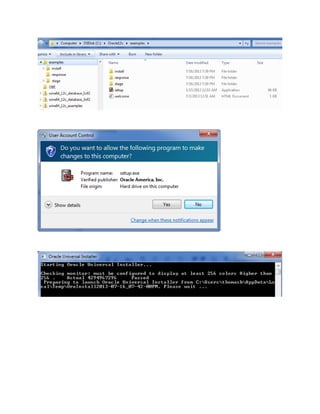
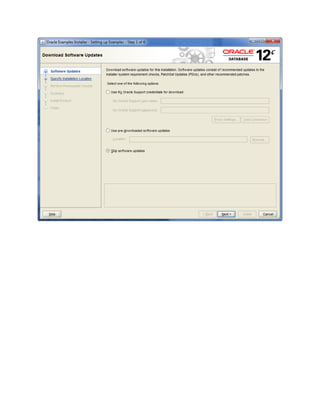
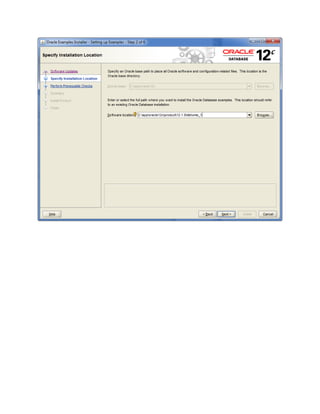
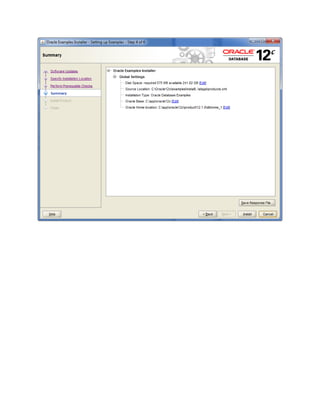
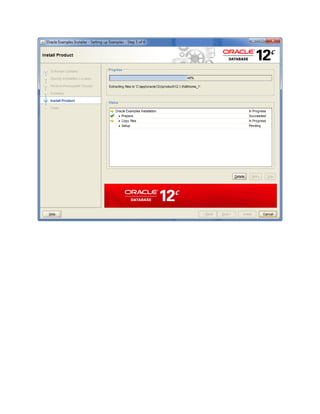
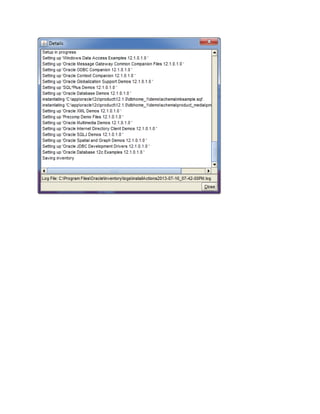
Install Oracle Database 12c software on Windows by reviewing system requirements and installation instructions on Oracle's website. Download the software from Oracle Technet and unzip the files to the current folder. Run the setup file and click the "?" icon or "Help" button if any questions arise during installation. The installation will complete and create top level folders under the Start menu. Example databases can then be installed by running scripts located in the %ORACLE_HOME%\demo\schema folder.


