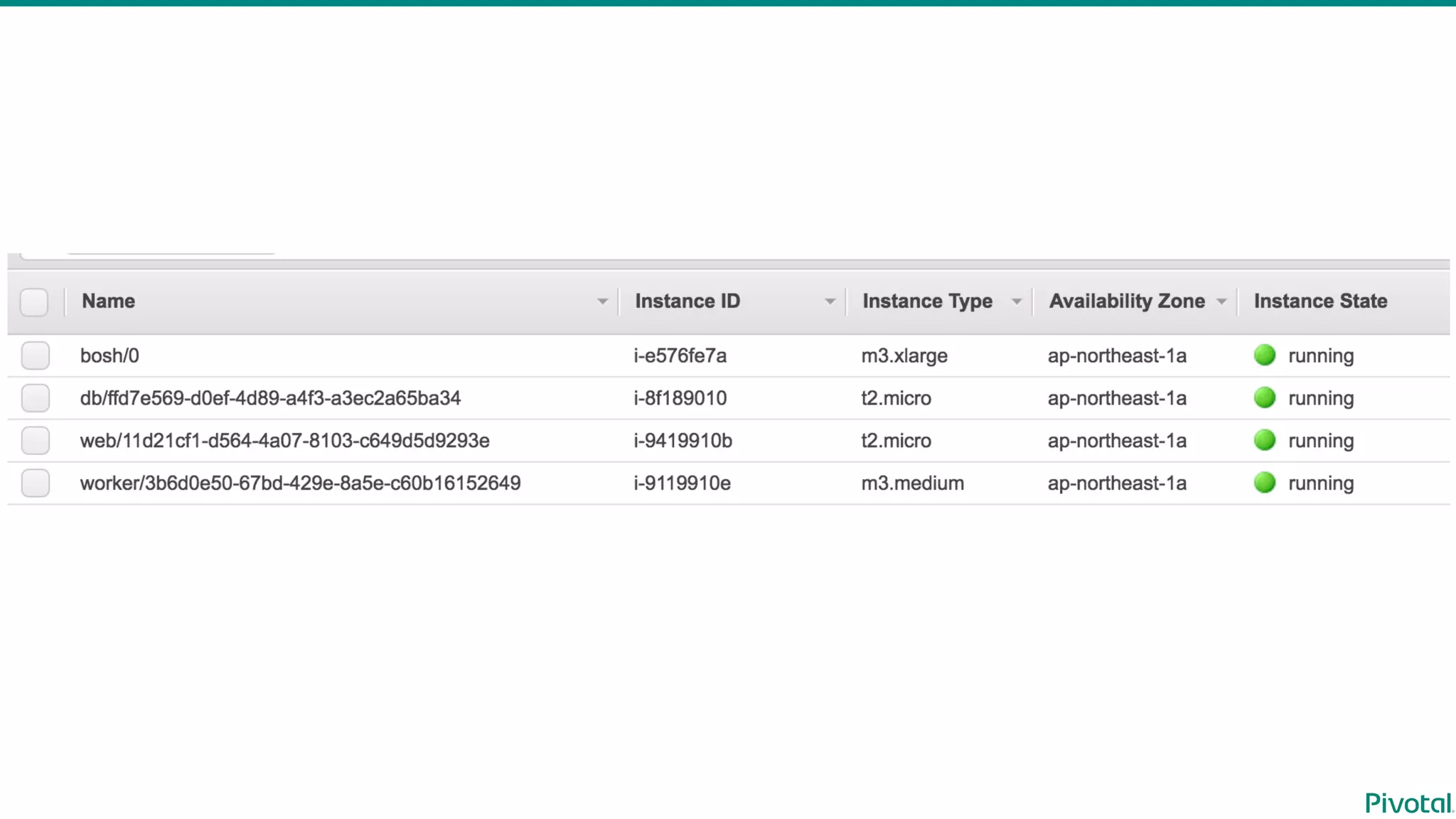

Install
Concourse  CI
with  BOSH
Toshiaki  Maki  (@making)
Sr.  Solutions  Architect  @Pivotal
2016-‐‑‒05-‐‑‒19
Concourse  CI  Tokyo  Meetup
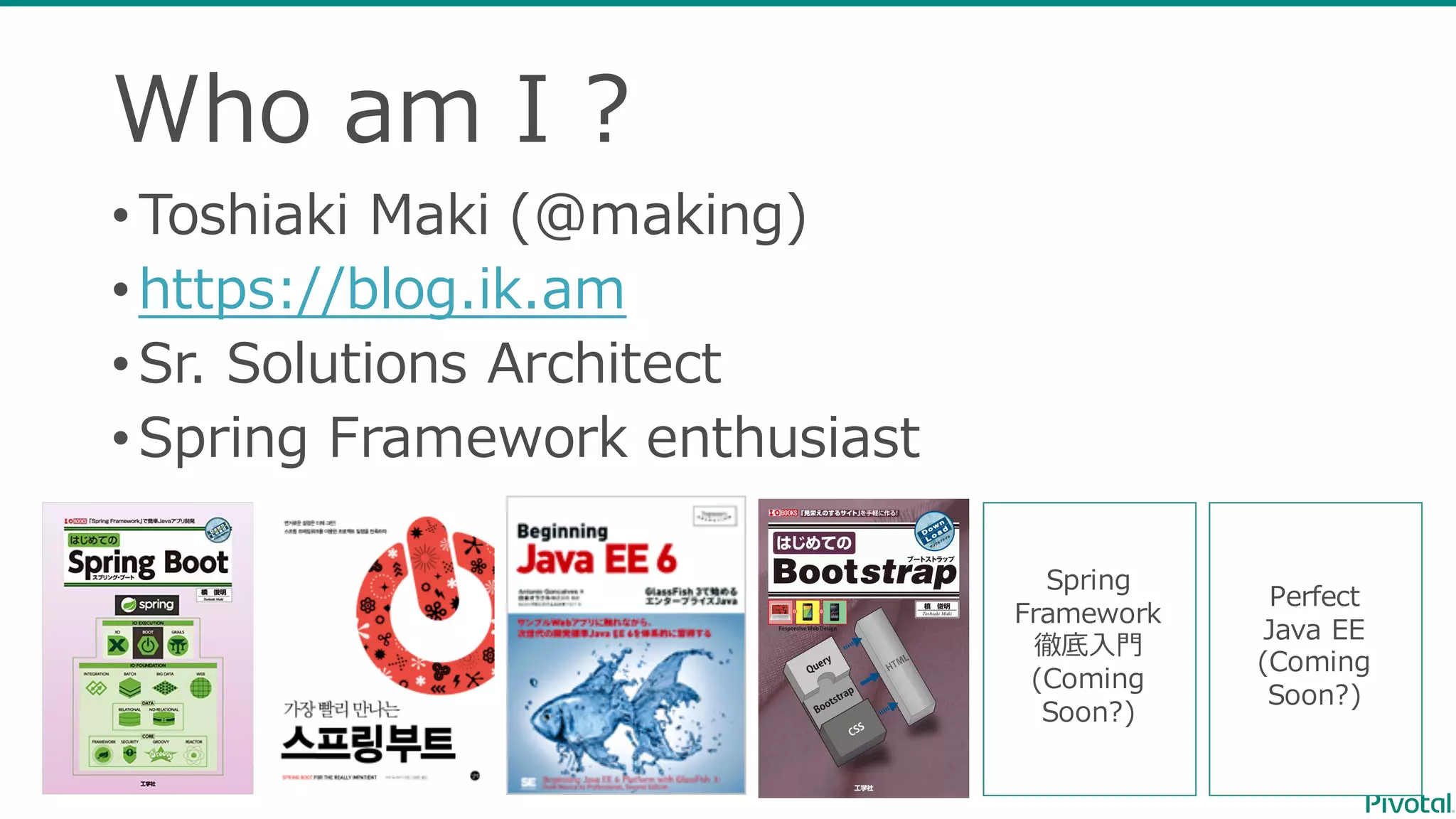
Who  am  I  ?
•Toshiaki  Maki  (@making)
•https://blog.ik.am
•Sr.  Solutions  Architect
•Spring  Framework  enthusiast
Spring
Framework
徹底⼊入⾨門
(Coming  
Soon?)
Perfect
Java  EE
(Coming  
Soon?)
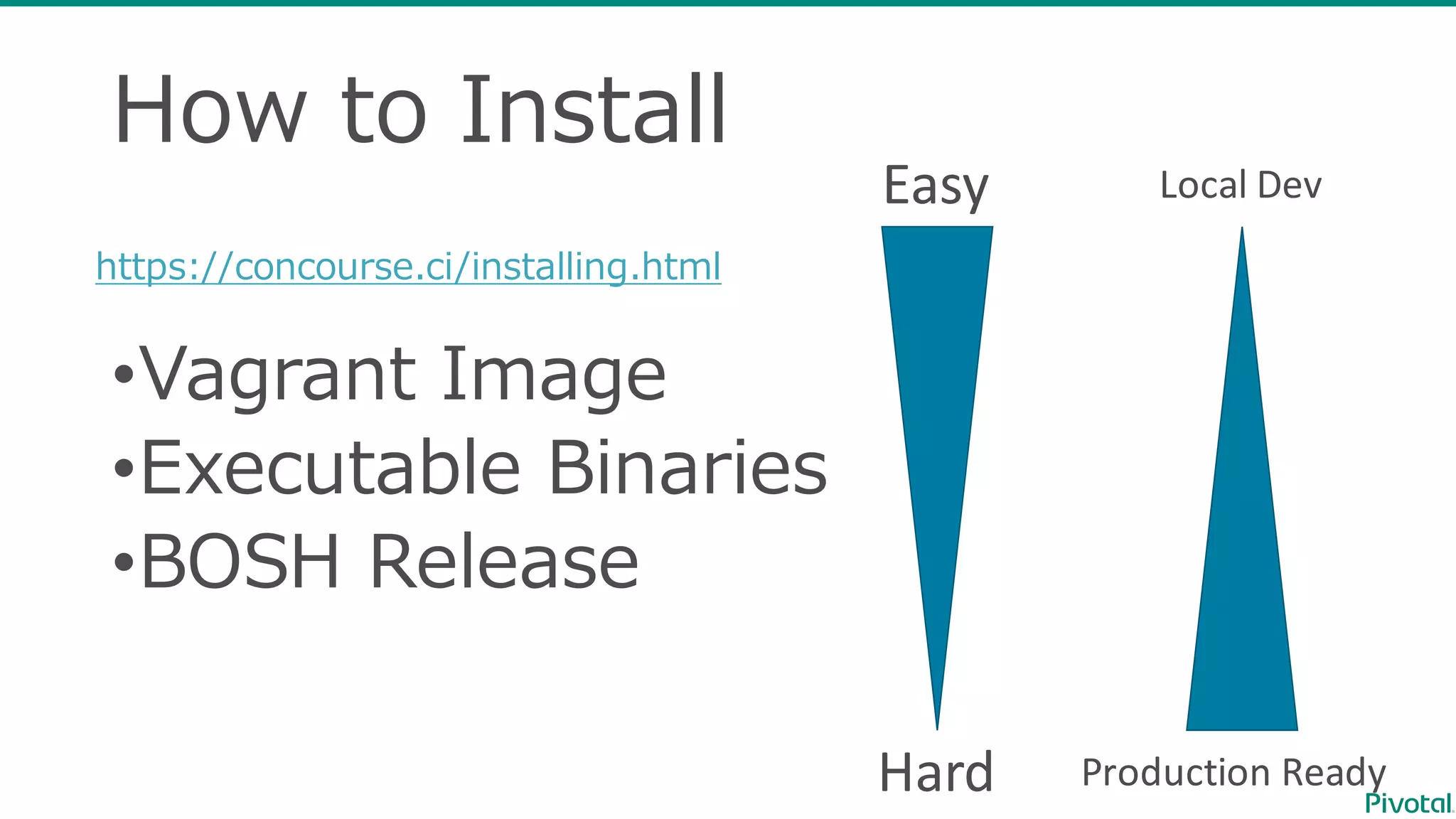
How  to  Install
•Vagrant  Image
•Executable  Binaries
•BOSH  Release
https://concourse.ci/installing.html
Easy
Hard Production	
  Ready
Local	
  Dev
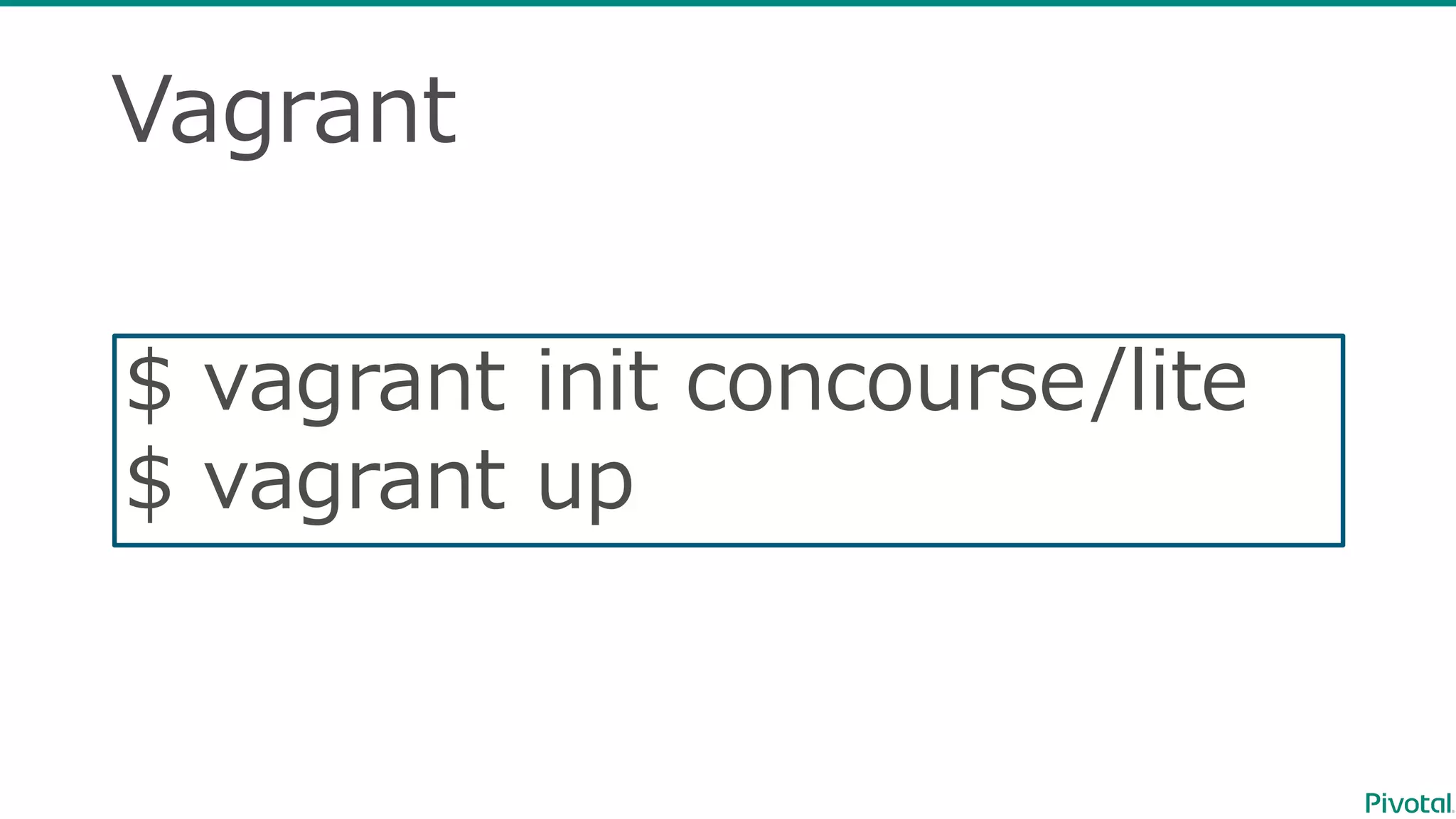
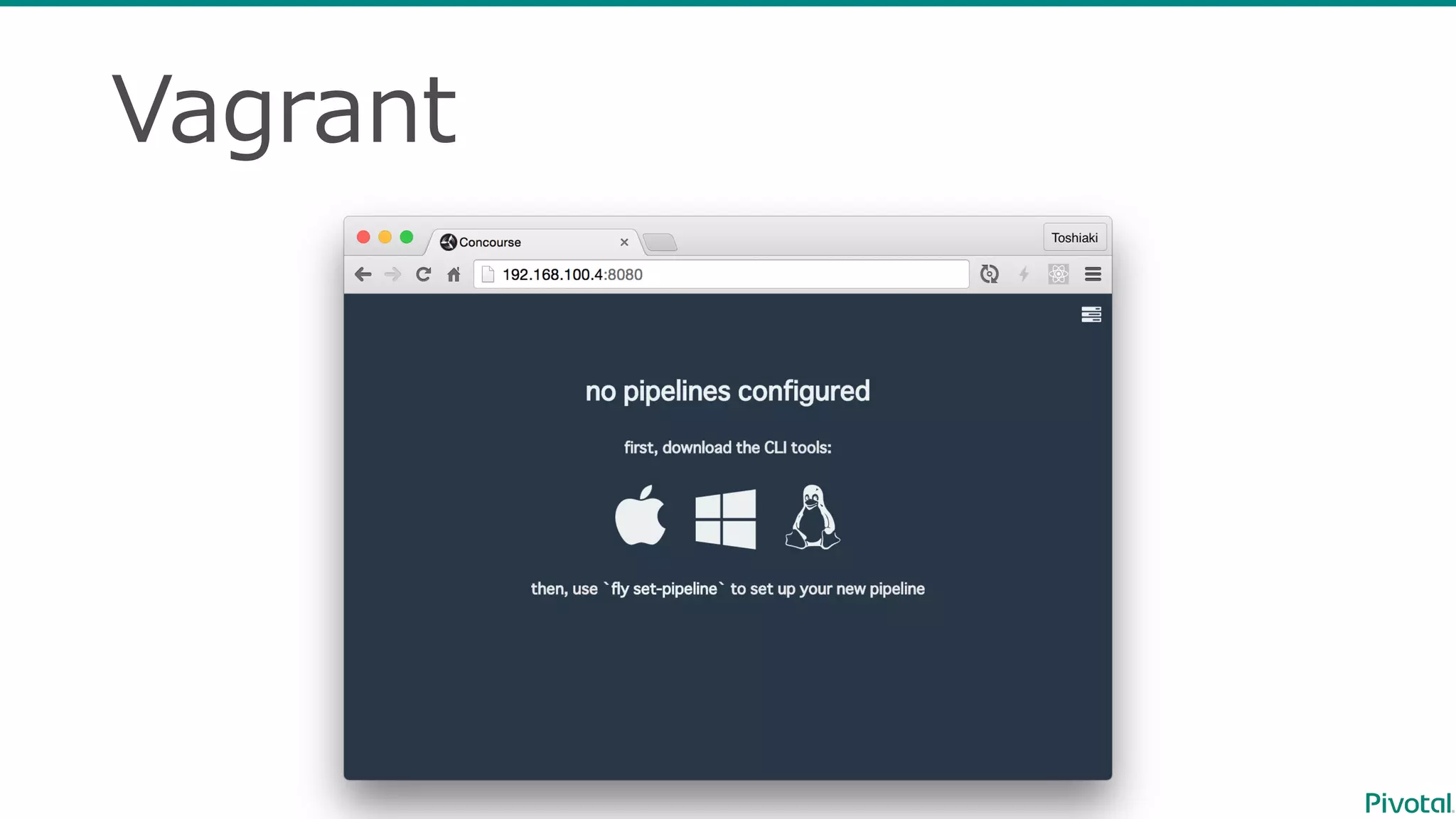
Vagrant
$  vagrant  init concourse/lite
$  vagrant  up
Vagrant
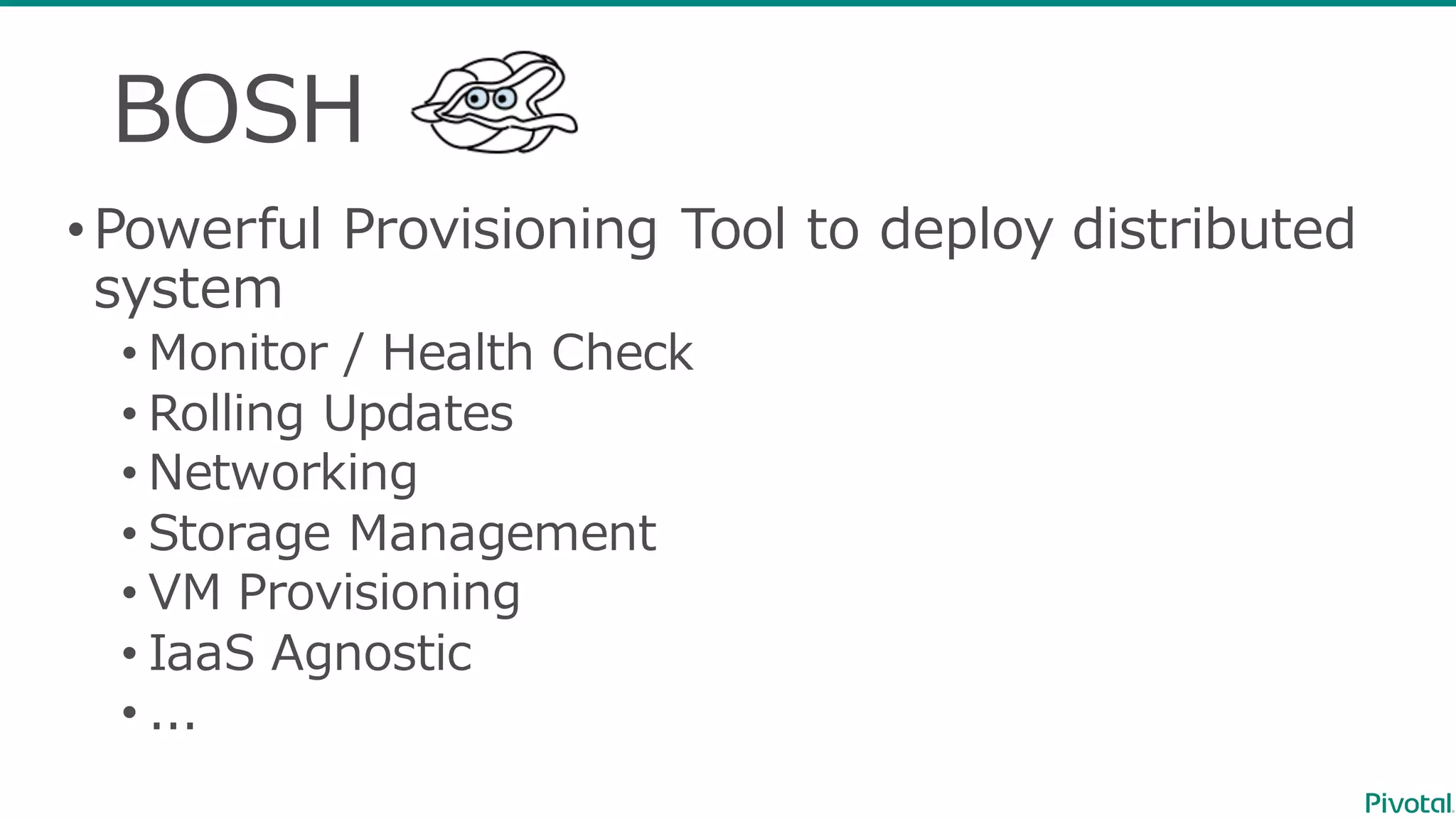
BOSH
•Powerful  Provisioning  Tool  to  deploy  distributed  
system
• Monitor  /  Health  Check
• Rolling  Updates
• Networking
• Storage  Management
• VM  Provisioning
• IaaS Agnostic
• ...
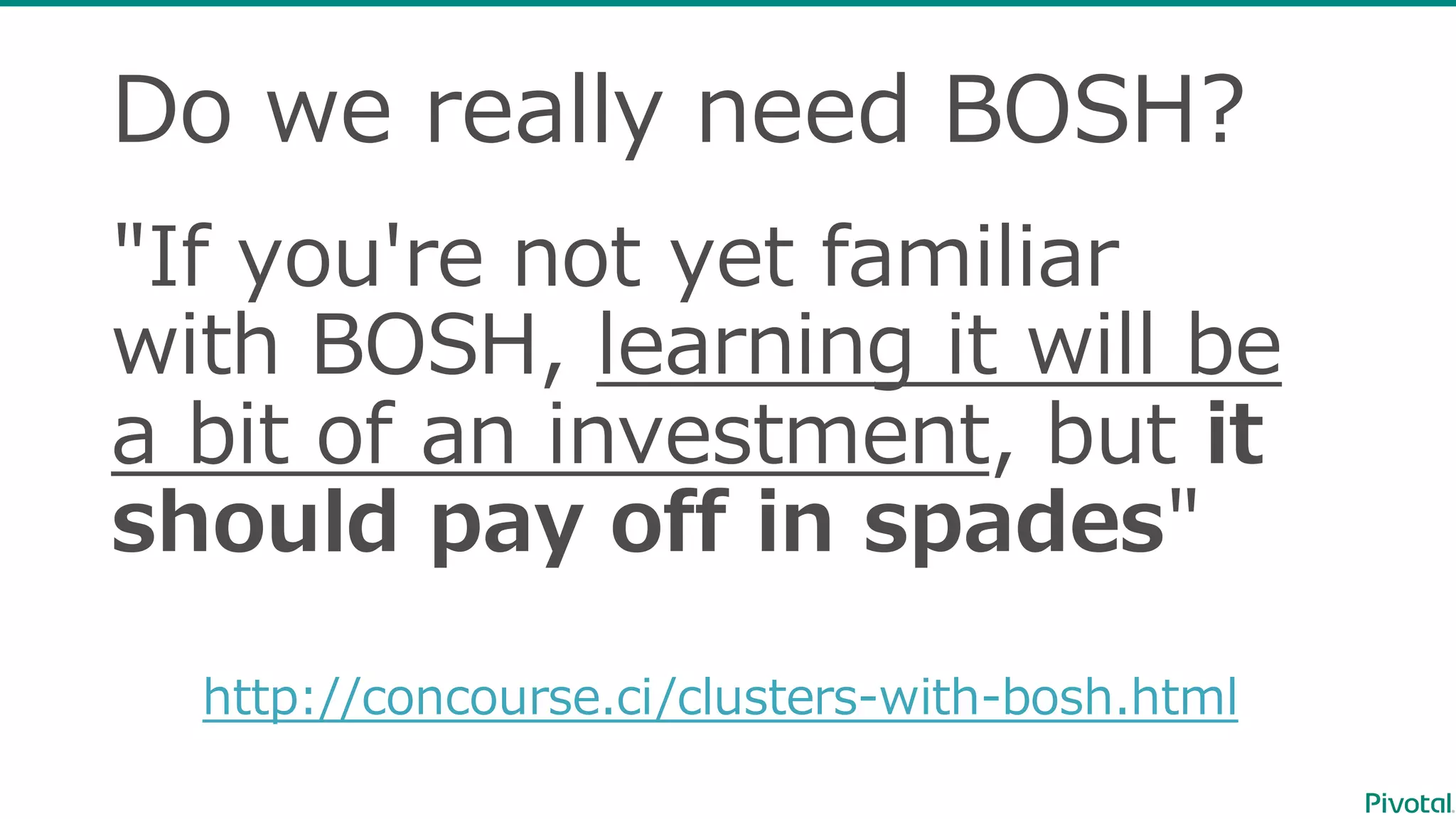
Do  we  really  need  BOSH?
"If  you're  not  yet  familiar  
with  BOSH,  learning  it  will  be  
a  bit  of  an  investment,  but  it
should  pay  off  in  spades"
http://concourse.ci/clusters-‐‑‒with-‐‑‒bosh.html
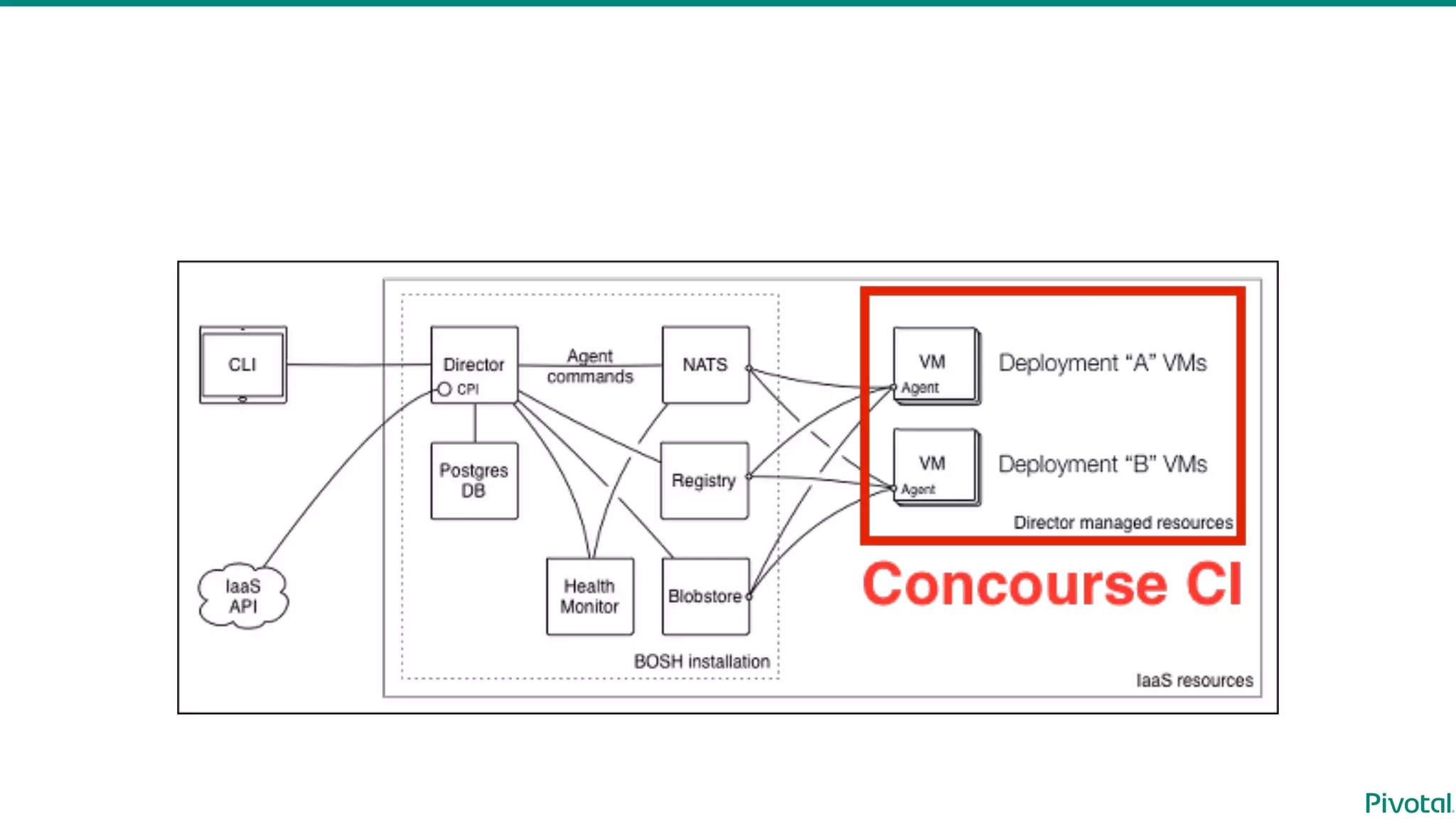
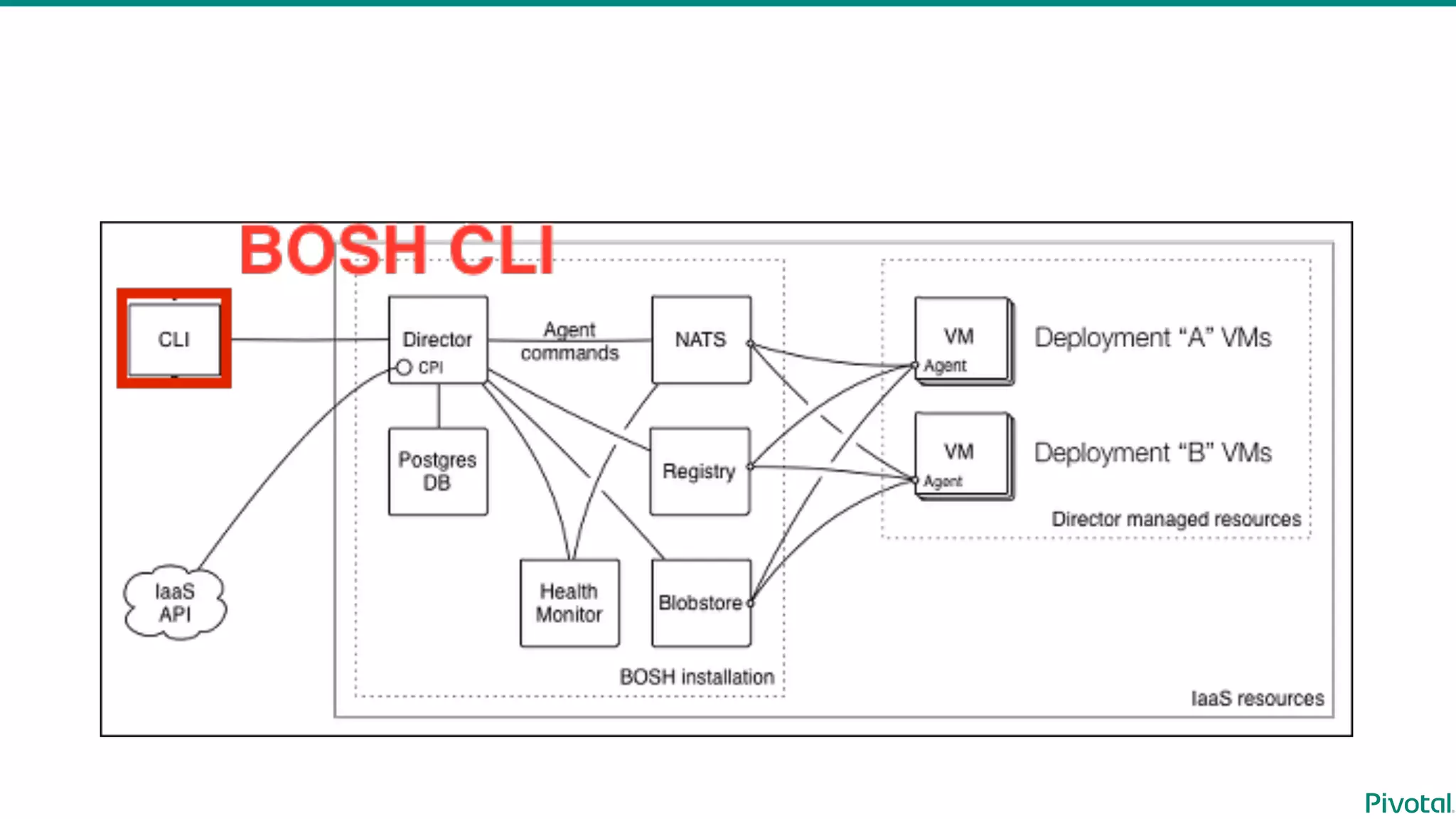
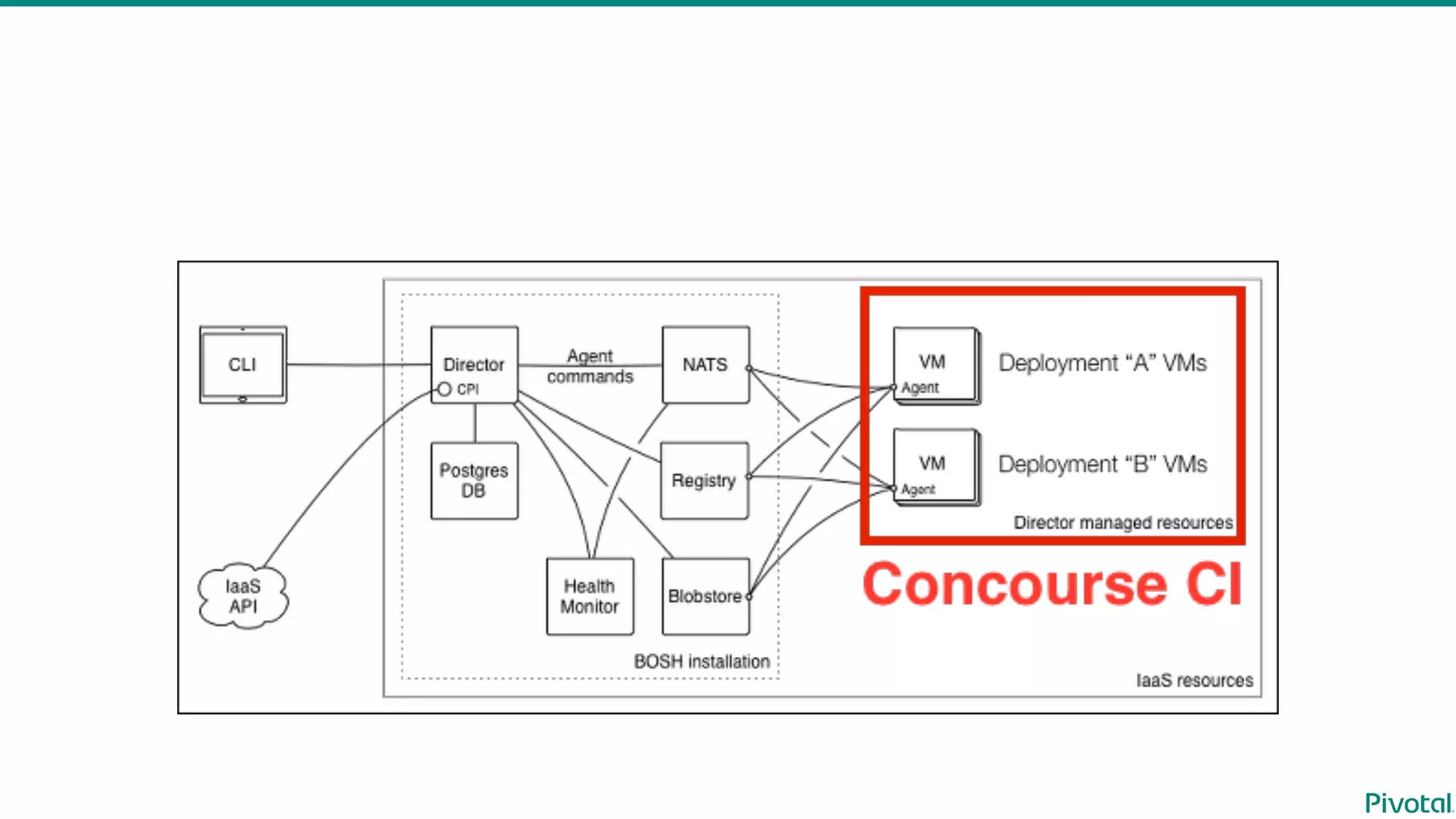
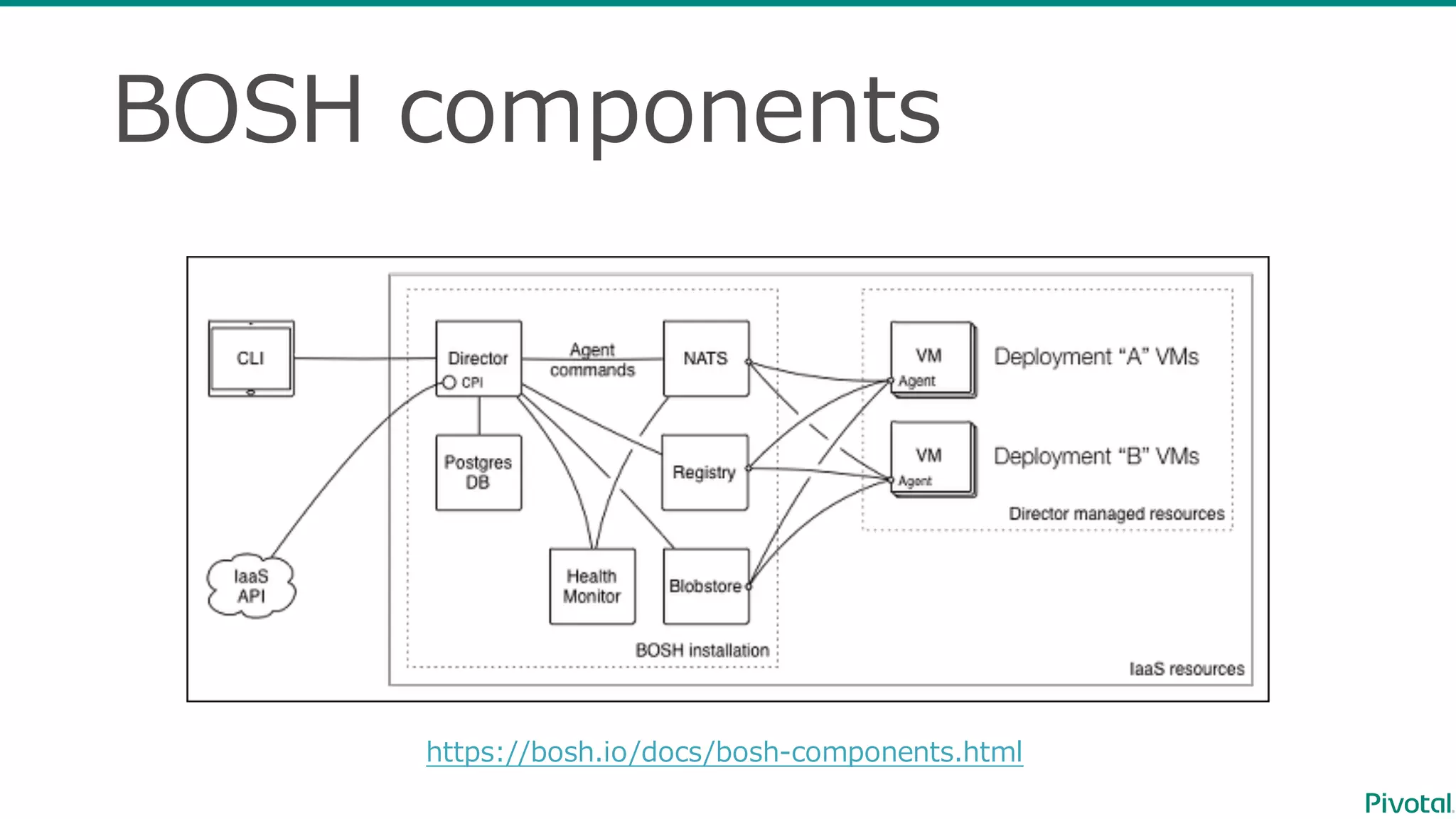
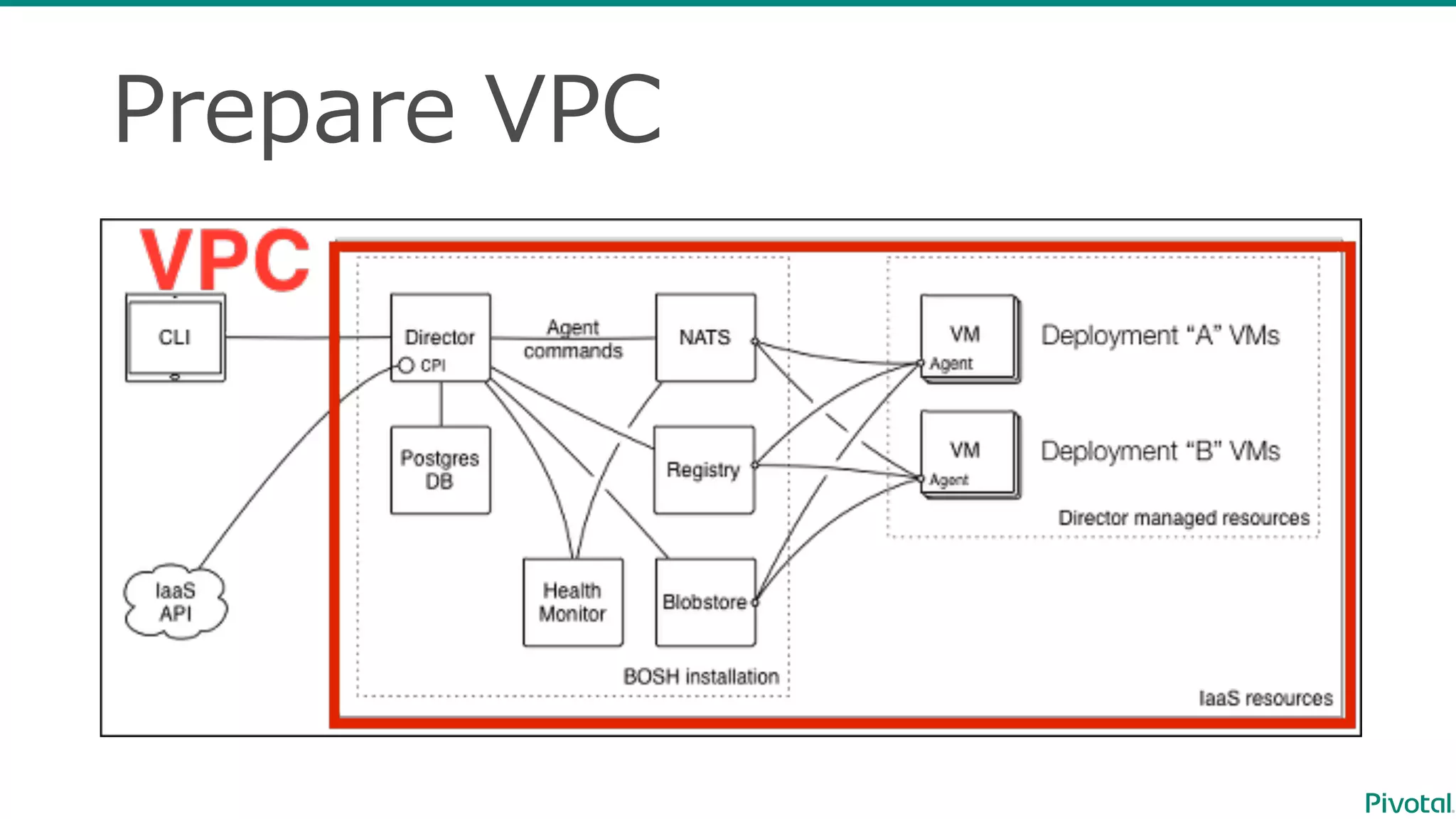
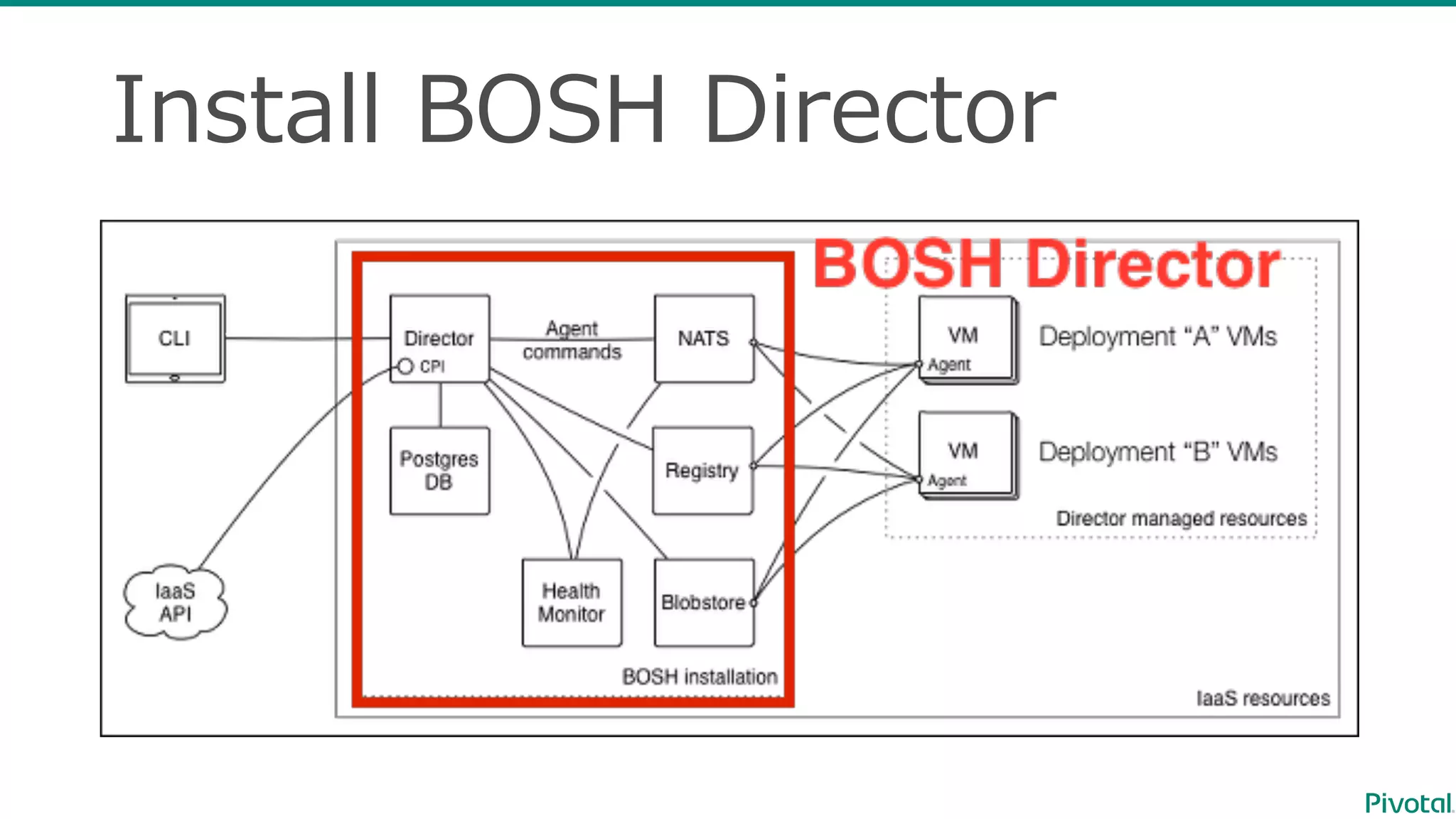
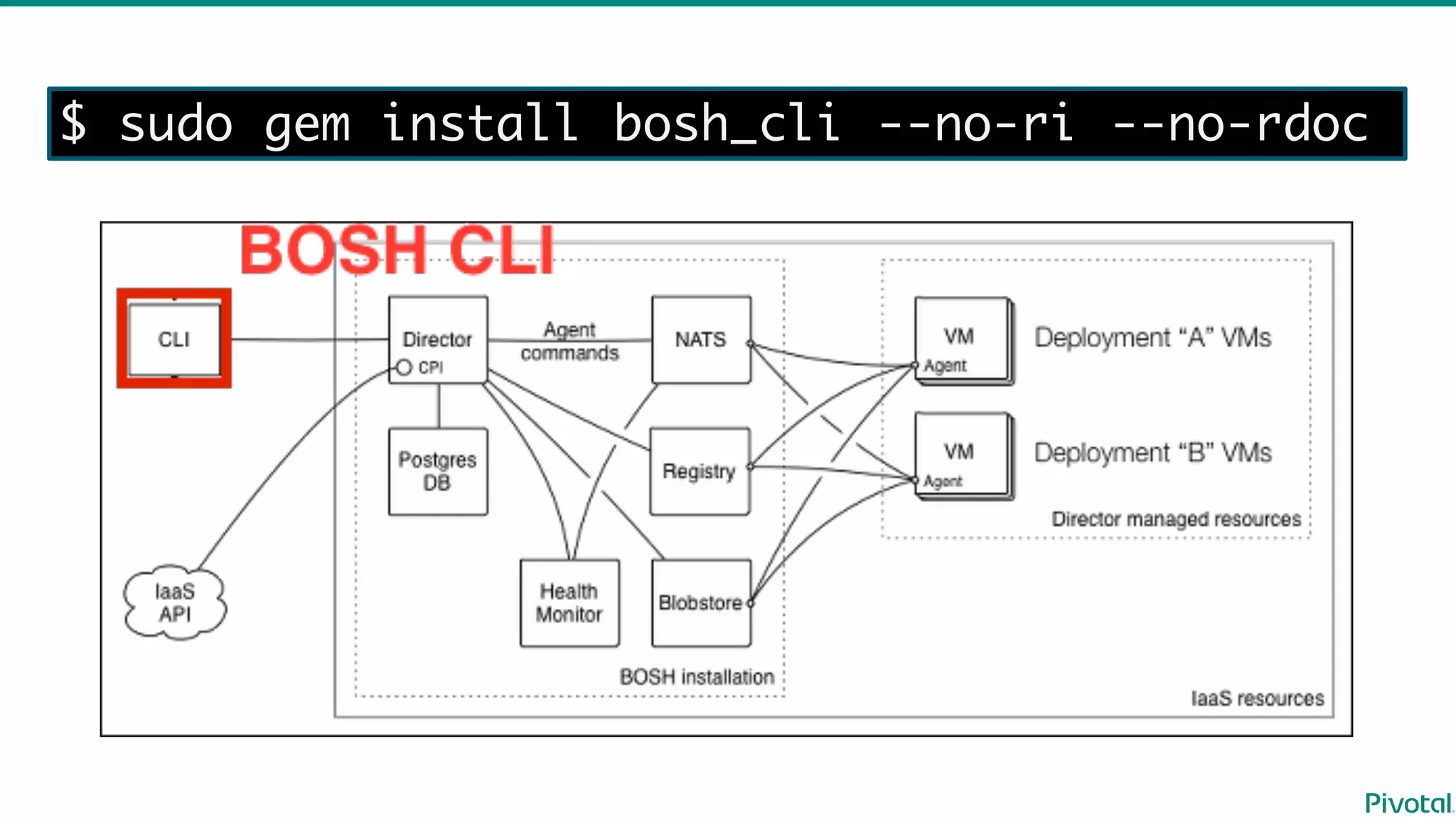
BOSH  components
https://bosh.io/docs/bosh-‐‑‒components.html
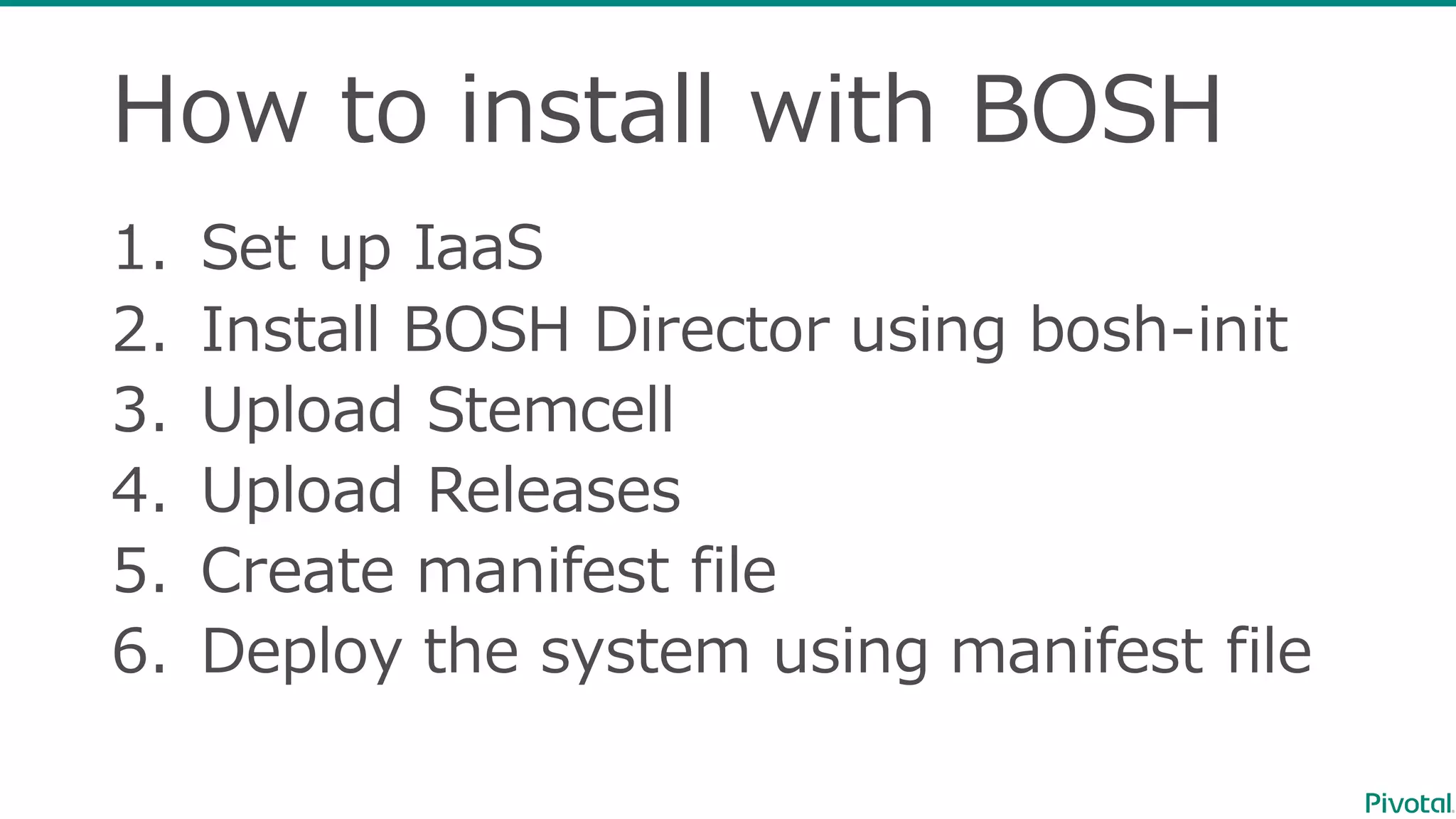
How  to  install  with  BOSH
1. Set  up  IaaS
2. Install  BOSH  Director  using  bosh-‐‑‒init
3. Upload  Stemcell
4. Upload  Releases
5. Create  manifest  file
6. Deploy  the  system  using  manifest  file
•Deploy  Concourse  to  AWS
•Deploy  Concourse  to  Azure
Manifest  samples
https://github.com/making/concouse-‐‑‒ci-‐‑‒manifest-‐‑‒samples
Deploy  Concourse  to  AWS
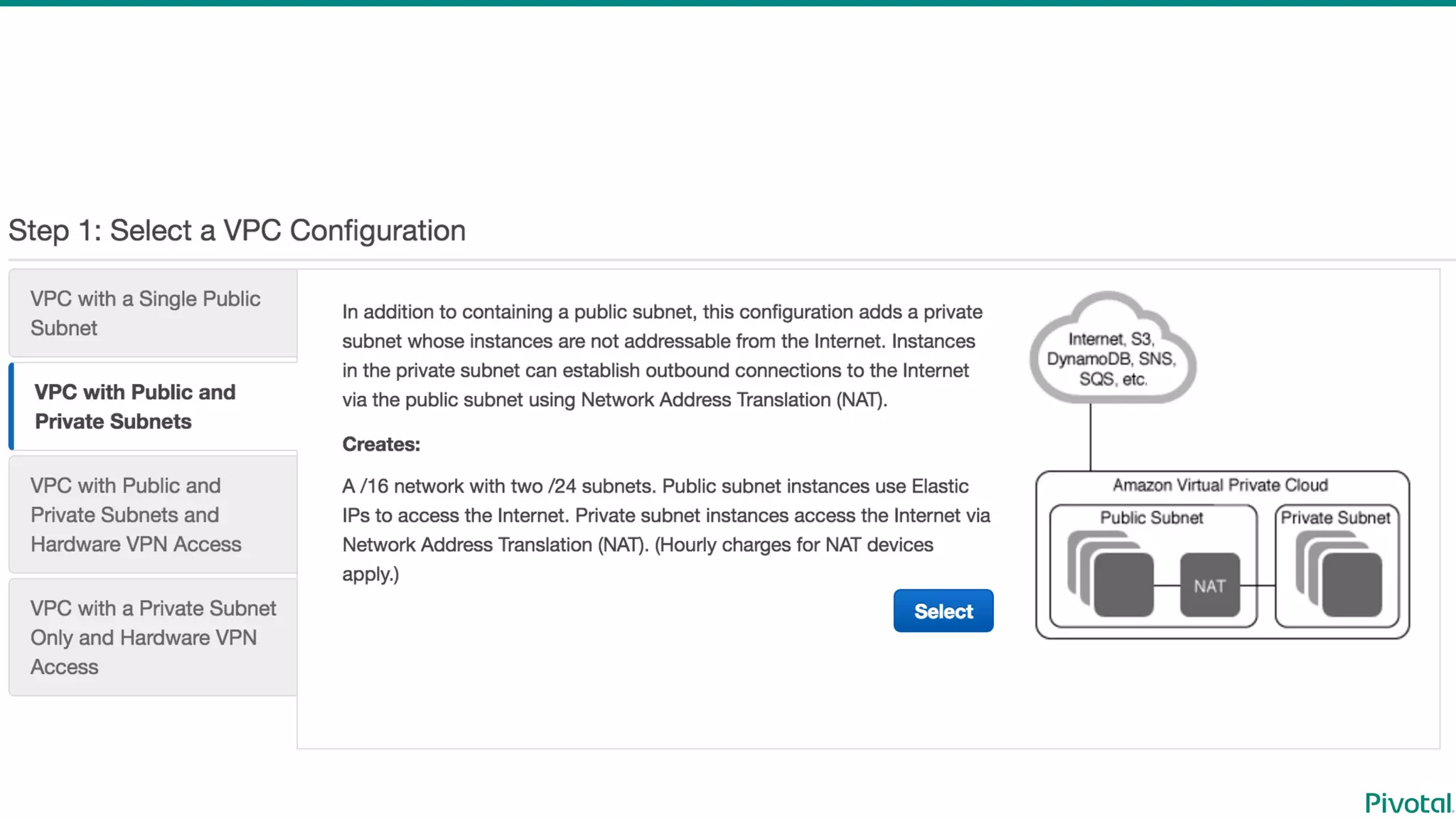
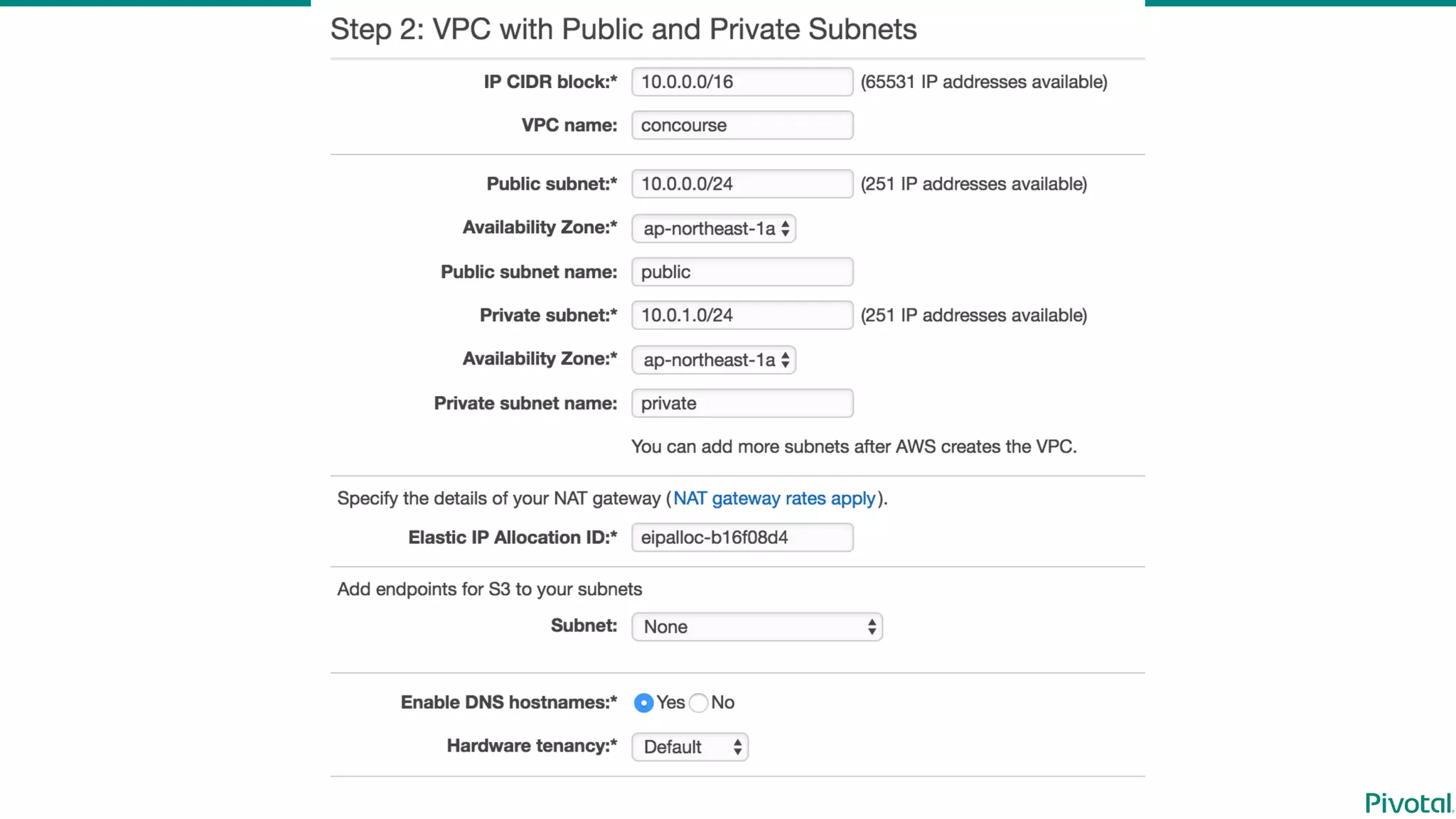
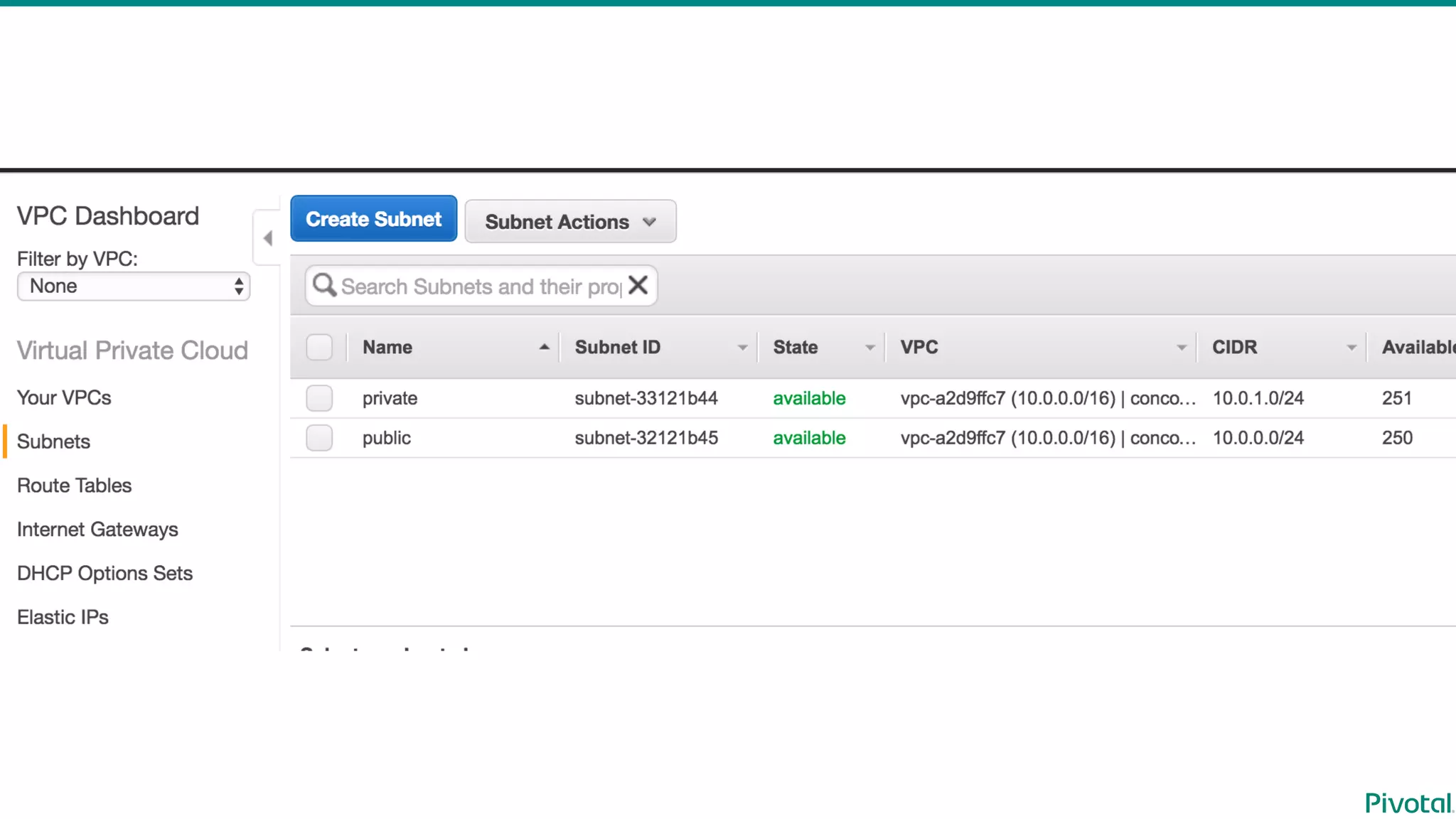
Prepare  VPC
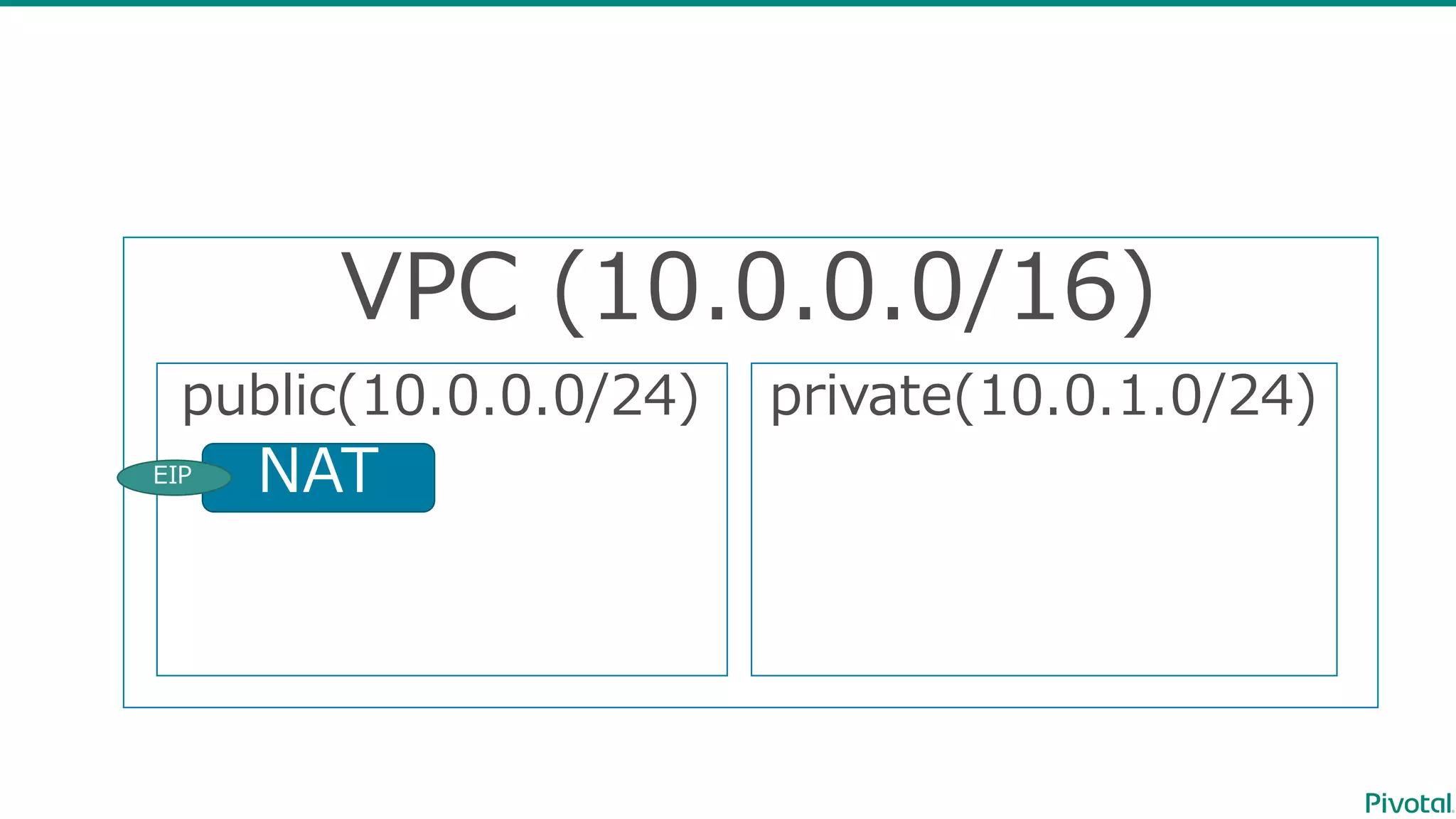
VPC  (10.0.0.0/16)
public(10.0.0.0/24) private(10.0.1.0/24)
NATEIP
Install  BOSH  Director
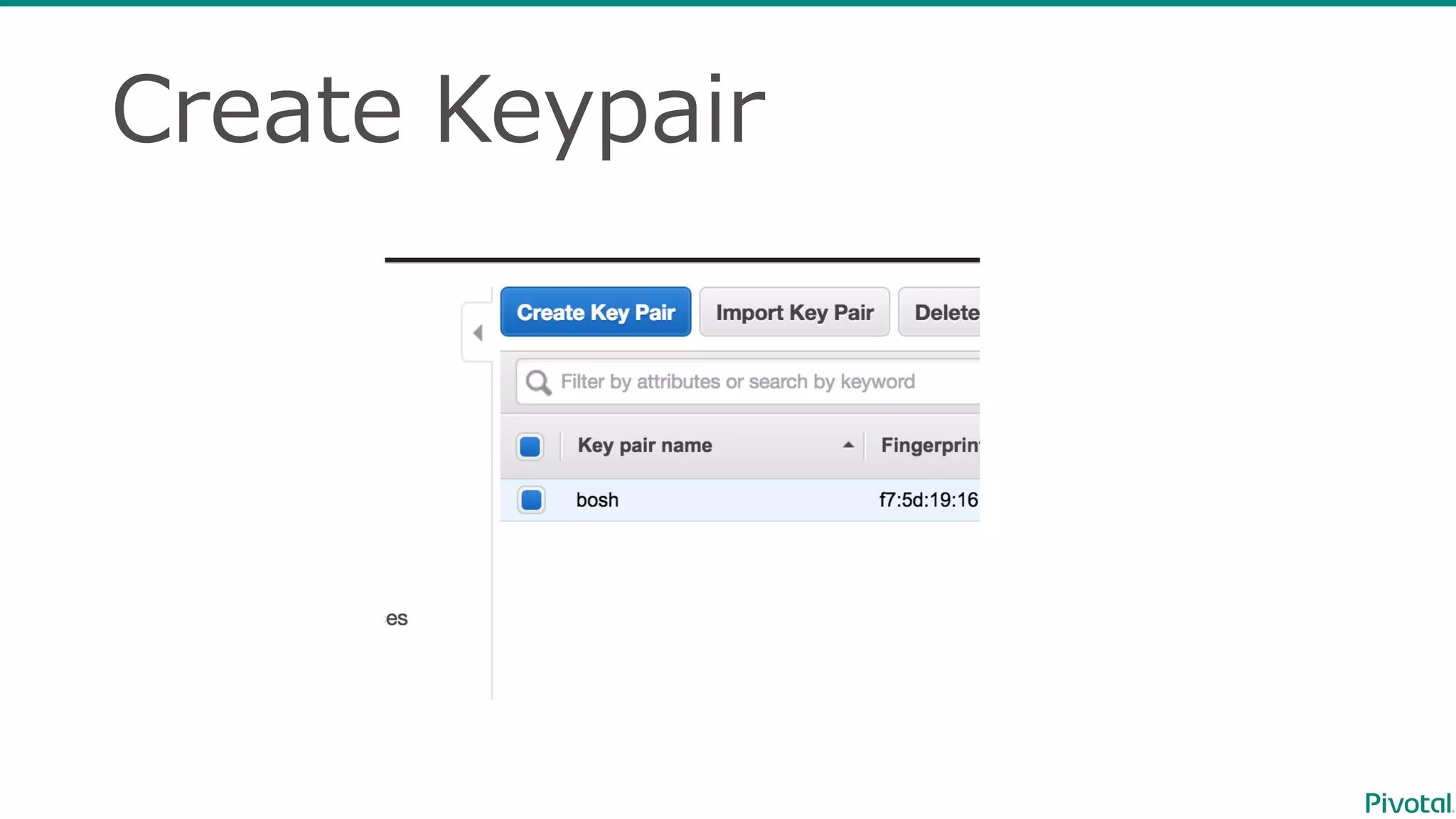
Create  Keypair
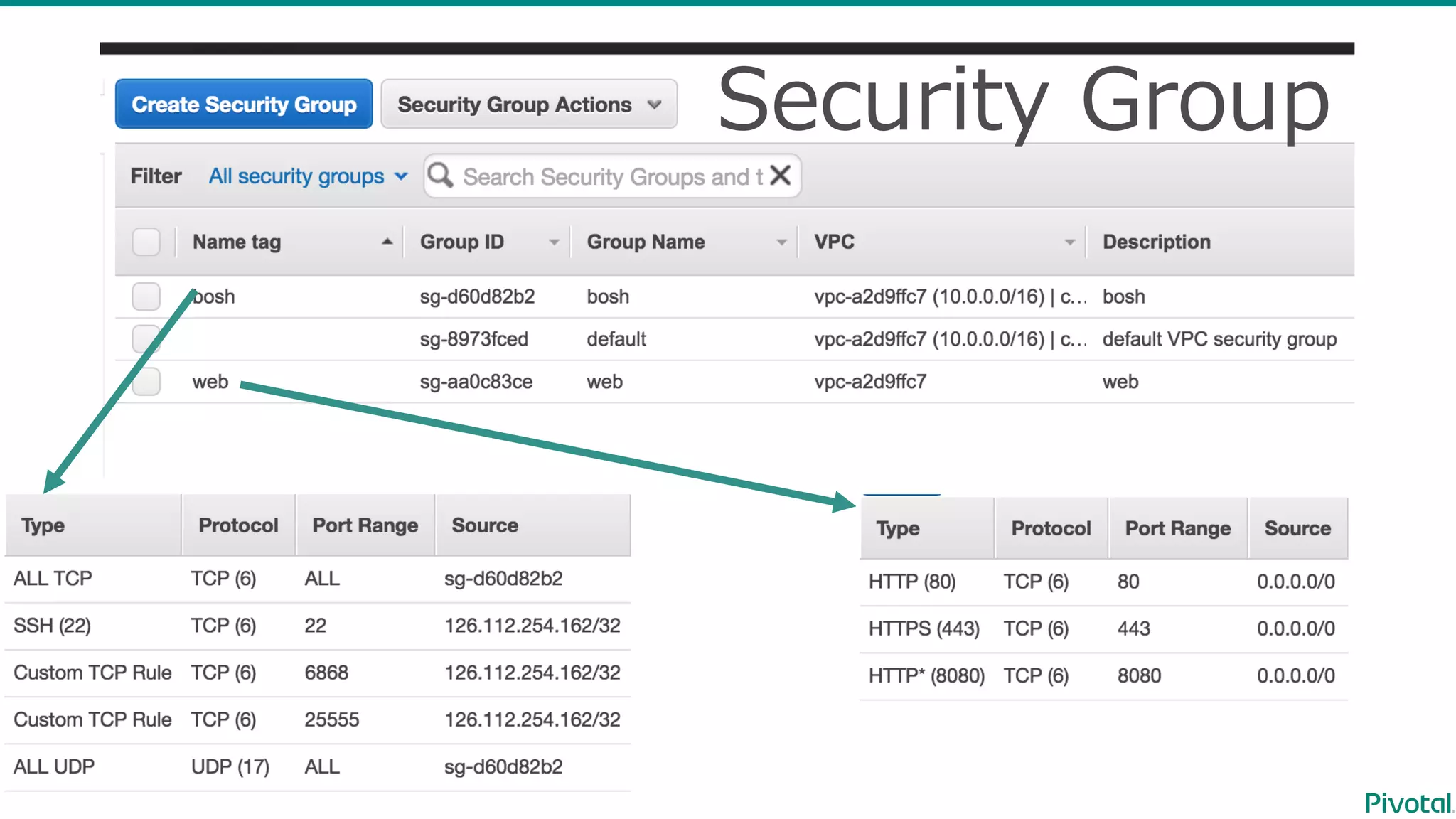
Security  Group
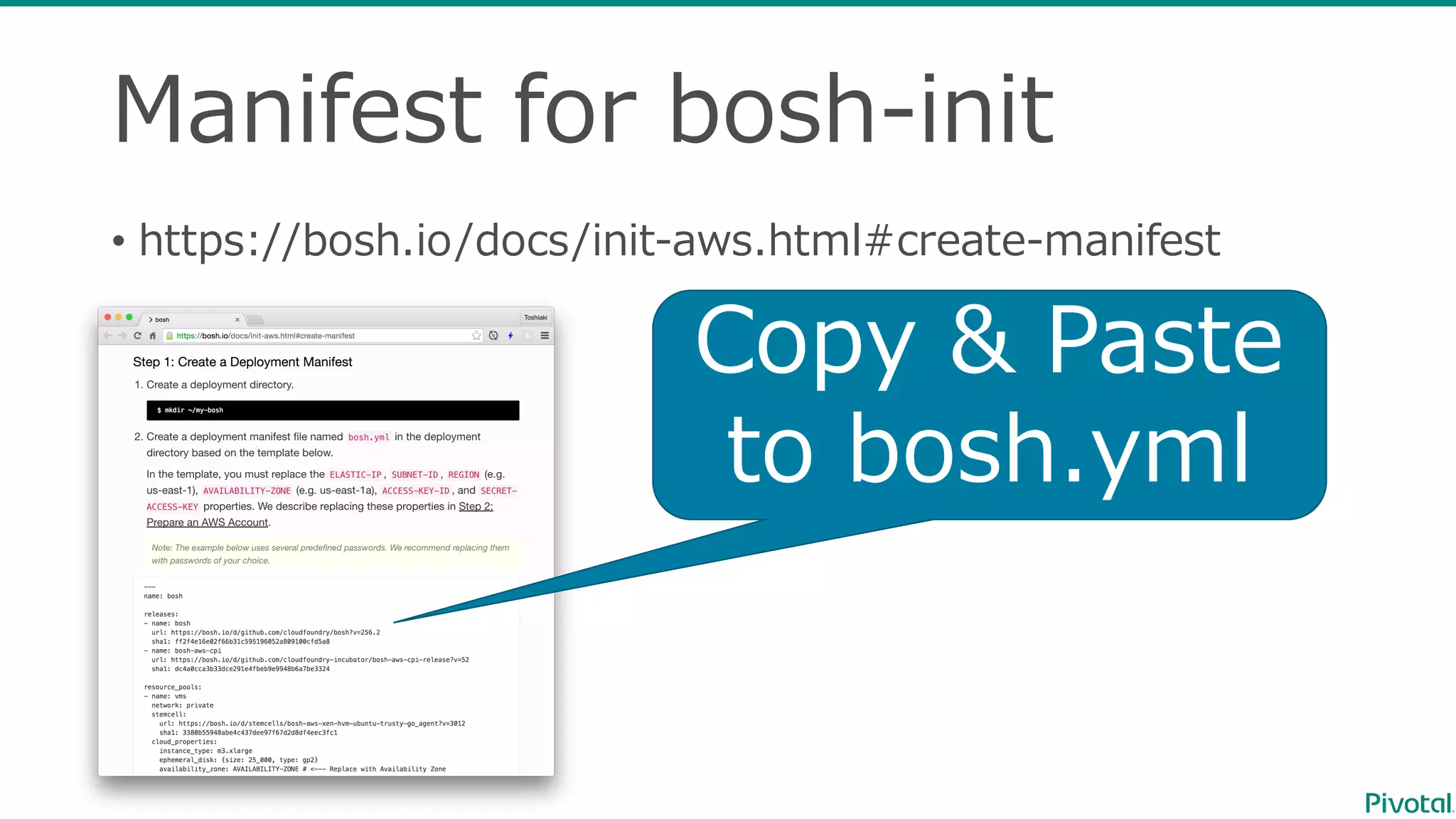
Manifest  for  bosh-‐‑‒init
• https://bosh.io/docs/init-‐‑‒aws.html#create-‐‑‒manifest
Copy  &  Paste
to  bosh.yml
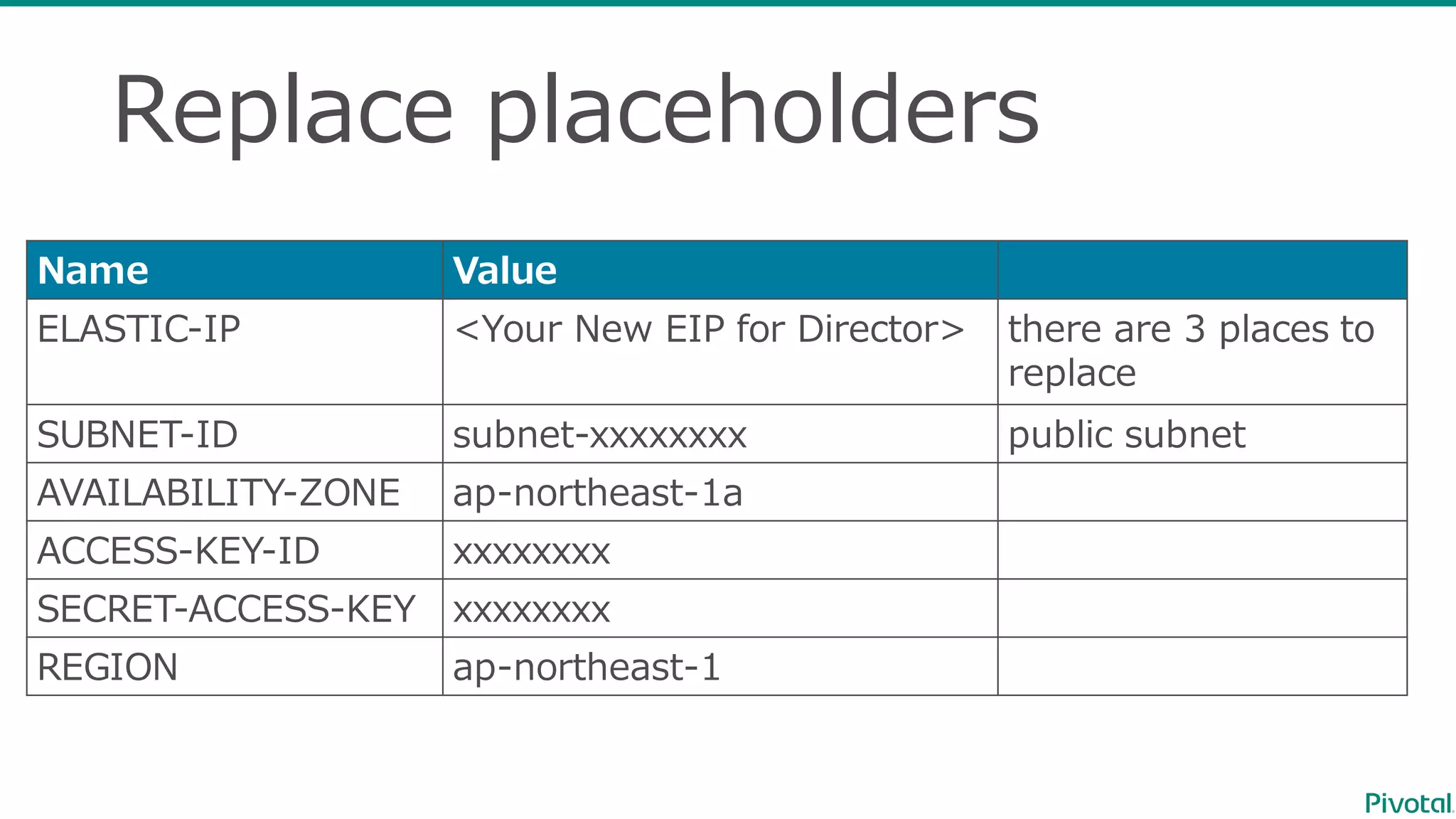
Replace  placeholders
Name Value
ELASTIC-‐‑‒IP <Your  New  EIP  for  Director> there are  3  places  to  
replace
SUBNET-‐‑‒ID subnet-‐‑‒xxxxxxxx public subnet
AVAILABILITY-‐‑‒ZONE ap-‐‑‒northeast-‐‑‒1a
ACCESS-‐‑‒KEY-‐‑‒ID xxxxxxxx
SECRET-‐‑‒ACCESS-‐‑‒KEY xxxxxxxx
REGION ap-‐‑‒northeast-‐‑‒1
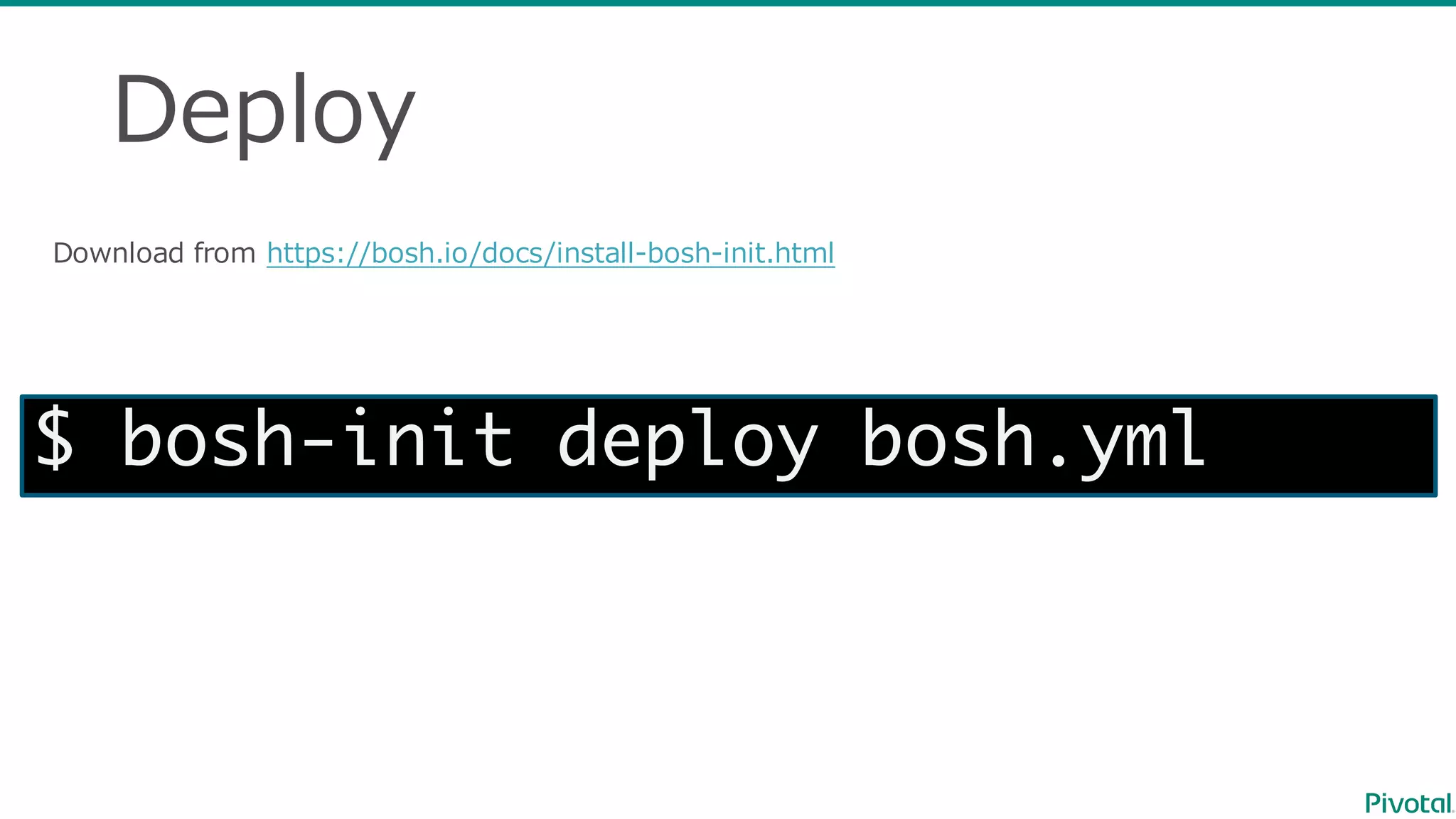
Deploy
Download  from  https://bosh.io/docs/install-‐‑‒bosh-‐‑‒init.html
$ bosh-init deploy bosh.yml
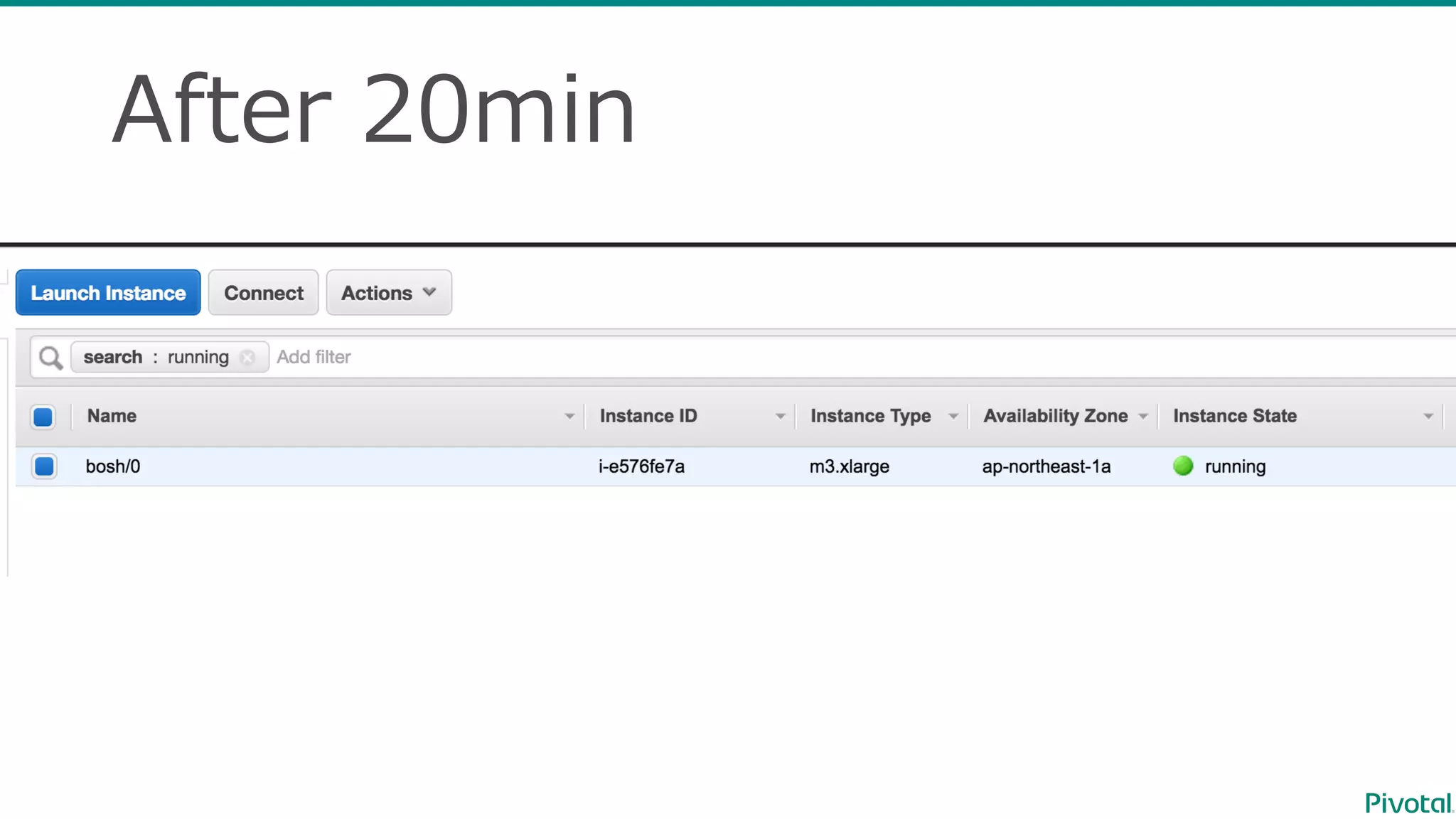
After  20min
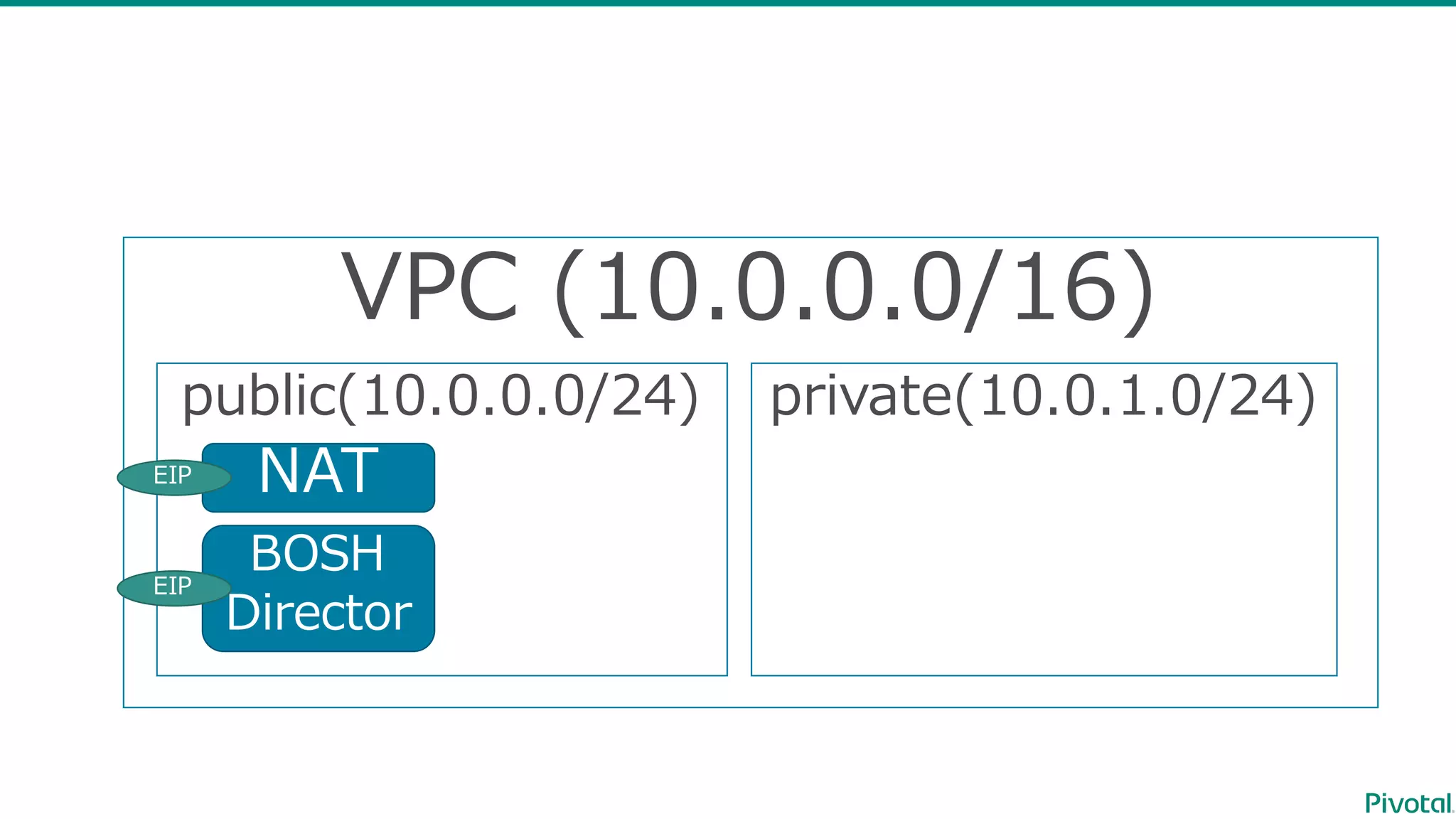
VPC  (10.0.0.0/16)
public(10.0.0.0/24) private(10.0.1.0/24)
NAT
BOSH
Director
EIP
EIP
$ sudo gem install bosh_cli --no-ri --no-rdoc
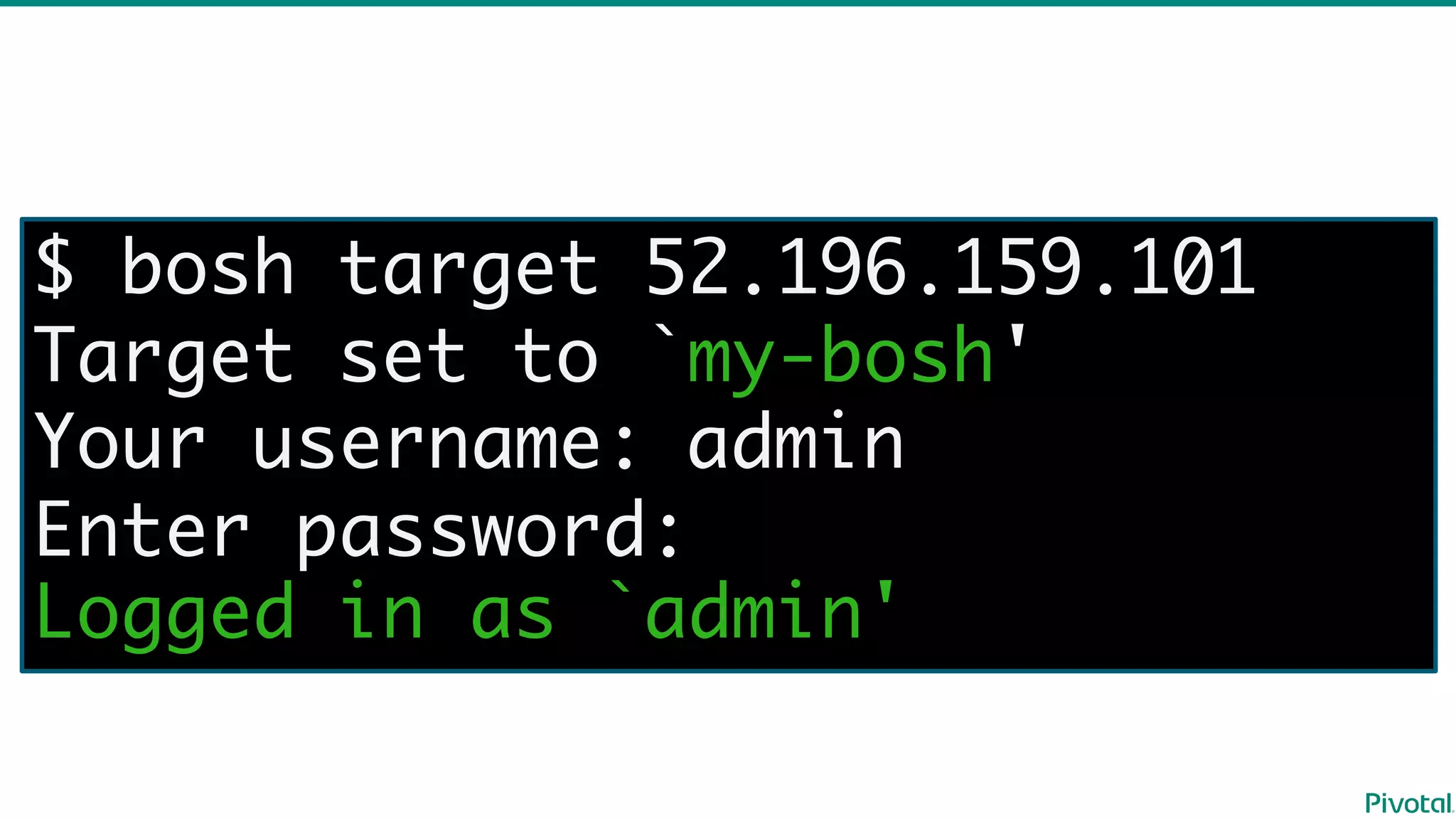
$ bosh target 52.196.159.101
Target set to `my-bosh'
Your username: admin
Enter password:
Logged in as `admin'
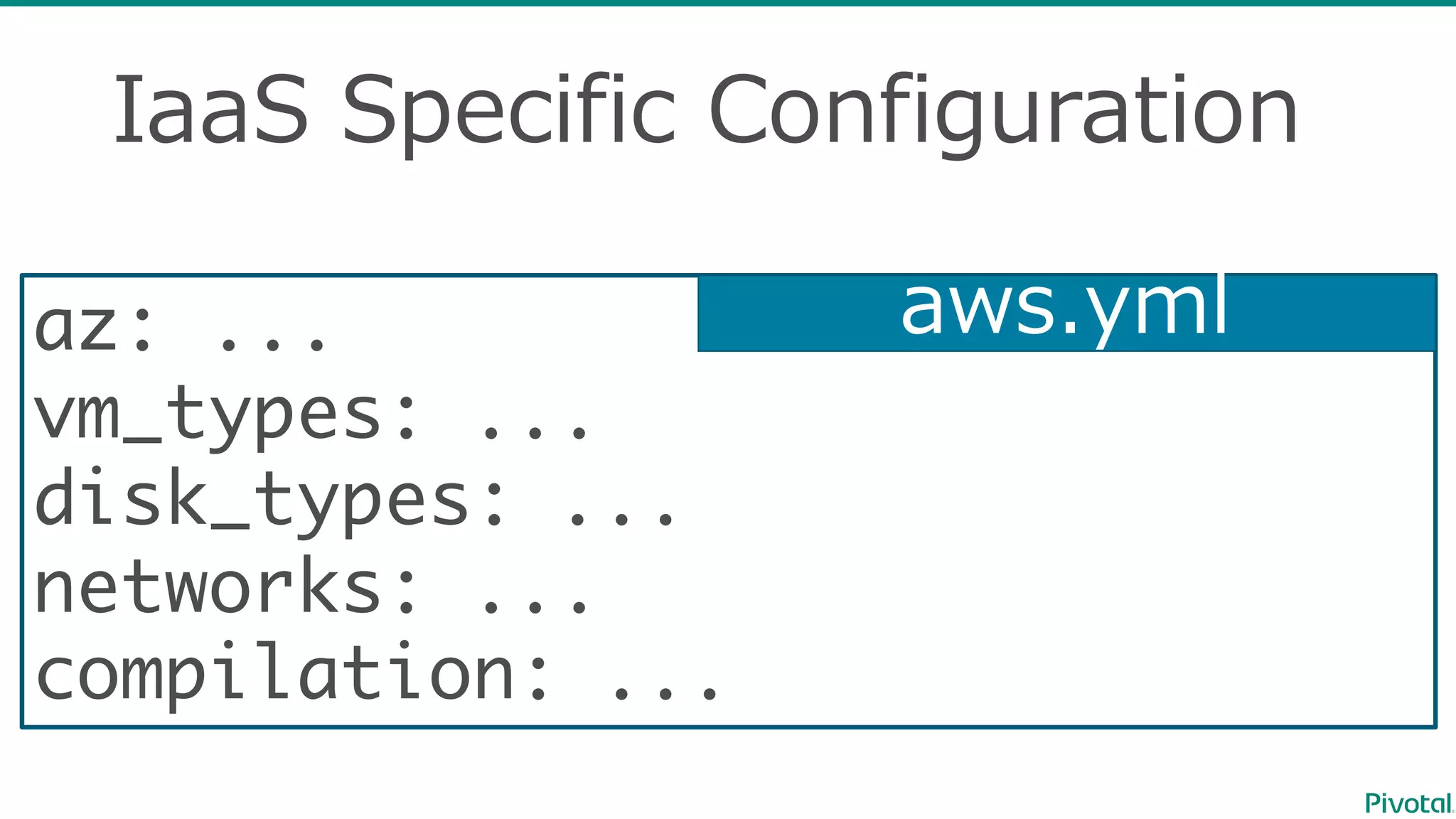
IaaS Specific  Configuration
az: ...
vm_types: ...
disk_types: ...
networks: ...
compilation: ...
aws.yml
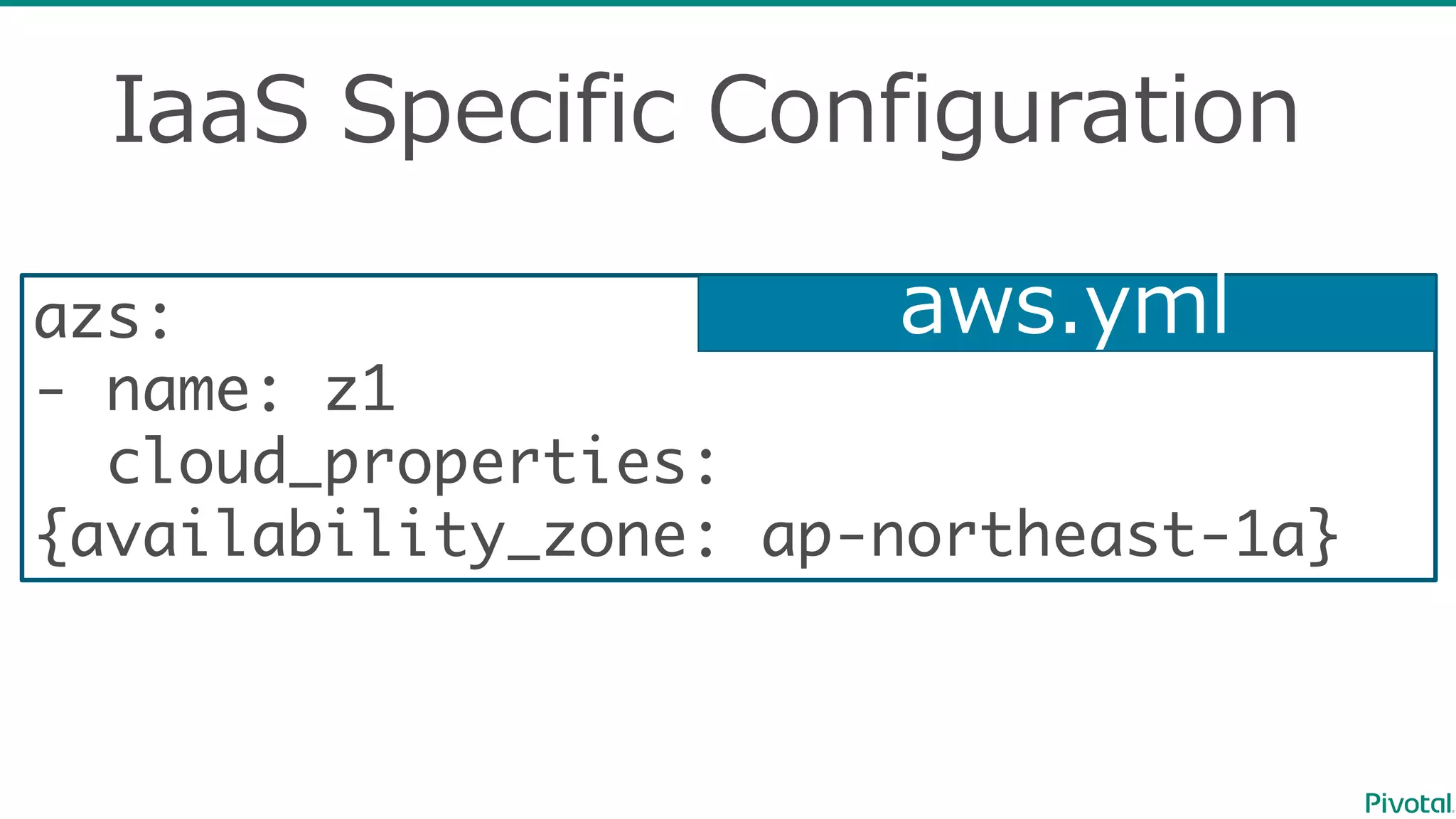
IaaS Specific  Configuration
azs:
- name: z1
cloud_properties:
{availability_zone: ap-northeast-1a}
aws.yml
IaaS Specific  Configuration
vm_types:
- name: web
cloud_properties:
instance_type: t2.micro
ephemeral_disk: {size: 3000, type: gp2}
security_groups: [web, bosh]
- name: database
cloud_properties: ...
aws.yml
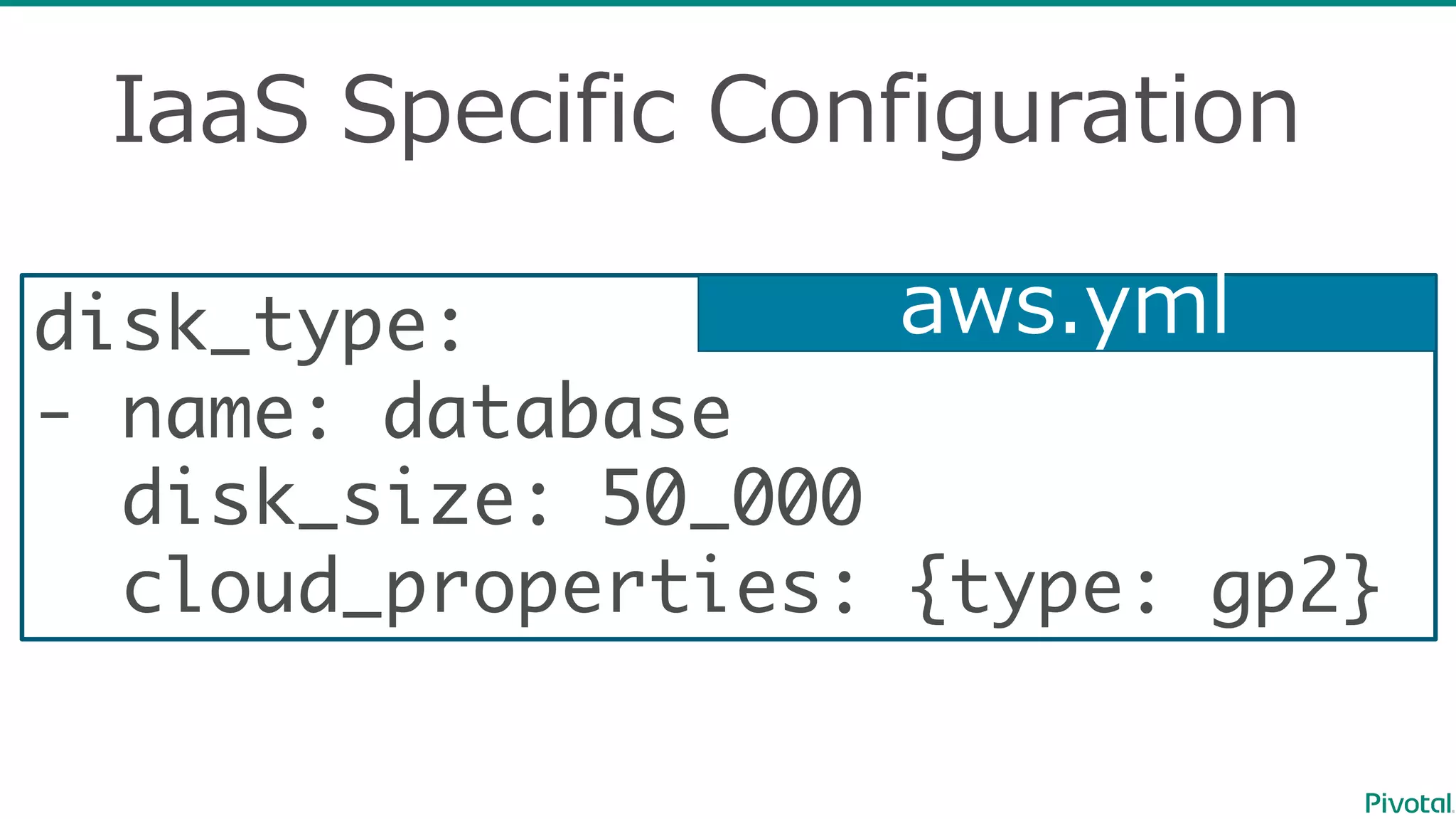
IaaS Specific  Configuration
disk_type:
- name: database
disk_size: 50_000
cloud_properties: {type: gp2}
aws.yml
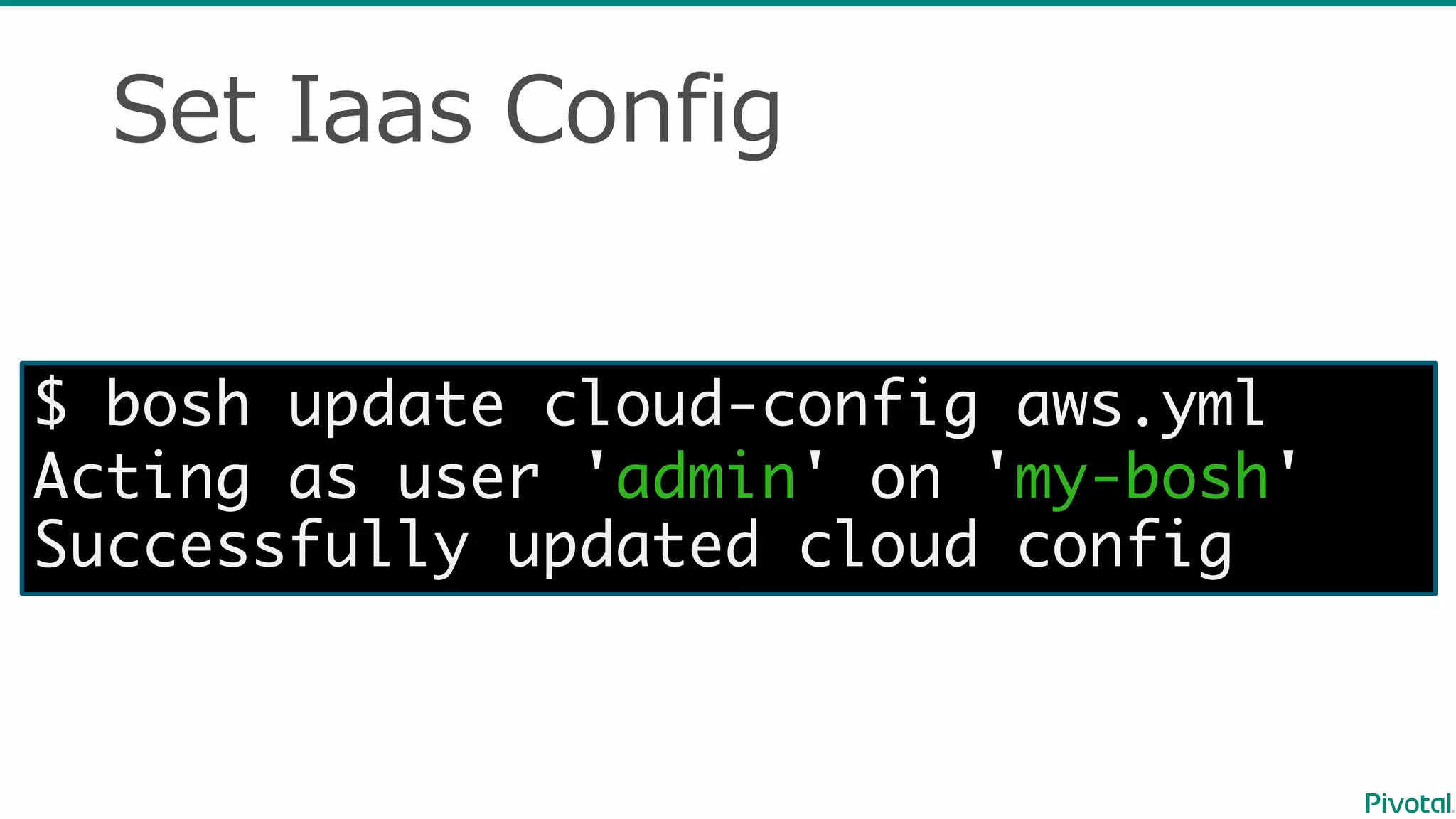
Set  Iaas Config
$ bosh update cloud-config aws.yml
Acting as user 'admin' on 'my-bosh'
Successfully updated cloud config
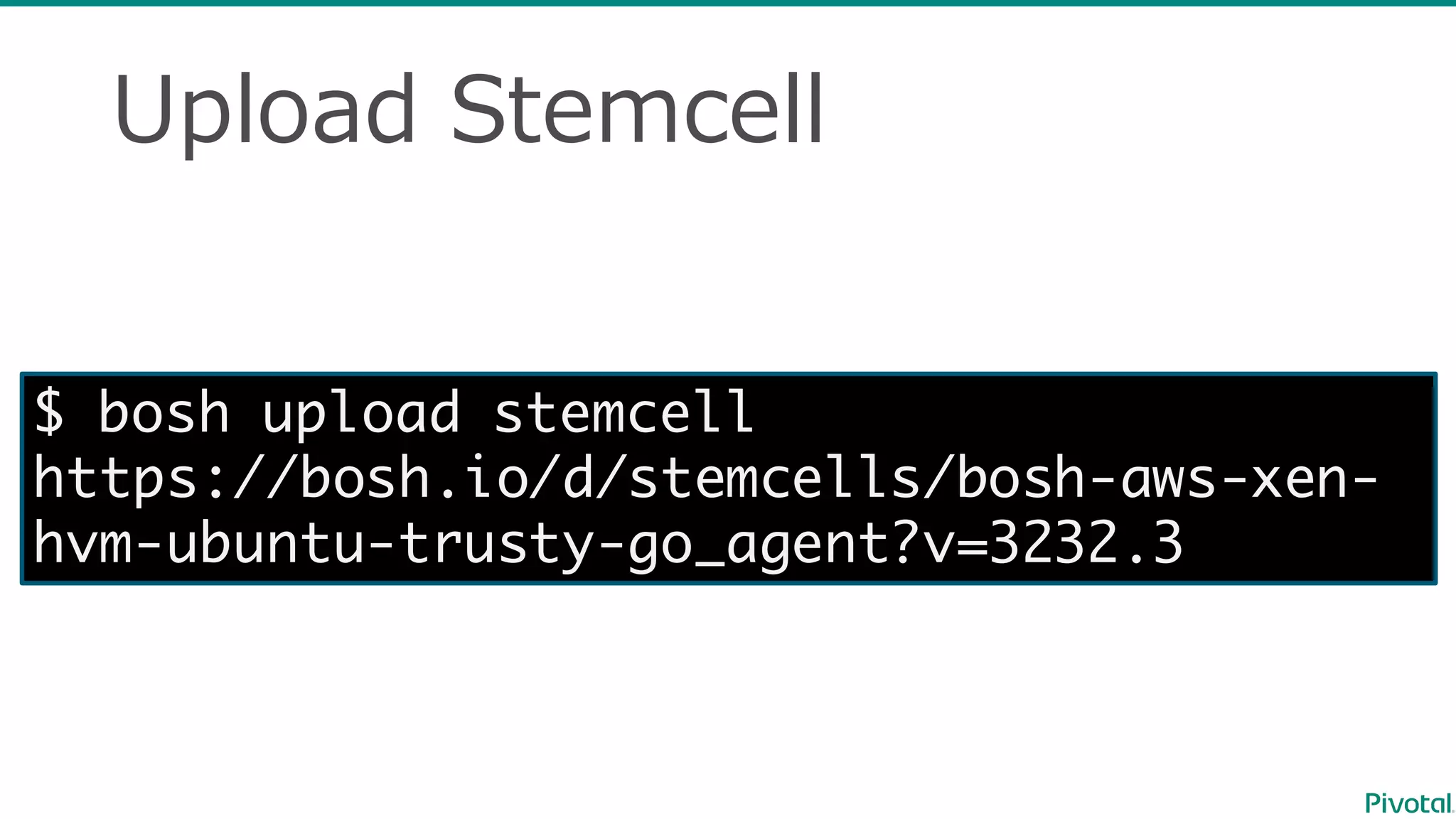
Upload  Stemcell
$ bosh upload stemcell
https://bosh.io/d/stemcells/bosh-aws-xen-
hvm-ubuntu-trusty-go_agent?v=3232.3
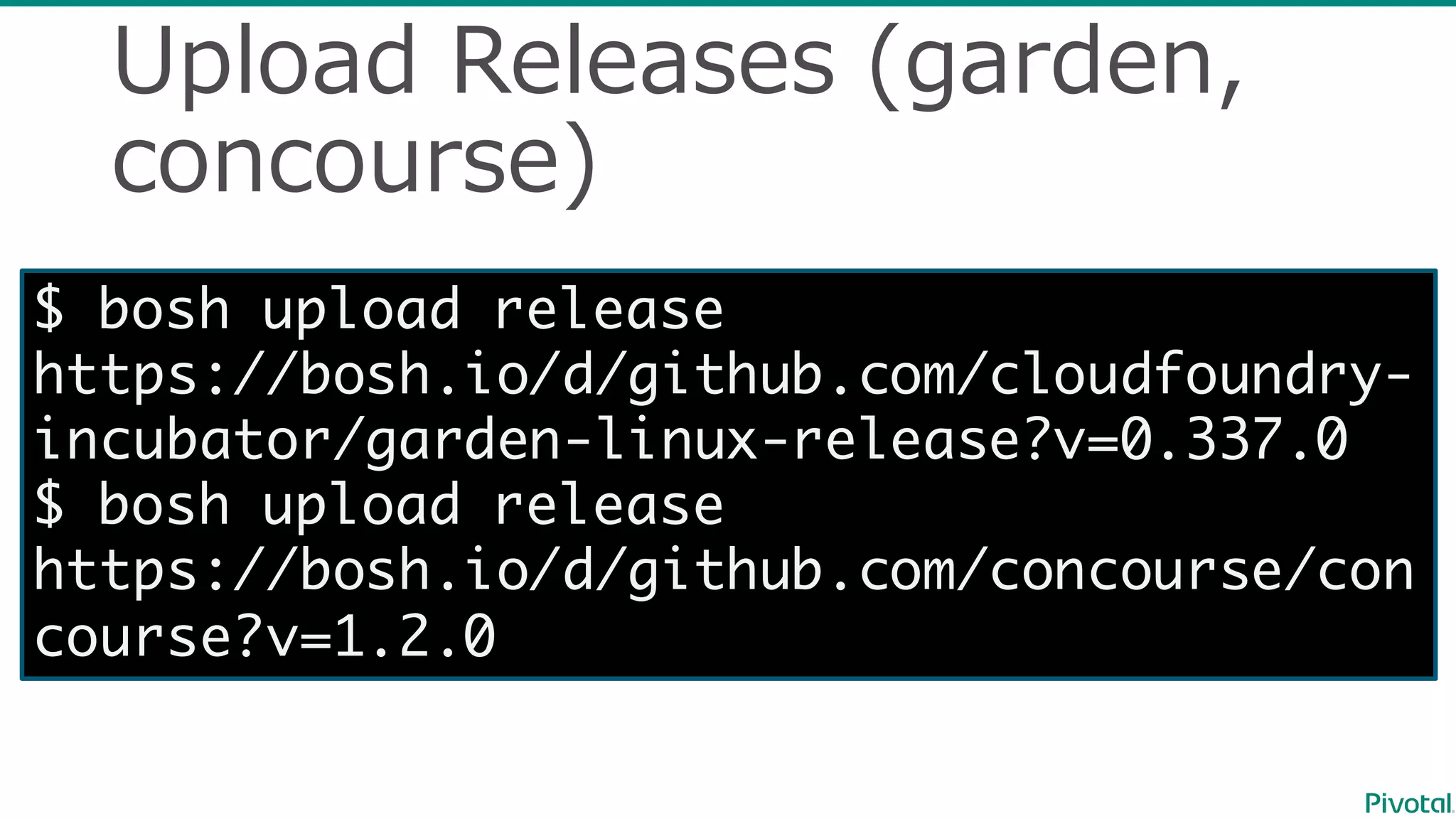
Upload  Releases  (garden,  
concourse)
$ bosh upload release
https://bosh.io/d/github.com/cloudfoundry-
incubator/garden-linux-release?v=0.337.0
$ bosh upload release
https://bosh.io/d/github.com/concourse/con
course?v=1.2.0
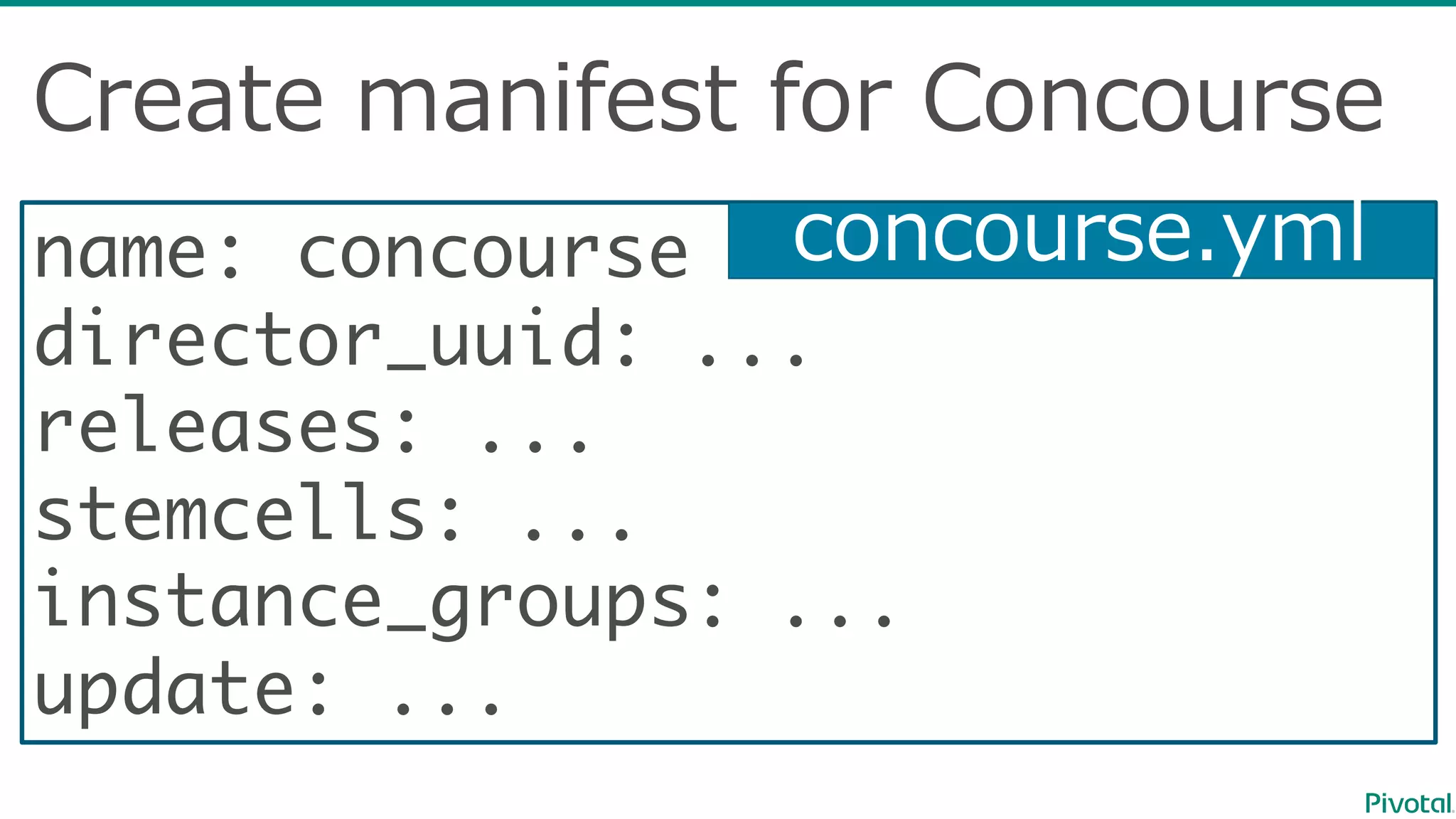
name: concourse
director_uuid: ...
releases: ...
stemcells: ...
instance_groups: ...
update: ...
Create  manifest  for  Concourse
concourse.yml
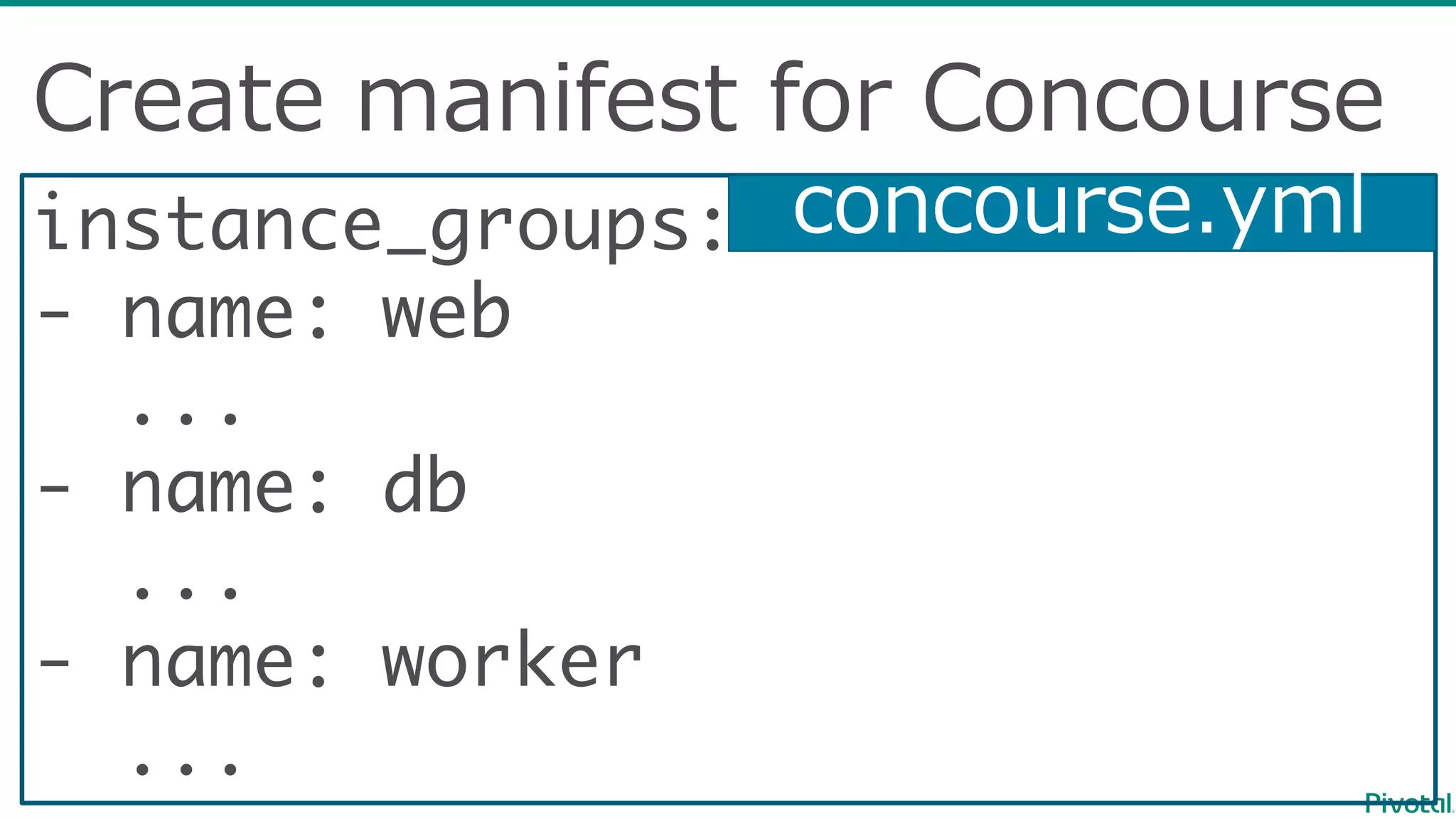
Create  manifest  for  Concourse
instance_groups: ...
- name: web
...
- name: db
...
- name: worker
...
concourse.yml
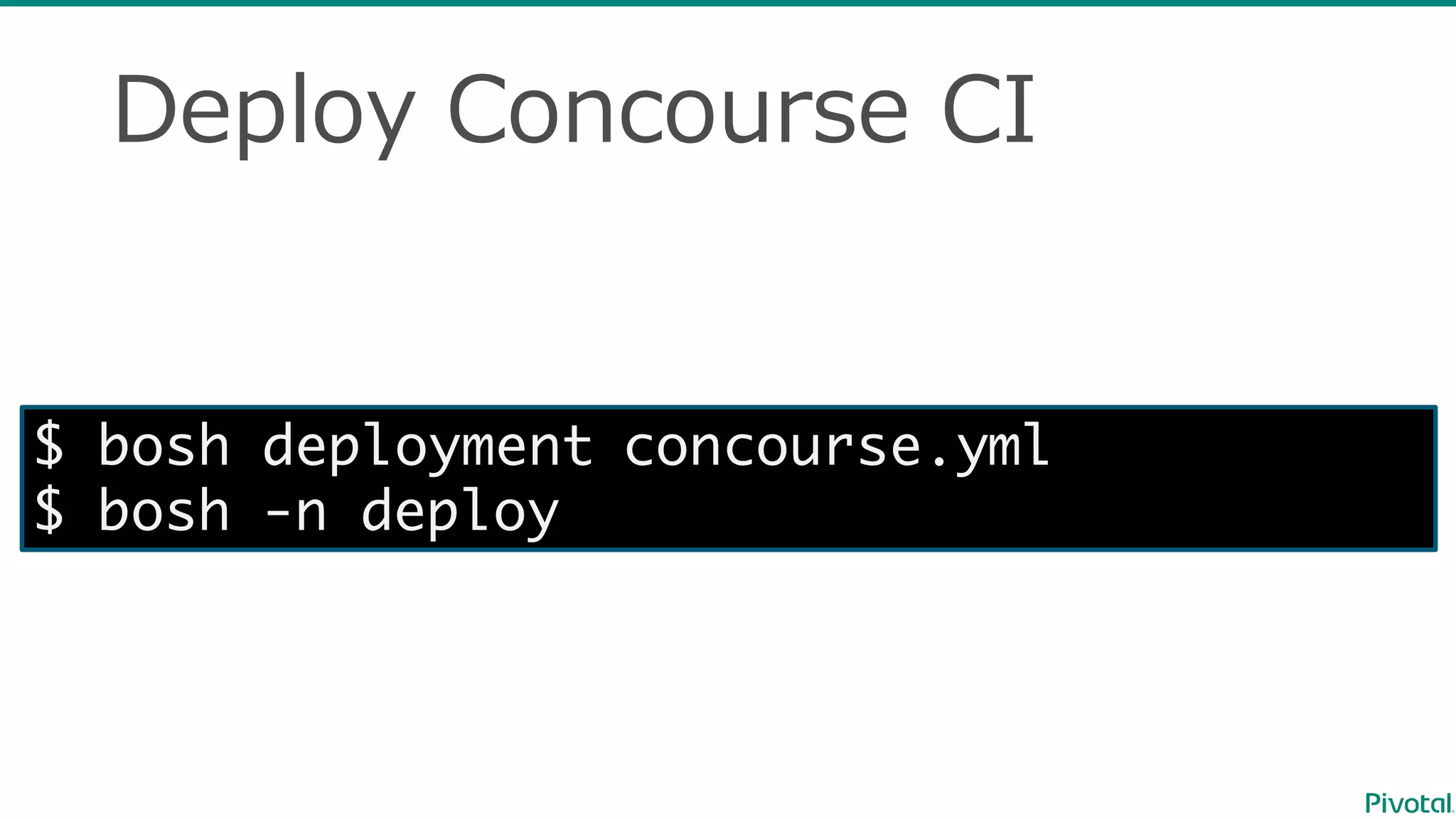
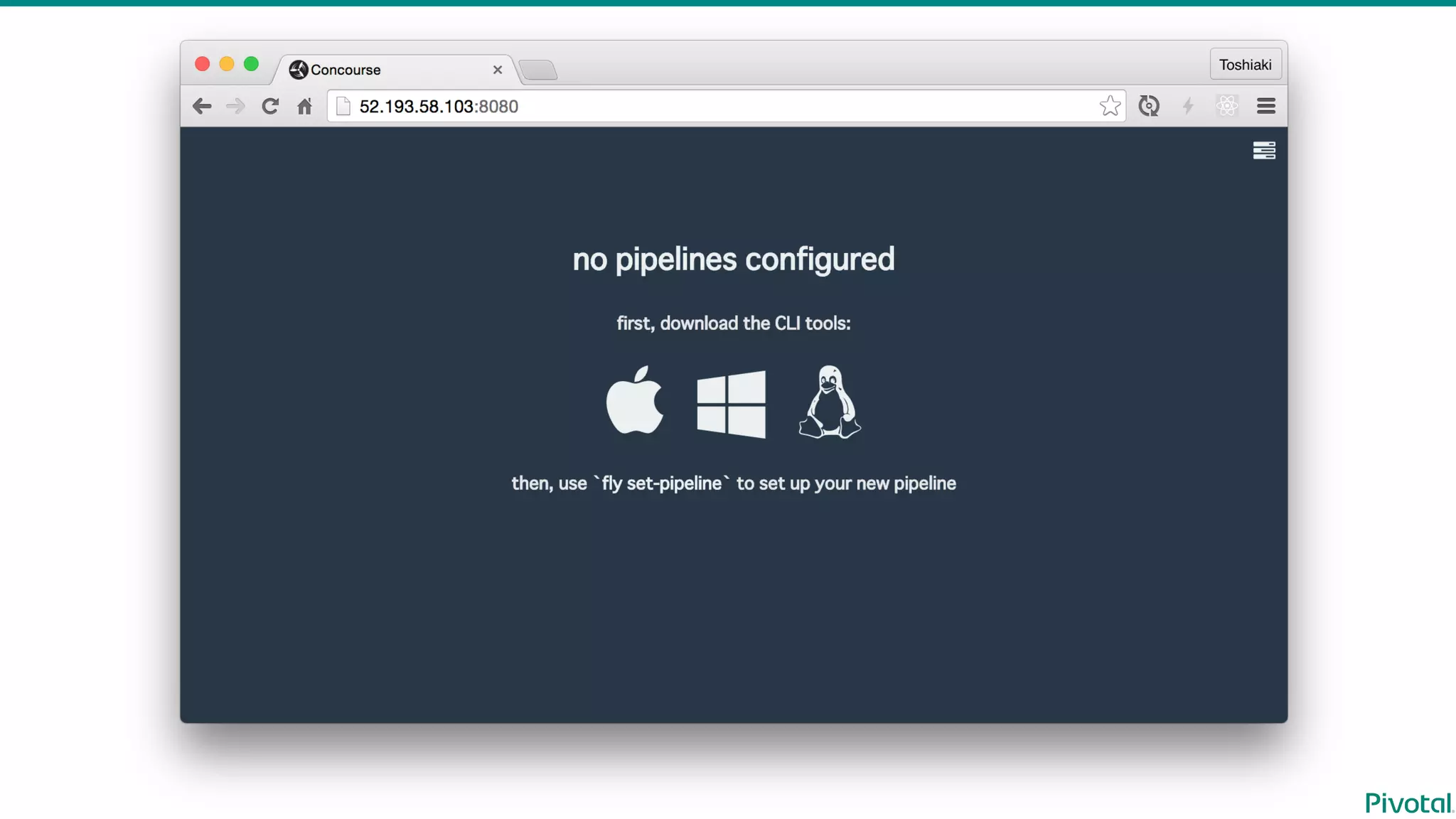
Deploy  Concourse  CI
$ bosh deployment concourse.yml
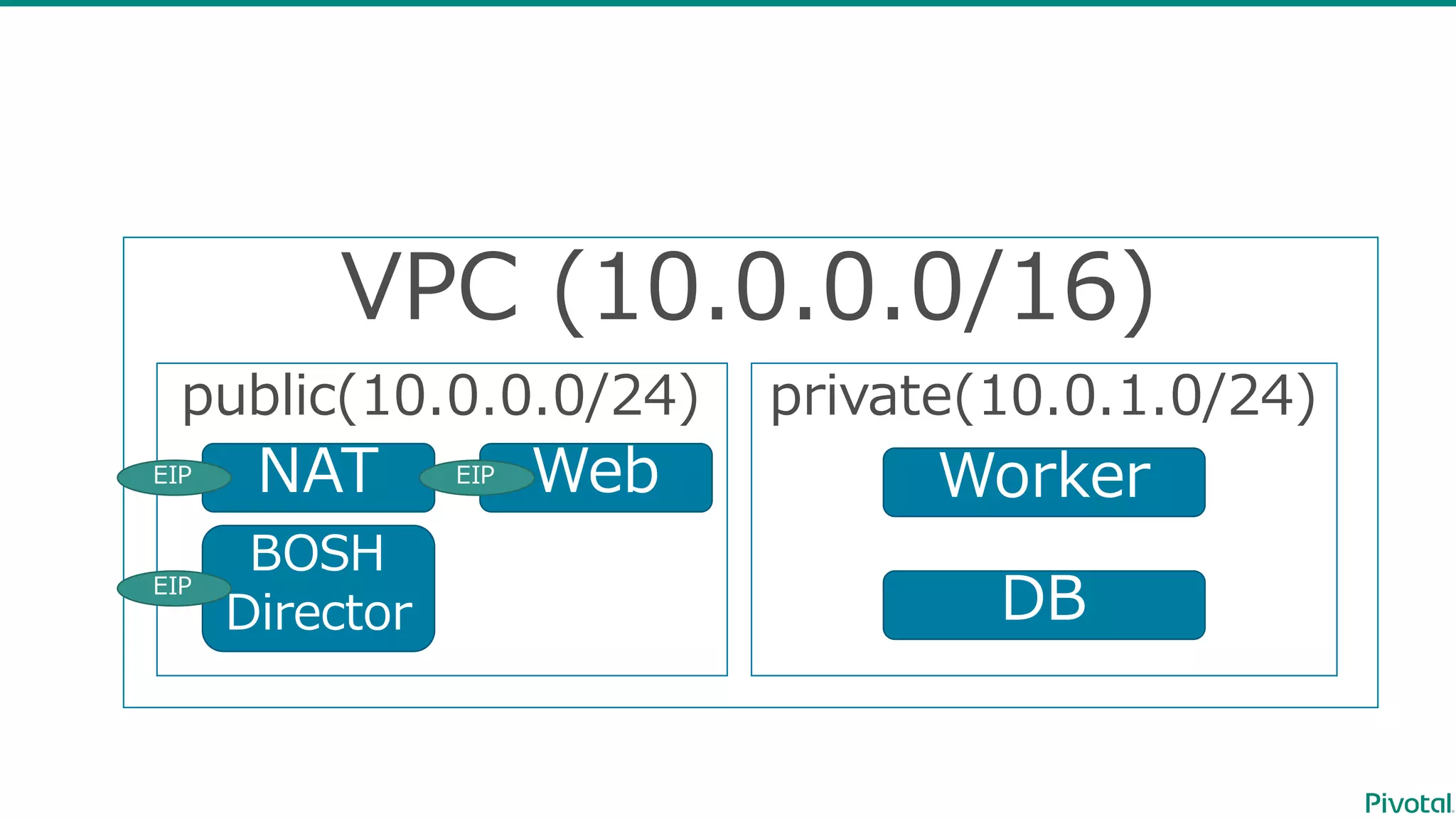
$ bosh -n deploy
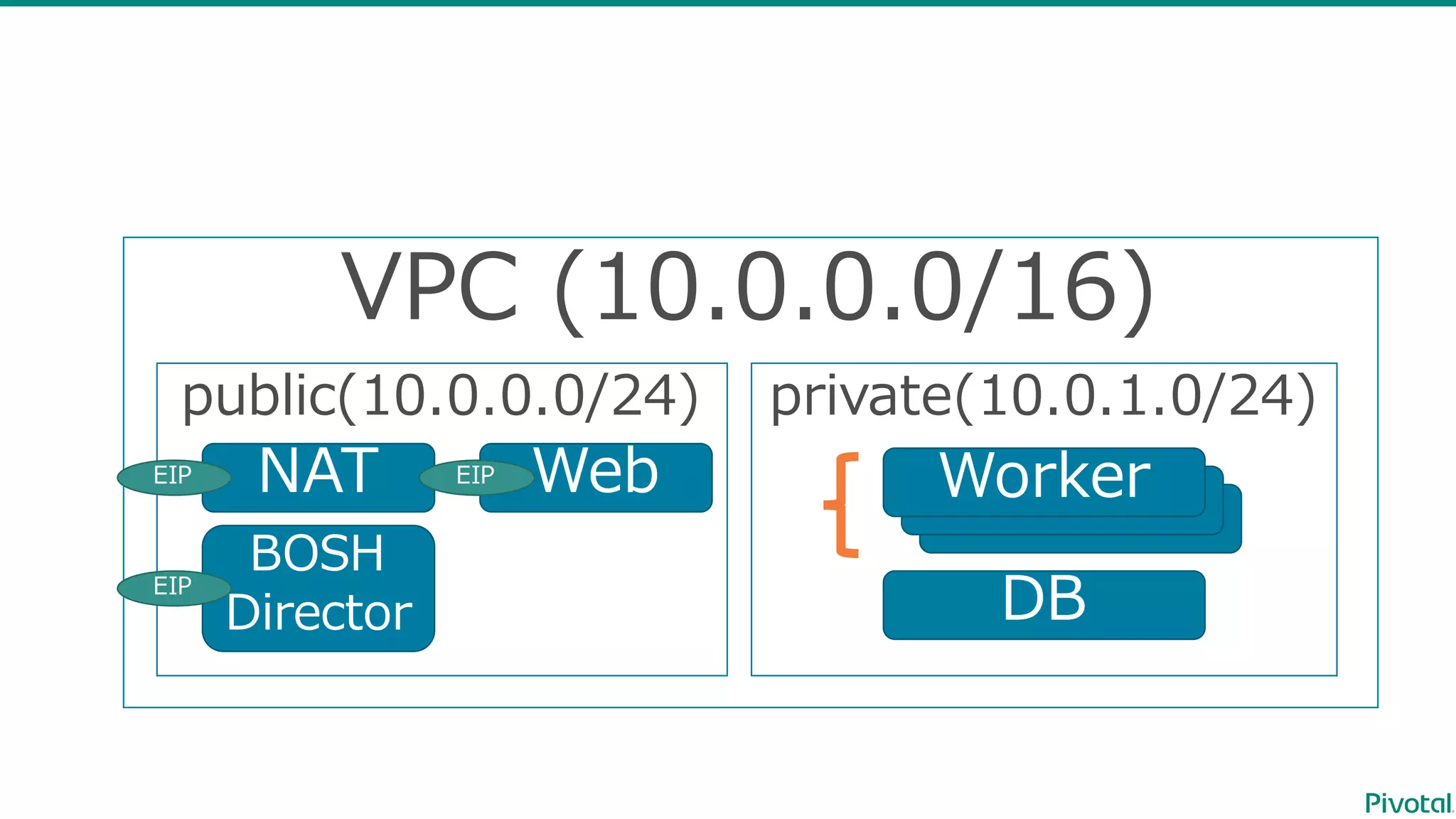
VPC  (10.0.0.0/16)
public(10.0.0.0/24) private(10.0.1.0/24)
NAT
BOSH
Director
EIP
EIP
WebEIP
Worker
DB
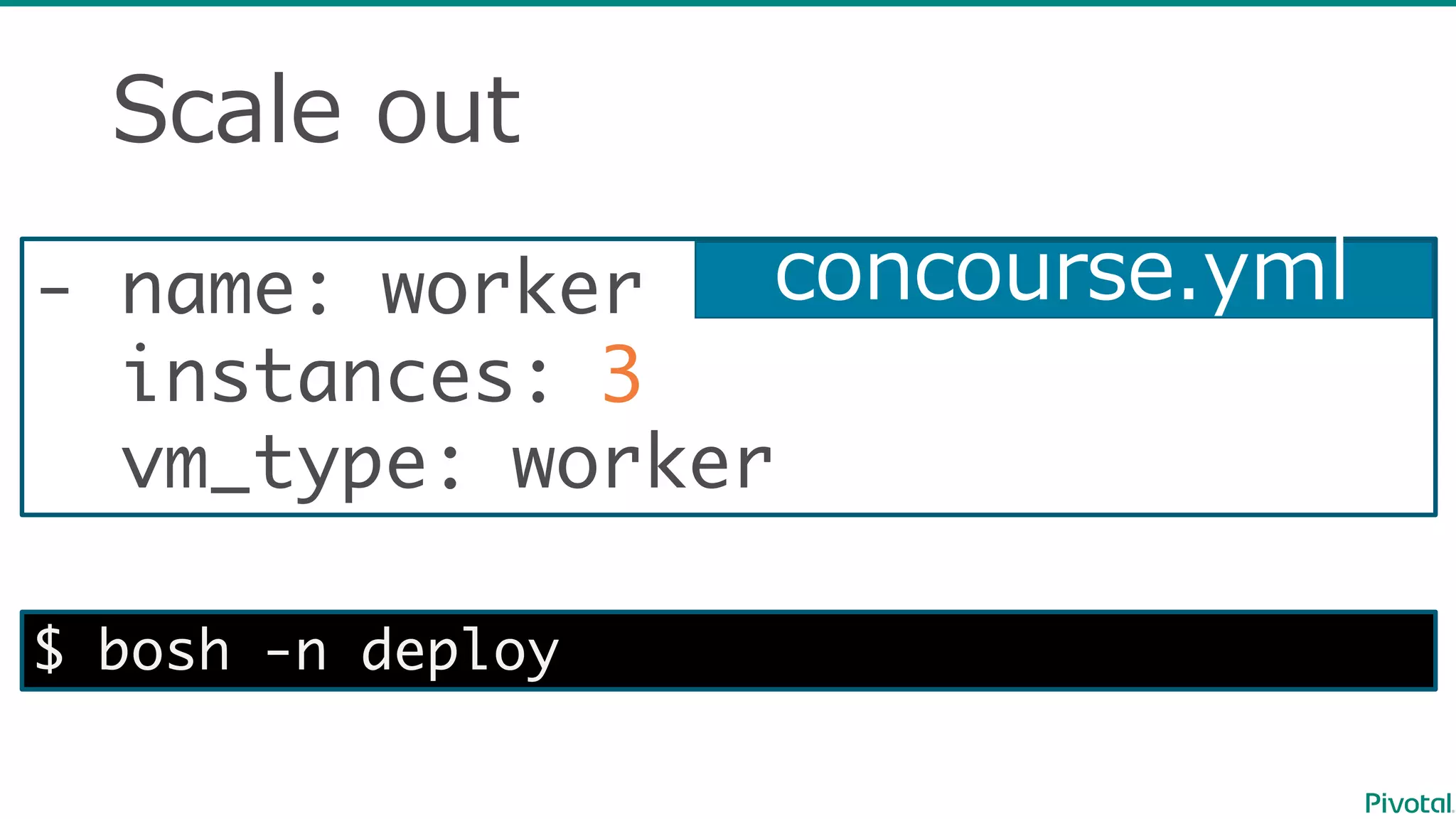
Scale  out
- name: worker
instances: 3
vm_type: worker
concourse.yml
$ bosh -n deploy
VPC  (10.0.0.0/16)
public(10.0.0.0/24) private(10.0.1.0/24)
NAT
BOSH
Director
EIP
EIP
WebEIP
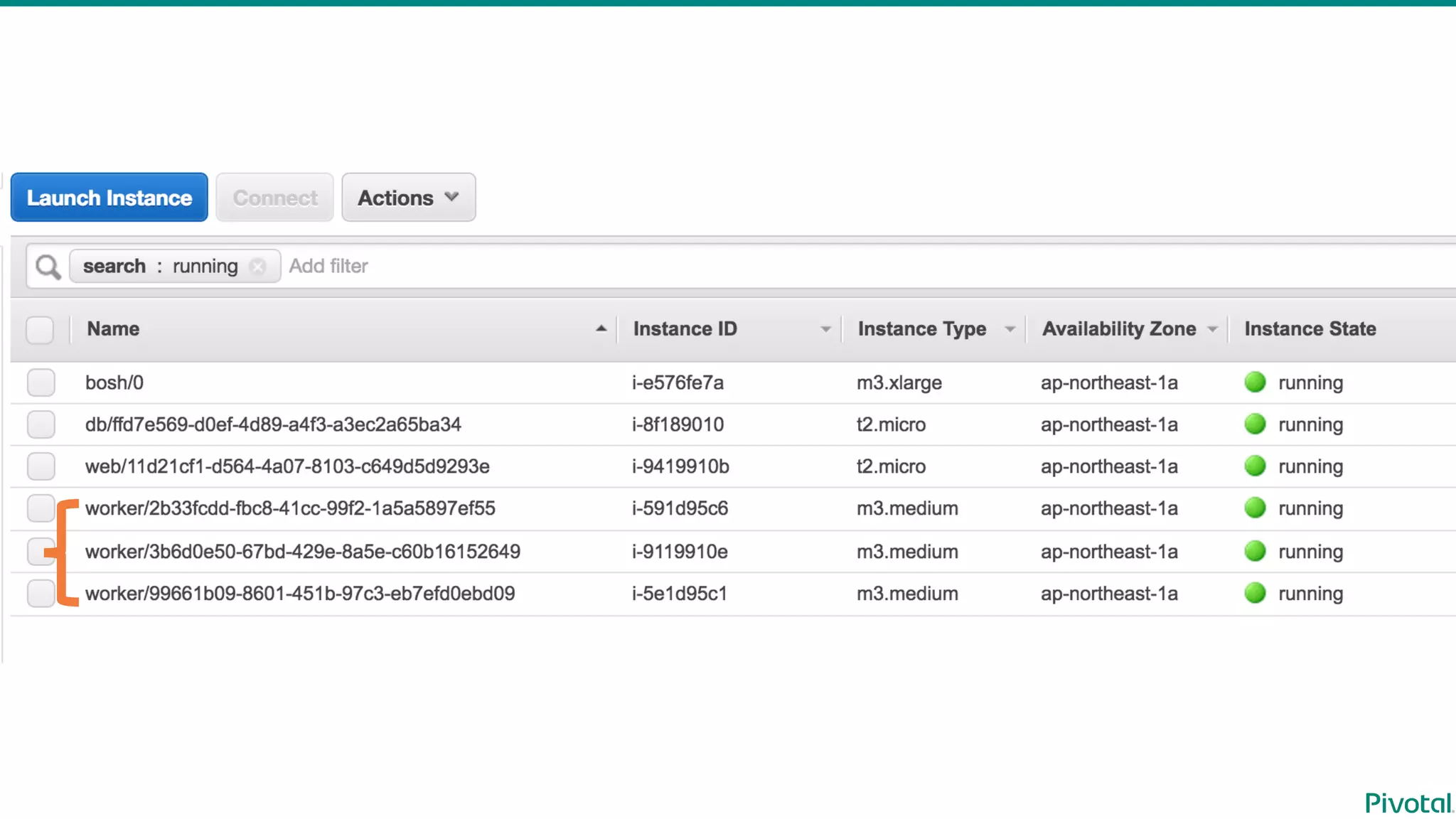
WorkerWorkerWorker
DB
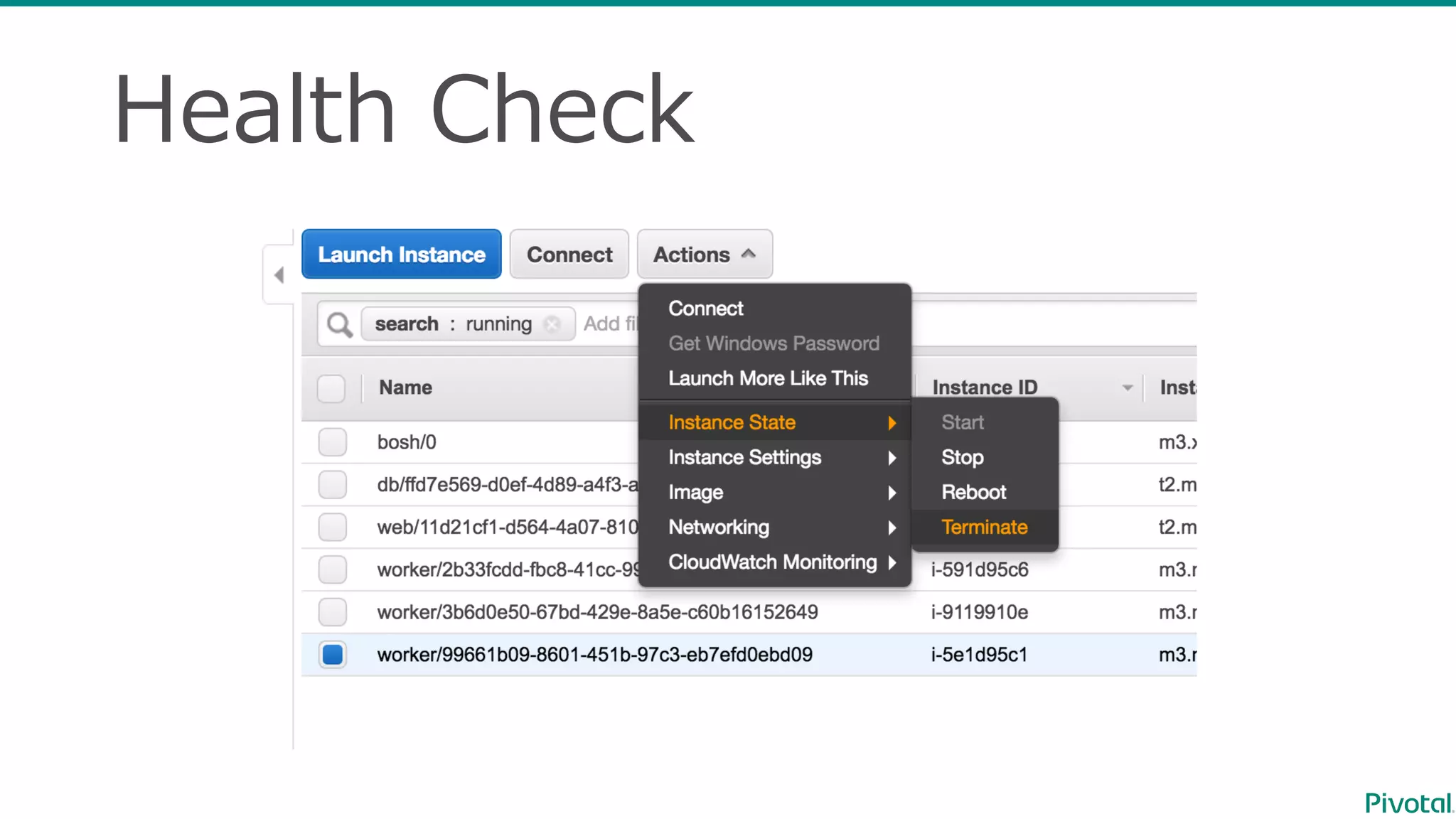
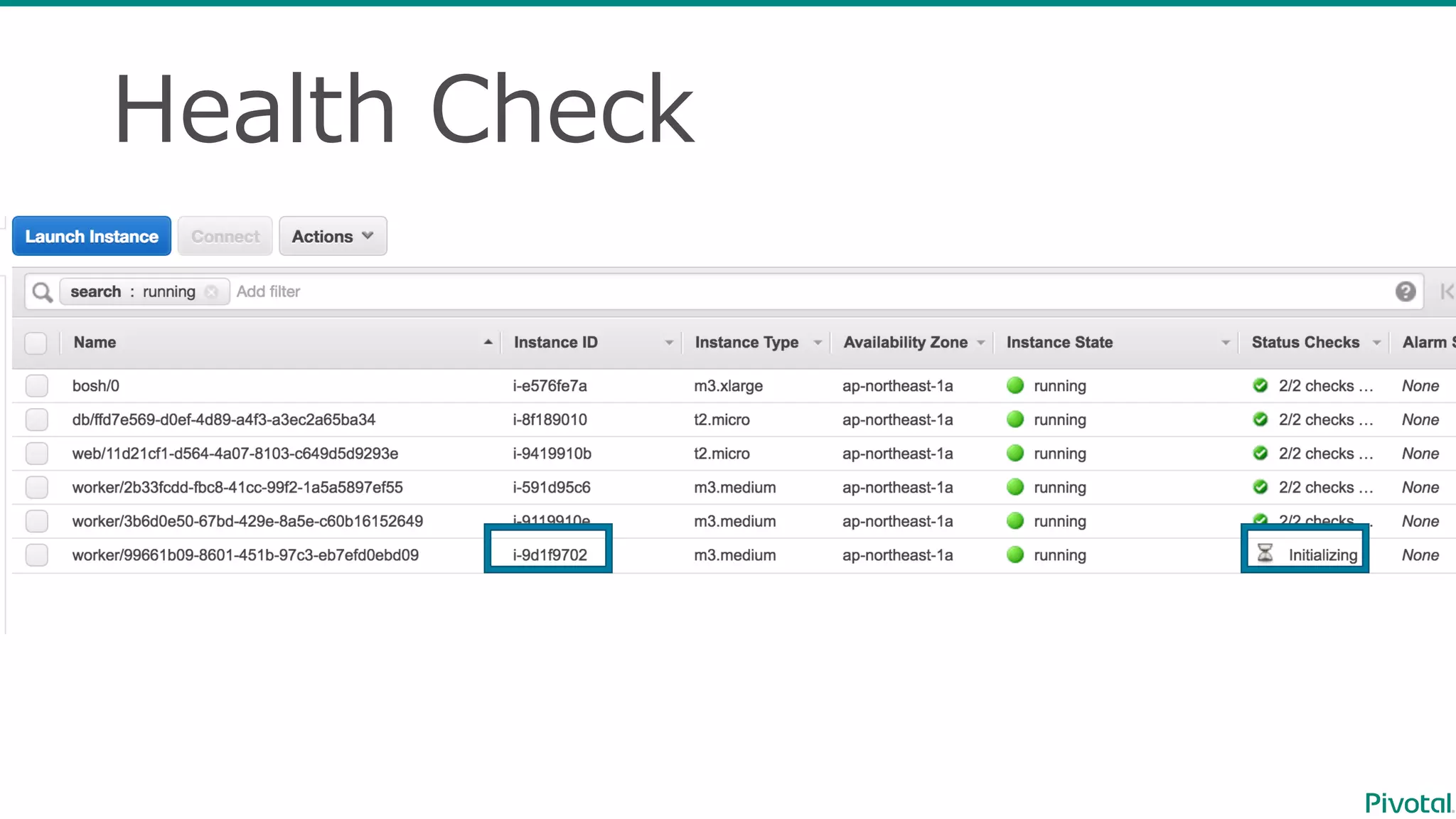
Health  Check
Health  Check
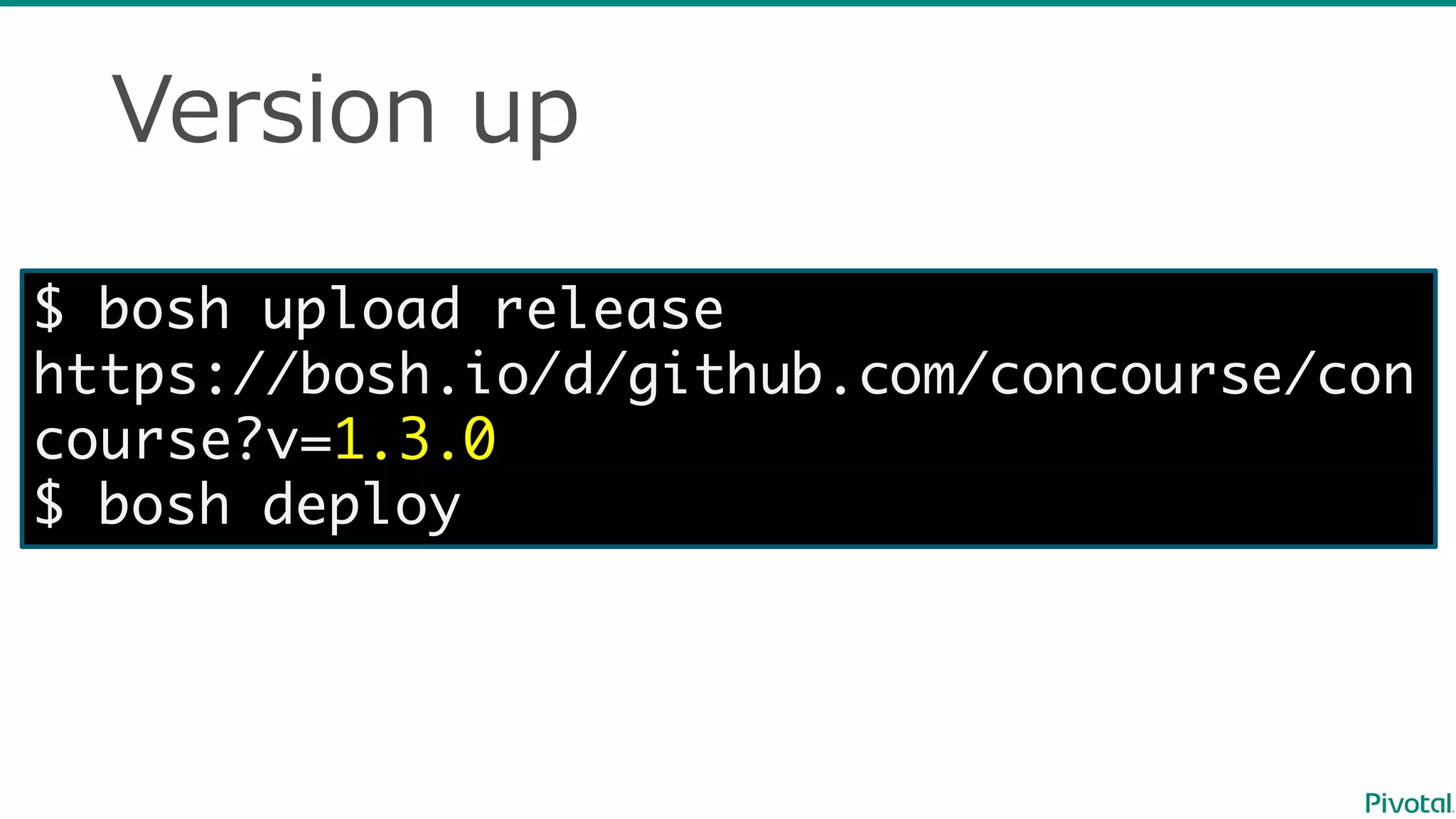
Version  up
$ bosh upload release
https://bosh.io/d/github.com/concourse/con
course?v=1.3.0
$ bosh deploy
Deploy  Concourse  to  Azure
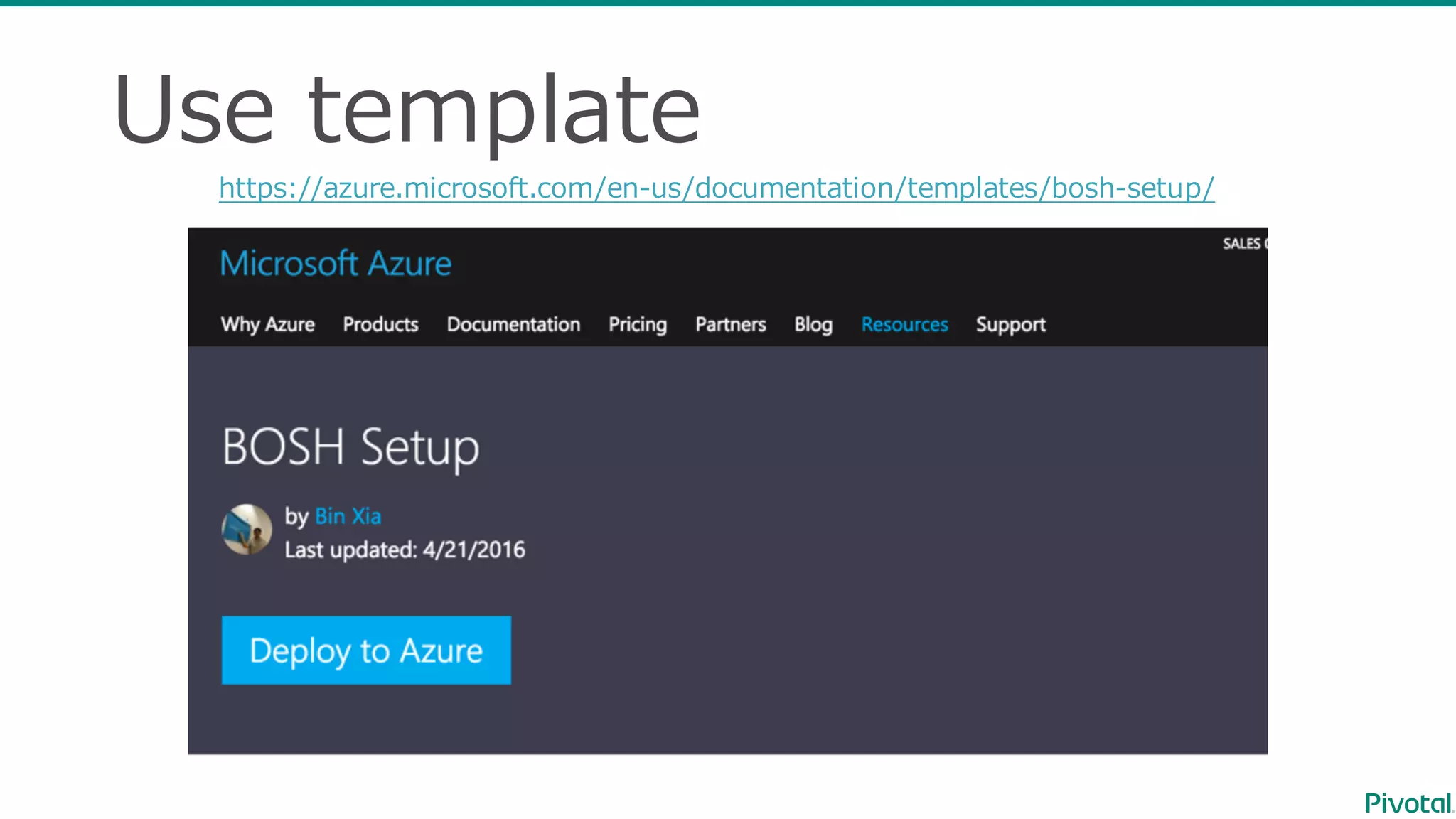
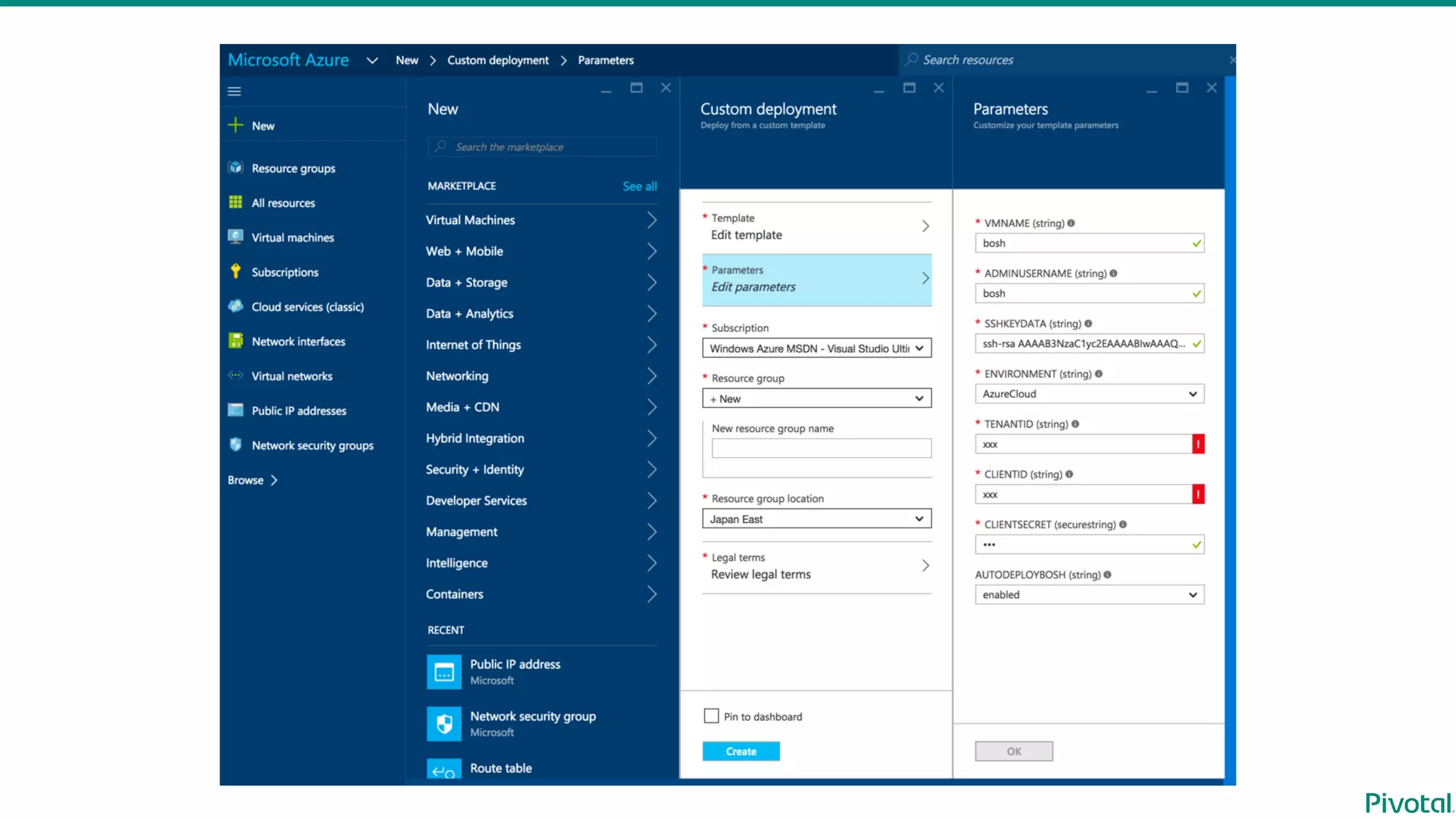
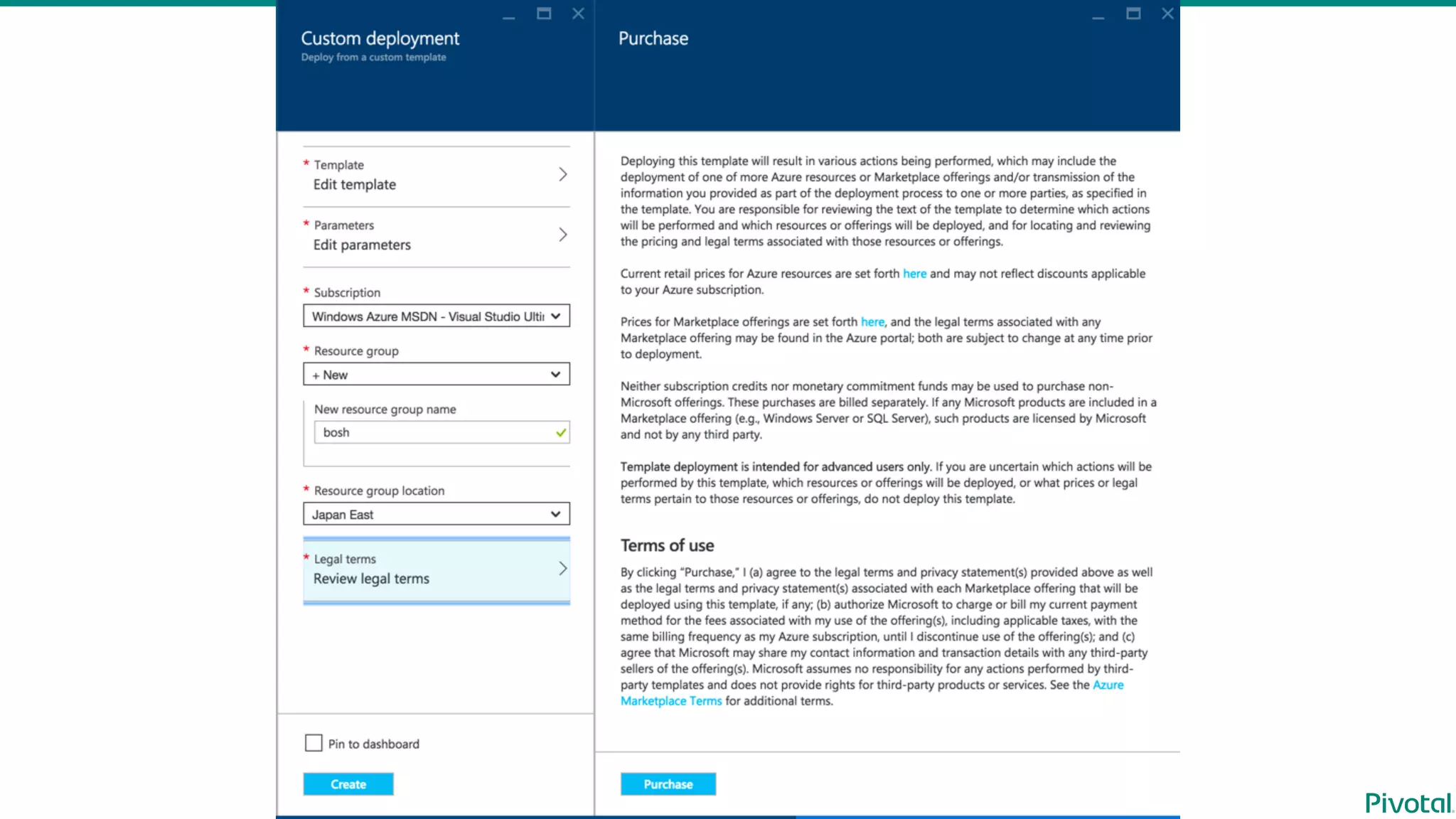
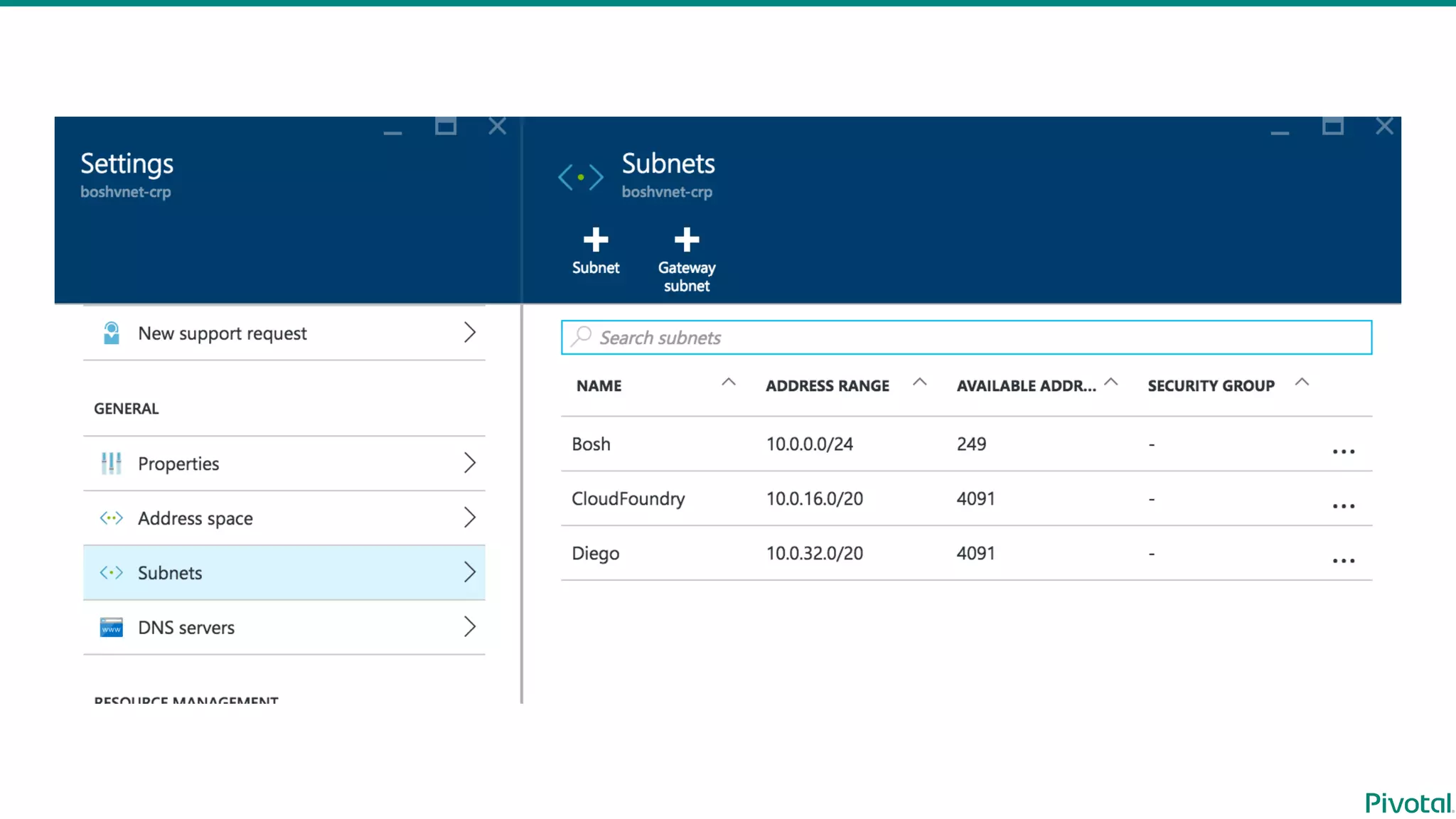
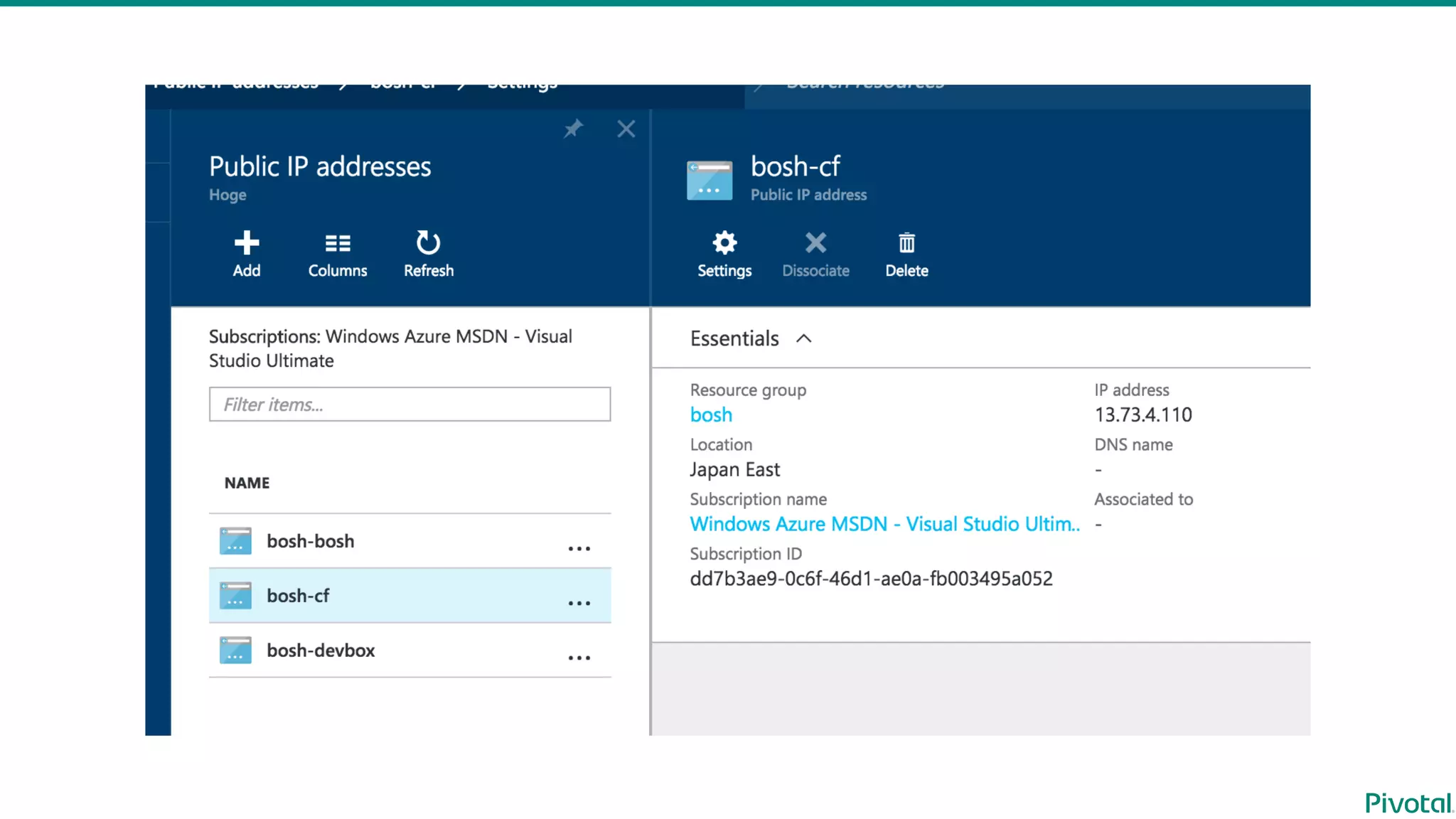
Use  template
https://azure.microsoft.com/en-‐‑‒us/documentation/templates/bosh-‐‑‒setup/
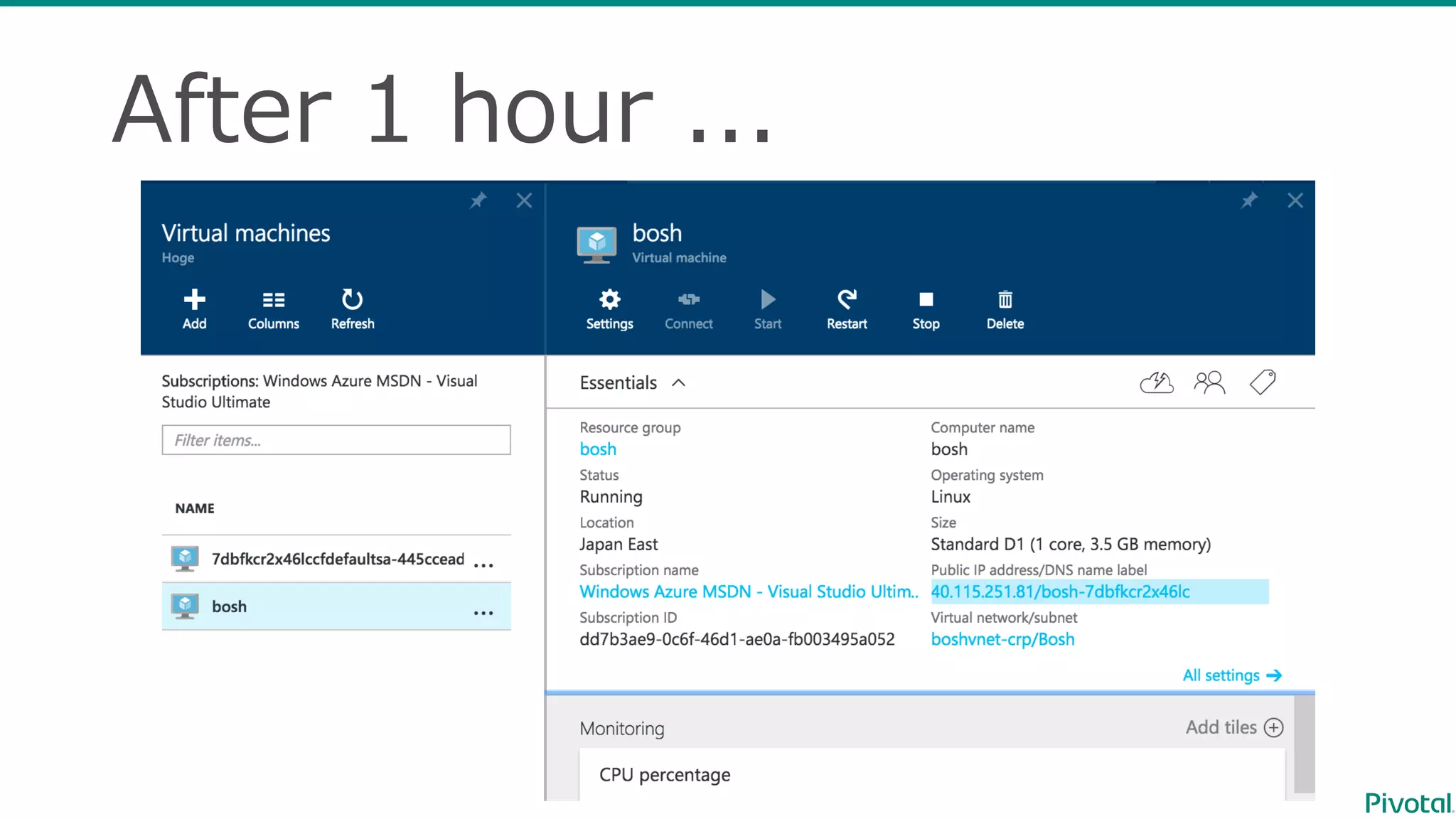
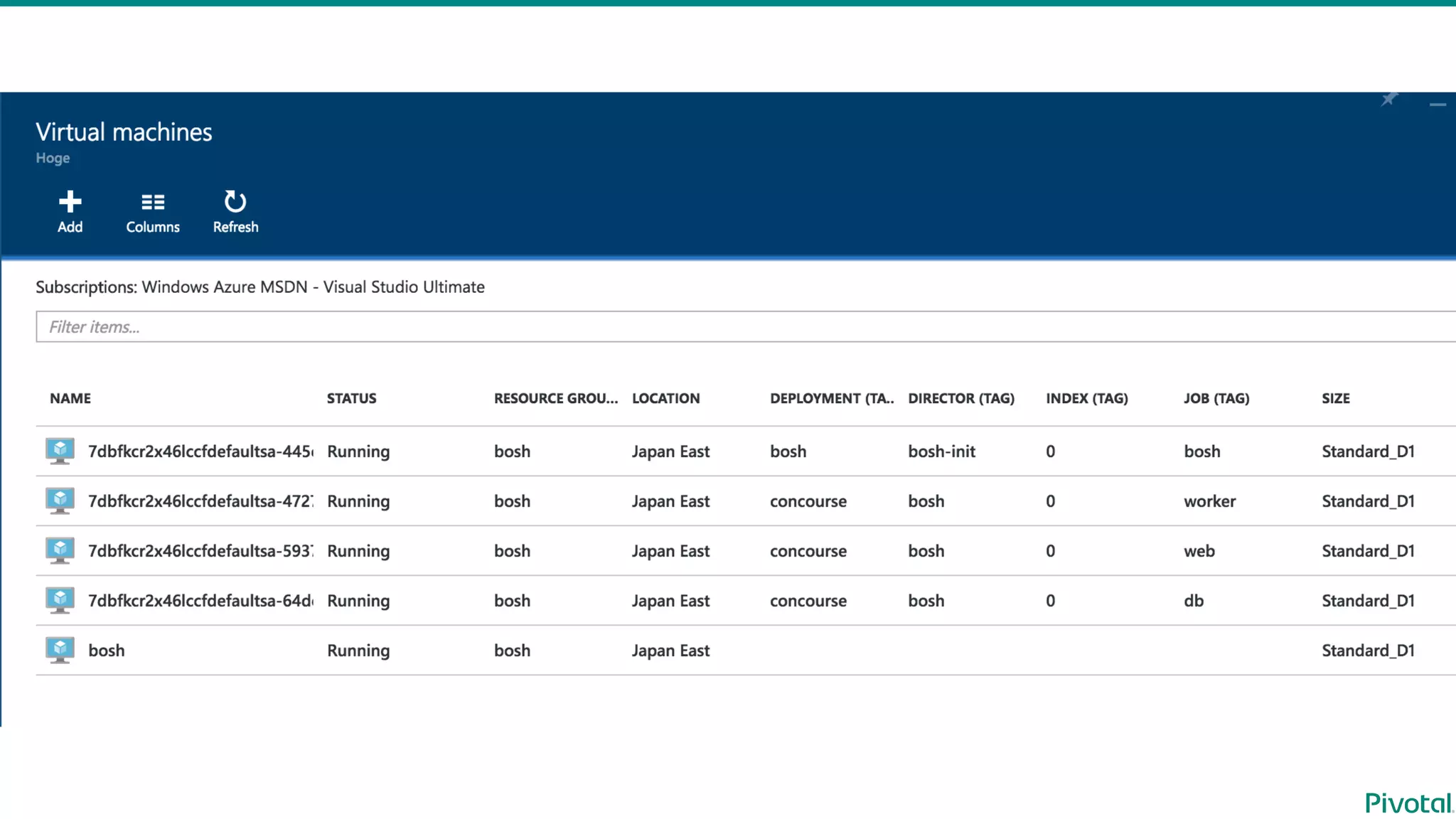
After  1  hour  ...
Already  prepared👍
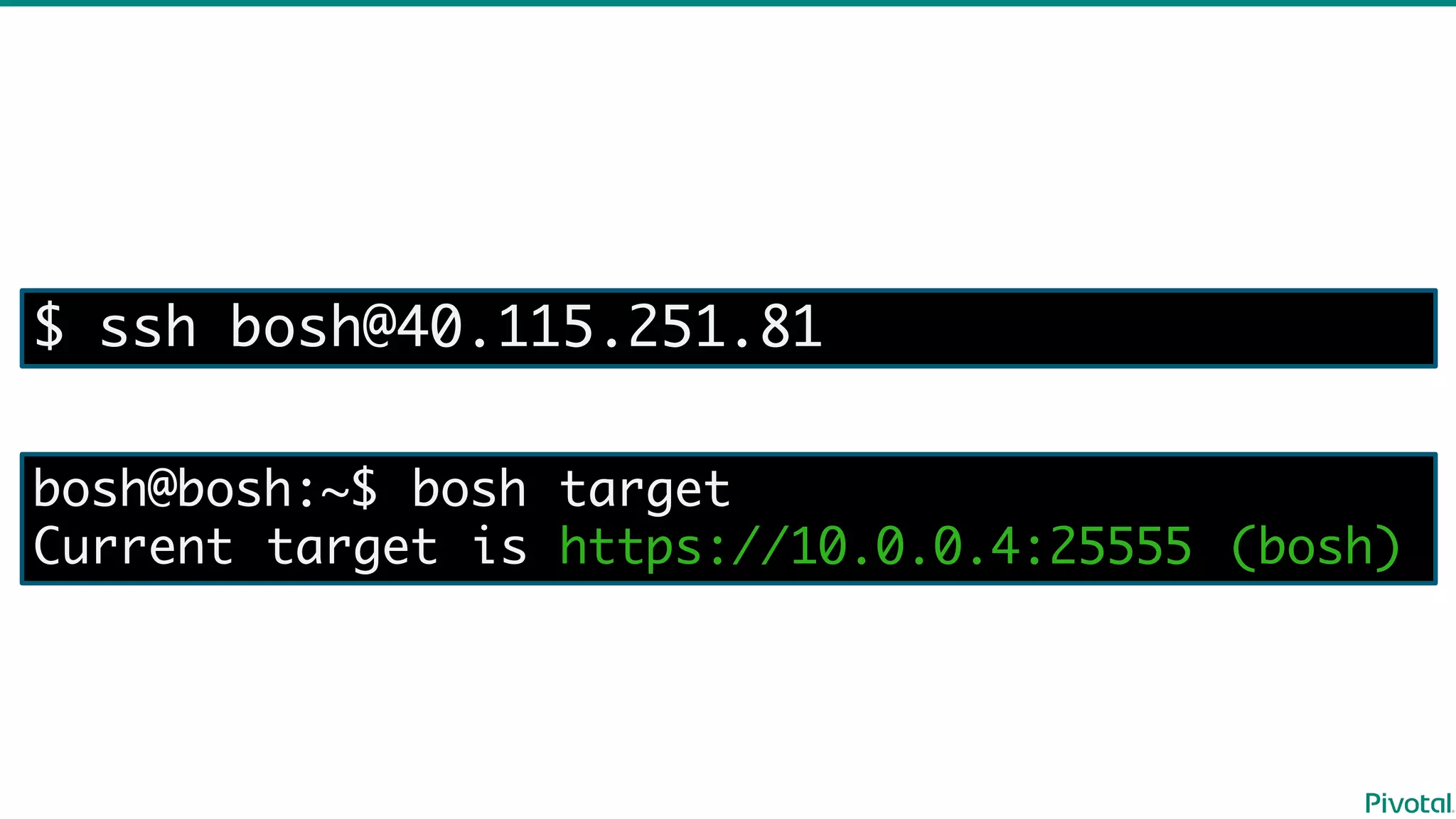
$ ssh bosh@40.115.251.81
bosh@bosh:~$ bosh target
Current target is https://10.0.0.4:25555 (bosh)
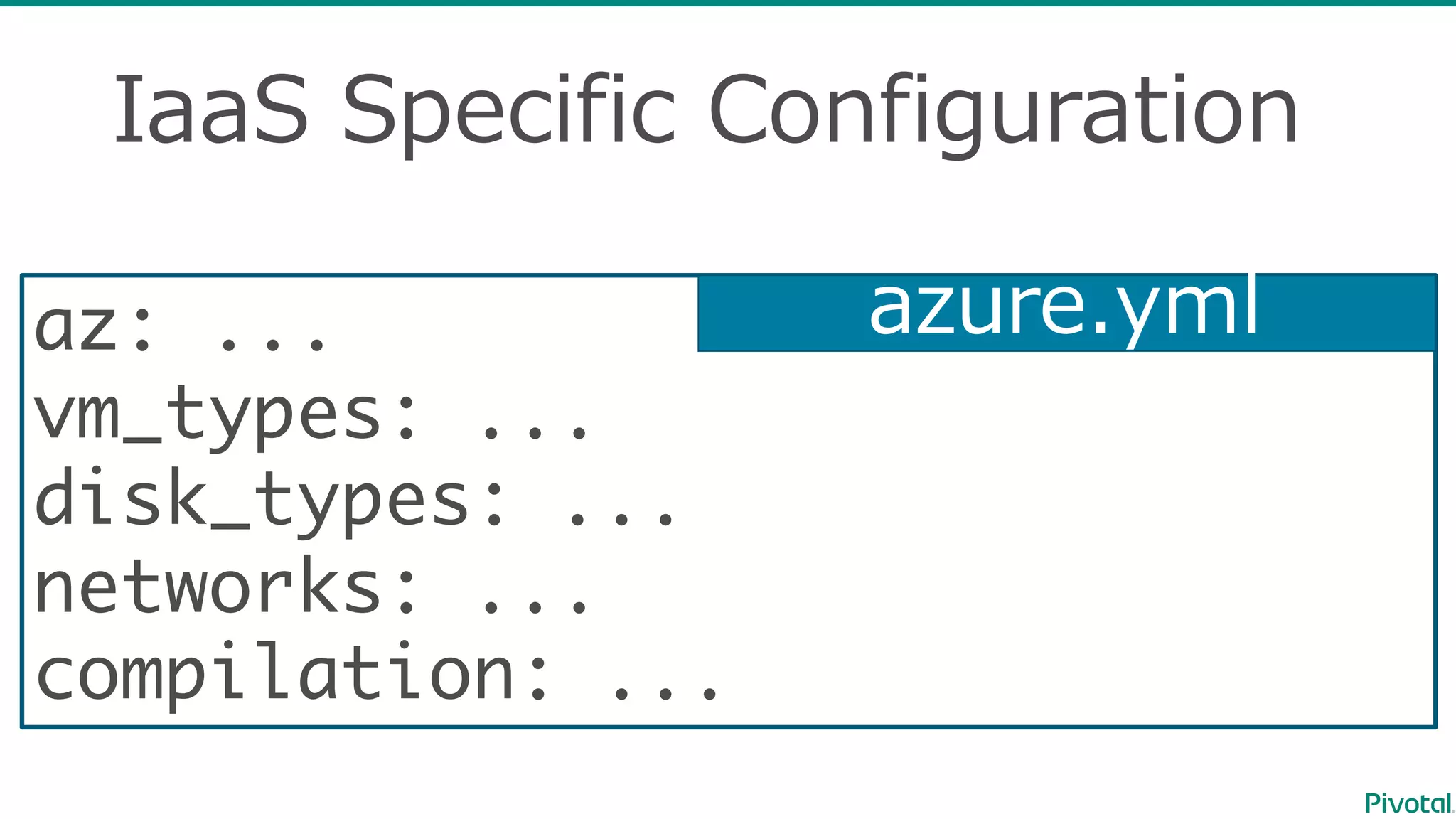
IaaS Specific  Configuration
az: ...
vm_types: ...
disk_types: ...
networks: ...
compilation: ...
azure.yml
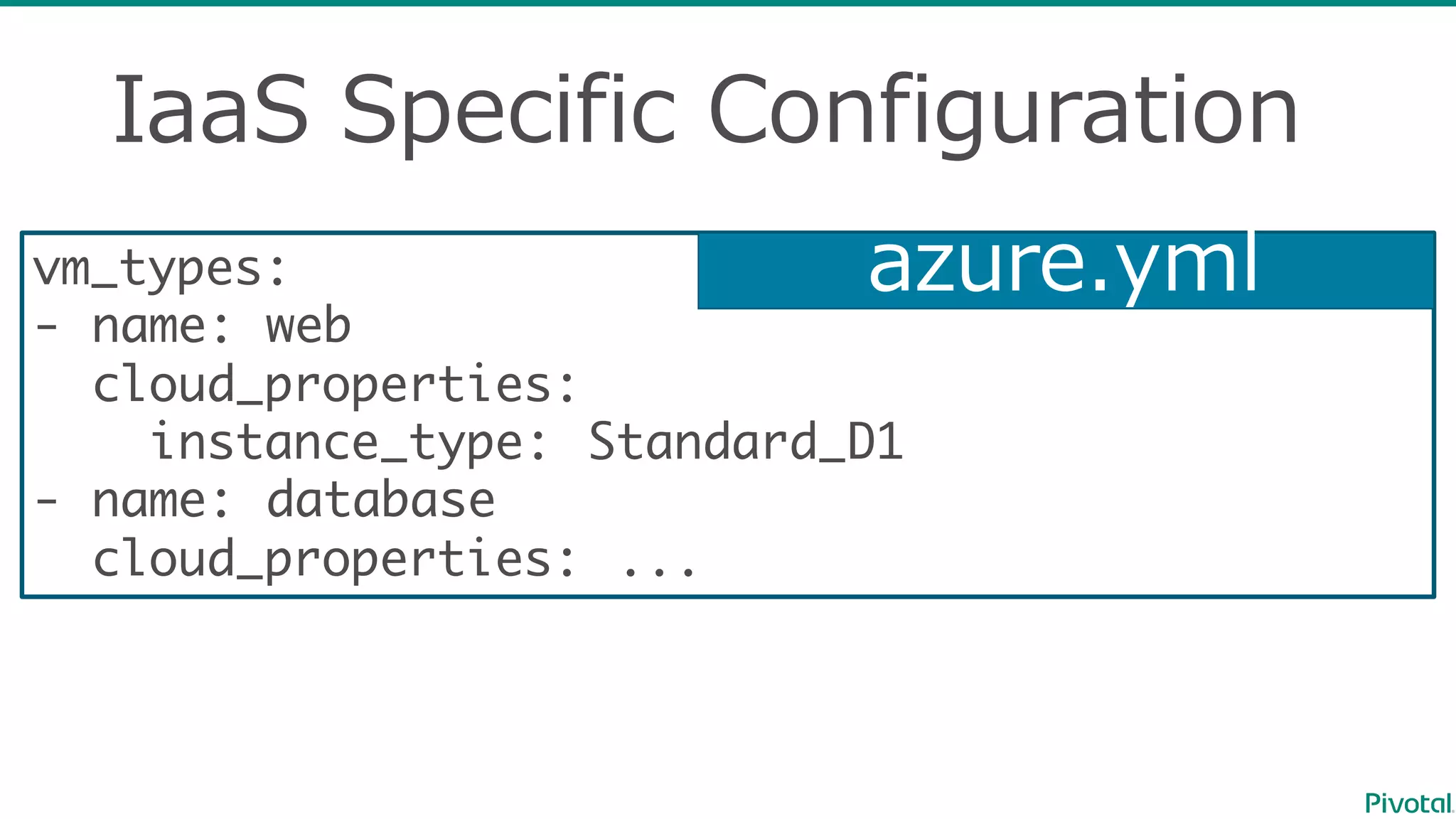
IaaS Specific  Configuration
vm_types:
- name: web
cloud_properties:
instance_type: Standard_D1
- name: database
cloud_properties: ...
azure.yml
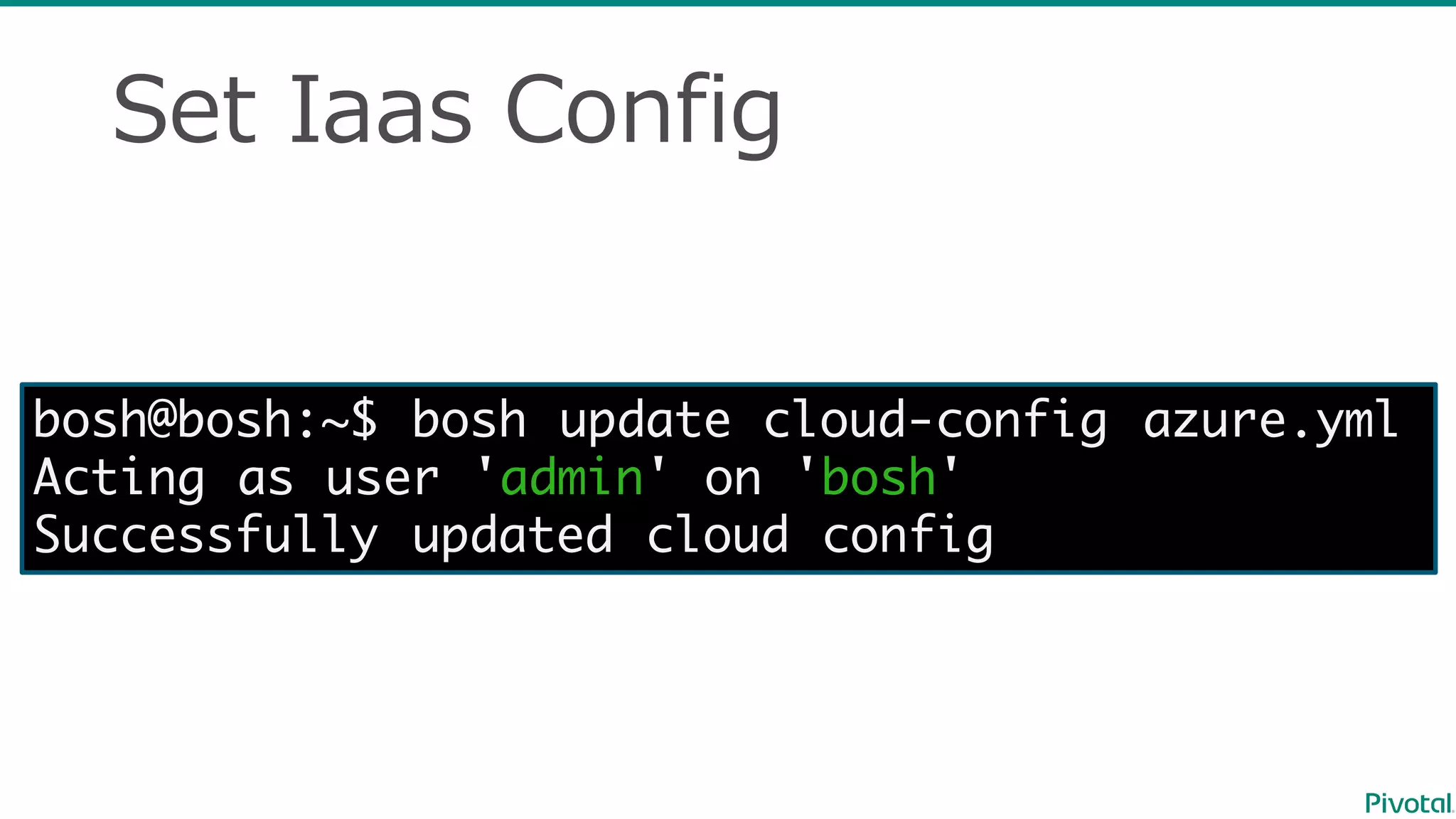
Set  Iaas Config
bosh@bosh:~$ bosh update cloud-config azure.yml
Acting as user 'admin' on 'bosh'
Successfully updated cloud config
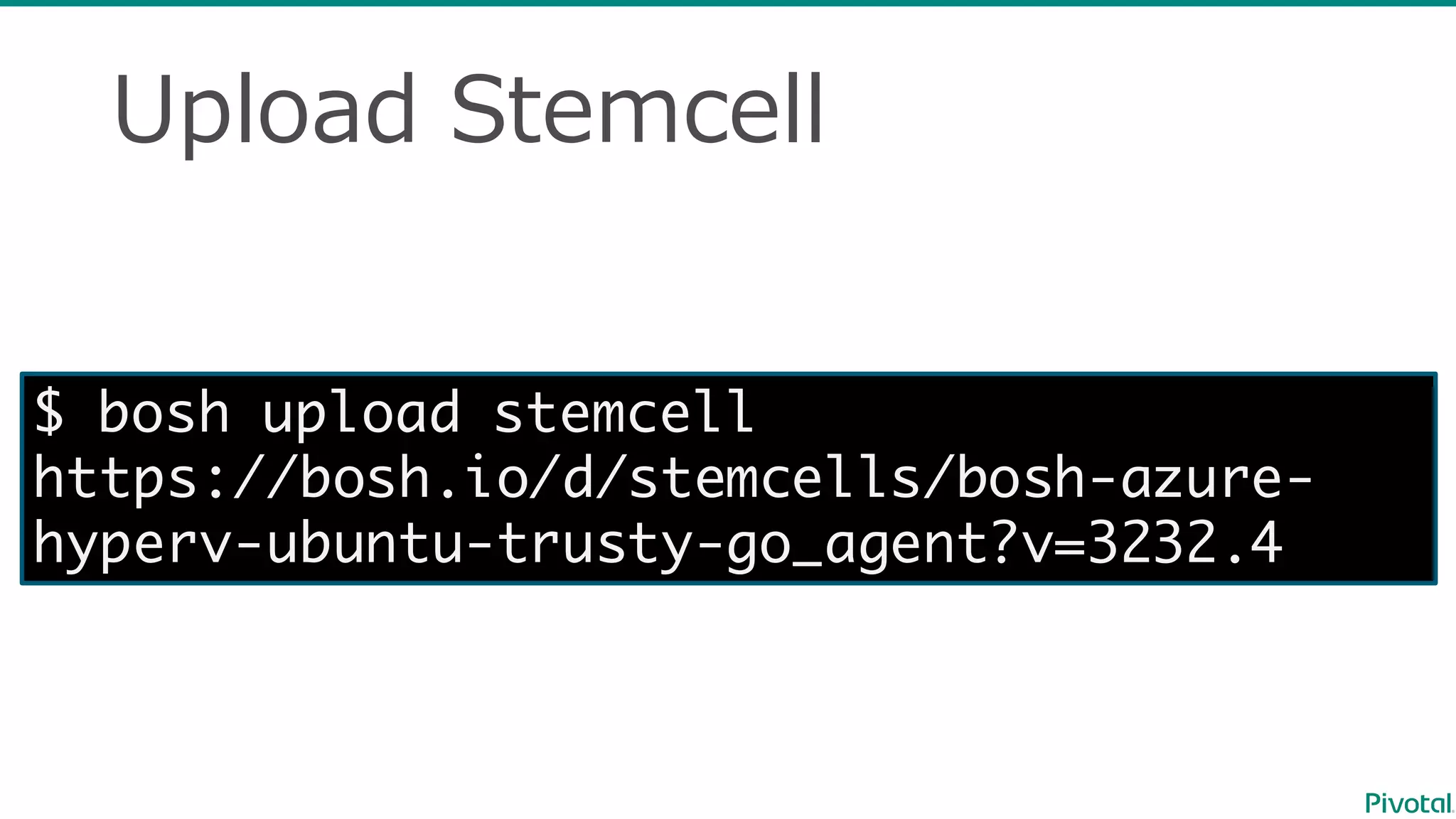
Upload  Stemcell
$ bosh upload stemcell
https://bosh.io/d/stemcells/bosh-azure-
hyperv-ubuntu-trusty-go_agent?v=3232.4
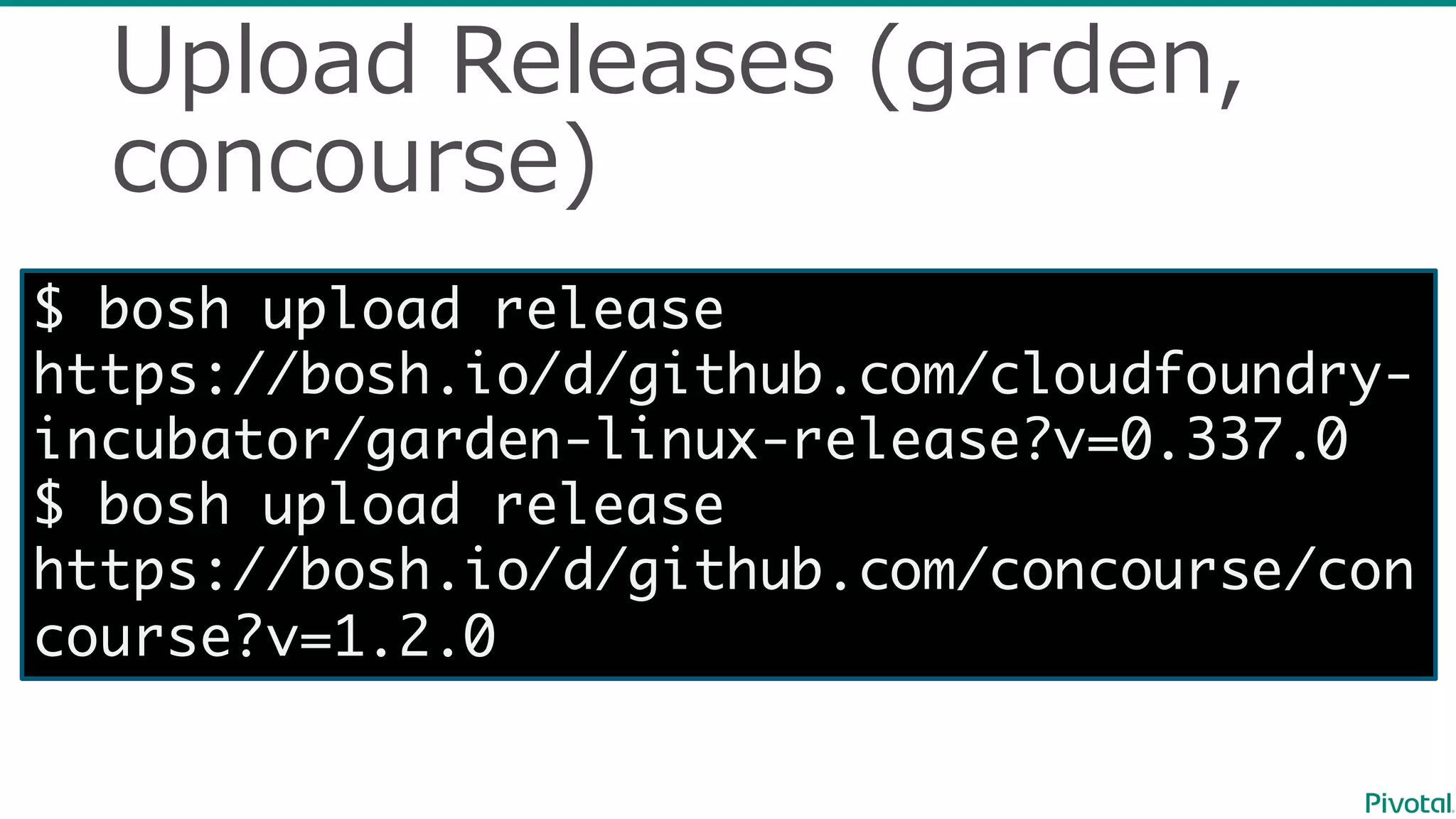
Upload  Releases  (garden,  
concourse)
$ bosh upload release
https://bosh.io/d/github.com/cloudfoundry-
incubator/garden-linux-release?v=0.337.0
$ bosh upload release
https://bosh.io/d/github.com/concourse/con
course?v=1.2.0
Deploy  Concourse  CI
$ bosh deployment concourse.yml
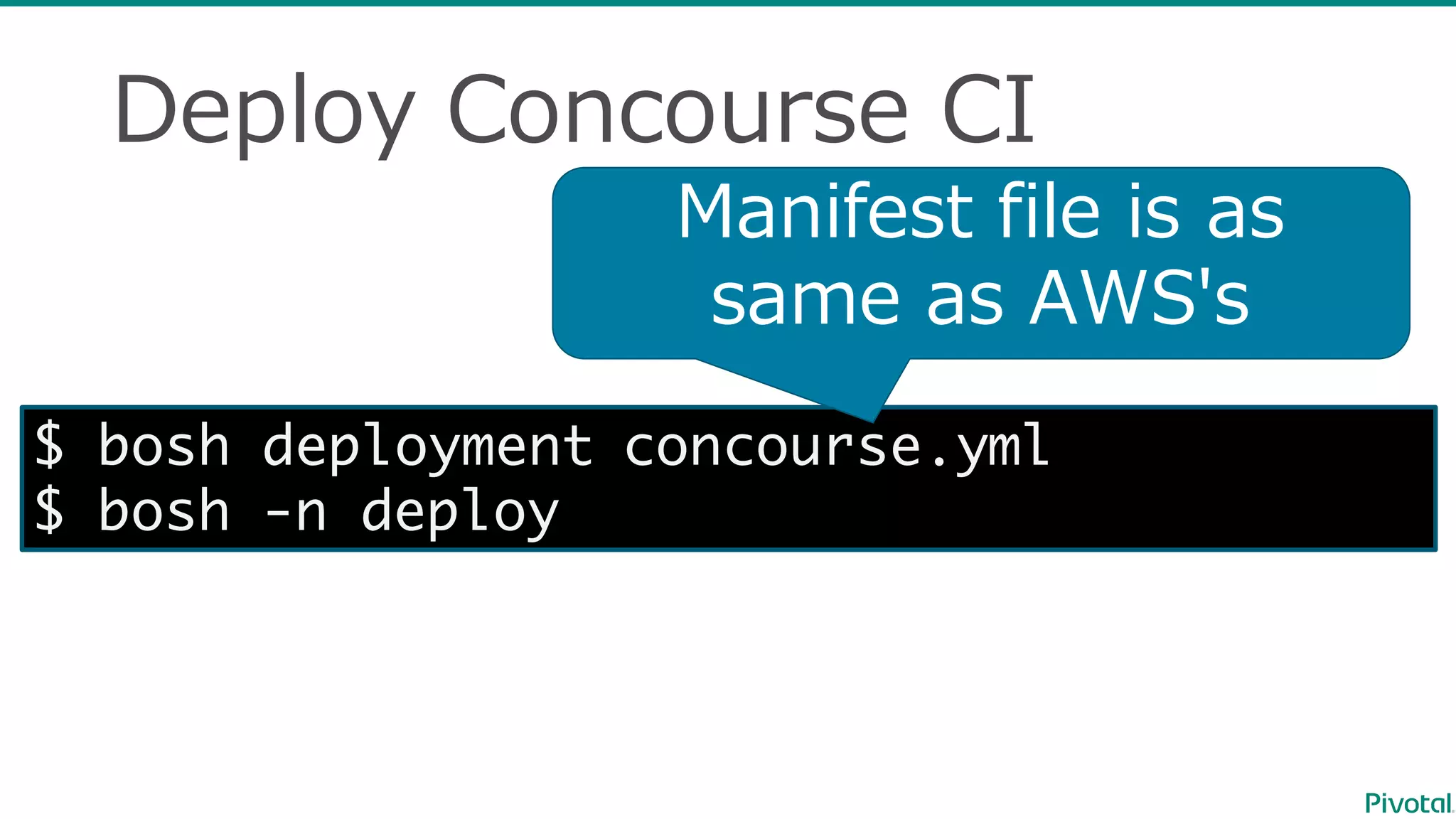
$ bosh -n deploy
Manifest  file  is  as  
same  as  AWS's  
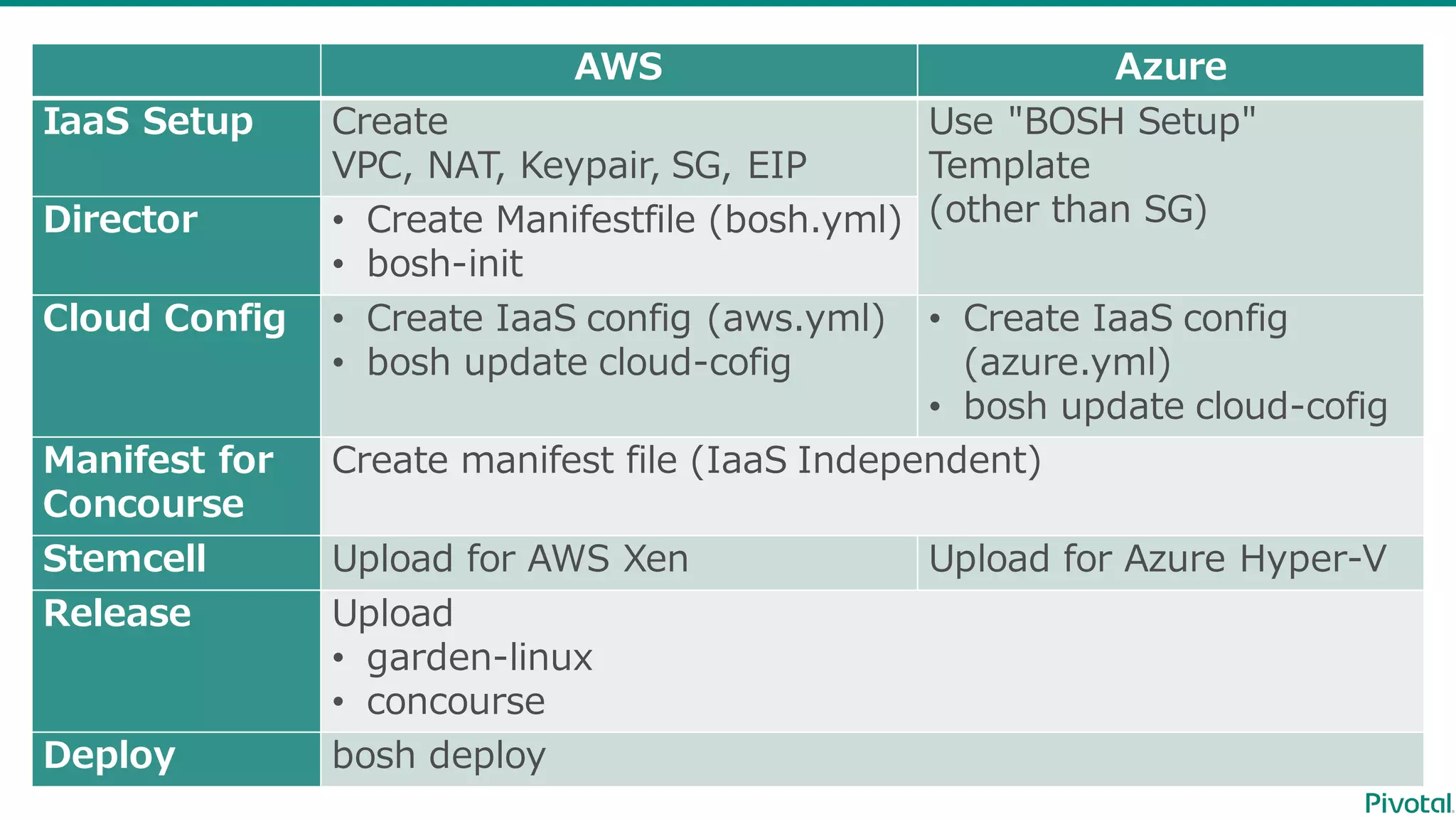
AWS Azure
IaaS Setup Create
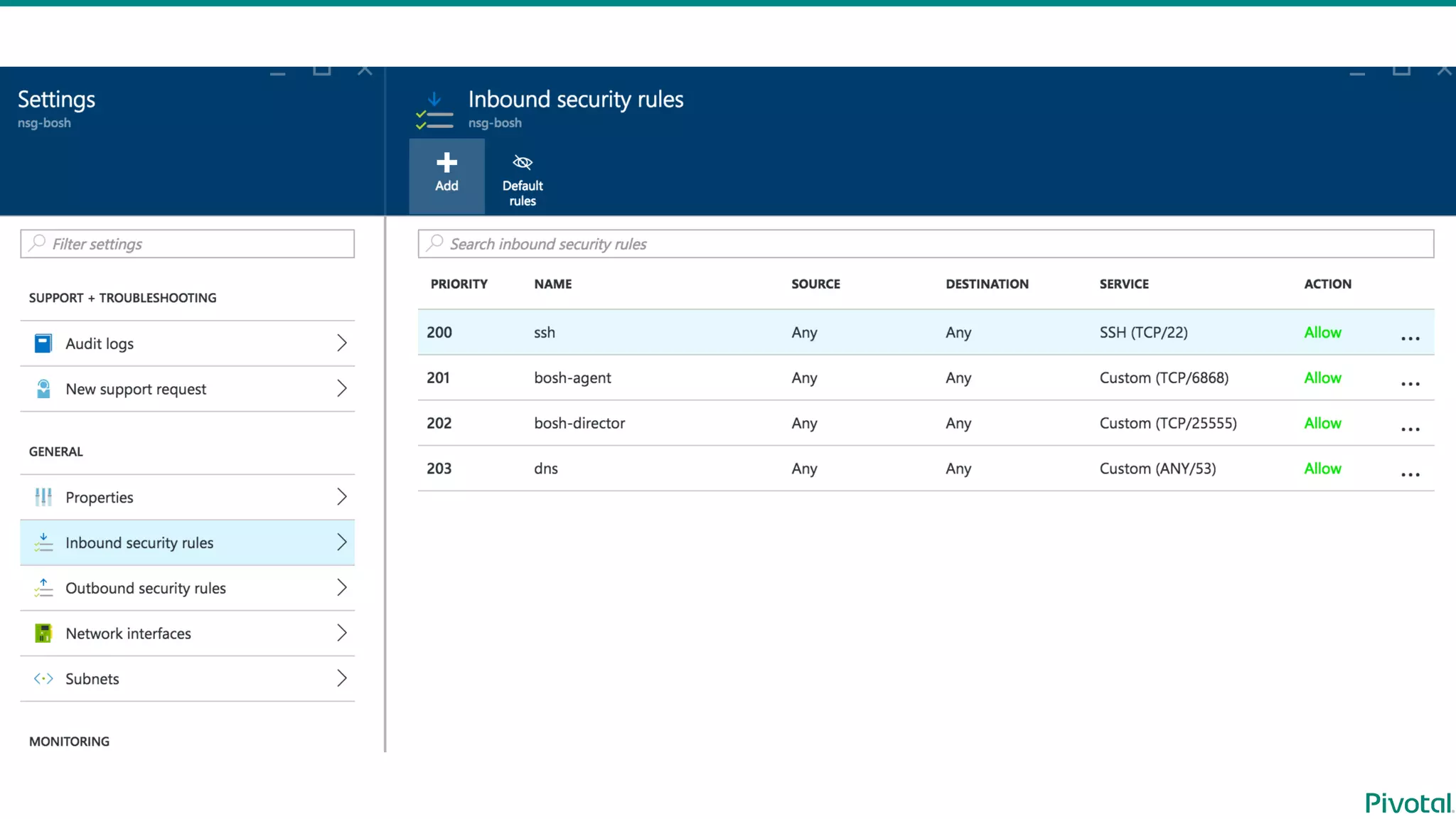
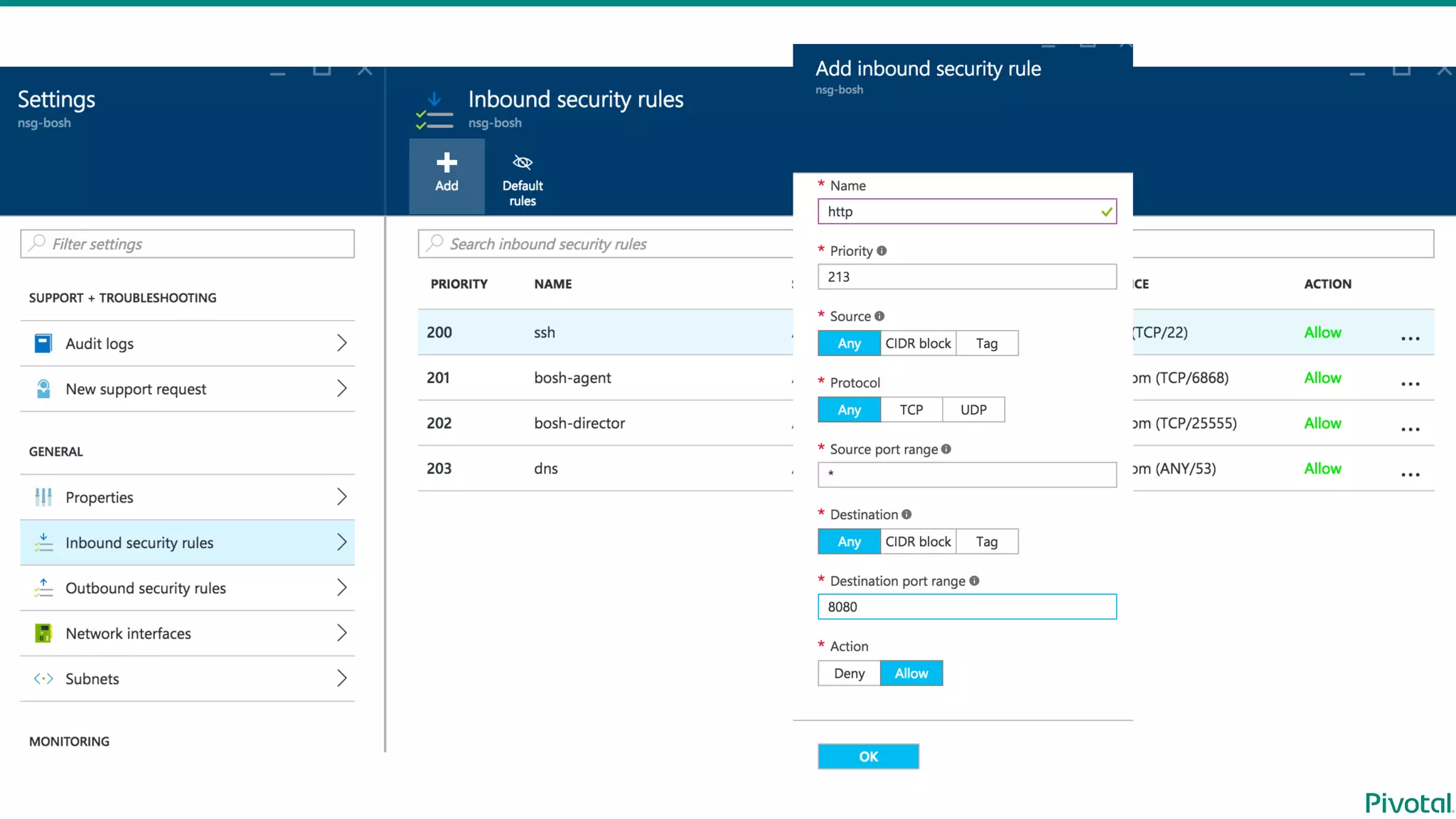
VPC, NAT,  Keypair,  SG,  EIP
Use  "BOSH  Setup"  
Template
(other  than  SG)Director • Create  Manifestfile (bosh.yml)
• bosh-‐‑‒init
Cloud Config • Create  IaaS config (aws.yml)
• bosh  update  cloud-‐‑‒cofig
• Create  IaaS config
(azure.yml)
• bosh  update  cloud-‐‑‒cofig
Manifest  for  
Concourse
Create manifest  file  (IaaS Independent)
Stemcell Upload  for  AWS  Xen Upload for  Azure  Hyper-‐‑‒V
Release Upload
• garden-‐‑‒linux
• concourse
Deploy bosh  deploy
Installation  Article  (Japanese)
• AWS https://blog.ik.am/entries/383
• Azure  https://blog.ik.am/entries/384
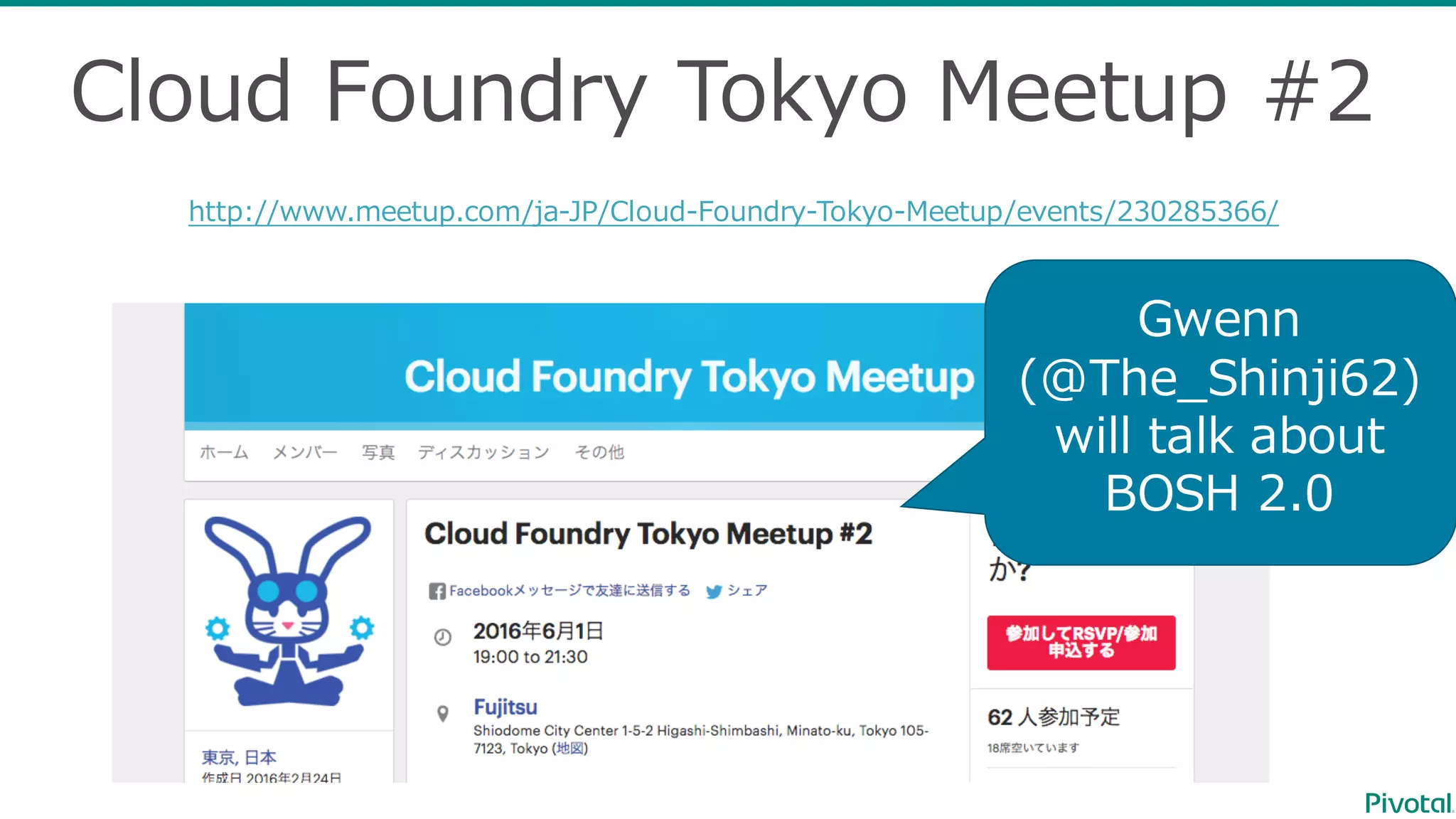
Cloud  Foundry  Tokyo  Meetup #2
http://www.meetup.com/ja-‐‑‒JP/Cloud-‐‑‒Foundry-‐‑‒Tokyo-‐‑‒Meetup/events/230285366/
Gwenn
(@The_̲Shinji62)
will  talk  about  
BOSH  2.0

Install Concourse CI with BOSH