Information and Communications
Technology
Information and
Communications
Technology
•
•
•
•
• •
•
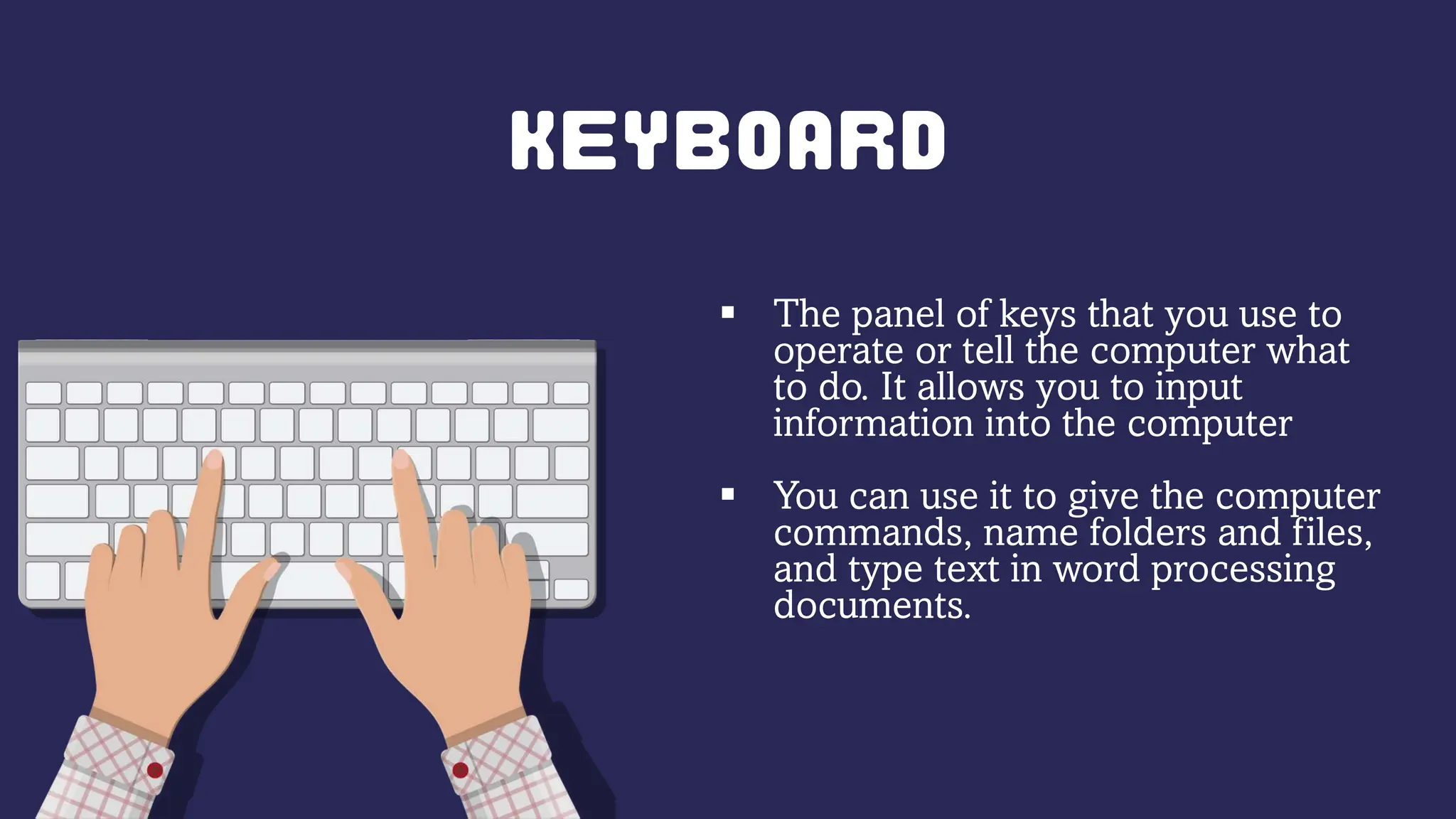
 The panel of keys that you use to
operate or tell the computer what
to do. It allows you to input
information into the computer
 You can use it to give the computer
commands, name folders and files,
and type text in word processing
documents.
 allows you to speak to the
computer and transmit your
voice or sounds over.
 laptops have a microphone
built in.
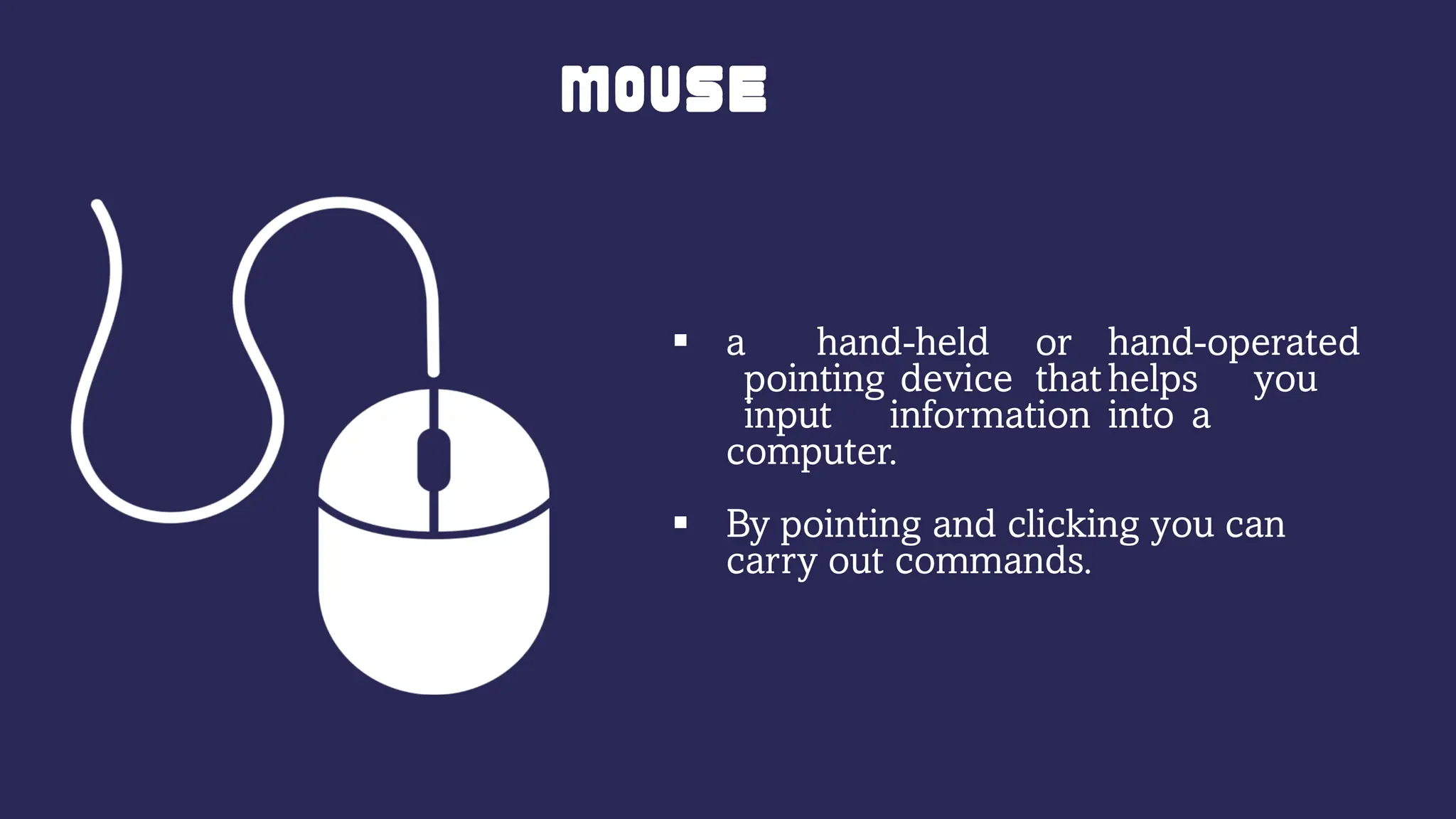
 a hand-held or hand-operated
pointing device that helps you
input information into a
computer.
 By pointing and clicking you can
carry out commands.
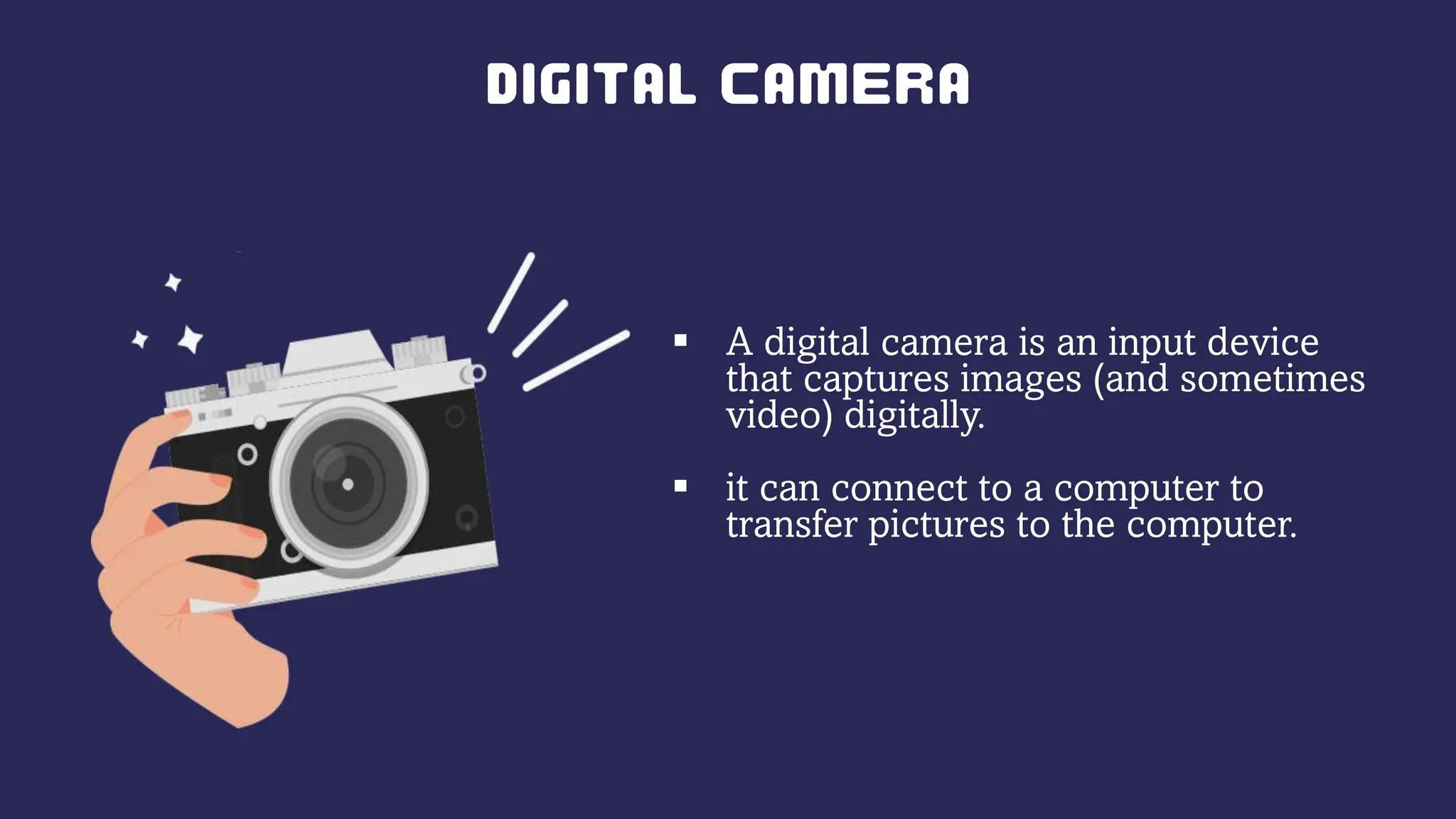
 A digital camera is an input device
that captures images (and sometimes
video) digitally.
 it can connect to a computer to
transfer pictures to the computer.
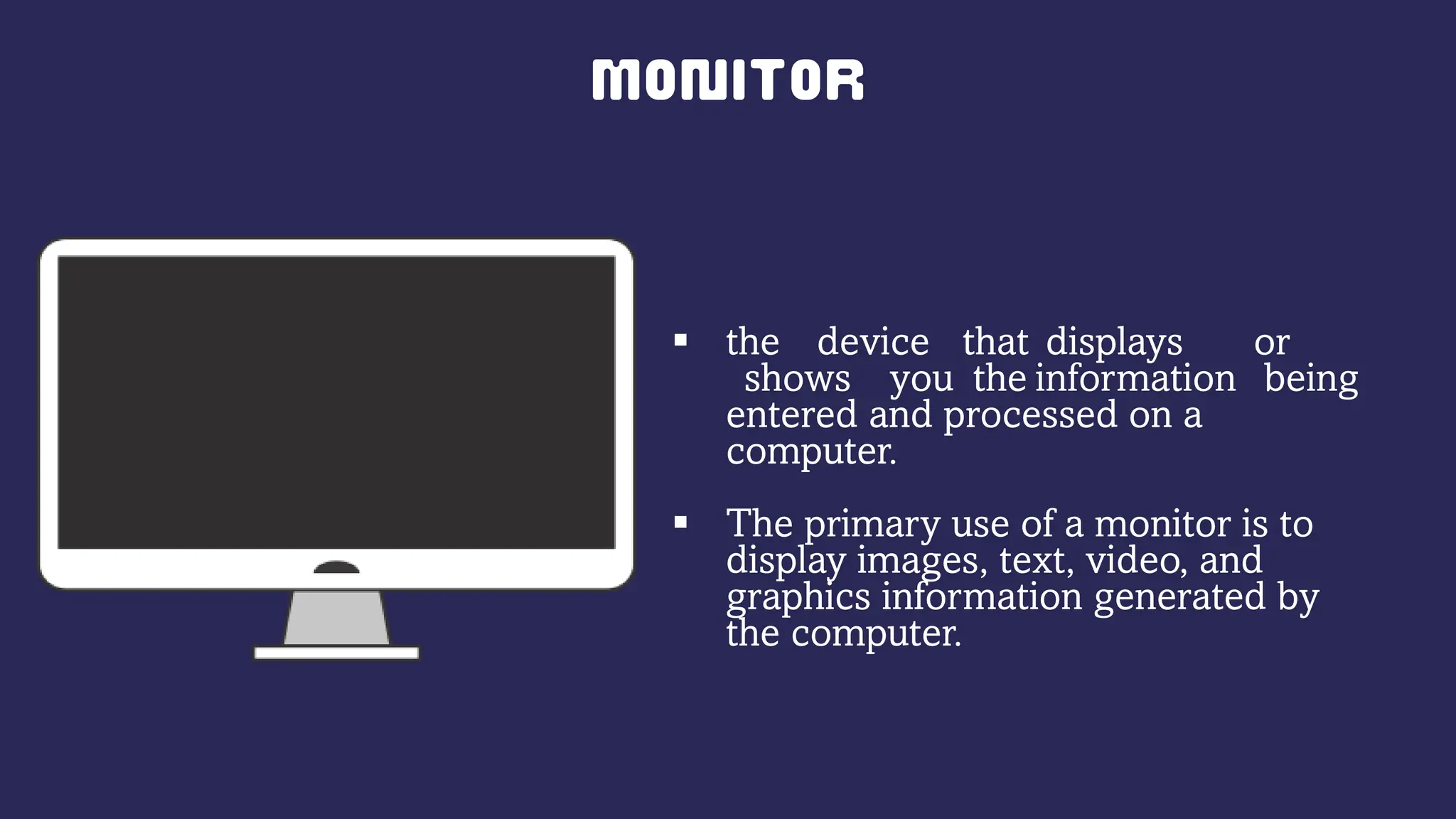
 the device that displays or
shows you the information being
entered and processed on a
computer.
 The primary use of a monitor is to
display images, text, video, and
graphics information generated by
the computer.
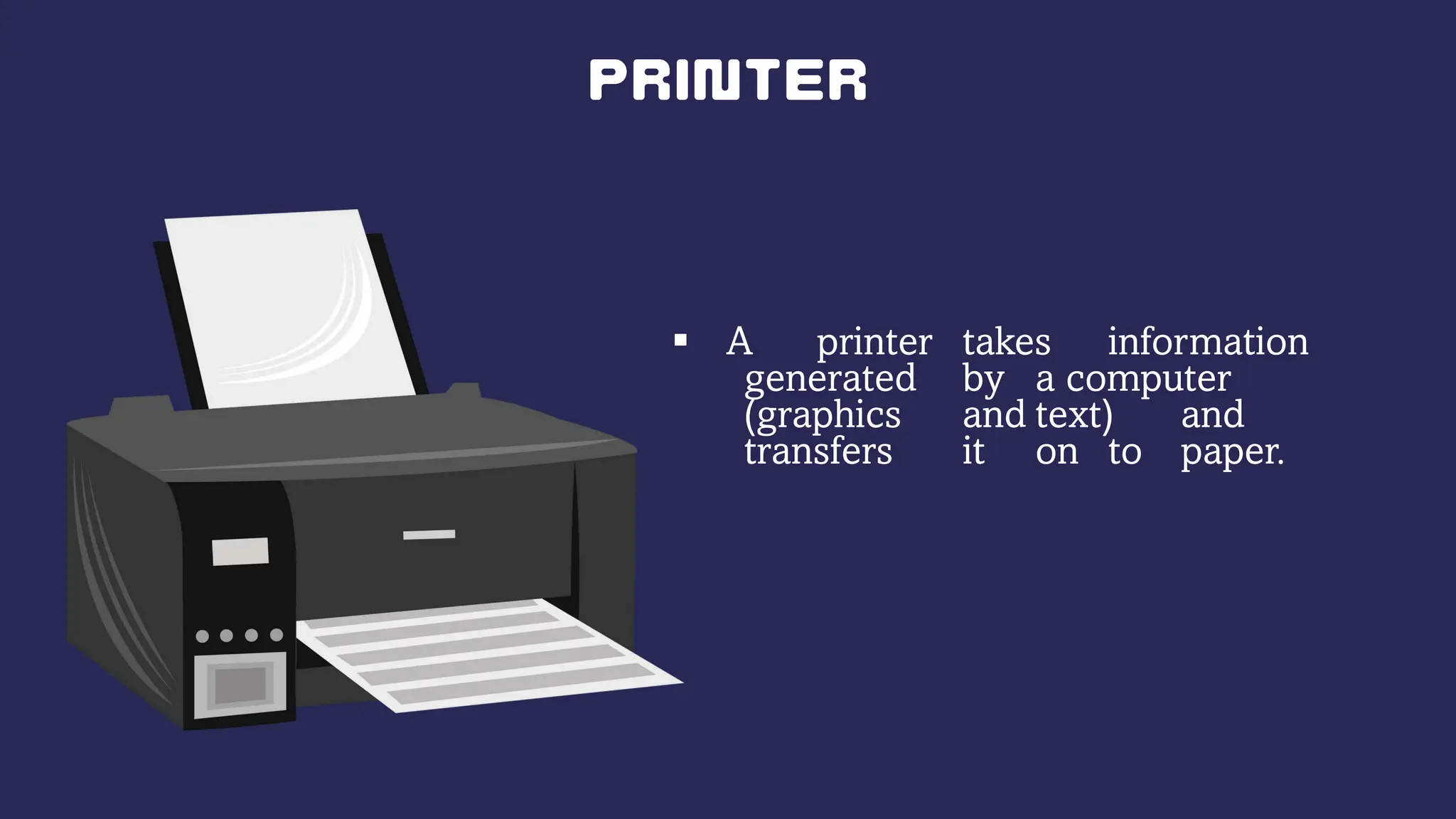
 A printer takes information
generated by a computer
(graphics and text) and
transfers it on to paper.
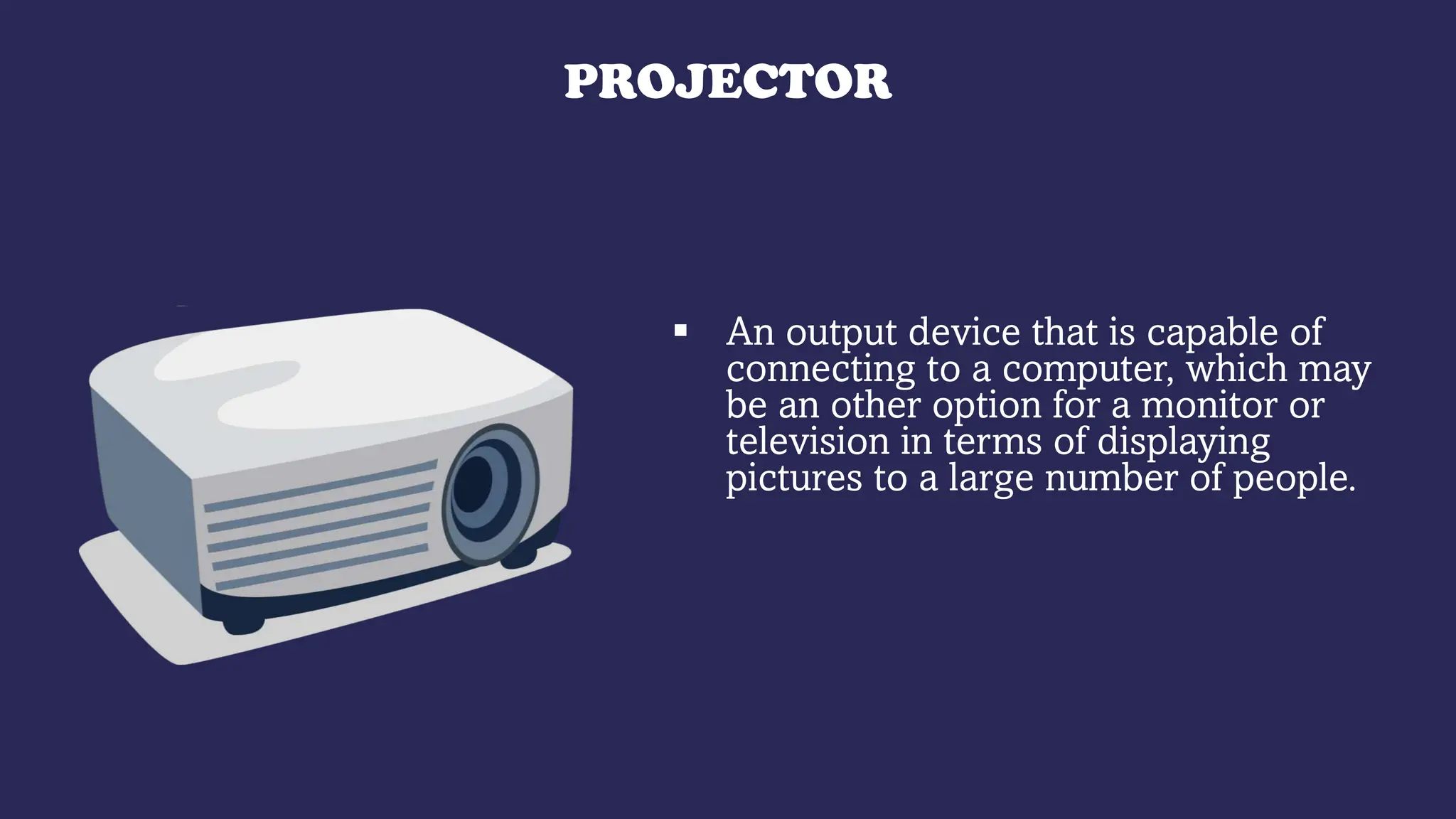
PROJECTOR
 An output device that is capable of
connecting to a computer, which may
be an other option for a monitor or
television in terms of displaying
pictures to a large number of people.
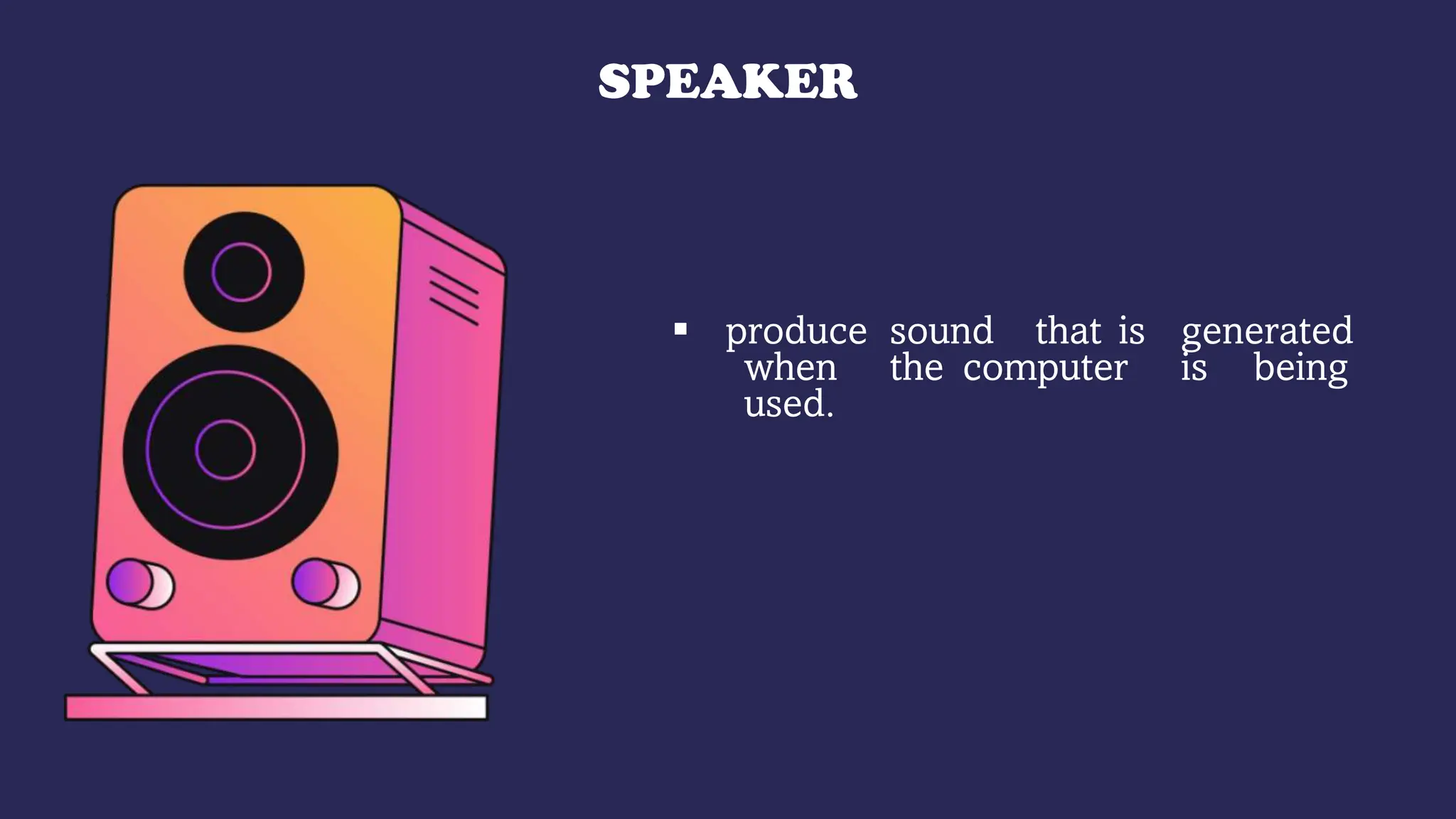
SPEAKER
 produce sound that is generated
when the computer is being
used.
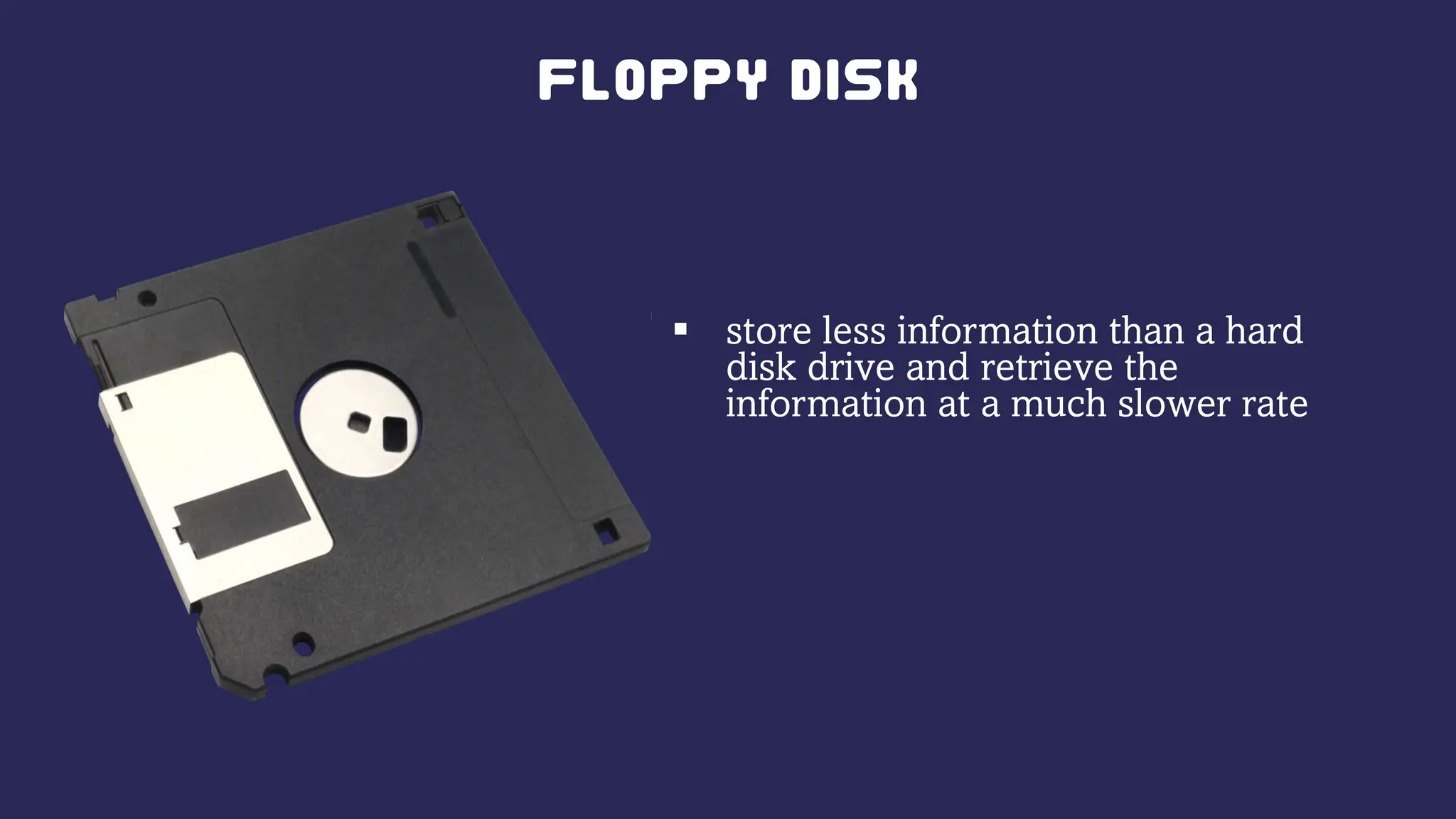
 store less information than a hard
disk drive and retrieve the
information at a much slower rate
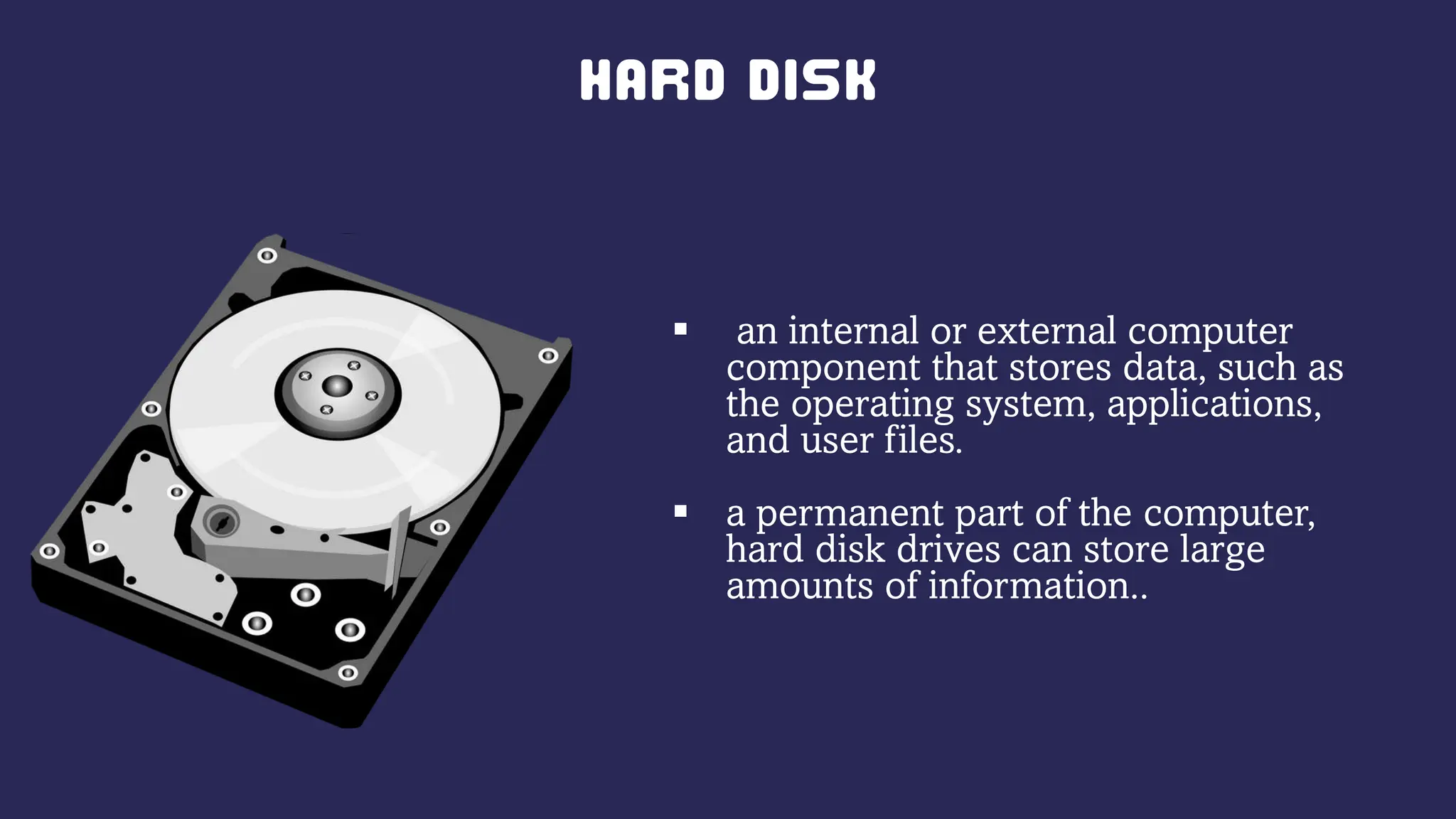
 an internal or external computer
component that stores data, such as
the operating system, applications,
and user files.
 a permanent part of the computer,
hard disk drives can store large
amounts of information..
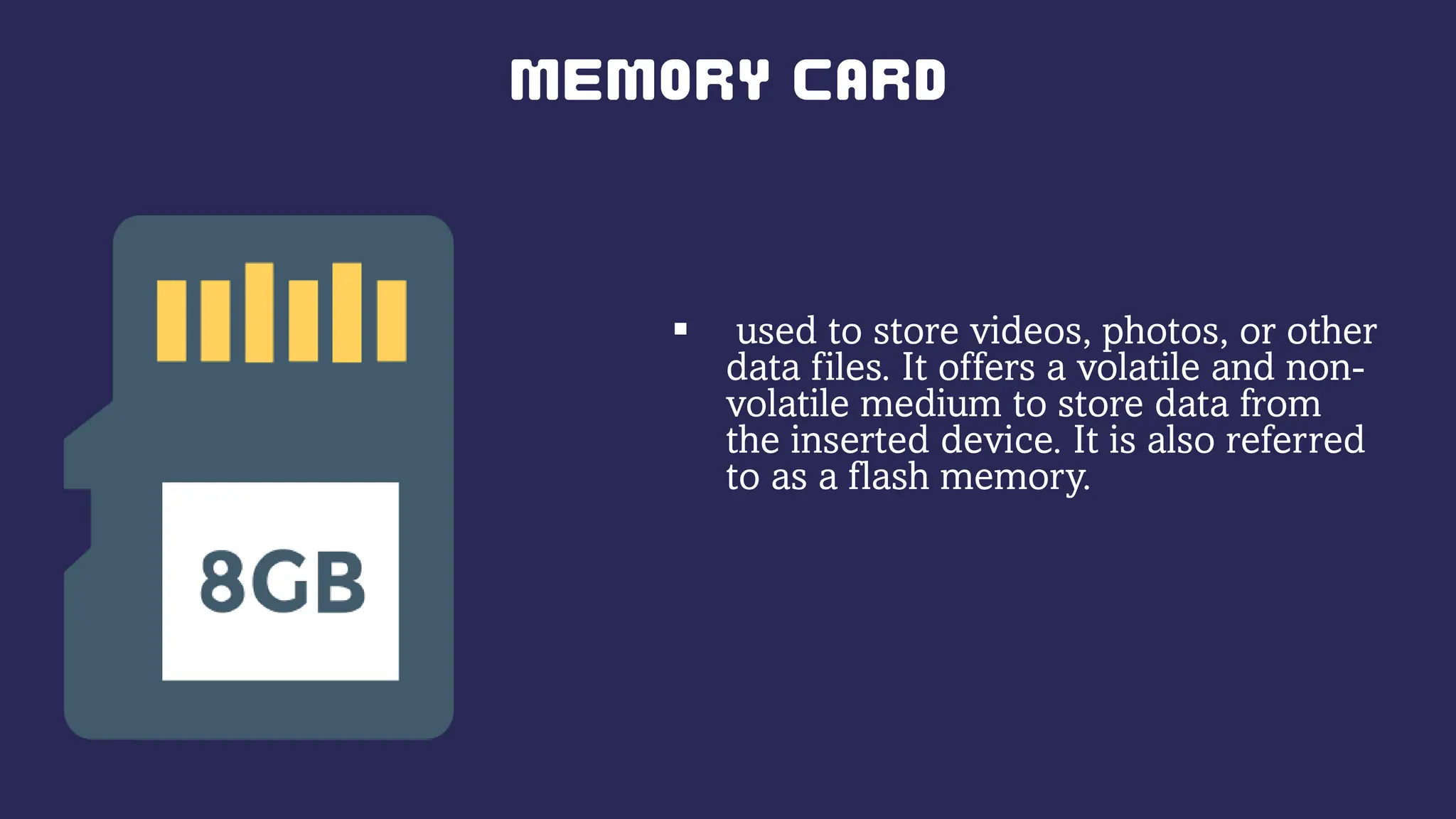
 used to store videos, photos, or other
data files. It offers a volatile and non-
volatile medium to store data from
the inserted device. It is also referred
to as a flash memory.
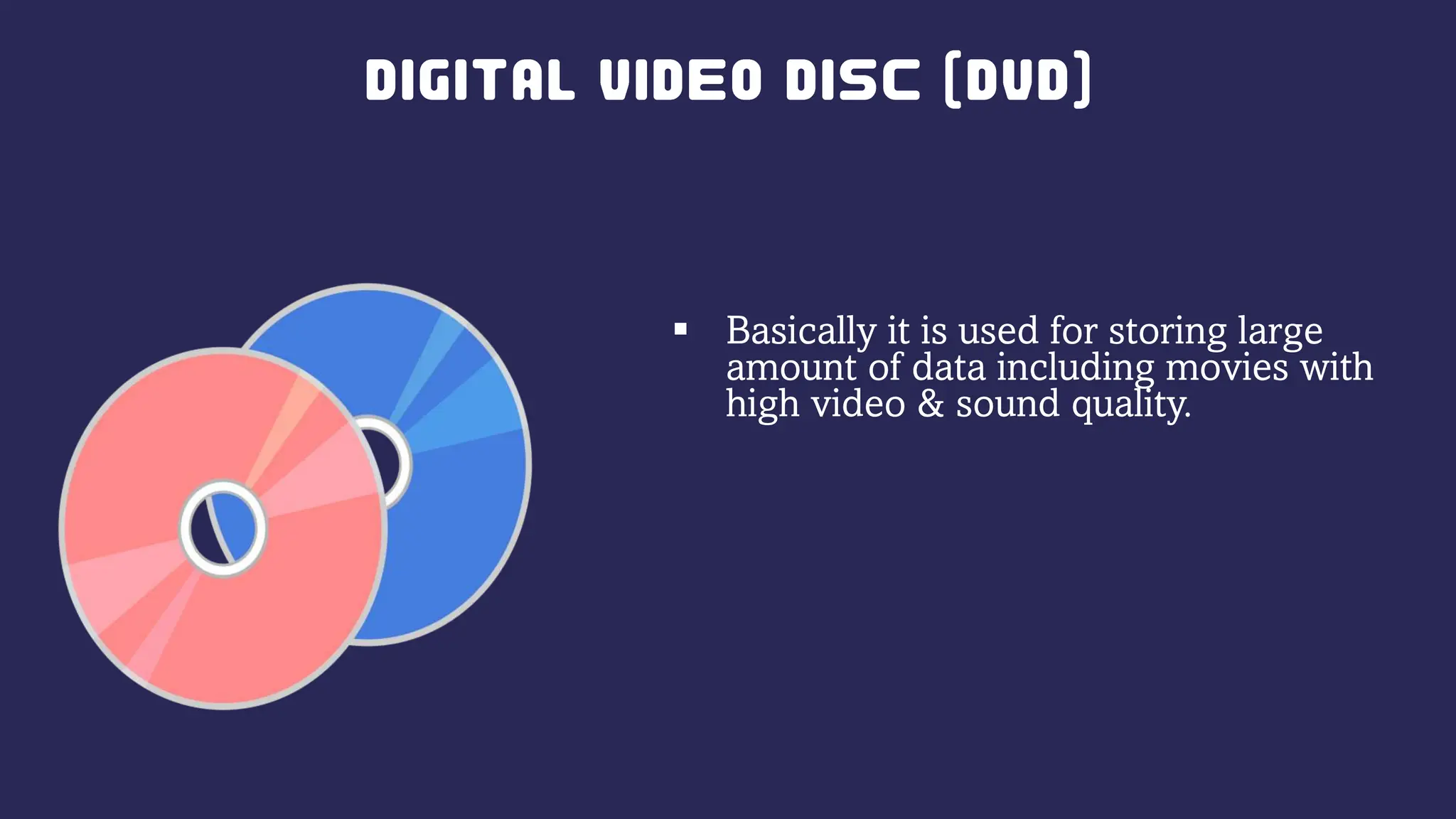
 Basically it is used for storing large
amount of data including movies with
high video & sound quality.
•
•
•
•
•
•
•
•
•
•
•
•
•
•
•
•
Information and Communications Technology

Information and Communications Technology

  • 1.
  • 2.
  • 3.
  • 4.
  • 5.
     The panelof keys that you use to operate or tell the computer what to do. It allows you to input information into the computer  You can use it to give the computer commands, name folders and files, and type text in word processing documents.
  • 6.
     allows youto speak to the computer and transmit your voice or sounds over.  laptops have a microphone built in.
  • 7.
     a hand-heldor hand-operated pointing device that helps you input information into a computer.  By pointing and clicking you can carry out commands.
  • 8.
     A digitalcamera is an input device that captures images (and sometimes video) digitally.  it can connect to a computer to transfer pictures to the computer.
  • 9.
     the devicethat displays or shows you the information being entered and processed on a computer.  The primary use of a monitor is to display images, text, video, and graphics information generated by the computer.
  • 10.
     A printertakes information generated by a computer (graphics and text) and transfers it on to paper.
  • 11.
    PROJECTOR  An outputdevice that is capable of connecting to a computer, which may be an other option for a monitor or television in terms of displaying pictures to a large number of people.
  • 12.
    SPEAKER  produce soundthat is generated when the computer is being used.
  • 13.
     store lessinformation than a hard disk drive and retrieve the information at a much slower rate
  • 14.
     an internalor external computer component that stores data, such as the operating system, applications, and user files.  a permanent part of the computer, hard disk drives can store large amounts of information..
  • 15.
     used tostore videos, photos, or other data files. It offers a volatile and non- volatile medium to store data from the inserted device. It is also referred to as a flash memory.
  • 16.
     Basically itis used for storing large amount of data including movies with high video & sound quality.
  • 17.
  • 19.
  • 20.
  • 21.
  • 22.
  • 23.