
Android Talks #3
Android Design Best Practices - for
Designers and Developers
Marko Vitas
Scope
• Motivation!
• Supporting multiple screen sizes!
• Smart & flexible design approach !
• Custom components
Motivation
• Tired of not knowing what dpi, dp and sp mean?!
• Having nightmares of “little” design changes that
affect the whole app? (fonts? styles? themes?) !
• Designers and developers, lets make each others
life better.!
• Lets define a standard
Supporting Multiple
Screen Sizes
How Do Designers Prepare Materials?
• Vector graphics !
• Scale up/down!
• Exporting graphics for different screen densities!
• What does all of this mean for Android?
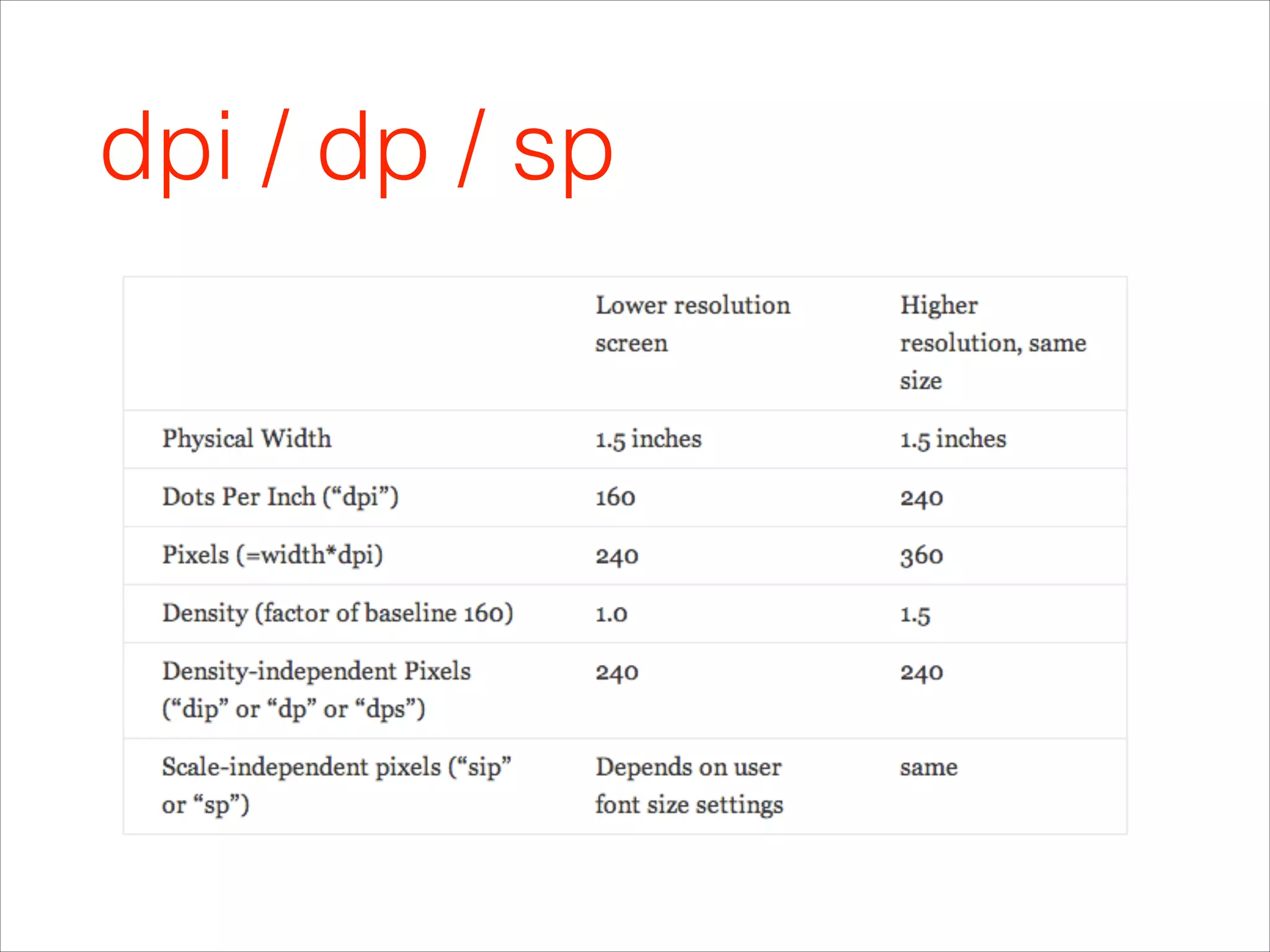
dpi
• screen density = horizontal width (resolution in px) /
actual physical size in inches!
• dpi (dots per inch) i.e. ppi (pixels per inch)!
• density buckets: 120,160, 240, 320, 480, 640 

3 : 4 : 6 : 8 : 12 : 16!
• tvdpi 213dpi
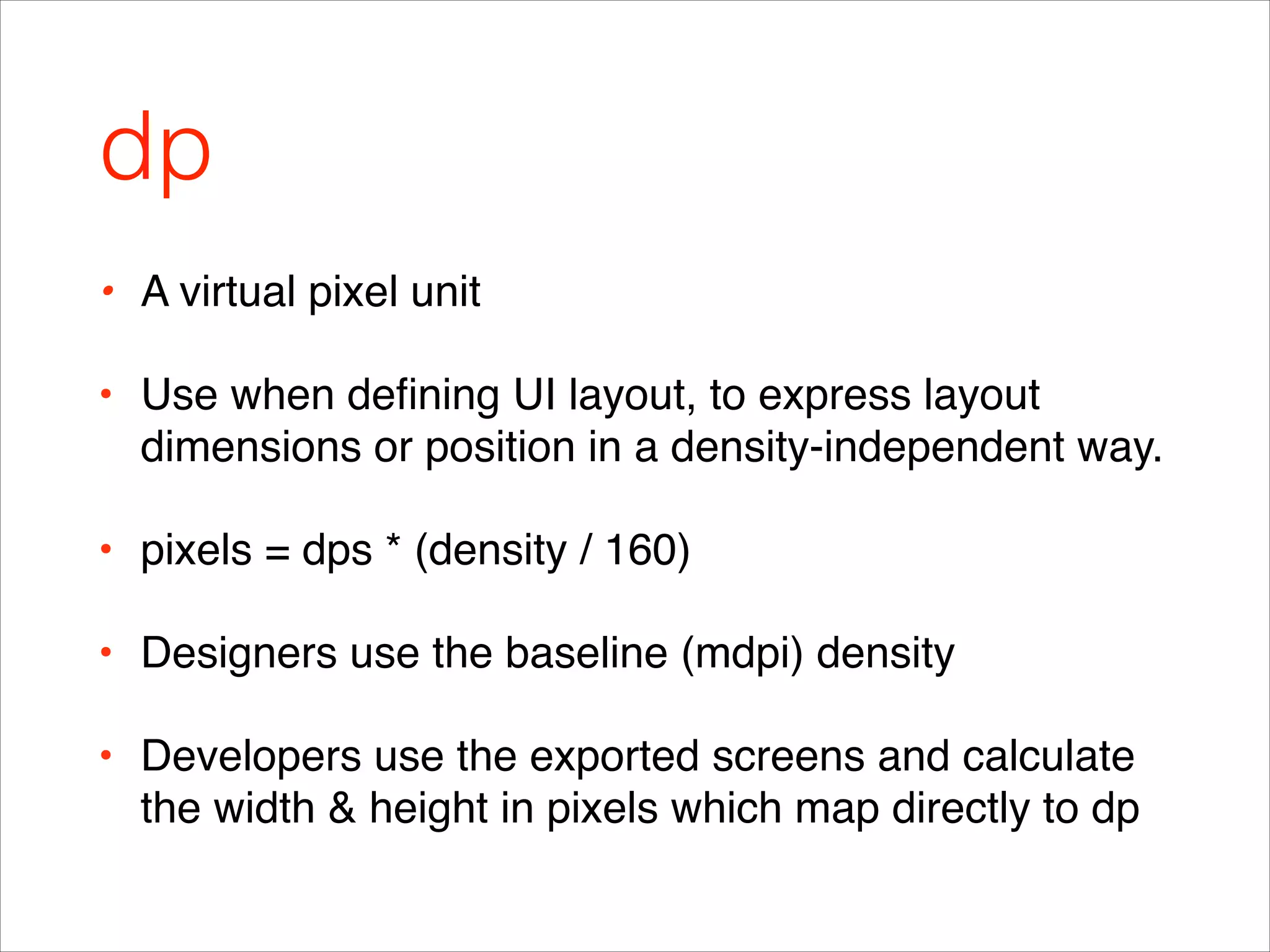
dp
• A virtual pixel unit !
• Use when defining UI layout, to express layout
dimensions or position in a density-independent way.!
• pixels = dps * (density / 160)!
• Designers use the baseline (mdpi) density !
• Developers use the exported screens and calculate
the width & height in pixels which map directly to dp
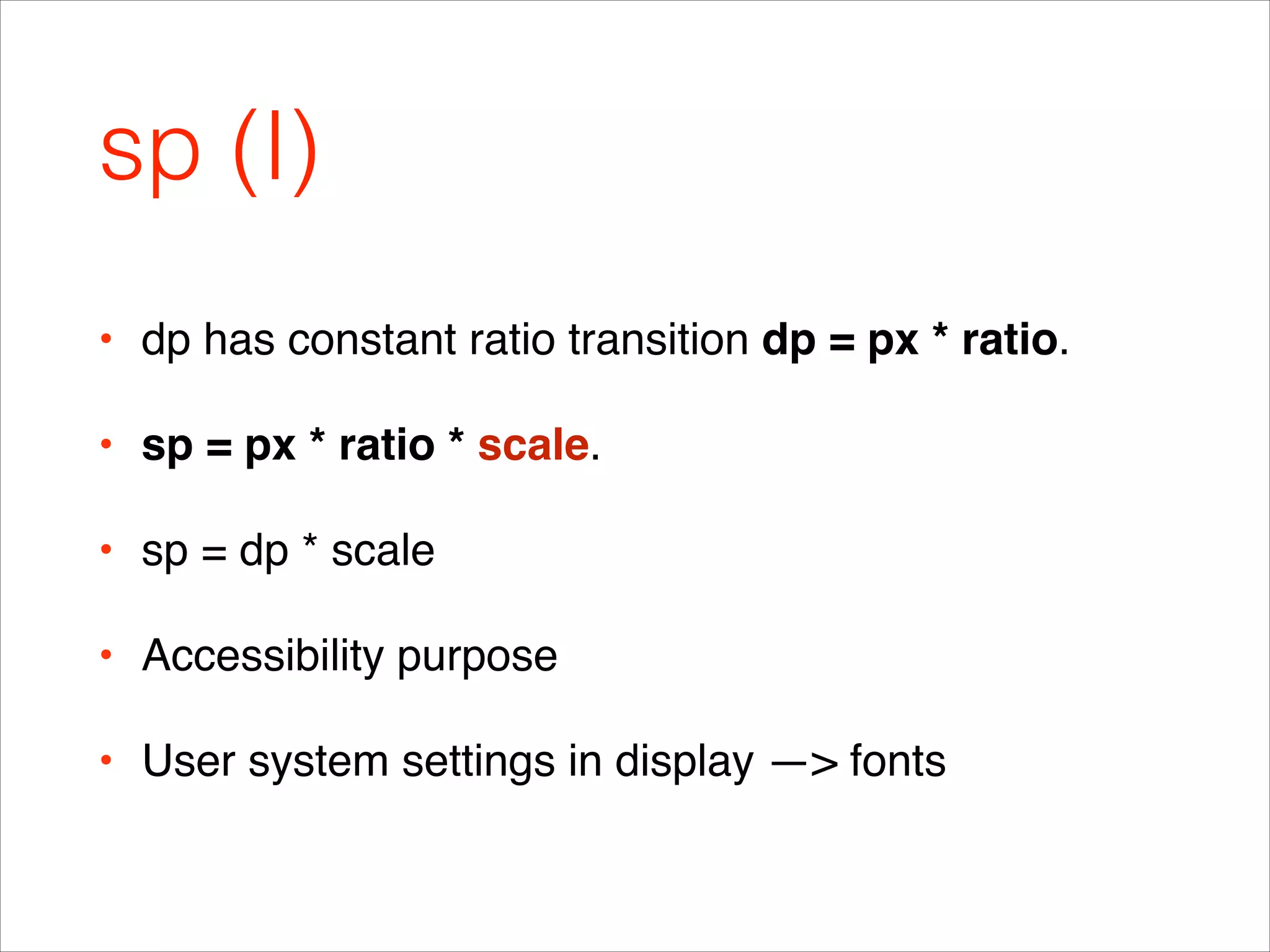
sp (I)
• dp has constant ratio transition dp = px * ratio.!
• sp = px * ratio * scale.!
• sp = dp * scale!
• Accessibility purpose!
• User system settings in display —> fonts
sp (II)
dpi / dp / sp
Smart & Flexible
Design Approach
Layout Types (I) Linear
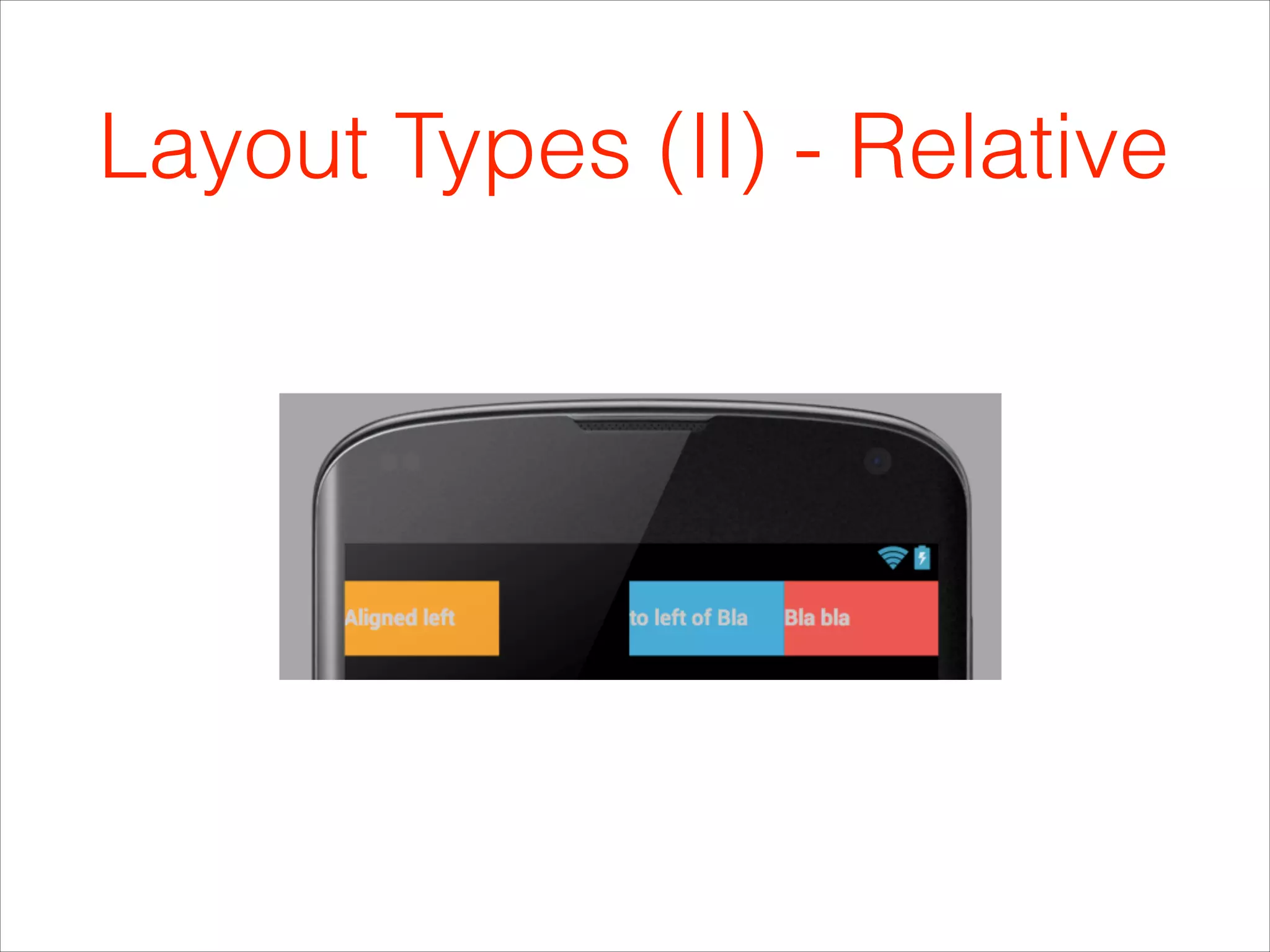
Layout Types (II) - Relative
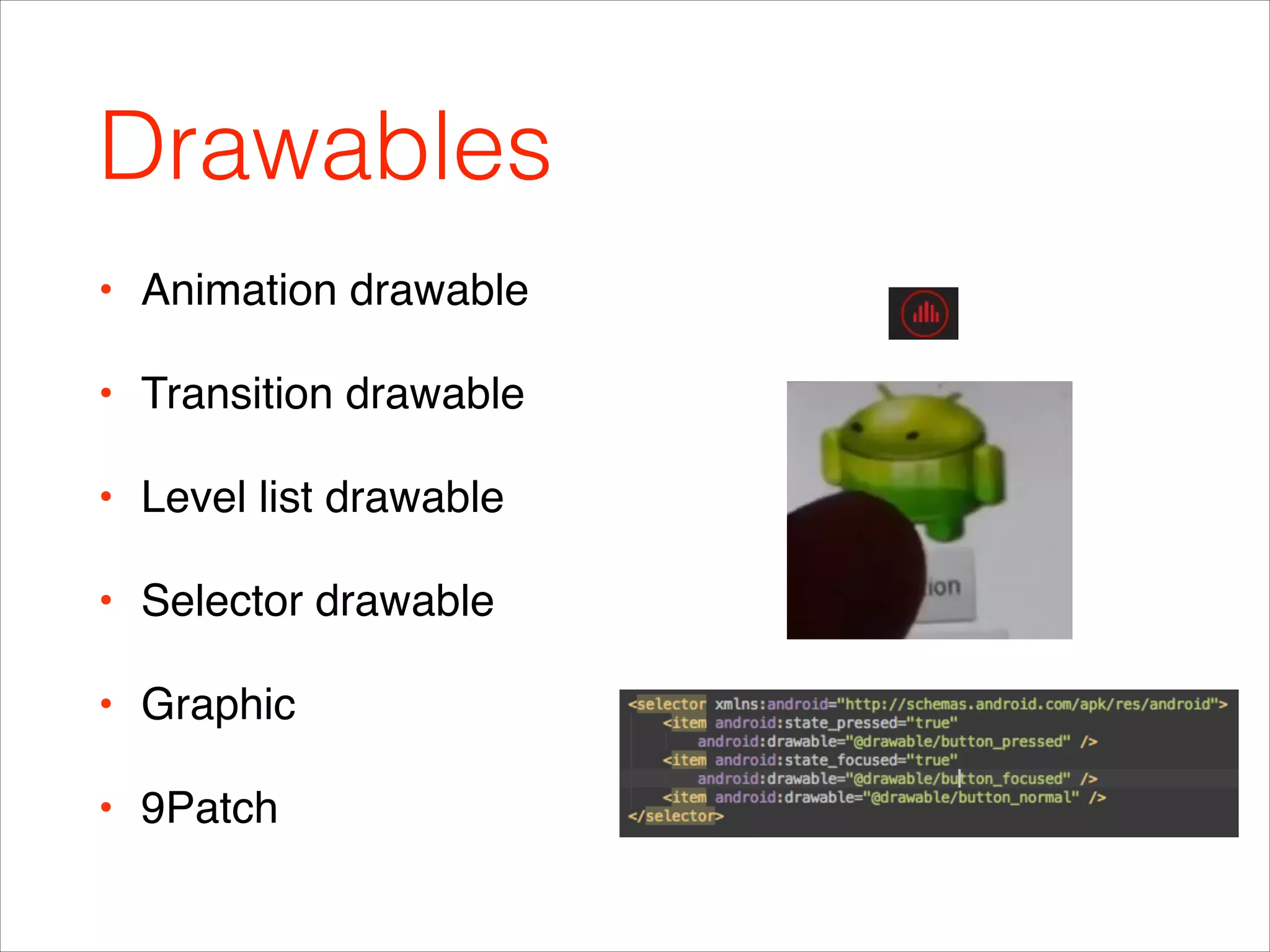
Drawables
• Animation drawable!
• Transition drawable!
• Level list drawable!
• Selector drawable !
• Graphic!
• 9Patch
9patch
• Click within the 1-pixel perimeter to draw the lines that
define the stretchable patches and (optional) content area.
• Left & top to
define stretchable
area!
• Bottom & right
content area
• Examples of android:scaleType attribute. Top row (l-r) center,
centerCrop, centerInside. Bottom row (l-r): fitCenter, fitStart, fitEnd, fitXY.
Styles
• Inheritance
Attributes
• You can define attributes in the top <resources> element or inside of a
<declare-styleable> element. Note, all attributes share the same global
namespace.
Themes
• Inheritance!
• Watch out for API level!
• Define themes in values, values-v11, values-v14!
• Check out Sherlock themes
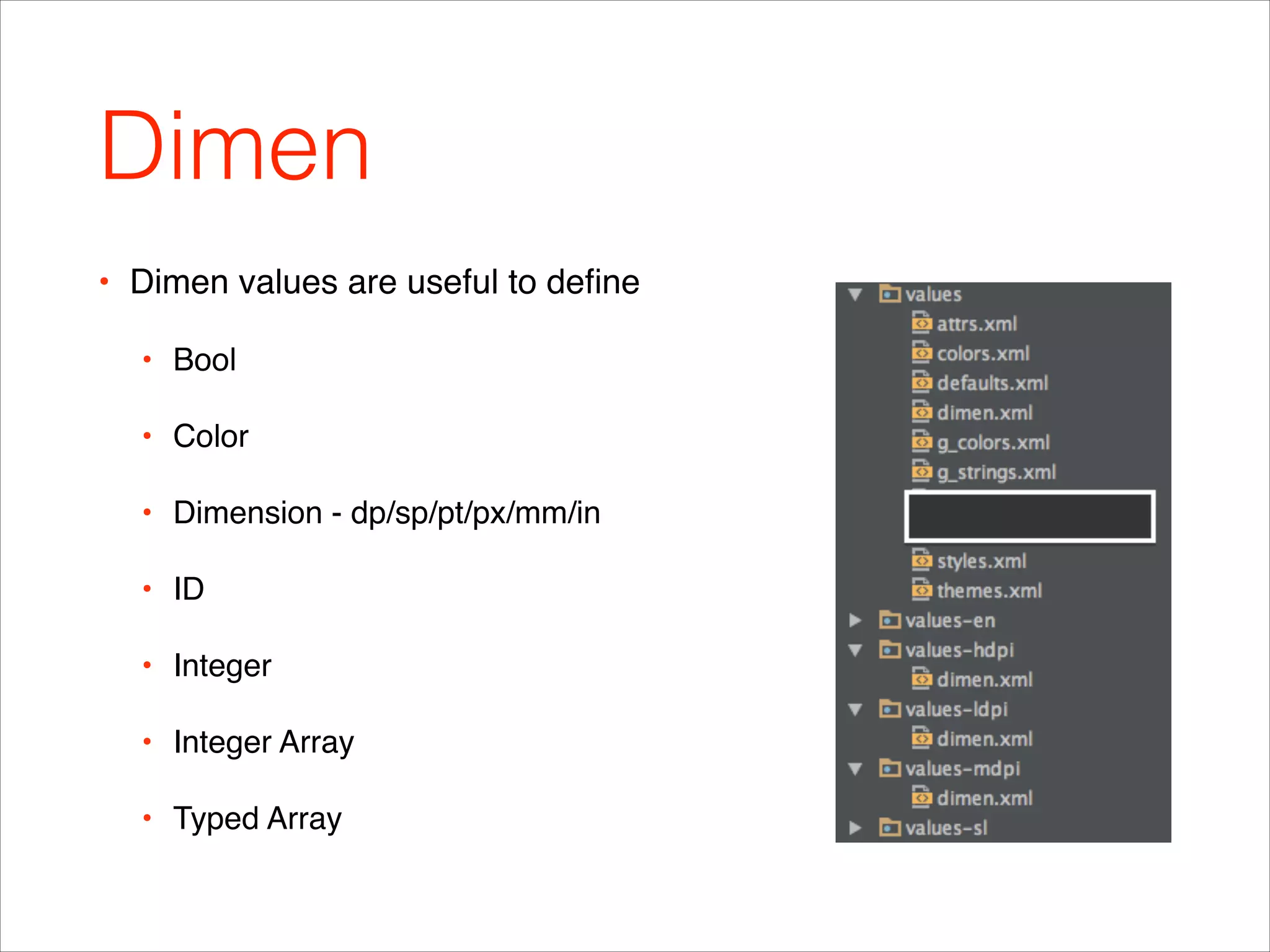
Dimen
• Dimen values are useful to define !
• Bool!
• Color!
• Dimension - dp/sp/pt/px/mm/in!
• ID!
• Integer!
• Integer Array!
• Typed Array
Project Resource Structure (I)
• Drawable-hpdi…!
• Layout-hdpi…, !
• Layout-port and layout-land!
• Values-hdpi…!
• Concatenating configurations - layout-sw600dp-land!
• Layout-sw600dp - declaring tablet layouts in reference
Project Resource Structure (II)
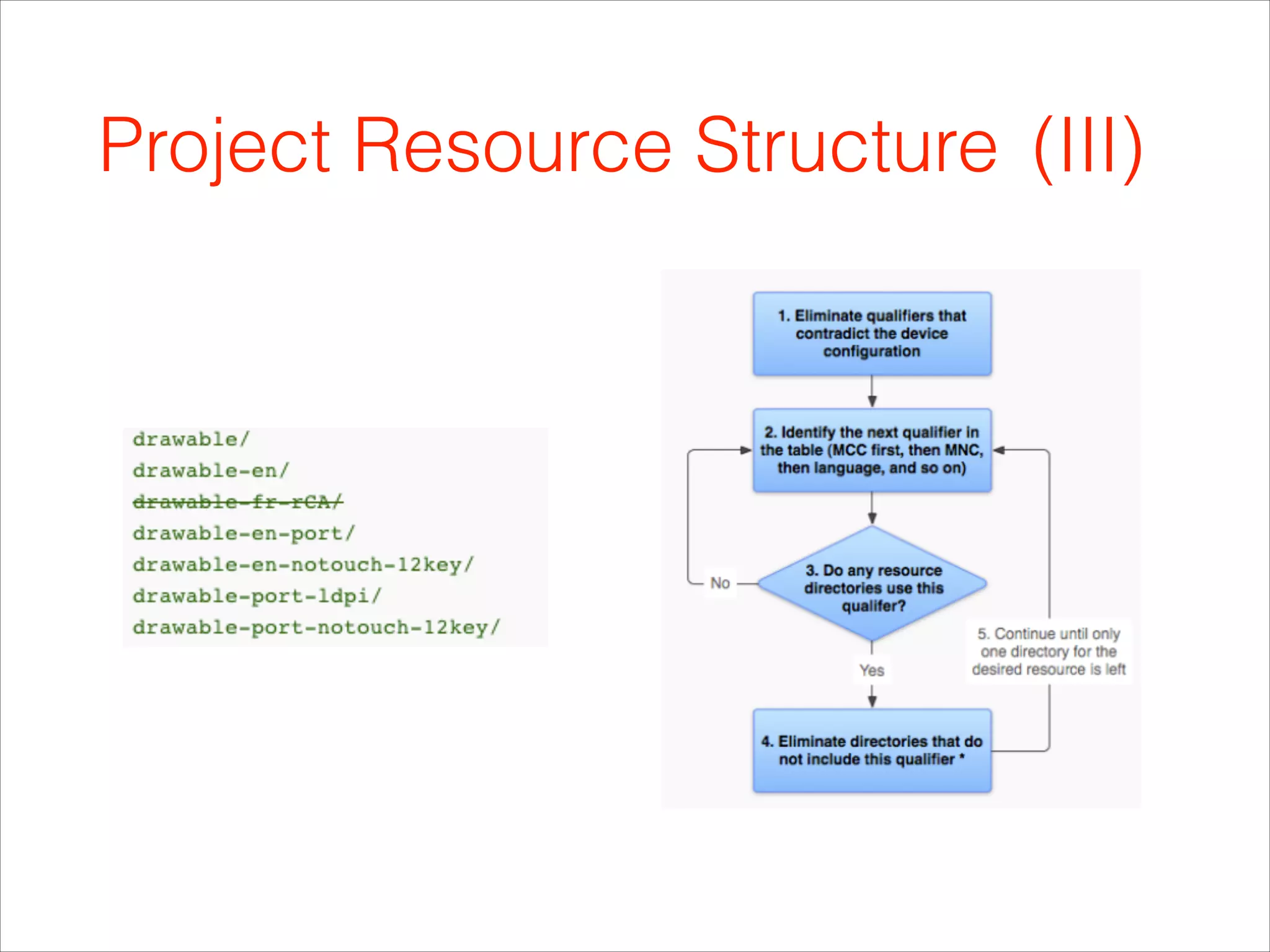
Project Resource Structure (III)
Fonts
• Static init in onCreate in Application class!
!
!
!
!
Custom components
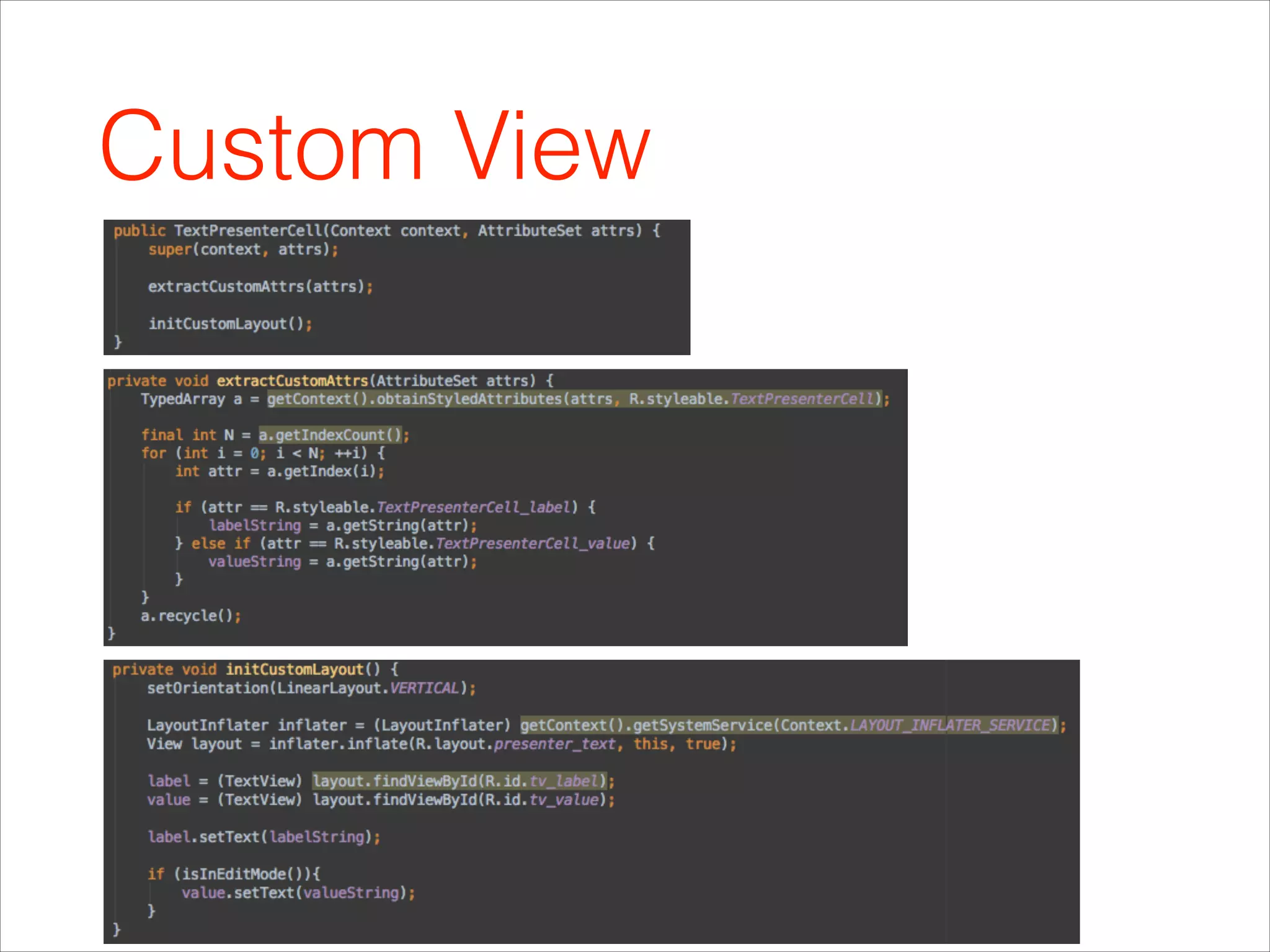
Custom View
Custom Sexy Component
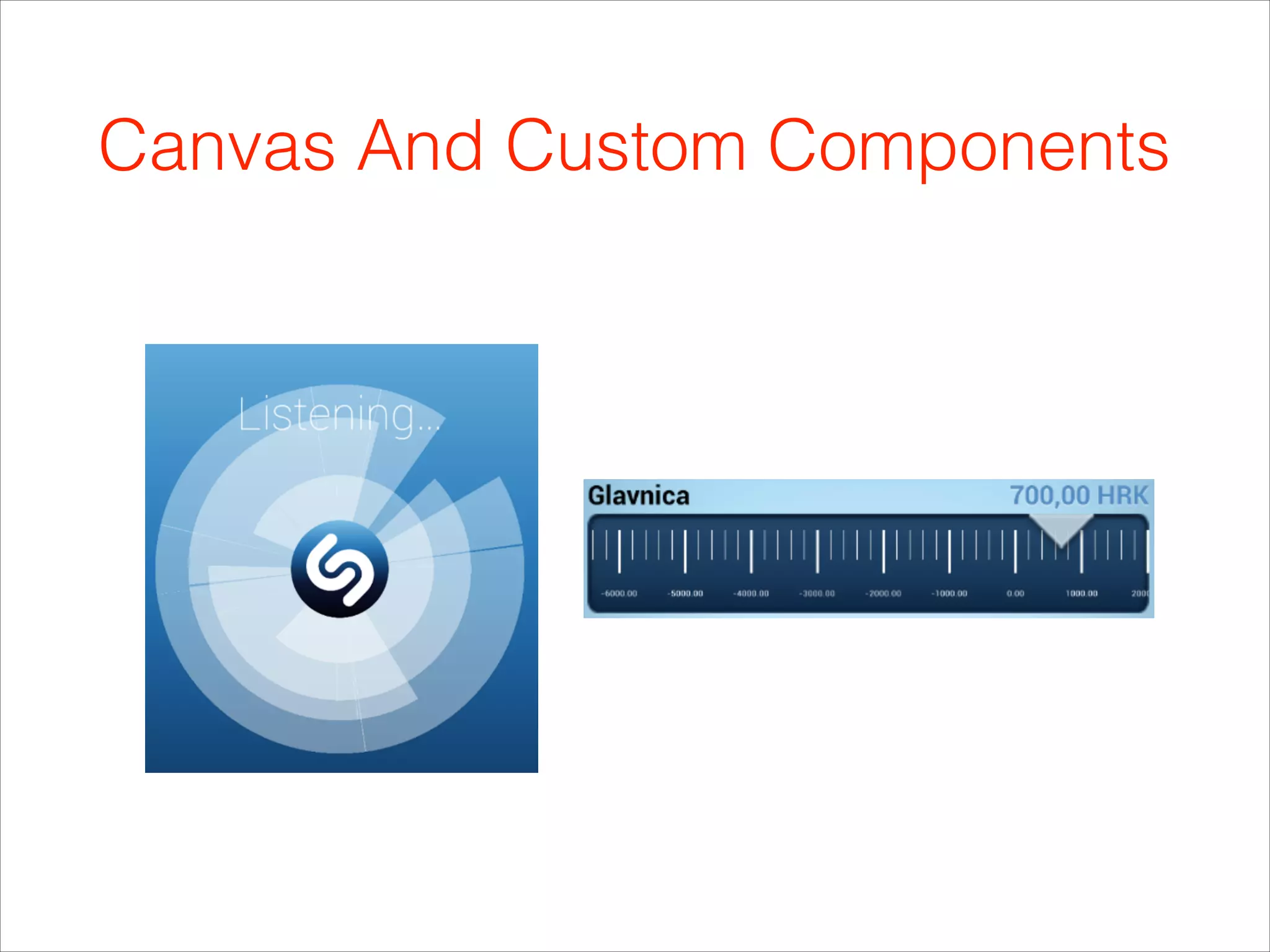
Canvas And Custom Components
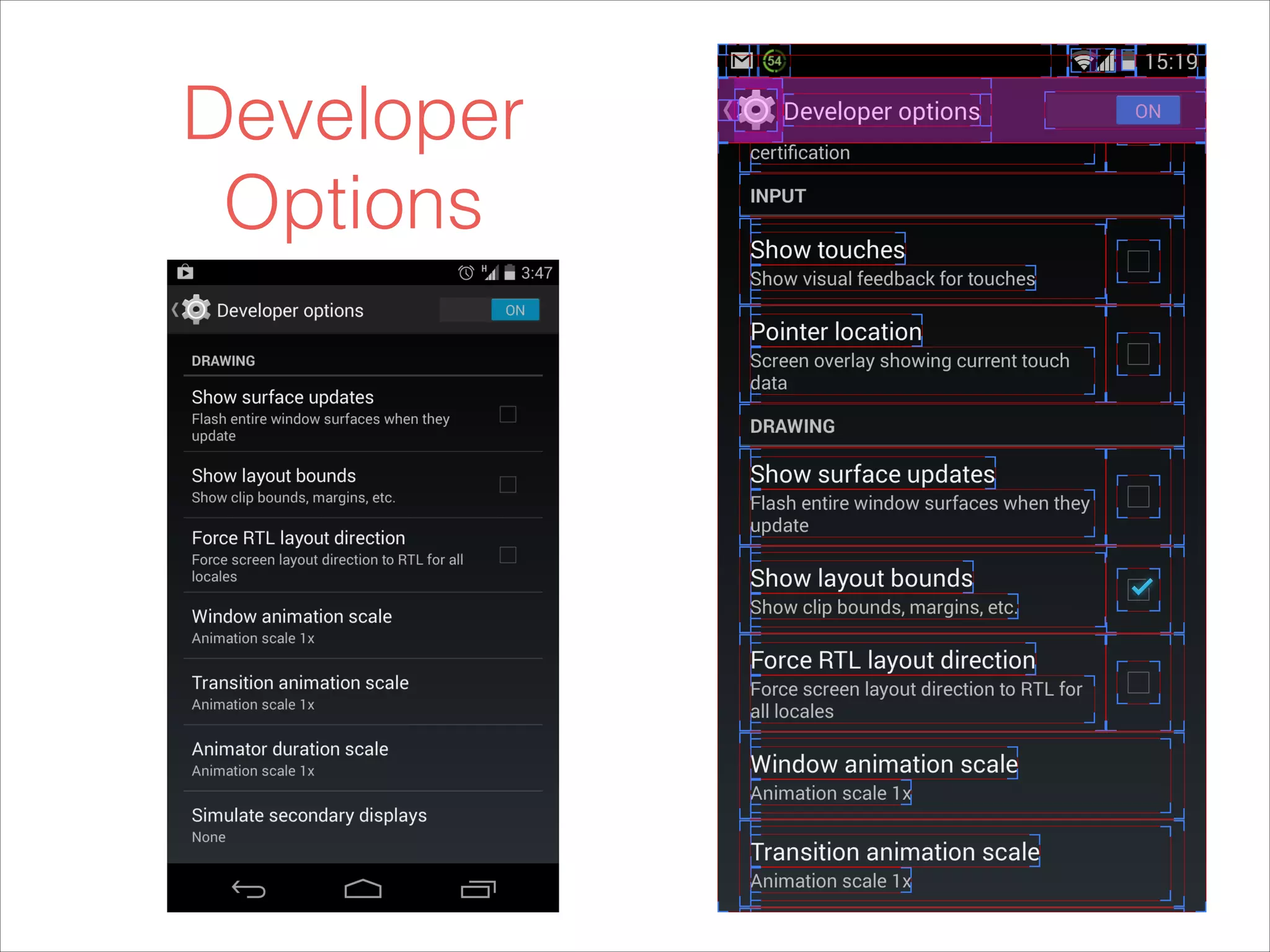
Developer
Options
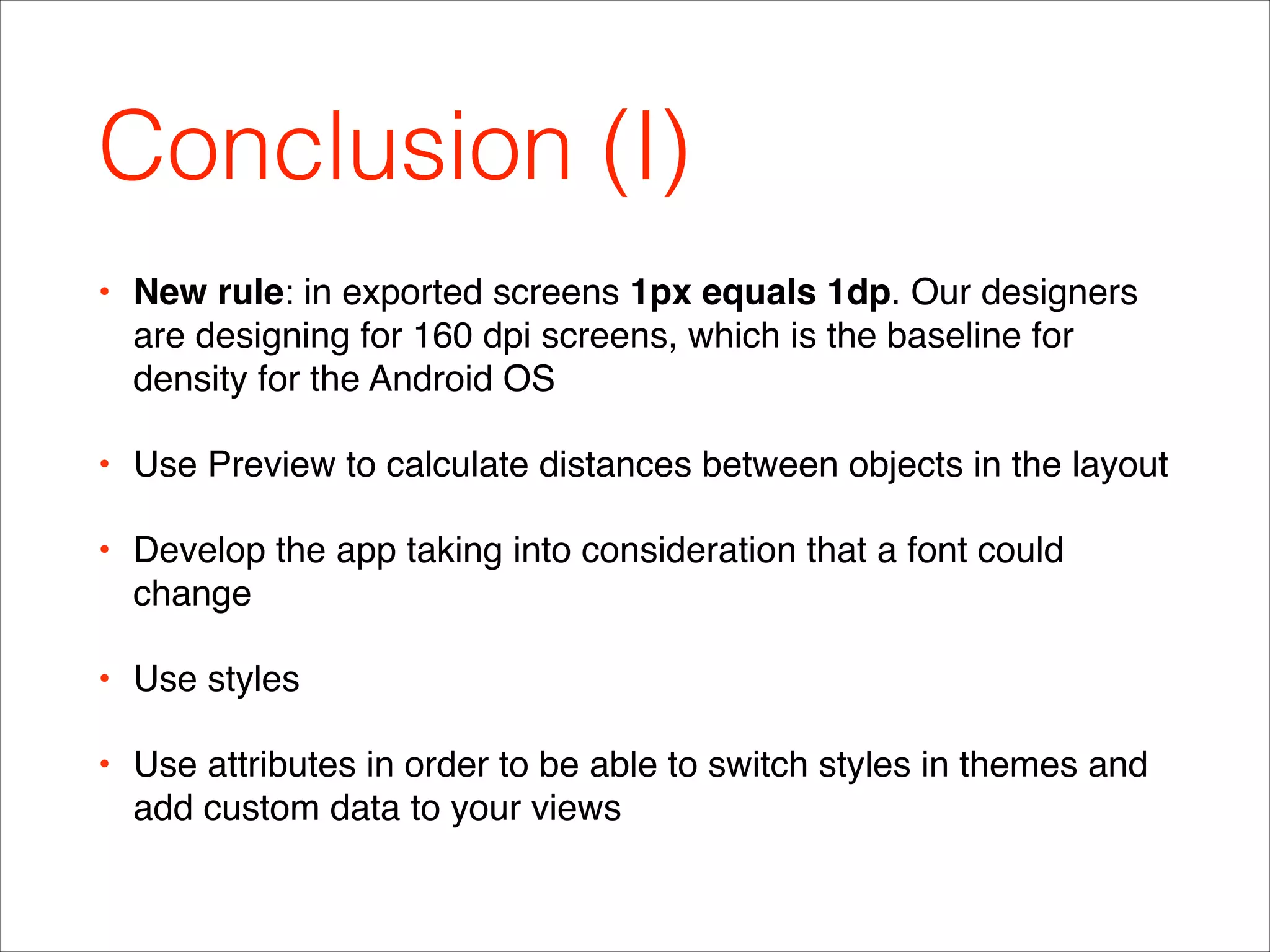
Conclusion (I)
• New rule: in exported screens 1px equals 1dp. Our designers
are designing for 160 dpi screens, which is the baseline for
density for the Android OS!
• Use Preview to calculate distances between objects in the layout!
• Develop the app taking into consideration that a font could
change!
• Use styles!
• Use attributes in order to be able to switch styles in themes and
add custom data to your views
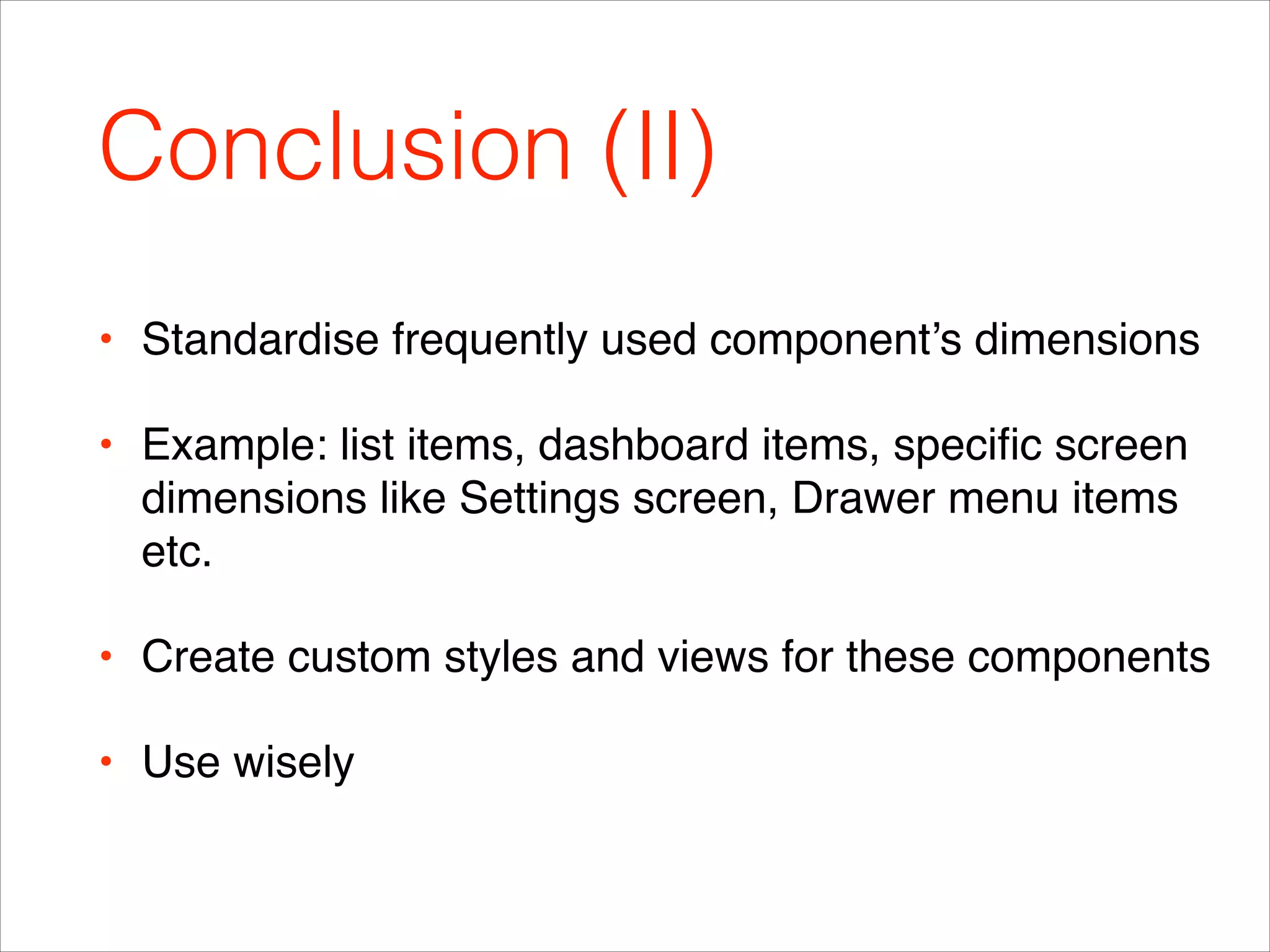
Conclusion (II)
• Standardise frequently used component’s dimensions!
• Example: list items, dashboard items, specific screen
dimensions like Settings screen, Drawer menu items
etc.!
• Create custom styles and views for these components!
• Use wisely
References (|)
• http://android-holo-colors.com/!
• http://coh.io/adpi/!
• http://blog.edwinevans.me/?p=131!
• http://developer.android.com/training/basics/supporting-
devices/screens.html!
• http://blog.edwinevans.me/?p=131!
• https://developer.android.com/training/displaying-bitmaps/
manage-memory.html
References (||)
• Holo-colors plugin —> https://github.com/jeromevdl/android-holo-colors-
idea-plugin!
• http://android-holo-colors.com/!
• ImageView —> http://www.peachpit.com/articles/article.aspx?
p=1846580&seqNum=2!
• http://developer.android.com/guide/practices/
screens_support.html#DeclaringTabletLayouts!
• http://developer.android.com/design/patterns/settings.html!
• http://developer.android.com/guide/topics/resources/providing-
resources.html
?
Marko Vitas, @vitongs

Infinum Android Talks #03 - Android Design Best Practices - for Designers and Developers

  • 1.
    Android Talks #3 AndroidDesign Best Practices - for Designers and Developers Marko Vitas
  • 2.
    Scope • Motivation! • Supportingmultiple screen sizes! • Smart & flexible design approach ! • Custom components
  • 3.
    Motivation • Tired ofnot knowing what dpi, dp and sp mean?! • Having nightmares of “little” design changes that affect the whole app? (fonts? styles? themes?) ! • Designers and developers, lets make each others life better.! • Lets define a standard
  • 4.
  • 5.
    How Do DesignersPrepare Materials? • Vector graphics ! • Scale up/down! • Exporting graphics for different screen densities! • What does all of this mean for Android?
  • 6.
    dpi • screen density= horizontal width (resolution in px) / actual physical size in inches! • dpi (dots per inch) i.e. ppi (pixels per inch)! • density buckets: 120,160, 240, 320, 480, 640 
 3 : 4 : 6 : 8 : 12 : 16! • tvdpi 213dpi
  • 7.
    dp • A virtualpixel unit ! • Use when defining UI layout, to express layout dimensions or position in a density-independent way.! • pixels = dps * (density / 160)! • Designers use the baseline (mdpi) density ! • Developers use the exported screens and calculate the width & height in pixels which map directly to dp
  • 8.
    sp (I) • dphas constant ratio transition dp = px * ratio.! • sp = px * ratio * scale.! • sp = dp * scale! • Accessibility purpose! • User system settings in display —> fonts
  • 9.
  • 10.
  • 11.
  • 12.
  • 13.
  • 14.
    Drawables • Animation drawable! •Transition drawable! • Level list drawable! • Selector drawable ! • Graphic! • 9Patch
  • 15.
    9patch • Click withinthe 1-pixel perimeter to draw the lines that define the stretchable patches and (optional) content area. • Left & top to define stretchable area! • Bottom & right content area
  • 16.
    • Examples ofandroid:scaleType attribute. Top row (l-r) center, centerCrop, centerInside. Bottom row (l-r): fitCenter, fitStart, fitEnd, fitXY.
  • 17.
  • 18.
    Attributes • You candefine attributes in the top <resources> element or inside of a <declare-styleable> element. Note, all attributes share the same global namespace.
  • 19.
    Themes • Inheritance! • Watchout for API level! • Define themes in values, values-v11, values-v14! • Check out Sherlock themes
  • 20.
    Dimen • Dimen valuesare useful to define ! • Bool! • Color! • Dimension - dp/sp/pt/px/mm/in! • ID! • Integer! • Integer Array! • Typed Array
  • 21.
    Project Resource Structure(I) • Drawable-hpdi…! • Layout-hdpi…, ! • Layout-port and layout-land! • Values-hdpi…! • Concatenating configurations - layout-sw600dp-land! • Layout-sw600dp - declaring tablet layouts in reference
  • 22.
  • 23.
  • 24.
    Fonts • Static initin onCreate in Application class! ! ! ! !
  • 25.
  • 26.
  • 27.
  • 28.
  • 29.
  • 30.
    Conclusion (I) • Newrule: in exported screens 1px equals 1dp. Our designers are designing for 160 dpi screens, which is the baseline for density for the Android OS! • Use Preview to calculate distances between objects in the layout! • Develop the app taking into consideration that a font could change! • Use styles! • Use attributes in order to be able to switch styles in themes and add custom data to your views
  • 31.
    Conclusion (II) • Standardisefrequently used component’s dimensions! • Example: list items, dashboard items, specific screen dimensions like Settings screen, Drawer menu items etc.! • Create custom styles and views for these components! • Use wisely
  • 32.
    References (|) • http://android-holo-colors.com/! •http://coh.io/adpi/! • http://blog.edwinevans.me/?p=131! • http://developer.android.com/training/basics/supporting- devices/screens.html! • http://blog.edwinevans.me/?p=131! • https://developer.android.com/training/displaying-bitmaps/ manage-memory.html
  • 33.
    References (||) • Holo-colorsplugin —> https://github.com/jeromevdl/android-holo-colors- idea-plugin! • http://android-holo-colors.com/! • ImageView —> http://www.peachpit.com/articles/article.aspx? p=1846580&seqNum=2! • http://developer.android.com/guide/practices/ screens_support.html#DeclaringTabletLayouts! • http://developer.android.com/design/patterns/settings.html! • http://developer.android.com/guide/topics/resources/providing- resources.html
  • 34.