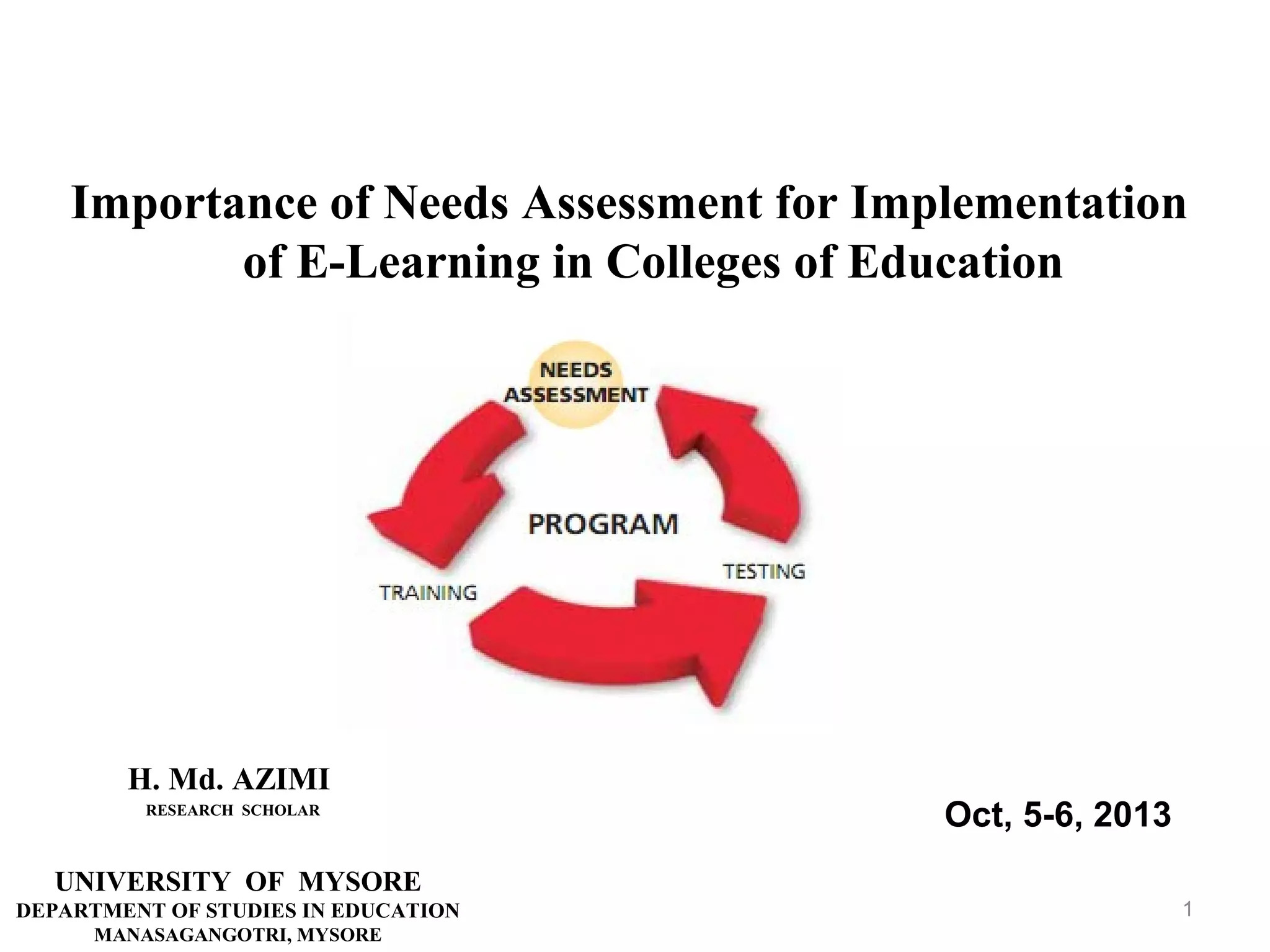

Importance of Needs Assessment for Implementation
of E-Learning in Colleges of Education

H. Md. AZIMI
RESEARCH SCHOLAR

Oct, 5-6, 2013

UNIVERSITY OF MYSORE
DEPARTMENT OF STUDIES IN EDUCATION
MANASAGANGOTRI, MYSORE

1
INTRODUCTION

Higher education sector can take greatest advantage of
the increased use of technology, especially the Internet,
in delivering the educational product. Distance learning
via the Internet will drive tremendous growth.
Usage of new technologies, internet and e-learning
in higher education especially in educational
programs, can increase speed of development, and
educate citizen familiar with ICT and needs of
living in 21century.
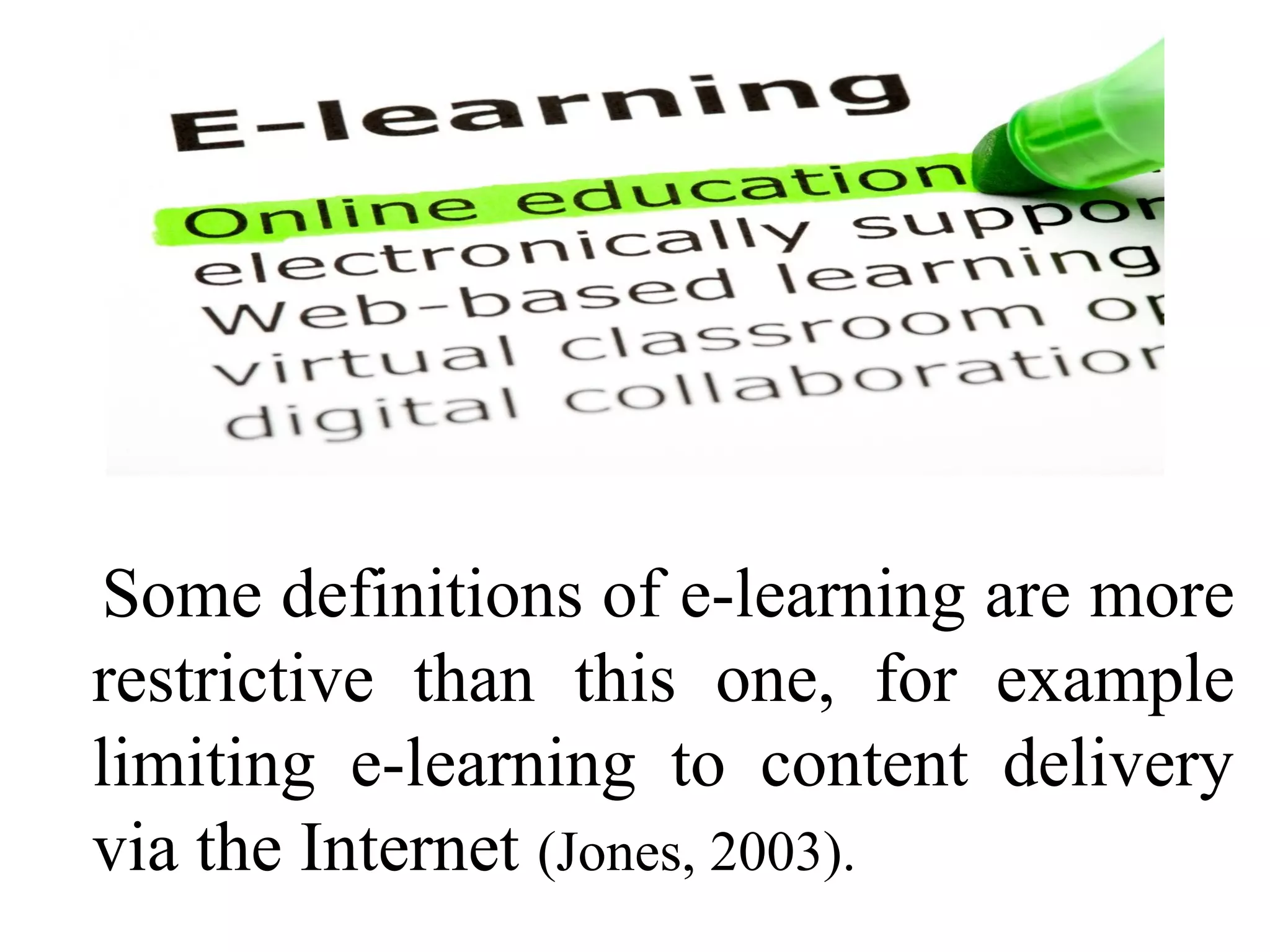
E-learning, or electronic learning, has been defined a
number of different ways in the literature.
In general, e-learning is the expression broadly used to
describe “instructional content or learning experience
delivered or enabled by electronic technologies”
(Ong, Lai and Wang, 2004).
Some definitions of e-learning are more
restrictive than this one, for example
limiting e-learning to content delivery
via the Internet (Jones, 2003).
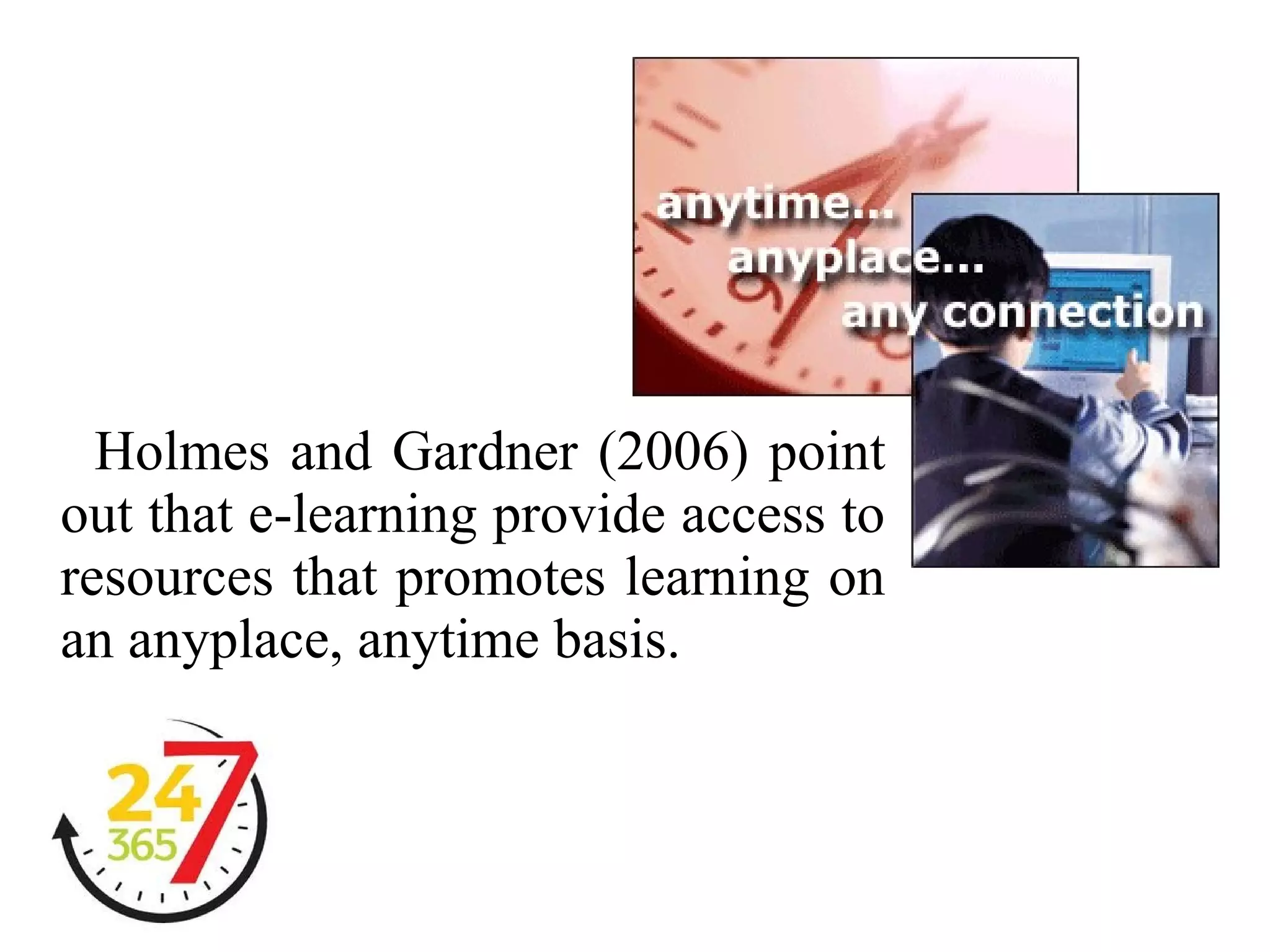
Holmes and Gardner (2006) point
out that e-learning provide access to
resources that promotes learning on
an anyplace, anytime basis.
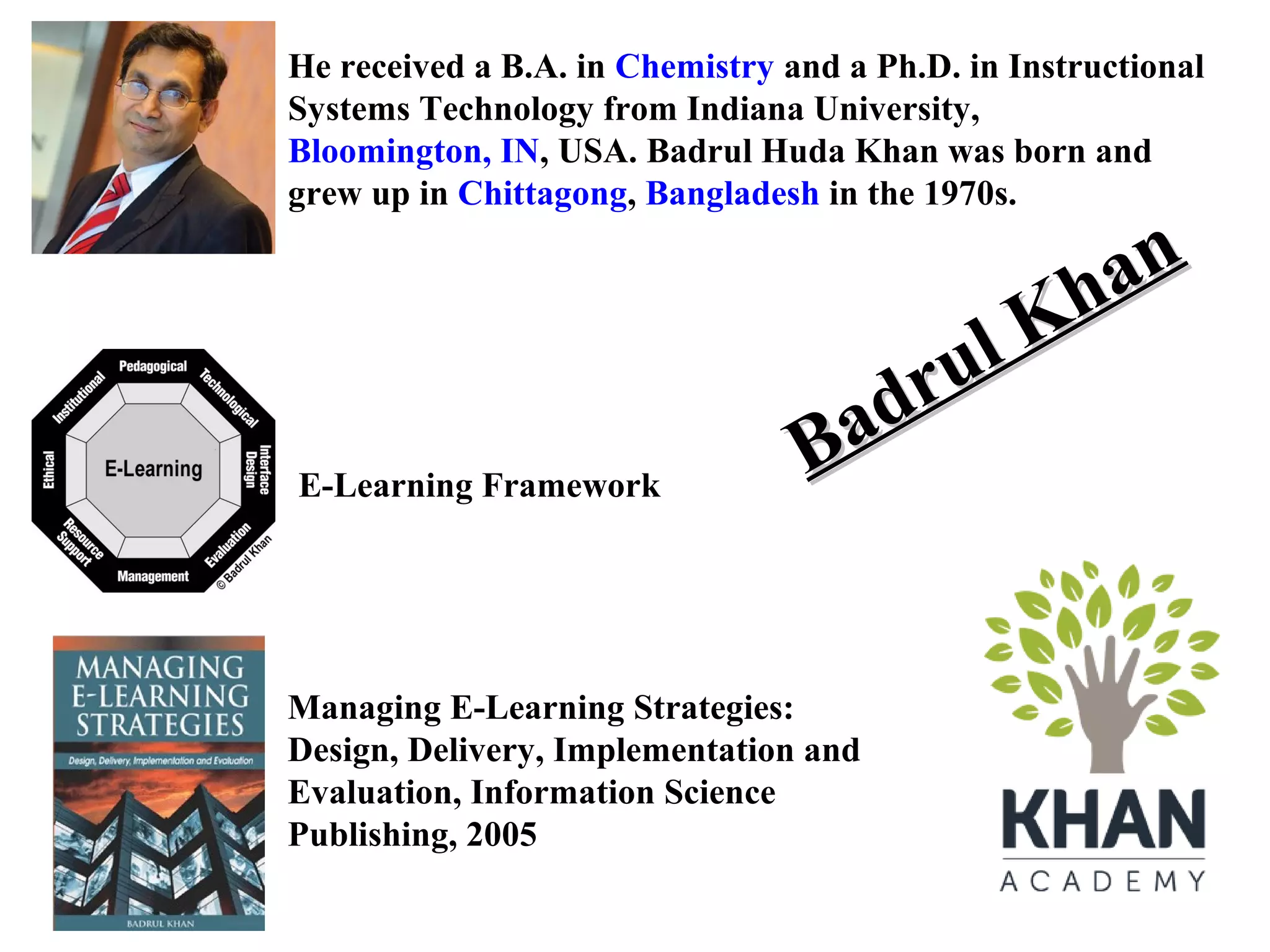
He received a B.A. in Chemistry and a Ph.D. in Instructional
Systems Technology from Indiana University, Bloomington, IN,
USA. Badrul Huda Khan was born and grew up in Chittagong,
Bangladesh in the 1970s.

E-Learning Framework

an
Kh
ul
dr
Ba

Managing E-Learning Strategies:
Design, Delivery, Implementation and
Evaluation, Information Science
Publishing, 2005
E-LEARNING COMPONENTS
Khan (2005)

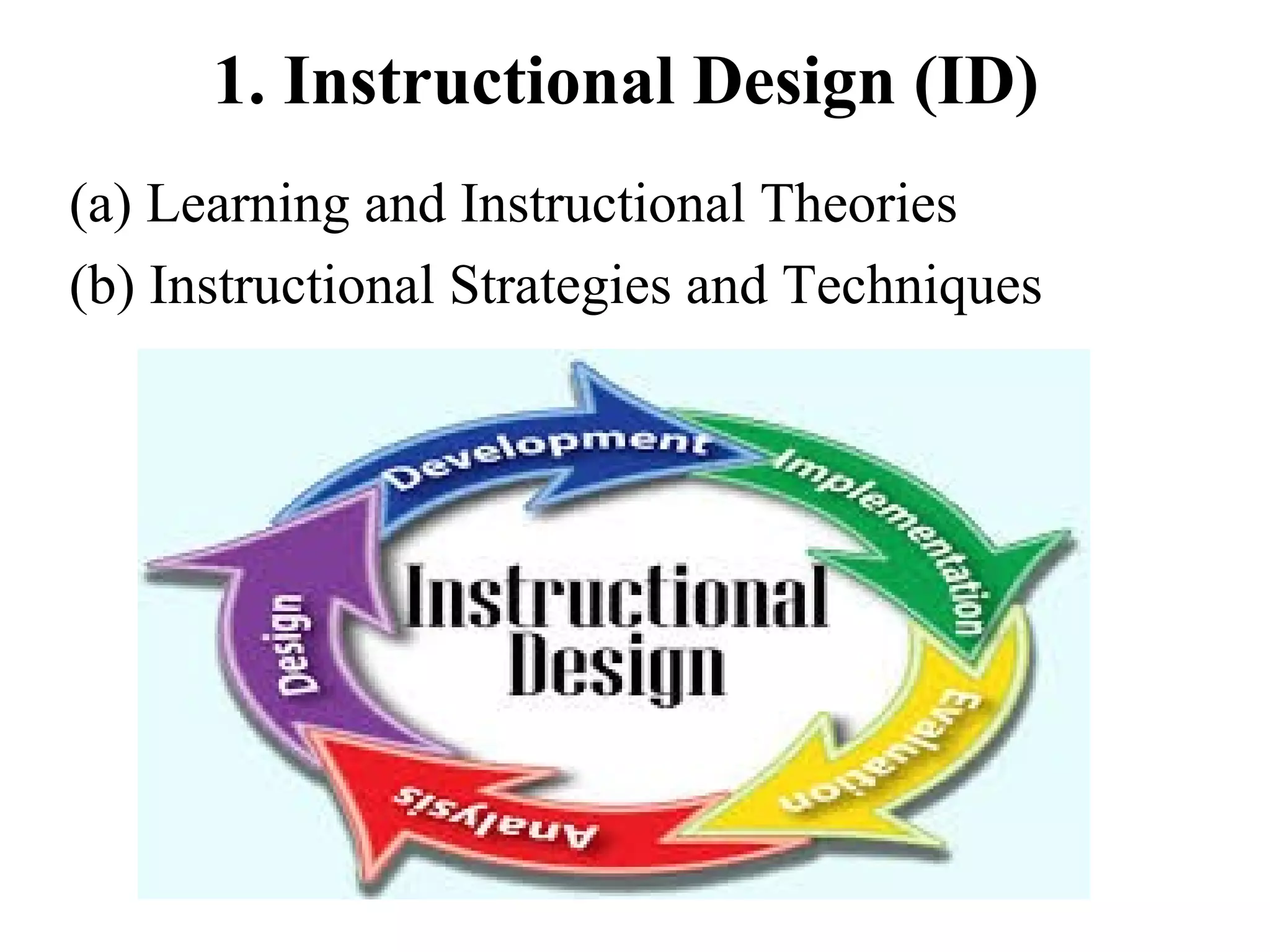
1. Instructional Design (ID)
2. Multimedia Component
3. Internet Tools
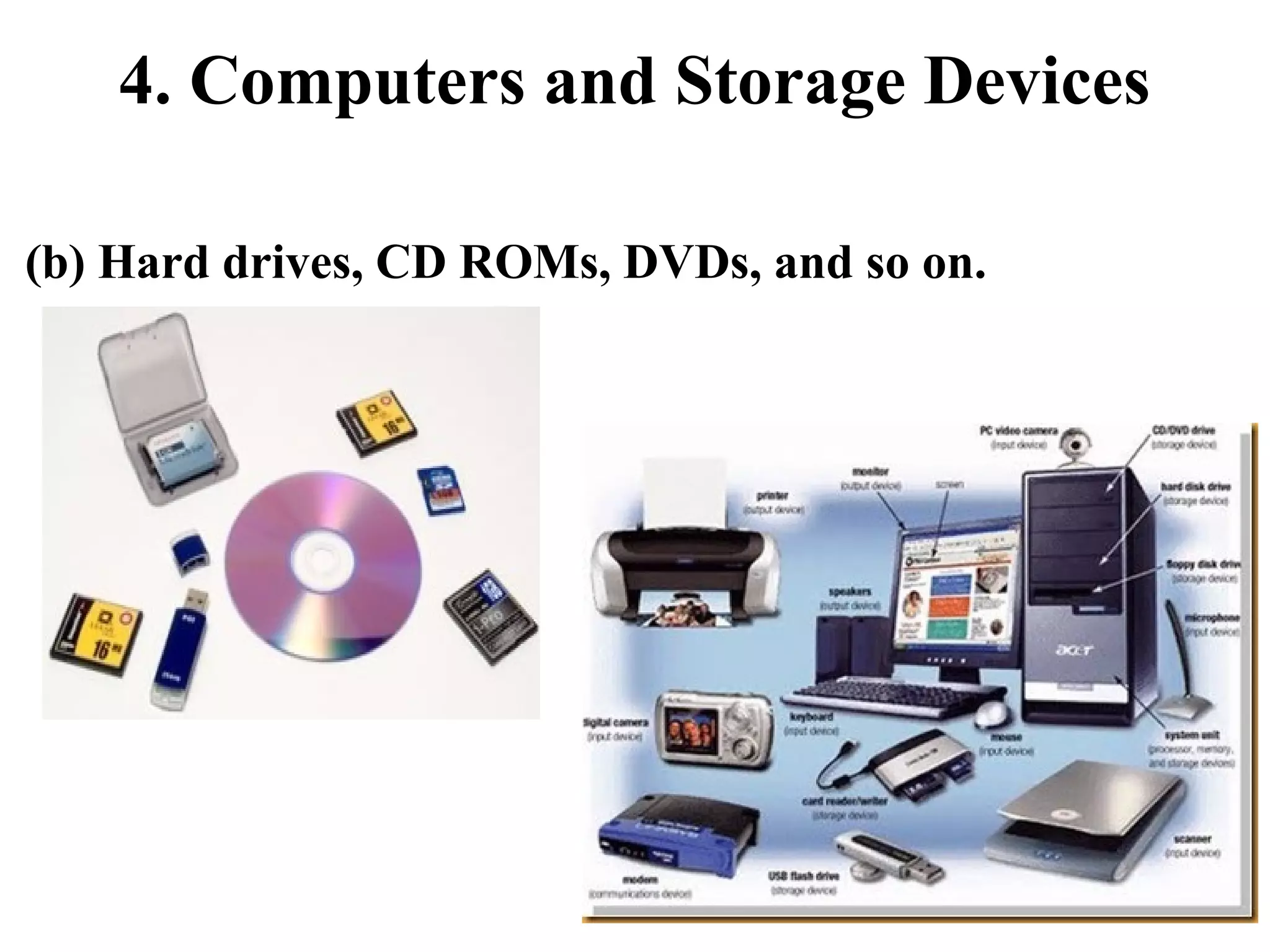
4. Computers and Storage Devices
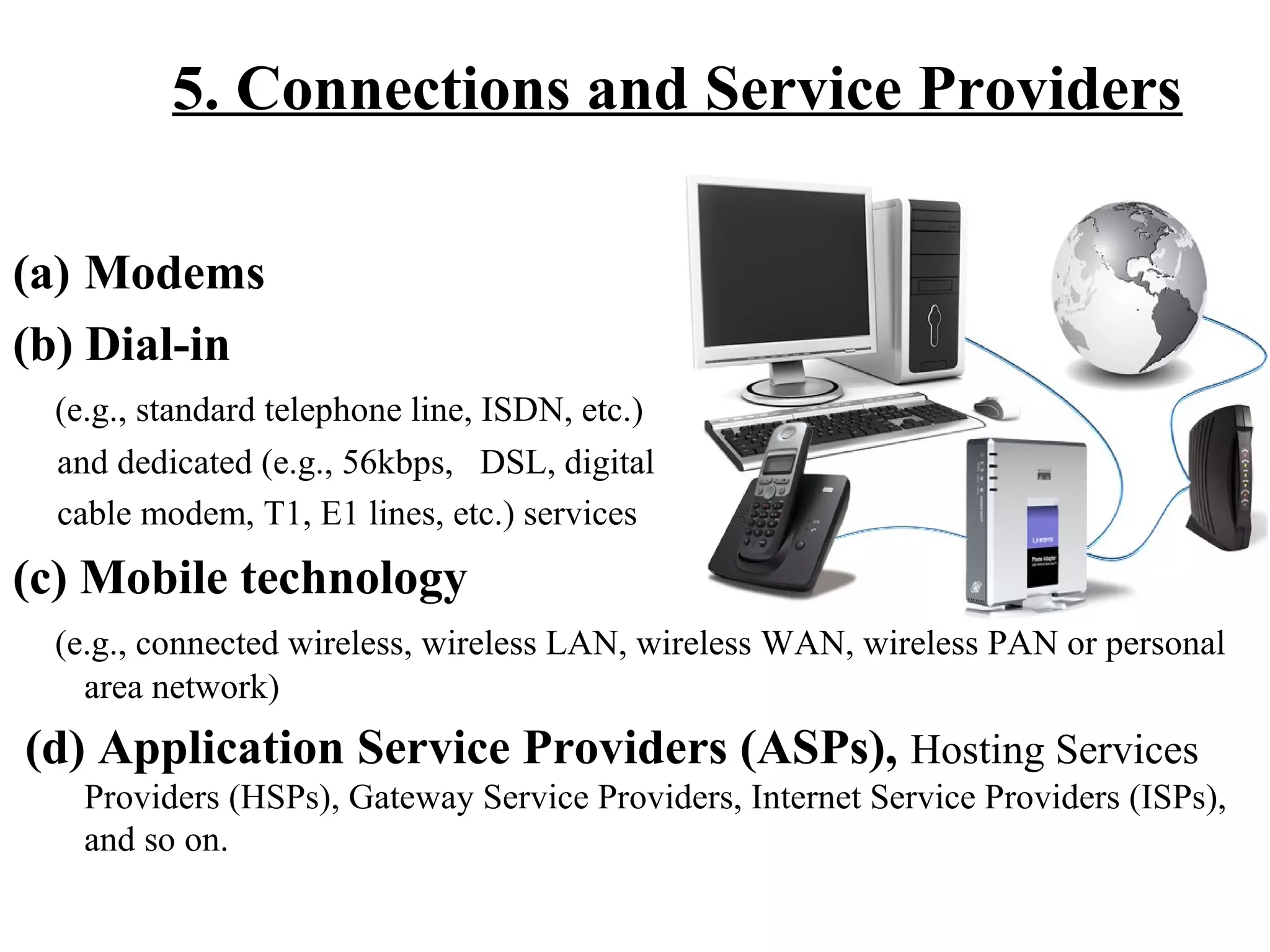
5. Connections and Service Providers
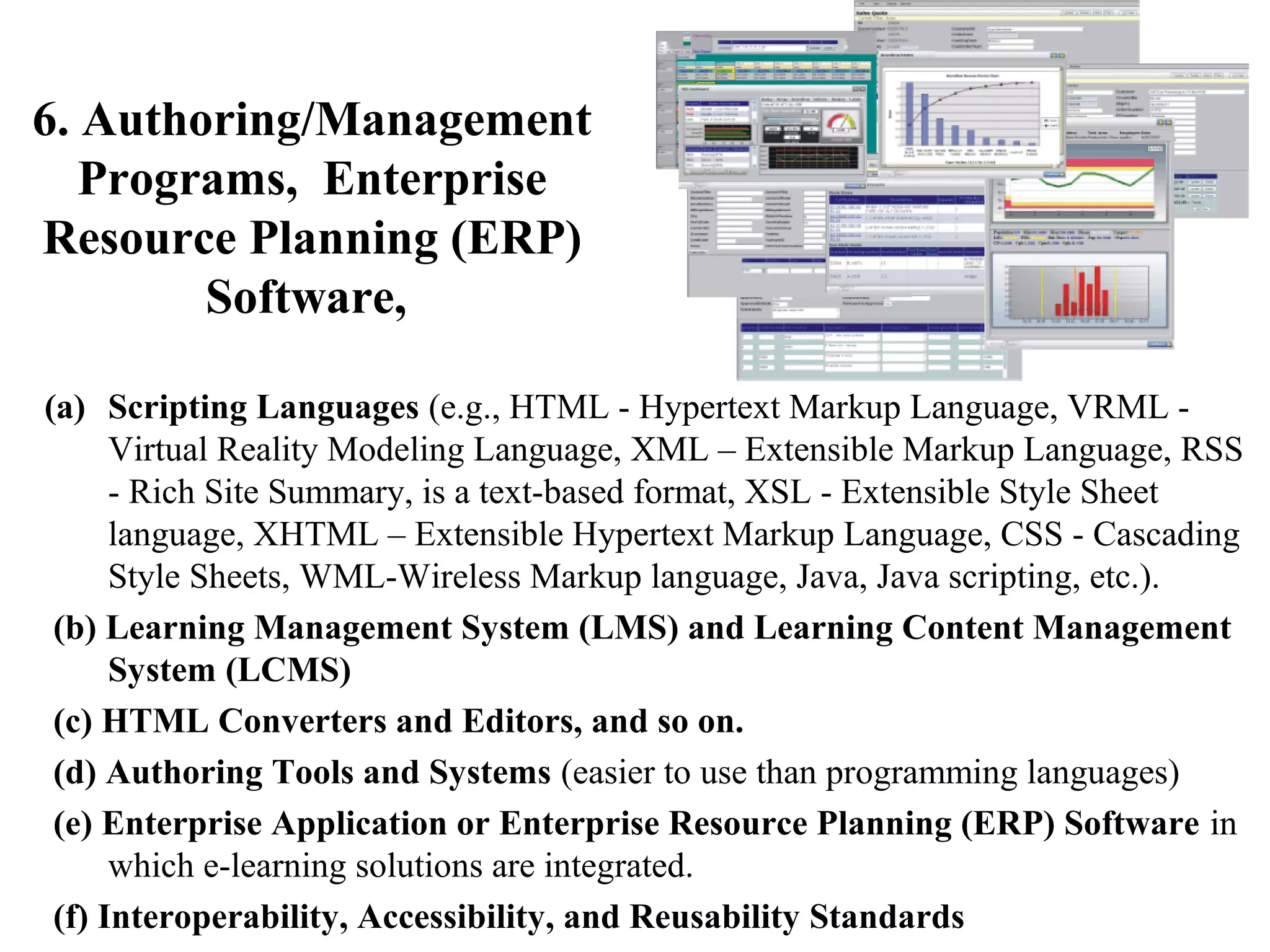
6. Authoring/Management Programs, Enterprise
Resource Planning (ERP) Software,
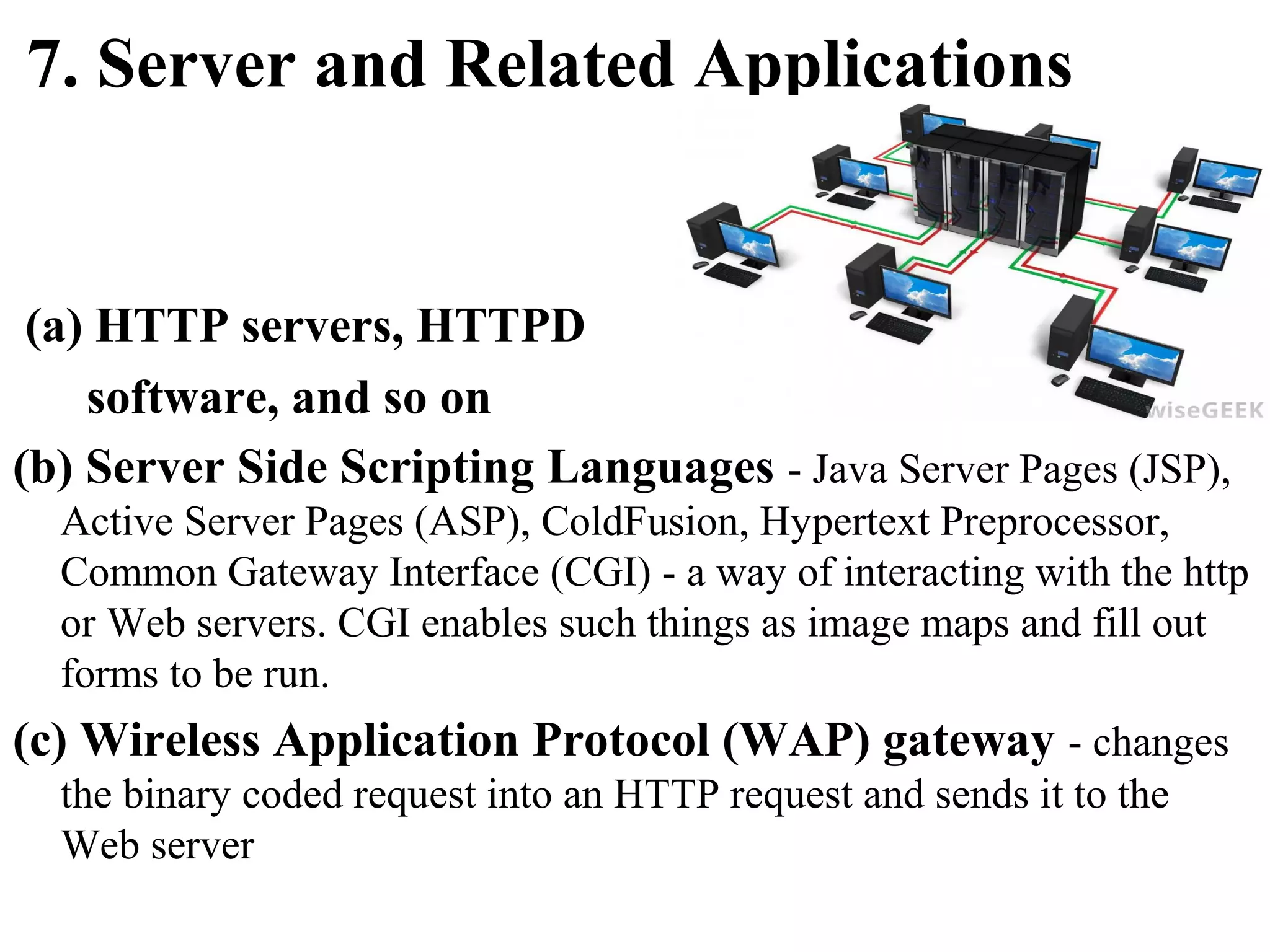
7. Server and Related Applications
1. Instructional Design (ID)
(a) Learning and Instructional Theories
(b) Instructional Strategies and Techniques
2. Multimedia Component
(a) Text and Graphics
(b) Audio Streaming
(e.g., Real Audio)

(c) Video Streaming
(e.g., QuickTime)

d) Links
(e.g., Hypertext links,
Hypermedia links, 3-D links, image maps, etc.)
3. Internet Tools
(a) Communications Tools
(i) Asynchronous: E-mail, List servs, Newsgroups, and so on.
(ii) Synchronous: Text-based (e.g., Chat, IRC, MUDs, messaging, etc.) and
audio-video conferencing tools.
(b) Remote Access Tools (Login in to and transferring files from remote
computers.)
(i) Telnet, File Transfer Protocol (ftp), and so on.
(c) Internet Navigation Tools (Access to databases and Web documents.)
(i) Text-based browser, Graphical browser, VRML browser, and so on.
(ii) Plug-ins
(d) Search Tools
(i) Search Engines
(e) Other Tools
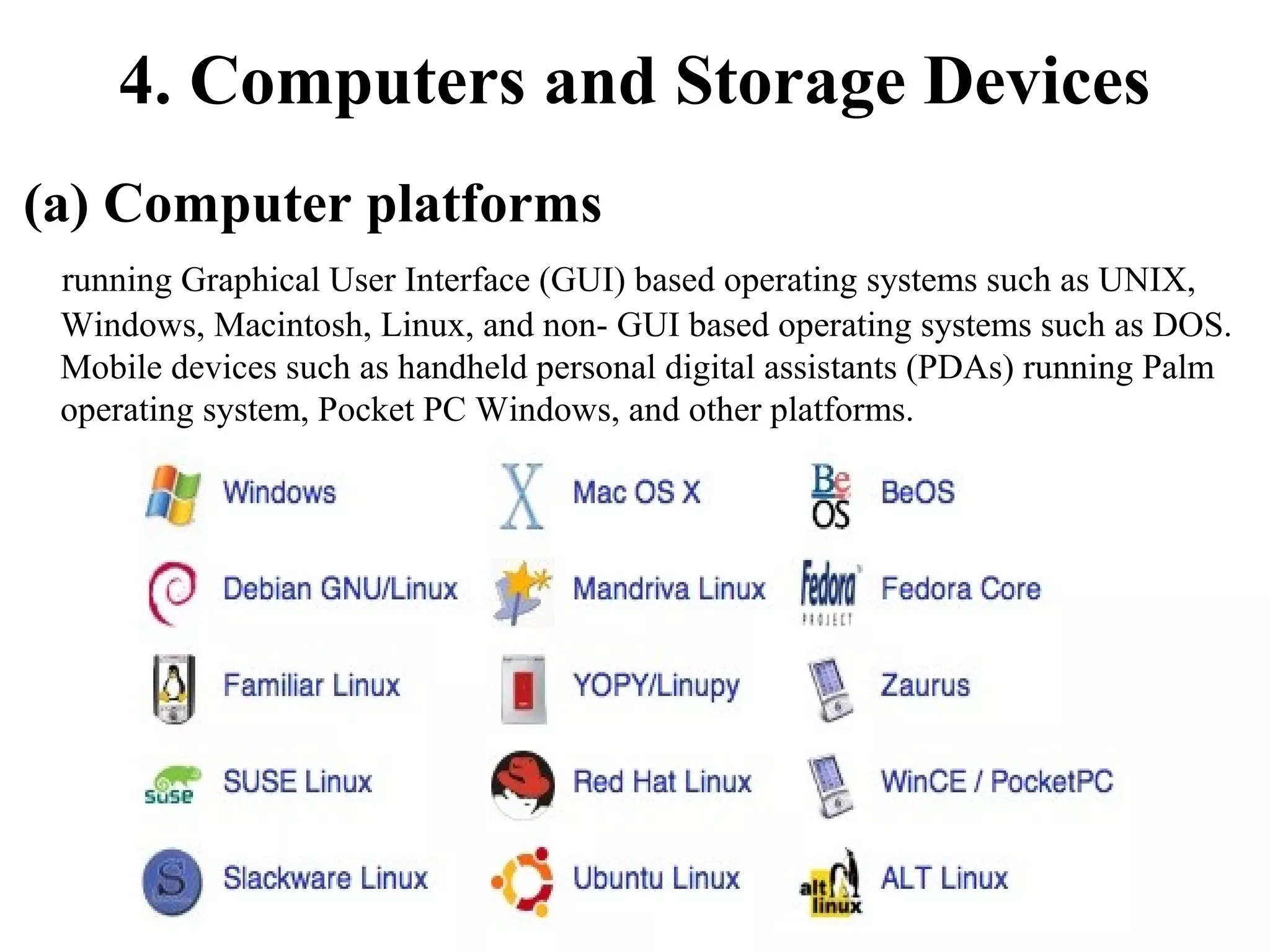
4. Computers and Storage Devices
(a) Computer platforms
running Graphical User Interface (GUI) based operating systems such as UNIX,
Windows, Macintosh, Linux, and non- GUI based operating systems such as DOS.
Mobile devices such as handheld personal digital assistants (PDAs) running Palm
operating system, Pocket PC Windows, and other platforms.
4. Computers and Storage Devices
(b) Hard drives, CD ROMs, DVDs, and so on.
5. Connections and Service Providers
(a) Modems
(b) Dial-in
(e.g., standard telephone line, ISDN, etc.)
and dedicated (e.g., 56kbps, DSL, digital
cable modem, T1, E1 lines, etc.) services

(c) Mobile technology
(e.g., connected wireless, wireless LAN, wireless WAN, wireless PAN or personal
area network)

(d) Application Service Providers (ASPs), Hosting Services
Providers (HSPs), Gateway Service Providers, Internet Service Providers (ISPs),
and so on.
6. Authoring/Management
Programs, Enterprise
Resource Planning (ERP)
Software,
(a) Scripting Languages (e.g., HTML - Hypertext Markup Language, VRML Virtual Reality Modeling Language, XML – Extensible Markup Language, RSS
- Rich Site Summary, is a text-based format, XSL - Extensible Style Sheet
language, XHTML – Extensible Hypertext Markup Language, CSS - Cascading
Style Sheets, WML-Wireless Markup language, Java, Java scripting, etc.).
(b) Learning Management System (LMS) and Learning Content Management
System (LCMS)
(c) HTML Converters and Editors, and so on.
(d) Authoring Tools and Systems (easier to use than programming languages)
(e) Enterprise Application or Enterprise Resource Planning (ERP) Software in
which e-learning solutions are integrated.
(f) Interoperability, Accessibility, and Reusability Standards
7. Server and Related Applications

(a) HTTP servers, HTTPD
software, and so on
(b) Server Side Scripting Languages - Java Server Pages (JSP),
Active Server Pages (ASP), ColdFusion, Hypertext Preprocessor,
Common Gateway Interface (CGI) - a way of interacting with the http
or Web servers. CGI enables such things as image maps and fill out
forms to be run.

(c) Wireless Application Protocol (WAP) gateway - changes
the binary coded request into an HTTP request and sends it to the
Web server
NEEDS ASSESSMENT
Mitchell (1993) describes needs

assessment/analysis as

"an examination of the existing need
for training within an organization".
It identifies performance areas or programs
within an organization where training
should be applied.
SCOPE OF

Community organizations
Government agencies
Health care facilities
As well as Education institutions
…..In higher education, the needs assessment process
appears in several contexts.
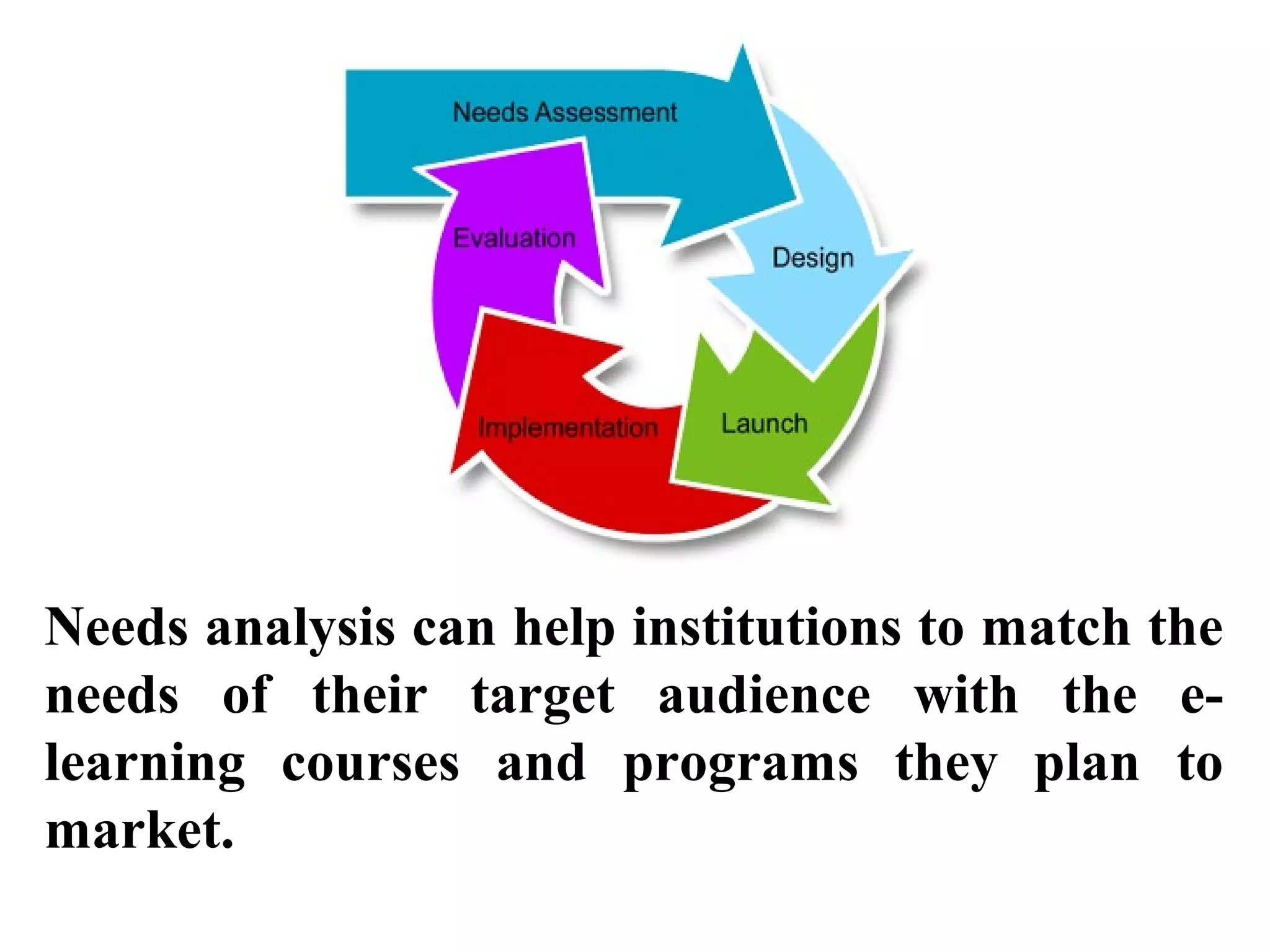
Needs analysis can help institutions to match the
needs of their target audience with the elearning courses and programs they plan to
market.
• Any institution venturing into e-learning
should conduct a needs assessment survey to
find out its expected customers’ (i.e.,
learners’) willingness to enroll in its elearning courses.
• Needs analysis will help institutions analyze
the short-term and long term needs for their
e-learning initiatives, and in turn will be
instrumental in developing their e-learning
strategies.
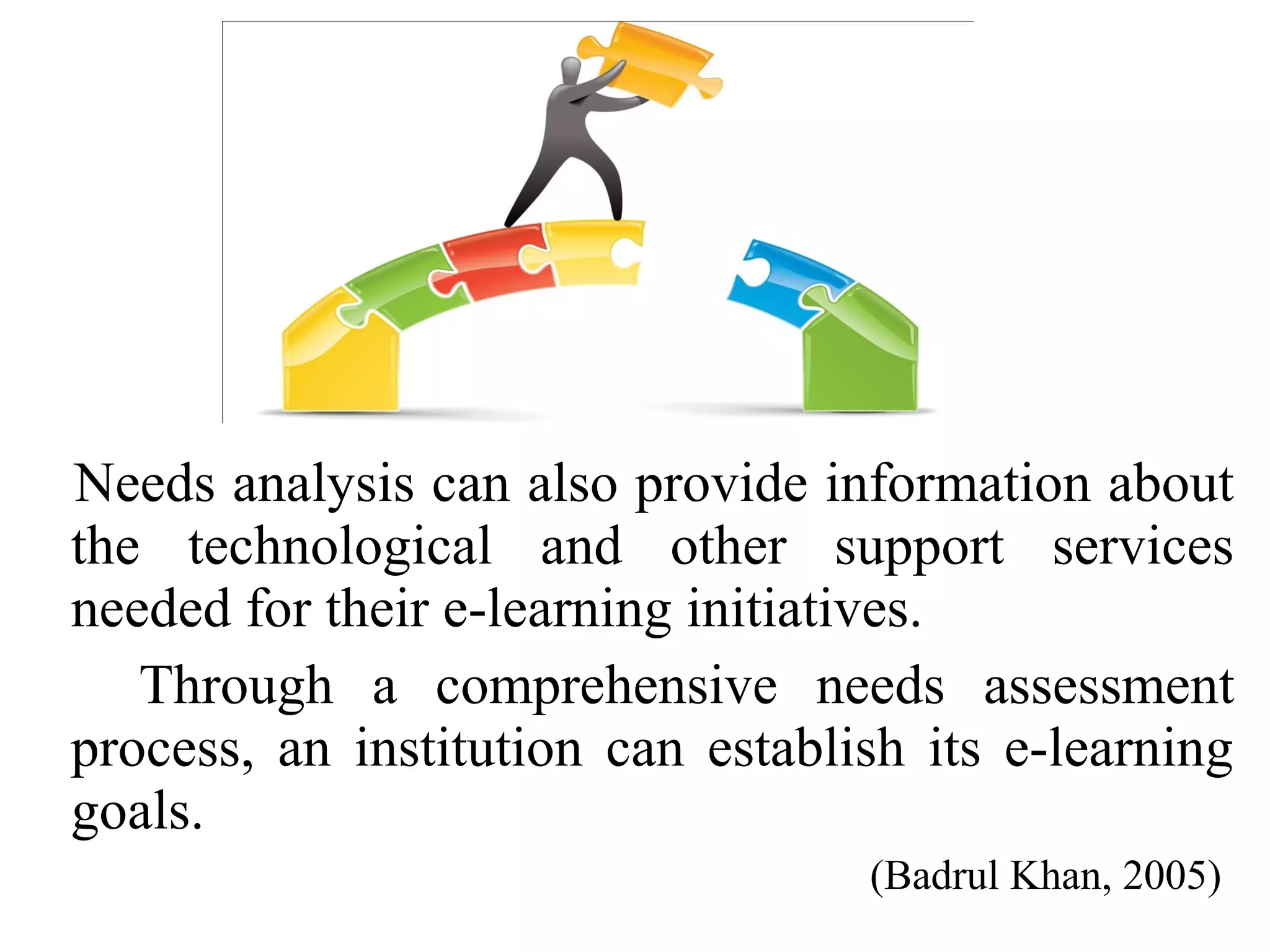
Needs analysis can also provide information about
the technological and other support services
needed for their e-learning initiatives.
Through a comprehensive needs assessment
process, an institution can establish its e-learning
goals.
(Badrul Khan, 2005)
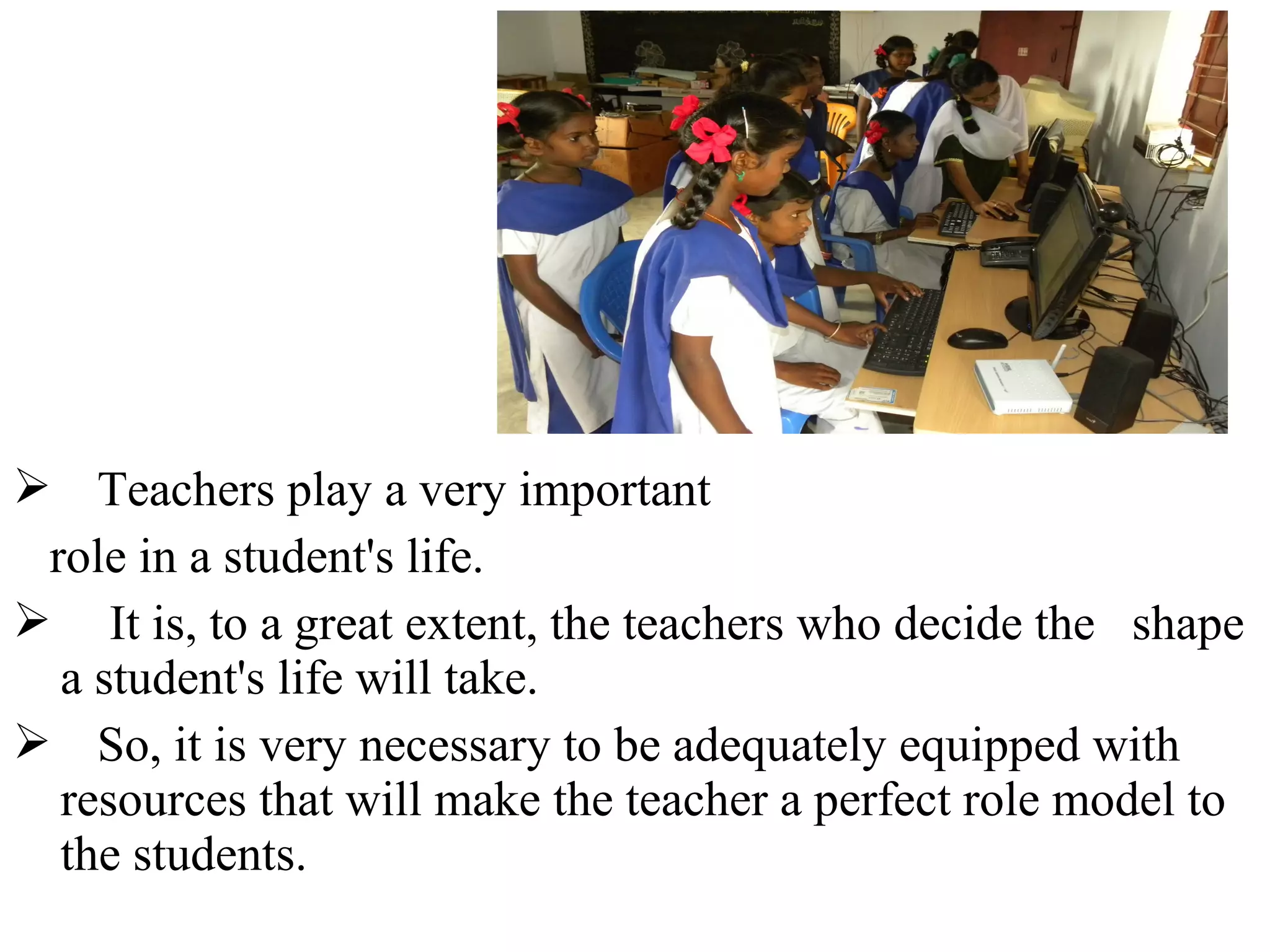
 Teachers play a very important
role in a student's life.
 It is, to a great extent, the teachers who decide the shape
a student's life will take.
 So, it is very necessary to be adequately equipped with
resources that will make the teacher a perfect role model to
the students.
Integrating of e-learning technology in education and
having skilled faculties and students as future teachers
should be an integral part of the Teacher Training colleges’
curriculum to developing in IT and Knowledge based
societies.
Having a clear profile of needs analysis on e-learning
components, current level of knowledge in computer skills
of faculties and students (as future teachers) of colleges of
education and provides vital information about situation of
colleges of education.
The findings of this kind of studies will facilitate the
process of decision-making and planning of usage and
implementation of e-learning in teacher education
colleges.

Clarifying potential differences or similarities on gender,
work experience, level of education, type of institution,
type of subject (learning for students and teaching for
faculties) will show a mirror with a full feature of selected
sample and finally population of colleges.
26

Importance of Needs Assessment for Implementation of E-Learning in Colleges of EducationImportance of needs assessment in implementation of e learning

  • 1.
    Importance of NeedsAssessment for Implementation of E-Learning in Colleges of Education H. Md. AZIMI RESEARCH SCHOLAR Oct, 5-6, 2013 UNIVERSITY OF MYSORE DEPARTMENT OF STUDIES IN EDUCATION MANASAGANGOTRI, MYSORE 1
  • 2.
    INTRODUCTION Higher education sectorcan take greatest advantage of the increased use of technology, especially the Internet, in delivering the educational product. Distance learning via the Internet will drive tremendous growth.
  • 3.
    Usage of newtechnologies, internet and e-learning in higher education especially in educational programs, can increase speed of development, and educate citizen familiar with ICT and needs of living in 21century.
  • 4.
    E-learning, or electroniclearning, has been defined a number of different ways in the literature. In general, e-learning is the expression broadly used to describe “instructional content or learning experience delivered or enabled by electronic technologies” (Ong, Lai and Wang, 2004).
  • 5.
    Some definitions ofe-learning are more restrictive than this one, for example limiting e-learning to content delivery via the Internet (Jones, 2003).
  • 6.
    Holmes and Gardner(2006) point out that e-learning provide access to resources that promotes learning on an anyplace, anytime basis.
  • 7.
    He received aB.A. in Chemistry and a Ph.D. in Instructional Systems Technology from Indiana University, Bloomington, IN, USA. Badrul Huda Khan was born and grew up in Chittagong, Bangladesh in the 1970s. E-Learning Framework an Kh ul dr Ba Managing E-Learning Strategies: Design, Delivery, Implementation and Evaluation, Information Science Publishing, 2005
  • 8.
    E-LEARNING COMPONENTS Khan (2005) 1.Instructional Design (ID) 2. Multimedia Component 3. Internet Tools 4. Computers and Storage Devices 5. Connections and Service Providers 6. Authoring/Management Programs, Enterprise Resource Planning (ERP) Software, 7. Server and Related Applications
  • 9.
    1. Instructional Design(ID) (a) Learning and Instructional Theories (b) Instructional Strategies and Techniques
  • 10.
    2. Multimedia Component (a)Text and Graphics (b) Audio Streaming (e.g., Real Audio) (c) Video Streaming (e.g., QuickTime) d) Links (e.g., Hypertext links, Hypermedia links, 3-D links, image maps, etc.)
  • 11.
    3. Internet Tools (a)Communications Tools (i) Asynchronous: E-mail, List servs, Newsgroups, and so on. (ii) Synchronous: Text-based (e.g., Chat, IRC, MUDs, messaging, etc.) and audio-video conferencing tools. (b) Remote Access Tools (Login in to and transferring files from remote computers.) (i) Telnet, File Transfer Protocol (ftp), and so on. (c) Internet Navigation Tools (Access to databases and Web documents.) (i) Text-based browser, Graphical browser, VRML browser, and so on. (ii) Plug-ins (d) Search Tools (i) Search Engines (e) Other Tools
  • 12.
    4. Computers andStorage Devices (a) Computer platforms running Graphical User Interface (GUI) based operating systems such as UNIX, Windows, Macintosh, Linux, and non- GUI based operating systems such as DOS. Mobile devices such as handheld personal digital assistants (PDAs) running Palm operating system, Pocket PC Windows, and other platforms.
  • 13.
    4. Computers andStorage Devices (b) Hard drives, CD ROMs, DVDs, and so on.
  • 14.
    5. Connections andService Providers (a) Modems (b) Dial-in (e.g., standard telephone line, ISDN, etc.) and dedicated (e.g., 56kbps, DSL, digital cable modem, T1, E1 lines, etc.) services (c) Mobile technology (e.g., connected wireless, wireless LAN, wireless WAN, wireless PAN or personal area network) (d) Application Service Providers (ASPs), Hosting Services Providers (HSPs), Gateway Service Providers, Internet Service Providers (ISPs), and so on.
  • 15.
    6. Authoring/Management Programs, Enterprise ResourcePlanning (ERP) Software, (a) Scripting Languages (e.g., HTML - Hypertext Markup Language, VRML Virtual Reality Modeling Language, XML – Extensible Markup Language, RSS - Rich Site Summary, is a text-based format, XSL - Extensible Style Sheet language, XHTML – Extensible Hypertext Markup Language, CSS - Cascading Style Sheets, WML-Wireless Markup language, Java, Java scripting, etc.). (b) Learning Management System (LMS) and Learning Content Management System (LCMS) (c) HTML Converters and Editors, and so on. (d) Authoring Tools and Systems (easier to use than programming languages) (e) Enterprise Application or Enterprise Resource Planning (ERP) Software in which e-learning solutions are integrated. (f) Interoperability, Accessibility, and Reusability Standards
  • 16.
    7. Server andRelated Applications (a) HTTP servers, HTTPD software, and so on (b) Server Side Scripting Languages - Java Server Pages (JSP), Active Server Pages (ASP), ColdFusion, Hypertext Preprocessor, Common Gateway Interface (CGI) - a way of interacting with the http or Web servers. CGI enables such things as image maps and fill out forms to be run. (c) Wireless Application Protocol (WAP) gateway - changes the binary coded request into an HTTP request and sends it to the Web server
  • 17.
  • 18.
    Mitchell (1993) describesneeds assessment/analysis as "an examination of the existing need for training within an organization". It identifies performance areas or programs within an organization where training should be applied.
  • 19.
    SCOPE OF Community organizations Governmentagencies Health care facilities As well as Education institutions …..In higher education, the needs assessment process appears in several contexts.
  • 20.
    Needs analysis canhelp institutions to match the needs of their target audience with the elearning courses and programs they plan to market.
  • 21.
    • Any institutionventuring into e-learning should conduct a needs assessment survey to find out its expected customers’ (i.e., learners’) willingness to enroll in its elearning courses. • Needs analysis will help institutions analyze the short-term and long term needs for their e-learning initiatives, and in turn will be instrumental in developing their e-learning strategies.
  • 22.
    Needs analysis canalso provide information about the technological and other support services needed for their e-learning initiatives. Through a comprehensive needs assessment process, an institution can establish its e-learning goals. (Badrul Khan, 2005)
  • 23.
     Teachers playa very important role in a student's life.  It is, to a great extent, the teachers who decide the shape a student's life will take.  So, it is very necessary to be adequately equipped with resources that will make the teacher a perfect role model to the students.
  • 24.
    Integrating of e-learningtechnology in education and having skilled faculties and students as future teachers should be an integral part of the Teacher Training colleges’ curriculum to developing in IT and Knowledge based societies. Having a clear profile of needs analysis on e-learning components, current level of knowledge in computer skills of faculties and students (as future teachers) of colleges of education and provides vital information about situation of colleges of education.
  • 25.
    The findings ofthis kind of studies will facilitate the process of decision-making and planning of usage and implementation of e-learning in teacher education colleges. Clarifying potential differences or similarities on gender, work experience, level of education, type of institution, type of subject (learning for students and teaching for faculties) will show a mirror with a full feature of selected sample and finally population of colleges.
  • 26.