
Aniruddha Thombre
Introduction
 IBM Tivoli Storage Manager was earlier called as
ADSM (Adstar Distributed Storage Manager), till
IBM took it over.
 IBM Tivoli Storage Manager is a client/server
program that provides centralized, automated data
protection and storage management solutions to
customers in a multivendor computer environment.
IBM Tivoli Storage Manager provides a policy-
managed backup, archive, and space-management
facility for file servers, workstations, applications,
and application servers.
 Versions in Production: 5.4 / 5.5, 6.1
 Major Difference in 5.x & 6.x , metadata limit raised
from 530 GB to unlimited
Audience
 System Admins / Backup Admins
 Those who are new to IBM TSM
This presentation may serve as notes to
recall / refresh your concepts
It should give you basic understanding
Basic Concepts
 Backup
 To guard against the loss of information, the backup-archive client can copy files,
subdirectories, and directories to media controlled by the server. Backups can be
controlled by administrator-defined policies and schedules, or users can request
backups of their own data.
 Restore
 When a user restores a backup version of a file, the server sends a copy of the file
to the client node. The backup version remains in server storage. Restoring a
logical volume backup works the same way.
 Archive & Retrieve
 To preserve files for later use or for records retention, a user with a backup-archive
client can archive files, subdirectories, and directories on media controlled by the
server. When users archive files, they can choose to have the backup-archive
client erase the original files from their workstation after the client archives the
files.
 When a user retrieves a file, the server sends a copy of the file to the client node.
The archived file remains in server storage.
 Versioning
 Versions are nothing but multiple copies of same file in chronology.
Basic Concepts…
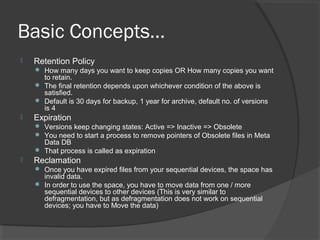
 Retention Policy
 How many days you want to keep copies OR How many copies you want
to retain.
 The final retention depends upon whichever condition of the above is
satisfied.
 Default is 30 days for backup, 1 year for archive, default no. of versions
is 4
 Expiration
 Versions keep changing states: Active => Inactive => Obsolete
 You need to start a process to remove pointers of Obsolete files in Meta
Data DB
 That process is called as expiration
 Reclamation
 Once you have expired files from your sequential devices, the space has
invalid data.
 In order to use the space, you have to move data from one / more
sequential devices to other devices (This is very similar to
defragmentation, but as defragmentation does not work on sequential
devices; you have to Move the data)
Basic Concepts…
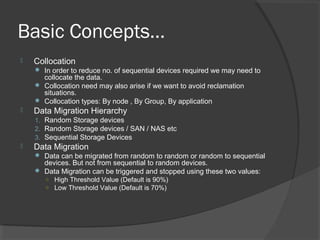
 Collocation
 In order to reduce no. of sequential devices required we may need to
collocate the data.
 Collocation need may also arise if we want to avoid reclamation
situations.
 Collocation types: By node , By Group, By application
 Data Migration Hierarchy
1. Random Storage devices
2. Random Storage devices / SAN / NAS etc
3. Sequential Storage Devices
 Data Migration
 Data can be migrated from random to random or random to sequential
devices. But not from sequential to random devices.
 Data Migration can be triggered and stopped using these two values:
○ High Threshold Value (Default is 90%)
○ Low Threshold Value (Default is 70%)
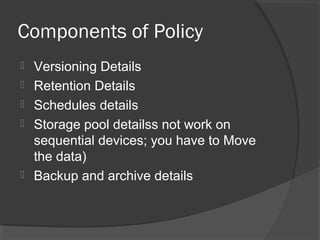
Components of Policy
 Versioning Details
 Retention Details
 Schedules details
 Storage pool detailss not work on
sequential devices; you have to Move
the data)
 Backup and archive details
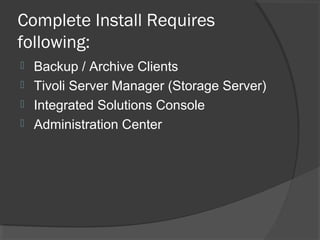
Complete Install Requires
following:
 Backup / Archive Clients
 Tivoli Server Manager (Storage Server)
 Integrated Solutions Console
 Administration Center
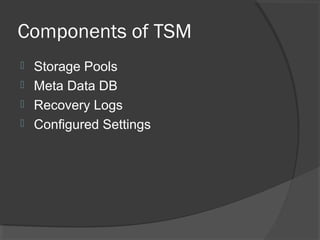
Components of TSM
 Storage Pools
 Meta Data DB
 Recovery Logs
 Configured Settings
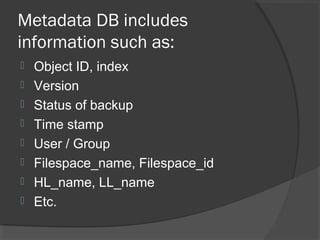
Metadata DB includes
information such as:
 Object ID, index
 Version
 Status of backup
 Time stamp
 User / Group
 Filespace_name, Filespace_id
 HL_name, LL_name
 Etc.
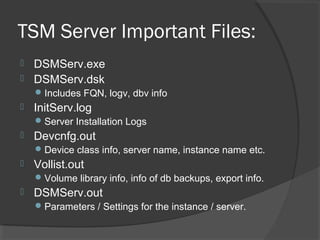
TSM Server Important Files:
 DSMServ.exe
 DSMServ.dsk
Includes FQN, logv, dbv info
 InitServ.log
Server Installation Logs
 Devcnfg.out
Device class info, server name, instance name etc.
 Vollist.out
Volume library info, info of db backups, export info.
 DSMServ.out
Parameters / Settings for the instance / server.
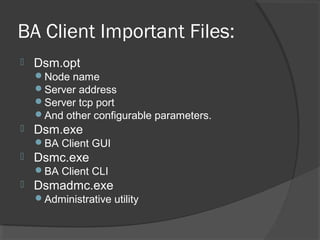
BA Client Important Files:
 Dsm.opt
Node name
Server address
Server tcp port
And other configurable parameters.
 Dsm.exe
BA Client GUI
 Dsmc.exe
BA Client CLI
 Dsmadmc.exe
Administrative utility
Summary
 Introduction to IBM Tivoli Storage
Manager
 Basic Concepts of Storage
 Metadata info
 Components of policy, TSM, TSM
Server, BA client
 Please, note this presentation should be used as a note to recall. It may not help you to understand technologies.
 A lot of trademarked words are used, they belong to respective orgs.
 This doc may not contain correct information, so I disclaim any responsibilities.
Resources
 IBM Redbooks
 Adsm.org
 Publib.boulder.ibm.com
 Lascon.co.uk
Aniruddha Thombre
www.aniruddhas.com

Ibmtsm 100325083335-phpapp01

  • 1.
  • 2.
    Introduction  IBM TivoliStorage Manager was earlier called as ADSM (Adstar Distributed Storage Manager), till IBM took it over.  IBM Tivoli Storage Manager is a client/server program that provides centralized, automated data protection and storage management solutions to customers in a multivendor computer environment. IBM Tivoli Storage Manager provides a policy- managed backup, archive, and space-management facility for file servers, workstations, applications, and application servers.  Versions in Production: 5.4 / 5.5, 6.1  Major Difference in 5.x & 6.x , metadata limit raised from 530 GB to unlimited
  • 3.
    Audience  System Admins/ Backup Admins  Those who are new to IBM TSM This presentation may serve as notes to recall / refresh your concepts It should give you basic understanding
  • 4.
    Basic Concepts  Backup To guard against the loss of information, the backup-archive client can copy files, subdirectories, and directories to media controlled by the server. Backups can be controlled by administrator-defined policies and schedules, or users can request backups of their own data.  Restore  When a user restores a backup version of a file, the server sends a copy of the file to the client node. The backup version remains in server storage. Restoring a logical volume backup works the same way.  Archive & Retrieve  To preserve files for later use or for records retention, a user with a backup-archive client can archive files, subdirectories, and directories on media controlled by the server. When users archive files, they can choose to have the backup-archive client erase the original files from their workstation after the client archives the files.  When a user retrieves a file, the server sends a copy of the file to the client node. The archived file remains in server storage.  Versioning  Versions are nothing but multiple copies of same file in chronology.
  • 5.
    Basic Concepts…  RetentionPolicy  How many days you want to keep copies OR How many copies you want to retain.  The final retention depends upon whichever condition of the above is satisfied.  Default is 30 days for backup, 1 year for archive, default no. of versions is 4  Expiration  Versions keep changing states: Active => Inactive => Obsolete  You need to start a process to remove pointers of Obsolete files in Meta Data DB  That process is called as expiration  Reclamation  Once you have expired files from your sequential devices, the space has invalid data.  In order to use the space, you have to move data from one / more sequential devices to other devices (This is very similar to defragmentation, but as defragmentation does not work on sequential devices; you have to Move the data)
  • 6.
    Basic Concepts…  Collocation In order to reduce no. of sequential devices required we may need to collocate the data.  Collocation need may also arise if we want to avoid reclamation situations.  Collocation types: By node , By Group, By application  Data Migration Hierarchy 1. Random Storage devices 2. Random Storage devices / SAN / NAS etc 3. Sequential Storage Devices  Data Migration  Data can be migrated from random to random or random to sequential devices. But not from sequential to random devices.  Data Migration can be triggered and stopped using these two values: ○ High Threshold Value (Default is 90%) ○ Low Threshold Value (Default is 70%)
  • 7.
    Components of Policy Versioning Details  Retention Details  Schedules details  Storage pool detailss not work on sequential devices; you have to Move the data)  Backup and archive details
  • 8.
    Complete Install Requires following: Backup / Archive Clients  Tivoli Server Manager (Storage Server)  Integrated Solutions Console  Administration Center
  • 9.
    Components of TSM Storage Pools  Meta Data DB  Recovery Logs  Configured Settings
  • 10.
    Metadata DB includes informationsuch as:  Object ID, index  Version  Status of backup  Time stamp  User / Group  Filespace_name, Filespace_id  HL_name, LL_name  Etc.
  • 11.
    TSM Server ImportantFiles:  DSMServ.exe  DSMServ.dsk Includes FQN, logv, dbv info  InitServ.log Server Installation Logs  Devcnfg.out Device class info, server name, instance name etc.  Vollist.out Volume library info, info of db backups, export info.  DSMServ.out Parameters / Settings for the instance / server.
  • 12.
    BA Client ImportantFiles:  Dsm.opt Node name Server address Server tcp port And other configurable parameters.  Dsm.exe BA Client GUI  Dsmc.exe BA Client CLI  Dsmadmc.exe Administrative utility
  • 13.
    Summary  Introduction toIBM Tivoli Storage Manager  Basic Concepts of Storage  Metadata info  Components of policy, TSM, TSM Server, BA client  Please, note this presentation should be used as a note to recall. It may not help you to understand technologies.  A lot of trademarked words are used, they belong to respective orgs.  This doc may not contain correct information, so I disclaim any responsibilities.
  • 14.
    Resources  IBM Redbooks Adsm.org  Publib.boulder.ibm.com  Lascon.co.uk
  • 15.